Unlock your full potential by mastering the most common Proficient in the use of computers and software interview questions. This blog offers a deep dive into the critical topics, ensuring you’re not only prepared to answer but to excel. With these insights, you’ll approach your interview with clarity and confidence.
Questions Asked in Proficient in the use of computers and software Interview
Q 1. Describe your experience with various operating systems (Windows, macOS, Linux).
My experience spans across various operating systems, each with its own strengths and weaknesses. I’m highly proficient in Windows, having used it extensively for software development and general productivity tasks. I’m comfortable navigating the various versions, from Windows 7 to the latest iterations, and am adept at managing user accounts, permissions, and troubleshooting common issues. For instance, I recently resolved a network connectivity problem on a Windows Server by systematically checking the network configuration, DNS settings, and firewall rules.
With macOS, I’ve worked primarily on development and design projects. I appreciate its user-friendly interface and robust application ecosystem. I’m familiar with its command-line interface and its unique features, like Spotlight search, which significantly boosts productivity. A recent project involved setting up a macOS environment for a cross-platform application testing.
Finally, my experience with Linux distributions, particularly Ubuntu and Debian, is rooted in server administration and scripting. I’m comfortable managing packages using apt or yum, configuring servers, and working with the command line. I’ve used this knowledge to create automated deployment scripts, improving the efficiency of our deployment process. I find Linux’s flexibility and control invaluable for managing infrastructure and building customized environments.
Q 2. What programming languages are you proficient in?
My programming language proficiency is broad and includes several key languages relevant to modern software development. I have extensive experience in Python, utilizing its versatility for scripting, data analysis (using libraries like Pandas and NumPy), and building web applications (using frameworks like Django and Flask). For example, I recently built a data processing pipeline in Python to handle large datasets efficiently.
I’m also proficient in Java, which I’ve used extensively for enterprise-level applications. My knowledge encompasses object-oriented programming principles, working with various frameworks like Spring, and building robust, scalable applications. A past project involved designing and implementing a microservices architecture in Java.
Furthermore, I possess skills in JavaScript, crucial for front-end web development. I’m familiar with modern JavaScript frameworks such as React and Angular and can write clean, efficient, and maintainable code. Recently I worked on a project using React to build a responsive user interface. I also have experience in SQL and C#.
Q 3. Explain your experience with databases (SQL, NoSQL).
My experience with databases encompasses both SQL and NoSQL systems, chosen depending on the project’s specific requirements. With SQL, I’m proficient in MySQL, PostgreSQL, and SQL Server. I understand database design principles, normalization, and query optimization. I routinely use SQL for data manipulation, reporting, and creating efficient database schemas. For example, I recently optimized a slow-running SQL query by adding indexes and rewriting the query, resulting in a significant performance improvement.
On the NoSQL side, I have practical experience with MongoDB and Cassandra, leveraging their scalability and flexibility for specific use cases. I understand the trade-offs between relational and non-relational databases and can select the appropriate technology based on project needs. A recent project involved designing a NoSQL database to store and retrieve large volumes of unstructured data.
Q 4. How familiar are you with cloud computing platforms (AWS, Azure, GCP)?
I have hands-on experience with major cloud computing platforms, including AWS, Azure, and GCP. On AWS, I’ve worked with EC2 for virtual machine management, S3 for object storage, and RDS for database services. I’ve also utilized AWS Lambda for serverless computing and other services like CloudFront for content delivery. A recent project involved deploying and managing a web application on AWS, utilizing various services for scalability and reliability.
With Azure, I’ve worked with virtual machines, Azure Blob Storage, and Azure SQL Database. I’m familiar with Azure’s resource management and deployment tools. My experience with GCP is centered around Compute Engine, Cloud Storage, and Cloud SQL. I’m comfortable navigating the different platforms and can choose the best solution for a given task, factoring in cost, performance, and security requirements.
Q 5. Describe your experience with software development methodologies (Agile, Waterfall).
My experience includes both Agile and Waterfall methodologies, adapting my approach based on the project’s scope and complexity. I’ve been a part of Agile teams using Scrum, successfully managing sprints, participating in daily stand-ups, and contributing to sprint planning and retrospectives. This iterative approach allows for flexibility and responsiveness to changing requirements, leading to better product outcomes. A recent project involved using Scrum to develop a mobile application, delivering incremental updates every two weeks.
I also understand the Waterfall methodology, its structured approach, and its suitability for projects with well-defined requirements and minimal anticipated changes. While less flexible, it provides a clear roadmap and is useful for managing larger, more complex projects where changes need to be carefully controlled. I’ve utilized this approach on projects requiring stringent quality control and regulatory compliance.
Q 6. What version control systems have you used (Git, SVN)?
My primary version control system is Git, which I use daily for managing codebases, collaborating with team members, and tracking changes. I’m proficient in branching strategies like Gitflow, creating pull requests, resolving merge conflicts, and using Git for collaborative development. I understand the importance of commit messages for clear communication and maintainability. I use GitHub and GitLab regularly for remote repositories.
I also have experience with SVN, though it’s less frequently used in my current workflow. I understand its functionalities and can work with existing SVN repositories if required.
Q 7. Explain your troubleshooting skills when encountering software or hardware issues.
My troubleshooting skills are honed through years of experience in diverse technical environments. My approach is systematic and follows a structured process. I start by clearly identifying the problem, gathering relevant information, and then formulating a hypothesis. I use a combination of techniques including logging analysis, examining error messages, and using debugging tools.
For software issues, I systematically check the code, test various scenarios, and consult documentation. I’m adept at using debuggers, profilers, and other diagnostic tools to pinpoint the root cause of errors. For hardware issues, I start with visual inspection, check connections, and use diagnostic tools to isolate the faulty component. My goal is to resolve problems quickly and efficiently while documenting the steps taken for future reference and knowledge sharing. A recent example involved diagnosing a slow database query by profiling the query execution plan and optimizing the database schema.
Q 8. How comfortable are you working with command-line interfaces?
I’m extremely comfortable working with command-line interfaces (CLIs). I’ve used them extensively throughout my career, finding them incredibly efficient for automating tasks and managing systems. Think of a CLI as a direct line to your computer’s operating system – it allows you to bypass the graphical user interface (GUI) and execute commands directly. This offers significant speed and control, particularly for repetitive or complex operations.
For example, I frequently use the CLI for tasks like managing files (copying, moving, deleting), navigating directories, installing software packages (using tools like apt on Linux or choco on Windows), and remotely controlling servers. My proficiency extends to various shells like Bash (on Linux/macOS) and PowerShell (on Windows), understanding their unique features and commands. I’m also comfortable scripting within the CLI environment to automate processes, saving considerable time and reducing the chance of human error. This includes using tools like sed and awk for text processing and find for searching files.
Q 9. Describe your experience with network protocols (TCP/IP, HTTP, HTTPS).
My experience with network protocols like TCP/IP, HTTP, and HTTPS is comprehensive. TCP/IP (Transmission Control Protocol/Internet Protocol) forms the foundation of the internet. Think of it as the postal service – it ensures reliable delivery of data packets between computers. I understand its layered architecture, including the concepts of IP addresses, subnets, routing, and port numbers. HTTP (Hypertext Transfer Protocol) is the protocol used for communication between web browsers and servers. It’s how we access websites. HTTPS (Hypertext Transfer Protocol Secure) adds a layer of security by encrypting the communication, protecting sensitive data like passwords and credit card information.
I’ve worked extensively with these protocols in various contexts, troubleshooting network issues, configuring servers, and developing web applications. For example, I’ve used tools like tcpdump and Wireshark to capture and analyze network traffic, helping pinpoint bottlenecks or security vulnerabilities. Understanding these protocols is essential for building robust and secure applications, and I’ve consistently utilized this knowledge to solve complex networking problems.
Q 10. What is your experience with cybersecurity best practices?
Cybersecurity best practices are paramount in my work. I’m deeply familiar with a wide range of security principles, including: regular software updates, strong password policies, multi-factor authentication (MFA), intrusion detection and prevention systems (IDS/IPS), firewalls, secure coding practices, data encryption, and regular security audits. These practices aren’t just theoretical – they are actively applied in every project I undertake.
I understand the importance of risk assessment and mitigation. For instance, I’ve implemented and managed security measures such as access control lists (ACLs) to restrict access to sensitive data and systems, ensuring only authorized personnel can access them. Furthermore, I’m familiar with various security frameworks like NIST Cybersecurity Framework and understand how to translate those into practical security plans. My experience includes responding to security incidents, analyzing logs for suspicious activity, and implementing remediation strategies. In essence, I approach security holistically, integrating it into every phase of the software development lifecycle and system administration.
Q 11. Explain your understanding of data structures and algorithms.
Data structures and algorithms are fundamental to efficient programming. A data structure is a way of organizing and storing data in a computer so that it can be used efficiently. Algorithms are step-by-step procedures for solving a problem. Understanding these concepts allows me to write effective and optimized code.
I’m familiar with various data structures, including arrays, linked lists, stacks, queues, trees (binary trees, binary search trees, etc.), graphs, and hash tables. I understand the trade-offs associated with each structure in terms of time and space complexity. For instance, a hash table provides fast lookups, but its performance can degrade if there are many collisions. I also have a strong grasp of common algorithms, such as sorting algorithms (merge sort, quick sort), searching algorithms (binary search), graph traversal algorithms (breadth-first search, depth-first search), and dynamic programming techniques. I’ve applied these concepts numerous times in my work, optimizing code for speed and efficiency, reducing resource consumption, and improving overall program performance.
Q 12. How proficient are you in using Microsoft Office Suite?
I’m highly proficient in using the Microsoft Office Suite, including Word, Excel, PowerPoint, and Outlook. My skills extend beyond basic functionality; I’m comfortable using advanced features within each application. In Word, for instance, I utilize advanced formatting options, mail merge, and track changes for collaborative document editing. In Excel, I’m proficient in creating complex spreadsheets using formulas, macros (VBA), pivot tables, and charting, for data analysis and reporting. PowerPoint skills include creating professional presentations with animations, transitions, and embedded multimedia. Finally, Outlook is used effectively for email management, scheduling, and contact management.
I leverage these tools daily for tasks such as report generation, data analysis, presentation preparation, and communication. For example, I’ve used Excel extensively to build financial models, analyze sales data, and create automated reporting systems. My skills in this suite have consistently enabled me to work efficiently and produce high-quality, professional documents and presentations.
Q 13. Describe your experience with data analysis tools (Excel, Tableau, Power BI).
My experience with data analysis tools like Excel, Tableau, and Power BI is substantial. Excel, as mentioned previously, is a crucial tool for my data analysis workflow, allowing for data cleaning, transformation, and basic statistical analysis. Tableau and Power BI, however, provide more advanced visualization and data exploration capabilities. These tools are essential for creating interactive dashboards and reports, enabling quick identification of trends and insights from large datasets.
I’ve used these tools in various projects, creating interactive dashboards to track key performance indicators (KPIs), analyzing customer behavior patterns, and visualizing complex data relationships. For example, I’ve built Tableau dashboards to show real-time sales data, allowing stakeholders to monitor performance and identify potential issues proactively. My familiarity with these tools is key to my ability to deliver actionable insights from raw data, leading to data-driven decision making.
Q 14. What is your experience with scripting languages (Python, Bash, PowerShell)?
I have significant experience with scripting languages such as Python, Bash, and PowerShell. Python is my primary scripting language, owing to its versatility, readability, and vast library support. I’ve used it extensively for tasks such as data processing, automation, web scraping, and building simple command-line applications. Bash and PowerShell are primarily used for system administration and automation tasks. They are invaluable for managing servers, automating deployments, and orchestrating complex workflows.
For example, I’ve written Python scripts to automate report generation, process large datasets, and perform web scraping tasks. In terms of Bash and PowerShell, I’ve used these to automate server maintenance, create custom system monitoring tools, and manage user accounts. My proficiency in these scripting languages is crucial in improving efficiency and streamlining complex tasks.
Here’s a simple example of a Python script to print the current date:
import datetime
print(datetime.datetime.now())
Q 15. How would you approach optimizing the performance of a slow-running application?
Optimizing a slow application requires a systematic approach. It’s like diagnosing a car problem – you need to identify the bottleneck before fixing it. My approach involves a multi-stage process:
- Profiling: I’d start by using profiling tools to pinpoint performance bottlenecks. These tools analyze the application’s execution, identifying which parts consume the most time and resources. Examples include Visual Studio Profiler for .NET applications or Chrome DevTools for web applications. This is crucial as it prevents me from guessing which part needs optimization.
- Code Optimization: Once bottlenecks are identified, I focus on optimizing the code. This could involve techniques like using more efficient algorithms, reducing database queries, minimizing I/O operations, or improving memory management. For example, replacing inefficient nested loops with more optimized algorithms, or caching frequently accessed data to reduce database load.
- Database Optimization: Database operations are frequent performance culprits. I’d examine queries for inefficiencies, ensure proper indexing, and consider database tuning or upgrading the database system if necessary. A simple change like adding an index to a frequently queried column can dramatically improve performance.
- Hardware/Infrastructure Upgrades: In some cases, the application’s performance may be limited by hardware resources like CPU, RAM, or storage. If profiling reveals resource constraints, upgrading the hardware might be the solution. Similarly, optimizing the server infrastructure is critical for web applications.
- Code Review & Refactoring: A thorough code review can uncover hidden performance issues. Refactoring the code for better readability and maintainability often improves performance as well. Often, poorly structured code makes optimization harder.
- Caching Strategies: Implementing caching mechanisms, like browser caching, server-side caching (e.g., Redis), or database caching, can significantly reduce load times by storing frequently accessed data in memory.
- Testing & Monitoring: After implementing optimizations, rigorous testing is essential to verify improvements and ensure stability. Continuous monitoring tools are vital to track application performance over time and identify potential regressions.
For instance, I once optimized a slow-loading web application by identifying a database query that was inefficiently retrieving large amounts of data. By refactoring the query and adding appropriate indexes, I reduced the load time by over 70%.
Career Expert Tips:
- Ace those interviews! Prepare effectively by reviewing the Top 50 Most Common Interview Questions on ResumeGemini.
- Navigate your job search with confidence! Explore a wide range of Career Tips on ResumeGemini. Learn about common challenges and recommendations to overcome them.
- Craft the perfect resume! Master the Art of Resume Writing with ResumeGemini’s guide. Showcase your unique qualifications and achievements effectively.
- Don’t miss out on holiday savings! Build your dream resume with ResumeGemini’s ATS optimized templates.
Q 16. Describe your experience with software testing methodologies.
My experience encompasses various software testing methodologies, including:
- Unit Testing: I’m proficient in writing unit tests to verify the functionality of individual components or modules. I typically use frameworks like NUnit (.NET) or JUnit (Java).
- Integration Testing: I test the interaction between different modules or components to ensure they work together seamlessly.
- System Testing: I conduct system-level testing to validate the entire application against its requirements. This often involves testing different scenarios and edge cases.
- Regression Testing: After making code changes, I perform regression testing to ensure that new features or bug fixes haven’t introduced new issues. Automation plays a significant role here, utilizing tools like Selenium or Cypress.
- Black Box Testing: I’m experienced in black-box testing, where I test the application’s functionality without knowing its internal workings. This approach helps identify usability issues and unexpected behaviors.
- White Box Testing: I also leverage white-box testing techniques, where knowledge of the internal structure and code is utilized for comprehensive testing. This is helpful for testing complex logic or algorithms.
I strongly advocate for Test-Driven Development (TDD) where tests are written before the code itself. This ensures testability from the beginning and helps catch errors early in the development process. For example, in a recent project, implementing TDD significantly reduced the number of bugs found during later stages of testing, saving valuable time and resources.
Q 17. How do you stay up-to-date with the latest technologies?
Staying current with technology is crucial in our field. My strategy is multifaceted:
- Online Courses and Tutorials: Platforms like Coursera, edX, Udemy, and Pluralsight offer a wealth of courses on various technologies. I regularly take courses to learn new skills or deepen my existing knowledge.
- Industry Blogs and Publications: I follow reputable blogs and publications that cover software development trends, like InfoQ or various company-specific technology blogs. This provides insights into emerging technologies and best practices.
- Conferences and Webinars: Attending industry conferences and webinars allows me to network with other professionals and learn about the latest advancements firsthand. This also exposes me to different perspectives and approaches.
- Open Source Contributions: Contributing to open-source projects is a great way to learn from others and build practical experience. It provides a collaborative environment and insight into large codebases.
- Hands-on Projects: I regularly take on personal projects to experiment with new technologies and apply what I’ve learned. This is an excellent way to solidify knowledge and build a portfolio.
It’s not just about accumulating knowledge; it’s also about critically evaluating and applying what I learn. This is a continuous process, and staying engaged is key.
Q 18. Explain your experience with different software development tools (IDEs, debuggers).
My experience with software development tools is extensive. I’m proficient with various IDEs and debuggers, tailored to the specific programming languages and tasks. Examples include:
- IDEs: Visual Studio (C#, .NET), IntelliJ IDEA (Java, Kotlin), Eclipse (Java), VS Code (various languages), Xcode (Swift, Objective-C).
- Debuggers: The built-in debuggers within the IDEs mentioned above, along with specialized debuggers for specific platforms and environments (e.g., gdb for Linux).
I utilize these tools for efficient code writing, debugging, testing, and project management. IDEs offer features like code completion, syntax highlighting, integrated testing frameworks, and version control integration that drastically improve productivity. Debuggers are indispensable for identifying and resolving software defects, allowing for step-by-step code execution analysis and variable inspection.
For example, while developing a recent application in C#, Visual Studio’s debugging tools were crucial in tracking down a subtle memory leak that was causing performance issues. The debugger’s ability to inspect memory usage and trace the application’s execution flow was instrumental in isolating and resolving the problem.
Q 19. Describe a time you had to learn a new software or technology quickly.
I had to quickly learn Kubernetes to deploy a microservices-based application. Prior to this, my experience with containerization was limited to Docker. The deadline was tight, and I had to get up to speed quickly. I approached it systematically:
- Focused Learning: I focused on the core concepts of Kubernetes – pods, deployments, services, and namespaces. I avoided getting bogged down in advanced features initially.
- Practical Application: I created a small test environment to experiment with Kubernetes commands and concepts. This hands-on approach was more effective than simply reading documentation.
- Online Resources: I leveraged online tutorials, documentation, and community forums to address specific challenges. Kubernetes has a vast and helpful online community.
- Collaboration: I collaborated with colleagues who had more experience with Kubernetes. Their guidance and feedback were invaluable.
Within a week, I was able to successfully deploy the application using Kubernetes. This experience highlighted the importance of focused learning, hands-on practice, and seeking help when needed.
Q 20. How do you handle conflicting priorities when working on multiple projects?
Handling conflicting priorities requires careful prioritization and communication. My approach involves:
- Prioritization Matrix: I use a prioritization matrix (like Eisenhower Matrix) to categorize tasks based on urgency and importance. This helps me focus on the most critical tasks first.
- Clear Communication: I communicate openly with stakeholders to explain potential trade-offs and ensure everyone is aligned on priorities. This involves actively listening to concerns and working towards a solution that accommodates the most crucial aspects of multiple projects.
- Time Management: I employ time management techniques like time blocking to allocate specific time slots for different tasks. This helps prevent tasks from bleeding into each other and ensures focused effort.
- Task Delegation: If possible, I delegate tasks to others to free up my time for high-priority items. This requires trusting team members and providing clear guidance.
- Scope Management: Sometimes, it’s necessary to re-evaluate project scopes to manage conflicting priorities. This might involve reducing the scope of less critical projects to allow more focus on the urgent ones.
For instance, I once had to manage competing deadlines for two significant projects. By prioritizing tasks using the Eisenhower Matrix and effectively communicating with stakeholders, I was able to deliver both projects successfully, albeit with some adjustments to their timelines.
Q 21. Explain your experience with project management tools (Jira, Asana, Trello).
I have extensive experience with various project management tools, including Jira, Asana, and Trello. My familiarity extends beyond basic usage; I understand how to leverage their advanced features for efficient project management:
- Jira: I use Jira for agile software development, particularly for managing sprints, tracking issues, and monitoring progress using Kanban boards and Scrum boards. Its integration with other tools and its robust reporting features are particularly valuable.
- Asana: I’ve used Asana for managing various project types, from software development to marketing campaigns. Its user-friendly interface and collaborative features are beneficial for smaller teams.
- Trello: Trello’s Kanban-based system is excellent for visualizing workflow and tracking progress. I’ve found it particularly useful for managing simpler projects or tasks requiring less complex tracking.
The choice of tool depends on the project’s complexity and team size. For larger, more complex projects with intricate dependencies, Jira’s power and features are invaluable. For smaller, less complex projects, Asana or Trello’s simpler interfaces can be more efficient.
Q 22. Describe your experience with APIs and RESTful services.
APIs, or Application Programming Interfaces, are the messengers that allow different software systems to communicate and exchange data. RESTful services are a specific architectural style for building APIs that emphasize simplicity, scalability, and interoperability. They rely on standard HTTP methods (GET, POST, PUT, DELETE) to perform operations on resources, identified by URLs.
My experience encompasses designing, developing, and consuming RESTful APIs using various technologies like Node.js with Express.js, Python with Flask/Django REST framework, and Java with Spring Boot. For instance, I once built a RESTful API to integrate a CRM system with a marketing automation platform, enabling seamless data transfer between the two. This involved designing the API endpoints, handling authentication and authorization, and implementing robust error handling. I’ve also extensively used API documentation tools like Swagger to ensure clear communication and ease of use for other developers interacting with my APIs. Another project involved consuming a third-party payment gateway API to integrate secure payment processing into a web application. This required careful handling of sensitive data and understanding the security protocols of the payment gateway.
Q 23. How familiar are you with different types of network topologies?
Network topologies describe the physical or logical layout of a network. Understanding different topologies is crucial for optimizing network performance, security, and scalability.
- Bus topology: All devices are connected to a single cable. Simple but vulnerable to single points of failure.
- Star topology: All devices connect to a central hub or switch. Common and relatively easy to manage.
- Ring topology: Devices are connected in a closed loop. Data travels in one direction. Less common now.
- Mesh topology: Multiple paths exist between devices, providing redundancy and fault tolerance. Complex to implement but highly reliable.
- Tree topology: A hierarchical structure combining star and bus topologies. Commonly used in larger networks.
In my experience, I’ve worked extensively with star topologies in enterprise settings, where managing and troubleshooting network issues are simplified by the central point of connection. I also have experience with mesh topologies in designing highly available and fault-tolerant systems where network redundancy is paramount. I understand the implications of each topology on network performance, security, and cost.
Q 24. What is your experience with system security and data encryption?
System security and data encryption are paramount in any system I work on. My experience includes implementing various security measures, from basic authentication and authorization to more advanced techniques like encryption and access control.
- Authentication: I have experience with different authentication methods, including OAuth 2.0, JWT (JSON Web Tokens), and basic authentication.
- Authorization: I’m proficient in implementing role-based access control (RBAC) to restrict access to sensitive data based on user roles.
- Data Encryption: I’ve worked with various encryption algorithms, including AES (Advanced Encryption Standard) and RSA (Rivest–Shamir–Adleman), to protect sensitive data both in transit and at rest. I understand the importance of using strong encryption keys and following best practices for key management.
- Security Best Practices: I am familiar with OWASP (Open Web Application Security Project) guidelines and implement secure coding practices to prevent vulnerabilities such as SQL injection, cross-site scripting (XSS), and cross-site request forgery (CSRF).
For example, in a recent project, I implemented end-to-end encryption for a messaging application using AES, ensuring that only the sender and recipient could read the messages. This involved careful consideration of key exchange mechanisms and the security of the encryption libraries used. My focus is always on a layered security approach, combining multiple techniques to achieve a robust and secure system.
Q 25. Describe your experience with virtual machines and containers (Docker, Kubernetes).
Virtual machines (VMs) and containers (like Docker and Kubernetes) are powerful tools for creating isolated and portable computing environments. VMs provide a full virtualized operating system, while containers share the host OS kernel, making them more lightweight and efficient.
I have experience using both VMs (e.g., VirtualBox, VMware) and containers (Docker, Kubernetes). I often use VMs for development and testing environments, providing isolated spaces to work on different projects without affecting each other. Containers, especially with Kubernetes, are my go-to solution for deploying and managing microservices in a scalable and reliable manner. I’ve used Docker to build and deploy containerized applications, and Kubernetes to orchestrate them across multiple nodes, ensuring high availability and efficient resource utilization. For instance, I recently deployed a web application using Docker containers orchestrated by Kubernetes, leveraging features like autoscaling and rolling updates to ensure a smooth and efficient operation.
Q 26. How do you ensure data integrity and security?
Ensuring data integrity and security requires a multi-faceted approach encompassing various strategies. Data integrity focuses on maintaining data accuracy and consistency, while data security protects data from unauthorized access, use, disclosure, disruption, modification, or destruction.
- Data Validation: Implementing strict data validation rules at the application level to prevent incorrect or malicious data from entering the system.
- Access Control: Restricting access to data based on roles and permissions. Using RBAC and least privilege principles.
- Data Encryption: Encrypting sensitive data both in transit and at rest using appropriate encryption algorithms and key management practices.
- Regular Backups: Performing regular backups of data and regularly testing restore procedures to ensure data recoverability.
- Version Control: Utilizing version control systems (like Git) to track changes to data and allow for rollback in case of errors or malicious modifications.
- Data Loss Prevention (DLP): Implementing DLP tools to monitor and prevent sensitive data from leaving the organization’s control.
- Security Audits: Regularly performing security audits to identify and address potential vulnerabilities.
A practical example is using checksums to verify data integrity during transmission or storage. If the checksum doesn’t match, it indicates data corruption, prompting retransmission or recovery from a backup.
Q 27. What is your experience with automation tools?
Automation tools are indispensable for improving efficiency and reducing manual effort. My experience includes using various automation tools for tasks like infrastructure management, software deployments, and testing.
- Infrastructure as Code (IaC): I’m proficient in using tools like Terraform and Ansible to manage and automate the provisioning and configuration of infrastructure resources.
- CI/CD Pipelines: I have extensive experience building and managing CI/CD pipelines using tools like Jenkins, GitLab CI, and GitHub Actions to automate the build, test, and deployment processes.
- Configuration Management: I use tools like Ansible and Chef to automate the configuration and management of servers and applications.
- Scripting: I am proficient in scripting languages like Python and Bash to automate repetitive tasks.
For example, I used Ansible to automate the deployment and configuration of a web application across multiple servers, ensuring consistency and reducing deployment time significantly. Another project involved creating a Jenkins pipeline that automated the build, testing, and deployment of a mobile application, enabling faster releases and improved team efficiency.
Q 28. Describe your approach to problem-solving in a technical context.
My approach to problem-solving is methodical and data-driven. I follow a structured process to effectively troubleshoot and resolve technical issues.
- Problem Definition: Clearly define the problem, gathering all relevant information and identifying the symptoms.
- Research & Analysis: Research potential causes, analyzing logs, monitoring tools, and documentation.
- Hypothesis Formulation: Formulate hypotheses based on the analysis, prioritizing the most likely causes.
- Testing & Verification: Test each hypothesis systematically, isolating variables and verifying the results. Use debugging tools and logging effectively.
- Solution Implementation: Implement the solution, documenting the changes made.
- Validation & Monitoring: Validate the solution to ensure it resolves the issue and monitor the system to prevent recurrence.
I often employ a divide-and-conquer approach, breaking down complex problems into smaller, manageable parts. For instance, when troubleshooting a network outage, I would first isolate the affected area and then systematically test different components until I pinpoint the root cause. Effective communication is also vital – I always make sure to keep stakeholders informed of my progress and any roadblocks encountered.
Key Topics to Learn for Proficient in the use of computers and software Interview
- Operating Systems: Understanding Windows, macOS, and Linux fundamentals. Practical application: Explain your experience navigating different OS environments and troubleshooting basic issues.
- Software Applications: Proficiency in Microsoft Office Suite (Word, Excel, PowerPoint, Outlook), Google Workspace (Docs, Sheets, Slides, Gmail), and other relevant software based on the job description. Practical application: Prepare examples showcasing your skills in data analysis (Excel), presentation creation (PowerPoint), and efficient document management (Word).
- File Management & Organization: Demonstrating strong file organization skills, including naming conventions, folder structures, and efficient data backup strategies. Practical application: Describe your approach to organizing large datasets or projects.
- Data Entry & Analysis: Accurate and efficient data entry skills, with an understanding of data validation and basic data analysis techniques. Practical application: Be ready to discuss your experience with data cleaning, manipulation, and interpretation.
- Internet & Networking Basics: Understanding basic internet concepts, troubleshooting connectivity issues, and utilizing online resources effectively. Practical application: Explain how you’ve solved internet or network related problems in the past.
- Software Troubleshooting: Ability to identify and resolve common software issues, utilizing online resources and troubleshooting techniques. Practical application: Share examples of times you successfully diagnosed and fixed software problems independently.
- Hardware Understanding: Basic knowledge of computer hardware components and their functions (CPU, RAM, storage). Practical application: Explain how different hardware components impact computer performance.
- Security Best Practices: Awareness of cybersecurity threats and best practices for data protection, including password management and safe browsing habits. Practical application: Describe your understanding of safe online practices and data security measures.
Next Steps
Mastering proficiency in computers and software is crucial for career advancement across numerous fields. A strong foundation in these skills significantly enhances your job prospects and opens doors to a wider range of opportunities. To maximize your chances, crafting an ATS-friendly resume is essential. This ensures your application gets noticed by recruiters and hiring managers. ResumeGemini is a trusted resource to help you build a professional, impactful resume. We provide examples of resumes tailored to highlight proficiency in the use of computers and software – utilize these to inspire and guide your own resume creation.

Business Analyst Resume Sample

Data Analyst Resume Sample

Data Scientist Resume Sample

Software Engineer Resume Sample

Network Administrator Resume Sample

Technical Project Manager Resume Sample

Network Engineer Resume Sample
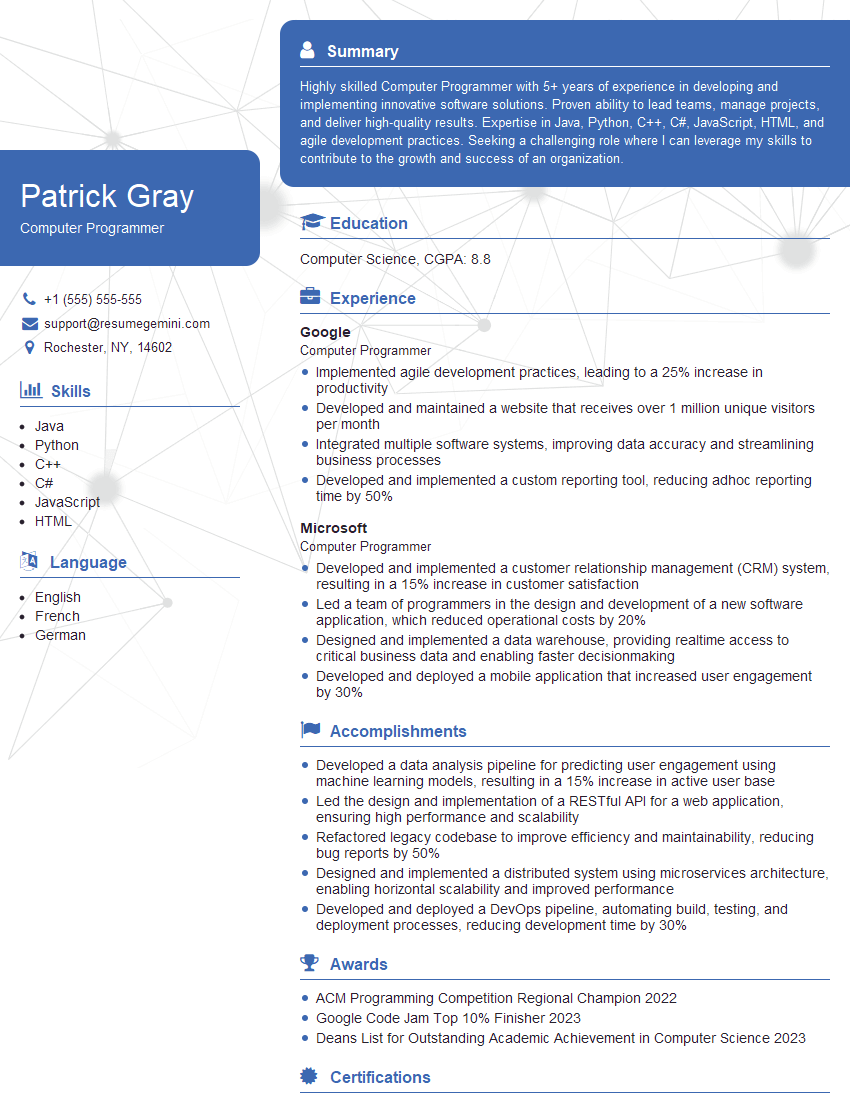
Computer Programmer Resume Sample
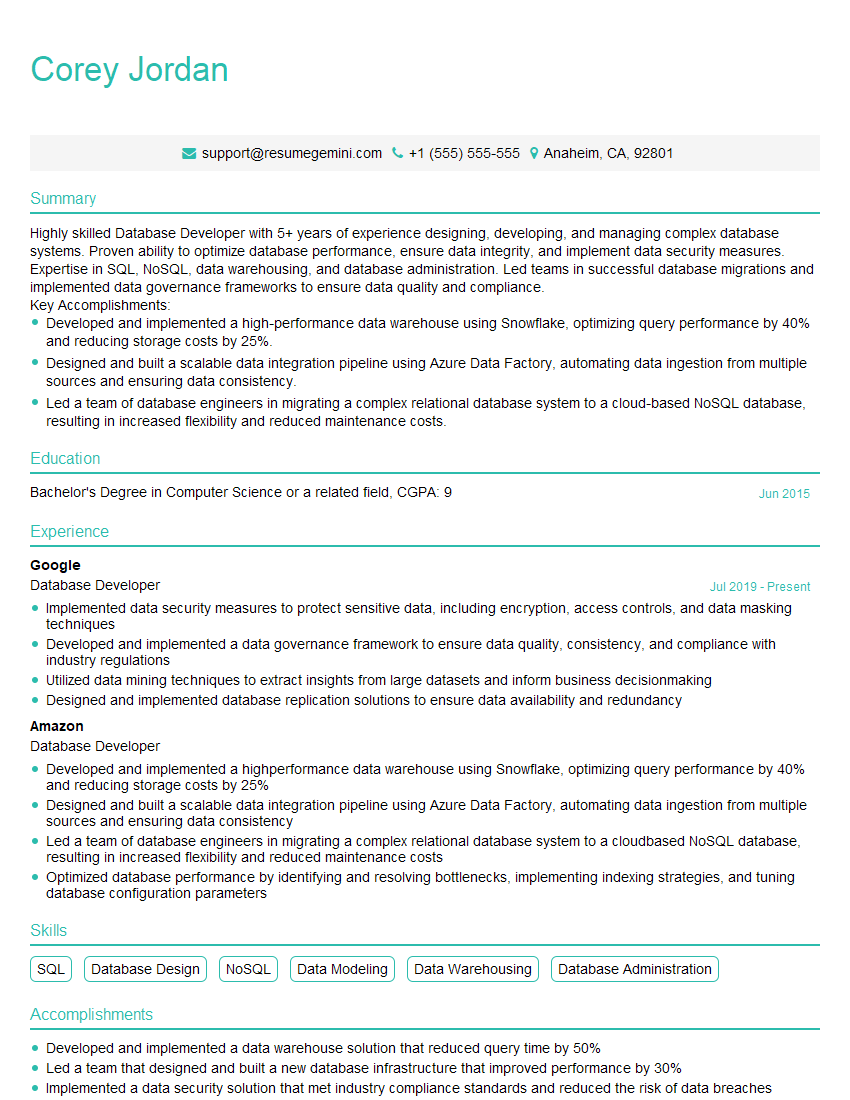
Database Developer Resume Sample

Software Tester Resume Sample

Web Developer Resume Sample
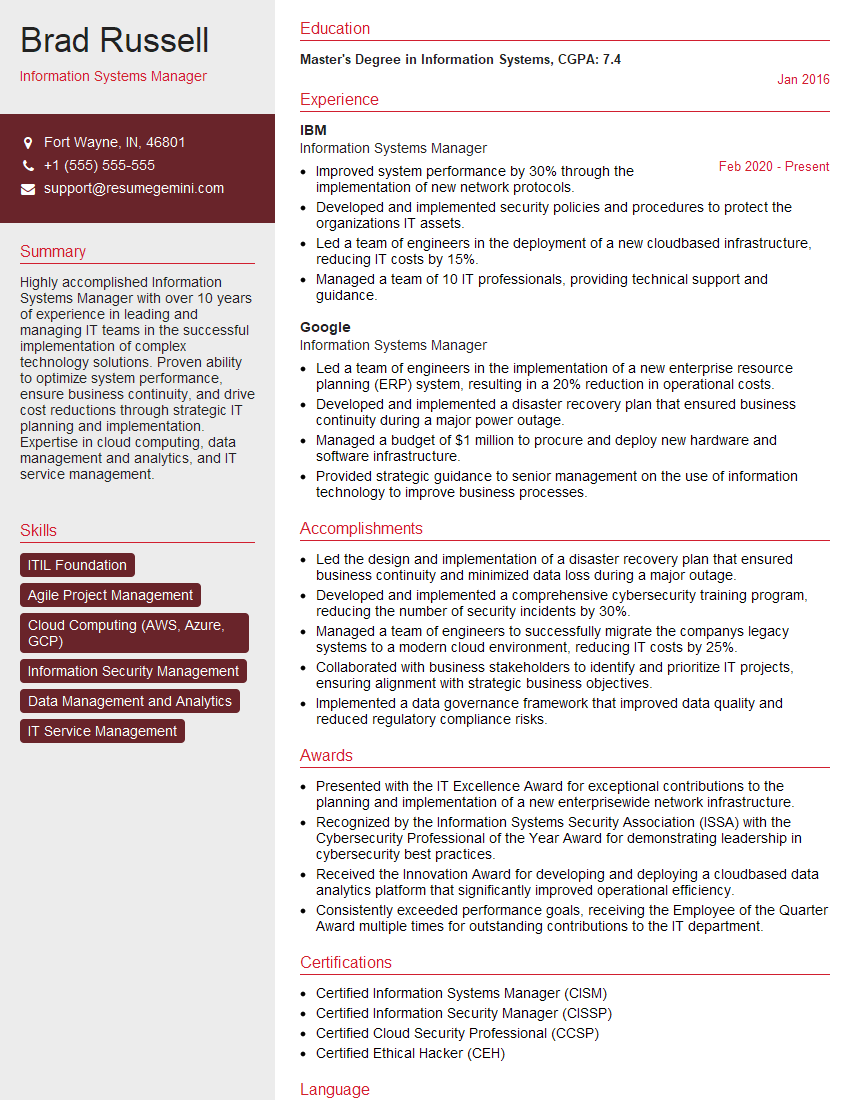
Information Systems Manager Resume Sample

System Administrator Resume Sample
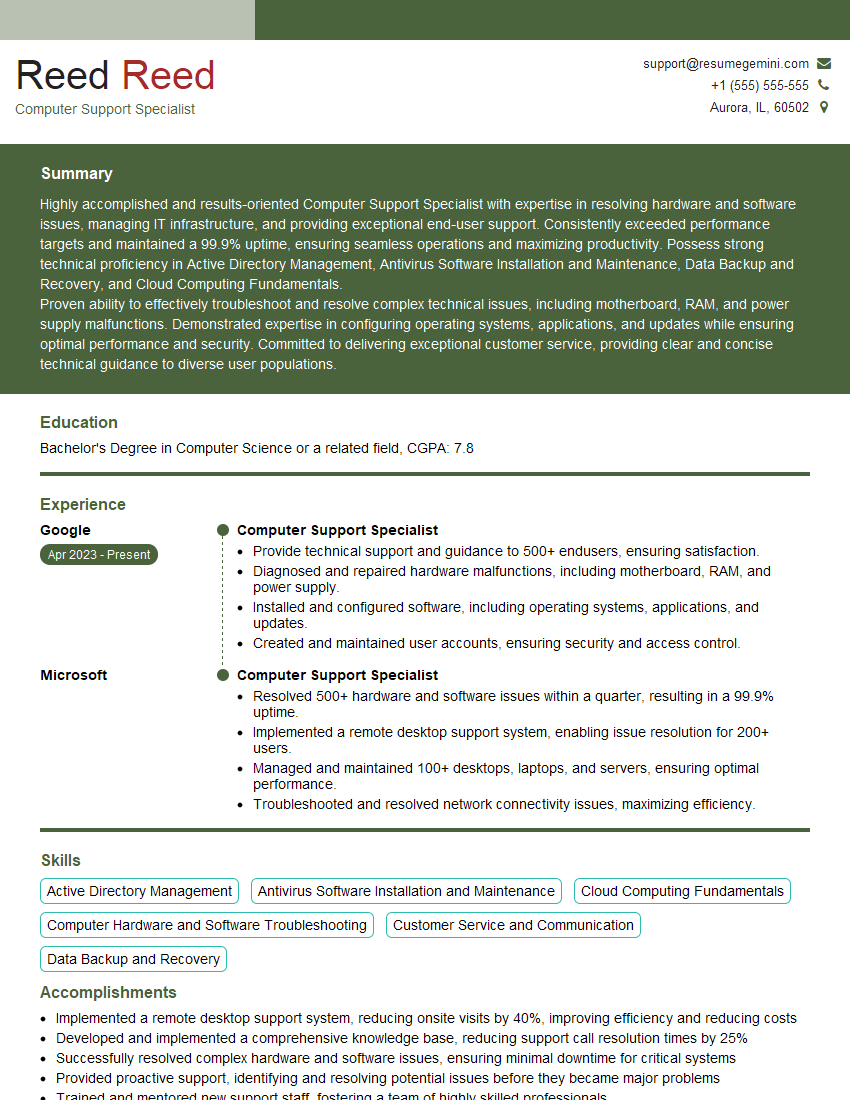
Computer Support Specialist Resume Sample

Help Desk Analyst Resume Sample

IT Manager Resume Sample

Technical Writer Resume Sample
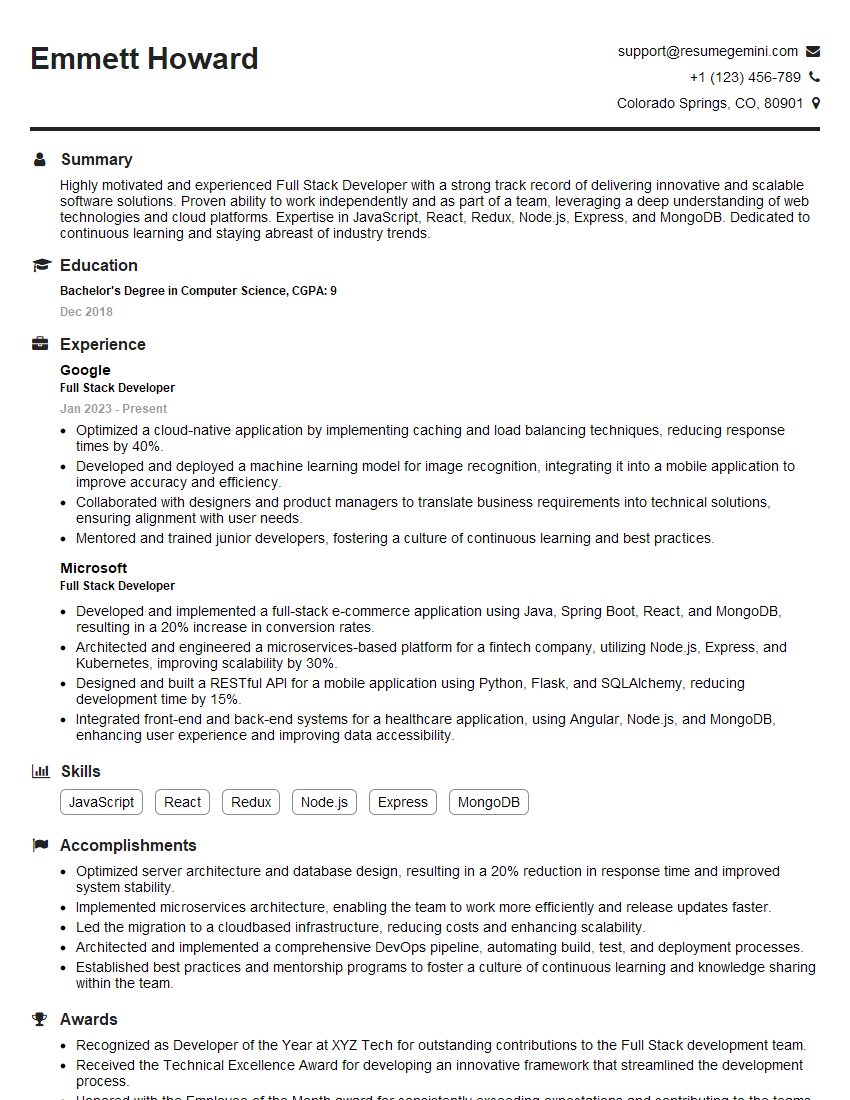
Full Stack Developer Resume Sample

IT Support Specialist Resume Sample

Database Administrator Resume Sample

DevOps Engineer Resume Sample

Cloud Architect Resume Sample
- Business Analyst
- Data Analyst
- Data Scientist
- Software Engineer
- Network Administrator
- Technical Project Manager
- Network Engineer
- Computer Programmer
- Database Developer
- Software Tester
- Web Developer
- Information Systems Manager
- System Administrator
- Computer Support Specialist
- Help Desk Analyst
- IT Manager
- Technical Writer
- Full Stack Developer
- IT Support Specialist
- Database Administrator
- DevOps Engineer
- Cloud Architect
Explore more articles
Users Rating of Our Blogs
Share Your Experience
We value your feedback! Please rate our content and share your thoughts (optional).
What Readers Say About Our Blog
Very informative content, great job.
good