Every successful interview starts with knowing what to expect. In this blog, we’ll take you through the top Proficient in Using Linotype Machine Software interview questions, breaking them down with expert tips to help you deliver impactful answers. Step into your next interview fully prepared and ready to succeed.
Questions Asked in Proficient in Using Linotype Machine Software Interview
Q 1. Describe the process of setting type using a Linotype machine.
Setting type on a Linotype machine was a revolutionary process in printing history. It involved composing lines of type mechanically, rather than setting individual letters by hand. The process begins with the operator typing the text on a specialized keyboard. Each keystroke corresponds to a specific character represented by a brass matrix. These matrices are stored in a large case called the matrix case. As the operator types, the corresponding matrices are assembled into a line. Once a line is complete, it’s cast into a solid line of type (a slug) using molten metal. This slug is then ready for printing. This automated the process dramatically, increasing speed and efficiency compared to hand-typesetting.
Imagine it like a sophisticated, mechanical version of writing a sentence. Each keypress is like writing a letter, but instead of ink on paper, you’re assembling tiny metal pieces that will be used to print thousands of copies.
Q 2. Explain the function of the keyboard on a Linotype machine.
The Linotype keyboard is the heart of the machine. It’s not your standard typewriter keyboard; it’s specifically designed for typesetting. Each key represents a character or a common combination of characters (like ligatures, such as ‘fi’ or ‘fl’). The keyboard is designed for speed and efficiency; frequent letters are often located closer to the center for quicker access. When a key is pressed, the corresponding matrices are selected from the matrix case and assembled into a line. The layout itself is optimized for the frequency of letters in a given language, allowing for faster typing and type-setting.
Think of it like a specialized keyboard for a particular language. If you’re a frequent typist in that language, you would likely be significantly faster on the Linotype keyboard than on a standard QWERTY keyboard due to the optimized key placement.
Q 3. How do you handle line justification and hyphenation on a Linotype machine?
Line justification and hyphenation were automatically handled by the Linotype machine to a great extent, a significant advantage over hand-typesetting. Justification refers to making the lines of text even on both the left and right margins. The Linotype machine accomplished this by adding space between words within the line, a process controlled by the machine’s internal mechanisms. Hyphenation, on the other hand, was handled through a combination of the operator’s skill and the machine’s capabilities. The operator could manually insert hyphens where needed using specific keys; however, the machine would also automatically suggest hyphenation points based on its built-in dictionary or rules.
This automated process removed the tedious manual adjustments needed in hand-typesetting, streamlining the entire process. For example, imagine adjusting the spaces between words to make a perfectly straight right margin on a page with hundreds of lines. The Linotype machine did that for you.
Q 4. What are the different types of typefaces available on a Linotype machine?
Linotype machines offered a range of typefaces, stored as different sets of matrices. These typefaces varied in style (serif, sans-serif), weight (bold, light), and size (measured in points). Each typeface was stored in its own matrix case, which could be quickly swapped to change the font being used. The availability of typefaces depended on the specific machine and the available matrix cases, but many common typefaces were easily accessible. Some common examples might include variations of Bodoni, Garamond, and Caslon. The choice of typeface greatly affected the visual appeal of the printed text, so careful selection was important for any professional publication.
This is similar to choosing a font on a modern computer; the operator had options that would significantly impact the project’s final look.
Q 5. Describe the process of making corrections on a Linotype machine.
Making corrections on a Linotype machine wasn’t as simple as hitting ‘backspace’. If a mistake was made during typing, the operator had to carefully correct it before the line was cast. Small errors could sometimes be corrected by using specialized keys to remove individual matrices, but more extensive corrections often required restarting the line or even discarding the whole line and re-typing it. This highlights the importance of careful and accurate typing. The process encouraged precision and proficiency.
This is comparable to making edits in a document before printing; careful editing beforehand would save a lot of time and effort later on. The difference is, every correction on the Linotype machine involved re-casting a metal line, not just a digital edit.
Q 6. How do you adjust the spacing between characters (kerning) on a Linotype machine?
Kerning, or adjusting the space between individual characters, was not directly controllable on a standard Linotype machine in the same way as modern software. While the machine did automatically adjust spacing to some extent for justification, fine-grained kerning adjustments between individual letters were typically not possible during the typesetting process. Instead, adjustments would often be done manually during the proofing stage by using spacing material (thin pieces of metal) between the lines or slugs to make adjustments.
It’s similar to needing to make minute adjustments on a printed copy; there was no live kerning setting.
Q 7. Explain the role of the matrix case in the Linotype process.
The matrix case is a crucial component of the Linotype machine. It’s a large, carefully organized case containing thousands of individual matrices – small brass pieces, each containing a raised letter or character. These matrices are arranged in a specific order, and as the operator types, the machine selects the appropriate matrices from the case, assembling them into a line. Once the line is complete, the assembled matrices are used to cast the line of type. The organization and efficient access to the matrices within the case were critical for the speed and efficiency of the Linotype system.
Think of it as a very organized and highly efficient storage unit. Each compartment is specifically designed to hold the required piece.
Q 8. How do you maintain the accuracy and consistency of type setting?
Maintaining accuracy and consistency in typesetting on a Linotype machine is paramount. It involves a multi-faceted approach focusing on meticulous attention to detail at every stage, from matrix selection to ensuring proper spacing and alignment.
- Careful Matrix Selection: Selecting the correct matrices (the molds containing the individual characters) is crucial. Double-checking the matrix case for the right font, style, and size prevents errors. Imagine building with LEGOs – using the wrong brick will ruin the structure. Similarly, a wrong matrix leads to incorrect characters.
- Precise Justification: Linotype machines allow for adjusting spacing between words (justification) to create even lines. This requires a keen eye and understanding of the machine’s controls. Over-justification can lead to uneven spacing, making the text less readable. Think of it like laying bricks in a wall; you need consistent spacing for a strong, aesthetically pleasing wall.
- Regular Maintenance: Keeping the machine clean and well-lubricated is vital. A dirty or poorly maintained machine can lead to inaccurate casting or jamming, directly affecting the quality of the typeset material. Regular inspections are similar to servicing a car – preventative maintenance is key to avoiding bigger problems.
- Proofreading: Thorough proofreading of the galley (the proof sheet) is essential before printing. Catching errors before printing saves time and resources. It’s like spell-checking a document before sending it to a client; catching errors early is critical.
Q 9. Describe your experience with different types of Linotype machines.
My experience encompasses a range of Linotype machines, including the older models like the Linotype Model 8 and the more advanced Linotype Elektron. The Model 8, a purely mechanical marvel, required a deep understanding of its intricate workings. I honed my skills in matrix handling, justifying the lines and troubleshooting mechanical issues using only the available tools. The transition to the Elektron, with its electronic components, introduced a new layer of complexity. This involved learning the keyboard functions, the electronic controls of the casting process and mastering the digital aspects of type setting.
I’ve also worked with variations within these models, each with its subtle nuances. This experience provided a broad understanding of the evolution of Linotype technology and the skills to adapt to different machine configurations. This is similar to a mechanic who works on various car makes and models; they must understand the unique features of each one to effectively service them.
Q 10. How do you troubleshoot common malfunctions on a Linotype machine?
Troubleshooting Linotype machines requires a systematic approach, combining practical experience with a strong understanding of the machine’s mechanics and electronics. Common malfunctions include matrix jams, casting issues, and keyboard problems.
- Matrix Jams: These usually stem from worn matrices or incorrect matrix alignment. The solution involves careful examination, cleaning, and potentially replacing the problematic matrix.
- Casting Issues: Poor metal quality, incorrect temperature, or a malfunctioning casting mechanism can all lead to issues. Addressing this requires checking metal temperature, cleaning the casting mechanism, and inspecting the metal for impurities.
- Keyboard Problems: A malfunctioning keyboard can significantly affect efficiency. Troubleshooting this might involve checking for loose connections, replacing worn-out key components or examining the internal wiring.
I follow a troubleshooting process that starts with careful observation, followed by systematic checks of each component. I always prioritize safety by powering down the machine and performing safety checks before starting any repairs or maintenance.
Q 11. What safety measures do you follow while operating a Linotype machine?
Safety is paramount when operating a Linotype machine. The machine involves molten metal, high-speed moving parts and powerful mechanisms, posing potential hazards.
- Personal Protective Equipment (PPE): Always wear appropriate safety glasses, gloves and protective clothing to shield against molten metal splashes and potential injuries from moving parts.
- Machine Guards: Ensure all safety guards are in place and functional before operating the machine. Never bypass safety features.
- Proper Training: Extensive training is essential before operating a Linotype machine. Thorough understanding of the machine’s operation and safety protocols is crucial.
- Emergency Procedures: Familiarity with emergency shut-off procedures and fire safety protocols is critical. Knowing how to react in emergency situations can prevent accidents.
- Regular Inspections: Performing regular inspections for wear and tear on machine parts, including belts, chains, and other moving components is important to maintain machine integrity and prevent malfunctions.
Treating every operation with care is as crucial as understanding the procedure. A moment of carelessness can have serious consequences.
Q 12. Explain the importance of understanding typography in Linotype operation.
Understanding typography is essential for efficient and effective Linotype operation. It directly impacts the readability, aesthetic appeal, and overall quality of the printed material.
- Font Selection: Knowledge of different typefaces, their characteristics and their appropriateness for different applications is crucial for choosing the right font for a specific project. For example, a serif font like Times New Roman is suitable for body text whereas a sans-serif font like Arial might be better for headings.
- Kerning and Tracking: Understanding kerning (adjusting the space between individual characters) and tracking (adjusting the space between words) allows for fine-tuning the spacing, creating a visually pleasing and easily readable output.
- Leading and Line Spacing: Proper leading (the vertical space between lines of text) influences readability. An appropriate amount of leading ensures the text isn’t cramped or overly spaced, leading to a visually unappealing or difficult-to-read text.
- Hyphenation and Justification: Knowing how to effectively hyphenate words and justify text ensures the text is well-balanced and visually appealing. A balanced layout will contribute significantly to readability.
Without understanding typography, the resulting typeset material can appear unprofessional and difficult to read. Just like a painter needs to understand color theory, a Linotype operator needs to understand typography principles.
Q 13. How do you ensure the readability and clarity of typeset text?
Ensuring readability and clarity in typeset text involves a combination of typographic considerations and meticulous attention to detail during the Linotype operation.
- Appropriate Font Choice: Selecting a readable typeface suitable for the intended purpose is vital. Fonts like Times New Roman, Garamond or Georgia are well-regarded for their readability in body text.
- Sufficient Line Length: Line lengths that are too long or too short can hinder readability. The optimal line length for body text typically falls between 45 and 75 characters per line.
- Proper Leading: Sufficient leading ensures lines of text are not cramped together, enhancing readability. Too much leading can create excessive white space and also impact readability.
- Consistent Spacing: Consistent and appropriate spacing between words, letters, and lines creates a visually appealing and clear text. Inconsistent spacing can create distractions and break the rhythm of the text.
- Hyphenation and Justification: Appropriate hyphenation and justification prevents awkward line breaks and improves the overall visual balance of the text.
Imagine reading a poorly formatted document where the spacing is uneven and the font is difficult to read; this illustrates the importance of ensuring clarity and readability.
Q 14. What are the advantages and disadvantages of using a Linotype machine compared to digital typesetting?
Linotype machines, while historically significant, have clear advantages and disadvantages compared to digital typesetting.
- Linotype Advantages:
- Tangible Output: Linotype produces actual metal type, offering a unique tactile experience and a sense of permanence unmatched by digital methods.
- High-Quality Output: With proper maintenance and operation, a Linotype machine can create high-quality typeset material.
- Linotype Disadvantages:
- High Cost and Maintenance: Linotype machines are expensive to purchase and maintain, requiring specialized skills and parts.
- Low Speed and Efficiency: Compared to digital typesetting, Linotype is significantly slower, limiting productivity.
- Limited Flexibility: Changes and corrections are time-consuming and may necessitate recasting.
- Digital Typesetting Advantages:
- Speed and Efficiency: Digital typesetting offers unparalleled speed and efficiency.
- Flexibility and Ease of Editing: Changes and corrections are quick and easy.
- Cost-Effectiveness: The initial investment and ongoing maintenance costs are significantly lower.
- Digital Typesetting Disadvantages:
- Software Dependence: Requires software and hardware which may be expensive.
- Potential for Screen Errors: Digital display may obscure subtle errors.
Ultimately, the choice between Linotype and digital typesetting depends on the specific needs of the project, available resources, and the desired aesthetic. While digital typesetting dominates the modern landscape, the Linotype machine remains a significant piece of printing history.
Q 15. Describe your experience working with different types of paper and ink.
My experience with different types of paper and ink is extensive, encompassing a wide range of weights, finishes, and ink formulations. Understanding paper characteristics—such as porosity, absorbency, and grain—is crucial for achieving optimal print quality. For instance, using a high-gloss paper with a fast-drying ink prevents smearing, while a more porous paper might require a slower-drying ink to avoid feathering.
I’ve worked with coated papers, which provide a smooth surface ideal for sharp, vibrant images, and uncoated papers, offering a more textured look and feel, often preferred for certain design styles. Similarly, my experience includes working with various inks, from standard oil-based inks to UV-cured inks, each with its own properties and application requirements. UV inks, for example, offer superior scratch resistance and vibrancy, but they require specialized curing equipment.
I’m adept at identifying the best paper and ink combination for any given project. This involves considering factors like the desired print quality, budget constraints, and the overall aesthetic of the final product. For example, a high-resolution photo print would benefit from using a heavy-weight coated paper and high-quality ink, while a simple text document might suffice with standard newsprint and ink.
Career Expert Tips:
- Ace those interviews! Prepare effectively by reviewing the Top 50 Most Common Interview Questions on ResumeGemini.
- Navigate your job search with confidence! Explore a wide range of Career Tips on ResumeGemini. Learn about common challenges and recommendations to overcome them.
- Craft the perfect resume! Master the Art of Resume Writing with ResumeGemini’s guide. Showcase your unique qualifications and achievements effectively.
- Don’t miss out on holiday savings! Build your dream resume with ResumeGemini’s ATS optimized templates.
Q 16. How do you manage your time effectively while operating a Linotype machine?
Efficient time management on a Linotype machine is paramount. It’s a high-speed operation, and any delay can impact productivity. My approach is multifaceted. Firstly, meticulous preparation is key. I ensure all the necessary matrices (the metal molds containing the characters) are readily available and correctly arranged, minimizing downtime during the typesetting process. This includes pre-checking the copy for errors and ensuring the correct font and size are selected.
Secondly, I maintain a consistent workflow. This involves a rhythmic approach to operating the machine, optimizing the speed and precision of each action. I’ve learned to anticipate potential bottlenecks and proactively address them. For instance, I might proactively replenish depleted ink or matrices to avoid interruptions. Finally, regular machine maintenance contributes significantly to uninterrupted workflow. Keeping the machine clean and properly lubricated minimizes the chances of breakdowns.
I also prioritize focusing on the task at hand and minimize distractions while operating the machine, fostering concentration and accuracy.
Q 17. Explain the importance of maintaining a clean and organized workspace.
A clean and organized workspace is not just about aesthetics; it’s crucial for safety, efficiency, and quality control in Linotype operation. A cluttered workspace increases the risk of accidents, such as tripping over loose materials or accidentally damaging equipment. It also slows down workflow by increasing the time it takes to locate necessary tools and materials. In a fast-paced environment like a printing press, this can be the difference between meeting a deadline or not.
My workspace is meticulously organized. Matrices are categorized and stored according to font and size. Tools are kept in designated locations and readily accessible. I regularly clean the machine and surrounding areas, removing excess ink, paper scraps, and other debris. This preventative maintenance helps to extend the lifespan of the equipment and ensures it operates at peak efficiency. A clean and organized environment also contributes to a more professional and safer work environment for myself and my colleagues.
Q 18. Describe your problem-solving skills in relation to Linotype machine operation.
Problem-solving is a fundamental aspect of operating a Linotype machine. Issues can range from simple malfunctions (like a jammed matrix) to more complex problems requiring deeper troubleshooting. My approach involves a systematic process. First, I identify the problem by carefully observing the symptoms. For example, if the machine produces garbled text, I would check the matrices, the spacing mechanism, and the keyboard inputs.
Secondly, I consult the machine’s manual and my accumulated experience to narrow down the potential causes. If a solution isn’t immediately apparent, I systematically test different components to isolate the source of the issue. For instance, I might test individual matrices to determine if the problem lies with a specific character. Sometimes I might even try running diagnostics for software-related issues.
Finally, I implement the solution, documenting the problem and its resolution for future reference. This approach has helped me solve various issues, from fixing minor mechanical glitches to diagnosing and resolving complex electronic problems, ensuring minimal downtime.
Q 19. How do you handle pressure and meet deadlines in a fast-paced printing environment?
The printing environment can be fast-paced and demanding, with tight deadlines frequently being the norm. I handle pressure by prioritizing tasks, focusing on efficiency, and maintaining composure. I begin by assessing the workload and breaking it down into manageable segments. This allows me to prioritize tasks based on urgency and complexity.
My efficiency is enhanced through meticulous preparation and streamlined workflow, as described previously. Staying calm under pressure is crucial, allowing for clear thinking and effective problem-solving. I also maintain open communication with my team, ensuring that any challenges or potential delays are addressed promptly. Proactive communication helps to mitigate potential problems and ensures that deadlines are met effectively.
Q 20. Describe your experience with quality control procedures in typesetting.
Quality control is integral to typesetting. My experience involves several key steps. Firstly, before beginning the typesetting process, I thoroughly proofread the copy for any errors in spelling, grammar, or punctuation. Secondly, during typesetting, I regularly inspect the output for any inconsistencies, such as incorrect spacing, broken characters, or misaligned lines. I utilize the machine’s built-in monitoring system and have developed my eye to spot many issues.
Thirdly, after the typesetting is complete, I perform a final proofread of the typeset material, comparing it to the original copy to ensure accuracy. This includes checking for any unintended line breaks or hyphenations. Lastly, I maintain a detailed record of any errors encountered and the corrective measures taken, which serves as a valuable resource for improving future typesetting processes. Attention to detail at each of these phases is essential in providing consistent high-quality results.
Q 21. How familiar are you with different typesetting software used alongside a Linotype machine?
While my primary expertise lies in operating the Linotype machine, I am familiar with several typesetting software packages that often work in conjunction with it. My experience includes using programs that help in the pre- and post-processing stages of the typesetting workflow. For example, I’ve used software for creating and editing text files, formatting documents for typesetting, and preparing output for printing.
This familiarity enables me to seamlessly integrate the Linotype machine into a broader digital workflow. This includes using software for font management, ensuring consistent font usage throughout the typesetting process. My understanding of various software packages expands my capabilities and increases my efficiency in the typesetting process.
Q 22. Explain your understanding of the different types of fonts and their uses.
Understanding different font types is crucial for effective typesetting. Fonts are broadly categorized into serif, sans-serif, and script fonts, each with distinct characteristics and applications.
- Serif fonts, like Times New Roman or Garamond, feature small decorative strokes at the ends of letters. They are highly readable in large bodies of text, making them ideal for books, newspapers, and long-form documents. Their traditional feel adds a sense of formality and elegance.
- Sans-serif fonts, such as Arial or Helvetica, lack these serifs. They appear cleaner and more modern, often used for headlines, signage, and displays where readability at a glance is paramount. Their simplicity lends itself well to contemporary designs.
- Script fonts, resembling handwriting, are decorative and often used for invitations, logos, or short, impactful text segments. Overuse can hinder readability, so they are best employed sparingly.
Choosing the right font depends on the project’s context and intended audience. For example, a children’s book might use a playful sans-serif font, while a legal document would likely utilize a more traditional serif font for its readability and authoritative feel. My experience encompasses working with a wide range of fonts on the Linotype machine, ensuring the selection aligns perfectly with the project’s requirements.
Q 23. Describe your experience in maintaining and repairing Linotype machine parts.
Maintaining and repairing a Linotype machine requires a deep understanding of its intricate mechanics. My experience includes everything from routine maintenance like lubricating moving parts and cleaning matrices to more complex repairs such as addressing issues with the keyboard mechanism, the casting mechanism, or the mold assembly.
I’m proficient in identifying and replacing worn or damaged components, and I’m familiar with troubleshooting common malfunctions, like inconsistent casting or character misalignment. For instance, I once had to diagnose a problem where characters were being consistently smudged. Through systematic investigation, I discovered a slight misalignment in the mold, which I corrected by carefully adjusting the relevant screws. This ensured the smooth, uninterrupted operation of the machine and the production of high-quality type.
My approach is methodical and safety-conscious. I always ensure the machine is properly powered down before undertaking any repairs, and I diligently follow safety protocols when handling potentially hazardous components or cleaning solvents. Preventative maintenance is key to avoiding costly downtime, and I regularly perform checks to ensure the machine’s long-term health and reliability.
Q 24. What are some of the common challenges you’ve faced while working with a Linotype machine?
Working with a Linotype machine presents unique challenges. One common issue is matrix wear and tear, leading to uneven character impressions or broken matrices. This necessitates frequent matrix inspection and replacement, a process requiring precision and familiarity with the machine’s matrix handling system. Another frequent challenge is maintaining consistent metal temperature and pressure during the casting process, which directly impacts the quality of the type. Fluctuations can result in poor impressions, miscasts, or even damage to the machine itself.
Dealing with jams, whether it’s a matrix jam or a metal flow obstruction, also requires swift and effective action. My experience has taught me to systematically troubleshoot jams, ensuring that I identify the root cause before attempting a fix, avoiding further complications. Additionally, the machine’s age often necessitates resourceful problem-solving, utilizing creative solutions and sometimes sourcing replacement parts from specialized suppliers or even undertaking minor fabrication tasks to restore the machine to full working condition.
Q 25. How do you ensure the consistent quality of your work?
Ensuring consistent quality involves a multi-faceted approach. It begins with meticulous preparation: checking the matrices for damage, verifying the metal temperature and flow, and pre-checking the composition for errors. During the operation, I meticulously monitor the machine’s performance, constantly checking for irregularities in casting or character alignment. Regular cleaning and lubrication of the machine are essential for maintaining its precision and preventing problems.
After casting, I conduct a thorough quality check, visually inspecting each line for imperfections, inconsistencies, or smudges. If any defects are detected, I promptly address them, whether through recasting or making adjustments to the machine’s settings. Maintaining detailed records of the materials used, settings employed, and any issues encountered allows for consistent quality control and helps identify potential areas for improvement over time.
Q 26. Describe your experience with different types of printing projects (e.g., books, newspapers).
My experience spans various printing projects, from high-volume newspaper production to the meticulous typesetting required for books. Newspaper work demanded speed and accuracy, focusing on efficient workflow and timely output. The demands were high volume, short turnaround times, and tight deadlines. Book projects, however, required a different approach, emphasizing precision, attention to detail, and the selection of appropriate fonts and layouts to enhance readability and aesthetic appeal. This included careful consideration of things like kerning and leading to optimize the visual presentation.
I’ve worked on projects involving different formats and sizes, requiring adjustments to the Linotype machine settings and careful consideration of the paper stock and ink to achieve optimal results. The experience has provided a deep understanding of the specific requirements of various printing projects and the ability to adapt my skills to the demands of each unique task.
Q 27. How do you stay updated on the latest industry trends and technologies?
Staying current in this field requires continuous learning. I regularly attend workshops and seminars focused on typesetting and printing technologies, both historical and contemporary. I subscribe to industry publications and journals, keeping abreast of innovations in digital typesetting and printing methods. Furthermore, I actively engage with online communities and forums dedicated to typography and printing, participating in discussions and sharing knowledge with other professionals. This collaborative environment allows for the exchange of best practices and insights into emerging trends.
Although the Linotype machine is a legacy technology, understanding its principles remains relevant in the context of digital typesetting. The foundational knowledge of typography, font design, and the mechanics of typesetting gained through working with the Linotype machine remains invaluable even in a digitally dominated world.
Q 28. Explain your understanding of the history and evolution of typesetting technology.
The history of typesetting is a fascinating journey from hand-set type to sophisticated digital systems. The invention of movable type by Gutenberg revolutionized communication, but the process remained laborious until the development of machines like the Linotype. This machine automated the typesetting process, significantly increasing speed and efficiency. The Linotype, with its ingenious use of matrices and molten metal, represented a major leap forward, allowing for the mass production of high-quality type.
The evolution continued with the advent of phototypesetting, which replaced metal type with photographic images, further enhancing speed and flexibility. This technology paved the way for digital typesetting, where computers now manage the entire process, offering unprecedented control and design capabilities. My expertise with the Linotype machine provides me with a unique historical perspective, understanding the transition from mechanical to digital methods and appreciating the lasting legacy of this remarkable technology. This grounding provides a deep understanding of the foundational principles that underpin modern digital typesetting.
Key Topics to Learn for Proficient in Using Linotype Machine Software Interview
- Software Interface and Navigation: Mastering the Linotype machine software’s user interface, including menus, toolbars, and settings. Understanding workflow optimization within the software.
- Text Input and Formatting: Efficiently inputting text, applying various formatting options (fonts, styles, sizes), and managing complex layouts. Demonstrate proficiency in handling different text types (e.g., body copy, headlines).
- Image and Graphic Integration: Importing, scaling, and positioning images and graphics within the Linotype software. Understanding resolution and file format compatibility.
- Proofreading and Quality Control: Proficiently identifying and correcting errors (typos, formatting inconsistencies). Understanding the importance of accurate output and pre-press quality checks.
- Troubleshooting and Problem-Solving: Demonstrate the ability to diagnose and resolve common software issues, including crashes, font errors, and layout problems. Explain your approach to troubleshooting.
- Workflow and Automation: Understanding how to streamline tasks within the software using shortcuts, automation tools, or scripting (if applicable to the specific software). Showcasing efficiency.
- File Management and Export: Properly saving, organizing, and exporting files in various formats (e.g., PDF, EPS). Understanding the implications of different export settings on file size and quality.
- Understanding Pre-press Requirements: Familiarity with industry standards and requirements for preparing files for printing. Demonstrating knowledge of color spaces, resolution, and bleed.
Next Steps
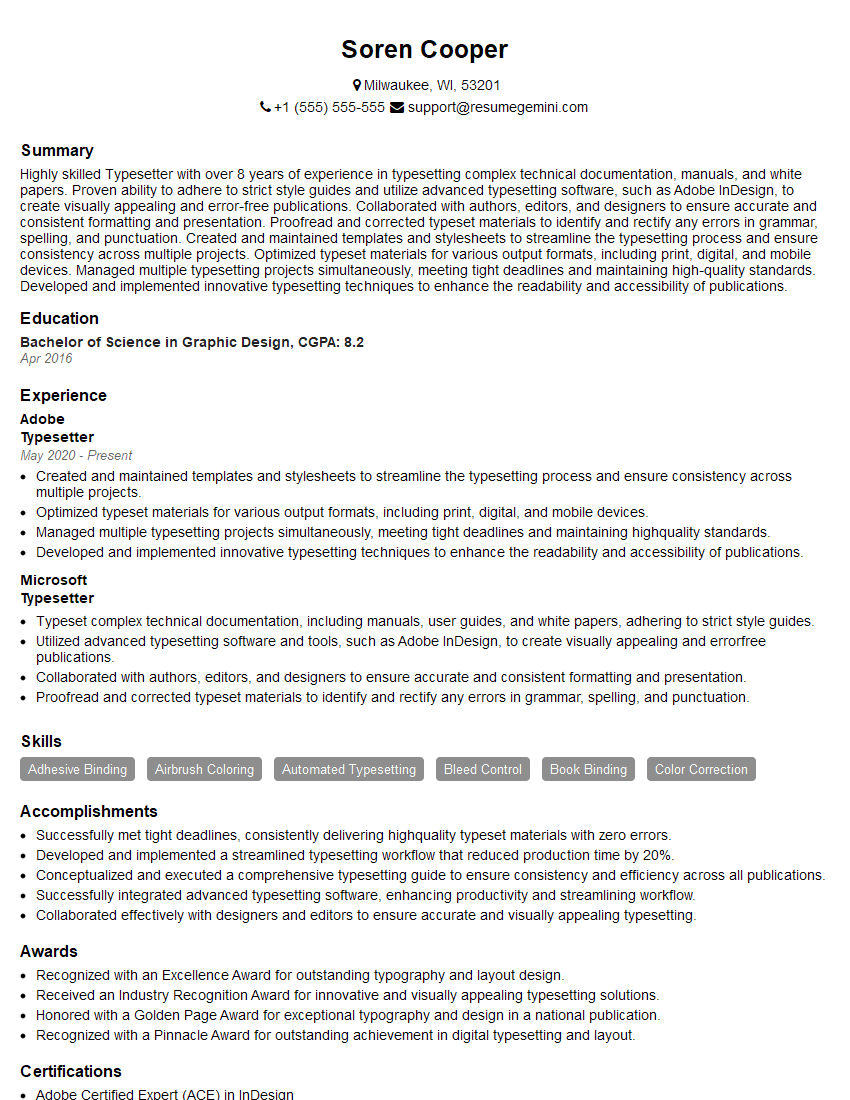
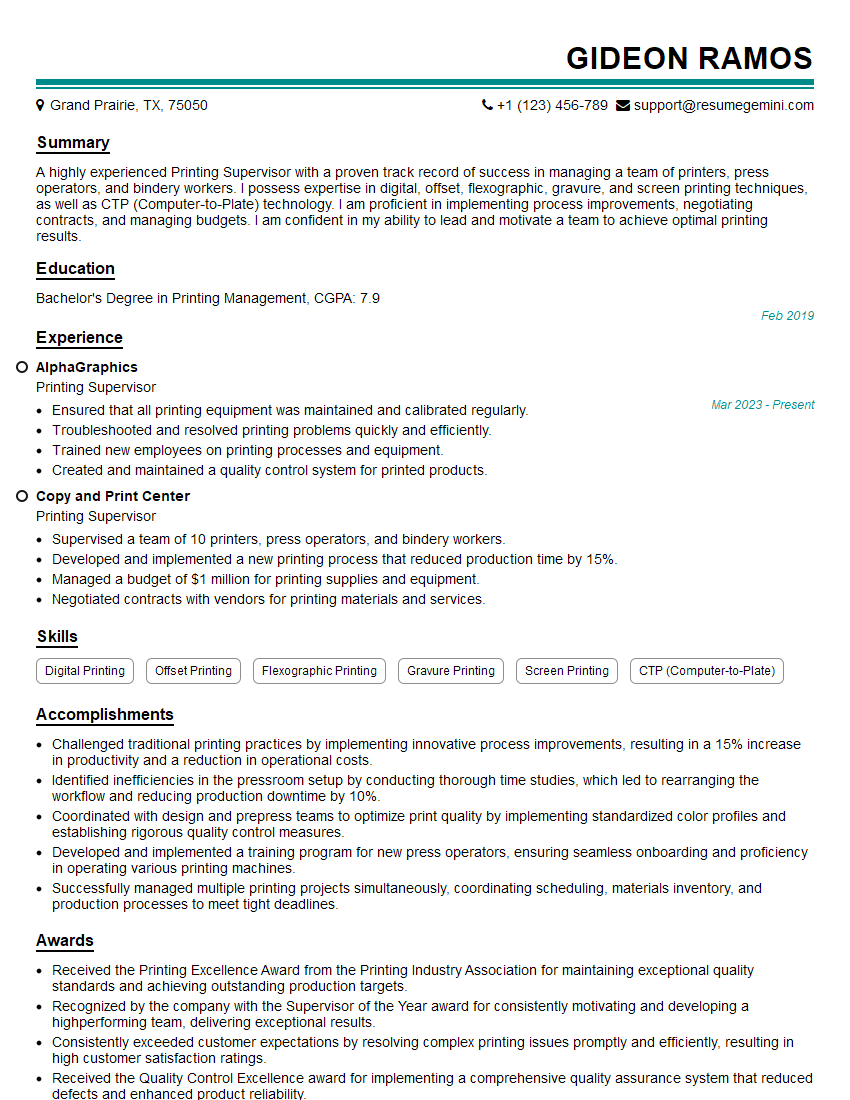
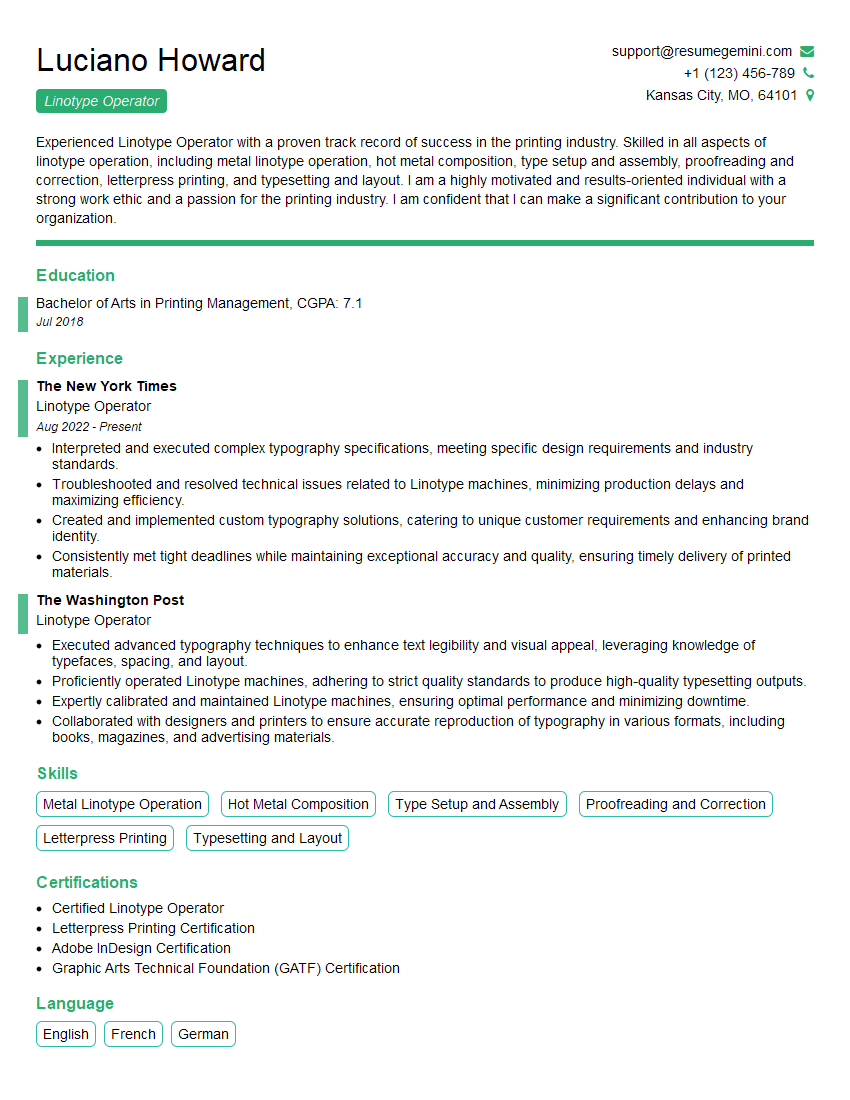
Mastering Linotype machine software opens doors to exciting opportunities in publishing, graphic design, and related fields. To maximize your job prospects, create a compelling and ATS-friendly resume that highlights your skills and experience. ResumeGemini is a trusted resource to help you build a professional resume that showcases your proficiency in Linotype software. Examples of resumes tailored to Proficient in Using Linotype Machine Software are available to help guide you. Invest the time to craft a strong resume – it’s your first impression on potential employers.



Explore more articles
Users Rating of Our Blogs
Share Your Experience
We value your feedback! Please rate our content and share your thoughts (optional).
What Readers Say About Our Blog
good