Unlock your full potential by mastering the most common Read and interpret technical drawings and instructions interview questions. This blog offers a deep dive into the critical topics, ensuring you’re not only prepared to answer but to excel. With these insights, you’ll approach your interview with clarity and confidence.
Questions Asked in Read and interpret technical drawings and instructions Interview
Q 1. Explain the difference between orthographic and isometric projections.
Orthographic and isometric projections are two different ways of representing a 3D object in a 2D drawing. Think of it like taking pictures of a building from different angles. Orthographic projection uses multiple views (typically front, top, and side) to show the object’s dimensions completely and accurately. Each view shows only two dimensions of the object, as if you’re looking directly at one face. Isometric projection, on the other hand, attempts to show a single view representing all three dimensions simultaneously. This view is an angled perspective allowing for a three-dimensional impression, though not all dimensions are to true scale.
Orthographic Projection: Imagine unfolding a box. Each side represents a separate orthographic view. These views are crucial for precision engineering as they provide unambiguous information for manufacturing. You can clearly see the exact height, width, and depth of every feature.
Isometric Projection: This is like taking a slightly angled photo of the box. It gives a quick visual understanding of the object’s shape but may not be precise enough for manufacturing. Dimensions along the angled lines are not true to scale.
In summary, orthographic projections prioritize accuracy and detailed measurements while isometric projections emphasize visual representation and quick comprehension. The choice between them depends on the application; detail drawings require orthographic projection while quick conceptual sketches might use isometric projection.
Q 2. Describe your experience with various CAD software packages (e.g., AutoCAD, SolidWorks).
I have extensive experience with several CAD software packages, including AutoCAD, SolidWorks, and Inventor. My proficiency spans 2D drafting and 3D modeling. In AutoCAD, I’m comfortable creating detailed 2D drawings, managing layers and blocks, and working with complex geometries. I regularly use its annotation tools for creating dimensions, notes, and other critical design information. For example, I used AutoCAD to design the detailed shop drawings for a custom steel staircase project, ensuring accurate dimensions and clearances for the fabricators.
SolidWorks has been invaluable for creating 3D models, performing simulations, and generating detailed manufacturing documentation. I’ve utilized SolidWorks for projects involving complex assemblies, using its features for creating parts, assemblies, and drawings for parts manufacturing. A recent project involved designing a new type of robotic arm, utilizing SolidWorks’ advanced simulation tools to analyze stress and strain, ensuring its structural integrity.
My experience with Inventor is similar to SolidWorks, with a strong focus on parametric modeling and creating detailed assembly drawings. I regularly use it for product design and development projects which involved working with large and complex part files in assembly contexts.
Q 3. How do you identify different types of lines used in technical drawings (e.g., hidden lines, center lines, dimension lines)?
Technical drawings use different line types to convey specific information. Think of them as a visual code. The most common line types include:
- Visible Lines: Thick, solid lines representing edges visible from the chosen viewing angle. These are the most fundamental lines in any technical drawing.
- Hidden Lines: Thin, dashed lines indicating edges that are not visible from the current view. They are crucial for showing internal features of the object.
- Center Lines: Thin, alternating long and short dashed lines defining the center of symmetrical features like holes or shafts. They are essential for locating and aligning components.
- Dimension Lines: Thin lines terminating with arrows, showing the distance between two points. They always have dimension text associated with them, indicating the specific measurement.
- Section Lines: Thin, closely spaced parallel lines used to show the interior view of a cut section of an object. The direction and pattern indicate the orientation of the cut.
- Cutting Plane Lines: Thick lines indicating the plane where a section view is taken.
Recognizing these different line types is fundamental to accurately interpreting technical drawings. Mistaking a hidden line for a visible one, for example, can lead to significant errors in manufacturing.
Q 4. Interpret this section view and explain what it represents.
To answer this question, I would need the image of the section view. Please provide it, and I will provide a detailed interpretation. My interpretation would cover the following:
- Identification of the cutting plane line and its orientation.
- Description of the features revealed in the section view.
- Explanation of materials and dimensions visible in the cross-section.
- Interpretation of any symbols or notations specific to the section view.
Q 5. How do you use scale and dimensions to understand the actual size of components?
Scale and dimensions are critical for understanding the actual size of components in a technical drawing. The scale indicates the ratio between the drawing size and the real-world size. For example, a scale of 1:10 means that 1 unit on the drawing represents 10 units in reality. Dimensions, shown with dimension lines and text, provide the precise measurements of individual features. These are always given in appropriate units (e.g., millimeters, inches).
To determine the actual size, you use the scale to multiply the dimensions shown on the drawing. If a drawing has a scale of 1:2 and shows a component as 10mm long, the actual length of that component is 20mm (10mm * 2).
Understanding scale and dimensions is crucial for manufacturing and assembly. Without these, it is impossible to create or assemble parts accurately, leading to costly mistakes.
Q 6. What are the standard symbols for various materials and components (e.g., steel, wood, fasteners)?
Standard symbols for materials and components vary depending on the standard being followed (e.g., ISO, ASME). However, common conventions exist. Materials are usually indicated by symbols or abbreviations within a material callout in the drawing. Examples include:
- Steel: Often represented by a cross-hatching pattern or the symbol ‘St’ within the component cross-section area. Different types of steel might have different symbols.
- Wood: Often shown using a cross-hatching pattern or texture, and a material specification is usually included. The type of wood would be specified (e.g., Pine, Oak).
- Aluminum: Often a combination of dotted lines and a written specification
- Fasteners: These are usually represented by standardized symbols. For example, a hexagon with a circle inside it might indicate a hex-head bolt. Details such as thread size and length will be specified separately.
It’s essential to check the drawing’s title block or a materials list for a legend that explains any specialized symbols used.
Q 7. How do you read tolerances and fits on a technical drawing?
Tolerances and fits define the acceptable variation in the dimensions of a component and how it interacts with mating parts. Tolerances specify the allowable range of variation in a dimension. For instance, a dimension of ’10 ± 0.1 mm’ means the actual dimension can be between 9.9 mm and 10.1 mm. Fits describe the relationship between mating parts, based on the tolerances of their interacting surfaces. Common types of fits include:
- Clearance Fit: The shaft is always smaller than the hole, allowing for some free movement.
- Interference Fit: The shaft is larger than the hole, requiring force to assemble the parts (press fit).
- Transition Fit: A fit between clearance and interference, depending on the specific dimensions and tolerances. This allows a tight fit with minimal movement.
Tolerances and fits are usually indicated with tolerance grades (e.g., ISO 286) or directly on the drawing using symbols such as plus/minus signs, limits of sizes, or positional tolerances. Understanding tolerances and fits is critical to ensure the proper functioning and assembly of mechanical parts. Incorrect tolerances can lead to components that are too loose or too tight, resulting in malfunctions or failure.
Q 8. What are your strategies for interpreting complex or ambiguous drawings?
Interpreting complex or ambiguous drawings requires a systematic approach. My strategy begins with a thorough review of the entire drawing, looking for a general understanding of the assembly or component before focusing on details. I then look for inconsistencies or missing information. If a dimension is unclear or missing, I might refer to related drawings or specifications. I also utilize my knowledge of manufacturing processes; understanding how a part is made often helps clarify design intent. For truly ambiguous situations, I wouldn’t hesitate to ask clarifying questions from the designer or engineering team. This collaborative approach is crucial in avoiding costly mistakes. For example, if a dimension is missing in a complex weldment, I’d seek clarification from the design team before proceeding with fabrication to ensure the integrity of the structure.
Specifically, my process involves:
- Initial Overview: Quickly scan the entire drawing to grasp the overall design.
- Detailed Examination: Carefully examine each view, note, and dimension.
- Cross-referencing: Check for related drawings or specifications for additional context.
- Gap Analysis: Identify any missing or ambiguous information.
- Collaboration: Seek clarification from the design team when needed.
Q 9. How do you identify the various views (front, side, top) in an orthographic drawing?
Orthographic drawings use multiple views to represent a 3D object on a 2D plane. The standard views are front, top, and right side. They are arranged in a specific manner, typically with the front view in the center, the top view above it, and the right side view to its right. This arrangement provides a comprehensive representation of the object’s shape and dimensions. Imagine you’re looking at a box: the front view shows you the front face, the top view shows the top face, and the right side view shows the right-hand face. Sometimes, additional views like left side, bottom, or auxiliary views may be included depending on the complexity of the object. Each view is a 2D projection of the 3D object, showing only two dimensions.
Identifying these views often involves looking for standard view labels (Front, Top, Right Side) or conventions in their placement within the drawing. For instance, a simple block may only need a front and a top view, whereas a more complex shape would need the full set or additional views for clarity.
Q 10. Explain the process of creating a bill of materials from a technical drawing.
Creating a bill of materials (BOM) from a technical drawing involves systematically identifying all the components and materials needed to assemble a product. It’s a crucial step in manufacturing and procurement. My process includes:
- Review the Drawing: Carefully examine the drawing to identify all parts, sub-assemblies, and materials used.
- Part Identification: Assign a unique part number or identifier to each component.
- Quantity Determination: Determine the number of each component required for the assembly.
- Material Specification: Identify the material type and specifications for each component (e.g., material grade, dimensions).
- Data Entry: Organize this information in a structured format (a spreadsheet or a database) to create the BOM. This typically includes columns for part number, description, quantity, material, and supplier information, if available.
For example, a simple chair might have a BOM including items like: 4 legs (wood, 2×2 inch), 1 seat (fabric, dimensions), screws (metal, quantity), etc. A sophisticated process might leverage software that can automatically extract data from the drawing files; this requires the drawing to be created using standards that allow for data extraction.
Q 11. Describe your experience working with different drawing formats (e.g., PDF, DWG, DXF).
I have extensive experience working with various drawing formats, including PDF, DWG (AutoCAD), and DXF. PDFs are usually the final delivery format for design review and distribution. They are great for archival and sharing, but not for editing. DWG and DXF files are native formats for CAD software like AutoCAD and are ideal for editing and modifying designs. I’m proficient in using software that can open and handle all of these formats. My experience extends to using various CAD software packages, allowing me to interpret and modify drawings effectively across different platforms and formats. I understand the limitations of each format – for example, a PDF will often lose some information present in a DWG – and I can adapt my approach based on the format of the drawing provided.
For example, I might use AutoCAD to modify a DWG file, then export it as a PDF for review. Understanding the nuances of these formats helps to ensure consistency, accuracy, and efficient use of resources. I regularly work in collaboration with engineers and designers using various platforms and always strive for optimal file formats that balance ease of collaboration and data preservation.
Q 12. How do you use annotations and notes to understand design intent?
Annotations and notes are crucial for understanding the design intent. They provide additional context not explicitly shown in the drawing’s geometry. My approach is to read all notes and annotations carefully, paying attention to details like tolerance specifications, material callouts, surface finish requirements, and any specific manufacturing instructions. I also use my understanding of engineering principles and common practices to interpret the meaning behind these notations. Often, there are standards and conventions to follow. For example, a note specifying ‘weld per AWS D1.1’ provides a reference to a specific welding standard, adding a layer of context to the welding symbols on the drawing.
For example, a note might clarify an unusual feature or explain a specific manufacturing process to ensure proper interpretation of the design. I always cross-reference annotations with the graphical representation to ensure consistency and avoid misinterpretations. Sometimes, handwritten notes can be challenging, but I would work to decipher them or seek clarifications where needed.
Q 13. How familiar are you with GD&T (Geometric Dimensioning and Tolerancing)?
I am very familiar with Geometric Dimensioning and Tolerancing (GD&T). It’s a standardized system for specifying dimensions and tolerances on engineering drawings. GD&T uses symbols and annotations to define precisely the allowable variations in a part’s geometry. This helps avoid ambiguity and ensures that manufactured parts meet the required specifications. I understand various GD&T symbols such as position, runout, flatness, and circularity, and I can interpret them accurately. Understanding GD&T is vital for ensuring that parts will fit and function correctly within an assembly. An incorrect interpretation can lead to parts that don’t meet the specifications, or worse, parts that can’t even be assembled.
For example, a positional tolerance symbol might specify how much deviation is acceptable in the location of a hole. This is much more precise than just specifying a nominal dimension and a general tolerance because it allows for variations in multiple parameters and not just the central dimension.
Q 14. How do you determine the surface finish requirements from a drawing?
Surface finish requirements are usually specified on technical drawings using symbols, abbreviations, or notes. Common methods include specifying roughness (Ra) values, surface texture symbols, or references to industry standards. For example, a symbol might indicate a specific surface roughness value, like Ra 0.8 µm, which represents the average roughness of the surface. Other times, notes might call out the surface finish requirement (e.g., ‘Surface to be polished’). The process for determining these requirements begins with examining the drawing for any applicable notations or symbols, such as those defining surface texture, roughness average (Ra), or even textual descriptors such as ‘polished’ or ‘ground’.
Understanding these requirements is important for selecting the appropriate manufacturing processes and ensuring the part’s functionality. A drawing might specify different surface finishes for various parts of a component; the surface finish may influence the component’s functionality and even its aesthetic qualities. For instance, a smooth surface finish might be required for a part that needs to move easily, or a rough surface finish for a part designed for better grip. The standards provide further context and often dictate the measuring technique and quality.
Q 15. Explain your experience with checking drawings for errors or inconsistencies.
Checking technical drawings for errors and inconsistencies is a crucial part of my workflow, ensuring accuracy and preventing costly mistakes during manufacturing or construction. My approach involves a systematic review process, starting with a thorough examination of the drawing’s overall coherence. This includes verifying that the title block information is complete and accurate, checking for correct scaling and units, and ensuring all views are properly aligned and consistent. I then carefully scrutinize each element – dimensions, tolerances, material specifications, and annotations – for any discrepancies. I look for things like missing dimensions, conflicting annotations, or unrealistic tolerances that might indicate an error. For example, if a dimension is specified in millimeters and another in inches without a clear conversion, that’s a serious inconsistency.
I often use software tools that can perform automated checks for inconsistencies, such as missing dimensions or clash detection in 3D models. These tools greatly speed up the process. Finally, I create a detailed error log documenting each identified issue with specific references to the drawing location and recommended corrections.
Career Expert Tips:
- Ace those interviews! Prepare effectively by reviewing the Top 50 Most Common Interview Questions on ResumeGemini.
- Navigate your job search with confidence! Explore a wide range of Career Tips on ResumeGemini. Learn about common challenges and recommendations to overcome them.
- Craft the perfect resume! Master the Art of Resume Writing with ResumeGemini’s guide. Showcase your unique qualifications and achievements effectively.
- Don’t miss out on holiday savings! Build your dream resume with ResumeGemini’s ATS optimized templates.
Q 16. How do you handle conflicting information presented in different parts of a technical drawing?
Conflicting information in a technical drawing is a serious problem that requires careful resolution. My approach prioritizes identifying the source of the conflict and determining which information is authoritative. I start by reviewing the revision history to see if later revisions have superseded earlier information. If the conflict is between different views, I examine if one view is a more detailed representation, or if a particular projection method might be influencing the perception of the part. If there’s no clear indication of priority, I’ll use my knowledge of engineering principles and common practice to deduce the most likely correct information.
For example, if a detail view shows a dimension different from the main view, I might check for notes clarifying the exceptions or tolerances. If there is no resolution through these methods, I immediately escalate the issue to the drawing’s originator or a senior engineer for clarification. Documentation of the conflict and its resolution is critical for maintaining clear communication and project continuity.
Q 17. How do you interpret and apply assembly instructions from a drawing?
Interpreting and applying assembly instructions from a drawing involves a detailed, step-by-step process. I begin by carefully reviewing the assembly drawing, paying close attention to the exploded view if provided, which shows the components in their relative positions before assembly. I then study the bill of materials (BOM) to ensure I have all the necessary parts and hardware. The drawing often includes sequence numbers or callouts that indicate the order of assembly. I follow these precisely, referring to the individual component drawings as needed to understand the orientation and placement of each part.
During the assembly, I continuously cross-check the drawing against the physical parts to ensure that everything aligns correctly. If I encounter any discrepancies, I carefully review the drawing to see if I have misinterpreted any instruction or if there’s an error in the documentation. If unsure, I document my query and seek clarification. Proper assembly is crucial; even small misalignments can lead to failure or malfunction.
Q 18. Can you explain your experience with different drafting standards (e.g., ANSI, ISO)?
My experience encompasses several drafting standards, including ANSI (American National Standards Institute) and ISO (International Organization for Standardization). The key difference between these standards lies in their conventions for dimensioning, tolerancing, and projection techniques. ANSI standards are predominantly used in North America, while ISO standards are the international norm. Understanding these distinctions is vital for accurate interpretation and creation of technical drawings, which includes understanding the different types of line weights, text styles, and symbol usage.
For example, ANSI uses a different notation for tolerancing than ISO (e.g., +/- vs. bilateral tolerance). I am proficient in switching between these standards, adapting my reading and drafting skills accordingly to effectively communicate with engineers and manufacturers worldwide. This flexibility is crucial in global collaboration and project success.
Q 19. Explain the role of section views in understanding the internal structure of an object.
Section views are essential for visualizing the internal structure of an object that would otherwise be hidden. They are essentially cuts through the object, revealing the shape and arrangement of interior features. Different types of section views exist, including full sections, half sections, broken-out sections, and revolved sections. Full sections completely cut through the object, while half sections show a combination of a cut and an external view.
For example, imagine trying to understand the internal workings of a complex mechanical part. A simple external view would only show the exterior shape, hiding critical internal features like cavities or internal threads. A section view, created by an imagined plane slicing through the object, clearly reveals these details and their placement in relation to other elements, enabling accurate interpretation of the object’s functionality and construction.
Q 20. How do you use dimensioning techniques to specify the size and location of features?
Dimensioning techniques are crucial for precisely specifying the size and location of features on a technical drawing. They involve the use of dimension lines, extension lines, leaders, and dimension text. Dimension lines show the extent of a measurement, extension lines indicate the feature being measured, leaders point to specific features, and dimension text provides the numerical value of the measurement including units. Proper dimensioning is key to clear communication, ensuring that the part can be manufactured accurately.
The standards dictate how these elements should be arranged on the drawing to avoid clutter and ambiguity. For example, placing dimensions too close together can make the drawing difficult to read, while inconsistent notation can lead to mistakes in manufacturing. Accurate dimensioning ensures that a part manufacturer precisely understands the design intent.
Q 21. Describe a situation where you had difficulty interpreting a technical drawing and how you resolved it.
In a previous project, I encountered a drawing with an unusual representation of a complex casting. The drawing utilized unconventional symbols and had incomplete annotations. This made it challenging to understand the exact shape and dimensions of some internal cavities. My initial interpretation was incorrect, leading to a potential manufacturing error.
To resolve this, I employed a multi-pronged approach. First, I consulted the drawing’s revision history and contacted the design engineer for clarification. Second, I created a 3D model using the available information as a starting point. The 3D model allowed me to visualize the part from different angles and identify discrepancies between the drawing and my interpretation. Through this process of model-based analysis, combined with seeking expert confirmation, we corrected the misinterpretation of the ambiguous elements. This experience reinforced the importance of not only technical expertise but also effective communication and collaboration in tackling complex technical drawing challenges.
Q 22. How familiar are you with different types of drawing revisions and how they are indicated?
Drawing revisions are crucial for tracking changes throughout a project’s lifecycle. They ensure everyone works from the most up-to-date information. Revisions are typically indicated using a revision letter or number, often found in a revision block or table on the drawing sheet. For instance, ‘Rev. A’ indicates the first revision, ‘Rev. B’ the second, and so on. Sometimes, a date is also included to further specify the revision. Different companies may use slightly different notations, so it’s always good to check the company’s drafting standards. Some might use a system like A1, A2, etc, incorporating both letters and numbers. The changes made during revision are often detailed in a revision summary, either on the drawing itself or in a separate document.
Consider a scenario where a design flaw is discovered in a mechanical component. The original drawing (Rev. 0) would be updated with the correction, and the new version would be designated as Rev. A. The revision block would clearly show the date of the revision and describe the changes implemented, e.g., ‘Modified bolt diameter to address stress concentration.’ This ensures that the manufacturing team uses the corrected drawing, preventing costly mistakes.
Q 23. How do you use reference planes to understand the orientation of parts?
Reference planes, often indicated by letters like X-Y-Z, are fundamental to understanding part orientation in technical drawings. They establish a three-dimensional coordinate system that defines the location and orientation of features. Imagine them as the axes on a graph, but in three dimensions. A feature’s position is described relative to these planes using measurements along each axis. For example, a hole might be defined as being located 10mm from the X-plane, 20mm from the Y-plane, and 5mm from the Z-plane. This precisely pinpoints its location within the part’s design.
Let’s consider a complex casting. By referencing the XYZ planes, you can easily understand the position of features like mounting holes, cutouts, or bosses relative to the overall geometry. Without them, interpreting the drawing would be significantly more difficult, especially for complex parts.
Q 24. How do you verify the accuracy of a technical drawing?
Verifying the accuracy of a technical drawing is crucial. It involves several steps, including checking for dimensional consistency, geometric accuracy, and adherence to drafting standards. This can involve both manual verification and using specialized software. Manual checks include confirming that dimensions add up correctly, that tolerances are clearly specified, and that there are no conflicting or missing information. Software tools, such as CAD software, can be used to perform more comprehensive checks, such as verifying the design for manufacturability and identifying any potential clashes between parts.
For example, imagine checking a drawing for a machined part. One would manually verify that the overall dimensions are correct and that individual features, like holes and slots, are properly positioned and sized. Then, a CAD model could be imported into a CAM (Computer-Aided Manufacturing) software to check the machinability of the part and detect potential collisions during the machining process. This ensures that the drawing is not only accurate but also feasible to manufacture.
Q 25. Explain your experience working with exploded views and assembly drawings.
Exploded views and assembly drawings are incredibly helpful for visualizing how parts fit together. Exploded views show the components separated slightly, revealing the assembly sequence. Assembly drawings, on the other hand, show the components assembled to their final form, with callouts or a parts list identifying each piece. My experience involves using both extensively for equipment documentation and design reviews. I have used various CAD software packages to create and interpret them. Being able to understand these drawings was essential for both installation and troubleshooting.
For instance, when working on the assembly of a complex piece of machinery, the exploded view would guide me on how to put the various components together. I could easily understand the order of assembly, as each part is shown in its relative location. Then, the assembly drawing allows to check that the overall dimensions and clearances are correct. The parts list helps to quickly identify and locate each individual part needed.
Q 26. How do you use cross-sections to understand the construction and features of a component?
Cross-sections provide a detailed look inside a component, revealing its internal structure and features that might not be visible from an external view. They are particularly useful for understanding complex shapes and internal mechanisms. They’re typically indicated by a cutting plane line on the main view, showing where the imaginary cut is made. The resulting cross-section reveals the internal features along that plane.
For example, consider interpreting a cross-section of a hydraulic cylinder. The cross-section view clearly reveals the piston, seals, and the internal fluid passages, things that wouldn’t be apparent from just looking at the external dimensions. This is critical for understanding how the cylinder functions and for identifying potential maintenance issues.
Q 27. What are the key considerations when interpreting drawings for manufacturing or construction?
Interpreting drawings for manufacturing or construction requires careful attention to detail and a thorough understanding of manufacturing processes and building codes. Key considerations include: dimensional accuracy, tolerance specifications, material specifications, surface finish requirements, and any special instructions or notes. It’s essential to identify potential problems early on, before production starts or construction commences. Understanding the manufacturing process is critical. For example, understanding the capabilities of different manufacturing methods is important to verify if the design is manufacturable or if it needs adjustments.
For example, if a drawing specifies a tight tolerance on a machined surface, the manufacturing team needs to ensure they have the equipment and expertise to meet that requirement. Overlooking such details could lead to costly rework or scrapped parts. Similarly, in construction, understanding the structural requirements and adhering to building codes is crucial for the safety and stability of the project.
Q 28. How would you explain a complex technical drawing to someone without a technical background?
Explaining a complex technical drawing to someone without a technical background requires a simplified, step-by-step approach, avoiding jargon. I would start by providing a high-level overview of the object depicted, its purpose, and its main functions. Then, I would point out the key features, using simple analogies to relate them to everyday objects. I would emphasize the critical dimensions and tolerances, explaining their importance in achieving the desired functionality. Visual aids, such as simplified diagrams or 3D models, can be incredibly useful to complement the explanation.
Imagine explaining a car engine’s diagram. Instead of using technical terms like ‘crankshaft’ and ‘connecting rod’, I might say, ‘This part spins the wheels, and this other part connects the spinning to the wheels to move them.’ I would use visuals and real-world examples to make it easier to understand.
Key Topics to Learn for Read and Interpret Technical Drawings and Instructions Interview
- Understanding Drawing Types: Familiarize yourself with various technical drawing types (e.g., orthographic projections, isometric views, schematic diagrams) and their applications in different industries.
- Dimensioning and Tolerances: Master the interpretation of dimensions, tolerances, and surface finishes as indicated on drawings. Practice calculating tolerances and understanding their impact on manufacturing processes.
- Material Specifications: Learn to identify and understand material specifications and symbols commonly used in technical drawings (e.g., material grades, surface treatments).
- Assembly Drawings and Bill of Materials (BOM): Practice interpreting assembly drawings to understand the sequence of assembly and identify all necessary components from the BOM.
- Blueprint Reading Fundamentals: Develop a strong understanding of standard blueprint symbols, abbreviations, and conventions. Practice interpreting complex drawings and identifying key information quickly.
- Practical Application: Work through practice examples and case studies to apply your knowledge to real-world scenarios. Consider using sample drawings and instructions to simulate the interview experience.
- Problem-Solving and Critical Thinking: Develop your ability to identify potential issues or ambiguities within technical drawings and propose solutions. Practice analyzing drawings to determine the feasibility of designs and processes.
Next Steps
Mastering the ability to read and interpret technical drawings and instructions is crucial for advancement in many technical fields. It demonstrates a key skillset highly valued by employers, opening doors to more challenging and rewarding roles. To maximize your job prospects, focus on crafting an ATS-friendly resume that highlights your abilities effectively. ResumeGemini is a trusted resource to help you build a professional and impactful resume. We provide examples of resumes tailored to showcase expertise in reading and interpreting technical drawings and instructions, helping you present your qualifications in the best possible light.

Facilities Manager Resume Sample
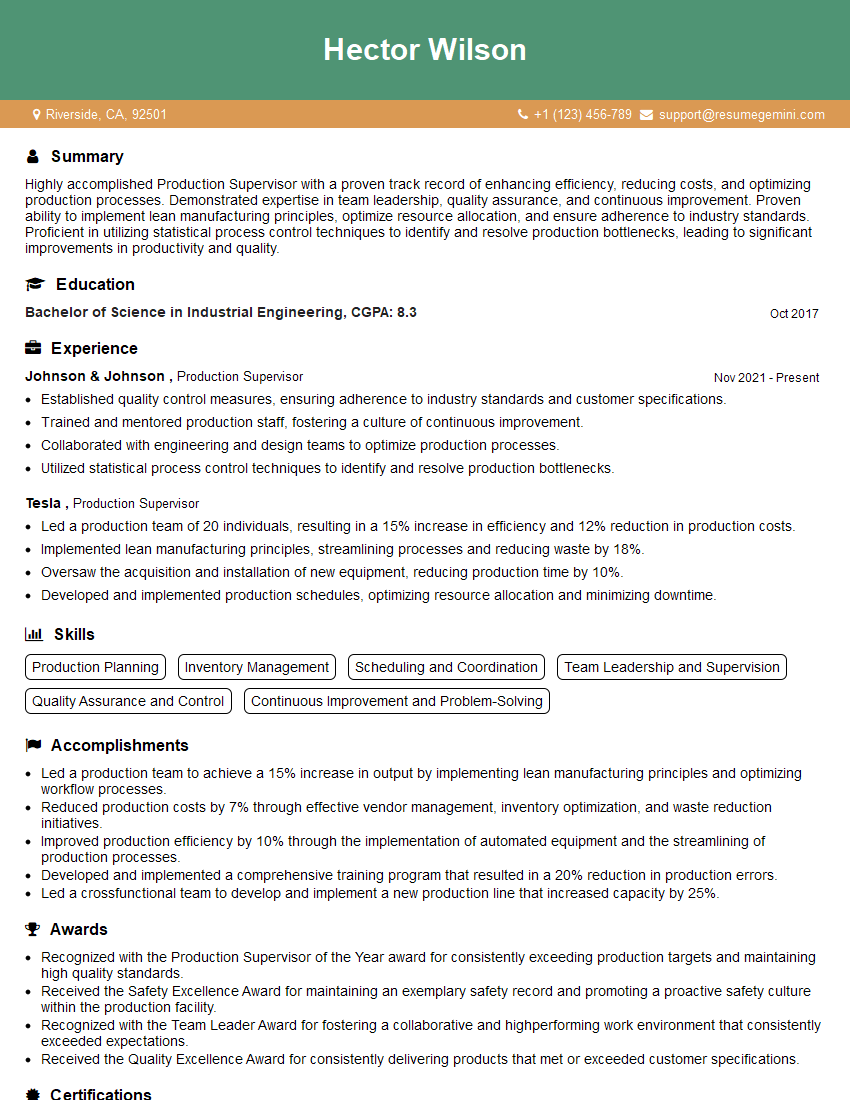
Production Supervisor Resume Sample
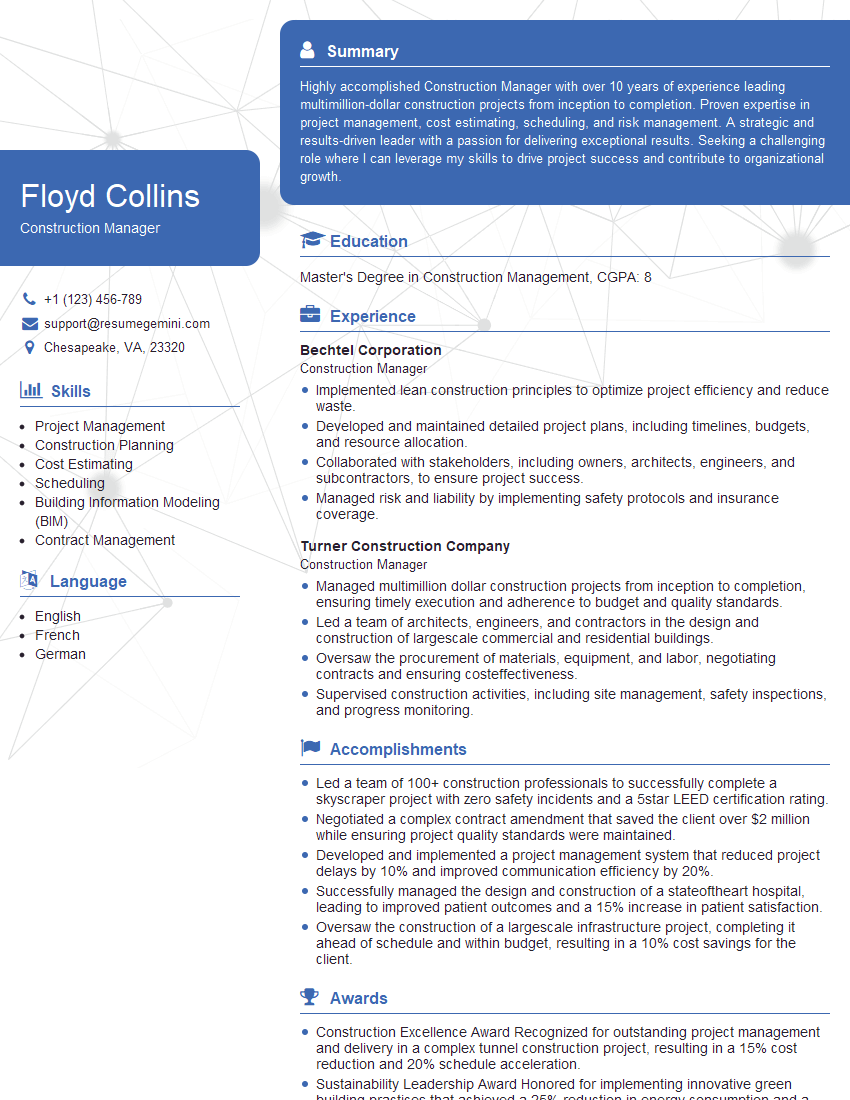
Construction Manager Resume Sample

Project Engineer Resume Sample
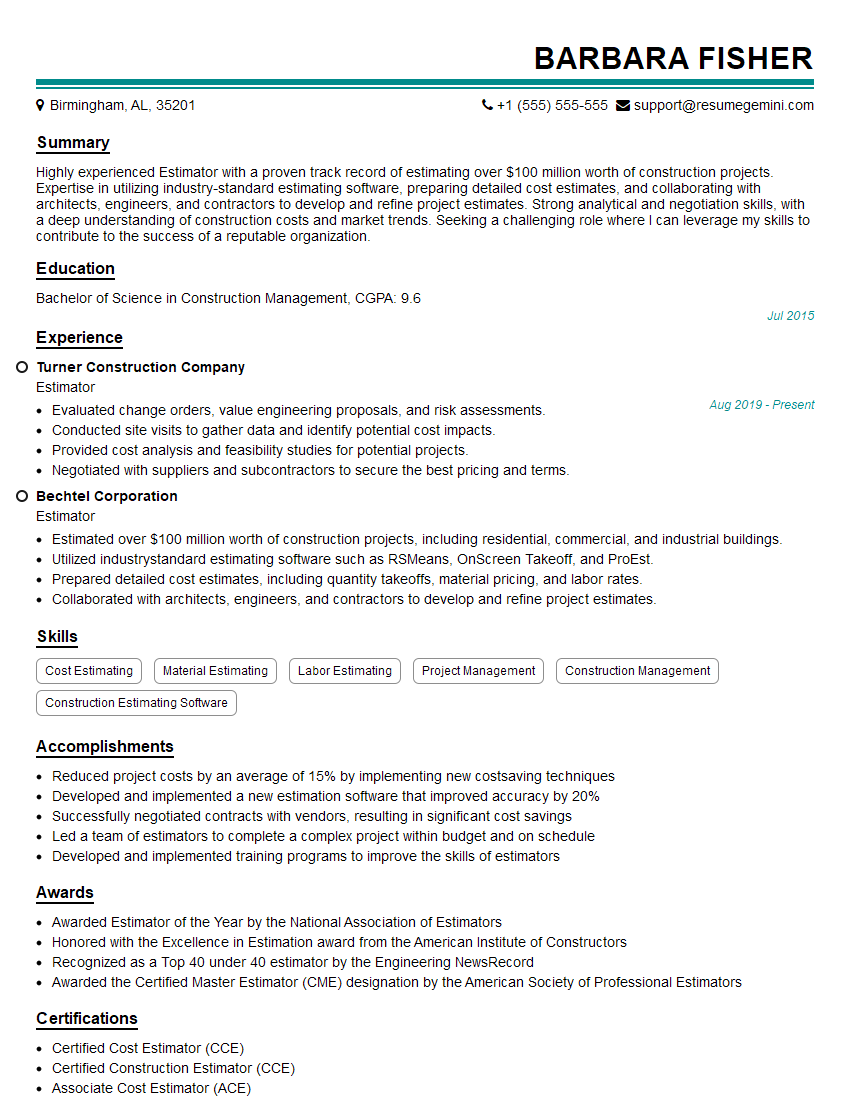
Estimator Resume Sample
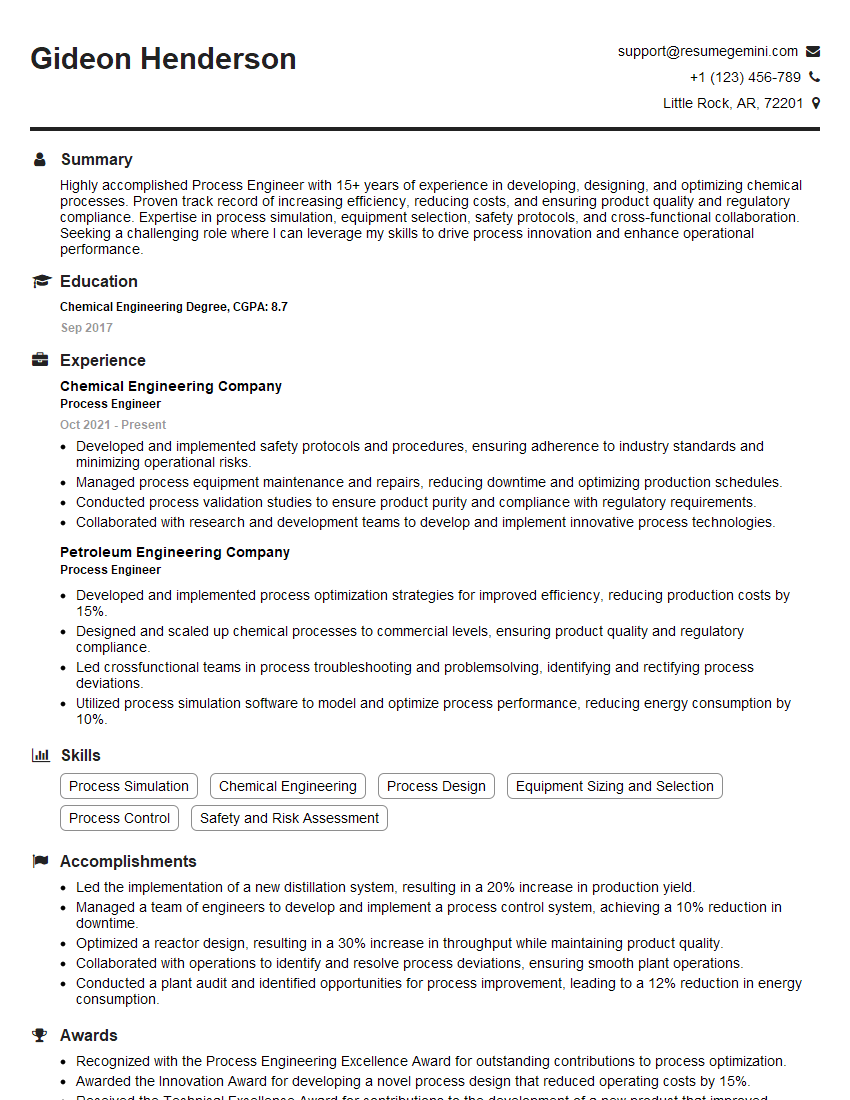
Process Engineer Resume Sample

Design Engineer Resume Sample

Maintenance Technician Resume Sample
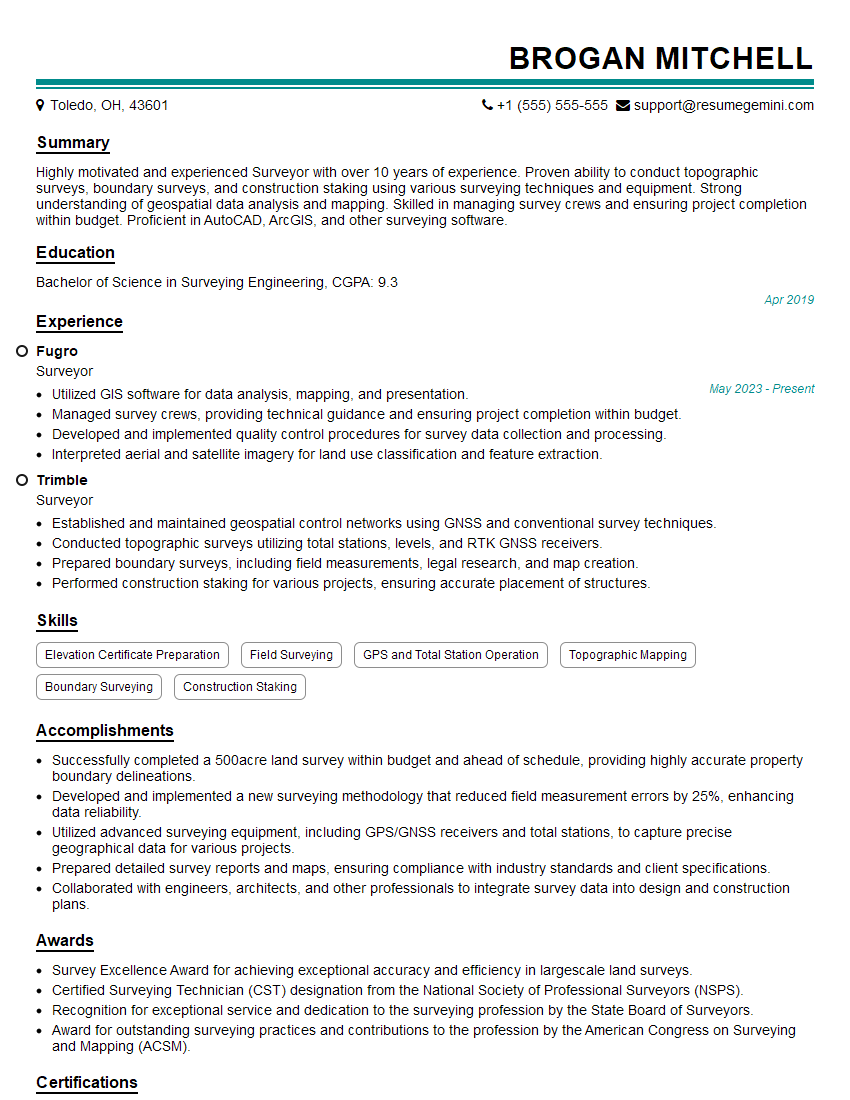
Surveyor Resume Sample

Engineering Technician Resume Sample

Civil Engineer Resume Sample

Electrical Engineer Resume Sample

Manufacturing Engineer Resume Sample
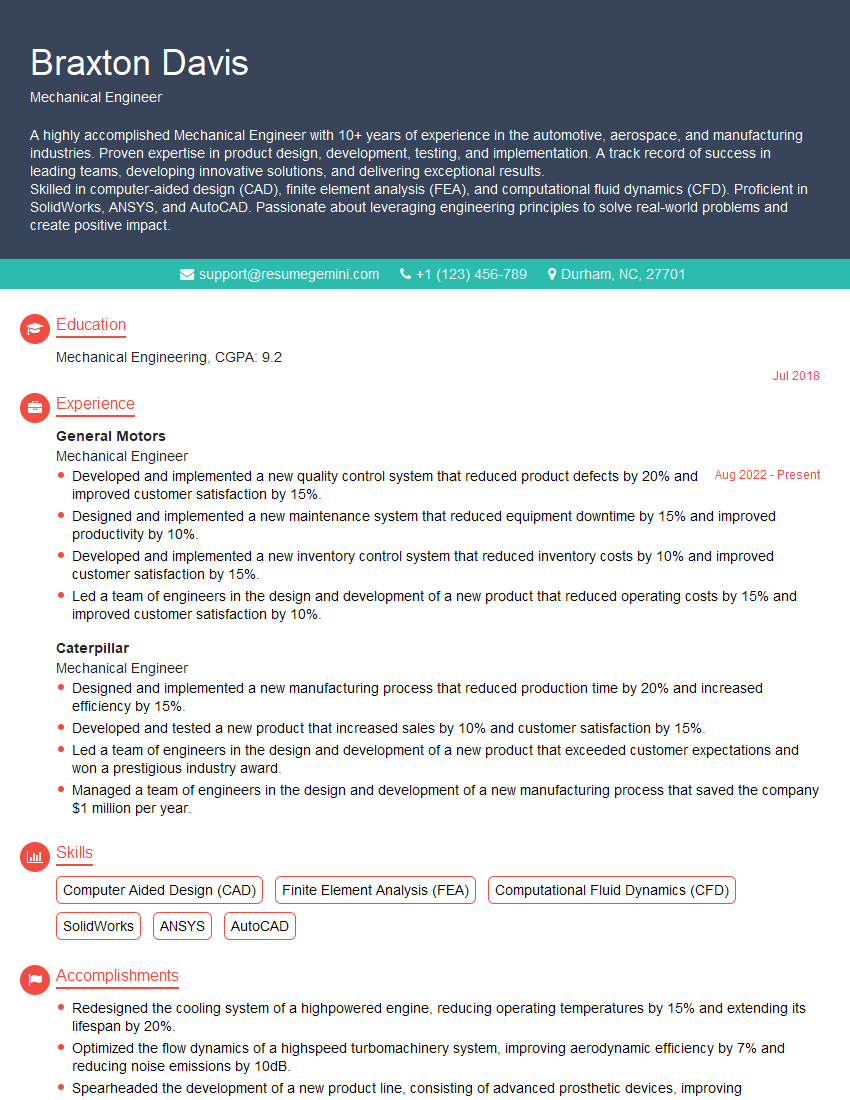
Mechanical Engineer Resume Sample
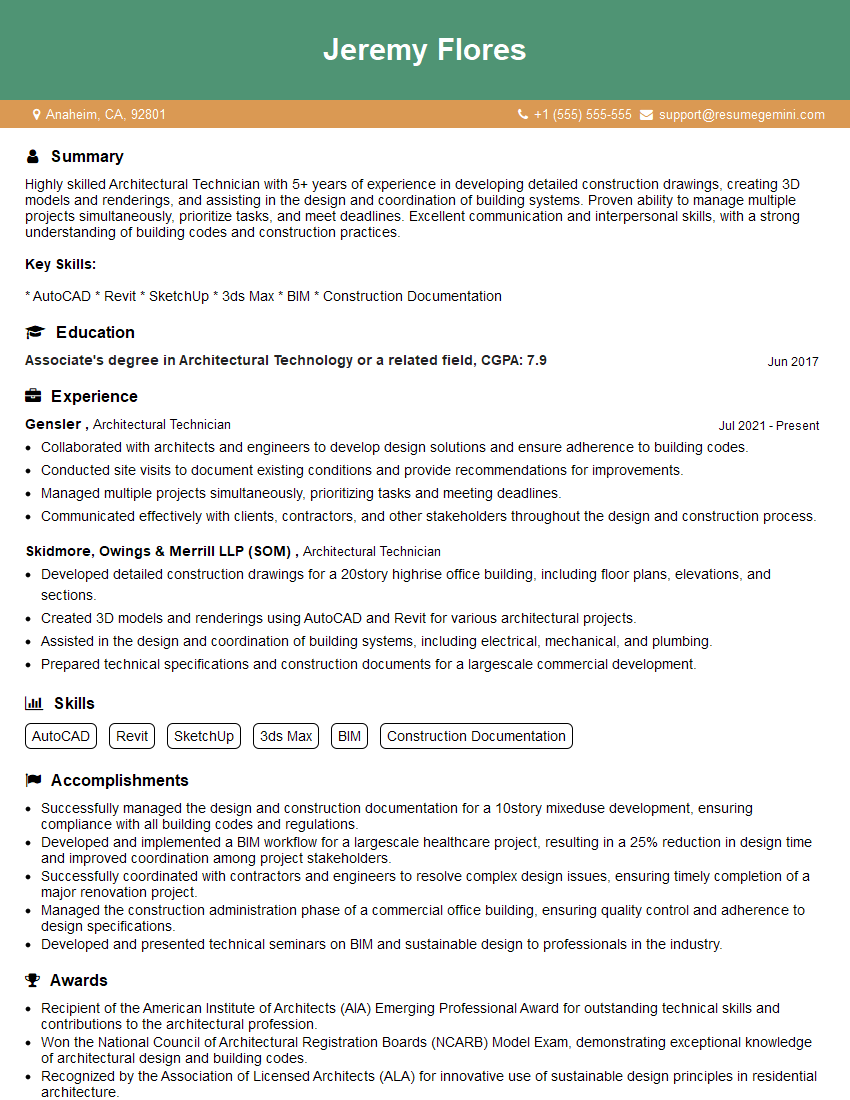
Architectural Technician Resume Sample
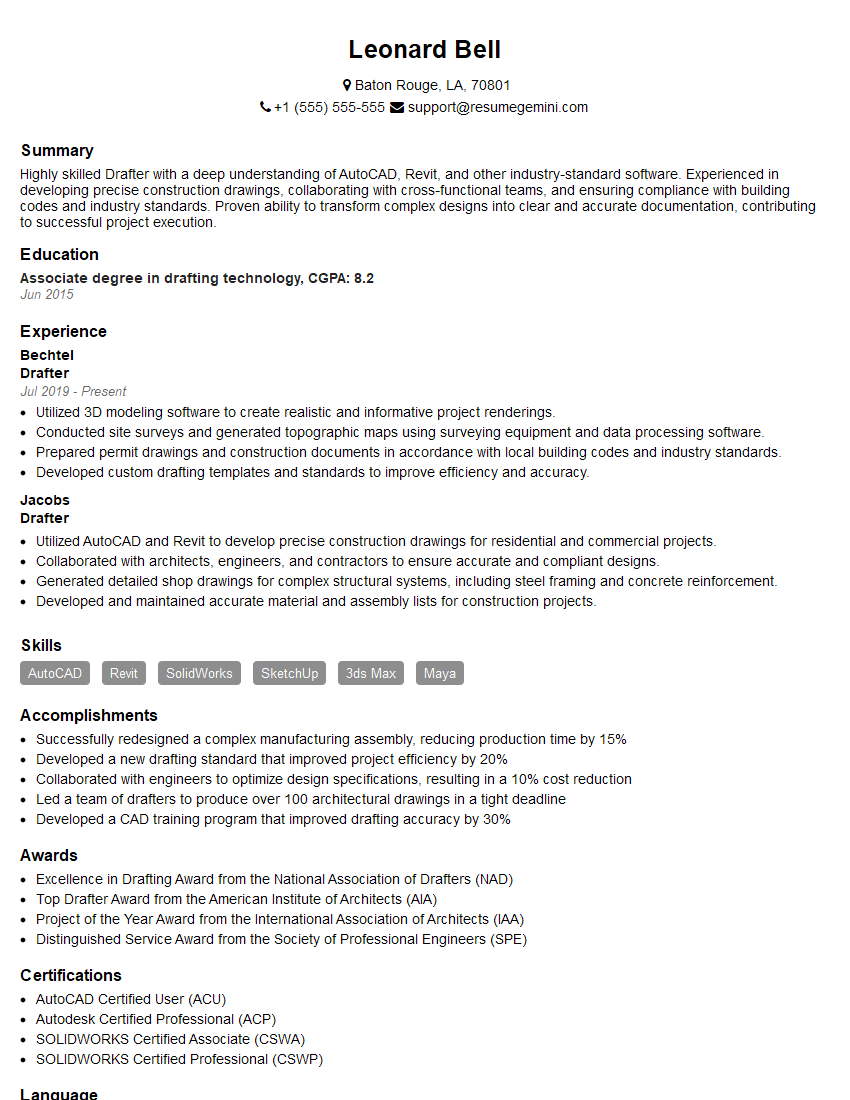
Drafter Resume Sample

Technical Designer Resume Sample

Technical Illustrator Resume Sample

3D Modeler Resume Sample

Technical Writer Resume Sample
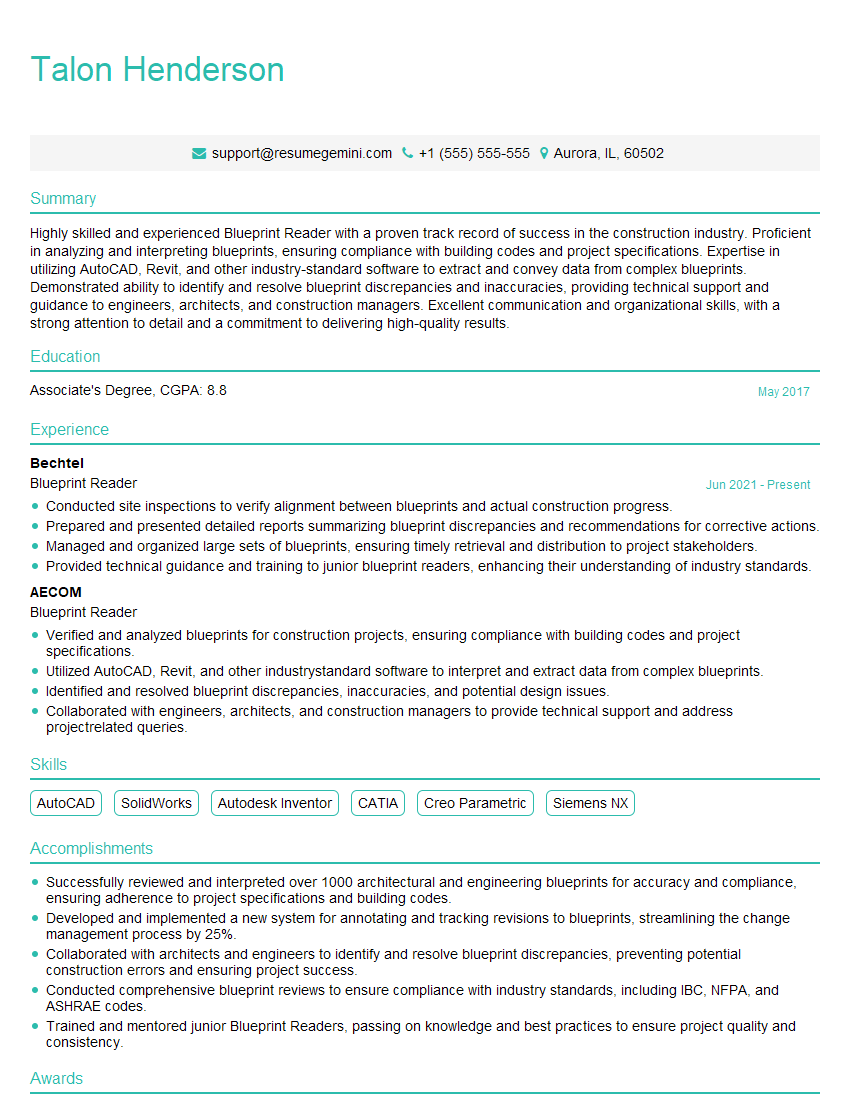
Blueprint Reader Resume Sample
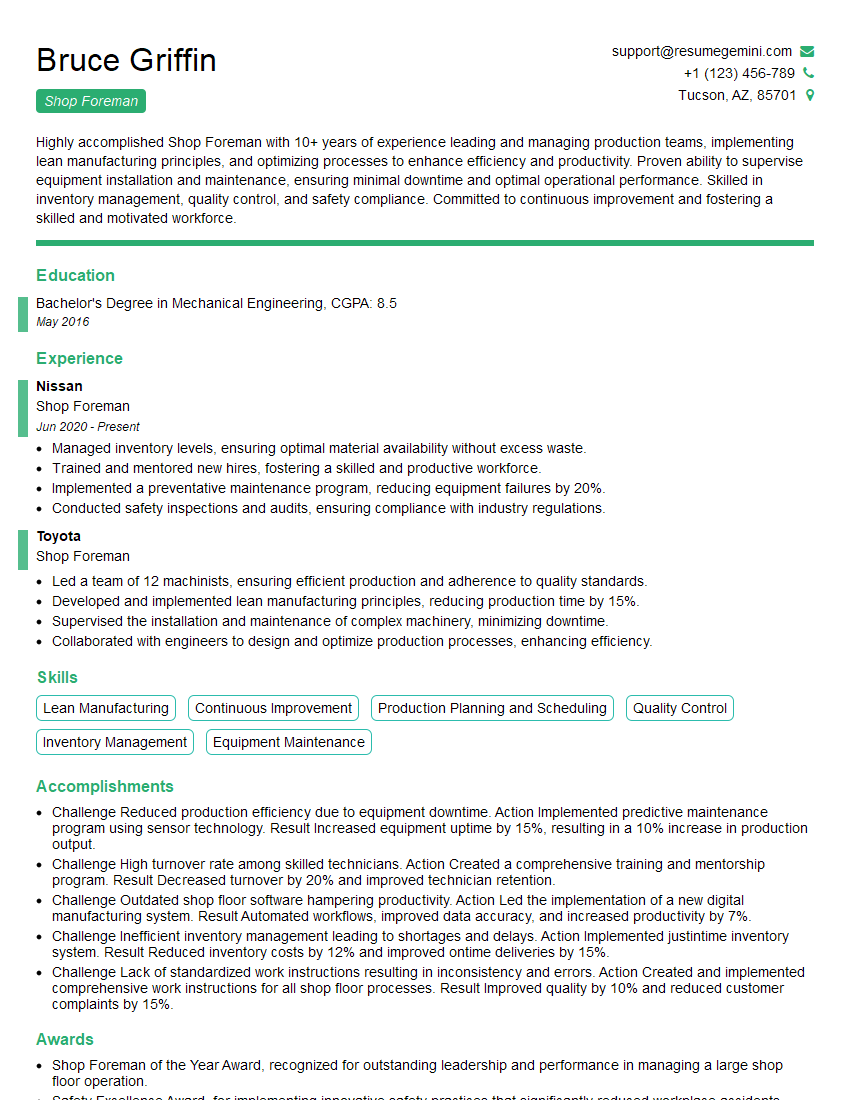
Shop Foreman Resume Sample

Quality Control Inspector Resume Sample
- Facilities Manager
- Production Supervisor
- Construction Manager
- Project Engineer
- Estimator
- Process Engineer
- Design Engineer
- Maintenance Technician
- Surveyor
- Engineering Technician
- Civil Engineer
- Electrical Engineer
- Manufacturing Engineer
- Mechanical Engineer
- Architectural Technician
- Drafter
- Technical Designer
- Technical Illustrator
- 3D Modeler
- Technical Writer
- Blueprint Reader
- Shop Foreman
- Quality Control Inspector
Explore more articles
Users Rating of Our Blogs
Share Your Experience
We value your feedback! Please rate our content and share your thoughts (optional).
What Readers Say About Our Blog
Very informative content, great job.
good