Cracking a skill-specific interview, like one for Remote Sensing Data Processing, requires understanding the nuances of the role. In this blog, we present the questions you’re most likely to encounter, along with insights into how to answer them effectively. Let’s ensure you’re ready to make a strong impression.
Questions Asked in Remote Sensing Data Processing Interview
Q 1. Explain the differences between passive and active remote sensing.
The core difference between passive and active remote sensing lies in how they acquire data. Passive sensors, like cameras in satellites, detect natural energy reflected or emitted from the Earth’s surface. Think of it like taking a photograph – you’re relying on existing light. Active sensors, on the other hand, emit their own energy and then measure the energy reflected back. A great example is radar, which sends out microwave pulses and records the return signal. This allows for data acquisition regardless of sunlight conditions.
- Passive Sensing: Relies on naturally occurring radiation (e.g., sunlight). Examples include Landsat, MODIS, and aerial photography. It’s like using a camera to take pictures of a landscape; the sun is your light source.
- Active Sensing: Emits its own radiation and measures the returned signal. Examples include LiDAR and radar (SAR). Imagine shining a flashlight at a wall and measuring how much light bounces back; that’s how active sensors work.
In practice, choosing between passive and active sensing depends on the application. If you need data regardless of weather or time of day, active sensing is preferred. For applications where sunlight is sufficient and cost is a major factor, passive sensing is often more suitable.
Q 2. Describe the electromagnetic spectrum and its relevance to remote sensing.
The electromagnetic (EM) spectrum encompasses all types of electromagnetic radiation, ranging from very long radio waves to very short gamma rays. Remote sensing utilizes a portion of this spectrum, primarily visible light, near-infrared (NIR), shortwave infrared (SWIR), thermal infrared (TIR), and microwave regions. Each region interacts differently with Earth’s surface materials, providing unique information.
- Visible Light: The wavelengths we can see with our eyes (red, green, blue). Useful for identifying features based on color and texture.
- Near-Infrared (NIR): Sensitive to vegetation health and water content. Healthy vegetation reflects strongly in the NIR.
- Shortwave Infrared (SWIR): Useful for detecting minerals and distinguishing between different types of vegetation.
- Thermal Infrared (TIR): Measures heat emitted from the Earth’s surface, useful for detecting temperature variations and thermal anomalies (e.g., wildfires).
- Microwave: Can penetrate clouds and vegetation, useful for all-weather imaging (e.g., radar).
The relevance to remote sensing is that different materials have unique spectral signatures – the way they reflect or emit energy at different wavelengths. By analyzing these spectral signatures, we can identify and map various features on the Earth’s surface, such as land cover, vegetation types, water bodies, and geological formations.
Q 3. What are the different types of spatial resolutions in remote sensing imagery?
Spatial resolution refers to the size of the smallest discernible detail in a remote sensing image. Higher spatial resolution means smaller pixels, allowing for finer detail. There are several types:
- Pixel Size: The size of a single pixel on the ground (e.g., 1 meter, 30 meters). This is the most common way to express spatial resolution. A smaller pixel size indicates a higher spatial resolution, providing more detailed information.
- Ground Sample Distance (GSD): Similar to pixel size, this specifies the distance on the ground represented by a single pixel.
- Instantaneous Field of View (IFOV): The angle subtended by a single detector element in a sensor. A smaller IFOV results in a higher spatial resolution.
For example, a high-resolution image might have a pixel size of 0.5 meters, allowing you to see individual trees, while a lower-resolution image with a 30-meter pixel size would only show the general forest canopy.
The choice of spatial resolution depends on the application. Detailed urban mapping requires high spatial resolution, while large-scale land cover mapping might use lower resolution imagery to cover a wider area more efficiently.
Q 4. Explain the concept of atmospheric correction in remote sensing data processing.
Atmospheric correction is a crucial step in remote sensing data processing that removes the effects of the atmosphere on the measured radiance. The atmosphere absorbs and scatters electromagnetic radiation, altering the signal received by the sensor. This leads to inaccurate measurements of the surface reflectance.
Atmospheric correction techniques aim to estimate and remove these atmospheric effects, allowing us to obtain a true representation of the surface reflectance. Common methods include:
- Dark Object Subtraction (DOS): A simple method that assumes the darkest pixels in an image represent zero reflectance.
- Empirical Line Methods: These methods use empirical relationships between atmospheric parameters and measured radiance to estimate atmospheric effects.
- Radiative Transfer Models: More complex models that simulate the interaction of radiation with the atmosphere. They require detailed atmospheric information, often obtained from weather stations or atmospheric profiles.
Without atmospheric correction, we might misinterpret the data. For example, a cloud might cause a significant reduction in the signal, leading to an underestimation of surface reflectance. Proper atmospheric correction ensures that the data accurately reflects the properties of the Earth’s surface.
Q 5. What are the common preprocessing steps for satellite imagery?
Preprocessing of satellite imagery is essential for ensuring data quality and consistency before further analysis. Common steps include:
- Radiometric Correction: Adjusting pixel values to account for sensor variations, atmospheric effects, and other factors affecting the accuracy of radiance measurements. This often involves techniques such as atmospheric correction, described previously.
- Geometric Correction: Correcting for geometric distortions caused by sensor orientation, Earth’s curvature, and other factors. This typically involves georeferencing the image, aligning it to a known geographic coordinate system (e.g., UTM, WGS84).
- Orthorectification: A more advanced form of geometric correction that removes relief displacement caused by elevation variations. This creates a map-like image with accurate spatial relationships.
- Data Format Conversion: Converting the data to a suitable format for analysis (e.g., GeoTIFF, ENVI). This step ensures compatibility with different software packages.
- Mosaicking: Combining multiple images to create a larger, seamless image. This is useful for covering extensive areas.
These steps are crucial for accurate and reliable results in downstream applications like image classification and change detection.
Q 6. How do you handle cloud cover in satellite imagery?
Cloud cover is a significant challenge in satellite imagery, as clouds obscure the Earth’s surface and prevent accurate observation. Several strategies are used to handle cloud cover:
- Cloud Masking: Identifying and removing cloudy pixels from the image. This involves using algorithms that detect cloud signatures based on spectral reflectance or other features. The masked pixels can be filled using interpolation or data from other images.
- Image Selection: Choosing images with minimal cloud cover. This often involves selecting images from different acquisition dates.
- Cloud Removal Techniques: More advanced techniques that attempt to remove clouds from images using image processing methods, often involving sophisticated algorithms based on machine learning or atmospheric modeling. These techniques attempt to predict or estimate the values of pixels under cloud cover.
- Data Fusion: Combining data from multiple sensors or images to compensate for cloud cover. For instance, if one image has cloud cover in a particular area, data from another image obtained at a different time can fill the gaps.
The best approach depends on the application, data availability, and acceptable level of error. Cloud masking is a common and effective technique for many applications, while cloud removal algorithms offer more sophisticated solutions but often with higher computational costs.
Q 7. Describe different image classification techniques (e.g., supervised, unsupervised).
Image classification is the process of assigning each pixel in an image to a specific category or class (e.g., water, forest, urban). Two primary techniques are:
- Supervised Classification: This technique requires training data, where the user identifies pixels representing each class. The algorithm then learns the spectral characteristics of each class and assigns unlabeled pixels based on their spectral similarity to the training data. Common supervised methods include Maximum Likelihood Classification, Support Vector Machines (SVM), and Random Forest.
- Unsupervised Classification: This technique does not require training data. The algorithm groups pixels based on their spectral similarity, automatically creating classes. Common unsupervised methods include K-means clustering and ISODATA.
The choice between supervised and unsupervised classification depends on the availability of training data and the desired level of accuracy. Supervised classification generally provides higher accuracy but requires more effort in preparing the training data. Unsupervised classification is faster and requires less user intervention but may produce less accurate and less interpretable results.
In practice, the output from an unsupervised classification may be refined using expert knowledge to manually combine or split classes, providing a better starting point for a subsequent supervised classification. This iterative approach is often used in real-world scenarios to improve the accuracy and relevance of results.
Q 8. Explain the concept of NDVI and its applications.
NDVI, or Normalized Difference Vegetation Index, is a simple yet powerful indicator of plant health and biomass. It’s calculated using the red and near-infrared (NIR) wavelengths of light reflected by vegetation. Healthy vegetation absorbs most of the red light for photosynthesis and reflects a significant portion of the NIR light. This difference is quantified by the NDVI formula:
NDVI = (NIR - Red) / (NIR + Red)
The result ranges from -1 to +1. Values closer to +1 indicate lush, healthy vegetation, while values closer to 0 or negative suggest sparse vegetation or non-vegetative surfaces like bare soil or water.
Applications: NDVI is widely used in various fields, including:
- Precision Agriculture: Monitoring crop health, identifying stress areas, optimizing irrigation and fertilization.
- Forestry: Assessing forest cover, detecting deforestation, monitoring forest health and biomass.
- Environmental Monitoring: Tracking vegetation changes over time, detecting drought conditions, and assessing the impact of climate change.
- Disaster Response: Mapping affected areas after natural disasters, assessing damage to vegetation.
For instance, a farmer might use NDVI imagery to identify sections of a field suffering from water stress, allowing for targeted irrigation and preventing crop loss. Similarly, environmental scientists might use time series NDVI data to monitor deforestation rates in the Amazon rainforest.
Q 9. What are the advantages and disadvantages of using different sensor types (e.g., Landsat, Sentinel)?
Landsat and Sentinel are both widely used satellite platforms offering valuable Earth observation data, but they have distinct advantages and disadvantages:
- Landsat: Offers a long historical archive (since the 1970s), providing valuable data for long-term studies. It has a relatively coarse spatial resolution (30m for some bands), useful for large-area monitoring, but less detailed than Sentinel. Landsat’s data is freely available after a short period, but there can be issues with cloud cover.
- Sentinel (specifically Sentinel-2): Features higher spatial resolution (10m for some bands), ideal for detailed analysis of smaller areas. The revisit time is shorter, meaning you get more frequent data acquisitions. Sentinel data is freely and openly available, but the sheer volume of data can be a challenge to manage.
Choosing between them depends on your specific needs: If you need historical data covering a large area and don’t require extremely high resolution, Landsat is suitable. If you require high-resolution images with a frequent revisit time for detailed analysis of smaller areas, Sentinel-2 is the better choice. In many cases, a combined approach leveraging the strengths of both is ideal.
Q 10. How do you assess the accuracy of a classification result?
Assessing the accuracy of a classification result is crucial to ensure the reliability of your findings. This is typically done through an accuracy assessment, involving the following steps:
- Create a Reference Dataset: This involves collecting ground truth data through field surveys or using high-resolution imagery for a subset of your study area. These data points represent the true land cover classes for those specific locations.
- Compare Classified Pixels with Reference Data: Compare the land cover classification result for each reference data point with the actual land cover class (ground truth).
- Calculate Accuracy Metrics: Several metrics are used, including:
- Overall Accuracy: The percentage of correctly classified pixels across all classes.
- Producer’s Accuracy: The probability that a pixel of a given class will be correctly classified.
- User’s Accuracy: The probability that a pixel classified as a certain class actually belongs to that class.
- Kappa Coefficient: Measures the agreement between the classified image and the reference data, taking into account the agreement expected by chance.
- Error Matrix (Confusion Matrix): This summarizes the classification errors, showing the number of pixels classified into each class and the number of those pixels that were actually in different classes. This provides detailed insights into which classes are being confused with others.
Example: An overall accuracy of 85% indicates that 85% of the pixels in the classified image are correctly classified. A low Kappa coefficient, on the other hand, indicates poor agreement and that the classification results are not much better than random.
Q 11. Explain the concept of geometric correction.
Geometric correction is the process of aligning a remotely sensed image to a map projection or another reference dataset, thereby rectifying geometric distortions. These distortions arise from various factors including:
- Earth’s curvature: The Earth is a sphere, while images are typically projected onto a flat surface.
- Sensor platform motion: Variations in satellite or aircraft altitude and orientation.
- Relief displacement: The effect of elevation changes on the image geometry.
- Atmospheric refraction: Bending of light rays as they pass through the atmosphere.
Methods include:
- Ground Control Points (GCPs): Identifying common points in both the image and a reference dataset (e.g., a map). The transformation parameters are then calculated to map pixels from the image to the reference system.
- Polynomial transformations: Using mathematical functions to model the geometric distortions and correct them.
Geometrically corrected imagery is essential for accurate measurements, spatial analysis, and integration with other geospatial data. Imagine trying to measure the area of a forest using an image where the trees appear distorted; accurate measurement would be impossible without geometric correction.
Q 12. What are the different types of coordinate systems used in remote sensing?
Various coordinate systems are employed in remote sensing, each with its own advantages and applications:
- Geographic Coordinate System (GCS): Uses latitude and longitude to define locations on the Earth’s surface. It’s a spherical coordinate system based on the Earth’s ellipsoid. The WGS84 datum is widely used.
- Projected Coordinate System (PCS): Projects the spherical Earth onto a flat surface. Numerous projections exist, each with its own properties and distortions (e.g., UTM, Albers Equal Area). These are chosen based on the specific needs of the project, considering the area’s extent and the type of analysis.
- Image Coordinate System: The inherent coordinate system of the image itself, often defined by pixel row and column numbers. This is the raw data coordinate system before any geometric correction.
Example: A UTM projection is often used for regional-scale mapping because it minimizes distortion within zones. The geographic coordinate system is useful for representing locations globally, while image coordinates are necessary for initial image processing steps.
Q 13. Describe your experience with different remote sensing software (e.g., ENVI, ArcGIS, QGIS).
I have extensive experience with several remote sensing software packages, each with its strengths:
- ENVI (Exelis Visual Information Solutions): A powerful and specialized software package ideal for advanced image processing, classification, and analysis. I’ve used it for tasks like atmospheric correction, spectral unmixing, and object-based image analysis (OBIA). Its specialized tools for hyperspectral data processing are invaluable.
- ArcGIS (Esri): A widely used GIS software with robust capabilities for geospatial data management, analysis, and visualization. I’ve utilized ArcGIS to integrate remote sensing data with other geospatial layers, create thematic maps, and perform spatial analysis. Its integration with other Esri products makes it ideal for large projects.
- QGIS (Quantum GIS): An open-source GIS software offering similar functionality to ArcGIS, but with a broader community and free accessibility. I’ve utilized QGIS for simpler image processing tasks, data visualization, and open-source project collaborations. It’s excellent for situations with limited budgets or where open-source solutions are preferred.
My experience spans various applications, from processing satellite imagery for agricultural monitoring to creating land cover maps for urban planning and environmental impact assessments.
Q 14. How do you handle image mosaicking and stitching?
Image mosaicking and stitching involve combining multiple overlapping images to create a single, seamless composite image. This is a common procedure when dealing with large areas that cannot be covered by a single image.
Steps typically include:
- Preprocessing: Each image needs to be geometrically corrected and radiometrically calibrated to ensure consistency across the images. This ensures that the images are in the same coordinate system and have uniform brightness and contrast.
- Image Registration: Overlapping images are precisely aligned using common features or control points. This ensures that the images are correctly positioned relative to each other.
- Seam Line Selection: The software automatically identifies seams between images; this may require manual editing to optimize the appearance of transitions and avoid unnatural lines between the images.
- Blending: Different algorithms are used to smoothly blend the overlapping areas to create seamless transitions. This can involve techniques like feathering or weighted averaging to minimize abrupt changes in brightness and tone.
- Output: The final output is a single, large mosaic image.
The specific software and tools used will vary (ENVI, ArcGIS, QGIS all have capabilities for this), but the core steps remain similar. Careful attention to detail during the preprocessing and blending stages is crucial for obtaining a high-quality mosaic.
Q 15. Explain the concept of orthorectification.
Orthorectification is a geometric correction process applied to remotely sensed imagery to remove geometric distortions caused by sensor perspective, terrain relief, and Earth curvature. Imagine taking a picture from an airplane – things closer to the camera appear larger, and the ground isn’t perfectly flat. Orthorectification corrects for these distortions, creating a map-like image where all features are in their correct geographic location and scale.
The process typically involves:
- Sensor Model Definition: Understanding the specific geometric characteristics of the sensor used to acquire the image.
- Ground Control Points (GCPs): Identifying points in the image with known coordinates on the ground. These are crucial for accurate georeferencing.
- Digital Elevation Model (DEM): Using elevation data (like from LiDAR) to account for terrain relief. This is crucial for accurate correction of distortions caused by varying elevations.
- Resampling: Adjusting pixel values to accurately represent the corrected image geometry. Methods like nearest neighbor, bilinear, or cubic convolution are used.
The result is an orthorectified image, which is essentially a map projection of the area, suitable for measurements and analysis. For example, orthorectified imagery is critical for accurate area calculations of forests or urban sprawl, ensuring precise planning and management.
Career Expert Tips:
- Ace those interviews! Prepare effectively by reviewing the Top 50 Most Common Interview Questions on ResumeGemini.
- Navigate your job search with confidence! Explore a wide range of Career Tips on ResumeGemini. Learn about common challenges and recommendations to overcome them.
- Craft the perfect resume! Master the Art of Resume Writing with ResumeGemini’s guide. Showcase your unique qualifications and achievements effectively.
- Don’t miss out on holiday savings! Build your dream resume with ResumeGemini’s ATS optimized templates.
Q 16. What is pansharpening and why is it used?
Pansharpening is a technique that combines a high-resolution panchromatic (pan) image with a lower-resolution multispectral (MS) image to create a new image with both high spatial and spectral resolution. Think of it like enhancing a blurry but colorful picture with details from a sharp, grayscale version. The pan image provides the spatial detail, while the MS image provides the spectral information (different wavelengths of light).
This is particularly useful because while pan images might be very detailed, they only capture intensity (grayscale). Multispectral images, on the other hand, capture information across various wavelengths, allowing us to distinguish different features (vegetation, water, etc.), but with lower resolution. Pansharpening bridges this gap.
Various algorithms are employed for pansharpening, including:
- Wavelet Transform: This method decomposes the images into different frequency components before fusing them.
- Principal Component Analysis (PCA): This statistical method finds the most significant variations in the data to improve resolution.
- Intensity-Hue-Saturation (IHS): This transforms the images into different color spaces before combining and re-transforming them back.
Pansharpening is crucial in applications requiring both detailed imagery and spectral analysis, such as urban planning, precision agriculture, and environmental monitoring. A sharper image allows for easier feature identification and more accurate measurements.
Q 17. Describe your experience with LiDAR data processing.
My experience with LiDAR data processing is extensive. I’ve worked on projects involving terrain modelling, forest inventory, and urban 3D modelling. My workflow typically begins with data pre-processing, which includes noise removal, filtering, and classification of point clouds. I’m proficient in using software like LAStools, PDAL, and ArcGIS Pro to handle various LiDAR data formats.
For example, in a recent forest inventory project, I used LiDAR data to create a high-resolution digital terrain model (DTM) and a digital surface model (DSM). Subtracting the DTM from the DSM provided a canopy height model (CHM), allowing accurate estimation of tree heights and forest biomass. I also utilized classification algorithms to distinguish between ground points, vegetation, and buildings. This allowed for accurate delineation of forest areas and provided valuable input for sustainable forest management practices.
Beyond basic processing, I have experience with advanced techniques such as point cloud registration, building extraction from point clouds, and the integration of LiDAR data with other remote sensing datasets (e.g., aerial imagery) for creating comprehensive 3D models. I regularly utilize various algorithms and tools to ensure accurate and efficient processing of the often massive LiDAR point clouds.
Q 18. How do you work with raster and vector data in a remote sensing context?
In remote sensing, raster and vector data are fundamental data types, each with its strengths and weaknesses. Raster data represents data as a grid of cells (pixels), each with a value. Examples include satellite images and aerial photographs. Vector data represents data as points, lines, and polygons, with each feature having associated attributes. Examples include roads, buildings, and boundaries.
I frequently work with both data types simultaneously. For instance, I might use a raster image of land cover (obtained from a satellite image) to extract information, such as identifying forested areas. This information can then be converted into vector polygons representing the boundaries of those forest areas. This vector data can then be used for further analysis and GIS operations such as area calculations or buffer zone creation. Conversely, vector data, such as the boundaries of a protected area, can be used as a mask to extract relevant information from a larger raster dataset.
Software such as ArcGIS and QGIS are essential tools for seamless integration and processing of both raster and vector data, facilitating conversions, analysis, and visualization.
Q 19. Explain the concept of change detection using remote sensing data.
Change detection using remote sensing involves analyzing remotely sensed data acquired at different times to identify and quantify changes over time. This could be changes in land use, deforestation, urban growth, or even glacier retreat. Think of it like comparing before-and-after pictures to see what’s changed.
Common techniques include:
- Image differencing: Subtracting pixel values of two images at different times. Significant differences indicate change.
- Image ratioing: Dividing pixel values of two images. This is useful for highlighting proportional changes.
- Post-classification comparison: Classifying images separately and then comparing the classifications to identify changes.
- Vegetation indices over time: Tracking changes in vegetation health using indices like NDVI over time.
The choice of method depends on the type of change being investigated and the characteristics of the data. For example, image differencing is simple and quick but sensitive to noise. Post-classification comparison is more robust but requires more processing. The results of change detection are often presented as maps highlighting areas of change and the magnitude of that change.
Q 20. How do you handle large remote sensing datasets efficiently?
Working with large remote sensing datasets efficiently requires a multi-pronged approach. The sheer volume of data demands careful planning and the use of appropriate tools and techniques.
Here are some strategies I employ:
- Cloud computing: Utilizing cloud platforms like Google Earth Engine or Amazon Web Services allows for processing massive datasets in parallel on distributed computing resources.
- Data compression: Employing lossless or near-lossless compression techniques reduces storage space and improves transfer speeds.
- Parallel processing: Utilizing multi-core processors and parallel processing algorithms accelerates computationally intensive tasks.
- Data subsetting: Processing only the relevant portion of the dataset for a specific task reduces processing time and memory requirements. This technique is especially relevant when dealing with massive satellite imagery.
- Using specialized software: Employing software specifically designed for handling large geospatial datasets, such as GDAL or Rasterio (Python libraries), provides optimized tools for processing.
For example, when working with terabyte-sized satellite images, I would typically use Google Earth Engine to perform cloud-based processing, leveraging its distributed computing infrastructure and pre-computed datasets. This avoids the need to download and manage the vast amount of data locally.
Q 21. What are the ethical considerations in remote sensing data acquisition and use?
Ethical considerations in remote sensing data acquisition and use are paramount. The potential for misuse necessitates a responsible approach to both data collection and application.
Key considerations include:
- Privacy: High-resolution imagery can inadvertently capture private information, requiring careful consideration of data anonymization and access controls to prevent potential violations of individual privacy.
- Informed consent: If images are used for research involving people, obtaining appropriate informed consent is crucial. For example, images of communities must be used ethically and with the consent of those communities.
- Data security: Protecting sensitive data from unauthorized access and misuse is essential. Secure data storage and transmission protocols are vital.
- Bias and discrimination: Algorithms and applications using remote sensing data must be designed to minimize biases and prevent discrimination. This requires careful attention to data quality, algorithm design, and the interpretation of results.
- Environmental impact: Considering the environmental footprint of data acquisition, such as the fuel consumption of aircraft, is important in promoting sustainable practices.
Adherence to professional codes of conduct and ethical guidelines is essential to ensure responsible and beneficial use of remote sensing technology.
Q 22. Describe your experience with data visualization and presentation techniques.
Data visualization is crucial for effectively communicating insights derived from remote sensing data. My experience encompasses a wide range of techniques, from basic cartographic representations to advanced 3D visualizations and interactive dashboards. I’m proficient in using software like ArcGIS Pro, QGIS, and ENVI to create maps, charts, and graphs that clearly illustrate spatial patterns and relationships. For instance, in a recent project analyzing deforestation patterns, I used ArcGIS Pro to create a time-series animation showing forest cover change over 20 years, which significantly improved the impact of my presentation to stakeholders. I also leverage techniques like choropleth mapping to represent continuous variables, such as NDVI (Normalized Difference Vegetation Index) values, and utilize interactive dashboards to allow users to explore the data dynamically, filtering and focusing on specific areas of interest. Beyond mapping, I frequently employ data visualization in the form of graphs and charts (scatter plots, box plots, histograms) to show statistical summaries of remote sensing data and relationships between different variables.
Q 23. Explain the concept of spatial autocorrelation and its implications.
Spatial autocorrelation describes the degree to which values at nearby locations are similar. Imagine a map of soil moisture: areas close together are likely to have similar moisture levels, exhibiting positive spatial autocorrelation. Conversely, if high and low moisture values are interspersed randomly, spatial autocorrelation would be low or even negative. This concept is important because it violates a key assumption of many statistical methods that assume independence among observations. For instance, if you’re analyzing crop yields using remote sensing data and you don’t account for spatial autocorrelation, you might end up with artificially inflated estimates of statistical significance. To address this, we use techniques like spatial regression models (e.g., geographically weighted regression) or spatial filtering (e.g., Moran’s I) that explicitly incorporate spatial dependencies into the analysis.
Q 24. What are some common sources of error in remote sensing data?
Remote sensing data is susceptible to numerous errors, broadly categorized as systematic and random errors. Systematic errors are consistent biases that affect all measurements similarly. Examples include: atmospheric effects (e.g., scattering and absorption of light), sensor calibration issues (inconsistent sensor response), and geometric distortions (caused by variations in the sensor’s platform or the Earth’s curvature). Random errors are unpredictable variations that affect individual measurements. These might arise from sensor noise, variations in illumination conditions, or the presence of clouds. Other errors include errors in the ground truth data used for validation, and inaccuracies due to limitations of the spatial resolution of the sensors. Addressing these errors requires various pre-processing techniques like atmospheric correction, geometric correction, and noise filtering, along with careful sensor selection and quality control checks.
Q 25. How do you evaluate the quality of remote sensing data?
Evaluating remote sensing data quality involves a multi-step process. First, we examine metadata, including sensor specifications, acquisition parameters, and processing history. Next, we visually inspect the imagery for artifacts like clouds, striping, and geometric distortions. Quantitative assessments are also crucial. This might include comparing the data against ground truth measurements (e.g., field surveys), analyzing statistical properties of the data (like histograms and spatial autocorrelation), and performing accuracy assessments using metrics like overall accuracy, kappa coefficient, and root mean square error. The choice of assessment method depends on the specific application and the type of data being evaluated. For instance, in a land cover classification project, we might use a confusion matrix to determine classification accuracy, while in a change detection project, we might focus on assessing the accuracy of change detection maps.
Q 26. Describe your experience with specific remote sensing applications (e.g., precision agriculture, urban planning).
I have extensive experience in applying remote sensing to precision agriculture and urban planning. In precision agriculture, I’ve used multispectral and hyperspectral imagery to monitor crop health, estimate yields, and optimize irrigation scheduling. For example, by analyzing NDVI time series, I could identify areas within a field experiencing stress due to water deficiency or nutrient limitations, enabling farmers to apply targeted interventions. In urban planning, I’ve utilized remote sensing to monitor urban sprawl, assess land use change, and plan for infrastructure development. I worked on a project where we used high-resolution satellite imagery to map impervious surfaces in a rapidly growing city, which informed urban planning decisions related to stormwater management and transportation infrastructure.
Q 27. What are your future goals in the field of remote sensing?
My future goals center on advancing the application of remote sensing for environmental monitoring and sustainable development. I’m particularly interested in exploring the use of advanced machine learning techniques for automated feature extraction and classification from high-dimensional remote sensing data. This includes developing methods for integrating remote sensing data with other data sources (e.g., in-situ measurements, climate data) to create more comprehensive and accurate models for environmental change. Furthermore, I aim to contribute to the development of open-source tools and resources to make remote sensing technology more accessible to a wider community of users.
Q 28. Describe a challenging remote sensing project and how you overcame the challenges.
One particularly challenging project involved mapping flooded areas after a major hurricane using satellite imagery. The challenge stemmed from the extensive cloud cover obscuring large portions of the affected region and the rapid changes in water extent during the initial days following the event. To overcome this, I employed a time-series analysis approach, integrating data from multiple satellite passes over several days, leveraging cloud-masking techniques to remove cloud contamination, and combining data from different sensors (optical and radar). I also used a change detection algorithm that was robust to variations in lighting and atmospheric conditions. Finally, I compared my results with independent field surveys and other datasets to validate the accuracy of the flood map. This iterative approach, combining advanced image processing techniques with careful validation, ultimately led to a successful map that provided crucial information for rescue and relief efforts.
Key Topics to Learn for Remote Sensing Data Processing Interview
- Image Preprocessing: Understanding atmospheric correction, geometric correction, and radiometric calibration techniques. Practical application: Preparing satellite imagery for accurate land cover classification.
- Image Classification: Mastering supervised and unsupervised classification methods (e.g., Maximum Likelihood, Support Vector Machines, k-means clustering). Practical application: Developing land use maps from multispectral imagery.
- Change Detection: Analyzing temporal changes in remotely sensed data to monitor deforestation, urban sprawl, or other environmental phenomena. Practical application: Quantifying changes in agricultural land use over time.
- Data Fusion: Combining data from multiple sources (e.g., LiDAR, hyperspectral imagery, multispectral imagery) to improve accuracy and information content. Practical application: Creating high-resolution digital elevation models.
- GIS Integration: Working effectively with Geographic Information Systems (GIS) software to analyze and visualize remotely sensed data. Practical application: Integrating remote sensing data with other spatial datasets for comprehensive analysis.
- Remote Sensing Sensors & Platforms: Understanding the capabilities and limitations of different satellite sensors (Landsat, Sentinel, MODIS, etc.) and airborne platforms. Practical application: Selecting the appropriate data source for a specific application.
- Spatial Statistics & Error Analysis: Applying statistical methods to assess accuracy and uncertainty in remote sensing data. Practical application: Evaluating the accuracy of a land cover classification map.
- Programming Skills (e.g., Python): Proficiency in programming languages commonly used in remote sensing data processing, including libraries like GDAL, Rasterio, and scikit-learn. Practical Application: Automating data processing workflows and developing custom analysis tools.
Next Steps
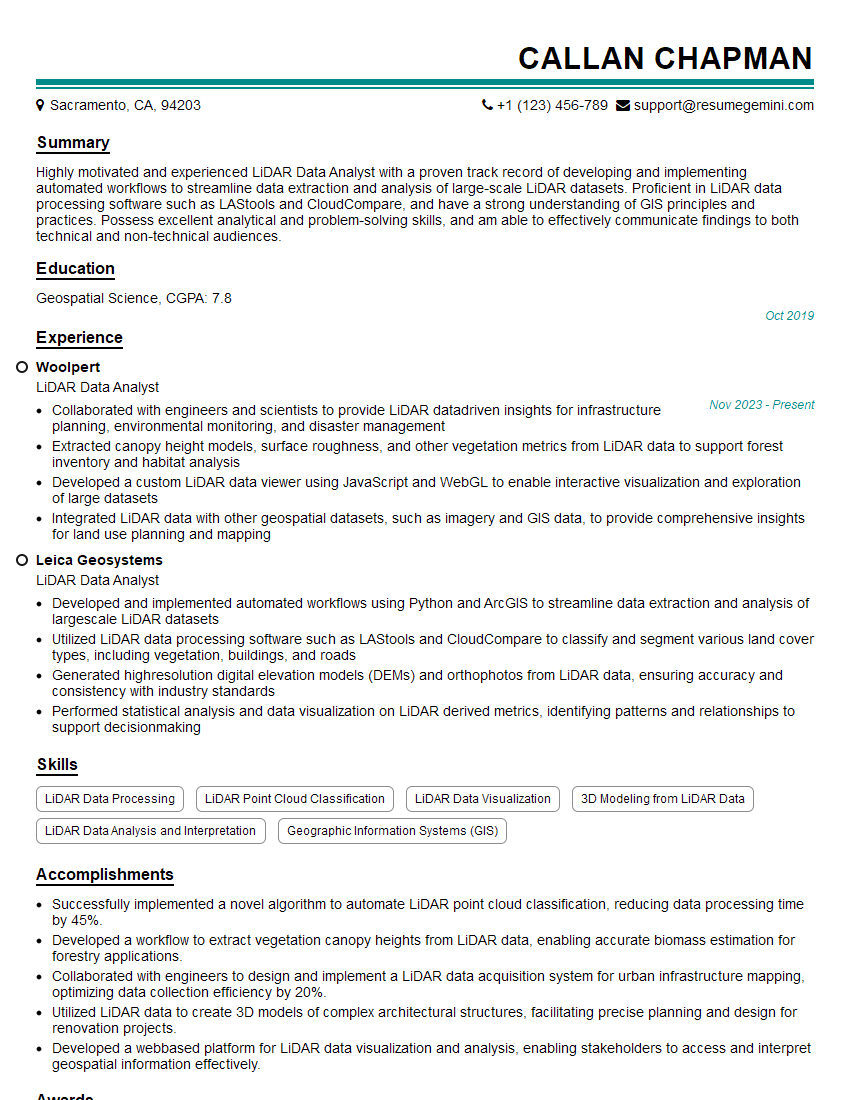
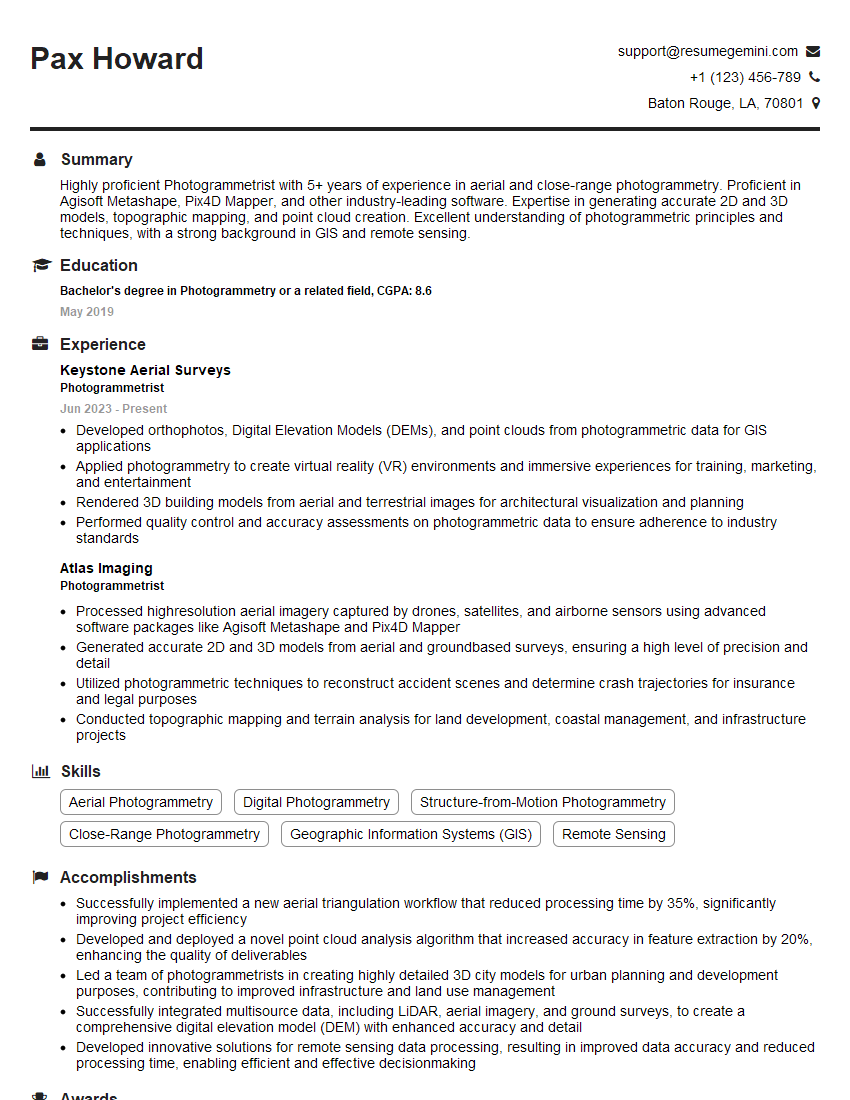
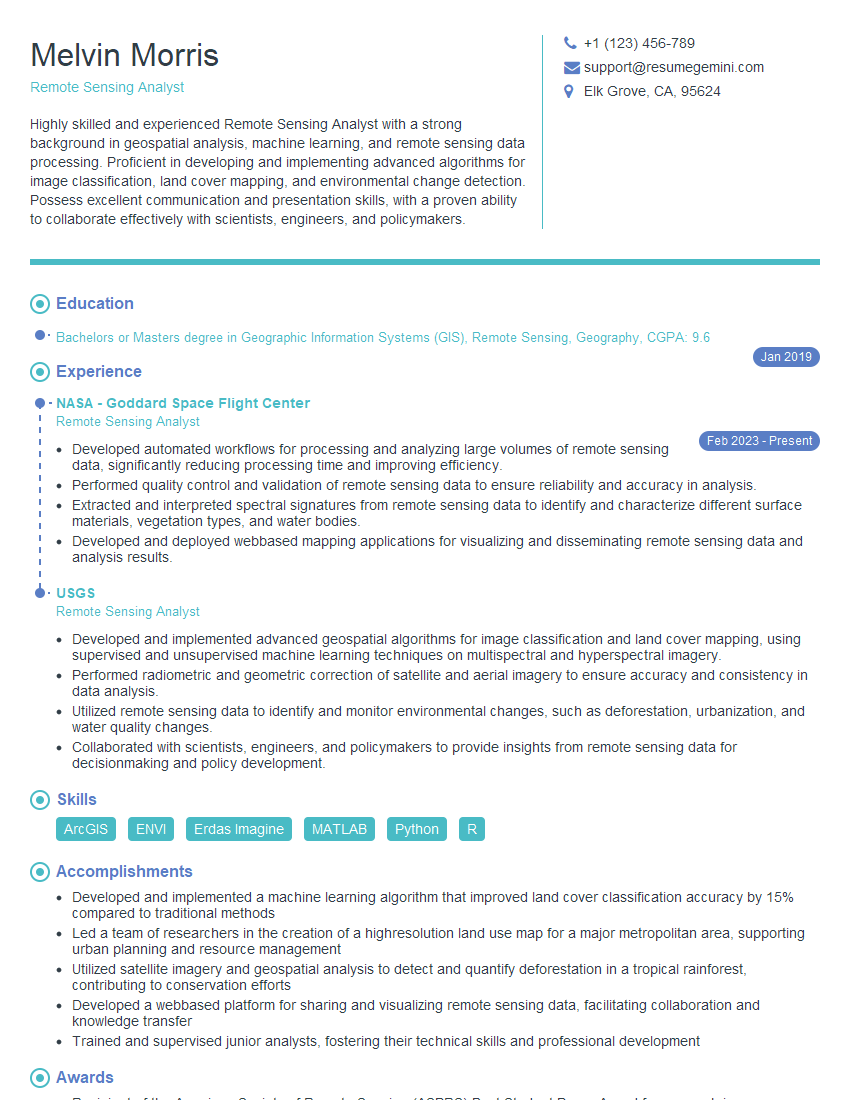
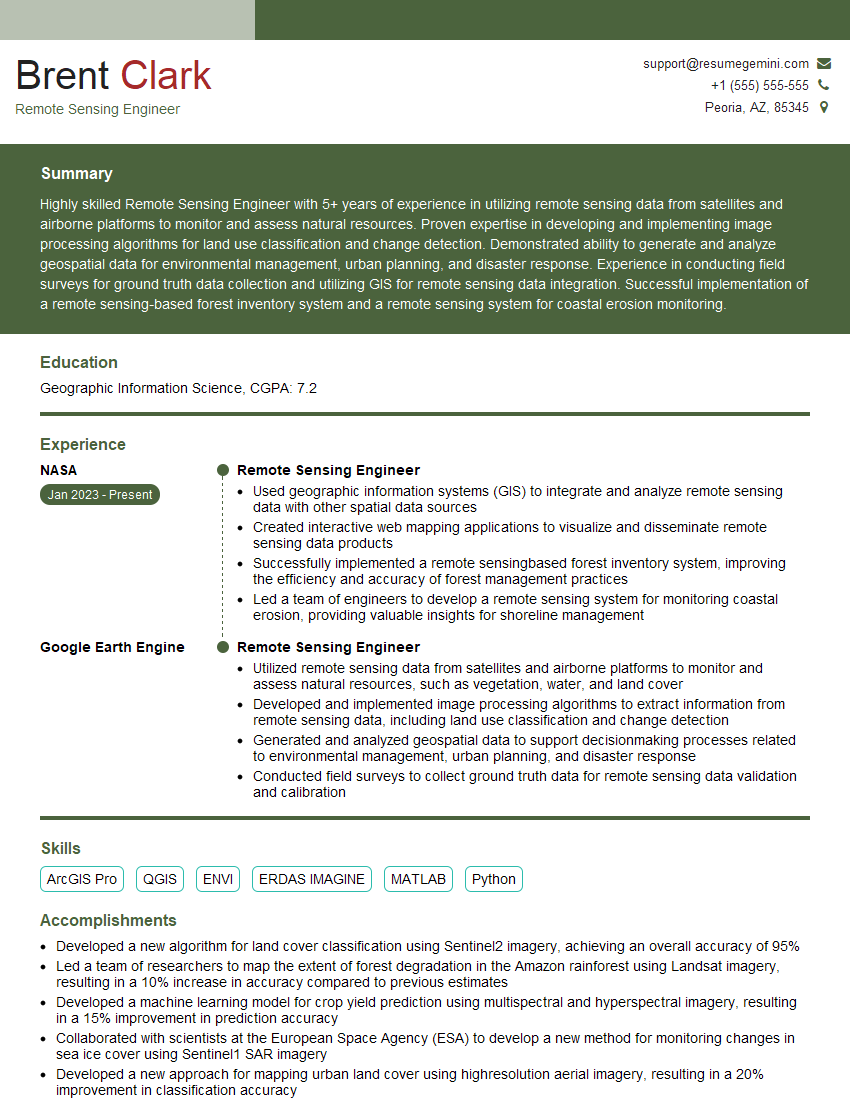
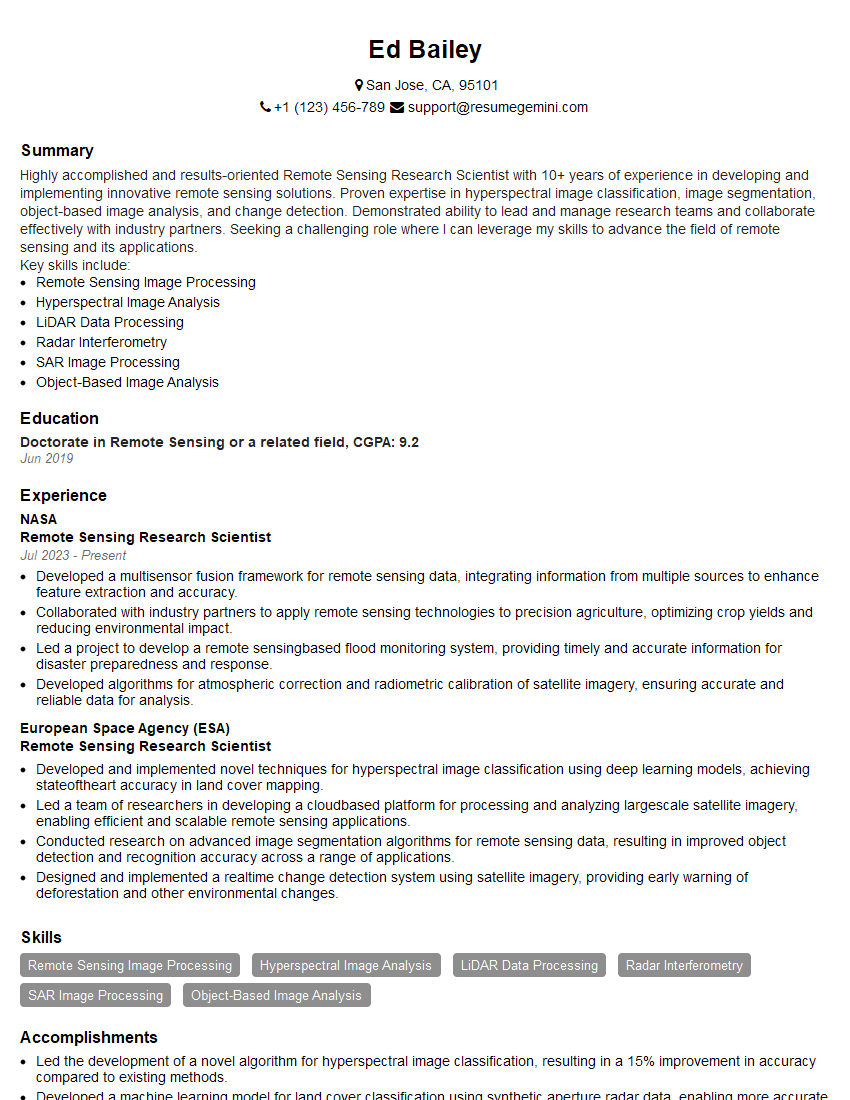
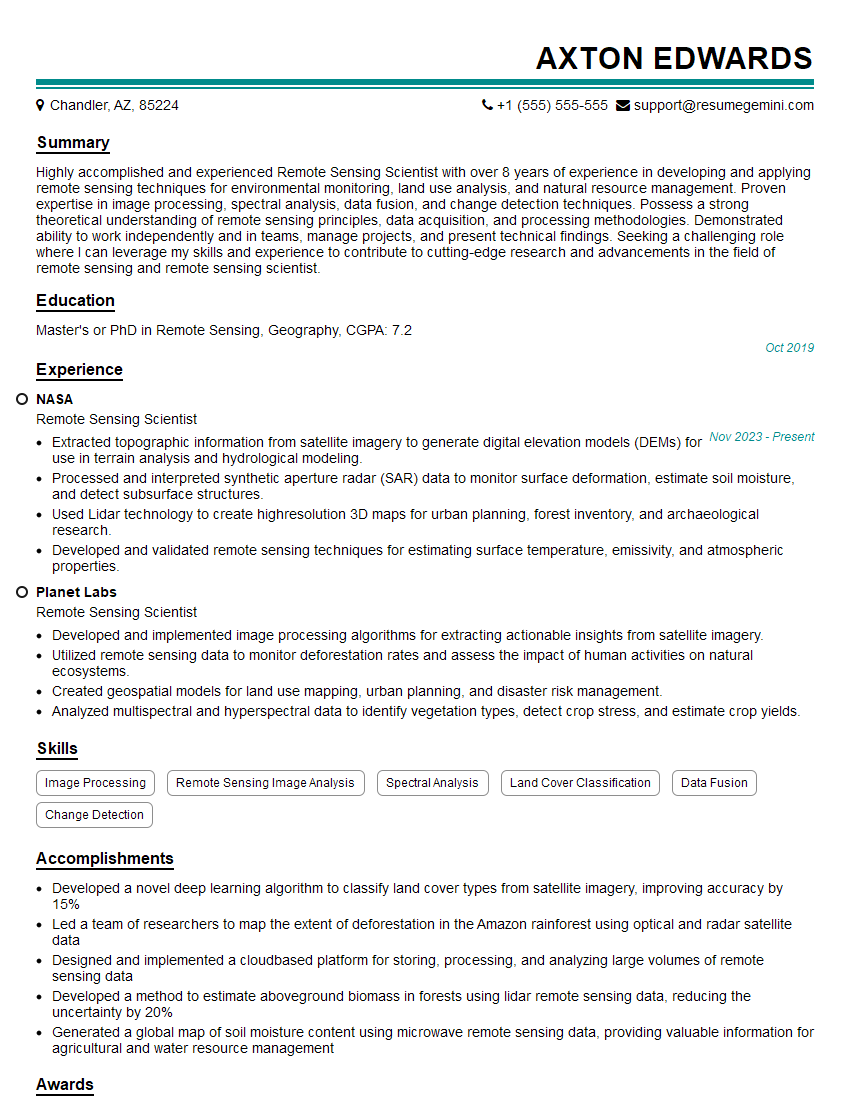
Mastering Remote Sensing Data Processing opens doors to exciting and impactful careers in environmental monitoring, precision agriculture, urban planning, and many other fields. To significantly enhance your job prospects, invest time in crafting a compelling and ATS-friendly resume that showcases your skills and experience effectively. ResumeGemini is a trusted resource that can help you build a professional resume that stands out. We provide examples of resumes tailored to Remote Sensing Data Processing to guide you through this important process. Make your skills shine and land your dream job!

Explore more articles
Users Rating of Our Blogs
Share Your Experience
We value your feedback! Please rate our content and share your thoughts (optional).
What Readers Say About Our Blog
Hello,
we currently offer a complimentary backlink and URL indexing test for search engine optimization professionals.
You can get complimentary indexing credits to test how link discovery works in practice.
No credit card is required and there is no recurring fee.
You can find details here:
https://wikipedia-backlinks.com/indexing/
Regards
NICE RESPONSE TO Q & A
hi
The aim of this message is regarding an unclaimed deposit of a deceased nationale that bears the same name as you. You are not relate to him as there are millions of people answering the names across around the world. But i will use my position to influence the release of the deposit to you for our mutual benefit.
Respond for full details and how to claim the deposit. This is 100% risk free. Send hello to my email id: [email protected]
Luka Chachibaialuka
Hey interviewgemini.com, just wanted to follow up on my last email.
We just launched Call the Monster, an parenting app that lets you summon friendly ‘monsters’ kids actually listen to.
We’re also running a giveaway for everyone who downloads the app. Since it’s brand new, there aren’t many users yet, which means you’ve got a much better chance of winning some great prizes.
You can check it out here: https://bit.ly/callamonsterapp
Or follow us on Instagram: https://www.instagram.com/callamonsterapp
Thanks,
Ryan
CEO – Call the Monster App
Hey interviewgemini.com, I saw your website and love your approach.
I just want this to look like spam email, but want to share something important to you. We just launched Call the Monster, a parenting app that lets you summon friendly ‘monsters’ kids actually listen to.
Parents are loving it for calming chaos before bedtime. Thought you might want to try it: https://bit.ly/callamonsterapp or just follow our fun monster lore on Instagram: https://www.instagram.com/callamonsterapp
Thanks,
Ryan
CEO – Call A Monster APP
To the interviewgemini.com Owner.
Dear interviewgemini.com Webmaster!
Hi interviewgemini.com Webmaster!
Dear interviewgemini.com Webmaster!
excellent
Hello,
We found issues with your domain’s email setup that may be sending your messages to spam or blocking them completely. InboxShield Mini shows you how to fix it in minutes — no tech skills required.
Scan your domain now for details: https://inboxshield-mini.com/
— Adam @ InboxShield Mini
Reply STOP to unsubscribe
Hi, are you owner of interviewgemini.com? What if I told you I could help you find extra time in your schedule, reconnect with leads you didn’t even realize you missed, and bring in more “I want to work with you” conversations, without increasing your ad spend or hiring a full-time employee?
All with a flexible, budget-friendly service that could easily pay for itself. Sounds good?
Would it be nice to jump on a quick 10-minute call so I can show you exactly how we make this work?
Best,
Hapei
Marketing Director
Hey, I know you’re the owner of interviewgemini.com. I’ll be quick.
Fundraising for your business is tough and time-consuming. We make it easier by guaranteeing two private investor meetings each month, for six months. No demos, no pitch events – just direct introductions to active investors matched to your startup.
If youR17;re raising, this could help you build real momentum. Want me to send more info?
Hi, I represent an SEO company that specialises in getting you AI citations and higher rankings on Google. I’d like to offer you a 100% free SEO audit for your website. Would you be interested?
Hi, I represent an SEO company that specialises in getting you AI citations and higher rankings on Google. I’d like to offer you a 100% free SEO audit for your website. Would you be interested?
good