Unlock your full potential by mastering the most common Repetition Tolerance interview questions. This blog offers a deep dive into the critical topics, ensuring you’re not only prepared to answer but to excel. With these insights, you’ll approach your interview with clarity and confidence.
Questions Asked in Repetition Tolerance Interview
Q 1. Describe your experience handling repetitive tasks.
Throughout my career, I’ve consistently dealt with repetitive tasks, ranging from data entry and quality control checks to code debugging and report generation. I view repetitive tasks not as monotonous drudgery, but as opportunities to refine efficiency and perfect processes. My experience includes working on large datasets requiring meticulous attention to detail, where even minor errors could have significant consequences. In one role, I automated a previously manual data-entry process, which reduced processing time by 70% and improved accuracy significantly. This involved learning new scripting languages and implementing robust error-checking procedures. Another example involves the extensive testing phases in software development, where I developed systematic testing procedures to identify and rectify bugs efficiently. My experience encompasses a wide variety of repetitive tasks and the development of innovative solutions to handle them effectively.
Q 2. How do you maintain focus and motivation during repetitive work?
Maintaining focus and motivation during repetitive work is crucial, and I employ a multi-pronged approach. Firstly, I break down large tasks into smaller, more manageable chunks. This allows for regular milestones and a sense of accomplishment as I complete each segment. Secondly, I actively vary my workflow. For example, I might alternate between data entry and analysis, or schedule short breaks for stretching or mindfulness exercises. Thirdly, I find that setting realistic goals and tracking progress helps maintain motivation. Using productivity tools to monitor output and celebrate achievements significantly boosts morale. Finally, focusing on the purpose of the task – how my work contributes to the bigger picture – helps prevent the work from feeling meaningless and boosts intrinsic motivation.
Q 3. What strategies do you use to avoid errors in repetitive tasks?
Avoiding errors in repetitive tasks relies heavily on implementing structured processes and using appropriate tools. I utilize checklists for critical steps, double-checking my work regularly, and using automated verification tools whenever possible. For example, in data entry, I often use data validation tools to ensure accuracy and consistency. In coding, automated testing frameworks are vital in detecting and fixing bugs early. Beyond technology, a key strategy is regular breaks to prevent fatigue and maintain focus. A change of environment or a short walk can significantly reduce the risk of errors. Another strategy is peer review; having a colleague check my work periodically catches subtle mistakes I might miss. The importance of error prevention cannot be overstated, so multiple layers of checks and balances are implemented.
Q 4. Have you ever experienced burnout from repetitive work? How did you address it?
Yes, I have experienced burnout from repetitive work in the past. It manifested as fatigue, decreased productivity, and general dissatisfaction. Addressing burnout required a multi-faceted approach. Firstly, I spoke to my supervisor about my workload and explored possibilities for task delegation or automation. Secondly, I made conscious changes to my lifestyle, prioritizing sleep, exercise, and healthy eating. Thirdly, I dedicated time to activities I enjoyed outside of work to help recharge and prevent further burnout. Crucially, I learned to recognize the warning signs of burnout – early identification is key to prevention and effective management. Open communication with my supervisor and a proactive approach to self-care were essential in overcoming the burnout.
Q 5. How do you prioritize tasks when faced with a large volume of repetitive work?
When facing a large volume of repetitive work, I prioritize tasks using a combination of urgency and importance. I employ a system that categorizes tasks based on deadlines and their impact on project goals. Tasks with immediate deadlines and significant consequences receive top priority. I leverage project management tools like Trello or Asana to visually organize tasks and track progress. This allows me to stay organized and avoid being overwhelmed by the sheer volume of work. Furthermore, I break down large tasks into smaller sub-tasks to make them more manageable, scheduling them strategically throughout the day. This ensures that time is allocated effectively and that urgent tasks are addressed promptly.
Q 6. Describe a time you had to perform a highly repetitive task for an extended period. What were the challenges, and how did you overcome them?
During a software testing project, I had to perform extensive regression testing for several weeks. The challenges included maintaining focus and avoiding errors due to the repetitive nature of the testing process. To overcome these challenges, I created a detailed test plan, outlining the specific steps for each test case and using a structured reporting system. This helped me stay organized and track my progress. I also automated repetitive steps where possible using scripting, freeing up my time for more complex testing scenarios. Regular breaks, mindful exercises and collaboration with my team helped alleviate the monotony. The experience taught me the importance of efficient planning and automation in handling highly repetitive tasks over extended periods.
Q 7. How do you ensure accuracy in your work when dealing with repetitive processes?
Ensuring accuracy in repetitive processes involves combining rigorous methodologies with the right tools. This includes employing techniques such as double-checking entries, using checksums or hash functions for data integrity verification, and implementing automated validation rules whenever possible. Leveraging technology is crucial; automated data validation tools significantly reduce the likelihood of errors. Cross-referencing data with multiple sources is another critical strategy to ensure accuracy. Furthermore, regular self-audits and peer reviews can identify errors that might otherwise go unnoticed. In addition, employing a strong focus and maintaining attention to detail, along with taking regular breaks to prevent fatigue, are indispensable in ensuring accuracy during repetitive processes.
Q 8. What techniques do you employ to improve efficiency when performing repetitive tasks?
Improving efficiency in repetitive tasks hinges on identifying and eliminating redundancies and optimizing workflows. This involves a multifaceted approach.
Automation: Whenever possible, automate repetitive actions. This could involve using macros in spreadsheet software (e.g.,
Sub AutomateTask()...End Subin VBA), scripting languages like Python, or dedicated automation tools. For instance, I automated a monthly report generation process using Python, reducing the time required from two hours to fifteen minutes.Process Mapping: Carefully map out the current process to identify bottlenecks. Visual tools like flowcharts can reveal areas for improvement. For example, I used swim lane diagrams to pinpoint communication delays in a data entry process, leading to a 10% reduction in processing time.
Batch Processing: Instead of handling tasks individually, batch them together. This reduces context switching overhead. For example, I grouped similar customer service requests together, answering them more efficiently.
Tool Optimization: Mastering the tools used for the task is crucial. Learning shortcuts, keyboard commands, and advanced features can significantly boost efficiency. For instance, I trained my team on advanced Excel features like PivotTables, saving them countless hours each month.
Q 9. How do you adapt to changes in repetitive processes?
Adapting to changes in repetitive processes requires flexibility and a proactive approach. It’s about being prepared for the unexpected and having strategies in place to manage modifications.
Continuous Learning: Stay updated on new tools, techniques, and processes. Regular training and self-learning are essential to adapt quickly to changes.
Communication and Collaboration: Maintain open communication with colleagues and supervisors to stay informed about changes and contribute to the adaptation process.
Flexibility and Problem-Solving: Be ready to adjust your approach, learn new methods, and solve problems that arise during the transition to new processes.
Testing and Iteration: When a process changes, test the new system thoroughly and iterate based on feedback and experience. Document changes made and their effects.
For example, when our data entry system was updated, I proactively learned the new software, offered training to my colleagues, and identified areas for optimization in the new system, leading to a smoother transition.
Q 10. Can you explain a situation where you improved a repetitive process?
In a previous role, I streamlined a data entry process that involved manually transferring data from multiple sources into a central database. This was a highly repetitive and error-prone task. I implemented a solution combining scripting and improved data validation.
The Problem: The process was time-consuming, prone to human error, and lacked data integrity checks.
My Solution: I developed a Python script that automatically extracted data from the different sources, performed data validation checks to prevent inconsistencies, and populated the database. I also created standardized input templates to ensure data consistency at the source.
The Result: The time required for data entry was reduced by 75%, and data accuracy increased significantly. The risk of human error was drastically minimized. This project showcased my ability to analyze, optimize, and automate repetitive processes.
Q 11. How do you stay engaged while performing repetitive tasks?
Staying engaged during repetitive tasks requires a conscious effort to maintain focus and motivation. Here are some strategies I employ:
Goal Setting: Break down large tasks into smaller, manageable goals with clear deadlines. Achieving these smaller goals provides a sense of accomplishment and keeps motivation high.
Variety and Breaks: Incorporate short, frequent breaks into the workflow to prevent burnout. Even a short walk or a quick change of activity can help refresh focus.
Mindfulness and Focus Techniques: Techniques like mindfulness meditation can improve concentration and reduce mental fatigue. I often use the Pomodoro Technique to structure my work and breaks effectively.
Music or Podcasts: Listening to background music or podcasts can make the task more enjoyable and less monotonous. However, it’s essential to choose something that doesn’t distract from the work itself.
Gamification: Try to turn the task into a game, setting personal challenges or competing against yourself to improve speed and accuracy.
Q 12. How do you manage stress related to repetitive work?
Managing stress related to repetitive work involves a combination of proactive strategies and stress-reduction techniques.
Ergonomics: Ensure a comfortable and properly designed workspace to minimize physical strain. This includes proper chair support, lighting, and keyboard placement.
Regular Breaks: Frequent short breaks are crucial to prevent physical and mental fatigue. Incorporate stretching or short walks during these breaks.
Mindfulness and Relaxation Techniques: Practices like deep breathing exercises, meditation, or yoga can help manage stress and improve mental well-being.
Physical Activity: Engaging in regular physical activity outside of work hours is essential for stress management. Exercise releases endorphins, improving mood and reducing stress hormones.
Healthy Lifestyle: Maintaining a healthy diet, getting adequate sleep, and avoiding excessive caffeine or alcohol can significantly contribute to stress reduction.
Q 13. Describe your experience with quality control in a repetitive work environment.
Quality control in repetitive work environments is paramount. My experience focuses on implementing and maintaining rigorous quality checks at various stages of the process.
Process Checks: Implementing regular checkpoints throughout the workflow allows for early detection of errors. This is often done through automated checks, visual inspections, and internal audits.
Data Validation: Utilizing data validation rules and automated checks to ensure accuracy and consistency is vital. This helps catch inconsistencies and prevent errors from propagating through the process.
Statistical Process Control (SPC): Employing SPC methods, such as control charts, to monitor process variability and identify potential issues proactively.
Root Cause Analysis: When errors occur, employing root cause analysis to identify the underlying causes and implement corrective actions to prevent recurrence.
Team Training and Empowerment: Ensuring that the team is well-trained in quality control procedures and empowered to identify and report issues is essential.
In one project, I implemented a system of random sampling and automated checks, reducing error rates by 40% and significantly improving customer satisfaction.
Q 14. What are some common mistakes to avoid when performing repetitive tasks?
Common mistakes to avoid when performing repetitive tasks include:
Ignoring Errors: Overlooking mistakes, especially early on, can lead to larger problems down the line. Thorough error checking at each stage is crucial.
Lack of Breaks: Working for extended periods without breaks increases fatigue and errors. Short, regular breaks are essential.
Poor Ergonomics: An uncomfortable workspace leads to physical strain and reduced productivity. A well-designed workspace is critical.
Rushing the Process: Speeding through tasks without sufficient attention to detail increases the risk of errors. A balance between speed and accuracy is crucial.
Lack of Documentation: Poor or missing documentation makes it difficult to troubleshoot problems or maintain consistency over time. Clear and consistent documentation is essential.
Q 15. How do you identify and address potential inefficiencies in repetitive processes?
Identifying inefficiencies in repetitive processes starts with careful observation and analysis. I employ a structured approach, beginning with documenting the entire process step-by-step. This often involves creating a flowchart or using process mapping software to visualize the workflow. Then, I look for bottlenecks – steps that take disproportionately long, involve unnecessary actions, or frequently result in errors. For example, in a data entry process, if I notice a significant amount of time is spent searching for information in multiple systems, that’s a clear bottleneck. To address this, I might suggest integrating the data sources or implementing a more efficient search function. I also analyze error rates – high error rates in a specific step indicate a need for improvement in the training, tools, or the process itself. Finally, I look for opportunities for automation. Can any steps be handled by software or robotic process automation (RPA)? Addressing these bottlenecks and automating tasks leads to significant improvements in efficiency.
Career Expert Tips:
- Ace those interviews! Prepare effectively by reviewing the Top 50 Most Common Interview Questions on ResumeGemini.
- Navigate your job search with confidence! Explore a wide range of Career Tips on ResumeGemini. Learn about common challenges and recommendations to overcome them.
- Craft the perfect resume! Master the Art of Resume Writing with ResumeGemini’s guide. Showcase your unique qualifications and achievements effectively.
- Don’t miss out on holiday savings! Build your dream resume with ResumeGemini’s ATS optimized templates.
Q 16. What are your preferred methods for tracking progress on repetitive tasks?
My preferred methods for tracking progress on repetitive tasks involve a combination of visual aids and digital tools. For simple, short-term tasks, a checklist is often sufficient. For more complex or longer-term projects, I utilize project management software like Jira or Asana. These tools allow for detailed task breakdown, progress tracking, and visual representations of the workflow, such as Kanban boards. I also find that regular status updates (daily or weekly, depending on the project) are crucial, whether through brief emails, team meetings, or progress reports. For very repetitive tasks, I might set up a simple spreadsheet to track daily or hourly output, which provides quantitative data to monitor efficiency and identify potential issues early on. This provides both a visual representation of progress and quantifiable metrics for performance evaluation.
Q 17. How do you handle interruptions while working on repetitive tasks?
Handling interruptions is critical when working on repetitive tasks, as they can disrupt focus and decrease efficiency. My approach is twofold: prevention and mitigation. For prevention, I plan dedicated, uninterrupted blocks of time for focused work on repetitive tasks. I communicate my availability to colleagues and minimize distractions during these periods. I utilize the Pomodoro Technique – working in focused bursts with short breaks – to maintain concentration. For mitigation, when interruptions inevitably occur, I make a note of where I left off to ensure a smooth transition back to the task. I prioritize the interruptions, addressing urgent matters immediately while deferring less urgent ones. Tools like task management software can help me track unfinished tasks and ensure that I don’t lose my place.
Q 18. How do you maintain a positive attitude while performing repetitive work?
Maintaining a positive attitude during repetitive work is vital for both productivity and well-being. I achieve this by focusing on the bigger picture and the value of my contributions. I break down large tasks into smaller, more manageable chunks to create a sense of accomplishment. I actively seek ways to improve efficiency and find satisfaction in streamlining processes. Also, integrating short breaks with activities I enjoy helps me recharge and return to work feeling refreshed. I believe in celebrating small wins and acknowledging progress made. Finally, collaborating with colleagues and discussing progress can create a more positive and supportive work environment.
Q 19. What is your experience with using software or tools designed to automate repetitive tasks?
I have extensive experience using various software and tools to automate repetitive tasks. For example, I’ve utilized VBA (Visual Basic for Applications) in Excel to automate data entry, cleaning, and reporting. This significantly reduced the time spent on manual tasks. I’m also proficient in using RPA (Robotic Process Automation) tools like UiPath or Automation Anywhere. These tools allow for the automation of complex workflows across multiple systems, dramatically increasing efficiency and reducing error rates. In one project, we used RPA to automate the reconciliation process between two financial systems, resulting in a 70% reduction in processing time and elimination of manual data entry errors. My experience extends to using scripting languages like Python for automating data analysis and other repetitive processes. The key is choosing the right tool for the specific task – sometimes a simple macro is sufficient, while other times, a powerful RPA tool is required.
Q 20. Describe your experience working with detailed instructions or procedures.
Working with detailed instructions and procedures is a key part of ensuring accuracy and consistency in any task, especially repetitive ones. My approach is to carefully read and understand the instructions completely before starting. I often create my own annotated version of the instructions, highlighting key steps and potential points of confusion. If I encounter any ambiguities, I seek clarification promptly. I meticulously follow each step, ensuring adherence to the specified standards and procedures. I maintain a detailed record of my work, including any deviations from the instructions and the reasons for those deviations. This documentation is essential for troubleshooting and continuous improvement. Finally, I regularly review the instructions to ensure I haven’t missed any details or developed any bad habits that deviate from the established procedure.
Q 21. How do you approach a repetitive task that requires high precision?
Approaching a high-precision repetitive task requires a methodical and focused approach. First, I ensure I have the appropriate tools and equipment. This includes calibrated instruments and a well-organized workspace. Next, I perform regular checks to ensure my tools are working correctly and that I am adhering to safety procedures. I take frequent breaks to avoid fatigue, which can compromise precision. I implement a system of checks and balances, double-checking my work at various stages. I may also employ visual aids like magnifying glasses or microscopes, depending on the task’s requirements. If possible, I use automated systems or tools to minimize human error. Finally, I maintain detailed records of my work, including measurements and quality control checks. This allows me to identify and rectify any errors quickly and also serves as a valuable record of my work.
Q 22. What is your approach to detecting errors in repetitive data entry?
Detecting errors in repetitive data entry requires a multi-pronged approach combining automated checks with human vigilance. My strategy begins with leveraging technology. This includes using data validation tools within the software itself – for example, setting up constraints to prevent illogical entries like negative ages or text in numerical fields.
Beyond software, I employ checksums or hash functions. These are algorithms that generate a unique digital fingerprint for a dataset. Any discrepancy in the fingerprint between the original and the entered data immediately signals an error. Finally, regular audits and spot checks are crucial. Randomly sampling the entered data and comparing it against the source verifies accuracy and highlights areas needing attention. For example, I might choose 10% of entries for a manual review, focusing on fields prone to errors.
Imagine entering hundreds of customer addresses. Software validation would catch obvious issues like missing zip codes. Checksums would reveal if the entire dataset was corrupted during transfer. Finally, random spot checks would uncover any subtle inconsistencies a computer might miss, such as misspellings or typos.
Q 23. Describe a time you had to improve your speed and accuracy in a repetitive task.
In a previous role, I was tasked with processing a large volume of medical claims, a highly repetitive task involving data entry and verification. My initial speed and accuracy were adequate, but not optimal. To improve, I implemented several strategies. Firstly, I optimized my workspace for ergonomics. A comfortable chair and proper lighting reduced fatigue significantly, improving my focus and reducing errors. Secondly, I broke down the task into smaller, more manageable chunks, setting realistic targets for each session. This prevented burnout and maintained concentration. Finally, I utilized keyboard shortcuts and learned to type more efficiently. This increased my speed without compromising accuracy. My focus on ergonomics, task breakdown, and skill development led to a 20% increase in efficiency within a month, with no increase in error rate.
Q 24. How do you balance speed and accuracy when performing repetitive work?
Balancing speed and accuracy in repetitive work is a delicate act. It’s not about rushing; it’s about working *smart*. My approach centers around mindful efficiency. I begin by thoroughly understanding the task and identifying potential error points. I then establish a comfortable pace, prioritizing accuracy over sheer speed. Regular breaks are critical to preventing fatigue, which is a major contributor to errors. I also employ techniques like double-checking critical data entries and utilizing tools that provide real-time feedback, such as automated error checks within the application. A common analogy is driving a car. You can drive fast, but safe driving requires a balance of speed and caution. Similarly, repetitive work demands a balance of speed and meticulous attention to detail.
Q 25. Have you ever had to train someone on a repetitive task? How did you do it?
Yes, I’ve trained several colleagues on repetitive data entry tasks. My approach is highly structured. I start with a clear demonstration of the entire process, step-by-step. This is followed by hands-on practice with close supervision, allowing for immediate feedback and correction. I break down complex tasks into smaller modules, and provide clear instructions and checklists. I also emphasize the importance of breaks and avoiding fatigue. Regular check-ins and open communication are key to ensuring they understand the process and feel comfortable performing the task independently. I find that providing visual aids, such as flowcharts or videos, significantly enhances understanding and retention. Finally, I provide readily accessible resources like FAQs or short training manuals that they can refer to whenever they need help.
Q 26. How would you explain a complex repetitive process to a new employee?
Explaining a complex repetitive process to a new employee requires a simplified, structured approach. I avoid overwhelming them with technical jargon. I start by providing a high-level overview of the process’s purpose and its importance within the bigger picture. Then, I break it down into smaller, logical steps using clear, concise language. Visual aids, such as flowcharts or diagrams, are incredibly helpful. I use real-world analogies whenever possible to make the process relatable and easier to grasp. For instance, if the process involves sorting data, I might use the analogy of sorting mail by zip code. Hands-on training, with opportunities to ask questions and receive immediate feedback, is crucial. I believe in a ‘show and tell’ approach supplemented by written instructions and readily available support.
Q 27. What measures do you take to prevent monotony and fatigue during repetitive tasks?
Preventing monotony and fatigue during repetitive tasks involves proactive strategies focused on both the physical and mental well-being of the individual. Regular short breaks are crucial. The Pomodoro Technique (25 minutes of work followed by a 5-minute break) is a great example. I encourage movement during breaks – a short walk, stretching, or simply changing position. I also advocate for incorporating variety where possible. This could involve switching between different tasks or modifying the workspace to provide some visual stimulation. Furthermore, listening to calming music or podcasts can help maintain focus and reduce mental fatigue. Open communication and providing opportunities for feedback are crucial – it allows employees to express concerns and suggest improvements that help mitigate boredom and increase job satisfaction. Finally, making sure that the workstation ergonomics are optimized can prevent physical fatigue and reduce the risk of repetitive strain injuries.
Key Topics to Learn for Repetition Tolerance Interview
- Understanding Repetition Tolerance Algorithms: Explore different algorithms designed to handle repetitive data efficiently. Consider their strengths and weaknesses in various contexts.
- Practical Applications: Analyze real-world scenarios where repetition tolerance is crucial. Examples might include data cleaning, anomaly detection, or efficient storage of large datasets with redundant information.
- Data Deduplication Techniques: Learn about various methods for identifying and removing duplicate data, including hash-based techniques and more sophisticated approaches.
- Performance Optimization Strategies: Understand how to optimize algorithms and data structures to minimize the impact of repetitive data on processing speed and resource consumption.
- Error Handling and Robustness: Explore techniques for handling potential errors and inconsistencies that might arise when dealing with repetitive data.
- Choosing the Right Approach: Discuss the factors to consider when selecting the appropriate repetition tolerance strategy for a given problem, such as data size, data type, and performance requirements.
- Impact on Data Integrity: Analyze how repetition tolerance techniques affect data integrity and the importance of maintaining data accuracy.
Next Steps
Mastering Repetition Tolerance is crucial for advancing your career in data science, software engineering, and related fields. A strong understanding of these concepts demonstrates your ability to handle real-world challenges involving large and complex datasets. To maximize your job prospects, create an ATS-friendly resume that highlights your skills and experience effectively. ResumeGemini is a trusted resource that can help you build a professional resume that showcases your expertise in Repetition Tolerance. Examples of resumes tailored to this area are provided to guide you. Investing time in crafting a compelling resume will significantly increase your chances of securing your dream role.
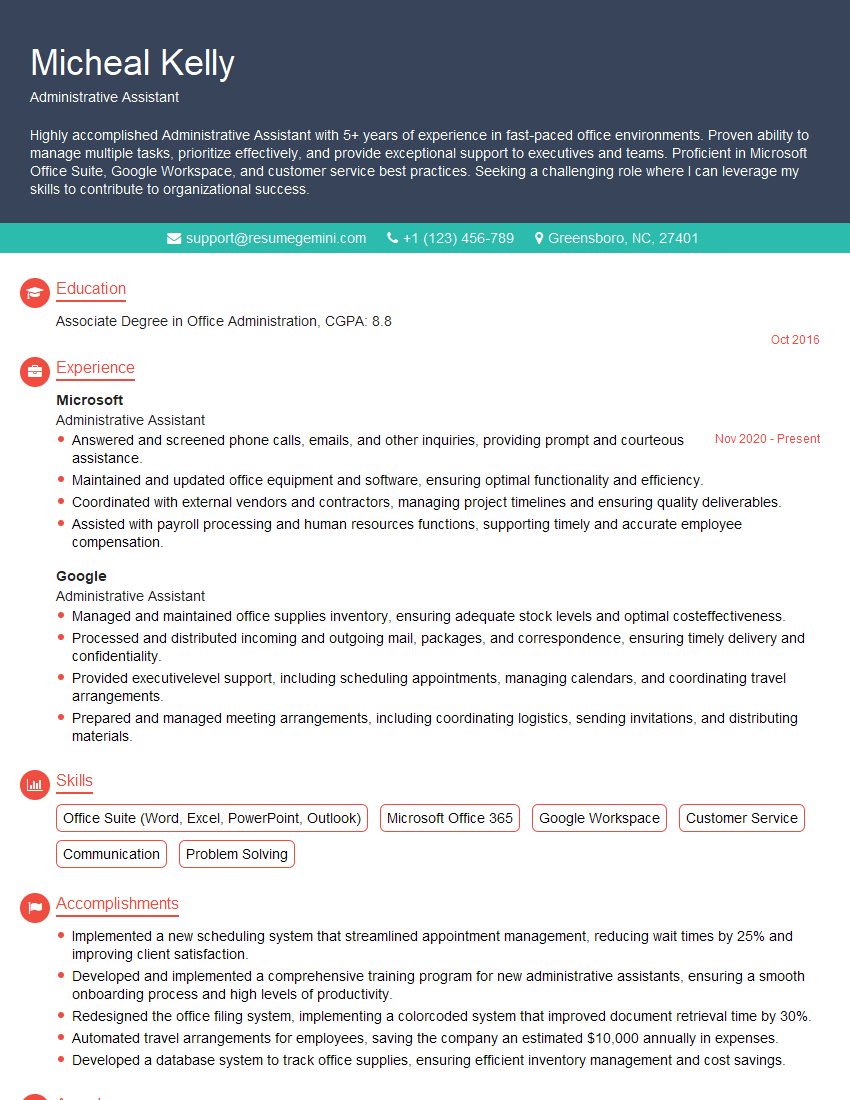
Administrative Assistant Resume Sample
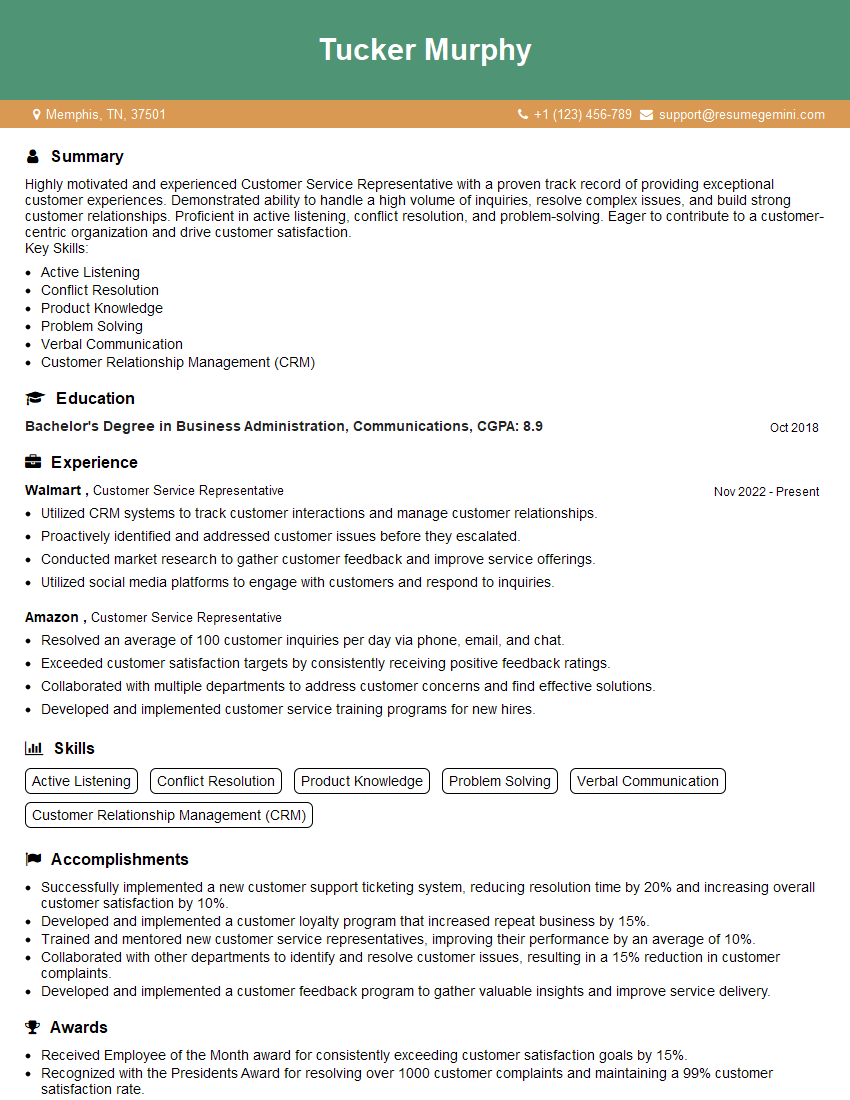
Customer Service Representative Resume Sample
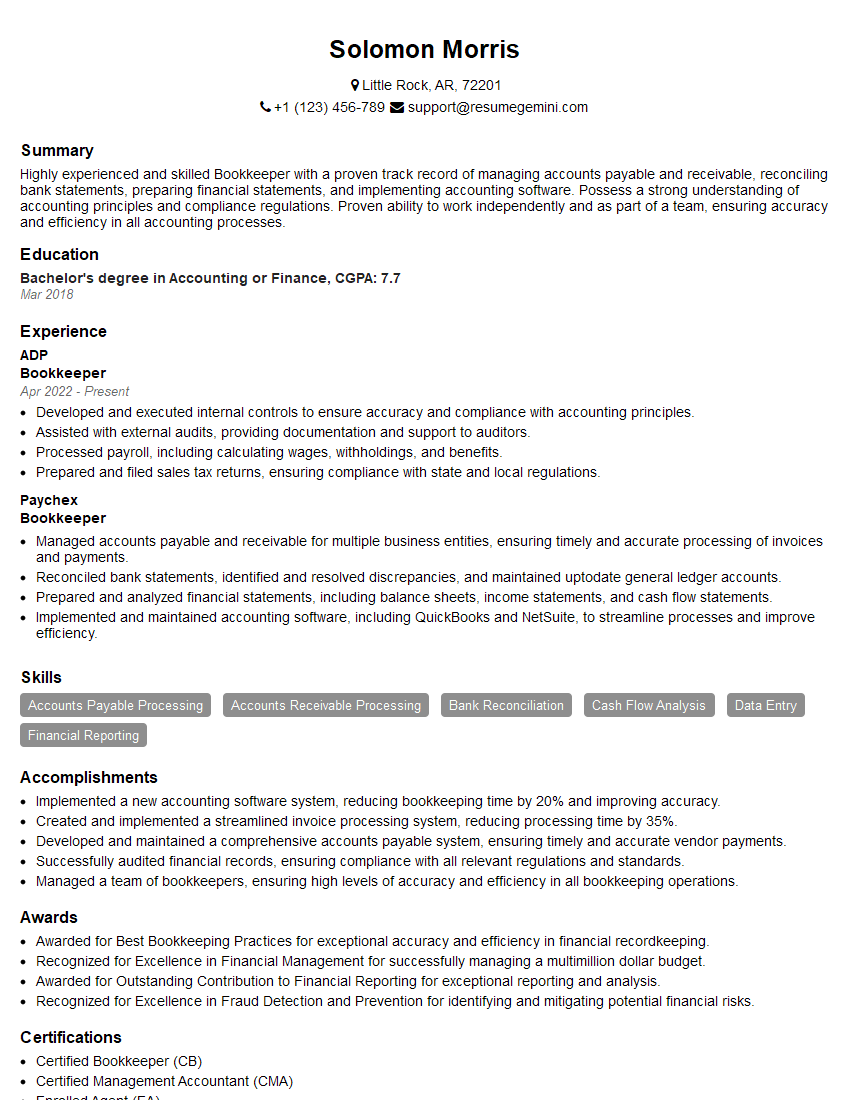
Bookkeeper Resume Sample

Data Analyst Resume Sample

Software Tester Resume Sample
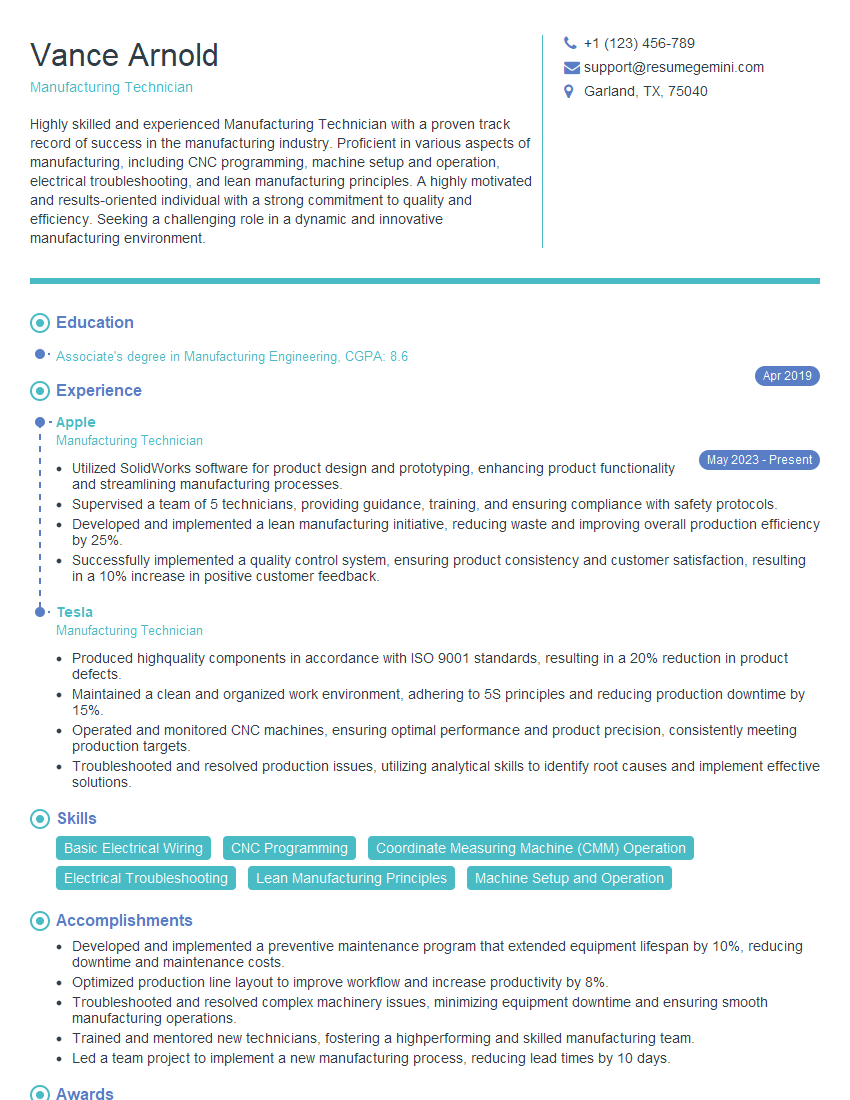
Manufacturing Technician Resume Sample
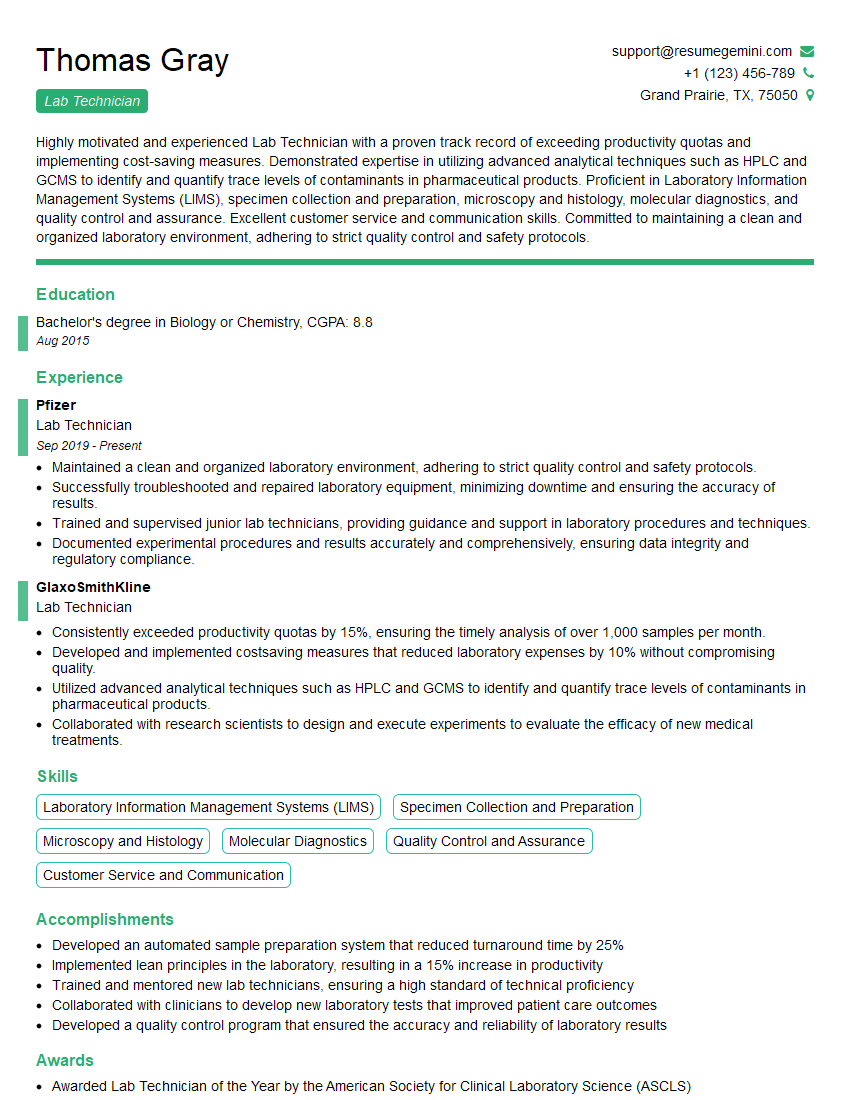
Lab Technician Resume Sample
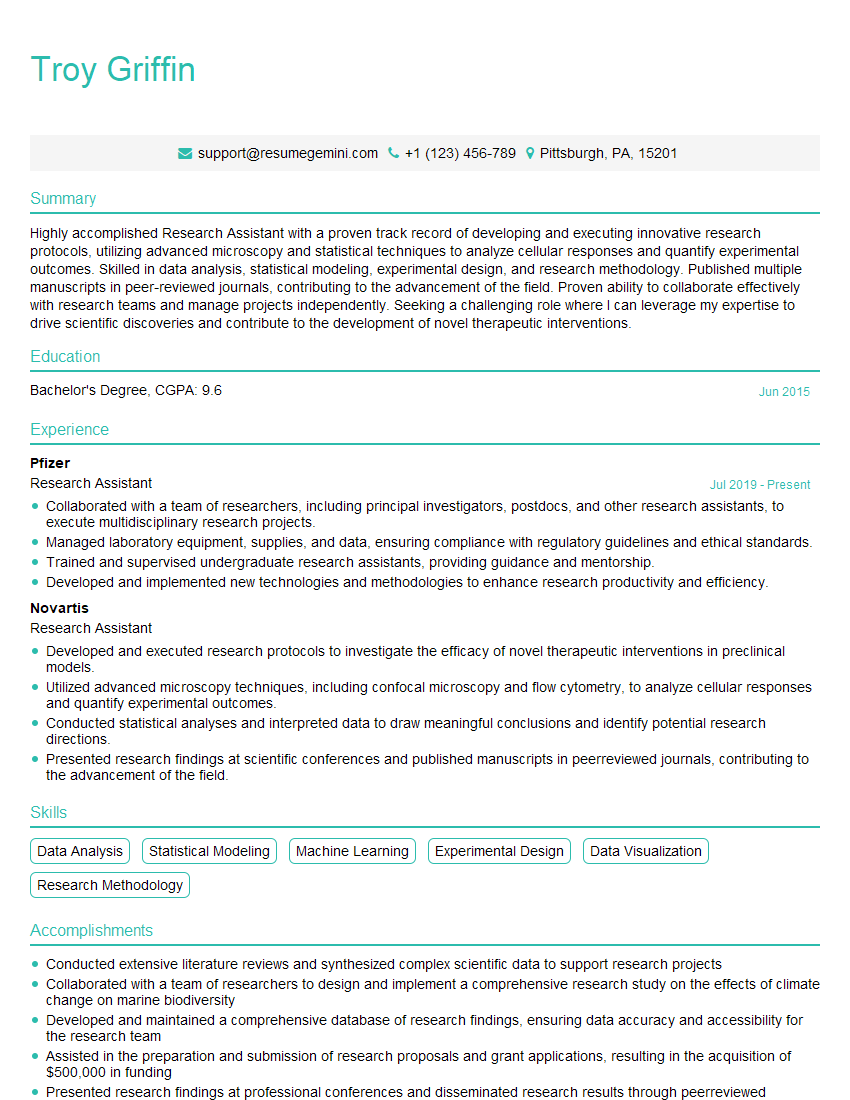
Research Assistant Resume Sample
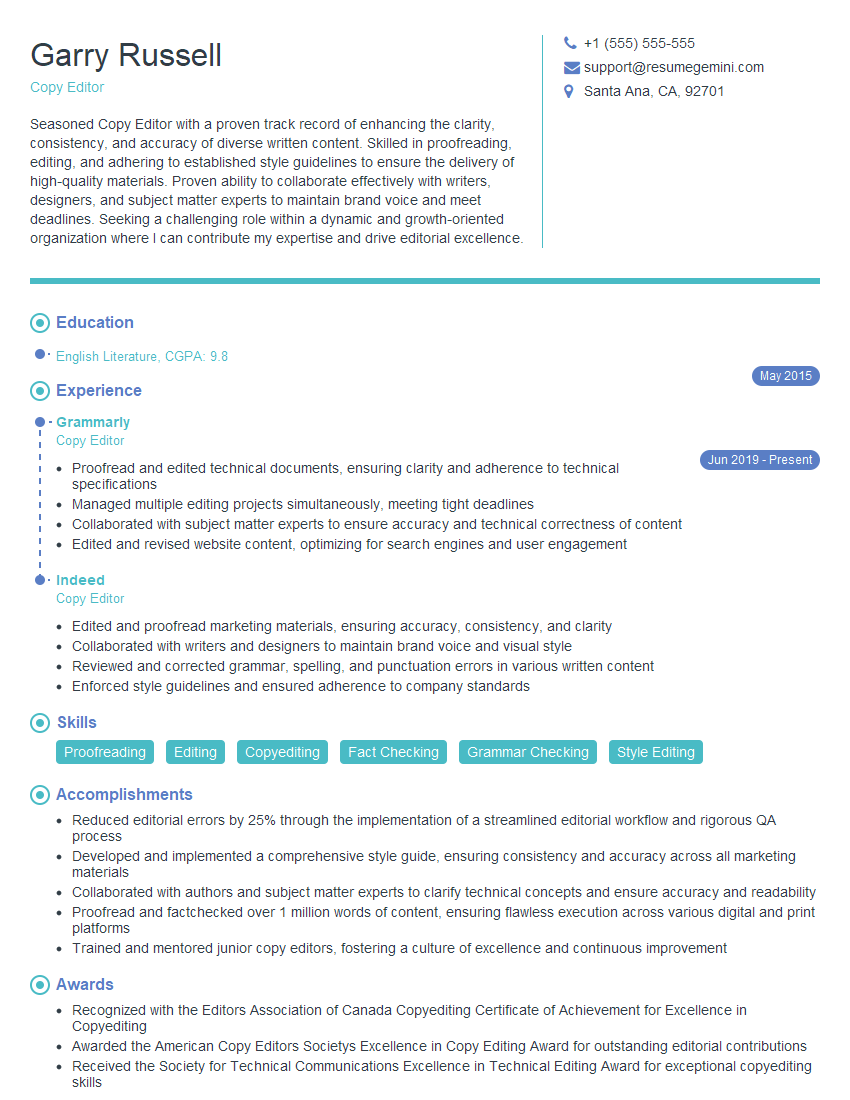
Copy Editor Resume Sample

Proofreader Resume Sample

Technical Writer Resume Sample
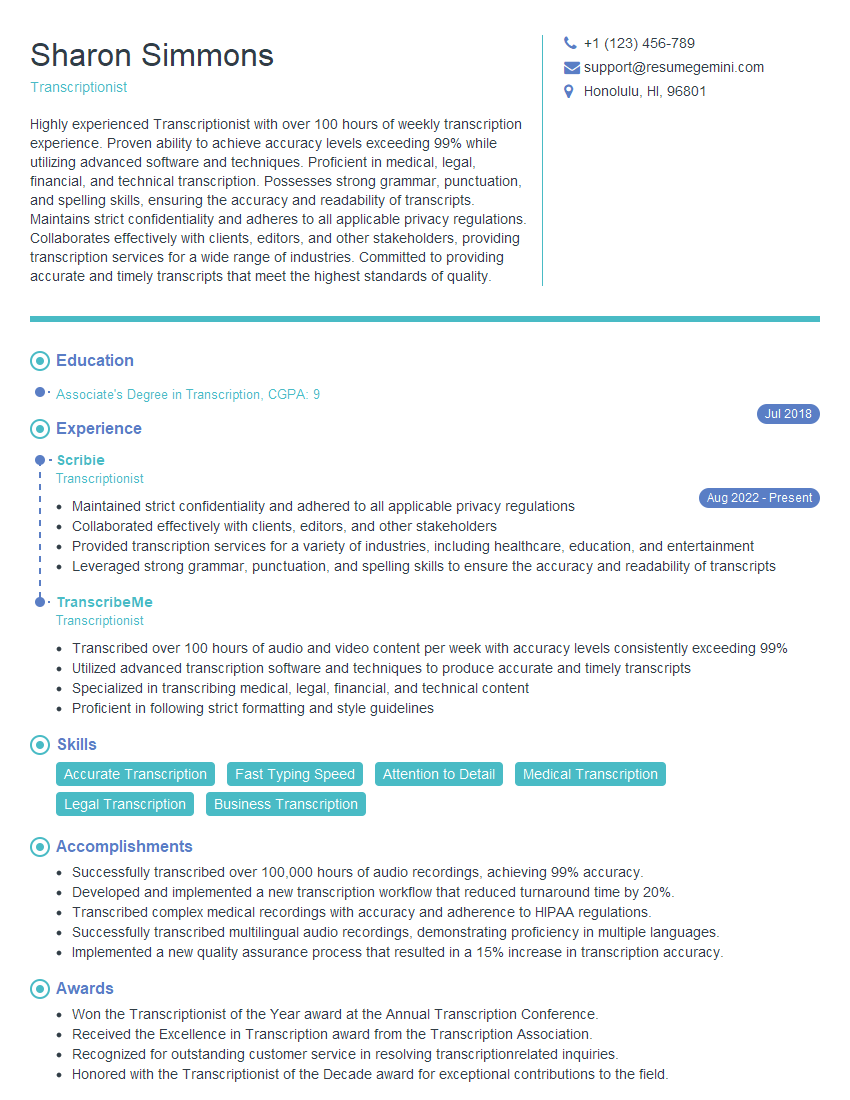
Transcriptionist Resume Sample

Call Center Agent Resume Sample
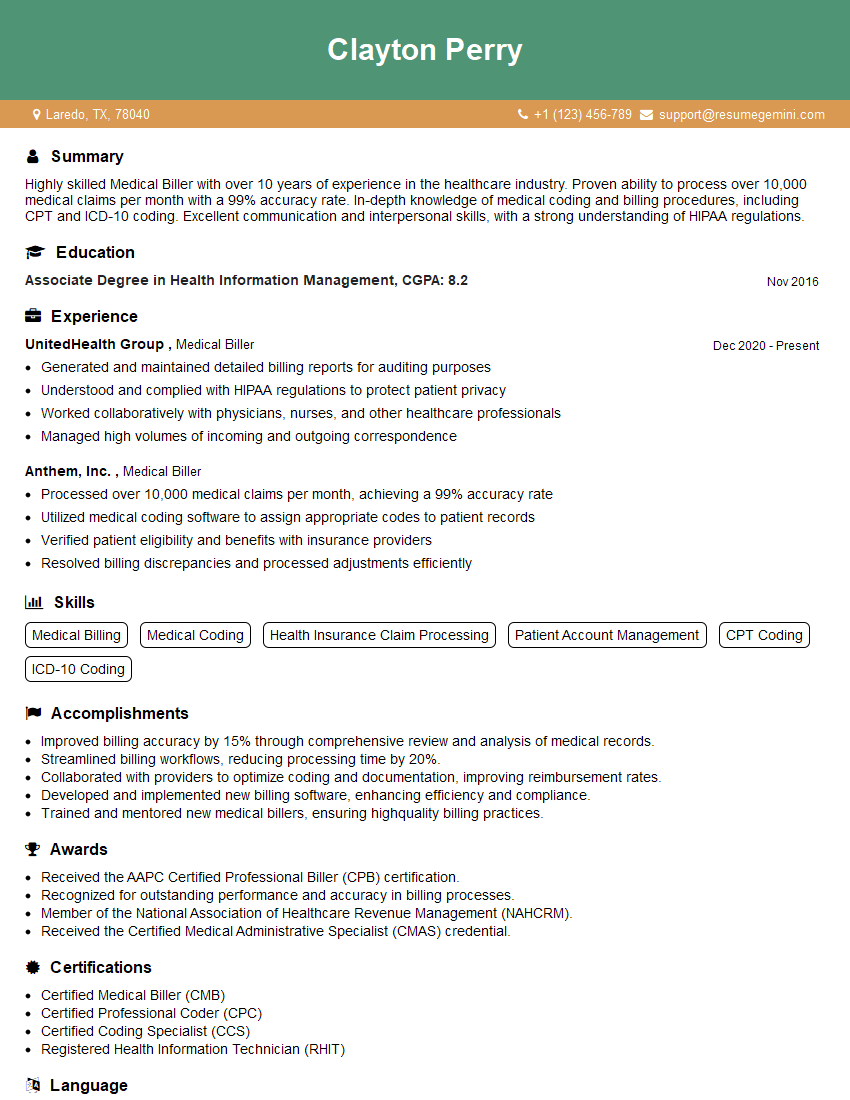
Medical Biller Resume Sample
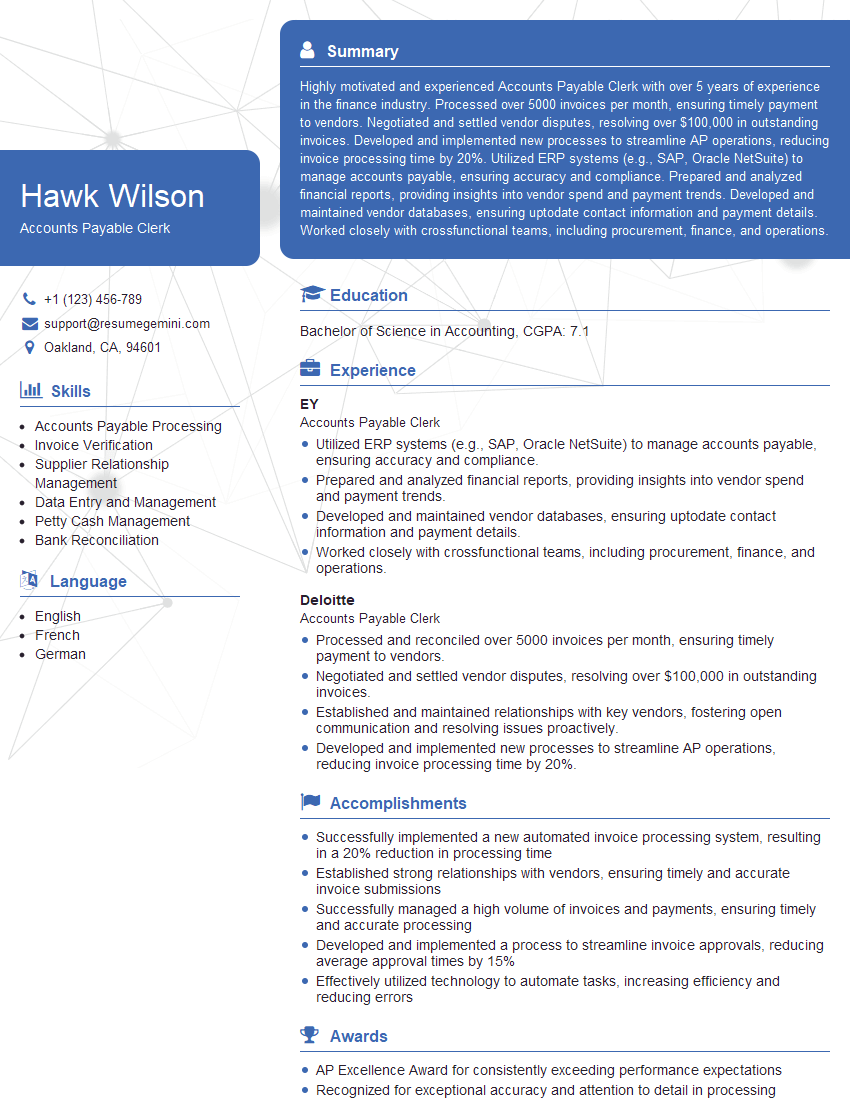
Accounts Payable Clerk Resume Sample
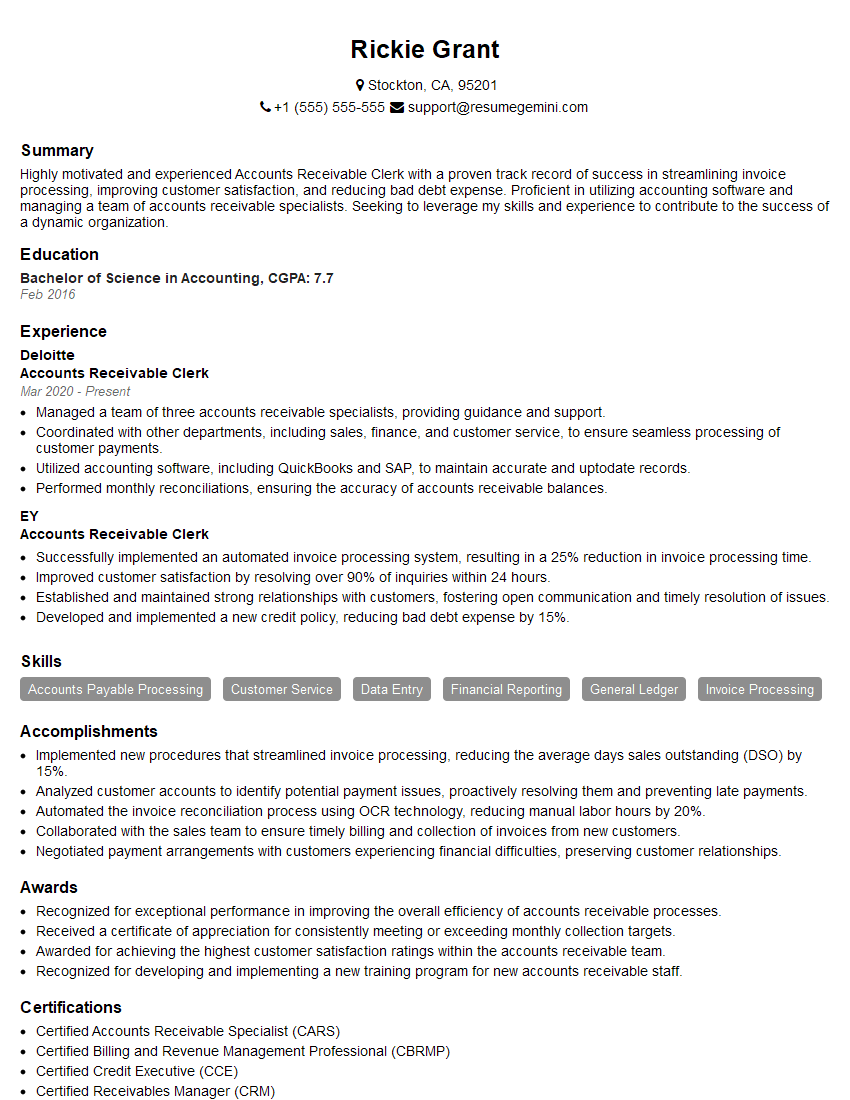
Accounts Receivable Clerk Resume Sample
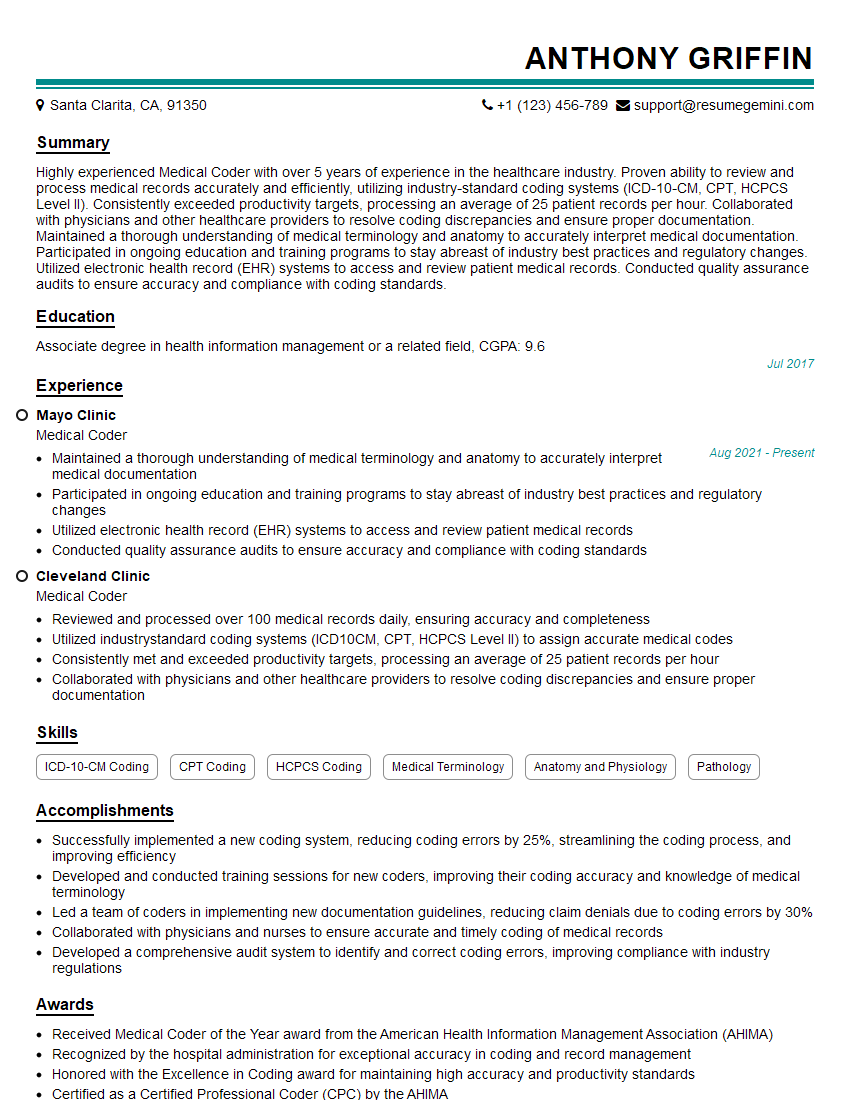
Medical Coder Resume Sample
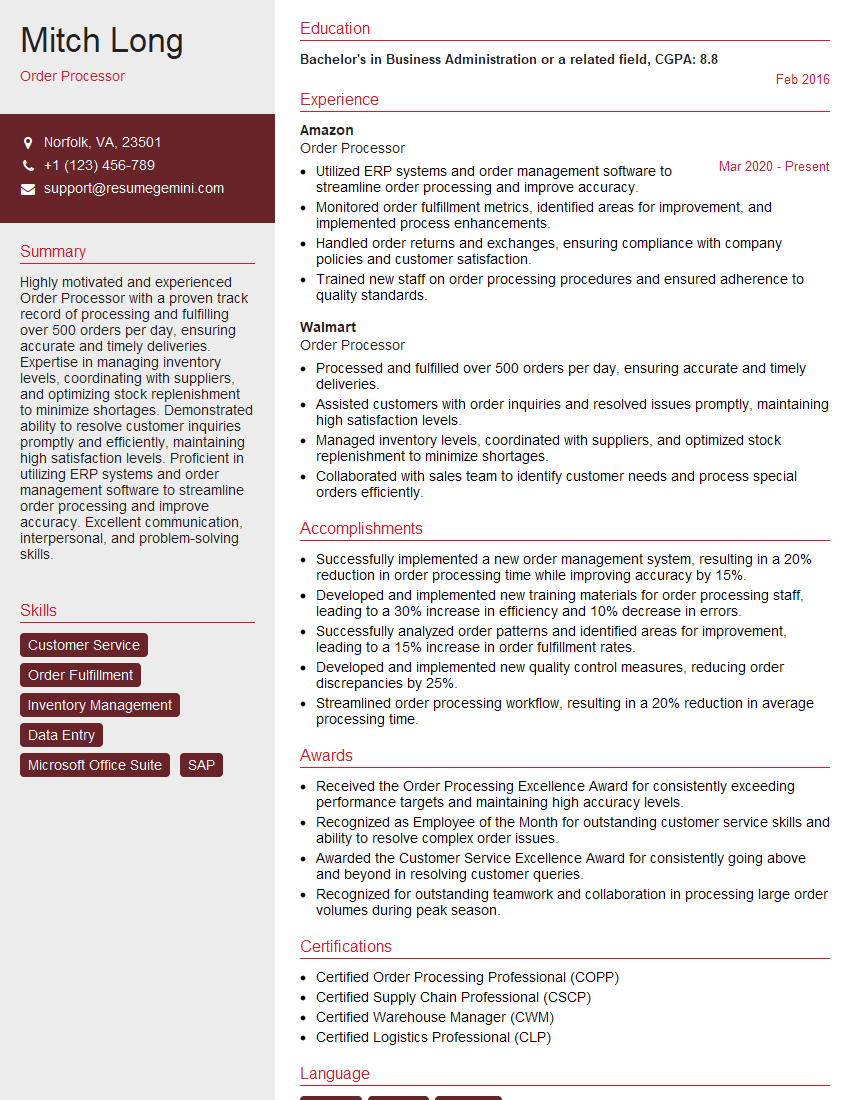
Order Processor Resume Sample

Shipping and Receiving Clerk Resume Sample
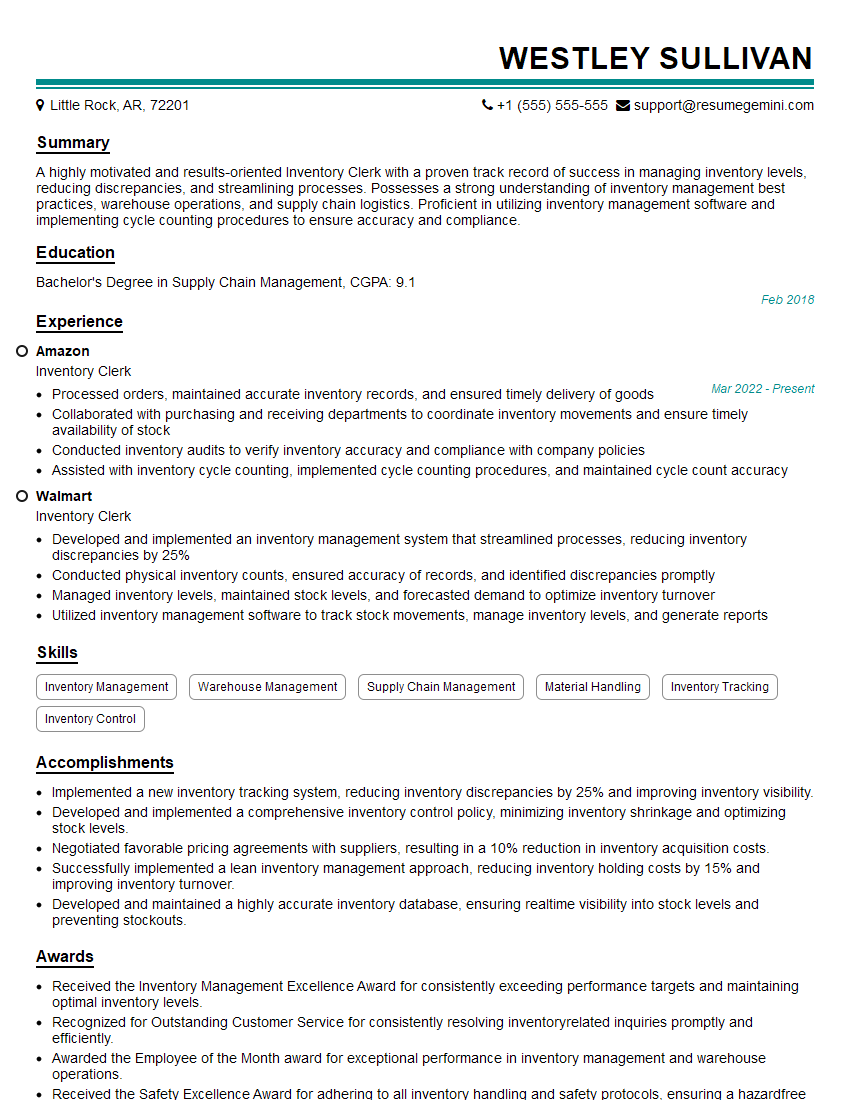
Inventory Clerk Resume Sample
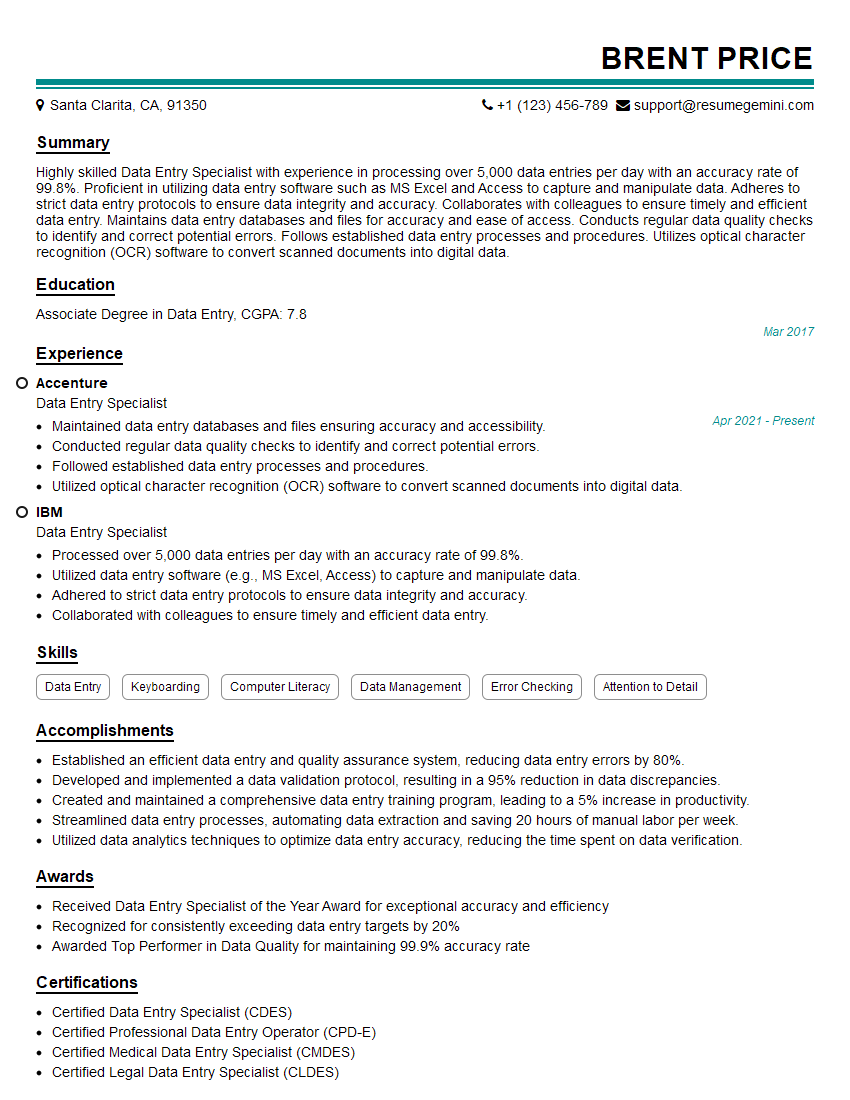
Data Entry Specialist Resume Sample

Claims Processor Resume Sample
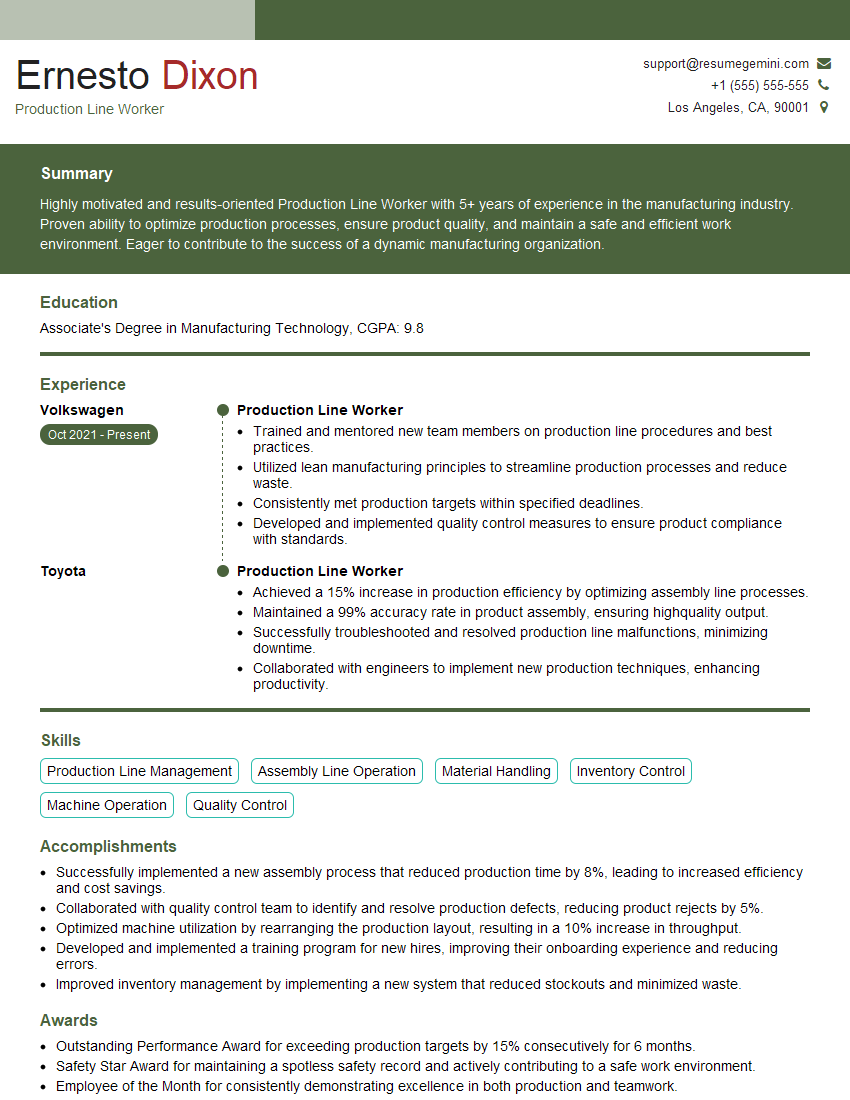
Production Line Worker Resume Sample
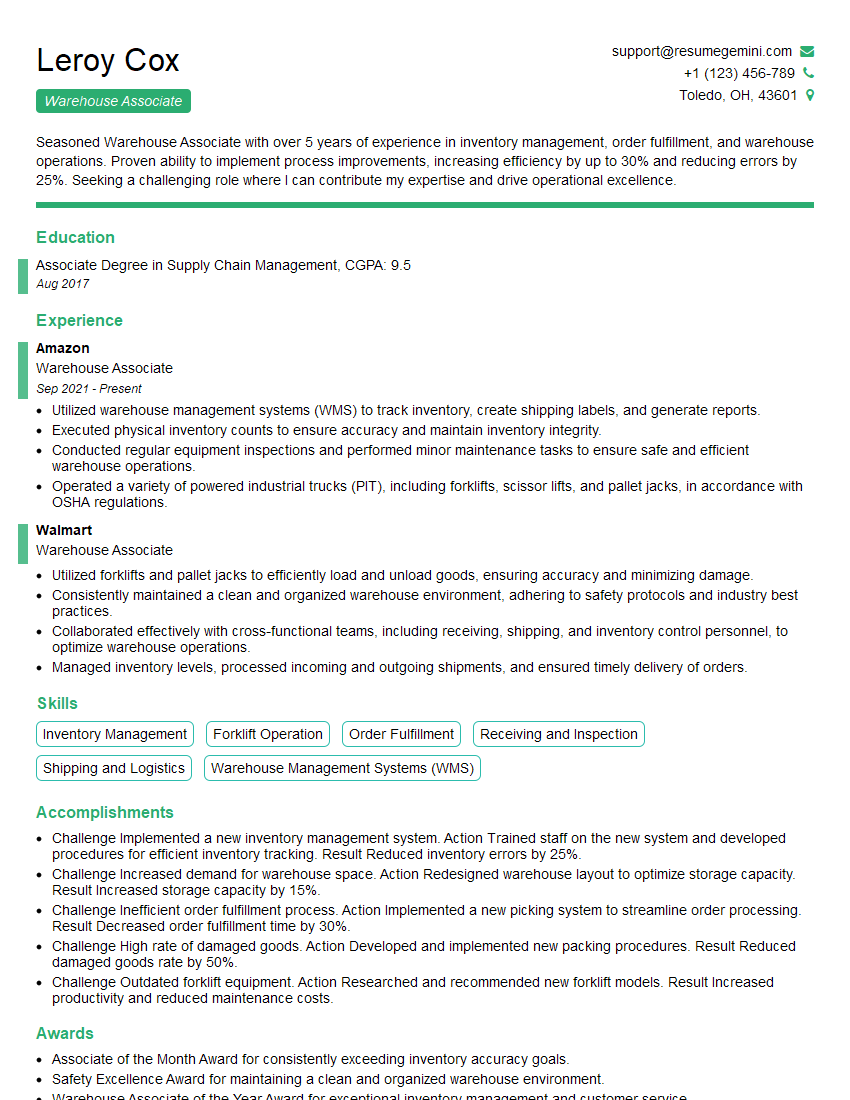
Warehouse Associate Resume Sample
- Administrative Assistant
- Customer Service Representative
- Bookkeeper
- Data Analyst
- Software Tester
- Manufacturing Technician
- Lab Technician
- Research Assistant
- Copy Editor
- Proofreader
- Technical Writer
- Transcriptionist
- Call Center Agent
- Medical Biller
- Accounts Payable Clerk
- Accounts Receivable Clerk
- Medical Coder
- Order Processor
- Shipping and Receiving Clerk
- Inventory Clerk
- Data Entry Specialist
- Claims Processor
- Production Line Worker
- Warehouse Associate
Explore more articles
Users Rating of Our Blogs
Share Your Experience
We value your feedback! Please rate our content and share your thoughts (optional).
What Readers Say About Our Blog
Very informative content, great job.
good