Every successful interview starts with knowing what to expect. In this blog, we’ll take you through the top Responding to Updates interview questions, breaking them down with expert tips to help you deliver impactful answers. Step into your next interview fully prepared and ready to succeed.
Questions Asked in Responding to Updates Interview
Q 1. Describe your process for prioritizing updates based on urgency and impact.
Prioritizing updates involves a careful balancing act between urgency and impact. I utilize a matrix system, often visualized as a grid, where the vertical axis represents urgency (e.g., critical, high, medium, low) and the horizontal axis represents impact (e.g., catastrophic, significant, moderate, minor). Each update is plotted on this matrix.
For example, a security vulnerability with widespread potential for data breach would be categorized as high urgency and catastrophic impact, taking top priority. A minor visual bug with minimal user impact would be low urgency and minor impact, pushed lower down the list. This system allows for objective prioritization, enabling efficient resource allocation.
Furthermore, I consider dependencies. An update that relies on a previously scheduled update will be prioritized accordingly. This ensures a smooth implementation process and avoids cascading failures.
Q 2. How do you ensure updates are implemented without causing service disruptions?
Preventing service disruptions during updates is paramount. My strategy hinges on rigorous testing and the implementation of robust rollback procedures. Before any update goes live, it undergoes comprehensive testing in a staging environment that mirrors the production environment as closely as possible. This allows us to identify and resolve potential issues before they affect end-users.
We employ techniques like blue-green deployments or canary deployments. In a blue-green deployment, we have two identical environments; the update is deployed to one (green) while the other (blue) remains live. Once testing is complete in the green environment, traffic is switched to it. Canary releases involve gradually rolling out the update to a small subset of users before a complete deployment, allowing for real-time monitoring and quick response to any unexpected issues.
Thorough documentation of the rollback process is crucial, ensuring a rapid reversion to the previous stable state if problems arise.
Q 3. What strategies do you use to effectively communicate updates to stakeholders?
Effective communication is essential for a smooth update process. I utilize a multi-pronged approach depending on the stakeholder group and the update’s nature. For instance, for major updates impacting a wide user base, I would use a combination of methods:
- Announcements: Clear, concise announcements through email, company-wide messaging systems, and potentially social media.
- Detailed Release Notes: Providing comprehensive information about the update, including features, bug fixes, and known issues.
- Training Materials (if necessary): Providing tutorials or documentation to help users adapt to the changes.
- Status Updates: Regular updates on the update’s progress via email, dedicated project portals, or similar channels to keep stakeholders informed.
For less significant updates, a simpler communication strategy might suffice, perhaps a single email or a brief announcement on an internal portal. The key is to tailor the communication to the audience and the impact of the update.
Q 4. Explain your experience with different update management methodologies (e.g., Agile, Waterfall).
My experience spans both Agile and Waterfall methodologies, each suited to different scenarios. In Agile, we often use iterative development, deploying updates in smaller, more frequent increments. This allows for quicker feedback loops and faster adaptation to changing requirements. We utilize tools like Jira for tracking progress and managing sprints.
Waterfall, on the other hand, is more suitable for projects with well-defined requirements and less flexibility for changes. It involves sequential stages, with each stage needing completion before moving to the next. While offering more structured planning, it’s less adaptable to unexpected issues or changing requirements.
I’ve found that a hybrid approach, leveraging the strengths of both methodologies, often yields optimal results, particularly in complex projects.
Q 5. How do you handle conflicting updates or overlapping changes?
Conflicting updates require a systematic approach. I begin by identifying the conflicting changes and their potential impact. We analyze the updates’ dependencies and priorities, similar to the prioritization matrix mentioned earlier. The update with the higher urgency and impact typically takes precedence.
If both updates are equally critical, we explore merging the changes or sequencing them carefully to minimize conflicts. This often involves code reviews and thorough testing to ensure compatibility. In some cases, it might be necessary to delay one update to avoid unforeseen problems. Clear communication is essential throughout this process to ensure all stakeholders are aware of the resolution.
Q 6. Describe your experience with version control systems and their role in update management.
Version control systems (VCS), like Git, are fundamental to update management. They track changes over time, allowing us to revert to previous versions if needed. This is crucial for managing multiple updates simultaneously, identifying the source of errors, and ensuring traceability. Each update is committed with a clear description of the changes, enabling easy review and auditing.
Branching strategies within Git, such as feature branching, allow developers to work on updates independently without affecting the main codebase. Once testing is complete, these branches are merged back into the main branch, facilitating a streamlined update process. This approach minimizes conflicts and ensures stability.
Q 7. How do you track and document updates to maintain audit trails?
Maintaining a comprehensive audit trail is essential for compliance and troubleshooting. We use a combination of tools and processes to track and document updates. The VCS itself provides a significant portion of the audit trail, with each commit recording the changes, author, and timestamp. We supplement this with a change management system that documents the approval process, testing results, and deployment details.
Each update has a unique identifier, and we log information such as the start and end times, affected systems, and any issues encountered. This detailed logging ensures we can quickly reconstruct the update process and pinpoint the cause of any problems that might occur. Regular audits of these logs ensure the system’s integrity and compliance with regulatory requirements.
Q 8. What metrics do you use to measure the success of an update implementation?
Measuring the success of an update implementation goes beyond simply confirming its completion. We need a multi-faceted approach using key performance indicators (KPIs) that reflect both technical success and user impact.
Downtime: This measures the total time the system was unavailable during the update process. A lower downtime percentage indicates a more efficient update.
Successful deployments: This tracks the percentage of deployments that completed without errors. For example, if we deploy to 100 servers and 98 are successful, the rate is 98%.
User feedback: Post-update surveys or analyzing user support tickets can reveal user satisfaction and identify any unexpected issues. A positive trend here is critical.
Performance metrics: We monitor key performance indicators (KPIs) like response time, throughput, and error rates before and after the update to ensure no regressions. A significant improvement or at least no deterioration is ideal.
Security improvements: For security updates, success is measured by the number of vulnerabilities mitigated or patched. We use vulnerability scanners before and after the update to quantify the improvements.
Combining these metrics provides a holistic view of the update’s success, allowing us to identify areas for improvement in future deployments. For instance, a high successful deployment rate but low user satisfaction might indicate a usability issue needing attention.
Q 9. How do you identify and mitigate potential risks associated with updates?
Risk mitigation is paramount in update management. We employ a proactive strategy encompassing several stages:
Risk identification: This involves thoroughly analyzing the update’s scope, reviewing release notes, and considering potential interactions with existing systems. We use tools that automatically identify potential conflicts.
Testing: We perform rigorous testing in a controlled environment (staging or development) before deploying to production. This includes unit testing, integration testing, and user acceptance testing (UAT) to identify and address potential bugs and compatibility issues.
Rollback planning: Before any update, we meticulously plan the rollback process, ensuring we have the necessary backups and procedures in place to revert to a previous stable state if necessary. This might include scripts to automatically revert database changes or restore system configurations.
Communication: Clear communication with stakeholders is vital. We inform users about the update, its potential impact, and any necessary downtime. This minimizes disruptions and manages expectations.
Monitoring: Post-deployment monitoring involves continuous observation of system performance and user feedback to quickly detect and address any issues.
For example, before a major database update, we’d create a full database backup, test the update in a staging environment mirroring production, and establish a clear rollback procedure to restore the database to its previous state if the update fails. This layered approach minimizes risk and ensures business continuity.
Q 10. How do you handle emergency updates requiring immediate action?
Emergency updates, often addressing critical security vulnerabilities or severe system malfunctions, demand rapid response and careful execution. Our process prioritizes speed without compromising safety.
Rapid assessment: We swiftly assess the severity and scope of the issue to understand the urgency and potential impact.
Prioritized testing: While thorough testing is ideal, we prioritize critical functionality during emergency updates, focusing on resolving the immediate problem while acknowledging a possible need for further testing later.
Phased rollout: A phased rollout minimizes the potential impact of a faulty update. We start with a small subset of users or servers, closely monitoring performance before expanding the deployment.
Communication is key: We communicate the situation clearly and transparently to all affected stakeholders, ensuring everyone is aware of the steps taken and the potential impact.
Post-mortem analysis: Following the emergency update, a thorough post-mortem analysis identifies root causes and informs future prevention strategies.
For instance, if a critical security vulnerability is discovered, we’ll immediately prepare and deploy a patch, starting with a small group of servers in a canary deployment model before rolling it out more broadly. Continuous monitoring during this process allows us to promptly address any unforeseen complications.
Q 11. Explain your experience with rollback procedures in case of update failures.
Rollback procedures are crucial components of our update strategy. They act as a safety net in case of update failures. We focus on comprehensive planning and automation to ensure efficient and reliable reversions.
Backup strategy: We maintain regular backups of critical system components—databases, configurations, and application files—to provide a point of restoration in case of failure. The frequency of these backups depends on the criticality of the system and the update’s complexity.
Automated rollback scripts: We develop and test automated scripts to streamline the rollback process. These scripts can restore backups, reverse database changes, and revert configuration settings, minimizing manual intervention and reducing recovery time.
Rollback testing: Before deploying any update, we thoroughly test the rollback procedure in a staging environment to ensure its effectiveness. This includes verifying that the rollback process restores the system to a fully functional state.
Documentation: Clear and detailed documentation is critical. This includes step-by-step instructions for performing a rollback, troubleshooting common issues, and contact information for support.
For example, in an e-commerce environment, a failed update might lead to a complete loss of transaction data. Our rollback procedure would involve restoring the database from a recent backup, ensuring no customer orders or payment information are lost. This seamless restoration is critical for maintaining customer trust and business continuity.
Q 12. How do you manage user expectations during the update process?
Managing user expectations during updates is critical for maintaining satisfaction and minimizing disruptions. This involves clear, proactive communication and transparency throughout the process.
Pre-update announcements: We provide users with advance notice about upcoming updates, outlining the planned downtime, new features, and potential impacts on their workflow. This allows them to plan accordingly.
Real-time updates: During the update process, we provide real-time updates on the progress, including any delays or unexpected issues. This maintains transparency and keeps users informed.
Post-update communication: Following the update, we communicate the results, highlighting any new features or improvements and addressing any issues encountered. We also provide channels for user feedback.
Dedicated support: We provide dedicated support channels to address user queries and resolve any problems arising from the update.
For example, if a system update requires a brief downtime, we would send email notifications informing users of the scheduled maintenance window and the anticipated duration. Following the update, we would share a summary of changes and encourage user feedback to gather insights and identify any remaining issues.
Q 13. Describe your experience with different types of updates (e.g., security patches, feature enhancements).
My experience spans various update types, each demanding a tailored approach:
Security patches: These updates are critical and often require immediate action. The focus is on speed and minimal disruption, prioritizing the patching of vulnerabilities over extensive testing. We heavily rely on automated deployment tools and rigorous pre-release security testing.
Feature enhancements: These updates introduce new features or functionalities, often requiring more extensive testing and user acceptance testing (UAT). We prioritize user feedback to ensure the new features are intuitive and meet user needs. We might use A/B testing to evaluate the impact of new features on user behavior.
Bug fixes: These updates address specific bugs or defects. The testing process focuses on verifying the fix and ensuring it doesn’t introduce new issues. Automated testing plays a crucial role here, enabling rapid regression testing.
Performance improvements: These updates aim to enhance system performance. Testing focuses on measuring key performance indicators (KPIs) to evaluate the effectiveness of the changes. We track metrics like response times and resource utilization before and after the update.
Each update type requires a different balance between speed and thoroughness. Security updates prioritize speed, while feature enhancements emphasize user experience and testing. Understanding these nuances is crucial for effective update management.
Q 14. How do you ensure updates are compatible with existing systems and infrastructure?
Ensuring compatibility with existing systems and infrastructure is a vital aspect of update management. We utilize several strategies to achieve this:
Compatibility testing: We conduct thorough compatibility testing in a pre-production environment to verify the update’s compatibility with all relevant systems, including hardware, software, and network infrastructure. This often involves simulating the production environment as closely as possible.
Dependency analysis: We analyze the update’s dependencies to identify any potential conflicts with existing software or libraries. Automated dependency management tools help us identify and resolve potential issues.
Version control: Strict version control ensures that only compatible versions of software and libraries are used. This minimizes the risk of conflicts and simplifies rollback procedures.
Infrastructure assessment: We assess the current infrastructure to ensure it meets the requirements of the update. This might involve upgrading hardware or software components to support the update.
Rollout strategy: A phased rollout minimizes the impact of potential incompatibility issues, enabling a swift response if any issues arise during the update.
For example, before deploying a new version of our application server, we’d test its compatibility with the existing database, web server, and operating system in a staging environment, ensuring that all components work together seamlessly. This proactive approach minimizes downtime and prevents unexpected issues in production.
Q 15. How do you test updates to minimize the risk of errors?
Testing updates rigorously is crucial to minimize errors and ensure a smooth user experience. My approach involves a multi-layered strategy encompassing unit testing, integration testing, and user acceptance testing (UAT).
Unit Testing: This involves testing individual components or modules of the update in isolation. For example, if the update includes a new feature for calculating taxes, I’d test the tax calculation function separately, ensuring it handles various inputs correctly, including edge cases (like zero income or negative values).
Integration Testing: After unit testing, I integrate these components and test their interaction. This ensures that all parts of the update work together seamlessly. Using the tax calculation example, I would integrate this function into the main application and verify that it interacts correctly with other features like user profiles and data storage.
User Acceptance Testing (UAT): This critical phase involves real users testing the update in a simulated environment that mirrors real-world conditions. This helps identify issues that might not be apparent during earlier testing phases. For instance, UAT might reveal usability problems or unexpected user workflows that were overlooked in previous tests.
Comprehensive testing, employing various methodologies and involving end-users, significantly reduces the risk of errors and improves the quality of the update before deployment.
Career Expert Tips:
- Ace those interviews! Prepare effectively by reviewing the Top 50 Most Common Interview Questions on ResumeGemini.
- Navigate your job search with confidence! Explore a wide range of Career Tips on ResumeGemini. Learn about common challenges and recommendations to overcome them.
- Craft the perfect resume! Master the Art of Resume Writing with ResumeGemini’s guide. Showcase your unique qualifications and achievements effectively.
- Don’t miss out on holiday savings! Build your dream resume with ResumeGemini’s ATS optimized templates.
Q 16. What is your experience with automated update deployment tools?
I have extensive experience with automated update deployment tools, specifically using tools like Ansible, Chef, and Puppet for infrastructure updates, and tools like Jenkins and GitLab CI/CD for application updates. These tools enable automated builds, testing, and deployment, reducing manual effort and improving reliability.
For instance, in a previous role, we used Jenkins to automate the deployment of software updates to our cloud-based application. Jenkins automatically built the application, ran unit and integration tests, and deployed the update to various environments (staging, production) based on predefined criteria and schedules. This automated pipeline ensured faster deployment times and reduced the chances of human error during deployment.
Example Ansible playbook snippet for updating a server package: - name: Update package apt: name: mypackage state: latest update_cache: yesMy experience extends to configuring these tools to handle rollbacks in case of failures, ensuring minimal disruption to users.
Q 17. How do you handle user feedback and incorporate it into future updates?
User feedback is invaluable in improving subsequent updates. We actively collect feedback through various channels, including surveys, in-app feedback forms, and social media monitoring. This feedback is then categorized and prioritized based on severity and frequency.
For instance, if a recurring issue is reported regarding the usability of a particular feature, we prioritize addressing it in the next update. We use tools like Jira or similar bug tracking systems to manage user feedback, track progress, and ensure that feedback is translated into actionable development tasks. We strive for transparency by informing users about the status of their reported issues and planned fixes.
Incorporating user feedback not only improves the application but also strengthens the relationship with the user base, fostering loyalty and encouraging continued engagement.
Q 18. How do you stay informed about the latest updates and security patches?
Staying informed about the latest updates and security patches is paramount. My strategy involves a combination of proactive measures and reactive responses.
Proactive Measures: I subscribe to relevant newsletters, follow industry blogs and forums, and attend webinars and conferences focused on software development and security. This allows me to stay ahead of emerging trends and potential vulnerabilities.
Reactive Responses: I closely monitor security advisories released by vendors and organizations such as the National Vulnerability Database (NVD) and relevant open-source community forums. This ensures prompt responses to critical vulnerabilities affecting our systems.
This dual approach ensures we are well-prepared for potential issues and can quickly adapt to emerging threats.
Q 19. Describe your experience with update scheduling and planning.
Update scheduling and planning require careful consideration of several factors, including user impact, resource availability, and business requirements. My approach involves a phased approach.
Planning Phase: I collaborate with development, testing, and operations teams to define the scope of the update, identify potential risks, and create a detailed timeline.
Testing Phase: A thorough testing plan is developed, aligning with the testing strategy outlined in question 1.
Deployment Phase: The update is deployed in stages, often starting with a small subset of users (A/B testing) to mitigate risk and identify potential issues before broader deployment. A rollback plan is always prepared.
Post-Deployment Monitoring: Post-deployment monitoring is critical to identify unexpected issues and ensure user satisfaction.
For example, we might schedule major updates during off-peak hours to minimize disruption to users and conduct thorough monitoring for 24-48 hours post-deployment.
Q 20. How do you collaborate with different teams during the update process?
Collaboration is key during the update process. I work closely with several teams, including:
Development Team: To understand the technical aspects of the update, ensure code quality, and address any technical challenges.
Testing Team: To coordinate testing efforts, review test results, and ensure sufficient testing coverage.
Operations Team: To plan and execute the deployment, manage infrastructure, and monitor system performance.
Marketing/Communications Team: To prepare communications to inform users about the update and address any concerns.
I use tools like project management software (Jira, Asana) and communication platforms (Slack, Microsoft Teams) to facilitate communication and collaboration among these teams. Regular meetings and clear communication channels are essential for a smooth update process.
Q 21. How do you handle resistance to updates from users or stakeholders?
Resistance to updates can stem from various sources, including fear of disruption, lack of understanding, or previous negative experiences. My approach involves a combination of proactive communication and empathetic engagement.
Proactive Communication: Before deploying an update, I ensure that users are adequately informed about the benefits and changes through clear and concise communications. Highlighting the value proposition and addressing potential concerns helps mitigate resistance.
Empathetic Engagement: I actively listen to users’ concerns and address them with patience and understanding. Providing training and support can help users adapt to the changes and improve their confidence in using the updated system.
Phased Rollout: Gradually rolling out updates allows for better management of user feedback and addresses potential issues before widespread deployment.
Incentives: Offering incentives, such as exclusive features or rewards, can help encourage user adoption of updates.
Addressing resistance requires a combination of clear communication, proactive support, and a user-centric approach.
Q 22. How do you ensure updates comply with relevant regulations and standards?
Ensuring updates comply with regulations and standards is paramount. It involves a multi-step process beginning with a thorough understanding of the applicable legal frameworks (like GDPR, HIPAA, etc.) and industry best practices (like NIST Cybersecurity Framework).
This understanding informs the development process itself. We conduct regular compliance audits throughout the update lifecycle, from initial design and coding to testing and deployment. We utilize automated tools to scan for vulnerabilities and ensure adherence to coding standards, complemented by manual code reviews to catch more nuanced issues. For example, when releasing a healthcare application update, we rigorously verify compliance with HIPAA’s security rule, ensuring patient data is protected and access is properly controlled. Documentation meticulously records these compliance checks, providing an audit trail for verification purposes.
- Regular Compliance Audits: Automated and manual checks throughout the lifecycle.
- Vulnerability Scanning: Identifying and mitigating security flaws.
- Code Reviews: Ensuring code meets standards and regulations.
- Documentation: Detailed record-keeping for audit trail.
Q 23. Explain your experience with monitoring and analyzing update performance.
Monitoring and analyzing update performance is crucial for identifying and resolving potential problems quickly. We leverage a suite of monitoring tools that track key metrics like update download speeds, installation success rates, and post-update system performance. Real-time dashboards provide immediate visibility into these metrics, allowing us to proactively address any anomalies. We also use advanced analytics techniques to identify trends and correlations. For example, a sudden drop in update success rate might point to a specific system configuration causing incompatibility; we then drill down into the affected systems’ logs to identify the root cause.
Beyond basic metrics, we analyze user feedback and support tickets to understand the impact of updates from a user perspective. This helps us to assess not just the technical performance, but also the usability and overall user experience post-update. This holistic approach allows for continuous improvement in both the updates themselves and our update deployment processes.
Q 24. Describe a situation where an update failed. How did you resolve it?
In one instance, a major update to our flagship product failed due to an unforeseen incompatibility with a specific third-party library. This led to a widespread system crash for a significant portion of our user base.
Our immediate response involved activating our incident management plan. First, we identified the scope of the issue and communicated transparently with affected users. Simultaneously, a dedicated team analyzed the system logs to pinpoint the root cause – the conflict with the third-party library. We quickly rolled back the update to the previous stable version, mitigating further damage. A hotfix was then developed and rigorously tested before re-deployment. The incident highlighted the importance of comprehensive testing, including compatibility tests across diverse environments, and led to improvements in our testing methodologies and rollback procedures.
- Incident Management Plan Activation: Immediate response protocol.
- Root Cause Analysis: System log review to identify the root cause.
- Rollback: Immediate reversal to stable version.
- Hotfix Development & Testing: Rapid resolution and re-deployment.
Q 25. What are the key challenges you’ve faced in managing updates?
Managing updates presents several key challenges. One major hurdle is balancing the need for frequent updates with the potential disruption to users. Downtime, even for short periods, can impact productivity and user satisfaction. Another challenge is the sheer complexity of modern systems. Integrating updates smoothly across multiple interconnected components requires careful planning and execution.
Furthermore, ensuring backward compatibility across different versions can be a significant undertaking. Testing updates thoroughly in various environments before deployment helps but doesn’t guarantee the absence of all unexpected issues. Finally, managing user expectations and communications around updates is vital to maintaining confidence and trust in the system.
Q 26. How do you prioritize your tasks when multiple updates are required?
Prioritizing updates requires a structured approach. We use a combination of factors to determine urgency, including the severity of any bugs being addressed, the number of users affected, the business impact of the issue, and the complexity of the update itself. A risk-based prioritization matrix helps us visually represent and communicate these factors.
High-severity bugs impacting critical systems naturally receive top priority, while less critical updates, such as performance enhancements or minor feature additions, are scheduled based on resource availability and overall roadmap timelines. Regularly reviewing and adjusting priorities is key to adapting to changing circumstances and user needs.
Q 27. How do you balance the need for timely updates with minimizing disruptions?
Balancing timely updates with minimal disruption is a delicate act, achieved through a strategy of careful planning and execution. We employ techniques like phased rollouts, where updates are deployed to a small subset of users initially, allowing for early detection and resolution of any problems before wider deployment. This minimizes the potential impact of widespread issues. This minimizes the impact of widespread issues. We also utilize robust monitoring systems to track update performance in real-time, enabling swift intervention if problems arise.
Additionally, we schedule updates during off-peak hours to minimize disruption to users. Comprehensive communication with users before, during, and after the update keeps them informed and reduces anxiety. Providing clear documentation and support resources helps users navigate any potential challenges arising from the update.
Q 28. Describe your experience with creating and updating documentation related to updates.
Creating and updating documentation related to updates is a crucial aspect of our process. This documentation serves several purposes: it guides users through the update process, providing clear instructions and troubleshooting guidance; it acts as a reference for our support team when addressing user queries; and it provides an audit trail for regulatory compliance purposes. We use a wiki-based system that allows for collaborative editing and version control, ensuring that the documentation always reflects the latest state of the system.
The documentation itself includes detailed release notes, step-by-step installation instructions, known issues and workarounds, and FAQs. We strive to make the documentation clear, concise, and accessible to a wide audience, avoiding overly technical jargon where possible. Regular updates and reviews are conducted to ensure that the documentation remains accurate and current.
Key Topics to Learn for Responding to Updates Interview
- Understanding Change Management Processes: Learn the various methodologies for managing updates, from agile sprints to traditional waterfall approaches. Consider the impact of different processes on communication and stakeholder management.
- Prioritization and Triaging Updates: Practice evaluating the urgency and impact of different updates. Develop strategies for effectively prioritizing tasks and allocating resources.
- Effective Communication Strategies: Master the art of communicating updates clearly and concisely to both technical and non-technical audiences. Explore different communication channels and their appropriate uses.
- Risk Assessment and Mitigation: Understand how to identify potential risks associated with updates and develop mitigation strategies to minimize disruption and downtime.
- Testing and Validation: Learn about different testing methodologies and their application in verifying the successful implementation of updates. Understand the importance of thorough testing before deployment.
- Documentation and Knowledge Management: Explore best practices for documenting updates, including change logs, release notes, and knowledge base articles. This ensures easy access to information and facilitates future troubleshooting.
- Collaboration and Teamwork: Highlight your ability to work effectively with cross-functional teams, including developers, testers, and stakeholders, to ensure smooth update implementation.
Next Steps
Mastering the art of responding to updates is crucial for career advancement in today’s dynamic technological landscape. Your ability to manage change, communicate effectively, and mitigate risks will significantly impact your success. To maximize your job prospects, focus on creating an ATS-friendly resume that clearly showcases your relevant skills and experience. ResumeGemini is a trusted resource to help you build a professional and impactful resume that stands out from the competition. We provide examples of resumes tailored to highlight expertise in Responding to Updates to help guide your preparation.

Operations Manager Resume Sample

Product Manager Resume Sample

Project Manager Resume Sample

Compliance Officer Resume Sample
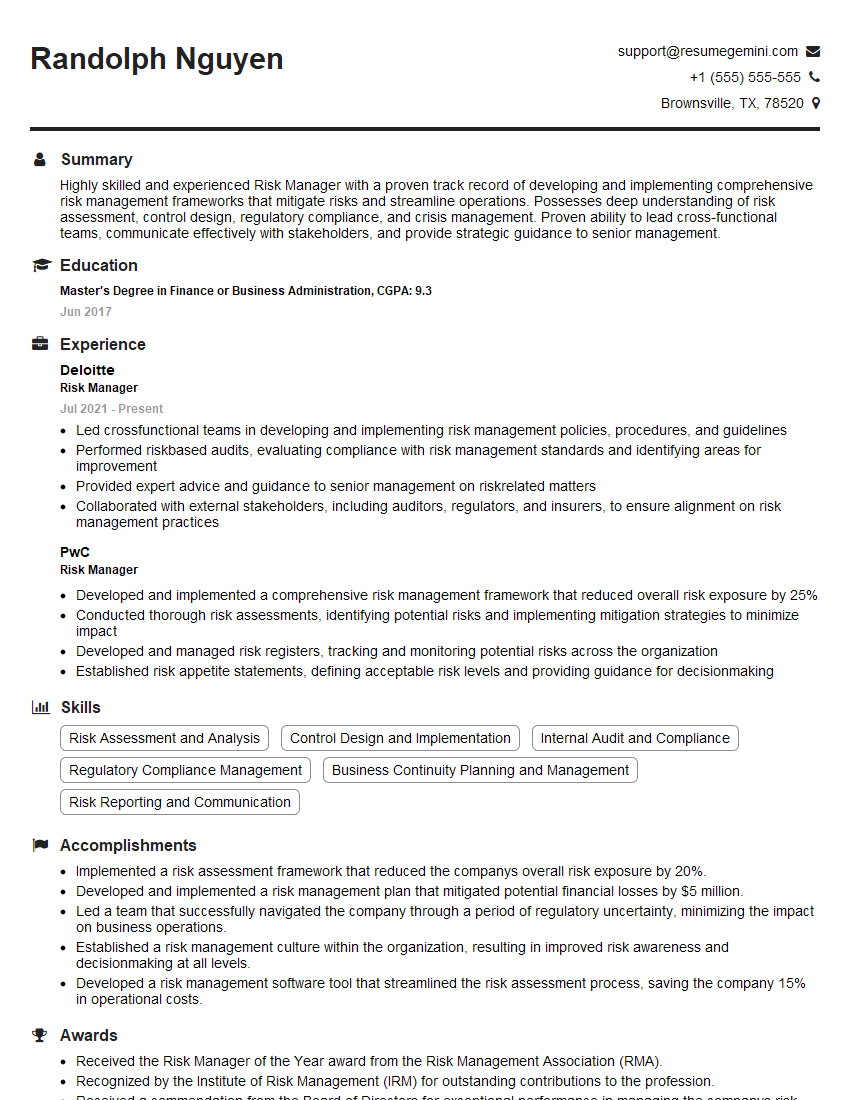
Risk Manager Resume Sample
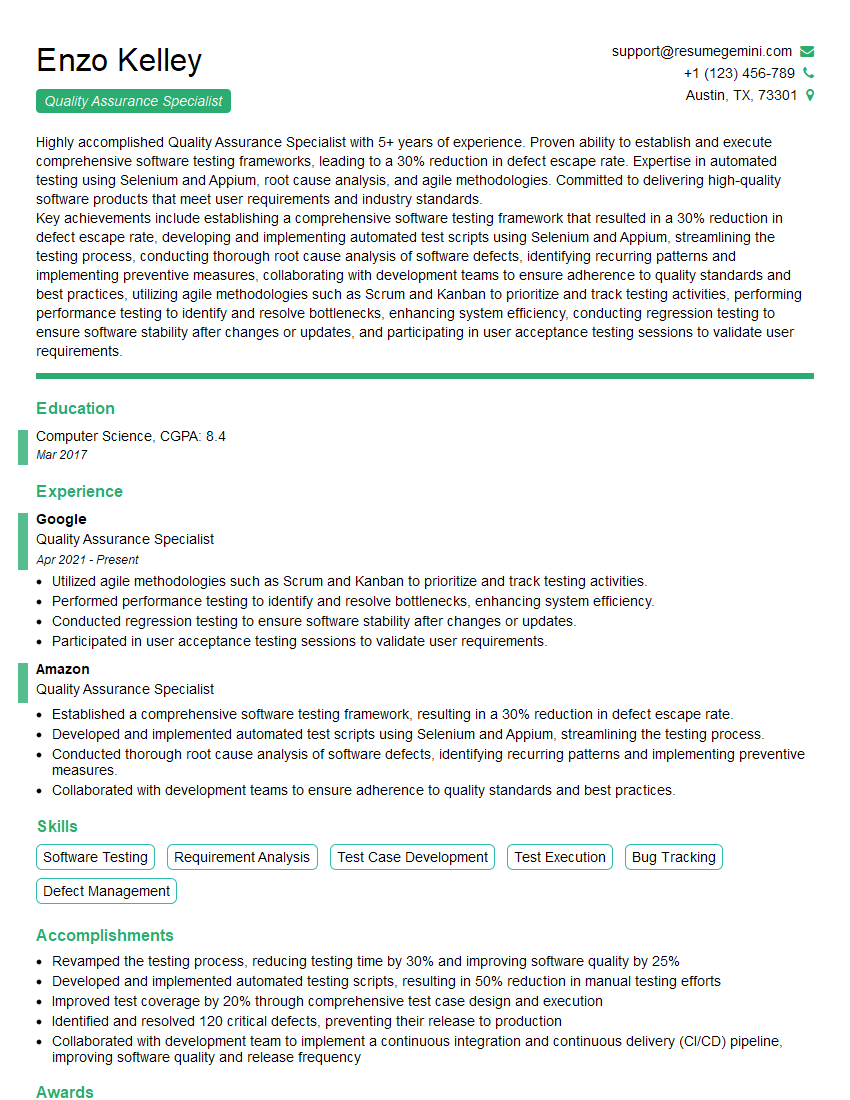
Quality Assurance Specialist Resume Sample

Business Analyst Resume Sample

Security Analyst Resume Sample

Data Analyst Resume Sample

Software Engineer Resume Sample

Network Engineer Resume Sample

Web Developer Resume Sample

System Administrator Resume Sample
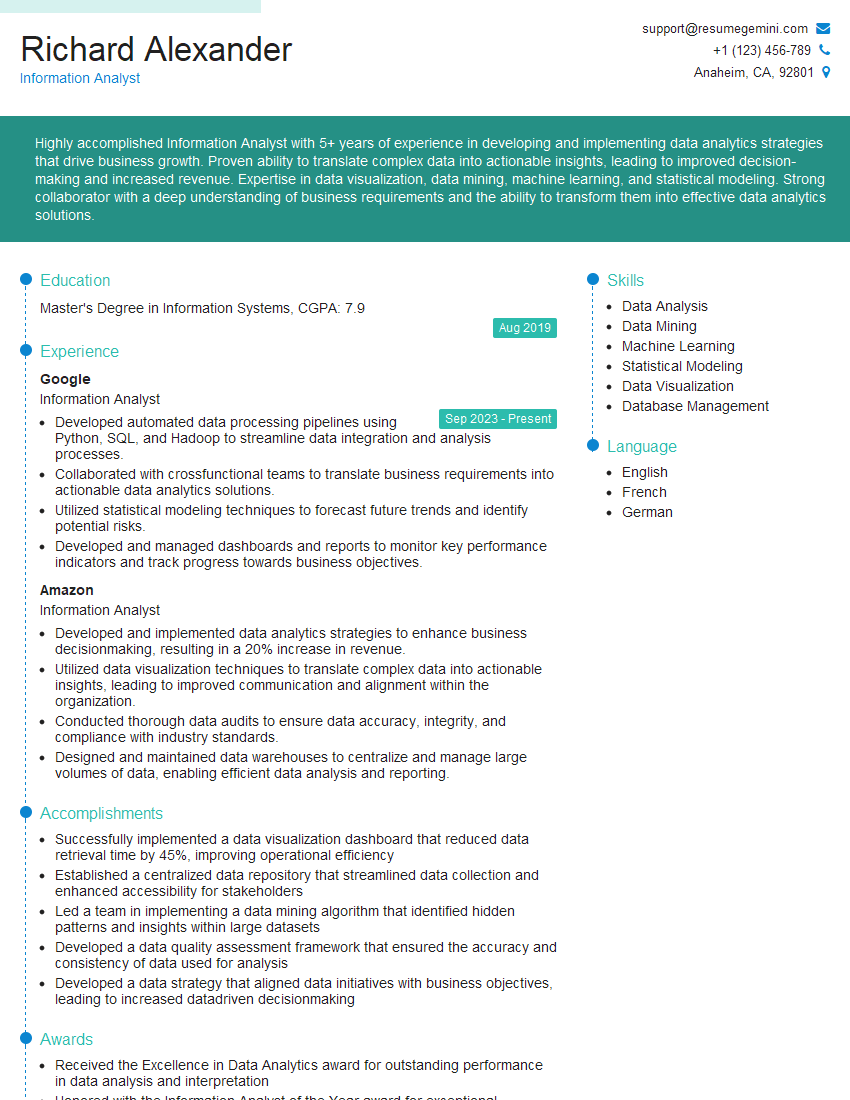
Information Analyst Resume Sample

Help Desk Analyst Resume Sample

IT Manager Resume Sample

Technical Writer Resume Sample

Database Administrator Resume Sample
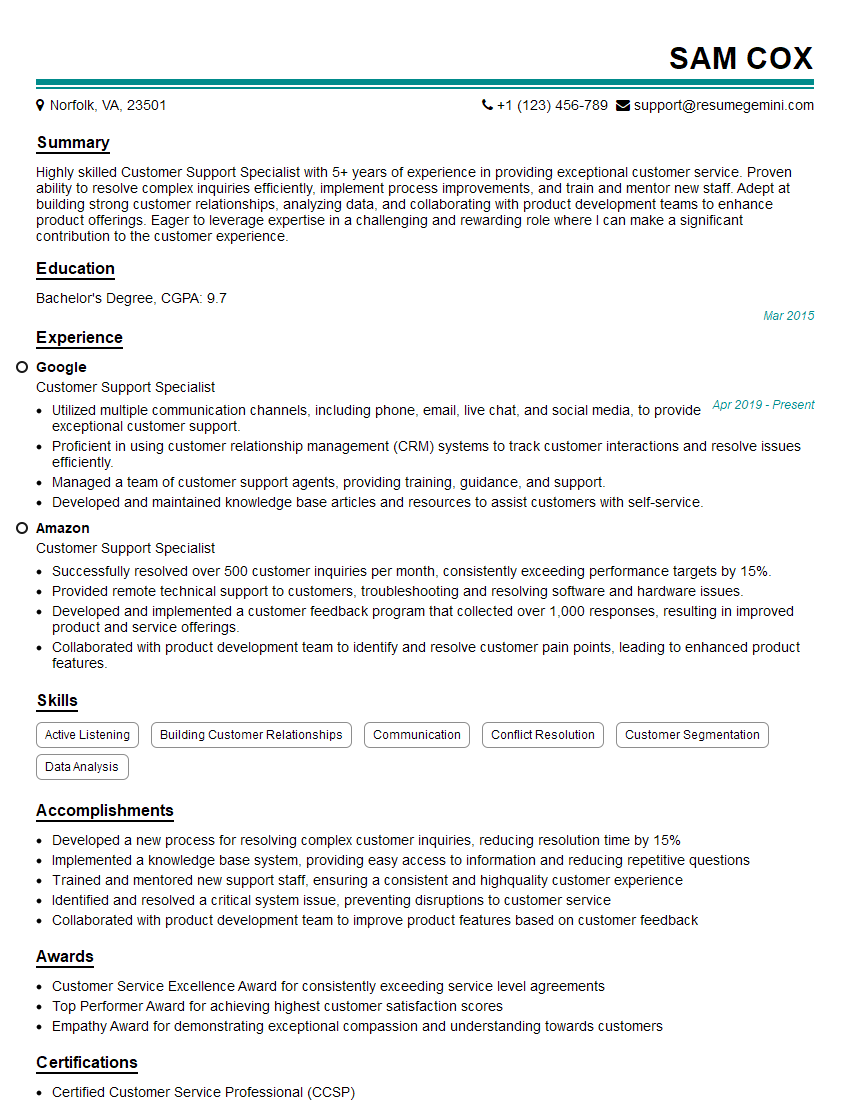
Customer Support Specialist Resume Sample

DevOps Engineer Resume Sample
- Operations Manager
- Product Manager
- Project Manager
- Compliance Officer
- Risk Manager
- Quality Assurance Specialist
- Business Analyst
- Security Analyst
- Data Analyst
- Software Engineer
- Network Engineer
- Web Developer
- System Administrator
- Information Analyst
- Help Desk Analyst
- IT Manager
- Technical Writer
- Database Administrator
- Customer Support Specialist
- DevOps Engineer
Explore more articles
Users Rating of Our Blogs
Share Your Experience
We value your feedback! Please rate our content and share your thoughts (optional).
What Readers Say About Our Blog
Very informative content, great job.
good