Interviews are opportunities to demonstrate your expertise, and this guide is here to help you shine. Explore the essential Rockwell Automation Studio 5000 interview questions that employers frequently ask, paired with strategies for crafting responses that set you apart from the competition.
Questions Asked in Rockwell Automation Studio 5000 Interview
Q 1. Explain the difference between a tag and an address in Studio 5000.
In Studio 5000, a tag represents a symbolic name given to a memory location within a PLC (Programmable Logic Controller), while an address refers to the actual physical location of that memory in the controller’s hardware. Think of it like this: a tag is the user-friendly name you give to a variable (like ‘MotorSpeed’), and the address is the computer’s internal way of knowing where that variable’s data is stored (like ‘N7:0’).
Using tags improves code readability and maintainability. If you need to change the physical location of a variable, you only need to update the tag’s address mapping; your program logic remains unchanged. Without tags, you’d be working directly with addresses, making your code harder to read and less robust.
Example: You might define a tag named MotorSpeed, which is then assigned to the physical address N7:0. Your code uses MotorSpeed, making it easy to understand, while the PLC knows to find the data at N7:0.
Q 2. Describe the different data types available in Studio 5000 and their applications.
Studio 5000 offers a variety of data types crucial for handling different types of information. Choosing the correct data type is essential for efficiency and program correctness.
- BOOL (Boolean): Represents true or false values (commonly used for switch status, sensor signals).
- SINT (Signed Integer): A 16-bit signed integer (-32768 to 32767).
- INT (Integer): A 32-bit signed integer (-2,147,483,648 to 2,147,483,647).
- DINT (Double Integer): A 64-bit signed integer.
- REAL (Floating-Point): A 32-bit single-precision floating-point number, useful for representing analog values.
- LREAL (Long Floating-Point): A 64-bit double-precision floating-point number.
- STRING: Used for text characters.
- DWORD (Double Word): 32-bit unsigned integer.
- LWORD (Long Word): 64-bit unsigned integer.
Application Example: You might use a BOOL to represent a limit switch state, a REAL to store a temperature reading from a sensor, and a STRING to display an error message.
Q 3. How do you handle array and structure data in Studio 5000?
Studio 5000 provides robust tools for managing arrays and structures. These data types allow you to group related data elements together, improving code organization and efficiency.
Arrays: Arrays are collections of data elements of the same type. You declare them by specifying the data type and the number of elements. Example: DINT MyArray[10]; // Creates an array named MyArray containing 10 DINT elements.
Structures: Structures are collections of data elements of different types. You can define them to represent complex data objects. Example: STRUCT MyStructure
DINT Value1;
REAL Value2;
END_STRUCT
Accessing elements: Array elements are accessed using an index (starting from 0), while structure members are accessed using the dot operator. Example: MyArray[5] //Accesses the 6th element of MyArray. MyStructure.Value1 //Accesses the Value1 member of MyStructure
Real-world example: You could use an array to store temperature readings from multiple sensors over a period of time, or a structure to represent the parameters of a motor (speed, current, voltage).
Q 4. Explain the use of different addressing modes in Studio 5000.
Studio 5000 supports various addressing modes, each with a specific purpose and application:
- Symbolic Addressing: Uses tag names (e.g.,
MotorSpeed). This is the preferred method due to improved code readability and maintainability. - Absolute Addressing: Uses the physical memory address (e.g.,
N7:0). This is generally avoided unless necessary for specific low-level operations or when working with legacy code. - Indirect Addressing: Uses the contents of a memory location to specify the address of the data to be accessed. This is powerful for dynamic data handling and array manipulation.
Example: Using a pointer variable to access elements of an array.
Example: Consider a simple calculation: ADD MotorSpeed, 10, NewSpeed. Here, MotorSpeed and NewSpeed are symbolic addresses, making the code clear and maintainable.
Q 5. How do you implement and troubleshoot timers and counters in Studio 5000?
Timers and counters are essential components in PLC programming, used for time-based and event-counting operations.
Timers: In Studio 5000, timers measure elapsed time. Common types include:
- TON (Timer On Delay): Turns ON after a specified time elapses while the input is ON.
- TOF (Timer Off Delay): Turns OFF after a specified time elapses after the input turns OFF.
- RTO (Retentive Timer On Delay): Similar to TON, but retains its accumulated time even when the input goes OFF.
Counters: Counters count events. Common types include:
- CTU (Counter Up): Increments when the input is ON.
- CTD (Counter Down): Decrements when the input is ON.
Troubleshooting: Common issues involve incorrect timer/counter settings, faulty input signals, or programming logic errors. Use the online monitoring capabilities of Studio 5000 to view timer/counter values in real-time, helping identify problems. Examine the program logic carefully and check the input signals to pinpoint the source of any malfunctions.
Q 6. Describe different methods for data logging in Studio 5000.
Studio 5000 offers several methods for data logging, each suitable for different needs and applications:
- Add-on Instructions (AOIs): Custom-designed AOIs can handle complex logging tasks, often writing data to a database or file.
- Third-party software: Several third-party HMI (Human-Machine Interface) and SCADA (Supervisory Control and Data Acquisition) systems offer integrated data logging capabilities.
- Built-in PLC capabilities: Depending on the PLC model, it might have internal data logging features that can be configured and accessed.
Real-world example: A manufacturing plant might use data logging to track production metrics, equipment performance, and quality control data over time. This data is valuable for optimizing processes, improving efficiency, and identifying potential issues.
Q 7. Explain the functionality and use of different instructions like MOV, ADD, SUB, MUL, DIV.
These instructions perform basic arithmetic operations:
- MOV (Move): Copies data from a source to a destination.
Example: MOV 10, MyVariable - ADD (Add): Adds two operands.
Example: ADD Value1, Value2, Result - SUB (Subtract): Subtracts one operand from another.
Example: SUB Value1, Value2, Result - MUL (Multiply): Multiplies two operands.
Example: MUL Value1, Value2, Result - DIV (Divide): Divides one operand by another.
Example: DIV Value1, Value2, Result
These are fundamental instructions used extensively in PLC programs for various calculations. Understanding these instructions forms the basis for creating more sophisticated control algorithms. For example, you might use these for scaling sensor inputs, calculating motor speeds, or performing PID control calculations.
Q 8. How do you create and manage user-defined data types in Studio 5000?
Creating and managing user-defined data types in Studio 5000 is crucial for code organization and reusability. Think of it like creating custom building blocks for your program. Instead of repeatedly defining the same set of variables, you can define a structure once and reuse it throughout your project.
You create these data types using the ‘Add-On Profile’ feature within the Controller Organizer. Here, you define a structure (STRUCT) or an enumerated type (ENUM), specifying the data types and names of the members within. For example:
STRUCT MyDataType
{
  INT MyInteger;
  REAL MyFloat;
  BOOL MyBoolean;
};
This creates a data type named ‘MyDataType’ containing an integer, a real number, and a boolean. You can then declare variables of this type throughout your program: MyDataType MyVariable;. This improves code readability and maintainability, especially in larger projects. Changes to the structure are automatically reflected everywhere it’s used.
Managing these types involves careful naming conventions and documentation. Clear names prevent confusion, and comments explain the purpose of each member. Regular reviews and updates ensure consistency across the project.
Q 9. How would you handle exception handling in your Studio 5000 program?
Exception handling in Studio 5000 is vital for creating robust and reliable applications. It’s like having a safety net for your program to gracefully handle unexpected situations, preventing crashes and data corruption. Instead of the program abruptly stopping, well-placed exception handling allows for controlled responses and error logging.
Studio 5000 primarily uses structured programming and error handling within ladder logic. This includes using conditional statements (IF, ELSE IF, ELSE) to check for error conditions, such as invalid sensor readings or communication failures. For instance, you might check if a sensor value is within an acceptable range before using it in a calculation. If it’s outside the range, you can trigger an alarm and log the error instead of continuing with faulty data.
Another approach is to monitor the status bits of various components. Most I/O modules and communication devices provide status bits indicating errors. Regularly polling these bits and taking appropriate actions based on their state forms a robust error-handling mechanism.
Moreover, logging errors is crucial. Studio 5000 offers various logging options, from simple text files to more advanced historian systems. Detailed logs help in diagnosing and resolving problems during commissioning and troubleshooting.
Q 10. Describe your experience with different communication protocols (e.g., Ethernet/IP, Modbus) within Studio 5000.
I have extensive experience with various communication protocols within Studio 5000, notably Ethernet/IP and Modbus. Think of these as the languages your PLC uses to communicate with other devices. Each protocol has its strengths and weaknesses.
Ethernet/IP is Rockwell Automation’s proprietary protocol and offers high speed and efficiency within a Rockwell environment. It’s like having a direct and fast communication line between Rockwell devices. I’ve used it extensively for connecting PLCs, HMIs, and other devices on an industrial network. Configuring this protocol involves setting up the IP address, subnet mask, and gateway in the communication settings of each device.
Modbus is a widely used open standard, enabling communication with devices from various manufacturers. This is like using a universal translator. It’s slower than Ethernet/IP but offers excellent interoperability. I’ve used Modbus TCP/IP to communicate with third-party devices such as drives, sensors, and actuators. Configuring this often involves setting up the Modbus communication settings – address, baud rate (for Modbus RTU), and data type mapping.
My experience includes troubleshooting communication issues, such as configuring network settings, diagnosing cable problems, and handling addressing conflicts. I’m comfortable with both the practical application and the underlying technical details of these protocols.
Q 11. Explain your experience with HMI programming and integration with Studio 5000.
HMI programming and integration with Studio 5000 are fundamental aspects of building effective control systems. Think of the HMI as the user interface – the dashboard of your system. It allows operators to monitor and control the process easily and efficiently.
I have experience using FactoryTalk View SE and FactoryTalk View ME, Rockwell Automation’s HMI software. The integration process typically involves setting up communication between the PLC (programmed in Studio 5000) and the HMI. This usually involves configuring the communication path using the chosen protocol (Ethernet/IP is common). This involves creating tags in the HMI which mirror the PLC data. Then you design the display screens showing the data in a user-friendly format (e.g., gauges, trends, alarms). The tags are then linked to the PLC variables, allowing real-time monitoring and control.
My experience includes designing intuitive and informative screens, creating user-specific access levels, and integrating alarm management systems. I have experience using different visualization elements to create effective interfaces, ensuring clear communication between operators and the process.
Q 12. How do you troubleshoot a program fault using Studio 5000’s debugging tools?
Studio 5000 offers powerful debugging tools to effectively troubleshoot program faults. This is like having a detective’s kit to find the source of problems in your code. The process is methodical and systematic.
I begin by using the online view of the program. This feature allows for monitoring the values of variables while the program is running. I can observe the behavior of the system in real-time, identifying areas where variables are not behaving as expected. This often points to the source of the error.
Next, I use breakpoints. This is like setting checkpoints in the program’s execution. The program pauses at the breakpoint, allowing a detailed inspection of the program state. I carefully examine the values of relevant variables and the flow of execution to find the problem.
The forcing feature allows temporary modification of variable values. This helps to isolate potential causes by testing different scenarios and observing their effects. I use forcing judiciously and always revert the forced values after the test.
Finally, detailed logging is crucial. Log files and alarm history help in reconstructing the sequence of events before and during the fault. The systematic use of these tools ensures that I can quickly and efficiently identify the root cause of program faults.
Q 13. How do you manage version control for your Studio 5000 projects?
Version control in Studio 5000 projects is essential for managing changes, collaborating with others, and preventing errors. Think of it as keeping a detailed history of every modification, similar to tracking changes in a document. It’s a critical part of professional PLC programming.
I typically use Rockwell Automation’s version control system integrated into Studio 5000 or a third-party system like Git. The integrated system allows for creating backups and comparing different revisions, providing a comprehensive history of the project. This history aids in identifying changes made by different individuals, thus simplifying troubleshooting and collaborative development.
Within a team environment, a structured workflow with clear naming conventions for file versions is crucial. I make sure to use meaningful revision numbers and detailed descriptions of the changes introduced in each revision. This allows for efficient collaboration and rollback capabilities if any errors occur.
Regular backups are a vital aspect of version control. This is like having multiple safety copies of your project. In case of corruption or accidental deletion, the backups ensure data recovery. This safeguard is essential to maintain project integrity.
Q 14. Describe your experience working with different types of I/O modules in Studio 5000.
My experience encompasses a wide range of I/O modules within the Studio 5000 environment. Think of I/O modules as the interface between the PLC and the physical world – sensors, actuators, and other devices.
I’ve worked with analog input modules for reading signals from sensors such as temperature sensors and pressure transducers. These modules convert analog signals into digital values that the PLC can understand. The configuration involves setting up scaling factors and engineering units to convert raw sensor readings into meaningful values.
I also have experience with digital input/output modules for switching devices like lights, motors, and valves. These modules directly control the on/off states of devices. Configuration involves assigning physical terminals to the PLC’s input and output points.
Furthermore, I have experience with communication modules (e.g., Ethernet/IP adapters, Modbus modules), which facilitate communication with remote devices. This often requires detailed configuration, including addressing, baud rates, and communication protocols.
Troubleshooting I/O issues is a key aspect of my work. This includes verifying wiring, checking module status bits, and using the Studio 5000 diagnostics tools to identify faulty modules or communication errors. I use a combination of practical experience and the provided diagnostics features to resolve these issues quickly and efficiently.
Q 15. Explain your understanding of ladder logic programming.
Ladder logic is the programming language used in Rockwell Automation’s Studio 5000, and it’s based on the graphical representation of electrical relay logic. Think of it like a flowchart using symbols to represent electrical components. Instead of wires and relays, we use instructions and data types to control the system. Each rung of the ladder represents a logic statement, and the execution flows from left to right. Inputs (like sensors or switches) are on the left, and outputs (like motors or lights) are on the right. The logic between them determines whether the output is energized (ON) or de-energized (OFF).
For example, a simple rung might show a sensor input connected to a motor output. If the sensor detects something, the motor will turn on. More complex logic involves timers, counters, and mathematical functions, which enable sophisticated control systems.
I’ve used ladder logic extensively in projects ranging from simple machine control to complex process automation systems. Understanding the fundamental principles of Boolean algebra is crucial to writing efficient and effective ladder logic programs.
Career Expert Tips:
- Ace those interviews! Prepare effectively by reviewing the Top 50 Most Common Interview Questions on ResumeGemini.
- Navigate your job search with confidence! Explore a wide range of Career Tips on ResumeGemini. Learn about common challenges and recommendations to overcome them.
- Craft the perfect resume! Master the Art of Resume Writing with ResumeGemini’s guide. Showcase your unique qualifications and achievements effectively.
- Don’t miss out on holiday savings! Build your dream resume with ResumeGemini’s ATS optimized templates.
Q 16. How do you implement safety functions using Studio 5000?
Implementing safety functions in Studio 5000 is paramount. We achieve this through a combination of hardware and software strategies. On the hardware side, this involves using safety-rated PLCs, I/O modules, and sensors that meet the necessary safety standards (like SIL 3). On the software side, Studio 5000 provides specific tools and instructions for safety programming. These include safety-related function blocks (like safety relays or controllers) that adhere to IEC 61131-3 safety standards.
A common approach is to create a separate safety program within the PLC, ensuring it operates independently of the main control program. This helps maintain the integrity of safety functions even if there are issues in the main program. Regular testing and validation are essential to verify the safety functions’ effectiveness. Documentation of all safety-related elements—hardware and software—is also critical for compliance and maintenance. I have experience implementing E-Stop circuits, light curtains, and emergency shutdown systems using these safety functions in numerous industrial applications.
Q 17. Describe your experience with function blocks in Studio 5000.
Function blocks in Studio 5000 are reusable software components that encapsulate specific logic or functionality. They improve code organization, reusability, and maintainability. Each function block has predefined inputs and outputs, making them easy to integrate into larger programs. Think of them as modular building blocks that you can combine to create complex systems. They promote structured programming and make programs easier to understand and debug.
For instance, I often create function blocks for PID control loops, data acquisition routines, or complex sequence logic. These blocks are then easily replicated and modified in other parts of the program, minimizing redundancy and maximizing efficiency. This approach drastically reduces development time and improves code consistency across projects.
Q 18. How do you perform program optimization in Studio 5000?
Program optimization in Studio 5000 is crucial for improving performance and reducing the PLC’s workload. Several techniques can be applied, including using more efficient data types (e.g., using INT instead of DINT if the data range allows it), avoiding unnecessary instructions or calculations, and optimizing data access. Efficient use of data structures and memory management can also play a significant role. Furthermore, regularly reviewing the PLC’s scan time and identifying bottlenecks in the program are essential steps. Using the built-in performance monitoring tools within Studio 5000 allows you to pinpoint areas that need optimization.
For example, I’ve experienced instances where unnecessary array indexing drastically increased scan times. By restructuring the data organization and replacing inefficient instructions, we significantly reduced the program’s scan time and improved the responsiveness of the controlled system. Profiling the program with the Studio 5000’s diagnostics is a critical part of the process.
Q 19. Explain the process of migrating a program from an older Rockwell Automation platform to Studio 5000.
Migrating a program from an older Rockwell Automation platform (like PLC-5 or SLC 500) to Studio 5000 requires a structured approach. Rockwell provides migration tools that help automate the process, but manual review and adjustments are often necessary. The first step is to back up the existing program, followed by importing it into Studio 5000 using the appropriate migration utility. This typically involves converting the old ladder logic to the newer Logix5000 format.
After importing, a thorough code review is crucial. This involves verifying functionality, updating obsolete instructions, and adapting the program to the new platform’s capabilities. This might include resolving any incompatibilities or rewriting sections of code to improve efficiency. Testing is a vital part of the migration process to ensure that the migrated program functions correctly and meets the operational requirements. I’ve successfully migrated numerous programs, always prioritizing a systematic approach to minimize downtime and ensure operational continuity.
Q 20. How do you handle alarms and events within Studio 5000?
Handling alarms and events in Studio 5000 is typically managed through alarm and event logging features. You can configure alarms based on specific conditions within the program. For example, a high temperature or low pressure could trigger an alarm. The system then logs the alarm information, including timestamp, severity, and the source. Event logging helps track the sequence of operations, providing valuable insights for diagnostics and troubleshooting. Studio 5000 offers features to define alarm classes, prioritize alarms, and provide specific responses, like shutting down equipment or sending notifications. I’ve worked on systems where alarm handling is integrated with supervisory systems (like HMI or SCADA) for centralized monitoring and operator response.
Effective alarm management avoids alarm floods by ensuring that the system generates relevant and actionable alarms. This ensures operators can quickly respond to critical situations and avoid overwhelming them with unnecessary alerts.
Q 21. What is your experience with using Add-on Instructions (AOIs) in Studio 5000?
Add-on Instructions (AOIs) in Studio 5000 are highly reusable blocks of code that enhance the functionality of the base instruction set. They are more versatile and powerful than standard function blocks, allowing for complex logic and algorithms to be encapsulated and reused. AOIs can contain multiple subroutines or data structures, providing a highly customizable solution for specific tasks. This promotes code reusability and modularity, making projects easier to manage and maintain. Think of them as advanced building blocks that you can tailor to fit specific needs.
For instance, I have used custom AOIs to implement complex communication protocols, special control algorithms, and data processing routines. The ability to create AOIs tailored to the specific requirements of a project is a very powerful tool, and creating well-documented AOIs becomes a core component of an efficient development process.
Q 22. Describe your understanding of control loops and PID control in Studio 5000.
Control loops are the heart of process automation, continuously monitoring and adjusting a process variable to maintain it at a desired setpoint. In Studio 5000, we use Programmable Logic Controllers (PLCs) to implement these loops. PID (Proportional-Integral-Derivative) control is a common algorithm within these loops. It uses three terms to calculate the necessary correction:
- Proportional (P): The correction is proportional to the error (difference between setpoint and process variable). A larger error leads to a larger correction.
- Integral (I): Addresses persistent errors (offset). It accumulates the error over time, ensuring the process eventually reaches the setpoint, even with slow dynamics.
- Derivative (D): Anticipates future error by considering the rate of change of the error. This helps dampen oscillations and speed up settling time.
For example, imagine controlling the temperature of a furnace. The PID loop continuously monitors the furnace temperature. If it’s too low, the loop increases the heating element’s power (proportional action). If the temperature consistently stays below the setpoint, the integral term adds a corrective boost. If the temperature oscillates wildly, the derivative term reduces the power to dampen the swings. In Studio 5000, you’d configure this using the built-in PID instruction, tuning the P, I, and D gains to optimize performance for the specific process.
Example: ADD_INSTRUCTION(PID_Instruction, ProcessVariable, Setpoint, Output);Tuning these gains is crucial; incorrect values can lead to instability or poor control. We typically use techniques like Ziegler-Nichols method or auto-tuning features within Studio 5000 to find optimal values.
Q 23. Explain your experience with motion control using Studio 5000.
My experience with motion control in Studio 5000 spans various applications, including robotic arms, conveyor systems, and automated assembly lines. I’ve worked extensively with the Add-On Profiles (AOPs) provided by Rockwell Automation and third-party vendors for specific drives and motion controllers. These AOPs provide a structured way to interface with the hardware, offering functions for things like:
- Positioning: Precisely moving an axis to a specific location.
- Velocity Control: Maintaining a constant speed during movement.
- Torque Control: Controlling the force applied by the motor.
- Homing: Finding the zero position of an axis.
I’m proficient in programming motion tasks using ladder logic and structured text within the Studio 5000 environment. This includes creating coordinated motion between multiple axes for complex movements. For example, in a robotic welding application, I programmed a coordinated motion sequence involving multiple axes to accurately weld a part. This involved intricate synchronization and precise control of speed, acceleration, and deceleration to guarantee accurate welds.
Example (Structured Text): Axis1.MoveAbsolute(TargetPosition, Velocity);Troubleshooting motion control issues often involves analyzing error codes, monitoring drive parameters, and checking the mechanical integrity of the system. My experience in this area ensures I can quickly diagnose and resolve such problems.
Q 24. Describe your experience with sequential function charts (SFCs) in Studio 5000.
Sequential Function Charts (SFCs) are invaluable for programming complex, sequential processes in Studio 5000. They provide a graphical representation of the control flow, making the logic easier to understand, maintain, and troubleshoot than traditional ladder logic for intricate systems. An SFC organizes the program into steps (states) and transitions between those steps based on certain conditions.
Each step defines a set of actions to be performed while in that state. Transitions define the conditions that must be met to move from one step to the next. This structured approach significantly improves code readability, especially in large-scale projects. I’ve used SFCs in projects involving batch processing, automated assembly, and packaging systems, where a clear, sequential process is essential.
For example, imagine an automated bottling line. The SFC might have steps like ‘Fill Bottle’, ‘Cap Bottle’, and ‘Label Bottle’, each with specific actions and conditions for transitioning to the next step. The clarity offered by SFCs makes it easy to trace the progress of a bottle through the system and identify any potential bottlenecks or problems. Studio 5000 provides excellent support for SFCs, including features for easy debugging and online monitoring.
In a recent project, using SFCs greatly simplified the development and commissioning of a complex packaging machine, as it offered a clearer view of the sequence, thereby making collaboration and debugging much simpler.
Q 25. How do you implement data validation in your Studio 5000 projects?
Data validation is crucial for ensuring the integrity and reliability of any automation system. In Studio 5000, I implement data validation using a variety of techniques:
- Range Checks: Ensuring data falls within a predefined minimum and maximum range. For example, checking that a temperature reading is between 0 and 100 degrees Celsius.
- Type Checks: Verifying that data is of the expected data type (e.g., integer, float, string). This prevents unexpected behavior due to incompatible data types.
- Limit Switches and Sensors: Using physical sensors and limit switches to confirm the system is in the expected physical state before proceeding with actions. This prevents unintended operations that could result in safety hazards.
- Checksums and Parity Checks: For data communication, checksums or parity bits can detect errors during data transfer.
- Alarm conditions: Configuring alarms based on violation of data validation rules. Alarms immediately notify operators of potential issues, allowing timely corrective actions.
For example, before accepting a sensor reading, I might perform a range check to see if the value is within a reasonable range. If not, I might log an error and use a default value or trigger an alarm. These validation checks are incorporated directly into the PLC program using conditional logic (IF-THEN-ELSE statements) or specialized instructions. Studio 5000’s powerful data logging capabilities also help in tracing data validation issues over time.
Q 26. Explain your experience with Rockwell Automation’s FactoryTalk software suite.
I have extensive experience with Rockwell Automation’s FactoryTalk software suite, primarily using FactoryTalk View SE for HMI (Human-Machine Interface) development and FactoryTalk Historian for data logging and analysis. FactoryTalk View SE allows for creating intuitive and informative interfaces for operators to monitor and control the automation system. I’ve designed HMIs with custom graphics, real-time data displays, alarm management, and user-specific access levels. My designs prioritize clear communication and efficient workflow, enhancing operator effectiveness and reducing human error.
FactoryTalk Historian provides valuable data analysis capabilities. I’ve used it to generate reports, track key performance indicators (KPIs), and identify trends, providing data-driven insights for process optimization and troubleshooting. The integration between FactoryTalk View SE and FactoryTalk Historian is seamless, allowing for easy access to historical data directly from the HMI. This allows operators to understand the context of current events and make better decisions.
Furthermore, I’ve also worked with FactoryTalk AssetCentre for managing the software assets associated with a given project, aiding in effective version control and collaboration. My experience with FactoryTalk components results in comprehensive and well-documented automation solutions.
Q 27. Describe a challenging project you worked on involving Studio 5000 and how you overcame the challenges.
One challenging project involved upgrading an aging batch process system using Studio 5000. The original system relied on outdated hardware and software, resulting in frequent downtime and limited data acquisition. The main challenges included:
- Legacy System Integration: The upgrade required integrating the new system with existing equipment and legacy control systems.
- Tight Deadlines: The project had strict deadlines due to production requirements.
- Limited Documentation: The original system lacked comprehensive documentation, making understanding its functionality difficult.
To overcome these challenges, I employed a phased approach. First, I thoroughly documented the existing system’s behavior by analyzing the existing code, hardware, and operator manuals. Then, I developed a detailed migration plan, breaking the project into manageable stages. Each stage involved rigorous testing to ensure compatibility and stability before proceeding to the next. We leveraged Studio 5000’s emulation capabilities to test the new system in a virtual environment before deploying it to the production floor. This reduced the risk of errors during the actual upgrade.
For legacy system integration, I used communication protocols (like Ethernet/IP) to connect the new PLC with existing devices. I also created detailed mapping between old and new I/O points to ensure a smooth transition. The project was completed successfully on time and resulted in improved efficiency, reduced downtime, and enhanced data acquisition capabilities. This experience emphasized the value of thorough planning, phased implementation, and the use of advanced debugging and testing tools within Studio 5000.
Key Topics to Learn for Rockwell Automation Studio 5000 Interview
- Project Development and Management: Understanding the entire lifecycle, from initial design and programming to testing and deployment within Studio 5000. This includes version control and collaborative workflows.
- Ladder Logic Programming: Mastering the fundamentals of creating, debugging, and optimizing ladder logic programs. Practice implementing various control strategies, timers, counters, and data manipulation techniques.
- Advanced Programming Concepts: Familiarize yourself with structured text, function blocks, and state machines. Understand how to apply these to complex automation challenges and improve code efficiency and readability.
- Hardware Configuration and I/O: Gain a solid understanding of configuring various hardware components within Studio 5000, including PLCs, input/output modules, and communication networks. Practice troubleshooting hardware-related issues.
- Data Acquisition and HMI Integration: Learn how to effectively acquire and manage data from various sources. Understand the integration of Studio 5000 with HMI (Human Machine Interface) software for operator interaction and visualization.
- Troubleshooting and Debugging: Develop strong troubleshooting skills. Practice using Studio 5000’s debugging tools to identify and resolve programming errors efficiently. Understand fault diagnosis and resolution techniques.
- Safety and Security Considerations: Familiarize yourself with safety-related programming practices and security protocols relevant to industrial automation. Understand how to implement these within Studio 5000.
- Networking and Communication Protocols: Understand common industrial communication protocols (e.g., Ethernet/IP, Modbus) and how to configure them within Studio 5000 for effective data exchange between devices.
Next Steps
Mastering Rockwell Automation Studio 5000 significantly enhances your career prospects in the industrial automation field, opening doors to challenging and rewarding roles. To maximize your job search success, it’s crucial to create a resume that effectively highlights your skills and experience using an Applicant Tracking System (ATS)-friendly format. ResumeGemini is a trusted resource to help you build a professional and impactful resume. They offer examples of resumes tailored to Rockwell Automation Studio 5000 expertise, enabling you to showcase your abilities in the best possible light.

Project Engineer Resume Sample
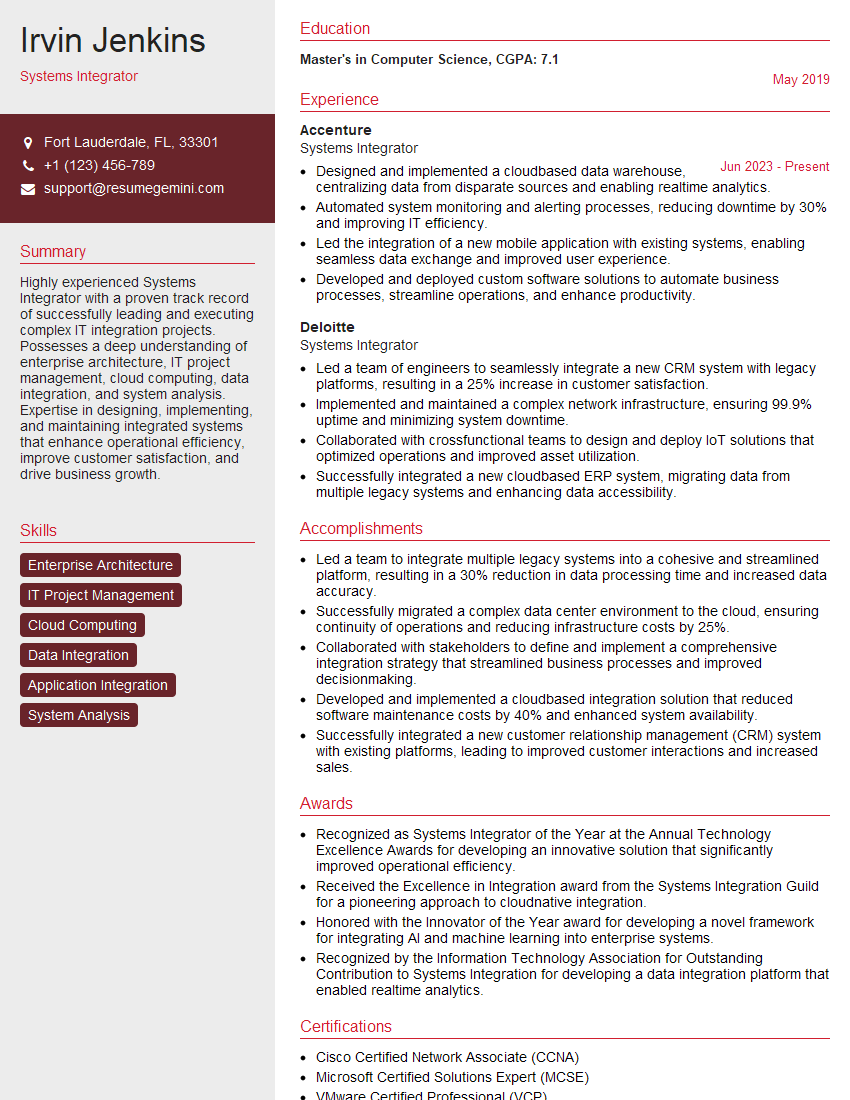
Systems Integrator Resume Sample

Automation Engineer Resume Sample

Maintenance Technician Resume Sample

Field Service Engineer Resume Sample
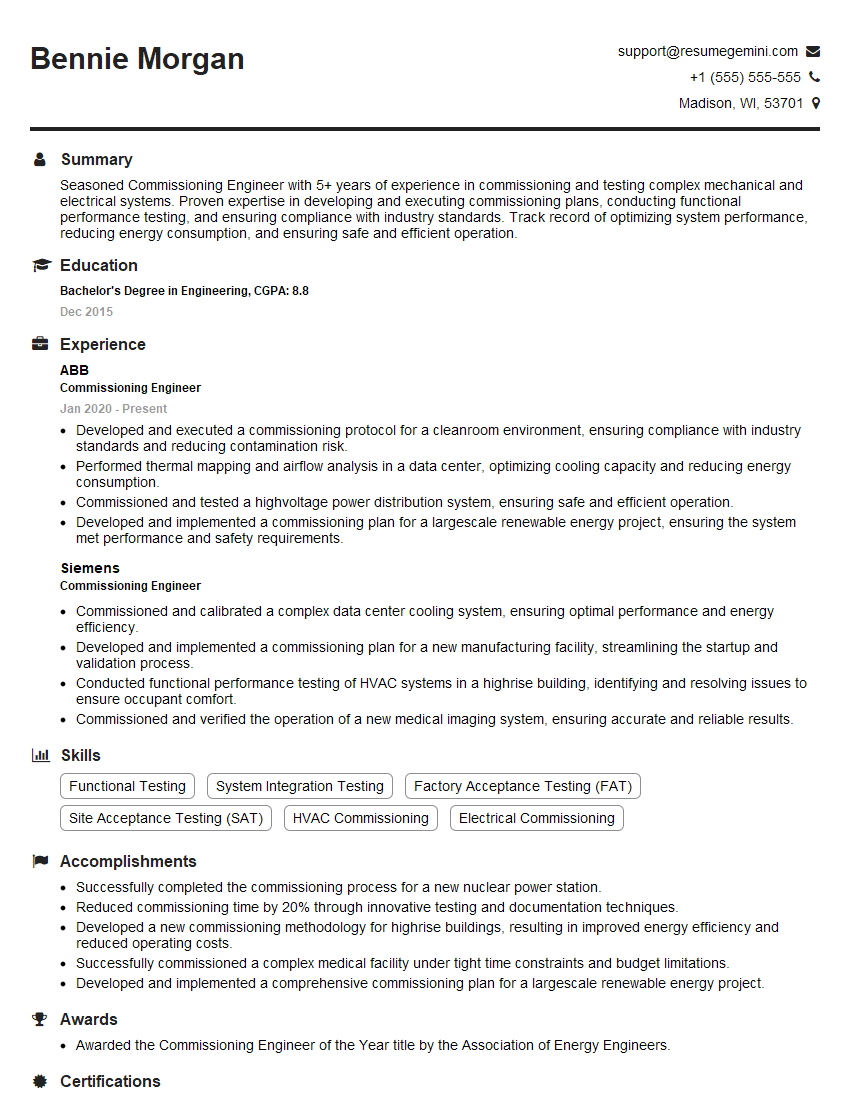
Commissioning Engineer Resume Sample
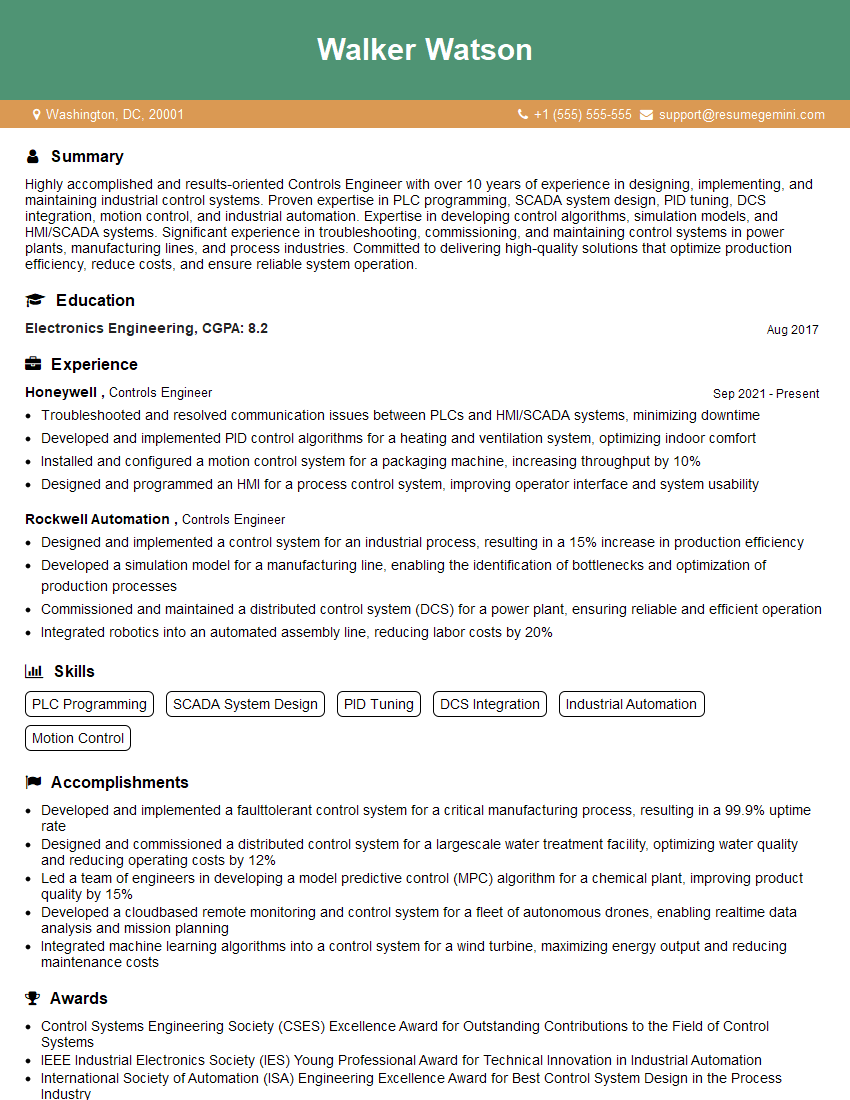
Controls Engineer Resume Sample

Electrical Engineer Resume Sample
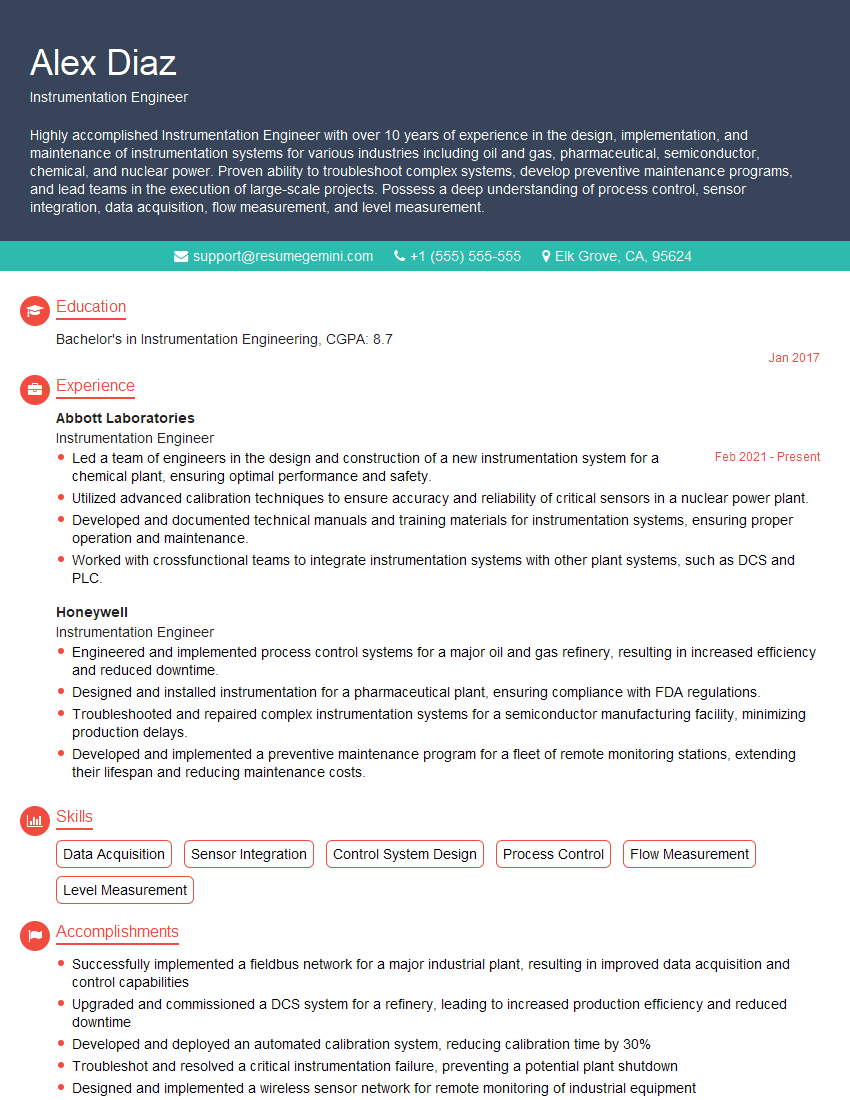
Instrumentation Engineer Resume Sample

Manufacturing Engineer Resume Sample

Automation Specialist Resume Sample

Control Systems Engineer Resume Sample

Robotics Engineer Resume Sample
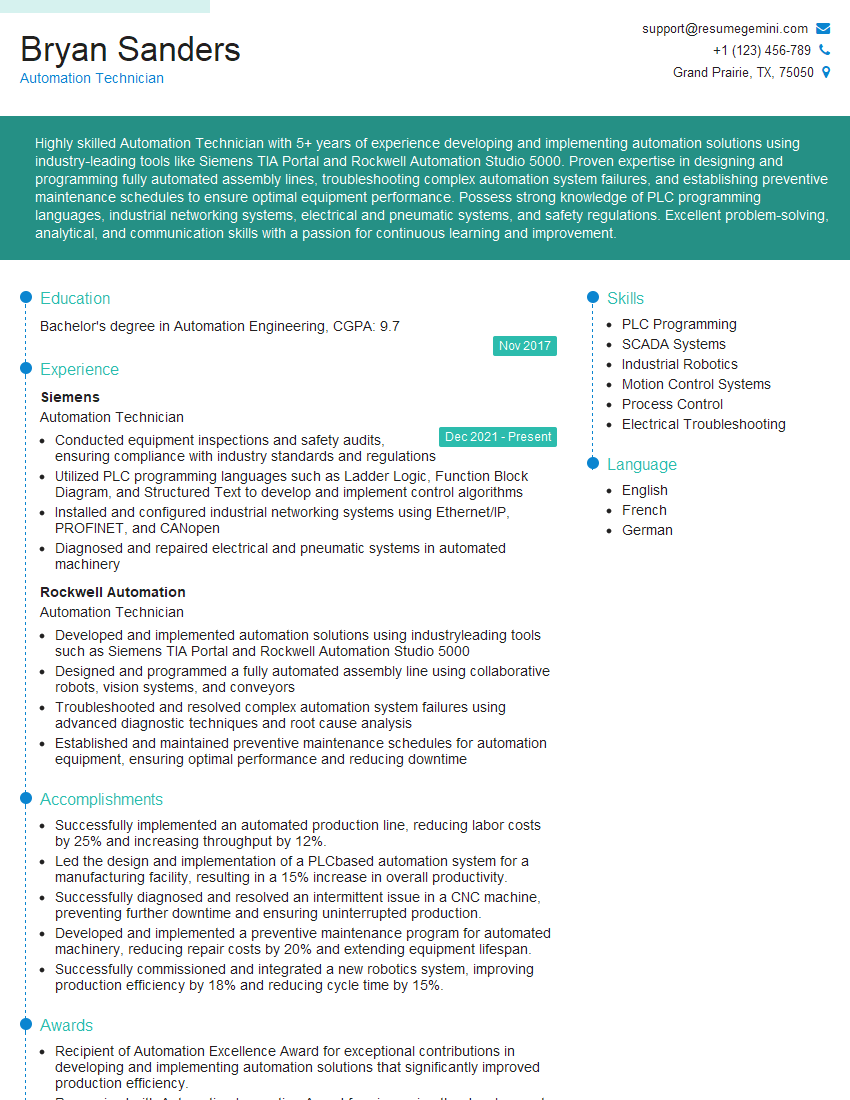
Automation Technician Resume Sample
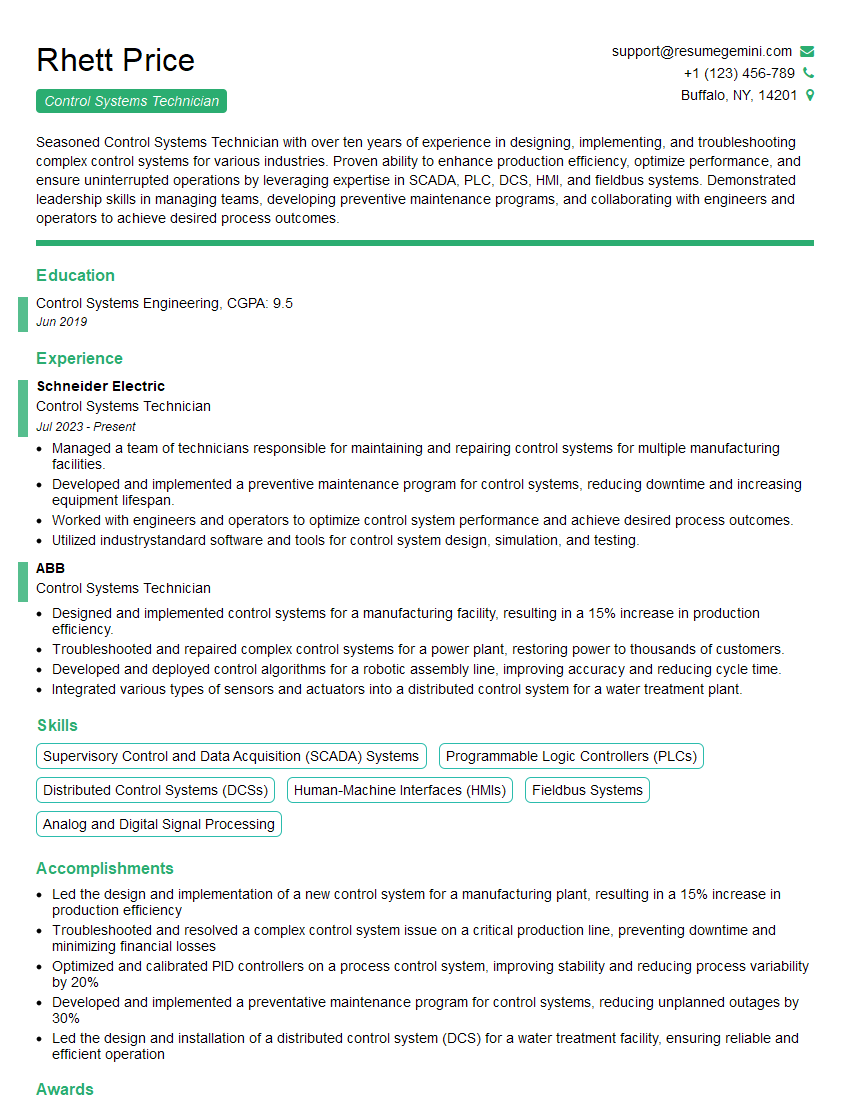
Control Systems Technician Resume Sample
- Project Engineer
- Systems Integrator
- Automation Engineer
- Maintenance Technician
- Field Service Engineer
- Commissioning Engineer
- Controls Engineer
- Electrical Engineer
- Instrumentation Engineer
- Manufacturing Engineer
- Automation Specialist
- Control Systems Engineer
- Robotics Engineer
- Automation Technician
- Control Systems Technician
Explore more articles
Users Rating of Our Blogs
Share Your Experience
We value your feedback! Please rate our content and share your thoughts (optional).
What Readers Say About Our Blog
Very informative content, great job.
good