Interviews are opportunities to demonstrate your expertise, and this guide is here to help you shine. Explore the essential Scale Drawing interview questions that employers frequently ask, paired with strategies for crafting responses that set you apart from the competition.
Questions Asked in Scale Drawing Interview
Q 1. What are the different types of scales used in scale drawing?
Scale drawings utilize different scales to represent the relationship between the drawing’s dimensions and the real-world object’s dimensions. The choice of scale depends on the size and complexity of the object being drawn. Common types include:
- Verbal Scale: This is a descriptive statement, for example, “1 inch equals 10 feet.” It’s easy to understand but can be cumbersome for precise calculations.
- Representative Fraction (RF): Expressed as a ratio, like 1:100, indicating that 1 unit on the drawing represents 100 units in reality. It’s precise and universally understood.
- Graphical Scale: A visual scale shown as a line divided into segments representing actual measurements. It’s useful because it accounts for shrinkage or expansion of the drawing material, ensuring accuracy even if the drawing is copied or printed.
Selecting the appropriate scale is crucial. A small scale is suitable for large objects like buildings or land plots, while a larger scale works better for smaller objects like furniture or components.
Q 2. Explain the concept of representative fraction (RF) in scale drawing.
The Representative Fraction (RF) is the ratio of a distance on a drawing to the corresponding distance on the ground or actual object. It’s expressed as a ratio, such as 1:100, 1:500, or 1:1000. The first number always represents the drawing dimension, and the second represents the actual dimension. For example, an RF of 1:100 means 1 millimeter on the drawing represents 100 millimeters (or 1 centimeter represents 1 meter) in reality. This method is independent of the units used, making it versatile and internationally recognized. Its precision is highly valued in engineering and architectural applications.
Q 3. How do you convert a scale from one unit to another (e.g., inches to feet)?
Converting scales involves maintaining the same ratio. Let’s say we have a scale of 1 inch = 10 feet, and we want to convert it to inches to inches. We need to convert the feet to inches first.
Since 1 foot equals 12 inches, 10 feet equals 10 * 12 = 120 inches. Therefore, the new scale becomes 1 inch = 120 inches or, simplified, 1:120.
To convert from a different unit like centimeters to millimeters, you would use the conversion factor (1 cm = 10 mm). If the scale is 1cm:5m (or 1cm:500cm) it becomes 10mm:5000mm, simplified to 1:500.
Always remember to maintain the proportion while converting units. This consistency ensures that the scale accurately represents the real-world dimensions in the new unit system.
Q 4. Describe the process of creating a scale drawing from a given dimension.
Creating a scale drawing begins with the object’s actual dimensions. Let’s say we have a rectangular room measuring 12 feet by 15 feet. We need to choose an appropriate scale. Let’s opt for 1 inch = 3 feet (RF 1:36).
1. Calculate scaled dimensions:
- Length: 15 feet / 3 feet/inch = 5 inches
- Width: 12 feet / 3 feet/inch = 4 inches
2. Draw the rectangle: Using a ruler and pencil, carefully draw a rectangle with these scaled dimensions on your drawing medium (paper, CAD software, etc.).
3. Add details: Incorporate other features like doors, windows, and furniture, maintaining the same scale. You would measure the actual size of these features and calculate their scaled dimensions accordingly.
4. Label the drawing: Clearly indicate the scale used (e.g., “Scale: 1 inch = 3 feet”) and include all necessary labels for clarity.
This process is similar for any object, adjusting the scale and measurements as needed.
Q 5. What are the common errors to avoid when creating a scale drawing?
Several common errors can affect the accuracy of scale drawings:
- Incorrect scale selection: Choosing a scale too large or small can lead to an impractical drawing or loss of detail.
- Inconsistent scaling: Applying different scales to different parts of the drawing causes distortion.
- Measurement errors: Inaccurate measurements of the original object or incorrect calculations of the scaled dimensions.
- Drawing inaccuracies: Improper use of tools (ruler, compass, CAD software) resulting in imprecise lines and shapes.
- Lack of labeling and annotations: Insufficient or unclear labeling makes the drawing difficult to understand and use.
Careful attention to detail and a methodical approach are essential to avoid these issues.
Q 6. How do you ensure accuracy in your scale drawings?
Ensuring accuracy in scale drawings requires a multi-pronged approach:
- Precise measurements: Use accurate measuring tools and double-check measurements.
- Appropriate scale selection: Select a scale suitable for both the object’s size and the drawing medium.
- Consistent application of the scale: Maintain the chosen scale throughout the drawing.
- Use of appropriate drawing tools: Use high-quality tools like rulers, compasses, and drawing software.
- Careful drawing techniques: Pay close attention to detail and work methodically.
- Verification and checking: Check the drawing against the original object’s dimensions and verify calculations.
- Use of CAD software: When appropriate, leverage CAD software’s precision and capabilities for drawing and calculations.
Regularly reviewing and cross-checking measurements and calculations will ensure that your drawings are accurate and reliable.
Q 7. What CAD software are you proficient in and what are your key skills using it?
I am proficient in AutoCAD and Revit. My key skills in AutoCAD include 2D drafting, creating detailed drawings, using layers and blocks effectively, and generating dimensioning and annotations. In Revit, my expertise lies in creating 3D models, generating detailed construction documents, utilizing families and templates, and coordinating with other disciplines.
I also possess strong skills in managing drawing files, setting up drawing templates, understanding and adhering to drafting standards, and performing quality checks on drawings to ensure accuracy and completeness. My experience extends to using these softwares in collaborative projects and adhering to project deadlines.
Q 8. Explain your experience with different drawing formats (e.g., DWG, DXF).
Throughout my career, I’ve extensively used various drawing formats, primarily DWG and DXF. DWG (Drawing) is Autodesk’s proprietary format, offering rich features and functionalities, especially within the AutoCAD ecosystem. It’s the industry standard for many architectural, engineering, and construction projects. DXF (Drawing Exchange Format), on the other hand, is an open standard designed for interoperability between different CAD software. I’ve frequently used DXF for sharing drawings with collaborators using different CAD platforms, ensuring seamless data exchange, avoiding compatibility issues. My experience includes managing large and complex drawings in both formats, optimizing file sizes for efficient data transfer and storage. For instance, I once worked on a large-scale infrastructure project where we used DWG for internal workflows within our team using AutoCAD, and DXF for sharing detailed plans with external contractors using MicroStation.
Q 9. How do you handle revisions and updates in a scale drawing project?
Handling revisions and updates is crucial for maintaining accuracy and consistency in scale drawing projects. My approach involves a rigorous version control system. This typically includes using a centralized file storage system (like a network drive or cloud storage), implementing a clear naming convention that incorporates revision numbers (e.g., ‘Drawing_Name_RevA.dwg’), and meticulously documenting all changes in a revision log. I always maintain backups of previous revisions. Think of it like writing a report: You wouldn’t just overwrite your work without keeping old drafts. In practice, this ensures that we can easily revert to earlier versions if needed and track design evolution. Furthermore, I utilize CAD software’s built-in revision tools to highlight changes visually, making it easier for stakeholders to review updates. This can include the use of revision clouds or change highlighting features within the CAD software itself.
Q 10. How do you manage layers and annotations effectively in a CAD drawing?
Effective layer management is fundamental to creating organized and manageable CAD drawings. I organize layers logically, using a consistent naming convention (e.g., ‘Walls’, ‘Doors’, ‘Plumbing’, ‘Electrical’). Each layer represents a specific aspect of the design. This allows for easy selection, visibility control, and printing of specific elements. For example, I might turn off the ‘Plumbing’ layer when reviewing the structural design. Annotations, such as dimensions, text, and notes, are placed on separate layers to avoid cluttering the drawing and maintain clarity. Color coding further enhances organization. Using layers helps keep drawings clean and facilitates collaborative work. Imagine trying to edit a drawing with everything on one layer – it would be a chaotic mess!
Q 11. Explain your understanding of dimensioning and tolerancing in scale drawings.
Dimensioning and tolerancing are critical for ensuring the accuracy and manufacturability of a design. I am proficient in applying various dimensioning techniques, including linear, angular, radial, and ordinate dimensions, ensuring clarity and compliance with relevant standards (like ASME Y14.5 for mechanical drawings). Tolerances specify the acceptable variation in dimensions. I understand different tolerance types, such as unilateral, bilateral, and geometric tolerances, and use appropriate symbols to communicate them accurately. For example, a ±0.5mm tolerance indicates that the actual dimension can vary by up to 0.5mm above or below the nominal value. Proper dimensioning and tolerancing are vital for preventing costly errors during fabrication.
Q 12. Describe your process for creating detailed sections and elevations.
Creating detailed sections and elevations requires a methodical approach. I begin by identifying the appropriate cutting planes to reveal the required internal details. Then, I use the CAD software’s sectioning tools to automatically generate sections and elevations, ensuring geometric accuracy. Afterward, I meticulously add annotations, including dimensions, material specifications, and other relevant information. This process involves careful attention to detail, ensuring that all features and elements are clearly represented. It’s like slicing a cake to show the layers – a well-executed section should clearly show the internal structure of the design, aiding in understanding complex assemblies or configurations.
Q 13. How do you ensure consistency in style and formatting across your scale drawings?
Maintaining consistency in style and formatting is essential for professional-looking and easily understandable drawings. I use style guides or company templates that define standards for line weights, text fonts, dimensioning styles, and annotation placement. Consistent use of these styles throughout the drawing ensures readability and avoids confusion. The use of drawing management software and automated checks further enhance style consistency across all projects. Imagine a drawing with inconsistent line weights – it would be difficult to read and could even be misinterpreted. Consistency ensures clarity and professionalism.
Q 14. Describe your experience with using templates and drawing standards.
Templates and drawing standards are indispensable tools for enhancing efficiency and consistency in my work. I routinely use pre-configured templates containing standardized layers, title blocks, and annotation styles. These templates significantly reduce the time spent setting up new drawings. Adherence to drawing standards, including company-specific or industry-specific requirements, guarantees compliance and ensures drawings are easily understood by all stakeholders. Templates provide a framework for creating consistent drawings; standards ensure that those drawings meet professional expectations.
Q 15. How do you interpret architectural, engineering, or construction drawings?
Interpreting architectural, engineering, or construction drawings involves understanding their visual language and technical details. It’s like reading a map, but instead of streets and landmarks, you’re navigating building components and spatial relationships. This process begins with identifying the drawing’s type (floor plan, elevation, section, detail), scale, and any accompanying notes or specifications. Then, I systematically analyze each element, using my knowledge of construction methods and building codes to visualize the three-dimensional structure represented. For instance, a floor plan shows the layout of rooms and their dimensions, while an elevation view shows the building’s external appearance from a specific side. I meticulously check dimensions, materials, and annotations to fully comprehend the design intent.
I often start by looking at the title block to determine the drawing number, revision date, scale, and the project’s name. Then, I move to the drawing itself, paying close attention to the line weights – thick lines usually indicate exterior walls, while thinner lines might represent interior partitions. Symbols, which are often explained in a legend, provide further details. This systematic approach ensures a comprehensive understanding, minimizing misinterpretations and errors.
Career Expert Tips:
- Ace those interviews! Prepare effectively by reviewing the Top 50 Most Common Interview Questions on ResumeGemini.
- Navigate your job search with confidence! Explore a wide range of Career Tips on ResumeGemini. Learn about common challenges and recommendations to overcome them.
- Craft the perfect resume! Master the Art of Resume Writing with ResumeGemini’s guide. Showcase your unique qualifications and achievements effectively.
- Don’t miss out on holiday savings! Build your dream resume with ResumeGemini’s ATS optimized templates.
Q 16. What are the common symbols and notations used in scale drawings?
Scale drawings utilize a standard set of symbols and notations to convey information efficiently. These are crucial for clear communication amongst professionals. Common symbols include:
- Lines: Thick lines represent exterior walls; thin lines represent interior partitions; dashed lines indicate centerlines; and dotted lines often denote hidden features.
- Dimensions: These are crucial. They’re indicated with extension lines, dimension lines, and arrowheads, showing the size of elements. For example, ‘3’-0″ indicates 3 feet.
- Symbols: Standardized symbols represent doors, windows, plumbing fixtures (toilets, sinks), electrical outlets, and other components. These often have a legend explaining their meaning.
- Notes and Specifications: Textual annotations provide additional details about materials, finishes, or construction techniques. For example, ‘2×4 wood studs’ specifies the framing material.
- Sections and Elevations: Drawings showing a cut-away view of the structure (section) or an external view of a face of the structure (elevation) provide additional perspective.
Understanding these symbols is fundamental. Imagine trying to build a house without knowing what a toilet symbol represents—it would be chaos! Familiarity with these conventions is essential for accurate interpretation and construction.
Q 17. How do you handle conflicting information in a set of drawings?
Conflicting information in drawings is a significant concern. My approach involves a methodical process to resolve discrepancies:
- Identify the conflict: Carefully compare the conflicting information, noting the specific drawings and elements involved. For example, one drawing might show a door where another shows a wall.
- Prioritize the information: Determine which drawing takes precedence. Usually, more recently revised drawings or drawings with a higher level of detail supersede older or less detailed versions.
- Consult the project specifications: The written project specifications often provide clarification on design intent. They might outline design decisions made during the project development.
- Seek clarification from the designer or architect: If the conflict remains unresolved, contacting the original designers is crucial. They can provide context and correct any errors.
- Document the resolution: Record the steps taken to resolve the conflict and any changes made to the drawings, ensuring a clear audit trail. This avoids future confusion.
Resolving conflicts is a critical skill, preventing costly errors during construction. It’s all about meticulous comparison, careful review, and proactive communication.
Q 18. Explain your experience working with scale drawings in different projects.
I have extensive experience working with scale drawings in various projects, including residential, commercial, and industrial buildings. For example, in a recent residential project, I utilized floor plans, elevations, and section drawings to oversee the construction process, ensuring that the finished product aligned with the design specifications. Accurate interpretation of the dimensions and details was crucial for the project’s successful completion. In a commercial project, I worked with complex architectural drawings involving multiple disciplines – structural, mechanical, electrical, and plumbing. Coordinating these different drawings, ensuring their compatibility, and identifying any clashes before construction began, was a significant challenge I successfully navigated. My experience extends to large-scale industrial projects, where precise understanding of detailed engineering drawings was key to ensuring the safe and efficient construction of complex machinery and infrastructure.
Each project necessitates a different approach, but the core principles remain the same: careful review, meticulous attention to detail, and the ability to translate two-dimensional representations into three-dimensional realities.
Q 19. Describe a situation where you had to troubleshoot an issue in a scale drawing.
In one project, we encountered an inconsistency between the architectural and structural drawings. The architectural drawings showed a large window, while the structural drawings did not provide adequate support for the window’s weight. This was a potential safety hazard. My troubleshooting involved:
- Identifying the Discrepancy: Comparing both drawings revealed the missing structural support.
- Investigating the Cause: We contacted the structural engineer who confirmed an oversight in the original structural plans.
- Developing a Solution: The structural engineer proposed reinforcing the existing framework to safely accommodate the window.
- Implementing the Solution: The corrected structural drawings were integrated into the project, and the construction team was informed of the changes.
- Verifying the Resolution: The updated plans were checked to ensure all components were consistent, avoiding further issues.
This experience emphasized the importance of cross-checking drawings and the collaborative nature of the construction process. A single error, if undetected, can have serious consequences.
Q 20. How do you ensure that your scale drawings are clear, concise, and easy to understand?
Creating clear, concise, and easy-to-understand scale drawings requires a thoughtful approach. It’s like writing a well-structured essay – you need to organize your information effectively to convey your message clearly. Here’s my strategy:
- Logical Organization: Drawings should be arranged systematically, using clear sheet numbering and a comprehensive title block.
- Consistent Line Weights and Symbols: This improves readability and helps distinguish between different elements.
- Clear Dimensioning: Dimensions should be clearly indicated with appropriate units, avoiding ambiguity.
- Comprehensive Legends: A detailed legend explaining all symbols and abbreviations simplifies understanding.
- Use of Annotations: Strategic use of notes clarifies complex areas or specific construction details.
- Revision Control: Maintaining version control (using revision clouds and numbers) ensures everyone works with the most up-to-date drawings.
My goal is to create drawings that are self-explanatory, minimizing the need for extensive verbal explanations. This is a matter of professional pride and ensures efficient project execution.
Q 21. What are some best practices for organizing and managing large scale drawing projects?
Managing large scale drawing projects effectively requires robust organizational strategies. Think of it as managing a large library – you need a good system to find what you need quickly. My methods include:
- Centralized Data Storage: Using cloud-based platforms or a well-structured server for storing and accessing drawings, ensuring all project members use the latest version. This avoids conflicts and ensures consistency.
- Version Control Software: Implementing software like Autodesk BIM 360 or similar programs, allowing for collaborative work, tracking changes, and easily reverting to previous revisions.
- Clear Naming Conventions: Using standardized naming conventions for drawings (e.g., project name, drawing number, revision number) simplifies finding specific documents.
- Regular Backups: Regular backups protect against data loss, a crucial aspect of large projects.
- Project Management Software: Using project management tools to track progress, deadlines, and assign tasks, coordinating activities efficiently.
Efficient organization and consistent procedures are crucial for successfully managing the complexity of large-scale drawing projects. It’s about preventing chaos and ensuring smooth collaboration.
Q 22. Explain your proficiency in using plotting and printing techniques for scale drawings.
My proficiency in plotting and printing scale drawings encompasses the entire workflow, from digital design to the final hardcopy. I’m adept at using various plotting software to optimize print settings for different media and plotters. This includes selecting the correct paper size, orientation, scale, and line weights to ensure crisp, accurate prints. I understand the nuances of different printer technologies, including inkjet, laser, and large-format plotters, and I can troubleshoot printing issues effectively. For example, I once resolved a recurring banding issue on a large-format plotter by adjusting the printer head alignment and cleaning the print heads, resulting in a significant improvement in print quality for a crucial construction project.
I’m also experienced in creating plot files in various formats (PDF, DWF, etc.) for optimal compatibility and distribution. I meticulously check plot preview before committing to a print to catch any errors or inconsistencies.
Q 23. How familiar are you with using different types of plotting devices and materials?
My experience extends to a wide range of plotting devices and materials. I’m familiar with various large-format plotters from brands such as HP, Canon, and Epson, including both inkjet and laser models. I’ve worked with different media types, including standard bond paper, vellum, mylar, and various coated papers, each chosen according to project needs and budget constraints. For instance, mylar is preferred for drawings that need to withstand frequent handling and revisions, while vellum is a good choice for presentations due to its translucent nature.
Understanding the properties of each material is crucial. For example, the type of ink or toner used needs to be compatible with the media to avoid smudging or fading. I’m always learning about new technologies and materials to maintain my skills and expand my toolkit.
Q 24. What is your approach to quality control when preparing scale drawings?
Quality control is paramount in scale drawing. My approach is multi-faceted and begins even before the drawing is created. I start by meticulously reviewing the project requirements and specifications to ensure a clear understanding of the expectations. During the drawing process, I employ various checks and balances, including:
- Regular dimension checks: I consistently verify all dimensions and annotations against the source data to catch errors early.
- Layer management: Organized layers in CAD software prevent accidental modifications and ensure clarity.
- Visual inspection: I visually inspect the drawing for any inconsistencies, such as overlapping lines or missing information.
- Plot preview: As mentioned earlier, I carefully review the plot preview before printing to detect any issues that may only be apparent in the print.
- Peer review: I frequently seek input from colleagues to catch potential oversights, benefiting from a fresh perspective.
This multi-layered approach minimizes errors and ensures that the final drawing is accurate and meets the highest quality standards. A recent project involved a complex industrial facility layout. By implementing this thorough quality control process, we avoided costly rework and potential safety issues.
Q 25. How do you ensure that your drawings comply with relevant standards and regulations?
Compliance with relevant standards and regulations is non-negotiable. I ensure drawings adhere to industry-specific standards, such as those set by ISO, ANSI, or other relevant governing bodies. This includes understanding and applying correct line weights, annotation styles, and sheet formatting. For example, I’m proficient in using different drawing standards, such as ASME Y14.5 for dimensioning and tolerancing. I always refer to the most current versions of standards to ensure the drawings are compliant and up-to-date.
Furthermore, I am aware of local building codes and regulations and incorporate them into the drawing process, ensuring that the designs are legally sound and safe for construction. My attention to detail in this area minimizes the risks of project delays and legal issues.
Q 26. Describe your experience collaborating with other team members on scale drawing projects.
Collaboration is integral to successful scale drawing projects. I have extensive experience working effectively within multidisciplinary teams, including architects, engineers, contractors, and clients. I utilize clear and concise communication methods to ensure everyone understands the drawings and their respective roles. This involves regular meetings, utilizing version control software, and providing prompt feedback. I am adept at using cloud-based platforms for sharing and managing drawings, ensuring efficient and seamless collaboration.
On a recent project, I worked closely with the structural engineers to coordinate the placement of mechanical and electrical systems, ensuring they didn’t clash with the structural design. This collaboration avoided significant delays and design conflicts.
Q 27. How do you handle pressure and tight deadlines in a fast-paced drawing environment?
Working under pressure and tight deadlines is part of the nature of the job. My approach to handling such situations involves prioritization, planning, and effective time management. I break down large tasks into smaller, manageable components. Using project management tools and techniques helps me keep track of progress and identify potential bottlenecks early. I communicate proactively with team members and stakeholders to ensure everyone is on the same page and to adjust timelines as needed.
For example, I recently managed to deliver a set of revised drawings a day ahead of a critical deadline by streamlining the review process and delegating tasks effectively. Maintaining a calm and organized approach under pressure allows for efficient problem-solving and timely project completion.
Q 28. What are your plans for professional development in scale drawing and CAD technology?
My professional development plan focuses on continuous improvement and staying at the forefront of scale drawing and CAD technology. I plan to pursue advanced training in specific CAD software, such as learning advanced modeling techniques and automation scripting. I also want to expand my knowledge of Building Information Modeling (BIM) to integrate my skills further into the larger project lifecycle.
Staying updated on industry best practices and emerging technologies is crucial. I regularly attend industry conferences, webinars, and online courses to enhance my expertise. This proactive approach ensures that I can continue delivering high-quality work and adapt to the ever-evolving demands of the field.
Key Topics to Learn for Scale Drawing Interview
- Understanding Scales: Mastering different scale notations (e.g., ratio, verbal, graphical) and their accurate application in various contexts.
- Scale Conversions: Proficiently converting between different scales and applying these conversions to solve practical problems involving measurements and dimensions.
- Drawing Techniques: Demonstrating a solid understanding of using appropriate tools and techniques for creating accurate and detailed scale drawings, both manually and using CAD software.
- Interpreting Scale Drawings: Accurately extracting information (dimensions, details, specifications) from existing scale drawings and understanding their implications.
- Geometric Principles: Applying fundamental geometric principles (e.g., similarity, congruence) to understand and create accurate scale representations.
- Practical Applications: Understanding how scale drawings are used across various fields, including architecture, engineering, construction, and manufacturing. Be prepared to discuss real-world examples and applications.
- Dimensioning and Annotation: Demonstrating knowledge of proper dimensioning techniques and annotation standards used in professional scale drawings.
- Error Analysis and Precision: Understanding the potential sources of error in scale drawings and strategies to minimize inaccuracies, ensuring precision in measurements and calculations.
- Software Proficiency (if applicable): Demonstrate familiarity with relevant CAD software (AutoCAD, Revit, etc.) and your ability to create and manipulate scale drawings within these programs.
Next Steps
Mastering scale drawing is crucial for career advancement in many technical fields, opening doors to exciting opportunities and higher earning potential. A well-crafted resume is your key to unlocking these prospects. To maximize your chances, create an ATS-friendly resume that highlights your skills and experience effectively. ResumeGemini is a trusted resource that can help you build a professional, impactful resume tailored to the specific demands of your target roles. Examples of resumes tailored to Scale Drawing professionals are available to guide you through the process.

Project Engineer Resume Sample
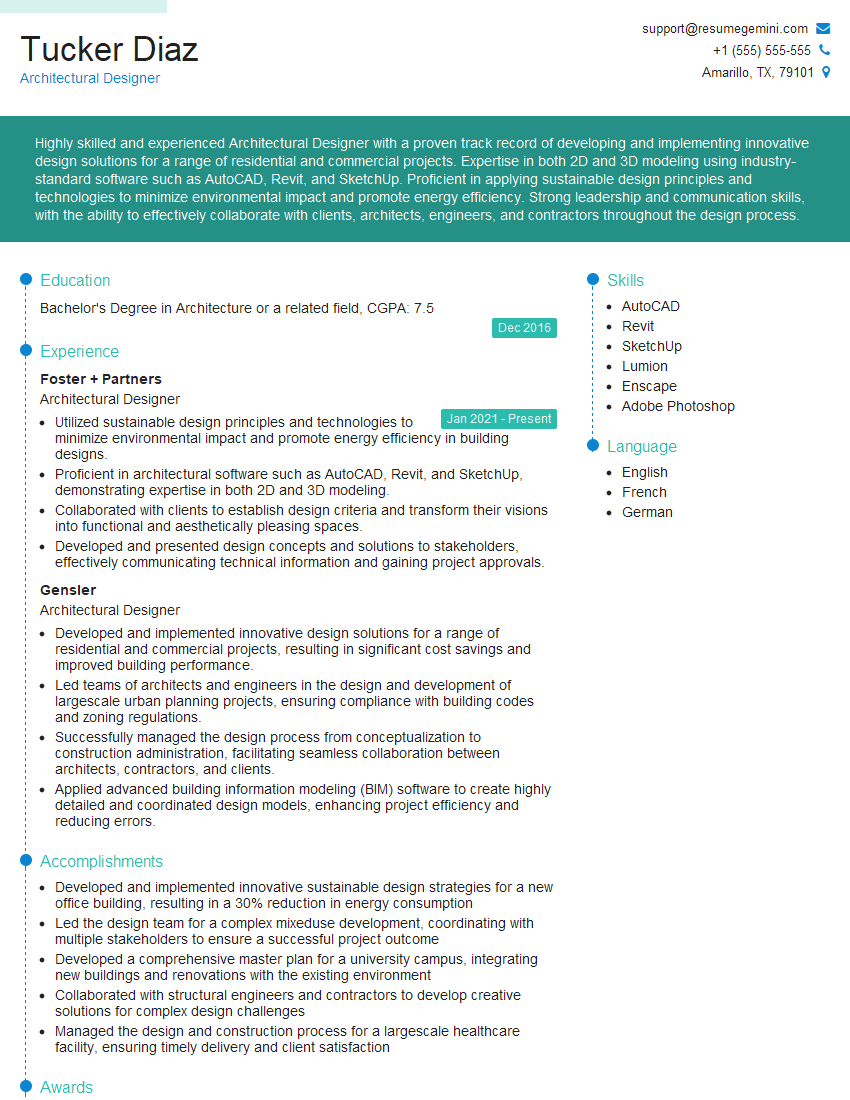
Architectural Designer Resume Sample
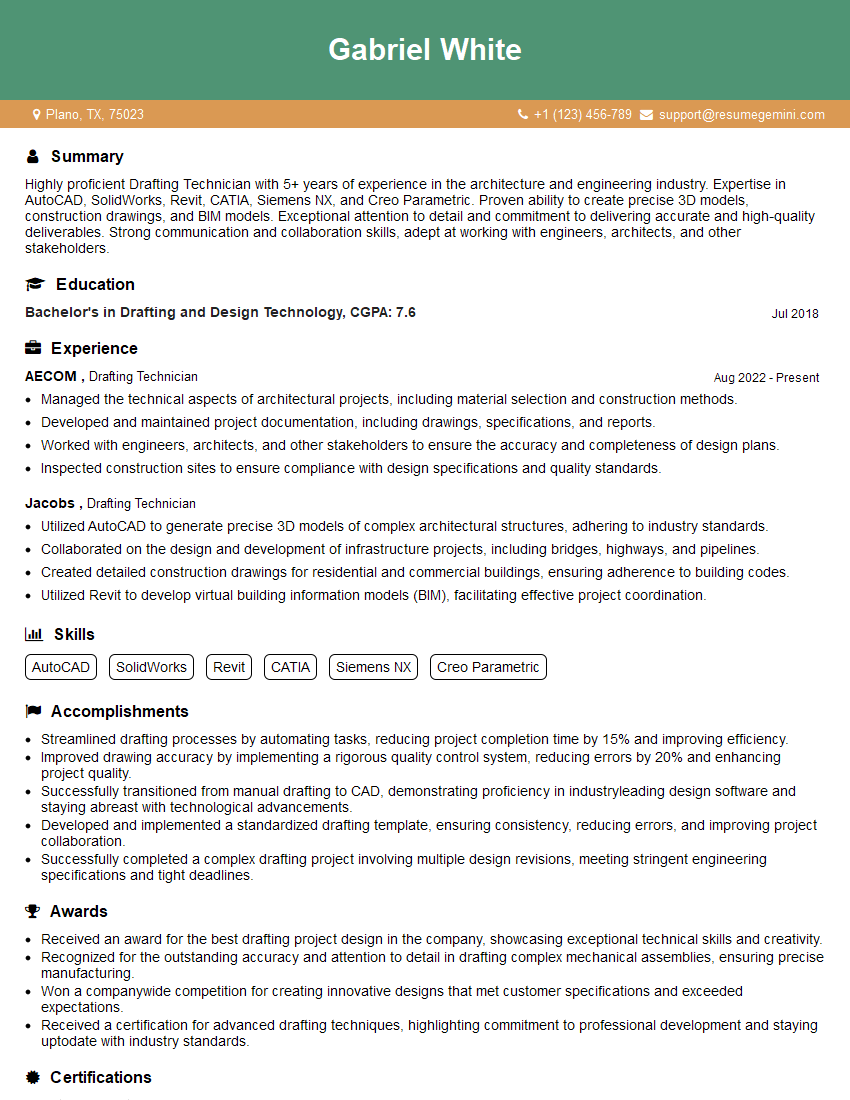
Drafting Technician Resume Sample
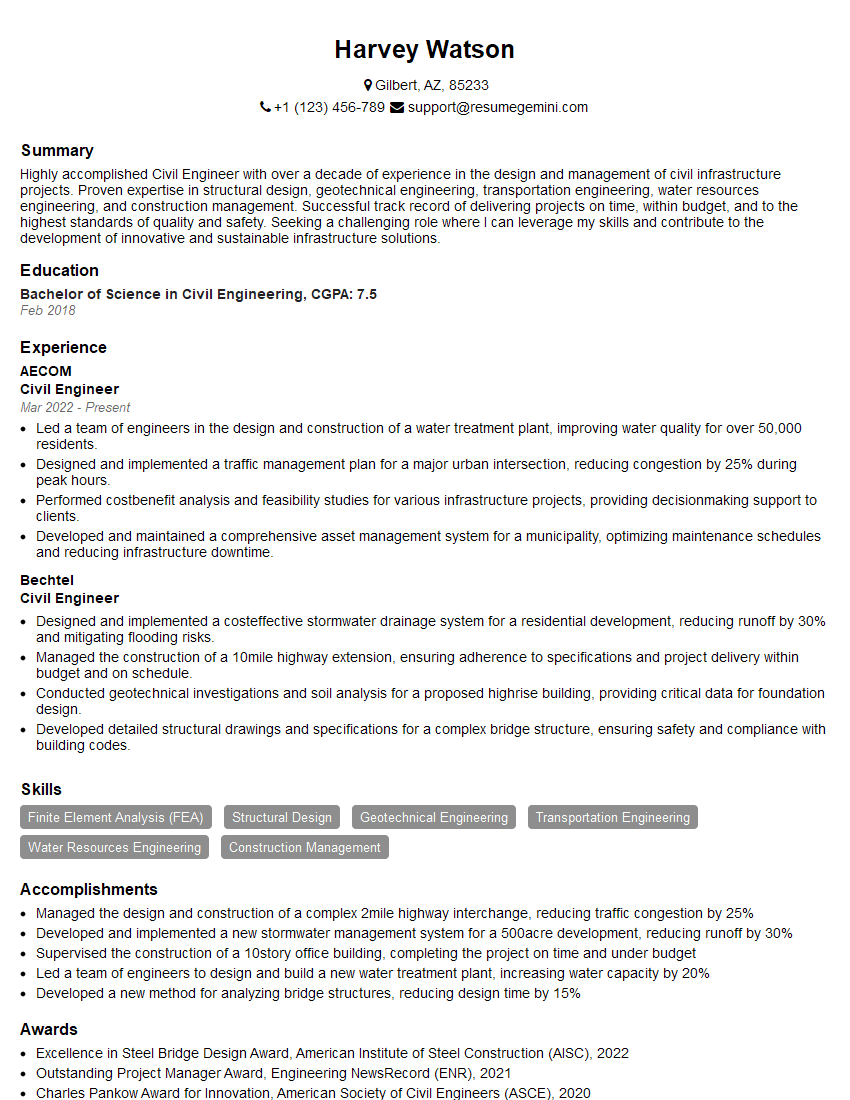
Civil Engineer Resume Sample
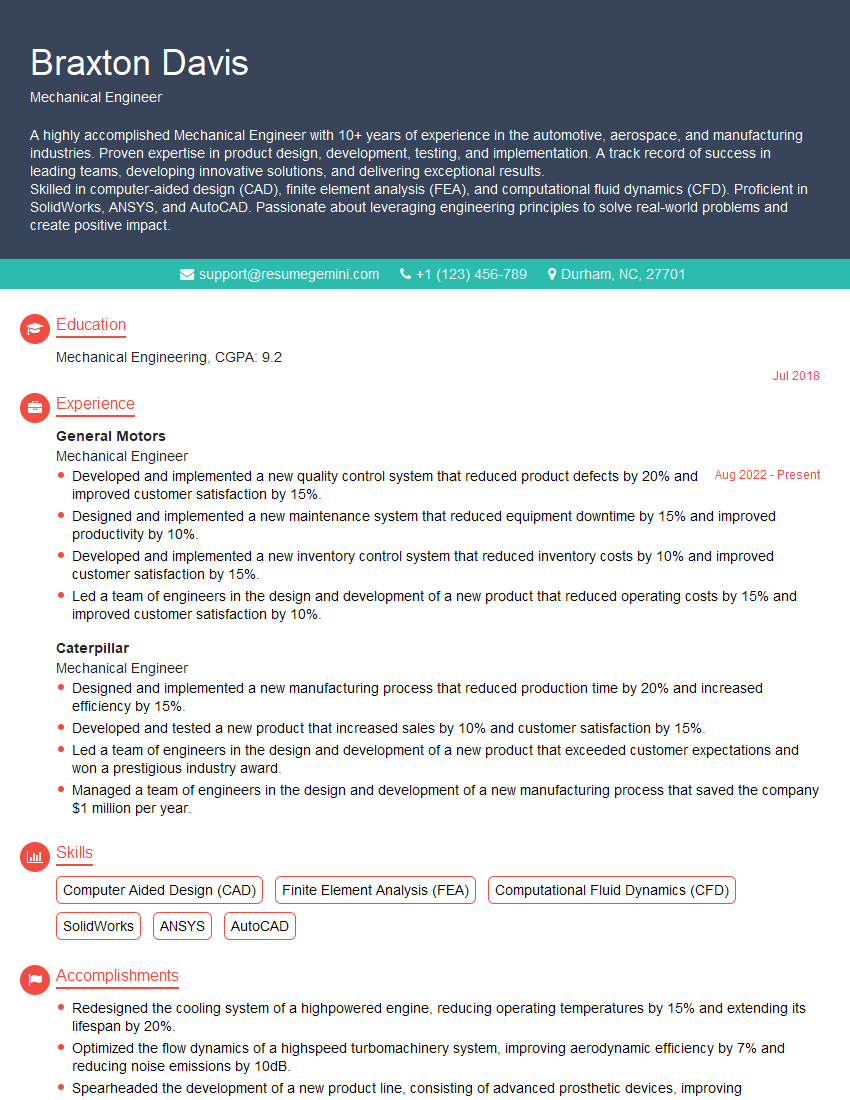
Mechanical Engineer Resume Sample
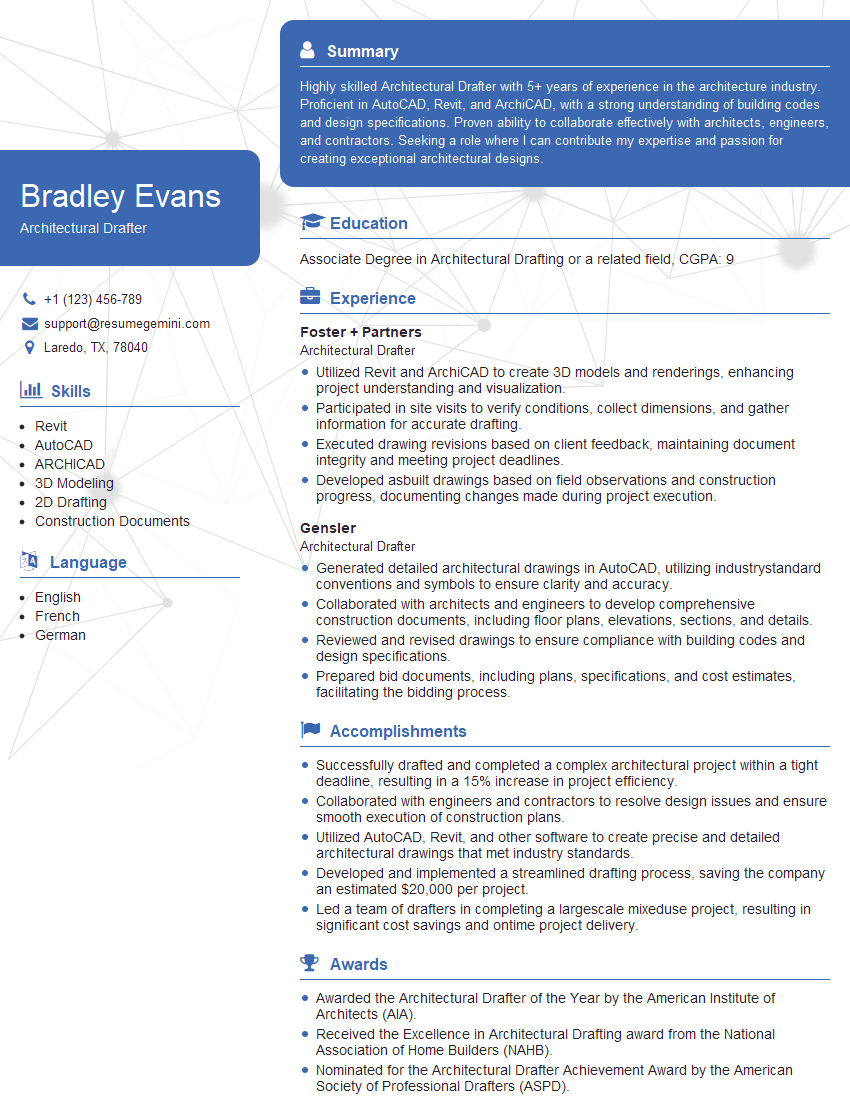
Architectural Drafter Resume Sample
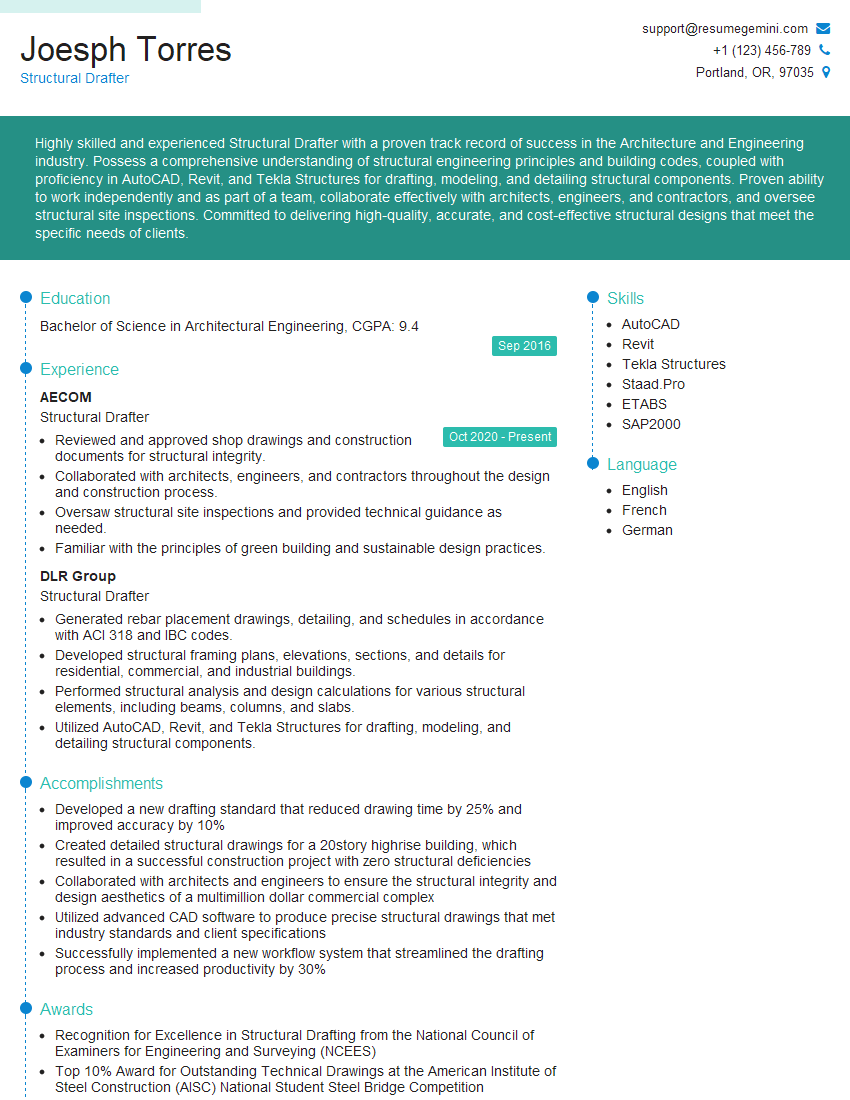
Structural Drafter Resume Sample
Detailer Resume Sample
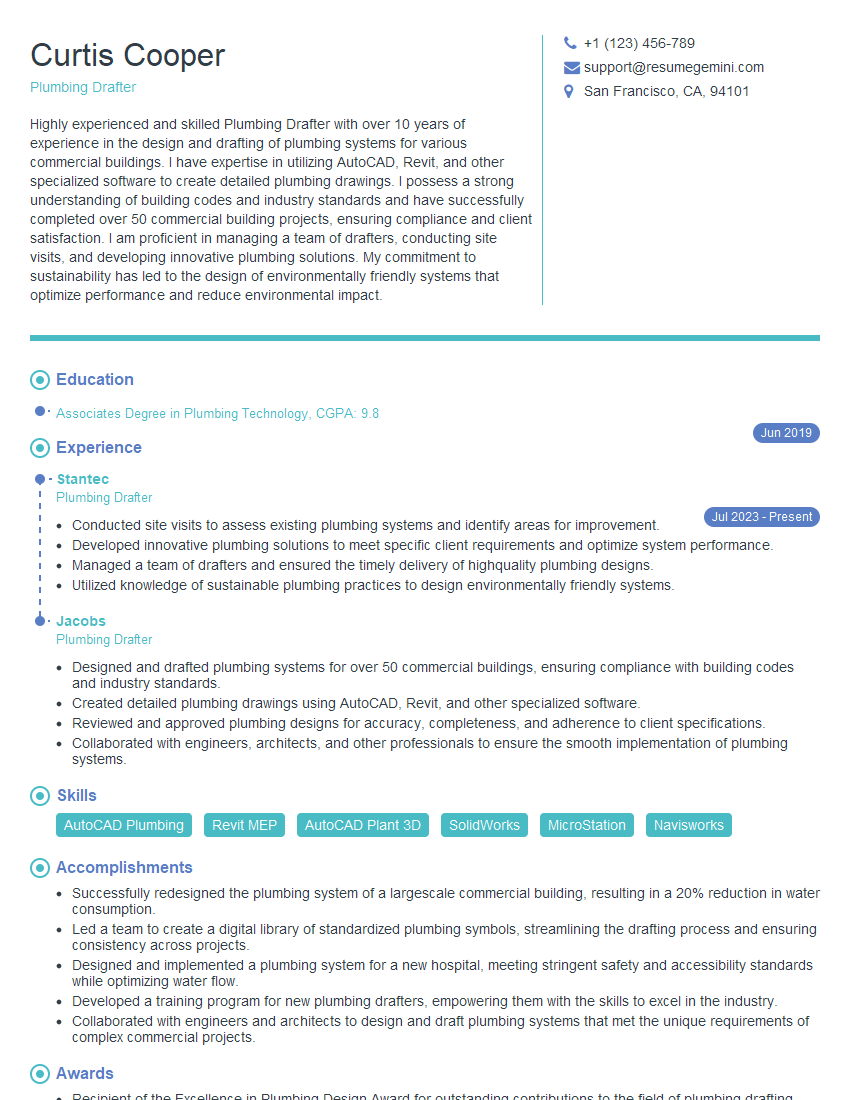
Plumbing Drafter Resume Sample
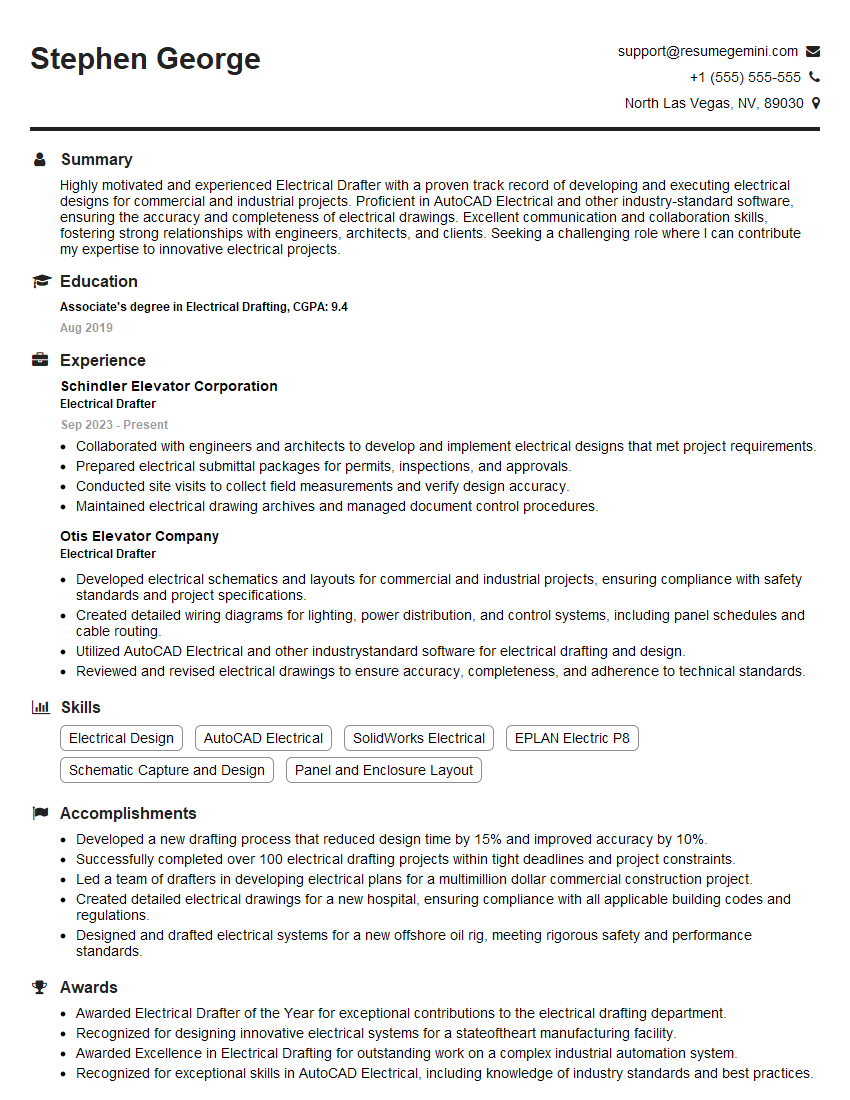
Electrical Drafter Resume Sample
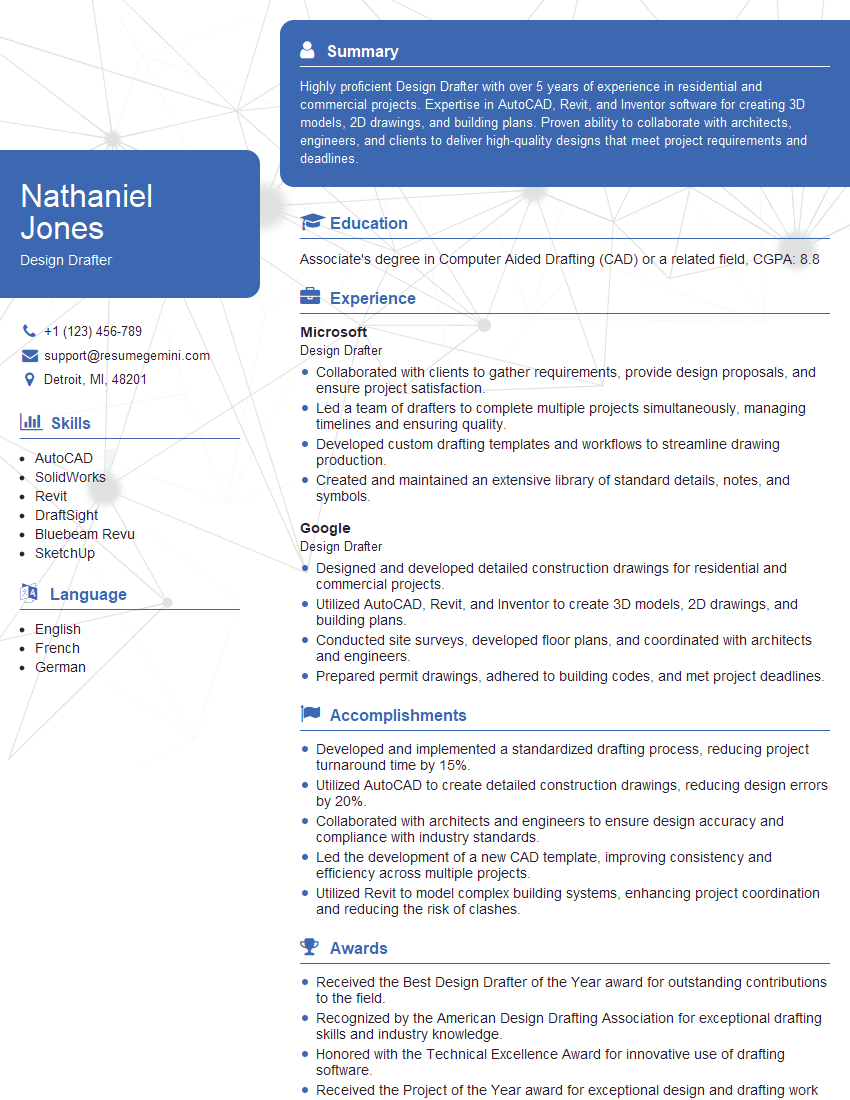
Design Drafter Resume Sample
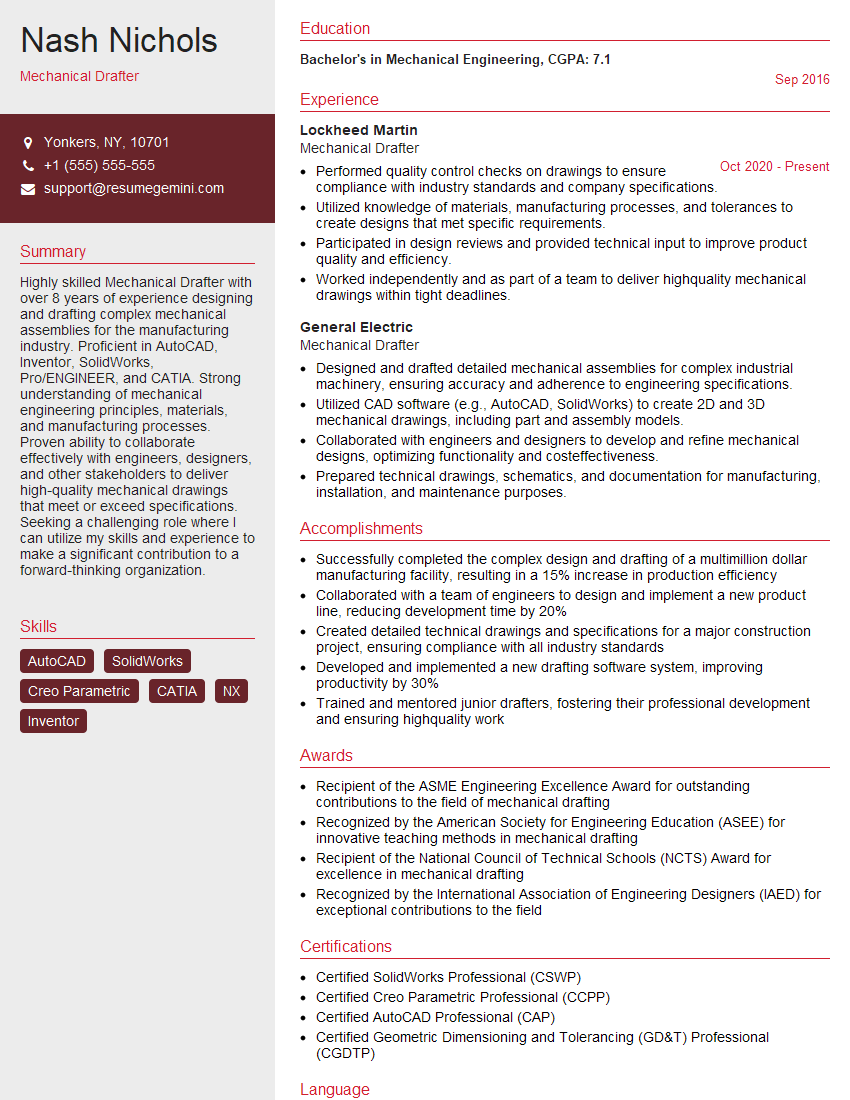
Mechanical Drafter Resume Sample

Technical Illustrator Resume Sample
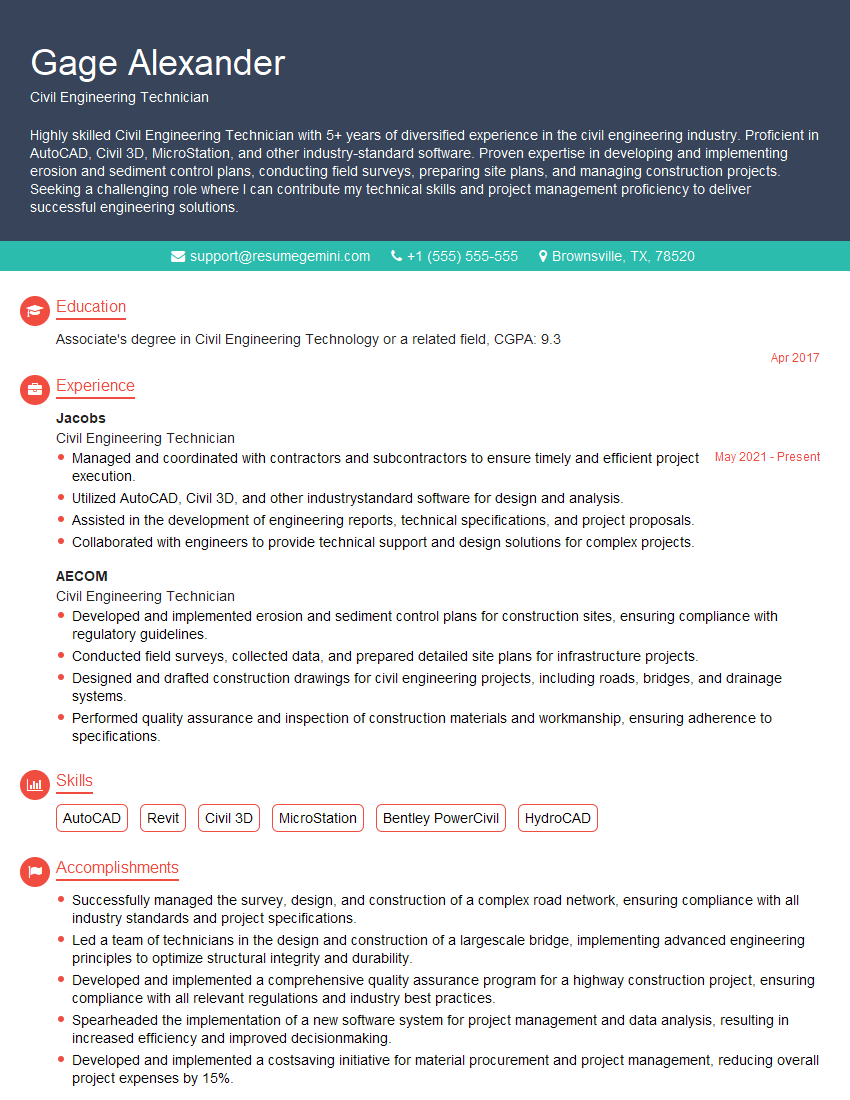
Civil Engineering Technician Resume Sample
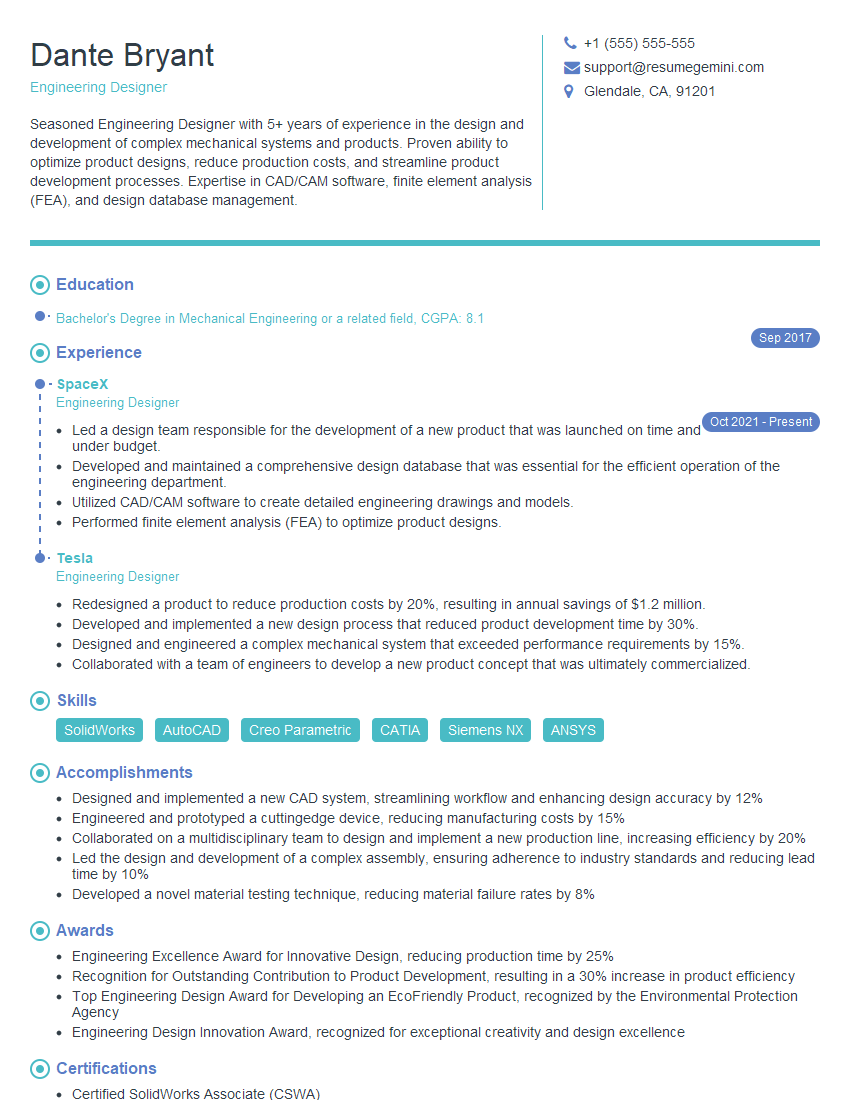
Engineering Designer Resume Sample

Survey Technician Resume Sample
- Project Engineer
- Architectural Designer
- Drafting Technician
- Civil Engineer
- Mechanical Engineer
- Architectural Drafter
- Structural Drafter
- Detailer
- Plumbing Drafter
- Electrical Drafter
- Design Drafter
- Mechanical Drafter
- Technical Illustrator
- Civil Engineering Technician
- Engineering Designer
- Survey Technician
Explore more articles
Users Rating of Our Blogs
Share Your Experience
We value your feedback! Please rate our content and share your thoughts (optional).
What Readers Say About Our Blog
Very informative content, great job.
good