The thought of an interview can be nerve-wracking, but the right preparation can make all the difference. Explore this comprehensive guide to Screen Design and Layout interview questions and gain the confidence you need to showcase your abilities and secure the role.
Questions Asked in Screen Design and Layout Interview
Q 1. Explain the difference between UI and UX design.
UI (User Interface) design focuses on the look and feel of a product. It’s about the visual elements – buttons, menus, typography, color palettes – that users interact with directly. Think of it as the cosmetic layer. UX (User Experience) design, on the other hand, encompasses the entire user journey. It considers the user’s overall satisfaction and ease of use, including aspects beyond the interface such as information architecture, usability, and accessibility. UX aims to create a positive and effective experience for the user from start to finish.
For example, a beautiful UI might have stunning visuals, but poor UX could result in a confusing navigation system, making it difficult for users to find what they need. A great UX design, however, would ensure that the visual appeal is complemented by intuitive navigation and a streamlined user journey.
Q 2. Describe your process for designing a user-friendly interface.
My process for designing a user-friendly interface is iterative and user-centric. It begins with thorough research, understanding the target audience, their needs, and their goals. This involves user interviews, surveys, and competitor analysis. Next, I create user personas to represent typical users, guiding design decisions. Then, I develop wireframes, low-fidelity sketches of the interface, focusing on information architecture and layout. These are followed by mockups, high-fidelity visual representations of the interface.
Throughout the process, I conduct usability testing at various stages, gathering feedback to iterate and refine the design. I use A/B testing to compare different design solutions and choose the most effective option. This iterative cycle ensures the final product is both visually appealing and highly usable.
For example, when designing a mobile banking app, I’d start by interviewing users about their banking habits and frustrations. This data would inform the design of intuitive navigation and clear visual hierarchies, minimizing the number of steps to complete common tasks.
Q 3. What are some common usability testing methods you employ?
I employ a variety of usability testing methods, depending on the project’s scope and resources. These include:
- Heuristic Evaluation: Expert reviewers assess the interface against established usability principles.
- Cognitive Walkthroughs: Simulating a user’s thought process as they navigate the interface.
- Think-Aloud Protocols: Users verbalize their thoughts while using the interface, providing insights into their decision-making process.
- A/B Testing: Comparing two versions of a design to determine which performs better.
- Eye-Tracking Studies: Measuring where users focus their attention on the screen to identify areas of interest or confusion.
For instance, I might use think-aloud protocols during early-stage testing of a new e-commerce website to understand how users search for products and add them to their cart. A/B testing would be ideal for comparing different button styles to see which drives more conversions.
Q 4. How do you incorporate accessibility considerations into your designs?
Accessibility is paramount in my design process. I ensure that my designs are usable by people with disabilities, following WCAG (Web Content Accessibility Guidelines) standards. This involves considerations such as:
- Alternative text for images: Providing descriptive text for screen readers.
- Sufficient color contrast: Ensuring readability for users with visual impairments.
- Keyboard navigation: Making all interactive elements accessible via keyboard.
- Captions and transcripts for videos: Providing accessible audio-visual content.
- Clear and concise language: Avoiding jargon and using simple, straightforward wording.
For example, when designing a website form, I would ensure that all input fields have clear labels and error messages, and that the form is easily navigable using a keyboard. I’d also provide alternative text for any decorative images to support users who rely on screen readers.
Q 5. Explain your understanding of responsive design and its importance.
Responsive design is crucial for creating websites and applications that adapt seamlessly to various screen sizes and devices (desktops, tablets, smartphones). It involves using flexible layouts, fluid images, and media queries in CSS to ensure optimal viewing and usability across all platforms.
The importance of responsive design lies in its ability to provide consistent user experiences regardless of the device being used. A non-responsive website might be difficult to navigate on a small screen, leading to frustration and potentially impacting conversions. Responsive design guarantees a consistent and enjoyable experience for all users, regardless of their preferred device, which is vital for user engagement and satisfaction. It is not simply about shrinking the content, but about restructuring it for optimal usability in different contexts.
Q 6. Describe your experience with design software (e.g., Figma, Sketch, Adobe XD).
I am proficient in several design software tools, with extensive experience in Figma, Sketch, and Adobe XD. Figma’s collaborative features are invaluable for teamwork and real-time design feedback. Sketch excels in its pixel-perfect precision, ideal for intricate UI designs. Adobe XD is a strong contender, offering robust prototyping capabilities. My choice of software depends on the project’s specific needs and team preferences. However, my skillset allows me to leverage the strengths of each program effectively, ensuring a high-quality outcome.
For example, I might use Figma for a large collaborative project involving multiple designers and stakeholders, leveraging its real-time collaboration and version control. For detailed icon design, I might prefer Sketch’s precision capabilities. I often employ XD for creating interactive prototypes for user testing.
Q 7. How do you handle conflicting feedback from stakeholders?
Handling conflicting stakeholder feedback requires skillful communication and a collaborative approach. I start by carefully documenting all feedback, identifying common themes and points of divergence. I then organize a meeting to discuss the feedback constructively, creating a safe space for everyone to express their views. This is not a negotiation, but a process of understanding and finding a solution that meets the most important business and user needs.
I often prioritize user research findings and usability testing data to inform decisions, backing my recommendations with concrete evidence. When necessary, I create design alternatives to address multiple perspectives, presenting a range of options for consideration and discussion. Ultimately, I strive to find a design solution that balances stakeholder needs with a user-centric approach.
For instance, if stakeholders have differing opinions on the color scheme of a website, I might present three design variations, each highlighting a different color palette, and use usability testing data to support the choice which best aligns with user preferences and conversion goals.
Q 8. Explain your design philosophy.
My design philosophy centers around creating intuitive and user-centered interfaces. I believe a successful design is not just aesthetically pleasing but also highly functional and accessible to a wide range of users. This involves a deep understanding of user needs and behaviors, translating those insights into effective visual hierarchies and interactive elements. My approach prioritizes simplicity, clarity, and consistency, ensuring a seamless and enjoyable user experience regardless of the device or platform.
For example, in designing a mobile banking app, I wouldn’t prioritize flashy animations over the clear display of account balances and easy access to transaction history. The focus remains on speed, security, and ease of use, mirroring the user’s core needs when interacting with their finances.
Q 9. How do you ensure consistency in design across multiple screens or platforms?
Maintaining design consistency across multiple screens and platforms requires a well-defined design system. This system acts as a central repository for all design elements – from color palettes and typography to button styles and spacing guidelines. We use a style guide and component library (often implemented using tools like Figma or Sketch) to ensure every element adheres to the established standards. This guarantees visual unity and a cohesive brand experience across different devices (web, mobile, tablet) and operating systems (iOS, Android).
For instance, a consistent button style – size, shape, color, and hover effect – will be defined and enforced across all applications. This prevents fragmentation and helps users easily recognize and interact with key functionalities.
Q 10. Describe your approach to wireframing and prototyping.
My wireframing process begins with user research to identify user needs and map out the user journey. Low-fidelity wireframes, often hand-drawn sketches or simple digital diagrams, are created first to focus on the information architecture and overall layout. These sketches are then iterated upon, incorporating feedback from stakeholders and usability tests. Prototyping follows, using tools like Figma or Adobe XD to create interactive mockups that simulate the actual user experience. This allows us to test navigation, interactions, and overall flow before diving into the visual design stage.
For example, when designing an e-commerce website, I’d start with wireframes to define the location of key elements like the search bar, product catalog, shopping cart, and checkout process. I’d then prototype the checkout process, enabling us to test for smooth transitions and ease of use before investing time in detailed visual design.
Q 11. How do you measure the success of your designs?
Measuring the success of my designs relies on both qualitative and quantitative data. Quantitative data includes metrics like task completion rates, bounce rates, click-through rates, and user engagement time. These are tracked using analytics platforms integrated into the application. Qualitative data is gathered through user interviews, surveys, and usability testing, providing insights into user satisfaction, pain points, and overall experience.
A/B testing is also crucial for comparing different design variations and identifying the most effective approach. For example, testing two different button placements could reveal which one leads to higher conversion rates.
Q 12. How do you stay up-to-date with the latest design trends and technologies?
Staying current involves a multi-pronged approach. I actively participate in online communities, follow leading design blogs and publications, attend industry conferences and workshops, and engage in continuous learning through online courses and tutorials. I also experiment with new tools and technologies, exploring their capabilities and limitations firsthand. This constant engagement ensures my work reflects the latest trends and incorporates the best practices in the field.
Specifically, I regularly use platforms like Dribbble and Behance for inspiration and to follow the work of leading designers. I also attend online webinars and workshops to stay informed on the latest UI/UX design trends and software updates.
Q 13. What are some common layout patterns you use?
My go-to layout patterns depend on the specific project’s needs and content. However, some commonly used patterns include:
- Card-based layouts: Ideal for displaying information in a visually appealing and easily scannable format (e.g., product listings, news feeds).
- Grid layouts: Provide structure and organization for content, particularly effective for displaying numerous items consistently (e.g., image galleries, product catalogs).
- List layouts: Suitable for presenting information in a concise and linear manner (e.g., contact lists, to-do lists).
- Hero sections: Used to make a strong visual statement at the top of a page, often accompanied by a headline and call to action (e.g., landing pages).
Choosing the right pattern depends on the type of content and the desired user experience. For instance, a blog post might use a hero section followed by a list layout for articles, while an e-commerce product page might employ a card-based layout to showcase products.
Q 14. Explain the importance of user research in the design process.
User research is paramount; it’s the foundation upon which all effective design decisions are built. It provides crucial insights into user needs, behaviors, and pain points. Without user research, designs risk being based on assumptions rather than facts, potentially leading to usability issues and a poor user experience. User research methods include user interviews, surveys, usability testing, and A/B testing.
For example, before designing a new website navigation system, conducting user interviews and usability testing would reveal how users currently navigate the site, their preferences, and any difficulties they encounter. This information guides the design process, ensuring the new navigation system is intuitive and addresses existing pain points.
Q 15. How do you handle design constraints, such as time or budget limitations?
Handling design constraints like time or budget limitations requires a strategic approach. It’s not about sacrificing quality but about prioritizing and making smart choices. My process typically involves:
- Prioritization: I work closely with stakeholders to identify the most crucial features and functionalities. We use a MoSCoW method (Must have, Should have, Could have, Won’t have) to rank features by importance.
- Scope Management: Sometimes, scaling back the initial scope is necessary. This involves identifying areas where we can simplify the design without compromising the core functionality. For instance, instead of designing highly detailed animations, we might opt for simpler transitions.
- Iterative Design: Instead of aiming for perfection from the outset, we adopt an iterative approach. We start with a Minimum Viable Product (MVP) focusing on core functionality and then iterate based on user feedback and available resources. This allows for flexibility and adaptation.
- Resource Allocation: I carefully allocate the available resources, focusing efforts on the highest-impact areas. This might involve leveraging pre-built components or using readily available assets to save time and cost.
- Communication: Open and transparent communication with stakeholders is key. Regular updates and clear explanations of design decisions ensure everyone is on the same page and any compromises are understood and accepted.
For example, in a recent project with a tight deadline, we prioritized core user flows, deferring less critical features to a later release. This allowed us to launch a functional product on time while still gathering valuable user feedback for future iterations.
Career Expert Tips:
- Ace those interviews! Prepare effectively by reviewing the Top 50 Most Common Interview Questions on ResumeGemini.
- Navigate your job search with confidence! Explore a wide range of Career Tips on ResumeGemini. Learn about common challenges and recommendations to overcome them.
- Craft the perfect resume! Master the Art of Resume Writing with ResumeGemini’s guide. Showcase your unique qualifications and achievements effectively.
- Don’t miss out on holiday savings! Build your dream resume with ResumeGemini’s ATS optimized templates.
Q 16. Describe your experience working with design systems.
I have extensive experience working with design systems, appreciating their value in creating consistent, scalable, and maintainable designs. My experience includes:
- Contributing to and maintaining existing design systems: This includes expanding component libraries, updating style guides, and enforcing consistent usage across projects.
- Designing and implementing new design systems from scratch: This requires careful planning, defining design principles, creating a comprehensive component library, and developing style guides.
- Collaborating with developers to ensure seamless integration: This involves working closely with developers to translate design specifications into functional code, utilizing tools like Storybook or Zeroheight.
- Advocating for the adoption and use of design systems: This requires clearly demonstrating the benefits of a design system to stakeholders and educating designers and developers on its usage.
For example, I recently spearheaded the development of a new design system for a large e-commerce platform. This system resulted in a significant increase in design consistency and a reduction in development time for new features. We utilized a component-based approach, making it easy to reuse elements across different parts of the platform. The system included comprehensive documentation and guidelines, making it easily accessible to designers and developers.
Q 17. How do you ensure your designs are visually appealing and engaging?
Creating visually appealing and engaging designs involves a blend of art and science. I employ several strategies:
- Understanding User Needs: Before diving into aesthetics, I thoroughly research the target audience and their needs. This ensures the design is not just visually appealing but also relevant and useful.
- Visual Hierarchy: I strategically use size, color, contrast, and whitespace to guide the user’s eye and highlight important elements. Think of it as creating a visual narrative that leads the user through the experience.
- Color Psychology: I use color palettes carefully, considering their emotional impact and cultural significance. Color choices should reinforce the brand identity and evoke the desired emotions.
- Typography: Selecting the right fonts and sizes is crucial for readability and establishing the overall tone and style. I pay close attention to font pairing and hierarchy.
- Whitespace: Strategically using whitespace (or negative space) improves readability and visual clarity, preventing the design from feeling cluttered or overwhelming. It creates breathing room.
- Imagery and Iconography: Using high-quality images and relevant icons enhances the visual appeal and makes the content more engaging.
For example, in designing a landing page for a mental wellness app, I used a calming color palette (blues and greens), a clean and simple layout, and soothing imagery to create a sense of tranquility and trust. This design approach resonated with the target audience, leading to increased engagement.
Q 18. What are some common design principles you follow?
Several core design principles guide my work. These include:
- User-centered design: Always prioritizing the needs and experiences of the users.
- Consistency: Maintaining consistency in design elements such as typography, color, and spacing to create a cohesive experience.
- Accessibility: Designing for inclusivity, ensuring the design is usable by people with disabilities.
- Simplicity: Striving for clarity and ease of use, avoiding unnecessary complexity.
- Hierarchy: Creating a clear visual hierarchy to guide the user’s attention and ensure important information is easily found.
- Feedback: Providing clear and timely feedback to the user, acknowledging their actions and guiding them through the process.
These principles aren’t mutually exclusive; they work together to create effective and user-friendly designs.
Q 19. How do you use typography effectively in your designs?
Effective typography is crucial for readability and visual appeal. I use typography to:
- Establish Hierarchy: Using different font sizes, weights, and styles to create a visual hierarchy and guide the user’s eye. Headings are larger and bolder than body text, for example.
- Convey Tone and Style: Selecting fonts that match the brand personality and desired tone. A playful font might be suitable for a children’s app, while a more serious font would be appropriate for a financial institution’s website.
- Ensure Readability: Choosing fonts that are easy to read, considering factors like font size, line height, and letter spacing. Legibility is paramount.
- Create Visual Interest: Using a variety of fonts strategically to create visual interest, but carefully avoiding overuse that could detract from readability.
- Consider Context: Tailoring font choices to different screen sizes and contexts; for example, using a larger font size on mobile devices for optimal readability.
I often use tools like Google Fonts to find appropriate fonts and experiment with different combinations to achieve the desired look and feel. A strong typographic system is the backbone of a successful design.
Q 20. How do you use color effectively in your designs?
Effective color use enhances a design’s visual appeal and conveys meaning. I consider these aspects:
- Brand Identity: Colors should align with the brand’s existing identity and guidelines.
- Color Psychology: Understanding how colors evoke emotions and associations. For instance, blue often conveys trust and calmness, while red might suggest excitement or urgency.
- Accessibility: Ensuring sufficient contrast between text and background colors to meet accessibility guidelines (WCAG). Tools like WebAIM’s contrast checker are helpful.
- Color Harmony: Using color palettes that are visually pleasing and work together harmoniously. Tools like Adobe Color can assist in creating balanced palettes.
- Strategic Use: Employing color strategically to highlight key elements and guide the user’s attention.
For example, in a design for a children’s educational app, I used bright, cheerful colors to stimulate engagement and a sense of fun, while carefully considering color contrast for readability.
Q 21. How do you test the usability of your designs?
Usability testing is crucial to ensure designs are user-friendly and effective. My approach includes:
- User Research: Gathering insights about users through surveys, interviews, and competitor analysis to understand their needs and expectations.
- Usability Testing: Observing users interacting with prototypes or the actual product to identify pain points and areas for improvement. This can involve eye-tracking, A/B testing, or moderated user testing sessions.
- Heuristic Evaluation: Using established usability heuristics (e.g., Nielsen’s 10 heuristics) to identify potential usability issues.
- A/B Testing: Comparing different design iterations to determine which performs better in terms of user engagement and conversion rates.
- Analytics: Tracking user behavior on the live product using analytics tools to measure key metrics like task completion rates, error rates, and time on task.
Iterating based on testing results is vital. User feedback guides design improvements, ensuring the final product is user-centric and effective. I document all testing results, providing concrete data to support design decisions and demonstrate the impact of changes.
Q 22. Describe your experience working with different screen sizes and resolutions.
Designing for diverse screen sizes and resolutions is paramount in today’s multi-device world. My approach involves a combination of responsive design principles and careful consideration of device capabilities. I start by identifying the target devices and their respective screen sizes and resolutions. This might include desktops (various resolutions from 1080p to 4K), laptops, tablets (both landscape and portrait orientations), and smartphones.
I utilize flexible layouts using CSS techniques like flexbox and grid. These enable elements to rearrange and resize seamlessly across different screen sizes. For example, a three-column layout on a desktop might collapse to a single-column layout on a smartphone. I also employ media queries in CSS (e.g., @media (max-width: 768px) { ... }) to apply style adjustments based on screen width. Furthermore, I consider image optimization to ensure fast loading times across devices. Retina displays, for instance, require higher-resolution images, so I utilize scalable vector graphics (SVGs) where possible or create multiple image sizes. Testing on actual devices or emulators is essential to ensure the design is truly responsive and looks good on each screen.
Q 23. What are some common design patterns you avoid and why?
Certain design patterns, while seemingly convenient, can hinder user experience. I actively avoid:
- Modal Overlays for Non-Critical Actions: While useful for confirmations or critical information, using modals for simple actions interrupts the user flow. A better approach would be to integrate those actions directly into the page flow.
- Excessive Use of Tooltips and Popups: Overusing tooltips can clutter the interface and make it difficult to scan. Clear labels and well-organized content reduce the need for extensive tooltips.
- Hidden Navigation: Users should always have a clear understanding of where they are and how to navigate. Hidden navigation (e.g., hamburger menus without a visible label) can negatively affect discoverability and usability.
- Generic Placeholder Text: Using placeholder text like “Username” or “Password” is unhelpful. Clear, descriptive labels save users from having to guess.
My reasoning behind avoiding these patterns centers on user experience. Clear, intuitive, and efficient interfaces are key to user satisfaction. By omitting these patterns, I aim to create a seamless and enjoyable experience. I instead focus on creating a clear and efficient information architecture that makes navigation intuitive.
Q 24. Explain your understanding of information architecture.
Information architecture (IA) is the structural design of shared information environments. It’s essentially the blueprint of how users will find and interact with the content on a website or application. A well-designed IA guides users efficiently through the content, making it easily navigable and understandable.
My understanding encompasses several key aspects:
- Card Sorting: A user research technique to understand how users group and categorize information.
- Sitemaps: Visual representations of the website’s structure and hierarchy.
- Navigation Design: Creating intuitive menus, breadcrumbs, and search functionality.
- Metadata and Tagging: Using keywords and labels to help users find specific content.
For example, in designing an e-commerce website, IA would involve structuring the product catalog in a logical way (by category, brand, price, etc.), creating effective search and filtering options, and ensuring a clear checkout process. A poorly designed IA could lead to frustrated users who can’t find what they need, resulting in higher bounce rates and loss of sales.
Q 25. How do you incorporate user feedback into your designs?
User feedback is crucial for iterative design improvements. I incorporate feedback through various methods:
- Usability Testing: Observing users interacting with the design and identifying pain points.
- Surveys and Questionnaires: Gathering quantitative and qualitative data on user preferences and satisfaction.
- A/B Testing: Comparing different design options to determine which performs better.
- Heatmaps and Clickmaps: Analyzing user behavior on the interface to identify areas of interest and frustration.
I analyze feedback to identify patterns and prioritize improvements. For example, if usability testing reveals that users are struggling to find a particular feature, I might redesign the navigation or improve the labeling. This iterative process ensures the final design effectively meets user needs.
Q 26. Describe a time you had to make a difficult design decision. What was the process?
On a recent project, we faced a challenge balancing the visual appeal of a dashboard with its data density. We needed to present a large amount of information clearly and concisely without overwhelming the user. Initially, we opted for a visually dense design to maximize information displayed. However, user testing revealed significant cognitive overload. The users struggled to understand the patterns and insights within the data.
Our process involved:
- Re-evaluation of design goals: We prioritized clear data visualization over sheer volume of data presented at once.
- Iterative prototyping: We created several prototypes with varying levels of information density and visual complexity. We then tested these with users.
- Data visualization techniques: We explored different chart types and data representations to find the most effective way to convey the key insights. We found that interactive charts and filtering capabilities vastly improved the user experience.
- Prioritization of key metrics: We focused on highlighting the most crucial data points and allowed users to drill down for more detail only when necessary.
The final design was less visually dense, but significantly more user-friendly and effective. It taught me the importance of balancing aesthetics with usability and the value of iterative testing.
Q 27. How do you balance aesthetics and functionality in your designs?
Balancing aesthetics and functionality is a constant challenge, but essential for successful design. Aesthetics without functionality is pointless; functionality without aesthetics is unusable. My approach involves:
- Prioritizing User Needs: Functionality always comes first. I aim to ensure core features are easy to use and meet user needs before focusing on aesthetics.
- Visual Hierarchy: Using size, color, and spacing to guide the user’s eye and highlight important elements. This improves usability by guiding users through the interface effectively.
- Consistent Design System: Using consistent typography, color palettes, and spacing across the entire application. Consistency leads to a more harmonious and usable design.
- Minimalism: Avoiding unnecessary elements that clutter the interface. Clean, uncluttered designs are generally more effective and easier to use.
I often use the analogy of a well-designed car: it’s both aesthetically pleasing and highly functional. It’s not just about looks; it’s about how effectively it achieves its purpose. Similarly, a successful design is both beautiful and functional, making it enjoyable and efficient to use.
Q 28. What are your favorite resources for design inspiration?
My inspiration comes from various sources:
- Design Blogs and Publications: Sites focusing on UI/UX design trends and best practices.
- Dribbble and Behance: Platforms showcasing high-quality design work.
- Award-Winning Designs: Analyzing the designs that have received recognition for their innovation and effectiveness.
- Competitor Analysis: Studying the interfaces of successful competitors to identify best practices and potential areas for improvement.
- Nature and Art: Finding inspiration in natural forms and artistic styles to create visually appealing and intuitive designs.
I also actively participate in design communities and attend conferences and workshops to stay updated on the latest trends and techniques. It’s important to constantly learn and grow as a designer to remain at the forefront of the field.
Key Topics to Learn for Screen Design and Layout Interview
- User Interface (UI) Design Principles: Understand core principles like visual hierarchy, Gestalt principles, and accessibility guidelines. Be prepared to discuss how these principles influence your design choices.
- Responsive Design & Mobile-First Approach: Demonstrate understanding of different screen sizes and resolutions. Discuss your experience adapting designs for various devices and the benefits of a mobile-first approach.
- Layout Techniques: Explain your proficiency in different layout techniques such as grid systems (e.g., CSS Grid, Flexbox), and their application in creating responsive and aesthetically pleasing interfaces. Be ready to discuss the pros and cons of each.
- Typography & Visual Communication: Discuss your understanding of typography, including font selection, kerning, leading, and their impact on readability and visual appeal. Explain how you use typography to enhance the user experience.
- Color Theory & Branding: Explain how you use color effectively in your designs, considering brand guidelines, color psychology, and accessibility (e.g., color contrast). Be ready to discuss your approach to creating visually appealing and harmonious color palettes.
- Design Software Proficiency: Showcase your expertise in design tools like Figma, Adobe XD, Sketch, or other relevant software. Be prepared to discuss specific features and functionalities you utilize effectively.
- User Research & Testing: Discuss your experience incorporating user feedback into your design process and the methods you use to test and iterate on your designs. Highlight your ability to translate user needs into effective visual solutions.
- Design Systems & Component Libraries: Demonstrate your understanding of design systems and how they contribute to consistency and efficiency in design projects. Discuss your experience working with or creating component libraries.
Next Steps
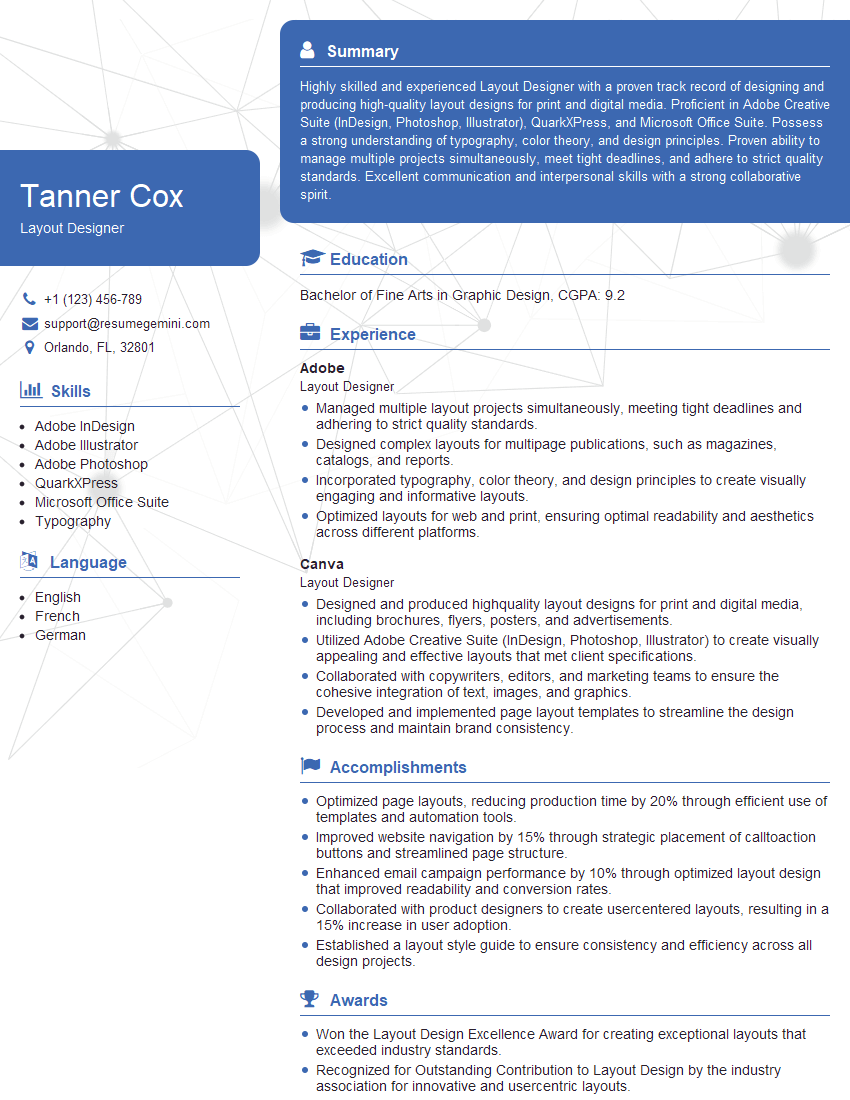
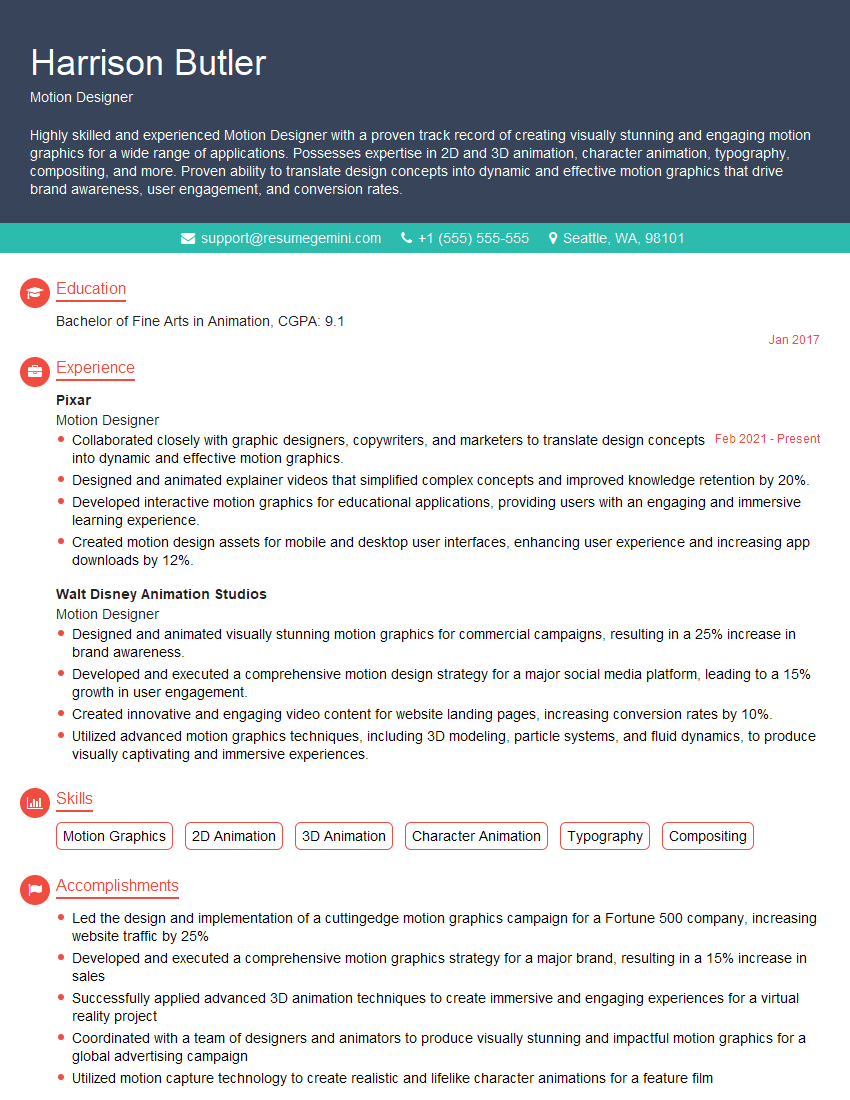
Mastering Screen Design and Layout is crucial for a successful and rewarding career in the digital world. Proficiency in this area opens doors to diverse and exciting opportunities across various industries. To maximize your job prospects, crafting a strong, ATS-friendly resume is essential. ResumeGemini is a trusted resource that can help you build a professional resume that highlights your skills and experience effectively. Examples of resumes tailored to Screen Design and Layout are available to help you get started. Invest time in showcasing your abilities – your future self will thank you!






Explore more articles
Users Rating of Our Blogs
Share Your Experience
We value your feedback! Please rate our content and share your thoughts (optional).
What Readers Say About Our Blog
Very informative content, great job.
good