Feeling uncertain about what to expect in your upcoming interview? We’ve got you covered! This blog highlights the most important Security Incident Detection and Response interview questions and provides actionable advice to help you stand out as the ideal candidate. Let’s pave the way for your success.
Questions Asked in Security Incident Detection and Response Interview
Q 1. Describe the process of incident handling according to a widely accepted framework (e.g., NIST).
Incident handling follows a structured process, often based on frameworks like NIST’s Cybersecurity Framework. Think of it like a well-defined emergency response plan – every step is crucial. The process generally involves these key phases:
- Preparation: This is the groundwork. It involves developing policies, procedures, and playbooks; establishing communication channels; and ensuring your team is trained and equipped. Think of this as assembling your firefighting team and ensuring they know how to use the equipment.
- Identification: This is the discovery phase. Detecting an incident might involve alerts from a SIEM, suspicious activity reports, or even a user noticing something odd. It’s like the fire alarm going off – you know something’s wrong.
- Containment: Once you’ve identified an incident, the priority is to limit its impact. This could involve isolating affected systems, blocking network traffic, or temporarily disabling services. Imagine cordoning off the fire’s area to prevent it from spreading.
- Eradication: This is about removing the root cause of the incident. It involves things like deleting malware, patching vulnerabilities, and resetting compromised accounts. This is like putting out the flames.
- Recovery: Restoring systems and data to their pre-incident state. This includes restoring backups, validating system functionality, and ensuring business continuity. Think of this as rebuilding and repairing the damage.
- Post-Incident Activity: This is crucial for learning and improvement. It involves documenting the incident, analyzing what went wrong, updating security controls, and conducting training to prevent similar incidents in the future. This is analyzing what happened and ensuring it doesn’t happen again.
Each phase has its own tasks and responsibilities, and the specific steps taken will vary depending on the nature and severity of the incident.
Q 2. Explain the difference between a vulnerability and an exploit.
A vulnerability is a weakness in a system that can be exploited by an attacker. Think of it as a crack in a wall – it’s a flaw that exists regardless of whether anyone tries to take advantage of it. An exploit, on the other hand, is the specific technique or code used to take advantage of that vulnerability. It’s like a tool used to break through that crack in the wall. A vulnerability is a potential problem; an exploit is the actual attack.
For example, a software bug that allows arbitrary code execution (a vulnerability) could be exploited (exploit) using a specifically crafted piece of malicious code. The vulnerability existed beforehand; the exploit turned it into a security breach.
Q 3. What are the key components of a Security Information and Event Management (SIEM) system?
A Security Information and Event Management (SIEM) system is like a central nervous system for your security infrastructure. It collects, aggregates, analyzes, and correlates security data from various sources to provide a comprehensive view of your security posture. Key components include:
- Log Management: Collecting and storing security logs from various sources like firewalls, servers, network devices, and applications. This is the raw data.
- Security Monitoring: Real-time monitoring of security events and alerts, identifying potential threats and suspicious activities. Think of this as the ‘eyes and ears’ of the system.
- Event Correlation: Connecting seemingly unrelated events to identify patterns and uncover advanced threats. It helps piece together the puzzle.
- Alerting and Reporting: Generating alerts based on predefined rules or anomalies, and providing reports on security events. This is the notification system.
- Compliance and Auditing: Supporting compliance with various security standards and regulations. This ensures you are meeting legal and regulatory standards.
- Data Normalization and Parsing: Formatting data from various sources into a consistent format.
A SIEM system helps organizations proactively detect threats, respond to incidents, and ensure compliance.
Q 4. How do you prioritize security incidents?
Prioritizing security incidents is crucial, especially when facing multiple threats simultaneously. A common framework involves considering factors such as:
- Impact: How severely is the incident affecting the organization? A data breach impacting customer data has much higher priority than a minor denial-of-service attack.
- Urgency: How quickly does the incident need to be addressed? A ransomware attack encrypting critical systems requires immediate attention.
- Likelihood: How likely is it that the incident will cause further damage if left unaddressed? An attacker gaining persistent access is more critical than a one-off attempt.
- Resource Availability: How many resources (personnel, tools, time) are needed to resolve the incident? A complex incident requiring specialized expertise should be prioritized accordingly.
Often, a scoring system is used, combining these factors to assign a priority level (e.g., Critical, High, Medium, Low) to each incident. This helps focus resources effectively on the most critical threats.
Q 5. What are some common indicators of compromise (IOCs)?
Indicators of Compromise (IOCs) are clues or evidence that a system or network has been compromised. They provide valuable insights into the nature and scope of an attack. Common IOCs include:
- Suspicious Network Traffic: Unusual communication patterns (e.g., high volume of outbound connections to unexpected destinations, connections to known command-and-control servers).
- Malicious Files: Files with known malicious hashes or behaviors detected by antivirus software.
- Registry Keys and Artifacts: Unexpected changes in registry settings, creation of new accounts or processes, or presence of malicious software artifacts.
- Unusual User Activity: Logins from unexpected locations or times, large file transfers, access to sensitive data outside of normal routines.
- Domain Name System (DNS) Queries: Suspicious domain names or IP addresses being contacted.
- Email Phishing Attempts: Emails containing malicious links or attachments.
IOCs are essential for identifying, investigating, and responding to security incidents. They are also shared across organizations to assist in detecting and preventing similar attacks.
Q 6. Describe your experience with log analysis and correlation.
Log analysis and correlation are fundamental to security incident detection and response. My experience includes using various tools (e.g., Splunk, ELK stack) to parse and analyze log data from different sources. This involves developing search queries to identify suspicious patterns and correlate seemingly unrelated events. For example, I’ve used log analysis to:
- Identify failed login attempts: Spotting unusual login activity (e.g., multiple failed attempts from the same IP address) could indicate a brute-force attack.
- Detect data exfiltration: Correlating large file transfers with unusual network activity (e.g., connections to external IP addresses) could point to someone trying to steal sensitive data.
- Track malicious activity: Analyzing process creation logs, network connections, and file system changes can help trace the actions of malware.
Effective log analysis requires a deep understanding of log formats, security protocols, and regular expressions. Furthermore, using correlation techniques to link related events is critical in understanding the context and severity of security incidents. I’ve actively participated in incident response by performing log analysis to find answers for many issues, from simple network issues to complex malware investigations.
Q 7. Explain your understanding of the kill chain model.
The Lockheed Martin Cyber Kill Chain is a widely used model for understanding the stages of a cyberattack. It’s a helpful framework for both identifying and preventing attacks. Think of it as a series of steps an attacker takes, each representing an opportunity for detection and prevention. The stages are:
- Reconnaissance: The attacker gathers information about the target.
- Weaponization: The attacker develops a malicious payload (e.g., malware).
- Delivery: The attacker sends the payload to the target (e.g., via email, USB drive).
- Exploitation: The attacker uses a vulnerability to gain access to the system.
- Installation: The attacker installs malware on the system.
- Command and Control (C&C): The attacker establishes communication with the compromised system.
- Actions on Objectives: The attacker achieves their goals (e.g., data theft, data destruction).
Understanding the kill chain helps in developing security controls at each stage. For example, strong security awareness training can help prevent successful reconnaissance and phishing attempts, while intrusion detection systems can detect exploitation attempts. Each step offers opportunities for defense.
Q 8. How do you identify and respond to phishing attempts?
Identifying and responding to phishing attempts requires a multi-layered approach combining technical solutions with user education. Phishing attacks often rely on social engineering, manipulating users into revealing sensitive information like usernames, passwords, or credit card details.
- Technical Detection: We utilize email security gateways that filter malicious emails based on known phishing indicators like suspicious links, attachments, and sender addresses. We also employ anti-phishing tools that analyze email content for unusual patterns or language. For instance, a sudden change in email style from a known sender should raise red flags.
- User Education: Regular security awareness training is crucial. We educate users on how to identify phishing attempts, such as looking for inconsistencies in email addresses, grammar errors, or urgent requests for sensitive information. We conduct simulated phishing campaigns to assess user awareness and improve response mechanisms.
- Response: Upon detecting a phishing attempt, immediate action is paramount. If a user has clicked a link or opened an attachment, we isolate their system to prevent further damage. We conduct a thorough investigation to determine the scope of the attack and reset any compromised accounts. Finally, we communicate the incident to affected users, providing guidance on securing their accounts and devices.
For example, in one instance, we detected a phishing campaign targeting our finance department with emails appearing to be from a legitimate vendor. Our security gateway flagged these emails, and subsequent investigation revealed malicious links leading to credential-harvesting sites. Prompt action prevented a significant financial breach.
Q 9. How would you handle a ransomware attack?
Responding to a ransomware attack involves a structured approach prioritizing containment, eradication, recovery, and prevention. The speed and efficiency of response directly impact the severity of the consequences.
- Containment: The first step is to immediately isolate the affected systems from the network to prevent the ransomware from spreading. This might involve disconnecting the infected machine from the internet and any shared drives.
- Eradication: We employ specialized tools to identify and remove the ransomware from the infected systems. This often includes a thorough system scan and removal of malicious files. In some cases, a complete system re-imaging might be necessary.
- Recovery: Data recovery is a crucial phase. We utilize backups to restore affected systems and data. The effectiveness of this step hinges on the existence of regular and reliable backups. If backups are compromised, data recovery may involve more complex forensic techniques.
- Prevention: After the attack, we analyze the incident to identify the vulnerabilities exploited by the attackers. This analysis informs improvements to our security posture, including patching systems, updating security software, and enhancing user education.
Consider this example: A ransomware attack encrypted data on multiple servers. We immediately disconnected the affected servers, launched a forensic investigation, and then successfully restored data from our offline backups. We improved our network segmentation and implemented multi-factor authentication to prevent future attacks.
Q 10. What are your experiences with various malware analysis tools?
My experience encompasses a variety of malware analysis tools, each with its own strengths and weaknesses. I’ve worked extensively with tools such as:
- Sandbox Environments (e.g., Cuckoo Sandbox, Any.run): These provide a controlled environment to analyze suspicious files and observe their behavior without risking the production systems.
- Static Analysis Tools (e.g., IDA Pro, Ghidra): These tools allow for in-depth inspection of malware binaries without executing them, enabling the identification of malicious code patterns and functionality.
- Dynamic Analysis Tools (e.g., Process Monitor, Wireshark): These tools monitor system activity in real-time, allowing us to observe how malware interacts with the system and network.
- Reverse Engineering Tools (e.g., x64dbg): These are invaluable when analyzing sophisticated malware samples, allowing for step-by-step execution and examination of code.
The choice of tool depends on the specific malware sample and the goals of the analysis. For instance, a simple virus might only require a quick scan with an antivirus tool, while a sophisticated piece of malware could necessitate a full-scale reverse engineering effort.
Q 11. Describe your experience with incident response documentation and reporting.
Meticulous incident response documentation and reporting are critical for accountability, learning, and continuous improvement. My experience involves creating detailed reports that follow a standardized format, including:
- Chronology of Events: A timeline of the incident, from initial detection to resolution.
- Affected Systems: A list of all systems impacted by the incident.
- Root Cause Analysis: Identifying the underlying vulnerabilities or weaknesses that allowed the incident to occur.
- Remediation Steps: A detailed description of the actions taken to contain, eradicate, and recover from the incident.
- Lessons Learned: Recommendations for preventing similar incidents in the future.
These reports are distributed to relevant stakeholders, including management, technical teams, and legal departments. The goal is to provide a clear and concise understanding of the incident, its impact, and the steps taken to address it. In my experience, effective documentation helps facilitate communication, support legal obligations, and improve the effectiveness of future incident response efforts.
Q 12. Explain your understanding of different incident response phases.
Incident response follows a well-defined set of phases, often adapted to the specific situation. However, a common framework includes:
- Preparation: This proactive phase includes developing incident response plans, establishing communication channels, creating procedures, and training personnel. It’s analogous to having a fire drill plan in place before a fire actually happens.
- Detection & Analysis: This phase involves identifying the incident, analyzing its scope, and determining the impact. Think of this like discovering the fire.
- Containment & Eradication: Here we isolate the affected systems to prevent further damage and remove the threat. This is like containing the fire to prevent its spread.
- Recovery & Remediation: This is where we restore systems and data from backups, implement fixes, and enhance security measures to prevent recurrence. This is like putting out the fire and repairing the damage.
- Post-Incident Activity: This phase encompasses documenting the incident, conducting a root cause analysis, and updating incident response plans. This is akin to investigating the cause of the fire and implementing fire safety improvements.
Each phase is iterative, and activities may overlap or be repeated as needed. A successful incident response relies on clear communication, collaboration, and a well-defined process.
Q 13. What are the key differences between prevention and detection in cybersecurity?
Prevention and detection are two complementary but distinct aspects of cybersecurity. Think of it like a home security system: prevention is like having strong locks and an alarm system, while detection is like having security cameras and motion sensors.
- Prevention: This focuses on proactively mitigating risks before they can materialize into incidents. This involves measures like implementing strong passwords, patching vulnerabilities, using firewalls, and educating users about security best practices.
- Detection: This focuses on identifying incidents after they have occurred. This involves monitoring systems for suspicious activity, using intrusion detection systems, employing security information and event management (SIEM) tools, and analyzing logs to detect anomalies.
While prevention aims to stop incidents from happening, detection aims to identify and respond to incidents that have bypassed preventative measures. A robust security posture relies on a strong foundation of both prevention and detection capabilities.
Q 14. How do you stay up-to-date on the latest threats and vulnerabilities?
Staying current with the latest threats and vulnerabilities requires a multi-pronged approach.
- Threat Intelligence Feeds: Subscribing to reputable threat intelligence feeds provides real-time information on emerging threats and vulnerabilities. These feeds often provide information about new malware families, attack techniques, and zero-day exploits.
- Security Newsletters & Blogs: Reading security news and blogs from reputable sources keeps me informed about the latest security trends, emerging threats, and best practices. This provides broader context and insights beyond specific threat feeds.
- Vulnerability Databases: Regularly checking vulnerability databases (e.g., the National Vulnerability Database) and security advisories from vendors allows me to track known vulnerabilities in our systems and prioritize patching efforts.
- Security Conferences & Training: Attending security conferences and participating in training programs provide valuable insights into the latest research and emerging trends. Networking with other security professionals also helps share knowledge and learn from collective experiences.
- Hands-on Experience: Regularly testing and validating security controls through penetration testing and vulnerability assessments helps to identify weaknesses and refine our security posture. This practical experience provides crucial context for theoretical knowledge.
Continuous learning is paramount in the ever-evolving cybersecurity landscape. A proactive approach to staying informed ensures we’re prepared for the latest threats.
Q 15. What is your experience with intrusion detection systems (IDS) and intrusion prevention systems (IPS)?
Intrusion Detection Systems (IDS) and Intrusion Prevention Systems (IPS) are critical components of a robust security architecture. An IDS passively monitors network traffic and system activity for malicious patterns, generating alerts when suspicious behavior is detected. Think of it as a security guard observing activity but not directly intervening. An IPS, on the other hand, actively blocks or mitigates threats. It’s like a security guard with the power to stop an intruder.
In my experience, I’ve worked extensively with both signature-based and anomaly-based IDS/IPS solutions. Signature-based systems identify known threats based on predefined patterns (signatures), while anomaly-based systems detect deviations from established baselines, potentially identifying zero-day exploits. For example, I once used Snort (an open-source IDS) to detect suspicious network scans targeting a specific server. This led to the timely detection and blocking of a potential intrusion attempt by an IPS. I have also worked with commercial IPS solutions such as Palo Alto Networks’ Next-Generation Firewalls, which offer advanced threat prevention capabilities.
I understand the importance of fine-tuning IDS/IPS systems to minimize false positives, a common challenge. This involves adjusting thresholds, configuring rules carefully, and regularly reviewing alert logs. A well-configured and managed IDS/IPS system is invaluable in identifying and preventing security incidents before they can significantly impact an organization.
Career Expert Tips:
- Ace those interviews! Prepare effectively by reviewing the Top 50 Most Common Interview Questions on ResumeGemini.
- Navigate your job search with confidence! Explore a wide range of Career Tips on ResumeGemini. Learn about common challenges and recommendations to overcome them.
- Craft the perfect resume! Master the Art of Resume Writing with ResumeGemini’s guide. Showcase your unique qualifications and achievements effectively.
- Don’t miss out on holiday savings! Build your dream resume with ResumeGemini’s ATS optimized templates.
Q 16. Explain your understanding of digital forensics.
Digital forensics is the process of identifying, preserving, analyzing, and presenting digital evidence in a manner that is legally sound and admissible in court. It’s like a detective meticulously investigating a crime scene, but in the digital realm. My understanding encompasses several key phases:
- Identification: Locating potential sources of digital evidence, such as hard drives, network logs, and memory dumps.
- Preservation: Creating forensic copies of the evidence to maintain its integrity and prevent alteration. This often involves using specialized tools and techniques to ensure chain of custody.
- Analysis: Examining the evidence using various forensic tools and techniques to identify patterns, timelines, and potential perpetrators. This might involve recovering deleted files, analyzing network traffic, or examining system logs.
- Presentation: Presenting the findings in a clear, concise, and legally sound manner, often in the form of a report.
I have experience with various forensic tools, including EnCase, FTK, and Autopsy. I am also proficient in analyzing various data sources, including Windows and Linux systems, network devices, and cloud storage. For instance, I once investigated a data breach by analyzing system logs and network traffic to identify the point of compromise, the techniques used by the attacker, and the extent of the data breach.
Q 17. How do you ensure the confidentiality, integrity, and availability of data during an incident?
Ensuring the confidentiality, integrity, and availability (CIA triad) of data during an incident is paramount. It’s like protecting a valuable asset with a multi-layered security system.
- Confidentiality: Protecting sensitive data from unauthorized access. This involves implementing access controls, encryption, and data loss prevention (DLP) measures. During an incident, this means immediately isolating affected systems to prevent further data exfiltration.
- Integrity: Ensuring data accuracy and trustworthiness. This involves using checksums and hashing to verify data integrity and employing techniques to prevent data modification. During an incident, rigorous validation of backups and recovery procedures are critical.
- Availability: Ensuring that data and systems are accessible to authorized users when needed. This involves redundancy, failover mechanisms, and disaster recovery planning. During an incident, a rapid and effective restoration process is crucial to minimize downtime.
In practice, I’ve used various techniques to maintain the CIA triad during incidents, including deploying emergency response plans, isolating compromised systems, and implementing temporary access controls. For example, during a ransomware attack, I prioritized isolating affected systems to prevent the spread of malware and then worked on restoring data from clean backups, ensuring data integrity using checksum verification.
Q 18. Describe your experience with security automation and orchestration tools.
Security automation and orchestration (SAO) tools are vital for efficient incident response. They automate repetitive tasks, streamline workflows, and improve overall security posture. Think of them as a sophisticated assistant, handling the routine aspects of security while allowing analysts to focus on complex investigations.
My experience includes working with tools like Splunk, IBM QRadar, and Azure Sentinel for security information and event management (SIEM). These platforms collect and analyze security logs from various sources, enabling quicker threat detection and response. I have also utilized SOAR (Security Orchestration, Automation, and Response) platforms, such as Palo Alto Networks Cortex XSOAR, to automate incident response tasks such as isolating compromised systems, blocking malicious IPs, and enriching alerts with threat intelligence. For example, I’ve automated incident response playbooks that automatically trigger remediation actions based on predefined rules and alerts, significantly reducing the time needed to contain and remediate threats.
Q 19. What are some common security misconfigurations that you have encountered?
Security misconfigurations are common vulnerabilities that significantly increase the attack surface. They’re essentially design flaws that need to be addressed to maintain security. Some common misconfigurations I’ve encountered include:
- Default credentials: Leaving devices with factory-default passwords.
- Unpatched systems: Failing to apply security updates and patches promptly, leaving systems vulnerable to known exploits.
- Open ports: Exposing unnecessary network ports, creating entry points for attackers.
- Weak access controls: Implementing insufficient user authentication and authorization mechanisms.
- Improperly configured firewalls: Rules allowing excessive network traffic or incorrectly configured access control lists (ACLs).
I’ve witnessed the consequences of these misconfigurations firsthand, leading to successful breaches. Regular security audits, vulnerability scans, and penetration testing are crucial to identify and address these weaknesses before they are exploited. For example, during a recent audit, I discovered a server with default credentials, allowing unauthorized access. Immediate remediation and password changes prevented a potential disaster.
Q 20. How do you handle escalated security incidents?
Escalated security incidents require a structured and organized approach. My strategy involves a series of steps:
- Assessment: Determining the scope and severity of the incident. This includes identifying affected systems, data, and users.
- Containment: Isolating affected systems to prevent further damage and data exfiltration. This might involve disconnecting from the network, shutting down systems, or applying temporary access controls.
- Eradication: Removing malware, restoring systems to a clean state, and patching vulnerabilities.
- Recovery: Restoring data from backups, verifying system integrity, and returning systems to normal operation.
- Post-Incident Activity: Conducting a thorough root cause analysis, implementing preventive measures, updating incident response plans, and documenting lessons learned.
Effective communication throughout the process is critical. I typically engage with stakeholders, keeping them informed of the incident’s progress and providing regular updates. I’ve used communication tools, like Slack or dedicated incident management systems, to ensure transparent and efficient information sharing during critical events.
Q 21. What is your experience with vulnerability scanning and penetration testing?
Vulnerability scanning and penetration testing are complementary activities aimed at identifying and assessing security weaknesses. Vulnerability scanning is like a health check for your systems, automatically identifying known vulnerabilities. Penetration testing is a more in-depth, hands-on assessment simulating real-world attacks to evaluate the effectiveness of security controls.
My experience includes using various vulnerability scanners, such as Nessus and OpenVAS, to identify vulnerabilities in systems and applications. I have also conducted numerous penetration tests, using both automated and manual techniques, to assess the effectiveness of security controls. For example, during a recent penetration test, I identified a SQL injection vulnerability in a web application, which could have allowed an attacker to access sensitive data. This finding resulted in a quick remediation effort, strengthening the application’s security.
The key difference between vulnerability scanning and penetration testing lies in their approach. Scanning identifies potential weaknesses, while penetration testing tries to actually exploit them. A comprehensive security program needs both to gain a full understanding of its security posture.
Q 22. How do you communicate effectively during a security incident?
Effective communication during a security incident is paramount. It’s not just about conveying information; it’s about coordinating a response, maintaining calm, and ensuring everyone is on the same page. My approach involves a multi-faceted strategy focusing on clarity, timeliness, and audience-specific messaging.
- Clear and Concise Messaging: I avoid jargon and technical terms unless absolutely necessary, explaining complex concepts in simple language. For example, instead of saying “We detected a lateral movement via SMB exploitation,” I might say, “We found an unauthorized program accessing files on our network.”
- Targeted Communication Channels: I use different communication channels depending on the audience and the urgency. For immediate alerts, I leverage tools like Slack or dedicated incident management platforms. For more formal updates to senior management, I use email or scheduled briefings.
- Regular Updates: I provide regular updates throughout the incident, keeping stakeholders informed of progress, challenges, and mitigation efforts. This transparency fosters trust and prevents speculation.
- Documentation: Every communication, decision, and action taken is meticulously documented. This is crucial for post-incident analysis, reporting, and continuous improvement.
- Centralized Communication Hub: If the incident is large-scale, establishing a central communication hub, perhaps a wiki or shared document, allows everyone access to the same information, avoiding confusion and conflicting instructions.
For example, during a recent ransomware incident, I used a combination of Slack for rapid updates to the incident response team, and email for formal communications to leadership, providing daily reports outlining our progress in containing the spread, data recovery efforts, and overall risk assessment. This multi-channel approach was instrumental in ensuring a coordinated and timely response.
Q 23. Describe your experience working in a Security Operations Center (SOC).
My experience in a Security Operations Center (SOC) spans three years, where I was primarily responsible for threat detection, incident response, and security monitoring. The SOC environment is fast-paced and demanding, requiring rapid assessment and response to security alerts. My role involved:
- Security Monitoring: I used SIEM (Security Information and Event Management) tools like Splunk and QRadar to monitor security logs from various sources, identifying suspicious activities and potential security breaches.
- Threat Hunting: I proactively searched for threats within our network, using techniques like behavioral analysis and threat intelligence feeds, to discover and remediate security issues before they escalated.
- Incident Response: I participated in various incident response activities, from initial triage and containment to eradication and recovery. This included engaging with forensic teams, coordinating with other IT departments, and documenting incident details for future analysis and reporting.
- Vulnerability Management: I collaborated with the vulnerability management team to prioritize and remediate vulnerabilities discovered through penetration testing and vulnerability scans.
- Security Automation: I worked to automate repetitive tasks like alert triage and incident response actions, using tools like SOAR (Security Orchestration, Automation, and Response) platforms to improve efficiency and reduce response times.
One memorable incident involved a phishing attack that led to a compromise of a user account. I leveraged the SOC’s SIEM system to trace the attacker’s activity, isolate the affected system, and work with the IT help desk to reset the compromised account. This experience highlighted the importance of proactive threat hunting and rapid incident response in mitigating the impact of security breaches.
Q 24. Explain your understanding of threat modeling.
Threat modeling is a systematic approach to identifying and assessing potential threats to a system or application. It’s a proactive process that helps organizations understand their security risks and design more secure systems. My approach involves a structured process that typically includes:
- Defining the System: Clearly outlining the system’s boundaries, functionality, and data flows.
- Identifying Threats: Brainstorming potential threats, considering various attack vectors, and leveraging threat intelligence sources.
- Identifying Vulnerabilities: Identifying weaknesses in the system that could be exploited by the identified threats.
- Assessing Risks: Evaluating the likelihood and impact of each threat, prioritizing them based on their potential damage.
- Developing Mitigation Strategies: Designing and implementing controls to reduce the risk associated with each threat.
- Validation and Refinement: Regularly reviewing and updating the threat model as the system evolves or new threats emerge.
I’ve used various threat modeling methodologies, including STRIDE (Spoofing, Tampering, Repudiation, Information disclosure, Denial of service, Elevation of privilege) and PASTA (Process for Attack Simulation and Threat Analysis). For example, when working on a new web application, I used STRIDE to identify potential threats related to authentication, data protection, and denial-of-service attacks. This helped us design security features to mitigate these risks from the initial stages of development.
Q 25. What are your experiences with different types of security logs (e.g., firewall, web server, database)?
My experience with security logs spans various sources, including firewall, web server, database, and operating system logs. Understanding these different log types is crucial for effective security monitoring and incident response. Each log type provides unique insights into system activity:
- Firewall Logs: These logs provide information about network traffic, including allowed and blocked connections, source and destination IP addresses, ports, and protocols. Analyzing firewall logs helps detect unauthorized access attempts and network intrusions.
- Web Server Logs: These logs record HTTP requests and responses, including user activity, error messages, and access times. Analyzing web server logs helps identify website vulnerabilities and potential attacks like SQL injection or cross-site scripting (XSS).
- Database Logs: These logs track database activity, including queries executed, data modifications, and user access. Analyzing database logs helps detect unauthorized data access and modifications.
- Operating System Logs: These logs provide information about system events, including login attempts, file access, and program execution. Analyzing operating system logs helps detect malware infections and other malicious activities.
I’m proficient in using various log analysis tools, including SIEM platforms, to correlate logs from different sources and identify patterns indicative of malicious activity. For instance, correlating firewall logs showing unusual inbound connections with database logs indicating excessive queries from the same IP addresses can reveal a potential SQL injection attack.
Q 26. How would you assess the impact of a security incident?
Assessing the impact of a security incident involves a multi-step process that considers several factors. My approach is structured and considers the following:
- Data Breach: Determining if sensitive data was compromised, the volume of data affected, and the type of data (e.g., Personally Identifiable Information (PII), financial data).
- System Availability: Assessing the extent to which systems were disrupted or rendered unavailable. This includes downtime, impact on business operations, and the cost of recovery.
- Financial Loss: Estimating direct costs like recovery efforts, legal fees, and regulatory fines, as well as indirect costs like reputational damage and loss of business opportunities.
- Reputational Damage: Assessing the potential impact on the organization’s reputation, including public perception, customer trust, and investor confidence.
- Legal and Regulatory Compliance: Determining whether the incident violates any legal or regulatory requirements, leading to potential fines or penalties.
To illustrate, imagine a phishing attack that led to the compromise of customer credit card information. The impact assessment would include the number of affected customers, the cost of notifying them, potential fines under PCI DSS (Payment Card Industry Data Security Standard), the cost of credit monitoring services provided to customers, and the potential reputational damage to the business.
Q 27. What are your experiences with incident response playbooks?
Incident response playbooks are crucial for effective and consistent incident handling. They provide a structured framework for responding to security incidents, ensuring a coordinated and efficient response. My experience includes developing, implementing, and updating various playbooks for different types of incidents.
- Playbook Development: I’ve participated in creating playbooks that cover various incident types, from phishing attacks to ransomware infections and denial-of-service attacks. These playbooks outline the steps involved in each phase of the incident response process, from preparation and detection to containment, eradication, recovery, and post-incident activity.
- Playbook Implementation: I’ve been involved in training teams on the use of playbooks, ensuring they understand their roles and responsibilities during an incident. This includes regular drills and tabletop exercises to test the effectiveness of the playbooks.
- Playbook Updates: I actively monitor and update our playbooks based on lessons learned from previous incidents, new threats, and evolving technologies. Regular reviews ensure the playbooks remain relevant and effective.
For example, our ransomware playbook outlines steps for isolating infected systems, identifying the attack vector, recovering data from backups, and coordinating with law enforcement if necessary. The playbook also includes communication plans and post-incident review procedures. This structured approach helps maintain calm, ensures efficient resource allocation, and reduces the overall impact of a security incident.
Key Topics to Learn for Security Incident Detection and Response Interview
- Threat Modeling and Vulnerability Assessment: Understanding common attack vectors, identifying vulnerabilities in systems and applications, and proactively mitigating risks. Practical application: Conducting a threat modeling exercise for a specific application or infrastructure.
- Security Monitoring and Log Analysis: Mastering SIEM tools, log management techniques, and the ability to correlate events to identify security incidents. Practical application: Analyzing a sample security log to identify suspicious activity and determine the root cause.
- Incident Response Lifecycle: Deep understanding of the phases (Preparation, Identification, Containment, Eradication, Recovery, Lessons Learned) and best practices for each stage. Practical application: Describing your approach to handling a phishing attack scenario.
- Security Information and Event Management (SIEM): Familiarity with various SIEM platforms, their functionalities, and how to effectively utilize them for threat detection and response. Practical application: Explaining the process of configuring alerts and dashboards within a SIEM system.
- Network Security Monitoring: Understanding network traffic analysis, intrusion detection systems (IDS), and intrusion prevention systems (IPS). Practical application: Interpreting network traffic captures to identify malicious activity.
- Endpoint Detection and Response (EDR): Knowledge of endpoint security tools and their capabilities in detecting and responding to threats on individual devices. Practical application: Discussing the benefits and limitations of different EDR solutions.
- Forensics and Malware Analysis: Basic understanding of digital forensics principles and techniques used to investigate security incidents, including malware analysis. Practical application: Describing the process of analyzing a malware sample to determine its functionality.
- Incident Reporting and Communication: Effectively communicating incident details to stakeholders and management, following established incident reporting procedures. Practical application: Constructing a concise and informative incident report summarizing key findings and recommendations.
- Automation and Orchestration: Utilizing automation tools to streamline incident response processes and improve efficiency. Practical application: Explaining how automation can be used to improve incident response times.
- Compliance and Regulations: Familiarity with relevant security standards, frameworks (e.g., NIST, ISO 27001), and regulations (e.g., GDPR, HIPAA). Practical application: Explaining how to ensure compliance with relevant regulations during incident response.
Next Steps
Mastering Security Incident Detection and Response is crucial for a successful and rewarding career in cybersecurity. It opens doors to exciting roles with significant responsibility and growth potential. To significantly increase your job prospects, focus on building an ATS-friendly resume that highlights your skills and experience effectively. ResumeGemini is a trusted resource that can help you create a compelling and professional resume tailored to the specific requirements of Security Incident Detection and Response roles. Examples of resumes tailored to this field are available to help guide you. Invest time in crafting a strong resume; it’s your first impression with potential employers.
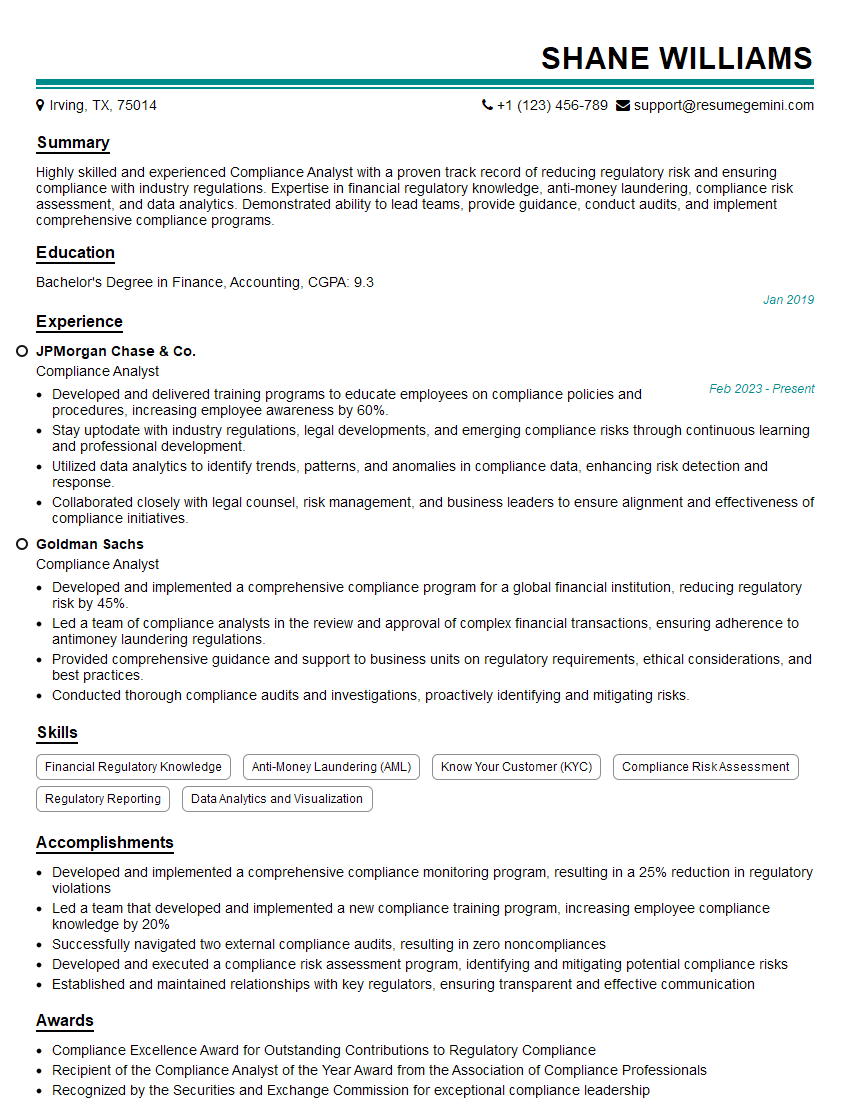
Compliance Analyst Resume Sample
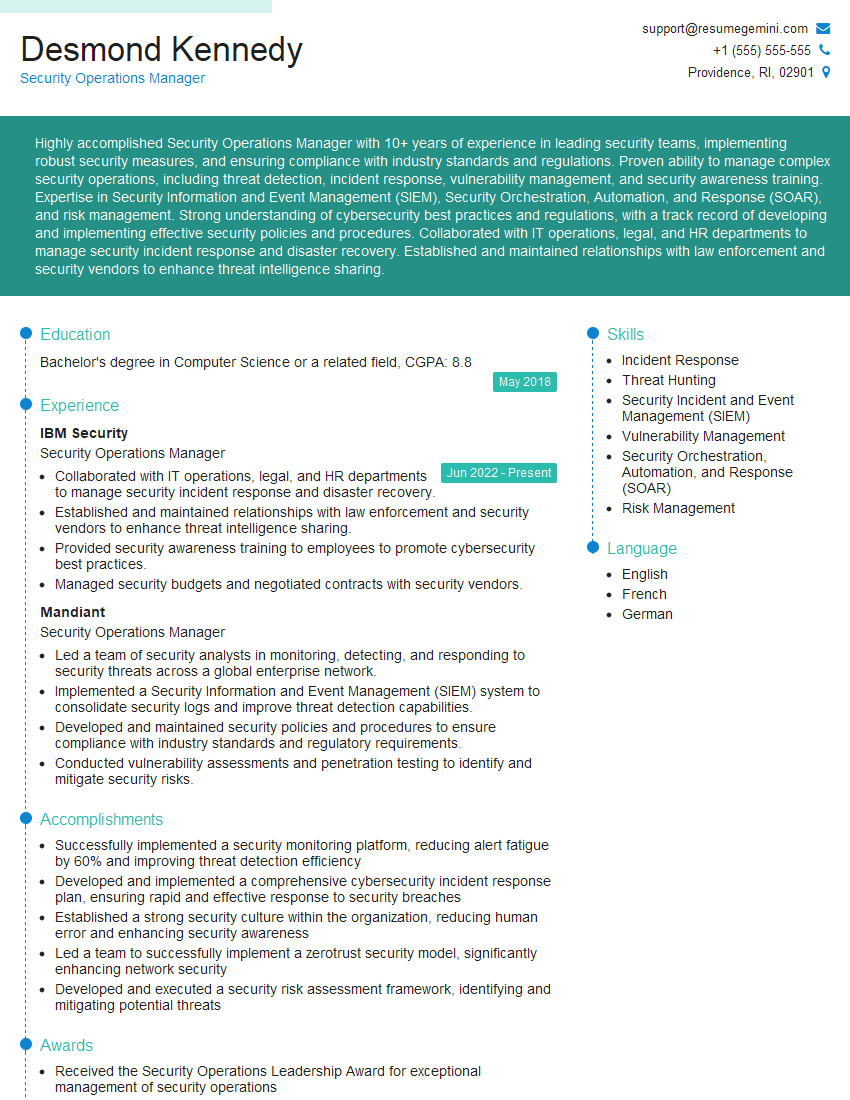
Security Operations Manager Resume Sample
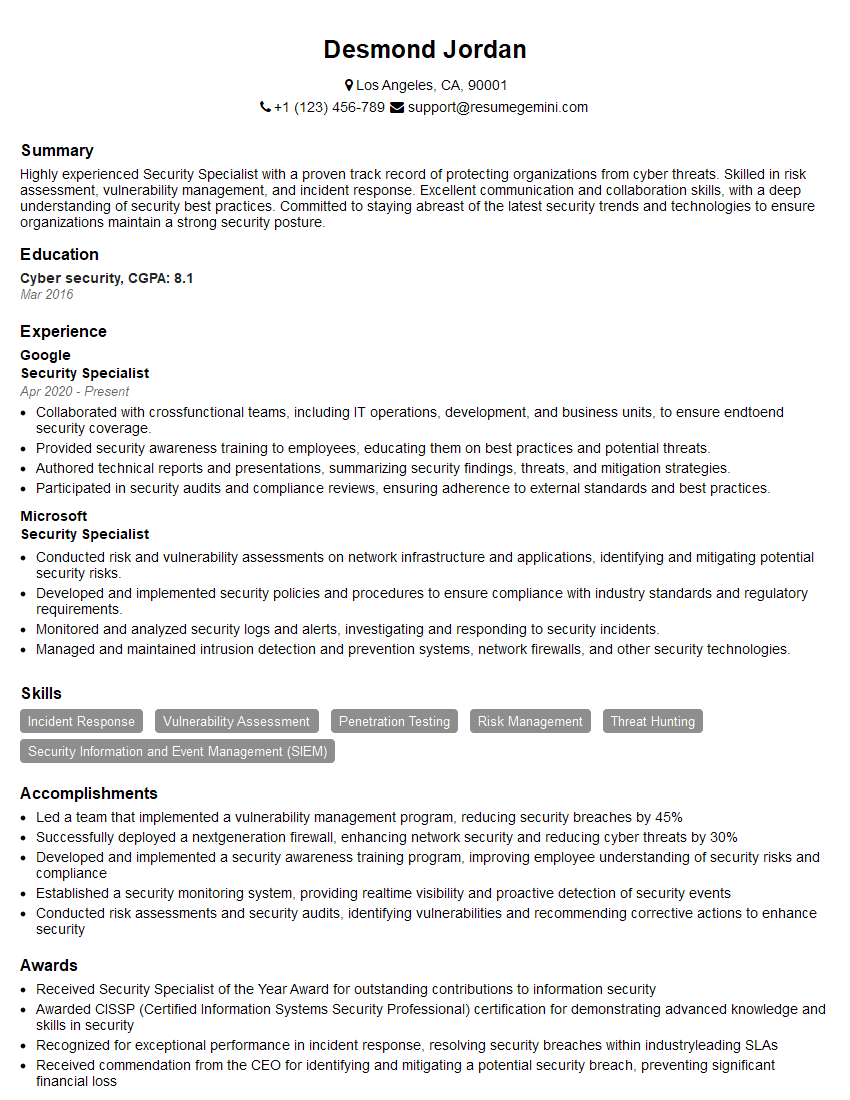
Security Specialist Resume Sample
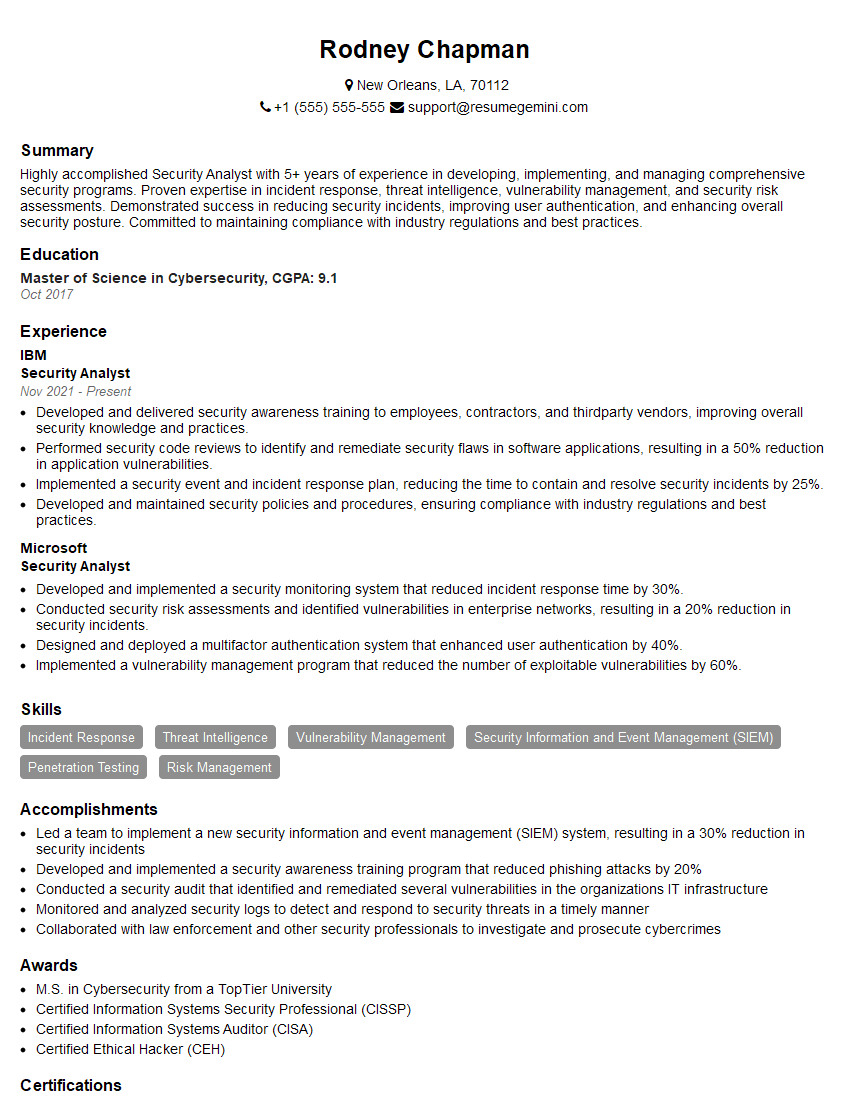
Security Analyst Resume Sample
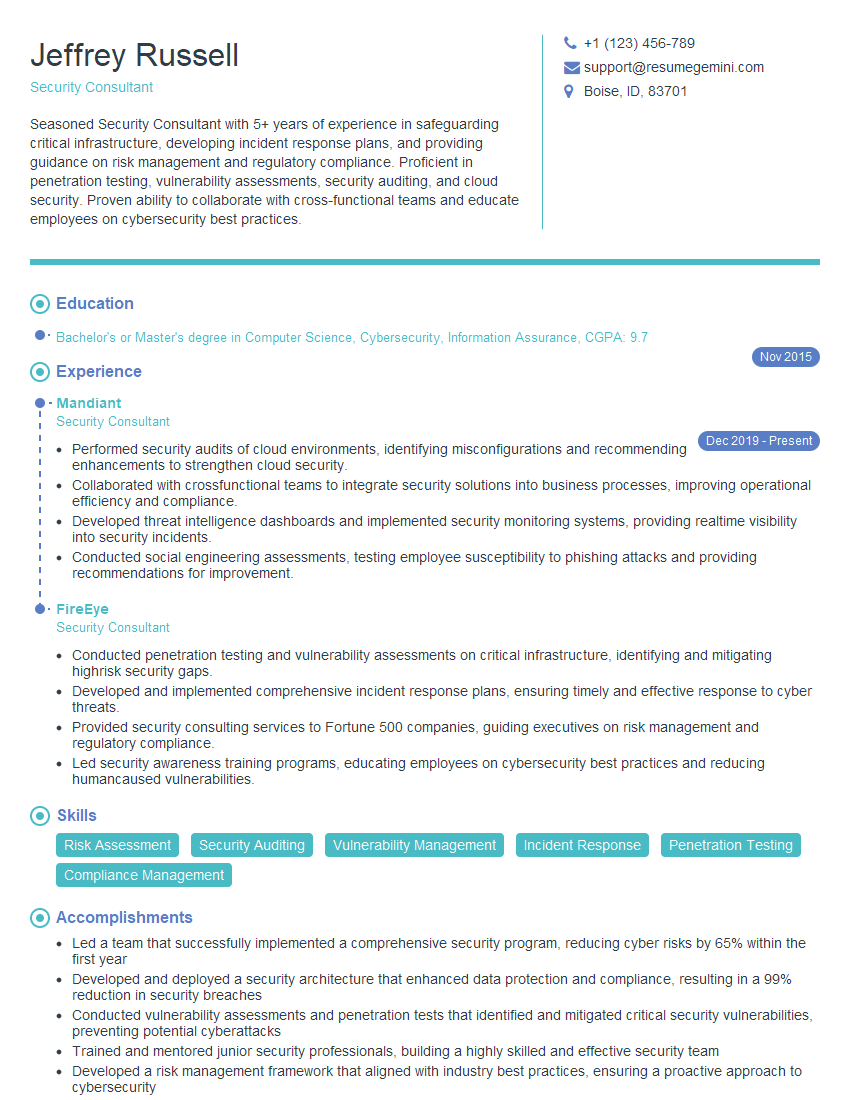
Security Consultant Resume Sample
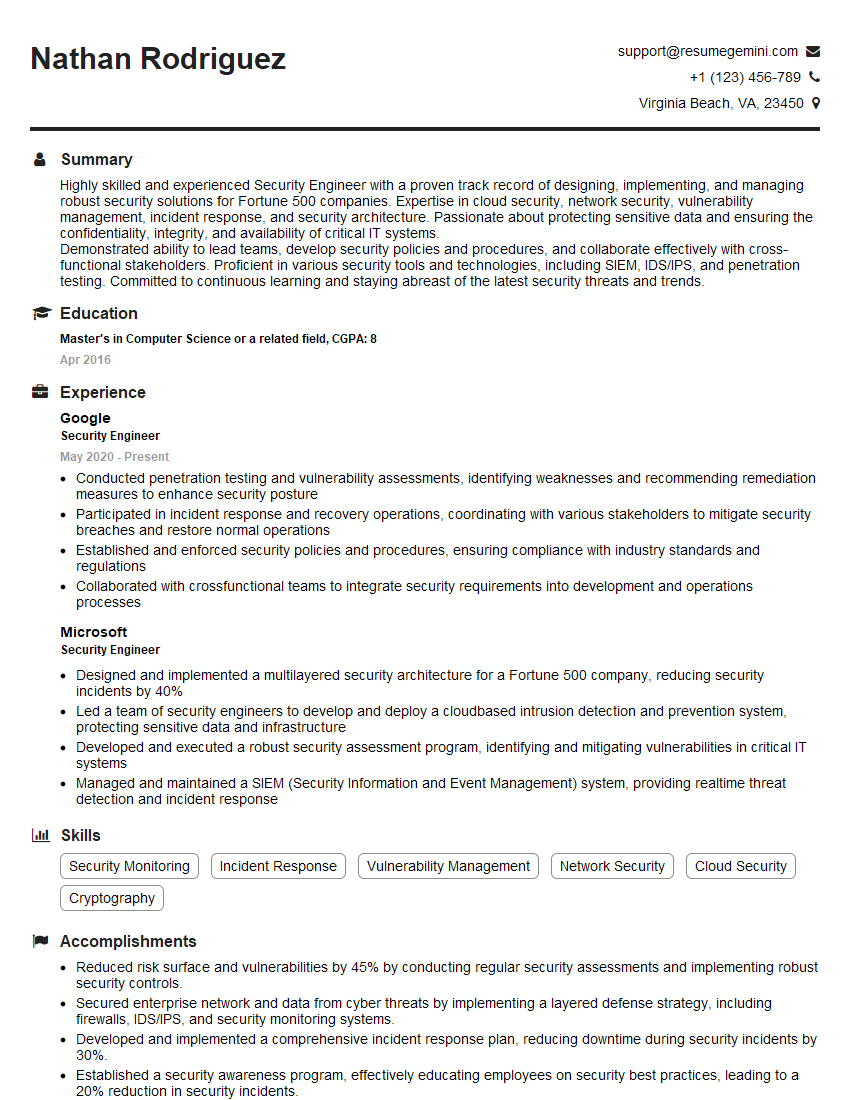
Security Engineer Resume Sample
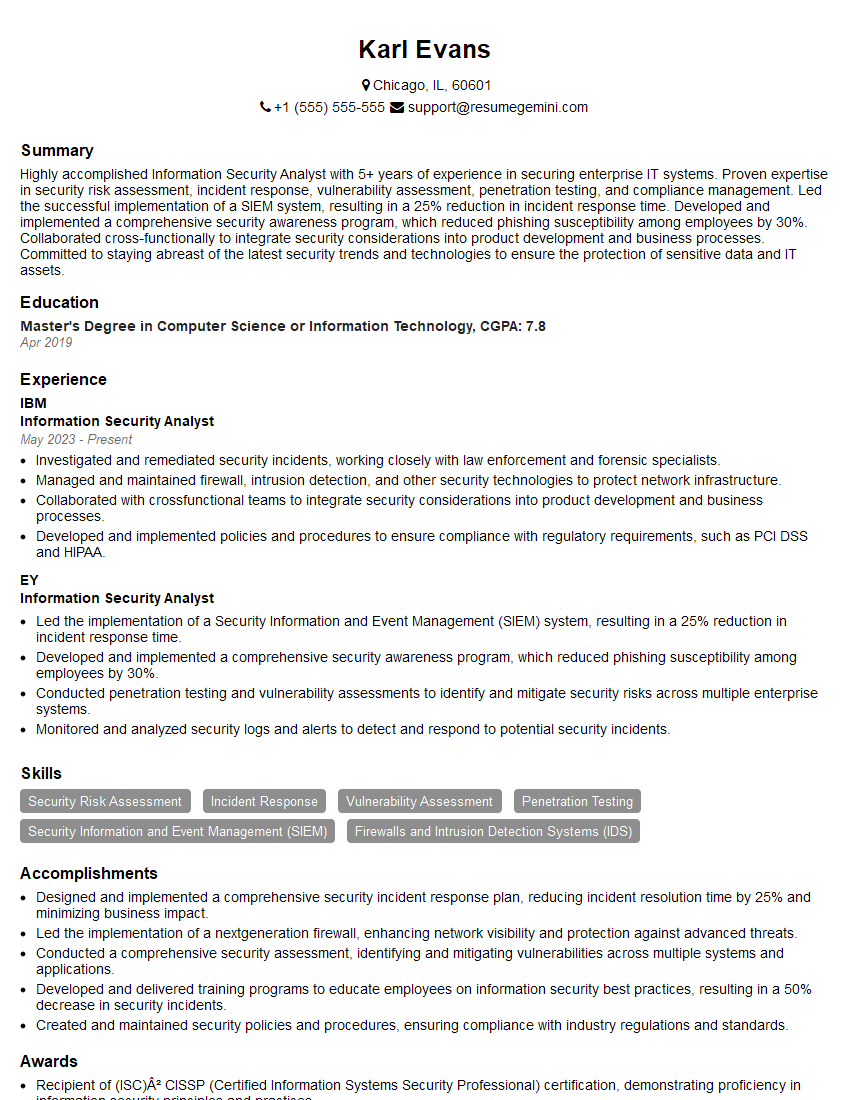
Information Security Analyst Resume Sample
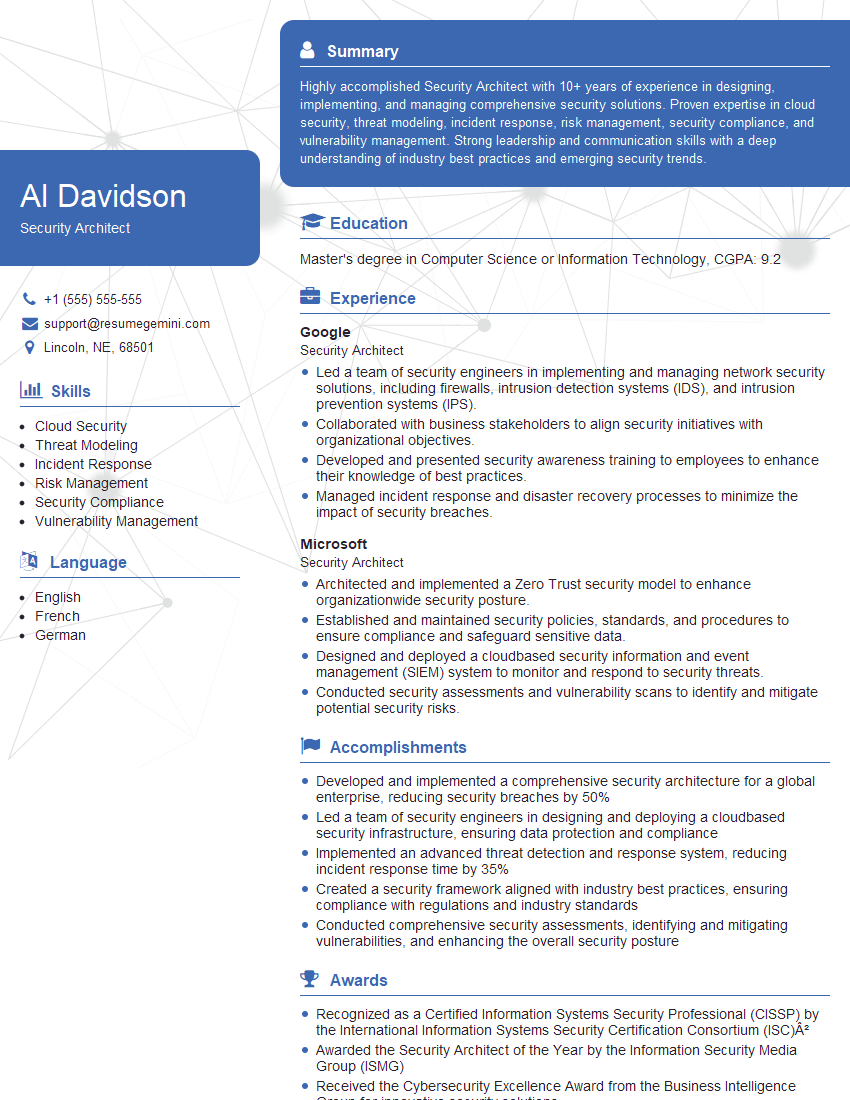
Security Architect Resume Sample
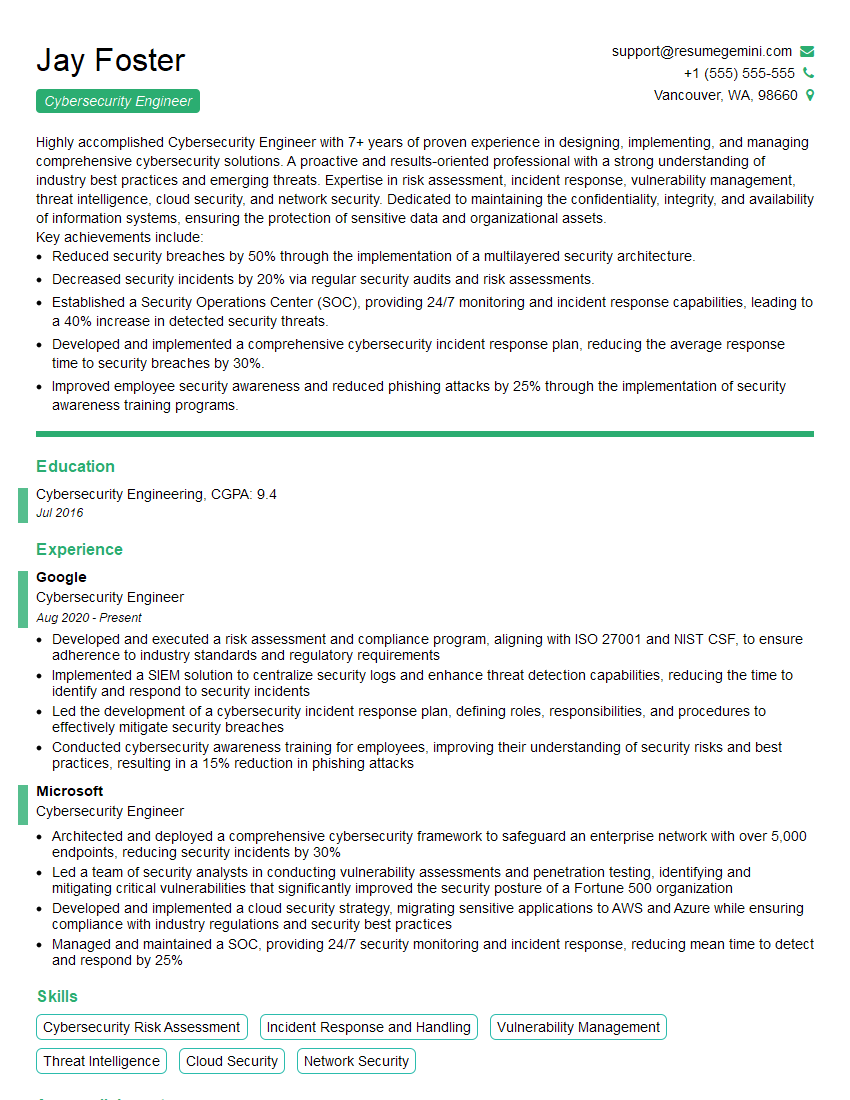
Cybersecurity Engineer Resume Sample
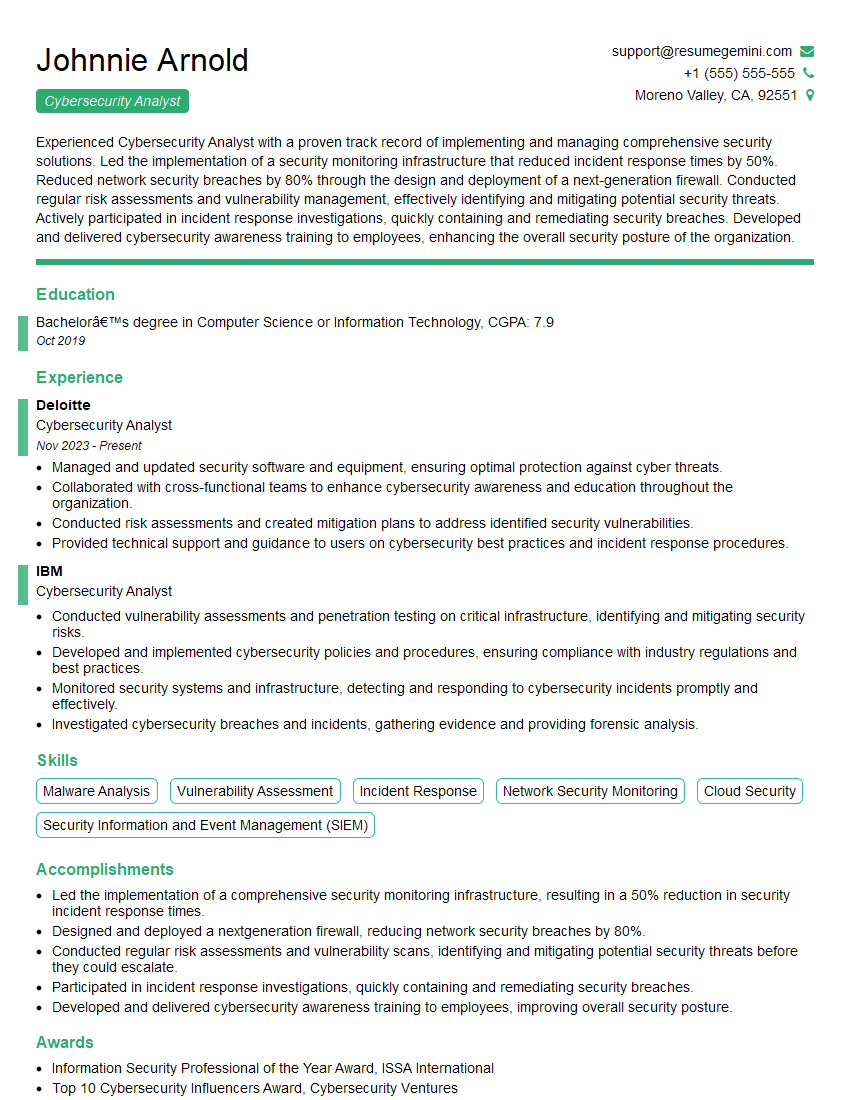
Cybersecurity Analyst Resume Sample
Explore more articles
Users Rating of Our Blogs
Share Your Experience
We value your feedback! Please rate our content and share your thoughts (optional).
What Readers Say About Our Blog
Very informative content, great job.
good