Interviews are opportunities to demonstrate your expertise, and this guide is here to help you shine. Explore the essential setting up and operating duplicating machines interview questions that employers frequently ask, paired with strategies for crafting responses that set you apart from the competition.
Questions Asked in setting up and operating duplicating machines Interview
Q 1. Describe your experience with different types of duplicating machines.
My experience encompasses a wide range of duplicating machines, from older, analog models like spirit duplicators and mimeograph machines to modern digital duplicators, including high-volume laser printers and high-speed copiers. I’ve worked extensively with both large-format and standard-size machines, familiar with brands such as Ricoh, Xerox, and Canon, and understand their unique functionalities and limitations. For instance, with spirit duplicators, mastering the correct master creation and ink application was crucial for clear copies. With laser printers, understanding toner management, fuser settings, and paper path adjustments is key to optimal performance. My experience extends to understanding the different technologies employed in these machines, including impact printing, inkjet printing, and electrophotography.
- Spirit Duplicators: These were great for quick, low-budget copies, but limited in terms of color and quantity.
- Mimeograph Machines: These required stencil preparation which was time-consuming but produced high-quality copies.
- Laser Printers: These offer high-volume, high-quality prints and are essential for today’s fast-paced environments.
- High-Speed Copiers: Excellent for bulk copying tasks, offering features like collating, stapling and duplex printing.
Q 2. Explain the process of setting up a duplicating machine for a specific job.
Setting up a duplicating machine involves a systematic approach tailored to the specific job requirements. First, I identify the document to be duplicated and its specifications, including paper size, type, and quantity. Then, I select the appropriate machine based on the job’s needs. For example, a large-volume print job requires a high-speed copier, while a smaller job might utilize a laser printer. Next, I load the appropriate paper, ensuring it’s correctly aligned to avoid jams. I then configure the machine’s settings, such as paper size, orientation (portrait or landscape), number of copies, and finishing options (stapling, collating). Finally, I perform a test print to verify the settings and quality before proceeding with the full job. Imagine needing 500 double-sided brochures – I’d select a high-speed copier, load the brochure paper correctly, set duplex printing, and likely also enable collation to ensure the pages are in the right order.
Q 3. How do you ensure the quality of output from a duplicating machine?
Ensuring quality output involves a multi-faceted approach. First, I check the original document to ensure it’s clear and legible. Next, I inspect the machine for any issues such as low toner (in laser printers), clogged print heads (in inkjet printers), or worn parts. Proper paper handling is critical: Using the correct paper type and weight for the machine is essential. I always perform a test print to adjust settings like contrast, sharpness, and color balance as needed. Regular cleaning and maintenance of the machine are vital to preventing image degradation. For example, if the print is too faint, I’ll check the toner level and adjust the toner density settings. If there’s streaking, I’ll look for debris in the paper path or a potential problem with the fuser unit.
Q 4. What are the common maintenance procedures for duplicating machines?
Regular maintenance is key to extending the lifespan and ensuring optimal performance of duplicating machines. This includes daily checks for paper jams, toner levels (for laser printers), and ink levels (for inkjet printers). Weekly maintenance might involve cleaning the paper path, removing dust and debris, and checking rollers for wear and tear. Monthly maintenance might involve more in-depth cleaning, such as cleaning the fuser unit (laser printers) or print heads (inkjet printers). Regular servicing by qualified technicians is crucial for more complex maintenance tasks, such as replacing worn parts and performing preventative maintenance.
Q 5. How do you troubleshoot paper jams and other common malfunctions?
Troubleshooting paper jams starts with turning off the machine and carefully removing the jammed paper. It’s important to avoid tearing the paper as this can cause further problems. The location of the jam will often indicate the cause. A jam in the input tray usually suggests a problem with paper alignment or a bent paper feeder roller. A jam near the fuser might indicate a problem with the fuser unit itself. Other common malfunctions, such as blurry prints or streaks, might be caused by low toner, dirty rollers, or problems with the image drum. Consulting the machine’s manual and troubleshooting guides is often essential to diagnose these more complex issues. In many cases, I start with the simplest solutions, like checking for simple blockages before moving to more involved troubleshooting.
Q 6. What safety precautions do you follow when operating duplicating machines?
Safety is paramount when operating duplicating machines. Always follow the manufacturer’s safety instructions. Never reach into the machine while it’s operating. Ensure proper ventilation, especially for laser printers, to avoid inhaling toner dust. Use appropriate personal protective equipment (PPE), such as gloves, when handling toner cartridges or other potentially hazardous components. Be mindful of hot surfaces, especially on laser printers, and avoid touching the fuser unit. Proper grounding of the machine is essential to prevent electric shocks. Finally, follow all electrical safety guidelines to prevent accidents.
Q 7. Describe your experience with different paper types and sizes.
My experience includes working with a vast array of paper types and sizes. I’m familiar with different weights (measured in gsm – grams per square meter), textures (coated, uncoated), and finishes (glossy, matte). This understanding is critical for selecting the correct paper for a specific job. For instance, heavier paper is needed for brochures or high-quality presentations, while lighter paper is suitable for everyday documents. I’m proficient in using different paper sizes, ranging from A4 and letter to larger formats for posters and banners. Understanding the implications of using the wrong paper type, like jamming or poor print quality, is part of my expertise. For example, using too thick paper in a machine not designed for it will cause repeated jams, requiring constant troubleshooting.
Q 8. How do you manage large print jobs efficiently?
Managing large print jobs efficiently involves a multi-pronged approach focusing on preparation, process, and technology. Think of it like orchestrating a symphony – each instrument (step) needs to play its part perfectly for a harmonious result.
- Pre-flight Check: Before starting, I meticulously review the job specifications – page count, paper type, finishing requirements, and deadlines. This prevents costly errors and delays.
- Job Segmentation: For extremely large jobs, I break them into smaller, manageable batches. This allows for easier tracking, quicker turnaround, and reduces the risk of paper jams or other machine-related issues. For example, a 10,000-page document might be split into 10 runs of 1,000 pages each.
- Prioritization: I prioritize jobs based on urgency and deadline. Using a job ticketing system helps keep track of everything and ensures that time-sensitive projects are handled first.
- Automation: Employing automated features of the duplicator like programmed settings for paper size, type and duplex printing (two-sided printing) significantly speeds up the process.
- Regular Maintenance: Ensuring the machine is regularly maintained (cleaning, toner/ink replenishment) prevents unexpected downtime during critical jobs.
For instance, during a recent project involving 5,000 brochures, I segmented the job into five 1,000-page runs, utilizing the machine’s automated duplex printing feature. This approach ensured a smooth workflow and timely completion.
Q 9. What software are you familiar with for managing print jobs?
I’m proficient with several software solutions for managing print jobs. My expertise extends beyond simple print drivers to encompass sophisticated workflow management systems.
- Print Drivers (e.g., PostScript, PCL): These are fundamental for sending print jobs to the machine, specifying parameters like paper size, orientation, and color mode. I use them daily for routine printing.
- RIP Software (Raster Image Processor): For complex jobs involving high-resolution images or demanding color accuracy, I utilize RIP software. These manage image processing and color correction before sending the job to the printer, enhancing quality and efficiency.
- Workflow Management Software: These advanced systems (like those found in large print shops) allow for job scheduling, tracking, cost accounting, and client communication. This is crucial for handling multiple concurrent jobs efficiently.
For example, when dealing with a client requiring Pantone-matched colors on a large-scale project, I utilize RIP software to ensure accurate color reproduction. The workflow software assists with scheduling and reporting.
Q 10. How do you handle different binding and finishing requirements?
Handling diverse binding and finishing requirements is a key aspect of my role. It involves understanding the client’s needs and selecting the appropriate equipment and techniques to achieve the desired result.
- Binding Methods: I’m experienced with various binding methods like saddle-stitch (for brochures), perfect binding (for books), wire-o binding (for notebooks), and coil binding. The choice depends on the document’s thickness and intended use.
- Finishing Options: I’m adept at utilizing various finishing equipment, such as cutting, trimming, folding, hole-punching, and laminating machines. I can create professional-looking documents that meet specific requirements.
- Specialized Finishes: This could involve embossing, debossing, or die-cutting. These add value and sophistication to printed materials, tailoring them to specific marketing objectives.
For example, I recently finished a project requiring a combination of perfect binding, foil stamping, and UV coating for a high-end corporate report. Selecting the right techniques resulted in a superior-quality product exceeding the client’s expectations.
Q 11. Explain your understanding of color calibration and matching.
Color calibration and matching are critical for ensuring consistent and accurate color reproduction. This involves achieving a precise match between the digital representation of a color (on screen) and the printed output.
- Color Profiles: These define the relationship between digital color values and the actual color produced by a specific device. Accurate color profiles are essential for consistent results.
- Calibration Tools: I utilize colorimeters or spectrophotometers to measure the color output of the machine and compare it to the target color. This allows for fine-tuning and adjustment.
- Color Management Software: Software solutions are used to manage color profiles, create accurate color transformations, and resolve color discrepancies between different devices.
- Test Prints and Adjustments: Creating test prints is crucial for fine-tuning the color settings before undertaking large print runs. Minor adjustments might be necessary to achieve the desired results.
For example, when printing marketing materials requiring specific brand colors (e.g., Pantone colors), I use color calibration tools and software to ensure accurate reproduction of those colors across different batches.
Q 12. How do you monitor ink or toner levels and replace them?
Monitoring and replacing ink or toner are routine tasks, crucial for maintaining uninterrupted workflow and consistent print quality.
- Monitoring Systems: Most modern duplicators have built-in monitoring systems that display toner/ink levels. These provide visual and sometimes audible alerts when levels are low.
- Regular Checks: I perform regular visual checks to confirm the machine’s readings. This is a proactive measure to avoid sudden interruptions.
- Replacement Procedures: I am proficient in safely and correctly replacing toner cartridges or refilling ink tanks, following the manufacturer’s instructions to prevent damage and ensure optimal performance.
- Waste Management: I handle used toner cartridges and ink responsibly, following all environmental guidelines for disposal.
For instance, I recently noticed a low toner alert during a critical project, immediately replaced the cartridge, ensuring the print job continued without delay.
Q 13. What is your experience with collating and sorting documents?
Collating and sorting documents accurately is essential for creating professional-looking finished products. This requires precision and attention to detail.
- Manual Collation: For smaller jobs, I can efficiently collate documents manually, ensuring each page is in the correct order. This method emphasizes accuracy and quality control for smaller projects.
- Automated Collation: For larger projects, I utilize automated collation features available in many modern finishing systems. These systems significantly speed up the process while maintaining accuracy.
- Software Assistance: In some cases, software helps to manage and guide the collation process, ensuring documents are sorted correctly before printing, streamlining the final steps.
For example, during a large-scale report printing job, I leveraged the machine’s automated collation and finishing capabilities, resulting in significant time savings while maintaining impeccable order.
Q 14. How do you handle confidential documents?
Handling confidential documents requires a stringent approach to security, encompassing both physical and digital safeguards.
- Secure Storage: Confidential documents are stored in locked cabinets or designated secure areas when not in use. This prevents unauthorized access.
- Access Control: I follow strict access control procedures, ensuring only authorized personnel handle sensitive materials. This includes secure logins for digital documents.
- Data Protection: Digital files are stored securely on encrypted hard drives or servers, with access limited to authorized users. This protects the data even in case of physical theft or loss.
- Secure Disposal: After completion of the printing job, confidential documents are shredded or otherwise securely disposed of according to company policy. This prevents data leaks.
- Confidentiality Agreements: I am familiar with confidentiality agreements and understand the importance of adhering to them.
For example, I recently handled a client’s confidential financial report, implementing all these security measures throughout the entire workflow, from receiving the files to the secure disposal of the printed documents. This ensured their sensitive information remained protected.
Q 15. How familiar are you with different finishing options (e.g., stapling, binding) ?
Finishing options are crucial for presenting a professional and polished final product. My experience encompasses a wide range of these, including:
- Stapling: I’m proficient in using various staplers, from simple hand-held ones for smaller documents to heavy-duty electric staplers capable of handling hundreds of pages. I understand the importance of selecting the right staple size and placement for different paper weights and document sizes to avoid jams and ensure neat, secure binding.
- Binding: This involves several methods, each suited for different needs. I’m experienced with wire-O binding (ideal for calendars and notebooks), coil binding (perfect for reports and manuals), and perfect binding (commonly used for books and magazines). I know how to select the appropriate binding based on page count, budget, and the desired aesthetic. For instance, a high-page-count report might benefit from perfect binding for durability, while a smaller document might be more cost-effective with coil binding.
- Other Options: My skills also extend to other finishing techniques like hole punching (for three-hole binders or custom filing), folding, and trimming. Understanding these various options allows me to optimize the finishing process for maximum efficiency and quality.
I always ensure the finishing matches the quality of the printing itself – a beautifully printed document deserves a professional finish.
Career Expert Tips:
- Ace those interviews! Prepare effectively by reviewing the Top 50 Most Common Interview Questions on ResumeGemini.
- Navigate your job search with confidence! Explore a wide range of Career Tips on ResumeGemini. Learn about common challenges and recommendations to overcome them.
- Craft the perfect resume! Master the Art of Resume Writing with ResumeGemini’s guide. Showcase your unique qualifications and achievements effectively.
- Don’t miss out on holiday savings! Build your dream resume with ResumeGemini’s ATS optimized templates.
Q 16. Describe your experience with high-volume printing.
High-volume printing demands efficiency and meticulous planning. In my previous role, I managed the production of thousands of documents weekly, often under tight deadlines. This involved coordinating large print jobs, ensuring sufficient materials (paper, toner, etc.), and proactively troubleshooting potential issues to prevent costly downtime.
For example, during a university’s enrollment period, we printed tens of thousands of student handbooks and registration forms. To manage this, I implemented a system of staggered print runs to avoid overwhelming the machines, optimized the print settings for speed without sacrificing quality, and oversaw a team responsible for collating and finishing the documents. This involved carefully monitoring ink levels, regularly cleaning the machines, and performing preventative maintenance to avoid any unexpected breakdowns.
Q 17. What is your approach to managing print costs?
Managing print costs requires a multi-faceted approach focusing on both the upfront investment and ongoing operational expenses. My strategy involves:
- Paper Selection: Choosing cost-effective paper types without compromising quality. Recycled paper, for example, can significantly reduce expenses without sacrificing print quality in many applications.
- Ink/Toner Management: Regular monitoring of toner and ink levels prevents wasteful overuse and ensures optimal print quality. Refilling cartridges instead of replacing them entirely can save money over time.
- Print Settings Optimization: Using duplex printing (double-sided printing) significantly reduces paper consumption. Choosing the right print resolution for the task avoids unnecessary high-resolution prints when lower resolution is perfectly adequate.
- Preventative Maintenance: Regular cleaning and maintenance of the machines minimizes the risk of costly repairs and unexpected downtime.
- Efficient Workflow: Streamlining the print process minimizes waste through precise job scheduling and avoiding re-prints.
I always aim for a balance between high-quality output and cost-effective practices. It’s about being resourceful and finding smart solutions to keep costs down without sacrificing quality.
Q 18. How do you maintain a clean and organized workspace?
Maintaining a clean and organized workspace is paramount for efficiency and safety. My approach involves:
- Regular Cleaning: Daily cleaning of the machines and surrounding areas, including removing paper scraps and spills.
- Organized Storage: Proper storage of paper, ink/toner, and other supplies to prevent clutter and maintain easy access.
- Designated Areas: Assigning specific areas for different tasks (e.g., collating, finishing, storage) to maintain a streamlined workflow.
- Preventative Maintenance Schedule: Implementing a regular schedule for preventative maintenance, including cleaning and lubricating machines to ensure longevity and avoid breakdowns.
A well-organized workspace minimizes the risk of accidents and allows me to find supplies and complete tasks quickly, contributing to a more productive work environment. Think of it like a well-stocked kitchen – everything in its place, ready for use.
Q 19. How do you prioritize tasks when dealing with multiple print requests?
Prioritizing print requests involves a combination of factors: urgency, volume, and complexity. I typically employ a system based on:
- Urgency: Jobs with immediate deadlines get top priority. This often involves communicating with clients about realistic timelines.
- Volume: Larger jobs might require more advanced scheduling to avoid overwhelming the machines and maintain a consistent workflow. This may involve breaking large jobs into smaller batches.
- Complexity: Jobs involving special finishing or complex printing requirements might take longer and need to be scheduled accordingly.
- First-In, First-Out (FIFO): While urgency overrides this, generally jobs are processed in the order they were received, ensuring fairness and efficient workflow.
Clear communication with clients is key, managing expectations about turnaround times based on the current workload. Utilizing a job tracking system, even a simple spreadsheet, allows for efficient task management and transparent progress updates.
Q 20. What is your experience with digital duplicating machines?
I have extensive experience with digital duplicating machines, encompassing various models and technologies. My expertise includes:
- Operation: I’m proficient in operating a wide range of digital duplicators, from smaller office models to high-volume production machines. This involves understanding their functionalities, settings, and maintenance requirements.
- Troubleshooting: I can quickly diagnose and resolve common issues like paper jams, toner problems, and connectivity errors.
- Technology: I’m familiar with different digital printing technologies, including laser printing, inkjet printing, and solid ink printing. Understanding these technologies allows for selecting the most efficient and cost-effective method for each job.
- Software Integration: I have experience integrating digital duplicating machines with various software solutions, improving workflow and automation.
For example, I once used a digital duplicator to create personalized certificates for a large conference, leveraging its ability to print variable data efficiently. The result was a highly efficient and professional output.
Q 21. Describe your experience with offset printing machines.
Offset printing, while more specialized, is a crucial part of high-volume printing. My experience isn’t hands-on operation of the presses (that requires specialized training and certification), but I understand the process intimately. My knowledge encompasses:
- Pre-press Preparation: I understand the importance of high-resolution digital files and color calibration for optimal offset printing results. I can work with design teams to ensure files are correctly prepared for the offset printing process.
- Process Understanding: I’m familiar with the intricacies of the offset printing process: platemaking, inking, and the transfer process. This enables me to communicate effectively with offset printers and understand their requirements.
- Cost Considerations: I’m aware of the cost implications of offset printing, particularly setup costs and longer print runs. This allows me to advise clients on the best printing method based on their budget and project needs.
- Quality Control: I understand the importance of proofing and quality control in the offset printing process. I know how to interpret color proofs and ensure consistency throughout the print run.
My understanding of offset printing allows me to manage projects involving it effectively, ensuring seamless integration with the larger print process and optimal results.
Q 22. How do you ensure the accurate reproduction of documents?
Ensuring accurate document reproduction involves a multi-faceted approach, focusing on both the machine’s settings and the quality of the source material. It begins with properly configuring the duplicator. This includes selecting the correct paper type and size, adjusting the toner density for optimal darkness and clarity, and calibrating the machine for consistent image reproduction.
For instance, if you’re working with a document containing fine lines or intricate details, a higher resolution setting will be crucial. A lower resolution might lead to blurry or indistinct images. Regular maintenance also plays a vital role. This includes cleaning the machine’s rollers and other components to prevent smudging or streaks, and ensuring the toner is fresh and correctly loaded. Finally, carefully reviewing a test print before proceeding with a full run allows for immediate correction of any flaws, preventing wasted materials and ensuring the final output meets expectations.
I always conduct a thorough pre-print inspection of the source document, checking for any damage or inconsistencies that might affect the final copy. For instance, a faded original might result in a faint copy, and this needs to be communicated to the client to manage expectations.
Q 23. Explain your understanding of different print resolutions.
Print resolution refers to the sharpness and detail of an image, measured in dots per inch (dpi). Higher dpi values result in sharper, clearer images, while lower values produce coarser, less detailed output. Different duplicating machines and printing technologies support varying resolutions. For example, older analog duplicators might only offer relatively low resolutions, suitable for general office documents, while modern digital duplicators can achieve much higher resolutions, ideal for high-quality photos or detailed technical drawings.
Think of it like comparing a low-resolution image on a small screen to a high-resolution image on a large, sharp display. The latter will show significantly more detail and clarity. In my experience, a resolution of at least 600 dpi is generally required for professional-quality output, but even higher resolutions may be necessary depending on the specific application. Understanding these differences is key to selecting the right machine and settings for any given project.
Q 24. How do you address customer concerns or complaints about print quality?
Addressing customer concerns about print quality begins with active listening. I’d first calmly acknowledge their feedback and ask them to clarify the specific issue. This might involve examining the problematic print in detail, checking for inconsistencies in colour, clarity, or overall sharpness. Based on this, I can identify potential causes: low toner, dirty rollers, incorrect settings, or even a problem with the original document.
For example, if the customer complains about faded text, I might check the toner level and clean the rollers. If the issue is blurry images, I may adjust the print resolution. If the problem stems from the original document’s quality, such as faint text, this needs to be explained to the customer. In cases where the machine is malfunctioning, I prioritize prompt maintenance and replacement or repair as needed. The goal is always to find a solution that satisfies the customer and prevents future occurrences.
Q 25. What is your experience with troubleshooting network connectivity issues with printers?
Troubleshooting network connectivity issues with printers often involves a systematic approach. I typically begin by checking the most common problems: verifying that the printer is properly connected to the network (either wired or wireless), making sure the correct IP address is assigned, and confirming that the network cable is securely plugged in.
Further diagnostics might involve using network diagnostic tools to check for connectivity problems, ensuring the printer driver is properly installed on the client machines and verifying the printer’s status on the network’s server. If the problem is network-wide, I may need to consult the IT department. For example, if multiple printers are offline, it’s likely a broader network issue, rather than a printer-specific problem. Experience allows me to quickly identify the root cause and implement effective solutions, minimizing downtime.
Q 26. How do you handle emergency situations (e.g., machine malfunction during a crucial print job)?
Emergency situations, like a machine malfunction during a critical print job, require a calm and efficient response. My priority is to minimize downtime and prevent further damage. The first step involves assessing the situation – understanding the nature of the problem and its impact on the print job. I then attempt quick fixes, such as checking power supply, paper jams, or toner cartridges. If simple troubleshooting fails, I immediately contact the appropriate service provider or technicians and document the problem, the time of occurrence, and any steps taken.
If possible, I’d try to find alternative solutions – maybe using another machine or a nearby print shop – to complete the job, even if it means a temporary delay. I would also promptly inform the client of the problem and keep them updated on the progress of the repair and the expected completion time. Detailed documentation helps in future maintenance planning and minimizes recurrences.
Q 27. Describe your experience with different types of finishing equipment (e.g., folders, cutters)
My experience encompasses a variety of finishing equipment, including folders, cutters, and binding machines. I’m proficient in operating different types of folders, from simple sheet folders to more complex saddle-stitch and three-knife folders, ensuring accurate folding for various document sizes and formats. I’m also familiar with various cutting machines, from guillotine cutters for precise paper cutting to specialized cutters for trimming or scoring. Understanding the capabilities and limitations of each machine is crucial for optimizing the production process and achieving the desired finished product.
For instance, I know when to use a particular type of folder depending on the paper type and the required fold style. I can also select the appropriate cutter blades to ensure clean cuts without damaging the paper. This experience extends to understanding the safety protocols associated with each machine, ensuring the process is both efficient and safe.
Key Topics to Learn for Setting Up and Operating Duplicating Machines Interview
- Machine Familiarization: Understanding the specific models of duplicating machines, their functionalities, and key components. This includes recognizing different paper trays, toner cartridges, and control panels.
- Setup Procedures: Mastering the steps involved in setting up a duplicating machine for a specific job, including paper type selection, size adjustments, and toner/ink level checks. Practical application includes correctly configuring settings for different print jobs (e.g., single-sided vs. double-sided, color vs. black and white).
- Operation and Maintenance: Learning how to operate the machine efficiently, including loading paper, initiating print jobs, and monitoring the process for any errors or jams. This also involves understanding routine maintenance tasks, such as cleaning and replacing consumables.
- Troubleshooting and Problem Solving: Developing the ability to identify and resolve common issues, such as paper jams, toner issues, and connectivity problems. This includes understanding error codes and implementing appropriate solutions.
- Safety Procedures: Understanding and adhering to all safety protocols associated with operating and maintaining duplicating machines, including proper handling of materials and awareness of potential hazards.
- Quality Control: Inspecting printed output for quality, ensuring proper alignment, color accuracy, and overall clarity. Understanding methods for adjusting settings to improve print quality.
- Document Handling and Finishing: Understanding techniques for handling various document types and applying finishing touches such as collating, stapling, or binding.
Next Steps
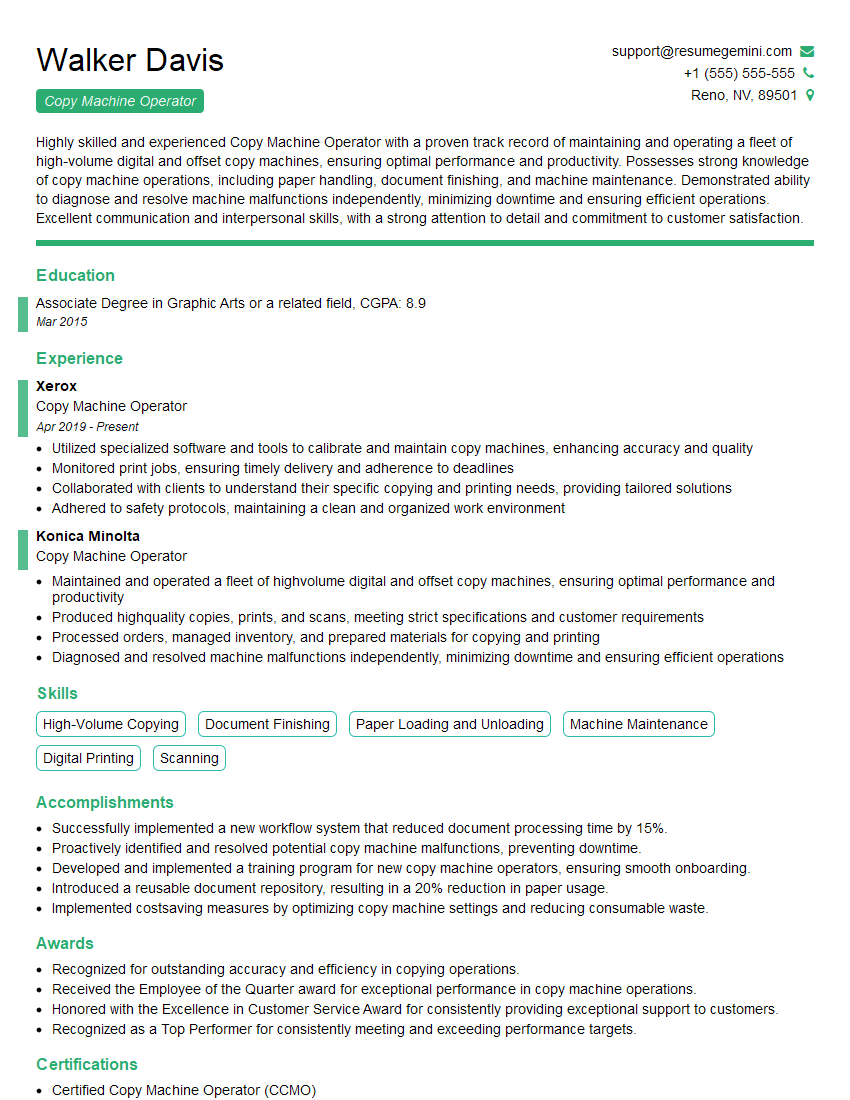
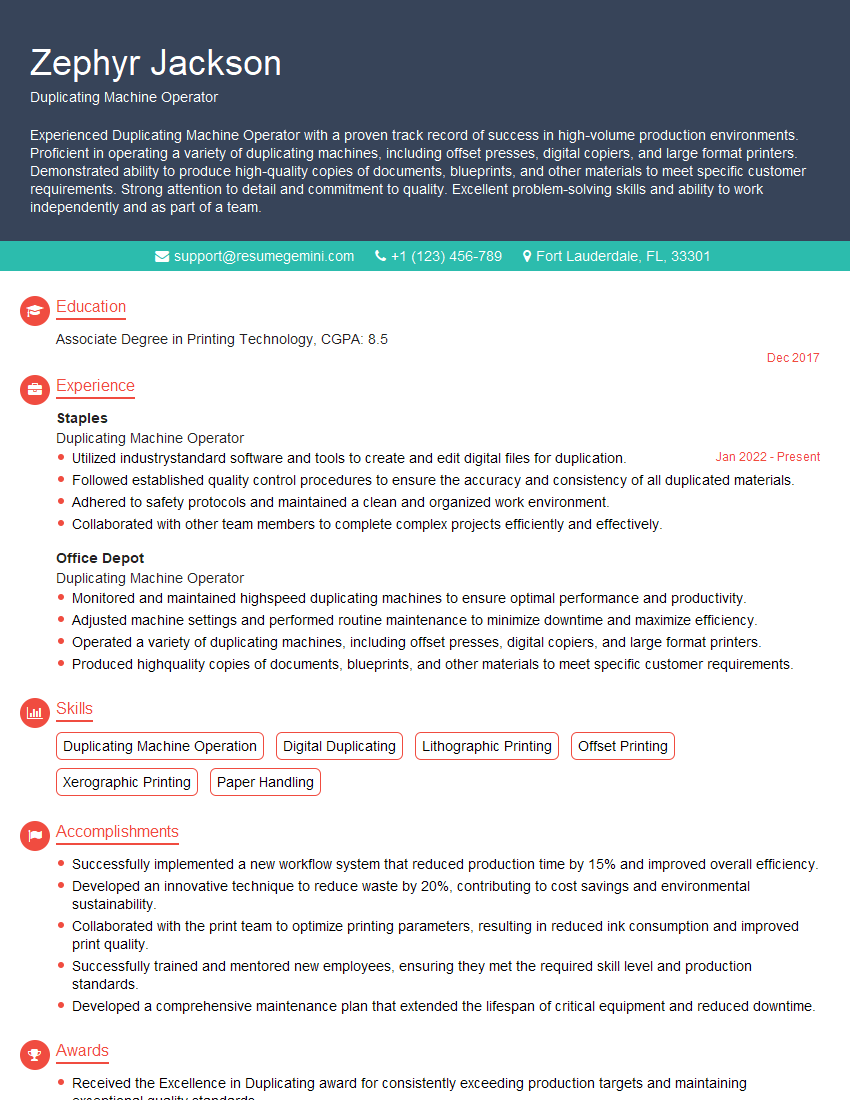
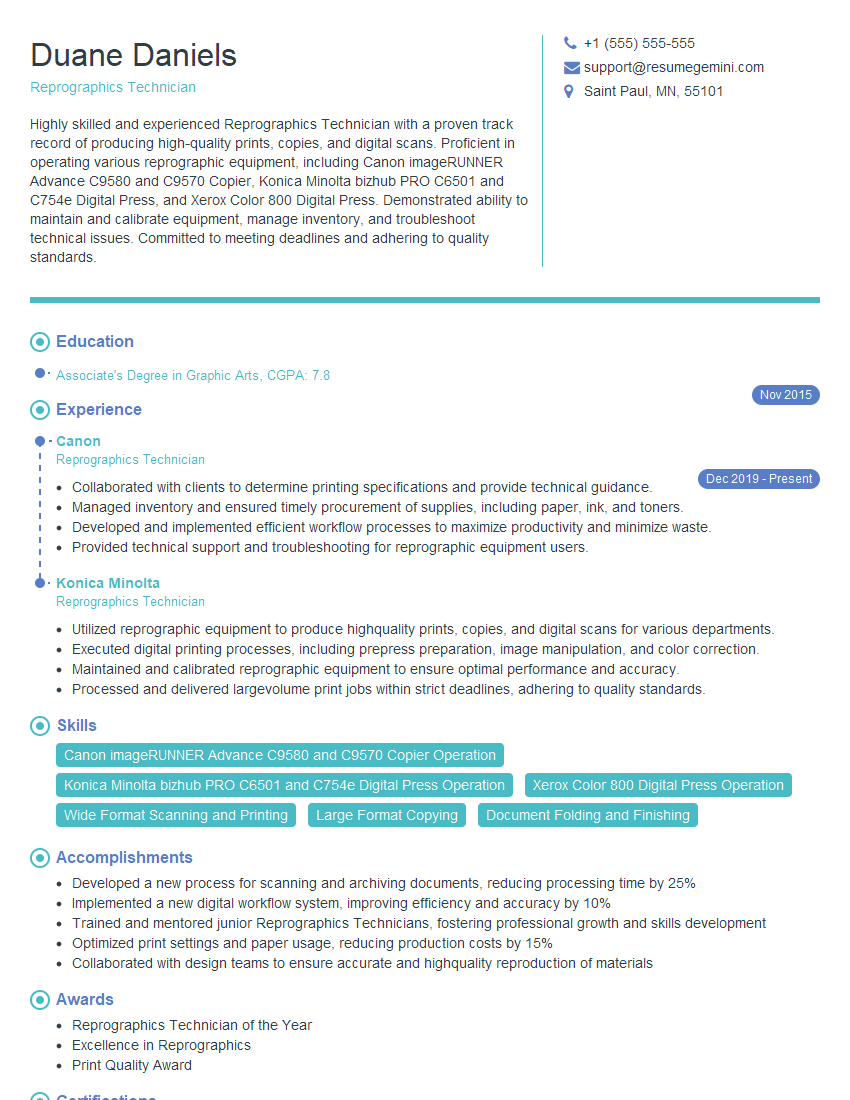
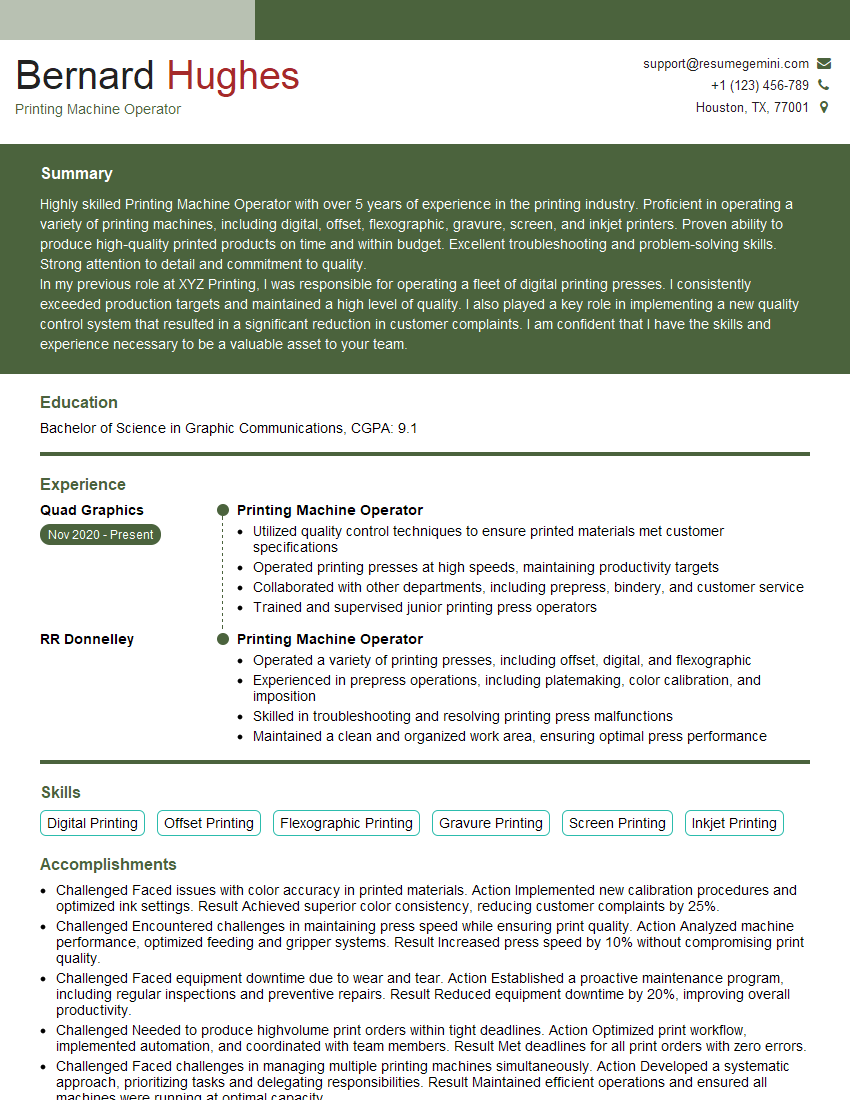
Mastering the setup and operation of duplicating machines opens doors to diverse roles in office administration, print shops, and document management. A strong understanding of these machines is highly valued by employers. To significantly boost your job prospects, create a compelling and ATS-friendly resume that highlights your skills and experience. ResumeGemini is a trusted resource that can help you craft a professional and effective resume. Examples of resumes tailored specifically to setting up and operating duplicating machines are available through ResumeGemini to help guide your resume creation process.
Explore more articles
Users Rating of Our Blogs
Share Your Experience
We value your feedback! Please rate our content and share your thoughts (optional).
What Readers Say About Our Blog
Hello,
we currently offer a complimentary backlink and URL indexing test for search engine optimization professionals.
You can get complimentary indexing credits to test how link discovery works in practice.
No credit card is required and there is no recurring fee.
You can find details here:
https://wikipedia-backlinks.com/indexing/
Regards
NICE RESPONSE TO Q & A
hi
The aim of this message is regarding an unclaimed deposit of a deceased nationale that bears the same name as you. You are not relate to him as there are millions of people answering the names across around the world. But i will use my position to influence the release of the deposit to you for our mutual benefit.
Respond for full details and how to claim the deposit. This is 100% risk free. Send hello to my email id: [email protected]
Luka Chachibaialuka
Hey interviewgemini.com, just wanted to follow up on my last email.
We just launched Call the Monster, an parenting app that lets you summon friendly ‘monsters’ kids actually listen to.
We’re also running a giveaway for everyone who downloads the app. Since it’s brand new, there aren’t many users yet, which means you’ve got a much better chance of winning some great prizes.
You can check it out here: https://bit.ly/callamonsterapp
Or follow us on Instagram: https://www.instagram.com/callamonsterapp
Thanks,
Ryan
CEO – Call the Monster App
Hey interviewgemini.com, I saw your website and love your approach.
I just want this to look like spam email, but want to share something important to you. We just launched Call the Monster, a parenting app that lets you summon friendly ‘monsters’ kids actually listen to.
Parents are loving it for calming chaos before bedtime. Thought you might want to try it: https://bit.ly/callamonsterapp or just follow our fun monster lore on Instagram: https://www.instagram.com/callamonsterapp
Thanks,
Ryan
CEO – Call A Monster APP
To the interviewgemini.com Owner.
Dear interviewgemini.com Webmaster!
Hi interviewgemini.com Webmaster!
Dear interviewgemini.com Webmaster!
excellent
Hello,
We found issues with your domain’s email setup that may be sending your messages to spam or blocking them completely. InboxShield Mini shows you how to fix it in minutes — no tech skills required.
Scan your domain now for details: https://inboxshield-mini.com/
— Adam @ InboxShield Mini
Reply STOP to unsubscribe
Hi, are you owner of interviewgemini.com? What if I told you I could help you find extra time in your schedule, reconnect with leads you didn’t even realize you missed, and bring in more “I want to work with you” conversations, without increasing your ad spend or hiring a full-time employee?
All with a flexible, budget-friendly service that could easily pay for itself. Sounds good?
Would it be nice to jump on a quick 10-minute call so I can show you exactly how we make this work?
Best,
Hapei
Marketing Director
Hey, I know you’re the owner of interviewgemini.com. I’ll be quick.
Fundraising for your business is tough and time-consuming. We make it easier by guaranteeing two private investor meetings each month, for six months. No demos, no pitch events – just direct introductions to active investors matched to your startup.
If youR17;re raising, this could help you build real momentum. Want me to send more info?
Hi, I represent an SEO company that specialises in getting you AI citations and higher rankings on Google. I’d like to offer you a 100% free SEO audit for your website. Would you be interested?
Hi, I represent an SEO company that specialises in getting you AI citations and higher rankings on Google. I’d like to offer you a 100% free SEO audit for your website. Would you be interested?
good