Every successful interview starts with knowing what to expect. In this blog, we’ll take you through the top Special Effects and Visual Effects interview questions, breaking them down with expert tips to help you deliver impactful answers. Step into your next interview fully prepared and ready to succeed.
Questions Asked in Special Effects and Visual Effects Interview
Q 1. Explain your experience with different compositing software (e.g., Nuke, After Effects).
My compositing experience spans several industry-standard software packages. Nuke is my primary tool for high-end compositing, particularly for complex shots requiring extensive node-based workflows. Its flexibility and power are unmatched when tackling intricate visual effects. I’m proficient in using Nuke’s powerful tools for keying, rotoscoping, tracking, and color correction, often employing techniques like planar tracking for challenging shots. For example, I used Nuke to composite a digital double seamlessly into a live-action plate, requiring precise tracking and meticulous masking.
After Effects, while less robust for complex compositing, serves as an excellent tool for quick turnaround tasks and simpler effects. I leverage After Effects for tasks like creating motion graphics, simple compositing, and generating stylized effects where its simpler interface offers speed and efficiency. I frequently use After Effects to pre-comp elements for final compositing in Nuke, streamlining the overall pipeline. For instance, I’ve used After Effects to create subtle atmospheric effects and then integrated those into more extensive compositing tasks within Nuke.
Q 2. Describe your workflow for creating realistic fire or water effects.
Creating realistic fire or water effects requires a multi-faceted approach combining simulation and compositing. My workflow typically starts with a simulation software like Houdini or Maya’s fluids. These tools allow me to generate realistic movement and behavior based on physical parameters, including fluid dynamics, heat transfer, and particle interactions. For fire, I might use a combination of volumetric and particle-based simulations to achieve a convincing look, paying close attention to the flickering, heat distortion, and smoke plumes. For water, I focus on accurately simulating surface tension, ripples, and reflections using appropriate fluid solvers.
Once the simulations are rendered, the next step involves careful compositing in Nuke or After Effects to integrate the effects seamlessly with the live-action footage. This phase requires meticulous color matching, lighting adjustments, and potential layering to enhance realism. For example, I might add subtle subsurface scattering effects to the fire to make it appear more luminous and lifelike, or carefully layer different water simulations to create depth and variation. The final touch often involves adding subtle detail and nuances using techniques like color grading and grain to achieve a polished final product.
Q 3. How do you handle complex lighting setups in a 3D environment?
Handling complex lighting setups in a 3D environment is crucial for achieving realism and mood. My approach centers on utilizing the power of lighting software within 3D packages like Maya or Blender. I begin by defining the overall scene lighting, identifying key light sources – such as key lights, fill lights, and backlights – to establish the basic illumination of the environment. I then use a variety of light types, like area lights, spotlights, and point lights, to simulate different lighting behaviors.
For more advanced effects, I utilize techniques like global illumination and ray tracing. Global illumination simulates the interaction of light bouncing off different surfaces, resulting in more natural and realistic lighting. Ray tracing, while computationally expensive, offers a higher level of realism by simulating the path of individual light rays. I also employ techniques like subsurface scattering for materials like skin to simulate the light scattering under the surface, adding realism and depth. To manage complexity, I often use light linking, rendering layers, and light groups to organize the lights and make the scene easier to manage.
Q 4. What are your preferred methods for creating realistic skin textures?
Creating realistic skin textures demands a combination of techniques to capture the subtle details and nuances of human skin. I begin by gathering high-quality reference images, often using photogrammetry or detailed photographs of real individuals to capture the unique texture of the skin. This data forms the basis for building a base texture map.
Then, I use 3D modeling and texturing software like Substance Painter or Mari to build on this base. This involves creating multiple maps: a diffuse map for the overall color and tone, a normal map to define surface details like pores and wrinkles, a specular map for reflections, and often a subsurface scattering map to simulate the way light penetrates the skin. I meticulously blend these maps to create a cohesive and convincing skin texture, paying close attention to detail like pores, fine wrinkles, and subtle variations in color and tone. For example, I might use procedural textures to create realistic-looking pores and then combine them with hand-painted details for a more natural look. The final texture is then applied to the 3D model of the character.
Q 5. Explain your understanding of different rendering techniques (e.g., ray tracing, path tracing).
Rendering techniques significantly impact the final look and quality of visual effects. Ray tracing and path tracing are two advanced techniques that produce highly realistic results. Ray tracing simulates the path of light from the light source to the camera by casting rays and calculating the interactions with surfaces in the scene. It handles reflections and refractions effectively, resulting in realistic imagery. Think of it as simulating how light actually travels.
Path tracing is an extension of ray tracing that goes deeper into light interactions. It traces multiple light paths, considering bounces and indirect lighting, to achieve even more realistic results, mimicking light scattering and global illumination. Path tracing is significantly more computationally intensive than ray tracing but results in a far higher quality image with more subtle lighting effects. The choice between ray tracing and path tracing often depends on project constraints, desired quality, and available render time. For example, a high-budget feature film might prioritize path tracing for its superior realism, whereas a television show might opt for ray tracing to reduce render times.
Q 6. Describe your experience with motion capture data and its integration into VFX pipelines.
Motion capture (mocap) data plays a vital role in creating realistic character animation within VFX pipelines. My experience involves working with various mocap data formats, including BVH and FBX. The process begins by receiving the raw mocap data, which needs to be cleaned and processed to remove noise and outliers. This often involves using specialized software like MotionBuilder or similar tools.
After cleaning, the data is retargeted to the 3D character model. This ensures the mocap data’s movements accurately translate onto the character rig. This step can require significant manual adjustments and tweaks, particularly in areas where the mocap performance doesn’t perfectly align with the character’s anatomy. Finally, the animated character is integrated into the broader VFX pipeline, often requiring further refinement and polish through animation cleanup and secondary animation techniques to blend the mocap data seamlessly with other elements in the scene.
Q 7. How do you manage and troubleshoot issues related to memory usage and render times?
Managing memory usage and render times is a critical aspect of efficient VFX production. Strategies for managing memory involve optimizing scene complexity, using proxy geometry for high-polygon models, and employing efficient rendering settings. Excessive memory consumption often manifests as crashes or significant slowdowns. I often profile memory usage using built-in tools within the rendering software or third-party profiling utilities to identify bottlenecks.
For render times, I employ several optimization strategies, including using render farms, implementing multi-threading, and adjusting render settings. Render farms distribute the rendering workload across multiple machines, significantly reducing render times. Multi-threading allows the software to utilize multiple cores of a processor simultaneously, further speeding up the process. I often experiment with different render settings like sample counts and resolution to find the balance between render speed and image quality. Careful planning, including efficient scene organization and utilizing render layers, minimizes the need for extensive re-rendering and improves workflow efficiency.
Q 8. What is your experience with different 3D modeling software (e.g., Maya, 3ds Max, Blender)?
My experience with 3D modeling software spans several industry-standard packages. I’m highly proficient in Autodesk Maya, a powerful tool I’ve used extensively for character modeling, rigging, and animation, particularly on projects requiring complex deformations and realistic simulations. I’m also well-versed in 3ds Max, leveraging its strengths in architectural visualization and environmental modeling for projects demanding high polygon counts and detailed textures. Furthermore, my familiarity with Blender, a free and open-source alternative, allows me to be resourceful and adapt to various project budgets and pipelines. Each software has its own strengths; for instance, Maya excels in character animation, 3ds Max in polygon modeling, and Blender in its efficient workflow and ease of access to add-ons. My selection of software depends entirely on the specific project needs and client requirements.
Q 9. Describe your process for creating believable character animation.
Creating believable character animation is a multi-stage process requiring a deep understanding of anatomy, acting, and animation principles. It begins with thorough reference gathering – studying video footage and analyzing the movement of real actors. This informs the creation of a realistic rig in software like Maya, ensuring natural joint movement and accurate weight distribution. Next, I use techniques like blocking, where I establish the main poses and timing, then refine the animation through secondary actions like subtle muscle movements and jiggle, adding realism and personality. I constantly evaluate the animation against reference material and utilize tools like graph editors to fine-tune curves, ensuring smooth and consistent motion. Finally, I use techniques like motion capture (MoCap) data if needed to further enhance realism. For instance, on one project, using MoCap data for the base movement of a character allowed us to focus on fine-tuning the facial expressions and emotional performance, creating a convincingly nuanced character.
Q 10. How do you address challenges related to camera tracking and matchmoving?
Camera tracking and matchmoving are crucial for seamlessly integrating CGI elements into live-action footage. Challenges often arise from complex camera movements, inconsistent lighting, and scene geometry. I address these by using dedicated software like PFTrack or Boujou, carefully selecting tracking points that provide robust tracking solutions. When encountering difficulties, I employ techniques such as planar tracking or solving for multiple cameras. Dealing with poorly lit scenes or reflective surfaces necessitates additional camera solving strategies. Furthermore, meticulous preparation, ensuring high-quality source footage with clearly visible markers is essential. For example, on a recent project involving a complex action scene, I utilized a combination of camera tracking and 3D reconstruction to accurately place CG elements, such as explosions and debris, directly within the real-world environment, resulting in a truly cohesive and believable final shot.
Q 11. Explain your understanding of color correction and grading techniques.
Color correction and grading are essential post-production steps that significantly impact the overall look and feel of a VFX shot. Color correction focuses on correcting technical issues like white balance and exposure, while color grading involves creatively shaping the mood and style. I utilize industry-standard software such as DaVinci Resolve to achieve these goals. Understanding color spaces (e.g., Rec.709, ACES) and the impact of different color transforms is crucial. I usually start by establishing a baseline color correction, fixing color casts and ensuring consistency across shots. Then, the creative color grading begins, using tools like curves, lift/gamma/gain, and color wheels to enhance contrast, saturation, and overall tone. For example, I might use a cooler color palette to create a suspenseful atmosphere or warmer tones for a more welcoming feel. A deep understanding of color theory is vital for making informed decisions and ensuring consistency in a project’s visual style.
Q 12. What is your experience with creating realistic environments in a 3D environment?
Creating realistic environments in 3D demands a combination of artistic skill and technical expertise. It begins with concept art or reference images, which inform the modeling process. I employ a variety of techniques, including procedural generation for large-scale environments and hand-modeling for intricate details. Texturing is critical; I utilize photogrammetry (capturing real-world objects in 3D) and substance painter to create realistic textures. Lighting plays a pivotal role, employing global illumination techniques like ray tracing and physically-based rendering (PBR) to create authentic lighting interactions. For instance, when creating a forest environment, I might use procedural tools to generate thousands of trees, then hand-model key elements to ensure realism and variations. Careful placement and variation in lighting is also crucial to avoiding a flat-looking result. The key is attention to detail and an understanding of light and shadow interaction within the given environment.
Q 13. How do you handle version control in a collaborative VFX project?
Version control is paramount in collaborative VFX projects. We rely heavily on systems like Perforce or Shotgun, which offer robust file management and version history. This ensures that every team member is working with the latest approved version of assets and prevents conflicts. Clear naming conventions, proper asset organization, and regular check-ins are vital. We establish clear procedures for reviewing and approving changes, often using integrated review tools within the version control system. For instance, on a large-scale feature film, we might use Shotgun’s review tools to allow directors to quickly review shots and provide feedback directly to the artists, saving valuable time and ensuring clear communication.
Q 14. Describe your understanding of different particle systems and their applications.
Particle systems are powerful tools for simulating various natural phenomena, from fire and smoke to rain and snow. My understanding encompasses various types, including emitter-based systems where particles are generated from a source and affected by forces like gravity, wind, and turbulence, and fluid simulations for more complex liquids and gases. I’m proficient in using software features to control particle behavior, such as lifetime, size, velocity, and color, to create realistic and visually compelling effects. For example, creating realistic fire involves understanding factors like heat distribution, turbulence, and smoke interaction. Using tools in software like Houdini or Maya’s nParticles to control these factors enables artists to produce convincing visual effects. The application is vast, ranging from creating realistic explosions and magical effects to simulating crowds and even creating abstract art.
Q 15. How do you approach creating convincing simulations (e.g., cloth, hair, smoke)?
Convincing simulations, like cloth, hair, and smoke, rely on physics-based algorithms. We don’t just animate these elements; we simulate their behavior. For cloth, we use techniques like mass-spring systems, where each point on the fabric acts like a mass connected to its neighbors by springs. These springs have properties like stiffness and damping, which we adjust to get the right feel. Think of it like a tiny, complex puppet show, with each thread meticulously controlled by physics. For hair, similar principles apply, but we use more sophisticated models that account for individual strands’ interactions and gravity. Hair simulations often involve techniques like particle systems and strand-based simulations that can account for things like wind and collisions. Smoke simulations use fluid dynamics solvers, which are complex mathematical models that approximate how fluids behave. These solvers take into account factors like pressure, density, and temperature to create realistic-looking smoke, fire, and other gaseous effects. We often use advanced techniques like voxel-based fluids, which break down the simulation into a 3D grid to make it more efficient and better handle complex interactions.
In practice, achieving realism often involves a balance between accuracy and performance. Sometimes, simplifying the simulation is necessary to maintain reasonable render times. For example, we might use a less detailed cloth simulation for background elements where high fidelity isn’t crucial, while reserving more complex simulations for key shots with a focus on the fabric. We also leverage techniques like caching and pre-computation to speed up the process.
Career Expert Tips:
- Ace those interviews! Prepare effectively by reviewing the Top 50 Most Common Interview Questions on ResumeGemini.
- Navigate your job search with confidence! Explore a wide range of Career Tips on ResumeGemini. Learn about common challenges and recommendations to overcome them.
- Craft the perfect resume! Master the Art of Resume Writing with ResumeGemini’s guide. Showcase your unique qualifications and achievements effectively.
- Don’t miss out on holiday savings! Build your dream resume with ResumeGemini’s ATS optimized templates.
Q 16. Explain your experience with creating believable character rigs.
Creating believable character rigs requires a deep understanding of anatomy and biomechanics. I start by building a skeletal structure—a rig—that mimics the character’s bones and joints. This involves creating control points that animators can use to manipulate the character’s pose and movement. It’s like creating a virtual skeleton that allows the character to move naturally. The next step is to add skinning—essentially wrapping the character’s surface geometry around the skeleton. This requires careful weighting, ensuring each vertex (point on the model’s surface) is correctly associated with the bones so that the skin moves realistically as the skeleton articulates. I use a variety of techniques to achieve this, including weight painting and skin cluster deformation. Advanced rigs often include facial rigs for nuanced expressions, which require meticulous attention to detail and the use of blend shapes or muscle systems to emulate realistic facial muscles.
I have extensive experience with popular rigging software such as Maya and Houdini. I’ve worked on projects ranging from simple human characters to complex creatures and even mechanical characters that require unique rigging techniques. On one project, creating a believable monkey character required a highly detailed rig that accounted for the unique anatomy of the animal’s face and limbs. To achieve this, I carefully researched monkey anatomy to ensure the movements were realistic and convincing. We employed various techniques, including custom constraints and expressions, to create this.
Q 17. Describe your process for troubleshooting technical issues in a VFX pipeline.
Troubleshooting in a VFX pipeline often involves a systematic approach. My process starts with identifying the specific error or issue. This might involve checking error logs, reviewing renders, or examining the scene in the software. Once the issue is pinpointed, I try to isolate the source. Is it a problem with the model, the textures, the shaders, or the rendering software itself? I use a combination of techniques including checking for corrupted files, testing different render settings, examining the scene’s hierarchy, and going through the node network. Sometimes, this requires breaking the problem down into smaller, more manageable components to see where the issue is originating.
For instance, a flickering texture might indicate a problem with the texture file itself, a missing texture map path, or a shader issue. By methodically inspecting each element, I can quickly determine the root cause and implement a fix. This process often involves using debugging tools and utilities built into the software, as well as logging important information during development.
Collaboration is crucial. If I’m stumped, I’ll consult with colleagues and leverage our team’s combined expertise. The beauty of a team is that we have different strengths, and working together can often provide a quicker solution.
Q 18. What is your experience with different types of shaders?
I have extensive experience with various shader types, including diffuse, specular, subsurface scattering, and physically-based rendering (PBR) shaders. Diffuse shaders simply determine how light is reflected from a surface. Specular shaders handle the glossy reflections. Subsurface scattering shaders are essential for materials like skin and marble, where light penetrates the surface and scatters beneath it. PBR shaders are the current industry standard, aiming for realistic rendering by modeling how light interacts with a material based on physical properties like roughness and reflectivity.
I’ve used these shaders across various projects, adjusting their parameters to create a range of visual effects. For instance, I’ve used subsurface scattering shaders to create realistic-looking skin, adjusting parameters to control the amount of scattering to emulate different skin types and ages. For metal surfaces, I’ve utilized PBR shaders with high metallic values and adjusted roughness to create different degrees of shine. Understanding the underlying principles of light interaction is key to effective shader use. I also have experience creating custom shaders where needed, using shader languages such as HLSL (High-Level Shading Language) or GLSL (OpenGL Shading Language). This allows for greater control and the implementation of complex visual effects beyond those offered by standard shaders.
Q 19. How do you handle feedback and revisions during the VFX production process?
Handling feedback and revisions is a critical part of the VFX process. I approach it with an open mind, valuing constructive criticism as an opportunity for improvement. I find that clear communication is crucial. When I receive feedback, I make sure I fully understand the director’s or client’s vision before making any changes. This often involves clarifying specific points and asking questions to ensure I’m on the right track. I also keep detailed notes of all feedback, tracking changes and revisions throughout the process.
My process involves systematically addressing each feedback point. If the change is simple, I implement it directly. For more complex changes, I’ll break the task into smaller steps, testing each step to ensure it’s working correctly before moving on. This approach ensures that changes are made efficiently and effectively. Throughout this process, I maintain open communication with the client or director, keeping them updated on my progress and seeking clarification as needed. This helps avoid misunderstandings and ensures the final product meets their expectations.
Q 20. What is your experience working with different file formats (e.g., EXR, TIFF, Alembic)?
Working with various file formats is commonplace in VFX. EXR (OpenEXR) is the industry standard for high-dynamic-range images, preserving a wide range of color information. It’s ideal for storing intermediate renders and final composite elements because of its flexibility and lossless compression. TIFF (Tagged Image File Format) is another widely used format, particularly useful for images requiring high color depth or for archival purposes. Alembic (.abc) is a popular file format for caching complex geometry and animation data. It allows for efficient transfer of large datasets between software applications and helps to improve workflow speed, particularly for simulations.
I’m proficient in handling all these formats and others like JPEG, PNG, and various 3D model formats like FBX and OBJ. My experience includes converting between these formats, optimizing files for size and compatibility, and troubleshooting issues that may arise from incompatible formats or corrupted files. Choosing the right format depends heavily on the specific needs of the project and the software being used. For example, Alembic is crucial for managing very large simulations, while EXR is essential for maintaining high image quality in compositing.
Q 21. Describe your experience with pre-visualization (Previs) or storyboarding.
Pre-visualization (Previs) and storyboarding are essential for planning complex VFX shots. Previs involves creating a rough animation of a shot, often using simpler 3D models and placeholders, to plan camera movements, character actions, and the overall flow of the scene. It’s like a blueprint for the final VFX shot, helping to identify potential problems early on and saving time and resources. Storyboarding, while less technical, serves as a visual script, outlining the key moments and composition of each shot. It is a powerful communication tool between the director, VFX supervisor, and artists.
My experience with previs involves using software like Maya and Autodesk Flame to create quick but informative visual guides for the final VFX shot. I often collaborate with directors and other members of the production team during the previs stage to refine the shot’s timing, composition, and overall visual aesthetic. Similarly, my experience with storyboarding involves the use of both digital and traditional tools to create visual representations of scenes, helping to convey the narrative effectively. This allows me to better understand the director’s vision and communicate the overall style and tone of the scenes.
Using Previs and Storyboarding allows us to plan for complexity, which can be invaluable. One project involved a complex chase scene, for which Previs was extremely useful. By creating the rough sequence first, we were able to identify issues in camera positioning and character movement before even entering into the full animation and VFX processes, thus resulting in time savings and fewer headaches.
Q 22. How do you manage your time effectively during high-pressure deadlines?
Effective time management under pressure is crucial in VFX. It’s less about working longer hours and more about strategic prioritization and efficient workflow. I utilize a combination of techniques. Firstly, I break down large tasks into smaller, manageable chunks. This allows me to track progress effectively and avoid feeling overwhelmed. I use project management software like ShotGrid to meticulously schedule tasks, set deadlines, and monitor progress for myself and the team. Secondly, I prioritize tasks based on their urgency and importance, using methods like the Eisenhower Matrix (urgent/important). This ensures that critical shots and deadlines are met first. Thirdly, I maintain open communication with the team and supervisors, proactively addressing potential roadblocks early on. This prevents delays and keeps everyone aligned. Finally, I allocate specific times for focused work, minimizing distractions, and practice mindful breaks to maintain productivity and avoid burnout. Think of it like assembling a complex model – you wouldn’t try to fit all the pieces together at once; you’d follow instructions, assemble sections, and then combine them.
Q 23. Describe a situation where you had to solve a complex technical challenge in VFX.
During post-production on a fantasy film, we faced a significant challenge: rendering realistic fire interacting dynamically with a character’s flowing fabric. Standard techniques produced unconvincing results; the flames appeared either too stiff or unrealistically affected by the cloth. To solve this, we implemented a multi-stage approach. First, we used a physically-based simulation for the fire in Houdini, carefully adjusting parameters to achieve realistic movement and heat distortion. Then, in Maya, we created a high-resolution cloth simulation that responded accurately to the heat forces generated by the fire simulation. We then implemented a custom shader in Renderman that blended the fire and cloth simulations seamlessly, accounting for light scattering, translucency, and subtle interactions between the elements. Finally, extensive compositing in Nuke refined the look, adding subtle atmospheric effects and adjusting color to enhance the realism. The result was a visually stunning sequence where the fire and fabric interaction was both convincing and visually striking. The key was leveraging multiple software packages and developing a custom solution to overcome limitations of standard techniques.
Q 24. What are your strengths and weaknesses as a VFX artist?
My strengths lie in my problem-solving abilities and my deep understanding of lighting and compositing. I excel at finding creative solutions to complex technical challenges, and I have a keen eye for detail, ensuring that every shot is visually polished and consistent with the overall aesthetic of the project. For example, I recently developed a custom compositing technique to seamlessly integrate a CGI character into a live-action scene, resulting in a far more believable effect than standard keying methods. However, I sometimes find myself overly focused on the technical aspects of a project and could benefit from improving my communication skills regarding the creative vision with the director. I am actively working to address this by practicing active listening and seeking feedback more frequently.
Q 25. How do you stay up-to-date with the latest advancements in VFX technology?
Staying current in VFX requires a multifaceted approach. I regularly attend industry conferences like SIGGRAPH to learn about the newest software and techniques directly from leading experts. I also actively participate in online communities like various VFX forums and subscribe to industry publications and newsletters, such as befores & afters. This allows me to stay abreast of the latest trends and breakthroughs. I experiment with new software and techniques in my personal projects, applying and testing new tools outside of the constraints of commercial deadlines. I also actively seek out tutorials and training materials from reputable sources. This continuous learning is akin to a chef continually refining their skills – experimentation, adaptation, and a thirst for improvement are vital components of staying at the top of the game.
Q 26. What software are you most proficient in?
My core proficiency lies in the Adobe Creative Suite (After Effects, Photoshop), Autodesk Maya, SideFX Houdini, and Foundry Nuke. I also have experience with various rendering engines, including Arnold and RenderMan. My skills in these programs are not just about technical proficiency; I understand how to effectively utilize each software’s capabilities within a larger pipeline. For instance, I know when to leverage Maya’s robust modeling tools and when to utilize Houdini for procedural effects generation for maximum efficiency. My proficiency extends beyond individual software to a deep understanding of their interconnected roles in a comprehensive VFX pipeline.
Q 27. Explain your understanding of the different stages of VFX production.
The VFX pipeline is generally composed of several key stages. It starts with Pre-production, which involves planning, asset creation, and shot breakdown. This is where the overall look and feel is decided and the technical challenges are anticipated. Production encompasses the core VFX work, including modeling, texturing, rigging, animation, lighting, and rendering. Post-production includes compositing, color grading, and final delivery. Each stage plays a vital role, and a smooth workflow requires excellent communication and collaboration across all phases. For example, a poor pre-production plan, overlooking certain challenges, can cause massive delays in the latter production stages.
- Pre-Production: Planning, asset creation, shot breakdown
- Production: Modeling, texturing, rigging, animation, lighting, rendering
- Post-Production: Compositing, color grading, final delivery
Q 28. Describe your experience collaborating with other artists and departments.
Collaboration is paramount in VFX. I have extensive experience working with various artists, including modelers, animators, riggers, and lighting artists, as well as with other departments such as production and post-production. Effective collaboration involves clear communication, active listening, and a willingness to compromise and iterate on ideas. I value open and honest feedback and actively participate in brainstorming sessions. I often employ version control systems like Git to manage collaborative projects efficiently, ensuring that everyone has access to the latest updates and that there’s a record of changes made. One successful example was collaborating with the lighting team to develop a realistic underwater lighting scheme for a sequence. Through collaborative discussions and multiple iterations, we achieved a beautifully nuanced and believable underwater scene.
Key Topics to Learn for Special Effects and Visual Effects Interview
- 3D Modeling & Animation: Understanding software like Maya, 3ds Max, Blender; practical application in character rigging, animation principles, and creating realistic movement.
- Compositing & VFX Software: Proficiency in Nuke, After Effects, Fusion; practical application in integrating CGI elements seamlessly into live-action footage, keying, rotoscoping, and color correction.
- Lighting & Shading: Mastering the principles of lighting and shading techniques for realistic and stylized visuals; practical application in creating believable environments and characters.
- Simulation & Dynamics: Understanding particle systems, fluid simulation, cloth simulation; practical application in creating realistic effects like fire, water, and explosions.
- Texture & Material Creation: Creating realistic and believable textures and materials; practical application in enhancing the visual appeal and realism of 3D models and environments.
- Pipeline & Workflow: Understanding the various stages of VFX production, from asset creation to final compositing; practical application in collaborating effectively within a team.
- Problem-Solving & Troubleshooting: Ability to identify and resolve technical challenges during the VFX process; practical application in efficient workflow management and project delivery.
- Current Industry Trends: Staying updated with the latest technologies, software, and techniques in the VFX industry; practical application in showcasing your adaptability and continuous learning.
Next Steps
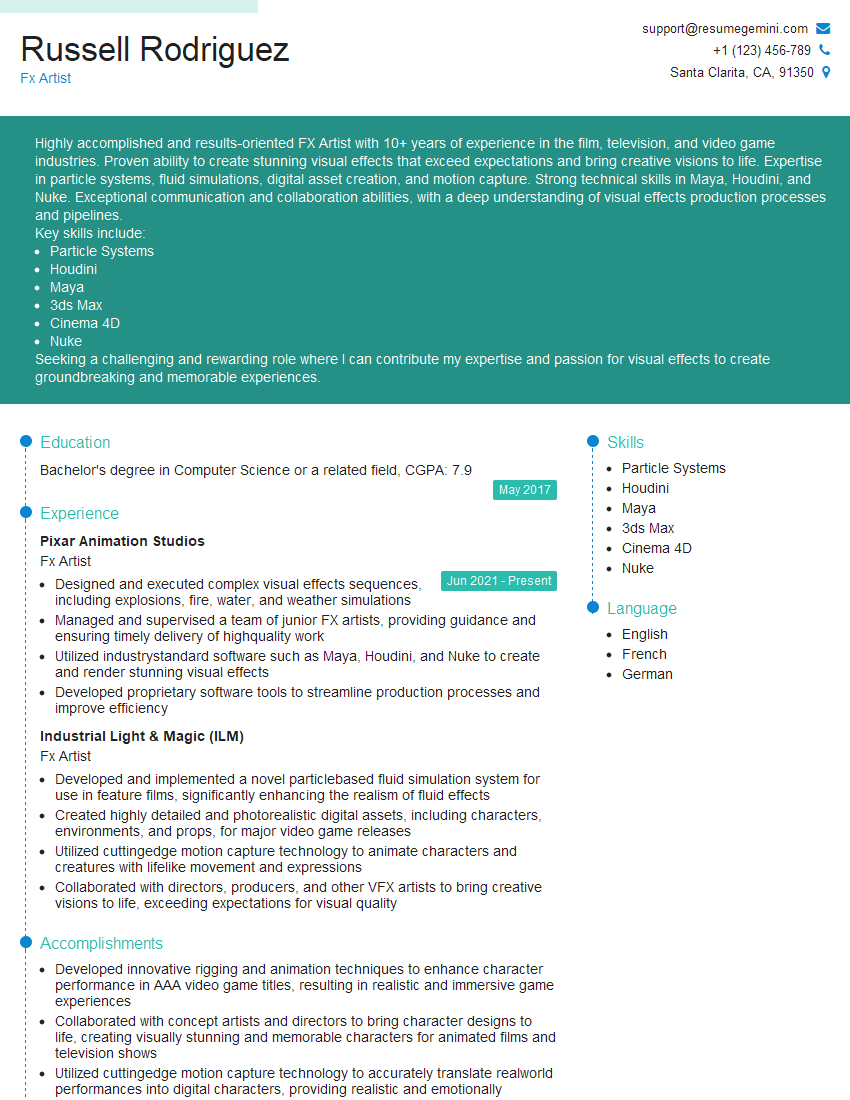
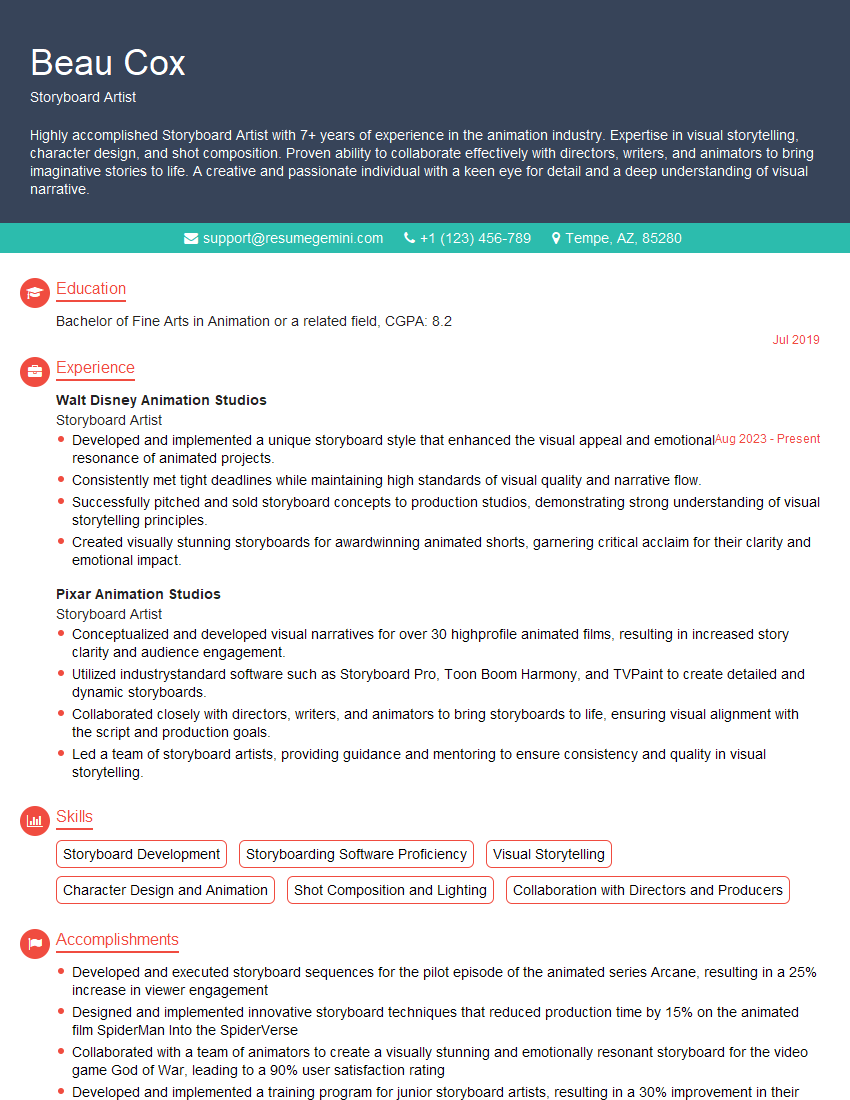
Mastering Special Effects and Visual Effects opens doors to exciting and rewarding careers in film, television, gaming, and advertising. A strong portfolio is crucial, but a well-crafted resume is your first impression. An ATS-friendly resume ensures your application gets noticed by recruiters. To create a compelling and effective resume that highlights your skills and experience, leverage the power of ResumeGemini. ResumeGemini provides a streamlined process and offers examples of resumes tailored specifically for Special Effects and Visual Effects professionals. Take the next step in your career journey and build a resume that reflects your talent and ambition.





Explore more articles
Users Rating of Our Blogs
Share Your Experience
We value your feedback! Please rate our content and share your thoughts (optional).
What Readers Say About Our Blog
Very informative content, great job.
good