Cracking a skill-specific interview, like one for Statistical Software (Minitab, JMP), requires understanding the nuances of the role. In this blog, we present the questions you’re most likely to encounter, along with insights into how to answer them effectively. Let’s ensure you’re ready to make a strong impression.
Questions Asked in Statistical Software (Minitab, JMP) Interview
Q 1. Explain the difference between a one-sample t-test and a two-sample t-test in Minitab.
The key difference between a one-sample and a two-sample t-test lies in the number of groups being compared. A one-sample t-test compares the mean of a single group to a known or hypothesized value. Think of it like checking if the average height of students in a class significantly differs from the national average height. In Minitab, you’d input your sample data and the hypothesized mean. The test then determines if the difference is statistically significant.
A two-sample t-test, on the other hand, compares the means of two independent groups. For instance, you might want to compare the average test scores of students who used a new teaching method versus those who used the traditional method. Minitab requires two separate columns of data, one for each group. The test assesses whether there’s a statistically significant difference between the two group means. The choice between these tests depends entirely on your research question and the structure of your data.
Both tests assume your data is approximately normally distributed, though they are relatively robust to violations of this assumption, especially with larger sample sizes. In Minitab, you’ll find these tests under the ‘Stat’ > ‘Basic Statistics’ menu.
Q 2. How do you perform a regression analysis in JMP and interpret the R-squared value?
Performing a regression analysis in JMP is straightforward and visually intuitive. First, you’d open your data table. Then, go to ‘Analyze’ > ‘Fit Model’. Here, you specify your response variable (the variable you’re trying to predict) and your predictor variables (the variables used to make the prediction). JMP will generate a comprehensive output including parameter estimates, p-values, and various diagnostics.
The R-squared value, often displayed prominently, represents the proportion of variance in the response variable that’s explained by the model. For example, an R-squared of 0.75 indicates that 75% of the variation in your response variable can be accounted for by the predictor variables included in your model. A higher R-squared suggests a better fit, but it’s crucial to remember that a high R-squared doesn’t automatically mean a good model. You also need to consider other factors like the significance of individual predictors and the overall model fit assessed through residual plots to avoid overfitting.
Q 3. Describe your experience using Design of Experiments (DOE) in Minitab or JMP.
I’ve extensively used Design of Experiments (DOE) in both Minitab and JMP for process optimization and improving product quality. My experience ranges from simple 2k factorial designs to more complex response surface methodologies (RSM). In a recent project, we used a fractional factorial design in Minitab to identify the key factors affecting the yield of a chemical reaction. This allowed us to significantly reduce the number of experiments required compared to a full factorial design, while still obtaining valuable insights.
In another project using JMP, we employed a central composite design (CCD) to optimize the formulation of a new food product. The CCD allowed us to model the response (e.g., taste, texture) as a function of several ingredients and their interactions. This resulted in identifying the optimal ingredient levels to achieve the desired product quality. I’m proficient in interpreting DOE results, including analysis of variance (ANOVA) tables, main effects plots, and interaction plots to understand factor significance and optimize the response.
Q 4. How would you handle missing data in a dataset using Minitab or JMP?
Handling missing data is critical for maintaining data integrity. In Minitab and JMP, several approaches exist. The simplest is listwise deletion, where entire rows with missing data are removed. This is straightforward but can lead to a significant loss of information, particularly if missing data is not completely at random (MCAR).
Imputation is a more sophisticated method. In Minitab and JMP, you can use mean/median imputation (replacing missing values with the mean or median of the available data) or more advanced techniques like regression imputation or multiple imputation. Regression imputation uses a regression model based on other variables to predict the missing values. Multiple imputation creates several plausible imputed datasets, analyzing each and combining the results to account for the uncertainty introduced by imputation. The best method depends on the pattern of missing data, the size of your dataset, and the nature of your analysis.
Careful consideration of the mechanism generating the missing data (MCAR, MAR, MNAR) is essential in choosing the right strategy. Understanding this ensures you’re making informed decisions and that the conclusions drawn from the analysis are valid.
Q 5. What are the different types of charts available in Minitab and when would you use each one?
Minitab offers a wide array of charts, each suited for different purposes. Some common ones include:
- Histograms: Show the frequency distribution of a single continuous variable. Useful for understanding the data’s shape and identifying potential outliers.
- Boxplots: Summarize the distribution of a continuous variable, displaying the median, quartiles, and potential outliers. Excellent for comparing distributions across different groups.
- Scatter plots: Illustrate the relationship between two continuous variables. Help identify correlations and trends.
- Bar charts: Compare the means or frequencies of a categorical variable. Useful for visualizing differences across different groups.
- Pie charts: Show the proportion of each category within a whole. Effective for displaying relative frequencies.
- Control charts: Monitor processes over time to identify shifts in means or variability. Essential for quality control.
The choice of chart depends entirely on the type of data you have and the information you want to convey. For example, a histogram would be suitable for visualizing the distribution of customer ages, while a bar chart might be preferable for comparing sales across different product categories.
Q 6. Explain how to perform ANOVA in JMP and interpret the results.
Performing ANOVA in JMP is similar to regression analysis. Navigate to ‘Analyze’ > ‘Fit Model’. Your response variable is the continuous variable you’re measuring, and your factors are the categorical variables that you believe influence the response. JMP handles both one-way and multi-way ANOVA.
Interpreting the results involves examining the ANOVA table. This table provides the F-statistic and its associated p-value for each factor. A significant p-value (typically less than 0.05) indicates that the factor has a statistically significant effect on the response variable. JMP also provides means comparisons to determine which levels of the factor differ significantly from each other (using Tukey’s HSD or other post-hoc tests). In addition to the ANOVA table, examining the effect plots can visually demonstrate the influence of factors on the response variable. For example, a significant interaction effect will show non-parallel lines in the interaction plot.
Remember to always check the assumptions of ANOVA, such as normality and homogeneity of variances, before drawing conclusions.
Q 7. How do you identify outliers in a dataset using Minitab or JMP?
Identifying outliers is crucial for ensuring the reliability of your analysis. Both Minitab and JMP provide several methods.
Visual methods are a good starting point. Histograms and boxplots are excellent for visually detecting potential outliers – points lying far outside the typical range of the data. JMP’s interactive graphics allow for easy identification of outliers by simply hovering over points in a scatterplot or boxplot.
Statistical methods offer a more objective approach. Minitab and JMP often calculate various statistics such as the mean and standard deviation, which can be used to identify data points that fall beyond a certain number of standard deviations from the mean (e.g., beyond 3 standard deviations). Both software packages may also offer robust methods such as using the median and interquartile range (IQR) to define outlier boundaries. However, simply identifying outliers is not sufficient. You need to investigate why they exist – are they data entry errors, truly unusual observations, or a sign of a problem with your process? Appropriate handling, such as further investigation, removal, or transformation of data should be considered on a case-by-case basis.
Q 8. Describe your experience using control charts in Minitab or JMP for process monitoring.
Control charts are essential tools for monitoring processes over time, helping identify shifts in process behavior. In Minitab and JMP, I’ve extensively used various control charts like X-bar and R charts (for continuous data), p-charts (for proportion data), and c-charts (for count data). My experience involves setting up control limits (using methods like the standard deviation or range), interpreting the charts for patterns (e.g., points outside control limits, trends, runs), and using these observations to understand process stability and potential areas for improvement.
For example, in a manufacturing setting, I used X-bar and R charts to monitor the diameter of a manufactured part. By plotting the average diameter and the range of diameters over several samples, we identified a period where the average diameter drifted upwards, indicating a need to investigate and adjust the manufacturing process before producing out-of-specification parts.
In JMP, the interactive nature of the charts and the ability to easily add annotations makes it particularly effective for collaborative process monitoring and communication.
Q 9. How would you perform a capability analysis in Minitab and interpret the Cp and Cpk values?
Capability analysis assesses whether a process is capable of consistently producing outputs meeting pre-defined specifications. In Minitab, I typically use the ‘Capability Analysis’ function. You input your data, specify the upper and lower specification limits (USL and LSL), and choose the appropriate distribution (often normal). The output provides key metrics like Cp, Cpk, and Pp, Ppk.
Cp (Process Capability) indicates the potential capability of a process, assuming the process is centered on the target. Cpk (Process Capability Index) considers both the process variability and its centering relative to the specifications. A Cpk value of 1 indicates that the process is capable of meeting the specifications, while a value less than 1 suggests the process is not capable. For instance, a Cpk of 1.33 suggests the process has a good margin over the specifications.
Interpreting these values requires judgment beyond just the numerical value. A high Cp but low Cpk indicates the process is precise but off-center, needing adjustment to the process mean. A low Cp and low Cpk signify high variability and off-centering, requiring attention to both the process mean and variation reduction.
Q 10. What are the advantages and disadvantages of using Minitab versus JMP?
Both Minitab and JMP are powerful statistical software packages, but they cater to different user preferences and needs.
- Minitab: Minitab is known for its user-friendly interface, especially for those new to statistical analysis. Its strength lies in its extensive collection of tools for quality control, Six Sigma methodologies, and reliability analysis. It is often preferred in manufacturing and quality control environments due to its straightforward approach.
- JMP: JMP boasts a more visually interactive and dynamic environment. Its strength is in its exploration capabilities, including powerful graphical tools, dynamic linking between charts and tables, and a more intuitive workflow for data exploration and visualization. JMP excels in handling large datasets and performing advanced analyses like multivariate techniques.
Choosing between them depends on the specific task and user expertise. For someone primarily focused on quality control charts and basic statistical tests, Minitab’s ease of use might be preferred. For someone who needs to delve deeper into exploratory data analysis and build complex models, JMP’s interactive features could be more beneficial.
Q 11. Explain your experience with non-parametric statistical tests in Minitab or JMP.
Non-parametric tests are valuable when assumptions about data distribution (like normality) cannot be met. In both Minitab and JMP, I’ve used a variety of these tests, including the Mann-Whitney U test (for comparing two independent groups), the Wilcoxon signed-rank test (for comparing two paired groups), and the Kruskal-Wallis test (for comparing three or more independent groups). The choice depends on the research question and the type of data.
For instance, if I were analyzing the effectiveness of two different teaching methods on student performance scores and the scores didn’t follow a normal distribution, I’d use the Mann-Whitney U test instead of a t-test. These tests analyze ranks instead of raw data values, making them robust to outliers and deviations from normality. My experience involves not only performing the tests but also understanding the underlying assumptions, interpreting the p-values, and drawing meaningful conclusions.
Q 12. How do you perform a factorial ANOVA in JMP?
Performing a factorial ANOVA in JMP is quite straightforward thanks to its graphical interface. You begin by importing your data, ensuring your factors are defined as categorical variables and your response variable is numeric. Then, you use the ‘Analyze’ menu, select ‘Fit Model’, and specify your response variable and factors. JMP automatically creates the ANOVA table, showing the sources of variation (main effects and interactions), their associated degrees of freedom, sums of squares, mean squares, F-statistics, and p-values.
The Fit Model platform in JMP also provides diagnostic plots, such as residual plots and leverage plots, to assess the assumptions of the ANOVA (e.g., normality of residuals, homogeneity of variance). Interpreting the results involves checking the p-values for statistical significance. A significant p-value (typically below 0.05) indicates a significant effect of the corresponding factor or interaction on the response variable. Beyond the significance, JMP’s interactive nature allows you to quickly see the effects visually, aiding interpretation.
Q 13. Describe how to create and interpret a scatter plot matrix in JMP.
A scatter plot matrix is a powerful visualization tool for exploring the relationships between multiple variables. In JMP, you can create one by selecting ‘Analyze’ -> ‘Multivariate Methods’ -> ‘Multivariate’ and then selecting your variables. The result is a matrix where each cell represents a scatter plot of two variables. The diagonal typically displays histograms or density plots of the individual variables.
Interpreting this matrix involves looking for patterns and relationships between variables. For example, strong positive or negative correlations appear as clusters of points along a line in the scatter plots. Outliers can easily be spotted as well. It’s a quick way to gain a comprehensive visual understanding of the relationships within a dataset, which guides further analyses. The combination of scatter plots and univariate distributions provides a holistic view of the dataset, including both pairwise relationships and the distributions of individual variables.
Q 14. Explain how to build a prediction model using JMP.
JMP offers several approaches to build prediction models, depending on the type of response variable and the nature of the predictors. For example, for a continuous response, you might use the ‘Fit Model’ platform with various model selection options (like stepwise regression or best subsets). For categorical responses, you might use ‘Generalized Regression’ or ‘Fit Model’ with appropriate model specifications. The process typically involves:
- Data Exploration: Assessing variable distributions, correlations, and potential outliers using tools like histograms, scatter plots, and the ‘Distribution’ platform.
- Model Building: Selecting the appropriate model based on the research question, assumptions, and data characteristics. This might include identifying potential interactions between predictors.
- Model Evaluation: Assessing the model’s goodness of fit (e.g., R-squared, adjusted R-squared for linear regression) and checking for model assumptions (like normality of residuals, homogeneity of variance). JMP provides various diagnostic plots to assist this evaluation.
- Prediction: Using the fitted model to predict outcomes for new data points. JMP makes this easy via the ‘Prediction Profiler’ for understanding the effects of each predictor on predicted values.
For instance, to predict customer churn based on demographic and usage data, I would use JMP’s ‘Generalized Regression’ platform, specifying churn as a binary response and the other variables as predictors. I’d carefully choose the appropriate link function and assess model performance using metrics like sensitivity and specificity. The final model could then be used to predict the likelihood of churn for new customers.
Q 15. How would you use Minitab to analyze time series data?
Analyzing time series data in Minitab involves identifying trends, seasonality, and other patterns over time. This is crucial in forecasting and understanding dynamic systems. For example, you might analyze monthly sales figures to predict future sales or examine stock prices to understand market trends.
Minitab offers a range of tools for this. You’d typically start by plotting your data using a Time Series Plot to visually inspect for patterns. Then, you can use:
- Decomposition: To separate the time series into its components (trend, seasonality, and residuals). This helps understand the underlying drivers of the data. Think of it like dissecting an orange – you separate the segments to understand each part better.
- ARIMA Modeling: (Autoregressive Integrated Moving Average) This is a powerful statistical model to forecast future values based on past data. Minitab guides you through model selection and diagnostics to ensure the model fits the data well.
- Exponential Smoothing: A simpler forecasting method that assigns exponentially decreasing weights to older observations. This is useful when recent data is more relevant than older data, like predicting consumer behavior which is subject to rapid shifts.
- Control Charts: For monitoring the process generating the time series, ensuring stability and identifying out-of-control points that might indicate a shift in the underlying process.
For instance, let’s say we are analyzing daily website traffic. We’d plot the data, decompose it to see if there’s a daily or weekly seasonality (e.g., more traffic during weekdays), and then use ARIMA or exponential smoothing to predict future website traffic.
Career Expert Tips:
- Ace those interviews! Prepare effectively by reviewing the Top 50 Most Common Interview Questions on ResumeGemini.
- Navigate your job search with confidence! Explore a wide range of Career Tips on ResumeGemini. Learn about common challenges and recommendations to overcome them.
- Craft the perfect resume! Master the Art of Resume Writing with ResumeGemini’s guide. Showcase your unique qualifications and achievements effectively.
- Don’t miss out on holiday savings! Build your dream resume with ResumeGemini’s ATS optimized templates.
Q 16. Describe your experience using JMP’s platform for survival analysis.
JMP’s platform is excellent for survival analysis, offering a user-friendly interface and powerful visualization tools. I’ve extensively used JMP for analyzing time-to-event data, such as customer churn, equipment failure rates, or patient survival times after a medical procedure. The key advantage of JMP is its intuitive approach to Kaplan-Meier curves, Cox proportional hazards models, and accelerated failure time models.
My experience includes building Kaplan-Meier curves to visualize survival probabilities over time, identifying significant factors influencing survival using Cox proportional hazards models (e.g., determining if a particular treatment extends patient survival), and using the platform’s diagnostics to assess model assumptions. For instance, I once used JMP to analyze customer churn data, identifying factors such as customer age and service plan that significantly impacted customer retention. The proportional hazards assumption was checked using the JMP diagnostics and resulted in a better understanding of the underlying drivers for the churn.
Example: In JMP, I'd typically use the 'Fit Model' platform, selecting the appropriate model (Cox proportional hazards or others) and specifying the time-to-event variable and censoring indicator.Q 17. How do you perform a hypothesis test in Minitab, including stating the null and alternative hypotheses?
Hypothesis testing in Minitab involves formally testing a claim about a population parameter using sample data. The process begins with defining the null and alternative hypotheses, which represent competing claims about the population.
Null Hypothesis (H0): This is the statement we’re trying to disprove. It often represents the status quo or a default assumption. For example, H0: μ = 10 (the population mean is equal to 10).
Alternative Hypothesis (H1 or Ha): This is the statement we’re trying to support. It’s usually the opposite of the null hypothesis. There are three possibilities for the alternative hypothesis:
- One-tailed (right-tailed): H1: μ > 10 (the population mean is greater than 10)
- One-tailed (left-tailed): H1: μ < 10 (the population mean is less than 10)
- Two-tailed: H1: μ ≠ 10 (the population mean is not equal to 10)
In Minitab, we use various tools depending on the type of data and the test. For example, to test the mean of a population, we might use a t-test (for small sample sizes) or a z-test (for large sample sizes). For comparing proportions, we’d use a two-proportion z-test. Minitab provides the p-value, which represents the probability of observing the sample data if the null hypothesis were true. If the p-value is less than a pre-specified significance level (alpha, usually 0.05), we reject the null hypothesis and conclude that there is sufficient evidence to support the alternative hypothesis. Failure to reject the null hypothesis does not mean we prove it’s true; it simply means we don’t have enough evidence to reject it.
Example: Let’s say a company claims its new lightbulb lasts an average of 1000 hours. We test 50 bulbs and find a sample mean of 980 hours. We’d perform a one-tailed t-test (H0: μ ≥ 1000, H1: μ < 1000) in Minitab to assess if the company's claim is justified.
Q 18. Explain your experience with statistical process control (SPC) using Minitab or JMP.
Statistical Process Control (SPC) is crucial for monitoring and improving processes. I’ve used both Minitab and JMP extensively to build and interpret control charts, essential tools in SPC. These charts help identify variations in a process, distinguishing between common cause variation (inherent to the system) and special cause variation (indicating a problem).
My experience includes designing and implementing various control charts, including:
- X-bar and R charts: For monitoring the average and range of a continuous variable.
- Individuals and Moving Range charts: When only individual measurements are available.
- p-charts and np-charts: For monitoring the proportion or number of nonconforming units.
- c-charts and u-charts: For monitoring the number or rate of defects per unit.
In Minitab or JMP, creating these charts involves inputting the process data and specifying the chart type. The software automatically calculates control limits and highlights any points outside these limits, indicating potential problems. I also use the software to analyze the patterns in control charts, looking for trends, shifts, or other non-random behavior to diagnose the root causes of the process variation. For example, I once used JMP to analyze the defect rate in a manufacturing process, identifying a specific machine as the source of elevated defect rates through analysis of the control chart and process data.
Q 19. Describe how to use JMP to perform cluster analysis.
JMP provides a robust and user-friendly environment for cluster analysis, a technique used to group similar observations together. I’ve utilized JMP’s clustering capabilities extensively for various applications, such as customer segmentation, market research, and anomaly detection. JMP’s strength lies in its interactive and visual approach to clustering.
Typically, I start by selecting the variables relevant to the clustering (e.g., demographic variables for customer segmentation) and then choose a clustering method. JMP supports several methods, including:
- K-means clustering: This partitions the data into k clusters, aiming to minimize the within-cluster variance. You specify the number of clusters (k) beforehand. This is a good choice when you have a prior idea of how many clusters you want. Think of it like sorting fruits into pre-defined baskets – apples in one, oranges in another.
- Hierarchical clustering: This builds a hierarchy of clusters, starting with each observation as a separate cluster and merging them iteratively based on their similarity. This allows a visual representation of the clustering process.
After running the clustering algorithm, JMP provides visualizations like dendrograms (for hierarchical clustering) and cluster profiles showing the characteristics of each cluster. These visualizations help interpret the results and give business insights. For instance, I once used K-means clustering in JMP to segment customers based on their purchasing behavior, identifying distinct groups that responded differently to marketing campaigns.
Q 20. How would you use Minitab to create a Pareto chart?
A Pareto chart is a useful tool to visually represent the frequency of different categories of events, ordered from most frequent to least frequent. It combines a bar chart (showing the frequency of each category) with a line graph (showing the cumulative frequency). This is particularly useful for identifying the ‘vital few’ causes that contribute to the majority of problems, as advocated in the Pareto principle (the 80/20 rule).
In Minitab, creating a Pareto chart is straightforward. You begin by entering your categorical data, which represents the different categories of events (e.g., types of defects, reasons for customer complaints). Then, Minitab’s ‘Pareto Chart’ command will automatically calculate the frequency of each category and generate the chart. It automatically sorts the categories by frequency, making the most frequent categories immediately apparent. The cumulative frequency line then highlights the percentage of total occurrences accounted for by the top categories, clearly indicating the vital few.
For instance, a manufacturing plant might use a Pareto chart to visualize the different types of defects found in a product. This chart helps them identify the defects that contribute most to the overall quality issues and prioritize their improvement efforts. The 80/20 rule often applies – 20% of the defect types often account for 80% of the total defects.
Q 21. Explain how to perform a logistic regression analysis in JMP and interpret the odds ratios.
Logistic regression in JMP is used to model the probability of a binary outcome (0 or 1) based on one or more predictor variables. It’s particularly useful when predicting the likelihood of an event, such as customer churn, loan default, or disease diagnosis.
In JMP, you’d typically use the ‘Fit Model’ platform, selecting ‘Generalized Linear Model’ and specifying the binary response variable and predictor variables. JMP then estimates the model parameters, providing coefficients that represent the effect of each predictor variable on the log-odds of the outcome. The odds ratio for a predictor variable is calculated by exponentiating its coefficient (eβ). The odds ratio shows how much the odds of the outcome change for a one-unit increase in the predictor variable, holding other variables constant.
Interpreting Odds Ratios:
- Odds Ratio > 1: The predictor variable increases the odds of the outcome.
- Odds Ratio = 1: The predictor variable has no effect on the odds of the outcome.
- Odds Ratio < 1: The predictor variable decreases the odds of the outcome.
For example, in a logistic regression model predicting customer churn, if the odds ratio for ‘length of subscription’ is 0.8, it implies that a one-unit increase in subscription length decreases the odds of churn by 20% (1 – 0.8 = 0.2). JMP also provides p-values to determine the statistical significance of each predictor variable’s effect. This helps assess which factors are truly influential in predicting the outcome.
Q 22. How do you handle multicollinearity in regression analysis using Minitab or JMP?
Multicollinearity occurs in regression analysis when predictor variables are highly correlated. This inflates the variance of regression coefficients, making it difficult to interpret the individual effects of predictors and potentially leading to unstable models. In Minitab and JMP, we address this using several methods:
- Correlation Matrix/Heatmap: A simple initial step is examining the correlation matrix (available in both software packages) or a heatmap for visual inspection. High correlations (generally above 0.7 or 0.8, depending on the context) between predictor variables suggest potential multicollinearity.
- Variance Inflation Factor (VIF): Both Minitab and JMP calculate VIFs. A VIF above 5 or 10 (again, context dependent) indicates that the corresponding predictor is highly collinear with others. A high VIF implies that the variance of the regression coefficient is inflated by a factor of the VIF. For example, a VIF of 10 means the variance of the coefficient is 10 times larger than it would be without multicollinearity.
- Feature Selection Techniques: If multicollinearity is severe, we may use techniques like stepwise regression (available in both software packages), which iteratively adds or removes predictors based on statistical significance, helping to reduce collinearity. Other approaches include principal component analysis (PCA), available in both Minitab and JMP, which transforms correlated variables into uncorrelated principal components. This reduces dimensionality and mitigates multicollinearity.
- Ridge Regression (JMP): JMP offers advanced techniques like Ridge Regression, which shrinks the regression coefficients, reducing the impact of multicollinearity. It’s particularly useful when predictors are highly correlated and you’re less concerned about precise coefficient interpretations.
The choice of method depends on the specific dataset and the goals of the analysis. Often, a combination of these approaches is used to arrive at a robust and interpretable model.
Q 23. Describe your experience using JMP to create interactive visualizations.
I have extensive experience creating interactive visualizations in JMP, leveraging its dynamic and user-friendly interface. I frequently use JMP’s interactive capabilities to explore data, communicate findings effectively, and facilitate collaboration. For example, I’ve built interactive dashboards:
- Interactive Scatter Plots with brushing and linking: These allow for simultaneous exploration of multiple variables. By selecting points in one plot, I can highlight corresponding points in other plots, revealing relationships between different variables. This is especially useful in identifying outliers or subgroups.
- Interactive 3D plots: JMP’s ability to create and manipulate 3D plots is a significant advantage. I use these to visualize complex relationships between three or more variables, making patterns and clusters more easily identifiable than in 2D representations.
- Distribution plots with interactive filtering: I’ve integrated interactive filtering into distribution plots to allow users to explore data subsets based on different criteria. This makes it easier to understand how distributions change depending on different factors.
- Custom interactive reports: JMP allows embedding interactive elements into reports, making them dynamic and engaging for the audience. This fosters a better understanding of the data and conclusions. For example, I recently created an interactive report illustrating the effect of marketing campaigns on sales, allowing stakeholders to filter the data by region, product, or time period.
JMP’s interactive features significantly enhance data exploration, communication, and decision-making compared to static visualizations.
Q 24. Explain your approach to data cleaning and preparation before statistical analysis in Minitab or JMP.
Data cleaning and preparation is crucial before any statistical analysis. My approach involves a multi-step process using Minitab and JMP:
- Import and Inspection: I begin by importing the data into Minitab or JMP and performing a thorough inspection. This involves checking for data types, identifying missing values, and looking for obvious errors or inconsistencies.
- Missing Value Handling: I handle missing data strategically. Depending on the context and the amount of missing data, I might use imputation techniques (like mean/median imputation or more sophisticated methods such as k-nearest neighbors) or listwise deletion. The choice depends on the nature of the data and the impact on analysis.
- Outlier Detection and Treatment: I use box plots, scatter plots, and other diagnostic tools to identify outliers. I then investigate the reasons for the outliers—they might be genuine data points or errors. I might remove outliers only if there’s a clear justification (e.g., data entry error) and it doesn’t significantly bias the analysis.
- Data Transformation: If necessary, I transform the data to meet the assumptions of the statistical methods I’ll be using. This might involve log transformations to normalize skewed data or standardization to improve model performance. Both Minitab and JMP have easy-to-use tools for these transformations.
- Variable Creation and Selection: Based on the objectives of the analysis, I may create new variables or select specific subsets of variables for analysis. This includes tasks like creating dummy variables for categorical data or selecting relevant predictors for a regression model.
- Data Validation: Before proceeding with analysis, I perform a final validation to ensure the data are clean, consistent, and suitable for the intended analysis.
Throughout this process, I maintain careful documentation to ensure reproducibility and transparency.
Q 25. How familiar are you with macros or scripting in Minitab or JMP?
I’m proficient in using macros and scripting in both Minitab and JMP. While I’m more experienced with JMP’s JSL (JMP Scripting Language), I’m also familiar with Minitab’s macro language. My proficiency allows me to automate repetitive tasks, create custom functions, and extend the capabilities of the software. Examples include:
- Automating repetitive analyses: I’ve written JSL scripts to automate the process of running multiple regression analyses with varying subsets of predictors or different data transformations. This saves considerable time and effort.
- Creating custom functions: I’ve developed JSL functions to perform specialized analyses that aren’t directly available in JMP’s standard menus, such as custom goodness-of-fit tests or data manipulation routines.
- Generating custom reports: I’ve used scripting to generate reports that incorporate both textual summaries and graphical outputs tailored to specific audiences.
- Integrating JMP with other software: I’ve leveraged scripting to facilitate data exchange between JMP and other programs like Excel or R. This enables streamlining of workflows involving diverse software packages.
Scripting significantly enhances efficiency and reproducibility in my statistical analyses. The ability to automate procedures ensures that analyses are performed consistently and reduces errors.
Q 26. Describe a challenging statistical problem you solved using Minitab or JMP and explain your approach.
I recently faced a challenging problem involving the analysis of a large dataset with numerous potential predictors and a complex response variable. Using JMP, I employed a data mining approach:
- Exploratory Data Analysis (EDA): I started with extensive EDA, using JMP’s interactive visualizations and descriptive statistics to understand the data and identify potential relationships between variables.
- Variable Selection: Given the high dimensionality, I used JMP’s stepwise regression and best subsets regression features to select the most relevant predictors while controlling for multicollinearity.
- Model Building and Evaluation: I built several regression models and compared them using metrics like R-squared, adjusted R-squared, and RMSE. I also used JMP’s diagnostics to assess the model’s assumptions and identify potential problems.
- Model Validation: I used techniques like cross-validation to ensure the model’s robustness and generalizability to unseen data.
- Communicating Results: I presented my findings in an easily understandable format using JMP’s interactive reports, which allowed stakeholders to explore different aspects of the model and its predictions.
This involved iterative model building, careful consideration of assumptions, and thorough validation. The final model provided valuable insights and supported decision-making. The interactive reports using JMP were crucial in conveying the sometimes complex statistical findings to a non-technical audience.
Q 27. Compare and contrast the data visualization capabilities of Minitab and JMP.
Both Minitab and JMP offer robust data visualization capabilities, but they have distinct strengths:
- JMP’s Strengths: JMP excels in interactive visualizations. Its dynamic graphs allow for exploration and manipulation in ways that Minitab’s static graphics cannot match. JMP’s 3D plotting capabilities are also superior. Its interactive capabilities allow for more exploration and better communication of insights.
- Minitab’s Strengths: Minitab provides a comprehensive set of standard statistical graphs, often with a more straightforward interface for those who are less familiar with advanced data visualization techniques. Its output is cleaner and more easily reproducible in reports. Its strength lies in its simplicity for basic analysis and reporting.
- Similarities: Both offer a wide range of graph types including histograms, scatter plots, box plots, and time series plots. Both generate high-quality graphics suitable for presentations and reports.
Ultimately, the choice between Minitab and JMP for data visualization depends on the specific needs of the analysis and the user’s comfort level with interactive features. For complex data exploration and communication, JMP’s interactive capabilities are advantageous, while Minitab’s simplicity makes it suitable for routine analyses and reporting that don’t require advanced interactions.
Q 28. How would you explain complex statistical concepts to a non-technical audience using data from Minitab or JMP?
Explaining complex statistical concepts to a non-technical audience requires clear communication and relatable analogies. I use data from Minitab or JMP to illustrate concepts visually and avoid technical jargon. For example:
- Regression: Instead of talking about coefficients and p-values, I might explain regression as finding the “best-fitting line” through a scatter plot of data points, showing how changes in one variable are associated with changes in another. I would use JMP’s interactive fitting of a line to demonstrate this.
- Standard Deviation: Instead of a complex formula, I might explain standard deviation as a measure of how spread out the data is, using a histogram from Minitab to show data spread visually. I could illustrate how a larger standard deviation indicates more variability.
- Confidence Intervals: I can explain confidence intervals as a range of plausible values for a parameter (like a mean), giving a visual representation using Minitab’s confidence interval output. I could use a simple analogy, such as a net trying to catch a fish (the true value), with a wider net (larger interval) being less precise but more likely to contain the fish.
The key is to use visual aids from Minitab or JMP to illustrate the concepts, provide real-world examples relevant to the audience, and avoid using overly technical language. Keeping it simple and engaging is essential for effective communication.
Key Topics to Learn for Statistical Software (Minitab, JMP) Interview
- Descriptive Statistics: Understanding and calculating measures of central tendency (mean, median, mode), dispersion (variance, standard deviation), and creating visualizations like histograms and box plots within Minitab and JMP. Practical application: Analyzing dataset characteristics and identifying potential outliers.
- Inferential Statistics: Mastering hypothesis testing (t-tests, ANOVA, Chi-square tests), confidence intervals, and regression analysis (linear, multiple). Practical application: Drawing conclusions from sample data and making informed predictions.
- Data Cleaning and Transformation: Proficiency in handling missing data, identifying and correcting errors, and transforming variables (e.g., standardization, normalization). Practical application: Ensuring data quality and reliability for accurate analysis.
- Design of Experiments (DOE): Understanding and applying DOE principles within Minitab and JMP, including factorial designs and response surface methodology. Practical application: Optimizing processes and identifying key factors influencing outcomes.
- Statistical Process Control (SPC): Familiarity with control charts (e.g., X-bar and R charts, p-charts) and their interpretation. Practical application: Monitoring process stability and identifying areas for improvement.
- Data Visualization and Reporting: Creating clear, concise, and informative graphs and reports using the built-in features of Minitab and JMP. Practical application: Effectively communicating statistical findings to both technical and non-technical audiences.
- Minitab and JMP Specific Features: Exploring advanced features unique to each software, such as macro programming (Minitab) or JMP scripting. Practical application: Automating repetitive tasks and extending software functionality.
Next Steps
Mastering statistical software like Minitab and JMP is crucial for career advancement in data analysis, quality control, and research. These tools are highly sought after by employers, significantly increasing your job prospects. To maximize your chances, focus on creating an ATS-friendly resume that highlights your skills and experience effectively. ResumeGemini is a trusted resource that can help you build a professional and impactful resume. We provide examples of resumes tailored to showcasing expertise in Statistical Software (Minitab and JMP) to help you get started.

Compliance Analyst Resume Sample

Business Analyst Resume Sample
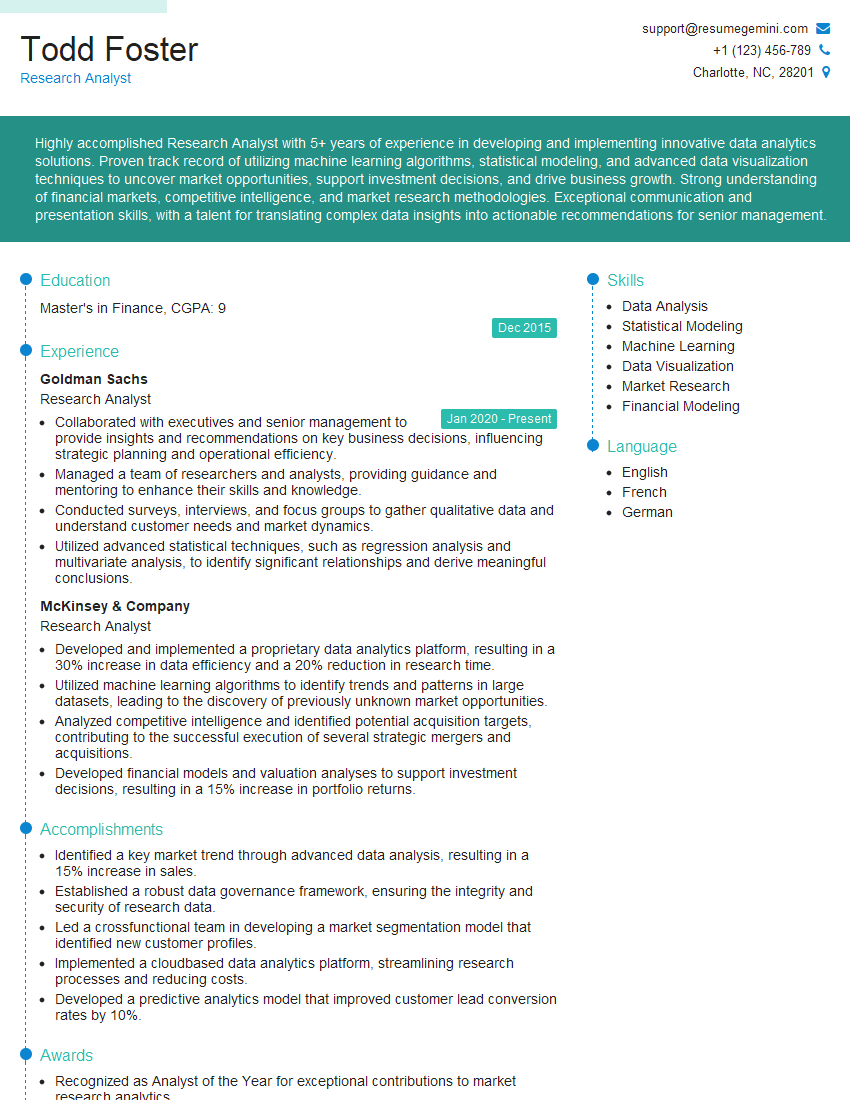
Research Analyst Resume Sample

Financial Analyst Resume Sample

Data Analyst Resume Sample

Quantitative Analyst Resume Sample

Data Scientist Resume Sample
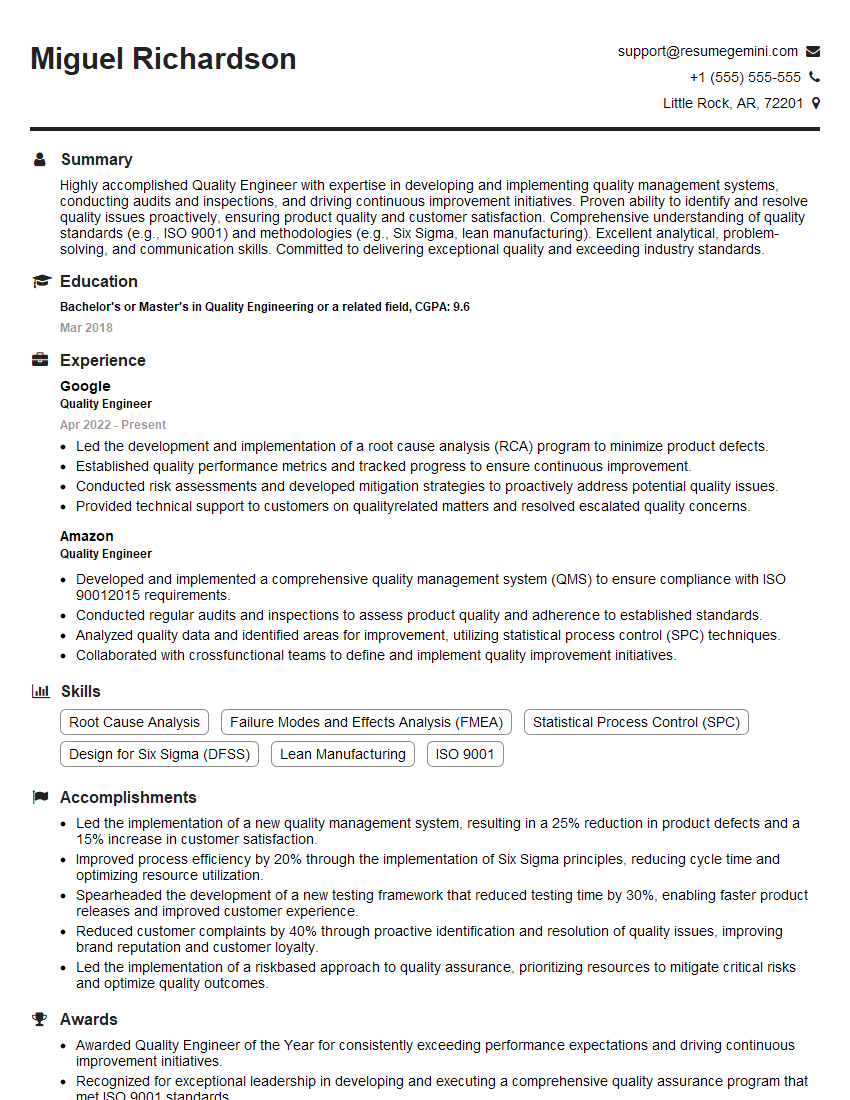
Quality Engineer Resume Sample

Actuary Resume Sample
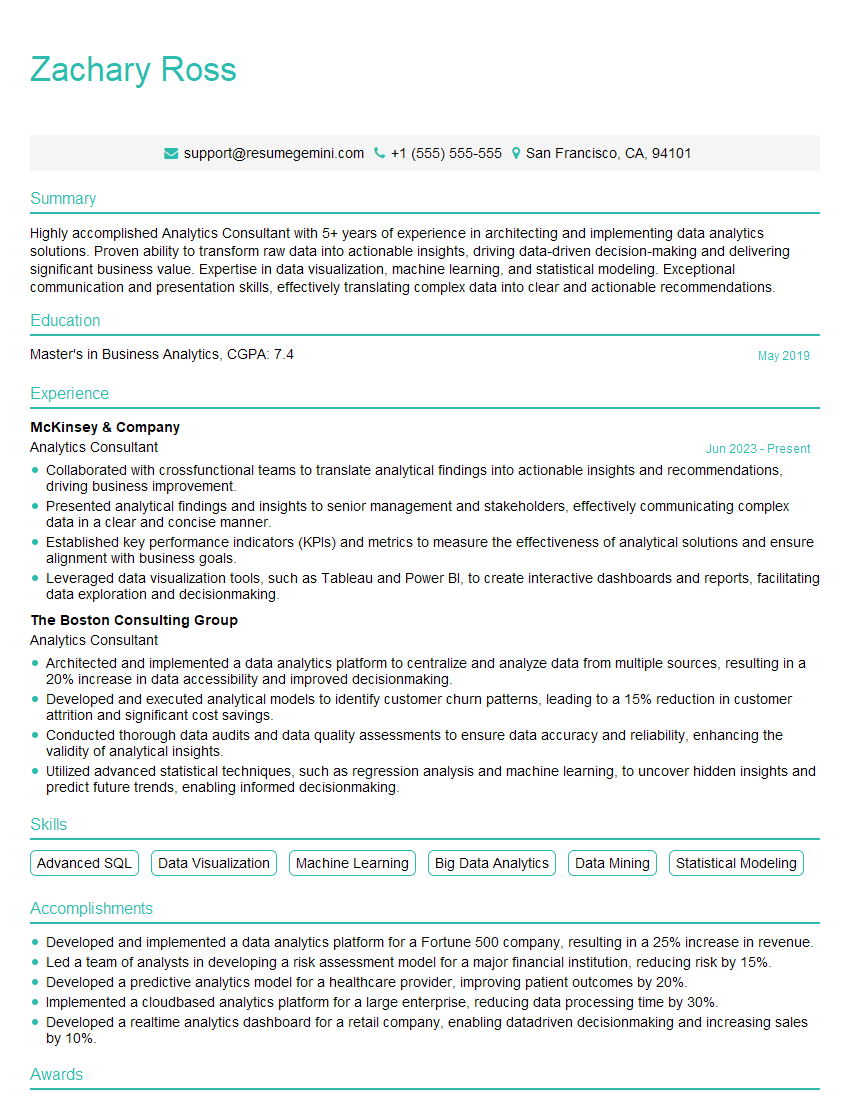
Analytics Consultant Resume Sample

Operations Research Analyst Resume Sample
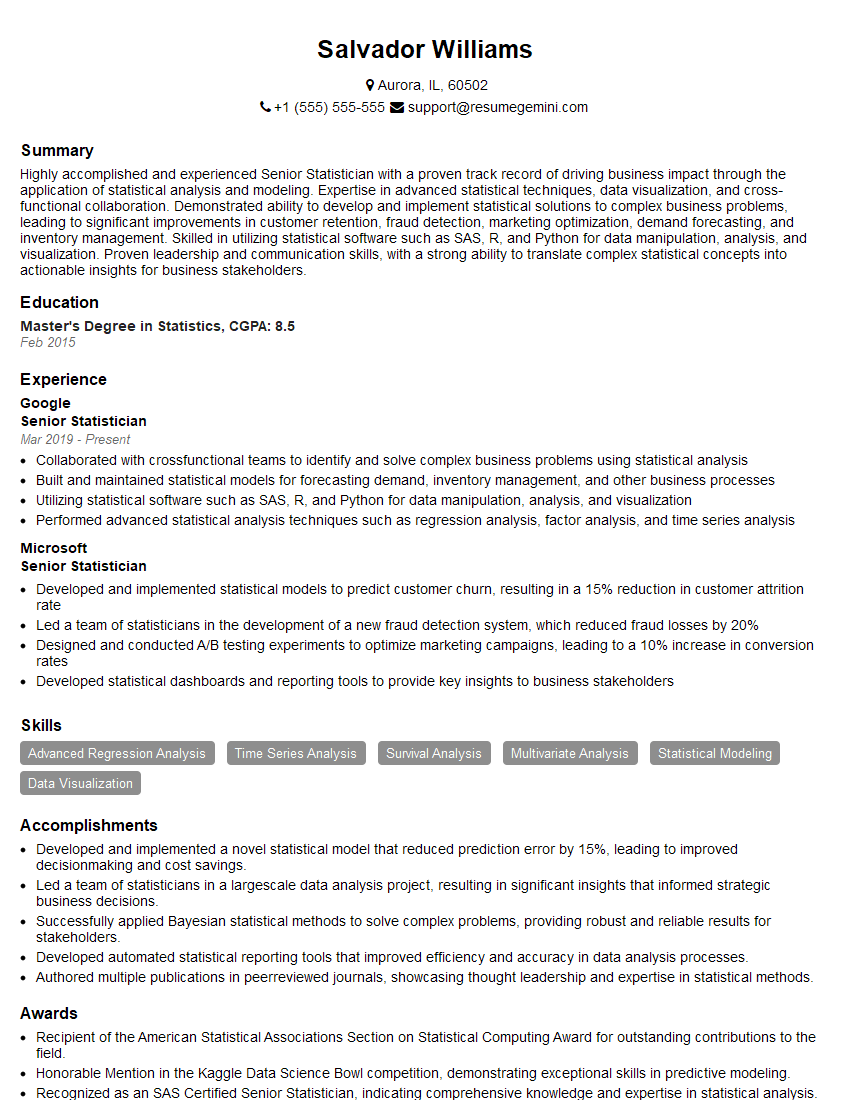
Senior Statistician Resume Sample

Statistical Analyst Resume Sample
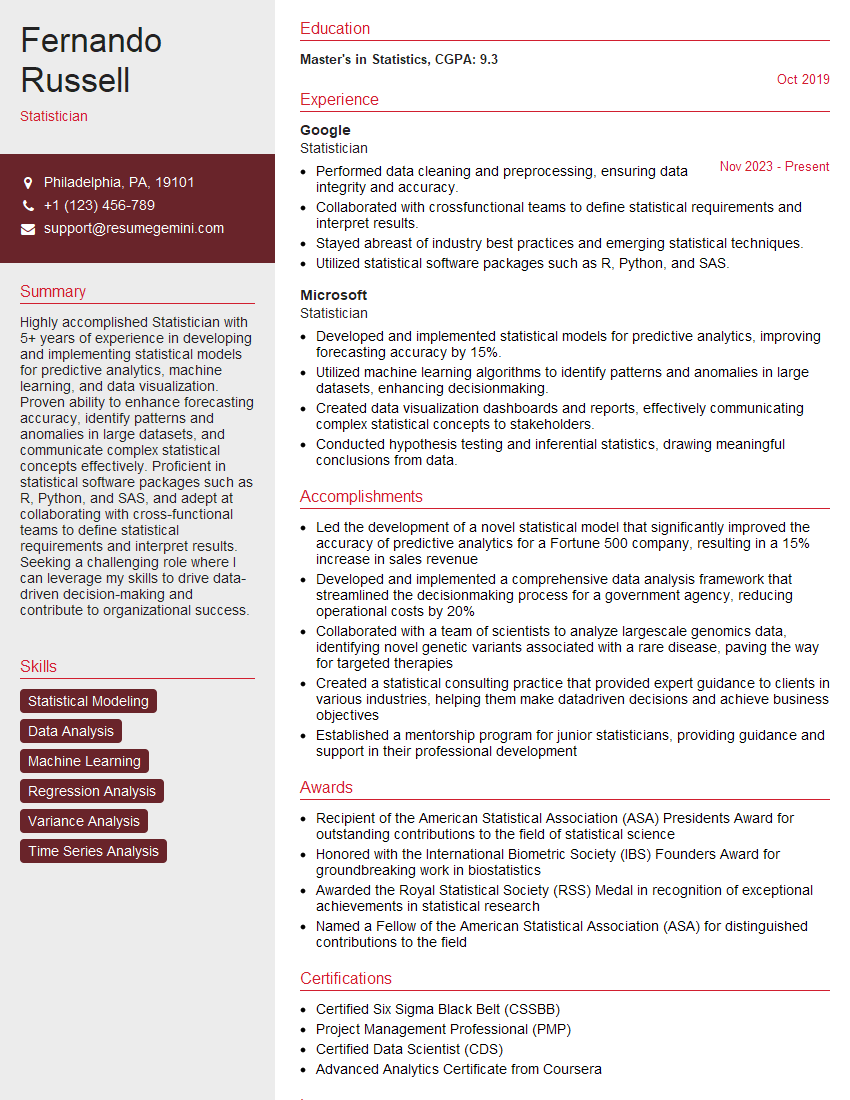
Statistician Resume Sample

Biostatistician Resume Sample
Explore more articles
Users Rating of Our Blogs
Share Your Experience
We value your feedback! Please rate our content and share your thoughts (optional).
What Readers Say About Our Blog
Very informative content, great job.
good