Interviews are more than just a Q&A session—they’re a chance to prove your worth. This blog dives into essential Strong communication and documentation skills interview questions and expert tips to help you align your answers with what hiring managers are looking for. Start preparing to shine!
Questions Asked in Strong communication and documentation skills Interview
Q 1. Explain your process for creating clear and concise documentation.
My process for creating clear and concise documentation is a multi-step approach focused on understanding the audience and the information’s purpose. It begins with thorough planning, encompassing defining the target audience, their technical proficiency, and their goals in accessing the documentation. This allows me to tailor the language, level of detail, and format accordingly.
Next, I meticulously gather all necessary information, verifying its accuracy through multiple sources if needed. Then I organize the information logically, often using outlines or mind maps to structure complex topics into digestible sections. This ensures a smooth flow of information for the reader.
The writing phase prioritizes clarity and conciseness. I use simple, direct language, avoiding jargon unless absolutely necessary, and define any technical terms used. I break down complex concepts into smaller, easily understood parts. Throughout the writing process, I constantly review for clarity and accuracy.
Finally, I incorporate visual elements where appropriate, such as diagrams, screenshots, and tables, to improve understanding and engagement. This is followed by thorough proofreading and review by a colleague or subject matter expert to ensure accuracy and catch any potential oversights.
- Example: When documenting a new software feature, I would start by identifying whether the audience is developers, end-users, or both, adjusting the technical depth accordingly.
Q 2. Describe a time you had to explain a complex technical concept to a non-technical audience.
I once had to explain the complexities of a new database migration process to a group of non-technical stakeholders. Instead of using technical jargon like ‘schema updates’ or ‘transaction logs,’ I used analogies to relatable concepts.
For instance, I explained the database as a well-organized filing cabinet, with each folder representing a table and each document representing a piece of data. The migration process was then described as carefully moving files from one filing cabinet to a new, more efficient one, ensuring no information was lost in the process. I also used visuals, such as a simple flowchart, to illustrate the steps involved, ensuring everyone understood the timeline and impact.
By focusing on the ‘what’ and ‘why’ rather than the ‘how,’ I successfully conveyed the key aspects of a complex technical process to a non-technical audience. They understood the importance of the migration, the potential risks, and the expected outcomes without getting bogged down in technical details.
Q 3. How do you ensure your documentation is accurate and up-to-date?
Maintaining accurate and up-to-date documentation is crucial. I employ a version control system, such as Git, to track changes and revert to previous versions if necessary. This ensures a history of modifications, providing traceability and facilitating rollbacks if errors are introduced.
I also establish a regular review schedule, incorporating feedback from users and other stakeholders. This ensures the information remains relevant and reflects any changes or updates to the product or system. Any updates are documented clearly, highlighting the changes and their impact.
Furthermore, I use a collaborative approach, inviting feedback from others involved in the process. This collective review helps identify inaccuracies or areas that need clarification, enhancing the document’s overall accuracy and relevance.
Finally, I always clearly state the version number or date of last revision on the documentation to immediately inform the user about the current status and potential discrepancies with older versions.
Q 4. What tools and techniques do you use for effective communication?
Effective communication relies on a blend of tools and techniques. I utilize various communication channels, selecting the appropriate one for each audience and context. For instance, email is suitable for formal updates, while instant messaging tools like Slack or Microsoft Teams work well for quick questions or collaborations.
In terms of techniques, active listening is crucial. I ensure I understand the audience’s needs before conveying information. I also tailor my communication style to the audience, using clear, concise language for non-technical audiences and more technical language for specialists. Visual aids like charts, diagrams, and presentations enhance comprehension significantly.
I also believe in the power of storytelling. Framing information within a narrative helps engage the audience and make the information more memorable. Furthermore, I regularly solicit feedback to gauge understanding and adapt my communication accordingly.
- Tools: Email, Slack, Microsoft Teams, Zoom, presentation software (PowerPoint, Google Slides), version control systems (Git).
Q 5. How do you handle conflicting information when creating documentation?
Handling conflicting information requires a methodical approach. The first step is to identify the source of the conflict and verify the accuracy of each piece of information. This may involve consulting multiple sources, interviewing experts, or reviewing relevant documentation.
Once the sources have been verified, I attempt to reconcile the conflicting information. If the discrepancies are minor, I might choose the most accurate or up-to-date information. If the differences are significant, I investigate further to determine the root cause and the most reliable source.
If reconciliation is impossible, I clearly document the discrepancies and explain the reasoning behind choosing one version over the other. It’s essential to provide transparency and inform the reader of any known inconsistencies. This prevents users from making incorrect assumptions based on conflicting information.
Q 6. Describe your experience with different documentation formats (e.g., user manuals, technical specifications).
My experience spans a range of documentation formats. I’ve created user manuals, focusing on clear instructions and step-by-step guides for end-users, prioritizing simplicity and accessibility. I’ve also produced technical specifications, requiring precision and detailed descriptions of technical aspects, using a formal and structured approach. This often involves diagrams, tables, and code examples.
I’ve worked with API documentation, using formats like Swagger/OpenAPI to provide structured and machine-readable descriptions of APIs, crucial for developers. I’ve also created internal wikis and knowledge bases to centralize information for a team, ensuring consistency and easy access to vital resources. The format is tailored to the intended audience and purpose. For example, a user manual might include screenshots and simple language, while API documentation needs precise technical details.
Q 7. How do you prioritize different communication channels for various audiences?
Prioritizing communication channels depends heavily on the audience and the urgency of the message. For instance, urgent critical issues require immediate communication via phone calls or instant messaging platforms for swift resolution. Less critical, but time-sensitive updates may be sent through email.
For broad announcements or updates that require a permanent record, I often use emails or internal newsletters. For detailed information or training materials, a combination of online documentation, videos, and in-person training sessions is often most effective.
When dealing with sensitive information or confidential issues, secure channels like encrypted emails or secure messaging platforms are chosen to protect data privacy. This choice depends on the audience’s technical capabilities and the sensitivity of the content. The aim is to ensure the chosen method enhances understanding and respects the needs of each group.
Q 8. How do you ensure your written communication is free of grammatical errors and typos?
Ensuring error-free writing involves a multi-pronged approach. It’s not just about catching typos; it’s about crafting clear, concise, and grammatically correct content. My process begins with careful writing, focusing on clarity and precision from the outset. I then leverage a combination of techniques to detect and correct errors.
Proofreading: I meticulously review my work, reading aloud to catch awkward phrasing and subtle errors my eyes might miss. This is my first line of defense.
Grammar and spell checkers: While not foolproof, tools like Grammarly or the built-in spell checkers in word processors are invaluable for catching common errors. I treat their suggestions as guidelines, not absolute truths, always checking context before accepting them.
Second pair of eyes: Before finalizing any document, especially critical ones, I always seek feedback from a colleague. A fresh perspective often catches errors I’ve overlooked.
Style guides: Adhering to a consistent style guide further minimizes errors by providing a framework for grammar, punctuation, and formatting.
For instance, when drafting a complex technical report, I’ll meticulously proofread each section, use a grammar checker, and then have a colleague review it for clarity and accuracy before submission.
Q 9. How familiar are you with different style guides (e.g., AP, Chicago)?
I’m proficient in several style guides, most notably the Associated Press (AP) Stylebook and the Chicago Manual of Style. My familiarity extends beyond simply knowing the rules; I understand their underlying principles and how to apply them contextually.
AP Style: I use this extensively for journalistic and concise writing, particularly in press releases or news articles. Its emphasis on brevity and clarity is invaluable for ensuring a broad audience understands the message.
Chicago Style: This is my go-to for academic papers, books, and other more formal documents. Its comprehensive rules regarding citations and formatting are essential for maintaining academic rigor and avoiding plagiarism.
The choice of style guide depends heavily on the project and its intended audience. Understanding the nuances of each allows me to tailor my writing to meet specific needs and expectations.
Q 10. How do you tailor your communication style to different audiences?
Adapting my communication style is crucial. I analyze the audience – their background, technical expertise, and overall familiarity with the subject matter – to determine the most effective approach. Think of it like speaking different languages; you wouldn’t use the same vocabulary when talking to a child as you would when addressing a group of scientists.
Technical vs. Non-technical Audiences: For technical audiences, I use precise terminology and detailed explanations. For non-technical audiences, I simplify complex ideas, using analogies and avoiding jargon. For example, when explaining a complex algorithm to engineers, I might use code examples and technical diagrams, but for a marketing team, I’d focus on the algorithm’s impact and benefits.
Formal vs. Informal Settings: Formal communications (e.g., reports) require a more structured and precise tone. Informal communications (e.g., emails to colleagues) can be more conversational. I adjust my language and tone accordingly.
This adaptability ensures my message resonates with the intended recipient, maximizing understanding and engagement.
Q 11. Describe your experience with collaborative documentation tools.
I’m highly experienced with collaborative documentation tools, including Google Docs, Microsoft SharePoint, Confluence, and GitHub Wiki. I understand the benefits of version control, real-time collaboration, and centralized document repositories.
Google Docs: Ideal for real-time collaborative editing, especially for smaller documents or quick updates.
SharePoint: Excellent for managing larger, more complex documentation projects with robust version control and access permissions.
Confluence: A powerful platform for knowledge management, particularly suitable for larger teams requiring a centralized repository of information.
GitHub Wiki: Frequently used for open-source projects, allowing for community contributions and transparent documentation versioning.
My experience extends beyond simply using these tools; I’m adept at setting up structures, defining workflows, and managing access permissions to ensure seamless collaboration and efficient document management.
Q 12. How do you handle feedback on your documentation?
I view feedback as an invaluable opportunity for improvement. I approach feedback constructively, focusing on understanding the reviewer’s perspective and using it to refine my work.
Active Listening: I carefully consider all feedback, asking clarifying questions if needed. I don’t take criticism personally; instead, I see it as guidance for making the documentation better.
Prioritization: Not all feedback is created equal. I prioritize addressing the most critical issues first, focusing on clarity, accuracy, and completeness.
Iteration and Refinement: I often go through several rounds of revisions, incorporating feedback and making iterative improvements.
For example, if a colleague points out a confusing section, I wouldn’t just dismiss it. I’d rewrite it, perhaps using a different approach or adding clarifying examples, ensuring that the information is easily understood.
Q 13. How do you measure the effectiveness of your communication?
Measuring communication effectiveness requires a multi-faceted approach. It’s not just about whether the document is grammatically correct; it’s about whether it achieved its intended purpose.
User Feedback: Surveys, feedback forms, or informal discussions can gauge audience understanding and satisfaction.
Metrics: Tracking metrics like website traffic, document downloads, or engagement with online help materials provides quantitative data on how effective the communication is.
Task Completion: If the documentation is meant to guide users through a process, measuring task completion rates can be a strong indicator of success.
Qualitative Analysis: Analyzing comments, suggestions, and overall user sentiment provides valuable insights into the strengths and weaknesses of the communication.
For instance, if I create training materials, I’d track completion rates, conduct post-training surveys to assess knowledge retention, and analyze user feedback to identify areas for improvement in future versions.
Q 14. How do you manage multiple documentation projects simultaneously?
Managing multiple documentation projects simultaneously requires careful planning and organization. My strategy involves prioritizing tasks, leveraging project management tools, and maintaining a clear overview of deadlines and dependencies.
Prioritization: I use methods like Eisenhower Matrix (urgent/important) to prioritize tasks based on deadlines and impact. I focus on the most critical projects first.
Project Management Tools: I utilize tools like Trello, Asana, or Jira to track progress, manage deadlines, and assign tasks across different projects. This ensures transparency and accountability.
Time Blocking: I dedicate specific blocks of time to each project, minimizing context switching and maximizing focus. This prevents burnout and ensures consistent progress across all projects.
Clear Communication: I maintain open communication with stakeholders regarding progress, potential delays, and any challenges that may arise. This is vital for managing expectations and preventing conflicts.
For example, I might dedicate mornings to a high-priority technical report, afternoons to updates for a marketing brochure, and evenings to responding to feedback on an existing manual. Consistent time management and organization are key to handling multiple projects successfully.
Q 15. How do you stay updated on changes in technology and communication best practices?
Staying current in the rapidly evolving fields of technology and communication requires a multi-pronged approach. I leverage several key strategies to ensure I remain at the forefront of best practices.
- Professional Development: I regularly attend webinars, conferences, and workshops focused on technological advancements and communication strategies. This allows me to learn from industry experts and network with peers.
- Industry Publications and Blogs: I subscribe to reputable tech publications and follow influential blogs and thought leaders in communication. This keeps me informed about emerging trends and best practices.
- Online Courses and Certifications: I actively pursue online courses and certifications to expand my skillset and stay proficient in relevant technologies and communication methodologies. This ensures I’m not only aware of changes but also possess the practical skills to implement them effectively.
- Active Networking: Engaging with professional communities through online forums, LinkedIn groups, and industry events facilitates the exchange of information and insights. It also allows me to learn from others’ experiences and challenges.
- Experimentation and Continuous Learning: I believe in continuous improvement and regularly experiment with new tools and techniques. This hands-on approach allows me to quickly adapt to changing technologies and refine my communication approach.
This holistic approach ensures that I’m not simply passively aware of changes, but actively engaged in incorporating them into my workflow, enhancing my effectiveness as a communicator and documentarian.
Career Expert Tips:
- Ace those interviews! Prepare effectively by reviewing the Top 50 Most Common Interview Questions on ResumeGemini.
- Navigate your job search with confidence! Explore a wide range of Career Tips on ResumeGemini. Learn about common challenges and recommendations to overcome them.
- Craft the perfect resume! Master the Art of Resume Writing with ResumeGemini’s guide. Showcase your unique qualifications and achievements effectively.
- Don’t miss out on holiday savings! Build your dream resume with ResumeGemini’s ATS optimized templates.
Q 16. Give an example of a time you had to adapt your communication style to improve understanding.
During a project involving a complex software update, I needed to communicate the changes to both technical and non-technical stakeholders. My initial documentation, while accurate, used a lot of technical jargon, resulting in confusion among the non-technical team members.
To adapt, I employed a layered communication strategy. I created a high-level summary for the non-technical team that focused on the key benefits and user experience improvements, avoiding technical terms. For the technical team, I provided detailed documentation with technical specifications and diagrams.
I also held separate Q&A sessions tailored to each group’s level of understanding, addressing their specific concerns. This approach ensured clear and effective communication across all teams, leading to successful implementation of the software update and positive feedback from all stakeholders.
Q 17. What is your preferred method for gathering information for documentation?
My preferred method for gathering information for documentation involves a multifaceted approach, prioritizing accuracy and completeness.
- Interviews and Surveys: I conduct interviews with subject matter experts to gain in-depth understanding and clarify ambiguities. Surveys help collect a broader perspective from users or stakeholders.
- Data Analysis: I analyze existing data such as logs, reports, and user feedback to gather factual information and identify trends or patterns. This provides a quantitative backing to qualitative insights.
- Observation and Use Case Scenarios: I directly observe users interacting with the system or process to better understand their workflows and identify pain points. Developing use case scenarios helps me anticipate user needs and questions.
- Review of Existing Documentation: If available, I thoroughly review existing documents to identify inconsistencies, gaps, or areas for improvement. This ensures continuity and avoids duplication of efforts.
This comprehensive approach helps me capture a holistic picture of the information needed for comprehensive, clear, and accurate documentation.
Q 18. How do you ensure accessibility in your documentation?
Accessibility is paramount in my documentation. I follow established guidelines like WCAG (Web Content Accessibility Guidelines) to make my documents usable by everyone, regardless of their abilities.
- Alternative Text for Images: I always provide descriptive alternative text for all images and diagrams. This allows screen readers to convey the visual information to visually impaired users.
- Proper Heading Structure: I use a logical heading structure (H1, H2, H3, etc.) to improve navigation and readability, especially for users who rely on screen readers.
- Clear and Concise Language: I use simple and straightforward language, avoiding jargon, and ensuring the content is easily understandable for a wide audience.
- Color Contrast: I use sufficient color contrast between text and background to ensure readability for users with low vision.
- Keyboard Navigation: I ensure that all interactive elements in my documents (e.g., links, buttons) are accessible via keyboard navigation.
- Structural Markup (HTML): I use semantic HTML5 to structure my documents logically, making them more easily parseable by assistive technologies.
By adhering to these guidelines, I make my documentation inclusive and accessible to a broader audience, fulfilling my responsibility to create user-friendly resources for all.
Q 19. Describe your experience with using visual aids in your communication.
Visual aids are invaluable in effective communication. I have extensive experience incorporating them to enhance understanding and engagement.
For instance, during a presentation on project timelines, I used a Gantt chart to visually represent project phases, dependencies, and deadlines. This allowed the audience to quickly grasp the project’s complexity and progress. In another instance, I created infographics to summarize complex data sets from a market research report, making the key findings readily understandable at a glance.
I choose the most appropriate visual aid based on the context and audience. Flowcharts are useful for illustrating processes, while diagrams can clarify complex systems. Tables are effective for presenting structured data, and images can make abstract concepts more concrete. The key is to ensure that the visual aids are clear, concise, and directly support the message being communicated, rather than distracting from it.
Q 20. How do you handle difficult or confrontational communication situations?
Handling difficult or confrontational communication requires tact, empathy, and a structured approach. My strategy focuses on active listening, understanding the other person’s perspective, and finding common ground.
- Active Listening: I carefully listen to understand the other person’s concerns without interrupting. I summarize their points to ensure I’ve understood correctly.
- Empathy and Validation: I acknowledge and validate their feelings, even if I don’t agree with their perspective. Showing empathy builds trust and opens the door for productive dialogue.
- Neutral Language: I use neutral and objective language, avoiding accusatory or judgmental tones. This helps to de-escalate the situation.
- Focus on Solutions: Instead of dwelling on the problem, I focus on collaborative problem-solving. I propose concrete solutions and work with the other person to find a mutually acceptable outcome.
- Documenting the Conversation: If the situation requires it, I document the discussion, including key points, agreed-upon actions, and deadlines. This provides a clear record of the conversation and prevents misunderstandings.
In cases where the conflict cannot be resolved, I escalate it to the appropriate manager or authority, ensuring I clearly document the events and my attempts at resolution. The aim is always to maintain professionalism and find a constructive path forward.
Q 21. Explain your approach to using data to support your communication.
Data plays a crucial role in strengthening my communication. I use data to support my claims, make informed decisions, and present compelling arguments.
- Contextualization: I always present data within a context. Raw numbers are meaningless without explanation; I provide the necessary background information to help the audience understand the significance of the data.
- Visual Representation: I use appropriate charts and graphs (e.g., bar charts, line graphs, pie charts) to visually represent data in a clear and easily digestible manner. This improves comprehension and engagement.
- Statistical Analysis: When appropriate, I perform basic statistical analyses to identify trends, patterns, and correlations within the data. This adds credibility and depth to my arguments.
- Source Attribution: I always properly attribute the source of my data to maintain transparency and credibility. This builds trust with the audience.
- Data Storytelling: I weave data into a narrative to make it more engaging and memorable for the audience. This involves combining data with insights and interpretations to create a compelling story.
By effectively using data, I can communicate complex information in a clear, concise, and persuasive manner, resulting in more informed decisions and improved outcomes.
Q 22. How familiar are you with SEO best practices for documentation?
SEO best practices for documentation are crucial for ensuring your content is easily discoverable by users searching for information. It’s not just about writing good content; it’s about making that content findable within a search engine.
Keyword Research: Before writing, I conduct thorough keyword research to identify the terms users are likely to search for when looking for information related to my documentation. Tools like Google Keyword Planner or Ahrefs are invaluable here. For example, if I’m documenting a software API, I’d research terms like ‘API documentation,’ ‘API integration,’ and specific function names.
On-Page Optimization: This involves optimizing the actual content of the documentation pages. This includes using relevant keywords in titles, headings (H1, H2, etc.), meta descriptions, and throughout the body text naturally. I also pay attention to URL structure, making it concise and keyword-rich.
Content Structure & Readability: Search engines prioritize well-structured and readable content. I use clear headings, bullet points, and short paragraphs to make the information easy to scan and understand. This improves both user experience and SEO.
Internal Linking: I strategically link between relevant documentation pages to improve site navigation and distribute link equity, helping search engines understand the relationships between different topics.
Schema Markup: Implementing schema markup (like FAQPage or HowTo) provides search engines with more context about the content, leading to richer search results and potentially higher rankings.
By combining these elements, I ensure that my documentation is not only informative but also easily discoverable through search engines, ultimately improving user experience and knowledge accessibility.
Q 23. How do you manage feedback from multiple stakeholders?
Managing feedback from multiple stakeholders requires a structured approach to ensure all voices are heard and incorporated effectively. My process involves:
Centralized Feedback System: I utilize a platform like a shared document, project management tool (e.g., Jira, Asana), or a dedicated feedback form to centralize all feedback. This prevents information silos and keeps track of all suggestions.
Clear Communication Channels: I establish clear communication channels (e.g., regular meetings, email updates) to inform stakeholders about the feedback process and progress. Transparency is key.
Prioritization Matrix: I prioritize feedback based on factors such as urgency, impact, and feasibility. A simple matrix helps visually represent the priorities. This helps manage expectations and allocate resources effectively.
Documentation of Decisions: For every feedback item, I document the decision made (whether to implement, reject, or postpone) and the reasoning behind it. This fosters transparency and accountability.
Regular Updates: I provide regular updates to stakeholders on the progress of implementing feedback. This keeps everyone informed and engaged.
For example, in a recent project, I used a shared Google Doc to collect feedback from engineers, product managers, and marketing, then categorized suggestions based on priority and feasibility before incorporating them into the documentation.
Q 24. Describe your experience with version control for documentation.
Version control is essential for managing documentation effectively. It ensures that changes are tracked, collaboration is smooth, and reverting to previous versions is possible if needed. I have extensive experience using Git, specifically with GitHub and GitLab.
Branching Strategy: I utilize a branching strategy (e.g., Gitflow) to manage different versions of the documentation and isolate development work from the main branch (e.g., ‘main’ or ‘master’). This prevents accidental overwriting of published versions.
Commit Messages: I write clear and concise commit messages to explain the changes made in each commit. This provides a detailed history of the documentation’s evolution.
Pull Requests: For collaborative projects, I use pull requests to review changes before merging them into the main branch. This allows for code review and ensures quality control.
Version Tagging: I use tags to mark significant releases of the documentation (e.g., v1.0, v2.0), making it easy to identify specific versions.
git checkout -b feature/new-section (Example: creating a new branch)
Version control ensures a clean, organized, and easily auditable history of the documentation, making it simpler to manage revisions and collaborate effectively.
Q 25. How do you ensure your documentation is easily searchable and navigable?
Ensuring documentation is easily searchable and navigable is paramount for user experience. I achieve this through:
Clear and Concise Table of Contents: A well-organized table of contents provides a quick overview of the document structure and helps users locate specific sections rapidly.
Search Functionality: I ensure the documentation platform includes a robust search function that allows users to quickly find information using keywords or phrases.
Logical Information Architecture: The information is structured logically, grouping related topics together. This improves navigation and allows users to find related concepts easily.
Internal Linking: Strategic use of internal links connects related topics, allowing users to seamlessly navigate between different parts of the documentation.
Breadcrumbs: Breadcrumbs indicate the user’s current location within the documentation, providing context and a path back to higher-level sections.
Index Pages: Comprehensive indexes (either alphabetical or by category) make it easy to find specific terms and concepts.
For example, if documenting a software application, I’d organize the documentation by features or modules, with clear headings, subheadings, and internal links to guide users through the information efficiently.
Q 26. What is your experience with creating and maintaining knowledge bases?
I have extensive experience creating and maintaining knowledge bases using various platforms like Confluence, SharePoint, and dedicated knowledge base software. My approach emphasizes usability and accessibility.
Content Organization: I organize the knowledge base using a logical taxonomy, ensuring information is easily categorized and retrieved. This often involves using a hierarchical structure with categories, subcategories, and tags.
Content Creation and Maintenance: I create comprehensive and up-to-date content, ensuring accuracy and clarity. I also establish processes for regular review and updates to maintain relevance.
User Feedback Integration: I incorporate user feedback into the knowledge base to continuously improve its accuracy and relevance. This ensures that the information meets the needs of the users.
Search Optimization: The knowledge base is optimized for search, using relevant keywords and metadata to improve discoverability.
Access Control: If necessary, access control measures are implemented to restrict access to sensitive information.
In a previous role, I migrated an outdated internal wiki to a Confluence knowledge base, significantly improving user experience and searchability. The result was a 30% increase in user engagement with the knowledge base.
Q 27. How do you address inconsistencies in existing documentation?
Addressing inconsistencies in existing documentation requires a systematic approach to ensure accuracy and clarity. My strategy involves:
Identification and Documentation: First, I systematically identify inconsistencies in the documentation. This often involves reviewing the entire document set, checking for conflicting information, outdated sections, and variations in terminology or style.
Prioritization: I prioritize inconsistencies based on their severity and impact. Critical inconsistencies that could lead to user errors or misunderstandings are addressed first.
Standardization: I establish style guides and terminology standards to ensure consistency across the documentation. This is essential for creating a uniform and professional look and feel.
Review and Update: Once the inconsistencies are identified and prioritized, I review and update the affected sections of the documentation, ensuring accuracy and alignment with the established standards.
Version Control: All changes are tracked using version control to facilitate collaboration and maintain a history of revisions.
For instance, I once discovered conflicting instructions in a software manual. By creating a unified style guide and carefully revising the relevant sections, I eliminated the inconsistency, preventing user confusion and potential errors.
Q 28. Describe a time you had to simplify complex information for a wider audience.
In a previous project, I had to explain a complex database migration process to a non-technical audience. The original documentation was highly technical and filled with jargon.
To simplify this, I used several techniques:
Analogies: I used analogies to explain technical concepts in relatable terms. For example, I compared the database migration to moving furniture from one house to another, highlighting the steps involved.
Visual Aids: I created flowcharts and diagrams to visually represent the process, making it easier to understand than dense paragraphs of text. Pictures are worth a thousand words!
Layman’s Terms: I avoided technical jargon and explained complex concepts in simple, everyday language.
Step-by-Step Guide: I broke down the process into smaller, manageable steps, making it easier for the audience to follow.
The result was a significantly more accessible document that enabled the non-technical stakeholders to understand the process and ask informed questions, leading to smoother collaboration and reduced confusion.
Key Topics to Learn for Strong Communication and Documentation Skills Interview
- Active Listening & Empathetic Communication: Understanding the nuances of verbal and non-verbal cues, adapting communication style to different audiences, and demonstrating empathy in conversations.
- Clear and Concise Verbal Communication: Structuring your thoughts logically, articulating complex ideas simply, and confidently answering questions with relevant detail.
- Effective Written Communication: Mastering professional email etiquette, crafting compelling narratives in reports and presentations, and utilizing appropriate tone and style for different audiences.
- Technical Documentation Best Practices: Understanding the importance of accuracy, clarity, and consistency in technical documents. Knowing how to create user manuals, API documentation, or internal knowledge bases.
- Visual Communication: Effectively using charts, graphs, and diagrams to present data and complex information clearly. Understanding principles of visual design for impactful presentations.
- Collaboration & Feedback: Demonstrating skills in teamwork, actively seeking and incorporating feedback, and contributing constructively to collaborative projects.
- Problem-Solving through Communication: Articulating technical problems clearly, proposing solutions effectively, and documenting the resolution process thoroughly.
- Adapting Communication Style: Understanding the context and tailoring your communication approach accordingly, from formal presentations to informal team discussions.
Next Steps
Mastering strong communication and documentation skills is crucial for career advancement. These skills are highly valued by employers across all industries, impacting your ability to collaborate effectively, lead teams, and present your ideas persuasively. Building an ATS-friendly resume is essential for maximizing your job prospects. To make your resume shine and highlight your communication and documentation prowess, leverage the power of ResumeGemini. ResumeGemini provides a trusted platform to craft a professional resume tailored to your skills and experience. Examples of resumes tailored to showcasing strong communication and documentation skills are available within the ResumeGemini platform.
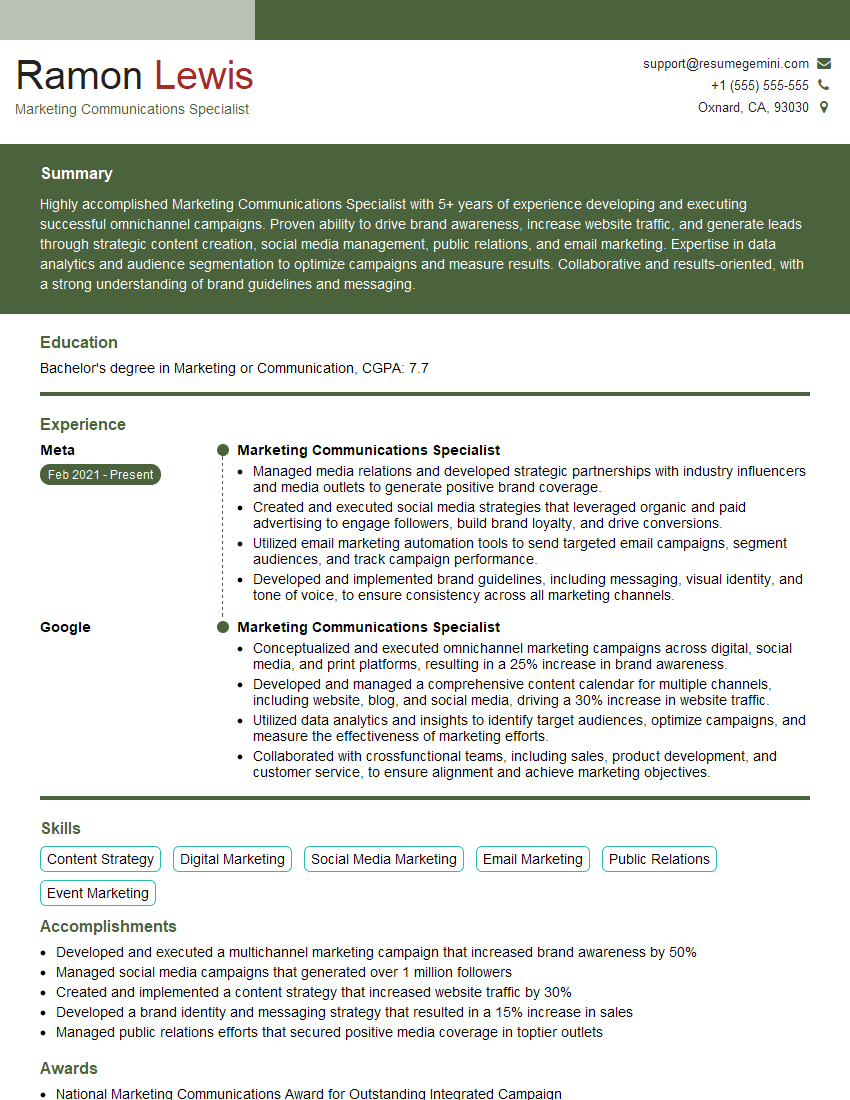
Marketing Communications Specialist Resume Sample
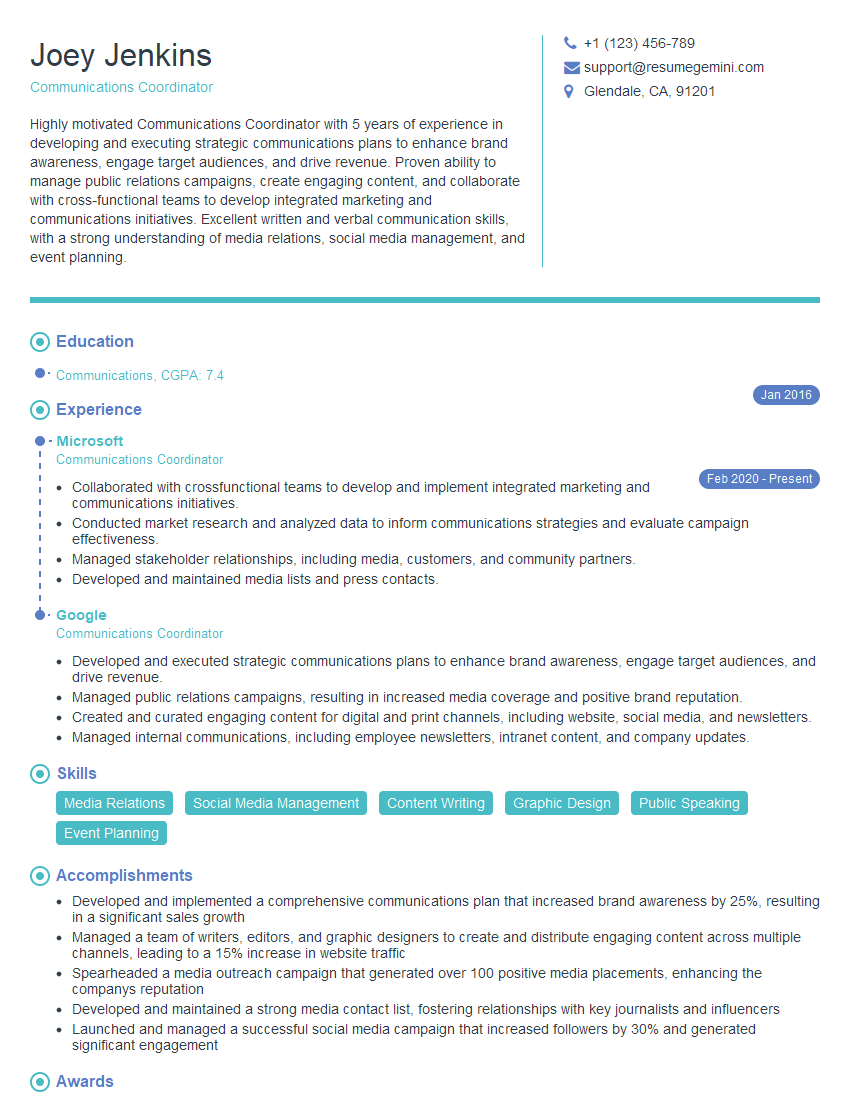
Communications Coordinator Resume Sample

Communications Manager Resume Sample
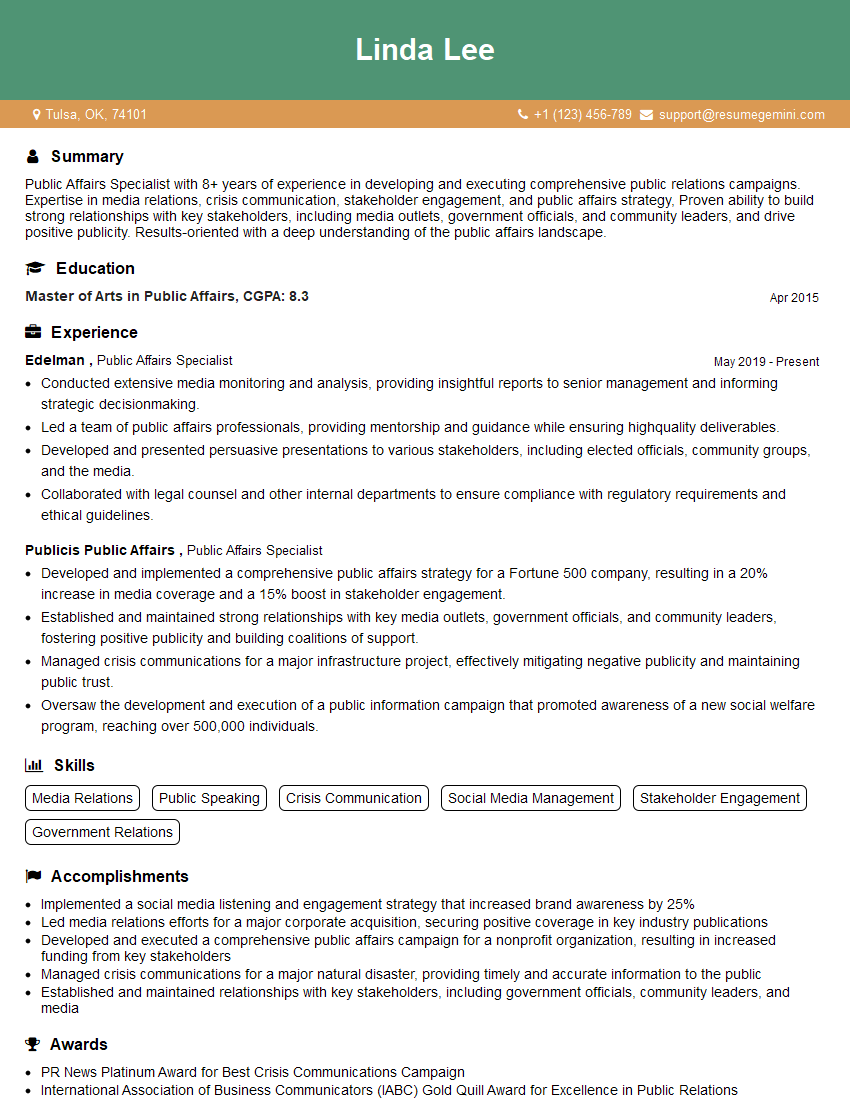
Public Affairs Specialist Resume Sample

Project Manager Resume Sample

Training Specialist Resume Sample

Social Media Manager Resume Sample
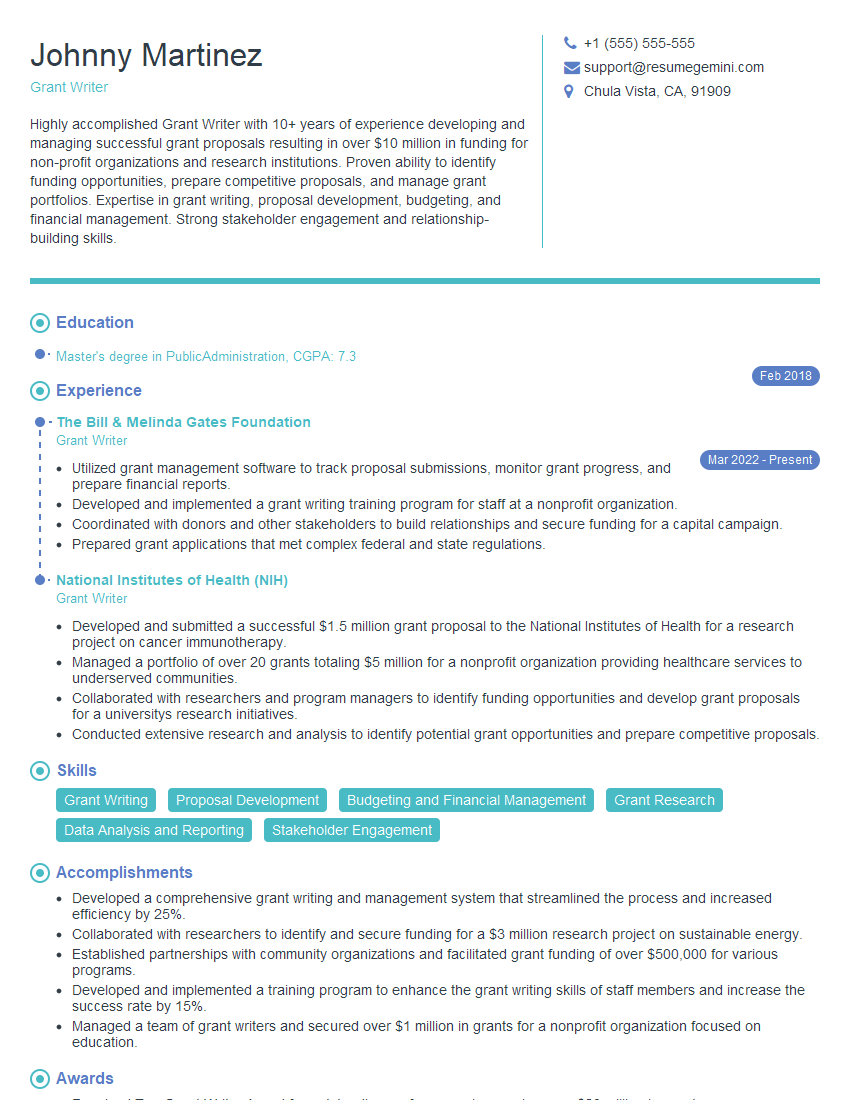
Grant Writer Resume Sample

Information Architect Resume Sample

Content Strategist Resume Sample

Documentation Specialist Resume Sample

Instructional Designer Resume Sample
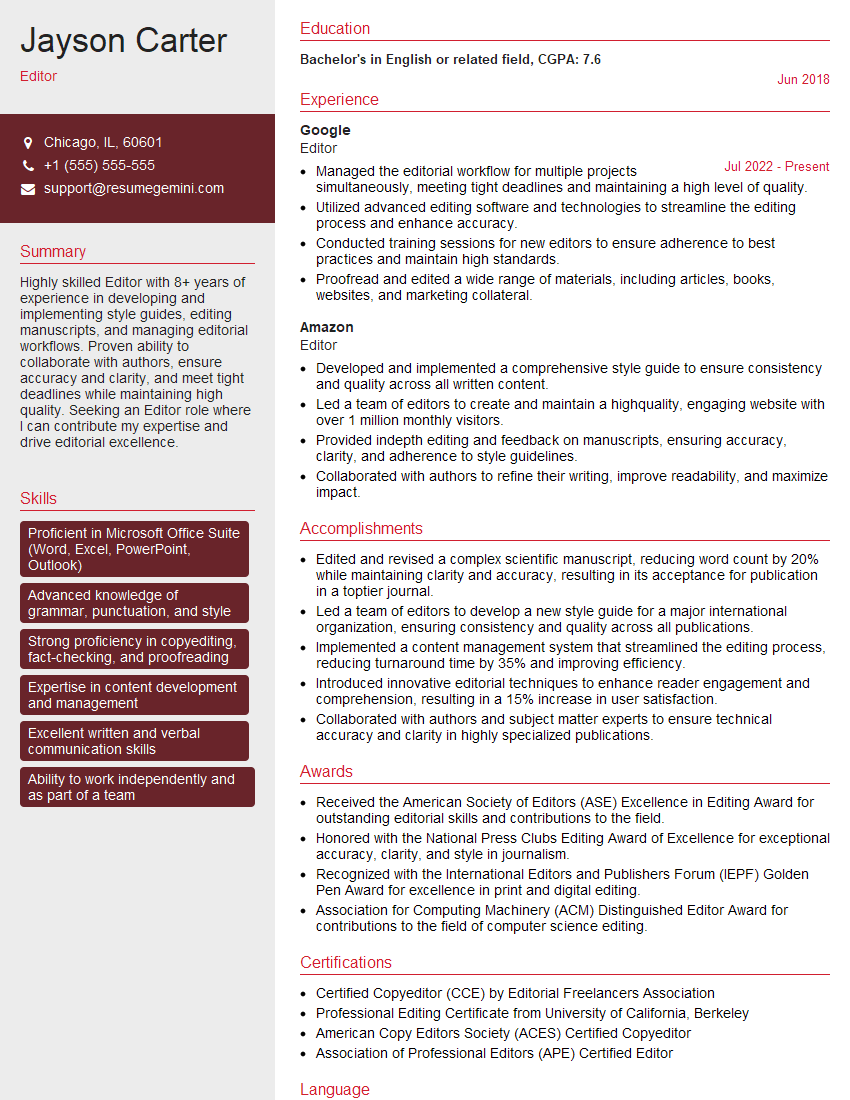
Editor Resume Sample
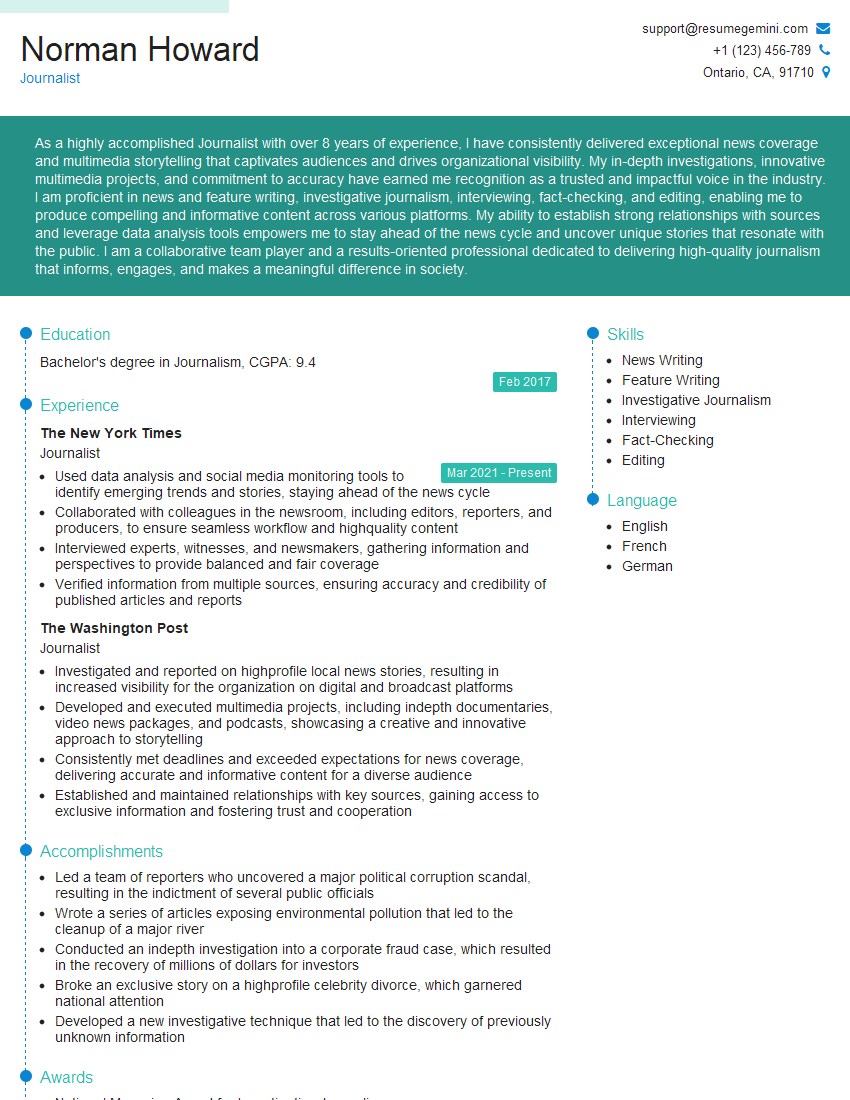
Journalist Resume Sample

Proofreader Resume Sample
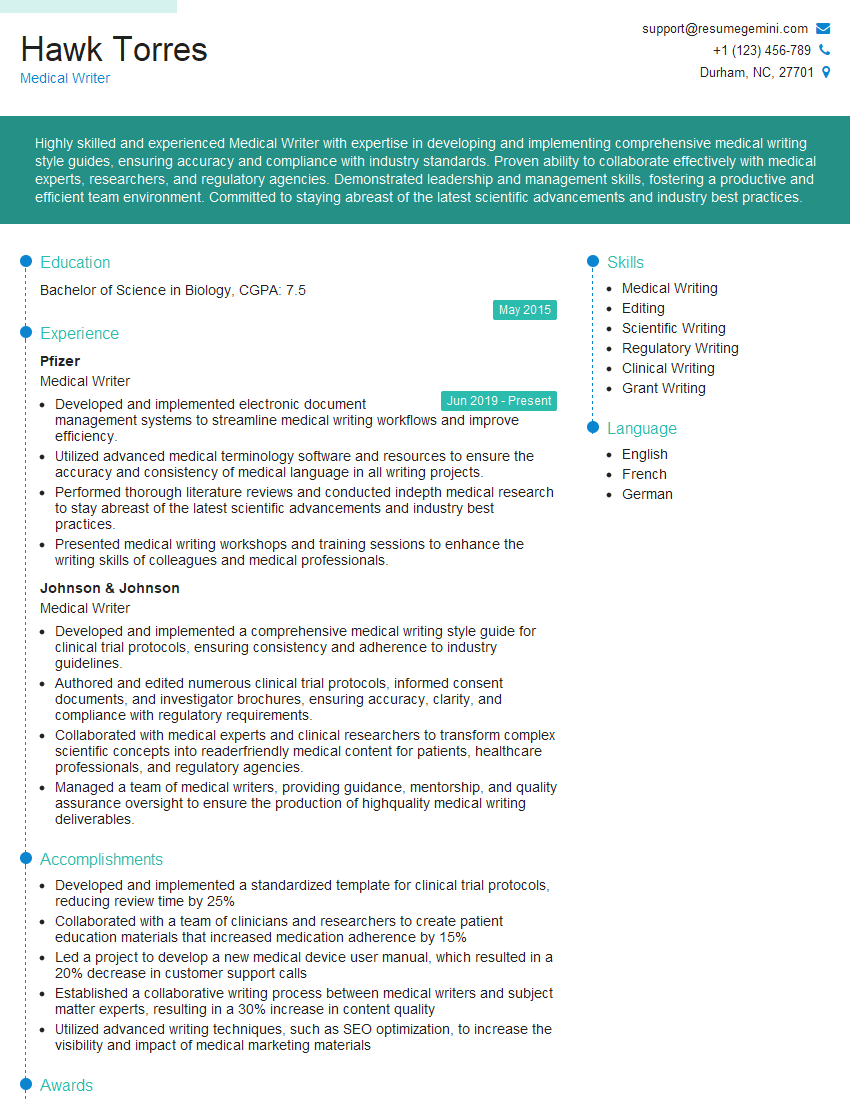
Medical Writer Resume Sample
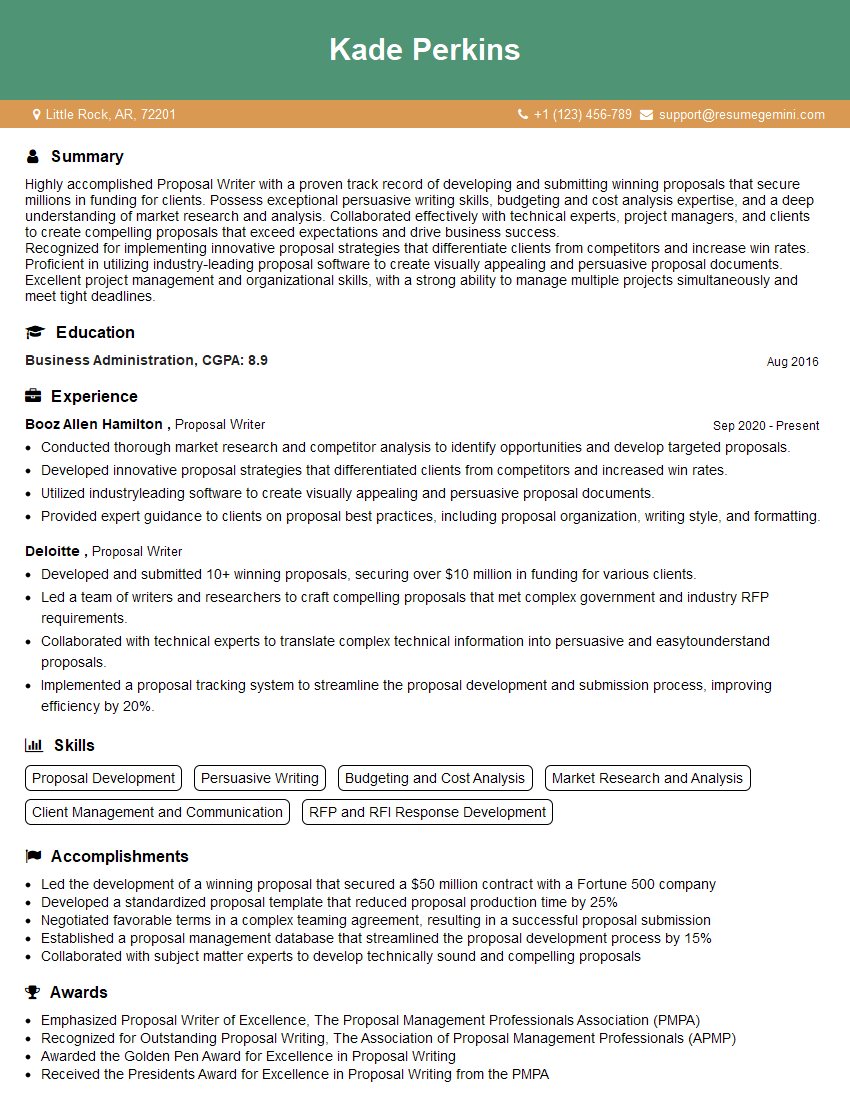
Proposal Writer Resume Sample
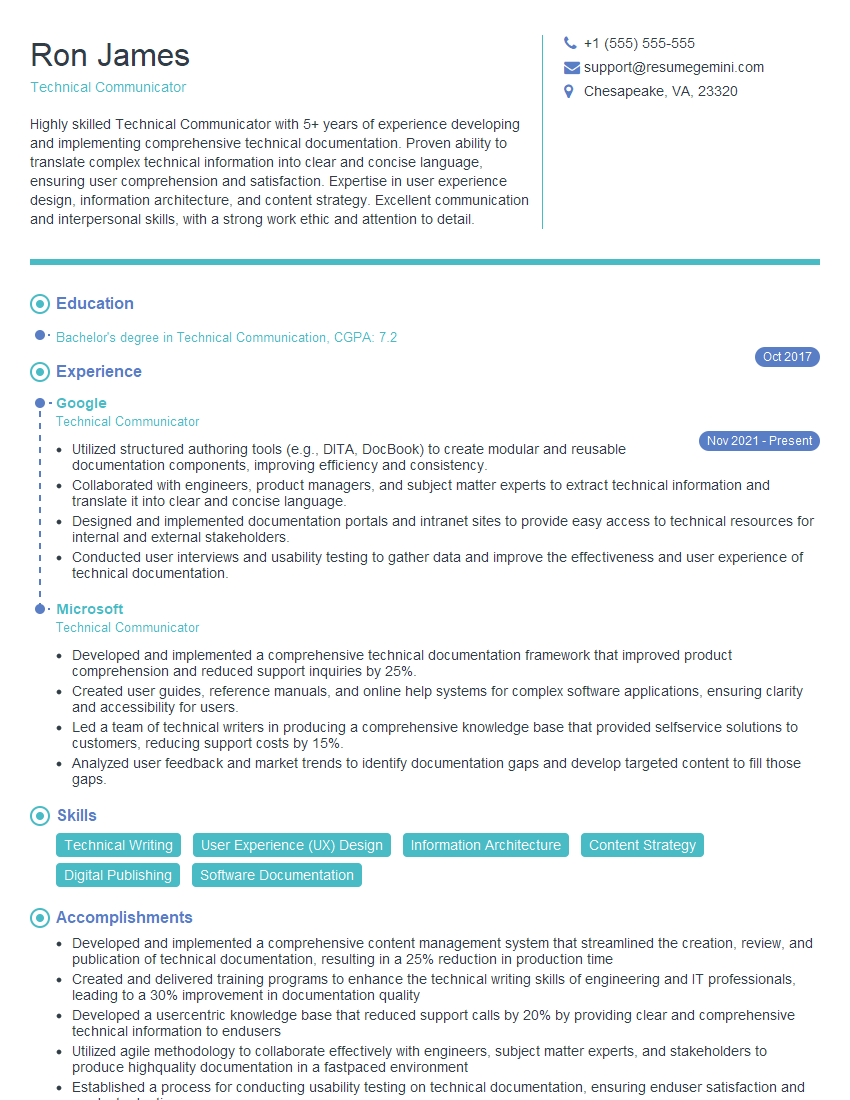
Technical Communicator Resume Sample

Technical Writer Resume Sample

Copywriter Resume Sample
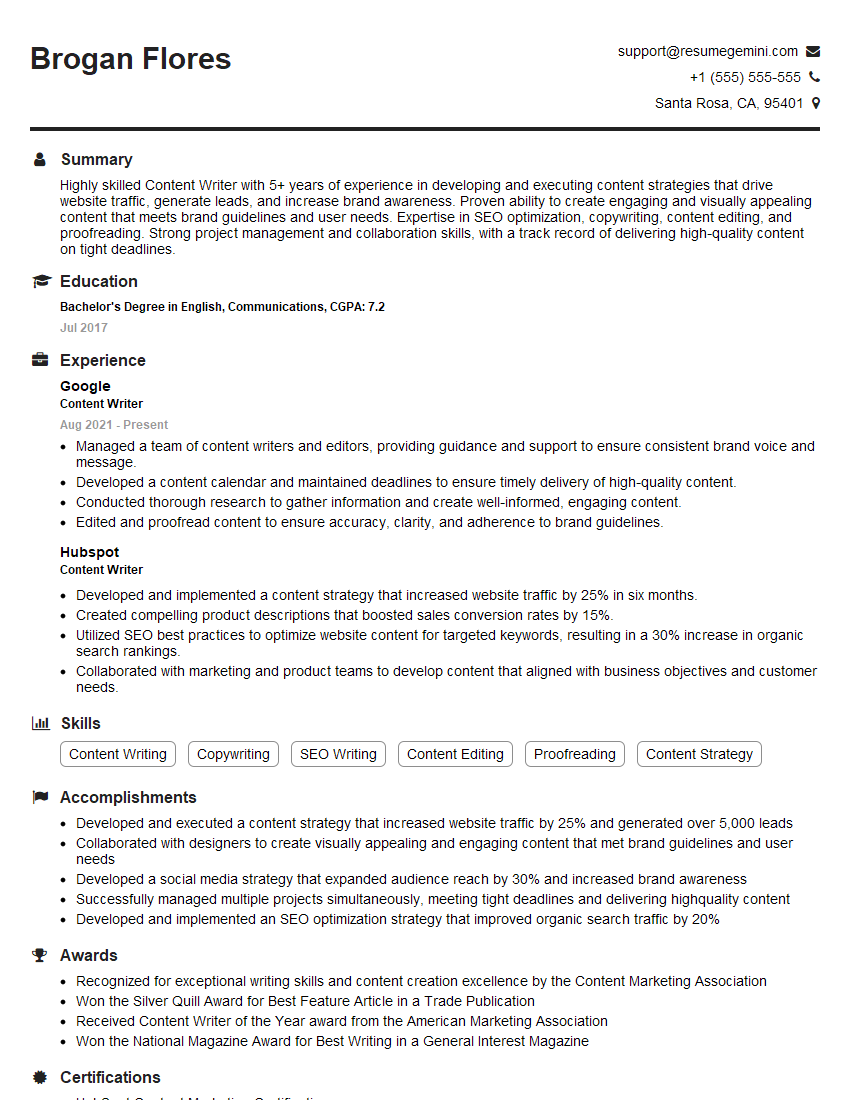
Content Writer Resume Sample
- Marketing Communications Specialist
- Communications Coordinator
- Communications Manager
- Public Affairs Specialist
- Project Manager
- Training Specialist
- Social Media Manager
- Grant Writer
- Information Architect
- Content Strategist
- Documentation Specialist
- Instructional Designer
- Editor
- Journalist
- Proofreader
- Medical Writer
- Proposal Writer
- Technical Communicator
- Technical Writer
- Copywriter
- Content Writer
Explore more articles
Users Rating of Our Blogs
Share Your Experience
We value your feedback! Please rate our content and share your thoughts (optional).
What Readers Say About Our Blog
Very informative content, great job.
good