Every successful interview starts with knowing what to expect. In this blog, we’ll take you through the top Strong understanding of color theory and image reproduction interview questions, breaking them down with expert tips to help you deliver impactful answers. Step into your next interview fully prepared and ready to succeed.
Questions Asked in Strong understanding of color theory and image reproduction Interview
Q 1. Explain the additive and subtractive color models.
Additive and subtractive color models describe how colors are created through light or pigment mixing. Think of it like this: additive is like shining colored lights together, while subtractive is like mixing paints.
Additive Color Model: This model is based on the principle of adding light of different wavelengths. The primary colors are red (R), green (G), and blue (B). When you combine them in various proportions, you can create a wide range of colors. Adding all three primary colors at full intensity results in white light. This is how our screens (monitors, TVs, phones) produce color – tiny RGB light sources illuminating pixels.
Example: If you shine a red light and a green light on a white surface, you get yellow.
Subtractive Color Model: This model describes how colors are created by subtracting wavelengths of light from white light using pigments or inks. The primary colors are cyan (C), magenta (M), and yellow (Y). These are the complements of RGB; cyan absorbs red, magenta absorbs green, and yellow absorbs blue. A fourth color, black (K), is often added (CMYK) to improve printing results and provide a deeper, richer black. Mixing all three primary colors subtractively results in a dark, muddy color, which is why black is often included.
Example: Mixing cyan and magenta paints results in blue.
Q 2. Describe the difference between RGB and CMYK color spaces.
RGB and CMYK are both color spaces, but they function differently and are used in distinct contexts. RGB is for light, CMYK for printing.
RGB (Red, Green, Blue): This is an additive color space used for electronic displays. Each color value ranges from 0 to 255 (or 0 to 1 in normalized form), representing the intensity of each color component. (0,0,0) is black, (255,255,255) is white. RGB is the standard for monitors, televisions, and digital cameras.
CMYK (Cyan, Magenta, Yellow, Key [Black]): This is a subtractive color space used in printing. It represents the amount of each ink required to reproduce a color on paper. Each value typically ranges from 0 to 100%. Unlike RGB, CMYK is limited by the inks and the printing process. A perfect CMYK reproduction of an RGB image is often challenging due to differences in gamut.
Key Difference: RGB deals with light emission, creating colors by adding light. CMYK works with light absorption by pigments, creating colors by subtracting light. This difference directly impacts how colors appear across different mediums.
Q 3. What is color gamut, and why is it important in image reproduction?
Color gamut refers to the range of colors a device or system can reproduce. It’s the total spectrum of colors available. Think of it as the color palette of your monitor or printer.
Importance in Image Reproduction: A larger color gamut means a device can reproduce a wider range of colors. If an image has colors outside the device’s gamut (out-of-gamut colors), those colors will be approximated or clipped, leading to color shifts and a less accurate representation of the original image. Understanding and managing color gamut is crucial for consistent color reproduction across different devices and workflows, ensuring your image looks the way you intend it to across different screens and prints.
Example: A high-end monitor with a wide color gamut will display a richer, more vibrant image than a standard monitor with a limited gamut. Similarly, different printers have varying gamuts, affecting how colors are printed.
Q 4. How does color profiling work?
Color profiling is the process of creating a description of a device’s color characteristics, such as a monitor, printer, or scanner. This description, stored in an ICC profile, allows the device to communicate its color capabilities to other devices and software.
Process: A color profile is created by measuring the device’s response to various color inputs. Specialized devices (spectrophotometers) measure the actual color output for a range of test colors. This data is then used to create a mathematical model (the ICC profile) that describes how the device maps input color data to its output. The profile compensates for the inherent inconsistencies of the device, allowing for greater color accuracy.
Application: By using profiles, software can transform colors to be compatible with the destination device. For instance, when sending an image to a printer, the software uses the printer’s profile to convert the image colors to ones that the printer can accurately produce. This ensures colors appear consistent across screens and printouts.
Q 5. Explain the concept of color temperature.
Color temperature is a measure of the relative redness or blueness of a light source, expressed in Kelvin (K). It describes the appearance of a light source, not the actual temperature of the source.
Explanation: A lower color temperature (e.g., 2000K) indicates a warmer, more reddish light, like a candle flame or incandescent bulb. A higher color temperature (e.g., 6500K) indicates a cooler, more bluish light, like sunlight at midday. This is because different temperatures of light emit different color spectrums.
Application: Color temperature is critical in photography, graphic design, and video production. Consistent color temperature is crucial for accurate color reproduction. White balance adjustments in cameras and photo editing software are used to correct for differences in color temperature from various light sources, ensuring that whites appear truly white and preventing color casts in images.
Q 6. What are ICC profiles and how are they used?
ICC (International Color Consortium) profiles are standardized files that describe the color characteristics of a specific device or color space. These profiles contain mathematical transformations that allow software and devices to translate color data accurately between different color spaces and devices.
How they are used: ICC profiles bridge the gap between different color representations. For example, an image created in RGB on a monitor might be printed using CMYK. The ICC profiles for the monitor and printer allow the image’s colors to be transformed accurately during the printing process, minimizing color discrepancies. They’re crucial for achieving consistent color across various stages of image production and reproduction.
Example: A photo edited on a calibrated monitor with its own ICC profile is sent to a print shop. The print shop uses its printer’s ICC profile to transform the image’s RGB data into the appropriate CMYK values for printing, resulting in a print that closely matches what’s seen on the screen.
Q 7. Describe different types of color separations.
Color separation is the process of dividing a full-color image into individual color channels, typically CMYK, for printing. Each channel represents a separate printing plate or film that prints one color component.
Types:
- CMYK Separation: The most common type, separating the image into cyan, magenta, yellow, and black plates. Each plate receives a filtered version of the original image, containing only that color component.
- Spot Color Separation: Used for specific colors that can’t be easily reproduced using CMYK, such as metallic inks or custom brand colors. These colors are pre-mixed and printed in addition to the CMYK plates.
- Duotone Separation: Creates an image using two colors, typically shades of a single color or two contrasting colors, offering a unique visual effect.
- Tritone Separation: Similar to duotone but uses three colors.
Application: Color separation is essential for offset printing, where separate plates are used to print each color onto the paper. The precise alignment of these plates is critical for accurate color reproduction. Digital printing often emulates this process through software.
Q 8. What is dot gain and how does it affect image reproduction?
Dot gain refers to the increase in the size of a printed dot compared to its size on the film or plate. Imagine you’re printing a tiny black dot; on the film it’s perfectly small, but on the printed paper, it spreads out, increasing its diameter. This happens because of the interaction between ink and paper fibers. The more the ink spreads, the greater the dot gain.
This affects image reproduction significantly because it leads to darker and less sharp images. A high dot gain will make your colors appear muddier and less vibrant, especially in the midtones. For example, a delicate light blue sky might appear much darker due to excessive dot gain. Conversely, low dot gain results in a lighter image which can cause loss of detail and contrast. Careful control over dot gain is crucial for accurate color reproduction and maintaining the visual integrity of the original image.
We control for dot gain using techniques like using specialized inks, adjusting the printing pressure, and employing color management profiles tailored to specific paper types. Accurate compensation for dot gain is a core aspect of achieving high-quality printing.
Q 9. How do you handle color inconsistencies between different devices?
Color inconsistencies across different devices (monitors, printers, etc.) stem from differences in their color spaces, gamut, and color profiles. Think of it like trying to match paint colors from different brands – even if the names are similar, the actual hues might vary. To handle this, we rely on color management systems (CMS).
The process involves creating and using ICC profiles – these are like digital fingerprints for each device, mapping its color capabilities. We then use software to translate colors between devices, ensuring that what you see on your screen is closely replicated in the final print. For instance, if I’m designing a poster on my calibrated monitor (with a specific profile), I’ll ensure my printer also has a profile and that my software converts the colors correctly for that specific printer and paper combination.
Furthermore, it’s crucial to use a standardized color space like sRGB or Adobe RGB as a bridge between devices. This prevents significant shifts in color during file transfer or conversion.
Q 10. Explain the concept of halftones and their role in print reproduction.
Halftones are the foundation of printing continuous-tone images (like photographs) using only dots of ink. Instead of having smooth color gradations, halftones create the illusion of gradual change by varying the size and density of dots. Imagine a magnified newspaper image – you’ll see tiny dots of black and white forming the image, creating shades of gray.
In print reproduction, halftones are essential because most printers can only lay down solid ink or no ink – they can’t mix inks seamlessly on a microscopic level. Halftones cleverly use this limitation to represent subtle color variations. The smaller the dots, the lighter the area; the larger and denser the dots, the darker the area. The process involves a sophisticated algorithm that converts continuous-tone images into halftone patterns, ready for the printing press. Different halftone screens (angles and frequencies) are used to prevent moiré patterns, unwanted interference patterns between overlapping screen angles.
Q 11. What are the different methods of color correction?
Color correction encompasses a broad range of techniques aimed at improving the accuracy, balance, and appearance of colors in an image. The most common methods include:
- Manual Adjustments: Using tools in image editing software to fine-tune individual color channels (red, green, blue) and control aspects like brightness, contrast, and saturation. This allows for localized adjustments, addressing specific problem areas within the image.
- Color Grading: A more holistic approach that uses curves and other tools to transform the overall color palette, creating a specific mood or style. It’s often used for stylistic purposes, creating a consistent look across multiple images or aligning them with a particular color scheme.
- Color Balancing: Correcting color casts (such as a yellowish or bluish tint) by adjusting the overall balance of the image, making it appear more natural and realistic.
- Profile-based Correction: Leveraging ICC profiles to transform colors from the source device’s color space to the target device’s color space. This helps maintain color accuracy across the entire workflow.
The choice of method depends on the specific issue and the desired outcome. Often, a combination of techniques is used to achieve optimal results.
Q 12. Describe your experience with color management software (e.g., Adobe Color, X-Rite i1Profiler).
I have extensive experience with both Adobe Color and X-Rite i1Profiler. Adobe Color is a great tool for creating and managing color palettes, ensuring consistency across a design project. I’ve used it to create and organize color libraries for various clients, particularly useful for branding projects where maintaining specific color codes is crucial.
X-Rite i1Profiler, on the other hand, is a powerful color calibration and profiling tool. I utilize it to calibrate monitors, printers, and scanners to ensure color accuracy across my workflow. This involves creating ICC profiles for each device and verifying their accuracy. For instance, before a major print job, I meticulously use i1Profiler to generate a profile for the specific paper and printer being employed, guaranteeing accurate color output. This ensures a high level of consistency between screen and print, eliminating surprises during production.
Q 13. How do you ensure color accuracy in print production?
Ensuring color accuracy in print production requires a multi-faceted approach starting from the design phase. It’s not just about pushing a print button; it’s about meticulous preparation and control throughout the workflow.
- Color Calibration: Calibrating all devices (monitors, printers, scanners) using a colorimeter like the X-Rite i1Display Pro and creating appropriate profiles using software like X-Rite i1Profiler.
- Color Space Management: Working in a consistent color space throughout the workflow, such as sRGB or Adobe RGB, converting only at the final output stage.
- Proofing: Creating soft proofs (on-screen simulations) and hard proofs (physical prints on the same paper and ink as the final product) to verify color accuracy before mass production.
- Communication: Maintaining clear communication between designers, prepress operators, and printers to ensure that everyone understands the required color specifications and standards.
- Quality Control: Regular checks and inspections at various stages to identify and address potential color deviations. Utilizing color targets and color bars during printing helps to evaluate consistency and make necessary adjustments.
This meticulous approach minimizes discrepancies and leads to a final product that accurately reflects the designer’s vision.
Q 14. Explain the concept of color space conversion.
Color space conversion is the process of translating color information from one color space to another. Think of it like translating a book from English to Spanish – you’re changing the representation, but the meaning (the image) should stay the same, though some nuances might get lost.
Different devices and applications use different color spaces. For example, an image edited in Adobe Photoshop (often in Adobe RGB) needs to be converted to sRGB for display on most web browsers. Each color space has a different gamut (the range of colors it can reproduce). If you try to convert a color outside the gamut of the target color space, the color will be approximated using the closest available color within that gamut. This might lead to some color shifts. Careful conversion requires understanding the limitations of each color space and employing suitable software tools with accurate color profiles to minimize errors. Color management software plays a vital role in handling these conversions accurately.
Q 15. What are the challenges of reproducing colors accurately across different media?
Accurately reproducing colors across different media is a significant challenge due to variations in how different devices and materials handle color. Think of it like trying to perfectly match a paint color from a small sample to a large wall – it’s rarely a perfect match.
Device Differences: Monitors use RGB (Red, Green, Blue) light emission, while printers use CMYK (Cyan, Magenta, Yellow, Key/Black) inks that reflect light. These color spaces are fundamentally different, leading to discrepancies. For instance, a vibrant blue on screen might appear duller in print because the CMYK color space has limitations in representing certain hues.
Material Variations: The type of paper (coated, uncoated), ink, and even the printing press itself influence how color is perceived. A color printed on glossy paper will appear different than on matte paper because of the light reflection.
Color Profiles: These are descriptions of a color space that aim to bridge the gap. However, they’re not always perfect, and an inaccurate or missing profile can result in significant color shifts. Imagine having a recipe without the correct measurements – the outcome will be unpredictable.
Ambient Lighting: Even the lighting conditions where the printed material is viewed can affect color perception. Natural sunlight can alter the appearance compared to indoor fluorescent lighting.
Career Expert Tips:
- Ace those interviews! Prepare effectively by reviewing the Top 50 Most Common Interview Questions on ResumeGemini.
- Navigate your job search with confidence! Explore a wide range of Career Tips on ResumeGemini. Learn about common challenges and recommendations to overcome them.
- Craft the perfect resume! Master the Art of Resume Writing with ResumeGemini’s guide. Showcase your unique qualifications and achievements effectively.
- Don’t miss out on holiday savings! Build your dream resume with ResumeGemini’s ATS optimized templates.
Q 16. How do you troubleshoot color issues in print?
Troubleshooting color issues in print requires a systematic approach. It’s like detective work, identifying the culprit among many potential suspects.
Identify the Discrepancy: Carefully compare the printed output to the source file on a calibrated monitor. Note the specific colors that are off, are they too dark, too light, or shifted in hue?
Check Color Profiles: Verify that the correct color profiles (for the monitor, the printer, and the print material) are embedded in the file and utilized throughout the workflow. Using the wrong profile is a common source of error.
Review Proofing Methods: Analyze the proofing method used (soft proof, hard proof). If soft proofing, was the monitor properly calibrated? If hard proofing, did the proof match the print specifications?
Examine the Print Settings: Review the printer’s settings, including ink levels, color management options, and paper type. Low ink levels can lead to muted colors.
Test Strips and Color Charts: Printing color test strips and charts is invaluable for identifying issues with the press or ink. A color chart will provide a reference point to quantify the color deviation.
Consider Ink and Paper: Investigate the quality of the ink and paper. Using substandard materials can dramatically impact the final color output. Poor quality paper may result in ink absorption issues.
Calibrate the Process: If the problem persists, a color calibration might be necessary for your monitor, printer, or even the entire printing press.
Q 17. What are your preferred methods for proofing?
My preferred proofing methods involve a multi-layered approach to ensure accuracy. I believe in redundancy to catch any errors.
Soft Proofing: I always start with soft proofing using a calibrated monitor with a color management system. This is a quick and cost-effective way to check for major color discrepancies before printing.
Hard Proofing: I use high-quality hard proofs, preferably on the same paper and with the same inks as the final print. This allows me to visually assess the color more accurately.
Digital Proofs: For projects requiring absolute color precision, I rely on digital proofs that are generated from the print’s color specifications. It is essential for critical applications like packaging.
The combination of these methods significantly reduces the risk of costly color errors during the actual print run.
Q 18. Describe your experience with different printing techniques (e.g., offset, digital).
I have extensive experience with both offset and digital printing techniques, understanding their strengths and limitations regarding color reproduction.
Offset Printing: Offset offers superior color consistency and vibrancy, particularly for large print runs. The precise control over ink application and the use of specialized inks allow for accurate color reproduction. However, setup costs can be high, making it less suitable for small print jobs.
Digital Printing: Digital printing excels in its speed and flexibility, making it ideal for shorter runs and personalized projects. It’s great for quick turnarounds and variable data printing. However, the color consistency can be less predictable compared to offset, and there might be subtle variations depending on the printer and media.
Choosing the right technique depends on the project’s requirements, budget, and quantity. My approach involves assessing these factors to optimize the color reproduction for the selected method.
Q 19. Explain the importance of managing color throughout the design and production process.
Managing color throughout the design and production process is paramount to achieve a consistent and accurate final product. Think of it like building a house; if the foundation (color management) is weak, the entire structure (final product) will suffer.
Color Consistency: Maintaining color consistency from design to print ensures that the final product matches the client’s vision and expectations. It saves time and avoids costly reprints.
Cost Savings: Proper color management can minimize waste and reduce the need for reprints due to color discrepancies. This is crucial for larger projects.
Brand Identity: Consistent color reproduction is essential to maintain brand identity and recognition. Inconsistent colors may negatively affect brand perception.
A robust color management workflow involves defining a color space early, using calibrated monitors, and maintaining consistent profiles throughout the production chain.
Q 20. What is the difference between spot and process colors?
Spot and process colors represent distinct approaches to color reproduction in printing. Understanding the difference is fundamental.
Spot Colors (Pantone): These are premixed inks with specific formulations, identified by a unique Pantone number. Think of them like custom paint mixes. They provide very accurate color consistency across different printing runs and printers, but they limit the color gamut and can be costly, particularly when several spot colors are used.
Process Colors (CMYK): These are the four primary inks (Cyan, Magenta, Yellow, and Black) used in most printing processes. They are mixed to create a wide range of colors, providing flexibility in achieving a broad color spectrum, but precise color matching can be challenging across different printers and papers.
The choice between spot and process colors depends on the project’s requirements. Spot colors are best for critical color accuracy, while process colors are more economical and suitable for projects where less precision is needed.
Q 21. How do you evaluate the quality of a printed image?
Evaluating the quality of a printed image requires a keen eye and an understanding of color reproduction principles.
Color Accuracy: Compare the print against a reference (e.g., soft proof, color chart) to assess how well the colors match the intended values. Look for any color shifts or inconsistencies.
Sharpness and Resolution: Examine the sharpness of details and text. Blurred or pixelated areas indicate problems with the resolution or printing process.
Dot Gain: Assess the spread of ink dots. Excessive dot gain can cause muddy colors. The dot gain needs to be consistent across the image for uniform color saturation.
Color Consistency: Look for consistent color across the entire image. Variations in color can result from poor calibration, ink issues, or problems with the printing press.
I utilize a variety of tools and techniques like colorimeters and spectrophotometers to perform quantitative evaluations of printed color accuracy for rigorous assessments. I also rely on my experience to make subjective judgment calls on the visual appeal of the print.
Q 22. How do you ensure color consistency across various platforms (e.g., web, print)?
Ensuring color consistency across different platforms like web and print is crucial for maintaining brand identity and visual appeal. It involves understanding the different color spaces and reproduction methods each platform uses. The key is to manage the color profile throughout the workflow.
- Color Space Management: Using a consistent color space, such as sRGB for web and CMYK for print, is the foundation. However, simply converting between spaces isn’t sufficient; you must also understand the limitations of each space and account for potential shifts.
- Profile Embedding: Embedding color profiles (e.g., ICC profiles) in image files ensures that the intended colors are interpreted correctly by different devices and software. This acts like a translator, explaining to the output device how the colors should be rendered.
- Proofing and Calibration: Soft proofing (simulating the final output on screen) and color calibration of monitors and printers are essential for visualizing and achieving accurate color reproduction. A calibrated monitor ensures what you see on screen is close to what will be printed.
- Communication and Collaboration: Effective communication with designers, printers, and developers is vital. Clear specifications, color references (e.g., Pantone swatches), and consistent terminology avoid misunderstandings.
For example, a corporate logo designed in RGB for a website should be carefully converted to CMYK for print, considering the potential for color shifts during the conversion process, using soft proofing to verify the result. A Pantone matching system may also be used to guarantee exact color matching.
Q 23. Describe your experience with colorimetric measurements and instruments.
I have extensive experience using colorimetric measurement instruments like spectrophotometers and densitometers. These devices quantify color, providing objective measurements vital for color management and quality control.
Spectrophotometers measure the spectral reflectance or transmittance of a surface or material, providing detailed data that can be used to create accurate color profiles. I’ve used them extensively for calibrating monitors, profiling printers, and verifying the color accuracy of printed materials, including packaging and marketing collateral.
Densitometers, while less detailed, measure the density of ink on printed surfaces. They’re useful for assessing the tonal range and uniformity of prints and for troubleshooting issues like ink density variations. I’ve employed these to monitor the consistency of print jobs and ensure that colors are within the specified tolerances.
My experience includes working with various software packages that analyze the data from these instruments, allowing me to create custom ICC profiles, identify color discrepancies, and generate reports for clients detailing the color accuracy of their work.
Q 24. How would you handle a client who requests an unrealistic color reproduction?
Handling a client requesting an unrealistic color reproduction requires a delicate balance of understanding, education, and practical solutions. The approach is to manage expectations without alienating the client.
- Educate: Explain the limitations of the chosen medium or process. For example, some colors may be impossible to reproduce accurately in print due to the CMYK color model’s limitations compared to RGB. I’d explain the underlying color science involved, using clear, non-technical terms. I might show them examples of similar projects with comparable color challenges and achievable outcomes.
- Offer Alternatives: Suggest alternative colors that are within the reproducible gamut, maintaining the overall aesthetic as much as possible. Perhaps a slight shift in hue or saturation can achieve a very similar visual impact.
- Visualize: Create mock-ups showcasing the differences between the client’s requested color and what is achievable. This allows the client to visually understand the limitations.
- Compromise: Collaborate with the client to find a mutually acceptable compromise. The goal is to achieve a result that satisfies the client while remaining technically feasible.
- Document: Maintain detailed records of the communication, the original request, the proposed alternatives, and the final agreement. This ensures transparency and avoids future misunderstandings.
For instance, if a client requests a fluorescent pink that cannot be printed accurately, I would show them the closest achievable shade, highlighting its superior quality and maintainability across various applications.
Q 25. Explain your understanding of color perception and its impact on image reproduction.
Color perception is subjective and significantly impacts image reproduction. What one person perceives as a vibrant blue, another might see as a slightly different shade. Understanding this is crucial for achieving visually appealing results. Several factors influence color perception:
- Individual Variations: People have different sensitivities to different wavelengths of light, leading to variations in color perception. Age and gender can also play a role.
- Surrounding Colors: The colors surrounding a particular color can influence its perceived hue and saturation (simultaneous contrast). A blue square appears different against a yellow background compared to a grey one.
- Lighting Conditions: Different light sources emit varying spectral distributions. The same color may appear different under incandescent lighting than under daylight.
- Adaptation: Our eyes adapt to different lighting conditions, leading to changes in color perception. This is why colors look slightly different when viewed outdoors versus indoors.
In image reproduction, we aim to account for these factors to deliver images that are visually pleasing and accurately represent the intended colors, under a predefined viewing condition. This often involves calibrating monitors, using standardized lighting for proofing, and understanding the target audience’s likely viewing conditions.
Q 26. What are some common color-related issues in digital imaging, and how would you address them?
Common color-related issues in digital imaging include:
- Color Casts: An unwanted color tint affecting the entire image, often due to incorrect white balance or lighting conditions. It can be addressed through white balance adjustment in post-processing software.
- Color banding: Visible steps or bands of color in areas of smooth gradients, often caused by insufficient color depth. Using a higher bit depth during image acquisition or using dithering techniques can resolve this.
- Color Gamut issues: Colors outside the reproducible gamut of a specific output device result in clipped or inaccurate colors. This requires careful color space conversion and management.
- Inconsistent color profiles: Using different color profiles across software and devices results in color mismatch. Consistent color profile management is the solution.
- Metamerism: Two colors that appear identical under one light source might look different under another (explained in detail below).
Addressing these involves using appropriate software tools, employing color management workflows, and using calibrated devices.
Q 27. Describe your familiarity with different file formats and their impact on color.
Different file formats handle color differently, impacting the final output quality and file size.
- JPEG: A lossy format that compresses image data, potentially leading to color degradation. It’s suitable for web use where file size is important but not for archival purposes or critical color accuracy.
- TIFF: A lossless format that preserves image data without compression, ensuring high color fidelity. It’s better for archival purposes and situations where color accuracy is paramount but results in larger file sizes.
- PNG: A lossless format suitable for images with sharp lines and text. It supports indexed colors (suitable for simple images with limited color palettes) and true color. It’s a good choice for web graphics where transparency is needed.
- RAW: Camera raw formats (like CR2, NEF, ARW) capture unprocessed image data from the sensor, offering maximum flexibility in post-processing and color correction. However, they require specialized software to view and edit.
Choosing the right format depends on the intended use and the required level of color accuracy. For critical color work, lossless formats like TIFF or RAW are preferred. For web use, JPEG or PNG are more common choices.
Q 28. Explain the concept of metamerism and its relevance to color matching.
Metamerism refers to the phenomenon where two colors appear identical under one light source but different under another. This is because the spectral power distributions of the two colors are different, even though they stimulate the same color perception under specific lighting.
Imagine two fabrics: one dyed with pigments that primarily reflect in the green region and another that combines blue and yellow dyes, both appearing green under typical indoor lighting. However, under daylight, the green hues may differ considerably because the proportions of blue and yellow light in daylight may shift the perceived color of one fabric more than the other.
Metamerism is highly relevant to color matching because it highlights the importance of specifying both the color and the lighting conditions when defining color standards. What looks like a perfect match in your studio might appear completely different in a client’s showroom with different lighting. Therefore, controlled viewing conditions and careful color profiling are vital in ensuring consistency.
Key Topics to Learn for Strong Understanding of Color Theory and Image Reproduction Interviews
- Color Models: Understanding RGB, CMYK, LAB, and their respective applications in different contexts (print vs. screen). Be prepared to discuss the limitations and advantages of each.
- Color Perception and Psychology: Explore how color impacts human perception, emotion, and brand identity. Consider examples of effective (and ineffective) color choices in design.
- Image Resolution and File Formats: Discuss the implications of different resolutions (DPI, PPI) and file formats (JPEG, PNG, TIFF) on image quality and file size. Be ready to explain the trade-offs involved.
- Color Management Systems (CMS): Understand the role of ICC profiles and color management workflows in ensuring accurate color reproduction across different devices and output methods.
- Digital Image Editing Techniques: Be prepared to discuss common editing techniques like color correction, color grading, and image retouching. Consider how these techniques affect the final output.
- Print Reproduction Processes: Familiarity with various printing methods (offset, digital, etc.) and their impact on color accuracy is essential. Discuss potential challenges and solutions related to color matching.
- Troubleshooting Color Issues: Develop your ability to diagnose and solve common problems related to color inaccuracies, banding, or other image reproduction issues.
Next Steps
Mastering color theory and image reproduction is crucial for career advancement in design, pre-press, and related fields. A strong understanding of these concepts will significantly enhance your problem-solving skills and demonstrate a high level of technical expertise to potential employers. To increase your chances of landing your dream job, creating an ATS-friendly resume is paramount. ResumeGemini is a trusted resource that can help you build a professional and effective resume tailored to showcase your skills and experience. Examples of resumes tailored to highlight a strong understanding of color theory and image reproduction are available through ResumeGemini to help guide you.

Print Production Manager Resume Sample

Art Director Resume Sample

Web Designer Resume Sample

Multimedia Specialist Resume Sample

Graphic Designer Resume Sample

Packaging Designer Resume Sample

Production Artist Resume Sample
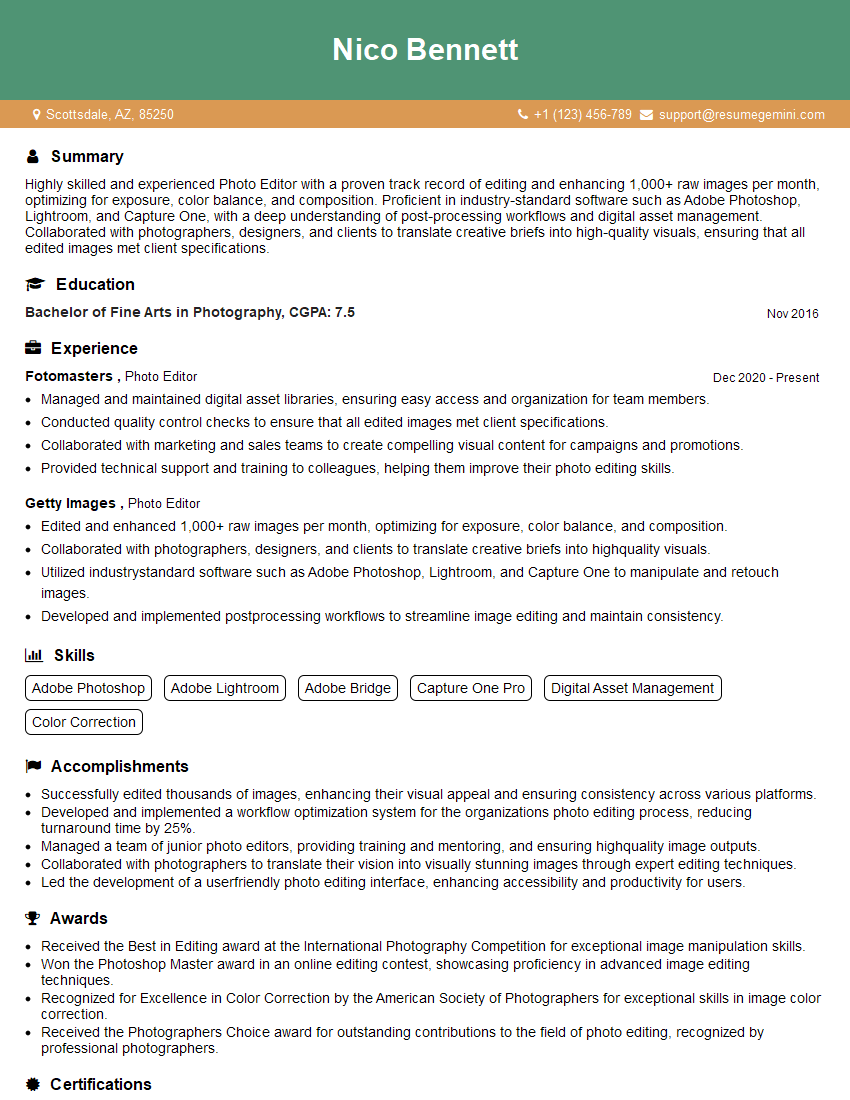
Photo Editor Resume Sample
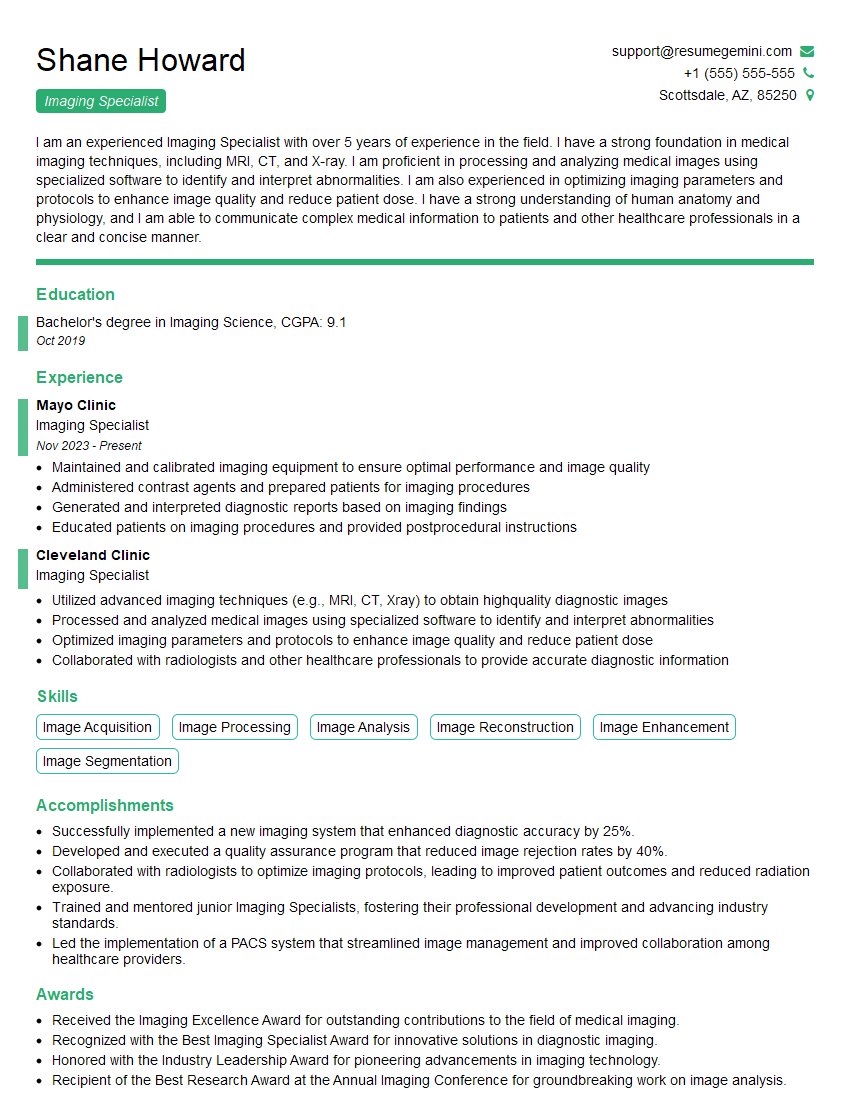
Imaging Specialist Resume Sample

Prepress Technician Resume Sample

Offset Press Operator Resume Sample
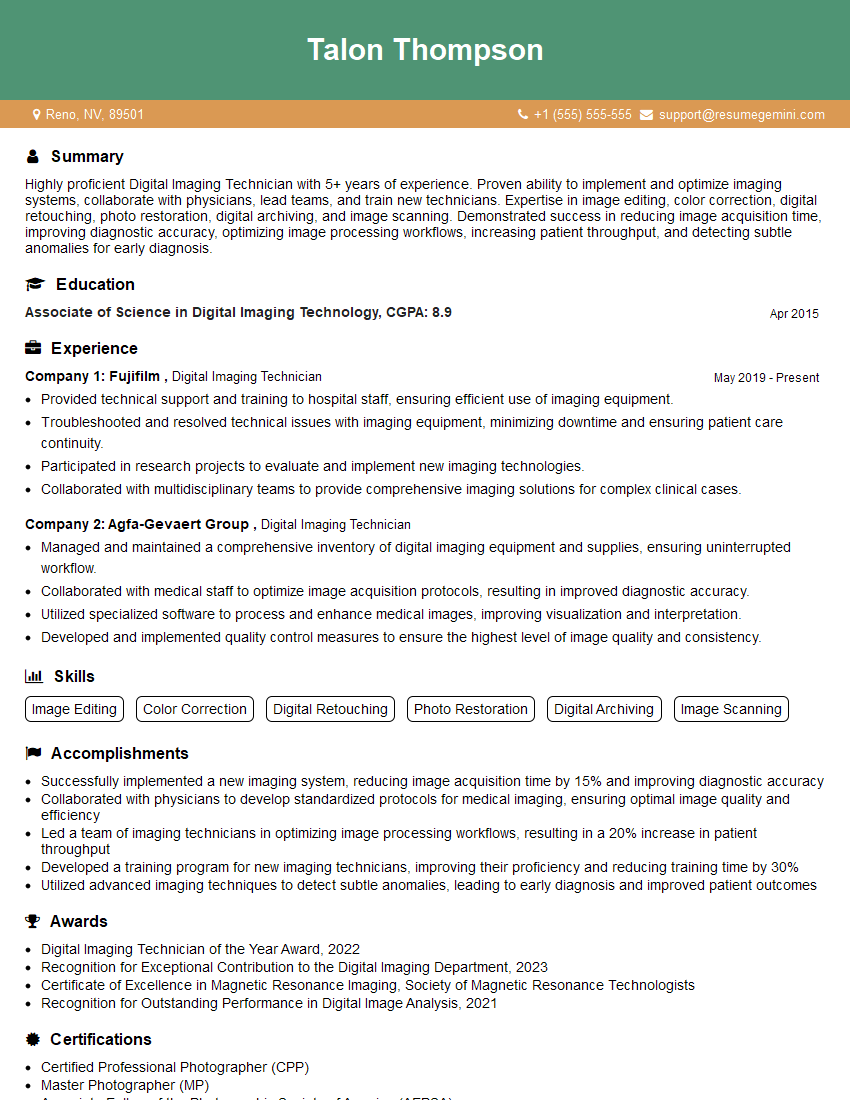
Digital Imaging Technician Resume Sample

Print Finisher Resume Sample
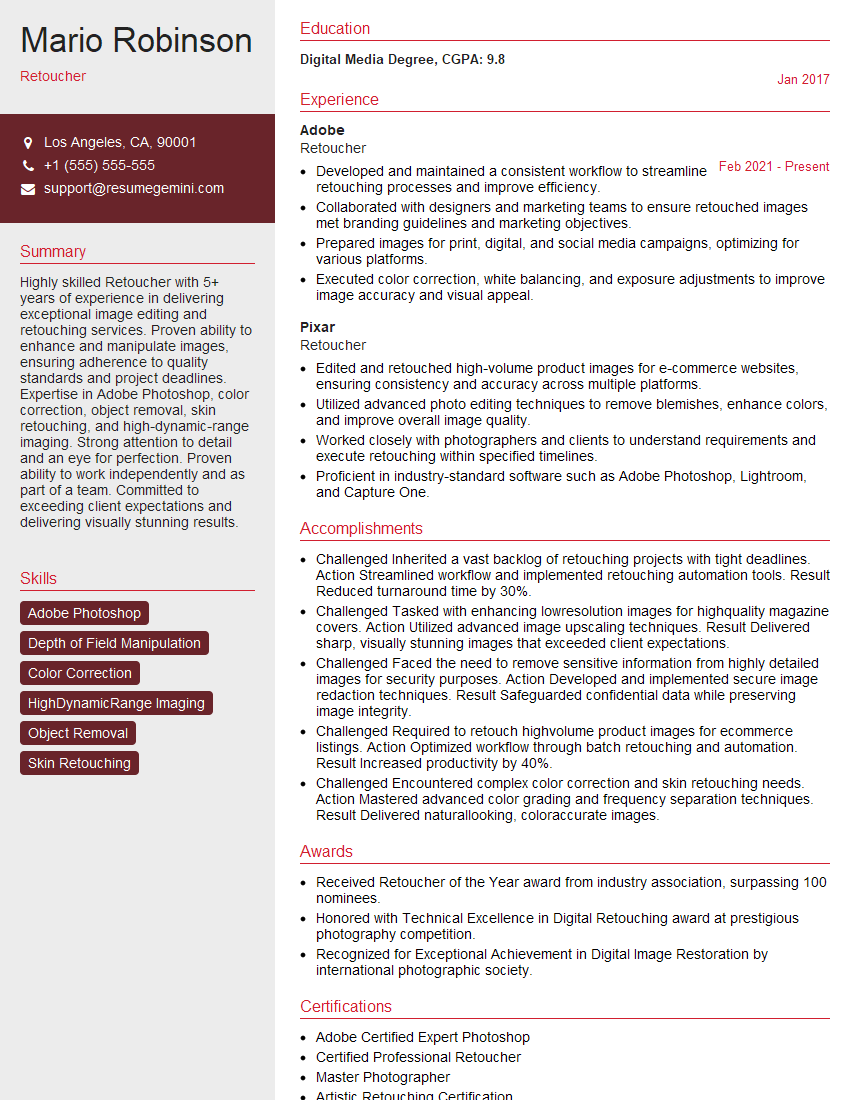
Retoucher Resume Sample
Explore more articles
Users Rating of Our Blogs
Share Your Experience
We value your feedback! Please rate our content and share your thoughts (optional).
What Readers Say About Our Blog
Very informative content, great job.
good