Preparation is the key to success in any interview. In this post, we’ll explore crucial Studio Design and Layout interview questions and equip you with strategies to craft impactful answers. Whether you’re a beginner or a pro, these tips will elevate your preparation.
Questions Asked in Studio Design and Layout Interview
Q 1. Explain your experience with Adobe InDesign.
My experience with Adobe InDesign is extensive, spanning over eight years. I’ve used it for a wide variety of projects, from designing annual reports and marketing brochures to crafting complex multi-page books and interactive documents. I’m proficient in all aspects of the software, including master pages, styles, tables, image placement and editing, text wrapping, and advanced typography. I’m comfortable working with both print and digital media, ensuring consistent output across platforms. For example, I recently designed a 32-page magazine using InDesign, meticulously managing the layout, typography, and image assets to achieve a professional and visually appealing result. My understanding extends to using InDesign’s scripting capabilities for automation, which significantly increased efficiency on a recent large-scale project involving hundreds of pages.
Q 2. Describe your workflow for designing a multi-page brochure.
My workflow for designing a multi-page brochure is highly structured and iterative. It begins with a thorough understanding of the client’s objectives and target audience.
- Concept & Planning: I start by creating a detailed outline, defining the content for each page and planning the visual flow. This might involve creating mood boards and sketching rough layouts.
- Content Gathering & Editing: I work closely with the client to gather all necessary text and imagery, ensuring high-quality visuals and well-written copy. This stage often involves editing and refining the content to suit the design.
- Design & Layout: Using InDesign, I create master pages to establish consistent branding and formatting across all pages. I then build each page, carefully placing text and images, paying close attention to typography, white space, and visual hierarchy. I meticulously utilize InDesign’s style capabilities to maintain consistency.
- Review & Revisions: I present the design to the client for feedback and incorporate revisions, often iterating several times until the final design is approved.
- Pre-press & Export: Finally, I prepare the files for print, ensuring accurate color profiles, appropriate resolution, and correct bleed and trim marks.
This systematic approach ensures a high-quality, consistent, and effective brochure that meets the client’s needs. For instance, on a recent tourism brochure project, this workflow allowed for seamless integration of stunning imagery and informative text, leading to a visually striking and informative piece.
Q 3. How do you ensure design consistency across multiple projects?
Maintaining design consistency across multiple projects is crucial for building a strong brand identity. I achieve this through several key strategies:
- Style Guides: I develop comprehensive style guides for each client, documenting brand colors, fonts, logos, and image styles. This serves as a central reference point for all design assets.
- Master Templates: In InDesign, I create master templates that incorporate the style guide elements. This ensures consistent formatting and branding across all pages of a project.
- Component Libraries: I utilize InDesign’s component libraries to store and reuse commonly used design elements, guaranteeing consistency in the use of buttons, icons, and other graphical elements.
- Centralized Asset Management: All design assets, including images and logos, are stored in a centralized location, ensuring access to updated and consistent versions.
For instance, when working on a series of marketing materials for a client, I created a style guide that included specific color palettes, font families, and image guidelines. Using this, I ensured the materials all maintained a consistent look and feel, bolstering the company’s brand.
Q 4. What software are you proficient in for image editing and manipulation?
Beyond InDesign, I’m highly proficient in Adobe Photoshop and Adobe Illustrator. Photoshop is my go-to for detailed image editing, retouching, and manipulation, while Illustrator is indispensable for creating vector graphics, logos, and illustrations. I use these tools in tandem with InDesign to achieve a seamless workflow, with Photoshop used for enhancing images and Illustrator for creating scalable assets. For example, I recently used Photoshop to retouch product photography for an e-commerce website, enhancing the images and ensuring they met the high quality standards needed for online retail.
Q 5. Explain your process for creating effective visual hierarchies.
Creating effective visual hierarchies is key to guiding the viewer’s eye through a design. I achieve this using a combination of techniques:
- Size and Scale: Larger elements naturally draw more attention than smaller ones. I use this to emphasize key information.
- Contrast: Color contrast, such as using a bright color against a dark background, is a powerful tool to attract attention.
- Placement: Strategic placement of elements, such as placing important information in the top left corner, can direct the viewer’s gaze.
- Typography: Using bold fonts, larger font sizes, or different font styles can prioritize certain text over others.
- White Space: Strategic use of white space can create visual breathing room, allowing important elements to stand out.
Consider a website homepage: The main headline would be the largest and most prominent element, followed by subheadings and then body text. This graduated size and strategic placement create a natural visual hierarchy, making the site easy to navigate and understand.
Q 6. How do you handle design feedback and incorporate revisions?
Handling design feedback is a crucial aspect of the design process. I approach it systematically:
- Active Listening: I carefully listen to the client’s feedback, asking clarifying questions to ensure complete understanding.
- Documentation: I document all feedback and revisions to maintain a clear record of changes.
- Iterative Revisions: I incorporate revisions iteratively, presenting updated designs for review at each stage. This ensures that both the client and I are on the same page.
- Justification: When necessary, I justify design decisions based on design principles and best practices.
Recently, a client requested a significant change to a brochure layout. Instead of simply implementing the change, I presented alternative solutions that addressed their concerns while maintaining the overall design integrity. This collaborative approach resulted in a better final product that satisfied both the client and my design goals.
Q 7. Describe your experience with print production processes.
My experience with print production processes is comprehensive. I understand the importance of preparing files for print, including:
- Color Management: I ensure accurate color profiles (CMYK) and manage color consistency throughout the process.
- Resolution: I work with high-resolution images to avoid pixelation or blurry output.
- Bleed and Trim Marks: I correctly set up bleed and trim marks to ensure proper printing and cutting.
- File Formats: I prepare files in the appropriate formats (PDF/X-1a) for optimal print compatibility.
- Communication with Printers: I maintain clear communication with printers, providing them with all necessary information and ensuring that the final output meets expectations.
I’ve worked with various printers and understand the nuances of different printing techniques, such as offset and digital printing, allowing me to make informed decisions about file preparation based on the project requirements.
Q 8. How do you optimize images for web and print?
Optimizing images for web and print involves different strategies due to the varying display methods and resolutions. For web, the goal is to reduce file size without compromising visual quality to ensure fast loading times. For print, the focus shifts to achieving high-resolution output for crisp, detailed images.
- Web Optimization: I use tools like Adobe Photoshop and ImageOptim to compress images without significant loss of quality. I often convert images to web-friendly formats like WebP, which offers superior compression compared to JPEG or PNG. I also carefully consider image dimensions, scaling images down to the actual size needed on the website rather than uploading oversized files. For example, instead of uploading a 3000px wide image for a 500px wide section, I’d resize it beforehand.
- Print Optimization: Print requires higher resolutions (typically 300 DPI or more) for sharp output. I ensure images are saved in CMYK color space instead of RGB, which is designed for screens. Using Photoshop’s ‘Save for Web (Legacy)’ function with high quality settings is generally appropriate, though specialized print settings may be necessary depending on the printer. The file format choice will depend on the printer’s specifications, but often TIFF or high-resolution JPEGs are used.
Careful consideration of file size and resolution is crucial in both instances, ensuring a balance between quality and efficiency. It’s a constant juggling act, prioritizing the needs of each platform while maintaining visual consistency where possible.
Q 9. What are your preferred methods for creating mockups and prototypes?
I utilize a combination of tools and techniques for creating mockups and prototypes, adapting my approach based on the project’s complexity and scope.
- Low-fidelity prototypes: For quick concept exploration, I often sketch on paper and then scan or photograph them, bringing them into Figma or Adobe XD for basic digital adjustments. This allows for rapid iteration and feedback in the early stages.
- High-fidelity mockups: Once the design concept is solidified, I employ tools like Figma, Adobe XD, or Sketch to create high-fidelity mockups. These tools allow me to incorporate realistic typography, imagery, and interactive elements, providing a closer representation of the final product. I also sometimes use tools like Principle for more complex animations and micro-interactions.
- Prototyping tools: Figma and Adobe XD both have excellent built-in prototyping features. This allows me to connect screens and simulate user interactions to test the flow and functionality before development begins. In more advanced cases, I might use dedicated prototyping tools like InVision or Axure for more robust interactive experiences.
The choice of method depends heavily on the project’s requirements and deadlines. Quick iterations need low-fidelity mockups; advanced interactions need more sophisticated tools and processes.
Q 10. How do you ensure designs are accessible to people with disabilities?
Accessibility is paramount in my design process. I adhere to WCAG (Web Content Accessibility Guidelines) to create inclusive designs usable by everyone, regardless of disability.
- Alternative text for images: Each image should have descriptive alt text, conveying its meaning for screen readers. This allows visually impaired users to understand the content of the image.
- Sufficient color contrast: I use tools to check contrast ratios between text and background colors, ensuring they meet WCAG standards. This is crucial for users with low vision.
- Keyboard navigation: All interactive elements must be accessible via keyboard navigation, avoiding reliance solely on a mouse.
- Clear and concise language: I avoid jargon and ensure all text is easy to understand. This benefits everyone, but it’s particularly crucial for users with cognitive disabilities.
- Semantic HTML: I prioritize semantically correct HTML, using appropriate heading tags, lists, and other structural elements. This is crucial for screen readers to understand the content’s hierarchy.
Regularly testing the design with assistive technologies like screen readers is essential. This real-world testing provides valuable feedback and ensures the design works effectively for all users. I view accessibility not just as a compliance issue, but as a moral imperative to create inclusive digital spaces.
Q 11. Describe your understanding of typography and its impact on design.
Typography is more than just choosing fonts; it’s a powerful tool that conveys meaning, evokes emotions, and significantly impacts the overall design’s effectiveness. A well-chosen typeface contributes significantly to readability, branding, and the overall aesthetic appeal.
- Readability: I carefully consider factors like font size, line height, kerning, and tracking to ensure text is easy to read. Legibility varies between fonts – serif fonts are often preferred for body text, while sans-serif fonts are frequently used for headings.
- Branding: Typography plays a crucial role in establishing a brand’s identity. The font choice can reflect a brand’s personality – a playful script font might suit a children’s brand, while a bold sans-serif might fit a tech company.
- Hierarchy and Emphasis: Varying font sizes, weights, styles (italic, bold), and colors creates visual hierarchy. This directs the reader’s attention to important elements and improves the overall flow of information.
For instance, I might use a larger, bolder font for headings to draw attention, followed by a more legible body font for ease of reading. The interplay of these choices profoundly affects user experience, and I believe that a designer’s typographic choices are a key component in achieving overall design success.
Q 12. How do you manage your time and prioritize tasks in a fast-paced environment?
Managing time effectively in a fast-paced environment requires a structured approach. I use several strategies to prioritize tasks and meet deadlines.
- Project Management Tools: I utilize tools like Asana or Trello to manage projects, break down larger tasks into smaller, manageable subtasks, set deadlines, and track progress. This allows for transparency and better collaboration with team members.
- Prioritization Matrices: I employ techniques like Eisenhower Matrix (urgent/important) to prioritize tasks, focusing on high-impact activities first. This ensures that crucial tasks get completed before less important ones.
- Time Blocking: I allocate specific time blocks for particular tasks, minimizing distractions during those periods. This dedicated focus increases productivity and helps avoid task switching.
- Regular Review and Adjustment: I regularly review my schedule and adjust priorities as needed, adapting to unforeseen challenges or changes in project scope. Flexibility is key in a fast-paced environment.
Proactive planning and consistent monitoring of progress are crucial. It is about being adaptable, but also rigorous, in prioritizing work and ensuring deadlines are consistently met.
Q 13. Explain your experience with color theory and its application in design.
Color theory is fundamental to effective design. My understanding encompasses the color wheel, color harmonies, and the psychological impact of colors on users.
- Color Wheel and Harmonies: I leverage the color wheel to create visually appealing color palettes, employing harmonies like complementary, analogous, triadic, and split-complementary. Understanding color relationships is crucial for creating balanced and harmonious designs.
- Color Psychology: I am aware of the psychological impact of color. For example, blue often evokes feelings of calmness and trust, while red can signify excitement or urgency. This understanding guides my color choices to reflect the desired mood and message of the design.
- Accessibility: Color choice is also directly relevant to accessibility. Sufficient contrast between foreground and background colors is critical for readability, and I ensure these choices comply with accessibility standards.
For example, in designing a website for a calming spa, I’d likely use a palette of soothing blues and greens. Conversely, a website for a gaming company might feature vibrant, high-energy colors. The color choices should always support the overall design goal and target audience.
Q 14. Describe a time you had to solve a complex design challenge.
I was once tasked with designing a website for a non-profit organization with limited resources. Their existing website was outdated, visually unappealing, and difficult to navigate. They needed a modern, user-friendly website that could effectively communicate their mission and attract donations. The challenge lay in achieving a high-quality design within a tight budget and time constraint.
My approach involved:
- Prioritization: I focused on essential features, such as a clear call-to-action for donations and easy access to information about their programs. Less important elements were deferred to future phases.
- Cost-effective solutions: I used free and open-source tools wherever possible and sourced royalty-free images to keep costs down. I also developed a modular design that allowed for easy future expansion.
- Iterative design: I presented the design in stages, incorporating feedback from the client at each step. This iterative approach ensured the final product aligned perfectly with their needs and budget.
The result was a clean, modern website that effectively conveyed the organization’s mission and significantly improved its online presence. This experience reinforced the importance of resourceful design and creative problem-solving within budgetary limitations.
Q 15. How do you stay current with design trends and technologies?
Staying current in the ever-evolving world of design requires a multi-pronged approach. It’s not just about chasing the latest trends, but understanding the underlying principles that drive them. I actively engage in several strategies:
Following industry publications and blogs: I regularly read publications like AIGA Eye on Design, Smashing Magazine, and UX Collective, keeping abreast of the newest design trends and best practices.
Attending conferences and workshops: Conferences like Adobe MAX and Interaction Design Foundation workshops provide invaluable networking opportunities and exposure to cutting-edge technologies and methodologies. Recently, I attended a workshop on generative design, significantly enhancing my skills.
Engaging with online communities: Participating in forums like Dribbble and Behance allows me to see what other designers are working on, gain inspiration, and learn from their feedback.
Experimenting with new tools and techniques: I dedicate time to explore new software and design tools. For instance, I recently integrated Figma’s collaborative features into my workflow, significantly improving team efficiency.
Continuous learning: I actively pursue online courses on platforms like Coursera and Udemy to upskill myself in areas like UI/UX design, motion graphics, and accessibility best practices. This proactive approach ensures I’m always learning and improving.
Career Expert Tips:
- Ace those interviews! Prepare effectively by reviewing the Top 50 Most Common Interview Questions on ResumeGemini.
- Navigate your job search with confidence! Explore a wide range of Career Tips on ResumeGemini. Learn about common challenges and recommendations to overcome them.
- Craft the perfect resume! Master the Art of Resume Writing with ResumeGemini’s guide. Showcase your unique qualifications and achievements effectively.
- Don’t miss out on holiday savings! Build your dream resume with ResumeGemini’s ATS optimized templates.
Q 16. What is your experience with responsive design and cross-platform compatibility?
Responsive design and cross-platform compatibility are fundamental to my design process. I approach this by prioritizing:
Fluid grids and flexible layouts: I utilize flexible grid systems that adapt seamlessly to different screen sizes. Rather than fixed pixel widths, I employ percentages and viewport units (vw, vh) to ensure elements scale proportionately.
Media queries: I leverage CSS media queries to apply specific styles based on screen size, orientation, and device capabilities. For example,
@media (max-width: 768px) { /* styles for smaller screens */ }allows me to tailor the layout for tablets and mobile devices.Mobile-first approach: Often, I start by designing for the smallest screen size first, ensuring core functionality and content are accessible on all devices. Then, I progressively enhance the design for larger screens.
Cross-browser testing: Thorough testing across various browsers and devices is crucial. I utilize tools like BrowserStack to verify the design renders correctly and consistently across different platforms.
Responsive images: I optimize images using srcset and sizes attributes to provide different image resolutions based on screen density. This ensures fast loading times and a smooth user experience.
For example, in a recent e-commerce project, I implemented a responsive navigation menu that collapsed into a hamburger menu on smaller screens, improving usability on mobile devices.
Q 17. How familiar are you with design systems and style guides?
Design systems and style guides are essential for creating consistent and scalable designs. My experience encompasses:
Developing style guides: I’ve been involved in creating comprehensive style guides that detail typography, color palettes, spacing, component specifications, and brand voice. This ensures design consistency across various projects.
Implementing design systems: I’m proficient in utilizing existing design systems or building new ones from scratch using tools like Figma or Sketch. This involves creating reusable components and patterns to accelerate the design process and maintain consistency.
Maintaining consistency: I ensure that designs adhere to the established style guide, promoting visual harmony and brand identity. This includes using pre-defined components and styles to maintain consistency across all design elements.
Collaboration with developers: I work closely with developers to ensure the design system is implemented effectively in the codebase. This includes providing detailed specifications and handoff documentation. A well-defined design system ensures seamless collaboration and reduces development time.
In a past project, we implemented a design system for a large SaaS platform. This resulted in a significant reduction in development time and a much more consistent user experience across the application.
Q 18. Describe your experience with version control for design files.
Version control is critical for managing design files and collaborating effectively. I am experienced with:
Abstract: I utilize Abstract for managing design files, allowing for easy versioning, branching, and merging of changes. This is particularly useful when working collaboratively on large projects.
Git (with tools like GitKraken or SourceTree): For more complex projects, I leverage Git to track changes, enabling rollback to previous versions and collaborative workflows.
Cloud storage (Dropbox, Google Drive): For simpler projects, cloud storage provides a basic level of version control and accessibility.
Best practices: I follow best practices for version control, including meaningful commit messages, regular backups, and clear file naming conventions.
Implementing version control allows for seamless collaboration, prevents accidental overwrites, and facilitates easy retrieval of previous versions. It’s an integral part of my design workflow.
Q 19. How do you collaborate effectively with other designers and stakeholders?
Effective collaboration is paramount. My approach includes:
Clear communication: I maintain open and transparent communication with designers and stakeholders throughout the design process. This includes regular feedback sessions and clear documentation of design decisions.
Active listening: I carefully listen to the feedback and perspectives of other team members, considering all inputs to arrive at the best possible solution.
Collaborative tools: I utilize collaborative design tools like Figma and Adobe XD to facilitate real-time collaboration and feedback. These tools allow multiple designers to work on the same files simultaneously, improving efficiency.
Regular design reviews: I conduct regular design reviews with stakeholders to present progress, gather feedback, and ensure the design aligns with project goals.
Constructive criticism: I provide and receive constructive criticism in a respectful and professional manner, focusing on solutions and improvements rather than personal attacks.
For example, in a recent project, we utilized Figma’s commenting feature to provide real-time feedback on design mockups. This streamlined the review process and ensured everyone was on the same page.
Q 20. What are some common layout principles you follow?
I adhere to several fundamental layout principles to ensure visually appealing and user-friendly designs:
Visual hierarchy: I use size, color, contrast, and whitespace to guide the user’s eye and establish clear visual importance.
Proximity: Related elements are grouped together to create visual unity and improve readability.
Alignment: Elements are aligned consistently to create a sense of order and balance. This can be left, right, center, or along a grid.
Repetition: Consistent use of elements like typography, color, and spacing throughout the design creates visual cohesion and reinforces brand identity.
Contrast: Sufficient contrast between elements ensures readability and visual appeal. This is particularly important for accessibility.
Whitespace (Negative Space): Strategic use of whitespace improves readability and visual breathing room, reducing clutter and making the design more appealing.
These principles ensure that the design is not only visually appealing but also easy to navigate and understand.
Q 21. How do you approach designing for different screen sizes and resolutions?
Designing for different screen sizes and resolutions requires a flexible and adaptable approach. As previously mentioned, responsive design is key. Additionally, I focus on:
Flexible layouts: Using percentage-based widths and fluid grids ensures elements scale appropriately across various devices.
Adaptive images: Optimizing images for different screen sizes and densities using techniques like srcset and sizes attributes ensures fast loading times and sharp image quality.
Responsive typography: Utilizing relative units (em, rem) for font sizes allows text to scale proportionally with the screen size, maintaining readability across different devices.
Testing: Thorough testing on a range of devices and browsers is essential to ensure the design renders correctly and functions as expected on all screen sizes and resolutions.
Prioritizing content: I prioritize content and functionality over aesthetics, ensuring the core information and user experience are preserved across all devices.
For example, in designing a mobile app, I would prioritize the most essential features on smaller screens, while adding more complex features as the screen size increases. This ensures usability and a seamless user experience across all devices.
Q 22. Describe your process for creating a user-friendly interface.
Creating a user-friendly interface is all about understanding your users and designing an experience that’s intuitive and enjoyable. My process starts with thorough user research to define the target audience and their needs. Then, I create user personas to represent different user groups and their specific goals within the interface. I leverage wireframing to sketch out the basic structure and functionality, ensuring a logical flow. This is followed by prototyping, where I create interactive mockups to test the user experience. Throughout this process, I continuously iterate based on feedback from usability testing. For example, recently, I redesigned a medical appointment booking system. Initially, users struggled to find specific doctor specialties. Through testing, I identified the problem and redesigned the navigation using a more visually intuitive category system, which resulted in a significant improvement in user satisfaction and task completion rates.
Q 23. Explain your experience with user research and usability testing.
User research and usability testing are integral parts of my design process. I employ various research methods, including user interviews, surveys, and contextual inquiries to understand user behavior, needs, and pain points. I then conduct usability testing, using both qualitative (observation and feedback) and quantitative (metrics like task completion rate and error rate) data to evaluate the effectiveness of my designs. For example, in a recent project involving an e-commerce website, user testing revealed that the checkout process was too lengthy and confusing. By analyzing user behavior during testing, we identified bottlenecks and redesigned the flow to streamline the checkout process, leading to a noticeable increase in conversions.
Q 24. How do you handle constructive criticism on your designs?
Constructive criticism is invaluable to the design process. I embrace feedback as an opportunity for growth and improvement. My approach involves actively listening to the feedback, asking clarifying questions to fully understand the critique, and then evaluating its validity within the context of the project goals and user needs. I prioritize objective assessments over personal preferences. If the criticism is valid and improves the design, I make the necessary changes. If it’s not aligned with user needs or project objectives, I explain my rationale and engage in a respectful discussion to reach a mutual understanding. For instance, I once received feedback that a particular color scheme wasn’t modern enough. While I had artistic preferences, user testing showed it hindered readability. I adjusted the color palette based on user-centric data, resulting in a more accessible and user-friendly design.
Q 25. Explain your understanding of white space and its importance in design.
White space, also known as negative space, is the area around design elements. It’s not just empty space; it’s a crucial element in creating visually appealing and effective designs. White space improves readability, creates visual hierarchy, and gives the design a sense of breathing room. It helps users focus on key information and prevents visual clutter. Think of a beautifully laid-out magazine – the generous white space between articles makes it easy to read and visually appealing. Poor use of white space leads to cramped, confusing designs that are difficult to navigate. In my designs, I strategically use white space to guide the user’s eye, emphasize important content, and create a sense of balance and harmony. For example, I might use more white space around a call-to-action button to make it more prominent.
Q 26. How do you use grid systems to create organized and visually appealing layouts?
Grid systems provide a structured framework for organizing content and creating visually appealing layouts. They offer a consistent visual structure that improves readability and usability. By using a grid, I can align elements precisely, ensuring a balanced and harmonious design. I often use modular grid systems, where a repeating module is used throughout the design, ensuring consistency and scalability. For example, a 12-column grid is common in web design, allowing flexible placement of content in various column combinations. This provides consistency across different screen sizes and resolutions. Using a grid system simplifies complex layouts and reduces the time spent on manual adjustments. It ensures that the design is visually consistent and organized.
Q 27. What is your experience with designing for different print processes (e.g., offset, digital)?
I have experience designing for both offset and digital printing processes. Offset printing requires careful consideration of color profiles (CMYK), bleeds, and resolution to achieve optimal print quality. Digital printing, on the other hand, often uses RGB color profiles and requires less stringent specifications. Understanding the nuances of each process is crucial for successful design. For offset printing, I meticulously prepare files, considering things like bleed and color separations. For digital printing, the focus might be on optimizing file size and resolution for online use. I always ensure the design is tailored to the specific print method, taking into account limitations and possibilities to optimize quality and cost-effectiveness.
Q 28. How do you balance creativity with the practical constraints of a project?
Balancing creativity and practical constraints is a constant challenge, but a crucial aspect of successful design. I start by clearly defining project goals, budgets, and timelines. This creates a framework for my creative process, ensuring that innovative ideas align with the practical realities of the project. I often brainstorm multiple design concepts and then evaluate them based on feasibility, budget, and effectiveness. I prioritize user experience and aim to find creative solutions that are both visually engaging and practical. Sometimes, creative compromises need to be made. For instance, using a less expensive printing method might require adjusting the design slightly. However, this compromise can be creatively addressed by focusing on design elements that enhance visual appeal within the budgetary constraints, showing that design excellence isn’t necessarily equated with the highest budget.
Key Topics to Learn for Studio Design and Layout Interview
- Design Principles: Understanding fundamental design principles like composition, balance, contrast, hierarchy, and proximity, and how they apply to different studio environments (print, digital, motion).
- Layout Software Proficiency: Demonstrating practical experience with industry-standard software like Adobe InDesign, Illustrator, Photoshop, or Figma. Be prepared to discuss your workflow and problem-solving skills within these applications.
- Typography & Branding: Knowledge of typography, including font selection, kerning, and leading, and how they contribute to brand consistency and readability. Discuss experience working with brand guidelines.
- Workflow & Collaboration: Explain your approach to project management, version control, and collaboration within a studio environment. Highlight your ability to meet deadlines and work effectively as part of a team.
- Print Production & Prepress: Understanding of print production processes, color management (CMYK, RGB), file preparation, and prepress techniques for optimal print results. This is particularly important for print-focused roles.
- Responsive Design & Web Layout (if applicable): For digital roles, showcase knowledge of responsive design principles, adapting layouts for various screen sizes and devices. Familiarity with HTML and CSS is a plus.
- Problem-Solving & Creative Thinking: Be ready to discuss how you approach creative challenges, overcome design obstacles, and present solutions effectively to clients or stakeholders. Prepare examples from past projects.
Next Steps
Mastering Studio Design and Layout opens doors to exciting and rewarding careers in diverse creative fields. To maximize your job prospects, a well-crafted resume is crucial. An ATS-friendly resume ensures your application gets noticed by recruiters and hiring managers. We strongly recommend using ResumeGemini to build a professional and impactful resume that highlights your skills and experience effectively. ResumeGemini offers examples of resumes tailored to Studio Design and Layout positions, providing a valuable resource to guide you in showcasing your unique qualifications.

Art Director Resume Sample

Creative Director Resume Sample

Web Designer Resume Sample

Design Engineer Resume Sample

Game Designer Resume Sample
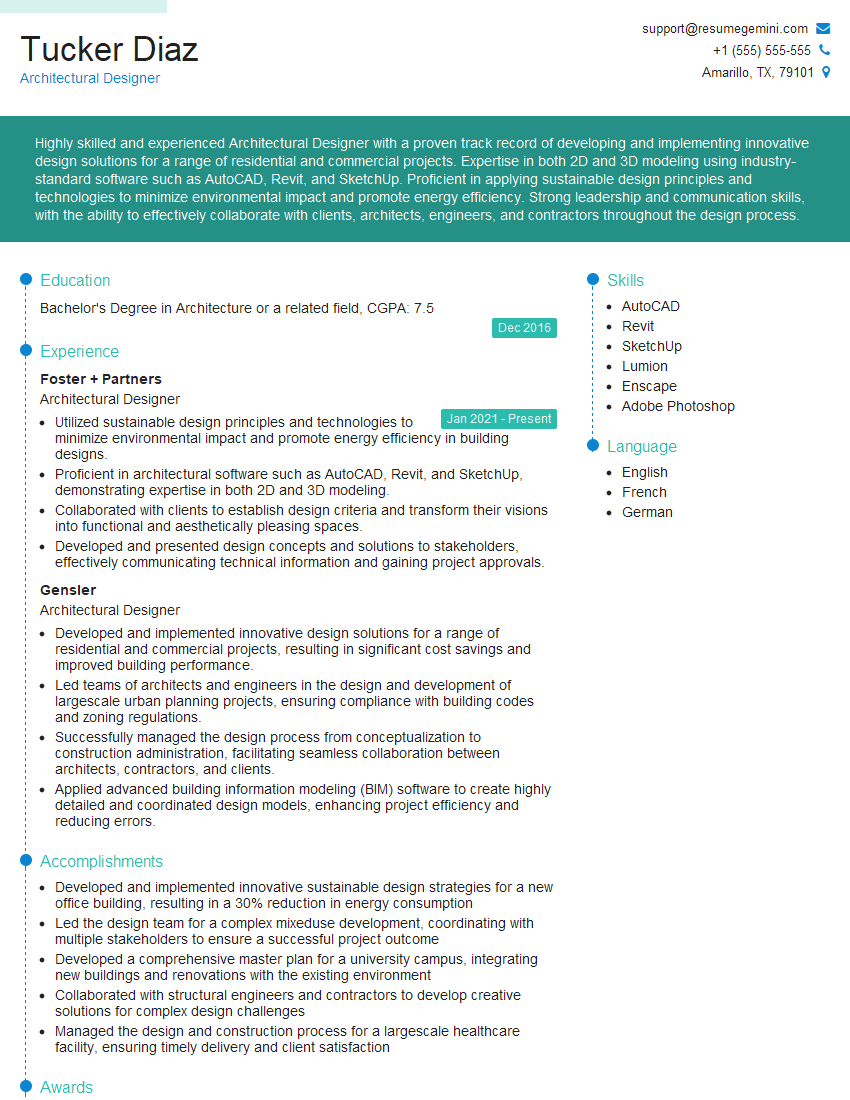
Architectural Designer Resume Sample
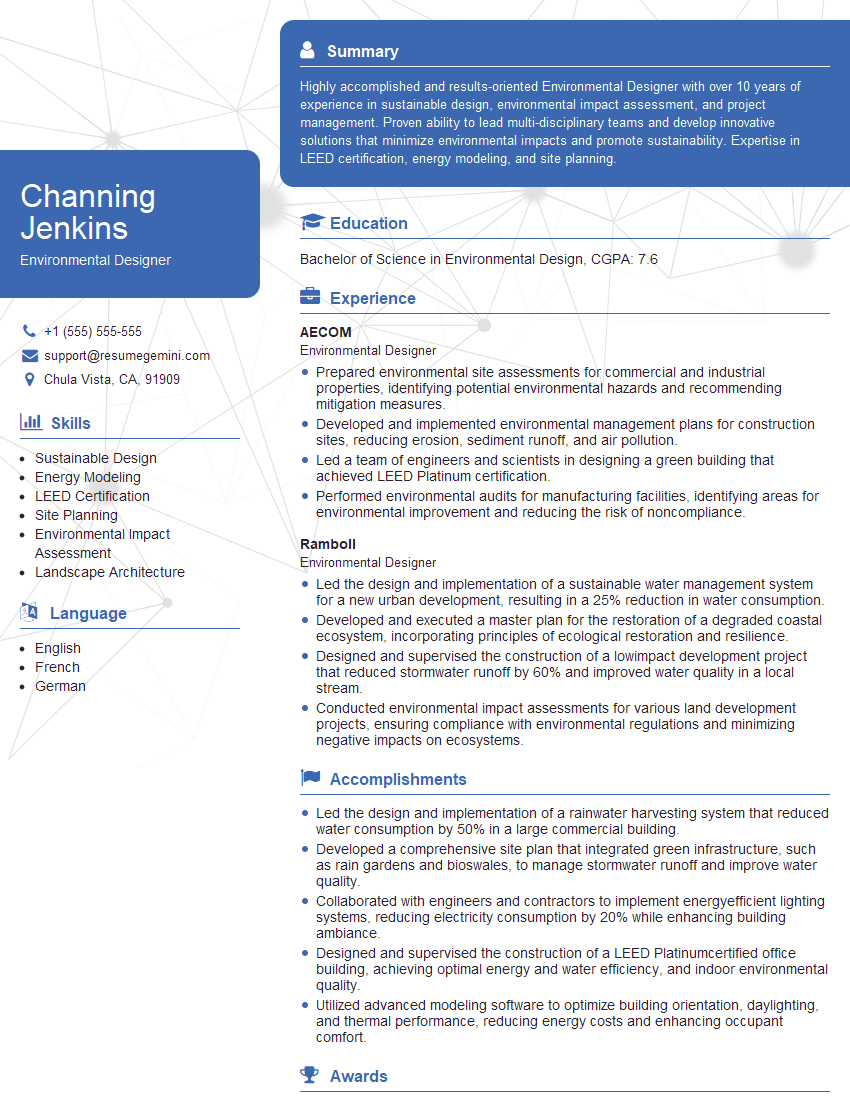
Environmental Designer Resume Sample

Technical Designer Resume Sample
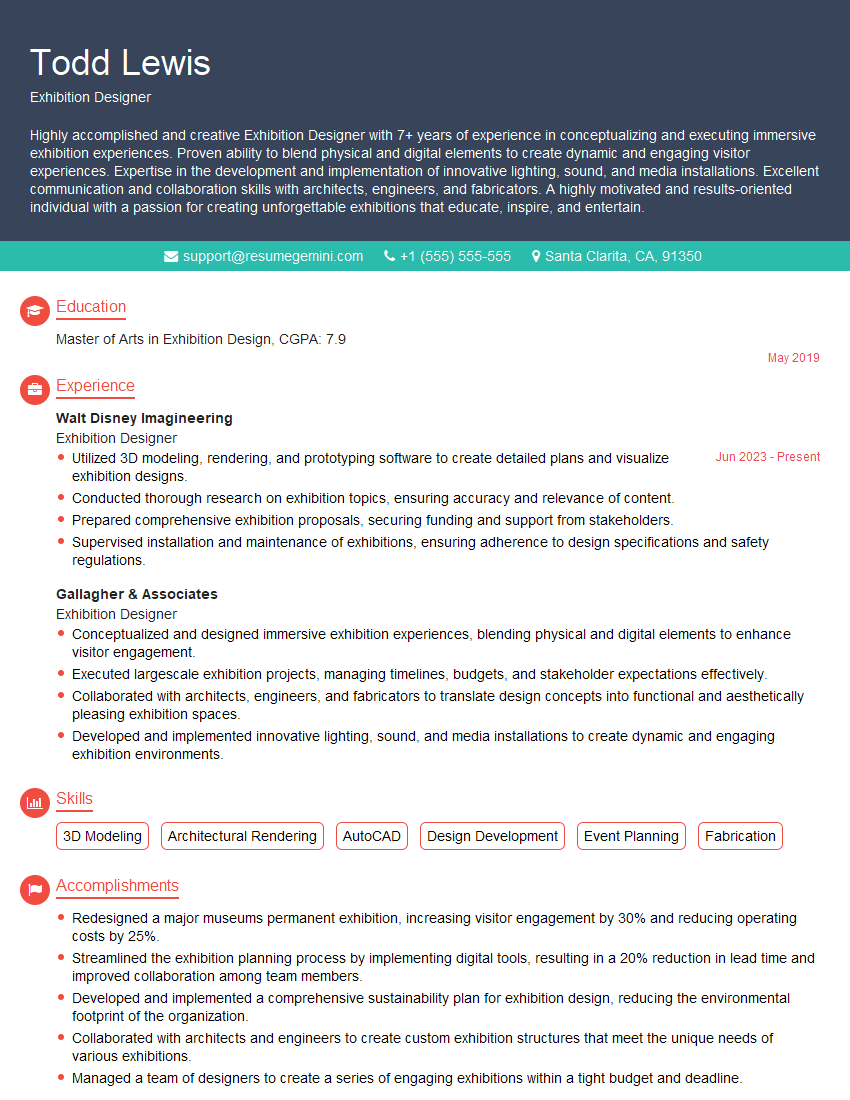
Exhibition Designer Resume Sample

Graphic Designer Resume Sample
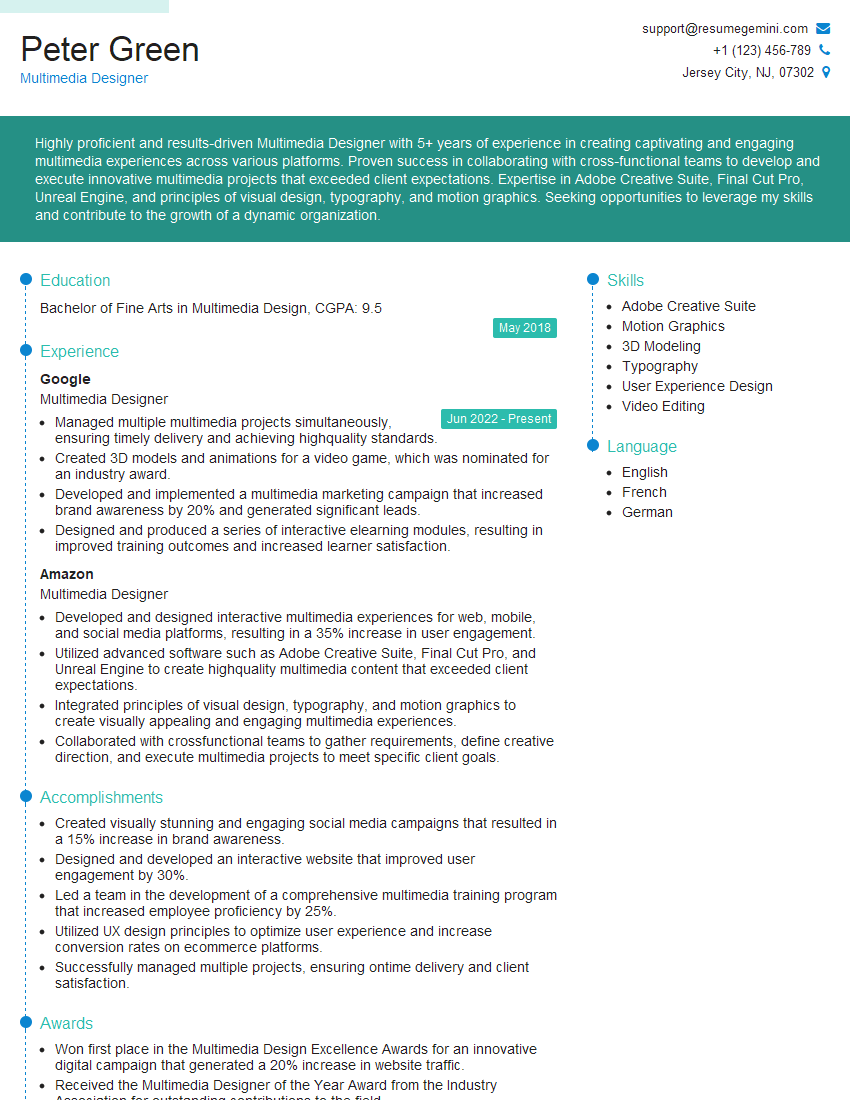
Multimedia Designer Resume Sample

Packaging Designer Resume Sample
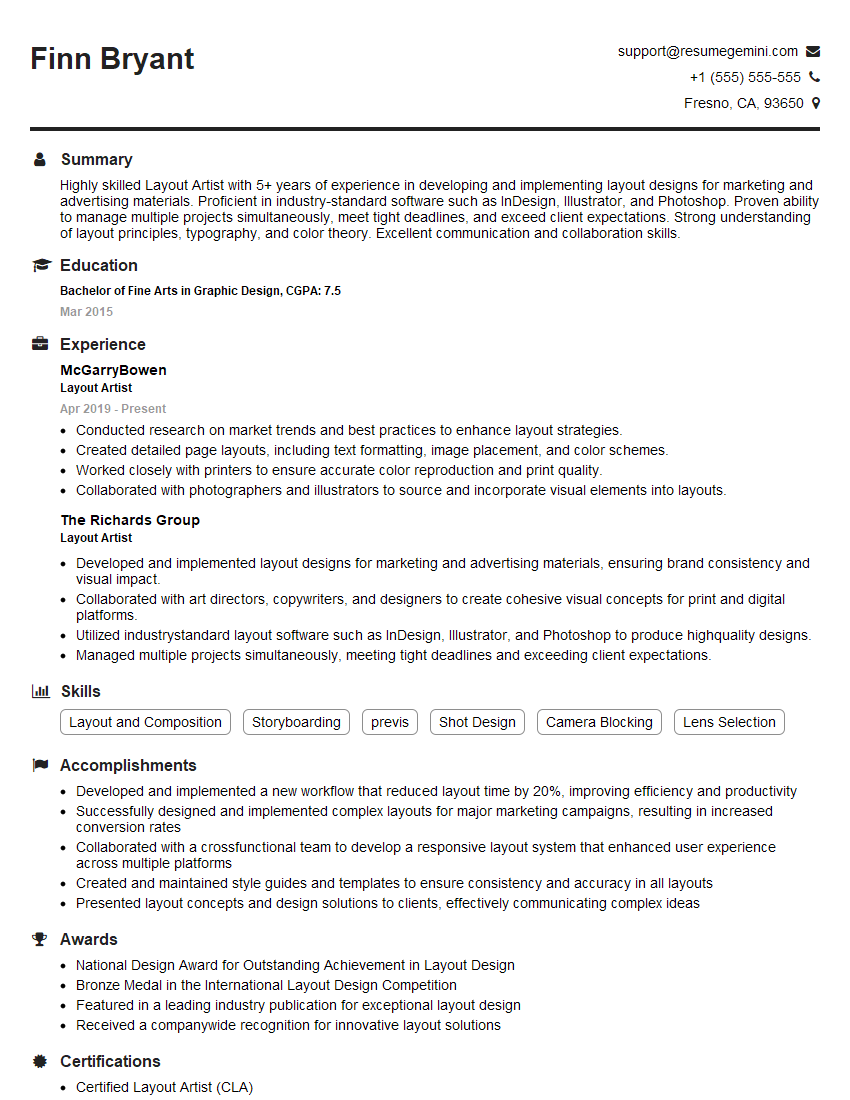
Layout Artist Resume Sample

Production Artist Resume Sample
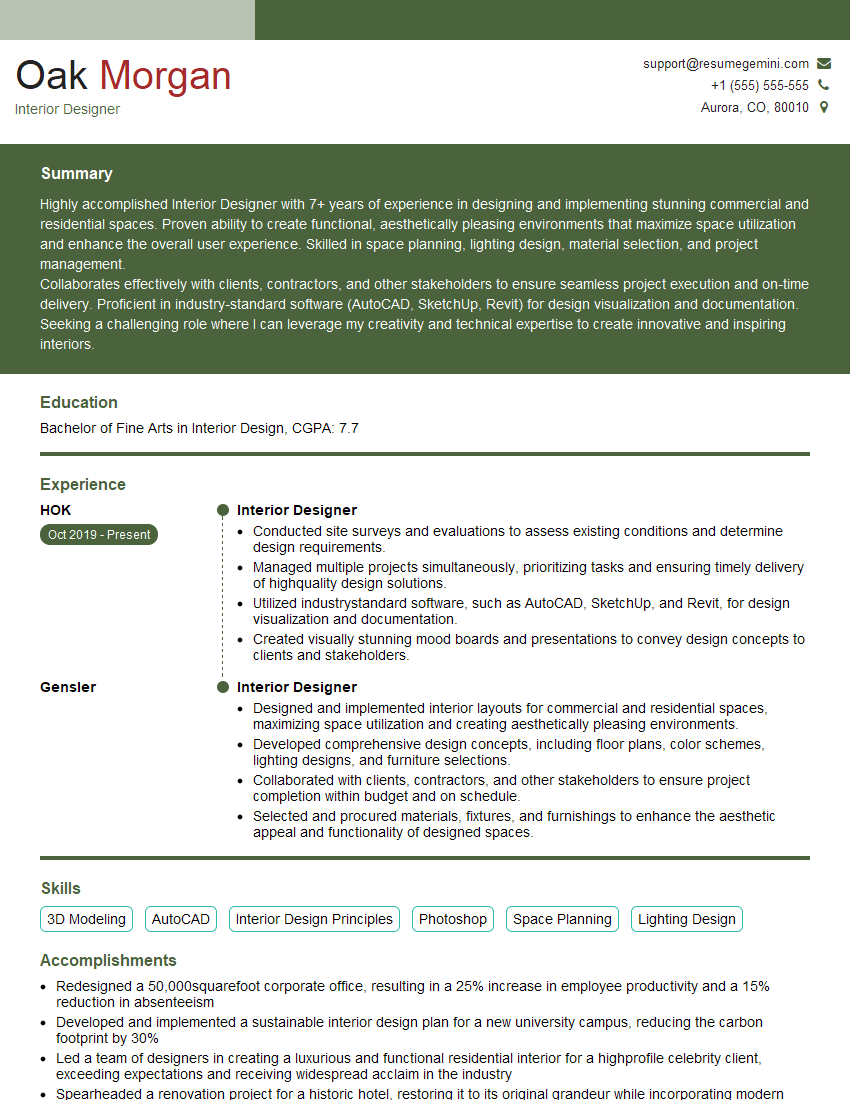
Interior Designer Resume Sample

Prepress Technician Resume Sample

UX Designer Resume Sample
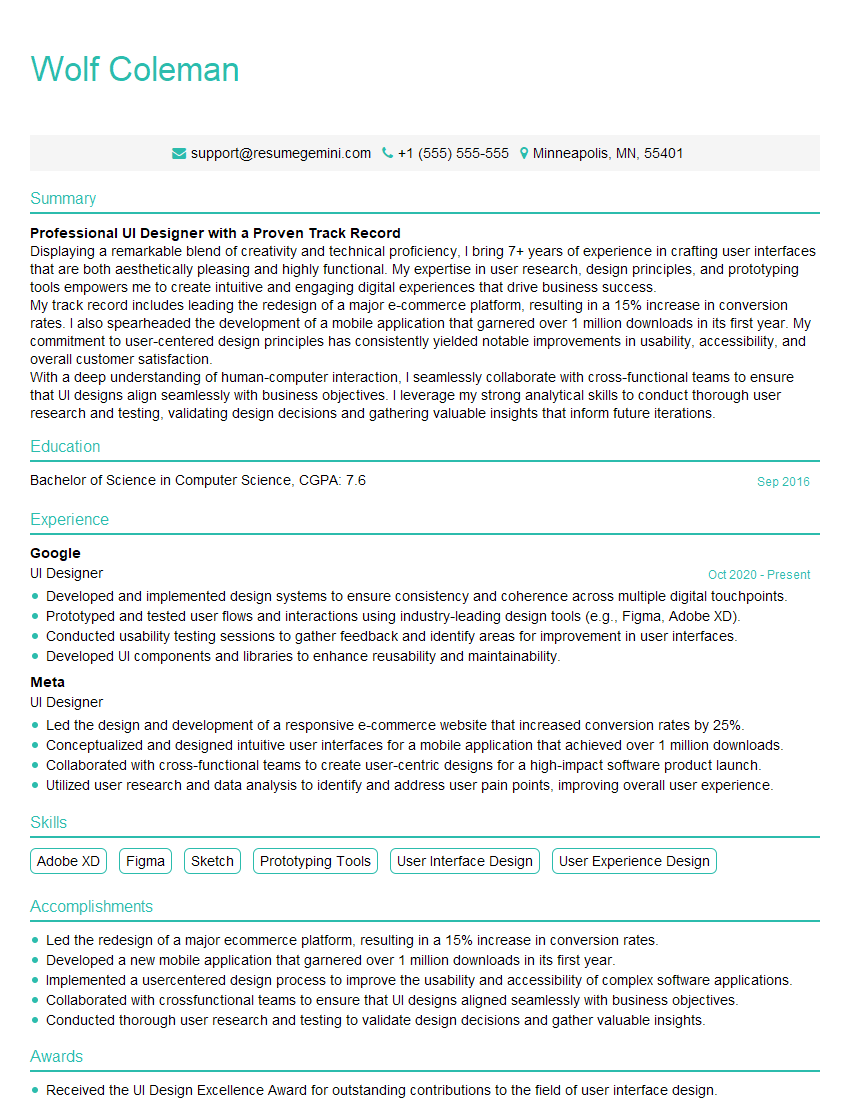
UI Designer Resume Sample
- Art Director
- Creative Director
- Web Designer
- Design Engineer
- Game Designer
- Architectural Designer
- Environmental Designer
- Technical Designer
- Exhibition Designer
- Graphic Designer
- Multimedia Designer
- Packaging Designer
- Layout Artist
- Production Artist
- Interior Designer
- Prepress Technician
- UX Designer
- UI Designer
Explore more articles
Users Rating of Our Blogs
Share Your Experience
We value your feedback! Please rate our content and share your thoughts (optional).
What Readers Say About Our Blog
Very informative content, great job.
good