The right preparation can turn an interview into an opportunity to showcase your expertise. This guide to Studio Equipment Knowledge interview questions is your ultimate resource, providing key insights and tips to help you ace your responses and stand out as a top candidate.
Questions Asked in Studio Equipment Knowledge Interview
Q 1. Describe your experience with different microphone types (dynamic, condenser, ribbon) and their applications.
Microphones are the cornerstone of audio recording, and each type excels in different situations. Dynamic microphones are robust and handle high sound pressure levels well, making them ideal for loud instruments like drums or vocals in a live setting. Their ruggedness and relative affordability make them popular choices for beginners. Condenser microphones, on the other hand, are known for their sensitivity and detailed sound reproduction. They capture subtle nuances and are often preferred for studio vocals, acoustic instruments, and recording instruments that are quieter. Ribbon microphones, a more specialized type, offer a unique, warm, and smooth sound with a natural coloration. However, they’re more fragile and susceptible to damage from high sound pressure levels, limiting their use to more controlled environments.
- Dynamic: Think Shure SM57 (for snare drums) or SM58 (for vocals). Their resilience makes them perfect for live performances where mic handling might be less than perfect.
- Condenser: Neumann U 87 Ai or AKG C414 are examples of high-quality condenser mics often used in professional studios for crisp, detailed recordings.
- Ribbon: Royer R-121 is a popular choice for capturing warm and detailed sounds on electric guitars or other instruments that would benefit from a smooth presence.
The choice of microphone depends entirely on the source and desired sound. A dynamic microphone might capture a great rock vocal, but lack the detail of a condenser microphone for a delicate acoustic performance.
Q 2. Explain the difference between balanced and unbalanced audio signals.
The difference between balanced and unbalanced audio signals lies in how they handle electrical noise. Unbalanced signals use a single wire to carry the audio signal and a ground wire, making them susceptible to interference from external sources like electromagnetic fields. Think of it like carrying a precious vase across a busy street – one wrong move, and you’ve got a broken vase (noise). Balanced signals, however, use three wires: a hot, a cold, and a ground. The audio signal is sent in opposite polarities on the hot and cold wires. Any noise picked up along the way affects both wires equally, allowing the receiving equipment to effectively cancel it out. This is like carrying the same vase in a protective case – even if bumps occur, the case protects the contents.
In practice, using balanced connections is crucial for professional studio environments to minimize noise and ensure high-fidelity audio transmission over longer distances. XLR connectors are typically used for balanced audio, while 1/4 inch TS (Tip-Sleeve) jacks are generally used for unbalanced audio.
Q 3. How do you troubleshoot audio feedback in a studio environment?
Audio feedback, that ear-piercing squeal, occurs when the sound from a loudspeaker is picked up by a microphone and amplified again, creating a positive feedback loop. Troubleshooting involves systematically reducing the gain (volume) in the feedback loop.
- Identify the Source: Pinpoint the offending microphone and loudspeaker. Is it a particular vocal mic, or the monitor speakers?
- Reduce Gain: Lower the microphone’s input gain on the mixer. Also, reduce the overall system gain, particularly on any affected channels.
- EQ Adjustments: Use a graphic equalizer (EQ) to cut frequencies causing the feedback. Slowly lower the gain at the specific frequency causing feedback. Note that this can affect the sound quality, so use it judiciously.
- Microphone Placement: Reposition microphones to minimize their proximity to loudspeakers. Experiment with angling the mic to avoid directly picking up the speakers. This is often the simplest solution.
- Speaker Placement: Move the speakers, if possible, to reduce the acoustic coupling between them and the microphone. Ideally, the speakers and microphones should be in different acoustic spaces. This is more feasible in a large studio
- Acoustic Treatment: Sound-absorbing materials on walls and ceilings can reduce reflections that contribute to feedback. Bass traps in corners are particularly effective.
Troubleshooting feedback is a detective game. By systematically working through these steps, you can identify and eliminate the cause.
Q 4. What are the key parameters to adjust on a mixing console?
Mixing consoles are the central hub of a studio, offering numerous parameters to shape the sound. Key parameters include:
- Gain: Controls the input level of each channel. Too low, and the signal is weak; too high, and you risk distortion or feedback.
- EQ (Equalization): Allows adjustment of frequencies to shape the tonal character. You can boost or cut specific frequencies to enhance clarity or remove unwanted muddiness.
- Panning: Positions the sound in the stereo field, from left to right. This is crucial for creating a wide and engaging soundscape.
- Aux Sends: Route the signal to effects processors (reverb, delay, chorus) or to other mixers. This adds depth and character to the sound.
- Faders: Control the overall volume of each channel. These are used for the final mix balance.
- Mutes and Solo: Allow you to silence or isolate individual channels for troubleshooting or solo listening.
Mastering these parameters gives you the power to create a finely balanced and impactful mix. Consider each parameter’s effect on the overall feel of the mix.
Q 5. What are your preferred methods for audio recording and editing?
My preferred methods for audio recording and editing are centered around digital audio workstations (DAWs) and high-quality audio interfaces. I typically use Pro Tools or Logic Pro X, depending on the project’s needs. These DAWs offer a wide array of tools for recording, editing, mixing, and mastering. The interface is crucial for capturing pristine audio, with the choice depending on the number of inputs and other requirements. I focus on precise microphone placement to capture the best possible source sound and use quality pre-amps for a clean and transparent signal.
For editing, I favor non-destructive workflows, making adjustments without permanently altering the original audio. This allows for flexibility and experimentation during the post-production phase. I also rely heavily on automation to create dynamic and expressive mixes, such as adjusting the volume or effects of a vocal track over time.
Q 6. Describe your experience with different lighting equipment (LED, HMI, tungsten).
Lighting is as critical to a studio environment as audio. Each type of lighting has its own strengths and weaknesses. Tungsten lights are the classic warm-toned lights, offering a rich, familiar color temperature, but they are heat-intensive and consume a lot of energy. HMI (Hydrargyrum Medium-arc Iodide) lights are bright and have a daylight-balanced color temperature, ideal for replicating natural light, however, they require specialized ballasts and can be expensive to operate. LED (Light Emitting Diode) lights are now the most popular, being energy-efficient, long-lasting, and offering a wide range of color temperatures and intensity adjustments. They are more versatile and often much cooler, making them preferable for smaller spaces.
Q 7. How do you achieve specific lighting moods and effects?
Achieving specific lighting moods and effects involves careful consideration of color temperature, intensity, and placement. To create a dramatic, moody atmosphere, you might use darker, cooler tones with strategically placed spotlights. Warm colors, like oranges and yellows, usually create a more inviting and intimate mood, while softer, diffused lighting provides a more natural and relaxed feel. To accentuate a particular object or area, use focused spotlights or backlighting to add depth and drama. The use of gels can further alter color temperatures to modify the mood dramatically. For dynamic effects, you can use moving lights or create a transition between different lighting setups over time.
Think of a music video; dark, moody blues and purples might be used for a melancholic song, while bright, vibrant colors would work better for an upbeat pop song. Understanding the psychology of color and light allows you to evoke specific emotions and set the tone for your work.
Q 8. Explain the difference between hard and soft light.
The difference between hard and soft light lies primarily in the quality of light produced and its effect on the subject. Hard light creates strong shadows with clearly defined edges. Think of the intense, direct sunlight at midday. This is because the light source is small relative to the subject and the light rays are concentrated. Soft light, conversely, produces gradual transitions between light and shadow, resulting in softer, more diffused illumination. Think of a cloudy day or light from a large softbox. The light source is large relative to the subject, scattering the light rays more broadly.
- Hard Light Examples: Direct sunlight, bare bulb, small spotlights.
- Soft Light Examples: Large softboxes, umbrellas, diffused window light, bounce light.
In practical terms, hard light is often used for dramatic effects, highlighting textures and creating a strong sense of three-dimensionality. Soft light is usually preferred for portraits, minimizing harsh shadows and creating a more flattering effect on the subject’s skin.
Q 9. How do you work with color temperature in a studio setting?
Color temperature, measured in Kelvin (K), refers to the warmth or coolness of light. Lower Kelvin values (e.g., 2700K) indicate warmer, more orange-hued light, similar to incandescent bulbs. Higher Kelvin values (e.g., 5600K) indicate cooler, bluer light, similar to daylight. In a studio setting, consistent color temperature is crucial for accurate color reproduction.
We manage color temperature through several methods:
- Using color-balanced lighting: Selecting lights with the desired color temperature (e.g., 5600K daylight balanced lights).
- Gel filters: Applying color correction gels to modify the color temperature of existing lights. For example, a CTO (Color Temperature Orange) gel warms up a cool light source, while a CTB (Color Temperature Blue) gel cools down a warm source.
- White balance adjustment in camera: Setting the camera’s white balance to match the dominant color temperature in the scene ensures that colors are accurately represented in the final footage. This can be done automatically (Auto WB), or manually (setting the WB to specific presets like Daylight, Shade, Tungsten, Fluorescent).
- Color grading in post-production: Fine-tuning color temperature and overall color balance during the editing process using color grading tools in software like DaVinci Resolve or Adobe Premiere Pro.
Maintaining consistent color temperature throughout a shoot is paramount to avoid the jarring effect of different colored lights mixing in the final image or video. For example, mixing tungsten (warm) lights with daylight (cool) lights will result in a colour cast that will make the image look unprofessional. Planning lighting and setting white balance is a critical step to preventing this issue.
Q 10. What safety precautions do you take when working with lighting equipment?
Safety is paramount when working with lighting equipment. My safety procedures include:
- Proper cable management: Ensuring cables are neatly organized and away from walkways to prevent tripping hazards. Using cable ties and wraps helps. Damaged cables should be replaced immediately.
- Safe light handling: Never touching hot light bulbs or leaving lights unattended while powered on. Always use appropriate safety gloves when handling lights.
- Correct power supply: Verifying that the power supply matches the equipment’s specifications. Using surge protectors is crucial.
- Proper rigging techniques: If using lighting stands, ensure they are securely set up and weighted to prevent tipping. Using appropriate clamps and safety chains where required when hanging lights.
- Working with others: If working with a team, clearly communicating safety procedures and ensuring everyone follows them. This includes designating a person to be in charge of switching equipment on and off.
- Emergency procedures: Being aware of emergency procedures in the studio and knowing the location of fire extinguishers and emergency exits.
Regular equipment inspections are also crucial for early detection of potential hazards.
Q 11. What experience do you have with camera operation (including different camera types)?
I have extensive experience operating various camera types, including:
- DSLRs (Digital Single-Lens Reflex cameras): Proficient in using Canon EOS and Nikon DSLRs, including settings adjustments for different shooting situations, such as aperture, shutter speed, ISO, and white balance.
- Mirrorless cameras: Experienced with Sony a7 series and Panasonic Lumix GH series, leveraging their features for video recording, including 4K capabilities and various video profiles.
- Cinema cameras: Familiar with RED, Arri Alexa, and Blackmagic Design cameras. This experience includes understanding color science and using advanced features for high-quality cinematic results.
My expertise goes beyond basic camera operation. I’m skilled in camera setup, framing, focus pulling, and understanding the relationship between camera settings and the final image. For example, I understand how shallow depth of field can be used to isolate a subject or to create different levels of focus within the shot. I’ve worked on projects ranging from documentary filmmaking to commercial photography.
Q 12. Describe your experience with video editing software (e.g., Adobe Premiere Pro, Avid Media Composer).
I’m highly proficient in Adobe Premiere Pro and have experience with Avid Media Composer. My skills encompass the entire video editing workflow, from importing and organizing footage to color grading, audio mixing, and exporting the final product.
- Adobe Premiere Pro: I’m skilled in using Premiere Pro’s advanced editing tools, including keyframing, color correction, audio sweetening, and working with various effects and transitions. I use nesting and timelines effectively to manage complex projects.
- Avid Media Composer: I’ve used Avid Media Composer in collaborative editing environments, taking advantage of its features for multi-user projects and professional workflows.
I’m confident in creating polished edits, optimizing video for various platforms, and meeting tight deadlines. I can adapt quickly to new editing challenges and learn new features when needed.
I’ve worked on many projects with varying degrees of complexity, including short films, commercials, documentaries, and corporate videos. I am confident in my ability to apply my skills to meet any project requirements.
Q 13. How do you manage large video files?
Managing large video files efficiently involves a multi-pronged approach:
- High-capacity storage: Utilizing high-capacity external hard drives (RAID systems are ideal for redundancy), SSDs, or network-attached storage (NAS) to store the footage securely.
- Efficient file organization: Creating a logical file structure (using folders and naming conventions) for easy access and retrieval. This is especially crucial when working on large-scale projects.
- Proxy workflows: Working with lower-resolution proxy files during editing to speed up the process. This can significantly improve performance when dealing with 4K or higher resolution footage. The high-resolution files are then used for the final export.
- Media management software: Using software such as Adobe Media Encoder or other transcoding programs to optimize the files for different applications without changing the source file quality. This is crucial when sharing files across different platforms.
- Compression techniques: Understanding and applying various video compression techniques, choosing codecs that balance file size and quality. This might involve switching between codecs depending on the project. For example, ProRes is great for intermediate editing but might be too large for delivery. H.264 is good for delivery, but doesn’t handle editing as well.
By combining these methods, I can efficiently manage even the largest video projects and maintain a streamlined workflow. The key is to plan ahead and choose strategies to prevent workflow bottlenecks.
Q 14. Explain your experience with various video formats and codecs.
My experience encompasses a wide range of video formats and codecs, including:
- ProRes (Apple ProRes): A family of high-quality, lossy codecs ideal for post-production and editing. Different variants (ProRes 422, ProRes 4444) offer varying levels of compression and quality.
- H.264 (MPEG-4 AVC): A widely used, highly compressed codec for distribution and online streaming. It’s efficient in terms of file size but can be more computationally intensive to edit.
- H.265 (HEVC): A more efficient codec than H.264, offering higher compression rates for similar quality levels. It’s becoming increasingly popular for high-resolution video delivery.
- DNxHD (Avid DNxHD): A codec commonly used in professional workflows, offering a good balance between quality and compression.
- RAW formats (e.g., RED RAW, Arri RAW): Uncompressed or minimally compressed formats that retain maximum image information. They require significant storage space and powerful editing systems but offer greater flexibility during post-production.
Understanding the strengths and limitations of different formats and codecs allows me to choose the most suitable option for each project, balancing quality, file size, and post-production requirements. For example, I might record using a lossless codec in camera, then use a more compressed codec when delivering a finished video.
Q 15. How do you troubleshoot video signal issues?
Troubleshooting video signal issues involves a systematic approach. Think of it like detective work: you need to isolate the problem by checking each link in the chain.
- Check the Cables: Start with the most obvious – are all your cables securely connected? A loose connection is the most common culprit. Try different cables to rule out cable failure.
- Inspect the Connections: Look closely at the connectors themselves. Bent pins or corrosion can disrupt the signal. Use compressed air to clean any dust or debris.
- Power Cycle Equipment: Sometimes, a simple power cycle (turning off and then back on) can resolve temporary glitches. Start with the source device (camera, computer) and work your way down the chain.
- Signal Source: Is the signal source itself working correctly? Check the camera’s output, the computer’s video card, or the signal generator. Does the problem persist if you switch to a different source?
- Signal Routing: If using a switcher or router, check its settings. Ensure the correct input and output are selected, and the routing is accurate. Test different inputs and outputs to pinpoint the problem.
- Resolution and Format: Ensure that all devices in the signal chain are compatible with the resolution and video format being used. Inconsistencies here are a frequent cause of issues.
- Monitor Settings: Check the monitor’s input source, resolution, and aspect ratio settings. Make sure it’s receiving the signal correctly.
- Test Equipment: If possible, use a signal generator and a waveform monitor to test signal strength and integrity at different points in the chain. This helps to isolate exactly where the signal is breaking down.
For example, I once spent an hour troubleshooting a video signal issue only to discover a single loose screw on a BNC connector. Always check the basics first!
Career Expert Tips:
- Ace those interviews! Prepare effectively by reviewing the Top 50 Most Common Interview Questions on ResumeGemini.
- Navigate your job search with confidence! Explore a wide range of Career Tips on ResumeGemini. Learn about common challenges and recommendations to overcome them.
- Craft the perfect resume! Master the Art of Resume Writing with ResumeGemini’s guide. Showcase your unique qualifications and achievements effectively.
- Don’t miss out on holiday savings! Build your dream resume with ResumeGemini’s ATS optimized templates.
Q 16. What is your experience with studio monitoring systems and their calibration?
My experience with studio monitoring systems is extensive. Calibration is paramount for accurate audio reproduction. I’m proficient with various calibration methods, from using specialized measurement microphones and software like Room EQ Wizard (REW) to using the built-in calibration tools on high-end monitors.
Calibration involves measuring the acoustic response of the listening room and the monitors themselves. This helps identify frequency response anomalies (peaks and dips) and time-alignment issues. The goal is a flat frequency response, ensuring that all frequencies are reproduced at the same level. This is crucial for accurate mixing and mastering. I’ve worked with near-field, mid-field and far-field monitors, tailoring the calibration process to suit the specific monitor type and room acoustics.
I’ve also dealt with the practical challenges: understanding how room modes affect the bass response, dealing with standing waves, and positioning monitors for optimal listening. For example, I recently calibrated a studio with highly reflective surfaces, and by carefully placing absorption panels and bass traps, we significantly improved the accuracy of the monitors.
Q 17. How familiar are you with signal flow in a studio environment?
Understanding signal flow is fundamental in any studio environment. Think of it as a river – the audio or video signal flows from its source to its destination, passing through various components along the way.
My knowledge encompasses both analog and digital signal flow. In an analog system, the signal travels through cables and various components like mixers, equalizers, and amplifiers. Each component may modify the signal before passing it on. In a digital system, the signal is converted to a digital format, processed by digital signal processors (DSPs), and then potentially converted back to analog for output.
I can trace the path of a signal from its source (e.g., microphone, instrument, or computer) through mixers, effects processors, equalizers, compressors, converters, and finally to the output device (monitors, recording device). I can easily identify potential points of failure or bottlenecks by analyzing the signal flow diagram. I understand how to troubleshoot issues like signal loss, hum, and noise by observing the signal path.
For instance, understanding signal flow helped me quickly troubleshoot a problem where a signal was being clipped due to an improperly set gain stage in a mixer. By carefully examining the signal path, I was able to pinpoint the exact location of the problem and fix it.
Q 18. Explain your understanding of digital audio workstations (DAWs).
Digital Audio Workstations (DAWs) are the central hub of modern music and audio production. They are sophisticated software applications that provide a platform for recording, editing, mixing, and mastering audio. Think of them as the digital equivalent of a multitrack recording studio.
My experience includes proficiency with various DAWs such as Pro Tools, Logic Pro X, Ableton Live, and Cubase. I’m familiar with their core functionalities including: MIDI sequencing, audio recording and editing, mixing and mastering tools, virtual instruments, and effects processing. I can use them to create complex projects, manage large numbers of tracks, and implement advanced mixing and mastering techniques.
Beyond basic recording, I understand advanced concepts like automation, routing, bussing, and using advanced editing tools for detailed audio manipulation. I am adept at setting up sessions efficiently, managing large sample libraries, and troubleshooting software issues. For example, I recently used Pro Tools to record and mix a 24-track orchestral recording, requiring efficient session management and advanced routing techniques.
Q 19. Describe your experience with audio processing plugins (e.g., EQ, compression, reverb).
Audio processing plugins are digital tools that add effects or modify audio signals. They’re like virtual effects pedals or studio equipment within the DAW.
I have extensive experience with various plugin types including equalizers (EQ), compressors, reverbs, delays, and more.
- EQs shape the tonal balance of audio by boosting or cutting specific frequencies. I know how to use parametric EQs to precisely target problem frequencies, and how to use graphic EQs for broader adjustments.
- Compressors control the dynamic range of audio, reducing the difference between loud and quiet sounds. I understand the concepts of threshold, ratio, attack, and release, and how to use compression to add punch or sustain to sounds.
- Reverbs simulate the acoustic space of a room. I can choose from various reverb types, adjust parameters such as decay time and size to create the desired atmosphere.
I understand the subtle interplay between different plugins and how to use them creatively to achieve specific sonic goals. For example, I might use a compressor to control the dynamics of a vocal track, followed by an EQ to enhance its clarity, and then add reverb to create a sense of space. My experience extends to both common plugins and specialized plugins for various instrument types and effects.
Q 20. How do you manage audio levels and prevent clipping?
Managing audio levels is crucial to prevent clipping and maintain a good dynamic range. Clipping occurs when the signal exceeds the maximum amplitude the system can handle, resulting in distortion and loss of information.
My approach involves using a combination of techniques:
- Gain Staging: Setting appropriate gain levels at each stage of the signal chain, from the input to the output. This involves making sure no individual component is receiving too much input, and that the overall level is properly adjusted for the final output.
- Meters: Constantly monitoring audio levels using VU meters or peak meters. This allows me to see how close the signal is to clipping. I prefer to aim for a headroom of about 6-12dB, leaving space for peaks and preventing clipping.
- Compression: Strategically using compressors to reduce the dynamic range of a signal, making it easier to manage its level. But remember, excessive compression can sound unnatural.
- Limiting: Using a limiter as a last resort to prevent clipping, by preventing the signal from exceeding a specified threshold. This is used carefully during mastering, not during mixing.
Imagine it like driving a car: you wouldn’t constantly drive at maximum speed and risk an accident. Similarly, you manage audio levels to maintain optimal sound quality and prevent distortion.
Q 21. Describe your experience with different types of studio monitors.
I have experience with various types of studio monitors, each with its strengths and weaknesses. The choice of monitor depends on the application, budget, and listening environment.
- Near-field monitors: These are small monitors designed for close-up listening, typically placed on a desk. They are commonly used in smaller studios due to their compact size and affordability. Examples include Yamaha HS series, KRK Rokit series.
- Mid-field monitors: Larger than near-field monitors, they provide a more detailed and accurate sound image, suitable for critical listening in larger rooms. Examples include Adam Audio S series, Genelec 8000 series.
- Far-field monitors: The largest monitors, intended for listening from a distance, often used in mixing and mastering suites. They offer greater detail and a wider soundstage but require more space.
- Studio headphones: While not technically monitors, they are essential for certain applications, providing isolation from ambient noise and convenient mixing options. Closed-back headphones are preferred to avoid leakage.
I consider factors like frequency response, accuracy, power handling, and size when selecting monitors. My experience includes choosing and setting up monitors for various studio sizes and applications. For example, I once had to select monitors for a project studio and opted for near-field monitors to keep costs down and maintain acoustic control. In another instance, I opted for mid-field monitors for a large mastering suite where accurate response across the frequency spectrum was critical.
Q 22. What is your experience with patch bays and their use in routing audio and video signals?
Patch bays are essential in any professional studio setting, acting as central connection points for audio and video signals. Think of them as highly organized telephone switchboards for your studio equipment. They allow you to easily route signals from various sources (microphones, instruments, cameras) to different destinations (mixing consoles, recording devices, monitors) without having to constantly repatch cables. This greatly simplifies workflow, saves time, and minimizes the risk of errors.
My experience encompasses working with both analog and digital patch bays. Analog patch bays use physical jacks for connecting cables, requiring careful management to avoid signal interference or shorts. Digital patch bays, on the other hand, offer greater flexibility and control through software interfaces, allowing for routing changes on the fly. I’ve extensively used both types in live sound reinforcement, post-production facilities, and broadcast studios. For example, in a live concert setting, I utilized a large-format analog patch bay to quickly route microphones from different instrument groupings to various input channels on the mixing console. In post-production, I’ve worked with digital patch bays within DAW environments to manage audio routing between plugins, instruments, and effects processors.
Q 23. Describe your familiarity with various video switching systems.
My familiarity with video switching systems is extensive, ranging from basic production switchers to sophisticated broadcast-grade units. I’m proficient in operating switchers from manufacturers like Blackmagic Design (ATEM series), Ross Video, and Grass Valley. These systems enable seamless transitions between multiple video sources, incorporating features like keying, effects, and multi-view monitoring.
I understand the differences between various switching methodologies, including cut, dissolve, wipe, and effects transitions. I can configure and operate switchers for different production styles, from simple presentations to complex multi-camera shoots. In one project, I worked with a Blackmagic ATEM Television Studio Pro to manage video feeds from four cameras for a live-streamed event. I controlled transitions, integrated graphics, and managed audio embedding, ensuring a polished and professional broadcast.
Q 24. How do you maintain and troubleshoot studio equipment?
Maintaining and troubleshooting studio equipment is a crucial aspect of my role. It’s a proactive process that combines preventative measures and reactive problem-solving. Preventative maintenance includes regularly cleaning equipment, inspecting cables and connections, and conducting routine software updates. I meticulously document all equipment, including serial numbers and maintenance records. This ensures that problems can be quickly identified and addressed.
Troubleshooting involves a systematic approach. I begin by isolating the problem, carefully examining the symptoms and potential causes. For example, if a microphone isn’t working, I’d check the microphone itself, its cable, the input channel on the mixer, and the phantom power supply. I utilize multimeters, signal generators, and oscilloscopes to diagnose technical faults, drawing upon my understanding of audio and video signal flow. I’m also proficient in consulting technical manuals and seeking assistance from manufacturers when necessary. A memorable instance involved troubleshooting a faulty audio interface during a critical recording session. By systematically testing each component, I quickly identified a failing power supply, preventing major delays.
Q 25. What experience do you have with intercom systems?
I possess considerable experience with intercom systems, vital for clear communication in any multi-person production environment. My knowledge spans various types, from simple party-line systems to sophisticated matrix systems. I’m familiar with both wired and wireless intercom systems, understanding the advantages and limitations of each. For smaller productions, a simple party-line system is sufficient, while larger productions require a matrix system to support complex communication routing between multiple locations and individuals.
My experience includes configuring and operating intercom systems for live broadcasts, film shoots, and theatre productions. I understand the importance of clear labeling, proper configuration of channels, and the use of headset etiquette to maintain efficient communication. During a live television broadcast, I was responsible for managing the intercom system, ensuring that directors, camera operators, and talent could communicate seamlessly, leading to a smooth and successful production.
Q 26. How do you ensure the safety and security of studio equipment?
Ensuring the safety and security of studio equipment involves a multi-faceted approach. Physical security includes securing the studio space, using proper cable management techniques to prevent tripping hazards, and controlling access to equipment. This might involve using locks, security cameras, or access control systems. Additionally, regular equipment inspections are essential to identify any potential hazards, such as frayed cables or malfunctioning equipment.
Data security is also critical, especially when dealing with digital audio workstations (DAWs) and video editing software. This involves regularly backing up important data to multiple locations, using strong passwords, and employing anti-virus software. Moreover, I always follow best practices for power management, using surge protectors and uninterruptible power supplies (UPS) to protect equipment from power surges and outages. In one instance, a UPS system prevented significant data loss during a sudden power failure during a crucial video editing session.
Q 27. Describe your experience with various audio and video transmission methods.
My experience with audio and video transmission methods is extensive. I’m familiar with various technologies, including SDI (Serial Digital Interface) and fiber optics for professional video transmission, AES/EBU (Audio Engineering Society/European Broadcasting Union) and Dante for professional audio transmission, as well as common methods like HDMI and USB.
I understand the advantages and disadvantages of each method, including bandwidth, distance limitations, and cost. For example, SDI is a reliable and widely used standard for high-quality video transmission, while fiber optics offer greater distances and bandwidth for larger productions. Similarly, Dante is a popular choice for digital audio networking in larger studios due to its flexibility and scalability. My practical experience includes designing and implementing transmission systems for various productions, ensuring signal quality and integrity across different distances and environments.
Q 28. How do you handle unexpected technical issues during a live production?
Handling unexpected technical issues during a live production requires a calm and decisive approach. The first step is to accurately assess the problem and its impact on the production. This often involves quickly identifying the source of the problem through a systematic process of elimination. After determining the nature of the issue, I prioritize solutions to minimize disruption to the program.
My approach involves utilizing backup systems and contingency plans whenever possible. I’ve had experience dealing with everything from a failing microphone to a complete system crash. In one situation during a live broadcast, a sudden audio dropout occurred. By quickly switching to a backup audio source and working with the technical director, we minimized the downtime and avoided interrupting the show. This often necessitates collaboration with other team members, clear communication, and a focus on quick and efficient problem-solving to maintain the show’s flow. A calm demeanor and quick thinking are key to navigating such situations.
Key Topics to Learn for Studio Equipment Knowledge Interview
- Audio Equipment: Understanding microphones (dynamic, condenser, ribbon), mixers (analog, digital), audio interfaces, signal flow, and common audio problems (noise, feedback, impedance matching). Practical application: Troubleshooting a live sound setup or diagnosing audio issues in a recording.
- Lighting Equipment: Knowledge of different lighting types (incandescent, fluorescent, LED, HMI), color temperature, light modifiers (softboxes, reflectors, umbrellas), lighting setups (three-point lighting, high-key, low-key), and practical lighting techniques. Practical application: Designing a lighting plan for a film shoot or adjusting lighting for a live performance.
- Camera Equipment: Familiarity with various camera types (DSLR, mirrorless, cinema cameras), lenses (prime, zoom, focal length), camera settings (aperture, shutter speed, ISO), image formats, and basic cinematography principles. Practical application: Setting up a shot for a video production or adjusting camera settings for optimal image quality.
- Grip & Electric Equipment: Understanding the function and safe operation of grip equipment (stands, dollies, cranes) and electric equipment (generators, distribution boxes). Practical application: Setting up a camera on a tripod or ensuring safe power distribution on a film set.
- Post-Production Workflow: Basic understanding of file management, video editing software (e.g., Adobe Premiere Pro, DaVinci Resolve), and audio editing software (e.g., Audacity, Pro Tools). Practical application: Knowing how to organize and prepare files for post-production.
- Studio Safety and best practices: Understanding the importance of safety regulations, proper equipment handling, and cable management. Practical application: Demonstrating knowledge of safe working practices in a studio environment.
Next Steps
Mastering studio equipment knowledge is crucial for career advancement in audio-visual fields, opening doors to exciting opportunities and higher earning potential. A well-crafted resume is your key to unlocking these prospects. Make sure your resume is ATS-friendly to maximize its visibility to potential employers. ResumeGemini is a trusted resource to help you build a professional and impactful resume. Examples of resumes tailored to showcasing Studio Equipment Knowledge are available to guide you. Invest the time to create a winning resume – it’s an investment in your future success.

Technical Director Resume Sample
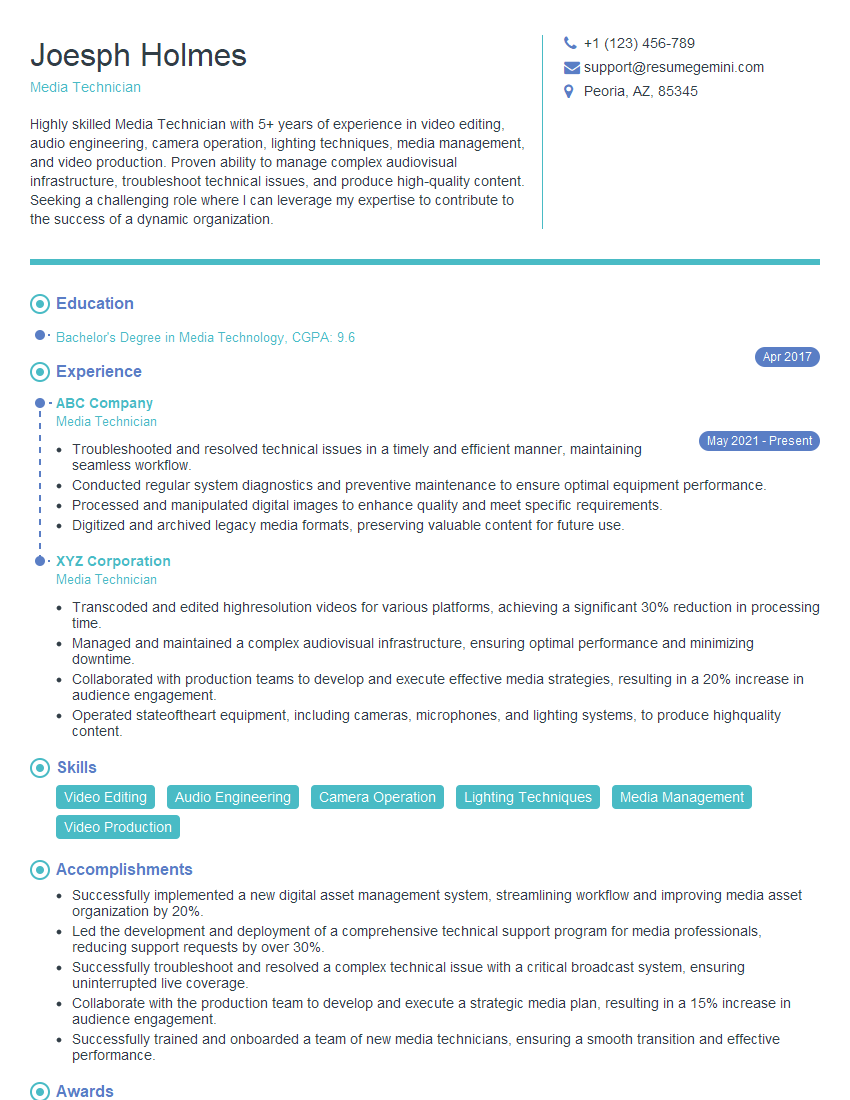
Media Technician Resume Sample
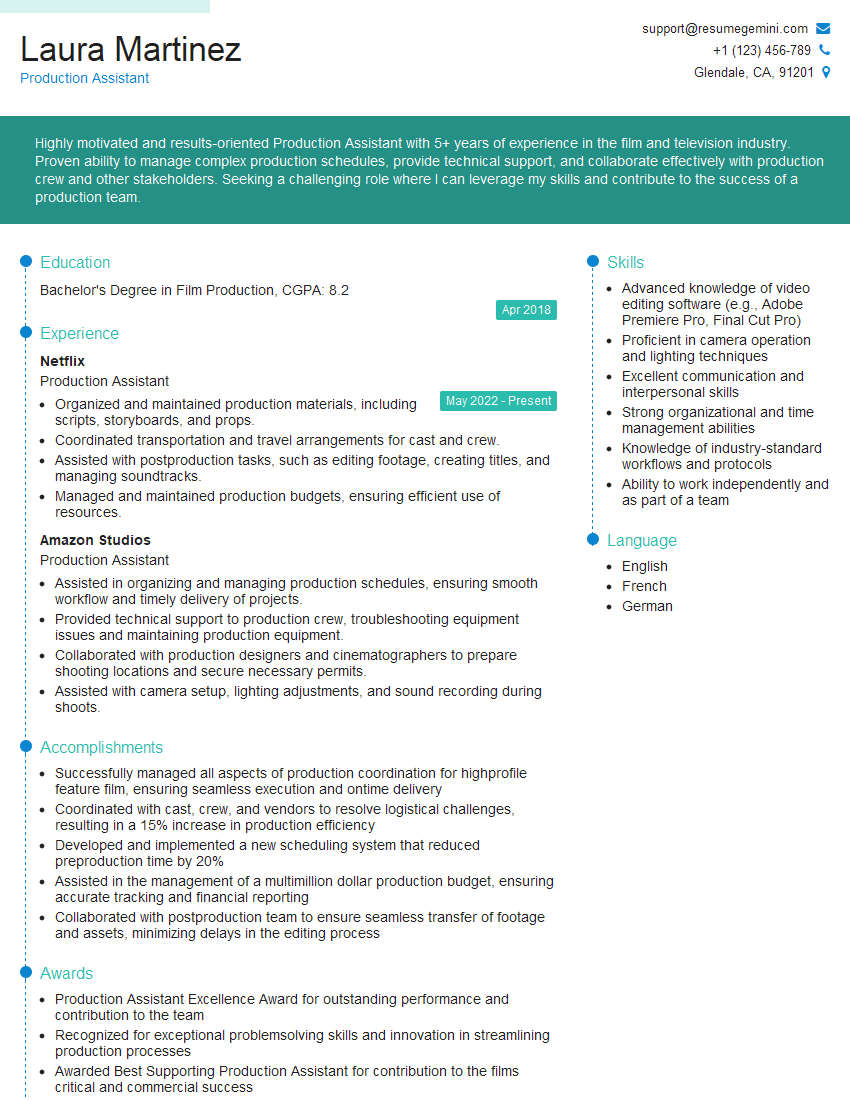
Production Assistant Resume Sample
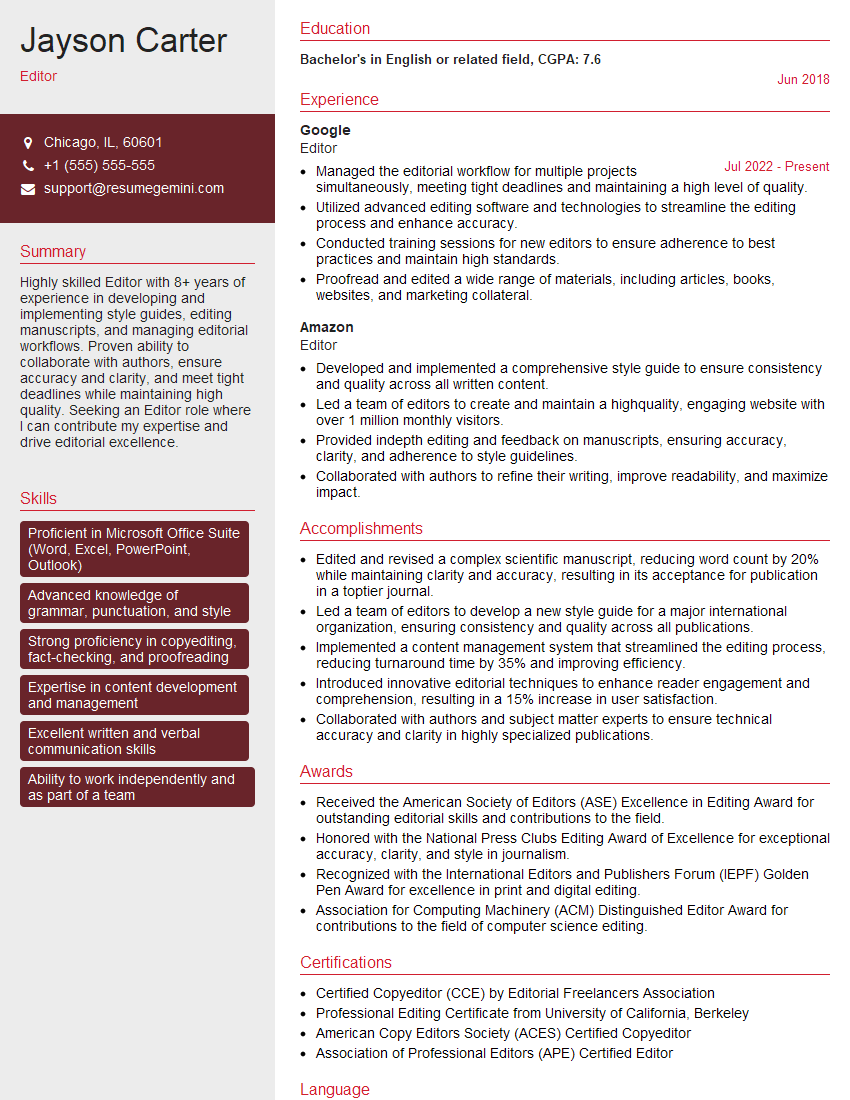
Editor Resume Sample

Broadcast Engineer Resume Sample

Video Editor Resume Sample

Audio Engineer Resume Sample
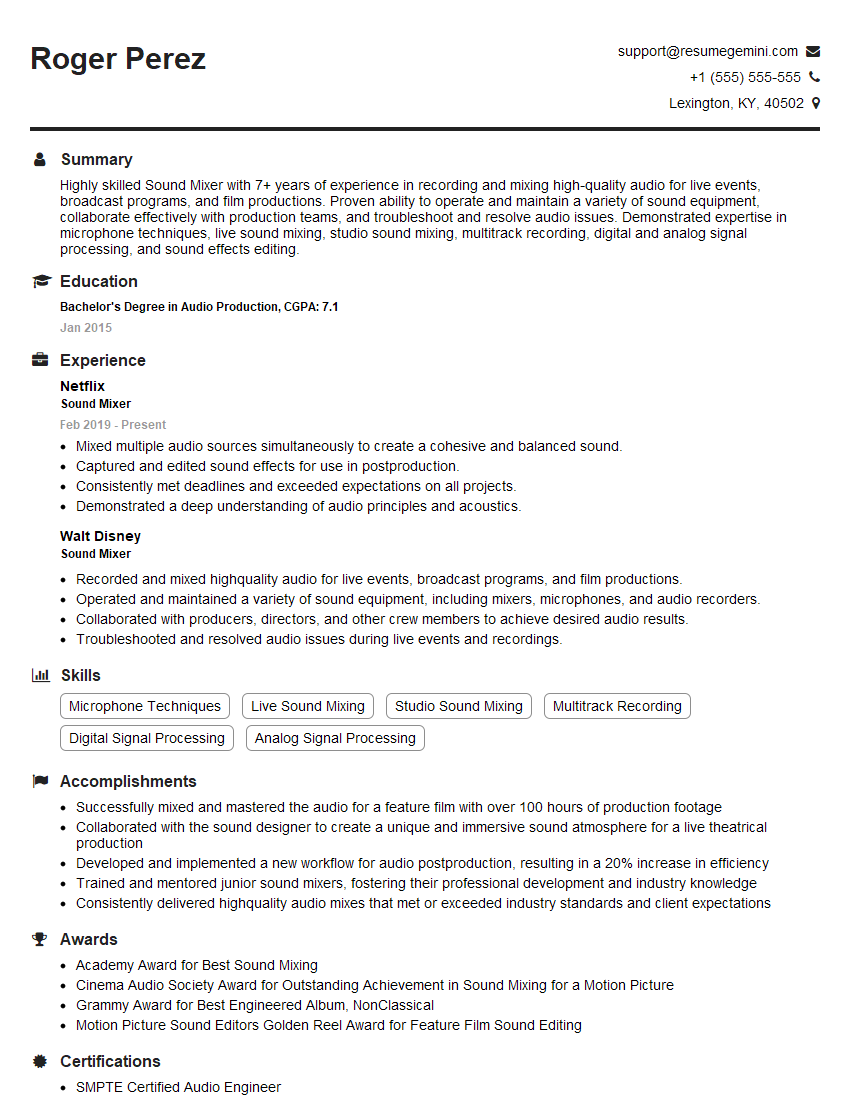
Sound Mixer Resume Sample
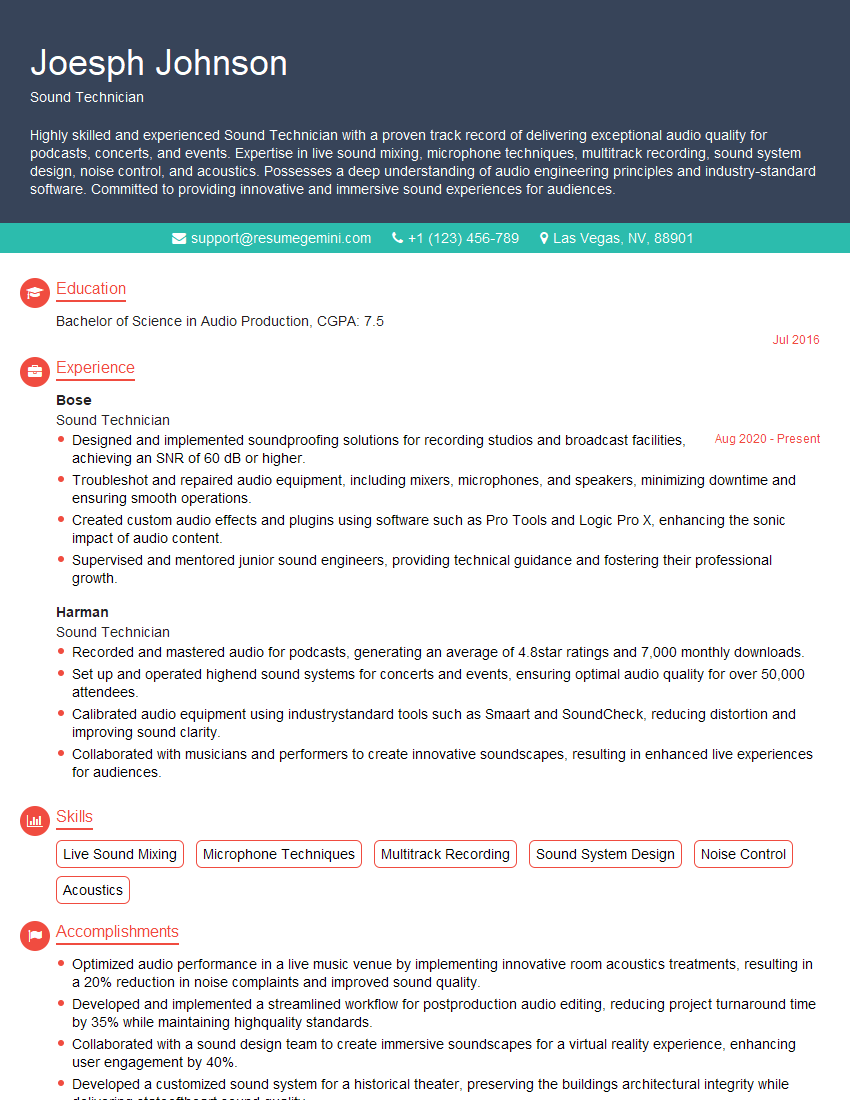
Sound Technician Resume Sample

Studio Engineer Resume Sample
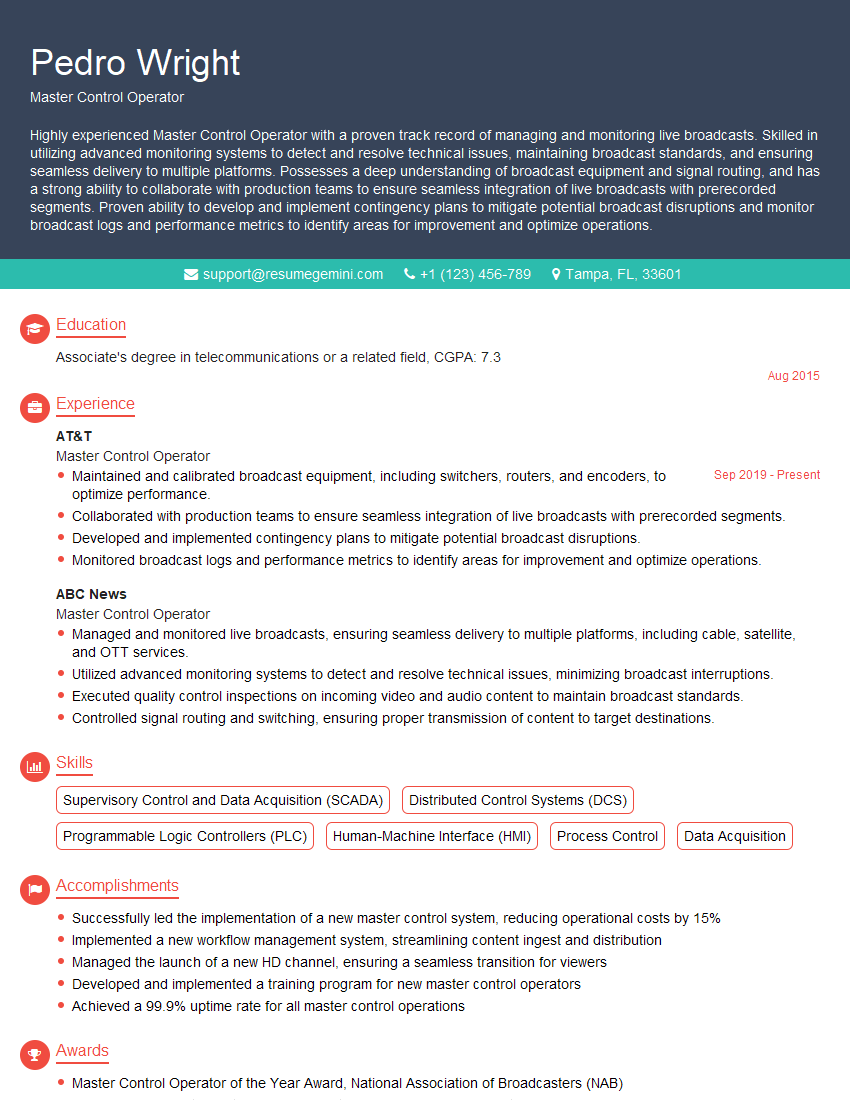
Master Control Operator Resume Sample
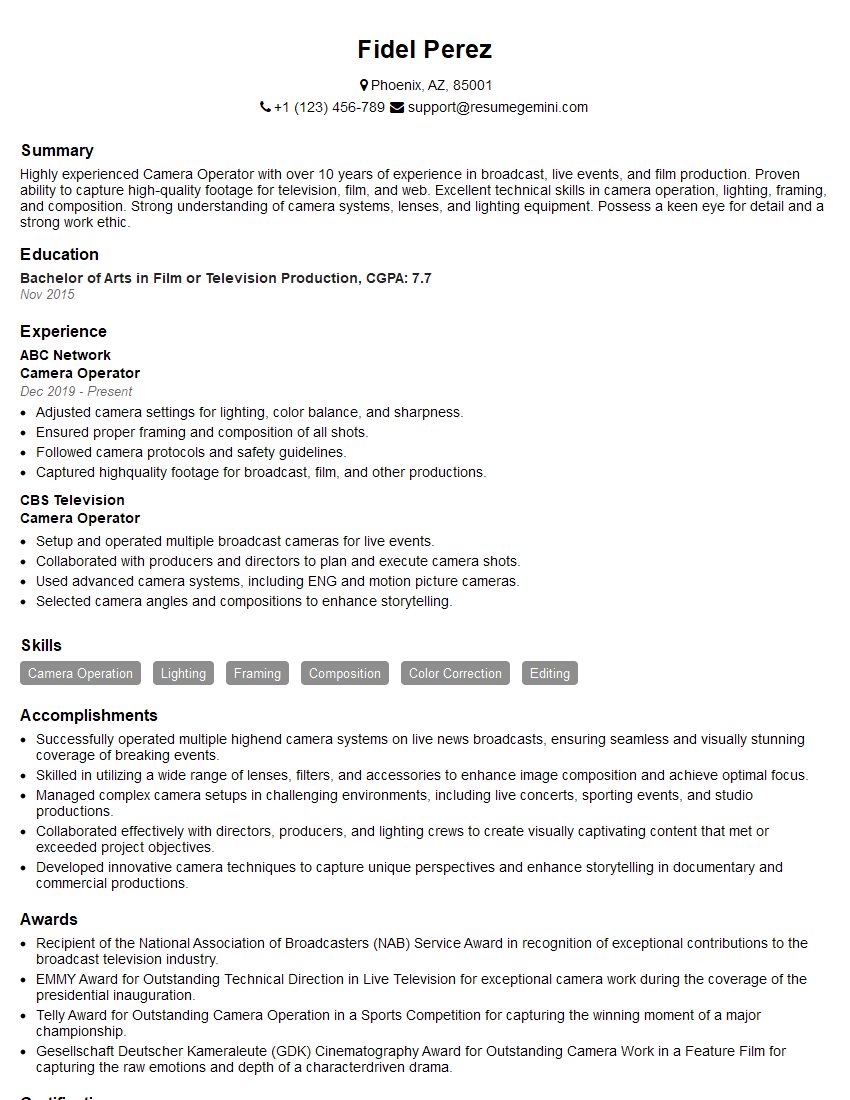
Camera Operator Resume Sample
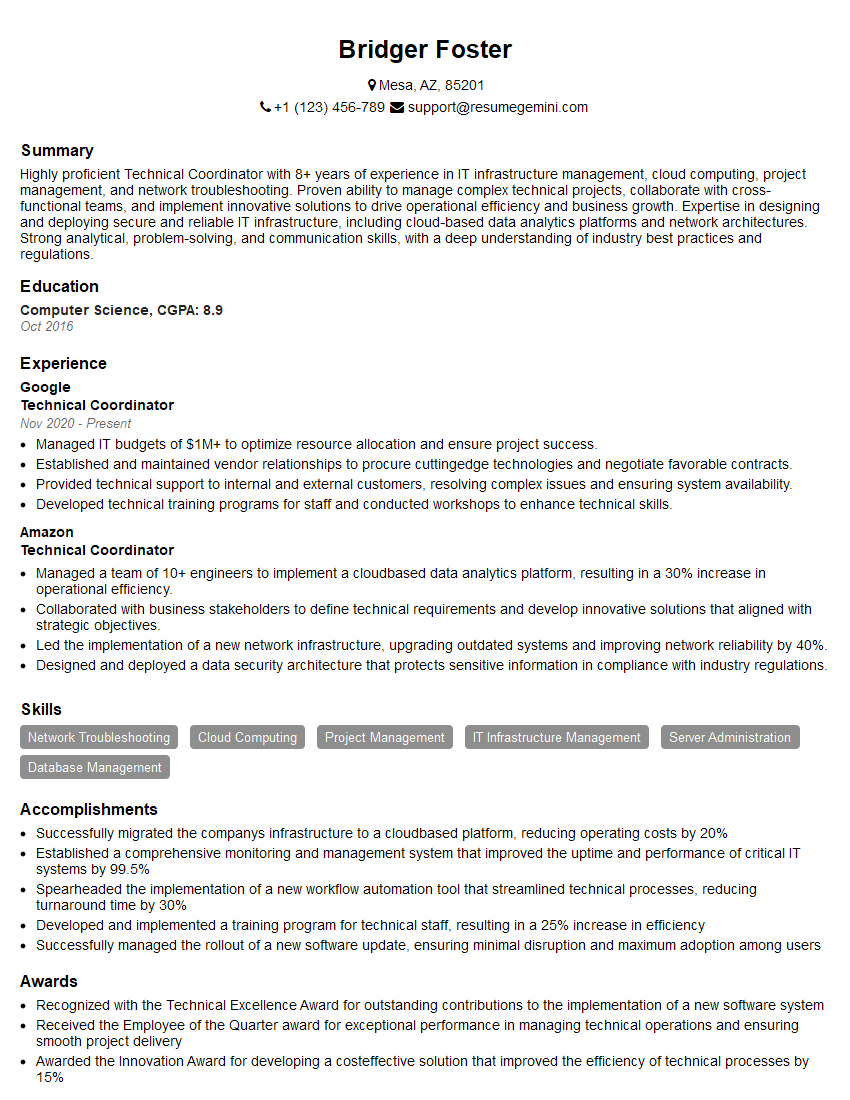
Technical Coordinator Resume Sample
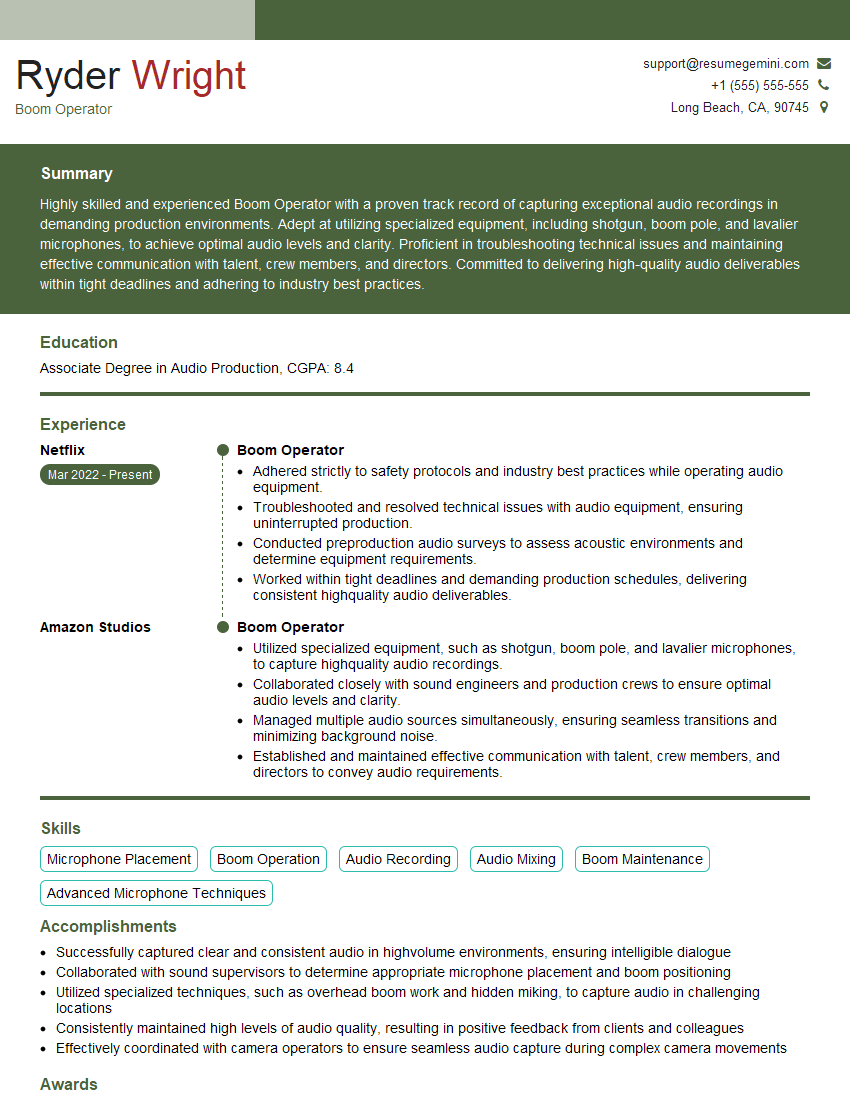
Boom Operator Resume Sample
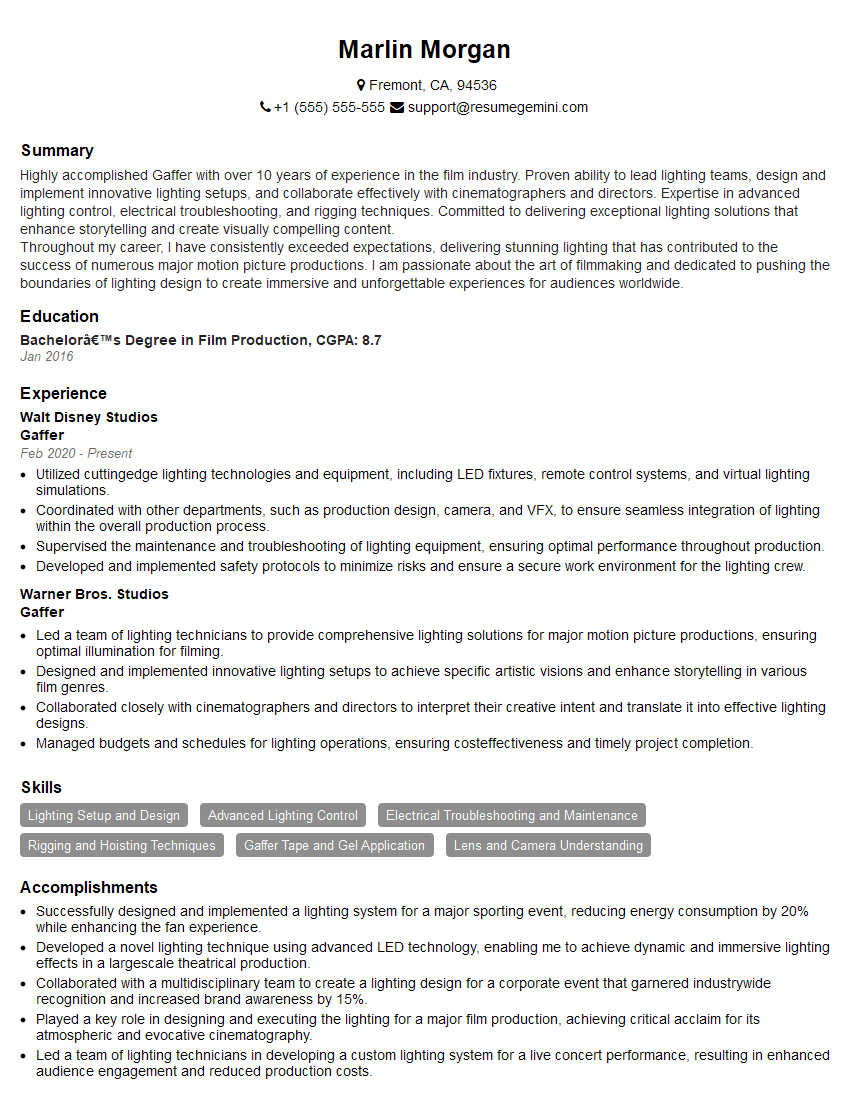
Gaffer Resume Sample
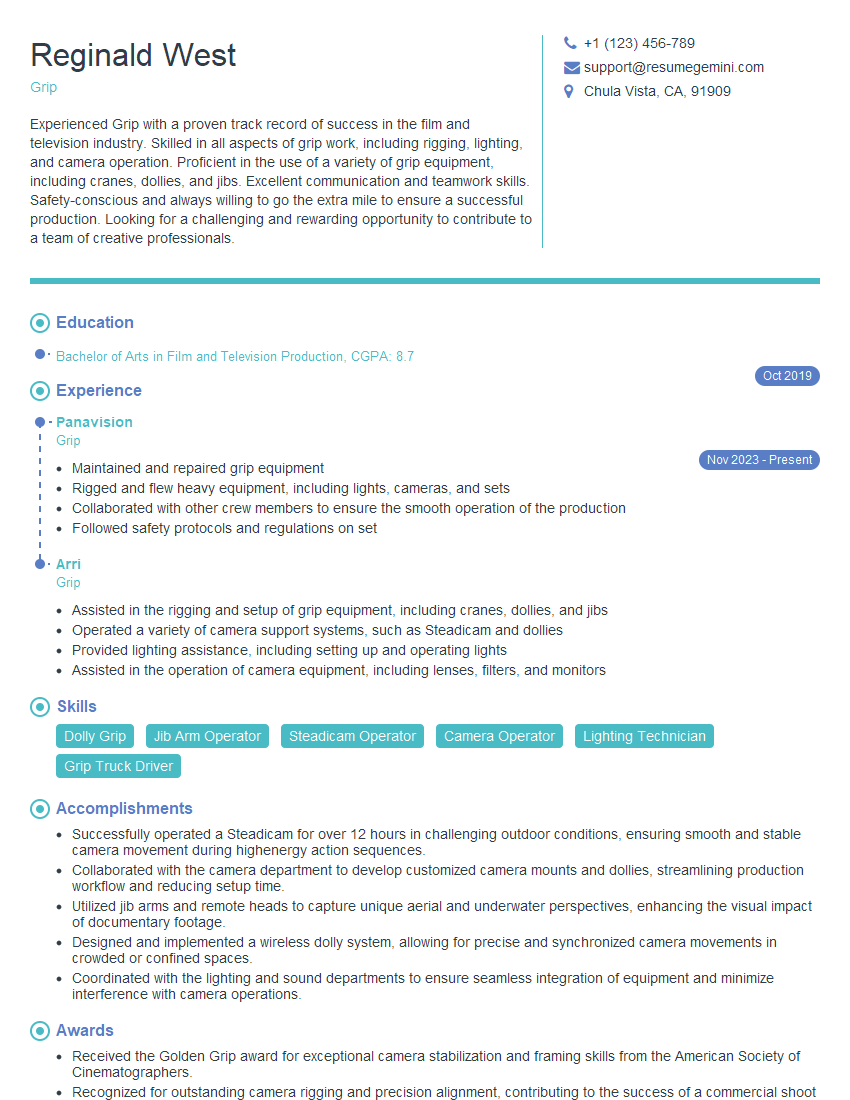
Grip Resume Sample
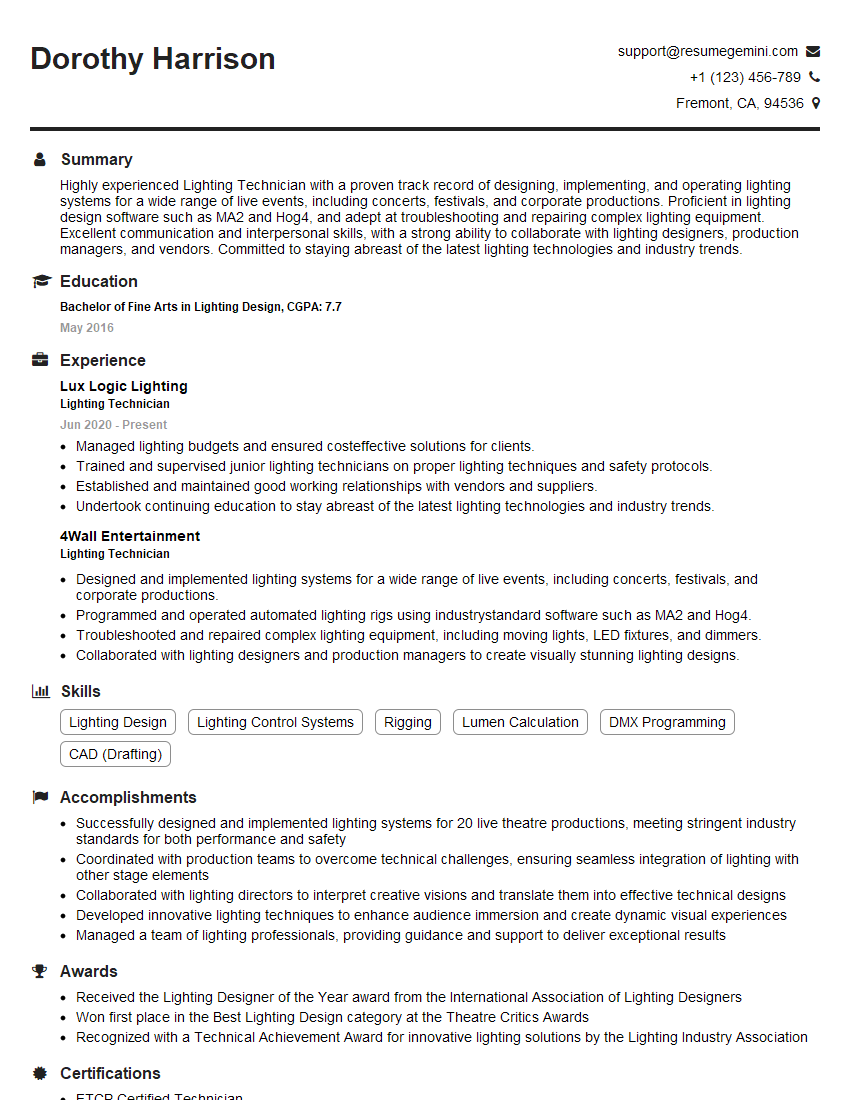
Lighting Technician Resume Sample
Explore more articles
Users Rating of Our Blogs
Share Your Experience
We value your feedback! Please rate our content and share your thoughts (optional).
What Readers Say About Our Blog
Very informative content, great job.
good