Interviews are more than just a Q&A session—they’re a chance to prove your worth. This blog dives into essential Studio Equipment interview questions and expert tips to help you align your answers with what hiring managers are looking for. Start preparing to shine!
Questions Asked in Studio Equipment Interview
Q 1. Describe your experience with different microphone types and their applications.
My experience with microphones spans a wide range of types, each suited for specific applications. Understanding the nuances of different microphone polar patterns is crucial. For instance, cardioid microphones, which pick up sound primarily from the front, are excellent for isolating a single voice in a noisy environment like a podcast recording. I frequently use these for voiceovers and interviews. Conversely, omnidirectional microphones, which pick up sound equally from all directions, are ideal for capturing ambience or a group of speakers during a conference call. Then there are figure-eight microphones, known for their bi-directional pickup, often employed in stereo recording scenarios to capture a wider soundstage. I’ve also worked extensively with dynamic microphones, robust and resistant to handling noise, perfect for live performances and loud environments, and condenser microphones, known for their sensitivity and detailed sound reproduction, ideal for studio recording of instruments and vocals.
The choice of microphone is heavily dependent on the application. For example, a dynamic microphone is preferable for a live band recording due to its ability to handle high sound pressure levels, preventing distortion, while a condenser microphone might be chosen for recording delicate acoustic instruments in a controlled studio environment to capture subtle nuances. I have experience selecting and placing mics for optimal sound quality depending on the acoustic environment.
Q 2. Explain the differences between XLR, TRS, and RCA connectors.
The differences between XLR, TRS, and RCA connectors lie primarily in their signal carrying capabilities and intended applications. XLR connectors are professional-grade, balanced connectors, primarily used for audio signals in professional studios. The balanced nature of the connection helps reduce noise interference, crucial for maintaining audio integrity over long cable runs. Think of them as the workhorses of professional audio.
TRS connectors (Tip-Ring-Sleeve), or 1/4-inch jacks, can be balanced or unbalanced. Balanced TRS connections also minimize noise, but they are often found on smaller, more portable equipment. Unbalanced TRS connections are commonly used for instruments like guitars or keyboards but are more prone to noise interference.
RCA connectors are unbalanced connectors generally used for consumer-grade audio and video applications. They’re simple and inexpensive, commonly used for connecting home stereos, but they are susceptible to noise and signal degradation, especially over longer distances.
In short: XLR is the professional standard for audio, TRS is versatile (can be balanced or unbalanced), and RCA is consumer-grade and unbalanced. Choosing the correct connector type is vital for ensuring optimal signal quality and preventing problems.
Q 3. How do you troubleshoot audio feedback in a studio environment?
Audio feedback, that dreaded high-pitched squeal, is caused by a loop of audio signal where the output of a system is fed back into its input, creating a positive feedback loop. Troubleshooting it requires systematic investigation.
- Identify the source: Start by reducing the gain (volume) of your microphones and amplifiers. Observe if the feedback decreases or disappears. This helps pinpointing the offending microphone or speaker.
- Check cable connections: Ensure all cables are securely connected and in good condition. Loose connections can introduce interference and contribute to feedback.
- Physical Positioning: Adjust the physical positioning of microphones and speakers. Feedback is often exacerbated when microphones are too close to speakers. Try angling mics away from speakers and consider using microphone isolation shields.
- EQ adjustments: Use an equalizer (EQ) to cut frequencies that are causing the feedback. Carefully notch out the problem frequencies. Often, feedback occurs in specific frequencies, and reducing their gain can resolve the issue.
- Room acoustics: Room acoustics play a critical role. Excessive reverberation can contribute to feedback. Treating the room with acoustic panels can significantly reduce this problem.
The process is usually iterative. You systematically adjust gain, positioning, and EQ until the feedback is eliminated. Experience and a keen ear are essential.
Q 4. What are your preferred methods for lighting a studio interview?
My preferred method for lighting a studio interview employs a three-point lighting setup: a key light, a fill light, and a backlight. This setup creates depth, dimension, and a professional look.
The key light, the primary light source, is placed slightly off-center and at a 45-degree angle to the subject. This creates shadows and definition. A softbox is generally used to diffuse the key light for a softer, more flattering effect. The fill light is positioned on the opposite side of the key light, reducing shadows and ensuring even illumination. It’s typically less intense than the key light. Finally, the backlight, positioned behind the subject, separates the subject from the background, creating a more three-dimensional look and avoiding a flat, washed-out appearance. Careful control over the intensity of each light is crucial to balance the lighting and achieve the desired aesthetic.
Q 5. Describe your experience with various lighting fixtures (e.g., Fresnels, LEDs, HMI).
I have extensive experience with various lighting fixtures, including Fresnels, LEDs, and HMIs. Fresnel lights are known for their adjustable beam spread and intensity, providing precise control over light. They are excellent for creating focused light pools or washing large areas, and I’ve used them for key lighting in many interviews. LED lights are energy-efficient and offer a long lifespan, making them cost-effective. Their color temperature is often adjustable, offering versatility in creating different moods and atmospheres. I use LED panels frequently for fill and backlight in smaller studio settings.
HMIs (Hydrargyrum Medium-arc Iodide) produce daylight-balanced light and are very powerful. They’re ideal for large-scale productions and outdoor shoots where intense light is needed, however they require more power and are generally more expensive than LEDs. I’ve worked with HMIs on larger projects requiring bright, consistent daylight illumination.
The choice of lighting fixture depends on the scale of the production, the budget, and the desired lighting effects. For interviews, I often favor a mix of LEDs for fill and backlight due to their ease of use and energy efficiency, complemented by a Fresnel for the key light if precision and control are needed.
Q 6. Explain the concept of color temperature and its importance in lighting.
Color temperature is a measure of the relative redness or blueness of a light source, measured in Kelvin (K). Lower Kelvin values (e.g., 2700K) represent warmer colors with a more orange or yellow hue, while higher Kelvin values (e.g., 6500K) indicate cooler colors with a bluish hue.
In lighting, consistency in color temperature is crucial. Inconsistent color temperatures create a jarring and unprofessional look. Mixing warm and cool light sources can lead to an unbalanced and unpleasant color cast in the final footage. For instance, mixing tungsten lights (warm) with daylight (cool) without proper color correction will create a strange color imbalance. Maintaining a consistent color temperature throughout a shoot, usually within a range of 3200K-5600K (tungsten and daylight balanced, respectively), ensures a visually pleasing and consistent result. Color correction in post-production can help but is less effective than achieving consistent color temperature during filming. This is paramount in creating a professional and aesthetically pleasing outcome for any video project.
Q 7. What is your experience with camera operation and different camera types?
My camera operation experience includes working with various camera types, ranging from DSLR cameras to professional cinema cameras. DSLRs, while versatile and affordable, often require careful consideration of image quality and autofocus limitations when used for professional video production. I’ve used them extensively in situations where mobility and budget are key considerations.
Professional cinema cameras, on the other hand, offer superior image quality, dynamic range, and features specifically designed for video production. Their larger sensors, better low-light performance, and professional features allow for high-quality image capture. I’ve used these extensively in studio environments, benefiting from their superior image quality and versatility. Specific camera models and their features like sensor size, dynamic range, and frame rate capabilities influence the final look. Understanding these aspects is critical for selecting the right camera for a given project. My experience also includes operating various cameras remotely using appropriate control systems.
Q 8. How do you adjust camera settings (aperture, shutter speed, ISO) for optimal image quality?
Adjusting camera settings for optimal image quality involves finding the right balance between aperture, shutter speed, and ISO. Think of it like this: you’re trying to capture the perfect amount of light to create a sharp, well-exposed image.
Aperture (f-stop): Controls the size of the lens opening, affecting depth of field. A wider aperture (smaller f-number, e.g., f/1.4) lets in more light, creating a shallow depth of field (blurred background), ideal for portraits. A narrower aperture (larger f-number, e.g., f/16) lets in less light, creating a large depth of field (everything in focus), suitable for landscapes.
Shutter Speed: Controls how long the sensor is exposed to light. A faster shutter speed (e.g., 1/500s) freezes motion, perfect for action shots. A slower shutter speed (e.g., 1/30s) allows more light in, but can lead to motion blur, often used creatively for light trails or waterfalls.
ISO: Measures the sensor’s sensitivity to light. A lower ISO (e.g., 100) produces less noise (grain) but requires more light. A higher ISO (e.g., 3200) is more sensitive to light, allowing for shooting in low-light conditions but introduces more noise.
Finding the balance: The optimal settings depend on the scene. For a bright outdoor scene, you might use a smaller aperture (f/8), a faster shutter speed (1/250s), and a low ISO (100). In low light, you might increase the ISO (3200), use a wider aperture (f/2.8), and a slower shutter speed (1/60s), carefully considering motion blur. Always check your histogram and exposure to ensure your image is properly exposed.
Q 9. Describe your experience with video editing software (e.g., Adobe Premiere Pro, Final Cut Pro).
I have extensive experience with both Adobe Premiere Pro and Final Cut Pro, having used them for over 10 years in various professional video production projects. Premiere Pro’s robust features and extensive plugin ecosystem make it ideal for complex projects and collaborative workflows, while Final Cut Pro’s intuitive interface and fast performance are beneficial for quick turnaround projects.
My skills encompass everything from basic editing—cutting, transitions, color correction—to advanced techniques like audio mixing, keyframing, motion graphics, and visual effects. I’m proficient in managing multiple video and audio tracks, color grading using Lumetri tools (Premiere Pro) or Color Board (Final Cut Pro), and exporting videos in various formats optimized for different platforms. For example, I recently used Premiere Pro to edit a corporate video, integrating motion graphics and 3D animations, and delivered the final product in 4K resolution for online streaming and 1080p for broadcast television.
Q 10. How do you manage multiple video sources during a live broadcast?
Managing multiple video sources during a live broadcast requires a robust switching system, typically a video switcher or a software-based solution. This system allows me to seamlessly transition between different camera angles, graphics, and other sources. The process involves:
- Pre-show setup: Connecting all video sources (cameras, computers, graphics players) to the switcher, configuring audio routing, and performing system checks.
- Live switching: Using the switcher’s controls to select and transition between different video sources based on the director’s cues. This might involve using various transition effects like cuts, dissolves, wipes, or keying.
- Monitoring: Constantly monitoring all video and audio feeds to ensure quality and prevent errors. Often, multiple monitors show program output, previews of upcoming shots, and individual source feeds.
- Communication: Maintaining clear communication with the director, camera operators, and other crew members to ensure smooth coordination.
For instance, in a recent live concert stream, I successfully managed 5 camera angles, live graphics overlays, and pre-recorded video segments using a Blackmagic ATEM video switcher. This involved coordinating with the camera operators and director to create a visually engaging and high-quality broadcast.
Q 11. Explain your understanding of audio mixing consoles and their functions.
An audio mixing console is the central hub for managing and manipulating audio signals in a studio or live sound environment. It acts as a control center, allowing you to route, process, and adjust the volume levels of multiple audio sources. The functions include:
- Input Channels: Each channel receives audio from a microphone, instrument, or other source, allowing for individual adjustments.
- EQ (Equalization): Adjusting the frequency balance of audio signals to enhance or reduce specific frequencies, creating a more balanced and pleasing sound. For example, cutting muddiness in the low frequencies or boosting clarity in the high frequencies.
- Compression: Reducing the dynamic range (difference between loud and quiet parts) of audio signals for a more consistent level, useful for vocals and instruments.
- Aux Sends: Sending audio signals to external effects processors (reverb, delay) or monitor mixes.
- Master Output: The final output signal sent to speakers, recorders, or broadcast equipment.
- Faders: Sliders used to control the volume of each channel and the master output.
My experience involves operating various mixing consoles, from small analog mixers to large digital consoles like Yamaha and Allen & Heath, adjusting levels, EQ, and dynamics for optimum audio quality, often in live settings with multiple microphones and instruments.
Q 12. Describe your experience with audio signal processing (e.g., EQ, compression, reverb).
Audio signal processing involves using various tools to shape and enhance audio. EQ, compression, and reverb are fundamental tools:
- EQ (Equalization): As mentioned before, this adjusts the balance of different frequencies. I utilize parametric EQ to precisely target specific frequency ranges, boosting or cutting as needed. For instance, cutting harsh frequencies in a vocal track or boosting the bass in a drum track.
- Compression: Reduces the dynamic range to create a more consistent and punchier sound. I use compression to control the peaks of vocals, bringing quieter parts up without altering the character of the voice. I often utilize different compression ratios and attack/release times depending on the source material.
- Reverb: Simulates the natural ambience of a space, adding depth and realism to sounds. I use reverb judiciously, adding just enough to provide a sense of space without making the audio sound muddy or artificial. The choice of reverb type (plate, hall, room) depends on the desired effect.
My experience includes using both hardware and software processors, adjusting settings based on individual source material and the overall mix. For instance, a project involved using Waves plugins in my DAW to carefully craft a polished and detailed sound for a music production project.
Q 13. How do you troubleshoot video signal issues (e.g., no signal, poor quality)?
Troubleshooting video signal issues requires a systematic approach. The first step is to isolate the problem:
- No Signal: Check all cable connections, ensuring they are securely plugged in. Verify that the power is on for all equipment. Check the video source (camera, computer) to ensure it’s outputting a signal. Check the settings on any switching equipment.
- Poor Quality: Check for resolution mismatch (ensure both source and display are set to the same resolution). Look for interference (check for loose cables, electromagnetic interference). Adjust the settings (brightness, contrast, saturation) on the display. If using compression, check the bitrate, which impacts quality.
Systematic troubleshooting: I often follow a process of elimination, starting with the most likely culprits (cables and power) and gradually moving to more complex issues. Using signal monitoring equipment (oscilloscope, waveform monitor) can help pinpoint problems. For example, a recent issue with blurry video feed was solved by simply replacing a damaged HDMI cable. Understanding signal paths and equipment is crucial for efficient troubleshooting.
Q 14. What is your experience with different types of video formats and codecs?
My experience encompasses a wide range of video formats and codecs, each suited to different needs and applications:
- Resolution: From standard definition (SD) to high definition (HD) and ultra-high definition (4K), each impacts file size and quality.
- Compression codecs: H.264 (AVC) is widely used for its balance of compression and quality. H.265 (HEVC) offers better compression but requires more processing power. ProRes and DNxHD are high-quality codecs often used in post-production to preserve image detail.
- Container formats: MP4 is a common container format for web videos. MOV is often used for professional video editing workflows. AVI is an older format, less frequently used now.
Choosing the right format and codec depends on factors like desired quality, file size, compatibility with different platforms, and the editing software being used. For example, I’d use ProRes for editing in Final Cut Pro to preserve quality during the editing process, and then export the final product as an H.264 MP4 for online distribution.
Q 15. How do you maintain and organize studio equipment?
Maintaining and organizing studio equipment is crucial for efficiency and longevity. Think of it like a well-stocked and organized kitchen – everything has its place, and you know exactly where to find it when you need it. My approach involves a multi-pronged strategy.
Categorization and Labeling: I meticulously categorize equipment by type (microphones, lighting, cameras, etc.) and use clear, consistent labeling. This includes both physical labels on equipment and digital inventory management in a spreadsheet or database, noting serial numbers and purchase dates.
Designated Storage: Each piece of equipment has a designated storage location – whether it’s a rack, case, shelf, or drawer. This prevents damage from accidental bumps or misplacement and ensures quick retrieval.
Regular Cleaning and Maintenance: I perform regular cleaning, using appropriate cleaning solutions for different surfaces (e.g., lens cleaner for camera lenses). I also conduct preventative maintenance, such as checking cable connections, tightening screws, and testing functionality regularly.
Inventory Management: A detailed inventory system is key. It allows for easy tracking of equipment, identification of missing or damaged items, and planning for upgrades or replacements. I use a combination of physical inventory checks and digital records to maintain accuracy.
For example, I once worked on a large-scale production where proper organization saved us hours of searching for specific cables during a live shoot. The clear labeling and designated storage ensured we found what we needed quickly, avoiding costly delays.
Career Expert Tips:
- Ace those interviews! Prepare effectively by reviewing the Top 50 Most Common Interview Questions on ResumeGemini.
- Navigate your job search with confidence! Explore a wide range of Career Tips on ResumeGemini. Learn about common challenges and recommendations to overcome them.
- Craft the perfect resume! Master the Art of Resume Writing with ResumeGemini’s guide. Showcase your unique qualifications and achievements effectively.
- Don’t miss out on holiday savings! Build your dream resume with ResumeGemini’s ATS optimized templates.
Q 16. Describe your experience working with studio monitoring systems.
Studio monitoring systems are the cornerstone of accurate audio production. They’re your ears in the studio, and getting them right is paramount. My experience encompasses a range of systems, from budget-friendly setups to high-end professional configurations.
I’m proficient in calibrating monitors using measurement tools and techniques to ensure a flat frequency response. This guarantees accurate mixing and mastering decisions. I understand the importance of room acoustics and how they interact with the monitoring system. This includes considerations such as speaker placement, bass traps, and acoustic treatment to minimize unwanted reflections and resonances.
I’ve worked extensively with both near-field and far-field monitors, understanding their strengths and weaknesses in different studio environments. For example, I’ve used Genelec monitors for their accuracy and neutrality in critical listening, while choosing more budget-friendly options for less demanding projects. The key is always to match the monitoring system to the project’s requirements and the budget.
Q 17. Explain the importance of proper cable management in a studio.
Proper cable management is often overlooked but is crucial for safety, efficiency, and professional aesthetics. Think of it as the circulatory system of your studio. A tangled mess of cables not only looks unprofessional but creates tripping hazards, can damage equipment through pulling or stress, and can lead to signal interference.
My approach includes:
Labeling: Clear labeling of all cables (input/output, source/destination) is essential. Color-coding can also help quickly identify cables.
Cable Ties and Management Systems: Using cable ties, Velcro straps, or dedicated cable management systems keeps cables organized and prevents tangling.
Routing and Placement: Cables should be routed neatly along walls or floors, avoiding walkways and high-traffic areas.
Regular Inspection: Regularly inspecting cables for wear and tear is vital to prevent shorts or signal loss. Damaged cables should be replaced immediately.
A well-managed cable system prevents accidents and downtime, saving time and money in the long run. It also enhances the professional look of the studio.
Q 18. How do you ensure the safety of studio equipment and personnel?
Ensuring the safety of equipment and personnel is paramount. It requires a proactive and comprehensive approach.
Electrical Safety: This includes using surge protectors on all equipment to prevent damage from power surges, regularly checking electrical cords for damage, and ensuring proper grounding. I always adhere to all relevant electrical safety codes.
Ergonomics: Proper workstation setup is crucial for preventing repetitive strain injuries. This involves using ergonomic chairs, adjustable desks, and proper monitor placement to ensure comfortable and healthy working conditions.
Fire Safety: Having working smoke detectors and fire extinguishers readily available is a must. I’m familiar with proper evacuation procedures and fire safety protocols for the studio environment.
Equipment Handling: Proper handling of heavy equipment is crucial to prevent damage and injuries. This involves using appropriate lifting techniques and equipment dollies when necessary.
Emergency Procedures: Establishing and regularly reviewing emergency procedures, including first aid and contacting emergency services, is crucial in case of accidents or incidents.
By proactively addressing safety concerns, we ensure a safe and productive working environment for everyone in the studio.
Q 19. What is your experience with teleprompters and their operation?
My experience with teleprompters involves both their operation and integration into a broadcast or video production environment. I’m familiar with various models, from simple handheld devices to sophisticated professional systems with features like remote control, scrolling speed adjustment, and text formatting options.
I understand the importance of properly setting up the teleprompter to ensure clear readability for the presenter. This includes adjusting the font size, scrolling speed, and camera angle to create a natural and engaging presentation. I’m also experienced in integrating the teleprompter with other studio equipment, such as cameras and switchers, for seamless operation.
Beyond the technical aspects, I also understand the importance of the content displayed on the teleprompter and how it contributes to the overall message. I can work with scriptwriters and presenters to ensure the text is clear, concise, and engaging for the viewers. A well-used teleprompter enhances professionalism and prevents presenters from stumbling over words.
Q 20. Describe your experience with studio automation systems.
Studio automation systems streamline workflows and enhance efficiency. My experience encompasses various systems, from simple automation tools to complex broadcast automation systems. I understand the importance of integrating automation systems with other studio equipment to create a seamless and efficient workflow.
I’m familiar with programming and configuring automation systems, including setting up macros, scheduling tasks, and controlling various aspects of the studio environment, such as lighting, audio, and cameras. I’ve worked with systems that automate camera movements, lighting cues, and audio mixing, resulting in smoother productions and reduced manual labor.
For example, I used a sophisticated automation system on a recent project to synchronize lighting changes with music cues, creating a dynamic and engaging visual experience. The system also automated camera movements during different segments of the show, allowing the director to focus on other aspects of the production. The benefits are numerous, from cost savings to improved production quality.
Q 21. How do you troubleshoot problems with studio lighting equipment?
Troubleshooting studio lighting equipment requires a systematic approach. It’s like diagnosing a car problem – you need to follow a process of elimination to pinpoint the issue.
My troubleshooting process usually begins with:
Visual Inspection: A thorough visual inspection of the lights, cables, and connections to identify any obvious problems such as loose connections, damaged bulbs, or frayed cables.
Power Supply Check: Verifying that the power supply is functioning correctly, including checking circuit breakers, fuses, and power outlets.
Testing Components: Testing individual components, such as bulbs, ballasts, and dimmers, to isolate the faulty part. This might involve swapping known good components to see if the problem moves.
Wiring and Connections: Checking the wiring and connections between the lights and control systems, looking for shorts, breaks, or incorrect wiring.
Software/Control System Check: If the lighting is controlled by a software or control system, checking for software glitches, configuration errors, or communication problems between the control system and the lighting equipment.
Documentation is key. I always keep detailed records of equipment, its settings, and any issues encountered. This information proves invaluable in future troubleshooting or maintenance. Remember, safety is paramount – always disconnect power before working on any electrical equipment.
Q 22. What is your experience with different types of studio cameras?
My experience with studio cameras spans a wide range of models and manufacturers, from high-end cinema cameras like ARRI Alexa and RED Monstro, to more affordable but capable options such as Sony FS7 and Blackmagic Pocket Cinema Camera. I’m proficient in operating cameras with various sensor sizes (Super 35, full-frame), understanding their respective strengths and weaknesses regarding image quality, dynamic range, and low-light performance. For instance, I’ve used the ARRI Alexa extensively for its exceptional color science and dynamic range in high-budget productions, while the Blackmagic Pocket Cinema Camera proved invaluable for its portability and affordability in smaller projects. My experience also extends to configuring cameras for various shooting scenarios, including adjusting settings like ISO, shutter speed, aperture, and white balance to achieve the desired look.
I’m also familiar with the latest features, such as internal recording capabilities at high bitrates, advanced color science, and integrated ND filters. I’ve worked extensively with both single-sensor and multi-camera setups, including orchestrating complex camera movements and coordinating multiple operators for seamless transitions. Understanding camera lens selection, focus pulling techniques, and the intricacies of camera support systems, from tripods to jib arms, completes my camera expertise.
Q 23. Explain your understanding of different video recording formats.
Video recording formats are crucial for image quality and post-production workflow. Common formats include codecs like ProRes (Apple ProRes 422, ProRes 4444), DNxHD (Avid DNxHD), and H.264/H.265 (MPEG-4 AVC/HEVC). Each has a trade-off between file size, compression artifacts, and data rate. For instance, ProRes offers high-quality image reproduction with minimal compression, ideal for post-production flexibility but resulting in larger file sizes. H.264/H.265 are more efficient for storage and distribution but at the cost of some image detail, especially noticeable at higher compression levels.
I’m familiar with the importance of choosing a format based on the project’s requirements. High-end productions might favor ProRes or uncompressed formats to maximize image quality and post-production flexibility. For online distribution or projects with storage constraints, H.264 or H.265 are more practical. Understanding the nuances of each format, including chroma subsampling (4:2:2, 4:4:4), bit depth, and frame rate, is crucial for optimizing the workflow and balancing quality with efficiency.
Furthermore, I’m experienced with different container formats like MOV, MP4, and MXF, each offering various metadata capabilities and compatibility with different editing software.
Q 24. How familiar are you with studio intercom systems?
My understanding of studio intercom systems is comprehensive. I’m experienced with both wired and wireless systems, including Riedel MediorNet, Clear-Com Eclipse HX, and various RTS systems. I understand the importance of clear communication for coordinating talent, crew, and technical teams in complex production environments. This includes setting up different communication channels, assigning talkback and party-line capabilities, and troubleshooting connectivity issues. I can configure matrix systems, ensuring efficient communication between different locations within a studio or across multiple sites in remote productions.
For instance, in a multi-camera shoot, the intercom system is vital for the director to communicate with camera operators, ensuring smooth transitions and precise framing. In larger productions, the system may include dedicated channels for audio, lighting, and video crews. I’ve encountered and resolved various issues, such as faulty cabling, radio frequency interference, and headset malfunctions, ensuring seamless communication throughout the production process.
Q 25. Describe your experience working with different types of studio monitors.
My experience with studio monitors covers a wide range, from nearfield monitors like Adam Audio S series and Genelec 8000 series to larger, more powerful systems. I understand the importance of accurate audio reproduction for critical listening in mixing and mastering. I’m familiar with different monitor characteristics, including frequency response, impedance, and power handling. This allows me to select monitors best suited for the specific acoustic environment and project requirements. For example, nearfield monitors are ideal for detailed work in a control room, providing a focused and accurate sound stage.
I’ve worked with various calibration methods, including using measurement microphones and software to ensure accurate frequency response across the entire listening range. I also have practical knowledge of room acoustics and the importance of acoustic treatment to minimize reflections and standing waves, thus ensuring an accurate representation of the audio being monitored.
Q 26. What is your experience with remote video production workflows?
I have substantial experience with remote video production workflows, utilizing technologies such as Zoom, Skype, and dedicated streaming platforms like Vimeo Live and YouTube Live. I’m proficient in setting up and managing video conferencing calls with multiple participants, ensuring consistent audio and video quality. This involves optimizing network bandwidth, configuring video encoding settings, and testing the entire system thoroughly before the live production. This includes using NDI (Network Device Interface) for seamless video routing and control over IP networks.
My experience also includes coordinating and directing remote crews, using remote control software to operate cameras and other studio equipment. I’m familiar with the challenges of remote production, such as latency issues, network connectivity problems, and ensuring consistent communication between geographically dispersed teams. I’ve worked on projects that utilized cloud-based production platforms, enabling remote editing and post-production workflows. Such remote workflows have become increasingly important and I possess a thorough understanding of their complexities.
Q 27. How would you troubleshoot a problem with a malfunctioning microphone?
Troubleshooting a malfunctioning microphone involves a systematic approach. First, I’d verify the microphone is properly connected to the audio interface or mixer, checking both the cable and the connector. Then, I would check the microphone’s power supply, ensuring phantom power is correctly switched on if needed. Next, I’d test the audio interface/mixer’s inputs to rule out any issues with the device itself. A simple test with a known working microphone on the same channel would confirm this. This could also involve checking gain levels to ensure the signal isn’t too low or too high.
If the microphone still isn’t functioning, I’d consider the possibility of a faulty cable. Testing the cable with a different microphone would pinpoint the source. If the problem persists with the microphone itself, I’d check for any physical damage, such as a broken diaphragm or a loose connection within the microphone. In certain instances, it might require replacing the microphone completely. Finally, I would inspect the audio signal path on my audio mixer to ensure signal routing and processing are correctly configured. It could be a problem with signal flow or a setting on the console.
Q 28. Explain your understanding of different types of audio processing effects.
My understanding of audio processing effects encompasses a wide range of tools used to shape and enhance sound. These include:
- Equalization (EQ): Adjusting the balance of frequencies to correct tonal imbalances or sculpt a specific sound. For instance, cutting low-frequency rumble or boosting high-frequency presence.
- Compression: Reducing the dynamic range of an audio signal to control volume peaks and even out the overall loudness. This is crucial for creating a consistent and powerful sound.
- Reverb/Delay: Adding ambience and spatial characteristics, enhancing realism and depth. Reverb simulates the reflection of sound in a space, while delay creates echoes or rhythmic effects.
- Gate: Removing low-level background noise by reducing the gain below a certain threshold. This helps to improve signal-to-noise ratio.
- Limiting: Protecting audio from clipping or distortion by preventing signal levels from exceeding a predetermined threshold.
I am experienced with various hardware and software processing tools and have used them extensively to achieve a wide array of effects. Understanding how different effects interact and the subtle nuances of their settings is crucial for mastering the craft of sound engineering.
Key Topics to Learn for Studio Equipment Interview
- Audio Equipment: Understanding microphones (dynamic, condenser, ribbon), mixers, audio interfaces, preamps, compressors, equalizers, and their practical applications in different recording scenarios. Consider troubleshooting common audio issues.
- Lighting Equipment: Knowledge of various lighting types (LED, HMI, tungsten), color temperature, lighting modifiers (softboxes, umbrellas, reflectors), and their use in creating different moods and aesthetics. Practice calculating lighting ratios and understanding lighting setups.
- Camera Equipment: Familiarity with cameras (DSLR, mirrorless, cinema), lenses, camera settings (aperture, shutter speed, ISO), and their impact on image quality. Explore different camera movements and shot compositions.
- Grip and Electric Equipment: Understanding the basics of rigging, stands, dollies, and other support equipment. Knowledge of electrical safety and power distribution within a studio environment is crucial.
- Workflow and Post-Production: Familiarity with file formats, storage solutions, and basic post-production workflows. Understanding the importance of organization and efficient file management is key.
- Studio Setup and Maintenance: Understanding the process of setting up a studio for different types of shoots, including cable management, equipment organization, and basic troubleshooting and maintenance procedures.
- Health and Safety: Familiarity with relevant health and safety regulations and procedures related to studio equipment, including electrical safety, proper lifting techniques, and ergonomic practices.
Next Steps
Mastering studio equipment opens doors to exciting and rewarding careers in film, television, music production, and more. A strong understanding of these technologies is highly sought after, and showcasing your expertise effectively is essential for landing your dream job. Therefore, creating a professional and ATS-friendly resume is paramount to increasing your visibility to potential employers.
To make a lasting impression, we encourage you to utilize ResumeGemini to build a compelling and effective resume. ResumeGemini provides a user-friendly platform and resources to help you craft a document that highlights your skills and experience in the best possible light. Examples of resumes tailored to the Studio Equipment field are available within the ResumeGemini platform to guide you.

Technical Director Resume Sample

Multimedia Specialist Resume Sample
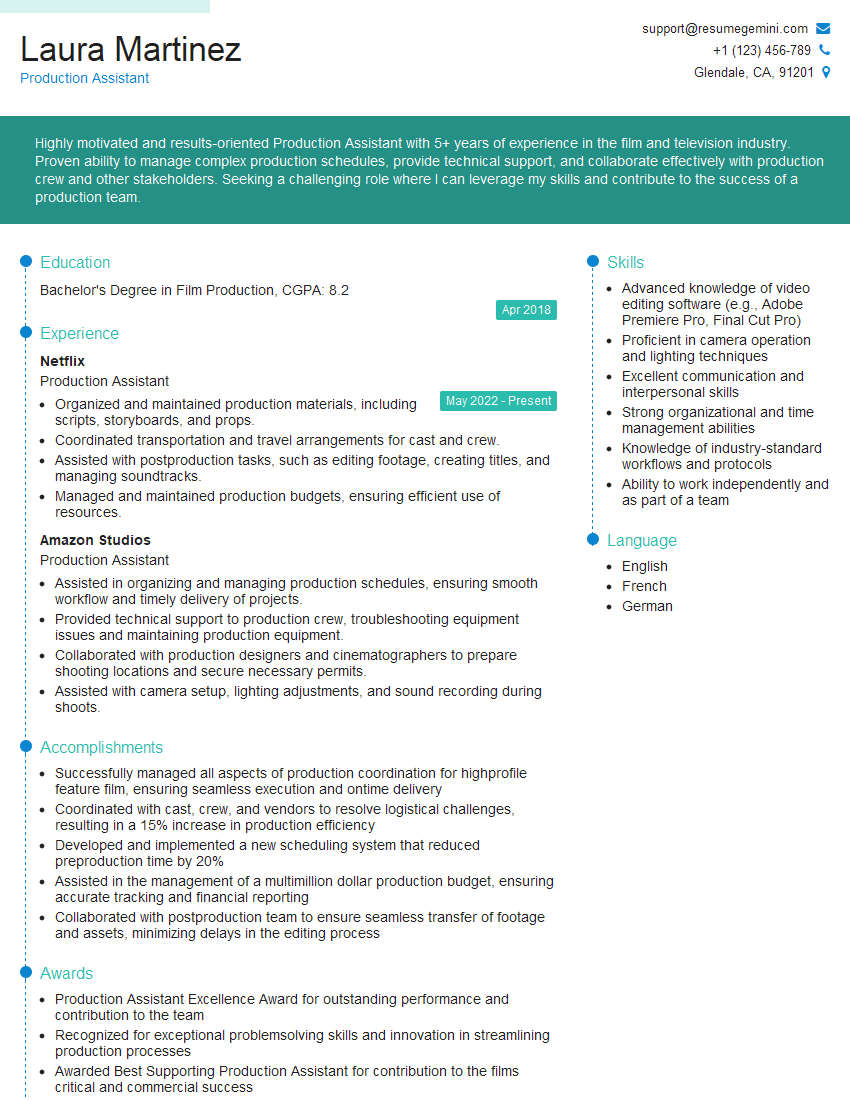
Production Assistant Resume Sample
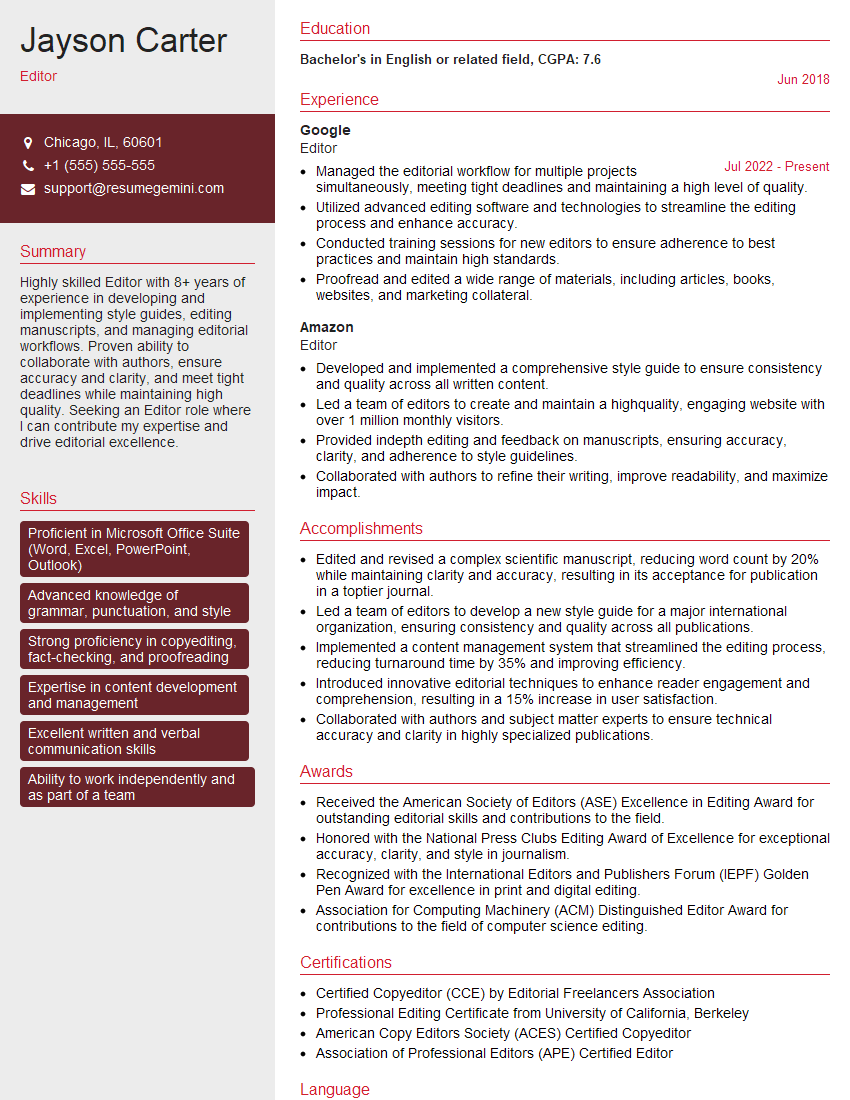
Editor Resume Sample
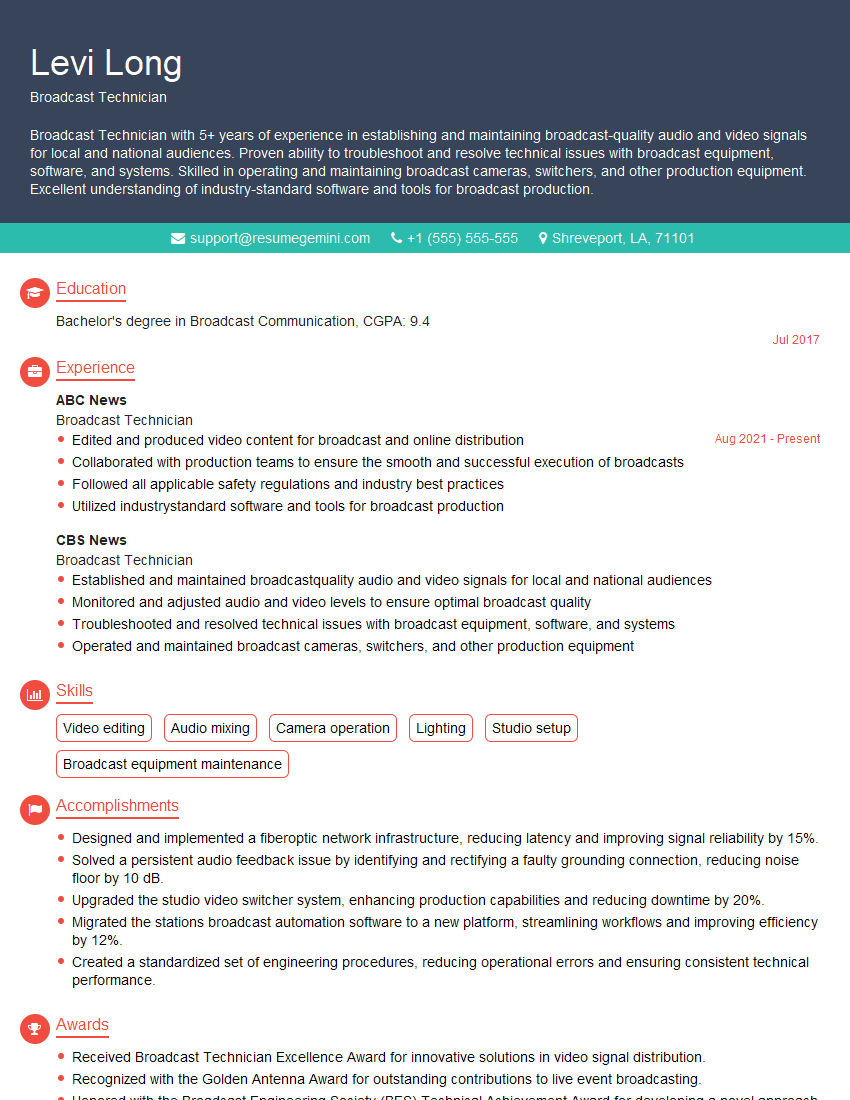
Broadcast Technician Resume Sample

Audio Engineer Resume Sample
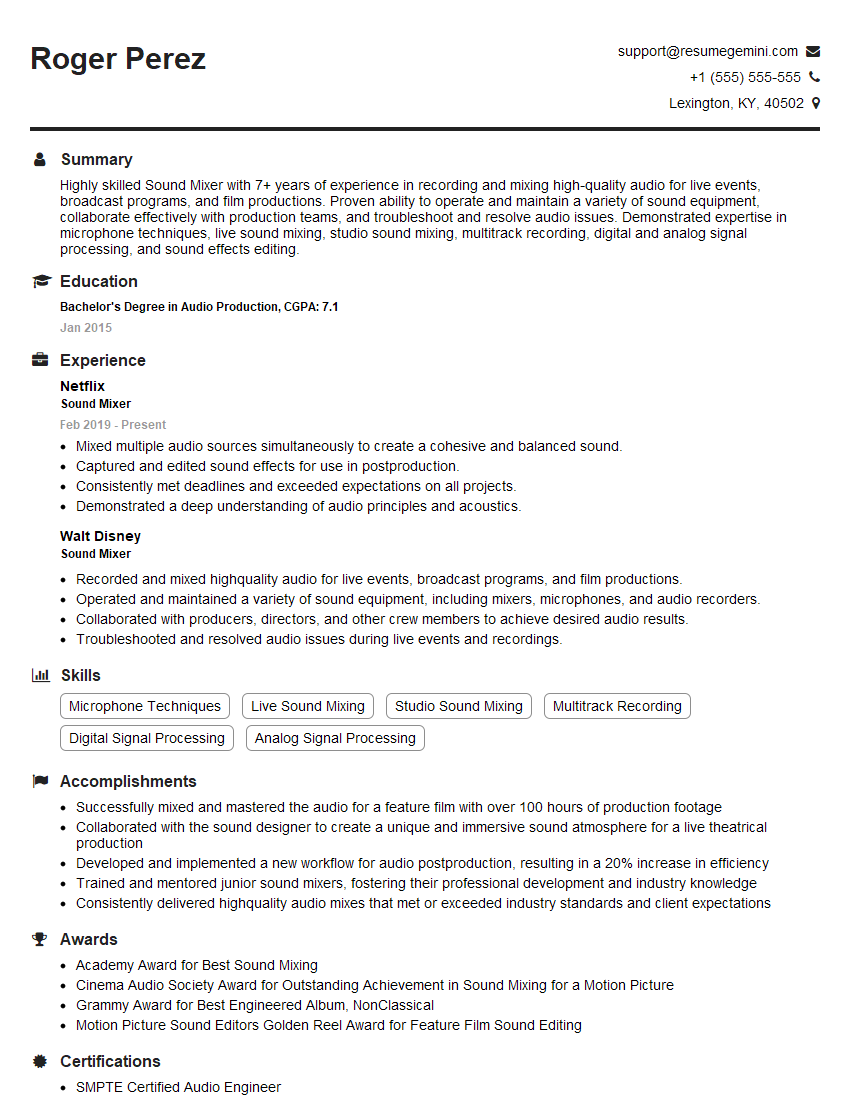
Sound Mixer Resume Sample
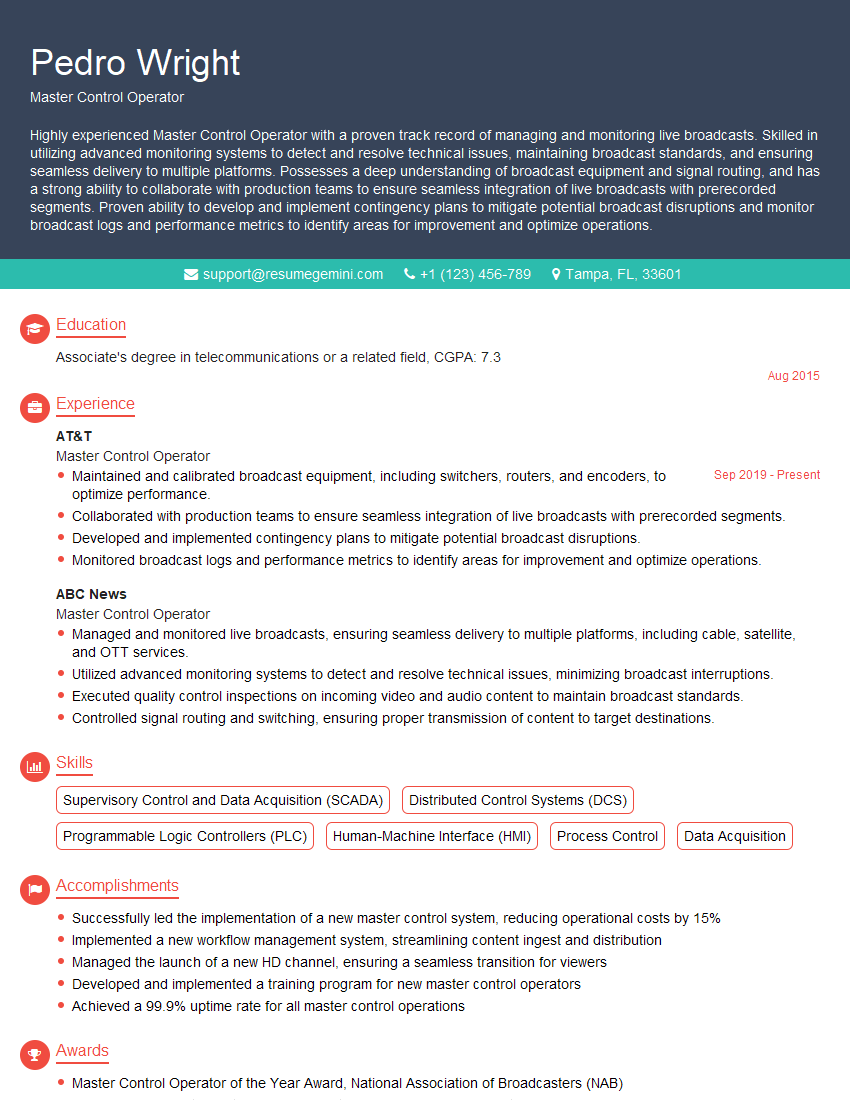
Master Control Operator Resume Sample

Sound Designer Resume Sample
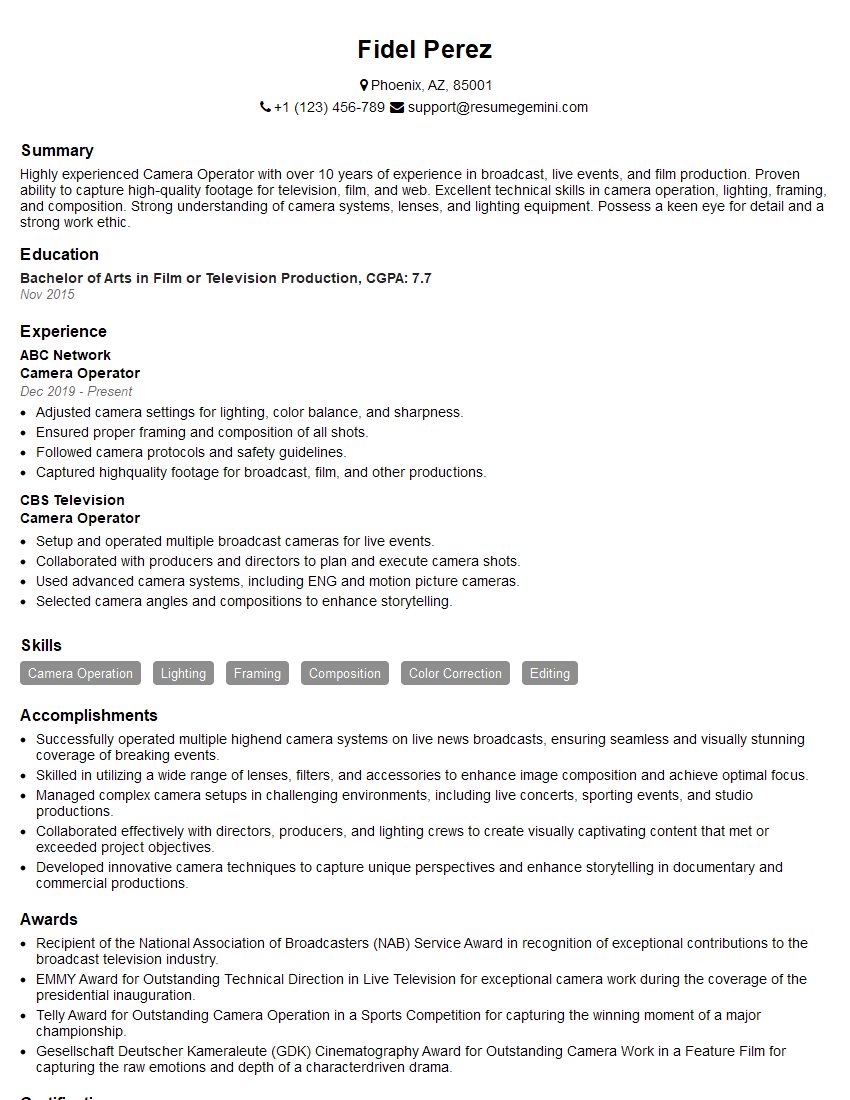
Camera Operator Resume Sample
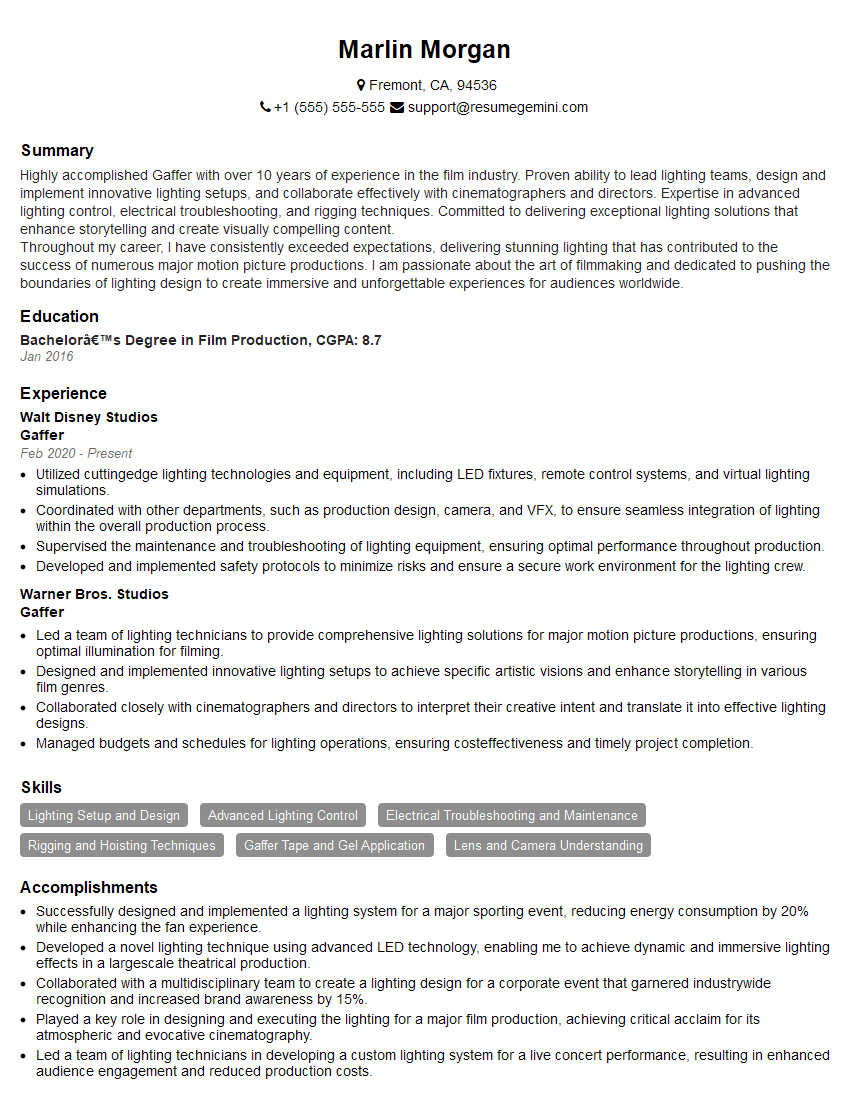
Gaffer Resume Sample
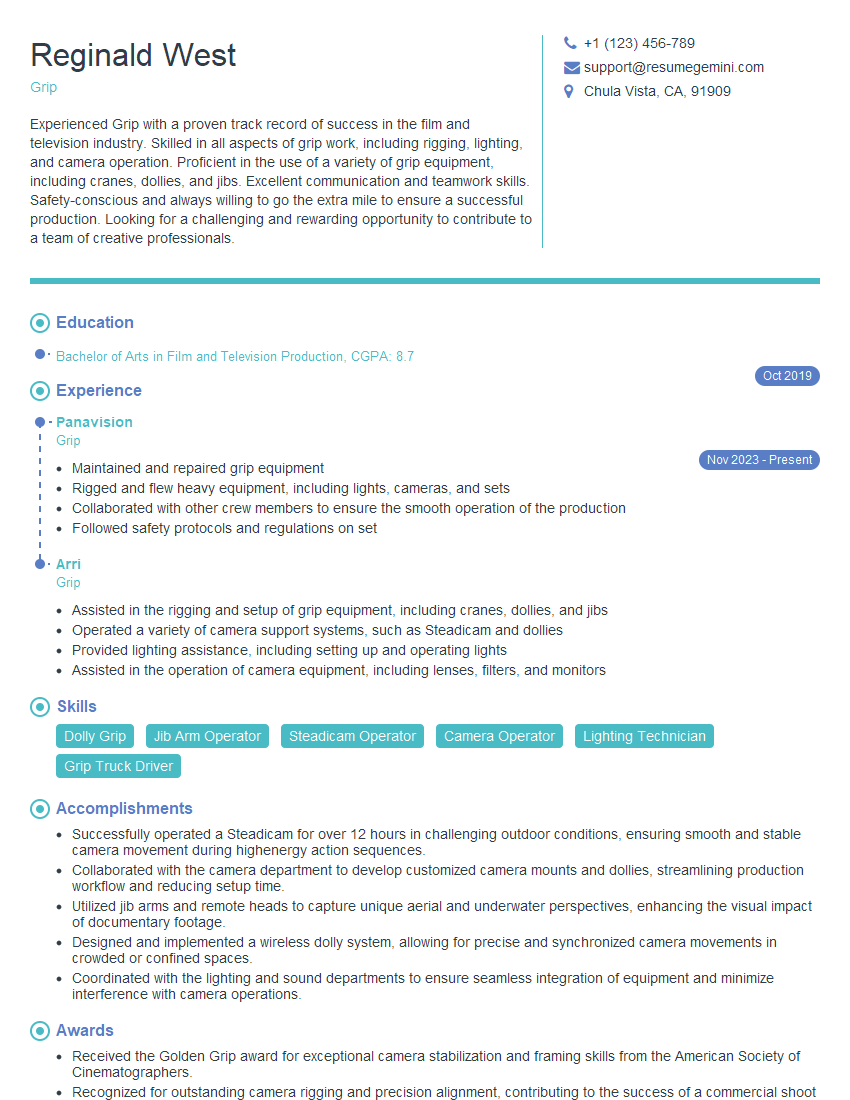
Grip Resume Sample
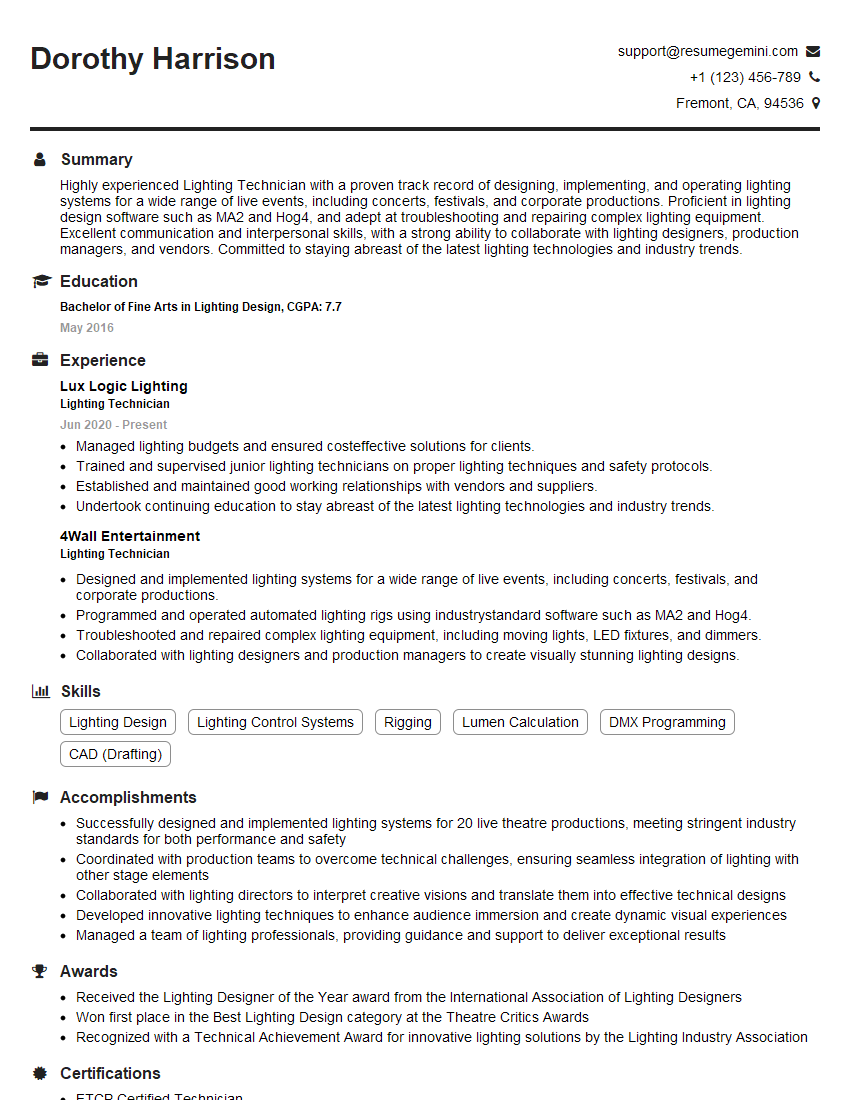
Lighting Technician Resume Sample
Explore more articles
Users Rating of Our Blogs
Share Your Experience
We value your feedback! Please rate our content and share your thoughts (optional).
What Readers Say About Our Blog
Very informative content, great job.
good