Are you ready to stand out in your next interview? Understanding and preparing for Surface Modeling interview questions is a game-changer. In this blog, we’ve compiled key questions and expert advice to help you showcase your skills with confidence and precision. Let’s get started on your journey to acing the interview.
Questions Asked in Surface Modeling Interview
Q 1. Explain the difference between NURBS and polygon modeling.
NURBS (Non-Uniform Rational B-Splines) and polygon modeling are two fundamentally different approaches to creating 3D surfaces. Think of it like this: polygons are like building a wall with LEGO bricks – many small, flat pieces joined together. NURBS, on the other hand, are like sculpting with clay – a smooth, continuous form defined mathematically.
Polygon modeling uses a mesh of interconnected polygons (triangles or quadrilaterals) to approximate a surface. It’s computationally efficient and widely used for real-time rendering in games and animation. However, achieving smooth, high-quality curves can require a very high polygon count, leading to larger file sizes and slower processing.
NURBS modeling uses mathematical equations to define curves and surfaces precisely. This allows for the creation of highly smooth, accurate representations, ideal for precise manufacturing and engineering applications. NURBS surfaces are naturally smooth and can represent complex shapes with fewer control points compared to polygon meshes. The trade-off is that NURBS calculations are more computationally intensive.
In short: Polygons are efficient for approximation, NURBS are precise for accurate representation.
Q 2. Describe your experience with various surface modeling software (e.g., CATIA, SolidWorks, Rhino, Alias).
I have extensive experience with various surface modeling software packages, each with its strengths and weaknesses. My proficiency includes:
- CATIA: Primarily used for complex engineering designs, particularly in the automotive and aerospace industries. I’m experienced in creating and manipulating complex NURBS surfaces, utilizing CATIA’s powerful associative modeling capabilities for design changes and analysis.
- SolidWorks: A more versatile package suitable for a broader range of applications. I’ve used SolidWorks extensively for both surface and solid modeling, leveraging its features for creating detailed parts and assemblies, and generating manufacturing-ready data.
- Rhino: Excellent for organic modeling and freeform design. My Rhino experience includes using its NURBS-based tools to create complex curves and surfaces, frequently coupled with plugins like Grasshopper for generative design techniques.
- Alias: A highly specialized package focused on automotive and product design. My experience with Alias involves creating Class-A surfaces (high-quality surfaces with minimal imperfections), utilizing its advanced surfacing tools and workflows optimized for creating aesthetically pleasing and manufacturable designs.
My experience across these platforms allows me to select the best tool for the job, based on project requirements and desired outcome.
Q 3. How do you handle surface discontinuities and gaps in a model?
Handling surface discontinuities and gaps is a critical aspect of surface modeling. The approach depends on the cause and severity of the problem.
- Identifying the cause: Is the gap due to modeling errors, imported data issues, or a deliberate design feature? Understanding the root cause is crucial for effective resolution.
- Filling gaps: For small gaps, tools like ‘fill’ or ‘patch’ commands within the software can be used. For larger gaps, more complex methods like creating transitional surfaces or blending surfaces might be necessary. Careful consideration of the surrounding geometry and desired continuity is essential.
- Resolving discontinuities: Discontinuities can be addressed by adjusting control points, using blending surfaces, or employing specialized tools such as fillets and rounds to smooth transitions between different surface regions. This often requires an iterative process of refinement.
- Boolean operations: In some cases, Boolean operations (union, intersection, difference) can be utilized to combine or modify surfaces to eliminate gaps or inconsistencies.
The solution is always tailored to the specific situation, balancing aesthetics, manufacturing feasibility, and computational efficiency.
Q 4. Explain the concept of surface continuity (G0, G1, G2).
Surface continuity refers to the smoothness of a transition between surfaces or curves. It’s categorized using ‘G’ values, which represent the degree of geometric continuity.
- G0 (Positional Continuity): The surfaces meet at a common point. Think of two separate pieces of wood touching – there’s no gap, but there’s a noticeable edge.
- G1 (Tangential Continuity): The surfaces meet at a common point and have the same tangent vector. Imagine two pieces of wood smoothly joined, with no visible change in direction.
- G2 (Curvature Continuity): The surfaces meet at a common point, share the same tangent vector, and have the same curvature. This level of continuity is essential for aesthetically pleasing and manufacturable surfaces. It’s like two pieces of wood seamlessly integrated, where the curvature flows continuously across the joint.
Higher-order continuity (G3, G4, etc.) exists, but G2 is typically sufficient for most applications. Achieving higher-order continuity is more challenging and often unnecessary.
Q 5. What are the different types of surface patches used in modeling?
Various types of surface patches are used in modeling, each suited for different situations:
- Planar Patches: Simple, flat surfaces. These are computationally inexpensive but lack flexibility for complex shapes.
- Ruled Surfaces: Created by sweeping a line along a curve. Useful for creating simple cylindrical or conical shapes.
- Bezier Surfaces: Defined by control points and weights, offering more control over the surface shape than ruled surfaces. They are frequently used in CAD software.
- NURBS Surfaces: The most versatile and widely used type. They can represent a wide range of shapes with high accuracy and smoothness.
- Coons Patches: Used for interpolating between four boundary curves, often employed in creating complex, freeform surfaces.
The choice of patch type depends on the complexity of the desired shape, the required level of accuracy, and the capabilities of the chosen software.
Q 6. How do you optimize a surface model for manufacturing?
Optimizing a surface model for manufacturing involves several key considerations:
- Draft Angles: Adding draft angles to surfaces allows for easier removal of the part from a mold or casting. This prevents undercuts and ensures smooth part ejection.
- Wall Thickness: Maintaining consistent wall thicknesses simplifies manufacturing processes and ensures structural integrity. Uneven thicknesses can lead to weaker parts or manufacturing difficulties.
- Undercuts: Avoiding undercuts is critical for various manufacturing methods. Undercuts require more complex and costly tooling or processes.
- Tooling Considerations: The design must consider the limitations and capabilities of the chosen manufacturing process (e.g., injection molding, CNC machining). The model might need adjustments to accommodate specific tooling requirements.
- Surface Quality: Achieving the required surface finish is important for aesthetic and functional reasons. The surface model needs to be refined to meet the desired surface roughness and tolerances.
Software often provides tools for analyzing manufacturability, identifying potential issues, and suggesting improvements.
Q 7. Describe your experience with reverse engineering using surface modeling.
Reverse engineering using surface modeling involves creating a 3D model from an existing physical object. This process typically involves:
- Data Acquisition: Using 3D scanning technology (e.g., laser scanning, CMM) to obtain point cloud data representing the object’s geometry.
- Point Cloud Processing: Cleaning and filtering the point cloud data to remove noise and outliers.
- Surface Reconstruction: Creating a surface model from the processed point cloud using various algorithms (e.g., Delaunay triangulation, Poisson surface reconstruction). This often involves manual intervention to refine the generated surfaces.
- Model Refinement: Improving the accuracy and smoothness of the reconstructed surfaces. This often entails adjusting control points, blending surfaces, and ensuring the desired level of continuity (G1, G2).
- Feature Recognition: Identifying and defining key features of the object (e.g., holes, fillets, etc.) to create a more parametric model.
I’ve worked on numerous reverse engineering projects, ranging from small consumer products to complex mechanical components. The experience requires a strong understanding of surface modeling techniques, data processing, and the limitations of various scanning technologies.
Q 8. How do you create and manage complex curves in surface modeling?
Creating and managing complex curves is fundamental to surface modeling. Think of it like sculpting with digital clay: you need precise control over the shape and flow of your curves to achieve the desired surface. We typically utilize several techniques. First, parametric curves, such as NURBS (Non-Uniform Rational B-Splines), offer mathematical precision and flexibility. You define control points, and the curve smoothly interpolates or approximates these points. This allows for intricate shapes with smooth transitions. For example, a car’s fender might use a NURBS curve to define its sweeping curvature.
Secondly, curve editing tools within CAD software are crucial. These include tools for manipulating control points directly, adding or removing points, adjusting weights (for NURBS), and applying various constraints (e.g., tangency, curvature continuity). Imagine needing to ensure two curves seamlessly meet – tangency constraints would make this a breeze.
Thirdly, construction history is vital for complex projects. Many programs maintain a record of how curves are created, allowing you to easily modify the original parameters and see the changes reflected in the entire model. This saves time and prevents inconsistencies. Finally, employing techniques like curve fitting enables you to create a smooth curve that passes through a set of data points, simplifying the modelling process when you don’t have pre-defined control points.
Q 9. Explain your workflow for creating a Class-A surface.
My workflow for creating a Class-A surface, which is characterized by its high-quality, smooth, and visually appealing nature, is iterative and emphasizes precision. It typically starts with a conceptual design, often involving sketches or 3D models to establish the overall form. Next, I’ll create a wireframe, using curves to define the major features of the surface. This is like creating the skeleton for your sculpture.
Then comes the challenging part: building the actual surface. I use techniques like surface patching, combining smaller surface patches to form a larger, complex shape, or surface lofting, where curves are connected smoothly to generate a surface. Throughout this phase, continuous analysis is critical, checking for curvature continuity (G1, G2, G3 continuity), surface area, and reflection lines.
Refinement is an iterative process involving fine-tuning of control points, utilizing advanced tools like curvature analysis and reflection line analysis to ensure a smooth, consistent appearance across the entire surface. Finally, I meticulously check for any imperfections, often employing high-resolution renderings to assess visual quality and address any minor anomalies. Think of a car’s hood – every curve and reflection must be flawlessly smooth and consistent.
Q 10. Describe your experience with surface analysis tools and techniques.
I’m proficient in various surface analysis tools and techniques. These tools are essential for identifying and resolving imperfections, ensuring the quality and manufacturability of the final product.
For instance, curvature analysis allows me to visualize and quantify the curvature across the surface, identifying areas with sharp changes or unwanted discontinuities. Reflection line analysis helps evaluate surface smoothness by simulating the reflection of a light source on the surface. Irregular reflection lines indicate unevenness or irregularities. Gaussian curvature maps provide a visual representation of the curvature at each point on the surface, helping identify regions with high or low curvature.
Beyond these visual analyses, I leverage numerical tools to measure surface quality quantitatively. Metrics such as deviation from a target surface or surface area calculations aid in ensuring the accuracy and consistency of the model. My experience includes using several CAD software packages, each offering distinct strengths in surface analysis capabilities.
Q 11. How do you ensure the accuracy and precision of a surface model?
Ensuring accuracy and precision in surface modeling is paramount. It’s not just about aesthetics; it directly impacts manufacturability. My approach is multi-pronged. First, I maintain strict control over the input data. Precise measurements and accurate CAD data are crucial. Second, I employ non-destructive modeling techniques whenever possible. This allows me to modify or refine the model without altering its underlying structure, reducing the accumulation of errors.
Furthermore, regular quality checks using surface analysis tools (as described previously) are essential. I set tolerances for curvature, reflection lines, and other relevant parameters. Any deviations exceeding these tolerances trigger further investigation and refinement. Version control is also vital; it’s like having backups for your sculpture, allowing for easy rollback in case of errors.
Finally, I pay close attention to data exchange formats. Ensuring compatibility and data integrity when transferring models between different software platforms is crucial to maintain accuracy. For instance, I ensure the precision of data transfer by using accurate formats such as STEP or IGES when exporting from one software to another.
Q 12. What are some common challenges you face in surface modeling?
Surface modeling, while rewarding, presents unique challenges. One common issue is managing complex geometries. Achieving smooth transitions between different features or surfaces can be challenging, demanding considerable skill and attention to detail. Think of designing a car’s body – blending different panels smoothly is a constant challenge.
Data inconsistencies from multiple sources can also create significant problems. Mismatched units, inaccurate measurements, or errors in CAD data can lead to model inaccuracies, requiring extensive debugging. Another recurring challenge involves balancing design intent with manufacturability. A beautifully designed surface might be impossible to produce using standard manufacturing techniques, requiring compromises in the design.
Finally, achieving optimal performance, especially when dealing with large datasets, can be demanding. Efficient workflow strategies and knowledge of software optimizations are essential to prevent bottlenecks and crashes.
Q 13. How do you handle large and complex datasets in surface modeling?
Handling large and complex datasets in surface modeling requires strategic planning and the use of appropriate tools and techniques. Simply loading everything into memory at once is often infeasible. Instead, I employ several techniques to manage this efficiently.
Data partitioning is one key strategy. I divide the large dataset into smaller, manageable chunks. This allows processing and manipulation of individual parts without overwhelming the system. Progressive meshing provides another means to work efficiently; creating a low-resolution mesh, gradually refining it as required, improves performance.
Further, I leverage out-of-core algorithms, which minimize the amount of data loaded into RAM at any one time, performing calculations using data from both RAM and disk storage. This prevents system overload when dealing with vast models. Finally, I always carefully select appropriate data structures and algorithms within the CAD software to optimize processing and storage efficiency.
Q 14. Describe your experience with different meshing techniques for surface models.
My experience with meshing techniques for surface models spans various approaches, each with its strengths and weaknesses. Triangle meshes are common due to their simplicity and widespread support in many software packages. They’re versatile but can lack accuracy in representing complex curvatures, especially with a low number of triangles.
Quad meshes, featuring quadrilateral elements, generally offer better representation of surface curvature and are often preferred for finite element analysis due to their superior numerical properties. However, generating high-quality quad meshes on complex geometries can be more challenging.
Subdivision surfaces provide a means to generate highly smooth surfaces starting from a coarse control mesh. They’re computationally efficient and create smooth and visually appealing results. The choice of meshing technique heavily depends on the specific application and desired level of accuracy versus computational cost. For example, I might use triangle meshes for rapid prototyping and visualization, while quad meshes are better suited for applications requiring precise simulation or analysis.
Q 15. Explain the importance of topology in surface modeling.
Topology in surface modeling refers to the connectivity and arrangement of the surface elements, essentially defining the ‘skeleton’ of your model. Think of it like the framework of a building – it dictates the overall structure and significantly impacts the model’s quality and behavior. A well-defined topology is crucial for several reasons:
- Smoothness and Continuity: Proper topology ensures a smooth, continuous surface without abrupt transitions or unwanted creases. Imagine trying to seamlessly connect different pieces of fabric – if the seams aren’t aligned properly, you’ll end up with bumps and wrinkles.
- Manufacturing Feasibility: A clean topology is essential for manufacturability. Complex or problematic topology can lead to difficulties in tooling, molding, and other manufacturing processes.
- Analysis and Simulation: For simulations like Computational Fluid Dynamics (CFD) or Finite Element Analysis (FEA), a well-defined topology is vital for accurate results. A flawed topology can lead to inaccurate or even unusable simulation data.
- Software Compatibility: Different CAD software packages may handle topology differently. A poorly defined topology could lead to issues when transferring models between software applications.
For example, in automotive design, a poorly defined topology around a car’s door handle could result in a surface that is difficult to manufacture or visually displeasing, with uneven reflections or distorted curves.
Career Expert Tips:
- Ace those interviews! Prepare effectively by reviewing the Top 50 Most Common Interview Questions on ResumeGemini.
- Navigate your job search with confidence! Explore a wide range of Career Tips on ResumeGemini. Learn about common challenges and recommendations to overcome them.
- Craft the perfect resume! Master the Art of Resume Writing with ResumeGemini’s guide. Showcase your unique qualifications and achievements effectively.
- Don’t miss out on holiday savings! Build your dream resume with ResumeGemini’s ATS optimized templates.
Q 16. How do you perform surface blending and filleting?
Surface blending and filleting are essential techniques for creating smooth transitions between different surface components. Blending creates a smooth, continuous surface between two or more surfaces that might otherwise meet at a sharp edge, while filleting creates a rounded edge or corner where surfaces meet.
There are several methods for performing surface blending and filleting:
- Direct Modeling Techniques: Many CAD systems offer direct manipulation tools to interactively blend and fillet surfaces. These tools allow you to adjust the radius and shape of the blend or fillet directly on the model.
- Using Blending Surfaces: These are specialized surfaces designed to smoothly connect other surfaces. The software automatically generates the blended surface based on the input surfaces and specified parameters (e.g., radius).
- Advanced Surface Techniques: Techniques like NURBS (Non-Uniform Rational B-Splines) offer highly flexible ways to control the shape and curvature of blended and filleted surfaces, allowing for complex and precise designs.
For instance, in designing a coffee machine, blending would be used to smoothly transition the body of the machine into the handle, preventing sharp edges. Filleting would be applied to the corners of the machine’s casing to create a safer, more aesthetically pleasing design.
Q 17. How do you create and manage surface features such as holes, chamfers, and fillets?
Creating and managing surface features like holes, chamfers, and fillets involves a combination of Boolean operations, direct modeling tools, and specialized features within CAD software.
- Holes: Holes are typically created using Boolean subtraction, removing a cylindrical or other shaped volume from the existing surface. The position, diameter, and depth of the hole are precisely defined.
- Chamfers: Chamfers are beveled edges created by cutting away a small angled portion of an edge or corner. This often improves the aesthetics and reduces stress concentrations.
- Fillets: As previously mentioned, fillets create rounded edges and corners by smoothly blending surfaces. The radius of the fillet is a key parameter.
Most CAD software provides dedicated tools for creating these features. For instance, you might use a ‘hole’ command, specifying its location, size, and depth; a ‘chamfer’ command to specify the angle and distance of the chamfer; and a ‘fillet’ command to set the radius of the fillet. Think of designing a cell phone – these features help shape the curves of the phone’s casing, providing comfort, preventing sharp edges, and optimizing manufacturing processes.
Q 18. Describe your experience with surface modeling for different materials (e.g., plastic, metal).
Surface modeling for different materials requires understanding the material’s properties and how they affect the design and manufacturing process. While the underlying surface modeling techniques remain similar, considerations for material-specific aspects are crucial:
- Plastic: Plastic allows for more complex curves and undercuts due to its moldability. However, draft angles (angles that allow for easy removal from a mold) are essential. We need to consider shrinkage during the cooling process, affecting the final dimensions. Surface finish and texture are also important considerations.
- Metal: Metal typically requires simpler shapes due to machining limitations. Sharp corners and undercuts may be difficult or impossible to create efficiently using subtractive manufacturing processes like milling or turning. Surface finish and tolerances are stricter, needing careful consideration.
For example, designing a plastic toy involves utilizing more complex curves and undercuts, which are not feasible in metal parts due to higher manufacturing costs and complexity. Understanding the manufacturing implications of the chosen material is key. This experience is built on numerous projects ranging from designing consumer electronics housings to prototyping complex automotive parts, each requiring different surface modeling strategies for the specified materials.
Q 19. How do you incorporate manufacturing constraints into the surface modeling process?
Incorporating manufacturing constraints into the surface modeling process is critical for creating designs that are both aesthetically pleasing and manufacturable. These constraints must be considered from the very beginning of the design process.
- Draft Angles: Ensuring sufficient draft angles on molded parts allows for easier removal from the mold. This involves carefully controlling the surface angles to facilitate the extraction.
- Wall Thickness: Maintaining consistent wall thickness is crucial for structural integrity and manufacturability. Too thin walls can be brittle, while too thick walls can increase weight and cost.
- Undercuts: Undercuts can complicate or prevent certain manufacturing methods like injection molding. Designers must either avoid them or utilize alternative manufacturing techniques.
- Tooling Considerations: Understanding the limitations and capabilities of the manufacturing equipment, including the size, complexity, and cost of the tooling, is crucial for a practical design.
- Tolerances: Defining appropriate tolerances ensures the manufactured part meets design requirements and is dimensionally accurate.
For example, while designing a complex injection-molded part, I had to carefully adjust the draft angles on certain features to ensure it could be ejected from the mold without defects. Without this consideration, the part would not have been manufacturable. This requires close collaboration with manufacturing engineers.
Q 20. Explain your experience with different rendering techniques for surface models.
Rendering techniques significantly impact the visual representation of surface models. My experience includes using various methods to produce high-quality visualizations:
- Ray Tracing: This technique simulates the path of light rays, producing highly realistic images with accurate reflections, refractions, and shadows. It’s computationally intensive but yields photorealistic results.
- Rasterization: This faster method is commonly used for real-time rendering, approximating the lighting and shading effects. While less realistic than ray tracing, it allows for interactive manipulation and faster rendering times.
- Global Illumination: This advanced technique simulates indirect lighting effects, accurately representing the interaction of light within the scene, providing realistic lighting and shadows.
- Texture Mapping: This technique applies images or patterns to surfaces, providing detailed surface textures and enhancing realism.
- Shader Programming: This allows for customized control over lighting, materials, and rendering effects, adding a higher degree of creative control.
In one project, we utilized ray tracing to create highly realistic renderings of a new car design for marketing materials. For interactive design reviews, however, we used rasterization-based rendering for faster feedback.
Q 21. How do you work with different file formats in surface modeling?
Working with different file formats is a routine task in surface modeling. Various CAD software packages use their own proprietary file formats, and interoperability is essential. I’m experienced in handling a wide array of formats, including:
- STEP (.stp, .step): A neutral format widely used for data exchange between different CAD systems, ensuring compatibility.
- IGES (.igs, .iges): Another neutral format, similar to STEP but sometimes less efficient for complex models.
- STL (.stl): A common format for 3D printing, representing the model as a mesh of triangles. It’s suitable for manufacturing but lacks the design history of native CAD formats.
- Native CAD Formats: I’m proficient with native formats of major CAD software like SolidWorks, CATIA, NX, and others. These formats preserve the design history, parameters, and features of the model.
My experience includes translating models between various formats, resolving compatibility issues, and optimizing models for specific applications. For example, I had to convert a complex model from CATIA to SolidWorks for a client who used SolidWorks for their downstream manufacturing processes. Careful consideration of data loss during format conversion is paramount.
Q 22. Describe your process for reviewing and validating surface models.
Reviewing and validating surface models is a crucial step in ensuring high-quality, manufacturable designs. My process involves a multi-stage approach focusing on geometry, topology, and data integrity. It starts with a visual inspection, checking for any obvious imperfections like gaps, overlaps, or unwanted features. Think of it like proofreading a document – you need a careful eye to catch minor but significant errors.
Next, I employ automated checks using software tools. These tools analyze the model for things like surface continuity (how smoothly surfaces blend together), normal orientation (ensuring surfaces face the correct direction), and NURBS (Non-Uniform Rational B-Splines) parameterization (the mathematical representation of the surface). Any deviation from the desired standards is flagged for investigation. For instance, a discontinuity might indicate a problem with the model’s construction, potentially hindering manufacturing.
Finally, I conduct a detailed analysis of the model’s topology – the underlying structure of the surface. This involves examining the number of polygons or patches, their distribution, and their connectivity. An inefficient topology can lead to rendering problems or difficulty in downstream processes like 3D printing or CNC machining. I often use specialized software to visualize and analyze this topological data. In essence, the validation phase is all about ensuring the surface model is robust, accurate, and ready for its intended application.
Q 23. How do you collaborate with other engineers and designers during the surface modeling process?
Collaboration is paramount in surface modeling. I actively engage with engineers and designers throughout the entire process, fostering open communication and a shared understanding of the project goals. This usually starts with a thorough design review, where we discuss the project’s requirements, the desired aesthetic, and any functional constraints. We might use sketches, concept models, or even physical prototypes to establish a clear vision.
Throughout the modeling phase, I regularly share updates and solicit feedback. This might involve presenting work-in-progress renders or sharing the model itself for review. We often use version control systems like Git for collaborative work, ensuring that everyone has access to the latest version and a history of changes. We might also utilize cloud-based platforms for easy sharing and annotation of the model. I’m comfortable employing various communication methods – email, instant messaging, video conferencing – to ensure seamless collaboration and address any issues promptly.
For example, I once worked on a project with an automotive design team where I was responsible for creating the exterior surface of a concept car. Regular meetings with designers, engineers, and manufacturing specialists ensured that the final model met both the aesthetic goals and the manufacturing requirements – which is particularly important considering the tolerances involved in automotive body production.
Q 24. Explain your experience with surface modeling for animation and game development.
My experience in surface modeling for animation and game development centers around creating high-quality, visually appealing assets that are optimized for real-time rendering. This often involves a different approach than traditional product design, where focus shifts from precise manufacturability towards efficient polygon counts and texture mapping. The goal isn’t always perfect geometric accuracy, but rather a believable and stylized representation.
I’ve worked on various projects, from creating realistic character models with intricate details to designing stylized environments with low-poly assets. For example, I once modeled a fantasy creature for a video game, which required careful consideration of its rigging and animation needs. The topology had to be optimized to support articulation, while the surface details were carefully sculpted to convey the creature’s texture and form effectively.
One key aspect is understanding the limitations of the target platform – be it a mobile game or a high-end PC game. This often involves optimizing the polygon count and texture resolution to balance visual fidelity with performance. In this context, I might use techniques like retopology to simplify the model’s underlying geometry without sacrificing its visual appearance. Software such as ZBrush for sculpting and Maya for rigging and animation have been invaluable tools in achieving these goals.
Q 25. How do you troubleshoot issues and errors encountered during surface modeling?
Troubleshooting in surface modeling often involves a systematic approach to identifying and resolving the root cause of the problem. My first step is to carefully examine the error messages or warnings issued by the software, which provide valuable clues. I then isolate the affected area of the model and retrace my steps to understand how the issue might have arisen.
Common issues include surface inconsistencies (gaps, overlaps), topology errors (non-manifold geometry), and UV mapping problems (distorted textures). For surface inconsistencies, I might need to re-edit the curves or surfaces involved, using tools to blend them smoothly. For topological errors, I’d utilize software functionalities to identify and repair problematic edges or faces. UV mapping issues often require re-parameterization of the surface to create a cleaner UV layout.
Debugging is not just about fixing immediate errors but also about understanding why they occurred in the first place. This helps me refine my modeling techniques and prevent similar errors from recurring in the future. Documentation of the troubleshooting process is vital to ensure efficient problem-solving in subsequent projects.
Q 26. Describe your experience with using scripting or automation tools in surface modeling.
Scripting and automation are invaluable in streamlining the surface modeling process, improving efficiency and consistency. I’m proficient in several scripting languages, including Python, often used in conjunction with industry standard software such as Maya and Rhino. I use scripting to automate repetitive tasks like generating complex patterns, creating variations of a model, or batch-processing large datasets.
For example, I’ve written scripts to automate the creation of complex surface patterns, reducing the time required for manual construction. Another use case involves creating a series of variations of a design by scripting different parameters. This automated process allows for quick prototyping and exploration of various design options, saving time and effort. #Example Python code snippet (simplified):
import maya.cmds as cmds
#Create a NURBS curve
cmds.curve(d=1, p=[(0,0,0), (1,0,0), (1,1,0), (0,1,0)]) This is a basic example – real-world scripts are generally much more complex.
By automating repetitive tasks, I can dedicate more time to the creative and problem-solving aspects of the modeling process. This not only increases efficiency but also significantly reduces the risk of human error.
Q 27. How do you stay updated with the latest trends and technologies in surface modeling?
Staying updated in the rapidly evolving field of surface modeling requires a multi-pronged approach. I regularly attend industry conferences and workshops, engaging with fellow professionals and learning about the latest software updates and best practices. This provides an excellent opportunity to network and learn from experts.
I actively follow leading industry blogs, online forums, and publications to stay abreast of new techniques and technologies. I also subscribe to newsletters and participate in online communities dedicated to surface modeling, where discussions on new software features and innovative workflows take place.
Furthermore, I constantly experiment with new software features and plugins, pushing my skills and knowledge to stay ahead of the curve. Continuous learning and experimentation are essential for any surface modeler aiming to maintain a high level of expertise.
Key Topics to Learn for Surface Modeling Interview
- Fundamental Algorithms: Understand the core algorithms behind surface representation (e.g., Bézier curves and surfaces, B-splines, NURBS). Be prepared to discuss their strengths and weaknesses in different contexts.
- Surface Creation Techniques: Familiarize yourself with various methods for creating surfaces, including interpolation, approximation, and sculpting techniques. Consider the practical implications of each approach.
- Data Structures and Representations: Grasp the underlying data structures used to represent surfaces (e.g., meshes, point clouds). Be ready to discuss the efficiency and limitations of different representations.
- Surface Manipulation and Editing: Practice manipulating surfaces through techniques like subdivision, smoothing, Boolean operations, and free-form deformation. Understand how these operations affect the surface’s properties.
- Geometric Modeling Concepts: Develop a strong understanding of fundamental geometric concepts such as curvature, normals, tangents, and surface area calculations. Be able to apply these concepts in practical scenarios.
- Mesh Processing and Optimization: Learn about techniques for optimizing meshes for rendering and other applications, including mesh simplification, remeshing, and normal map generation.
- Applications in Specific Industries: Research how surface modeling is used in your target industry (e.g., CAD/CAM, animation, game development, medical imaging). Highlight relevant projects and experiences.
- Software Proficiency: Demonstrate familiarity with relevant software packages (e.g., Maya, Blender, SolidWorks, AutoCAD) used in surface modeling. Be prepared to discuss your experience and skills in these tools.
- Problem-Solving and Analytical Skills: Practice tackling surface modeling challenges. Focus on your approach to problem-solving, demonstrating your analytical and critical thinking skills.
Next Steps
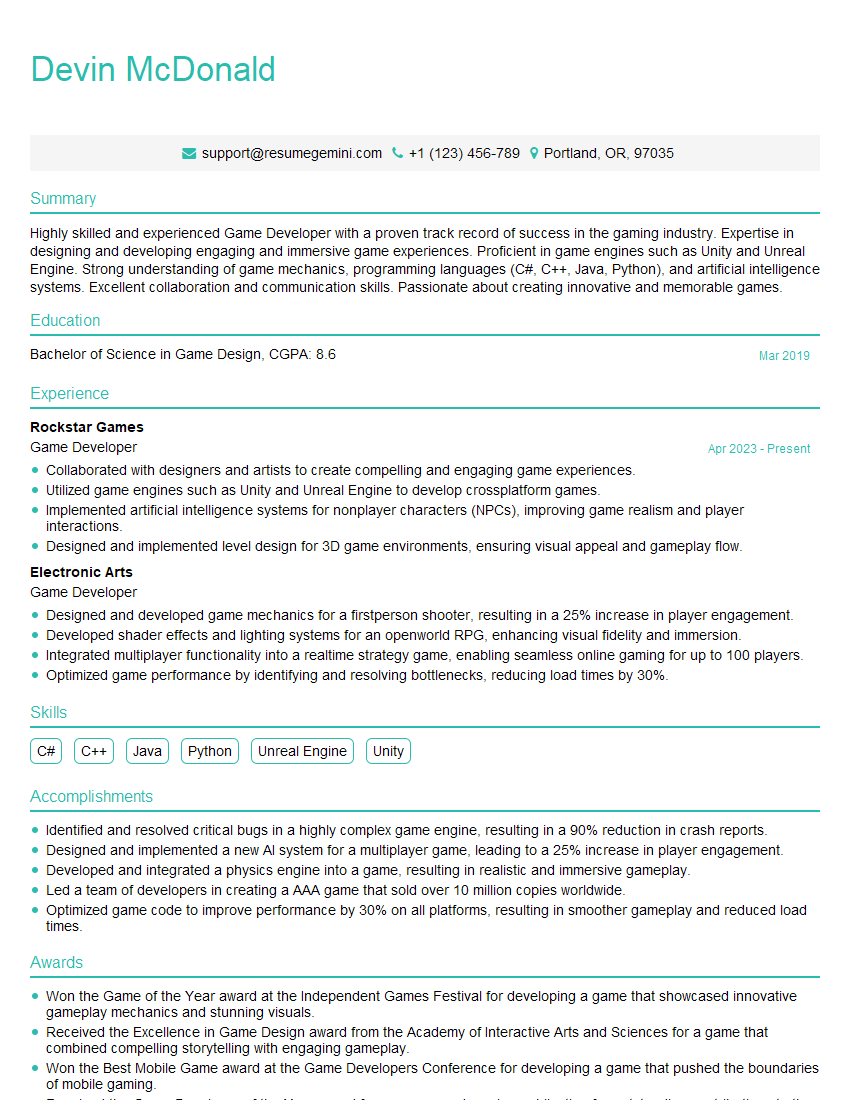
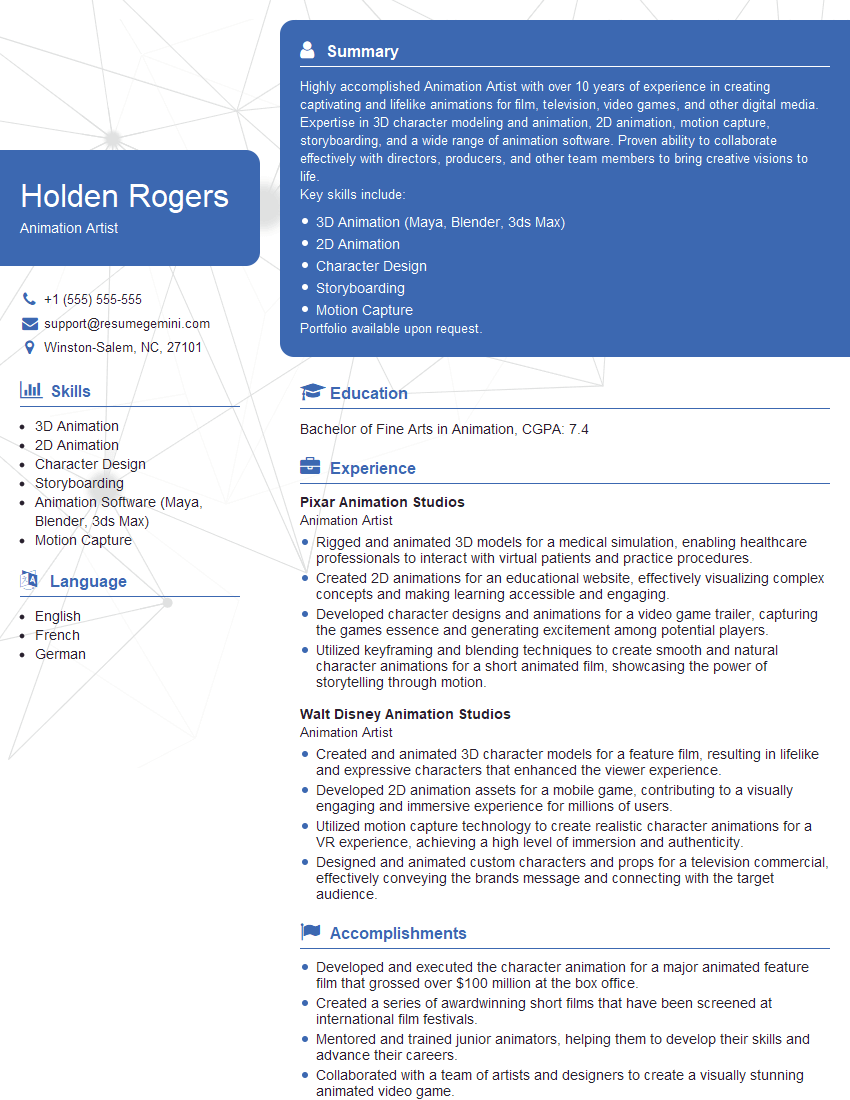
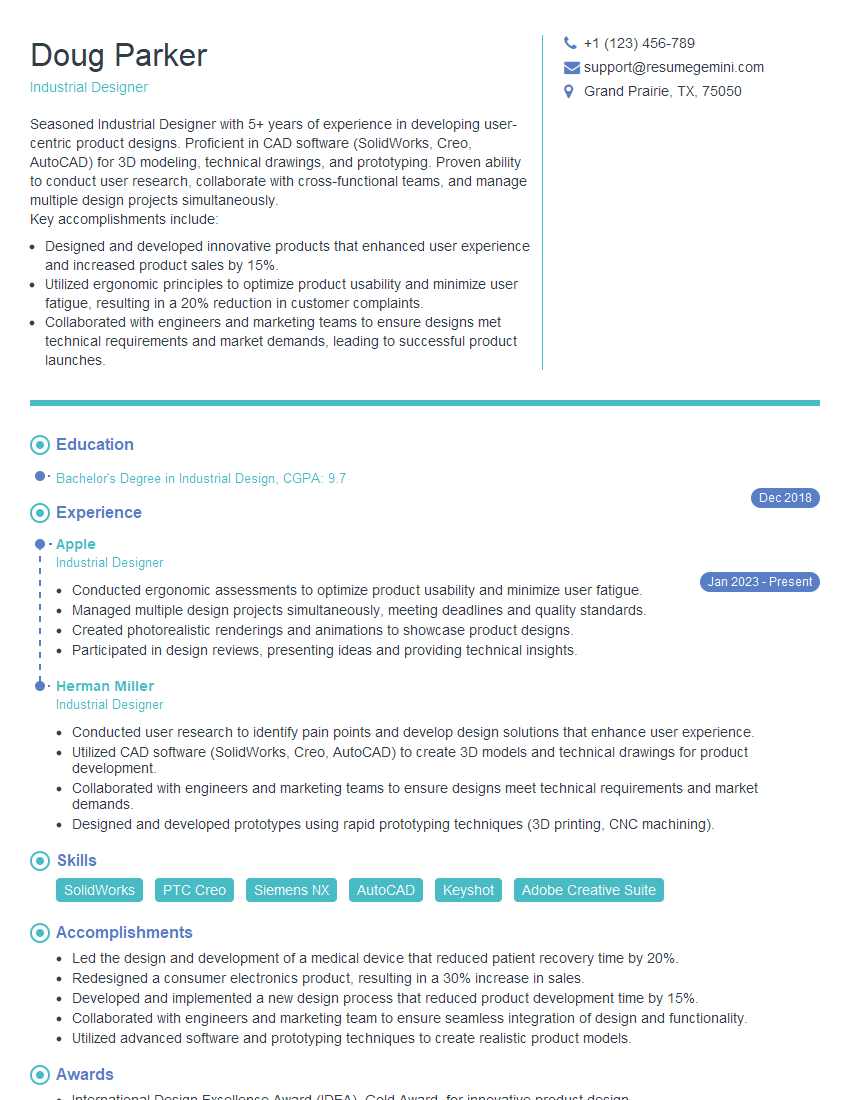
Mastering surface modeling opens doors to exciting and rewarding careers in various high-demand fields. To maximize your job prospects, creating a strong, ATS-friendly resume is crucial. ResumeGemini can help you build a professional and impactful resume tailored to the specific requirements of surface modeling roles. We provide examples of resumes specifically designed for this field to give you a head start. Invest in your career success – build a resume that shines.





Explore more articles
Users Rating of Our Blogs
Share Your Experience
We value your feedback! Please rate our content and share your thoughts (optional).
What Readers Say About Our Blog
Very informative content, great job.
good