Cracking a skill-specific interview, like one for Test and Validation, requires understanding the nuances of the role. In this blog, we present the questions you’re most likely to encounter, along with insights into how to answer them effectively. Let’s ensure you’re ready to make a strong impression.
Questions Asked in Test and Validation Interview
Q 1. Explain the difference between verification and validation.
Verification and validation are two crucial, yet distinct, processes in software testing. Think of it like building a house: verification ensures you’re building the house correctly according to the blueprints, while validation ensures you’re building the right house that meets the client’s needs.
Verification focuses on the process. It checks if we’re following the specifications correctly. Are we building the features as designed? Are we using the correct programming language and coding standards? Examples include code reviews, static analysis, and walkthroughs. It answers the question: “Are we building the product right?”
Validation focuses on the product. It checks if the final product meets the requirements and user needs. Does the software perform as expected? Is it user-friendly and reliable? Examples include user acceptance testing (UAT) and beta testing. It answers the question: “Are we building the right product?”
In short: Verification is about following the plan, while validation is about achieving the goal.
Q 2. Describe your experience with different testing methodologies (e.g., Agile, Waterfall).
I have extensive experience working within both Agile and Waterfall methodologies. In Waterfall, testing typically occurs in a dedicated phase after development is complete, often involving rigorous test plans and documentation. This approach is suitable for projects with well-defined requirements and minimal changes expected during the lifecycle. I’ve led teams in creating comprehensive test plans, executing various test types (unit, integration, system, acceptance), and meticulously documenting defects.
Conversely, Agile methodologies emphasize iterative development and continuous testing. Testing is integrated throughout the development process, with frequent feedback loops and close collaboration between developers and testers. My experience in Agile includes implementing test-driven development (TDD), participating in daily stand-ups to discuss testing progress, and utilizing continuous integration/continuous delivery (CI/CD) pipelines for automated testing. I’ve found this approach highly effective for adapting to changing requirements and delivering value quickly.
In both approaches, I ensure test coverage is comprehensive, aligning testing efforts with the project’s specific needs and risks.
Q 3. What are the different levels of software testing?
Software testing is typically categorized into several levels, each focusing on a different aspect of the software:
- Unit Testing: Testing individual components or modules of the software in isolation. This is usually done by developers.
- Integration Testing: Testing the interaction between different modules or components after unit testing. It ensures they work together seamlessly.
- System Testing: Testing the entire software system as a whole to ensure all components function as expected together. This might involve performance, security, and usability testing.
- Acceptance Testing: Testing performed by the client or end-users to ensure the software meets their requirements and expectations. User Acceptance Testing (UAT) is a common form.
- Regression Testing: Retesting the software after changes or bug fixes to ensure that existing functionality hasn’t been broken. This is crucial after each iteration or release.
These levels are not always strictly sequential; they often overlap and may be performed concurrently, especially in Agile environments.
Q 4. Explain the testing lifecycle.
The Software Testing Lifecycle (STLC) is a structured approach to planning, designing, and executing tests. It’s a cyclical process that aims to ensure quality software. While the specific steps may vary depending on the methodology, a typical STLC includes:
- Test Planning: Defining the scope, objectives, and resources for testing. This includes identifying the test environment, timelines, and test strategy.
- Test Analysis: Understanding the requirements and creating detailed test cases based on those requirements. This often involves creating test data.
- Test Design: Defining the test scenarios, test data, and test environment setup.
- Test Implementation: Developing and executing the test cases.
- Test Execution: Running the test cases and documenting the results.
- Test Closure: Analyzing test results, preparing test reports, and finalizing the testing process. This also includes a thorough review of defects found and addressed.
A well-defined STLC ensures that testing is thorough, efficient, and traceable, contributing to a higher quality software product.
Q 5. What is test-driven development (TDD)?
Test-Driven Development (TDD) is an agile development approach where test cases are written before the code they are intended to test. It follows a simple cycle:
- Write a failing test: First, write a test case that defines a specific piece of functionality and initially fails because the code doesn’t exist yet.
- Write the minimal code to pass the test: Then, write the simplest possible code to make the test pass. Avoid over-engineering at this stage.
- Refactor the code: Once the test passes, improve the code’s design and readability without changing its functionality. Ensure the tests still pass after refactoring.
TDD ensures that code meets its requirements and is well-tested from the beginning, reducing bugs and improving code quality. It promotes a design that is modular, testable, and maintainable. For example, if I’m developing a function to calculate the area of a circle, I would first write a test that checks if the function returns the correct area for various radii before writing the actual function.
Q 6. Describe your experience with test automation frameworks (e.g., Selenium, Appium, Cypress).
I possess hands-on experience with several popular test automation frameworks, including Selenium, Appium, and Cypress.
Selenium is my go-to tool for web application testing. I’ve used it extensively to create automated tests for various functionalities like user login, data entry, and form submission. I’m comfortable with Selenium’s WebDriver API and have experience using different programming languages like Java and Python for test scripting. I’ve also utilized Selenium Grid for parallel test execution to reduce test runtime.
Appium is a powerful framework for mobile application testing (both iOS and Android). I’ve leveraged Appium’s capabilities to automate tests on various mobile devices, ensuring cross-platform compatibility. This includes UI interactions, data validation, and functional tests.
Cypress is a relatively newer framework that I’ve used for front-end testing, particularly for its ease of use and debugging capabilities. Its real-time feedback during test execution is invaluable for quick identification and resolution of issues.
My experience spans designing robust, maintainable automation frameworks, selecting appropriate testing tools based on project requirements, and integrating automated tests into CI/CD pipelines.
Q 7. How do you handle defects/bugs found during testing?
When defects or bugs are found during testing, my approach is systematic and follows a structured process:
- Reproduce the bug: I meticulously reproduce the bug, documenting the exact steps to replicate the issue. Screenshots or videos can be very helpful.
- Isolate the root cause: I investigate to understand the underlying cause of the defect. This may involve debugging, code review, or consulting with developers.
- Log the defect: I report the bug using a defect tracking system, providing clear and concise information including steps to reproduce, actual and expected results, severity, and priority. The more information I provide the faster the problem is solved.
- Verify the fix: Once the bug is fixed, I retest the functionality to ensure the issue is resolved and no new problems are introduced. I carefully verify that this fix does not lead to regressions.
- Close the bug: Once the bug is successfully verified as fixed, I close the bug report in the tracking system.
Communication is key throughout this process. I maintain open communication with developers to ensure a timely and effective resolution of defects. Prioritization of bugs is also crucial, focusing on critical bugs that impact core functionality first.
Q 8. Explain your experience with different types of testing (e.g., unit, integration, system, regression).
Throughout my career, I’ve extensively worked with various testing methodologies, from the granular level of unit testing to the comprehensive scope of system testing. Think of it like building a house: you wouldn’t build the whole thing without checking each brick (unit testing), making sure the plumbing and electricity work together (integration testing), and finally, ensuring the whole house functions as intended (system testing).
- Unit Testing: This focuses on individual components or modules of the software. I use techniques like mocking dependencies to isolate the unit and verify its behavior. For example, testing a specific function that calculates a user’s total order value, ensuring it handles edge cases like discounts and taxes correctly.
- Integration Testing: This verifies the interaction between different units or modules. It’s like checking if the plumbing connects seamlessly with the electrical system. I often employ top-down or bottom-up approaches, depending on the system’s architecture.
- System Testing: This is end-to-end testing of the entire system to ensure it meets requirements. It’s the final check before release – does the house stand up? Here, I employ various techniques like functional testing, usability testing, and performance testing.
- Regression Testing: This is crucial for maintaining software quality after code changes. Every time a new feature is added or a bug is fixed, regression testing ensures that existing functionalities still work correctly. I typically automate a significant portion of regression tests to save time and resources.
My experience spans various methodologies like Agile and Waterfall, adapting my testing approach to the project’s needs. I’ve worked with diverse technologies, including Java, Python, and various testing frameworks, constantly striving to enhance efficiency and effectiveness.
Q 9. What are your preferred tools for test case management?
My preferred tools for test case management depend on the project’s size and complexity, but I’m proficient with several popular options. For smaller projects, a simple spreadsheet might suffice, but for larger, more complex projects, dedicated tools are essential for collaboration and tracking.
- Jira: Excellent for Agile projects, offering robust issue tracking, test management features, and integration with other development tools.
- TestRail: A dedicated test management tool providing features for test case creation, execution, and reporting, allowing for efficient test case organization and tracking progress.
- Azure DevOps: A comprehensive platform offering various features for test management, including requirements traceability and integration with other DevOps tools, suitable for larger enterprises.
The choice often comes down to team preference, existing infrastructure, and project needs. The key is choosing a tool that facilitates collaboration, efficient organization of test cases, and accurate tracking of progress and results.
Q 10. How do you prioritize test cases?
Prioritizing test cases is critical for maximizing test coverage and identifying critical issues early in the process. I typically use a risk-based approach, combining several factors for prioritization.
- Business Criticality: Test cases covering core functionalities and features essential for the system’s success are prioritized first. These are the functionalities that would have the most significant impact if they failed.
- Risk Assessment: Features with a higher risk of failure or with potential for significant negative impact are prioritized. This often involves considering technical complexity and potential user impact.
- Test Coverage: Prioritizing test cases that cover various aspects of the system, ensuring comprehensive test coverage across different functionalities and scenarios.
- Previous Defect History: Areas with a history of defects are given higher priority to catch any recurring issues.
I often employ a combination of these factors, using a risk matrix or similar methodology to create a prioritized list of test cases. The goal is to identify and address high-risk issues early in the testing process, minimizing the potential for significant damage or delays.
Q 11. Describe your experience with performance testing.
Performance testing is a critical aspect of ensuring a positive user experience. I have extensive experience designing and executing performance tests using tools like JMeter and LoadRunner. Think of it like stress-testing a bridge before opening it to traffic – we need to know its breaking point.
My performance testing process typically includes:
- Load Testing: Simulating expected user load to determine the system’s behavior under normal conditions.
- Stress Testing: Pushing the system beyond its expected limits to find its breaking point and identify bottlenecks.
- Endurance Testing: Testing the system’s stability and performance over an extended period to identify any memory leaks or other long-term issues.
- Spike Testing: Simulating sudden, significant increases in user load to test the system’s responsiveness to unexpected surges.
I also analyze performance test results to identify performance bottlenecks, make recommendations for optimization, and work closely with developers to resolve performance issues. The goal is to ensure the system can handle expected user load and remain responsive and stable under pressure.
Q 12. How do you handle conflicting priorities during testing?
Conflicting priorities are a common challenge in software testing, often stemming from time constraints, resource limitations, or changing requirements. Effective communication and prioritization are crucial in these situations.
My approach involves:
- Clearly Defining Priorities: Working with stakeholders to understand the relative importance of different aspects of the project and establishing a clear hierarchy of priorities.
- Risk Assessment: Assessing the potential impact of not meeting each deadline and using this information to guide prioritization decisions.
- Negotiation and Collaboration: Openly communicating constraints and potential trade-offs with stakeholders to find acceptable solutions.
- Documentation: Maintaining clear documentation of decisions and their rationales to ensure transparency and accountability.
- Flexibility and Adaptability: Being prepared to adapt plans as necessary based on feedback from stakeholders and emerging issues.
It’s about finding a balance between meeting essential objectives and managing expectations in a dynamic environment. Clear communication, a willingness to negotiate, and a pragmatic approach are crucial for successfully navigating conflicting priorities.
Q 13. Explain your experience with security testing.
Security testing is paramount to protect against vulnerabilities and ensure the system’s integrity and confidentiality. My experience includes various security testing techniques:
- Vulnerability Scanning: Using automated tools to identify known vulnerabilities in the system’s code and configuration.
- Penetration Testing: Simulating attacks to identify exploitable vulnerabilities and assess the system’s resilience to malicious activity. This is like trying to break into the house to find weak points.
- Security Code Review: Manually inspecting the code for security flaws and vulnerabilities.
- Authentication and Authorization Testing: Verifying the system’s ability to securely identify and control access to resources.
I’m familiar with OWASP (Open Web Application Security Project) guidelines and best practices, and I collaborate closely with security experts to identify and mitigate potential threats. Security is an ongoing process, not a one-time event, requiring continuous monitoring and improvement.
Q 14. What metrics do you use to measure testing effectiveness?
Measuring testing effectiveness requires a multifaceted approach, going beyond simply counting the number of defects found. Key metrics I use include:
- Defect Density: The number of defects found per lines of code or function points, providing insights into the software’s quality.
- Defect Severity and Priority: Categorizing defects based on their impact, prioritizing critical issues for immediate resolution.
- Test Coverage: The percentage of code or requirements covered by test cases, indicating the extent of testing performed.
- Test Execution Efficiency: Measuring the time and resources required to execute test cases, identifying areas for improvement.
- Escape Rate: The number of defects that escaped into production, indicative of the effectiveness of the testing process.
- Mean Time To Resolution (MTTR): The average time it takes to fix a defect, indicating team efficiency.
By monitoring these metrics over time, we can track progress, identify trends, and continuously improve our testing process. The goal is not only to find defects but also to optimize the process for greater efficiency and effectiveness, ensuring high-quality software.
Q 15. How do you ensure test coverage?
Ensuring comprehensive test coverage is crucial for delivering high-quality software. It’s about verifying that all aspects of the application, from individual units to the entire system, have been adequately tested. This isn’t just about the number of tests; it’s about the effectiveness and strategic nature of those tests.
My approach involves a multi-pronged strategy:
- Requirement Traceability: I meticulously map test cases back to specific requirements. This ensures that every requirement has at least one corresponding test case, guaranteeing that every feature is validated.
- Test Case Design Techniques: I leverage various techniques like equivalence partitioning, boundary value analysis, and decision table testing to design efficient and effective test cases that cover a wide range of scenarios, minimizing redundancy and maximizing coverage.
- Code Coverage Analysis: For unit and integration testing, I use code coverage tools to measure the percentage of code executed during testing. This gives objective data on the extent of code tested, highlighting areas that might need further attention. Tools like JaCoCo (for Java) or SonarQube provide valuable insights.
- Review and Peer Testing: Formal review processes and peer testing help identify gaps in test coverage and ensure that tests are thorough and well-designed.
- Test Metrics: Tracking key metrics like test case execution rate, defect density, and code coverage allows for continuous monitoring and improvement of the testing process, revealing areas where test coverage may be insufficient.
For instance, in a recent project involving an e-commerce platform, we used requirement traceability matrices to ensure that all features, from product catalog navigation to secure payment processing, were thoroughly tested. Code coverage analysis revealed a previously unnoticed gap in the testing of the order confirmation module, which we addressed immediately.
Career Expert Tips:
- Ace those interviews! Prepare effectively by reviewing the Top 50 Most Common Interview Questions on ResumeGemini.
- Navigate your job search with confidence! Explore a wide range of Career Tips on ResumeGemini. Learn about common challenges and recommendations to overcome them.
- Craft the perfect resume! Master the Art of Resume Writing with ResumeGemini’s guide. Showcase your unique qualifications and achievements effectively.
- Don’t miss out on holiday savings! Build your dream resume with ResumeGemini’s ATS optimized templates.
Q 16. Describe your approach to risk-based testing.
Risk-based testing is a strategic approach that prioritizes testing efforts based on the potential impact and likelihood of failures. It focuses resources on the areas most critical to the system’s success.
My approach involves:
- Risk Identification: I collaboratively work with stakeholders (developers, product owners, business analysts) to identify potential risks. This might include factors like regulatory compliance, security vulnerabilities, performance bottlenecks, or critical user journeys.
- Risk Assessment: Each risk is evaluated based on its likelihood and impact. This often involves assigning a severity level (e.g., high, medium, low) to each identified risk.
- Test Prioritization: Test cases are prioritized based on the risk assessment. High-risk areas receive more thorough testing earlier in the cycle, while lower-risk areas might receive less intensive testing or be deferred to later stages.
- Risk Mitigation Strategies: We develop strategies to mitigate identified risks. This might involve implementing specific test cases, conducting security audits, or improving monitoring systems.
- Risk Monitoring: Throughout the testing process, we continuously monitor and reassess risks, adjusting testing strategies as needed.
For example, in a medical device software project, we prioritized security testing and regulatory compliance checks as high-risk areas, dedicating significant testing resources to ensure compliance and patient safety. This approach ensured that critical aspects of the system were thoroughly validated, even with limited time and resources.
Q 17. How do you create effective test plans?
Creating an effective test plan is fundamental to successful testing. It acts as a roadmap, guiding the testing process and ensuring its efficiency and effectiveness. A good test plan is clear, concise, and comprehensive.
My approach includes:
- Scope Definition: Clearly define the scope of testing, specifying the features, modules, and functionalities to be tested. This includes outlining what will be tested and what will be excluded.
- Test Objectives: Establish clear and measurable test objectives. What are we trying to achieve with the testing process? Examples: Discover defects, ensure performance, verify compliance.
- Test Strategy: Outline the overall approach to testing. This might involve specifying the testing levels (unit, integration, system, acceptance), methodologies (agile, waterfall), and tools to be used.
- Test Environment Setup: Describe the required hardware and software environment for testing. This ensures consistency and prevents environment-related issues from interfering with testing.
- Test Schedule: Develop a realistic schedule outlining key milestones and deadlines. This includes task assignments and resource allocation.
- Test Data Management: Plan for the acquisition, creation, and management of test data. This is critical to ensure that tests are run with realistic data.
- Risk Management: Identify potential risks and mitigation plans. This might include handling unexpected issues or delays.
- Reporting and Metrics: Define how test results will be reported and what metrics will be tracked. This enables continuous monitoring and process improvement.
A well-structured test plan with clear objectives, a defined scope, and a realistic schedule significantly increases the chance of a successful and efficient testing process. I always involve stakeholders in the test planning process to ensure alignment and buy-in.
Q 18. What is your experience with database testing?
Database testing is a critical aspect of software testing, focusing on the integrity, accuracy, and performance of the database. It involves verifying the database schema, data integrity, data consistency, and the application’s interaction with the database.
My experience includes:
- Data Validation: Verifying the accuracy and consistency of data stored in the database. This often involves checking data types, constraints, and relationships.
- Schema Testing: Validating the database schema—the structure and organization of the database. This might involve checking table structures, relationships, and constraints.
- Stored Procedure Testing: Testing stored procedures, functions, and triggers to ensure they function correctly and efficiently.
- Data Migration Testing: Verifying that data can be successfully migrated between different database systems or versions.
- Performance Testing: Evaluating the database’s performance under different loads and conditions. This helps in identifying potential bottlenecks and optimization opportunities.
- Security Testing: Verifying that the database is secure and protected from unauthorized access and data breaches.
In a recent project, I utilized SQL queries and tools like Toad for Oracle to verify data integrity and consistency. I also performed performance tests using tools like JMeter to ensure the database could handle expected transaction volumes. This ensured that the database was robust and efficient.
Q 19. How do you use test data?
Test data is essential for effective software testing. It’s the data used to execute test cases and verify the application’s behavior. The quality and relevance of test data significantly impact the accuracy and reliability of testing.
My approach to test data management includes:
- Test Data Creation: I utilize various methods for creating test data, including manual creation, automated generation, and data cloning from production data (with appropriate anonymization).
- Test Data Subsetting: Reducing the volume of production data to a manageable subset that represents the relevant characteristics for testing.
- Test Data Masking: Protecting sensitive information in production data by replacing it with non-sensitive equivalents, ensuring data privacy and compliance.
- Test Data Management Tools: Utilizing specialized tools for managing and maintaining test data, such as Test Data Management (TDM) platforms.
- Data Refreshing: Regularly refreshing test data to reflect changes in the production environment.
For example, when testing a banking application, I used a combination of synthetic data generation for creating new accounts and masked production data for simulating realistic transactions. This allowed us to thoroughly test the application’s functionality while protecting customer data.
Q 20. What is your experience with non-functional testing?
Non-functional testing focuses on aspects of the software that are not directly related to specific functionalities but are critical for user experience and system stability. These include performance, security, usability, and scalability.
My experience encompasses:
- Performance Testing: Assessing the application’s responsiveness, stability, and resource utilization under various loads. This involves load testing, stress testing, and endurance testing, typically using tools like JMeter or LoadRunner.
- Security Testing: Identifying vulnerabilities and weaknesses in the application’s security. This may involve penetration testing, vulnerability scanning, and security audits.
- Usability Testing: Evaluating the application’s ease of use and user-friendliness. This often involves user observation and feedback collection.
- Scalability Testing: Determining the application’s ability to handle increasing workloads and user traffic.
- Reliability Testing: Assessing the application’s ability to operate consistently and reliably over time.
In a recent project, we used JMeter to perform load testing on a web application to determine its performance under peak user traffic. The results identified performance bottlenecks that were subsequently addressed, ensuring a smooth user experience.
Q 21. Describe your experience with API testing.
API testing focuses on verifying the functionality and performance of Application Programming Interfaces (APIs). APIs are the communication channels between different software systems. API testing ensures that these communication channels function correctly and securely.
My experience includes:
- REST API Testing: Testing RESTful APIs using tools like Postman, REST-assured, or Insomnia. This involves sending HTTP requests (GET, POST, PUT, DELETE) and validating the responses.
- SOAP API Testing: Testing SOAP-based APIs, often using tools like SoapUI.
- API Security Testing: Ensuring the security of APIs by testing for vulnerabilities like authentication flaws, authorization issues, and data breaches.
- API Performance Testing: Evaluating the performance of APIs under various load conditions.
- API Documentation Review: Reviewing API documentation to understand functionality and ensure consistency between the documentation and actual implementation.
Example using Postman: Sending a POST request to create a new user and validating the HTTP status code (201 Created) and the response body.
In a recent project, I used Postman to test a REST API that handled user authentication and data retrieval. I automated test cases to ensure consistent and reliable testing across various scenarios.
Q 22. How do you approach testing in an Agile environment?
In Agile, testing isn’t a phase relegated to the end; it’s interwoven throughout the entire development lifecycle. We employ a shift-left testing approach, starting with test planning in the initial sprint planning meetings. This involves close collaboration with developers to understand user stories and acceptance criteria, allowing us to create test cases concurrently with development. We utilize techniques like Test-Driven Development (TDD) where tests are written *before* the code, ensuring testability and guiding development. Continuous Integration/Continuous Delivery (CI/CD) pipelines automate testing at every stage, from unit tests run on every code commit to integration and system tests triggered upon successful builds. Daily stand-ups and sprint reviews provide regular opportunities to discuss testing progress, identify roadblocks, and adapt strategies as needed. Regression testing is a crucial aspect, and we employ automated regression suites to ensure that new code doesn’t break existing functionality. Think of it like building with Lego – each new piece needs to fit seamlessly with what’s already there, and testing ensures that fit.
For example, in a recent project, we incorporated automated UI tests into our CI/CD pipeline. Every time a developer pushed code, the pipeline automatically ran these tests, providing immediate feedback on whether the changes introduced any regressions or bugs. This significantly reduced the time spent on manual regression testing and allowed us to quickly address issues.
Q 23. What are your experience with different types of testing environments?
My experience spans various testing environments, from simple local setups to complex cloud-based infrastructure. I’ve worked extensively with development, staging, and production environments. Development environments are used for initial testing by developers, often involving unit and integration tests. Staging environments mirror the production environment as closely as possible, enabling thorough system testing before deployment. Production environments, of course, are the live systems where end-user testing takes place, often involving monitoring and performance testing. I’ve also worked with virtualized environments (like VirtualBox or VMware) for creating consistent and reproducible testing scenarios, especially useful for testing on different operating systems or hardware configurations without needing physical access. Furthermore, I have experience with containerization technologies like Docker, facilitating the deployment of consistent testing environments across various platforms.
For instance, when testing a web application requiring specific database configurations, we used Docker to create consistent containerized environments for both development and testing teams, eliminating potential inconsistencies caused by differing local setups. This ensured that our test results were reliable and reproducible.
Q 24. Describe your experience with using different bug tracking tools (e.g., Jira, Bugzilla).
I have extensive experience with Jira and Bugzilla, two of the most popular bug tracking tools. Both offer similar functionalities: ticket creation, assignment, tracking, and reporting. Jira is known for its robust features, seamless integration with Agile methodologies, and customization options. Bugzilla, being open-source, is a cost-effective solution that suits smaller teams. My workflow typically involves creating detailed bug reports with steps to reproduce, screenshots, and expected vs. actual results. I utilize the tools’ functionalities for assigning bugs to developers, setting priorities, and monitoring resolution status. I’m proficient in utilizing various reporting features to track bug trends, identify problem areas, and measure the effectiveness of testing efforts. For example, in a past project using Jira, we created custom dashboards to monitor open bugs by severity and module, providing valuable insights into the overall quality of the product.
I am comfortable creating and managing different issue types like bugs, tasks and improvements, using workflows to track progress through various stages like ‘Open’, ‘In Progress’, ‘Testing’, ‘Resolved’, and ‘Closed’.
Q 25. How do you ensure test results are clearly communicated?
Clear communication of test results is paramount. My approach involves several key strategies: First, I create concise and well-structured test reports, summarizing the scope of testing, test cases executed, results (pass/fail), and any identified defects. These reports include detailed descriptions of bugs, along with steps to reproduce and supporting evidence like screenshots or log files. Secondly, I leverage visual aids such as charts and graphs to present key findings and trends. For example, a defect density chart showing the number of bugs per module can help identify areas needing more attention. Third, I hold regular meetings with stakeholders (developers, product owners, etc.) to discuss test results, address questions, and collaboratively prioritize bug fixes. Finally, I use the bug tracking tool’s reporting features to generate metrics demonstrating the overall quality of the product and the effectiveness of the testing process. For instance, using Jira, we might generate a burndown chart demonstrating the decrease in open bugs over time.
Q 26. What is your experience with mobile application testing?
My mobile application testing experience encompasses a range of devices, operating systems (iOS and Android), and testing methodologies. I’m familiar with both functional and non-functional testing aspects, including usability, performance, and security. I’ve utilized various tools and techniques, including emulators/simulators for initial testing and real devices for more comprehensive testing, especially when dealing with device-specific behaviors. I understand the importance of cross-browser and cross-device compatibility testing to ensure a consistent user experience. Performance testing is crucial for mobile apps, so I’ve experience in measuring app responsiveness, battery consumption, and network usage. Security testing involves assessing the app’s vulnerability to common mobile security threats. I’ve worked with frameworks like Appium for automating mobile tests and have experience with testing various mobile app architectures, including native, hybrid, and web apps.
In one project, we used Appium to automate UI tests across various iOS and Android devices. This ensured that critical functionalities worked flawlessly across different screen sizes and operating systems, significantly improving the quality of the final product.
Q 27. Explain your experience with static and dynamic testing methods.
Static testing involves reviewing the software artifacts (code, design documents, etc.) without actually executing the code. This includes techniques like code reviews, inspections, and walkthroughs. It’s like proofreading a document before printing – you catch errors before they become bigger problems. Dynamic testing, on the other hand, involves executing the code and observing its behavior. This includes techniques like unit testing, integration testing, system testing, and user acceptance testing. It’s like test-driving a car – you assess its performance in real-world conditions. Both are crucial for a thorough assessment. Static testing is cost-effective in catching early-stage defects, while dynamic testing validates the functionality and performance of the running software. I have extensive experience in both. For instance, in a recent project, during code reviews, we identified several potential security vulnerabilities that were easily fixed before they could impact the live system, saving valuable time and resources.
Q 28. How do you ensure the quality of your test automation scripts?
Ensuring the quality of test automation scripts is crucial for maintaining a reliable and efficient testing process. My approach involves several key practices: First, I follow best practices for code development, including using version control (Git), writing clean and readable code, and adhering to coding standards. Second, I use frameworks that promote modularity, reusability, and maintainability of scripts. Third, I implement robust error handling and logging mechanisms to facilitate debugging and troubleshooting. Fourth, I employ techniques like code reviews and static analysis tools to identify potential defects early in the development process. Fifth, and critically, I regularly run the automation scripts and carefully analyze the results. This helps in identifying issues with the scripts themselves, ensuring they accurately reflect the test cases, and catching any regressions in the automation framework. Sixth, I prioritize continuous integration of the test scripts into the CI/CD pipeline to facilitate early detection of errors and faster feedback loops. Think of it like building a robust bridge – every component needs to be strong and reliable to ensure overall stability.
For example, in a recent project, we used Selenium with a Page Object Model (POM) to create a maintainable and scalable automated test suite. The POM ensured that our tests were robust and resilient to changes in the application’s UI. Regular code reviews and the use of a continuous integration system ensured that the scripts were always reliable and up to date.
Key Topics to Learn for Test and Validation Interview
- Software Development Lifecycle (SDLC) Models: Understanding Agile, Waterfall, and other methodologies and their impact on testing strategies.
- Test Planning and Design: Creating comprehensive test plans, designing effective test cases, and selecting appropriate testing techniques (e.g., black-box, white-box, grey-box).
- Test Execution and Reporting: Executing test cases, documenting results, and generating clear, concise reports highlighting defects and risks.
- Defect Tracking and Management: Utilizing bug tracking systems to report, track, and manage defects throughout the development lifecycle. Understanding defect lifecycles and prioritization.
- Test Automation Frameworks: Familiarity with popular frameworks (mentioning specific frameworks is optional, focus on general understanding instead) and their applications in automating repetitive tests.
- Performance Testing: Understanding load testing, stress testing, and other performance-related testing techniques to ensure application stability and scalability.
- Security Testing: Knowledge of common vulnerabilities and secure coding practices, and how they relate to testing methodologies.
- Test Data Management: Strategies for creating, managing, and securing test data to support testing efforts.
- Risk Assessment and Mitigation: Identifying potential risks in the testing process and implementing strategies to mitigate them.
- Communication and Collaboration: Effectively communicating testing progress, results, and challenges to stakeholders throughout the development process.
Next Steps
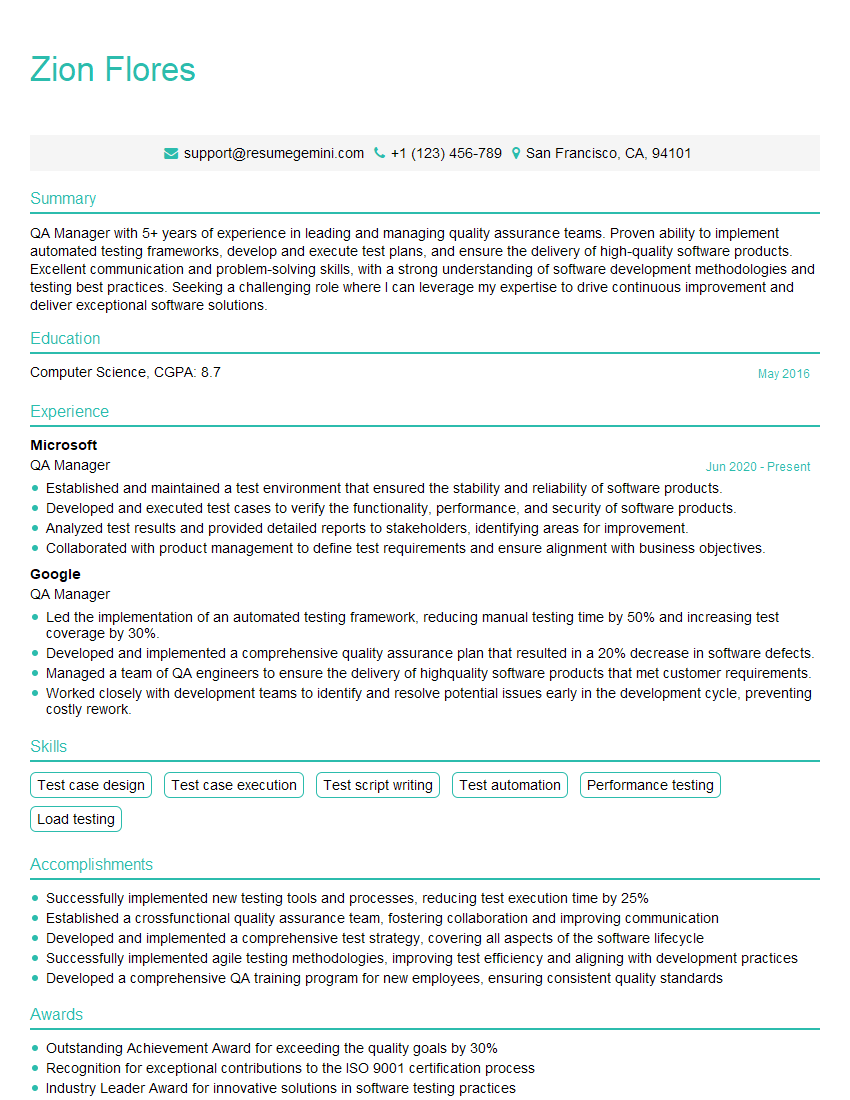
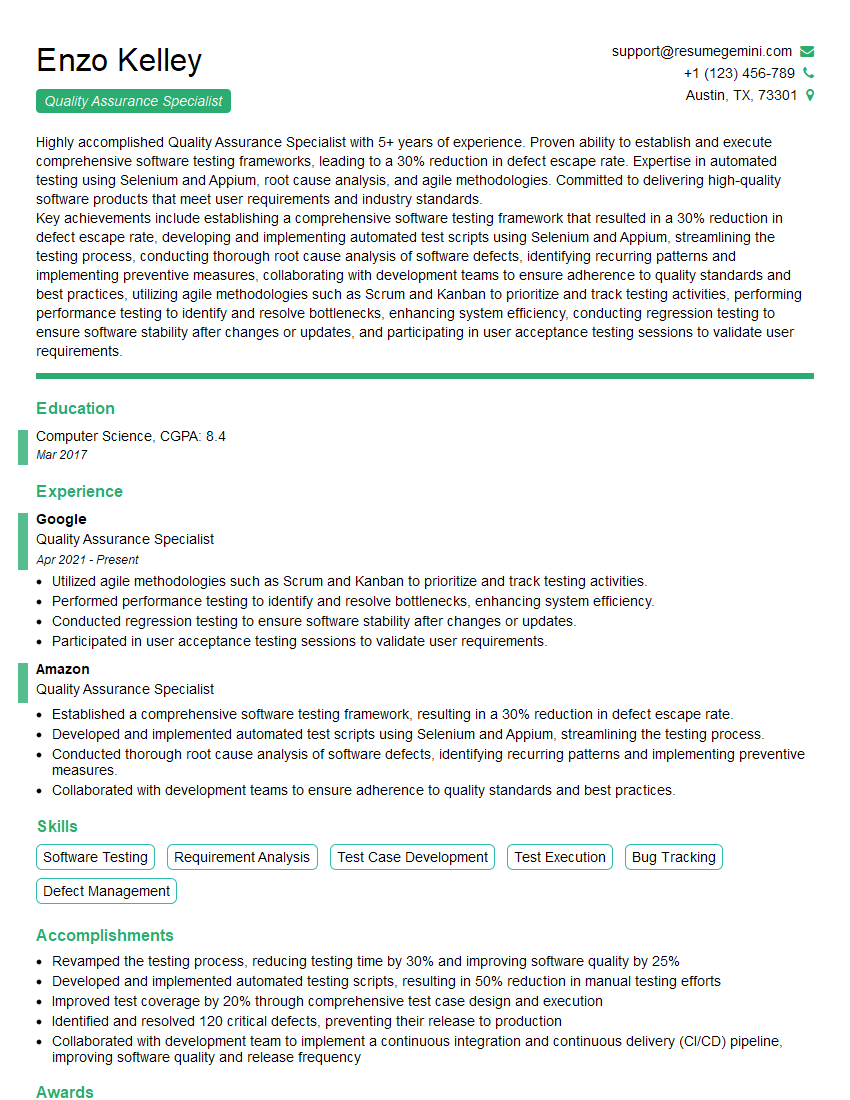
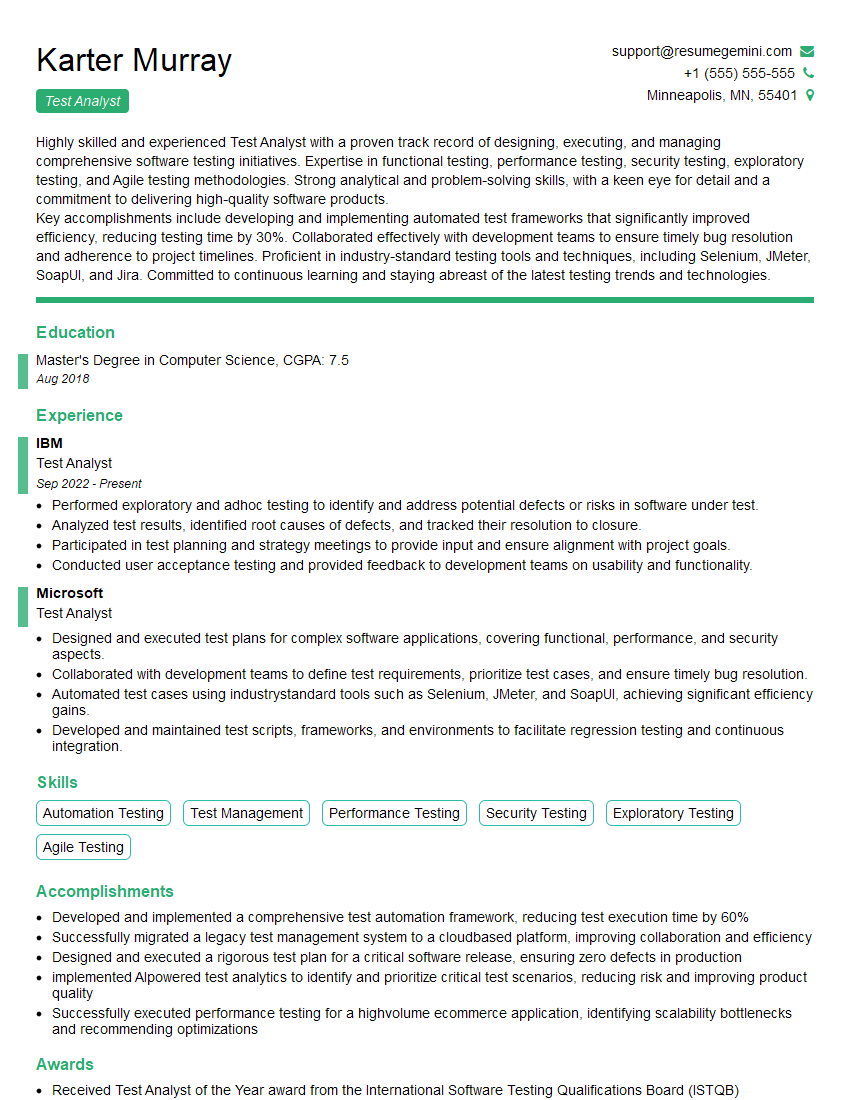
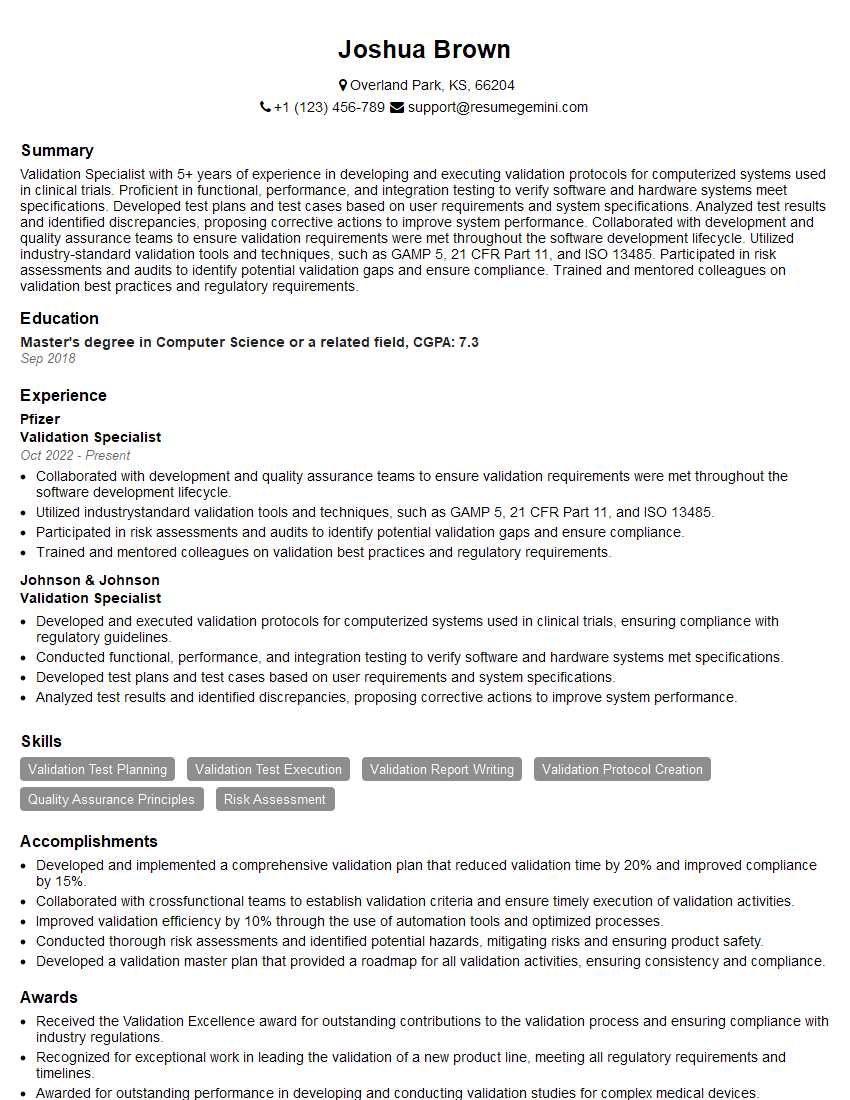
Mastering Test and Validation is crucial for career advancement in the ever-evolving tech landscape. A strong foundation in these areas opens doors to exciting opportunities and higher-paying roles. To maximize your job prospects, it’s essential to create a compelling, ATS-friendly resume that highlights your skills and experience effectively. ResumeGemini can help you build a professional and impactful resume, tailored to the specific requirements of Test and Validation roles. We provide examples of resumes optimized for this field to help you get started. Invest time in crafting a strong resume – it’s your first impression on potential employers.



Explore more articles
Users Rating of Our Blogs
Share Your Experience
We value your feedback! Please rate our content and share your thoughts (optional).
What Readers Say About Our Blog
Very informative content, great job.
good