Interviews are more than just a Q&A session—they’re a chance to prove your worth. This blog dives into essential Troubleshooting and Adjustments interview questions and expert tips to help you align your answers with what hiring managers are looking for. Start preparing to shine!
Questions Asked in Troubleshooting and Adjustments Interview
Q 1. Describe your approach to troubleshooting a complex technical issue.
My approach to troubleshooting complex technical issues is systematic and methodical. I employ a structured problem-solving framework that prioritizes understanding the problem before jumping to solutions. This framework typically involves these steps:
- Identify the Problem: Clearly define the issue. What’s not working? What are the symptoms? Gather as much information as possible – error messages, logs, user reports, etc. Think of it like a detective investigating a crime scene; every detail counts.
- Isolate the Source: This is where I employ diagnostic tools and techniques (discussed further in the next question). I try to narrow down the potential causes. Is the problem hardware, software, network related, or a combination? I often use a process of elimination.
- Develop Hypotheses: Based on the information gathered, I form testable hypotheses about the root cause. This involves leveraging my experience and knowledge of the system.
- Test and Verify: I systematically test each hypothesis. This may involve making temporary changes to the system, running diagnostic scripts, or consulting documentation. Each test should ideally disprove a hypothesis or lead to a more refined one.
- Implement Solution: Once the root cause is identified and verified, I implement the solution, ensuring it addresses the problem without causing new issues.
- Document and Prevent Recurrence: Thorough documentation is key. This includes detailing the steps taken, the solution implemented, and any preventative measures that can be taken to avoid similar issues in the future.
For example, I once diagnosed a network outage that initially seemed to be a router failure. Through systematic testing, I discovered a faulty cable was the actual culprit, hidden within a cable bundle.
Q 2. Explain your experience with diagnostic tools and techniques.
I’m proficient in a range of diagnostic tools and techniques. My experience includes using:
- Network monitoring tools:
Wiresharkfor packet analysis,SolarWindsfor network performance monitoring, and others depending on the specific network infrastructure. - System monitoring tools: Tools like
NagiosorZabbixto monitor server health, resource utilization, and performance. - Log analysis: I’m skilled at reviewing system logs (e.g., Apache logs, Windows Event Viewer logs) to identify error messages, performance bottlenecks, and security threats. Regularly reviewing logs is a form of proactive problem prevention.
- Debugging tools: Depending on the programming language or environment (e.g.,
gdbfor C++, debuggers within IDEs like Visual Studio or Eclipse), I use these to step through code, inspect variables, and identify runtime errors. - Hardware diagnostic tools: I’m familiar with using various hardware diagnostic tools for testing components like RAM, hard drives, and network cards.
My approach emphasizes a combination of automated tools and manual techniques. Automated tools provide a broad overview and often highlight potential areas of concern, while manual techniques allow for a more detailed investigation and in-depth analysis of specific issues.
Q 3. How do you prioritize multiple troubleshooting requests?
Prioritizing multiple troubleshooting requests requires a structured approach. I usually use a combination of factors to determine the order of tackling issues:
- Impact: Issues affecting a large number of users or critical systems are prioritized first. A system outage impacting a production environment takes precedence over a minor user interface glitch.
- Urgency: Issues with immediate consequences (e.g., a security breach or service disruption) require immediate attention.
- Severity: The seriousness of the problem dictates its priority. A complete system failure is more severe than a minor performance degradation.
- Dependencies: Some issues may be dependent on resolving other problems first. I try to identify and address these dependencies efficiently.
I often use a ticketing system or a similar tool to track and manage the requests. This allows for effective prioritization, monitoring of progress, and clear communication with stakeholders.
Q 4. What methods do you use to document troubleshooting steps and solutions?
I meticulously document all troubleshooting steps and solutions using a combination of methods:
- Ticketing systems: Most organizations use a ticketing system to track and manage troubleshooting requests. I ensure detailed notes are added to each ticket, including the initial problem description, steps taken, findings, solutions implemented, and any preventative measures taken.
- Internal wikis or knowledge bases: For recurring issues or common problems, I document solutions in the organization’s internal wiki or knowledge base. This makes it easy for others to find solutions and prevent future incidents.
- Logs and reports: I often generate logs and reports that summarize the troubleshooting process, including any relevant data (e.g., network statistics, system logs, error messages).
- Code comments: For software-related issues, adding clear, concise comments to the code helps explain the changes made and the reason for those changes.
My documentation strives to be comprehensive, easily searchable, and understandable by others. This ensures knowledge sharing and assists in preventing future problems.
Q 5. How do you handle situations where you can’t immediately identify the root cause of a problem?
When I can’t immediately identify the root cause, I systematically escalate my investigation. This might include:
- Consulting colleagues or experts: Seeking input from more experienced colleagues or specialists in specific areas (e.g., network engineers, database administrators) can provide valuable insights.
- Searching for known issues: I utilize online resources, such as knowledge bases, forums, and documentation to see if others have encountered similar problems and their solutions.
- Reproducing the issue: I try to reproduce the problem in a controlled environment, which might involve setting up a test system that mirrors the production environment as closely as possible. This helps isolate the issue and rule out environmental factors.
- Gathering additional data: I collect more data points, focusing on areas that might provide clues to the root cause. This may involve running more detailed diagnostics, analyzing more logs, or reviewing more comprehensive system metrics.
- Escalation: If the problem remains unresolved after exhaustive attempts, I escalate the issue to higher management or the appropriate support channels.
The key is to remain persistent, methodical, and communicative throughout the process. Even if the immediate solution remains elusive, documenting your investigative steps is crucial.
Q 6. Explain your experience with preventative maintenance and adjustments.
Preventative maintenance and adjustments are crucial for minimizing downtime and ensuring system stability. My experience includes:
- Regular system backups: Implementing and regularly testing robust backup procedures to ensure data recovery in case of failures.
- Software updates and patching: Regularly applying software updates and security patches to protect against vulnerabilities and improve performance.
- Hardware monitoring: Regularly monitoring hardware health using tools that track performance, temperature, and other critical metrics. This allows for proactive replacement of failing components before they cause significant issues.
- Performance tuning: Optimizing system performance by adjusting settings, configuring resources, and identifying and resolving performance bottlenecks. This can involve things like adjusting database parameters or optimizing network configurations.
- Capacity planning: Assessing future resource needs and proactively scaling systems to accommodate growth and maintain optimal performance.
Preventative measures aren’t just about reacting to problems; they’re about proactively preventing them. A proactive approach saves time, money, and reduces the risk of significant disruptions.
Q 7. Describe a time you had to make critical adjustments under pressure.
In one instance, a critical database server experienced a severe performance degradation during peak business hours. Transactions were slow, and users were reporting significant delays. Under intense pressure, I had to quickly identify the root cause and implement a solution.
Following my usual troubleshooting steps, I quickly realized that the issue was due to a runaway process consuming excessive resources. I immediately terminated the process, which temporarily alleviated the problem. Simultaneously, I initiated a thorough investigation to determine the cause of the runaway process. It turned out to be a poorly written SQL query causing an unexpected loop.
Under pressure, I prioritized immediate remediation and then implemented a long-term solution to address the root cause. This included updating the SQL query, adding monitoring alerts for similar situations, and implementing stricter code review practices to prevent future incidents. This situation taught me the importance of combining quick, decisive action with a thoughtful, long-term approach to problem-solving.
Q 8. How do you ensure accuracy and precision when making adjustments?
Ensuring accuracy and precision in adjustments is paramount. It’s a multi-step process involving careful planning, meticulous execution, and thorough verification. Think of it like baking a cake – you need the right ingredients (data) and precise measurements (adjustments) to get the desired outcome (system performance).
- Precise Measurement Tools: Using calibrated and high-precision instruments is crucial. This could range from micrometers for mechanical adjustments to high-resolution oscilloscopes for electronic systems. Regular calibration of these tools is essential to maintain their accuracy.
- Controlled Environment: External factors can significantly impact accuracy. Maintaining a stable temperature, humidity, and even minimizing vibrations can greatly enhance the precision of adjustments. For instance, delicate optical adjustments are often performed in climate-controlled labs.
- Multiple Measurements & Averaging: Taking multiple readings and averaging them reduces the impact of random errors. This is especially important when dealing with systems that exhibit some level of inherent noise or variation.
- Documentation: Maintaining detailed records of all adjustments, including the tools used, the values before and after adjustments, and any observations, is vital for traceability and future troubleshooting.
- Verification & Validation: After making adjustments, it’s crucial to verify their effectiveness through rigorous testing. This might involve running specific tests or simulations to ensure the system meets its specifications. This step closes the loop, ensuring the adjustments were indeed accurate and precise.
Q 9. What are your preferred methods for calibrating equipment?
My preferred methods for calibrating equipment depend heavily on the type of equipment. However, a common thread is a methodical approach involving standardized procedures and traceable standards.
- Two-Point Calibration: This involves using known input and output values to adjust the equipment’s response. For example, a pressure gauge might be calibrated using known pressure sources (like a deadweight tester) at its upper and lower limits.
- Multi-Point Calibration: For more complex instruments, multi-point calibration across the operating range is preferred, providing a more comprehensive accuracy profile. Think of calibrating a temperature sensor across various points in its temperature range.
- Using Calibration Standards: Traceable standards, certified to national or international standards, are crucial. These ensure that the calibration is reliable and consistent across different locations and labs.
- Software-Based Calibration: Many modern instruments have built-in self-calibration routines or require calibration via specialized software. These often guide the user through the process and store calibration data electronically.
- Documentation: As with adjustments, maintaining thorough calibration records, including dates, methods, results, and the identity of the calibrator, is essential for compliance and traceability.
Q 10. Describe your experience with different types of diagnostic equipment.
My experience spans a wide range of diagnostic equipment, including:
- Electronic Test Equipment: Oscilloscopes, multimeters, spectrum analyzers, logic analyzers – used extensively for troubleshooting electronic circuits and systems.
- Network Monitoring Tools: Protocol analyzers, network sniffers, and performance monitoring software – critical for identifying and resolving network connectivity and performance issues.
- Mechanical Measurement Tools: Micrometers, calipers, dial indicators – used in precision mechanical systems to identify misalignment or wear.
- Specialized Diagnostic Software: Depending on the system, dedicated diagnostic software can provide valuable insights into system health and identify errors. Think automotive diagnostic scanners, medical imaging equipment analysis tools, or industrial PLC diagnostic software.
In each case, understanding the capabilities and limitations of the equipment is crucial for accurate diagnosis. For example, the resolution of an oscilloscope directly affects the accuracy of timing measurements, and the frequency response of a sensor limits its usability for high-frequency signals.
Q 11. How do you stay up-to-date with the latest troubleshooting techniques and technologies?
Staying current is essential in this rapidly evolving field. I utilize several methods:
- Professional Organizations: Active membership in professional organizations like IEEE or ASME provides access to publications, conferences, and networking opportunities that keep me abreast of the latest advancements.
- Industry Publications and Journals: I regularly read trade magazines and peer-reviewed journals relevant to my field.
- Online Courses and Webinars: Many platforms offer online courses and webinars on cutting-edge troubleshooting techniques and technologies, providing opportunities for continuous learning.
- Manufacturer Documentation and Support: Keeping up-to-date with the latest manuals and technical documentation from equipment manufacturers is vital for effective troubleshooting.
- Networking and Collaboration: Participating in online forums, attending conferences, and exchanging knowledge with colleagues are invaluable ways to learn from others’ experiences and share best practices.
Q 12. How do you collaborate with others during the troubleshooting process?
Effective collaboration is fundamental to successful troubleshooting. My approach emphasizes clear communication and teamwork:
- Defining Roles and Responsibilities: Clearly outlining each team member’s expertise and responsibilities ensures efficient task allocation.
- Shared Information Systems: Using shared documents, wikis, or collaborative platforms keeps everyone updated on progress and findings, preventing duplicated work.
- Regular Check-ins and Communication: Frequent meetings and updates allow for timely feedback, identification of potential roadblocks, and adjustments to the troubleshooting strategy.
- Open Communication and Respectful Dialogue: Encouraging open communication and valuing different perspectives allows for the exploration of multiple approaches and leveraging diverse expertise.
- Documenting Decisions and Findings: Maintaining meticulous records of troubleshooting activities ensures that lessons learned are captured and can be used to improve future processes.
Q 13. How do you communicate technical information effectively to non-technical audiences?
Communicating complex technical information to non-technical audiences requires careful consideration and a simplified approach. I utilize several strategies:
- Analogies and Metaphors: Relating technical concepts to everyday experiences makes them easier to grasp. For example, explaining network latency using the analogy of traffic congestion.
- Visual Aids: Diagrams, flowcharts, and other visuals help convey complex information more effectively than text alone.
- Avoiding Jargon: Replacing technical terms with plain language ensures that the message is understood by everyone.
- Storytelling: Structuring the explanation as a narrative, outlining the problem, the steps taken, and the outcome, helps to engage the audience.
- Active Listening and Feedback: Checking for understanding and addressing questions ensures that the message is received and understood correctly.
Q 14. Describe a time you successfully resolved a critical system failure.
During a critical system failure at a manufacturing plant, the main control system unexpectedly shut down, halting production. Initial diagnostics pointed to a possible hardware failure in the PLC (Programmable Logic Controller). However, after thorough examination and testing of the hardware, no faults were found.
Through careful review of the system logs, I noticed a recurring error message related to memory allocation. This suggested a software-related issue. By collaborating with the software team, we identified a bug in the control software that was causing memory leaks under certain operational conditions. We quickly implemented a temporary fix by optimizing a specific software module, which restarted the system and resumed production. A permanent software patch was then developed and deployed, preventing future occurrences.
This experience highlighted the importance of systematic troubleshooting, combining hardware and software analysis, collaboration, and detailed log analysis to pinpoint the root cause.
Q 15. Explain your understanding of root cause analysis.
Root cause analysis (RCA) is a systematic process for identifying the underlying cause of a problem, rather than just treating the symptoms. It’s like being a detective, not just patching a leak but finding the source of the water damage. A thorough RCA prevents recurring issues and improves overall system reliability.
My approach typically involves using a combination of methods, such as the '5 Whys' technique (repeatedly asking 'Why?' to drill down to the root cause), fault tree analysis (diagraming potential failure points), and fishbone diagrams (identifying contributing factors). For example, if a server is repeatedly crashing, simply restarting it is treating the symptom. A proper RCA would investigate the log files, hardware diagnostics, and network performance to identify if the crashes are due to insufficient memory, faulty hardware, network congestion, or a software bug.
A successful RCA demands careful data gathering, meticulous analysis, and a willingness to challenge assumptions. It's not about assigning blame, but about learning and improving.
Career Expert Tips:
- Ace those interviews! Prepare effectively by reviewing the Top 50 Most Common Interview Questions on ResumeGemini.
- Navigate your job search with confidence! Explore a wide range of Career Tips on ResumeGemini. Learn about common challenges and recommendations to overcome them.
- Craft the perfect resume! Master the Art of Resume Writing with ResumeGemini’s guide. Showcase your unique qualifications and achievements effectively.
- Don’t miss out on holiday savings! Build your dream resume with ResumeGemini’s ATS optimized templates.
Q 16. What is your experience with remote troubleshooting?
I have extensive experience in remote troubleshooting, utilizing various tools and techniques to diagnose and resolve issues across different platforms and geographical locations. This often involves using remote desktop software, collaborating through video conferencing, and leveraging logging and monitoring systems. For instance, I recently helped a client in a different time zone diagnose a network connectivity issue by remotely accessing their server, analyzing the network logs, and guiding them through simple network configuration changes. This required not only technical expertise but also excellent communication skills to explain complex technical concepts clearly and concisely.
Effective remote troubleshooting hinges on clear communication, the ability to visualize the problem remotely using shared screens and collaborative tools, and the patience to guide users through the problem-solving process. Documenting each step and sharing the solution with the user is also crucial, especially for future reference.
Q 17. How do you manage your time effectively when dealing with multiple troubleshooting tasks?
Managing multiple troubleshooting tasks effectively requires a structured approach. I utilize task prioritization techniques such as the Eisenhower Matrix (urgent/important), which helps categorize tasks based on urgency and importance, allowing me to focus on critical issues first. I also leverage project management tools to track progress and deadlines, creating a visual representation of my workload and ensuring nothing slips through the cracks. Furthermore, effective time management includes allocating specific time blocks for each task, taking short breaks to avoid burnout, and regularly reviewing my progress to ensure I stay on track.
For instance, if I have a critical system failure and several less urgent requests, I would address the critical failure immediately, delegating or scheduling the other tasks accordingly. This ensures that the most impactful issues are resolved swiftly while still managing other tasks effectively.
Q 18. How do you handle conflicting priorities during troubleshooting?
Conflicting priorities are inevitable in troubleshooting. My approach involves clearly understanding the impact of each task, prioritizing based on business criticality and potential consequences. For example, if a minor software upgrade conflicts with resolving a critical server outage, I would prioritize the server outage. This requires effective communication with stakeholders to explain my prioritization strategy and manage expectations. I would proactively communicate delays or potential impacts resulting from shifting priorities. Collaboration and clear communication are essential in navigating conflicting priorities.
Transparency and proactive communication are key to successfully managing conflicting priorities. This includes updating stakeholders regularly on the progress of each task and being transparent about any delays or compromises.
Q 19. Describe your experience with different types of adjustment procedures.
My experience encompasses a wide range of adjustment procedures, including network configuration adjustments (IP addresses, DNS settings, firewall rules), software parameter tuning (database connection pools, application performance settings), hardware adjustments (calibrating sensors, replacing faulty components), and system-level adjustments (optimizing operating system settings). I am proficient in using various tools for these adjustments, from command-line interfaces to graphical user interfaces, depending on the specific task. For example, I've optimized database performance by adjusting connection pool sizes and indexing strategies; this involved understanding database architecture and performance metrics.
Each adjustment procedure necessitates careful planning and execution. A detailed understanding of the system and its components is crucial, including backups and rollback procedures to mitigate any unintended consequences.
Q 20. What are some common challenges you face when troubleshooting and making adjustments?
Common challenges include insufficient documentation, unclear error messages, undocumented system configurations, and poorly defined processes. Inconsistent data across various systems can also pose a significant challenge, leading to wasted time and effort in data reconciliation. Furthermore, troubleshooting complex distributed systems requires a solid understanding of how individual components interact and the ability to trace issues across multiple systems. For instance, a seemingly simple network issue can stem from a misconfigured firewall on a remote server, making diagnosis complex and time-consuming.
Overcoming these challenges requires meticulous documentation, thorough understanding of the system architecture, effective communication with stakeholders, and the ability to leverage various troubleshooting tools and techniques.
Q 21. How do you measure the effectiveness of your troubleshooting and adjustments?
Measuring the effectiveness of troubleshooting and adjustments involves a multi-faceted approach. Key metrics include mean time to resolution (MTTR), system uptime, user satisfaction, and reduced recurrence of the same issue. MTTR, the time taken to resolve an issue, provides a direct measure of efficiency. Increased system uptime and improved user satisfaction reflect positive outcomes. Tracking the recurrence of similar issues helps identify areas needing further improvement in processes or systems. For instance, if a specific network configuration issue is repeatedly occurring, it may indicate a flaw in the design or a lack of proper documentation. This data would be used to update training materials and implement preventive measures.
By tracking these metrics and analyzing trends, I continuously refine my troubleshooting and adjustment strategies to improve overall system reliability and performance.
Q 22. How do you ensure the safety of yourself and others while troubleshooting?
Safety is paramount in troubleshooting. My approach is based on a layered safety protocol, starting with a thorough risk assessment. This involves identifying potential hazards – electrical shocks, chemical exposure, moving machinery – specific to the equipment or system I’m working on. I then implement appropriate control measures such as lockout/tagout procedures for electrical equipment, using personal protective equipment (PPE) like safety glasses, gloves, and steel-toed boots, and ensuring proper ventilation in case of hazardous fumes. Before commencing any work, I always check for and clearly communicate with colleagues about any potential hazards in the workspace. Communication is key; I brief my team on the steps I’ll be taking, and if unsure, I consult with senior engineers or refer to relevant safety data sheets (SDS). For example, when troubleshooting a high-voltage power supply, I would never attempt to work on it without proper training, specialized PPE, and the assistance of a colleague. Safety is not just a checklist; it’s a mindset and a continuous process.
Q 23. Explain your understanding of safety regulations related to your field.
My understanding of safety regulations encompasses OSHA (Occupational Safety and Health Administration) guidelines, relevant industry-specific standards (e.g., NFPA for fire safety, ANSI for electrical safety), and company-specific safety policies. I’m familiar with regulations concerning confined space entry, hazard communication (SDS), lockout/tagout procedures, and emergency response protocols. I understand the importance of regular safety training, and actively participate in refresher courses to stay updated on best practices and evolving regulations. For instance, I know the proper procedure for handling hazardous materials, including safe disposal techniques. I’m also knowledgeable about emergency shut-off procedures and the location of safety equipment in any workplace I operate in. Compliance isn’t just about avoiding fines; it’s about protecting myself and my colleagues.
Q 24. Describe a time you had to troubleshoot a problem outside your area of expertise.
In a previous role, we experienced an issue with our building’s HVAC system. While my expertise lies in electrical systems, the HVAC malfunction affected our server room’s temperature, threatening our data. Though outside my core competency, I approached the problem systematically. I started by observing the system’s behavior, noting the error codes displayed on the control panel. I then consulted online manuals and forums dedicated to HVAC systems, learning about common issues and troubleshooting steps. I collaborated with the facilities team, leveraging their expertise to understand the specifics of the system’s components. This collaborative effort, combined with the information I gathered, led us to identify a faulty compressor. While I didn’t repair it myself (that required specialized HVAC technicians), I successfully helped diagnose the problem, ensuring a prompt solution and preventing a potential data loss incident. This experience reinforced the importance of adaptable problem-solving skills and collaborative teamwork even when facing issues outside one’s immediate expertise.
Q 25. How do you handle situations where troubleshooting is unsuccessful?
When troubleshooting is unsuccessful, my approach is methodical and structured. First, I meticulously review all the steps I’ve already taken, checking for any overlooked details or potential errors in my logic. I then seek additional resources: consulting technical documentation, online forums, or contacting vendor support. If the issue remains unresolved, I document my findings comprehensively, including all diagnostic steps, data collected, and any hypotheses I’ve explored. This detailed documentation is crucial for escalating the problem to a senior engineer or specialist. I firmly believe that even unsuccessful troubleshooting attempts are valuable learning opportunities, refining my diagnostic skills and expanding my knowledge base. It’s important to avoid blaming and instead focus on understanding the root cause, learning from the experience and ensuring future issues can be addressed more effectively.
Q 26. How do you identify and mitigate potential risks associated with making adjustments?
Identifying and mitigating risks associated with adjustments requires a careful, planned approach. Before making any adjustments, I conduct a thorough risk assessment, considering potential consequences such as equipment damage, system instability, or safety hazards. This assessment often involves reviewing technical documentation, schematics, and safety manuals. I then implement control measures such as creating a backup of the system’s configuration before making any changes. I perform adjustments incrementally, testing and monitoring the system’s response after each small alteration. If unexpected behavior occurs, I immediately revert to the previous stable configuration. For instance, when adjusting delicate optical equipment, I would always use anti-static wrist straps and ensure a clean, dust-free environment to avoid damaging the sensitive components. This methodical approach minimizes the risk of accidental damage and ensures a smooth and safe adjustment process.
Q 27. Describe your experience with using specialized software for troubleshooting and adjustments.
I have extensive experience using specialized software for troubleshooting and adjustments, including network monitoring tools (e.g., Wireshark, SolarWinds), diagnostic software for specific hardware (e.g., manufacturer-provided diagnostic utilities for servers and network devices), and scripting languages (e.g., Python, PowerShell) for automating repetitive tasks and analyzing large datasets. For example, I’ve used Wireshark to capture and analyze network traffic to pinpoint the source of network connectivity issues, identifying dropped packets or routing problems. I’ve also employed PowerShell scripting to automate the process of updating firmware on multiple network devices simultaneously, reducing the risk of human error and improving efficiency. My proficiency in these tools allows for faster diagnosis, more precise adjustments, and improved system performance.
Q 28. What are your salary expectations for this role?
My salary expectations for this role are in the range of $X to $Y per year. This range reflects my experience, skills, and the responsibilities outlined in the job description. I’m open to discussing this further based on a comprehensive understanding of the compensation and benefits package.
Key Topics to Learn for Troubleshooting and Adjustments Interview
- Understanding System Diagnostics: Learn to interpret error messages, logs, and system indicators to pinpoint the root cause of issues. This includes understanding different diagnostic tools and techniques.
- Systematic Troubleshooting Methodologies: Master problem-solving frameworks like the 5 Whys, root cause analysis, and the troubleshooting process (identify, isolate, resolve, verify).
- Practical Application of Troubleshooting Skills: Be prepared to discuss examples from your experience where you successfully identified and resolved technical problems. Focus on the process you used, the tools employed, and the outcome achieved.
- Hardware and Software Troubleshooting: Understand the interplay between hardware and software, and be able to troubleshoot issues related to both. This might involve network connectivity, peripheral devices, or software malfunctions.
- Preventive Maintenance and Adjustments: Discuss your understanding of preventative measures to minimize future issues and the practical adjustments needed to optimize system performance and reliability.
- Documentation and Reporting: Explain your ability to clearly document troubleshooting steps, findings, and solutions for future reference and collaboration.
- Communication and Collaboration: Highlight your skills in effectively communicating technical information to both technical and non-technical audiences, as well as collaborating with team members to resolve complex issues.
- Adaptability and Continuous Learning: Demonstrate your willingness to adapt to new technologies and challenges and your commitment to continuous professional development in the field of troubleshooting and adjustments.
Next Steps
Mastering Troubleshooting and Adjustments is crucial for career advancement in any technical field. It demonstrates critical thinking, problem-solving skills, and a proactive approach to maintaining system stability. To maximize your job prospects, it’s essential to create a compelling and ATS-friendly resume that effectively highlights these abilities. ResumeGemini is a trusted resource that can help you build a professional and impactful resume. Use ResumeGemini to craft a resume that showcases your skills and experience. Examples of resumes tailored to Troubleshooting and Adjustments are available to guide you.
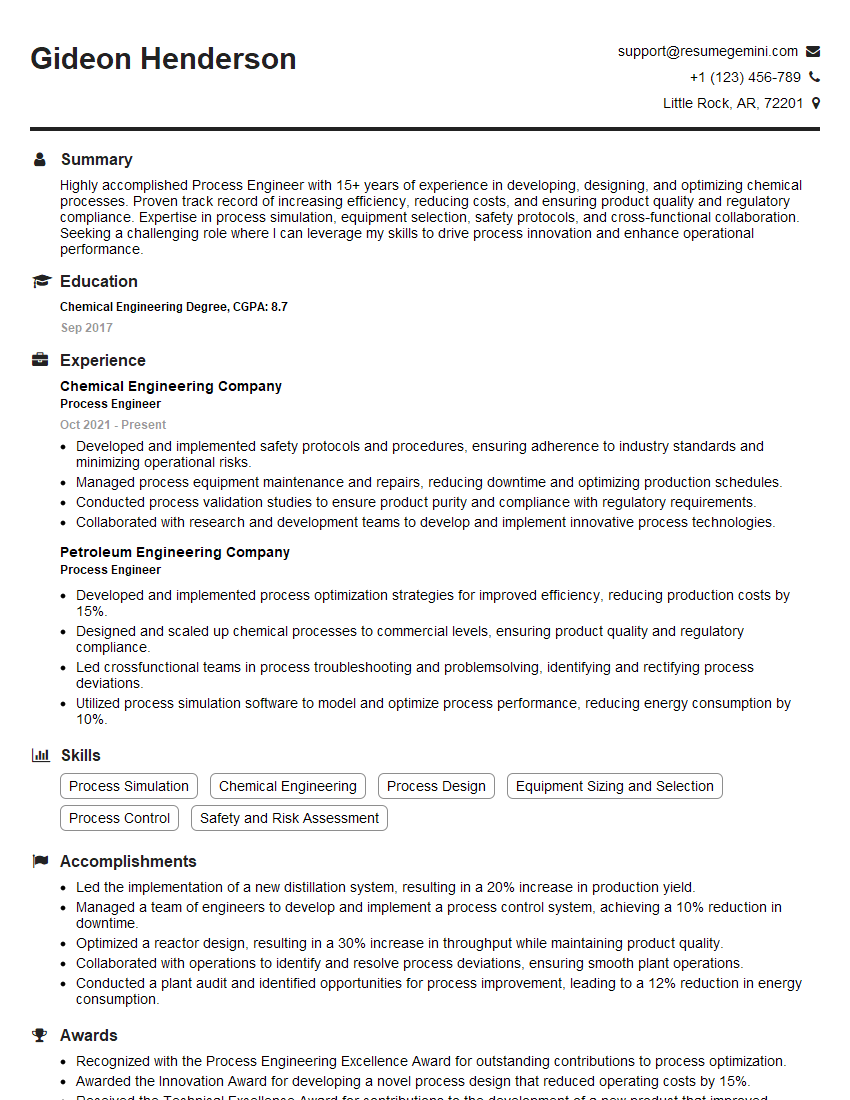
Process Engineer Resume Sample

Network Engineer Resume Sample

Automation Engineer Resume Sample

Technical Support Engineer Resume Sample

System Administrator Resume Sample
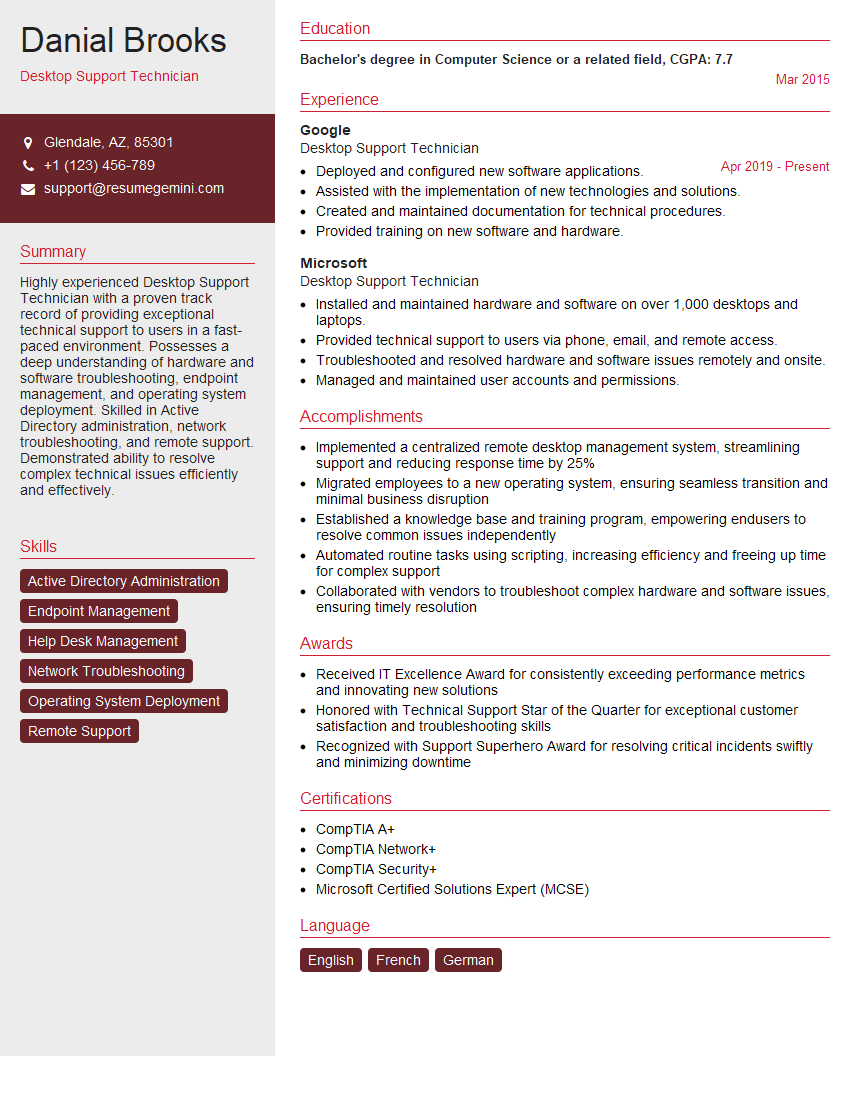
Desktop Support Technician Resume Sample

Help Desk Analyst Resume Sample

Maintenance Technician Resume Sample

Field Service Engineer Resume Sample
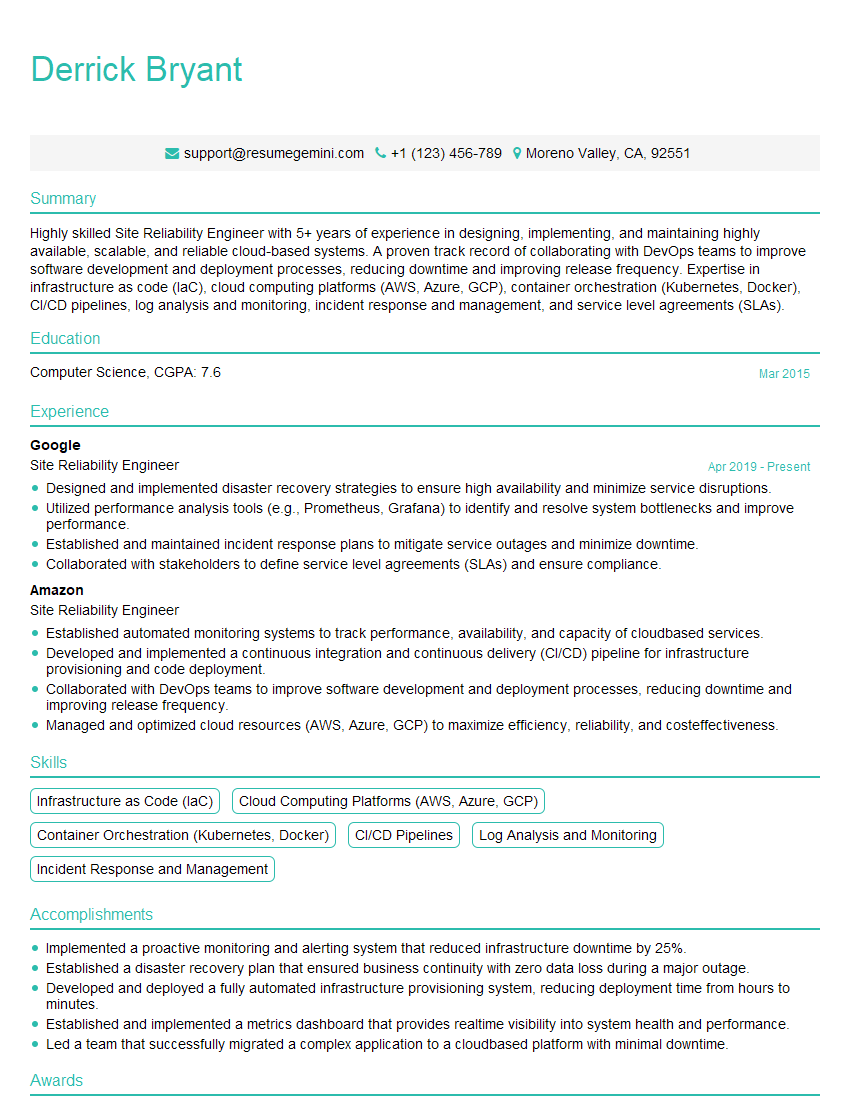
Site Reliability Engineer Resume Sample

Control Systems Engineer Resume Sample
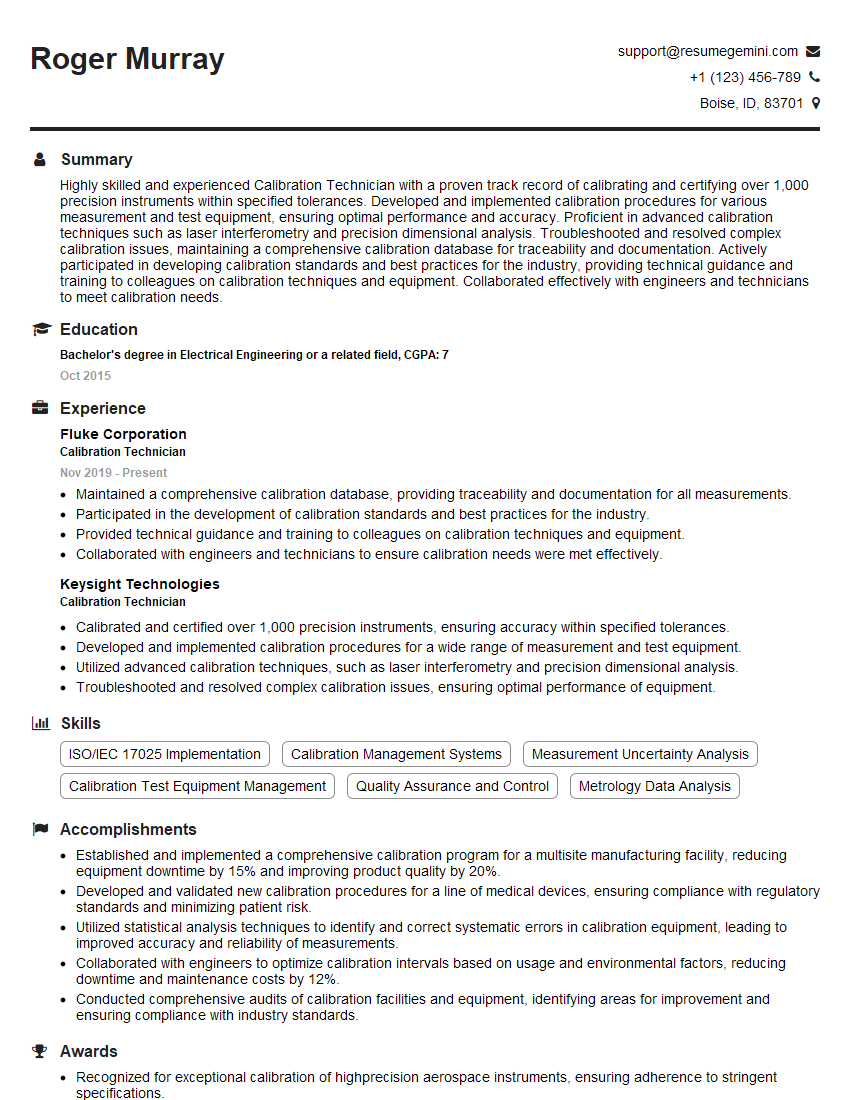
Calibration Technician Resume Sample
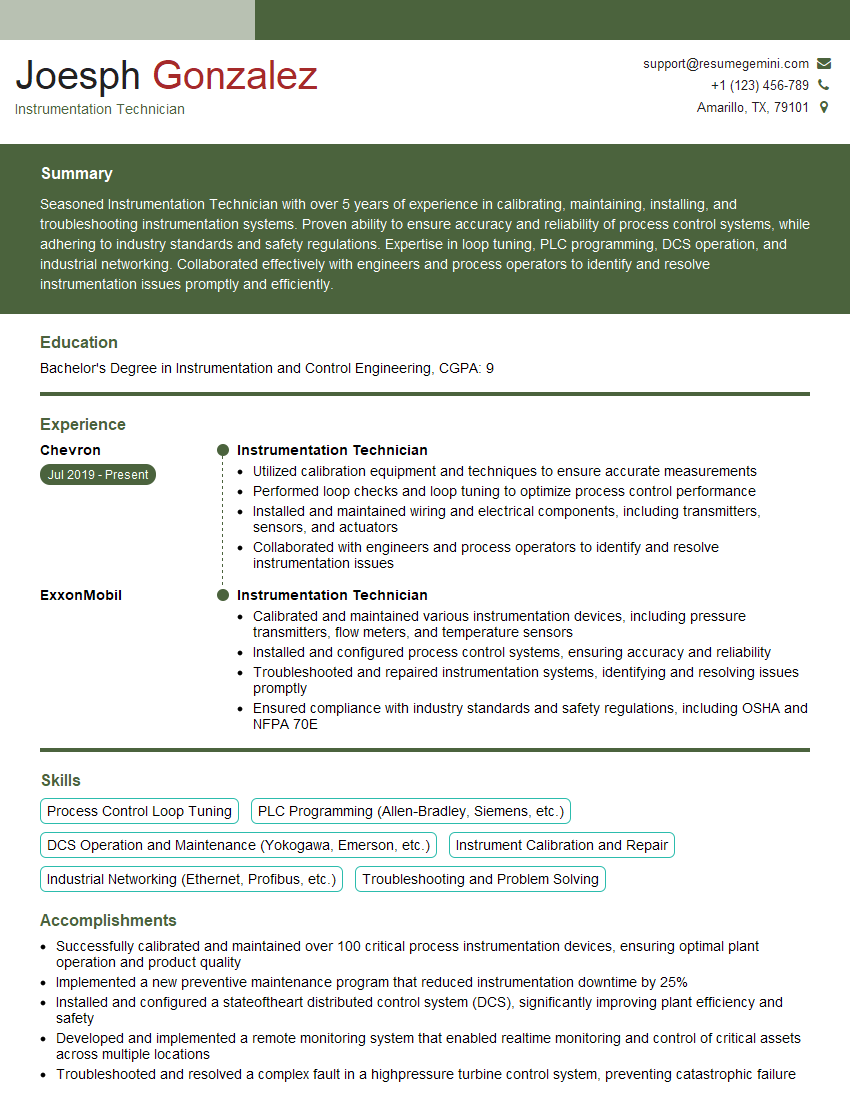
Instrumentation Technician Resume Sample

Robotics Technician Resume Sample
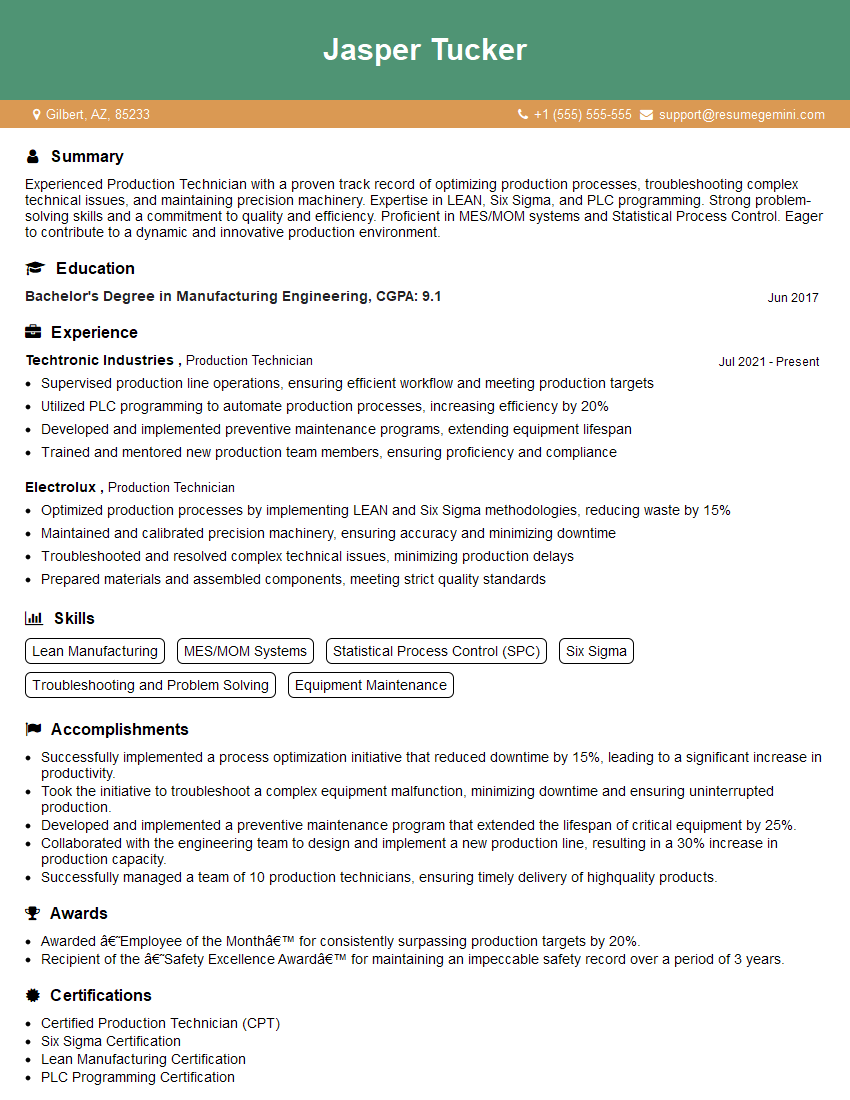
Production Technician Resume Sample
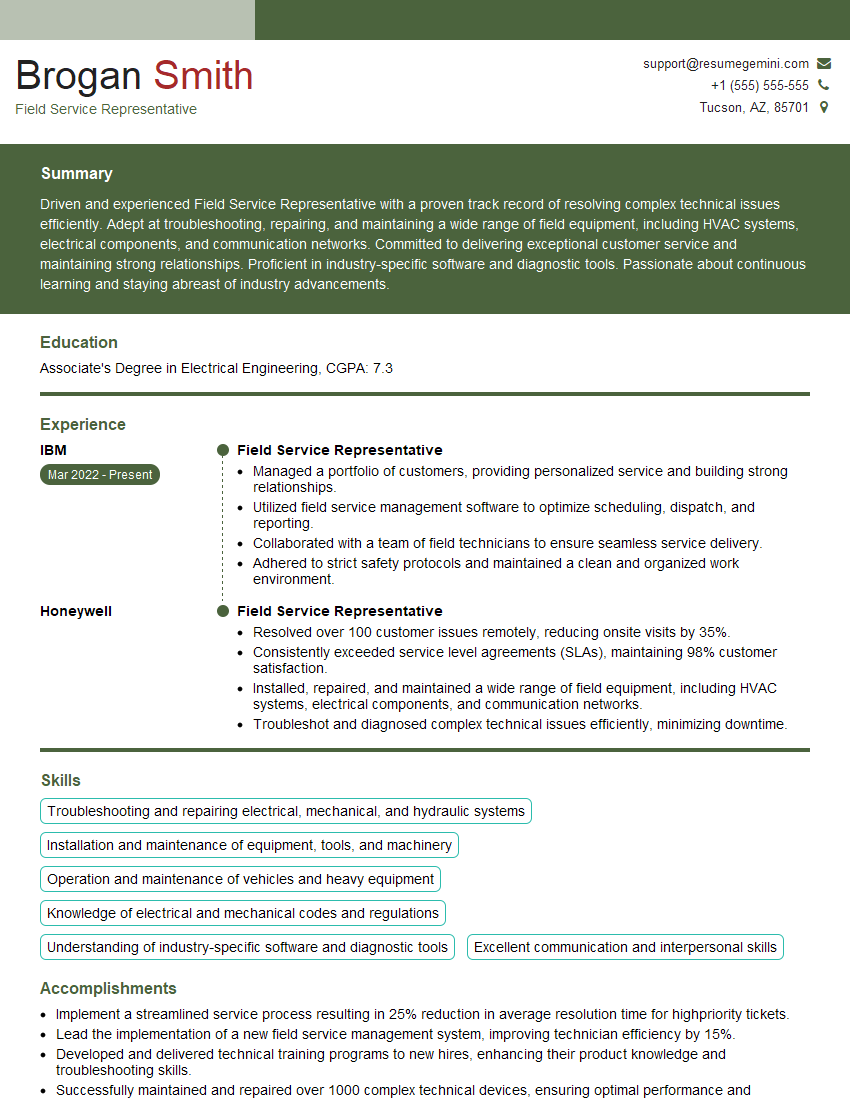
Field Service Representative Resume Sample

Quality Control Inspector Resume Sample

IT Support Specialist Resume Sample
- Process Engineer
- Network Engineer
- Automation Engineer
- Technical Support Engineer
- System Administrator
- Desktop Support Technician
- Help Desk Analyst
- Maintenance Technician
- Field Service Engineer
- Site Reliability Engineer
- Control Systems Engineer
- Calibration Technician
- Instrumentation Technician
- Robotics Technician
- Production Technician
- Field Service Representative
- Quality Control Inspector
- IT Support Specialist
Explore more articles
Users Rating of Our Blogs
Share Your Experience
We value your feedback! Please rate our content and share your thoughts (optional).
What Readers Say About Our Blog
Very informative content, great job.
good