Cracking a skill-specific interview, like one for UI/UX Design (Figma, XD), requires understanding the nuances of the role. In this blog, we present the questions you’re most likely to encounter, along with insights into how to answer them effectively. Let’s ensure you’re ready to make a strong impression.
Questions Asked in UI/UX Design (Figma, XD) Interview
Q 1. Explain your process for designing a user flow for a mobile application.
Designing a user flow for a mobile app is like creating a roadmap for the user’s journey. It’s a visual representation of how a user interacts with the app to achieve a specific goal. My process involves several key steps:
- Understanding the Goal: First, I clearly define the user’s objective. What problem are we solving? What task are they trying to accomplish within the app?
- User Personas: I create detailed user personas to represent different user types and their needs. This helps me tailor the flow to specific user segments.
- User Stories: I develop user stories (e.g., “As a new user, I want to easily create an account so I can access the app’s features.”) to guide the flow’s design. This ensures the flow is user-centered.
- Flowchart Creation: I then create a flowchart using tools like Figma or Miro. This visually maps out all possible user paths, including different scenarios and potential branching points (e.g., successful login vs. failed login). Each step is clearly defined, indicating actions, decisions, and potential outcomes.
- Iteration and Refinement: After initial creation, I review and refine the user flow, considering ease of navigation, clarity, and efficiency. User testing often reveals areas for improvement.
- Wireframing: Based on the finalized flow, I create low-fidelity wireframes to visualize the app’s screens and the transitions between them.
For example, in designing a food delivery app, a crucial user flow would be the ‘Order Placement’ flow. This flow would outline steps from browsing menus to selecting items, adding addresses, choosing payment methods, and finally order confirmation. Careful consideration is given to error handling and providing clear feedback at each step.
Q 2. How do you conduct user research and apply findings to your designs?
User research is the cornerstone of effective UI/UX design. It ensures we’re building something people actually want and need. My approach involves a mix of qualitative and quantitative methods:
- User Interviews: I conduct in-depth interviews with target users to understand their needs, pain points, and expectations.
- Surveys: I use online surveys to gather data from a larger sample size, covering demographics, preferences, and usage patterns.
- Usability Testing: I conduct usability tests where users interact with prototypes, while I observe their behavior and gather feedback. This helps identify usability issues and areas for improvement.
- A/B Testing: Once the app is launched, A/B testing allows me to compare different design choices and measure their impact on key metrics like conversion rates and user engagement.
The findings from these research methods directly inform my design decisions. For instance, if user interviews reveal that users find a particular task confusing, I would redesign that portion of the interface to improve clarity and ease of use. Similarly, if A/B testing shows a lower conversion rate for a certain design, I would iterate and make necessary changes. The entire process is iterative; research informs design, and design is validated and refined through further research.
Q 3. Describe your experience using Figma for collaborative design.
Figma is my primary design tool, and its collaborative features are invaluable. I leverage its capabilities for seamless team collaboration in several ways:
- Shared Libraries: We utilize shared style guides and component libraries to maintain consistency across the design system. This ensures a unified look and feel throughout the app.
- Real-time Collaboration: Multiple designers can work on the same file simultaneously, making the design process highly efficient and allowing for instant feedback and iteration. This is particularly useful during brainstorming sessions.
- Version History: Figma’s version history helps us track changes and revert to previous versions if needed. This is crucial for managing design iterations and avoiding conflicts.
- Commenting and Feedback: We utilize Figma’s commenting features to provide feedback directly on designs. This streamlines the review process and facilitates clear communication.
- Handoff to Developers: Figma’s developer handoff features, like specs and assets export, simplify the process of transferring designs to developers, reducing ambiguity and ensuring design fidelity.
For example, during a recent project, our team used Figma’s shared libraries to ensure consistent button styles and typography across different screens. The real-time collaboration feature allowed us to simultaneously work on different sections of the app, streamlining the design process significantly.
Q 4. How do you handle design critiques and feedback?
Design critiques and feedback are essential for growth and improving design quality. I approach them with an open mind and a focus on constructive dialogue:
- Active Listening: I carefully listen to the feedback, seeking to understand the perspective of the critic. I avoid getting defensive.
- Clarifying Questions: I ask clarifying questions to ensure I fully grasp the feedback and address any misunderstandings.
- Objective Evaluation: I evaluate the feedback objectively, considering its validity and impact on the user experience. Not all feedback is equally valuable.
- Documenting Feedback: I document all feedback in a central repository (often within Figma itself) for easy tracking and reference.
- Iterative Refinement: Based on the constructive feedback, I iterate on the design, incorporating relevant changes and improvements.
It’s important to remember that feedback is not always about being right or wrong; it’s about improving the design. A positive and collaborative attitude is crucial for a productive design critique session. I aim to transform even critical feedback into opportunities for learning and enhancement.
Q 5. What are the key differences between UI and UX design?
While UI and UX design are closely related and often work together, they have distinct focuses:
- UX (User Experience) Design: Focuses on the overall user experience. It encompasses the entire user journey, from initial interaction to task completion. UX designers consider user research, information architecture, interaction design, and usability to create intuitive and enjoyable experiences. Think of UX as the ‘big picture’—the overall strategy and user journey.
- UI (User Interface) Design: Focuses on the visual elements and interactive components of the product. UI designers work on the look and feel of the interface, ensuring aesthetics, consistency, and usability. They consider typography, color palettes, imagery, and layout to create a visually appealing and intuitive interface. UI is the ‘how’— the specific visual elements and interactions.
Think of building a house: UX is the architectural design, ensuring the house is functional, flows well, and meets the needs of its occupants. UI is the interior design – choosing the colors, furniture, and decorations to create an aesthetically pleasing and comfortable space. Both are essential for a beautiful and functional home, just as both UI and UX are necessary for a great product.
Q 6. Explain your understanding of accessibility in UI/UX design.
Accessibility in UI/UX design is crucial for creating inclusive products usable by everyone, regardless of their abilities. It’s about designing interfaces that cater to users with diverse needs, such as visual, auditory, motor, or cognitive impairments. My understanding encompasses:
- WCAG Guidelines: I follow the Web Content Accessibility Guidelines (WCAG) as a benchmark for creating accessible designs. These guidelines provide a structured set of criteria for web accessibility, and many principles apply to mobile apps as well.
- Color Contrast: I ensure sufficient color contrast between text and background elements to improve readability for users with visual impairments. Tools like Figma have built-in checkers to help with this.
- Alternative Text for Images: I always provide alternative text (alt text) for images, describing their content for screen reader users.
- Keyboard Navigation: I design interfaces that are fully navigable using only a keyboard, ensuring accessibility for users who cannot use a mouse.
- Captions and Transcripts: For videos and audio content, I include captions and transcripts to benefit users with hearing impairments.
- Screen Reader Compatibility: I design with screen reader compatibility in mind, ensuring that the information architecture and interactive elements can be properly interpreted by screen readers.
For example, when designing a button, I would ensure it has sufficient color contrast, provides clear textual information, and is large enough to be easily targeted by users with motor impairments. Accessibility isn’t just an afterthought; it’s integral to the design process from the outset.
Q 7. How do you prioritize features during the design process?
Prioritizing features during the design process is crucial for delivering value effectively and managing scope. I use a variety of methods, including:
- MoSCoW Method: This method categorizes features into four groups: Must have, Should have, Could have, and Won’t have. This helps to focus on the most critical features first.
- Value vs. Effort Matrix: I plot features on a matrix with ‘Value’ on one axis and ‘Effort’ on the other. This helps to identify features with high value and low effort, which should be prioritized.
- User Stories and User Research: By analyzing user stories and research findings, I can identify features that directly address key user needs and pain points. These features should be given higher priority.
- Impact Mapping: Impact mapping helps to visualize how features contribute to achieving specific goals. This helps to prioritize features that have the greatest impact on the overall user experience and business objectives.
- Data-Driven Decisions: Where available, I utilize data and analytics to inform feature prioritization. This could involve analyzing user behavior patterns or A/B testing results.
For instance, in a social media app, features like user profiles, newsfeeds, and messaging would likely be considered ‘Must have’ features, while advanced features like group chats or live streaming might be categorized as ‘Should have’ or ‘Could have’ features, depending on the app’s goals and resources.
Q 8. Describe your experience with prototyping in Figma or Adobe XD.
Prototyping is a crucial step in UI/UX design, allowing us to test and iterate on designs before development. I’m proficient in both Figma and Adobe XD, leveraging their interactive prototyping capabilities to create clickable prototypes that simulate user flows. In Figma, I frequently use features like auto-animate to create smooth transitions between screens, making the prototype feel more realistic. In XD, I find the gesture-based interactions particularly helpful for mobile app prototyping. For example, recently I was designing a mobile banking app. I used Figma’s prototyping features to simulate the process of logging in, navigating to different account screens, and initiating a funds transfer. This allowed the stakeholders to experience the app’s flow and provide valuable feedback before the actual development started. I frequently use interactive components and master components to ensure design consistency and ease of modification across the prototype.
Q 9. How do you ensure consistency in your designs across different platforms?
Maintaining design consistency across different platforms (web, iOS, Android) is paramount. I achieve this through a combination of strategies. First, I create a robust design system—a centralized repository of reusable components, styles, and patterns. This system includes clearly defined specifications for typography, color palettes, spacing, and component behavior. Second, I employ a component-based design approach, building reusable components in Figma or XD that are easily adaptable across platforms. Consider a button component: I’ll design it once with variations for different states (hover, active, disabled) and then reuse it throughout the design. Finally, I use platform-specific style guides as a reference. For instance, I’ll ensure my iOS designs adhere to Apple’s Human Interface Guidelines and my Android designs follow Google’s Material Design guidelines. This ensures a consistent and native experience on each platform.
Q 10. What design systems are you familiar with and how have you implemented them?
I’m familiar with various design systems, including Material Design (Google), Human Interface Guidelines (Apple), and numerous custom design systems developed for specific clients. My implementation approach typically involves understanding the existing design system’s principles and components. If a client doesn’t have a design system in place, I often collaborate with them to define the core components, styles, and patterns before starting the design process. For example, on a recent project, we built a design system from scratch for a SaaS application using Figma. We defined reusable components (buttons, forms, cards), color palettes, and typography styles. This system was then implemented across multiple screens, allowing for a consistent user experience and reducing development time. I frequently use Figma’s auto-layout and constraint features to maintain consistency and responsiveness within the design system.
Q 11. How do you measure the success of a design?
Measuring design success goes beyond aesthetic appeal; it’s about understanding if the design achieves its intended goals. Key metrics include:
- Usability testing results: Task completion rates, error rates, and user satisfaction scores provide insights into the ease of use.
- Analytics data (post-launch): Key performance indicators (KPIs) like conversion rates, bounce rates, and time on task reveal how the design impacts user behavior.
- User feedback: Surveys, interviews, and feedback forms directly capture user opinions and suggestions.
- A/B testing: Comparing different design versions helps identify the most effective approach.
For instance, in a recent e-commerce project, we used A/B testing to compare two different button designs. The results showed a significant increase in conversion rates with one design, directly demonstrating its superior performance.
Q 12. What are your preferred methods for usability testing?
My preferred usability testing methods are a blend of qualitative and quantitative approaches. I often start with moderated usability testing sessions, where I observe users interacting with the prototype and ask them questions to understand their thought processes. This allows for in-depth insights into user behavior and pain points. For a larger-scale evaluation, I utilize unmoderated remote usability testing tools like UserTesting.com, which provides quantitative data on task completion rates and user satisfaction. Additionally, I incorporate heuristic evaluations, where design experts review the design based on established usability principles. A combination of these methods gives a comprehensive understanding of the design’s strengths and weaknesses.
Q 13. Describe your workflow for creating wireframes and mockups.
My wireframing and mockup workflow usually begins with user research and information architecture. I then create low-fidelity wireframes using simple shapes and text to define the layout and functionality. This stage focuses on structure and information hierarchy rather than visual details. Once the wireframes are approved, I move to mid-fidelity mockups, adding more visual elements like color palettes, basic typography, and placeholder images. This allows stakeholders to get a clearer picture of the visual design. Finally, I create high-fidelity mockups that represent the final look and feel of the design, including detailed graphics and interactions. This iterative process allows for feedback at each stage and ensures the final product aligns with user needs and business goals. I mostly use Figma for this process, leveraging its flexibility and collaboration features.
Q 14. Explain your understanding of information architecture.
Information architecture (IA) is the structural design of shared information environments. It’s essentially the blueprint for how users will navigate and find information within a digital product. Good IA is crucial for intuitive user experiences. I consider several key aspects when designing IA:
- Card sorting: A user research technique to understand how users categorize information.
- Sitemaps: Visual representations of the website’s structure and hierarchy.
- Navigation design: Creating clear and consistent navigation menus and pathways.
- Search functionality: Implementing effective search to allow users to quickly find information.
For example, when designing a large e-commerce website, I’d start by conducting card sorting to understand how users naturally categorize products. This would inform the creation of sitemaps and navigation menus that reflect user mental models, ultimately improving findability and usability.
Q 15. How do you handle conflicting stakeholder feedback?
Handling conflicting stakeholder feedback is a crucial skill in UI/UX design. It often involves prioritizing needs and finding creative solutions that balance competing interests. My approach is threefold: Understanding, Prioritizing, and Communicating.
Understanding: I start by actively listening to each stakeholder, seeking to understand their underlying concerns and objectives. Why do they feel this way? What are their priorities? I often use empathy mapping to help visualize their perspectives and identify common ground.
Prioritizing: Once I understand each viewpoint, I prioritize based on user needs and business goals. I might use a prioritization matrix (e.g., MoSCoW method) to objectively weigh the importance of different features or design choices. This involves clearly articulating the trade-offs involved in each decision.
Communicating: I present my rationale for design decisions clearly and transparently, using data, user research, and design principles to support my choices. I use visual aids like wireframes and prototypes to demonstrate the impact of design decisions, making it easier for stakeholders to understand and agree upon solutions. I’m also prepared to iterate and adjust based on their feedback, but always grounding it in user-centric design principles.
For example, on a recent project, marketing wanted a prominent carousel banner, while engineering preferred a simpler navigation. By understanding their reasons (marketing wanted maximum brand visibility, engineering wanted to minimize development time and complexity), I proposed an A/B test to compare the two approaches, ultimately allowing data to drive the decision rather than relying solely on opinion.
Career Expert Tips:
- Ace those interviews! Prepare effectively by reviewing the Top 50 Most Common Interview Questions on ResumeGemini.
- Navigate your job search with confidence! Explore a wide range of Career Tips on ResumeGemini. Learn about common challenges and recommendations to overcome them.
- Craft the perfect resume! Master the Art of Resume Writing with ResumeGemini’s guide. Showcase your unique qualifications and achievements effectively.
- Don’t miss out on holiday savings! Build your dream resume with ResumeGemini’s ATS optimized templates.
Q 16. How do you stay updated on the latest UI/UX design trends?
Staying updated on UI/UX trends is an ongoing process requiring a multi-faceted approach. I actively engage with various resources to stay ahead of the curve.
Industry Publications & Blogs: I regularly read publications like UX Collective, Nielsen Norman Group articles, and blogs from leading design agencies. This helps me understand emerging design patterns and best practices.
Design Conferences & Workshops: Attending online and in-person conferences like UXPA International and Interaction Design Foundation workshops provides exposure to new ideas and networking opportunities with other designers.
Online Communities: Engaging with online communities like Dribbble, Behance, and Reddit’s r/UXDesign allows me to see real-world applications of new trends and get feedback from fellow designers.
Following Key Influencers: I follow thought leaders on Twitter and LinkedIn to stay informed about the latest developments and debates in the field.
Experimentation: Finally, I believe in practical application. I dedicate time to experimenting with new tools and design techniques in my personal projects to gain hands-on experience.
Q 17. Describe your experience with A/B testing.
A/B testing is an essential part of my design process. It’s a method of comparing two versions of a design element (e.g., button color, call-to-action text) to determine which performs better based on predefined metrics (e.g., click-through rate, conversion rate).
My experience with A/B testing involves:
Hypothesis Formulation: I begin by formulating a clear hypothesis about which design variation will perform better and why. This needs to be based on user research and design principles.
Test Design & Implementation: I use tools like Optimizely or Google Optimize to create and deploy A/B tests. This includes defining the test parameters, target audience, and key performance indicators (KPIs).
Data Analysis & Iteration: After collecting sufficient data (typically ensuring statistical significance), I analyze the results to determine which variation performed better. This informs further design iterations and improvements.
For instance, on a recent e-commerce website redesign, we A/B tested two different layouts for the product page. One had a prominent ‘Add to Cart’ button above the fold, while the other placed it below. The test revealed a significant increase in conversions with the ‘above-the-fold’ button placement. This data helped justify the final design decision.
Q 18. What are your favorite design resources?
My favorite design resources are a blend of online tools, communities, and publications.
Figma & Adobe XD: These are my go-to design tools for wireframing, prototyping, and collaboration. Figma’s collaborative features are particularly useful.
Nielsen Norman Group: Their research-backed articles and publications offer valuable insights into UX principles and best practices.
UX Collective: A fantastic online publication with a large community of designers sharing their experiences and knowledge.
Dribbble & Behance: These platforms showcase the work of talented designers, offering inspiration and a glimpse into current design trends.
UserTesting.com: This platform allows for quick and easy user testing, giving valuable feedback on design iterations.
Q 19. Explain your process for creating user personas.
Creating user personas is a crucial step in understanding our target audience. My process is iterative and involves:
Research: I gather data from various sources, including user interviews, surveys, competitor analysis, and analytics data. The goal is to identify patterns and common characteristics among our users.
Synthesis: I synthesize the collected data to identify key characteristics such as demographics, goals, motivations, frustrations, and technological proficiency.
Persona Development: I create a detailed persona profile for each user segment, giving them a name, backstory, goals, and pain points. This helps to humanize the data and make it more relatable to the design team.
Validation: I validate the created personas by presenting them to stakeholders and other team members for feedback. This ensures that the personas accurately represent the target audience.
For example, while designing a mobile banking app, we identified two key user personas: ‘Busy Professional’ (high tech-savviness, values speed and efficiency) and ‘Tech-Hesitant Senior’ (lower tech-savviness, values security and ease of use). These personas guided our design decisions, ensuring that the app catered to diverse user needs.
Q 20. How do you incorporate user feedback into the design iteration process?
Incorporating user feedback into the design iteration process is paramount. It’s a continuous loop of testing, gathering feedback, and iterating on the design. Here’s my approach:
Gather Feedback Strategically: I use various methods, like usability testing, surveys, feedback forms, and analytics data to gather feedback. The type of method depends on the stage of the design process and the type of information needed.
Analyze & Prioritize Feedback: I organize and analyze the feedback, paying attention to recurring themes and patterns. I prioritize feedback based on its impact on user experience and business goals. Not all feedback is created equal; some is more important than others.
Iterate & Improve: Based on the prioritized feedback, I iterate on the design. This might involve revising wireframes, prototypes, or even the final designs. I utilize design tools to quickly implement changes and test the impact.
Communicate Changes: I communicate the implemented changes and their rationale to stakeholders and the team. Transparency is key to ensuring everyone is aligned.
For example, during user testing of a new website, we discovered many users struggled to find the contact page. This feedback led us to redesign the navigation menu and prominently feature the contact information, drastically improving user experience.
Q 21. Explain the concept of user journeys.
User journeys map out the steps a user takes to achieve a specific goal within a product or service. They are visual representations of the user’s interaction with the system, revealing pain points and opportunities for improvement. Think of it as a story from the user’s perspective.
A user journey typically includes:
Stages: These represent the different steps a user takes. For example, for an e-commerce website, stages might include: awareness, consideration, decision, action, and post-purchase.
Touchpoints: These are the points where the user interacts with the product or service (e.g., website, app, customer service).
Actions: What the user does at each touchpoint.
Emotions: How the user feels at each stage (e.g., frustrated, excited, satisfied).
Pain Points: Areas where the user experiences difficulties or frustrations.
Opportunities: Areas for improvement or optimization.
Creating user journeys helps to identify areas of friction and opportunities to enhance user experience. They’re a vital tool for aligning design decisions with user needs and business goals.
Q 22. Describe your experience with responsive design.
Responsive design is all about creating user interfaces that adapt seamlessly to different screen sizes and devices. Think about browsing a website on your desktop, then switching to your tablet, and finally your phone – the layout should adjust smoothly to fit each screen without compromising usability or aesthetics. This involves using flexible grids, relative units (like percentages and ems instead of pixels), and media queries.
In my experience, I’ve used a variety of techniques to achieve responsive design. For example, I’ve employed a 12-column grid system in Figma to create flexible layouts that can easily rearrange themselves based on the screen size. I also use media queries extensively within CSS (Cascading Style Sheets) to define styles for different screen sizes. For instance, @media (max-width: 768px) { /* Styles for tablets and smaller screens */ } This allows me to hide certain elements, change their order, or adjust their size depending on the device.
I once worked on an e-commerce website where responsive design was critical. By implementing a flexible grid and media queries, we ensured that the product catalog, shopping cart, and checkout process were all easily navigable and visually appealing on every device, leading to a significant improvement in conversion rates.
Q 23. How do you handle design constraints and limitations?
Design constraints are inevitable. They can range from technical limitations (like browser compatibility or slow loading times) to business constraints (like budget or deadlines) and even creative limitations (a specific brand style guide, for example). My approach focuses on collaborative problem-solving and creative workarounds.
I start by clearly understanding the constraints. I then brainstorm various solutions, weighing the pros and cons of each. Prioritization is key: which constraints are non-negotiable, and which ones might allow for some flexibility? For example, if a performance constraint requires reducing the number of animations, I’ll focus on essential micro-interactions rather than sacrificing core functionality.
In a recent project, we had a strict deadline and limited resources. To manage this, I used design systems and pre-built components from Figma’s library to accelerate the design process. This allowed us to deliver a high-quality product within the constraints.
Q 24. What are some common design patterns you utilize?
Design patterns are pre-defined solutions to recurring design problems. They provide a reliable framework for building consistent and predictable user interfaces. I frequently utilize several common design patterns, depending on the context.
- Navigation Patterns: I often employ hamburger menus for mobile navigation and tabbed interfaces for complex information architecture.
- Form Patterns: For user input, I utilize clear labels, input validation, and progress indicators to guide users.
- Card Patterns: These are excellent for displaying information concisely, such as product listings or news articles.
- Modal Patterns: I use modals to present additional information or prompts without disrupting the user’s workflow.
The choice of design pattern depends heavily on the context. Understanding user needs and the overall information architecture guides my selection. A poorly chosen design pattern can hinder usability, so careful consideration is crucial.
Q 25. Explain your understanding of color theory and typography.
Color theory and typography are fundamental to creating visually appealing and effective user interfaces. Color theory deals with how colors interact to create different moods and feelings. For instance, warm colors (reds, oranges, yellows) evoke excitement, while cool colors (blues, greens) tend to be calming. Typography involves the selection and use of typefaces (fonts) to enhance readability and visual appeal.
I often use tools like Adobe Color to explore color palettes that align with the project’s brand and intended user experience. I also consider the principles of contrast and accessibility when selecting colors. For typography, I select fonts that are both legible and reflect the brand personality. I pay attention to font size, line height, and letter spacing (tracking) to ensure optimal readability.
In a recent project, I used a calming blue palette for a meditation app, contrasting it with a warmer orange for call-to-action buttons. The typeface chosen was clean and modern, reflecting the app’s minimalist design.
Q 26. How do you ensure your designs are visually appealing and intuitive?
Creating visually appealing and intuitive designs is a continuous process. It involves combining aesthetics with usability principles.
- Visual Hierarchy: I use size, color, contrast, and whitespace to guide the user’s eye and highlight important elements.
- Consistency: Maintaining a consistent design language across the interface ensures a unified and predictable experience.
- Accessibility: I ensure sufficient color contrast, legible text sizes, and keyboard navigation for users with disabilities.
- User Feedback: I conduct usability testing to gather feedback and iterate on the design based on user behavior.
For example, in designing a dashboard, I would use a clear visual hierarchy to prioritize key metrics, ensuring they stand out while less critical information is presented subtly. The overall layout would be clean and uncluttered, prioritizing usability and readability.
Q 27. Describe your experience with creating style guides and design systems.
Style guides and design systems are crucial for maintaining consistency and efficiency in design projects. A style guide is a comprehensive document that defines the visual style of a brand, including color palettes, typography, imagery, and spacing. A design system expands on this by incorporating reusable components, patterns, and code snippets.
My experience in creating these involves close collaboration with developers and stakeholders. I use Figma’s features extensively to build and manage design systems. For instance, I create component libraries with master components that can be easily reused and updated across the project. I also document the usage and variations of each component clearly for developers.
In a past project, I built a design system for a large enterprise application. This ensured consistency across multiple teams and platforms, significantly reducing design and development time while guaranteeing a cohesive user experience.
Q 28. How would you approach designing a user interface for a visually impaired user?
Designing for visually impaired users requires careful consideration of accessibility guidelines, primarily WCAG (Web Content Accessibility Guidelines). Key aspects include:
- Sufficient Color Contrast: Using tools to check color contrast ratios ensures that text and other important elements are easily distinguishable against the background.
- Alternative Text for Images: Providing descriptive alternative text (alt text) allows screen readers to convey the image’s content to visually impaired users.
- Keyboard Navigation: Ensuring that all interactive elements are accessible using only a keyboard is crucial for users who cannot use a mouse.
- Clear and Concise Language: Using simple and straightforward language reduces cognitive load.
- Proper Heading Structure: Using semantic HTML headings (
<h1>to<h6>) provides a logical structure for screen readers to navigate.
I also incorporate features like larger text sizes, adjustable font styles, and high-contrast themes. It is crucial to test designs with assistive technology like screen readers to identify and address accessibility issues early in the design process.
Key Topics to Learn for UI/UX Design (Figma, XD) Interview
- User Research & Analysis: Understanding user needs through various research methods (user interviews, surveys, usability testing) and translating those needs into design solutions. Practical application: Describe a project where you conducted user research and how it informed your design decisions.
- Information Architecture & Interaction Design: Structuring content logically and intuitively, ensuring seamless navigation and user flows. Practical application: Explain your approach to designing the information architecture of a complex website or application.
- Wireframing & Prototyping: Creating low-fidelity and high-fidelity prototypes using Figma or XD to visualize and test design solutions. Practical application: Describe your preferred prototyping workflow and the tools you utilize to create interactive prototypes.
- UI Design Principles: Mastering visual hierarchy, typography, color theory, and layout principles to create visually appealing and user-friendly interfaces. Practical application: Discuss your design choices regarding typography and color palettes in a recent project.
- Accessibility & Inclusivity: Designing interfaces that are accessible to users with disabilities, adhering to WCAG guidelines. Practical application: Explain how you ensure accessibility in your designs.
- Design Systems & Component Libraries: Creating and maintaining reusable design components and style guides for consistency and efficiency. Practical application: Discuss your experience creating or working with design systems.
- Usability Testing & Iteration: Conducting usability testing to identify areas for improvement and iterating on designs based on user feedback. Practical application: Describe a scenario where you iterated on a design based on usability testing results.
- Figma/XD Proficiency: Demonstrating a strong understanding of the features and functionalities of Figma or XD, including collaboration features and version control. Practical application: Showcase your proficiency by describing efficient workflows within your chosen design tool.
Next Steps
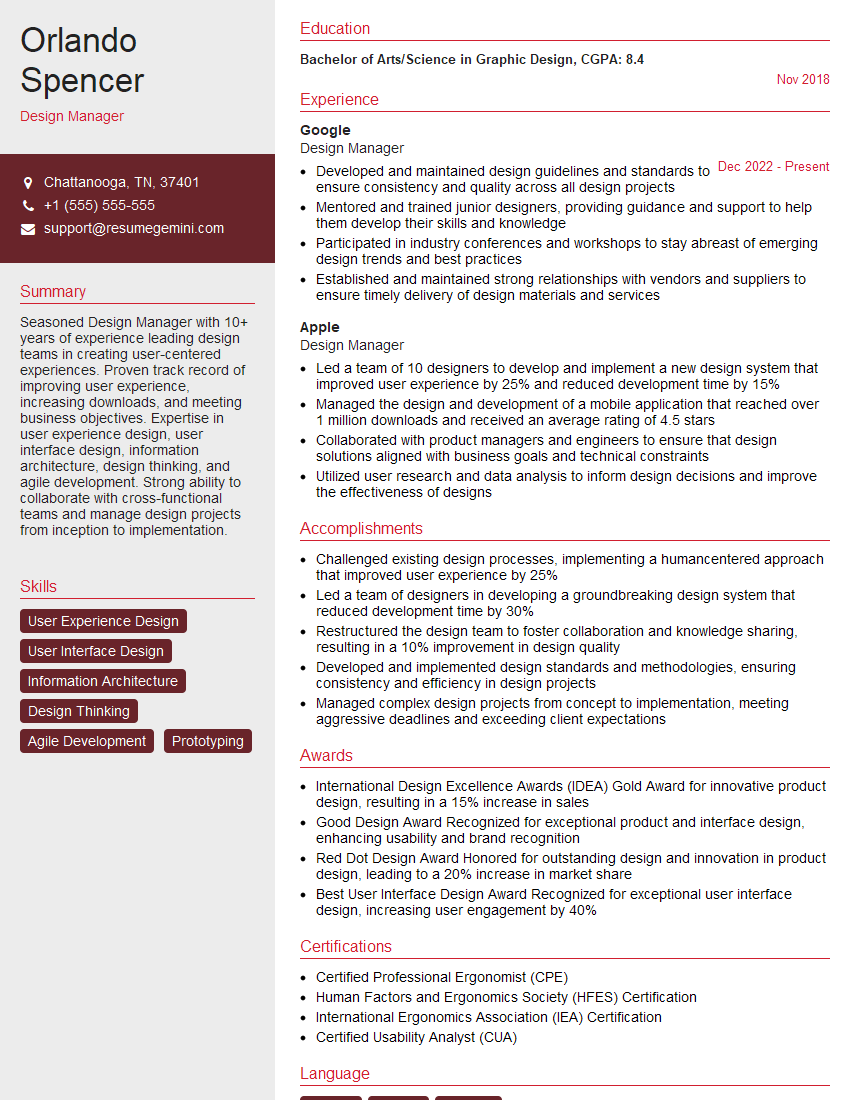
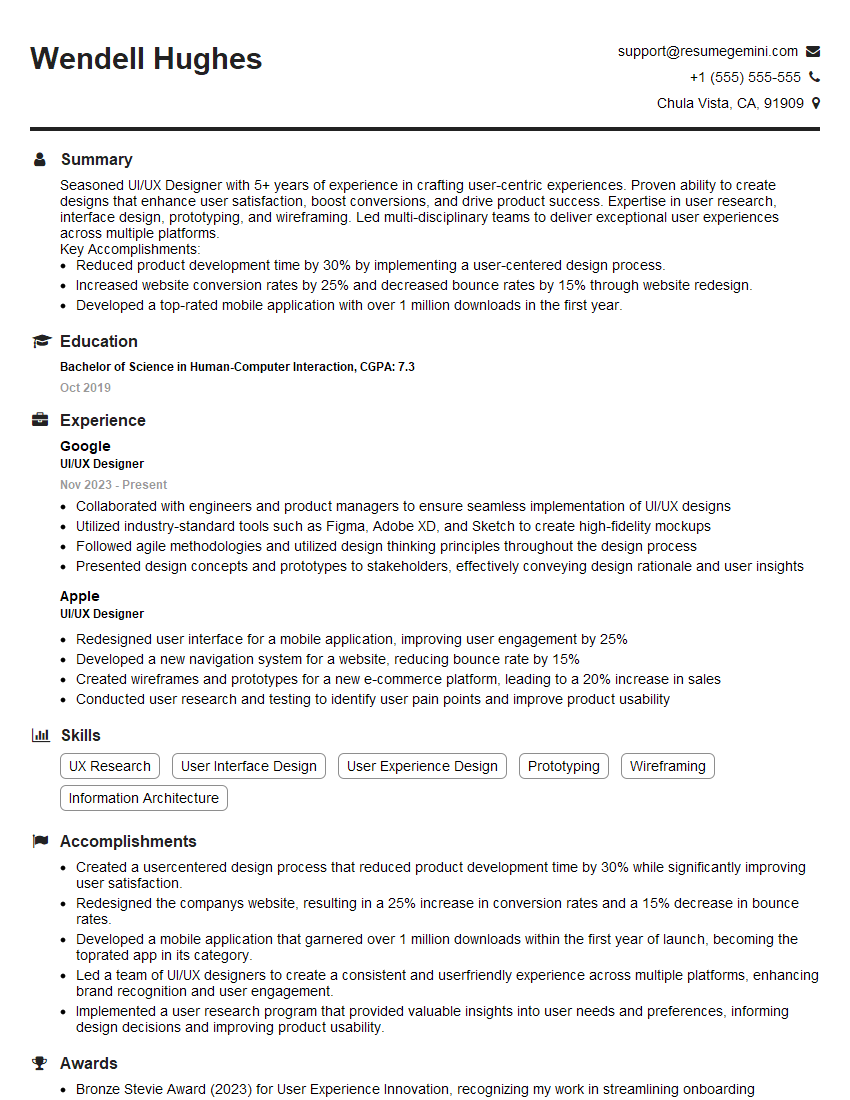
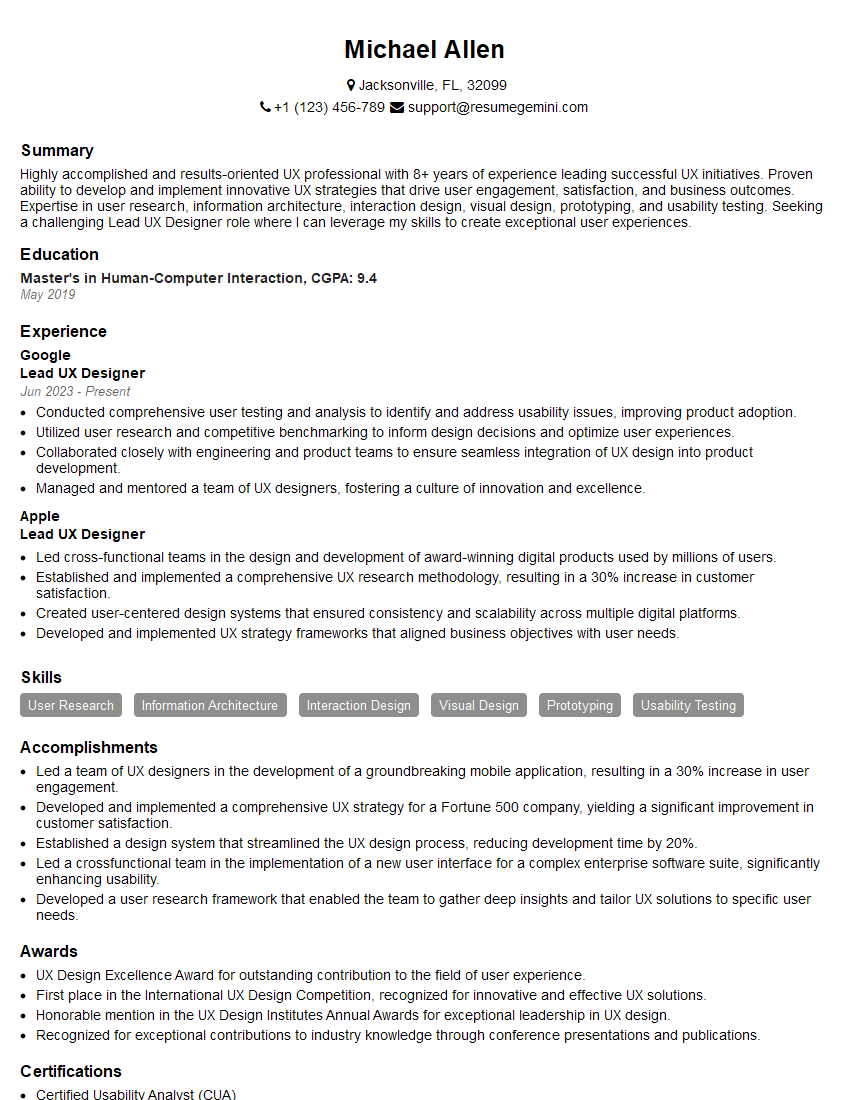
Mastering UI/UX Design with Figma and XD is crucial for a successful and rewarding career. These skills are highly sought after, opening doors to exciting opportunities in a rapidly growing field. To maximize your job prospects, it’s essential to present your qualifications effectively. Creating an ATS-friendly resume is key to ensuring your application gets noticed. ResumeGemini is a trusted resource that can help you build a professional and impactful resume. We provide examples of resumes tailored specifically for UI/UX Designers proficient in Figma and XD to help you get started. Invest time in crafting a compelling resume – it’s your first impression and a vital step towards your dream job.



Explore more articles
Users Rating of Our Blogs
Share Your Experience
We value your feedback! Please rate our content and share your thoughts (optional).
What Readers Say About Our Blog
Very informative content, great job.
good