The right preparation can turn an interview into an opportunity to showcase your expertise. This guide to Using a GPS Navigation System interview questions is your ultimate resource, providing key insights and tips to help you ace your responses and stand out as a top candidate.
Questions Asked in Using a GPS Navigation System Interview
Q 1. Explain the difference between GPS and GLONASS.
Both GPS (Global Positioning System) and GLONASS (Global Navigation Satellite System) are satellite-based navigation systems that provide location and time information. However, they are developed and operated by different countries. GPS is a US system, while GLONASS is a Russian system. The key difference lies in their satellite constellations and the specific signals they broadcast. While both use a similar principle of triangulation to determine location, GLONASS utilizes a different frequency and orbital arrangement. This means that a device supporting both systems (like most modern GPS receivers) can achieve greater accuracy and reliability, especially in areas with challenging signal reception, as it can utilize signals from a larger number of satellites.
Think of it like having two different sets of radio towers broadcasting location information. Using only one set might be sufficient most of the time, but having access to both gives you a more robust and accurate signal, even when one system is partially blocked.
Q 2. Describe how GPS triangulation works.
GPS triangulation works by using the signals from at least four GPS satellites. Each satellite transmits a precise time signal and its known orbital position. Your GPS receiver measures the time it takes to receive these signals. By knowing the speed of light, the receiver can calculate the distance to each satellite (this is called pseudorange). These distances create spheres around each satellite’s position. The intersection of these spheres pinpoints your exact location on Earth. Imagine three spheres – the intersection would be a circle. A fourth sphere intersects that circle at two points; however, since we are on Earth’s surface, the correct location is obvious.
It’s similar to using a map and compass: the satellites act as landmarks, and the time delays act like measuring your distance to those landmarks. Combining those distances gives you your exact position.
Q 3. What are the limitations of GPS technology?
GPS technology, while incredibly accurate, does have its limitations. These include:
- Signal Obstruction: Tall buildings, dense foliage, and even weather conditions like heavy rain or snow can block or weaken GPS signals, leading to inaccurate or no readings.
- Atmospheric Interference: The ionosphere and troposphere can delay GPS signals, causing slight inaccuracies in position measurements.
- Multipath Errors: Signals can bounce off buildings or other surfaces before reaching the receiver, creating delays and affecting accuracy.
- Satellite Geometry (GDOP): The relative positions of the satellites in the sky impact the accuracy. Poor geometry (high GDOP) can lead to less precise positioning.
- Selective Availability (SA): While SA is no longer active for civilian use, it’s worth mentioning that this deliberate degradation of GPS accuracy was once implemented by the US military.
These limitations are often overcome by using advanced signal processing techniques, integrating with other positioning systems (like GLONASS or Galileo), or employing differential GPS techniques that use reference stations with known precise positions.
Q 4. How do you handle GPS signal loss?
Handling GPS signal loss depends on the context. In a vehicle navigation system, the device might switch to dead reckoning, using the vehicle’s speed and direction to estimate its position until the signal is reacquired. This is usually accompanied by a warning message on the screen. In other applications, the system may simply display an error message indicating the loss of signal. Some advanced systems might incorporate inertial measurement units (IMUs) to provide short-term position tracking even without GPS signals.
Strategies for mitigating signal loss include:
- Ensuring clear sky view: Try to keep your GPS receiver away from obstructions like buildings or dense trees.
- Using a device with advanced signal processing capabilities: Modern receivers are better at acquiring and maintaining signals.
- Employing alternative technologies: Consider using a map or compass if GPS is unavailable.
Q 5. What are different types of GPS maps and their applications?
GPS maps come in various forms, each tailored to different applications:
- Road Maps: These are the most common type, designed for navigation on roads and highways. They show streets, points of interest (POIs), and often include traffic information. These are the standard maps seen in car navigation systems.
- Topographic Maps: These maps display elevation contours, rivers, forests, and other geographical features. They are ideal for outdoor activities like hiking or off-road driving.
- Aerial Imagery Maps: These maps use satellite or aerial photos as their base layer, providing a visual representation of the terrain. Useful for urban planning, real-estate, and environmental monitoring.
- Nautical Charts: Specialized maps for marine navigation showing depths, shorelines, hazards, and other relevant information for sailors.
- Specialized Maps: Maps for specific applications like aviation, geological surveys, or even indoor navigation (shopping malls etc.).
Q 6. Explain the concept of map updates and their importance.
Map updates are crucial for maintaining the accuracy and usefulness of a GPS navigation system. These updates add, modify, or remove road segments, POIs, and other information. They incorporate changes in road networks (new roads, construction, closures), updates to POIs (new businesses, address changes), and improvements to the underlying map data.
Without regular updates, your GPS might lead you down closed roads, to nonexistent addresses, or give inaccurate estimated times of arrival. Regular map updates ensure that your navigation experience is safe, efficient, and reliable. Think of it like having the latest version of a city guide – an outdated guide might be helpful but is likely to be incomplete or misleading.
Q 7. How do you interpret GPS coordinates?
GPS coordinates are typically expressed in latitude and longitude. Latitude indicates the position north or south of the Equator, ranging from -90° (South Pole) to +90° (North Pole). Longitude indicates the position east or west of the Prime Meridian (0°), ranging from -180° to +180°. These coordinates are often given in decimal degrees (e.g., 34.0522° N, 118.2437° W) or in degrees, minutes, and seconds (DMS) (e.g., 34°3’9″N, 118°14’37″W). Many GPS devices and mapping software can easily switch between these formats.
Interpreting coordinates requires understanding the coordinate system. The negative or positive sign denotes the hemisphere (North/South for latitude, East/West for longitude). The larger the numerical value, the farther away from the respective reference point (Equator or Prime Meridian). You can use online tools or mapping software to input coordinates and see their location on a map. Understanding coordinates is essential for precisely locating points on Earth.
Q 8. Describe your experience using different GPS devices (e.g., in-car, handheld, smartphone).
My experience with GPS devices spans a wide range, from built-in car navigation systems to handheld Garmin devices and smartphone apps like Google Maps and Waze. Each has its strengths and weaknesses. In-car systems are usually integrated well with the vehicle’s infotainment system, offering a large, easy-to-read display and often voice control. However, they can be expensive to upgrade or replace. Handheld GPS units are highly portable and often offer detailed topographic maps and advanced features for outdoor activities like hiking or geocaching, but they lack the seamless integration of in-car systems. Smartphone apps are incredibly versatile, leveraging the phone’s features and constantly updated map data, but they consume battery power and may not be as reliable in areas with poor cellular reception.
For example, I once relied on a handheld GPS while backpacking in a remote area; its detailed topographic maps and offline functionality were crucial. Conversely, I frequently use Google Maps on my smartphone for daily commutes, benefiting from real-time traffic updates. Finally, my in-car navigation system proved invaluable during a recent road trip across the country, its large screen making it easy to navigate complex highway interchanges.
Q 9. How do you plan an efficient route using a GPS system?
Planning an efficient route involves more than just inputting a destination. I begin by considering several factors. First, I input my starting point and destination accurately. Then, I check the ‘avoid’ options, selecting things like highways, tolls, or ferries, depending on my preferences and constraints. Most importantly, I always check the ‘traffic’ option for real-time updates, especially during peak hours. I often compare route options offered by the GPS system, noting the estimated time of arrival (ETA) and distance for each. Some systems allow for comparing routes that prioritize speed versus distance. I also consider the type of roads involved: a route with fewer turns and higher speed limits might be more efficient, even if slightly longer in distance.
For instance, if I’m driving during rush hour, choosing a route that avoids major highways even if it’s slightly longer often leads to a faster overall journey. I always double-check the route visually on the map to ensure it makes sense and aligns with my knowledge of the area.
Q 10. How do you handle unexpected traffic delays or road closures while using GPS?
Unexpected delays are a fact of life when driving. GPS systems equipped with real-time traffic data are invaluable in these situations. When encountering a traffic jam or road closure, the GPS will usually automatically recalculate the route, offering alternative paths. I pay close attention to the system’s rerouting suggestions and the updated ETA. If the suggested route seems unreasonable, I may consult alternative sources of information, such as traffic reports on the radio or a secondary navigation app. I also keep an eye on the map display, looking for signs of congestion or potential problems ahead, even if the GPS hasn’t explicitly rerouted me.
For example, I once encountered a sudden road closure due to an accident. My GPS immediately rerouted me onto a parallel street, avoiding significant delays. However, in another instance, the GPS suggested a route that was overly congested, so I decided to use my knowledge of local roads to find a faster alternative.
Q 11. Explain how to use GPS waypoints and their benefits.
Waypoints are intermediate points added to a route. They are extremely useful for creating a more detailed itinerary, especially for long journeys or trips with multiple stops. To use them, I simply add the coordinates or address of a location to my route as an additional point. This could be a gas station, a restaurant, a scenic viewpoint, or anything relevant to the trip. The GPS will then guide me to each waypoint in sequence. Benefits include a more organized and controlled travel plan, ensuring you visit all planned locations, preventing getting lost, and making it easier to track progress.
For example, on a hiking trip, I might program waypoints for campsites, water sources, and interesting landmarks. This allows me to easily navigate the trail and feel confident I won’t miss key points of interest.
Q 12. Describe your experience using GPS features like speed cameras alerts and lane guidance.
Many modern GPS systems offer advanced features like speed camera alerts and lane guidance. Speed camera alerts are a safety feature that warn you of approaching speed cameras, allowing you to adjust your speed accordingly. Lane guidance uses visual cues and sometimes audible alerts to guide you into the correct lane for upcoming turns or exits. These features enhance both safety and the overall driving experience. The accuracy of speed camera alerts varies depending on the database used and its update frequency, while lane guidance is highly helpful on complex interchanges, particularly in unfamiliar areas.
I’ve found speed camera alerts particularly useful in areas with unfamiliar speed limits. Lane guidance has been invaluable when navigating highway exits and multi-lane roundabouts, helping me avoid lane changes at the last minute. It’s crucial to remain attentive and not solely rely on these automated features, however.
Q 13. How do you identify and correct GPS errors or inaccuracies?
GPS errors or inaccuracies can arise from various sources, including signal interference, atmospheric conditions, and GPS device limitations. If I notice a significant deviation between the GPS location and my actual location, I first check for signal strength – a weak signal often leads to inaccuracies. If the signal is good, I look for possible obstructions, such as tall buildings or dense tree cover, which might interfere with the satellite signal. I might also try restarting the device or checking for software updates. In extreme cases, I may switch to an alternative navigation method or consult a map.
For example, I once found my GPS was significantly off in a deep canyon, due to the blockage of satellite signals by the surrounding mountains. Switching to a secondary method helped me regain my bearings.
Q 14. Explain how to use GPS to find addresses or points of interest.
Finding addresses or points of interest is a fundamental function of any GPS system. Most systems allow for address input using a variety of methods: by typing the full address manually, by voice search (if available), or by using the system’s search function to find a point of interest (POI) like a restaurant, business, or landmark. The system then uses this information to calculate a route to the desired location. The accuracy relies on the quality of the address data and the completeness of the POI database.
For example, I frequently use Google Maps to search for local restaurants, simply typing in the type of food I’m looking for, and it will display nearby options with ratings and reviews. Similarly, using a full address input for a client meeting ensures I arrive at the precise location without any issues.
Q 15. How do you utilize offline maps in GPS navigation?
Offline maps are crucial for GPS navigation in areas with limited or no internet connectivity. They work by pre-downloading map data onto your device, allowing you to navigate even without a cellular or Wi-Fi connection. Think of it like having a physical map, but digital and on your phone or GPS device.
To utilize offline maps, most GPS navigation apps allow you to select specific regions or areas for download. Once downloaded, the map data is stored locally, enabling navigation features like route planning, turn-by-turn directions, and location tracking, all without relying on an internet connection. For example, before embarking on a long road trip through a remote area, I’d download the map data for that region to avoid getting lost.
The process varies slightly depending on the app; some apps automatically detect areas where you frequently navigate and suggest offline map downloads, while others require manual selection of regions through the app settings. It’s essential to ensure sufficient storage space on your device before downloading offline maps, as they can be quite large, especially for extensive areas.
Career Expert Tips:
- Ace those interviews! Prepare effectively by reviewing the Top 50 Most Common Interview Questions on ResumeGemini.
- Navigate your job search with confidence! Explore a wide range of Career Tips on ResumeGemini. Learn about common challenges and recommendations to overcome them.
- Craft the perfect resume! Master the Art of Resume Writing with ResumeGemini’s guide. Showcase your unique qualifications and achievements effectively.
- Don’t miss out on holiday savings! Build your dream resume with ResumeGemini’s ATS optimized templates.
Q 16. What are your strategies for saving battery life while using GPS?
Battery life is a critical concern when using GPS navigation, especially on longer journeys. My strategies focus on optimizing both hardware and software settings.
- Reduce screen brightness: A brightly lit screen consumes significant power. I always dim the screen or use automatic brightness adjustment.
- Turn off unnecessary features: Features like real-time traffic updates, 3D map views, and detailed points of interest (POIs) can drain battery power quickly. I usually disable these unless absolutely necessary.
- Use battery-saving mode: Most GPS apps and devices offer a battery-saving mode that limits background processes and reduces power consumption.
- Airplane mode: When GPS is the only essential function, activating airplane mode disables cellular and Wi-Fi, further conserving battery. However, remember to switch it back on once you reach your destination.
- External battery pack: For long trips, I always carry a portable power bank to ensure continuous navigation capabilities.
For instance, on a recent hike, I used the battery-saving mode and switched off traffic updates, which significantly extended my device’s life. This allowed me to comfortably navigate the trail without worrying about running out of power.
Q 17. How do you ensure the accuracy of your location while using GPS?
Ensuring location accuracy involves understanding the factors influencing GPS performance and taking steps to mitigate potential errors. GPS relies on signals from multiple satellites; the more satellites it can receive, the more precise the location.
- Clear view of the sky: Obstructions like tall buildings, dense foliage, or tunnels can weaken satellite signals, leading to inaccurate location readings. I always try to ensure a clear view of the sky whenever possible.
- GPS signal strength: Most devices display the number of satellites being used; a higher number generally indicates better accuracy. A weak signal might suggest moving to a more open area.
- Assisted GPS (A-GPS): A-GPS utilizes cell tower and Wi-Fi data to speed up the initial satellite acquisition process and improve accuracy. Ensuring A-GPS is enabled on your device is a crucial step.
- Calibration: Periodically calibrating the compass on your device can further improve location accuracy. This is usually done through built-in device settings.
For example, while navigating a city center with many tall buildings, I found my location jumping around slightly. Moving to a more open street immediately improved the accuracy.
Q 18. Explain your experience using GPS in different terrains (e.g., urban, rural).
GPS navigation performs differently in various terrains. Urban environments often present challenges due to tall buildings and dense structures obstructing satellite signals. Rural areas, on the other hand, can have sparse satellite coverage, particularly in mountainous or forested regions.
In urban settings, I’ve noticed that GPS can sometimes struggle to provide precise turn-by-turn directions, especially in areas with narrow streets or complex intersections. The system might occasionally misinterpret my location, particularly if driving through tunnels or underpasses. However, modern GPS systems are much better at handling this than older models.
Rural navigation requires a different approach. The absence of frequent landmarks means relying heavily on the GPS’s route guidance. I always ensure my device is fully charged and has downloaded offline maps before venturing into areas with limited connectivity. I also find it’s crucial to use a more robust and accurate GPS device in remote and rugged terrains for precise mapping in cases of weak signal strength.
Q 19. How do you manage multiple destinations or stops in a single GPS route?
Most GPS navigation apps allow managing multiple destinations or stops in a single route, often referred to as ‘waypoints’ or ‘multi-stop routing’. This is incredibly useful for planning efficient journeys with several errands or locations to visit.
The exact method for adding multiple stops varies by app, but generally involves adding each location to the route either before starting navigation or during the trip. The GPS will then calculate the most optimal route, considering the order of your stops and overall travel time. Some apps will let you adjust the order of stops, allowing for flexibility in trip planning. It’s important to note that the more stops you add, the longer the route calculation might take, and the longer the journey is likely to be. When doing a multiple destination route I always make sure to allow extra time in my schedule for unexpected delays.
For example, I might plan a grocery shopping trip, followed by picking up dry cleaning, and then visiting a client’s office all in one go, easily achievable using the multi-stop routing feature on my GPS app.
Q 20. What are some common challenges encountered while using GPS, and how do you address them?
Several challenges can arise during GPS navigation. Some common ones include:
- Inaccurate location: As previously discussed, obstructions or weak signals can lead to inaccuracies. I address this by ensuring a clear view of the sky and checking the number of satellites acquired.
- Incorrect route guidance: GPS might sometimes suggest an inefficient or impassable route, especially in areas with outdated map data. I verify the suggested route against the actual road conditions and consider alternative routes if needed.
- Slow or unresponsive app: Poor internet connection or a low-performing device can cause delays. Ensuring a good connection and having enough storage space helps to mitigate this.
- Unexpected road closures: Road construction or accidents are common reasons for route disruptions. Checking real-time traffic updates and having alternative routes planned helps me manage this.
A practical example would be a recent trip where a road closure forced me to deviate from my planned route. By using real-time traffic updates, I quickly found an alternate route and continued my journey with minimal delay.
Q 21. Describe your experience using various GPS mapping software.
I’ve had experience with several GPS mapping software applications, including Google Maps, Apple Maps, Waze, and TomTom. Each has its strengths and weaknesses.
Google Maps is known for its comprehensive map data and detailed information on points of interest. Apple Maps provides a clean and intuitive user interface and integrates seamlessly with Apple devices. Waze excels at providing real-time traffic updates and user-reported hazards. TomTom offers highly detailed offline maps and advanced navigation features.
My choice of app depends on the specific need. For everyday navigation and finding places of interest, Google Maps is often my preference. For road trips in areas with poor connectivity, I’d rely on TomTom’s offline maps. For navigating during rush hour, Waze’s real-time traffic data proves invaluable.
Q 22. How familiar are you with using GPS in conjunction with other navigation tools?
I’m highly proficient in using GPS in conjunction with other navigation tools. My experience extends beyond relying solely on a single GPS device. I frequently integrate GPS data with maps (both physical and digital), compass readings, and even altimeter data, depending on the context. For instance, while hiking in areas with spotty GPS signal, I’ll often use a topographic map alongside my GPS device to confirm my location and plan my route, cross-referencing elevation changes with the altimeter on my watch or phone.
In professional settings, this integrated approach is crucial. Imagine needing to survey a large construction site. Using just a GPS might not be sufficient for precise measurements; I’d utilize total station equipment alongside a GPS device to ensure accurate data collection and location referencing. The integration adds a layer of redundancy and accuracy, mitigating the risk of relying on a single data source.
- Example 1: Navigating a remote area with limited cellular service. I’d pre-download offline maps and rely on the GPS device’s basic navigation features, supplemented by a physical map and compass for backup.
- Example 2: Planning a multi-day road trip. I’d use a GPS for turn-by-turn directions while referencing a route planner on my computer to optimize fuel efficiency and avoid tolls. I might also download relevant maps to prevent issues with connectivity.
Q 23. What is your experience with voice-activated GPS navigation?
I have extensive experience with voice-activated GPS navigation. I find it incredibly convenient for hands-free operation, particularly while driving. I’ve used various systems, from in-dash navigation systems to smartphone apps, and I’m adept at utilizing voice commands for route planning, destination entry, and adjusting settings. It significantly enhances safety, allowing me to keep my eyes on the road and hands on the wheel.
However, I understand the limitations. Voice recognition isn’t perfect; sometimes it misinterprets my commands, requiring me to repeat them or manually correct the input. Accuracy can also be affected by background noise or accents. For this reason, I always double-check the suggested route on the screen. The ability to seamlessly switch between voice and manual input is crucial for effective navigation.
For example, if I’m navigating to a less common address, I might type it manually and then use voice commands for minor adjustments or to confirm the route.
Q 24. Describe your understanding of GPS data privacy and security.
GPS data privacy and security are significant concerns. GPS devices and apps collect location data, and understanding how this data is handled is paramount. I’m aware that this data can be sensitive and potentially misused. Many apps have settings that allow users to control data collection and sharing, and I always prioritize reviewing and adjusting these settings to minimize the collection of personal information. I also understand the concept of data anonymization and its role in protecting user privacy.
In a professional context, understanding and complying with relevant data protection regulations, like GDPR, is essential. When using GPS devices for work purposes, I would always ensure the device and app adheres to company data security policies. This includes regularly updating software, using strong passwords, and being mindful of potential phishing attacks targeting user credentials.
Think of it like this: your location data is like your address – you wouldn’t want just anyone to have unrestricted access to it.
Q 25. How do you use GPS to measure distances and track routes?
GPS systems are excellent tools for measuring distances and tracking routes. Most GPS devices and apps have built-in functionalities to measure the distance between two points, calculate the total distance of a route, and record the route’s path. This data is typically displayed as a map overlay showing the route taken and the distance traveled.
I often use this capability for planning hikes, bike rides, or even calculating travel times for work-related trips. Many platforms allow you to save these tracked routes, which is helpful for later reference or for sharing with others. Some advanced GPS devices even provide detailed elevation profiles alongside the distance data.
For instance, I might use a GPS to track a cycling route to accurately determine the total distance covered during a training session. The data can then be exported to fitness apps for analysis.
Q 26. What is your experience with real-time traffic updates within a GPS system?
Real-time traffic updates are a vital feature of modern GPS systems. They significantly enhance navigation efficiency by providing up-to-the-minute information about traffic congestion, accidents, and road closures. This allows the system to dynamically adjust the route, suggesting alternative paths to avoid delays. The accuracy of real-time updates is usually dependent on the data source used, and the density of traffic sensors and user reports in the area.
In my experience, this feature is invaluable for daily commuting and long-distance travel. I’ve frequently relied on real-time updates to bypass significant traffic jams, saving me considerable time and stress. The visual representation of traffic conditions on the map, using color-coding or icons, is an intuitive way to understand the situation at a glance.
For example, a GPS system might reroute me around a sudden traffic slowdown caused by an accident, alerting me about the delay and suggesting a quicker alternative path.
Q 27. How would you handle a scenario where the GPS directions are incorrect or outdated?
If the GPS directions are incorrect or outdated, my approach is systematic and prioritizes safety. First, I would confirm the problem isn’t due to a poor GPS signal or incorrect destination entry. I’d check the address input and ensure the device has a strong connection. If the issue persists, I’d utilize alternative sources of information.
- Check the map: Compare the suggested route to a physical or digital map.
- Use alternative navigation apps: A second opinion from a different navigation app can sometimes reveal inconsistencies or errors in the initial directions.
- Seek local knowledge: If available, I’d ask locals or consult signage for guidance.
- Re-evaluate the destination: If all else fails, reconsider the destination’s accessibility or choose an alternative route based on local information.
Safety is key – I would never blindly follow directions if I suspect something is wrong. Using common sense and leveraging multiple navigation resources ensures that I reach my destination safely and efficiently, even when the GPS system falters.
Key Topics to Learn for Using a GPS Navigation System Interview
- Understanding GPS Technology Fundamentals: Explore the basics of satellite triangulation, signal reception, and data interpretation. Consider the limitations of GPS accuracy and potential sources of error.
- Navigational Software and Interfaces: Familiarize yourself with different GPS navigation systems (in-car, smartphone apps, dedicated devices). Understand how to input destinations, interpret map displays, and utilize various features (e.g., route planning, traffic updates, points of interest).
- Route Optimization and Planning: Learn strategies for selecting optimal routes considering factors like distance, travel time, traffic conditions, and fuel efficiency. Practice using advanced features like avoiding tolls or specific road types.
- Troubleshooting and Problem-Solving: Prepare to discuss common issues like GPS signal loss, inaccurate location data, and navigation errors. Explain how you would troubleshoot these problems and find alternative solutions.
- Safety and Best Practices: Understand the importance of safe driving practices while using GPS. Discuss how to minimize distractions and avoid unsafe maneuvers based on GPS guidance.
- Data Interpretation and Map Reading Skills: Demonstrate your ability to interpret map symbols, understand scale, and use map legends effectively. Be ready to explain how you would use a GPS map to navigate in unfamiliar areas.
Next Steps
Mastering GPS navigation is a valuable skill increasingly sought after in many roles, demonstrating your ability to adapt to new technologies and navigate complex situations efficiently. This skill translates to improved efficiency and problem-solving in various professional settings. To significantly boost your job prospects, creating a strong, ATS-friendly resume is crucial. ResumeGemini is a trusted resource that can help you craft a professional and impactful resume tailored to highlight your GPS navigation expertise. Examples of resumes tailored to showcase proficiency in Using a GPS Navigation System are available on ResumeGemini to help guide your resume creation.
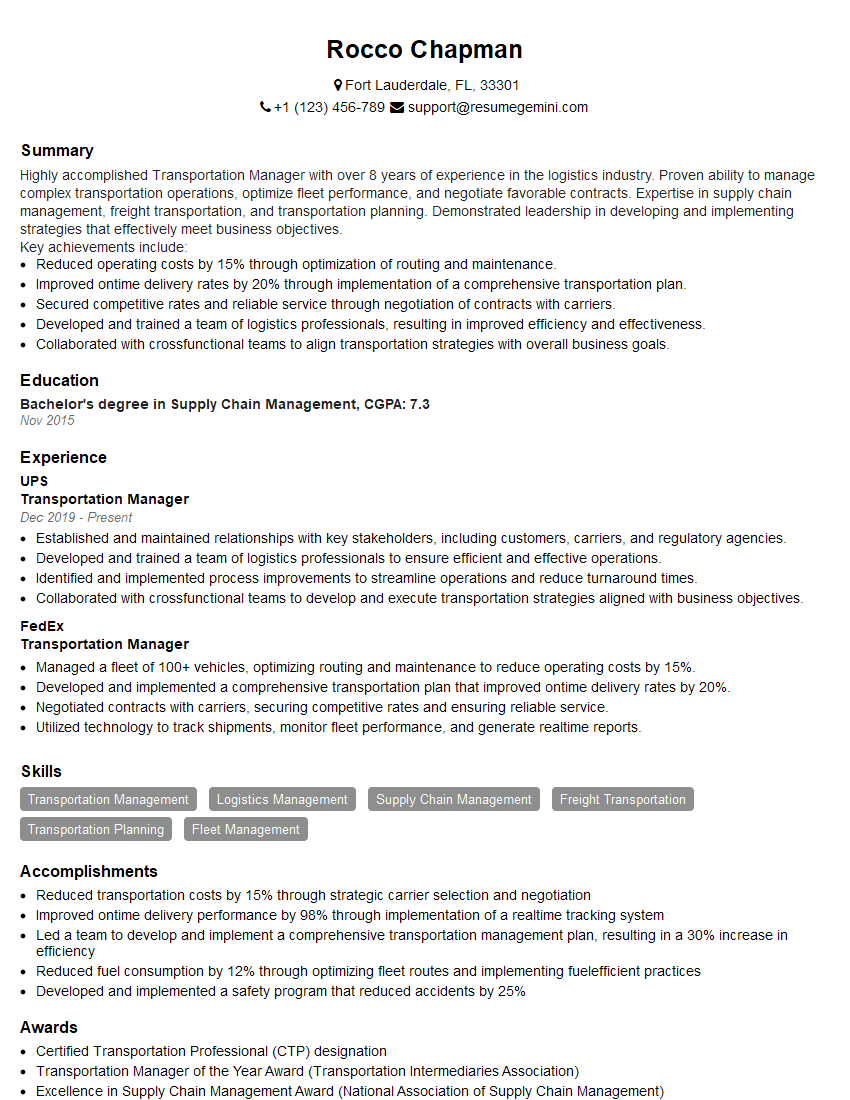
Transportation Manager Resume Sample
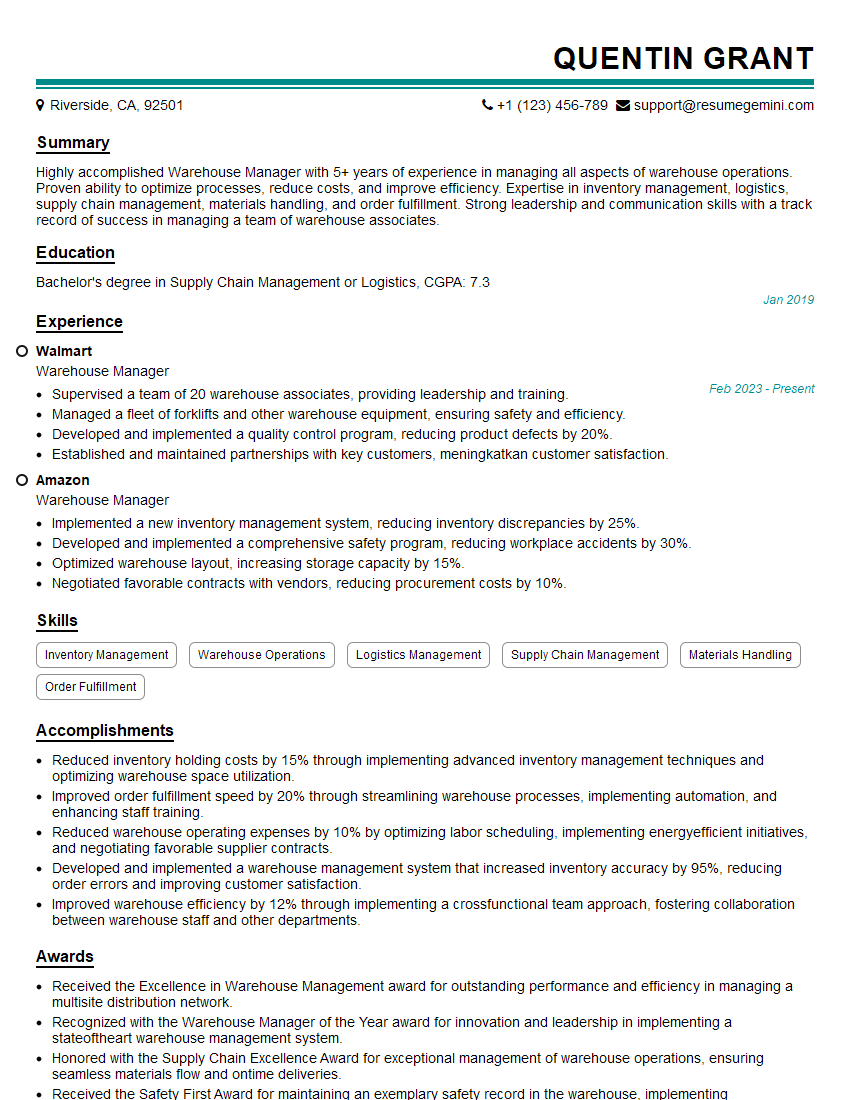
Warehouse Manager Resume Sample
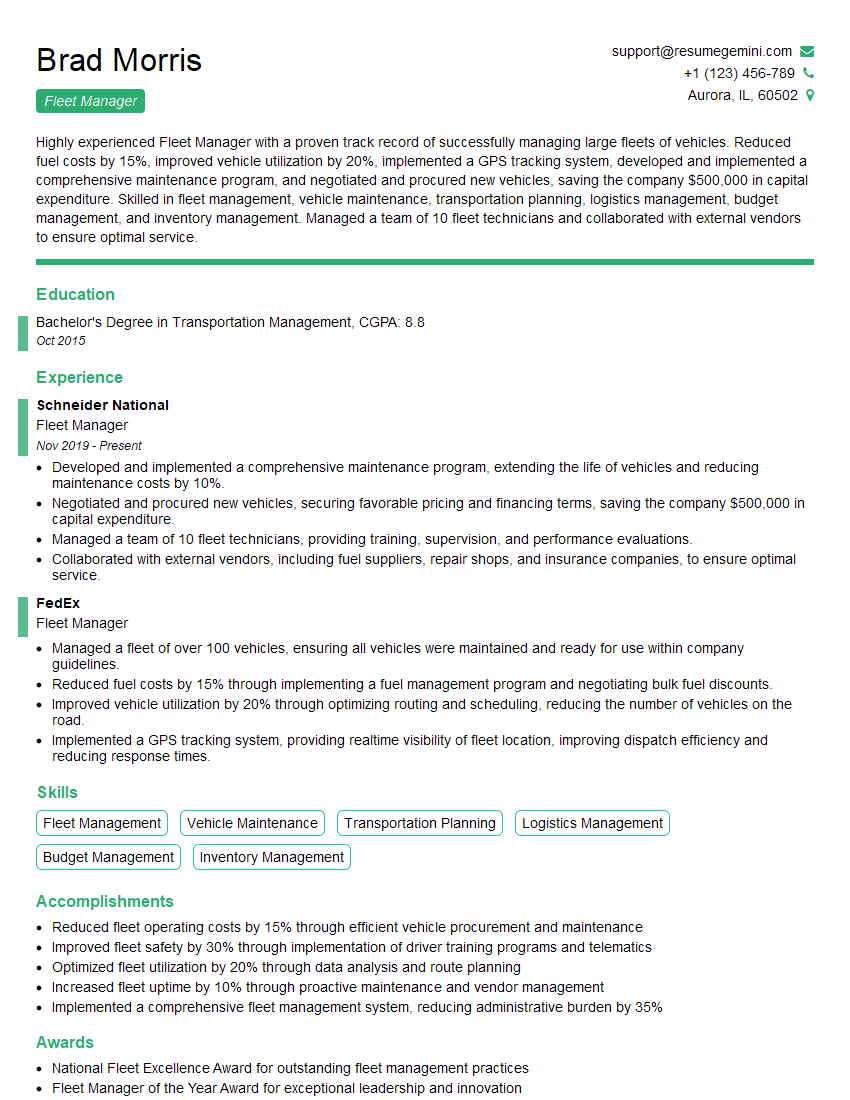
Fleet Manager Resume Sample
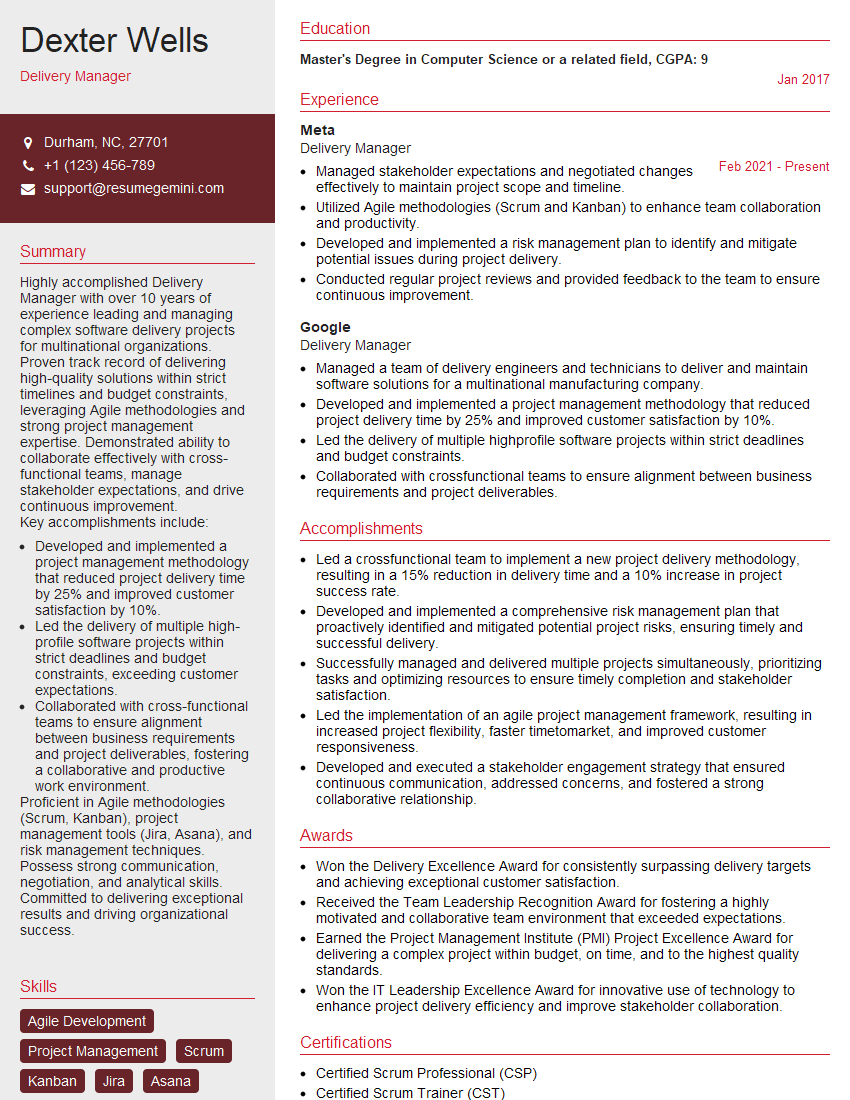
Delivery Manager Resume Sample
Logistics Coordinator Resume Sample
Emergency Responder Resume Sample
Paramedic Resume Sample
Logistics Specialist Resume Sample
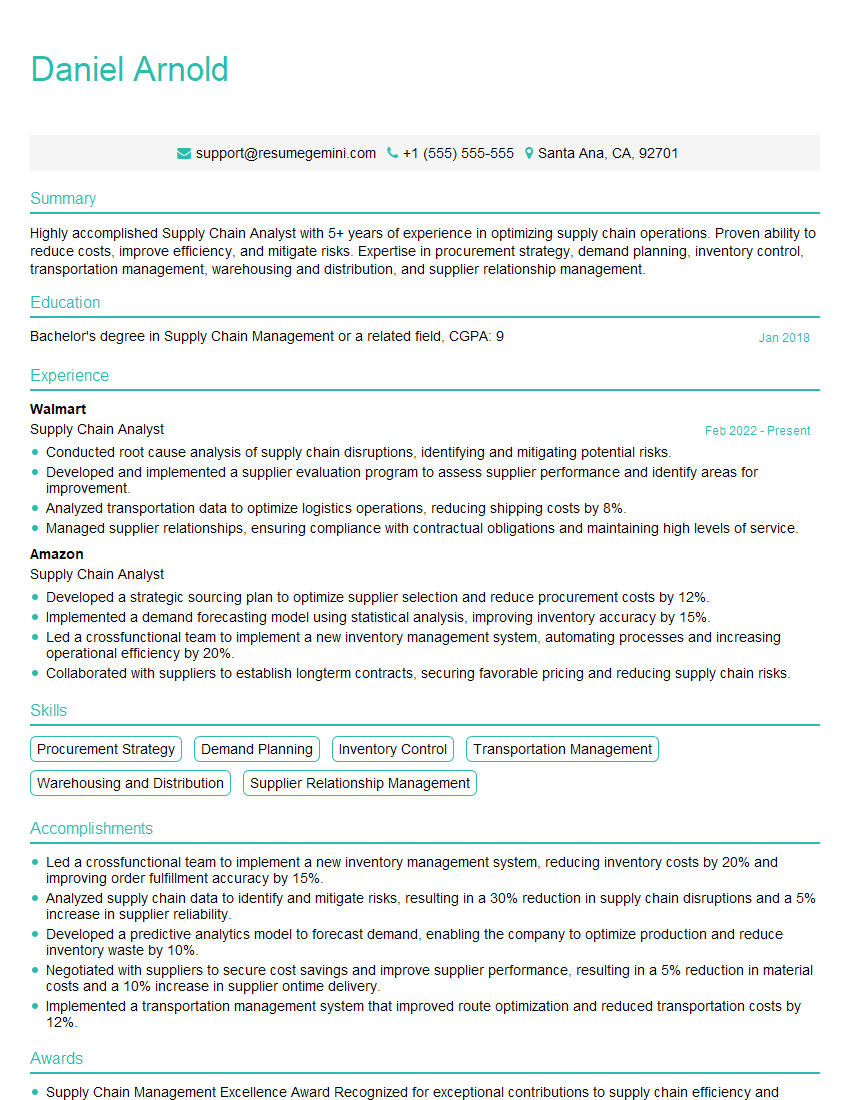
Supply Chain Analyst Resume Sample
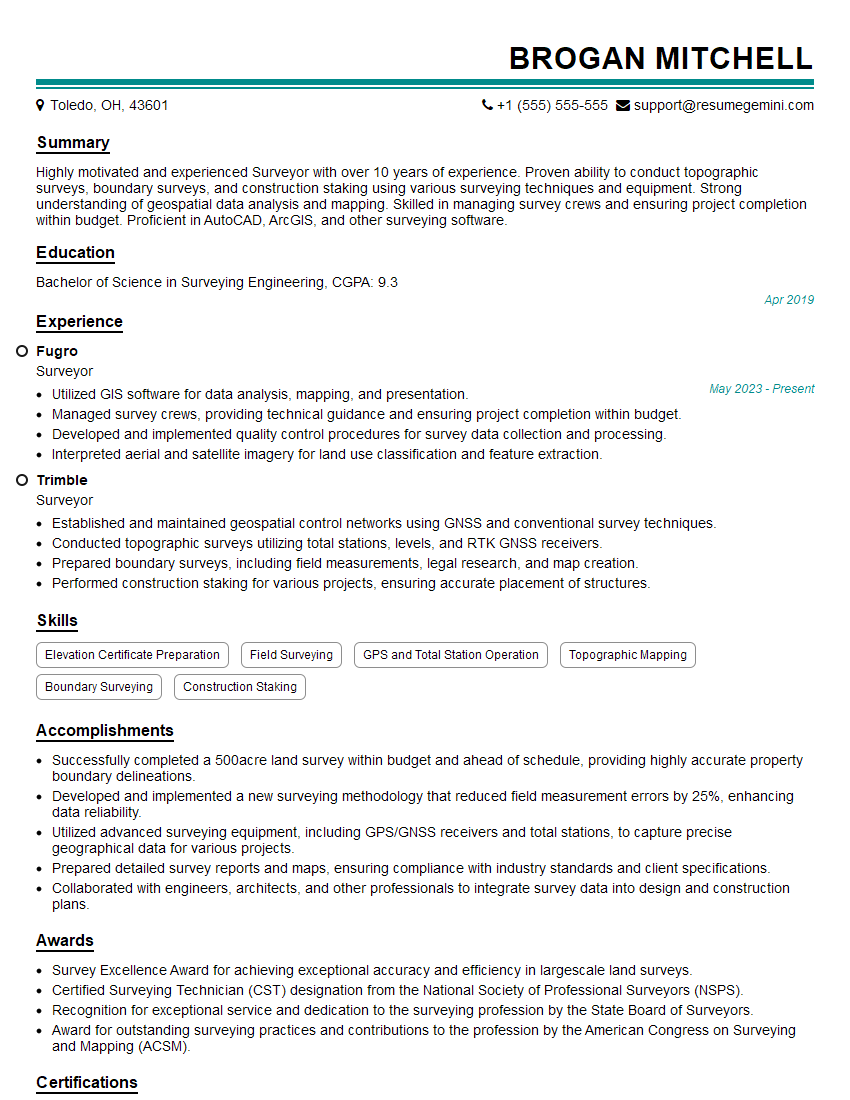
Surveyor Resume Sample
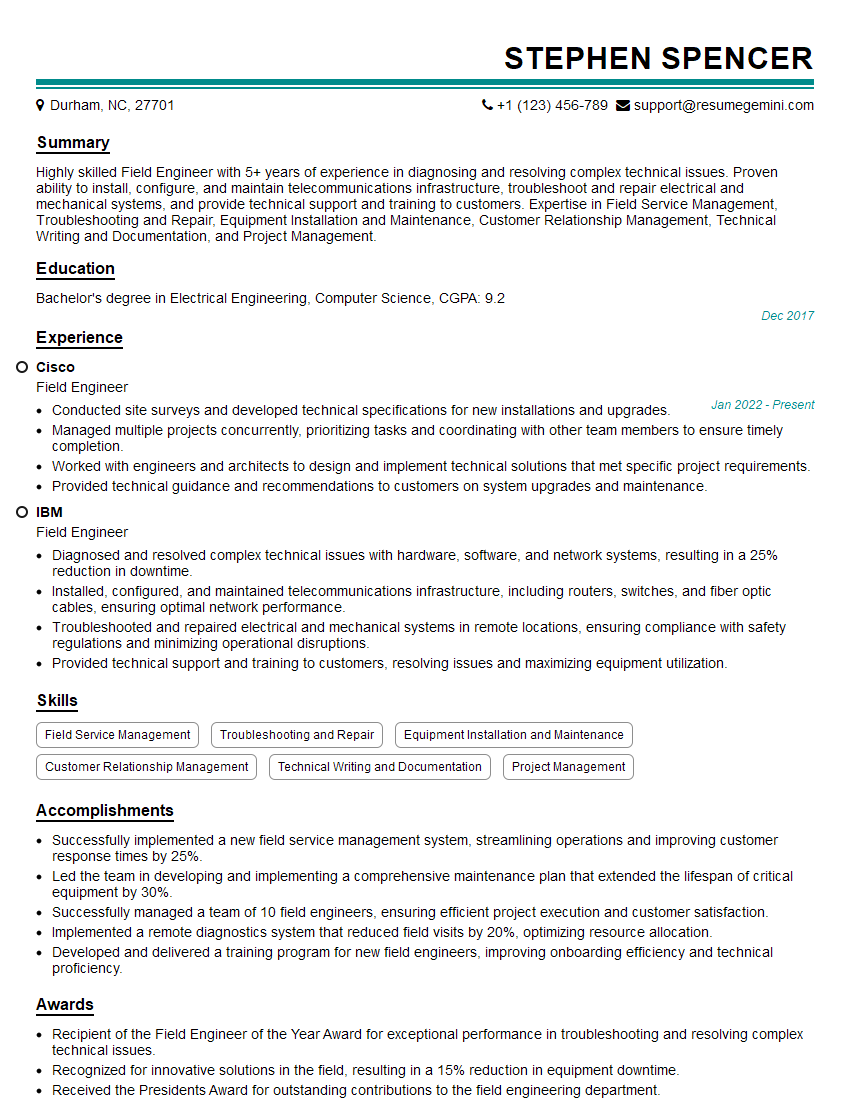
Field Engineer Resume Sample
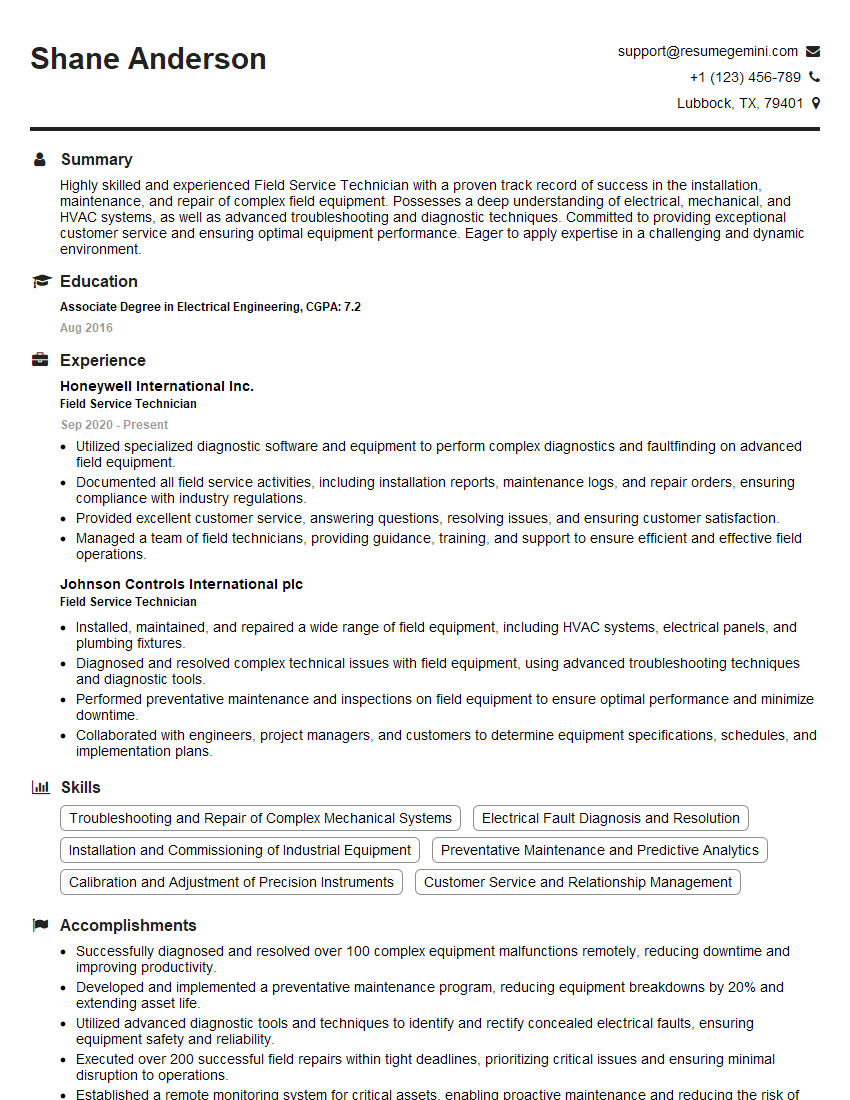
Field Service Technician Resume Sample
Transportation Planner Resume Sample
Police Officer Resume Sample
Delivery Driver Resume Sample

Shipping and Receiving Clerk Resume Sample
Truck Driver Resume Sample
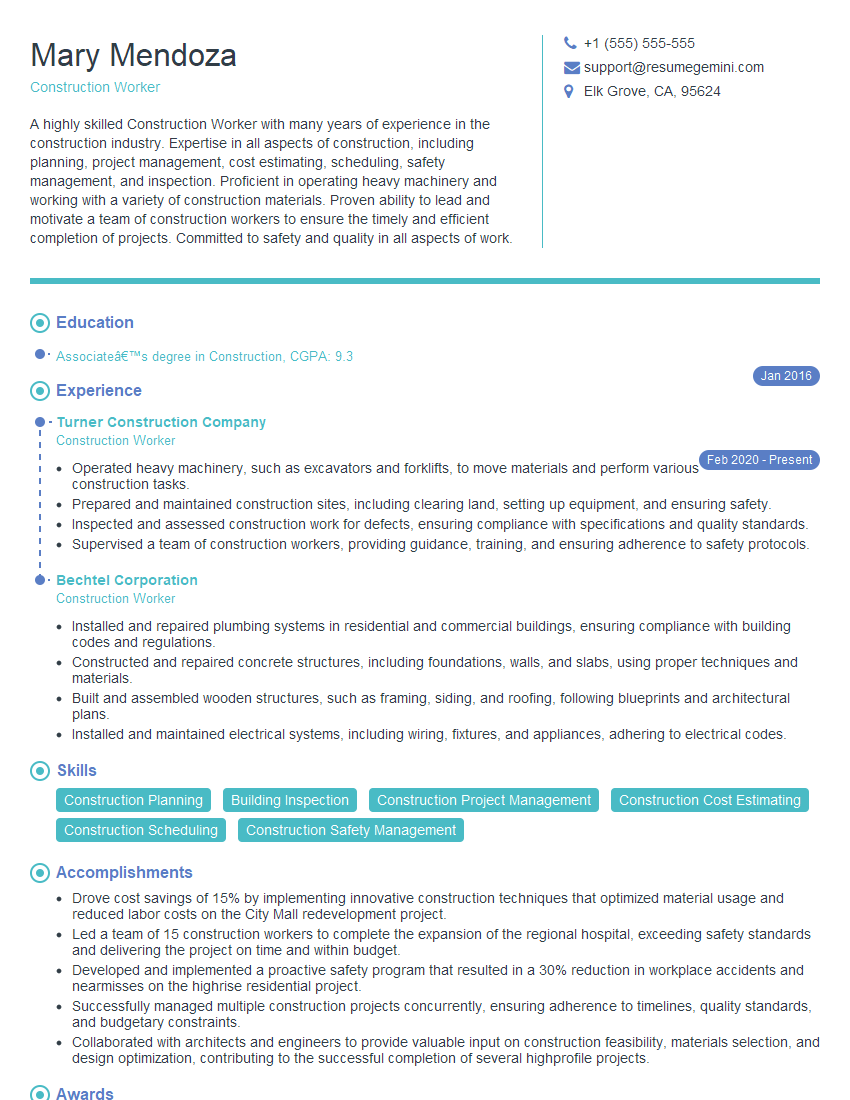
Construction Worker Resume Sample
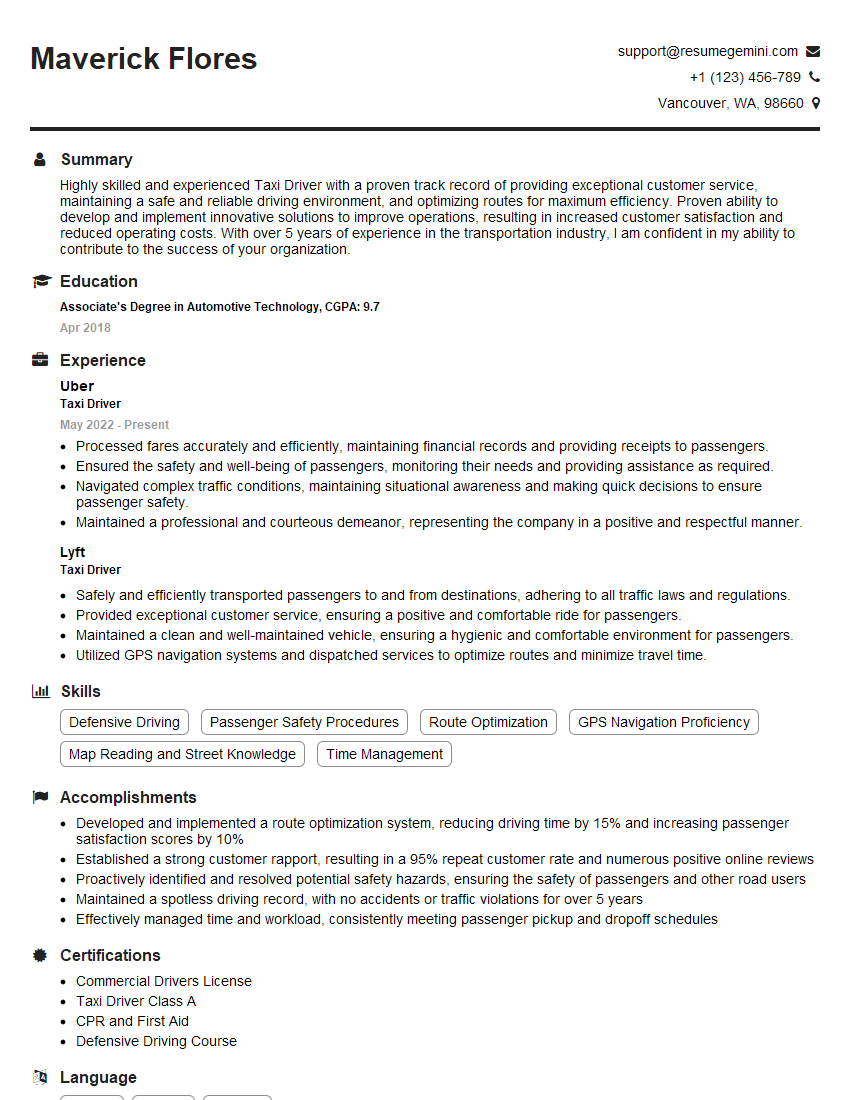
Taxi Driver Resume Sample
- Transportation Manager
- Warehouse Manager
- Fleet Manager
- Delivery Manager
- Logistics Coordinator
- Emergency Responder
- Paramedic
- Logistics Specialist
- Supply Chain Analyst
- Surveyor
- Field Engineer
- Field Service Technician
- Transportation Planner
- Police Officer
- Delivery Driver
- Shipping and Receiving Clerk
- Truck Driver
- Construction Worker
- Taxi Driver
Explore more articles
Users Rating of Our Blogs
Share Your Experience
We value your feedback! Please rate our content and share your thoughts (optional).
What Readers Say About Our Blog
Hello,
we currently offer a complimentary backlink and URL indexing test for search engine optimization professionals.
You can get complimentary indexing credits to test how link discovery works in practice.
No credit card is required and there is no recurring fee.
You can find details here:
https://wikipedia-backlinks.com/indexing/
Regards
NICE RESPONSE TO Q & A
hi
The aim of this message is regarding an unclaimed deposit of a deceased nationale that bears the same name as you. You are not relate to him as there are millions of people answering the names across around the world. But i will use my position to influence the release of the deposit to you for our mutual benefit.
Respond for full details and how to claim the deposit. This is 100% risk free. Send hello to my email id: [email protected]
Luka Chachibaialuka
Hey interviewgemini.com, just wanted to follow up on my last email.
We just launched Call the Monster, an parenting app that lets you summon friendly ‘monsters’ kids actually listen to.
We’re also running a giveaway for everyone who downloads the app. Since it’s brand new, there aren’t many users yet, which means you’ve got a much better chance of winning some great prizes.
You can check it out here: https://bit.ly/callamonsterapp
Or follow us on Instagram: https://www.instagram.com/callamonsterapp
Thanks,
Ryan
CEO – Call the Monster App
Hey interviewgemini.com, I saw your website and love your approach.
I just want this to look like spam email, but want to share something important to you. We just launched Call the Monster, a parenting app that lets you summon friendly ‘monsters’ kids actually listen to.
Parents are loving it for calming chaos before bedtime. Thought you might want to try it: https://bit.ly/callamonsterapp or just follow our fun monster lore on Instagram: https://www.instagram.com/callamonsterapp
Thanks,
Ryan
CEO – Call A Monster APP
To the interviewgemini.com Owner.
Dear interviewgemini.com Webmaster!
Hi interviewgemini.com Webmaster!
Dear interviewgemini.com Webmaster!
excellent
Hello,
We found issues with your domain’s email setup that may be sending your messages to spam or blocking them completely. InboxShield Mini shows you how to fix it in minutes — no tech skills required.
Scan your domain now for details: https://inboxshield-mini.com/
— Adam @ InboxShield Mini
Reply STOP to unsubscribe
Hi, are you owner of interviewgemini.com? What if I told you I could help you find extra time in your schedule, reconnect with leads you didn’t even realize you missed, and bring in more “I want to work with you” conversations, without increasing your ad spend or hiring a full-time employee?
All with a flexible, budget-friendly service that could easily pay for itself. Sounds good?
Would it be nice to jump on a quick 10-minute call so I can show you exactly how we make this work?
Best,
Hapei
Marketing Director
Hey, I know you’re the owner of interviewgemini.com. I’ll be quick.
Fundraising for your business is tough and time-consuming. We make it easier by guaranteeing two private investor meetings each month, for six months. No demos, no pitch events – just direct introductions to active investors matched to your startup.
If youR17;re raising, this could help you build real momentum. Want me to send more info?
Hi, I represent an SEO company that specialises in getting you AI citations and higher rankings on Google. I’d like to offer you a 100% free SEO audit for your website. Would you be interested?
Hi, I represent an SEO company that specialises in getting you AI citations and higher rankings on Google. I’d like to offer you a 100% free SEO audit for your website. Would you be interested?
good