Unlock your full potential by mastering the most common Using GPS and Navigation Systems interview questions. This blog offers a deep dive into the critical topics, ensuring you’re not only prepared to answer but to excel. With these insights, you’ll approach your interview with clarity and confidence.
Questions Asked in Using GPS and Navigation Systems Interview
Q 1. Explain the difference between GPS, GLONASS, and Galileo.
GPS, GLONASS, and Galileo are all Global Navigation Satellite Systems (GNSS), providing location and time information to receivers on Earth. They differ primarily in their ownership and the number of satellites they utilize. GPS (Global Positioning System) is operated by the United States, GLONASS (GLObal NAvigation Satellite System) by Russia, and Galileo by the European Union. Each system has its own constellation of satellites orbiting the Earth, broadcasting signals that receivers can use to determine their position. While they all perform a similar function, using different systems can improve accuracy and reliability, particularly in areas with limited visibility to one system’s satellites. Imagine them as different cellular networks; you might get better coverage with a combination of them.
- GPS: Highly accurate, widely used globally, with strong military ties.
- GLONASS: Offers global coverage but with fewer satellites compared to GPS, making it potentially less reliable in certain areas.
- Galileo: A relatively newer system, designed with a focus on civilian applications and high accuracy, aiming to be more robust and secure.
Q 2. Describe how GPS works, including the role of satellites, receivers, and signals.
GPS works through a process of triangulation. A GPS receiver on the ground receives signals from multiple satellites orbiting the Earth. Each satellite transmits its precise location and the time the signal was sent. The receiver uses the time difference between receiving signals from different satellites to calculate the distance to each satellite. By combining the distances from at least four satellites (three to determine position on a 2D plane, and one to calculate the altitude), the receiver can use sophisticated algorithms to pinpoint its three-dimensional location (latitude, longitude, and altitude). This works even if you are in a dense urban area; the signal just needs to have a clear line-of-sight path to at least four satellites.
- Satellites: Transmit precise timing and positional information.
- Receivers: Receive signals, compute position based on signal timings, and display the location.
- Signals: Radio signals containing information about the satellite’s location and time of transmission.
Q 3. What are some common sources of GPS error, and how can they be mitigated?
Several factors can introduce errors into GPS measurements. Atmospheric conditions (ionospheric and tropospheric delays) can affect signal propagation speeds, altering the calculated distances. Multipath errors occur when signals reflect off buildings or other obstacles before reaching the receiver, causing distortions. Obstructions like tall buildings or dense foliage can block signals, preventing the receiver from acquiring enough satellites for a fix. Finally, errors within the satellite clocks themselves can slightly affect accuracy.
Mitigation strategies include using techniques like DGPS (discussed later), employing advanced signal processing algorithms that account for atmospheric effects, using multiple frequency signals to help compensate for atmospheric delays, and ensuring a clear view of the sky to minimize obstructions.
Q 4. What are the different types of map projections used in GPS systems?
GPS systems use different map projections to represent the three-dimensional Earth on a two-dimensional map. The choice of projection depends on the specific application and area of interest. Some common projections include:
- Mercator: Preserves direction, making it useful for navigation, but distorts area, especially at higher latitudes.
- Transverse Mercator: Minimizes distortion along a central meridian, often used for local mapping.
- Lambert Conformal Conic: Preserves shapes and angles, good for mapping larger areas with minimal distortion.
- Albers Equal-Area Conic: Preserves area, useful for thematic mapping.
Each projection has its strengths and weaknesses, making the selection a tradeoff between preservation of area, shape, direction, and distance depending on the use-case.
Q 5. Explain the concept of Differential GPS (DGPS) and its advantages.
Differential GPS (DGPS) enhances the accuracy of GPS by using a known, fixed location (a base station) to correct for systematic errors in the GPS signals. The base station continuously receives GPS signals and compares them to its precisely known coordinates. It then transmits corrections to roving receivers, which use these corrections to improve their position accuracy. This is analogous to having a reference point with perfect knowledge of its location to help adjust the calculations of your position. This correction significantly reduces errors caused by atmospheric delays and satellite clock inaccuracies, resulting in centimeter-level accuracy in some cases.
Advantages: Increased accuracy, improved reliability, suitable for high-precision applications such as surveying, construction, and precision agriculture.
Q 6. How does GPS triangulation work?
GPS triangulation is the process of determining a location by using the distances from at least three known points. Each satellite acts as a known point, broadcasting its position. The receiver measures the time it takes to receive signals from several satellites. By multiplying this time by the speed of light, the receiver determines the distance to each satellite. The intersection of these distances forms a sphere around each satellite. The receiver’s location is the point where these spheres intersect. In reality, due to the complexity of signal propagation and the limitations of atomic clocks, multiple satellites are used to achieve higher accuracy and handle errors.
Q 7. What is the difference between a geographic coordinate system (GCS) and a projected coordinate system (PCS)?
A Geographic Coordinate System (GCS) is a reference system based on latitude and longitude, representing positions on a spherical or ellipsoidal model of the Earth. Think of it as the Earth’s natural coordinate system. A Projected Coordinate System (PCS), on the other hand, projects a portion of the GCS onto a flat plane. This projection is necessary for mapping because the Earth’s curvature can’t be accurately represented on a flat surface. PCS uses units like meters or feet, and the choice of projection influences the distortion introduced by this conversion. For instance, you might use a GCS to identify a location’s longitude and latitude globally, while a PCS is used for accurate measurements and area calculations in a local context on a map.
Imagine trying to flatten an orange peel. No matter how you try, there will always be stretching or compression. A PCS handles this unavoidable distortion, allowing for flat representation for use in maps and other applications.
Q 8. Describe different types of map data used in navigation systems (e.g., raster, vector).
Navigation systems utilize different types of map data to represent geographical information. The two primary types are raster and vector data.
Raster data: Think of raster data like a photograph. It’s a grid of pixels, each representing a small area on the map. Each pixel has a color value indicating features like roads, buildings, or terrain. Raster maps are great for visual detail and are often used for satellite imagery or aerial photographs. However, they can be large in file size and zooming in can lead to pixelation.
Vector data: Vector data uses points, lines, and polygons to represent geographical features. Imagine drawing a map using different shapes. Each shape (point, line, polygon) contains attributes describing the feature (e.g., a road’s name and speed limit). Vector maps are scalable, meaning they remain sharp at any zoom level, and are often more efficient in terms of storage space. Navigation systems typically use vector data for their core map information because of its flexibility and efficiency.
Many modern navigation systems combine both raster and vector data to leverage the strengths of each. For example, a high-resolution satellite image (raster) might be overlaid on a vector road network, providing both detailed visual context and accurate routing information.
Q 9. How do GPS receivers determine their altitude?
GPS receivers determine altitude primarily by measuring the time it takes for signals from multiple satellites to reach the receiver. The system relies on the precise timing of signals; slight differences in arrival times from various satellites allow the receiver to calculate its position in three dimensions (latitude, longitude, and altitude). It’s similar to triangulation, but in three-dimensional space. In addition to the timing data, the satellites transmit information about their precise location and clock time, which are essential for the calculations.
The accuracy of altitude measurement can be affected by atmospheric conditions, signal obstructions (e.g., tall buildings), and the geometry of the satellite constellation (satellite positions relative to the receiver). Some receivers use additional sensors, like barometric altimeters, to improve altitude accuracy, especially in challenging environments where GPS signals might be weak or unavailable.
Q 10. What are some common navigation system interfaces and their functionalities?
Navigation system interfaces vary widely, but common functionalities include:
On-screen map display: Showing your current location, route, points of interest (POIs), and surrounding areas.
Voice guidance: Providing spoken instructions for turns and route changes.
Route planning: Allowing users to input destinations and choose optimal routes based on distance, time, or traffic.
Point of Interest (POI) search: Finding restaurants, gas stations, hotels, etc., near your location or along your route.
Traffic information (optional): Providing real-time traffic updates and suggesting alternative routes to avoid congestion.
Trip logging/tracking: Recording your journey for later review or sharing.
These functionalities are implemented across various devices; from in-car navigation systems with large touchscreens to smartphone apps with simpler interfaces.
Q 11. Explain the concept of waypoints and routes in navigation.
In navigation, waypoints and routes are fundamental concepts for planning and executing journeys.
Waypoints are specific locations marked on a map. Think of them as pins you drop at important points in your journey. They could be destinations, landmarks, points of interest, or any other location you wish to remember. Waypoints are useful for creating complex routes involving multiple stops.
Routes are the paths connecting waypoints or a start and end point. A navigation system calculates the best route based on various factors such as distance, road conditions (e.g., avoiding toll roads or highways), and traffic information. Routes may be calculated automatically by the system or created manually by users sequencing waypoints.
For example, a cross-country road trip might involve multiple waypoints (overnight stops, tourist attractions), with the navigation system calculating the overall route connecting these points.
Q 12. How can you manage multiple routes or waypoints in a GPS device?
Managing multiple routes or waypoints depends on the specific GPS device or software. Most systems offer features like:
Multiple route options: Often, a navigation system will suggest several routes (e.g., fastest, shortest, avoiding highways). You can compare and select the preferred option.
Waypoint storage: Devices typically allow saving waypoints in lists or named groups for later use. This helps organize and recall frequently used locations.
Route editing: You might be able to modify an existing route by adding, deleting, or reordering waypoints.
Route import/export: Some systems allow transferring routes between devices or sharing them with others.
Effective management involves organizing waypoints logically and naming them clearly, making it easier to create and recall routes, especially for complex journeys.
Q 13. Describe different types of map features and their importance in navigation.
Maps contain numerous features that enhance navigation. Key features include:
Roads and streets: The backbone of navigation, representing the drivable network.
Points of Interest (POIs): Locations like restaurants, gas stations, hospitals, and tourist attractions, often categorized for easy searching.
Terrain features: Mountains, rivers, lakes, which can influence route selection and provide context.
Buildings and structures: Detailed buildings can aid in orientation, particularly in urban environments.
Administrative boundaries: City limits, state lines, providing geographical context.
Traffic information (overlay): Real-time traffic data, crucial for route optimization.
The importance of these features depends on the navigation task. For instance, terrain data is crucial for off-road navigation, while detailed building information is essential for urban navigation.
Q 14. How do you handle GPS signal loss or interference?
GPS signal loss or interference is a common challenge. Here’s how to handle it:
Identify the cause: Signal loss can be due to obstructions (e.g., tunnels, dense foliage), atmospheric conditions, or interference from electronic devices. Understanding the cause helps in finding a solution.
Clear the surroundings: Move to an open area with a clear view of the sky to improve signal reception.
Check for obstructions: Ensure there are no tall buildings, trees, or other objects significantly blocking the satellite signals.
Multiple GPS receivers: Using multiple receivers can improve reliability as one might maintain signal even if the other loses it.
Utilize alternative navigation: If GPS is unavailable, consider alternative navigation methods such as a paper map or other navigational tools. Always have backup options.
Check device settings: Ensure your GPS receiver’s settings are optimized for the environment and are not causing signal loss.
In professional settings, planning for GPS signal loss is critical. Backup systems and alternative navigation strategies should always be part of any mission that relies heavily on GPS technology.
Q 15. What are some safety considerations when using GPS navigation systems?
Safety is paramount when using GPS navigation. Over-reliance can lead to accidents. Imagine driving down a scenic route, so engrossed in the GPS that you miss a crucial turn or a hazard. Here’s a breakdown of key safety considerations:
- Maintain Situational Awareness: Never solely rely on the GPS. Keep an eye on road signs, traffic, and your surroundings. GPS devices can occasionally have inaccurate data or outdated maps.
- Plan Your Route Ahead: Before starting your journey, familiarize yourself with the route, especially if traveling to an unfamiliar area. This gives you a better understanding of what to expect and helps prevent sudden surprises.
- Avoid Distracted Driving: Programming a GPS while driving is extremely risky. Pull over to a safe location if you need to make significant adjustments to your route or check the device.
- Consider Alternate Routes: Be prepared for potential delays. GPS systems often provide alternative routes, but be sure to evaluate these alternatives for safety and efficiency before selecting one. Sometimes, a slightly longer route is safer.
- Update GPS Data Regularly: Outdated maps lead to inaccuracies and possibly dangerous routes. Make sure your GPS device has the latest map data. This is especially important in rapidly developing urban areas.
- Use Caution in Low-Visibility Conditions: GPS can be unreliable in areas with poor signal reception, such as tunnels or densely forested areas. Exercise extra caution during such times.
Career Expert Tips:
- Ace those interviews! Prepare effectively by reviewing the Top 50 Most Common Interview Questions on ResumeGemini.
- Navigate your job search with confidence! Explore a wide range of Career Tips on ResumeGemini. Learn about common challenges and recommendations to overcome them.
- Craft the perfect resume! Master the Art of Resume Writing with ResumeGemini’s guide. Showcase your unique qualifications and achievements effectively.
- Don’t miss out on holiday savings! Build your dream resume with ResumeGemini’s ATS optimized templates.
Q 16. Describe your experience with different mapping software or applications.
I’ve extensively used various mapping software and applications, including Google Maps, Waze, Apple Maps, and specialized navigation systems in vehicles. Each has its strengths and weaknesses. Google Maps excels in comprehensive map data and its integration with other Google services. Waze stands out for its real-time traffic and hazard reporting by its community of users, making it excellent for avoiding congestion. Apple Maps is increasingly accurate and seamlessly integrates into the Apple ecosystem. In-vehicle navigation systems often boast larger displays and more robust voice control features. My experience has taught me to choose the right application based on the specific need: Waze for urban driving, Google Maps for planning longer trips, and in-car systems for hands-free operation.
Q 17. Explain your understanding of real-time traffic updates and their integration with GPS navigation.
Real-time traffic updates are crucial for efficient and timely navigation. They leverage various data sources, including sensors embedded in roadways, mobile phone location data, and user reports (like in Waze). This data is aggregated and analyzed to provide dynamic updates on traffic flow, speed, and incidents like accidents or construction. GPS navigation systems integrate this data by incorporating it into route calculation. For example, if a major incident causes a traffic jam, the GPS will detect this real-time information and intelligently suggest an alternative route, aiming to minimize travel time. Imagine leaving for the airport during rush hour – having real-time traffic updates can be the difference between making your flight and missing it.
Q 18. How do you ensure accuracy and reliability of GPS data?
Accuracy and reliability are critical. GPS signal quality can vary dramatically due to factors such as atmospheric conditions, obstructions (buildings, trees), and multipath errors (signal reflections). Here’s how I ensure data accuracy:
- Signal Strength Monitoring: I always check the number of satellites being tracked. More satellites usually mean better accuracy. A weak signal can indicate lower precision.
- Data Triangulation: GPS uses multiple satellites to calculate location. More satellites provide higher precision.
- Regular Calibration: GPS devices benefit from occasional calibration, which can enhance the accuracy of the location data.
- Assisted GPS (A-GPS): A-GPS leverages cellular networks or Wi-Fi to assist with faster satellite acquisition, thereby improving the speed and accuracy of position fixes, especially in urban environments where the GPS signal might be weaker.
- Cross-referencing Data: For critical applications, I often cross-reference GPS data with other sources, such as maps or inertial measurement units (IMUs) which provide additional navigational information.
Q 19. What are the limitations of GPS technology?
Despite its advantages, GPS technology has limitations:
- Signal Blocking: Tall buildings, dense foliage, and tunnels can severely weaken or block GPS signals, leading to inaccurate positioning or complete signal loss. Imagine navigating a city with many skyscrapers.
- Atmospheric Conditions: Ionospheric and tropospheric disturbances can affect signal propagation and accuracy.
- Multipath Errors: Signals bouncing off surfaces before reaching the receiver can cause errors in positioning calculations.
- Limited Indoor Accuracy: GPS typically doesn’t function well indoors. The signals are often blocked or severely attenuated.
- Accuracy Variations: GPS accuracy can vary, depending on the number of satellites in view, signal strength, and atmospheric conditions.
Q 20. How familiar are you with GIS software such as ArcGIS or QGIS?
I have a working familiarity with ArcGIS and QGIS, two widely used Geographic Information System (GIS) software packages. While I haven’t used them extensively for navigation-specific tasks, I understand their capabilities in data visualization, spatial analysis, and map creation. For instance, I could use ArcGIS to analyze traffic patterns from GPS data collected by many vehicles, to identify congestion hotspots and potentially improve traffic management strategies. QGIS, being open-source, allows for greater flexibility in integrating various data sets and creating customized maps.
Q 21. Describe your experience with route optimization software.
My experience with route optimization software involves using tools that go beyond simple point-A-to-point-B navigation. These tools consider factors like distance, travel time, traffic conditions, delivery windows, and vehicle constraints to determine the most efficient routes, often for fleets or deliveries. I’ve used software that incorporates algorithms like Dijkstra’s algorithm or more sophisticated heuristics to optimize routes. For example, a logistics company might use such software to optimize the routes for multiple delivery trucks, ensuring that all deliveries are completed within their time windows and with minimal fuel consumption. This is significantly more complex than a simple navigation app, requiring consideration of many constraints and optimization algorithms.
Q 22. How do you interpret GPS coordinates?
GPS coordinates represent a location on Earth using latitude and longitude. Latitude measures the angular distance north or south of the Equator, ranging from -90° (South Pole) to +90° (North Pole). Longitude measures the angular distance east or west of the Prime Meridian (running through Greenwich, England), ranging from -180° to +180°. These coordinates are usually expressed in decimal degrees (e.g., 34.0522° N, 118.2437° W) or degrees, minutes, and seconds (DMS) (e.g., 34°03’08” N, 118°14’37” W).
Understanding the coordinate system is crucial for accurate navigation. For instance, a slight error in even a few decimal places can significantly impact the accuracy of your location, potentially leading you several meters from your intended destination. Many GPS devices and mapping software allow you to input coordinates directly, facilitating precise location identification.
Imagine trying to find a specific house on a large property. Knowing the latitude and longitude would be equivalent to having precise grid coordinates, guiding you directly to the front door, unlike a street address which might only place you on the same street.
Q 23. Explain your experience in using GPS devices in challenging environments (e.g., urban canyons, dense forests).
My experience with GPS in challenging environments has honed my skills in interpreting signal strength and using alternative navigation techniques. In dense urban canyons, signal blockage from tall buildings is a common problem. I’ve learned to rely on techniques like using multiple satellites to triangulate a position, or using inertial navigation systems (INS) to temporarily bridge gaps in GPS reception. The accuracy degrades considerably, so I often cross-reference with street signs and landmarks.
Similarly, in dense forests, tree cover and terrain can severely affect signal reception. I’ve utilized techniques such as increasing the time to acquire a position and employing post-processing techniques to optimize the data quality. I often combine GPS with compass bearings and map reading, leveraging topographic maps to ensure accurate navigation, especially when GPS signals are weak or intermittent. In such situations, I frequently utilize more detailed maps, even paper maps, as a backup.
Q 24. How do you handle conflicting GPS data from multiple sources?
Handling conflicting data from multiple sources requires a systematic approach. I first assess the reliability of each source, considering factors such as the number of satellites used, the dilution of precision (DOP) values, and the known accuracy of each GPS receiver. Higher DOP values indicate lower accuracy. I generally prioritize data from sources with higher precision and known reliability.
If the discrepancy is significant, I investigate the potential causes, such as multipath errors (signals bouncing off buildings or other obstacles), atmospheric interference, or clock errors in the satellites or receivers. I might employ data filtering techniques or weighted averaging to combine the data, giving more weight to the most reliable sources. Visual inspection using maps and surrounding landmarks is often crucial in resolving discrepancies and confirming the most likely location.
Q 25. Describe your experience with data logging and post-processing GPS data.
Data logging and post-processing are essential for obtaining highly accurate GPS data, particularly in applications requiring centimeter-level precision. I’ve extensively used various data loggers and post-processing software packages such as RTK-GPS (Real-Time Kinematic). These loggers record raw GPS data, including time stamps, satellite information, and signal strength. Post-processing involves applying corrections from reference stations to account for atmospheric delays and other error sources to improve accuracy.
Example: A typical post-processing workflow might involve using software like RTKLIB to process raw data from a rover GPS unit against data from a base station with a known, highly accurate location, resulting in corrected coordinates.
This process is frequently used in surveying, precision agriculture, and other applications where highly accurate positional data is critical. The post-processed data allows for detailed analysis of trajectories and distances. For example, one could determine the precise area covered by a survey vehicle or the total distance traveled by a field worker.
Q 26. What is your experience with GPS-based asset tracking systems?
I have experience working with various GPS-based asset tracking systems, including those using cellular and satellite communication. These systems involve integrating GPS receivers with communication modules to track the location of assets like vehicles, containers, or equipment in real-time. My experience includes system setup, configuration, data analysis, and troubleshooting. I understand the importance of factors like battery life, data transmission frequency, and security considerations when choosing a system for a specific application.
For instance, I worked on a project where we used GPS tracking to monitor the location of construction equipment, preventing theft and improving operational efficiency. The data allowed us to optimize routes, schedule maintenance, and track the usage and location of assets across multiple sites. The key element here is the ability to integrate such data with existing information systems to manage business assets more effectively.
Q 27. How would you troubleshoot a GPS receiver that is not functioning correctly?
Troubleshooting a malfunctioning GPS receiver involves a systematic approach. First, I check the obvious: is the receiver powered on correctly? Are the antennas properly connected and unobstructed? Is the receiver receiving sufficient satellite signals? I visually inspect the antennas and connections for any damage. A poor signal, often indicated by a low number of satellites acquired, is a common culprit. Then I check the receiver’s settings; ensure that it is properly configured to receive signals from the correct satellite constellations (GPS, GLONASS, Galileo). Many receivers have internal diagnostics that provide information on signal strength, satellite visibility and any errors detected.
If these initial checks don’t resolve the issue, I might investigate interference from other electronic devices or environmental factors. Next, I would check the receiver’s firmware and software for updates or bugs. In case of hardware failure, physical inspection, including checks for damage to the circuit board or other internal components, may be required and professional repair would be necessary.
Q 28. Explain your understanding of map scales and their implications for navigation.
Map scales represent the ratio between the distance on a map and the corresponding distance on the ground. For instance, a scale of 1:100,000 indicates that 1 unit on the map represents 100,000 units on the ground (e.g., 1 cm on the map equals 1 km on the ground).
Understanding map scales is critical for accurate navigation. A larger scale map (e.g., 1:25,000) provides more detail and is suitable for detailed navigation in a smaller area, while a smaller scale map (e.g., 1:1,000,000) shows a larger area but with less detail, better suited for long-distance planning. Misinterpreting the scale can lead to significant errors in estimating distances and directions. Always check the map’s scale before using it for navigation. Selecting an appropriate map scale based on the required level of detail and the area of interest is crucial for effective navigation planning.
Key Topics to Learn for Using GPS and Navigation Systems Interviews
- GPS Fundamentals: Understanding GPS signal reception, triangulation, and error sources (e.g., atmospheric interference, multipath). Consider the difference between GPS and GNSS.
- Navigation System Software & Hardware: Familiarity with various navigation systems (in-car, handheld, mobile app-based), their interfaces, and functionalities. Explore different mapping technologies and data sources.
- Route Planning & Optimization: Discuss algorithms used in route planning (shortest distance, fastest time, avoiding tolls/specific areas). Understand the impact of real-time traffic data on route calculation.
- Data Interpretation & Analysis: Ability to interpret map data, understand map symbols and legends, and utilize navigation system outputs effectively. Consider scenarios involving unexpected road closures or detours.
- Troubleshooting & Problem Solving: Experience in diagnosing and resolving common navigation system issues (e.g., loss of signal, incorrect route guidance, system malfunctions). Explain your approach to problem-solving in these situations.
- Safety Considerations: Discuss the importance of safe driving practices while using navigation systems, and the ethical implications of using GPS technology.
- Advanced Concepts (Optional): Depending on the seniority of the role, explore topics like GIS integration, mapping projections, or specific navigation system APIs.
Next Steps
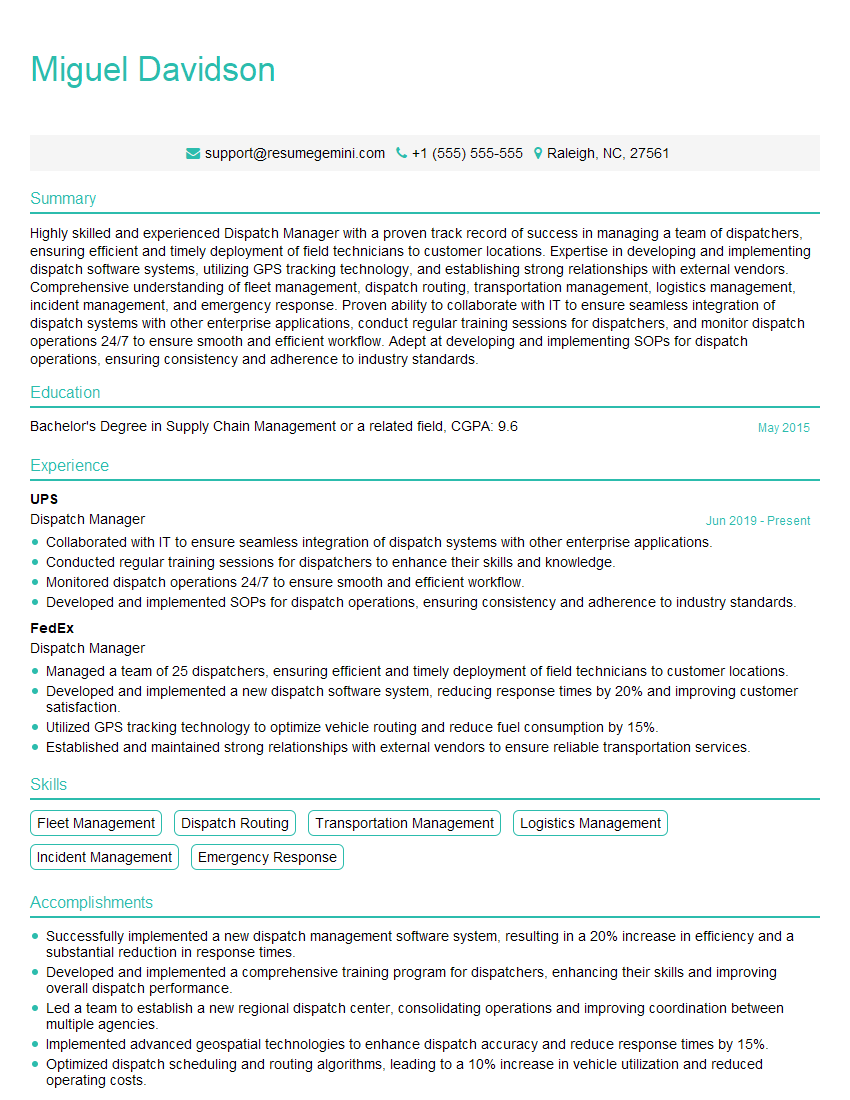
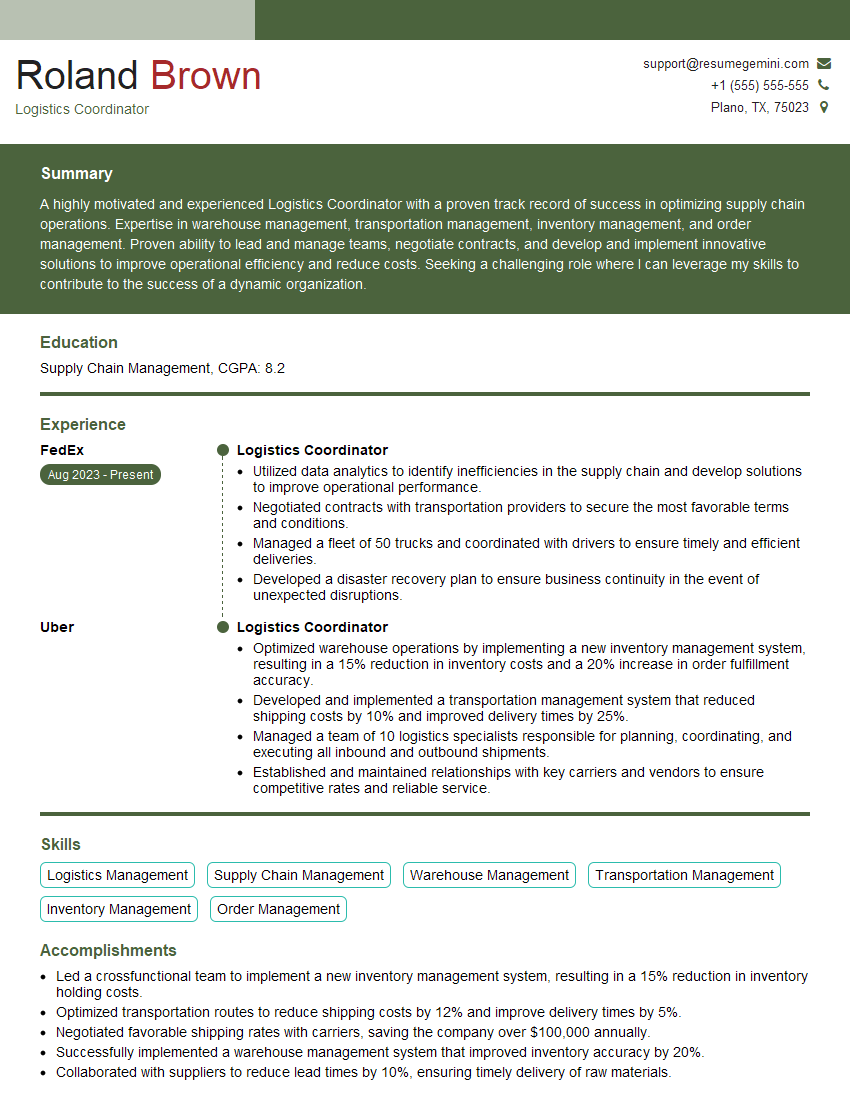
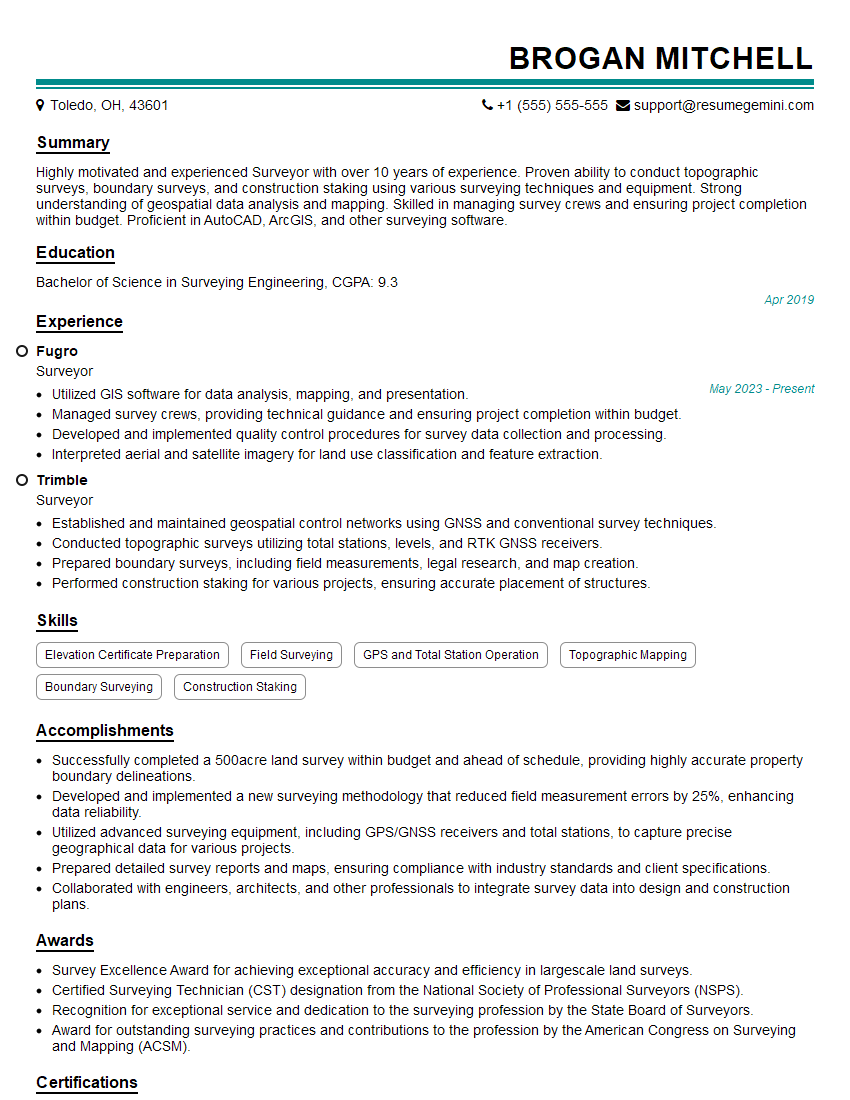
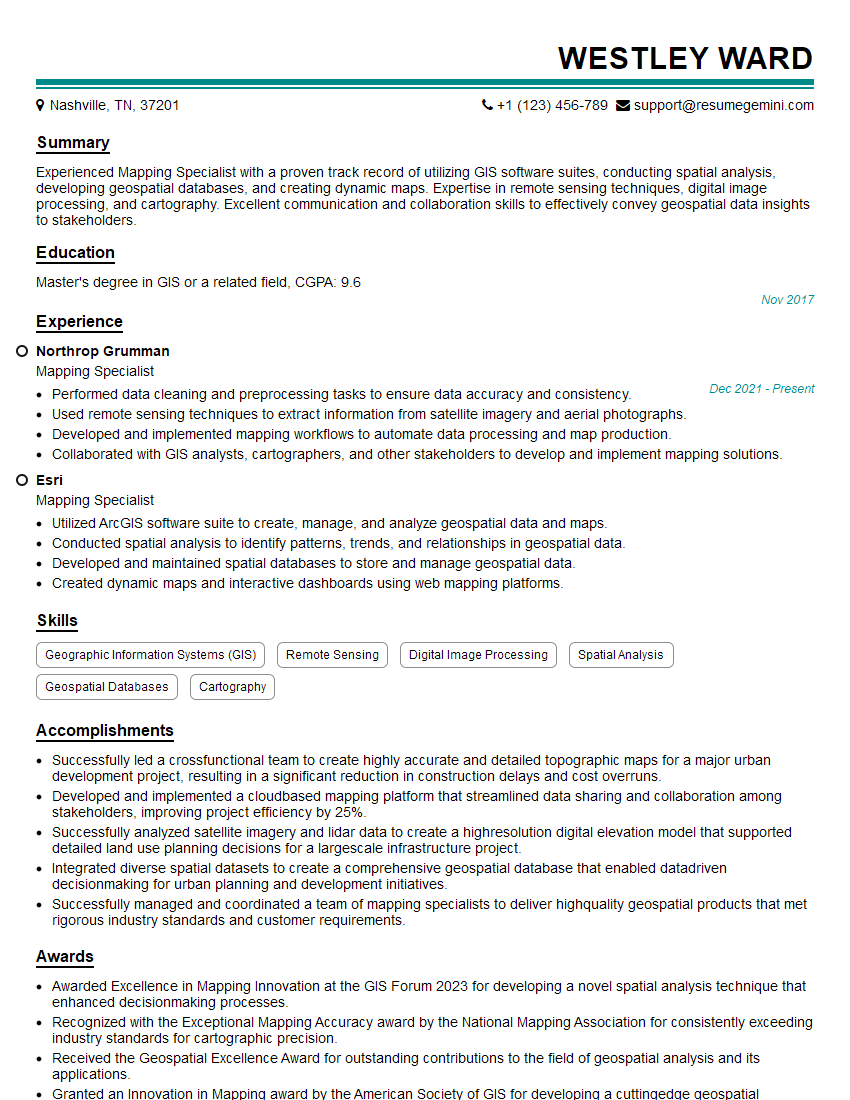
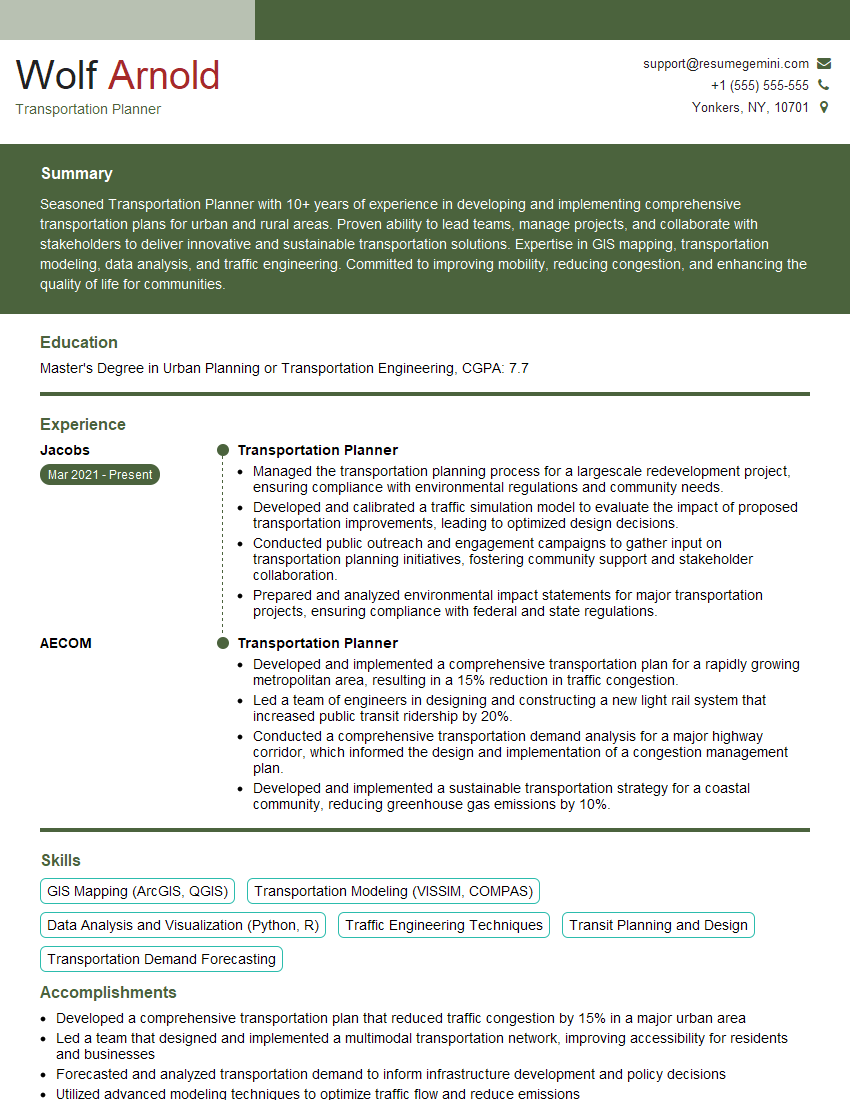
Mastering GPS and navigation systems is crucial for numerous roles requiring efficient route planning, logistics management, and spatial data analysis. A strong understanding of these technologies significantly enhances your career prospects in fields like transportation, logistics, delivery services, and even surveying. To stand out, create a compelling, ATS-friendly resume that showcases your skills and experience effectively. ResumeGemini is a trusted resource that can help you build a professional resume tailored to your specific experience. Examples of resumes tailored to Using GPS and Navigation Systems are available within ResumeGemini to help you get started.




Explore more articles
Users Rating of Our Blogs
Share Your Experience
We value your feedback! Please rate our content and share your thoughts (optional).
What Readers Say About Our Blog
Very informative content, great job.
good