Preparation is the key to success in any interview. In this post, we’ll explore crucial Working Knowledge of Electrical and Telecommunications Systems interview questions and equip you with strategies to craft impactful answers. Whether you’re a beginner or a pro, these tips will elevate your preparation.
Questions Asked in Working Knowledge of Electrical and Telecommunications Systems Interview
Q 1. Explain the difference between twisted-pair, coaxial, and fiber optic cables.
Twisted-pair, coaxial, and fiber optic cables are all used for transmitting data, but they differ significantly in their construction, performance characteristics, and applications.
- Twisted-Pair Cable: This is the simplest type, consisting of two insulated copper wires twisted together. The twisting helps reduce electromagnetic interference (EMI). It’s commonly used for telephone lines and Ethernet networks (though higher speeds often require shielded or higher categories of twisted-pair). Think of it like a basic rope – simple, effective for shorter distances, but not the strongest.
- Coaxial Cable: This cable has a central conductor surrounded by an insulator, a conductive shield, and an outer jacket. The shield significantly reduces EMI, allowing for higher bandwidth and longer transmission distances than twisted-pair. It’s commonly used for cable television and older Ethernet networks. Imagine this as a more robust, shielded rope—better at protecting the inner signal from interference.
- Fiber Optic Cable: This uses strands of glass or plastic to transmit data as pulses of light. It offers significantly higher bandwidth, longer transmission distances, and superior immunity to EMI compared to twisted-pair and coaxial cables. It’s crucial for high-speed internet, long-distance telecommunications, and demanding network applications. Consider this a high-tech, incredibly fast and efficient data pipeline – capable of handling vast amounts of information.
In essence, the choice of cable depends on the bandwidth requirements, distance, and susceptibility to interference. For simple, short-distance applications, twisted-pair might suffice. For longer distances and higher bandwidth, coaxial or fiber optic cables are necessary. Fiber optic is the clear winner when maximum bandwidth and security are critical.
Q 2. Describe the OSI model and its seven layers.
The OSI (Open Systems Interconnection) model is a conceptual framework that standardizes the functions of a telecommunication or computing system without regard to its underlying internal structure and technology. It divides network communication into seven distinct layers, each with its own specific responsibilities.
- Layer 1: Physical Layer: Deals with the physical transmission of data over the network medium (e.g., cables, wireless signals). Think of this as the actual wires and connectors.
- Layer 2: Data Link Layer: Provides error-free transmission of data frames between two directly connected nodes. This includes MAC addressing and error detection.
- Layer 3: Network Layer: Responsible for routing data packets across networks using IP addresses. This is like the postal service, figuring out how to get a package from point A to point B.
- Layer 4: Transport Layer: Provides reliable end-to-end data delivery and segmentation. Protocols like TCP and UDP operate at this layer.
- Layer 5: Session Layer: Manages the connections between applications. Think of it as setting up and managing a phone call.
- Layer 6: Presentation Layer: Handles data formatting and encryption/decryption. This ensures data is presented in a consistent way to different systems.
- Layer 7: Application Layer: Provides network services to applications. Protocols like HTTP and FTP operate here; this is where you interact with websites or transfer files.
Understanding the OSI model is essential for troubleshooting network issues, as it allows you to isolate problems to specific layers. For example, if a problem involves addressing, it points to the network layer (Layer 3).
Q 3. What are the common protocols used in network communication (e.g., TCP/IP, UDP)?
Many protocols govern network communication, each with its strengths and weaknesses. Two of the most important are TCP and UDP, both operating within the Internet Protocol Suite (TCP/IP).
- TCP (Transmission Control Protocol): Provides a reliable, connection-oriented communication. It guarantees data delivery in the correct order and handles error correction. Think of sending a registered letter – it’s tracked, reliable, and you know it’ll arrive. This is suitable for applications requiring reliable data transmission, such as web browsing (HTTP) and file transfer (FTP).
- UDP (User Datagram Protocol): Provides a connectionless, unreliable communication. It’s faster than TCP because it doesn’t guarantee delivery or order, but it’s more efficient for applications where some packet loss is acceptable. Imagine sending a postcard – you hope it arrives, but there’s no guarantee. It’s used for applications like streaming video and online gaming, where a slight delay or packet loss is often tolerable.
Other common protocols include HTTP (Hypertext Transfer Protocol) for web browsing, FTP (File Transfer Protocol) for file transfer, SMTP (Simple Mail Transfer Protocol) for email, and DNS (Domain Name System) for resolving domain names to IP addresses. Each protocol has a specific role in making the internet function.
Q 4. Explain the concept of IP addressing (IPv4 and IPv6).
IP addressing is a system for assigning unique numerical labels to devices on a network, enabling communication between them. There are two main versions:
- IPv4 (Internet Protocol version 4): Uses 32-bit addresses, represented as four decimal numbers separated by dots (e.g.,
192.168.1.100). The limited address space is a significant constraint. - IPv6 (Internet Protocol version 6): Uses 128-bit addresses, represented as eight groups of four hexadecimal digits separated by colons (e.g.,
2001:0db8:85a3:0000:0000:8a2e:0370:7334). Its vastly larger address space addresses the depletion issues of IPv4.
Each device on a network needs a unique IP address to receive and send data. IP addresses are assigned either statically (manually) or dynamically (automatically by a DHCP server). The shift from IPv4 to IPv6 is crucial to accommodate the ever-increasing number of connected devices.
Q 5. What is subnetting and why is it important?
Subnetting is the practice of dividing a larger network into smaller, logically separated subnetworks. Each subnetwork has its own subnet mask, which defines its boundaries. This is analogous to dividing a large city into smaller neighborhoods for better organization and efficiency.
Importance of Subnetting:
- Improved Network Efficiency: Reduces network congestion by limiting broadcast traffic to a smaller area.
- Enhanced Security: Provides better security by segmenting networks and controlling access between different subnets.
- Simplified Network Management: Makes network administration easier by breaking down large networks into more manageable units.
- Address Conservation: Allows for more efficient use of IP addresses, especially crucial in IPv4 networks.
Without subnetting, a large network would be less efficient, more difficult to manage, and more vulnerable to security threats. Proper subnetting is a fundamental aspect of network design and optimization.
Q 6. How does a router work?
A router is a networking device that forwards data packets between networks. It acts like a traffic controller, directing data to its destination based on the IP address information contained within each packet.
How a Router Works:
- Receives data packets from one network.
- Examines the destination IP address in the packet’s header.
- Consults its routing table (a database of network addresses and associated paths).
- Determines the best path to forward the packet towards its destination.
- Forwards the packet to the next hop in the chosen path (another router or the final destination).
Routers are essential for connecting different networks, allowing data to travel across the internet. They use routing protocols (like RIP or OSPF) to exchange routing information with other routers, enabling dynamic routing and adaptation to network changes.
Q 7. How does a switch work?
A switch is a networking device that connects devices on a local area network (LAN). Unlike routers, which forward data between networks, switches forward data only within the same LAN. It’s like a sophisticated telephone exchange, connecting different phones within the same building.
How a Switch Works:
- Receives data packets from a device on the LAN.
- Examines the destination MAC address (physical address) in the packet’s header.
- Consults its MAC address table (a database of MAC addresses and associated ports).
- Forwards the packet only to the port connected to the device with the matching MAC address.
Switches use MAC address learning to build their MAC address tables dynamically. This allows them to efficiently forward data only to the intended recipient, reducing network congestion and improving performance compared to older hub-based networks.
Q 8. What is the difference between a router and a switch?
Routers and switches are both crucial networking devices, but they operate at different layers of the OSI model and serve distinct purposes. Think of it like this: a switch is like a well-organized apartment building, connecting residents (devices) within the building. A router is like the city’s postal service, connecting different apartment buildings (networks) across the city.
A switch operates at Layer 2 (Data Link Layer) of the OSI model. It forwards data packets based on their MAC addresses, learning which MAC address is associated with which port. This allows for efficient communication within a local network. Switches are primarily used to connect devices within the same network (e.g., connecting computers and printers within an office).
A router operates at Layer 3 (Network Layer) and uses IP addresses to forward packets between different networks. It determines the best path for a packet to reach its destination, even if that destination is across the internet. Routers are essential for connecting different networks, such as your home network to the internet or connecting multiple branch offices of a company.
In short: Switches connect devices within a network; routers connect networks to each other.
Q 9. Explain the concept of VLANs (Virtual Local Area Networks).
VLANs, or Virtual Local Area Networks, are a way to logically segment a physical network into multiple broadcast domains. Imagine a large office building with multiple departments. Instead of physically separating these departments with separate cabling and switches, VLANs allow you to create separate virtual networks on the same physical infrastructure. This enhances security and performance.
Each VLAN acts as a separate network, allowing you to control access and broadcast traffic. For example, you might create a VLAN for the marketing department, another for IT, and another for accounting. Devices within the same VLAN can communicate with each other, but devices in different VLANs cannot communicate directly without a router or dedicated inter-VLAN routing.
VLANs are configured using switches that support VLAN tagging (802.1Q). This allows the switch to identify which VLAN a packet belongs to and forward it accordingly. VLANs are crucial for improving network security, managing broadcast storms, and simplifying network administration in larger environments.
Q 10. What are the different types of network topologies?
Network topologies describe the physical or logical layout of a network. Several common types exist:
- Bus Topology: All devices connect to a single cable (the bus). Simple but prone to single points of failure.
- Star Topology: All devices connect to a central device (like a switch or hub). Common, reliable, and easy to manage. Most modern networks use this.
- Ring Topology: Devices are connected in a closed loop. Data travels in one direction. Less common now.
- Mesh Topology: Multiple paths exist between devices, providing redundancy. Robust but complex and expensive.
- Tree Topology: A hierarchical structure combining elements of bus and star topologies.
- Hybrid Topology: A combination of multiple topologies.
The choice of topology depends on factors like network size, cost, performance requirements, and fault tolerance.
Q 11. Describe your experience with network troubleshooting techniques.
My experience with network troubleshooting involves a systematic approach. I typically start by identifying the symptoms, then isolate the problem using various tools and techniques. This often involves:
- Pinging devices: To check connectivity and latency.
- Tracing routes (tracert): To identify path issues between devices.
- Checking network configurations: IP addresses, subnet masks, default gateways, DNS settings.
- Analyzing network logs: To identify errors and potential causes.
- Using network monitoring tools: To observe network traffic and performance.
- Cable testing: To rule out physical layer problems.
For example, I once diagnosed an intermittent network outage by identifying a faulty cable using a cable tester. In another instance, I resolved slow internet speeds by optimizing DNS settings and adjusting firewall rules.
My approach is always to gather as much information as possible before implementing a solution, ensuring minimal disruption to the network. I prioritize a methodical approach, documenting each step to effectively resolve and prevent future issues.
Q 12. Explain your understanding of network security concepts (e.g., firewalls, intrusion detection systems).
Network security is paramount. My understanding encompasses several key concepts:
- Firewalls: These act as barriers, inspecting incoming and outgoing network traffic and blocking unauthorized access. They can be hardware or software-based and employ various filtering techniques (packet filtering, stateful inspection).
- Intrusion Detection/Prevention Systems (IDS/IPS): These monitor network traffic for malicious activity. An IDS detects and alerts, while an IPS actively blocks threats. They analyze network patterns and signatures to identify anomalies.
- Virtual Private Networks (VPNs): Create secure connections over public networks, encrypting data to protect sensitive information during transmission.
- Access Control Lists (ACLs): These control access to network resources by defining rules based on IP addresses, ports, or other criteria.
- Network Segmentation: Dividing a network into smaller, isolated segments to limit the impact of a security breach.
I have experience implementing and managing firewalls, configuring VPNs, and setting up intrusion detection systems. Security is a layered approach, and a combination of these techniques is essential for robust protection.
Q 13. What is the difference between a hub and a switch?
Both hubs and switches are Layer 2 devices that connect devices on a local area network (LAN), but they differ significantly in how they handle data:
A hub operates at the physical layer. It simply broadcasts any received data to all connected ports. This leads to inefficient use of bandwidth and security risks (broadcast storms). Think of a hub as a simple repeater – it repeats what it receives to everyone.
A switch, on the other hand, operates at the data link layer. It learns the MAC address of each device connected to its ports and only forwards data to the intended recipient. This is much more efficient and secure. Think of a switch as a smart post office, only delivering mail to the correct address.
In summary: Hubs broadcast data to all ports, while switches direct data only to the intended recipient. Switches are far superior in performance and security and have largely replaced hubs in modern networks.
Q 14. What are common causes of network latency?
Network latency, the delay in data transmission, can stem from several sources:
- Network Congestion: High traffic volume can lead to delays as packets compete for bandwidth. This is common during peak usage times.
- Physical Distance: The longer the physical distance data must travel, the greater the latency.
- Network Hardware Issues: Faulty network devices (switches, routers) or slow processing speeds can introduce latency.
- Software Issues: Inefficient network protocols or applications can add to delays.
- Wireless Interference: Interference from other wireless signals (e.g., microwaves, Bluetooth devices) can impact wireless network performance.
- DNS Resolution Issues: Slow DNS resolution can significantly delay access to websites and other resources.
Troubleshooting latency involves investigating these areas systematically using tools like ping, tracert, and network monitoring software. Optimizing network configurations, upgrading hardware, and implementing QoS (Quality of Service) policies can help to mitigate latency.
Q 15. How do you diagnose network connectivity issues?
Diagnosing network connectivity issues involves a systematic approach. Think of it like a detective investigating a crime scene – you need to gather clues and systematically eliminate possibilities. I start by identifying the scope of the problem: Is it affecting a single device, a segment of the network, or the entire network?
- Check the basics: First, I’d verify the physical connections – are cables plugged in securely? Is the device powered on? This often solves surprisingly many issues.
- Ping the device: Next, I’d use the
pingcommand (a basic network diagnostic tool) to test connectivity to the affected device or a known good server. A successful ping indicates basic connectivity; failure points to a problem somewhere along the path. - Traceroute/tracert: If the ping fails, I’d use
traceroute(ortracerton Windows) to identify the exact point of failure along the network path. This shows me each hop the data takes, and where the connection breaks down. - Check IP configuration: I’d verify the IP address, subnet mask, and default gateway are correctly configured on the affected device. An incorrect configuration can prevent communication.
- Examine network devices: Routers, switches, and firewalls play crucial roles. I’d check their logs for error messages, configuration issues, or signs of overload.
- Analyze network traffic: Tools like Wireshark can capture and analyze network packets, helping identify packet loss, corrupted packets, or other anomalies causing connectivity issues.
- Consult network documentation: Finally, reviewing network diagrams and documentation provides invaluable context, highlighting potential problem areas and expected behaviour.
For example, during a recent project, a seemingly simple connectivity issue turned out to be a misconfigured firewall rule blocking traffic from a specific server. Systematic troubleshooting, using the steps outlined above, quickly pinpointed the root cause.
Career Expert Tips:
- Ace those interviews! Prepare effectively by reviewing the Top 50 Most Common Interview Questions on ResumeGemini.
- Navigate your job search with confidence! Explore a wide range of Career Tips on ResumeGemini. Learn about common challenges and recommendations to overcome them.
- Craft the perfect resume! Master the Art of Resume Writing with ResumeGemini’s guide. Showcase your unique qualifications and achievements effectively.
- Don’t miss out on holiday savings! Build your dream resume with ResumeGemini’s ATS optimized templates.
Q 16. Describe your experience with VoIP technologies.
My experience with VoIP (Voice over Internet Protocol) technologies spans several years, encompassing design, implementation, and troubleshooting. I’ve worked with various VoIP platforms, including Asterisk, Cisco Unified Communications Manager, and Microsoft Teams.
I understand the underlying protocols, such as SIP (Session Initiation Protocol) and RTP (Real-time Transport Protocol), and their role in establishing and maintaining voice calls over IP networks. I’m proficient in configuring VoIP gateways, handling codec negotiation (like G.711, G.729), and optimizing Quality of Service (QoS) to ensure clear and reliable voice communication. I’ve also tackled challenges like jitter, latency, and packet loss, which are common issues in VoIP deployments. A recent project involved migrating a company’s legacy phone system to a cloud-based VoIP solution, requiring careful planning, implementation, and user training. This migration resulted in significant cost savings and improved communication features.
Furthermore, I have experience in troubleshooting VoIP issues. This often includes analyzing network performance metrics, checking for SIP message errors, and verifying the correct configuration of VoIP endpoints. One challenge I faced involved a situation with high call abandonment rates, which was ultimately resolved by upgrading the network infrastructure and optimizing QoS parameters.
Q 17. Explain your understanding of different modulation techniques used in telecommunications.
Modulation techniques are crucial in telecommunications for efficiently transmitting information over long distances. These techniques involve modifying a carrier wave (a high-frequency signal) to embed the information signal (like voice or data). Different modulation methods offer various trade-offs in terms of bandwidth efficiency, power efficiency, and robustness against noise.
- Amplitude Modulation (AM): The amplitude of the carrier wave is varied to reflect the information signal. Simple to implement, but susceptible to noise and less bandwidth-efficient.
- Frequency Modulation (FM): The frequency of the carrier wave is varied in accordance with the information signal. More robust against noise than AM, but requires a wider bandwidth.
- Phase Modulation (PM): The phase of the carrier wave is shifted based on the information signal. Offers good noise immunity and bandwidth efficiency.
- Quadrature Amplitude Modulation (QAM): A combination of amplitude and phase modulation, allowing for higher data rates within a given bandwidth. Commonly used in cable and DSL.
- Frequency Shift Keying (FSK): Uses distinct frequencies to represent digital data (0s and 1s). Simple, but relatively low data rates.
- Phase Shift Keying (PSK): Uses distinct phase shifts to represent digital data, offering higher data rates than FSK.
The choice of modulation technique depends on factors like available bandwidth, required data rate, power constraints, and the expected noise level. For example, QAM is prevalent in high-speed data transmission such as cable internet, while FM is commonly used in radio broadcasting where noise immunity is prioritized.
Q 18. What is the difference between frequency modulation (FM) and amplitude modulation (AM)?
Both Amplitude Modulation (AM) and Frequency Modulation (FM) are methods of transmitting information by modifying a carrier wave, but they do so in different ways.
- AM (Amplitude Modulation): In AM, the *amplitude* (height) of the carrier wave is varied proportionally to the instantaneous amplitude of the information signal. Imagine a wave whose height changes to represent the sound wave. This is simple and easy to implement, but is susceptible to noise and interference. AM radio is a common example.
- FM (Frequency Modulation): In FM, the *frequency* (number of cycles per second) of the carrier wave is varied proportionally to the instantaneous amplitude of the information signal. Imagine a wave whose frequency changes to represent the sound wave. This is more resistant to noise than AM but requires a wider bandwidth. FM radio is a common example.
The key difference is how the information is encoded onto the carrier wave: amplitude in AM, frequency in FM. This difference leads to varying degrees of noise immunity and bandwidth requirements.
Q 19. Explain the concept of signal-to-noise ratio (SNR).
The Signal-to-Noise Ratio (SNR) is a crucial measure in telecommunications, representing the ratio of the desired signal power to the unwanted noise power. It’s typically expressed in decibels (dB).
A higher SNR indicates a stronger signal relative to noise, resulting in better signal quality and less distortion. Think of it like trying to hear a conversation in a noisy room. A high SNR means the conversation (signal) is loud and clear above the surrounding chatter (noise). A low SNR would mean the conversation is difficult to understand.
The SNR is crucial for determining the quality and reliability of communication systems. In digital systems, a low SNR can lead to bit errors, while in analog systems, it manifests as distortion and reduced clarity. Achieving an adequate SNR is a key consideration in the design and deployment of communication systems. Factors influencing SNR include the strength of the transmitted signal, the distance between transmitter and receiver, and the characteristics of the transmission medium (e.g., atmospheric conditions for wireless, cable quality for wired).
Q 20. What are common types of antennas used in wireless communication?
Various antenna types cater to different needs in wireless communication, each with strengths and weaknesses regarding gain, directivity, size, and frequency range.
- Dipole Antenna: A simple, widely used antenna consisting of two half-wavelength conductors. Relatively inexpensive and easy to implement.
- Yagi-Uda Antenna (Yagi): A directional antenna with higher gain than a dipole, providing better signal reception from a specific direction. Commonly used in TV reception.
- Parabolic Dish Antenna: A highly directional antenna used for long-range and high-gain applications, focusing signals into a narrow beam. Often used in satellite communication.
- Patch Antenna: A flat, planar antenna commonly used in wireless devices due to its compact size and ease of integration. Often found in mobile phones and Wi-Fi devices.
- Horn Antenna: Used for high-gain applications, it provides a controlled beamwidth. Often used in microwave communication systems.
The selection of an appropriate antenna depends critically on the application’s requirements. For example, a cellular base station would use a high-gain directional antenna to cover a wide area, while a mobile phone would utilize a small, omnidirectional antenna for ease of use and portability.
Q 21. Describe your experience with fiber optic splicing and termination.
My experience with fiber optic splicing and termination includes both single-mode and multi-mode fiber types. I’m proficient in using various fusion splicers and mechanical splice connectors. The process involves careful preparation of the fiber ends, ensuring clean and precise cleaving to minimize signal loss. I’m also skilled in using different types of polishing techniques to achieve optimal fiber end faces.
Termination involves preparing the fiber for connection to other equipment, such as transceivers or patch panels. This includes cleaving, cleaning, and preparing the fiber, inserting it into a connector (like an SC, FC, or LC connector), and ensuring a secure and reliable connection. I’m familiar with different connector types and their associated termination procedures. I also understand the importance of proper testing to verify the quality of the splice or termination, using Optical Time Domain Reflectometers (OTDRs) to measure signal attenuation and identify potential faults.
During my career, I’ve completed numerous fiber optic splicing and termination projects, ranging from small-scale installations to large-scale network deployments. One notable project involved the installation of a new fiber optic backbone for a data center, requiring precise splicing and termination to ensure minimal signal loss and high network availability. Careful attention to detail and adherence to industry best practices are critical for successful fiber optic installations.
Q 22. What is TDM and how does it work?
TDM, or Time-Division Multiplexing, is a method of combining multiple signals into a single transmission channel by dividing the time into slots. Think of it like a highway with multiple lanes; each lane represents a different signal, and the cars (data) take turns using each lane.
It works by assigning each signal a specific time slot within a repeating frame. Each signal gets a dedicated time slot to transmit its data. Once the frame is complete, it repeats. This ensures that each signal gets a fair share of the bandwidth, even if some signals are momentarily inactive.
Example: Imagine a telephone system. TDM allows multiple phone conversations to share the same physical cable. Each conversation gets its designated time slot within the frame. If one conversation is silent, that time slot isn’t wasted; it’s simply available for the next cycle.
Practical Application: TDM is commonly used in older telephone networks, digital subscriber lines (DSL), and some legacy data communication systems. Its advantage lies in its simplicity and deterministic nature, guaranteeing a specific amount of bandwidth to each signal.
Q 23. What is FDM and how does it work?
FDM, or Frequency-Division Multiplexing, is another method of combining multiple signals into a single transmission channel, but instead of dividing time, it divides the frequency spectrum. Think of it as a radio station; multiple radio stations broadcast simultaneously at different frequencies, allowing you to tune into your desired station.
It works by assigning each signal a different frequency band within the overall bandwidth. Each signal is modulated onto its designated carrier frequency, ensuring that they don’t interfere with each other. This allows signals to transmit simultaneously.
Example: Cable television uses FDM. Multiple channels broadcast simultaneously at different frequencies within the cable bandwidth. Your cable box acts as a ‘tuner’, selecting the specific frequency band for the channel you want to watch.
Practical Application: FDM is prevalent in cable television, radio broadcasting, and some satellite communication systems. Its main benefit is the ability to transmit multiple signals simultaneously without the need for precise timing synchronization.
Q 24. Explain your understanding of different types of transmission media.
Transmission media refers to the physical path that data travels between two devices. Different media offer varying levels of performance, cost, and security.
- Guided Media: These provide a physical path for the signal. Examples include:
- Twisted-pair cables: Common in phone lines and Ethernet networks, they offer relatively low bandwidth but are inexpensive and easy to install.
- Coaxial cables: Used in cable television and some older networks, offering higher bandwidth than twisted-pair but are more expensive and less flexible.
- Fiber-optic cables: Utilize light pulses to transmit data, offering extremely high bandwidth and long distances with minimal signal loss. They are more expensive and require specialized equipment.
- Unguided Media: These don’t provide a physical path, relying on the propagation of electromagnetic waves. Examples include:
- Radio waves: Used in Wi-Fi, Bluetooth, and cellular networks. Their range depends on the frequency and power used.
- Microwaves: Higher frequency than radio waves, used for point-to-point communication and satellite communication. Require line-of-sight.
- Infrared: Used for short-range communication, such as remote controls.
The choice of transmission media depends on factors such as bandwidth requirements, distance, cost, security needs, and environmental considerations.
Q 25. What is your experience with network monitoring tools?
My experience with network monitoring tools is extensive. I’ve worked with a range of tools, from basic command-line utilities like ping, traceroute, and netstat to sophisticated Network Management Systems (NMS) like SolarWinds, Nagios, and PRTG.
I’m proficient in using these tools to monitor various aspects of network performance, including bandwidth utilization, latency, packet loss, and CPU/memory usage of network devices. I understand how to interpret the data collected by these tools to identify and troubleshoot network problems. For example, using SolarWinds, I can proactively identify potential bottlenecks or failures before they impact users. I am also comfortable setting up alerts and dashboards for proactive monitoring and rapid response to issues.
Beyond the tools themselves, I understand the importance of establishing comprehensive monitoring strategies, considering factors like network topology, critical applications, and Service Level Agreements (SLAs).
Q 26. Describe your experience with different types of cabling systems.
My experience encompasses various cabling systems, including twisted-pair cabling (Cat5e, Cat6, Cat6a), fiber optic cabling (single-mode and multi-mode), and coaxial cabling. I’m familiar with the standards and best practices for each type, including termination, testing, and installation. I understand the differences in bandwidth, distance limitations, and applications of each type.
For example, I’ve worked on projects involving the installation of high-speed fiber optic cabling for data centers, ensuring low latency and high bandwidth for critical applications. In other projects, I’ve deployed structured cabling systems in office environments using Cat6 cabling, adhering to industry best practices for organization and labeling.
My experience also extends to troubleshooting cabling problems, identifying faulty connections, and replacing damaged cables. I’m proficient in using testing equipment such as cable certifiers and OTDRs (Optical Time-Domain Reflectometers) to diagnose cable issues.
Q 27. Explain your understanding of power systems and distribution.
My understanding of power systems and distribution involves both the generation and delivery of electricity. This includes familiarity with various generation methods (e.g., thermal, nuclear, hydroelectric, solar, wind), transmission lines (high-voltage transmission and sub-transmission), substations (step-down transformers), and distribution networks (low-voltage lines supplying end-users).
I understand the principles of power flow, voltage regulation, and power factor correction. I’m familiar with the concepts of impedance, capacitance, and inductance as they relate to power transmission and distribution. I have worked on projects involving power system analysis and modeling, utilizing software tools to simulate and optimize power system performance. This experience includes calculations related to power losses and energy efficiency.
Further, I’m familiar with protection systems and safety devices used in power systems, including circuit breakers, relays, and grounding systems, understanding their roles in preventing damage and ensuring the safety of personnel and equipment.
Q 28. Describe your experience with electrical safety regulations and procedures.
My experience with electrical safety regulations and procedures is extensive, encompassing both theoretical knowledge and practical application. I’m familiar with various national and international standards, such as OSHA (Occupational Safety and Health Administration) regulations in the US, and IEC (International Electrotechnical Commission) standards globally. This includes a comprehensive understanding of lockout/tagout procedures, arc flash safety, and proper use of personal protective equipment (PPE) like insulated tools and safety glasses.
I’ve worked on projects requiring adherence to strict safety protocols, including risk assessments prior to commencing any electrical work. I know how to interpret safety data sheets (SDS) for electrical materials and understand the importance of proper grounding and bonding techniques to prevent electrical hazards. My practical experience includes conducting regular safety inspections and ensuring compliance with all relevant regulations.
I’m also trained in performing first aid and CPR and understand the procedures for responding to electrical accidents, knowing how to safely assess the situation and provide necessary assistance before the arrival of emergency services.
Key Topics to Learn for Working Knowledge of Electrical and Telecommunications Systems Interview
- Fundamentals of Electricity: Understanding Ohm’s Law, Kirchhoff’s Laws, AC/DC circuits, and basic circuit analysis. Consider practical applications like troubleshooting simple circuits or explaining voltage drops in a network.
- Telecommunication Network Principles: Familiarize yourself with different network topologies (star, mesh, bus), transmission media (fiber optics, copper cables, wireless), and network protocols (TCP/IP, OSI model). Think about how these concepts apply to real-world scenarios like designing a local area network or explaining data transmission limitations.
- Signal Processing and Transmission: Grasp concepts like modulation, demodulation, signal-to-noise ratio (SNR), and bandwidth. Practical applications include understanding how different modulation techniques impact data transmission rates and quality.
- Data Communication and Networking: Explore concepts like routing, switching, and network security. Consider how these relate to network performance optimization and cybersecurity best practices.
- Electrical Power Systems: Understand basic power generation, transmission, and distribution principles. Consider practical application in areas like power grids and renewable energy sources.
- Troubleshooting and Problem-Solving: Practice diagnosing issues in electrical and telecommunication systems. This involves a systematic approach, logical reasoning, and the ability to interpret technical data.
- Safety Regulations and Practices: Demonstrate awareness of relevant safety standards and practices within electrical and telecommunications environments.
Next Steps
Mastering a working knowledge of electrical and telecommunications systems is crucial for career advancement in this rapidly evolving field. It opens doors to diverse and exciting roles, offering both intellectual stimulation and significant impact. To maximize your job prospects, it’s essential to present your skills effectively. Building an ATS-friendly resume is key to ensuring your application is seen by recruiters. ResumeGemini is a trusted resource to help you create a professional and impactful resume that highlights your expertise. We provide examples of resumes tailored to Working Knowledge of Electrical and Telecommunications Systems to guide you through the process.

Network Engineer Resume Sample

Network Security Engineer Resume Sample

Network Architect Resume Sample

Telecommunications Engineer Resume Sample

Wireless Network Engineer Resume Sample

Field Service Engineer Resume Sample

Electrical Engineer Resume Sample
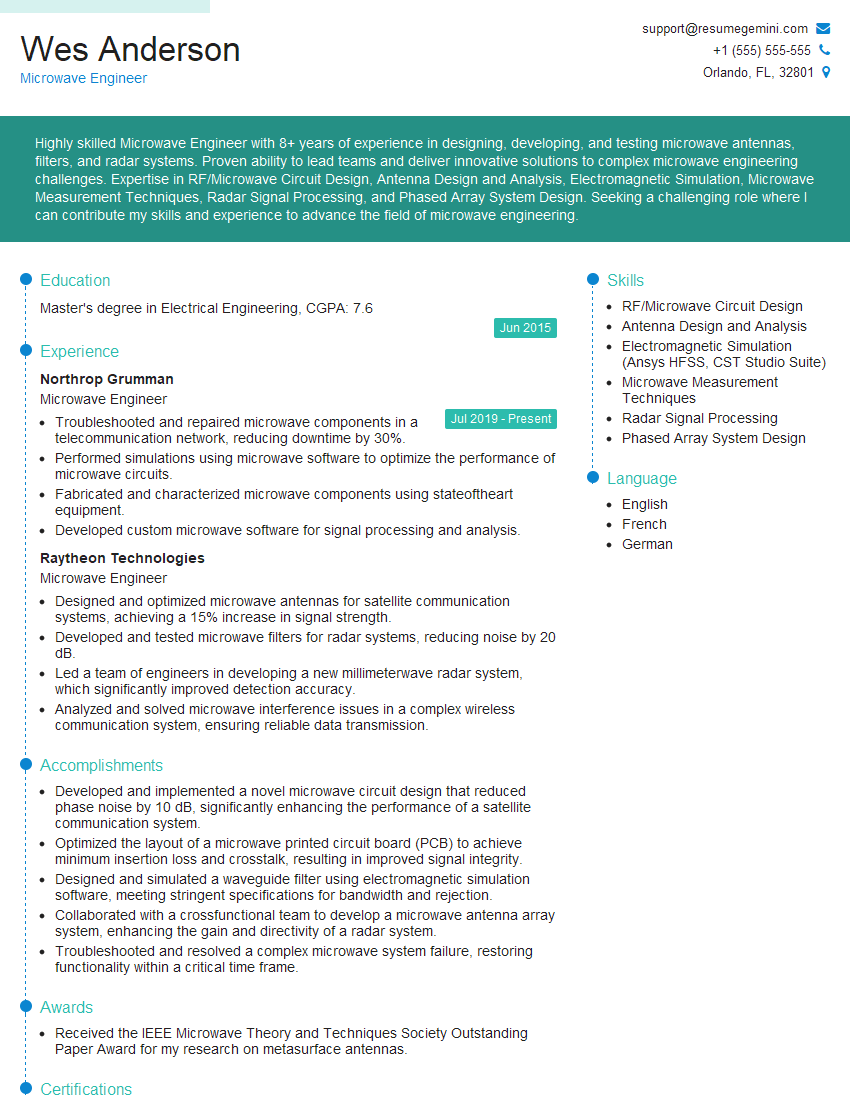
Microwave Engineer Resume Sample
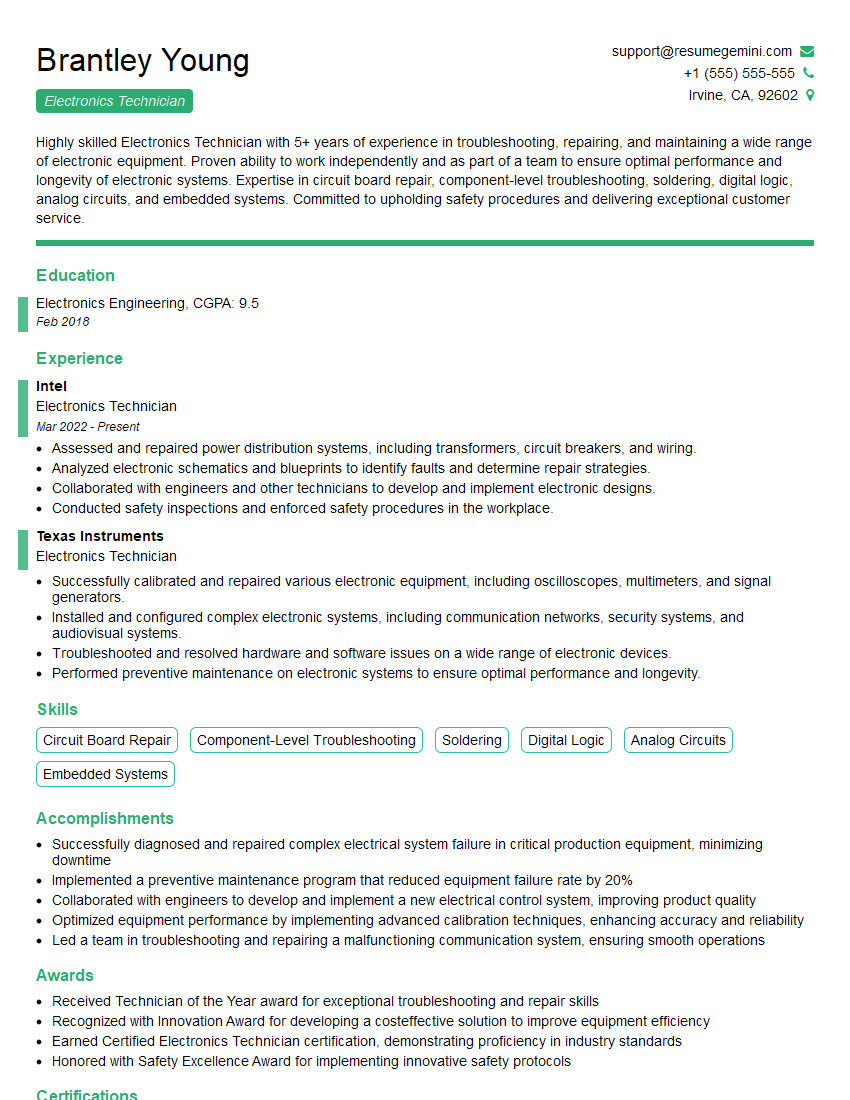
Electronics Technician Resume Sample
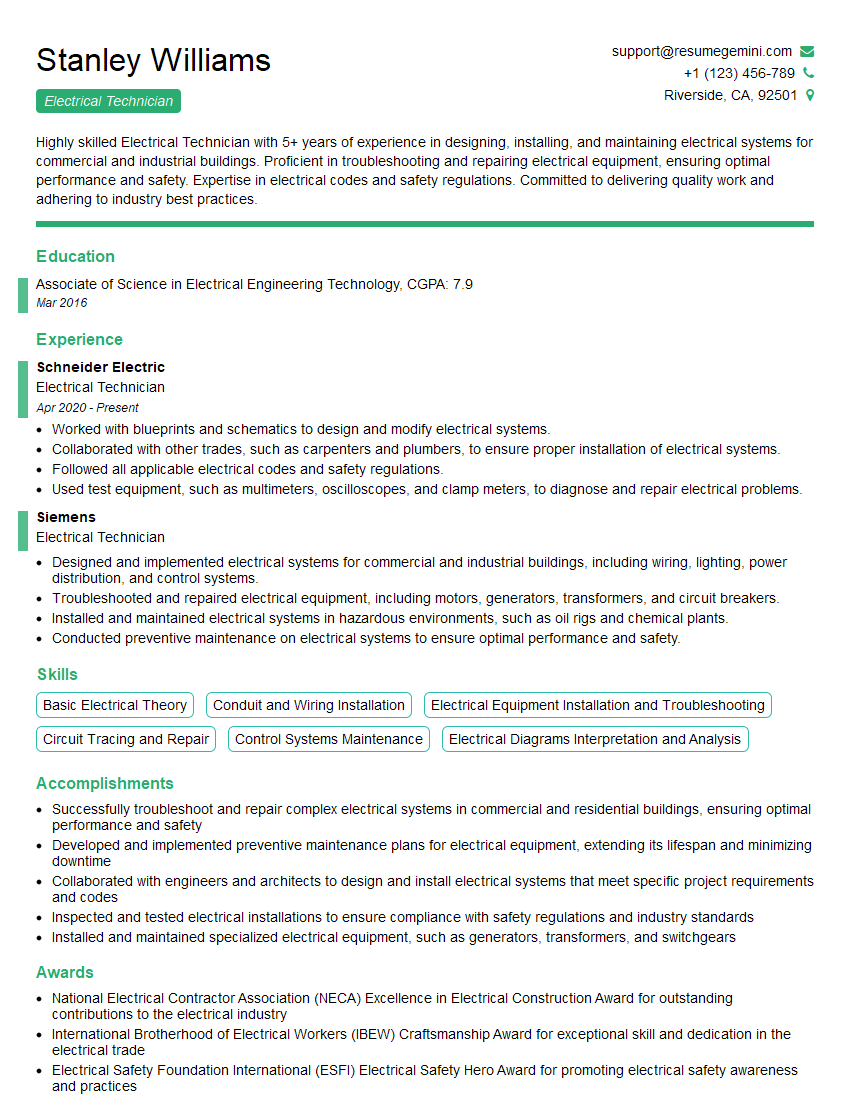
Electrical Technician Resume Sample
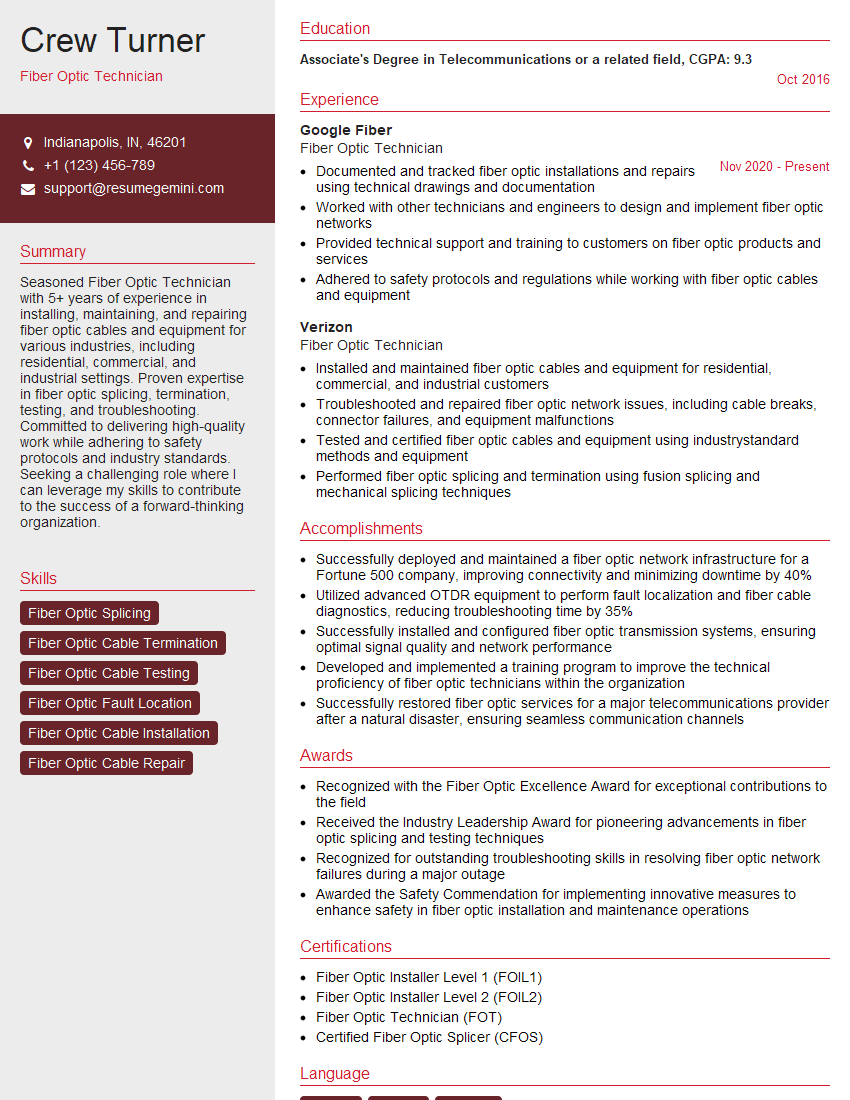
Fiber Optic Technician Resume Sample
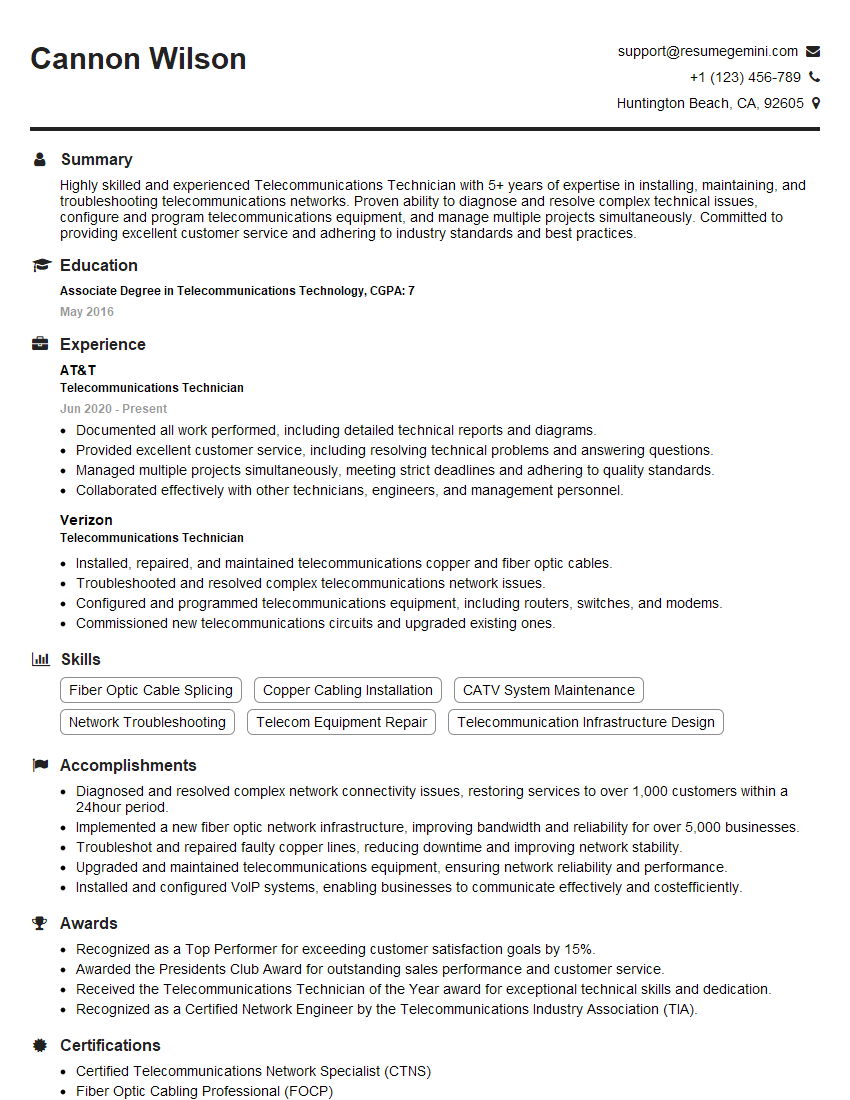
Telecommunications Technician Resume Sample
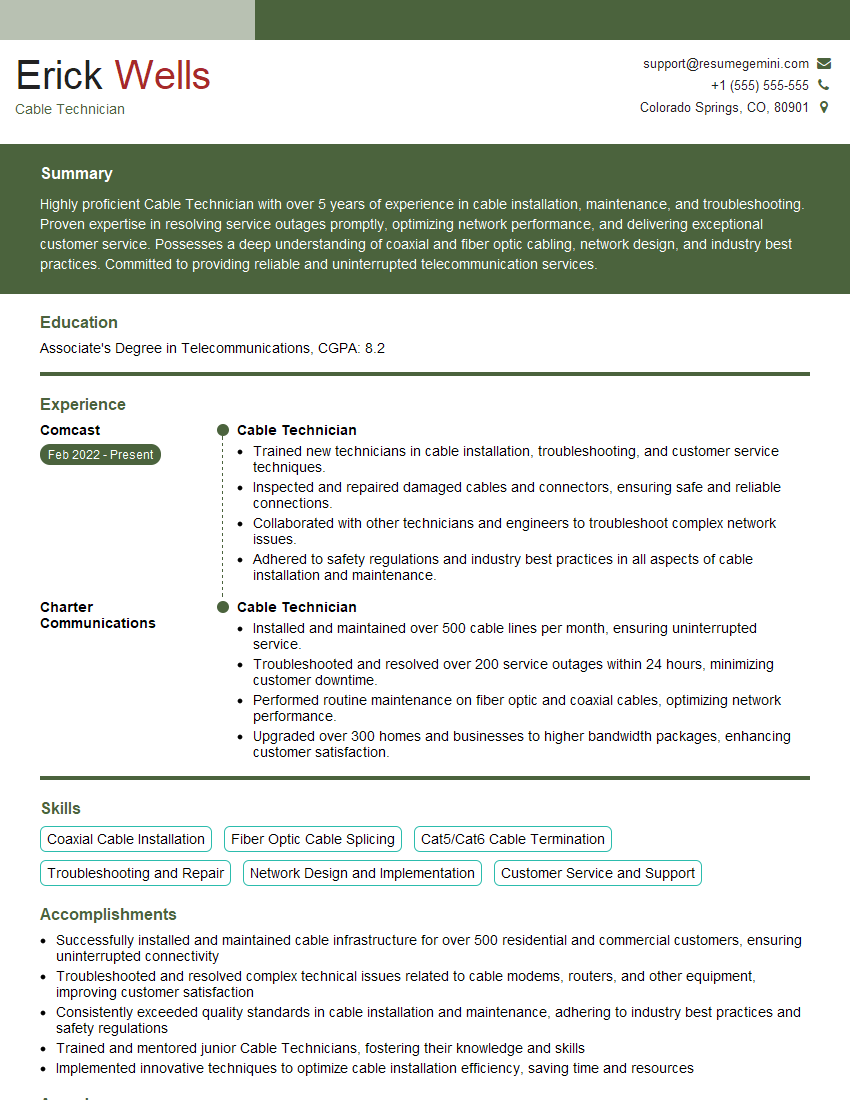
Cable Technician Resume Sample
Explore more articles
Users Rating of Our Blogs
Share Your Experience
We value your feedback! Please rate our content and share your thoughts (optional).
What Readers Say About Our Blog
Very informative content, great job.
good