Unlock your full potential by mastering the most common Autodesk InfraWorks interview questions. This blog offers a deep dive into the critical topics, ensuring you’re not only prepared to answer but to excel. With these insights, you’ll approach your interview with clarity and confidence.
Questions Asked in Autodesk InfraWorks Interview
Q 1. Explain the difference between a conceptual design and a detailed design in InfraWorks.
In InfraWorks, conceptual design and detailed design represent different stages of a project’s lifecycle, each with its own level of detail and purpose. Think of it like sketching a house versus creating detailed blueprints.
Conceptual Design: This stage focuses on exploring various design options quickly and efficiently. It involves creating a high-level model incorporating key features like roads, buildings, and terrain, but with less precision. The goal is to evaluate different scenarios, assess feasibility, and make informed decisions early in the process. Imagine rapidly prototyping different highway alignments to determine the best option considering cost, environmental impact, and community needs.
Detailed Design: This stage follows conceptual design, providing a much more precise and refined model. It involves incorporating accurate data, detailed geometry, and specific materials. The output is suitable for detailed analysis, construction planning, and coordination with other disciplines. This is similar to creating the final architectural plans, including precise dimensions, material specifications, and MEP (Mechanical, Electrical, and Plumbing) system details.
The key difference lies in the level of detail and the intended use. Conceptual design is about exploration and feasibility, while detailed design is about precision and execution.
Q 2. Describe your experience with creating and managing different data sources within InfraWorks.
My experience with managing data sources in InfraWorks is extensive. I’ve worked with diverse data types, ranging from simple shapefiles and CAD drawings to complex point clouds, raster imagery, and even real-time traffic data feeds. The key is understanding the strengths and weaknesses of each data type and how to integrate them seamlessly within the InfraWorks model.
For example, I’ve used high-resolution aerial imagery to create a realistic base map, supplemented by LiDAR point cloud data for accurate terrain modeling. I’ve then imported CAD designs of proposed structures and connected them to the underlying infrastructure network. This ensures the design is contextually aware and considers existing conditions.
Managing the data involves careful consideration of data formats, coordinate systems, and data cleaning. I frequently employ techniques like data projection and spatial referencing to ensure everything aligns correctly. I’m also adept at leveraging InfraWorks’ tools to manage data versioning, allowing for rollback and efficient collaboration among team members.
Q 3. How do you handle large datasets in InfraWorks to maintain performance?
Handling large datasets in InfraWorks efficiently is crucial for maintaining performance. My approach involves a multi-pronged strategy focused on data optimization, model simplification, and leveraging InfraWorks’ built-in performance features.
- Data Optimization: Before importing, I ensure datasets are cleaned, reprojected to the appropriate coordinate system, and simplified where possible without losing critical information. This often involves reducing the density of point cloud data or generalizing polygon geometries.
- Model Simplification: I avoid importing unnecessary levels of detail. For example, instead of importing a highly detailed CAD model of a building, a simplified representation may suffice during the initial phases of design. More detail can be added as needed.
- Level of Detail (LOD): InfraWorks allows adjusting the LOD for different model components. Lower LODs are used during initial exploration to improve performance, while higher LODs can be utilized for detailed review later in the design process.
- Data Filtering: Utilizing InfraWorks’ filtering capabilities to selectively display or hide data based on selection criteria is vital in managing complexity. This means showing only necessary data layers when performing specific analyses or visualizations.
- Hardware Optimization: Ensuring the system has sufficient RAM and processing power is essential. Utilizing SSD drives instead of HDDs greatly improves loading times.
By combining these strategies, I can maintain responsiveness even with extremely large datasets.
Q 4. What are the different types of analysis you can perform using InfraWorks?
InfraWorks offers a powerful suite of analysis tools. Here are some key types:
- Hydrological Analysis: Simulate rainfall runoff, flooding, and drainage patterns. This is crucial for designing effective drainage systems and mitigating flood risks.
- Transportation Analysis: Simulate traffic flow, assess capacity, and identify bottlenecks. This can be used to optimize road designs and improve traffic management.
- Cost Estimation: Estimate the cost of various design options based on quantities and unit prices. This allows for informed decision-making based on budget constraints.
- Line of Sight Analysis: Identify areas with obstructed views, which is essential for designing safe and efficient roadways and viewpoints.
- Environmental Analysis: Analyze the environmental impact of a project, considering factors such as noise pollution, habitat disruption, and air quality. This helps in designing sustainable infrastructure solutions.
- 3D Visualization and Walkthroughs: Creating immersive 3D walkthroughs to communicate design concepts effectively to stakeholders.
The specific analysis tools used depend heavily on the project’s requirements and objectives. I adapt my approach to each unique situation.
Q 5. Explain your experience with creating and managing different model styles in InfraWorks.
Managing model styles in InfraWorks is essential for creating clear and effective visualizations. Model styles control the appearance of different model elements, allowing for customized representation of roads, buildings, vegetation, and terrain. Think of it as choosing a different theme or look for your model.
My experience involves creating numerous styles for different project phases and stakeholder needs. For example, I’ve developed a style for preliminary design review, emphasizing simple geometries and clear labeling. A different style was created for final design presentation, incorporating high-resolution textures and realistic materials for a more polished look.
I often leverage style sheets to maintain consistency across large projects. This means applying a common set of styling rules to ensure uniformity in appearance and readability. I also use style overrides to highlight specific elements or areas of interest within the model, focusing attention where it’s needed. I know how to export and import styles, enabling reuse across projects and teams.
Q 6. How do you use InfraWorks for site analysis and feasibility studies?
InfraWorks is a powerful tool for site analysis and feasibility studies. I leverage its capabilities to assess site constraints, optimize design alternatives, and support informed decision-making.
For site analysis, I utilize terrain analysis tools to understand slopes, elevations, and drainage patterns. I integrate data from surveys, LiDAR, and other sources to create an accurate representation of the site. This allows for quick identification of potential challenges, such as steep slopes or areas prone to flooding.
For feasibility studies, I create multiple design alternatives within InfraWorks, comparing them based on cost, environmental impact, and other key performance indicators. The built-in analysis tools, like hydrological and transportation modeling, provide valuable insights into the performance of each option. The ability to quickly iterate on designs and visualize the results helps in making informed decisions early in the project lifecycle.
For example, I’ve used InfraWorks to assess the feasibility of a new highway alignment, considering factors like land acquisition costs, environmental impacts, and traffic flow. The results of the study helped to select the optimal alignment, minimizing costs and disruptions while maximizing efficiency.
Q 7. Describe your experience with collaborating on InfraWorks projects using cloud-based workflows.
Collaboration is a key aspect of my InfraWorks workflow. I extensively utilize cloud-based workflows using Autodesk’s collaboration tools to enhance teamwork and project efficiency. This involves sharing models, coordinating design changes, and managing revisions in a centralized environment. This is especially important for large projects with geographically dispersed teams.
I’m proficient in using InfraWorks’ cloud capabilities to manage multiple versions of a model, ensuring everyone is working on the most up-to-date information. The ability to track changes and revert to previous versions, if necessary, minimizes conflicts and reduces the risk of errors.
Communication within the cloud-based environment is vital, and I effectively utilize comments and annotations within the model to exchange feedback and discuss design decisions. This ensures all stakeholders are aware of design updates and allows for prompt resolution of any issues.
I’ve successfully managed several projects using this cloud-based collaboration workflow, facilitating smooth communication and efficient coordination among architects, engineers, and other project stakeholders, leading to a seamless and timely project completion.
Q 8. How do you incorporate real-world data, such as LiDAR or point clouds, into your InfraWorks models?
Incorporating real-world data like LiDAR or point clouds into InfraWorks is crucial for creating accurate and realistic models. Think of it like building a house – you wouldn’t start without a detailed blueprint, right? These data sets provide that blueprint for your InfraWorks project.
The process typically involves importing the data through InfraWorks’ built-in tools. First, you ensure the data is in a compatible format (like LAS for LiDAR or EPT for point clouds). Then, you use the ‘Import Data’ functionality, specifying the file path and choosing the appropriate coordinate system. InfraWorks will then process the data, creating a 3D representation of the terrain. This might take some time depending on the size of the data set.
Once imported, you can use the point cloud data to refine your terrain model, creating a more precise representation of the existing conditions. This is especially important for identifying existing features like buildings, vegetation, and utilities that are critical in planning phases. For instance, in a highway project, accurate representation of existing topography helps in optimizing the road alignment to minimize earthworks and environmental impact.
For example, on a recent project involving a new residential development, importing high-resolution LiDAR data allowed us to accurately model the existing terrain, avoiding potential issues with unsuitable ground conditions for building foundations and ensuring efficient site grading during construction.
Q 9. Explain your experience with creating and publishing InfraWorks models.
Creating and publishing InfraWorks models is a multi-step process that involves several key considerations. It’s like preparing a presentation – you need to ensure everything is accurate, visually appealing, and easy to understand for your audience.
First, I start with data acquisition and preparation, ensuring I have all the necessary information—survey data, GIS datasets, etc.—in the correct format. Then, I model the terrain, create roads, and add other design elements using InfraWorks’ intuitive tools. I pay close attention to detail, frequently reviewing the model against the design documents. This includes verifying that all elements, like road intersections and drainage structures, meet the design specifications.
Model publishing is equally critical. I typically use InfraWorks’ built-in publishing tools to create various outputs depending on the intended audience and purpose. These might include: 3D models in various formats (like iModels for collaboration), 2D plan sheets for design review, and even interactive web-based experiences for stakeholders. For larger collaborative projects, utilizing iModels allows for efficient data sharing and version control. For client presentations, I leverage the powerful visualization features of InfraWorks to create high-quality renderings and flythrough animations.
For example, for a recent bridge project, I created detailed 3D models of the bridge and its surroundings. The models were published in different formats – iModels were used for the engineering team’s review, high-quality renderings for client presentations, and simplified interactive models shared online for public engagement.
Q 10. How do you use InfraWorks to perform drainage analysis?
InfraWorks doesn’t have a dedicated, built-in drainage analysis engine like some specialized hydraulic modeling software. However, it can be a very valuable tool for preliminary drainage analysis and visualization. Think of it as a sketching tool for your initial ideas – providing a good overview before refining with more specialized software.
We primarily use InfraWorks to create the initial drainage network based on the proposed grading and alignment. We can define inlets, pipes, and other drainage structures using the model’s design tools. The model’s terrain analysis features help visualize potential areas of ponding or runoff. The key here is that InfraWorks allows us to create a visual representation of the proposed drainage system within the context of the overall project, helping to identify potential conflicts early on.
Importantly, we then export the drainage network geometry (pipes, inlets etc.) from InfraWorks to specialized hydraulic modeling software (like StormCAD, InfoSWMM, etc.) for detailed analysis and design. This ensures that the drainage design complies with all relevant regulations and standards. This two-step approach combines the visual strength of InfraWorks with the analytical power of specialized drainage design software for accurate, compliant results.
For instance, in a recent highway project, we used InfraWorks to initially model the drainage network. This allowed us to identify potential conflicts with the proposed highway alignment before moving to detailed hydraulic modeling, saving valuable time and avoiding costly design changes later in the project.
Q 11. Describe your experience with using InfraWorks for road design and alignment.
Road design and alignment in InfraWorks is a powerful feature that allows for efficient and visual road planning. It’s like having a digital drafting table combined with a 3D sandbox.
I typically start by defining the corridor boundaries and initial alignment based on existing survey data or design parameters. Then, using the road design tools, I refine the alignment based on factors like terrain, existing utilities, and design standards. InfraWorks allows for various alignment styles (horizontal curves, vertical profiles), and I can easily adjust these parameters to optimize the design. The software provides real-time feedback, showing the cross-sections and earthwork volumes associated with the design, allowing for efficient optimization.
Furthermore, I use the model to visualize how the road will fit into the existing environment, allowing for effective identification and mitigation of potential conflicts with other infrastructure or environmental concerns. Once the alignment is finalized, I can then design the road elements like lanes, shoulders, and pavement sections.
For example, on a recent mountain highway project, we utilized InfraWorks to design a complex alignment which minimized environmental disruption and ensured safe driving conditions. The real-time feedback on earthwork volumes allowed us to optimize the design, reducing project costs and construction time.
Q 12. Explain how you would use InfraWorks to model a complex intersection.
Modeling a complex intersection in InfraWorks requires careful planning and utilization of its various tools. It’s like assembling a complex jigsaw puzzle, making sure all pieces fit together seamlessly.
I usually begin by creating the basic geometry of the intersection using the road design tools, defining the approaches, lanes, and turning movements. Then, I add any required traffic signals or signage using the available symbols and annotation tools. Accurate placement and design of these elements are key for ensuring realistic traffic flow simulations in later stages (though InfraWorks doesn’t simulate traffic itself directly).
Careful consideration needs to be given to sight distance, turning radii, and pedestrian crossings. I use InfraWorks’ visualization features to check for conflicts, ensuring the intersection design is safe and efficient. It’s often helpful to use different viewpoints and animations to thoroughly review the design for any potential problems.
Finally, I leverage the model for collaboration, sharing the design with stakeholders for feedback and review before moving on to detailed design in other engineering software. For example, in a recent project involving a multi-level interchange, creating the 3D model helped identify sight distance issues that weren’t immediately apparent in 2D plans.
Q 13. Describe your experience with using InfraWorks for environmental impact assessments.
InfraWorks plays a significant supporting role in environmental impact assessments (EIAs). It’s not a dedicated EIA software but provides powerful visualization that helps communicate potential environmental effects. Think of it as a visual aid in a report.
I primarily use InfraWorks to create a detailed 3D model of the project area, including existing features like vegetation, waterways, and sensitive habitats. Then, I overlay the proposed project design onto this model, enabling easy visualization of the potential impacts of the project on the environment. For instance, I can see the amount of clearing required for a road, the potential impact on wetlands, or the visual changes to the landscape.
This visual representation is then used in the EIA report to communicate the potential environmental consequences to stakeholders and regulatory agencies. This model significantly improves understanding and enhances the impact assessment process. The visual evidence helps in identifying mitigation strategies and justifying design choices. Remember, however, that InfraWorks doesn’t perform quantitative environmental assessments. It is more of a tool for illustrating and communicating the findings of the detailed quantitative analyses done in dedicated environmental modeling software. We use this approach to create compelling and insightful EIA documentation.
For a recent highway project, we used InfraWorks to show the potential impact on a nearby wildlife corridor. The 3D model enabled us to clearly illustrate the effects of different alignment options and identify ways to minimize the environmental footprint, thus supporting decision-making within the EIA process.
Q 14. How do you ensure the accuracy and integrity of your InfraWorks models?
Ensuring the accuracy and integrity of InfraWorks models is paramount. It’s like building a house on a solid foundation—without it, everything falls apart.
My approach is multi-pronged. First, I meticulously check the source data – ensuring all survey data, GIS datasets, and other information are accurate and from reliable sources. This includes verifying coordinate systems and projections. Any discrepancies need immediate attention.
Throughout the modeling process, I continuously compare the model to design drawings and other documentation. Regular quality checks are performed to identify any deviations or errors. This includes visual inspection, as well as leveraging the model’s analysis tools (e.g., checking the accuracy of earthwork volumes). We also frequently validate the model against existing conditions by comparing it to high-resolution imagery or aerial photographs.
Furthermore, version control is critical, particularly on large, collaborative projects. The use of iModels and a controlled workflow ensures that only approved changes are integrated into the model, maintaining its integrity and preventing inconsistencies. Finally, documentation is vital. A well-documented model helps in identifying and troubleshooting any problems that might arise.
For example, on a large-scale urban development project, our rigorous quality control process prevented a significant error in the terrain model that could have led to inaccuracies in the design of the drainage system and foundations of the buildings.
Q 15. Explain your experience with using InfraWorks for creating visualizations and presentations.
My experience with InfraWorks for visualizations and presentations is extensive. I’ve leveraged its powerful rendering capabilities to create compelling visuals for various projects, ranging from preliminary design concepts to final presentations for clients. For example, on a recent highway expansion project, I used InfraWorks to generate photorealistic fly-through animations showcasing the proposed road alignment, interchange designs, and landscaping. This allowed stakeholders to easily visualize the impact of the project and gain a better understanding of the proposed changes. I regularly utilize its styling tools to create different presentation modes, switching between simplified schematic views for initial design reviews and highly detailed, textured views for final client presentations. I’m proficient in using different camera angles, lighting effects, and time-of-day simulations to create engaging and informative visuals that effectively communicate the design intent.
Beyond animations, I’ve also produced high-quality still images and interactive 3D models for web-based presentations and reports. InfraWorks’ ability to export images in various formats (e.g., JPG, PNG, TIFF) is invaluable for integrating the visuals into broader project documentation. I often use these images and models to communicate complex information concisely and persuasively, making even intricate infrastructure designs accessible to non-technical audiences.
Career Expert Tips:
- Ace those interviews! Prepare effectively by reviewing the Top 50 Most Common Interview Questions on ResumeGemini.
- Navigate your job search with confidence! Explore a wide range of Career Tips on ResumeGemini. Learn about common challenges and recommendations to overcome them.
- Craft the perfect resume! Master the Art of Resume Writing with ResumeGemini’s guide. Showcase your unique qualifications and achievements effectively.
- Don’t miss out on holiday savings! Build your dream resume with ResumeGemini’s ATS optimized templates.
Q 16. What are the limitations of InfraWorks, and how do you work around them?
InfraWorks, while powerful, does have limitations. One key limitation is its performance with extremely large datasets. Very high-resolution terrain models or massive amounts of design data can sometimes lead to slow response times and even crashes. To overcome this, I employ strategies such as using simplified models for initial design phases, optimizing data import settings to reduce the dataset size, and leveraging the model simplification tools built into InfraWorks. For instance, I might use a coarser resolution DEM (Digital Elevation Model) during preliminary design and switch to a higher-resolution DEM only when needed for detailed analysis.
Another limitation is its somewhat limited functionality for detailed structural design. While InfraWorks excels at conceptual design and visualization, it isn’t a replacement for specialized software like Revit or Civil 3D for detailed structural modeling and analysis. To address this, I coordinate closely with engineers who use these other tools, establishing clear data exchange workflows to ensure consistency and accuracy between the different models. This often involves exporting key data from InfraWorks (like alignments and cross-sections) and importing them into more specialized software for detailed design work.
Q 17. How familiar are you with different InfraWorks add-ins and extensions?
I’m familiar with a number of InfraWorks add-ins and extensions, and I actively seek out and integrate those that enhance my workflow and expand the software’s capabilities. I’ve extensively used add-ins for improved data import/export functionality, particularly those streamlining the integration with other Autodesk products like Civil 3D and ArcGIS. These add-ins often allow for more efficient data exchange and reduce the potential for errors. Furthermore, I’ve incorporated add-ins that enhance visualization capabilities, such as custom material libraries and advanced rendering effects. Choosing and utilizing these tools strategically ensures I always employ the most efficient and effective methods for specific tasks, from data management to project visualization.
I regularly research and evaluate new add-ins and extensions based on their relevance to my ongoing projects and the evolving needs of my workflow. Staying current with the available tools is crucial to maintaining efficiency and maximizing the capabilities of InfraWorks.
Q 18. Describe your experience with integrating InfraWorks with other Autodesk software, such as Civil 3D.
My experience integrating InfraWorks with other Autodesk software, specifically Civil 3D, is significant. This integration is a cornerstone of my workflow, enabling seamless data exchange between conceptual design and detailed engineering. Typically, I start with a conceptual design in InfraWorks, establishing preliminary alignments, grading, and drainage features. I then leverage tools like the Civil 3D data exchange functionality to export this design data, particularly alignments, profiles, and cross-sections, into Civil 3D. In Civil 3D, I can then perform detailed design work, incorporating more precise surveying data and engineering calculations. Once refinements are complete in Civil 3D, I often import the updated data back into InfraWorks to update the model, ensuring consistency between the conceptual and detailed design stages.
This iterative process allows for a dynamic exchange of information, leading to a more efficient and accurate overall project design. I’ve found this integrated approach particularly helpful in managing complex infrastructure projects where close coordination between different design disciplines is essential.
Q 19. How do you manage changes and revisions in an InfraWorks model?
Managing changes and revisions in an InfraWorks model is crucial for maintaining data integrity and collaboration. My approach is multifaceted, leveraging InfraWorks’ built-in version control features and established project management best practices. I regularly create and save versions of the model, annotating each version with detailed descriptions of the changes made. This allows me to easily revert to previous versions if necessary and provides a clear audit trail of all modifications. I also use InfraWorks’ model comparison tools to visually identify differences between versions, aiding in understanding the impact of specific revisions.
Furthermore, I implement a robust naming convention for model versions and incorporate a centralized data management system for efficient file storage and access control. This system ensures that all team members are working with the most up-to-date version of the model and prevents conflicts. Clear communication and collaboration within the project team are also essential aspects of effective change management.
Q 20. How do you ensure data consistency between InfraWorks and other design tools?
Ensuring data consistency between InfraWorks and other design tools requires careful planning and a well-defined data exchange workflow. My approach centers on establishing a clear data standard and using consistent coordinate systems across all software platforms. This means ensuring that all data used is referenced to the same coordinate system (e.g., UTM) to avoid discrepancies. I often use intermediate data formats, such as LandXML or shapefiles, to facilitate data transfer between different applications, minimizing the risk of data corruption or loss.
Regular data reconciliation checks are also vital. I establish methods to compare key parameters (like alignments, grades, and quantities) across different models, to identify and resolve any inconsistencies early in the process. This proactive approach ensures that all models remain consistent, fostering efficient collaboration and minimizing errors that could arise from discrepancies between data sets.
Q 21. Explain your process for creating realistic terrain models in InfraWorks.
Creating realistic terrain models in InfraWorks begins with acquiring high-quality elevation data. I typically source this data from various sources, including LiDAR point clouds, DEMs from government agencies, or even existing survey data. The quality of the source data directly impacts the realism of the final terrain model. Once I’ve acquired the appropriate data, I import it into InfraWorks, paying close attention to the import settings to ensure accurate representation of the terrain.
After importing the elevation data, I use InfraWorks’ terrain editing tools to refine the model. This might involve removing artifacts, smoothing out rough areas, or adding detail based on other relevant data, such as contours or breaklines. I use the available tools to create realistic-looking slopes, valleys, and other natural land features. Finally, I apply appropriate texturing and ground materials to create a visually convincing and photorealistic terrain model that accurately reflects the real-world environment. This may include using aerial imagery for ground textures for added realism.
Q 22. Describe your experience with the different rendering options available in InfraWorks.
InfraWorks offers a range of rendering options, allowing for visualizations from quick, stylistic renderings to photorealistic images. The choice depends heavily on the project phase and stakeholder needs. Early in a project, I might use the quick ‘Stylized’ render for fast feedback on massing and design concepts. This is particularly useful for comparing multiple design alternatives. For client presentations or public consultations, a ‘Realistic’ render offers far more detail and visual appeal. This uses higher-resolution textures and advanced lighting to create a compelling image.
Beyond these presets, InfraWorks allows for customization. We can adjust parameters such as ambient lighting, shadows, sky conditions, and even add post-processing effects like bloom or vignette. For instance, I once used a custom rendering setup with a dramatic sunset to emphasize the visual impact of a proposed waterfront park on a client’s presentation. Furthermore, InfraWorks supports exporting high-resolution images and animations that can be further enhanced in dedicated rendering software like Autodesk VRED for even more photorealistic results if needed. The selection of rendering options is a crucial element of effective communication and design review within the process.
Q 23. How do you use InfraWorks to communicate design ideas to stakeholders?
Communicating design ideas effectively in InfraWorks involves a multi-pronged approach. It’s not just about creating pretty pictures; it’s about telling a story. I begin by creating interactive 3D models that allow stakeholders to explore the design at their own pace, highlighting key features and design aspects. This active exploration allows them to grasp the scale and context of the project much better than static drawings. I use InfraWorks’ tools to generate various outputs like:
- Fly-through animations: These showcase the project from multiple perspectives, allowing viewers to experience the space virtually.
- Interactive web scenes: These allow stakeholders to explore the model online without needing to install any software.
- High-resolution images and stills: These provide compelling visual representations for presentations and reports.
- Datasheets and reports: InfraWorks can generate reports providing quantifiable data about the design, like volume calculations, cost estimations, and environmental impact analysis. This adds a layer of credibility and reduces subjective perceptions.
Finally, the collaborative environment is key. I conduct interactive sessions and demonstrate specific elements and functionalities directly in the model, fostering a dialogue and allowing for immediate feedback and adjustments.
Q 24. Explain your troubleshooting skills related to InfraWorks model errors or crashes.
Troubleshooting in InfraWorks often involves a systematic approach. My first step is always to identify the nature of the error—a crash, a model corruption, a data import problem, etc. I carefully review the error messages provided by the software, looking for clues as to the root cause. Common issues I’ve encountered include problems with data sources (corrupted files, incorrect file formats, missing data), conflicts between different data sets, and performance issues related to model complexity.
For crashes, I start with the basics: checking system resources (RAM, disk space), updating graphics drivers, and ensuring the software is up-to-date. If the issue persists, I’ll investigate the model’s complexity, potentially simplifying it by removing less critical elements to pinpoint the problematic component. For data import problems, I painstakingly verify the data source’s validity and integrity, sometimes utilizing external tools to clean or repair the data before importing. If the problem is model corruption, I may try creating a backup copy and regenerating parts of the model, or if nothing else works, I restart the model from scratch, adding data incrementally to track down the source of corruption.
I also actively participate in online forums and communities to share experiences and learn from other InfraWorks users. This collaborative approach helps in finding solutions to uncommon problems.
Q 25. What are your preferred workflows for creating and managing InfraWorks projects?
My preferred workflows for InfraWorks projects emphasize efficient data management and collaboration. I typically start by establishing a well-structured project folder with clearly labeled subfolders for different data types (source data, models, renderings, reports, etc.). This organization minimizes confusion and facilitates team collaboration. I utilize InfraWorks’ version control features extensively, regularly saving project backups and creating versioned copies for different design iterations. This allows us to revert to previous versions if necessary, providing a safety net against errors.
I use a phased approach, starting with a simplified model to quickly test design concepts and refine the overall layout. As the project progresses, I gradually add detail and refine the model, integrating data from various sources. This iterative process allows for incremental improvements and reduces the risk of overwhelming the model with excessive detail early on. Furthermore, I always document my workflows and decisions, ensuring a clear audit trail for the project. I leverage the power of the InfraWorks Model Sharing, enabling team collaboration and concurrent work on the project across multiple users. This streamlines reviews and feedback processes.
Q 26. How do you ensure the sustainability considerations are integrated into your InfraWorks models?
Sustainability is integrated into my InfraWorks models from the very beginning. I use the software’s capabilities to assess and visualize environmental impacts, such as energy consumption, carbon emissions, and water usage. I incorporate sustainable design principles into the model by optimizing building placement, considering renewable energy sources, and designing green infrastructure elements such as green roofs, permeable pavements, and stormwater management systems.
For example, when designing a road network, I might use InfraWorks to simulate the impact of different pavement materials on stormwater runoff and compare the environmental performance of alternative design options. The built-in analysis tools help quantify these impacts, allowing for informed design decisions. I frequently use external data sources, such as LEED certification criteria and local environmental regulations, to set design targets and measure progress towards sustainability goals. This creates a feedback loop ensuring that design solutions are both functional and environmentally responsible. These sustainability aspects are presented to stakeholders in visualizations and reports, fostering a clear understanding of the project’s environmental impact.
Q 27. Describe your experience with using InfraWorks for cost estimation.
InfraWorks isn’t a dedicated cost-estimation tool, but it plays a significant role in providing data for accurate cost estimations. Its strength lies in its ability to quantify earthworks, calculate volumes (cut and fill), and provide accurate spatial data for various project components. I usually use InfraWorks’ measurements and analysis to generate quantifiable data, such as road lengths, areas of land use, and volumes of earthworks. This data is then exported and fed into dedicated cost estimation software or spreadsheets.
For example, by calculating the volume of earthworks needed for a road project, I can create a more accurate cost estimate for excavation and embankment works. Similarly, the accurate measurement of road lengths allows for a more precise estimation of materials needed for construction. I often use external databases linking material costs and labor rates to the quantities generated by InfraWorks. By integrating InfraWorks data into the broader cost-estimation process, I ensure a much more realistic and comprehensive understanding of the project’s overall cost. The integration improves accuracy and provides a foundation for informed budgeting decisions.
Q 28. Explain your familiarity with InfraWorks’ data interoperability features.
InfraWorks excels in data interoperability. It seamlessly integrates data from various sources, including GIS data (shapefiles, geodatabases), CAD data (DWG, DXF), point cloud data (LAS, XYZ), and other relevant datasets. This allows for the creation of comprehensive and accurate models reflecting real-world conditions. I regularly work with various data formats to create integrated models. For example, I’ve integrated high-resolution terrain data from LiDAR surveys with existing GIS data on land use and utilities to create a highly detailed and accurate model of a proposed development site.
The ability to import and export data in various formats is crucial for collaboration and data sharing. I often export data from InfraWorks to other software like Civil 3D for detailed design work or to GIS software for spatial analysis. This interoperability ensures that the model data is readily accessible and usable throughout the entire project lifecycle, facilitating a smooth workflow across different disciplines and software packages. The ability to work with various data types ensures that the model reflects the real world accurately and enables effective communication among stakeholders.
Key Topics to Learn for Autodesk InfraWorks Interview
- Model Creation and Management: Understanding the process of importing data (survey data, CAD files, etc.), creating and managing models, and working with different data sources. Practical application: Demonstrate proficiency in building a realistic model from provided data, highlighting efficient workflow and data handling.
- Data Visualization and Analysis: Mastering the tools for visualizing infrastructure designs, analyzing data for insights, and creating compelling presentations. Practical application: Explain how you’d use InfraWorks to identify potential conflicts or inefficiencies in a proposed design and justify your analysis.
- Collaboration and Teamwork: Understanding how InfraWorks facilitates collaboration amongst teams and stakeholders. Practical application: Describe your experience working on collaborative projects using InfraWorks, emphasizing communication and coordination strategies.
- Simulation and Analysis: Exploring the capabilities of InfraWorks for running simulations (e.g., hydrological modeling, traffic flow analysis). Practical application: Discuss how you’ve used simulation tools within InfraWorks to inform design decisions and improve project outcomes.
- Customization and Extensions: Familiarity with extending InfraWorks functionalities through scripting or using add-ins. Practical application: Showcase any experience in automating tasks or customizing workflows within InfraWorks to improve efficiency.
- Real-World Applications: Understanding how InfraWorks is applied across various infrastructure projects (roads, bridges, utilities, etc.). Practical application: Provide examples of past projects where you successfully utilized InfraWorks to address real-world challenges.
Next Steps
Mastering Autodesk InfraWorks opens doors to exciting career opportunities in civil engineering, transportation planning, and urban development. Proficiency in this software significantly enhances your value to employers, making you a highly competitive candidate. To maximize your job prospects, create an ATS-friendly resume that clearly showcases your skills and experience. We strongly recommend using ResumeGemini to build a professional and impactful resume. ResumeGemini provides resources and examples of resumes tailored specifically to Autodesk InfraWorks professionals, helping you present your qualifications effectively to potential employers.
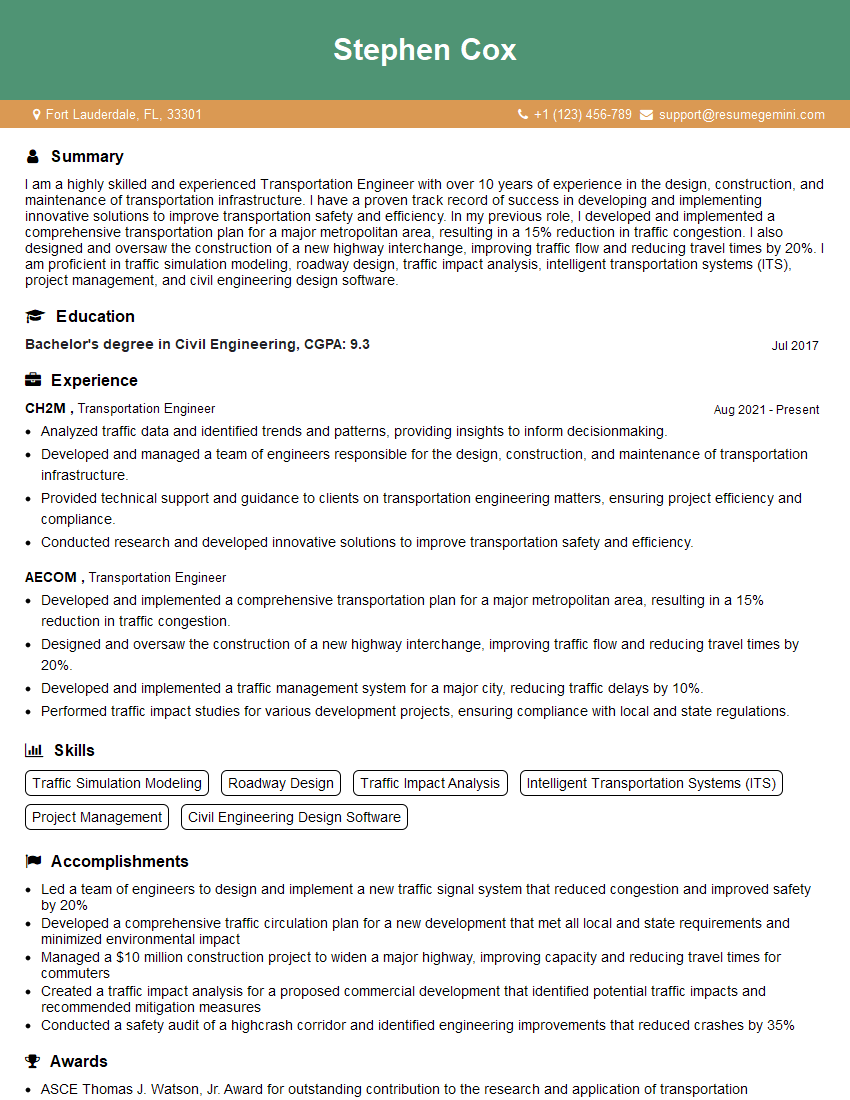
Transportation Engineer Resume Sample
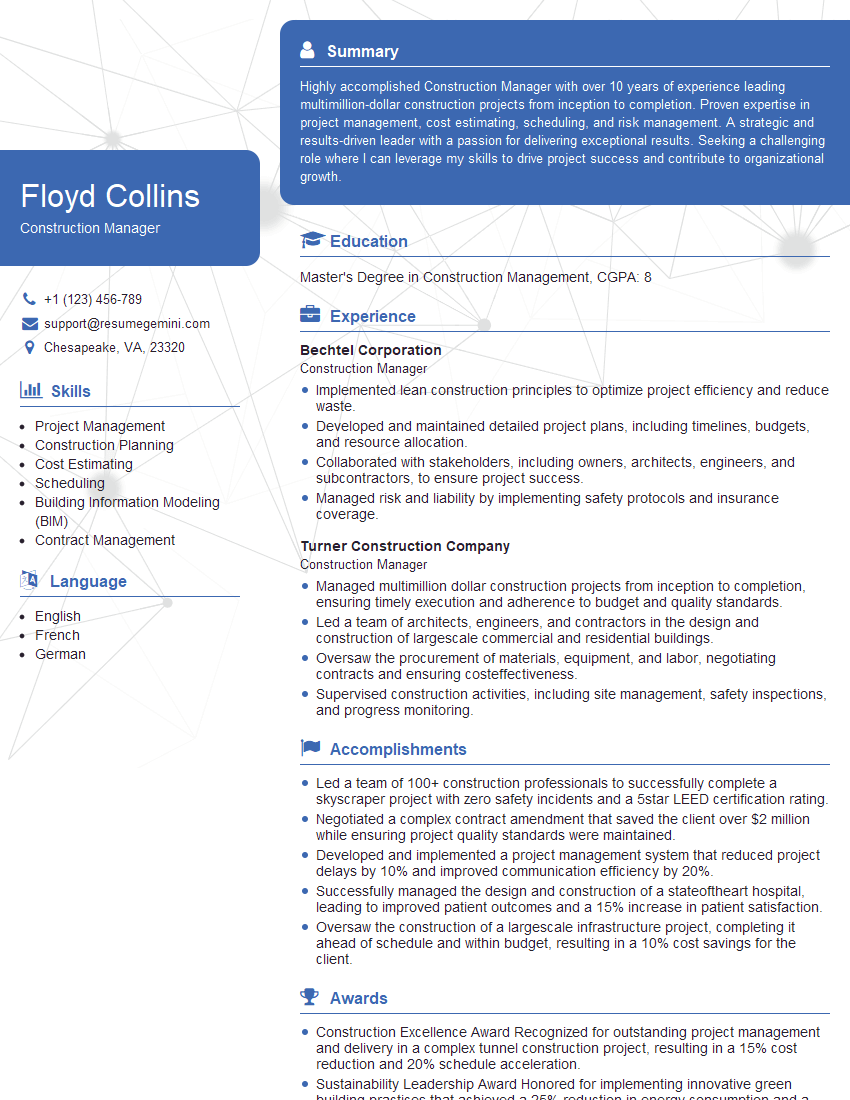
Construction Manager Resume Sample

Project Manager Resume Sample
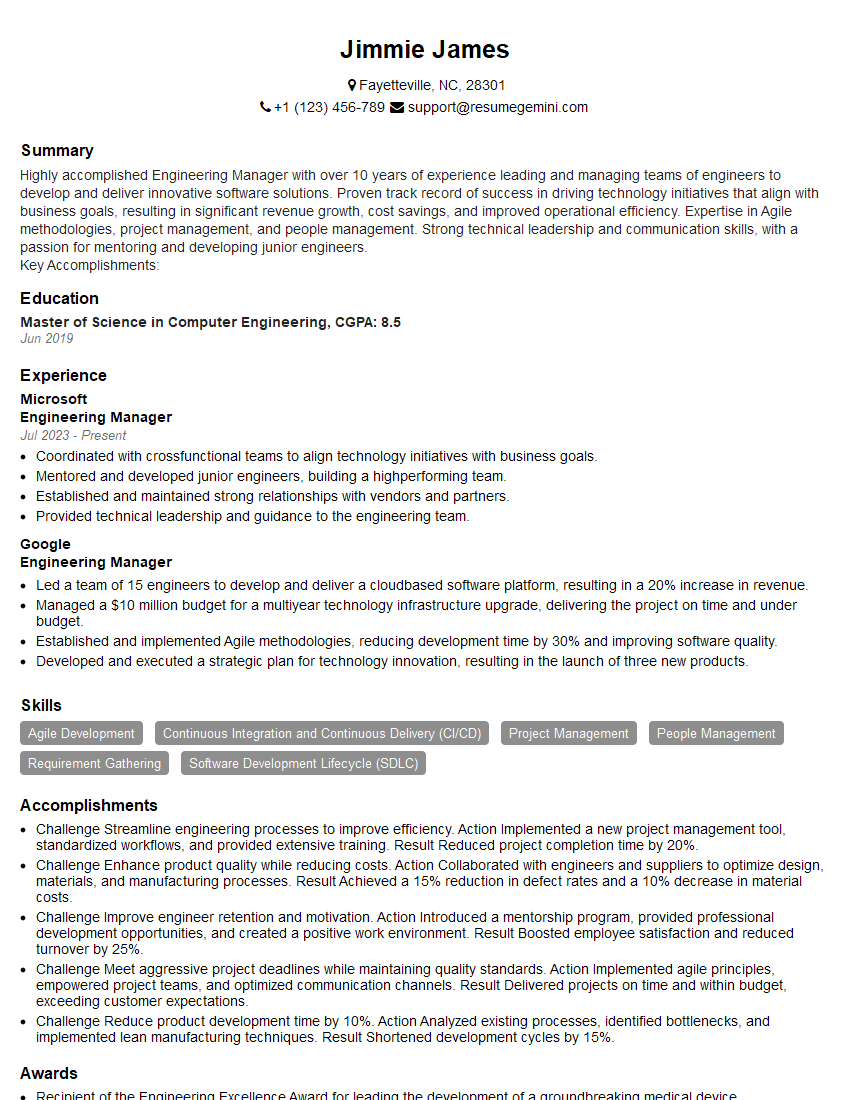
Engineering Manager Resume Sample

Project Engineer Resume Sample

Data Analyst Resume Sample

Infrastructure Engineer Resume Sample

Design Engineer Resume Sample
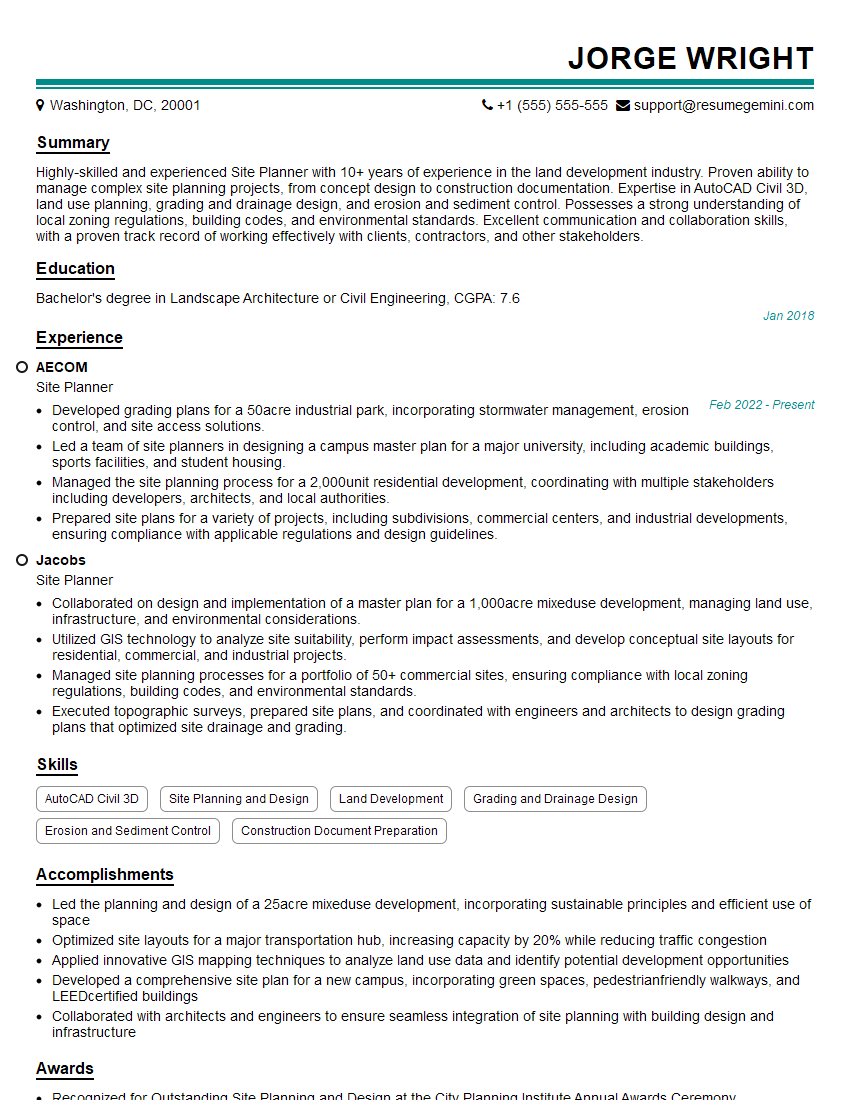
Site Planner Resume Sample
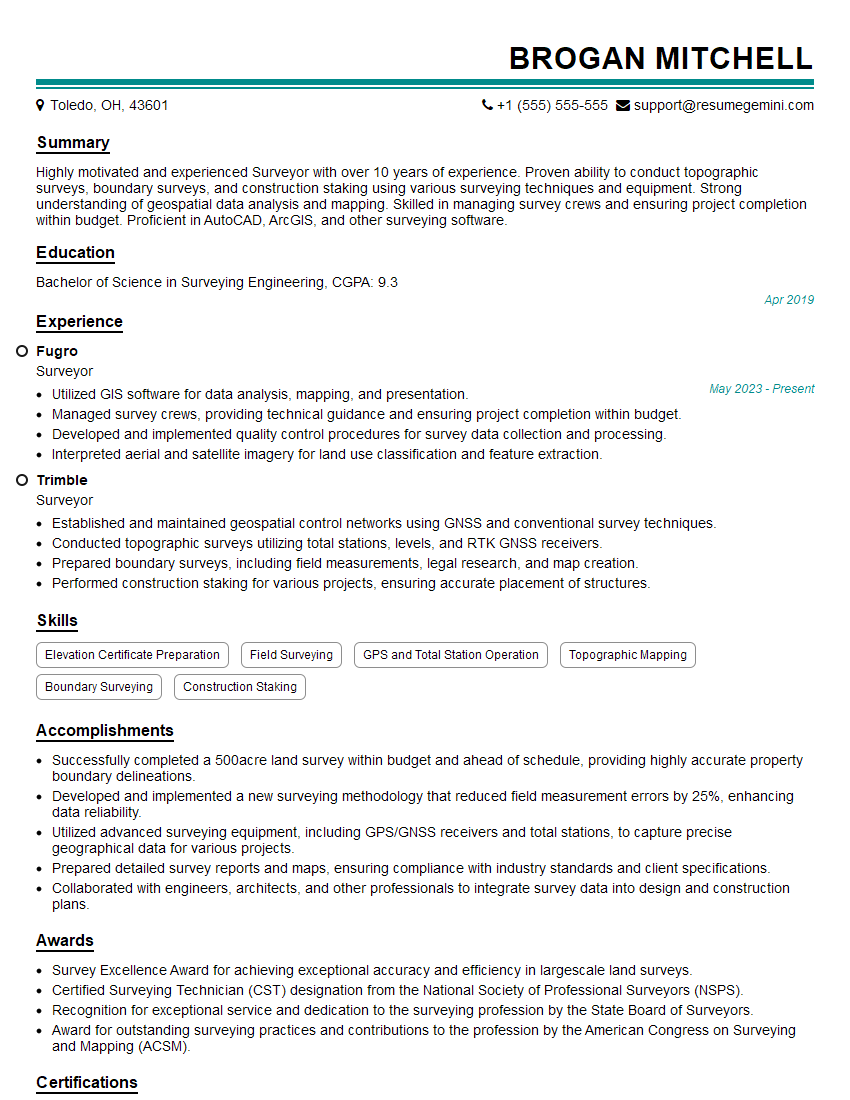
Surveyor Resume Sample

Civil Engineer Resume Sample
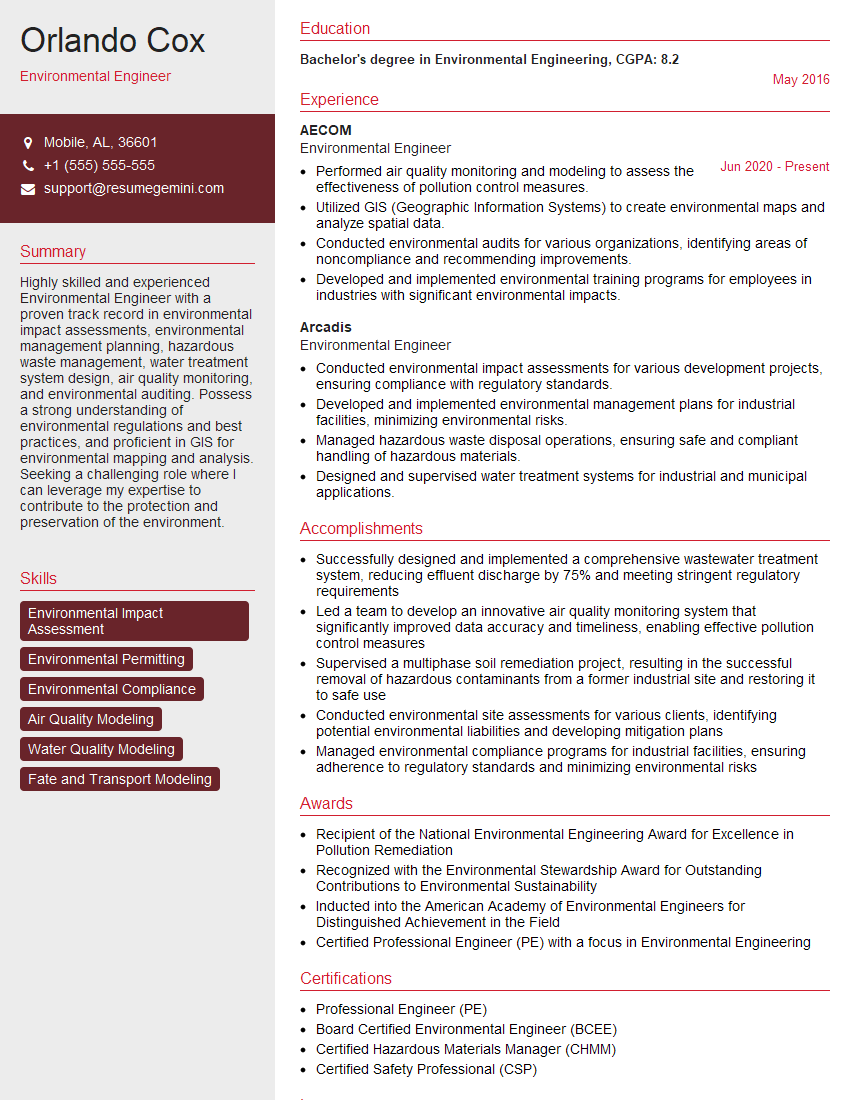
Environmental Engineer Resume Sample
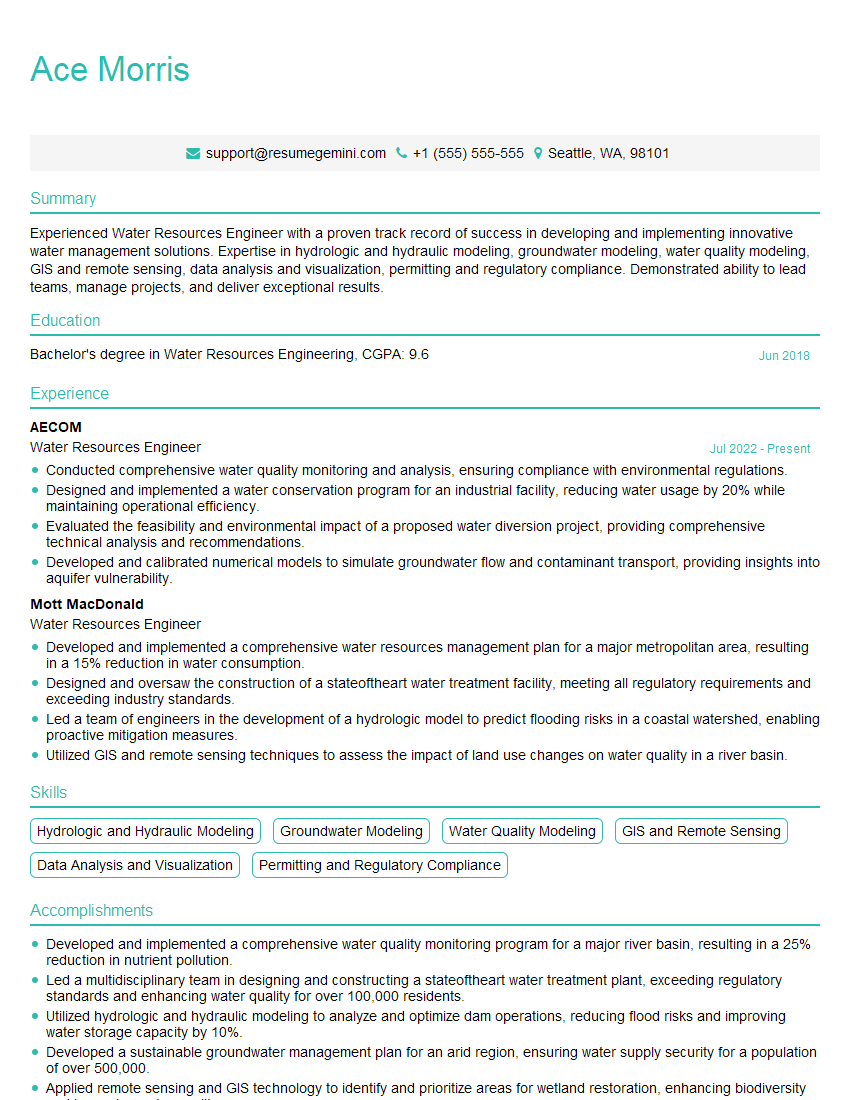
Water Resources Engineer Resume Sample
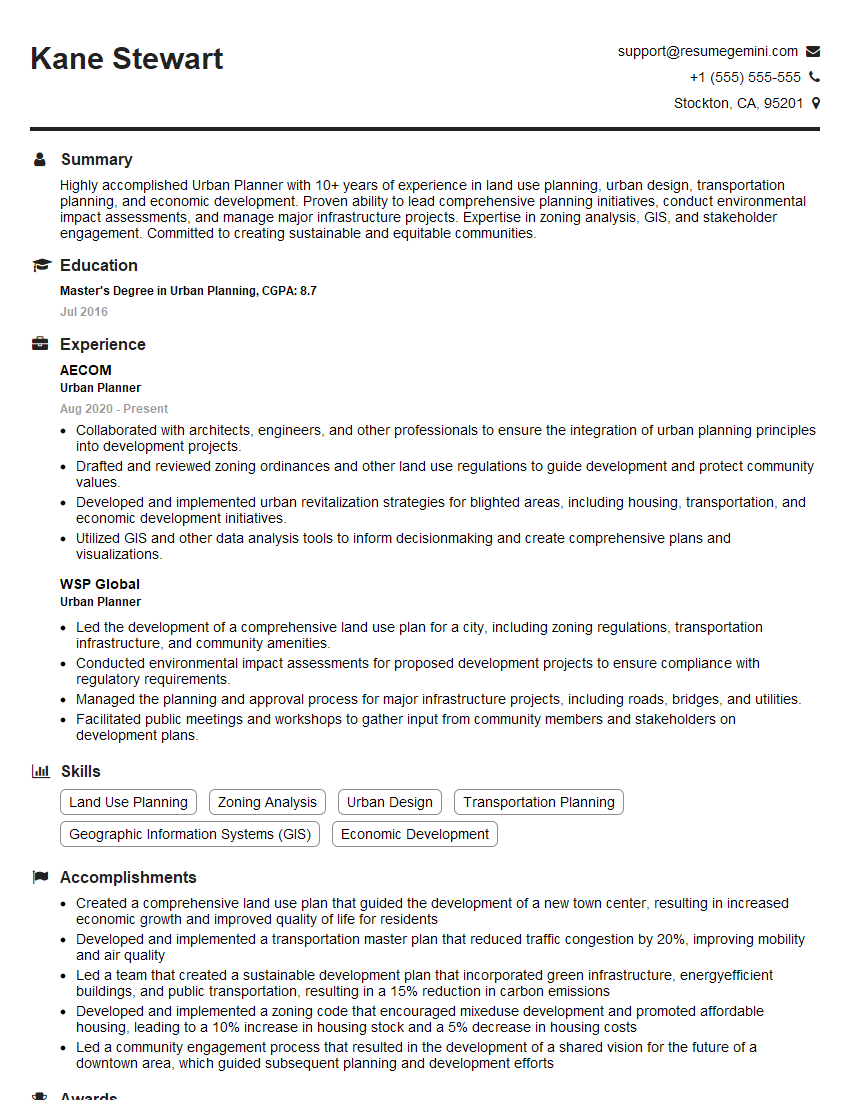
Urban Planner Resume Sample
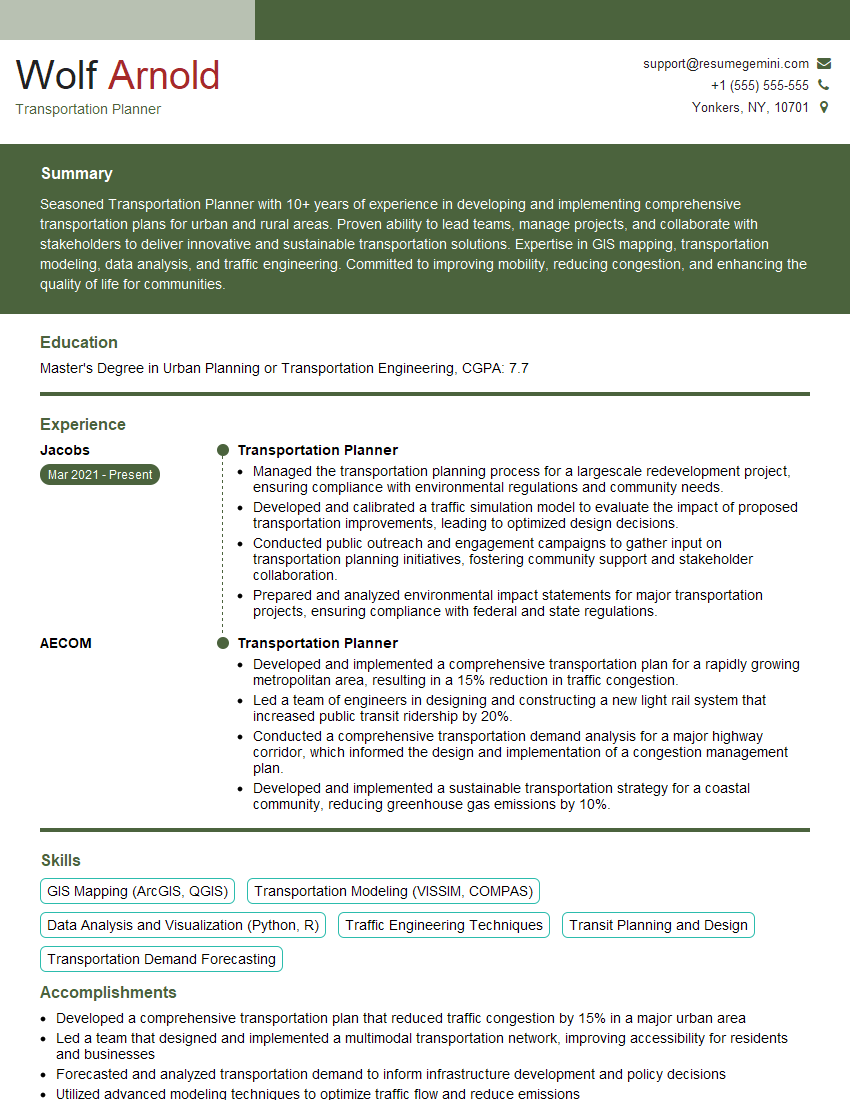
Transportation Planner Resume Sample

3D Modeler Resume Sample
Explore more articles
Users Rating of Our Blogs
Share Your Experience
We value your feedback! Please rate our content and share your thoughts (optional).
What Readers Say About Our Blog
Very informative content, great job.
good