Interviews are more than just a Q&A session—they’re a chance to prove your worth. This blog dives into essential Audio and Video Production and Editing interview questions and expert tips to help you align your answers with what hiring managers are looking for. Start preparing to shine!
Questions Asked in Audio and Video Production and Editing Interview
Q 1. Explain your experience with different audio recording techniques.
My experience with audio recording techniques spans a wide range, from basic single-microphone setups to complex multi-microphone arrangements for capturing nuanced sound. I’m proficient in various recording methods, understanding the importance of microphone selection based on the sound source and desired outcome.
Direct Recording: This involves placing a microphone directly in front of the sound source, offering a clean and uncolored sound. I frequently use this method for voiceovers, musical instruments, and close-up sound effects.
Ambient Recording: Capturing the natural soundscape of an environment, adding atmosphere and realism. I use this extensively in filmmaking, particularly establishing shots and scene setting. The choice of microphone (e.g., a stereo pair or a spaced-pair configuration) greatly influences the outcome.
Room Microphoning: Employing multiple microphones strategically placed within a space to capture the full sound of a performance, such as an orchestra or choir. This technique requires careful consideration of microphone placement, aiming to minimise phase cancellation and achieve balanced audio.
Field Recording: Recording audio in location, often involving challenges like ambient noise and unpredictable weather conditions. I’ve recorded sound in diverse environments, from bustling city streets to quiet forests, always prioritizing clean audio capture and using appropriate techniques to minimize background noise, such as using windshields and strategically positioning the microphones.
I’m adept at using various microphone types – dynamic, condenser, ribbon – and understand their unique characteristics and applications. I also have extensive experience with pre-amplification, gain staging, and monitoring during recording to ensure optimal audio quality.
Q 2. Describe your workflow for editing a video project.
My video editing workflow is a structured process designed for efficiency and high-quality results. It’s broadly divided into these stages:
Ingesting Footage: I begin by organizing and importing all video and audio files, creating a well-structured project folder to prevent confusion. This includes creating backups immediately.
Rough Cut: I assemble the footage in chronological order, focusing on pacing and narrative flow. This stage often involves experimentation and iterative refinement.
Fine Cut: This involves tightening the edit, refining transitions, and making any necessary adjustments to pacing and timing. This stage often benefits from collaborative review and feedback.
Audio Editing & Mixing: I clean up the audio, removing noise and correcting sync issues. I add music, sound effects, and dialogue edits to enhance the audio landscape. This phase heavily involves using EQ, compression, and other audio effects to create a balanced and immersive soundscape.
Color Correction & Grading: I adjust the color balance to ensure consistency across the entire project and apply stylistic grading to enhance the visual mood and atmosphere. I use color wheels and scopes to maintain accuracy and consistency.
Visual Effects (VFX): If required, I incorporate visual effects (depending on the scope of the project). This might range from basic effects such as title creation to complex VFX shots requiring additional software.
Export & Delivery: Finally, I export the video in the appropriate format and resolution, considering the intended platform for distribution. Quality checks are performed at every stage.
This workflow is adaptable to different project requirements. For example, a corporate video will have different priorities than a short film.
Q 3. What audio editing software are you proficient in?
I’m highly proficient in several audio editing software packages. My primary tools include:
Pro Tools: A industry-standard Digital Audio Workstation (DAW) offering unparalleled power and flexibility for audio recording, editing, and mixing. I’ve used Pro Tools extensively for music production, post-production audio, and sound design, leveraging its advanced features for complex audio projects.
Audacity: A free, open-source DAW that’s excellent for basic audio editing tasks, ideal for quick fixes or less complex projects. Its intuitive interface makes it a valuable tool for both beginners and experienced editors.
Adobe Audition: This software integrates seamlessly with the Adobe Creative Cloud ecosystem, making it a powerful choice for both standalone audio projects and those integrated with video editing in Premiere Pro. Its features such as noise reduction and restoration tools are exceptional.
My proficiency extends to mastering various techniques in these programs, including noise reduction, equalization (EQ), compression, reverb, delay, and other effects to create the desired sonic landscape for any project.
Q 4. What video editing software are you proficient in?
My expertise in video editing software includes:
Adobe Premiere Pro: This is my go-to software for most video editing projects. Its robust features, including advanced color correction tools, intuitive timeline, and seamless integration with other Adobe applications, make it incredibly versatile and efficient. I’ve used it on projects ranging from short films to corporate videos and documentaries.
DaVinci Resolve: For projects requiring advanced color grading and VFX, DaVinci Resolve is my preferred choice. Its powerful color correction capabilities and comprehensive suite of visual effects tools are unparalleled. It is extremely powerful and flexible allowing for complex projects.
Final Cut Pro X: I also have experience using Final Cut Pro X, known for its user-friendly interface and speed, making it a great option for quick turnaround projects.
My proficiency in these tools encompasses various techniques, such as multi-cam editing, motion graphics, keyframing, and creating professional-grade titles and lower thirds.
Q 5. How do you handle conflicting creative visions during a project?
Handling conflicting creative visions requires open communication, compromise, and a focus on achieving the project’s overall goals. I start by actively listening to all stakeholders, ensuring everyone feels heard and understood. I then work to find common ground, highlighting the strengths of each vision.
Sometimes, this means suggesting alternative solutions that incorporate elements from both perspectives. For example, I might combine a client’s preferred color palette with a director’s vision for a specific scene. When compromises are difficult, I utilize storyboards, mood boards, and test edits to visualize different creative directions and facilitate a collaborative decision-making process. The key is to maintain a positive and collaborative environment where all parties feel valued and respected.
Ultimately, I strive for a solution that fulfills the client’s needs while maintaining creative integrity. My experience has shown that prioritizing transparent communication and mutual respect leads to the best possible outcomes.
Q 6. Describe your experience with color correction and grading.
Color correction and grading are crucial steps in enhancing the visual appeal and consistency of a video project. Color correction focuses on restoring accurate color representation, while color grading introduces stylistic choices to create a specific mood or aesthetic.
My experience encompasses a range of techniques, utilizing tools in both Premiere Pro and DaVinci Resolve. I’m proficient in:
White Balance Correction: Ensuring accurate representation of white, fixing color casts caused by different light sources.
Exposure Adjustment: Correcting overexposed or underexposed areas to achieve proper brightness levels.
Color Grading: Using tools like curves, color wheels, and secondary color correction to enhance the overall look, creating desired moods such as warm, cool, or dramatic.
LUTs (Lookup Tables): Applying pre-designed or custom LUTs to quickly achieve specific color styles.
I frequently utilize color scopes (vectorscopes, histograms, waveforms) to ensure accurate and consistent color throughout a project. I approach color correction and grading as a blend of technical precision and artistic vision.
Q 7. How do you manage large video files efficiently?
Managing large video files efficiently is crucial for maintaining a smooth workflow and avoiding technical issues. My strategies include:
Using High-Performance Storage: Investing in fast storage solutions like SSDs (Solid State Drives) or high-speed RAID systems significantly reduces loading and rendering times.
Working with Proxies: Editing lower-resolution proxy files drastically speeds up the editing process while maintaining project organization. The high-resolution originals are only rendered at the final export stage.
Optimizing Project Settings: Selecting appropriate project settings (codecs, frame rates, resolutions) based on the project’s needs. Avoid unnecessarily high resolutions or complex codecs if not absolutely necessary.
Using Media Management Software: Software such as Adobe Media Encoder or other batch processing tools can significantly speed up the process of transcoding and organizing large numbers of files.
Regular File Organization: Maintaining a clean and organized file structure using clearly labelled folders and naming conventions makes locating files quick and easy.
Cloud Storage: Utilizing cloud storage for backups and collaborating with other editors.
By strategically employing these techniques, I ensure a streamlined workflow that maximizes productivity and prevents unnecessary delays or technical issues due to file size.
Q 8. What are your preferred methods for noise reduction in audio?
Noise reduction in audio is crucial for achieving a clean and professional sound. My approach is multifaceted and depends heavily on the type and source of noise. I begin by identifying the nature of the noise – is it consistent hum, random hiss, or a specific disruptive sound? This informs my choice of techniques.
Spectral Editing: For targeted noise removal, I use spectral editing tools in DAWs (Digital Audio Workstations) like Adobe Audition or Pro Tools. This allows me to visually identify and remove frequency bands containing unwanted noise, often using a noise print to isolate the unwanted sound and reduce it without affecting the desired audio. For instance, removing a consistent 60Hz hum from a recording is ideal using this method.
Noise Reduction Plugins: High-quality noise reduction plugins, like iZotope RX or Waves plugins, are invaluable. These employ advanced algorithms to analyze the audio and intelligently reduce noise while preserving the clarity of the desired sound. I carefully adjust parameters like reduction amount and noise floor to avoid artifacts like ‘muddy’ audio.
De-essing: For sibilance (hissing ‘s’ sounds), I use de-essers, which reduce high-frequency peaks without affecting overall presence. This is particularly important when editing vocals.
Pre-Production Considerations: The best noise reduction is preventative. I always prioritize proper microphone technique, minimizing background noise during recording, and utilizing appropriate acoustic treatment in the recording environment to reduce the need for extensive post-production cleanup.
My workflow often involves combining several of these techniques for optimal results. It’s a careful balancing act between noise reduction and maintaining the natural quality of the audio.
Q 9. Explain your understanding of audio compression techniques.
Audio compression is a dynamic process that reduces the difference between the loudest and quietest parts of an audio signal. It’s used to control dynamics, increase loudness, and improve clarity. Think of it like smoothing out peaks and valleys in a landscape.
Dynamic Range Compression: This is the most common type. It lowers the amplitude of louder signals and boosts quieter signals, making the overall sound more consistent. Key parameters include threshold (the level at which compression begins), ratio (the amount of reduction applied to signals above the threshold), attack (how quickly the compressor reacts to loud signals), and release (how quickly the compressor returns to normal after a loud signal passes). For example, I might use a compressor on vocals to reduce peaks that could otherwise clip (distort) or create unwanted harshness.
Multiband Compression: This technique splits the audio into different frequency bands, allowing for separate compression on each band. This is especially useful for complex audio mixes where some frequency ranges might need more or less compression than others. For instance, I might compress the low frequencies more heavily to tighten a bass line while applying gentler compression to the higher frequencies to maintain clarity.
Limiting: A limiter is a form of compression with a very high ratio, used to prevent the audio from exceeding a specific peak level. This ensures that the audio doesn’t clip and maintains a consistent loudness, crucial for mastering.
Understanding the interplay between these parameters is critical for effective and transparent compression. Over-compression can result in a lifeless, unnatural sound, while insufficient compression might leave the audio dynamically uneven.
Q 10. Describe your experience with motion graphics and animation.
My experience with motion graphics and animation encompasses a wide range of techniques and software, including Adobe After Effects, Cinema 4D, and Blender. I’ve worked on various projects, from creating lower-thirds and animated logos for broadcast television to developing full-scale animated explainer videos.
Explainer Videos: I’ve created engaging animated videos that simplify complex concepts for diverse audiences. This often involves character animation, screen recordings, and custom illustration.
Broadcast Graphics: My expertise extends to designing and animating broadcast graphics, adhering to strict broadcast standards and timing requirements.
Title Sequences and Lower Thirds: I’ve crafted dynamic title sequences and lower thirds to enhance brand identity and improve viewer engagement.
2D and 3D Animation: I am proficient in both 2D and 3D animation techniques, depending on the project’s visual style and goals.
My work consistently aims for a seamless integration of motion graphics and animation with audio and video, enhancing the overall storytelling and visual experience.
Q 11. How do you ensure the quality of your video and audio deliverables?
Quality assurance is paramount in my workflow. It’s not a single step but a continuous process starting from pre-production and extending through post-production.
Pre-Production Planning: I meticulously plan each project, ensuring all technical specifications are clearly defined and approved. This includes detailed storyboards, shot lists, and audio specifications.
Regular Quality Checks: Throughout the production process, I conduct regular quality checks, reviewing both audio and video footage to identify and correct any issues early on. This often involves using waveform monitors and vectorscopes for audio and video analysis.
Version Control: I maintain organized file management systems, including version control using software like Adobe Premiere Pro’s native versioning or external tools, to easily track revisions and revert to earlier versions if needed.
Test Screening/Listening: Before final delivery, I always conduct test screenings or listening sessions to evaluate the overall quality and ensure the project meets the client’s expectations and intended impact. I often seek feedback from a trusted second pair of ears and eyes.
Deliverable Specifications: I ensure that all deliverables are in the correct format and resolution, conforming to client specifications and industry standards.
My commitment to quality is driven by a desire to create work that is both visually and aurally compelling and technically flawless.
Q 12. Describe your experience with different camera systems.
My experience with camera systems spans various formats and technologies. I’m proficient in operating both professional cinema cameras and more consumer-oriented options, adapting my approach depending on the project’s needs and budget.
Cinema Cameras (e.g., Arri Alexa, RED): I am comfortable operating high-end cinema cameras, understanding their advanced features such as color science, dynamic range, and various recording formats. These cameras offer exceptional image quality and versatility but require specific knowledge and workflow.
Mirrorless Cameras (e.g., Sony a7S III, Panasonic S5): I frequently use mirrorless cameras due to their compact size, high image quality, and excellent autofocus. They are often preferable for documentaries, corporate videos, or run-and-gun situations.
DSLR/Hybrid Cameras (e.g., Canon EOS R5, Nikon Z6): I utilize DSLR or hybrid cameras when budget or portability is a key concern, balancing image quality and accessibility.
My experience extends beyond just operating the cameras; I also understand the importance of proper lighting, framing, and composition for optimal results, regardless of the camera system used.
Q 13. What are your experience with different microphones and their applications?
Microphone selection is critical for capturing high-quality audio. My understanding encompasses a wide range of microphone types and their applications.
Condenser Microphones: These are highly sensitive microphones that are excellent for capturing subtle details and nuances. They are frequently used for recording vocals, acoustic instruments, and other delicate sounds. Large-diaphragm condenser microphones, for example, are commonly used in studios for recording vocals, while small-diaphragm condensers are often used for instrument recording and overhead miking.
Dynamic Microphones: These are more rugged and less sensitive microphones, better suited for loud sound sources such as live instruments or loud vocals. Their durability makes them ideal for live performances and field recordings.
Ribbon Microphones: These microphones produce a unique, warm sound and are often used for recording instruments like guitars and vocals that need a more vintage feel. They are generally more fragile and require careful handling.
Shotgun Microphones: These are directional microphones designed to pick up sound from a narrow area, making them ideal for on-location recording to focus on a specific subject, minimizing unwanted background noise.
Lavaliere Microphones (Lavalier/Lapel): Small, clip-on microphones for close-miking talent, ensuring clear and unobtrusive audio capture.
My choice of microphone is always driven by the specific audio source, recording environment, and desired sonic characteristics. I also understand the importance of proper microphone placement and technique to optimize audio quality.
Q 14. Explain your understanding of different video codecs and formats.
Video codecs and formats determine how video data is compressed and stored. Choosing the right codec and format is essential for balancing file size, quality, and compatibility.
H.264 (AVC): A widely compatible codec, offering a good balance between quality and file size. It is commonly used for web videos and consumer devices.
H.265 (HEVC): A more efficient codec than H.264, achieving better compression at the same quality or higher quality at the same file size. However, its compatibility is not as widespread.
ProRes (Apple): A high-quality, lossy codec popular in professional video editing workflows. It offers excellent image quality but results in larger file sizes.
DNxHD (Avid): Another high-quality, lossy codec used extensively in professional video production. It provides good balance between quality and file size.
Formats (e.g., MP4, MOV, AVI): These containers hold the video and audio data encoded by a chosen codec. MP4 is a highly versatile and widely compatible format, while MOV is commonly associated with Apple products. AVI is an older format with variable compatibility.
My selection of codecs and formats is always context-dependent. I carefully consider factors like intended distribution platform, target audience, storage requirements, and quality needs to make informed decisions about which codec and format to utilize for a given project. For example, a web-based video might use H.264 for broad compatibility, while a high-end cinematic project would likely use ProRes or DNxHD for superior quality during editing.
Q 15. How do you troubleshoot technical issues during a shoot or edit?
Troubleshooting technical issues on a shoot or in post-production is crucial for a smooth workflow. My approach is systematic and involves a combination of preventative measures and reactive problem-solving. On set, I always ensure equipment is checked beforehand, including battery levels, media card space, and cable connections. During the shoot, I have a checklist to address common problems like audio dropouts, lighting issues, or camera malfunctions.
If a problem arises, my first step is to identify the source. Is it a hardware problem (faulty equipment), a software glitch (corrupted file), or a user error (incorrect settings)? I systematically eliminate possibilities using my troubleshooting flowchart and knowledge of each piece of equipment. For example, a sudden audio dropout might be a loose cable, a dying battery in the recorder, or a problem with the audio interface settings.
In post-production, common problems include corrupted files, codec issues, or sync problems. I utilize media management software and meticulous file organization to minimize these risks. If a problem does occur, I use backup files and professional recovery tools if necessary. Documentation is key; I keep detailed notes throughout the production process, making troubleshooting much easier.
Career Expert Tips:
- Ace those interviews! Prepare effectively by reviewing the Top 50 Most Common Interview Questions on ResumeGemini.
- Navigate your job search with confidence! Explore a wide range of Career Tips on ResumeGemini. Learn about common challenges and recommendations to overcome them.
- Craft the perfect resume! Master the Art of Resume Writing with ResumeGemini’s guide. Showcase your unique qualifications and achievements effectively.
- Don’t miss out on holiday savings! Build your dream resume with ResumeGemini’s ATS optimized templates.
Q 16. Describe your experience with visual effects software.
I’m proficient in several visual effects (VFX) software packages, including Adobe After Effects and Autodesk Fusion. My experience spans a wide range of VFX tasks, from simple compositing and keying to more complex motion tracking, 3D particle effects, and rotoscoping. For example, in a recent project, I used After Effects to remove unwanted elements from a background shot using rotoscoping and layer masking techniques, significantly improving the overall aesthetic.
In another project, I employed motion tracking in Fusion to seamlessly integrate CGI elements into live-action footage. My experience isn’t solely limited to execution; I understand the creative implications of VFX and work closely with directors and editors to achieve their artistic vision. This includes understanding the limitations of different techniques and offering realistic solutions. I strive to create seamless and believable VFX that enhance the narrative without distracting the viewer. I am also always learning and adapting to new software updates and techniques.
Q 17. How do you collaborate effectively with other team members?
Effective collaboration is paramount in audio-visual production. I believe in open communication, proactive problem-solving, and mutual respect. I start by clearly defining roles and responsibilities from the outset, ensuring everyone understands their contribution to the overall project. I foster a collaborative environment by actively listening to others’ ideas, offering constructive criticism, and readily incorporating feedback. I frequently utilize project management tools to maintain transparency and track progress.
For instance, in a recent documentary project, I worked closely with the director, cinematographer, and sound recordist. We held regular meetings to discuss creative choices, technical aspects, and logistical challenges. We employed a shared online platform to share files, updates, and notes, maintaining a clear and efficient communication channel. I believe in leading by example and contributing actively to a positive and productive team dynamic. Regular communication and a proactive approach to potential conflicts are essential for successful teamwork.
Q 18. Explain your experience with audio mixing and mastering.
My expertise in audio mixing and mastering is built on years of hands-on experience using industry-standard Digital Audio Workstations (DAWs) such as Pro Tools and Logic Pro X. I’m adept at dialogue editing, sound design, foley, and music integration. Mixing involves balancing and shaping different audio elements to create a cohesive soundscape. Mastering is the final stage, where the audio is optimized for various playback platforms, ensuring consistent loudness and dynamic range.
For instance, in a recent short film, I meticulously cleaned up and restored dialogue recordings using noise reduction and de-essing techniques. I then mixed the sound effects and music to create a dynamic and immersive soundscape, ensuring clarity and intelligibility. Finally, I mastered the audio, ensuring a balanced sound across different devices. I always maintain a detailed session history and carefully organize my project files to ensure a professional and organized workflow. My goal is always to create audio that supports the narrative and enhances the viewing experience.
Q 19. How do you manage project timelines and deadlines effectively?
Effective project timeline management is crucial. I use a combination of project management software, detailed scheduling, and proactive communication. I start by breaking down the project into smaller, manageable tasks, assigning deadlines to each. Then, I use Gantt charts or similar tools to visualize the project timeline and identify potential bottlenecks. Regular progress meetings and transparent reporting keep everyone informed and allow for timely adjustments.
For example, I’ll create a detailed shot list and schedule for a video shoot, estimating time for setup, recording, and potential issues. If unforeseen delays occur, I immediately communicate with the team and adjust the schedule accordingly. I also prioritize tasks based on their importance and dependencies. By staying organized, anticipating potential delays, and utilizing project management tools, I consistently deliver projects on time and within budget.
Q 20. Describe your experience with creating storyboards and shot lists.
Storyboards and shot lists are integral to pre-production planning. A storyboard visually outlines the key scenes and shots, acting as a blueprint for the shoot. A shot list provides a detailed description of each shot, including camera angles, framing, and action. I utilize software like Adobe Photoshop or dedicated storyboard applications to create clear and concise visuals.
I find it helpful to create storyboards in collaboration with the director, ensuring we’re both on the same page creatively. This collaborative approach leads to a more efficient and focused production. My shot lists include technical details like shot duration, equipment requirements, and any special effects or visual elements planned. This meticulous planning streamlines the shooting process, reduces on-set confusion, and ensures the final product aligns with the original vision.
Q 21. What is your experience working with different audio and video file formats?
I have extensive experience working with various audio and video file formats, including those commonly used in professional productions. This includes codecs like ProRes, DNxHD, H.264, and H.265 for video and WAV, AIFF, and MP3 for audio. I understand the strengths and limitations of different formats regarding compression, quality, and compatibility. This knowledge allows me to make informed decisions during acquisition and post-production, balancing quality with file size and storage considerations.
For example, I might choose ProRes for high-quality editing and intermediate files, transitioning to a more compressed format like H.264 for final distribution on the web. Similarly, I’ll use lossless audio formats during editing and potentially convert to MP3 for final delivery to clients. I always ensure that the chosen format is compatible with the editing software and the delivery platform to avoid compatibility issues and workflow disruptions. Proper file naming conventions and metadata tagging are crucial for organization and easy retrieval.
Q 22. How do you ensure consistency in audio levels throughout a project?
Maintaining consistent audio levels throughout a project is crucial for a professional and enjoyable listening experience. Inconsistent levels can be jarring and detract from the overall quality. I achieve this through a multi-step process:
Gain Staging: This is the most important step. Before recording, I carefully adjust the input gain on my recording device (whether it’s a mixer or a digital audio workstation) to ensure the signal is strong enough to be clearly heard but not so loud it clips (distorts). I aim for a headroom of around -12dBFS to -18dBFS, leaving space for later processing.
Metering: I religiously monitor audio levels using VU meters or digital peak meters. These visually represent the audio level, ensuring I avoid clipping and maintain a balanced mix. Different meters have different purposes – peak meters show the highest level reached, while VU meters provide a more integrated view of the average level.
Automation: For dynamic audio, such as dialogue in a film, I use automation in my DAW (Digital Audio Workstation) to adjust levels throughout the scene. This allows me to subtly raise or lower levels to ensure consistency without making any abrupt changes.
Compression: Compression is a powerful tool to control dynamic range – the difference between the loudest and quietest parts of the audio. It helps to even out levels, reducing peaks and boosting quieter parts. Careful use is crucial to avoid making the audio sound unnatural.
Normalization: After editing and mixing, normalization raises the overall audio level to a target without clipping. This ensures the final mix plays consistently across different playback systems.
Think of it like baking a cake; you wouldn’t throw all the ingredients in at once without measuring, right? Similarly, careful gain staging and metering prevent audio from sounding too loud or too quiet, ensuring a smooth and pleasant listening experience.
Q 23. What strategies do you use to maintain a high-quality audio recording in a noisy environment?
Recording high-quality audio in a noisy environment requires a strategic approach that combines pre-production planning, on-set techniques, and post-production processing. Here’s my strategy:
Location Scouting: Before recording, I assess the environment to identify noise sources and plan accordingly. This may involve selecting a quieter location or time of day.
Microphone Choice: I use directional microphones (like cardioid or hypercardioid) which are less sensitive to sounds coming from the sides and rear, focusing on the sound source. A shotgun microphone is ideal for isolating sound from a distance in noisy environments.
Microphone Placement: Proper microphone placement is vital. I position the microphone as close as possible to the sound source to minimize the pickup of background noise. I also use shock mounts and windshields to reduce unwanted vibrations and wind noise.
Sound Treatment (if possible): If I have control over the environment, I might use portable sound absorption panels or blankets to dampen reflections and reduce reverberation. This is particularly helpful in smaller spaces.
Noise Reduction Software: Even with the best preparation, some background noise is often unavoidable. In post-production, I use noise reduction software like iZotope RX to carefully remove or reduce unwanted sounds. This requires skill to avoid affecting the quality of the desired audio.
For example, during a recent documentary shoot in a busy marketplace, we used a combination of a highly directional shotgun microphone, carefully positioned close to the interviewee, and post-production noise reduction to achieve clear, usable audio despite the surrounding chaos. The key is to plan, act, and refine – often in that order.
Q 24. Explain your familiarity with professional audio equipment such as mixers and signal processors.
My familiarity with professional audio equipment extends across a wide range of tools, including mixers, signal processors, and recording interfaces. I’m comfortable working with both analog and digital systems.
Mixers: I’m proficient with various mixer types, from small compact mixers for location recording to large-format consoles for studio sessions. I understand concepts like gain staging, routing, equalization (EQ), and dynamics processing (compression, limiting, gating) within a mixing context. I have experience with brands like Yamaha, Soundcraft, and Allen & Heath.
Signal Processors: I’m skilled in using a variety of signal processors, including equalizers (EQ), compressors, limiters, gates, and reverb units. Understanding how to use these tools to shape and enhance the sound is critical for achieving a professional, polished final product. I’m familiar with both hardware and software-based solutions.
Recording Interfaces: I’m well-versed in using audio interfaces to connect microphones and instruments to digital audio workstations (DAWs). I understand different sampling rates and bit depths and their impact on audio quality. My experience encompasses interfaces from brands like Focusrite, Universal Audio, and RME.
I view these tools not as mere devices but as instruments that contribute to the creative process, allowing me to shape the sound and enhance the overall listening experience.
Q 25. What is your experience with live event sound mixing?
I have significant experience in live event sound mixing, encompassing various settings from small concerts to large-scale corporate events. This experience has taught me the importance of quick thinking, adaptability, and collaboration.
System Setup and Configuration: I’m proficient in setting up and configuring PA systems, including microphone placement, speaker positioning, and signal routing. Understanding acoustics and room characteristics is crucial for a successful live mix.
Monitoring and Mixing: I’m adept at monitoring the audio levels and mix during a live performance, making adjustments in real-time to accommodate changes in volume and dynamics. This requires both technical skill and an understanding of the artistic intent of the performers.
Troubleshooting: During live events, unexpected technical issues can arise. I possess the skills to quickly diagnose and resolve problems, ensuring minimal disruption to the performance. This often requires collaborative problem-solving with the event crew.
One memorable event involved mixing sound for an outdoor concert in unpredictable weather. We had to quickly adapt our microphone setup to protect against wind and rain, while maintaining consistent audio quality for the audience. The successful outcome was a testament to preparedness and problem-solving skills developed through years of experience.
Q 26. How do you utilize visual effects to improve the storytelling in a video?
Visual effects (VFX) are invaluable tools for enhancing storytelling in video production. They aren’t just about flashy explosions; they’re about subtly improving emotional impact, creating clarity, and reinforcing the narrative.
Emphasis and Clarity: VFX can be used to highlight key elements in a scene, guiding the viewer’s attention and reinforcing important moments. For instance, a subtle glow around a character’s face can emphasize a moment of revelation or fear.
Creating Visual Metaphors: VFX allows for the creation of striking visual metaphors that wouldn’t be possible in reality. This can enhance the thematic resonance and abstract ideas within the narrative.
Emotional Impact: The right VFX can dramatically heighten emotional impact. For instance, subtle color grading can change the mood of a scene, while motion blur can increase the feeling of speed and danger.
World Building and Enhancing Believability: VFX plays a big role in enhancing believability by adding details, seamlessly extending sets, or even creating entirely fictional worlds. Imagine a science fiction film where the alien landscapes are rendered convincingly.
Transition and Seamless Editing: VFX can be used to seamlessly transition between different scenes, creating a smooth and coherent viewing experience for the audience.
For example, in a recent short film I worked on, I used subtle light effects to underscore emotional moments during a dialogue scene, deepening the viewer’s understanding of the character’s internal conflicts. It was a matter of less-is-more – enhancing the story, not overwhelming it.
Q 27. Describe a time you had to overcome a significant technical challenge in a project.
During the post-production of a documentary, we encountered a significant challenge when a crucial interview recording was corrupted due to a hard drive failure. The interview was the centerpiece of a particular section of the film, and losing it was devastating.
We addressed this challenge through a multi-pronged approach:
Data Recovery: First, we immediately engaged professional data recovery services to try and salvage any recoverable data from the damaged hard drive. Though not all data was recovered, portions of the interview were salvaged.
Creative Repurposing: We reviewed existing footage and audio, focusing on the key themes addressed in the lost interview. We found ways to rearrange and repurpose available content to cover essential points.
Re-interview (partially): Due to time constraints and budget, we managed to schedule a partial re-interview with the interviewee to cover the critical missing parts. Careful planning ensured continuity with the existing footage.
Audio Enhancement: We used advanced audio restoration techniques to minimize any gaps or inconsistencies in the recovered audio and to match audio quality across the film.
While the initial setback was significant, our collaborative problem-solving and a combination of technical skill and creative thinking allowed us to overcome the obstacle and deliver a completed documentary without significantly compromising the story.
Q 28. What are your salary expectations?
My salary expectations are commensurate with my experience and skillset within the industry. Given my extensive experience in audio and video production and editing, my target salary range is between $80,000 and $110,000 annually. However, I’m open to discussing specific compensation packages based on the scope of responsibilities and benefits provided.
Key Topics to Learn for Audio and Video Production and Editing Interview
- Audio Fundamentals: Understanding microphone techniques (directional vs. omni, proximity effect), audio mixing principles (EQ, compression, reverb), and noise reduction techniques. Practical application: Explain how you’d handle a noisy audio recording in post-production.
- Video Fundamentals: Camera operation (framing, shot composition, lighting), basic editing principles (continuity, pacing, storytelling), and understanding different video formats and codecs. Practical application: Describe your approach to creating a compelling narrative using various camera angles and editing techniques.
- Non-Linear Editing Software: Proficiency in industry-standard NLEs like Adobe Premiere Pro, Final Cut Pro, or Avid Media Composer. Practical application: Discuss your experience with specific editing tools and workflows within your preferred NLE.
- Color Correction and Grading: Understanding color theory and applying color correction and grading techniques to enhance the visual appeal of video. Practical application: Explain how you’d approach correcting color imbalances in a scene shot under challenging lighting conditions.
- Audio Post-Production: Advanced audio mixing, sound design, Foley, and dialogue editing. Practical application: Describe your experience creating immersive soundscapes for video projects.
- Workflow and Collaboration: Understanding project management, file organization, client communication, and teamwork in a production environment. Practical application: Explain your approach to managing a large video project with multiple contributors.
- Problem-Solving and Troubleshooting: Identifying and resolving technical issues related to audio and video production and editing. Practical application: Describe a challenging technical problem you encountered and how you overcame it.
Next Steps
Mastering Audio and Video Production and Editing opens doors to exciting and diverse career opportunities in film, television, broadcasting, advertising, and more. A strong grasp of these skills significantly enhances your employability and allows you to pursue your passion professionally. To maximize your job prospects, creating an ATS-friendly resume is crucial. This ensures your qualifications are effectively highlighted to applicant tracking systems, increasing your chances of landing an interview. ResumeGemini is a trusted resource to help you build a professional and impactful resume tailored to your skills and experience. Examples of resumes specifically tailored for Audio and Video Production and Editing professionals are available to help you get started.

Colorist Resume Sample
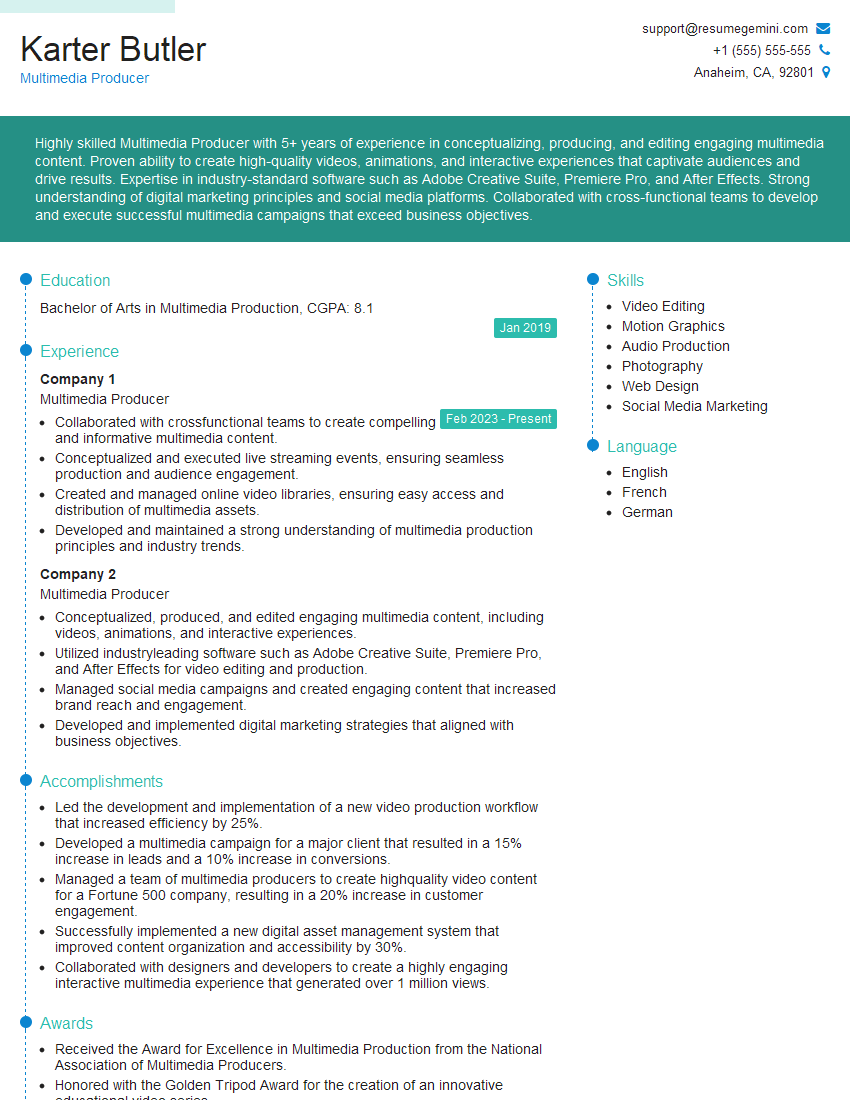
Multimedia Producer Resume Sample
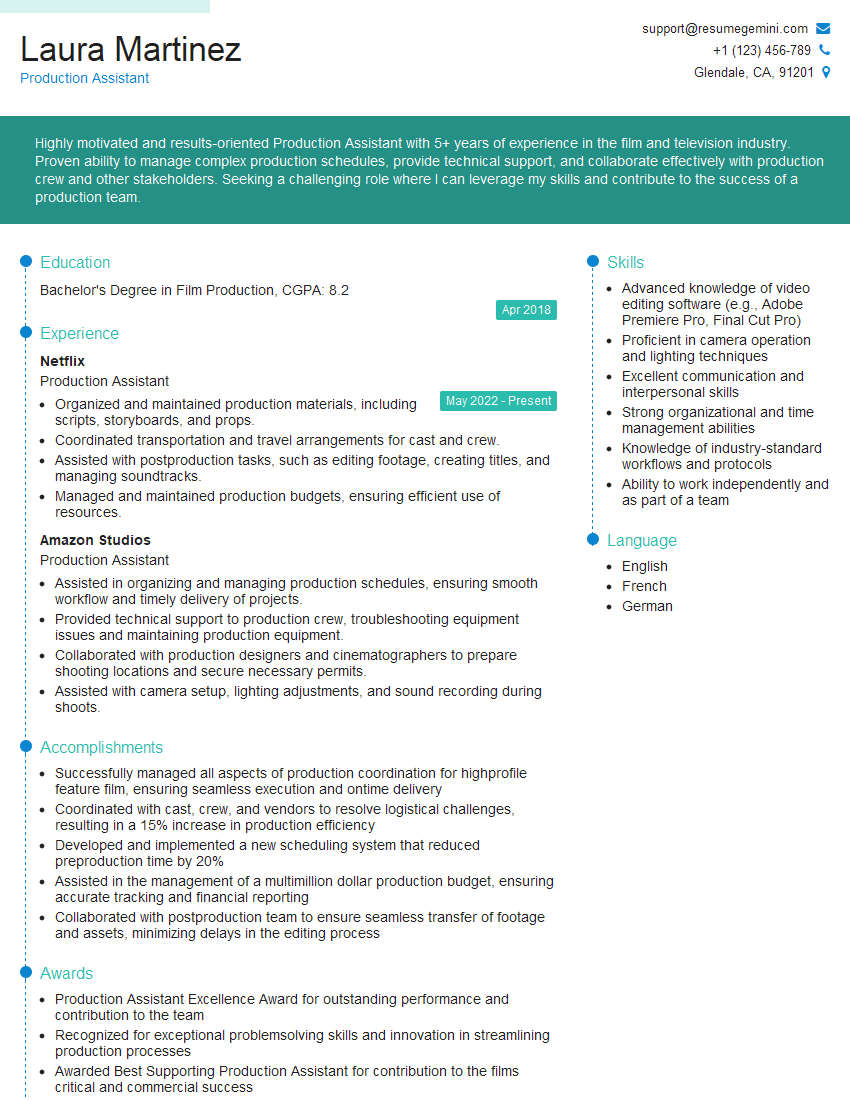
Production Assistant Resume Sample
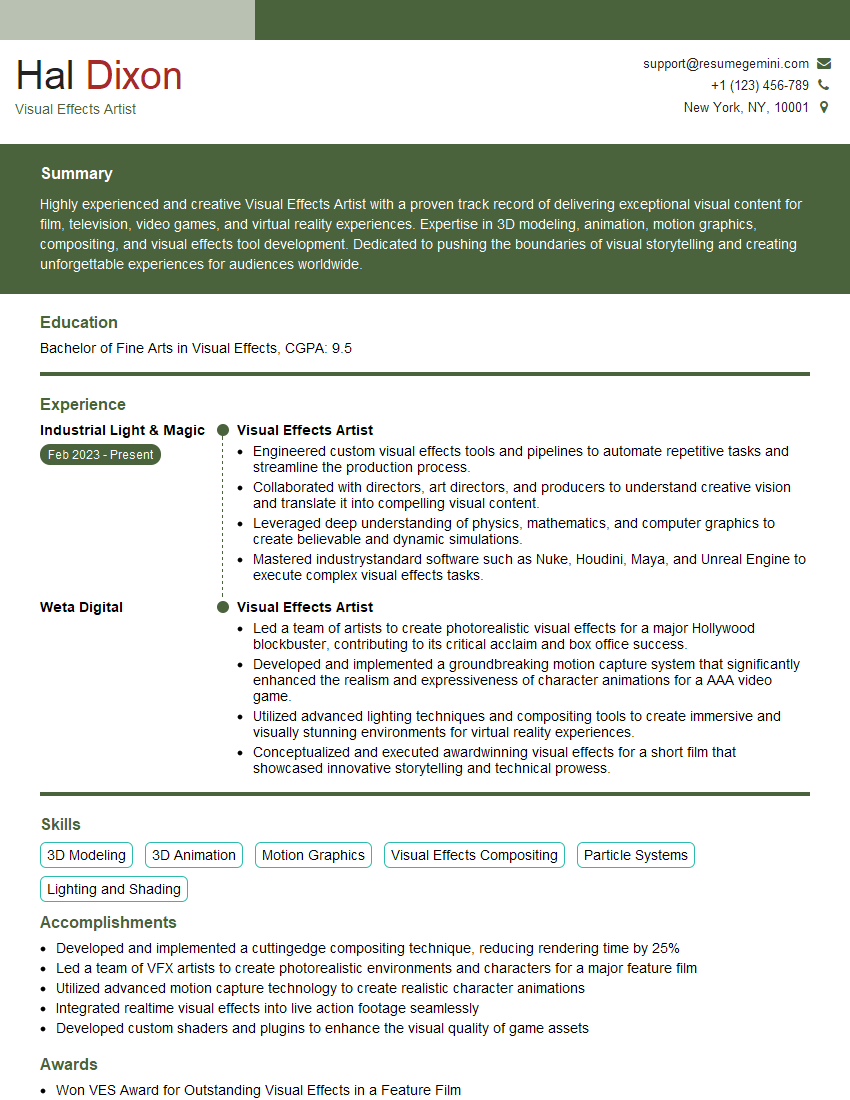
Visual Effects Artist Resume Sample
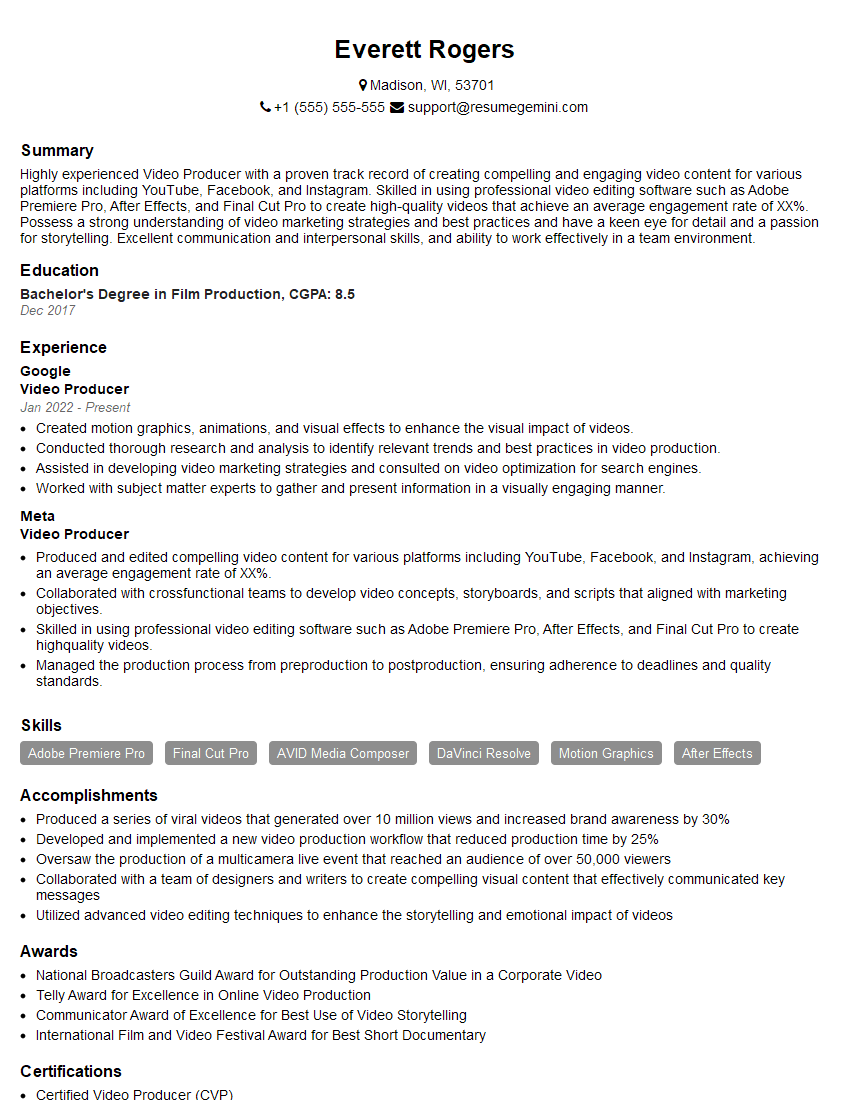
Video Producer Resume Sample

Broadcast Engineer Resume Sample

Video Editor Resume Sample

Audio Engineer Resume Sample
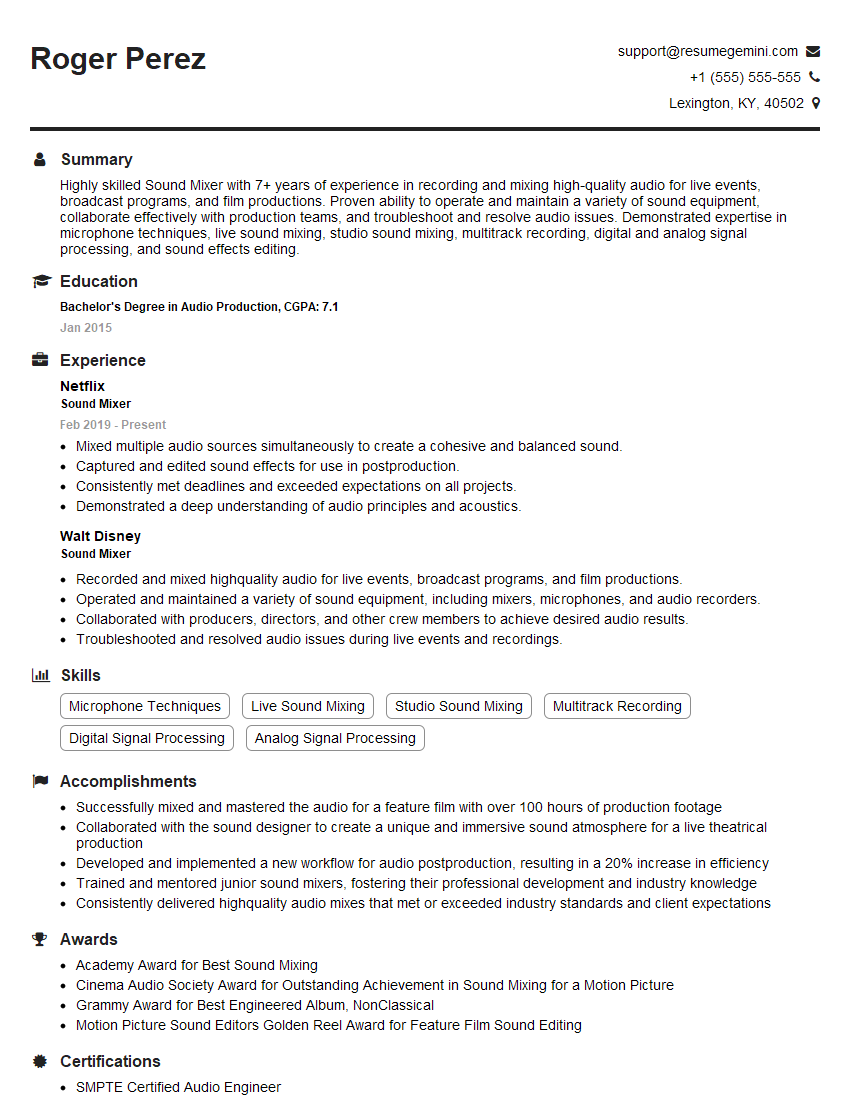
Sound Mixer Resume Sample

Sound Designer Resume Sample
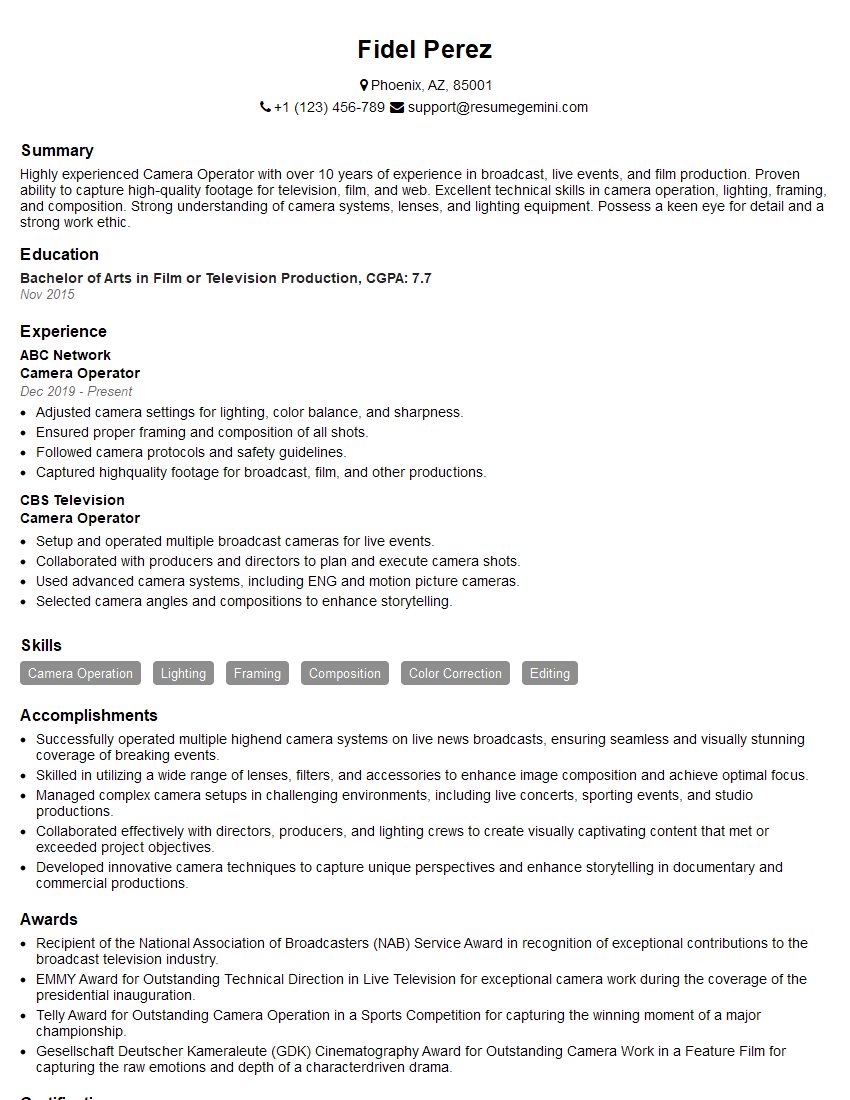
Camera Operator Resume Sample
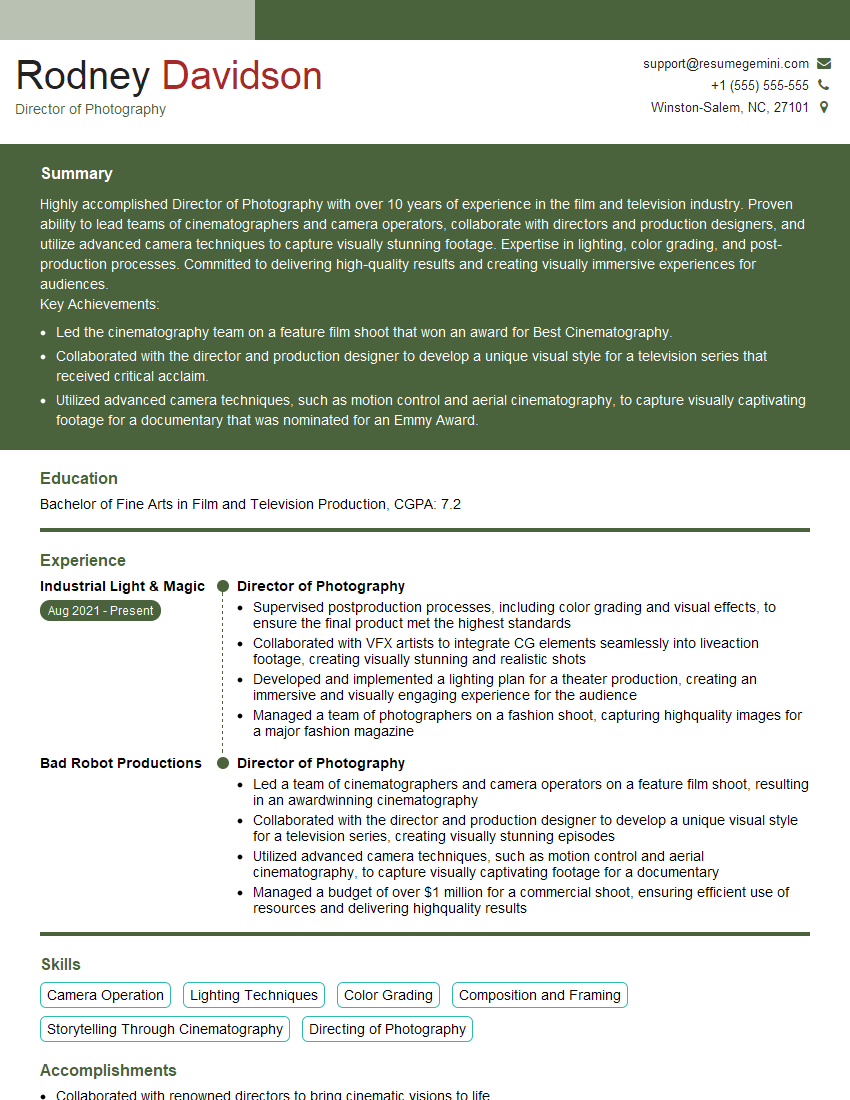
Director of Photography Resume Sample
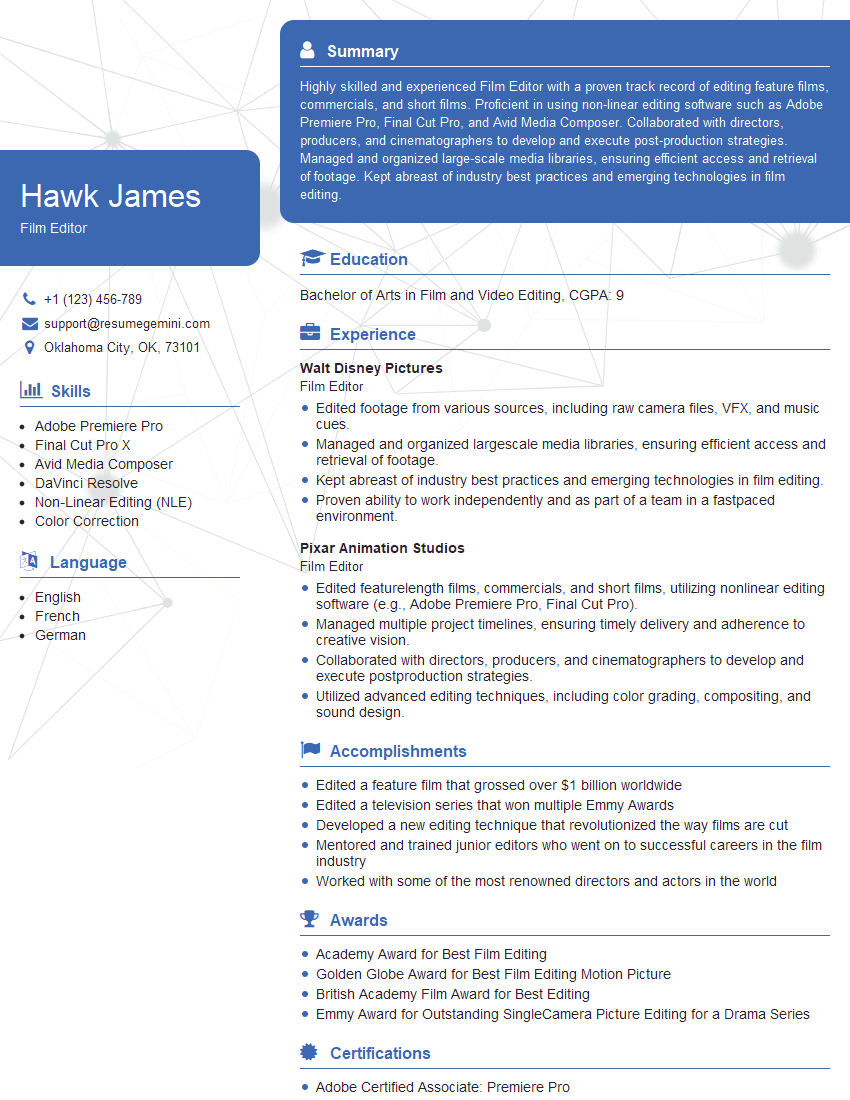
Film Editor Resume Sample
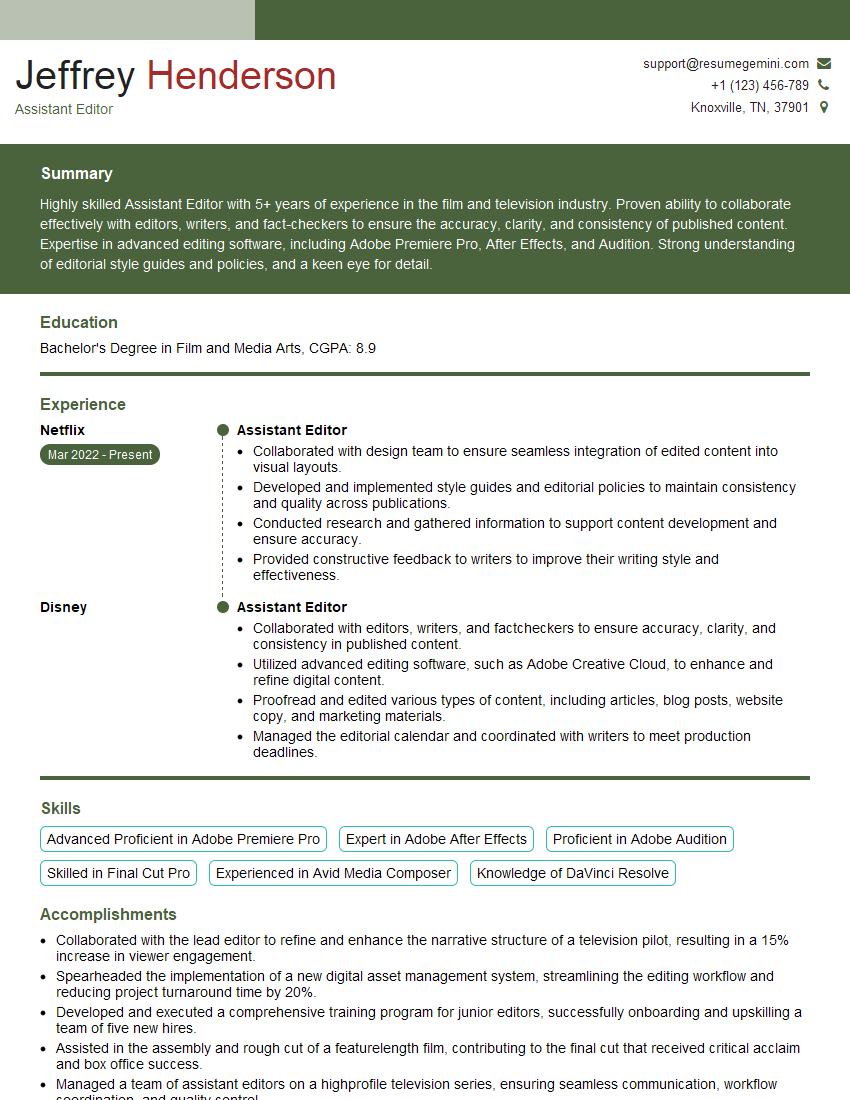
Assistant Editor Resume Sample
Explore more articles
Users Rating of Our Blogs
Share Your Experience
We value your feedback! Please rate our content and share your thoughts (optional).
What Readers Say About Our Blog
Very informative content, great job.
good