Feeling uncertain about what to expect in your upcoming interview? We’ve got you covered! This blog highlights the most important Understanding of Data Entry and Analysis interview questions and provides actionable advice to help you stand out as the ideal candidate. Let’s pave the way for your success.
Questions Asked in Understanding of Data Entry and Analysis Interview
Q 1. Explain your experience with different data entry methods (e.g., manual, automated).
My experience encompasses both manual and automated data entry methods. Manual entry involves directly inputting data into a system using a keyboard or other input device. This is common for smaller datasets or when dealing with unique information not easily captured automatically. I’ve used this extensively for tasks like entering survey responses or transcribing handwritten notes. Accuracy is paramount here, requiring meticulous attention to detail and consistent double-checking.
Automated data entry, on the other hand, leverages software and tools to minimize manual input. This includes importing data from spreadsheets, databases, or APIs. I’ve used automated methods to process large datasets, such as customer transaction logs or sensor readings. This is significantly faster and less prone to human error, provided the data source is clean and well-structured. I am proficient in setting up and troubleshooting automated data pipelines, ensuring data flows efficiently and reliably.
Q 2. Describe your proficiency with various data entry software and tools.
My proficiency spans a range of data entry software and tools. I’m highly skilled in using spreadsheet software like Microsoft Excel and Google Sheets for data input and manipulation. I’m familiar with database management systems (DBMS) such as MySQL and PostgreSQL, allowing me to directly enter and manage data within a relational database environment. I also have experience using dedicated data entry software designed for specific applications, like customer relationship management (CRM) systems. Finally, I’m comfortable using Optical Character Recognition (OCR) software to convert scanned documents or images into editable text formats, greatly accelerating the data entry process for paper-based information.
Q 3. How do you ensure data accuracy and identify errors during data entry?
Ensuring data accuracy is paramount. My approach involves a multi-layered strategy. First, I carefully review the source data for inconsistencies or errors *before* entry. This includes verifying data types, checking for missing values, and identifying any obvious discrepancies. During data entry, I employ techniques like double-entry for critical data points—entering the same data twice and comparing the results. For larger datasets, I utilize data validation rules and constraints within the entry system to prevent incorrect data from being entered in the first place. For example, setting constraints to ensure data types (like numbers only in a specific field) or range checks (like a date field being within a valid range) catches errors early.
Once data entry is complete, I perform thorough quality checks, often employing data profiling techniques. This includes generating summary statistics, identifying outliers, and visually inspecting the data for anomalies. For instance, I might identify an entry with an age of 200, which is clearly an error.
Q 4. What strategies do you use to maintain high speed and accuracy while entering data?
Maintaining high speed and accuracy requires a combination of techniques. First, ergonomic setup is crucial – ensuring a comfortable and efficient workspace minimizes fatigue and errors. Beyond that, I prioritize understanding the data structure and entry rules thoroughly *before* I begin. This reduces hesitation and helps maintain a consistent pace. I also use keyboard shortcuts and efficient data entry techniques to minimize keystrokes. For example, using copy-paste functions for repetitive entries and understanding auto-fill capabilities can drastically improve speed. Regular breaks also help sustain focus and prevent errors related to fatigue. Finally, I always cross-check my work and regularly review my progress, ensuring early detection of any possible errors.
Q 5. Explain your experience with data validation and quality control techniques.
Data validation and quality control are integral parts of my workflow. I use various techniques, starting with defining clear data validation rules based on the data’s context and expected format. This might involve using regular expressions to check for patterns in text fields or using range checks and data type validation to ensure numeric and date fields conform to pre-defined criteria. Furthermore, I conduct data profiling and outlier detection to identify anomalies or inconsistencies after entry. Visual inspection is also a crucial technique; creating charts and graphs to view data distribution helps highlight potential issues. When necessary, I perform data cleansing procedures, which can include handling missing values using imputation techniques, correcting inconsistencies, and removing duplicates. Ultimately, I aim for a quality score that meets the project’s requirements for accuracy and completeness.
Q 6. How familiar are you with data cleaning and preprocessing techniques?
I’m very familiar with data cleaning and preprocessing techniques. This typically involves handling missing values (through imputation or removal), dealing with outliers (through transformation or removal), and standardizing data formats. I use various techniques to address these challenges. For example, I might fill in missing values with the mean, median, or mode of the existing data, or I might remove rows or columns containing too many missing values. Outliers can be addressed through transformations such as logarithmic scaling or winsorizing (capping values at a certain percentile). Data standardization might involve converting categorical variables into numerical representations using one-hot encoding or label encoding. Finally, I employ techniques such as data deduplication, ensuring each data point is unique and accurate. This ensures that the data is ready for analysis or use in applications.
Q 7. Describe your experience working with different data formats (e.g., CSV, Excel, JSON).
I have extensive experience working with various data formats. CSV (Comma Separated Values) is a common format for exchanging tabular data, and I’m proficient in importing and exporting CSV files using various software. Excel spreadsheets (.xlsx, .xls) are another staple, and I’m adept at manipulating data within Excel, including using formulas and functions to clean and transform data. JSON (JavaScript Object Notation) is a widely used format for representing structured data, particularly in web applications. I can easily parse and utilize JSON data, often through programming languages like Python. Beyond these, I’ve worked with other formats like XML, databases (SQL, NoSQL), and various proprietary formats. Understanding and efficiently handling these diverse formats allows me to work effectively with data from various sources.
Q 8. How do you handle inconsistencies or missing data during the data entry process?
Handling inconsistencies and missing data is crucial for data integrity. My approach involves a multi-step process. First, I identify the nature of the inconsistency or missing data. Is it a simple typographical error, a missing value due to an oversight, or a more systemic issue?
For simple errors, I correct them based on existing data or readily available information. If a value is missing and can be reasonably inferred (e.g., a missing date that can be extrapolated from related entries), I do so, ensuring careful documentation of the process.
However, for significant inconsistencies or frequent missing data, I don’t make assumptions. Instead, I flag these issues for review by the data source or relevant stakeholders. This might involve creating a report detailing the inconsistencies, their frequency, and potential impact on analysis. For example, in a customer database, inconsistent addresses could lead to delivery problems. A thorough investigation and potentially communication with the customers is needed to resolve this. Only after understanding the root cause and receiving appropriate clarification will I update the data.
Finally, I always document all corrections and decisions made about missing data. This audit trail is essential for transparency and accountability.
Q 9. What are your preferred methods for organizing and managing large datasets?
Managing large datasets efficiently is paramount. My preferred methods involve a combination of techniques. First, I leverage database management systems (DBMS) like PostgreSQL or MySQL to store and organize the data. These systems provide structured storage, efficient querying, and data integrity features.
Secondly, I utilize data manipulation tools such as Python with libraries like Pandas. Pandas allows me to efficiently clean, transform, and analyze large datasets. For instance, I can easily handle missing values, filter data, and perform aggregations. A code example might involve cleaning a CSV file:
import pandas as pd
data = pd.read_csv('large_dataset.csv')
data.dropna(subset=['important_column'], inplace=True) # Drop rows with missing values in a key column
data.to_csv('cleaned_dataset.csv', index=False)
Thirdly, I use cloud-based solutions like AWS S3 or Google Cloud Storage for large datasets that exceed the capacity of my local machine. This enables scalability and collaboration.
Finally, I employ careful data modeling from the outset. Defining clear data structures and relationships within the database helps in organizing the data and improves query efficiency.
Q 10. How do you prioritize tasks when faced with multiple data entry projects?
Prioritizing multiple data entry projects requires a structured approach. I typically use a combination of factors to determine the order of tasks:
- Urgency: Projects with immediate deadlines or critical time-sensitive data are prioritized first.
- Impact: Projects with higher potential impact on business decisions or downstream processes take precedence.
- Dependencies: Projects dependent on the completion of other tasks are sequenced accordingly.
- Resource availability: I account for available resources like software, hardware, and team members. A smaller project requiring fewer resources might be tackled earlier if it has a high impact.
Using project management techniques like Kanban or prioritizing using a weighted scoring system can also be beneficial for complex scenarios. Visualizing the workflow helps keep track of progress and adjust priorities as needed.
Q 11. Describe a time you had to resolve a data entry error or discrepancy. What was your approach?
During a large-scale customer data migration project, I discovered a discrepancy in the number of records between the source and destination databases. Initially, a simple record count mismatch indicated a problem, but pinpointing the error’s cause required a systematic approach.
First, I verified the data migration script, checking for logical errors or data transformation issues. I discovered a conditional statement in the script that incorrectly excluded some records. Then, using SQL queries on both databases, I compared subsets of the data, focusing on potentially problematic fields. I identified a pattern: records with null values in a specific address field were being excluded incorrectly. After correcting the script and re-running the migration, I verified the data integrity through record counts and sample comparisons. The root cause was corrected, and the issue resolved.
This experience highlighted the value of thorough testing, detailed logging, and careful debugging strategies during data migration projects.
Q 12. What is your experience with database management systems (DBMS)?
I have extensive experience with various database management systems (DBMS). My expertise includes relational databases such as MySQL, PostgreSQL, and SQL Server, as well as NoSQL databases like MongoDB for handling unstructured or semi-structured data. I’m comfortable with database design, schema creation, data import/export, and user management. My experience extends to working with both cloud-based and on-premise database solutions.
I’m proficient in database normalization techniques to minimize data redundancy and ensure data integrity. For instance, I can design a relational database for a e-commerce platform, considering tables for products, customers, orders, and payments, and defining relationships between them for efficient data retrieval.
Q 13. How familiar are you with SQL or other database query languages?
I am highly proficient in SQL and other database query languages. I can write complex queries to retrieve, manipulate, and analyze data from relational databases. This includes using functions like SELECT, FROM, WHERE, JOIN, GROUP BY, HAVING, etc. to filter, aggregate and transform data.
For instance, I can write a query to find all customers who placed orders in the last month with a total value greater than $100:
SELECT c.CustomerID, c.Name, SUM(o.OrderTotal) AS TotalSpent
FROM Customers c
JOIN Orders o ON c.CustomerID = o.CustomerID
WHERE o.OrderDate >= DATE_SUB(CURDATE(), INTERVAL 1 MONTH)
GROUP BY c.CustomerID, c.Name
HAVING SUM(o.OrderTotal) > 100;
My SQL skills are critical in tasks such as data extraction, validation, and reporting.
Q 14. Describe your experience with data transformation and manipulation.
Data transformation and manipulation are integral parts of my workflow. I use various techniques to prepare data for analysis or integration with other systems. This often involves cleaning, formatting, and converting data to meet specific requirements. I utilize scripting languages like Python with libraries like Pandas and data manipulation tools like SQL to accomplish this.
For example, I’ve converted data from a legacy system into a modern database format. This involved handling inconsistent data types, mapping old fields to new ones, and cleansing the data to remove duplicates and incorrect entries. I’ve also used regular expressions to parse unstructured text data and extract key information. This is often needed when you deal with web scraping data, or textual logs.
Furthermore, I perform data aggregation and summarization to create meaningful insights from large datasets. I’m adept at creating visualizations using tools like Tableau or Power BI, which depend on well-prepared and transformed datasets.
Q 15. How do you ensure data security and confidentiality during data entry and handling?
Data security and confidentiality are paramount in data entry and handling. Think of it like protecting a highly valuable asset. My approach involves a multi-layered strategy. First, I ensure adherence to all relevant privacy regulations, such as HIPAA or GDPR, depending on the context. This includes understanding and implementing appropriate access controls, ensuring only authorized personnel can access sensitive data. Second, I utilize strong passwords and multi-factor authentication wherever possible. Third, I encrypt data both in transit (using HTTPS) and at rest (using encryption tools and secure storage). Finally, I maintain detailed audit trails of all data access and modifications, which allows us to track any potential breaches or unauthorized activities and enables us to quickly investigate any security incidents. For example, in a previous role, I implemented an encryption protocol for all client data before it was transferred to our cloud storage, significantly reducing the risk of data breaches during transmission.
Career Expert Tips:
- Ace those interviews! Prepare effectively by reviewing the Top 50 Most Common Interview Questions on ResumeGemini.
- Navigate your job search with confidence! Explore a wide range of Career Tips on ResumeGemini. Learn about common challenges and recommendations to overcome them.
- Craft the perfect resume! Master the Art of Resume Writing with ResumeGemini’s guide. Showcase your unique qualifications and achievements effectively.
- Don’t miss out on holiday savings! Build your dream resume with ResumeGemini’s ATS optimized templates.
Q 16. Explain your understanding of data integrity and its importance.
Data integrity refers to the accuracy, completeness, and consistency of data. It’s crucial because flawed data leads to flawed decisions. Imagine building a house on a faulty foundation – the entire structure is compromised. Similarly, inaccurate data can lead to incorrect analyses, poor business strategies, and significant financial losses. Maintaining data integrity requires a careful approach, starting with data validation at the point of entry. This includes implementing checks to ensure data types are correct, values are within acceptable ranges, and data conforms to specific formats. Regular data cleansing and scrubbing are also essential to identify and correct inconsistencies or errors. Finally, version control and regular backups are crucial to safeguard against data loss or corruption. In a previous project, I developed a custom data validation script that reduced data entry errors by 40% within the first month. This script checked for inconsistencies, missing values, and incorrect data formats in real-time, preventing inaccurate data from entering our database.
Q 17. What experience do you have with data auditing and reporting?
I have extensive experience in data auditing and reporting. This involves systematically examining data for accuracy, completeness, and compliance with established standards. I’m proficient in using various auditing techniques, including sampling and complete data reviews. I’m also skilled in using data analysis tools such as SQL and Excel to generate meaningful reports that highlight key trends, anomalies, and potential areas of concern. For example, in my previous role, I conducted a quarterly audit of our sales data, identifying discrepancies in commission calculations that resulted in a significant cost saving for the company. My reports are always designed to be clear, concise, and actionable, providing stakeholders with the information they need to make informed decisions. I frequently employ visualization techniques to present complex data in a user-friendly format, aiding in better understanding and faster decision-making.
Q 18. How would you handle a situation where the data entry requirements changed unexpectedly?
Unexpected changes in data entry requirements require adaptability and clear communication. My first step is to thoroughly understand the new requirements. This involves clarifying any ambiguities and ensuring a complete grasp of the changes. Next, I would communicate the changes to the data entry team, providing clear instructions and training on the updated procedures. If significant retraining is needed, I would develop and deliver training materials, ensuring everyone understands the modifications. I would also update any existing data entry documentation to reflect these changes. Simultaneously, I’d assess the impact of the changes on existing data and develop a plan to address any inconsistencies or data migration needs. This might include data cleansing, transformation, or creating scripts to automate the updates. For instance, during a previous project, our reporting requirements shifted unexpectedly. I quickly adjusted our data entry processes, created training materials for the team, and developed a Python script to automate the data transformation, minimizing downtime and ensuring a smooth transition to the new requirements.
Q 19. How do you stay up-to-date with the latest data entry and analysis techniques?
Staying current in the dynamic field of data entry and analysis is crucial. I actively participate in online courses and workshops offered by platforms like Coursera, edX, and DataCamp. I also regularly attend industry conferences and webinars to learn about the latest tools and techniques. Furthermore, I’m a member of professional organizations related to data analysis and data science, which allows me to network with other professionals and stay abreast of emerging trends. I also actively read industry publications and research papers to expand my knowledge. Subscribing to relevant newsletters and podcasts keeps me informed about advancements in data security and data management practices. This ongoing learning ensures I remain proficient and adaptable to new technologies and methodologies.
Q 20. What metrics do you use to track the efficiency and accuracy of your data entry?
Several metrics track the efficiency and accuracy of my data entry. Key Performance Indicators (KPIs) include:
- Data entry speed (records per hour or minute): This assesses efficiency.
- Error rate (percentage of incorrect entries): This measures accuracy.
- Completeness rate (percentage of fields correctly filled): This ensures data integrity.
- Keystroke error rate: This helps pinpoint individual typing errors.
- Time taken for data validation and cleaning: This monitors the effectiveness of quality control measures.
I use these metrics not only to evaluate individual performance but also to identify bottlenecks in the data entry process and suggest improvements to enhance efficiency and minimize errors. Regular monitoring and analysis of these KPIs enable data-driven decisions to improve overall data quality and productivity.
Q 21. Describe your experience working with large datasets and high data volumes.
I have extensive experience working with large datasets and high data volumes. I’m proficient in using tools designed for handling such data, including SQL databases and cloud-based data warehousing solutions like Snowflake or BigQuery. My experience includes working with datasets exceeding millions of rows, requiring optimized query techniques and efficient data processing strategies. I understand the importance of data partitioning, indexing, and other database optimization techniques to improve query performance when working with massive datasets. In a past project, I was responsible for processing and analyzing a dataset of over 10 million customer records, effectively leveraging parallel processing and distributed computing techniques to manage the data volume. This involved careful planning, data partitioning, and utilization of cloud computing resources for efficient analysis and reporting.
Q 22. How do you adapt to working with different data sources and structures?
Adapting to diverse data sources and structures is crucial in data entry and analysis. My approach involves a systematic process: first, I thoroughly understand the data’s origin, format, and intended use. This often involves examining data dictionaries, documentation, or even directly querying the data source. Then, I select appropriate tools and techniques based on the data’s characteristics. For example, dealing with a CSV file is different from working with a relational database or an API. I leverage scripting languages like Python with libraries such as Pandas to efficiently handle various formats, clean the data, and transform it into a usable structure. If I’m working with a poorly structured dataset, I’ll employ techniques like data profiling to identify inconsistencies and develop a strategy for data cleansing and standardization.
For instance, I once worked with a project involving data from multiple spreadsheets with varying column names and formats. I used Python with Pandas to read each spreadsheet, standardize column names, handle missing values using imputation techniques, and finally, consolidate the data into a single, clean dataframe for further analysis.
Q 23. What measures do you take to prevent repetitive strain injuries related to data entry?
Preventing repetitive strain injuries (RSIs) is paramount for long-term health and productivity. My strategy incorporates several key measures. First, I maintain proper posture while working at my computer, ensuring my screen is at eye level and my keyboard and mouse are within easy reach. I take regular breaks to stretch and move around – the Pomodoro Technique, with short, frequent breaks, is particularly effective. I also use ergonomic equipment, such as an adjustable chair and a vertical mouse, to minimize strain. Furthermore, I practice mindful typing, avoiding unnecessary hand movements. Finally, I’m conscious of my workload and don’t hesitate to request adjustments if I feel overwhelmed or overworked. Proactive prevention is far better than dealing with the consequences of RSI.
Q 24. Explain your understanding of different data types (e.g., categorical, numerical, ordinal).
Understanding different data types is fundamental. Categorical data represents qualities or characteristics, like colors (red, blue, green) or types of fruit (apple, banana, orange). These can be further divided into nominal (unordered, like colors) and ordinal (ordered, like education levels: High School, Bachelor’s, Master’s). Numerical data represents quantities, which can be discrete (countable, like number of cars) or continuous (measurable, like temperature). Ordinal data combines aspects of both; it’s numerical but represents ranks or order, not precise measurements (e.g., customer satisfaction ratings on a scale of 1 to 5).
For example, in a customer survey, age is numerical (continuous), gender is categorical (nominal), and customer satisfaction rating (on a scale) is ordinal.
Q 25. How do you ensure data compatibility between different systems?
Ensuring data compatibility across different systems is crucial. This involves several steps, starting with understanding the data structures of each system. Common formats like CSV, JSON, or XML offer a degree of compatibility but might need transformation. I often utilize ETL (Extract, Transform, Load) processes to move data between systems. This includes extracting data from the source, transforming it to a common standard, and loading it into the target system. Data cleansing and standardization are key parts of the transformation process, ensuring consistent formats and data types across systems. If dealing with databases, SQL skills are invaluable in querying and manipulating data to achieve compatibility. Using APIs also plays a significant role in data integration between different systems.
For example, I might use Python to extract data from a legacy system’s database, clean and standardize it using Pandas, and then load it into a cloud-based data warehouse in a compatible format (like Parquet).
Q 26. Describe your experience with data visualization tools (e.g., Tableau, Power BI).
I have extensive experience with data visualization tools like Tableau and Power BI. Both are powerful platforms for creating interactive and insightful dashboards and reports. Tableau excels in its ease of use and drag-and-drop interface, making it efficient for creating quick visualizations. Power BI, on the other hand, is tightly integrated with the Microsoft ecosystem and offers strong capabilities for data modeling and analysis. I’ve used both to create compelling visualizations from various datasets, communicating complex findings effectively to both technical and non-technical audiences. My expertise extends to choosing the right charts and graphs to represent data accurately and clearly, considering factors like data type and the intended message.
For instance, in a recent project, I used Tableau to create an interactive dashboard showing sales trends, allowing users to filter by region, product, and time period. In another project, I leveraged Power BI’s data modeling features to create a comprehensive report on customer behavior, including segmentation and churn analysis.
Q 27. How would you approach the analysis of a dataset with missing values?
Handling missing values is a critical aspect of data analysis. Ignoring them can lead to biased results. My approach involves several steps. First, I identify the extent and pattern of missing data. Is it missing completely at random (MCAR), missing at random (MAR), or missing not at random (MNAR)? The pattern significantly influences the handling strategy. Next, I choose an appropriate imputation method. For MCAR data, simple imputation techniques like mean/median/mode substitution might suffice. For MAR or MNAR data, more sophisticated methods like k-Nearest Neighbors (k-NN) imputation or multiple imputation are preferable. Alternatively, I might remove rows or columns with excessive missing values if the impact on the analysis is minimal. It’s crucial to document the chosen method and its potential impact on the results.
For example, if a dataset has a few missing values in a numerical column, I might impute them using the median. If there’s a significant number of missing values and a clear pattern, I might explore more advanced methods like multiple imputation to create several plausible datasets and combine the results.
Q 28. How would you identify and handle outliers in a dataset?
Outliers are data points that significantly deviate from the rest of the data. Identifying and handling them requires careful consideration. I typically start by visualizing the data using box plots, scatter plots, or histograms to identify potential outliers visually. Statistical methods like the Z-score or Interquartile Range (IQR) can also be used to quantify outliers. The chosen method depends on the data distribution and the nature of the outliers. Once identified, I determine whether they represent errors (which need correction or removal) or genuine extreme values that might hold valuable insights. If they are errors, I correct them or remove them from the dataset. If they represent genuine extreme values, I might consider transforming the data (e.g., using a logarithmic transformation) or using robust statistical methods less sensitive to outliers.
For example, in analyzing customer spending, an unusually high purchase might be an outlier. I’d investigate if it’s due to an error (e.g., incorrect entry) or a legitimate large order (e.g., a bulk purchase by a company). If it’s an error, I’d correct it; if it’s legitimate, I might use a method less sensitive to outliers for analysis or add a separate category for high-value customers.
Key Topics to Learn for Understanding of Data Entry and Analysis Interview
- Data Entry Techniques: Understanding various data entry methods (manual, automated, OCR), data validation techniques, and the importance of accuracy and efficiency.
- Data Cleaning and Preparation: Practical application of cleaning techniques like handling missing values, outlier detection, and data transformation for analysis. Learn to identify and address inconsistencies.
- Data Analysis Fundamentals: Explore descriptive statistics, data visualization techniques (charts, graphs), and basic interpretation of results. Understanding different data types and their implications for analysis is crucial.
- Database Management Systems (DBMS): Familiarity with relational databases (SQL) or other database systems used for data storage and retrieval. This includes understanding basic queries and data manipulation.
- Data Integrity and Security: Learn about data security protocols, data governance, and ethical considerations related to data handling and privacy.
- Problem-Solving and Critical Thinking: Practice identifying data entry errors, inconsistencies, and anomalies. Develop your skills in troubleshooting data issues and suggesting solutions.
- Software Proficiency: Highlight your experience with relevant software such as spreadsheet programs (Excel, Google Sheets), data analysis tools, or specialized data entry applications.
Next Steps
Mastering data entry and analysis skills is essential for a successful career in many fields, opening doors to roles with increased responsibility and earning potential. A strong understanding of these concepts demonstrates valuable attention to detail and analytical abilities, highly sought after by employers. To maximize your job prospects, create an ATS-friendly resume that highlights your skills effectively. ResumeGemini is a trusted resource to help you build a professional and impactful resume. We provide examples of resumes tailored to Understanding of Data Entry and Analysis to guide you in showcasing your qualifications effectively. Take advantage of these resources and confidently present your skills to potential employers.
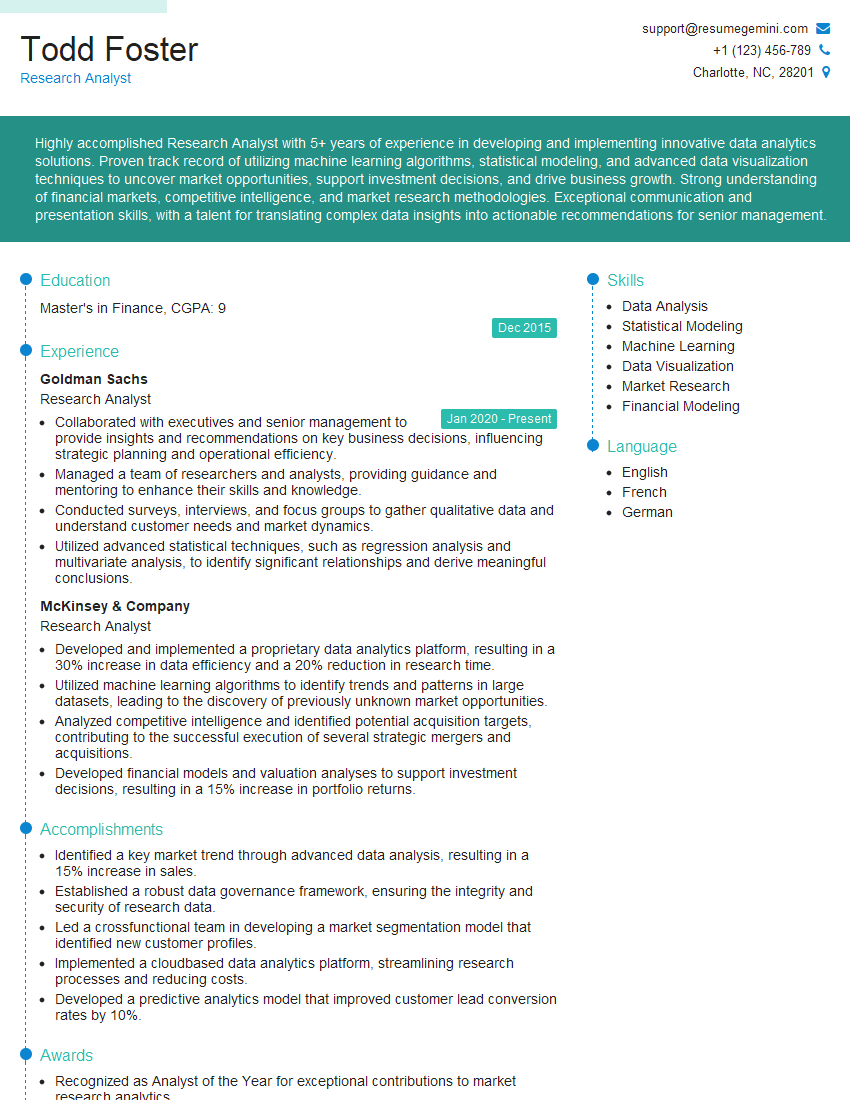
Research Analyst Resume Sample

Data Analyst Resume Sample
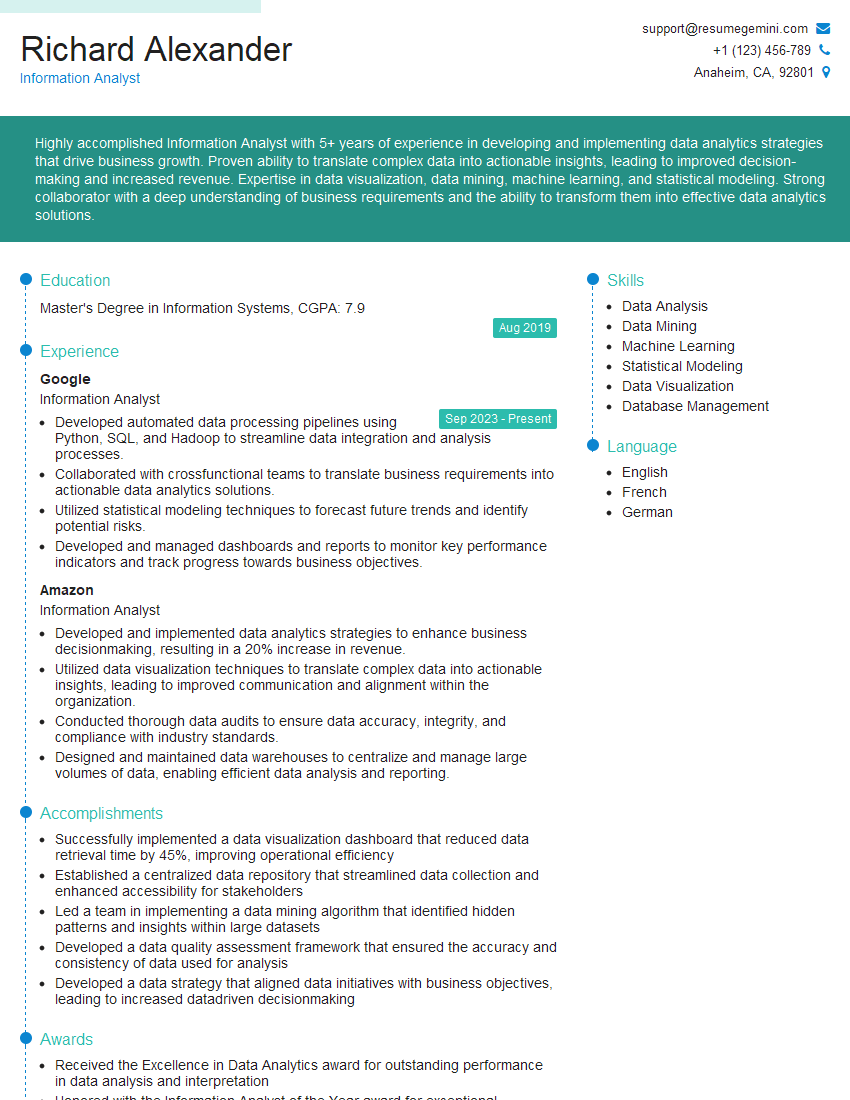
Information Analyst Resume Sample
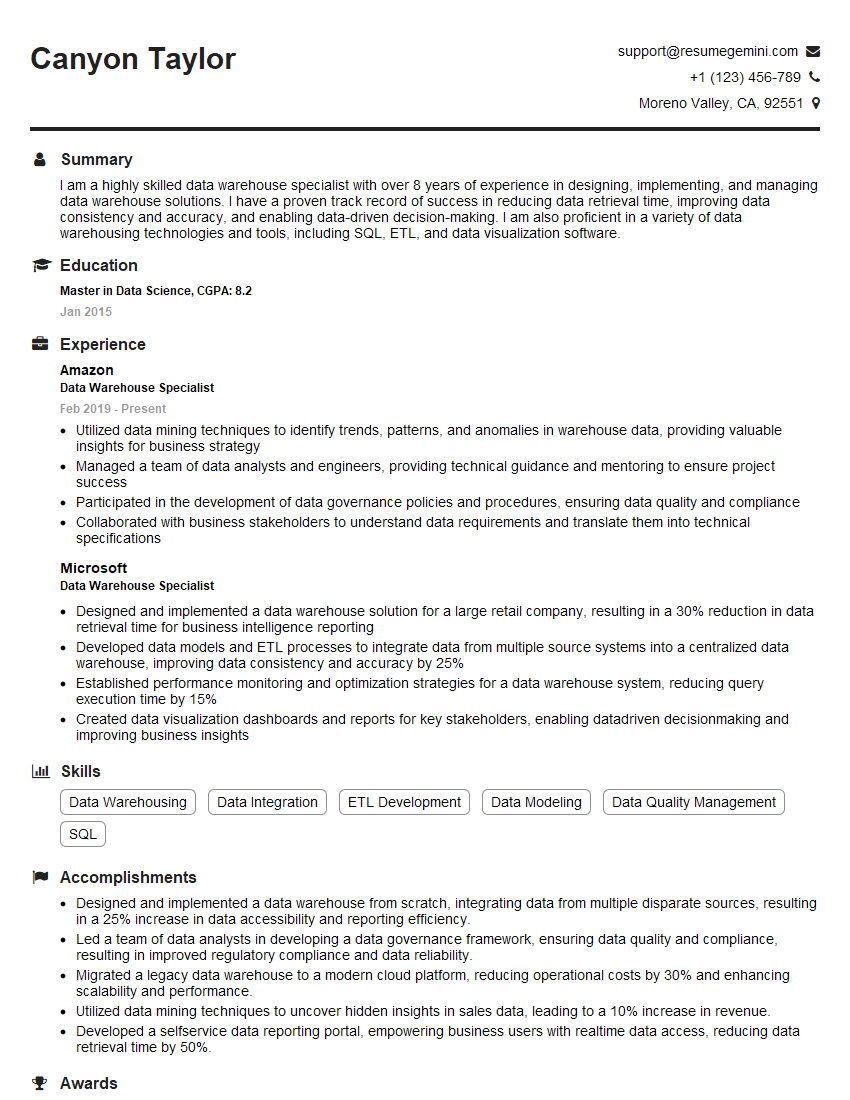
Data Warehouse Specialist Resume Sample

Statistical Analyst Resume Sample
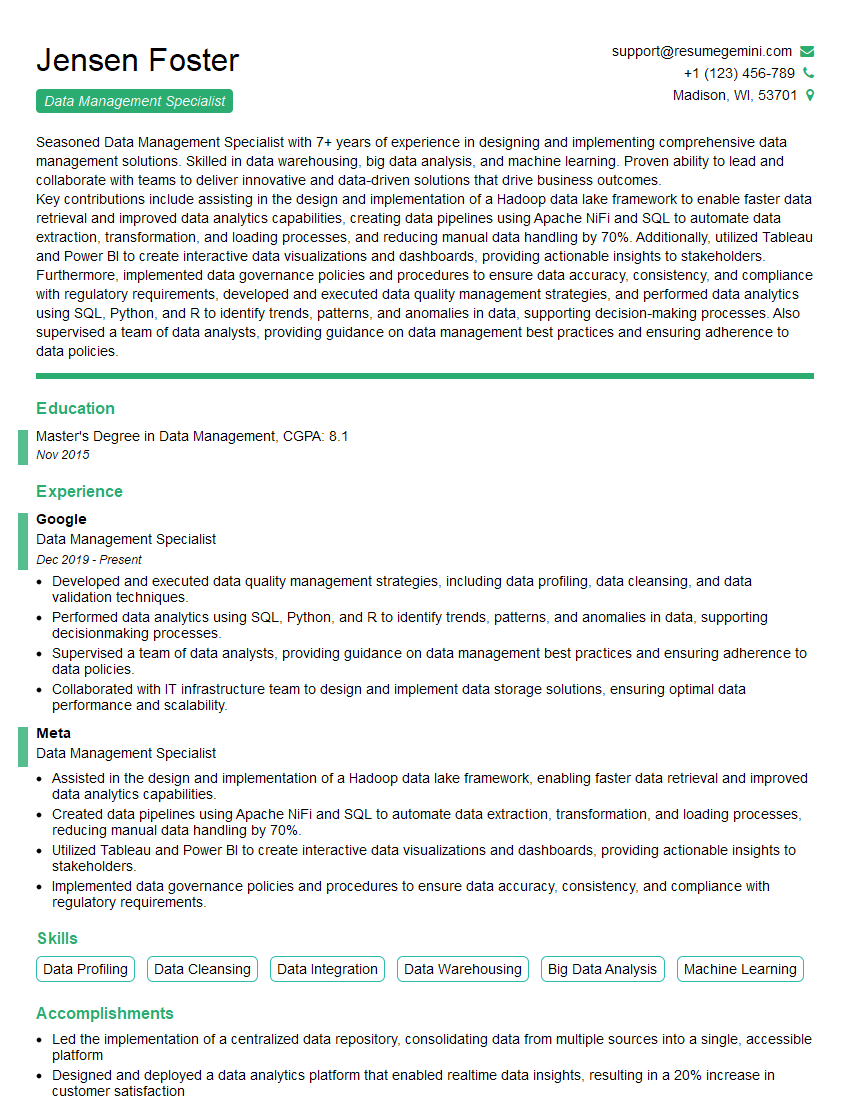
Data Management Specialist Resume Sample
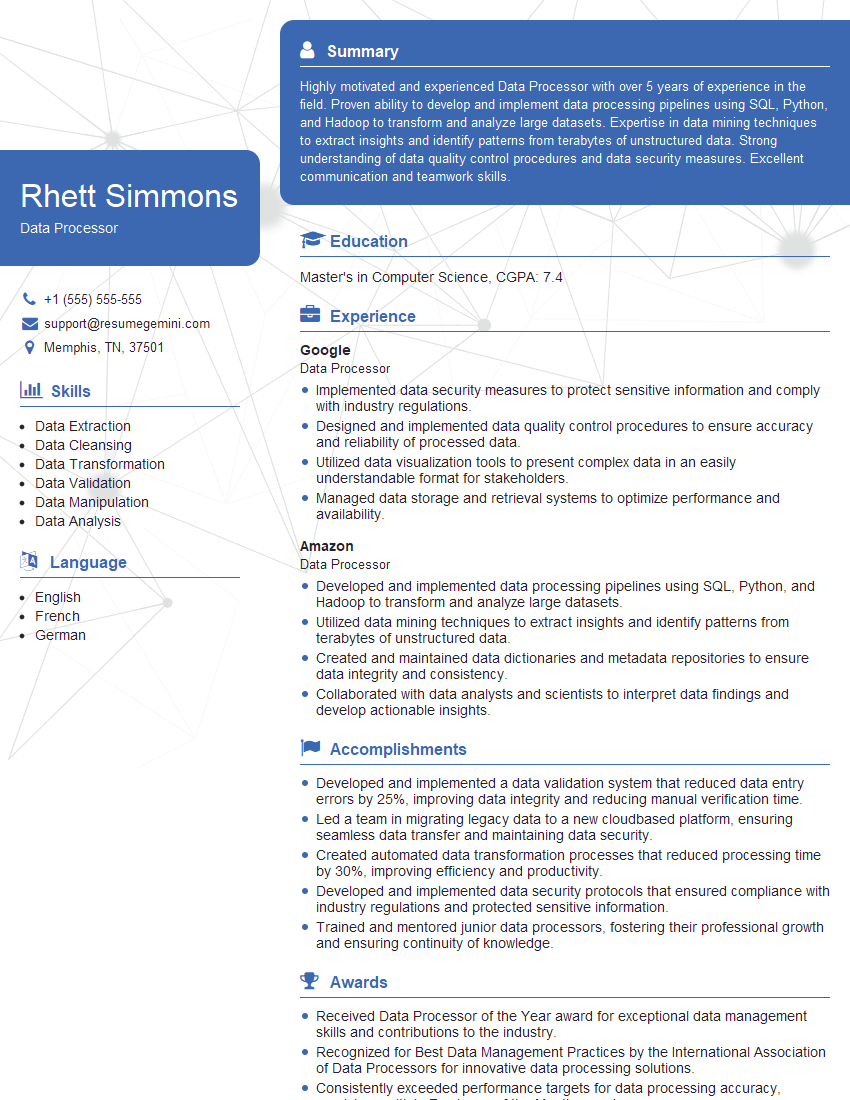
Data Processor Resume Sample

Data Entry Clerk Resume Sample
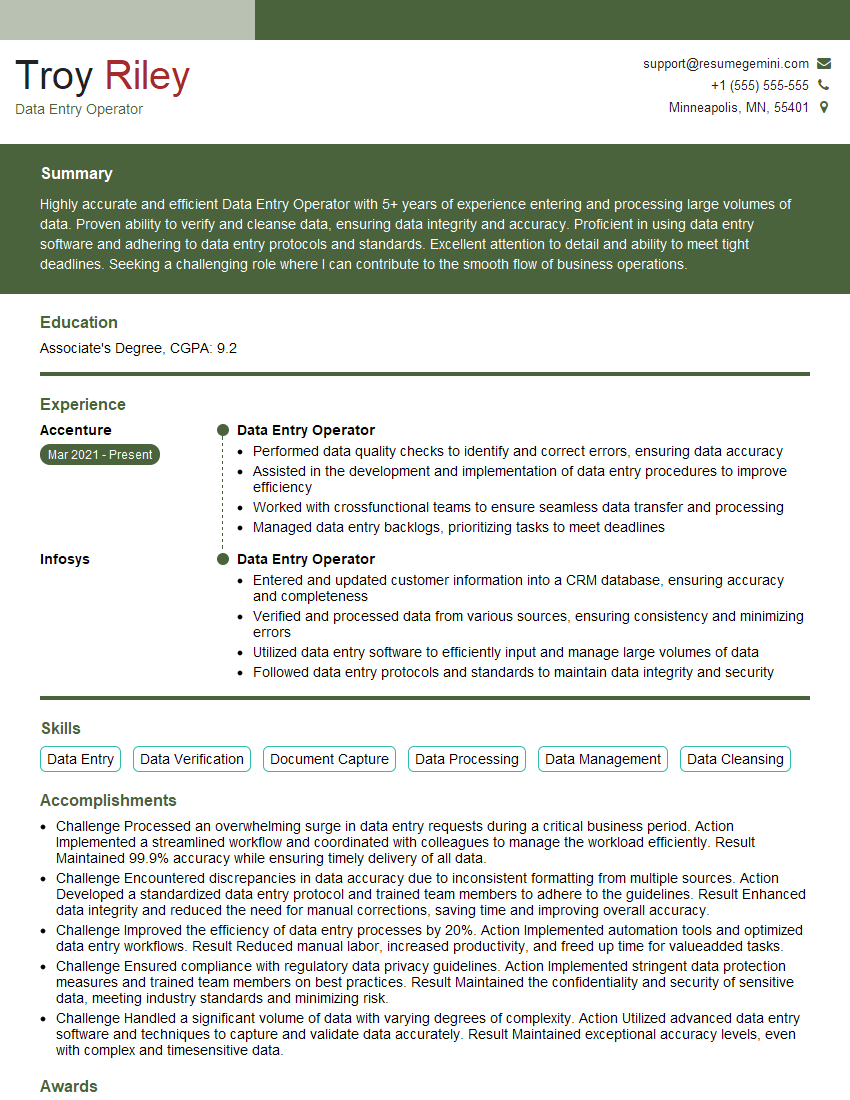
Data Entry Operator Resume Sample
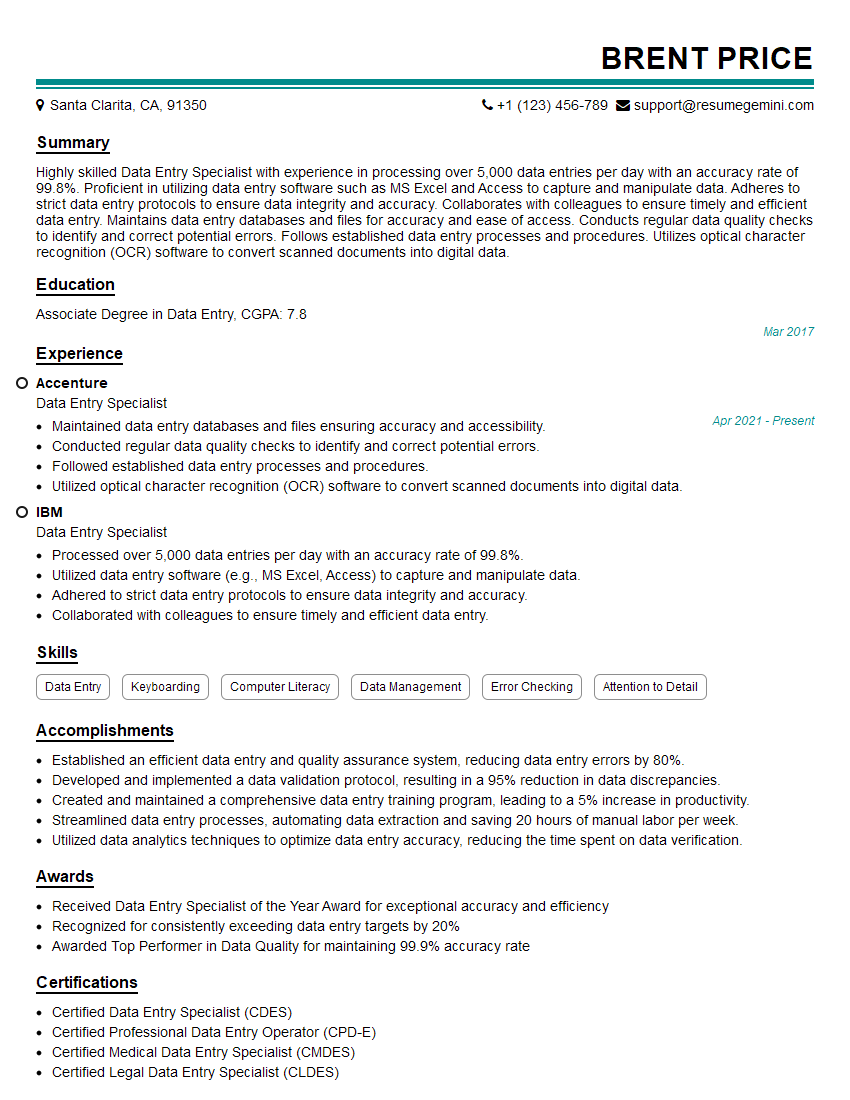
Data Entry Specialist Resume Sample
Explore more articles
Users Rating of Our Blogs
Share Your Experience
We value your feedback! Please rate our content and share your thoughts (optional).
What Readers Say About Our Blog
Very informative content, great job.
good