Are you ready to stand out in your next interview? Understanding and preparing for Understanding of Architectural and Engineering Drawings interview questions is a game-changer. In this blog, we’ve compiled key questions and expert advice to help you showcase your skills with confidence and precision. Let’s get started on your journey to acing the interview.
Questions Asked in Understanding of Architectural and Engineering Drawings Interview
Q 1. What are the different types of architectural drawings?
Architectural drawings are a visual language used to communicate design intent. They’re not just pictures; they’re precise technical documents that guide construction. Different types cater to various aspects of the project. Here are some key examples:
- Site Plans: Show the building’s location on the land, including surrounding features like roads, utilities, and topography. Imagine it as a bird’s-eye view of the property.
- Floor Plans: Depict the layout of each floor, showing rooms, walls, doors, windows, and fixtures. Think of it as a slice through the building at floor level.
- Elevations: Show the exterior walls of the building from different viewpoints (front, rear, sides). They’re like detailed photographs of each face.
- Sections: Illustrate a vertical slice through the building, revealing the internal structure and construction details. It’s like cutting through a cake to see the layers.
- Details: Provide close-up views of specific construction elements, such as door frames, window connections, or joinery, ensuring accuracy in construction.
- Reflected Ceiling Plans: Show the layout of the ceiling, including light fixtures, HVAC diffusers, and other elements above.
- Schedules: Organized tables summarizing information like door types, window sizes, and material specifications. They act as a legend for the drawings.
The combination of these drawings paints a complete picture of the building’s design, ensuring everyone involved understands the vision.
Q 2. Explain the significance of scales in architectural drawings.
Scales are crucial in architectural drawings because they allow us to represent large buildings on manageable sheets of paper. A scale is a ratio that defines the relationship between the drawing’s dimensions and the actual dimensions of the building. For example, a scale of 1:50 means that 1 unit on the drawing represents 50 units in real life.
The choice of scale depends on the drawing type and the level of detail required. Site plans often use smaller scales (e.g., 1:500 or 1:1000) to show a larger area, while floor plans typically use larger scales (e.g., 1:50 or 1:100) to show finer details. Inconsistent scales can lead to errors and misunderstandings during construction, therefore maintaining accuracy is paramount.
For instance, if a wall is measured as 10cm on a 1:50 drawing, the actual wall length is 5 meters (10cm x 50).
Q 3. Describe your experience with CAD software (AutoCAD, Revit, etc.)
I have extensive experience using various CAD software, including AutoCAD and Revit. AutoCAD has been my primary tool for 2D drafting and detailed drawing creation for many years. I’m proficient in creating precise 2D drawings, managing layers, utilizing blocks and xrefs, and generating detailed drawings. I can also create complex geometry, annotate, and create design schedules. I’ve used it for projects ranging from small residential renovations to larger commercial developments.
More recently, I’ve transitioned to Revit, a Building Information Modeling (BIM) software. Revit’s 3D modeling capabilities allow for better coordination and collaboration among design teams. I’m adept at creating and managing Revit models, working with families (pre-designed components), and generating various views and sheets. I find Revit particularly useful for complex projects where coordinating different disciplines (structural, MEP) is critical. For example, in a recent project, Revit’s clash detection feature helped us identify and resolve conflicts between architectural and mechanical elements before construction, saving significant time and cost.
Q 4. How do you interpret sections and elevations in architectural drawings?
Sections and elevations are crucial for understanding the three-dimensional aspects of a building that aren’t readily apparent in floor plans.
Sections: Imagine slicing through a building with a vertical plane. The section drawing shows what you’d see looking at that cut. It’s invaluable for understanding wall thicknesses, floor heights, and the arrangement of elements in different levels. I carefully analyze section drawings to understand the structural system, material specifications, and overall building construction. For instance, I might study a section to identify the type of foundation, the framing system used, or the layering of different building materials.
Elevations: These are essentially drawings of the building’s exterior walls, providing a two-dimensional view from specific angles (front, rear, sides). They show the overall height, window and door placements, rooflines, and exterior finishes. I use elevations to understand the building’s appearance and ensure consistency between the design and the final construction. A particular elevation might show the design details of a façade or illustrate how different building materials interact aesthetically.
Q 5. What are the common symbols and notations used in engineering drawings?
Engineering drawings utilize a standardized set of symbols and notations for clarity and efficiency. These symbols are typically defined in relevant standards (e.g., ISO, ANSI). Some common examples include:
- Dimensioning: Numbers and lines indicating lengths, widths, and heights. Proper dimensioning is essential for accurate construction.
- Material Symbols: Symbols representing different materials, such as concrete, steel, wood, and masonry. These often include cross-hatching patterns to visually differentiate materials. For example, cross-hatching is used to denote concrete or brick. A filled black triangle might represent a weld.
- Tolerances: Indicating permissible variations in dimensions or construction. Understanding tolerances is vital for avoiding costly errors during fabrication.
- Surface Finish Symbols: Symbols indicating surface texture or finish, such as smooth, rough, or painted surfaces.
- Notes and Specifications: Textual information providing further details or instructions. This could include information on materials to be used, construction methods or other specific directions.
Understanding these symbols is critical for accurately interpreting and working from engineering drawings. Failure to correctly interpret these can lead to errors and problems.
Q 6. How do you identify different materials from drawings?
Identifying materials from drawings relies on a combination of visual cues and textual information. Common methods include:
- Material Symbols: As mentioned before, standardized symbols represent various materials (concrete, steel, wood, etc.).
- Cross-hatching Patterns: Different patterns indicate specific materials. For example, diagonal lines might represent wood, while dots might represent concrete.
- Material Schedules and Legends: These tables list materials with their corresponding symbols or descriptions.
- Notes and Specifications: Detailed descriptions of materials are often provided within notes or specifications sections.
- Color-coding: Sometimes, drawings use color-coding to distinguish materials; however, this is less reliable than other methods because printouts may not accurately reflect colors.
By carefully examining these elements, I can accurately determine the materials used in various parts of the structure. This knowledge is essential for cost estimation, material procurement, and construction planning.
Q 7. Explain the difference between a plan, elevation, and section view.
These three views provide different perspectives of a building, allowing for a comprehensive understanding of its design.
- Plan View: A horizontal section through a building, typically at floor level. It shows the layout of rooms, walls, doors, windows, and other elements from above. It’s like looking down on a building from a helicopter.
- Elevation View: A vertical view of an exterior wall, showing its height, windows, doors, and other exterior features. It represents what one would see looking directly at an external wall from the side.
- Section View: A vertical slice through a building, revealing the internal structure and arrangement of elements at that cut. It’s like cutting a cake to see the layers. This view is crucial to understanding the building’s construction, materials, and spatial relationships.
Each view plays a distinct role in communication. The plan shows the spatial arrangement, the elevation displays the external aesthetic, and the section showcases the internal construction. Together, they provide a complete picture of the building’s design and build.
Q 8. Describe your experience working with BIM (Building Information Modeling).
BIM, or Building Information Modeling, is a revolutionary process in architecture and engineering. It’s more than just creating 3D models; it’s about creating a digital representation of the physical and functional characteristics of a building. My experience with BIM spans several large-scale projects, where I’ve used software like Revit and ArchiCAD extensively. I’ve been involved in every stage, from initial conceptual design and model creation, to coordination with other disciplines, quantity takeoff, and even clash detection.
For example, on a recent hospital project, we used BIM to simulate the flow of patients and staff, optimizing the layout for efficiency and accessibility. This allowed us to identify potential bottlenecks early in the design process, preventing costly revisions later. Another instance involved using BIM’s scheduling capabilities to track progress and manage resources effectively throughout the construction phase, leading to a successful and timely project completion.
My expertise extends to using BIM for creating detailed construction documents, generating schedules, and producing accurate cost estimates, resulting in improved communication and collaboration among all stakeholders.
Q 9. How do you handle discrepancies or errors found in architectural drawings?
Discovering discrepancies or errors in architectural drawings is inevitable. My approach is systematic and focuses on thorough investigation and collaborative problem-solving. First, I meticulously identify the nature and location of the error. Then, I verify the error by cross-referencing the drawing with other relevant documents, such as specifications, structural drawings, and MEP drawings.
If the discrepancy involves a minor detail, I’ll usually correct it directly, noting the change and getting approval from the appropriate parties. For significant errors, I involve the design team, often in a meeting where we discuss the root cause of the error and brainstorm solutions. This collaborative approach ensures that any changes maintain the integrity and functionality of the overall design.
For example, I once discovered a conflict between the architectural and structural drawings regarding a beam location. By engaging both the architect and the structural engineer, we discovered a miscommunication in the initial design phase. We resolved the issue by adjusting the beam location while adhering to structural requirements and code compliance.
Q 10. What is your process for reviewing and checking drawings for accuracy?
My drawing review process is methodical and rigorous. It involves a multi-step approach:
- Initial visual inspection: A quick review to check for obvious errors or omissions.
- Dimensional check: Verifying dimensions, ensuring consistency and compliance with project specifications.
- Coordination check: Comparing the drawing with other discipline drawings to detect any clashes or conflicts. This often involves using specialized BIM software to identify interferences.
- Code compliance check: Ensuring adherence to relevant building codes and regulations.
- Clarity and completeness check: Reviewing for clarity of information, sufficient details, and proper annotation.
I use checklists and templates to ensure consistency and thoroughness in my reviews. Think of it as a quality control process, akin to a pilot’s pre-flight checklist. Every aspect is examined before proceeding.
Q 11. Explain your understanding of building codes and regulations as they relate to drawings.
Understanding building codes and regulations is paramount. These codes dictate safety, accessibility, and structural integrity. My knowledge extends to various codes, including IBC (International Building Code), ADA (Americans with Disabilities Act), and local jurisdiction-specific regulations. I’m adept at interpreting these codes and ensuring that the drawings meet all requirements.
During the design and review process, I actively check for compliance with fire safety regulations (e.g., egress paths, fire-rated walls), accessibility requirements (e.g., ramp slopes, door clearances), and structural load requirements. Non-compliance can lead to significant delays and costly revisions during construction, highlighting the importance of proactive code checks. For example, if a structural member doesn’t meet the required load-bearing capacity, I will work with the structural engineer to revise the design to ensure compliance, possibly involving material changes or structural reinforcement.
Q 12. How do you coordinate different disciplines’ drawings (e.g., architectural, structural, MEP)?
Coordinating different disciplines’ drawings is crucial for successful project delivery. It requires excellent communication and a collaborative approach. I utilize several strategies to achieve this:
- Regular meetings: Collaborative sessions with representatives from architecture, structural, MEP, and other disciplines to discuss design conflicts and coordinate drawing revisions.
- BIM software: Utilizing clash detection features in BIM software to identify and resolve conflicts between different models early in the design process. This prevents costly rework during construction.
- Model sharing and review: Establishing a central repository for drawings and models, allowing all stakeholders to access and review the latest versions.
- Clear communication protocols: Establishing clear communication channels, such as email or project management software, to ensure timely resolution of conflicts.
Imagine it like a well-orchestrated symphony – each instrument (discipline) plays its part, but the conductor (project manager) ensures harmony and synchronization. My role is to help ensure that all the parts work together seamlessly.
Q 13. How familiar are you with various drawing formats (PDF, DWG, etc.)?
I’m proficient in various drawing formats, including the commonly used PDF, DWG (AutoCAD), and Revit formats. I understand the strengths and limitations of each format. PDFs are excellent for sharing and archiving, while DWG and Revit files offer superior editing and collaboration capabilities. My experience includes converting between formats as needed, ensuring compatibility and data integrity. This might involve using plugins or specialized software to manage different file types and ensuring seamless data exchange between disciplines.
Q 14. Describe your experience using annotation and markup tools in CAD software.
Annotation and markup tools in CAD software are essential for effective communication and collaboration. I’m proficient in using these tools in various software packages, including AutoCAD, Revit, and others. I use annotation tools to add notes, dimensions, and other crucial information to drawings, ensuring clarity and reducing ambiguity. Markup tools allow me to highlight areas needing attention, indicating revisions, and facilitating efficient feedback.
For example, I might use callouts and markers to pinpoint specific areas requiring change and add text explaining the necessary revisions. This is crucial for clear communication with contractors and other stakeholders. This is particularly useful in identifying errors or omissions during a design review, allowing for efficient and clear feedback to the design team.
Q 15. How do you manage revisions and updates to drawings?
Managing revisions and updates to drawings is crucial for maintaining accuracy and avoiding costly errors. We employ a robust revision control system, typically using a version control software integrated with our CAD platform. Each revision is assigned a unique number, date, and a description detailing the changes made. This ensures traceability and allows us to easily revert to previous versions if necessary. For example, if a beam size needs changing, a new revision will be issued with the updated dimension and a note indicating the change. This information is clearly documented on the drawing itself, usually in a revision table. We also maintain a central repository for all drawings and their revisions, ensuring easy access and collaboration among team members.
Furthermore, we use a standardized naming convention for files, integrating the revision number to make identification immediate. This minimizes confusion and ensures everyone is working with the latest approved versions. Consider this like a well-organized library where each book (drawing) has a clear identification and all its editions neatly stored.
Career Expert Tips:
- Ace those interviews! Prepare effectively by reviewing the Top 50 Most Common Interview Questions on ResumeGemini.
- Navigate your job search with confidence! Explore a wide range of Career Tips on ResumeGemini. Learn about common challenges and recommendations to overcome them.
- Craft the perfect resume! Master the Art of Resume Writing with ResumeGemini’s guide. Showcase your unique qualifications and achievements effectively.
- Don’t miss out on holiday savings! Build your dream resume with ResumeGemini’s ATS optimized templates.
Q 16. Explain your understanding of orthographic projection.
Orthographic projection is a method of representing a three-dimensional object on a two-dimensional plane using multiple views. Imagine taking photographs of an object from different sides – front, top, and side. These views, drawn to scale, show the object’s dimensions and shape without distortion. We typically use at least three views: front, top, and side, though more might be needed for complex geometries.
Each view shows a different face of the object, aligned with a specific plane of projection. These planes are mutually perpendicular. The views are arranged according to a standardized convention to help with clear interpretation. For instance, the top view is placed above the front view, and the side view is placed to the side of the front view. Understanding orthographic projection is fundamental for interpreting and creating accurate architectural and engineering drawings, allowing for the complete visualization of a three-dimensional object in two dimensions.
Think of assembling flat-pack furniture; each piece comes with a diagram showing its shape from multiple angles. These diagrams represent orthographic projection, helping you understand how the individual pieces fit together to form a three-dimensional object.
Q 17. Describe your process for creating detailed shop drawings.
Creating detailed shop drawings involves translating design intent into fabrication-ready instructions. My process begins with a thorough review of the architectural and engineering drawings. I identify all relevant details, such as dimensions, materials, and specifications. Then, I use CAD software to generate detailed views focusing on fabrication aspects, incorporating necessary annotations and dimensions for accurate construction.
Next, I meticulously check for any conflicts or discrepancies. I often coordinate with fabricators to ensure the drawings accurately reflect their capabilities and manufacturing processes. This might involve adjusting design details or specifying construction methods. The drawings include dimensions with tolerances, material specifications, and fabrication details. Think of it as creating a detailed recipe that ensures a construction project is built accurately and efficiently. It’s all about clear communication between the designer and the builder, minimizing any potential mistakes during the fabrication process.
Once finalized, shop drawings are reviewed and approved by relevant stakeholders before being sent to the fabricators. We incorporate revision control, ensuring any changes are documented and approved before going into production.
Q 18. How do you ensure drawings are compliant with industry standards?
Ensuring drawing compliance with industry standards is paramount. We adhere strictly to codes such as ANSI, ISO, and relevant building codes depending on the project location and nature. We use standardized symbols, annotations, and formatting techniques which are part of the drawing standards we are following. For example, a specific symbol might be used to indicate fire protection systems.
Regular training keeps my team and I updated on the latest versions of these standards. This includes understanding regulations related to accessibility, environmental sustainability, and safety. We also utilize checklists to verify compliance during all drawing creation stages. Furthermore, our quality assurance process incorporates a peer review system where another experienced team member reviews each drawing for compliance before approval and release. This layer of review helps in catching inconsistencies and potential errors that might otherwise be overlooked.
Q 19. How do you interpret dimensioning and tolerances in drawings?
Interpreting dimensions and tolerances is essential for accurate construction. Dimensions specify the size or location of features, usually expressed in metric or imperial units. Tolerances define the permissible variation from the specified dimension. For example, a dimension of ‘100 ± 2 mm’ means the actual size can be anywhere between 98 mm and 102 mm.
Understanding tolerance types (e.g., unilateral, bilateral) is important. A unilateral tolerance allows variation only in one direction, while a bilateral tolerance allows variation in both positive and negative directions. Geometric tolerances, such as straightness, flatness, and circularity, specify the allowable deviation from the ideal geometric form. These are often critical for achieving the proper function of the components. Misinterpreting these could lead to parts not fitting together correctly or not functioning as intended.
We use the correct symbols and annotations according to the applicable standards to clearly convey the tolerance information, ensuring consistent understanding amongst all team members and the fabricators.
Q 20. How do you use drawings to estimate materials and quantities?
Drawings are fundamental for material and quantity estimation. We use the dimensions and specifications provided in the drawings, along with material properties, to calculate the required quantities. For example, to estimate the amount of concrete needed for a foundation, we calculate the volume based on the dimensions specified in the foundation plan. We then apply the relevant material density to determine the mass.
For repetitive elements, we create spreadsheets or utilize specialized estimation software that automate calculations. This allows us to efficiently estimate quantities of materials like bricks, lumber, or steel sections. The accuracy of our estimations directly depends on how detailed and accurate the drawings are. We use takeoff software that can quantify materials automatically directly from the drawings, improving speed and accuracy.
Consider this similar to a baker using a recipe: the recipe (drawings) details the ingredients (materials) needed and their quantities to produce the final product (building).
Q 21. Explain your experience with layering and organization within CAD software.
Layering and organization within CAD software are key for efficient project management. We use layers to group related elements such as architectural, structural, MEP (Mechanical, Electrical, and Plumbing) systems. This allows us to easily turn layers on and off, improving visual clarity and simplifying revisions. For instance, we might have separate layers for walls, doors, windows, plumbing pipes, and electrical conduits.
A well-organized layer structure improves collaboration. Different team members can work on specific layers without interfering with others’ work. We also employ a naming convention for layers to maintain consistency and avoid confusion. Each layer’s name clearly indicates its content, such as ‘Walls-Exterior’ or ‘Plumbing-DWV’. This systematic approach is akin to organizing a complex file system on a computer – each file in its dedicated folder, contributing to overall clarity and efficient work flow. Effective layering allows for easier maintenance and future modifications of the drawings.
Q 22. How do you communicate effectively with other professionals using drawings?
Effective communication using drawings relies on clarity, precision, and a shared understanding of conventions. I ensure drawings are clearly labeled, using consistent notations and symbols adhering to industry standards (like ISO or ANSI). I utilize markups and revision clouds to highlight changes and additions, avoiding ambiguity. When communicating with other professionals, I engage in active listening, asking clarifying questions to ensure we are all interpreting the drawings the same way. For example, if collaborating with a structural engineer, I would clearly mark the location of critical load-bearing elements and ensure the drawing’s scale is clearly indicated to avoid misinterpretations of dimensions.
I also leverage digital collaboration tools for efficient communication. Using platforms that allow for annotations, comments, and version control ensures all stakeholders are on the same page. This is particularly helpful when managing revisions and incorporating feedback.
Q 23. Describe your troubleshooting experience when dealing with drawing inconsistencies.
Troubleshooting drawing inconsistencies involves a systematic approach. First, I carefully compare the conflicting drawings, checking for revisions and noting any discrepancies in dimensions, notations, or details. I then verify the drawings against project specifications and other relevant documentation. If the conflict is minor, I might consult with the originator of the drawing or a senior engineer to determine the correct information. For more complex issues, I create a summary report outlining the inconsistencies and my proposed resolutions, backed by supporting evidence from the project documents. I also meticulously document all my findings and resolutions, ensuring transparency and traceability.
For instance, if a floor plan shows a door in a location that conflicts with a reflected ceiling plan, I would first cross-reference both drawings against the architectural program and any related shop drawings. I may need to trace the source of the discrepancy back to design changes to determine the correct information. Then, I would present the findings and recommended changes, perhaps generating a revised drawing with the correction clearly indicated.
Q 24. How do you prioritize tasks when working with multiple sets of drawings?
Prioritizing tasks when working with multiple drawing sets requires a well-defined strategy. I typically use a combination of methods including: urgency, dependency, and impact. I first identify drawings critical to immediate tasks, such as those required for ongoing construction or client presentations. Next, I analyze interdependencies – which drawings rely on others to be completed? Finally, I assess the impact of any delays; some errors could have more significant consequences than others. This approach ensures that the most crucial tasks are tackled first, minimizing disruptions and potential project delays. I use project management software to track progress, deadlines, and dependencies, visualizing the workflow and allowing for easy adjustment of priorities as needed.
Think of it like building a house: you can’t install the roof before the walls are up. Similarly, certain drawings (like structural plans) need to be finalized before detailing drawings (like MEP) can be completed effectively. Using a visual project schedule helps me efficiently prioritize tasks, ensuring a smooth workflow.
Q 25. What is your experience with using drawing management software?
My experience with drawing management software is extensive. I am proficient in using platforms like Autodesk BIM 360, Revit, and AutoCAD, utilizing their capabilities for version control, collaboration, and data management. I understand the importance of cloud-based storage for secure access and easy sharing of drawings across different teams and locations. I am also experienced in using tools to manage revisions, ensuring consistency and traceability throughout the project lifecycle. I can confidently use software to create, edit, and manage electronic drawings, including annotation and markup tools to facilitate clear communication.
Beyond basic features, I also utilize advanced functionalities like model checking and clash detection to identify potential errors early on in the design phase, significantly improving efficiency and reducing costly rework later on. For example, using Revit’s clash detection tools allowed us to identify conflicts between HVAC ductwork and structural elements before construction, preventing potential on-site delays.
Q 26. Describe your experience creating 3D models from 2D drawings.
Creating 3D models from 2D drawings requires a thorough understanding of both 2D and 3D modeling principles. I start by analyzing the 2D drawings, carefully extracting relevant information regarding dimensions, geometry, and details. I then utilize 3D modeling software (such as Revit or AutoCAD) to create a 3D representation. This often involves using a combination of techniques, such as extruding 2D shapes, creating 3D solids from cross-sections, and referencing dimensions accurately. The process necessitates meticulous attention to detail to ensure the 3D model faithfully represents the intent of the original 2D drawings. I frequently review the 3D model against the 2D drawings to confirm accuracy and address any inconsistencies.
Imagine reconstructing a puzzle from only the edges. You need to carefully analyze the lines, shapes, and relationships to build the 3D structure. The same is true when creating 3D models from 2D drawings; careful interpretation is key.
Q 27. How do you handle conflicting information between different drawings?
Handling conflicting information between different drawings requires a methodical approach. First, I meticulously document all conflicting information, citing the specific drawing numbers and locations of the discrepancies. Then, I carefully analyze each piece of conflicting information, examining the revision history and the source of each drawing to determine the latest and most reliable information. If the conflict remains unresolved, I consult with the responsible engineers or architects to resolve the issue. The resolution is meticulously documented and any necessary revisions are incorporated into the drawings.
For example, if one drawing shows a window where another indicates a wall, I’d trace both drawings back to their origins, looking for possible design changes or mistakes. Perhaps one drawing is an older version; I would look for annotations or revision marks to identify which one is current and correct. If the discrepancy remains, discussion with the relevant design teams would be required to resolve the conflict before construction begins.
Q 28. Explain your understanding of sustainable design principles and their impact on drawings.
Sustainable design principles heavily influence architectural and engineering drawings. These principles focus on minimizing environmental impact, optimizing resource use, and promoting healthier building environments. In drawings, this translates to detailing features that enhance energy efficiency (like proper insulation and window placement), promote water conservation (like rainwater harvesting systems), and utilize sustainable materials (indicated by specifying environmentally friendly products). The drawings will also reflect considerations for minimizing waste during construction and demolishing, along with long-term building maintenance. Understanding these principles allows for the development of drawings that promote responsible and environmentally conscious design choices.
For example, drawings might incorporate shading analysis to optimize building orientation for solar gain, or illustrate the placement of high-efficiency HVAC systems. The material specifications would include details about recycled content or low-impact manufacturing processes, ensuring that the project is environmentally conscious from design to completion.
Key Topics to Learn for Understanding of Architectural and Engineering Drawings Interview
- Drawing Types and Conventions: Understanding the differences between architectural, structural, MEP (Mechanical, Electrical, Plumbing), and civil engineering drawings; familiarity with common symbols, abbreviations, and scales.
- Plan Reading and Interpretation: Proficiency in interpreting floor plans, elevations, sections, details, and site plans; ability to visualize three-dimensional structures from two-dimensional drawings.
- Dimensions and Tolerances: Understanding the importance of accurate measurements and tolerances; ability to identify potential conflicts or inconsistencies in drawings.
- Specifications and Details: Interpreting written specifications and connecting them to graphical representations in drawings; understanding the level of detail required for different phases of construction.
- Building Codes and Regulations: Familiarity with relevant building codes and how they impact design and construction; ability to identify potential code violations in drawings.
- Material Selection and Specifications: Understanding the relationship between materials, their properties, and their representation in drawings; ability to identify appropriate materials for specific applications.
- Construction Sequencing and Methodology: Understanding how drawings inform the construction process; ability to identify potential construction challenges from reviewing drawings.
- Collaboration and Communication: Understanding the importance of clear communication and collaboration among different disciplines involved in a project; ability to effectively communicate information derived from drawings.
- Software and Technology: Familiarity with CAD software (AutoCAD, Revit, etc.) and other relevant digital tools used in the architectural and engineering fields.
- Problem-solving and Critical Thinking: Applying knowledge of drawings to identify potential problems, propose solutions, and contribute to a safe and efficient construction process.
Next Steps
Mastering the interpretation of architectural and engineering drawings is crucial for career advancement in the AEC (Architecture, Engineering, Construction) industry. A strong understanding of drawings demonstrates a solid foundation in technical knowledge and is highly valued by employers. To maximize your job prospects, creating an ATS-friendly resume is essential. ResumeGemini can help you build a professional and impactful resume that highlights your skills and experience effectively. ResumeGemini provides examples of resumes tailored to the Understanding of Architectural and Engineering Drawings field, helping you present your qualifications in the best possible light. Take the next step towards your dream career today!
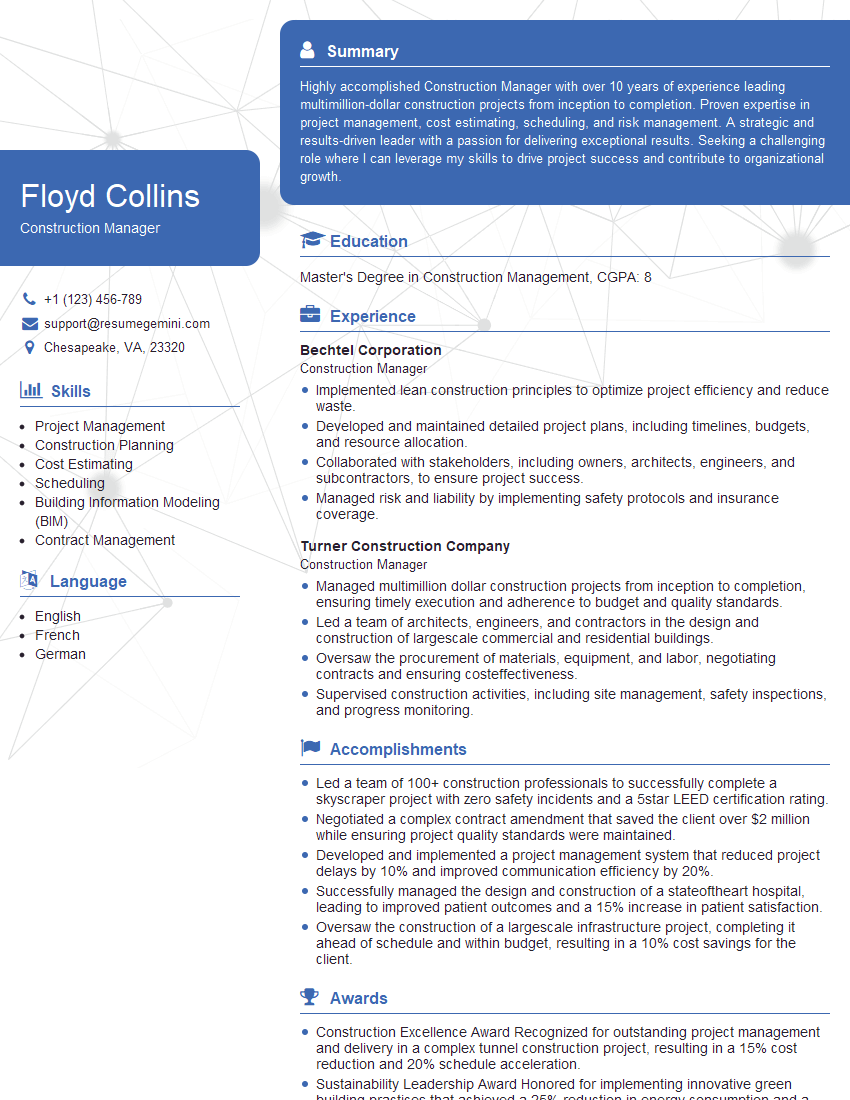
Construction Manager Resume Sample

Project Manager Resume Sample

Project Engineer Resume Sample
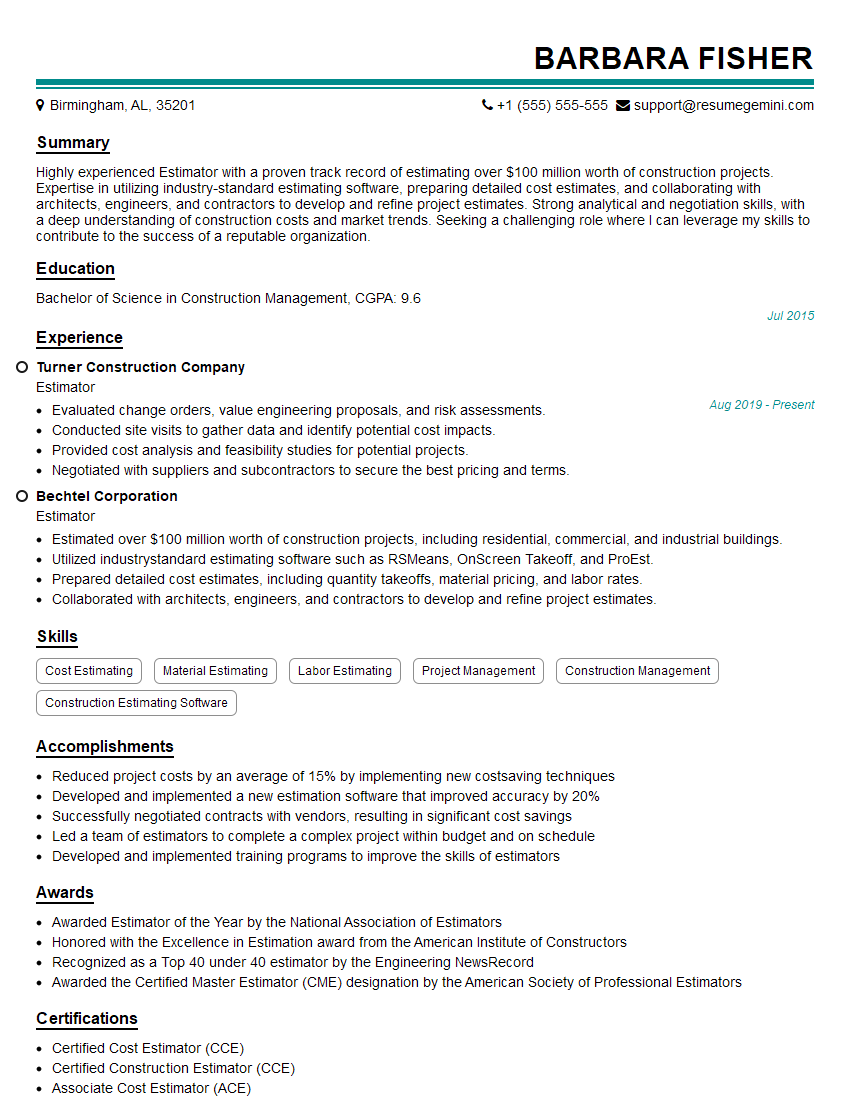
Estimator Resume Sample
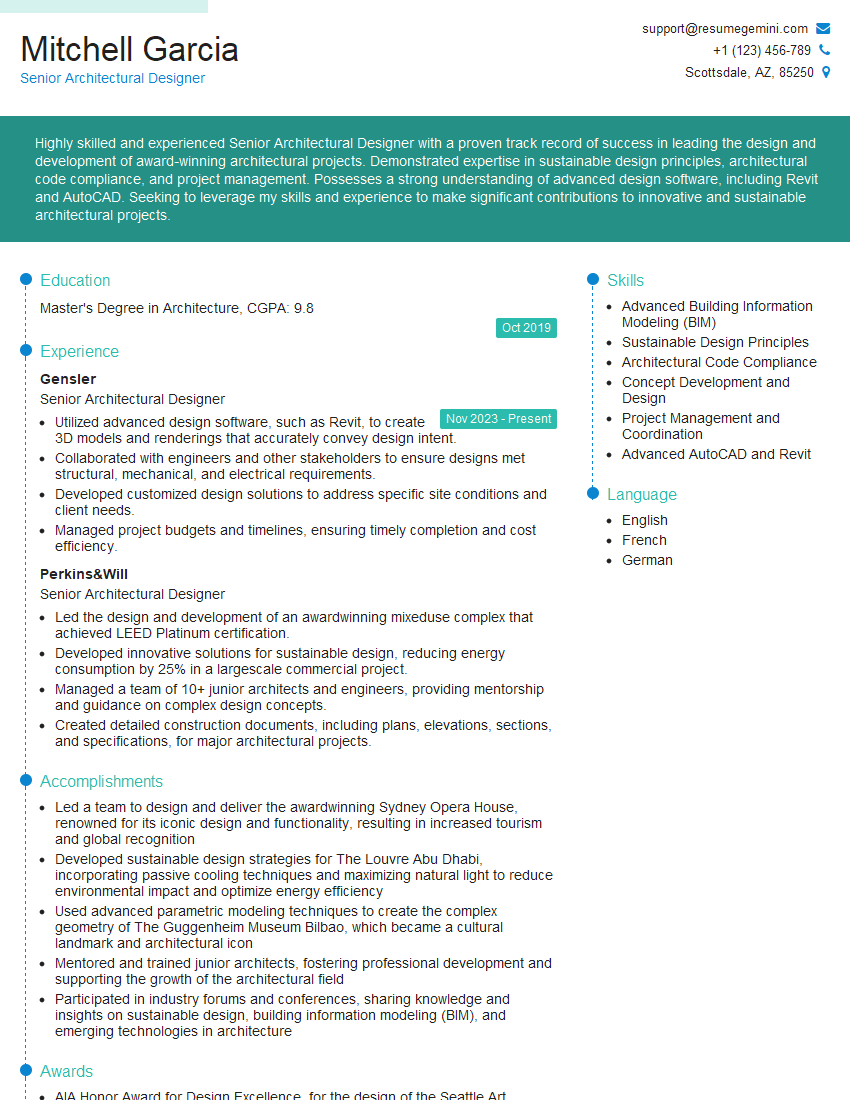
Senior Architectural Designer Resume Sample
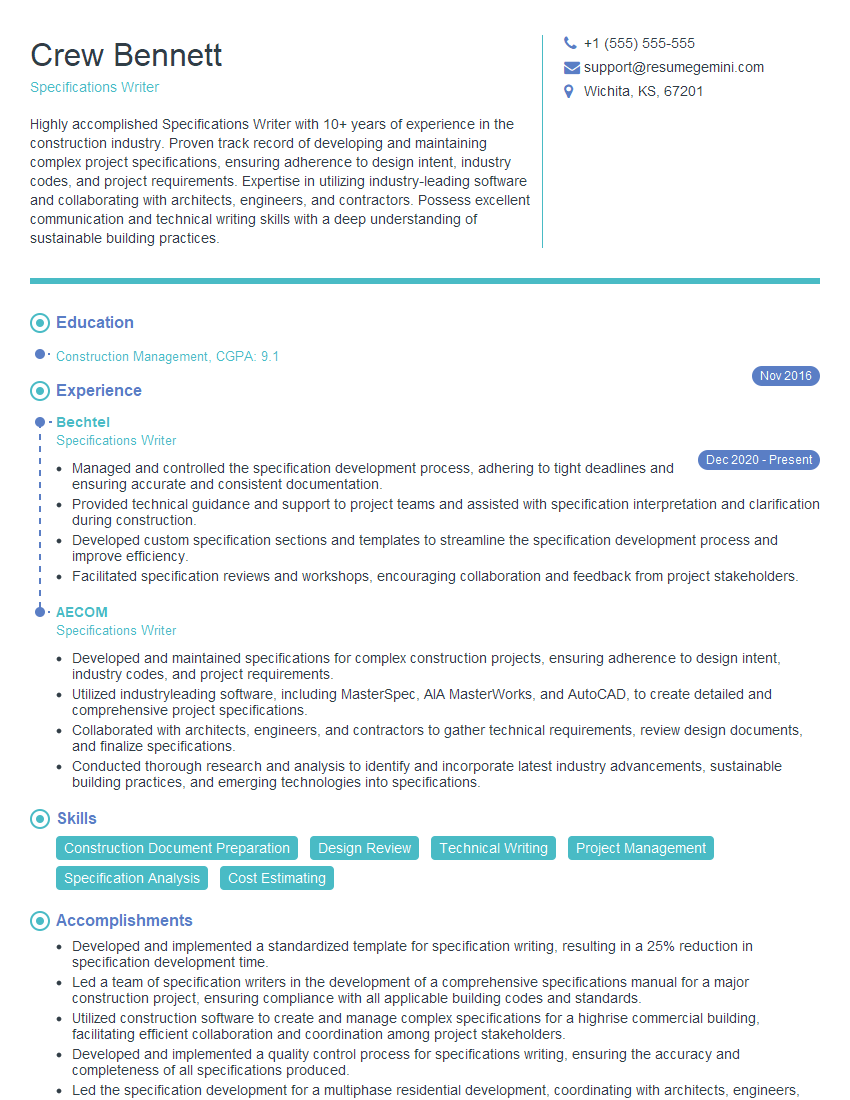
Specifications Writer Resume Sample
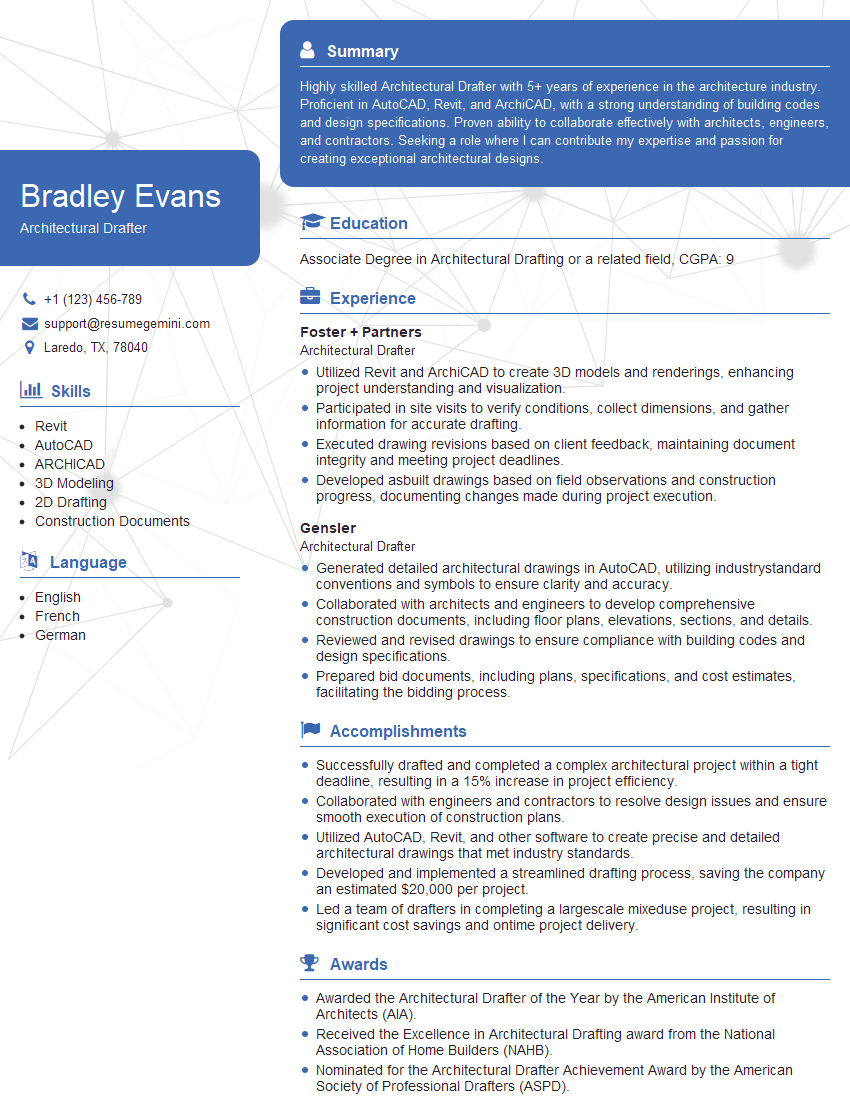
Architectural Drafter Resume Sample
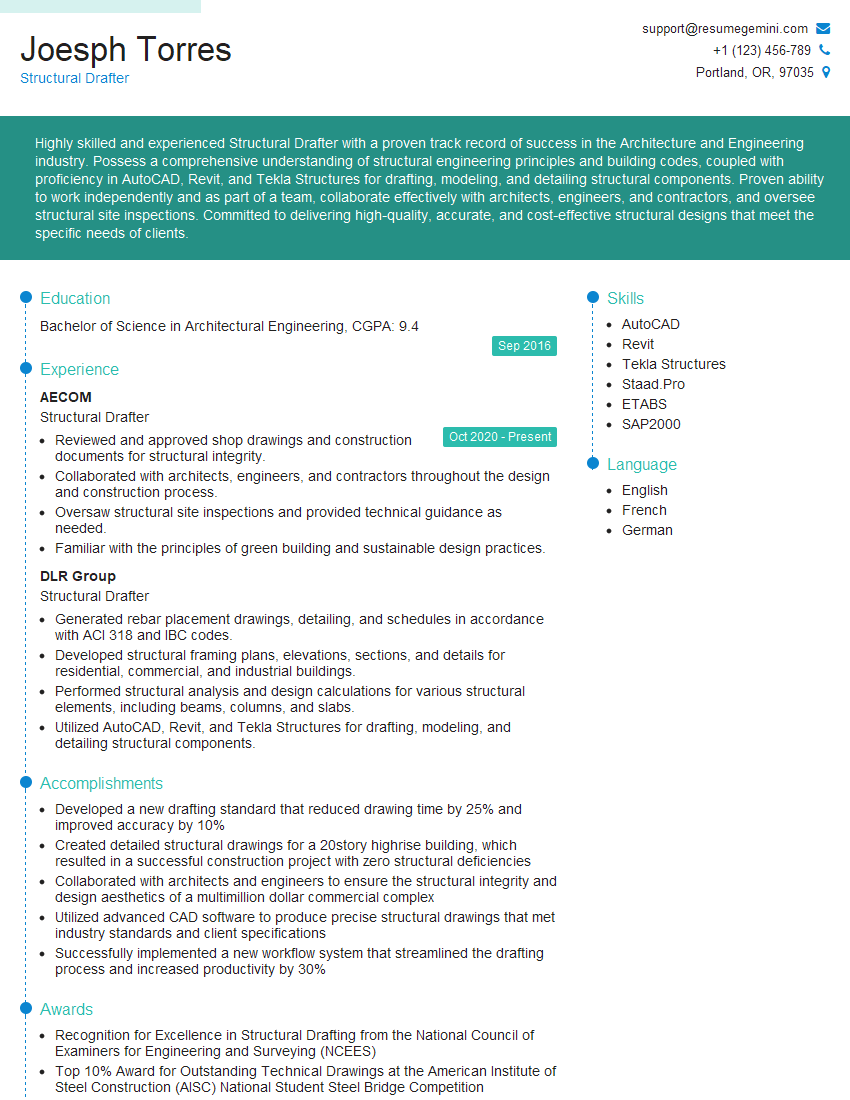
Structural Drafter Resume Sample
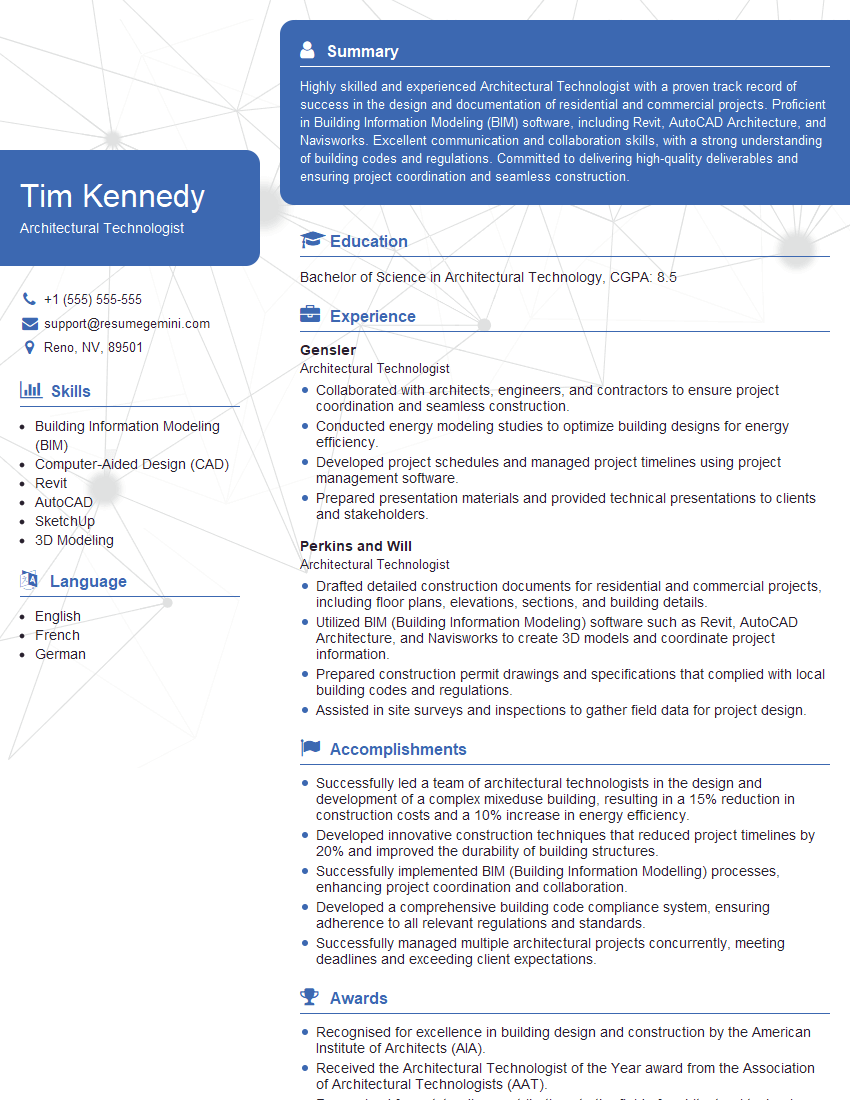
Architectural Technologist Resume Sample

Design Technician Resume Sample

Technical Designer Resume Sample
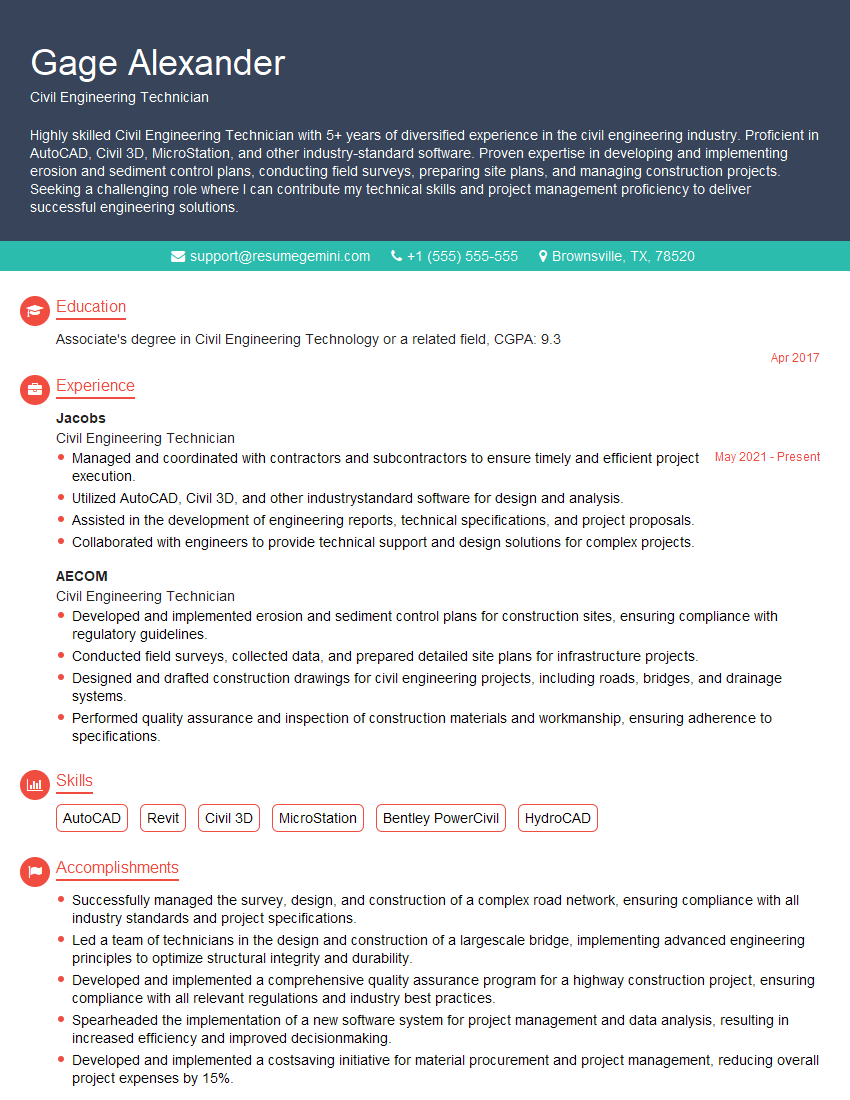
Civil Engineering Technician Resume Sample
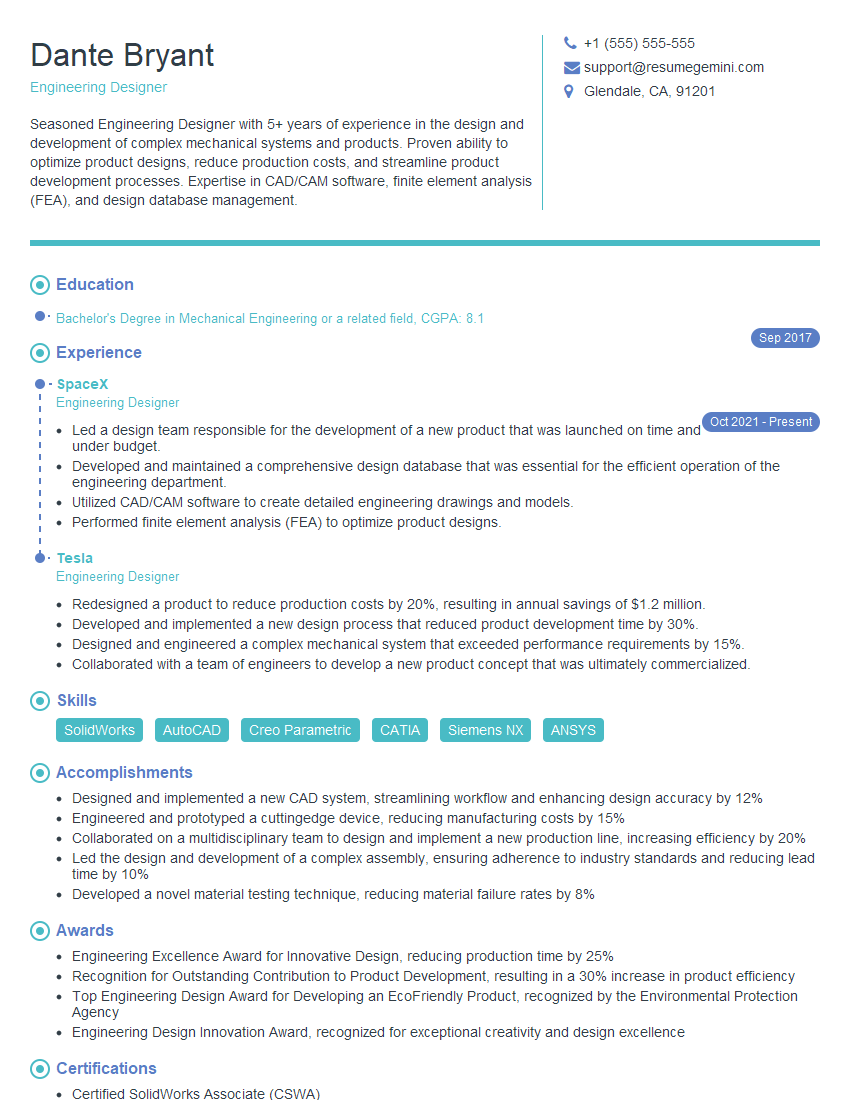
Engineering Designer Resume Sample
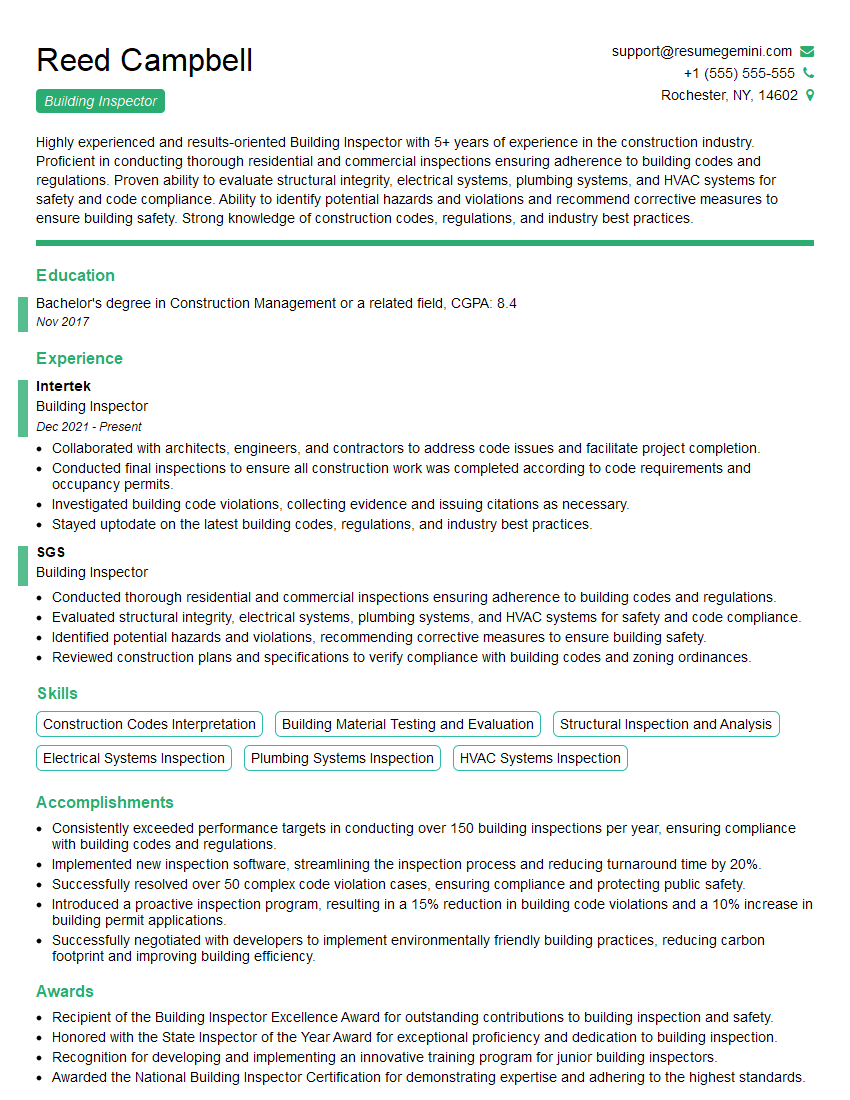
Building Inspector Resume Sample

Quality Control Inspector Resume Sample
- Construction Manager
- Project Manager
- Project Engineer
- Estimator
- Senior Architectural Designer
- Specifications Writer
- Architectural Drafter
- Structural Drafter
- Architectural Technologist
- Design Technician
- Technical Designer
- Civil Engineering Technician
- Engineering Designer
- Building Inspector
- Quality Control Inspector
Explore more articles
Users Rating of Our Blogs
Share Your Experience
We value your feedback! Please rate our content and share your thoughts (optional).
What Readers Say About Our Blog
Very informative content, great job.
good