Cracking a skill-specific interview, like one for Ability to Generate and Interpret Reports, requires understanding the nuances of the role. In this blog, we present the questions you’re most likely to encounter, along with insights into how to answer them effectively. Let’s ensure you’re ready to make a strong impression.
Questions Asked in Ability to Generate and Interpret Reports Interview
Q 1. Describe your experience generating reports using various data visualization tools.
My experience with data visualization tools spans several years and encompasses a wide range of software. I’m proficient in tools like Tableau, Power BI, and Qlik Sense, each offering unique strengths for different reporting needs. For instance, Tableau excels at creating interactive dashboards with insightful visualizations, while Power BI integrates seamlessly with Microsoft’s ecosystem. Qlik Sense, on the other hand, is powerful for handling massive datasets and complex queries.
In a recent project for a retail client, I used Tableau to create interactive sales dashboards. These dashboards allowed stakeholders to explore sales trends by region, product category, and time period, all through intuitive drag-and-drop interfaces. The visualizations – bar charts, line graphs, and geographical maps – provided clear, concise summaries of complex data, enabling quicker, data-driven decision-making.
For another project involving customer churn analysis, I leveraged Power BI’s data modeling capabilities to build a comprehensive report. This report incorporated KPIs like churn rate, customer lifetime value, and reasons for churn, presented in a clear and easily digestible manner for the non-technical audience. The ability to easily connect to various data sources within Power BI was crucial for this project.
Q 2. Explain your process for identifying key performance indicators (KPIs) within a dataset.
Identifying Key Performance Indicators (KPIs) is a crucial step in effective reporting. My process starts with a deep understanding of the business objectives. What are the organization’s goals? What metrics truly reflect success or failure in achieving these goals? I then work closely with stakeholders to define these objectives and translate them into measurable KPIs.
I typically use a data-driven approach. I examine the available datasets to identify relevant metrics. For example, if the objective is to improve customer satisfaction, relevant KPIs could include customer satisfaction scores (CSAT), Net Promoter Score (NPS), and resolution time for customer support tickets.
Next, I analyze the data to identify trends and patterns. This might involve calculating averages, identifying outliers, and exploring correlations between different variables. The goal is to pinpoint metrics that demonstrably show progress towards or deviations from the set objectives. Finally, I present the chosen KPIs clearly, ensuring stakeholders understand their meaning and relevance.
Q 3. How do you ensure the accuracy and reliability of the data used in your reports?
Data accuracy and reliability are paramount. My process for ensuring this involves multiple steps, starting with data source validation. I carefully evaluate the credibility and integrity of the source. Is it a trusted and reputable source? Are data collection methods robust and well-documented? I look for any potential biases or inaccuracies inherent in the data itself.
Next, I perform data cleansing and validation. This might involve removing duplicates, handling missing values, and correcting inconsistencies. I employ techniques like data profiling and anomaly detection to identify and address potential data quality issues. For instance, if sales figures seem unusually high for a particular month, I would investigate to ensure there weren’t any data entry errors or anomalies.
Finally, I utilize data validation techniques such as cross-referencing data from multiple sources and comparing data against known benchmarks or industry averages. This helps to catch discrepancies and build confidence in the data’s accuracy before it’s used for reporting.
Q 4. Describe a situation where you had to interpret complex data to identify a problem or opportunity.
In a previous role, we noticed a significant drop in website traffic from a particular geographic region. The initial data presented a complex picture, with various factors potentially contributing to the decline. Through careful data interpretation, I was able to isolate the key issues.
I started by segmenting the data based on different variables like device type, age group, and time of day. This revealed that the traffic decline was primarily affecting users accessing the website from mobile devices within the targeted region. Further investigation showed a recent update to our mobile app had introduced a critical bug causing slow loading times, leading to user frustration and abandonment of the website.
By presenting this analysis, we quickly addressed the mobile app bug, resulting in a substantial recovery of website traffic. This example demonstrates the power of careful data interpretation and segmentation in pinpointing complex problems and uncovering actionable insights.
Q 5. What methods do you use to validate the accuracy of your reports?
Report validation is a crucial step to maintain credibility. I employ a multi-pronged approach. First, I conduct thorough internal reviews. This involves peer review where colleagues verify calculations, data sources, and interpretations. This helps to catch any potential errors or oversights.
Secondly, I use data validation techniques, such as comparing aggregated data to known totals or using checksums to verify data integrity. I also perform sensitivity analysis to check how the results are affected by variations in input data. This helps to assess the robustness of the findings.
Finally, I always check the report against the initial business objectives and ensure that the presented information clearly answers the questions and addresses the challenges posed by the project. Any discrepancies or inconsistencies are carefully investigated and resolved before finalizing the report.
Q 6. How do you tailor your reports to different audiences (e.g., technical vs. non-technical)?
Tailoring reports to different audiences is key for effective communication. My approach is to consider the audience’s level of technical expertise and their specific information needs. For technical audiences, I can include detailed methodologies, raw data tables, and complex statistical analyses. The focus is on providing comprehensive and granular insights.
For non-technical audiences, I prioritize clarity and conciseness. I use simple language, avoid jargon, and focus on high-level summaries and visual representations of key findings. Interactive dashboards are particularly useful in this context, allowing users to explore the data at their own pace and delve deeper only when needed. Charts and graphs are preferred over complex tables of numbers.
For example, a report for executive leadership might highlight key performance indicators with concise summaries and visually appealing charts, while a report for data scientists might include detailed statistical models and technical explanations. This approach maximizes the value of the report for each intended audience.
Q 7. Describe your experience with different reporting formats (e.g., dashboards, spreadsheets, presentations).
I’m experienced in various reporting formats, recognizing each has unique advantages. Dashboards are excellent for interactive exploration and real-time monitoring of key metrics. They provide a dynamic overview, allowing users to drill down into specific areas of interest. I often use dashboards for tracking key business performance indicators.
Spreadsheets, such as those created in Excel or Google Sheets, are effective for detailed data analysis and presentation. They are very versatile, allowing for complex calculations, sorting, filtering, and pivot table generation. They are useful when detailed analysis and data manipulation are required.
Presentations (PowerPoint, Google Slides) are ideal for communicating findings to a broader audience. They excel in presenting a narrative around the data, highlighting key insights and recommendations. They’re particularly useful for summarizing complex analysis and communicating key messages concisely.
The choice of format depends heavily on the intended audience, the complexity of the data, and the type of information to be communicated. Often a combination of these formats is used for comprehensive reporting.
Q 8. How do you handle conflicting data sources or inconsistencies in data?
Conflicting data sources are a common challenge in reporting. My approach involves a multi-step process to identify, analyze, and resolve inconsistencies. First, I meticulously investigate the source of the conflict. This often involves examining data dictionaries, understanding data collection methods, and comparing data structures. For example, if one database uses a different date format than another, this discrepancy needs to be identified and addressed.
Next, I prioritize data sources based on their reliability and validity. Data from trusted, validated sources is given more weight. I use data quality checks and validation rules to identify and flag outliers or anomalies, which might point to errors in particular data sources. Sometimes, this necessitates collaboration with data owners to understand and correct the source of the errors.
Finally, I document the discrepancies, the resolution strategy employed, and the rationale behind the prioritization of data sources. This documentation is crucial for auditability and transparency. If I cannot conclusively resolve the conflict, I’ll flag it clearly in the report, explaining the uncertainty and potential implications for the analysis. This is far better than silently presenting potentially misleading information.
Q 9. How do you prioritize which data to include in a report when faced with large datasets?
Prioritizing data in large datasets is a crucial aspect of effective reporting. My strategy centers around understanding the report’s objectives and the key performance indicators (KPIs) it aims to highlight. I start by defining the scope and purpose of the report – what questions are we trying to answer? What key insights are we seeking? This helps to focus the data selection process.
Once the objectives are clear, I identify the relevant variables and dimensions required to address them. Irrelevant data is excluded to reduce processing time and simplify analysis. For example, if the report focuses on customer acquisition cost, I would prioritize data related to marketing spend, customer acquisition numbers, and related conversion rates, while excluding potentially unrelated information such as inventory levels.
I then employ data sampling techniques if the dataset is exceedingly large. Random sampling or stratified sampling ensures a representative subset of the data is used for analysis, while drastically reducing processing time. The choice of sampling technique depends heavily on the specific dataset and the goals of the report. Careful consideration must be given to avoid introducing bias through sampling.
Q 10. Describe a time you had to troubleshoot a reporting issue.
In a previous role, I was tasked with generating a monthly sales report. The report suddenly started showing significantly lower sales figures than expected, despite no apparent changes in data sources or collection methods. This immediately raised a red flag.
My troubleshooting involved systematically investigating each stage of the reporting process. I first checked for errors in data extraction, ensuring that the correct database and tables were being accessed. Then, I examined the data transformation and cleaning steps, looking for unexpected changes in data manipulation or filtering rules. This revealed an unnoticed change in the database’s query logic, unintentionally excluding a substantial portion of sales data.
The solution was to revert the faulty query logic and implement more rigorous testing for future updates. Furthermore, I recommended establishing a more robust change management process for database modifications to prevent similar issues in the future. The experience highlighted the importance of thorough testing and careful version control in data processing.
Q 11. How do you ensure your reports are timely and meet deadlines?
Timely report delivery is paramount. I manage this through effective project planning, careful resource allocation, and proactive communication. I begin by creating a detailed project plan with clearly defined milestones and deadlines. This plan takes into account all stages of report generation – data collection, cleaning, analysis, visualization, and distribution.
I prioritize tasks based on their dependencies and critical path, using project management tools like Gantt charts to visually track progress. Automated processes are used wherever possible, such as scripting for data extraction and transformation, to reduce manual effort and ensure consistency. I also establish clear communication channels with stakeholders to manage expectations and address any potential delays proactively.
Regular monitoring of progress against the project plan is vital. If issues arise, I escalate them immediately to the appropriate team members and develop mitigation strategies. This proactive approach helps to ensure that deadlines are met while maintaining the quality of the reports.
Q 12. How do you incorporate data security and privacy best practices into your reporting processes?
Data security and privacy are fundamental to my reporting processes. I adhere strictly to relevant data privacy regulations such as GDPR and CCPA. This involves understanding and complying with data access controls, ensuring data is anonymized or pseudonymized whenever possible, and limiting access to sensitive data only to authorized personnel.
I utilize encryption techniques both in transit and at rest to protect sensitive data. Secure data storage and transfer protocols are employed, such as HTTPS for data transmission. Access to data is controlled via role-based access controls (RBAC), ensuring only those with the necessary permissions can access specific data subsets.
Regular security audits and vulnerability assessments are crucial. These help to identify and address potential weaknesses in the reporting infrastructure. Finally, I maintain thorough documentation of all security measures implemented, including data access logs and audit trails, to ensure compliance and transparency.
Q 13. What software or tools are you proficient in for report generation and analysis?
I’m proficient in a range of software and tools for report generation and analysis. My expertise includes SQL for database querying and data extraction, Python with libraries like Pandas and NumPy for data manipulation and analysis, and Tableau and Power BI for data visualization and report creation. I am also experienced with programming languages such as R for statistical modeling and analysis.
For data visualization, I prefer tools that offer interactive dashboards and allow for easy sharing and collaboration. The choice of specific tool often depends on the specific requirements of the project and the preferences of the stakeholders. However, a core competence lies in the ability to select and effectively utilize the right tools for the job.
Q 14. Explain your experience with data mining and extracting relevant information.
Data mining involves discovering patterns and insights from large datasets. My experience in this area spans various techniques, including data cleaning, feature engineering, and the application of various machine learning algorithms. The process starts with clearly defining the objectives of the data mining exercise: What insights are we looking to uncover?
For example, in a customer churn prediction project, I’d use data mining techniques to identify factors associated with customer churn. This could involve exploring demographic data, purchase history, customer service interactions, and website usage patterns. Data cleaning is crucial in this phase: handling missing values, removing duplicates, and correcting inconsistencies.
Once the data is cleaned and preprocessed, I would employ various algorithms, such as logistic regression or decision trees, to build predictive models. The results are then interpreted and presented in a clear and concise manner to stakeholders, offering actionable insights such as identifying high-risk customers or suggesting strategies to reduce churn. This often involves visualizing results using graphs, charts, and reports that aid in communicating complex information.
Q 15. How do you identify trends and patterns in data?
Identifying trends and patterns in data involves a combination of statistical analysis, data visualization, and domain expertise. It’s like searching for clues in a mystery – you need to look for recurring themes and anomalies.
I typically begin by exploring the data through descriptive statistics, calculating measures like mean, median, and standard deviation to understand the central tendency and spread of the data. Then, I use visualization techniques such as histograms, scatter plots, and box plots to identify potential trends visually. For example, a scatter plot might reveal a positive correlation between two variables, indicating that as one increases, the other tends to increase as well.
Furthermore, I employ more advanced techniques like time series analysis (for identifying temporal patterns), regression analysis (for understanding relationships between variables), and clustering algorithms (for grouping similar data points). The specific method depends heavily on the nature of the data and the questions I’m trying to answer. For instance, if I’m analyzing website traffic data, I might use time series analysis to identify seasonal trends or spikes in activity.
- Statistical Analysis: Using tools like R or Python with libraries like Pandas and Scikit-learn to perform calculations and tests.
- Data Visualization: Employing tools like Tableau or Power BI to create insightful charts and graphs that highlight trends.
- Domain Expertise: Leveraging prior knowledge to interpret the patterns found within the data and contextualize the findings.
Career Expert Tips:
- Ace those interviews! Prepare effectively by reviewing the Top 50 Most Common Interview Questions on ResumeGemini.
- Navigate your job search with confidence! Explore a wide range of Career Tips on ResumeGemini. Learn about common challenges and recommendations to overcome them.
- Craft the perfect resume! Master the Art of Resume Writing with ResumeGemini’s guide. Showcase your unique qualifications and achievements effectively.
- Don’t miss out on holiday savings! Build your dream resume with ResumeGemini’s ATS optimized templates.
Q 16. How do you present complex information in a clear and concise manner?
Presenting complex information clearly and concisely requires a storytelling approach. Think of it like explaining a complicated recipe to someone who’s never cooked before – you need to break it down into digestible steps.
I start by defining the key message or objective of the report. What are the most important takeaways? Once that’s clear, I structure the report logically, leading the reader through the information in a step-by-step manner. I use visuals extensively – charts, graphs, and tables – to illustrate complex data points and make them easier to understand.
I avoid technical jargon whenever possible, opting for plain language that everyone can understand. I use strong titles and headings to break up the information and guide the reader’s eye. And finally, I always keep the audience in mind – tailoring the language, level of detail, and presentation style to their specific knowledge and needs.
For example, if presenting financial data to executives, I’d focus on high-level summaries and key performance indicators (KPIs), avoiding granular details. But if presenting to a technical team, more detailed analysis and technical explanations would be appropriate.
Q 17. What is your experience with data cleaning and preparation?
Data cleaning and preparation is a crucial, often time-consuming, step in the reporting process. It’s like preparing ingredients before cooking a meal – you need to make sure they’re clean, fresh, and properly measured for a good outcome.
My experience encompasses various techniques, including handling missing values (imputation or removal), dealing with outliers (investigation and potential correction), and identifying and correcting inconsistencies in data formats. I’m proficient in using tools like SQL and Python (with libraries such as Pandas) to automate these processes. For example, I might use SQL queries to identify and remove duplicate entries or Python to cleanse and standardize inconsistent data formats.
I also employ techniques to ensure data integrity and validity. This involves cross-checking data against other sources and applying appropriate transformations to make it suitable for analysis. A common example is converting categorical data into numerical data using techniques like one-hot encoding to allow it to be processed in many statistical models.
Q 18. How do you communicate the findings of your reports effectively to stakeholders?
Communicating report findings effectively hinges on understanding the audience and tailoring the presentation to their needs. I use a combination of written and visual communication to accomplish this.
I begin by preparing a concise executive summary that highlights the key findings and recommendations. This allows stakeholders to quickly grasp the essence of the report. I then use clear and concise language, avoiding technical jargon whenever possible. Visual aids like charts, graphs, and dashboards are crucial for conveying complex information effectively.
I also tailor the delivery method to the audience. For example, I might present a formal presentation to senior management, but circulate a detailed written report to the technical team. Following up with stakeholders to answer questions and address concerns is equally important. I ensure that my reports are easily accessible, user-friendly, and relevant to the stakeholders’ goals and decision-making processes.
Q 19. Describe a time you had to present your findings to a non-technical audience.
In a previous role, I was tasked with reporting on customer satisfaction data to a group of non-technical executives. The data included various metrics and statistical analyses, which could have been overwhelming.
To make the presentation accessible, I focused on telling a story using simple language and impactful visuals. Instead of presenting complex statistical tables, I created a visually appealing dashboard showing key trends in customer satisfaction. For example, I used a simple bar chart to illustrate the changes in satisfaction scores over time, and a map to highlight geographical variations.
I also focused on the implications of the findings for the business, explaining how the data could inform decision-making and improve customer experience. By focusing on the ‘so what?’ rather than getting bogged down in the ‘how,’ I successfully conveyed the key message without overwhelming the audience with technical details. The session ended with a productive Q&A where I successfully answered questions in plain language.
Q 20. How do you measure the effectiveness of your reports?
Measuring the effectiveness of my reports involves assessing whether they achieved their intended purpose. This goes beyond simply generating a report; it’s about measuring its impact.
I use a multi-faceted approach. Firstly, I gather feedback from stakeholders through surveys or informal discussions. This helps me understand if the report was clear, concise, and relevant. I also track the use of the report and its recommendations – were the insights acted upon? Did the report inform decisions that led to positive outcomes? For example, if a report on customer churn led to improved customer retention rates, that’s a clear indication of its effectiveness.
I also monitor key performance indicators (KPIs) related to the report’s subject matter. If the report was intended to improve sales performance, for instance, I would track sales figures after the report’s dissemination. By tracking these metrics, I can quantitatively assess the impact of my reports and continuously improve my reporting strategies.
Q 21. How do you stay up-to-date on new reporting technologies and trends?
Staying current in the rapidly evolving field of reporting technologies requires a proactive approach. It’s like being a chef who constantly explores new recipes and cooking techniques.
I regularly attend industry conferences and webinars, where I learn about the latest tools and trends. I also actively engage with online communities and forums, participating in discussions and learning from other professionals. I subscribe to relevant newsletters and journals to stay informed about advancements in data visualization, data analysis, and reporting technologies. Additionally, I dedicate time to experimenting with new tools and technologies, testing them on relevant datasets to gain practical experience.
Specifically, I regularly explore new data visualization libraries in Python (like Plotly and Seaborn), investigate advancements in business intelligence tools (like Tableau and Power BI), and follow updates in data storytelling techniques and methodologies. Continuous learning is vital in this field to remain competitive and deliver high-quality, impactful reports.
Q 22. Explain your experience with A/B testing and interpreting the results.
A/B testing is a powerful method for comparing two versions of something (e.g., a website, an email, an advertisement) to see which performs better. I have extensive experience designing, executing, and interpreting A/B tests. My process typically involves:
- Defining clear objectives and hypotheses: Before starting, I clearly define what I’m trying to achieve (e.g., increase click-through rate, improve conversion rate). This helps to focus the test and measure success accurately.
- Designing the test variations: I carefully craft variations that systematically test specific elements. For example, I might test different headlines, call-to-action buttons, or image layouts. I ensure these variations are controlled to isolate the effects of the changes.
- Selecting appropriate sample sizes and statistical significance levels: This is critical to ensure reliable results. I use statistical power calculations to determine the necessary sample size to detect meaningful differences with a given level of confidence. Tools like G*Power are invaluable here.
- Implementing the test and monitoring its progress: I utilize platforms like Optimizely or Google Optimize to manage the A/B tests. Regular monitoring helps identify any issues or unexpected trends early on.
- Analyzing the results and drawing conclusions: Once sufficient data is collected, I analyze the results using statistical methods like t-tests or chi-squared tests to determine if the differences between variations are statistically significant. I also look beyond just statistical significance and consider practical significance – is the difference large enough to justify a change? I always present the results visually, using charts and graphs, making the insights clear and easy to understand.
For example, in a recent project, we A/B tested two different email subject lines. One was more concise and direct, while the other was more creative and engaging. The results showed that the concise subject line had a significantly higher open rate. This informed our email marketing strategy going forward.
Q 23. How do you handle incomplete or missing data in your analysis?
Handling missing or incomplete data is crucial for accurate analysis. Ignoring it can lead to biased results. My approach involves a multi-step process:
- Understanding the nature of missing data: Is it missing completely at random (MCAR), missing at random (MAR), or missing not at random (MNAR)? The type of missing data dictates the best approach.
- Data imputation techniques: For MCAR or MAR data, I might employ imputation techniques like mean/median imputation (simple but can distort the data if used improperly), k-nearest neighbors imputation, or multiple imputation (more sophisticated and preferred for complex datasets). The choice depends on the dataset’s characteristics and the desired level of accuracy.
- Analysis with incomplete data: For certain analyses, specialized techniques are applicable even without imputation. For example, multiple imputation allows you to perform analyses on the imputed datasets and combine the results, giving you a more accurate estimate while accounting for the uncertainty introduced by missing data. Some models can also directly handle missing data.
- Sensitivity analysis: It’s important to assess how sensitive the results are to the chosen imputation method. I perform sensitivity analyses by comparing results across different imputation techniques to ensure the conclusions are robust.
- Data quality assessment: Before any analysis, I thoroughly assess data quality to identify potential reasons for missing data and take appropriate steps to prevent it in future data collection. It might involve cleaning and validating the dataset.
In a recent project involving customer survey data, we had a significant number of missing responses to a specific question. Instead of simply discarding the incomplete responses, we used multiple imputation to fill in the missing values, which allowed us to utilize the entire dataset and obtain more robust conclusions.
Q 24. What are some common pitfalls to avoid when generating and interpreting reports?
Several pitfalls can undermine the effectiveness of reports. Here are some common ones to avoid:
- Ignoring the audience: Reports should be tailored to the specific audience. A report for senior management needs a different level of detail and summarization compared to a report for a technical team.
- Lack of clear objectives: Reports need a clear purpose. Without a well-defined objective, it’s easy to get bogged down in unnecessary details or lose sight of the key takeaways.
- Misleading visualizations: Poorly designed charts and graphs can distort the data and lead to misinterpretations. I ensure my visualizations are clear, accurate, and avoid tricks that misrepresent the data.
- Overlooking biases: Data is often subject to various biases. I actively look for potential biases during data collection, cleaning, and analysis.
- Poor data quality: Inaccurate or incomplete data renders the entire report unreliable. Thorough data cleaning and validation are crucial.
- Lack of context: The data presented needs to be accompanied by sufficient context to interpret the findings correctly. Presenting isolated numbers without explanation can be misleading.
- Ignoring limitations: Acknowledge the limitations of the data and the analysis. This shows transparency and strengthens the credibility of the report.
For instance, a pie chart that doesn’t add up to 100% is clearly misleading. Similarly, drawing conclusions from a small sample size without acknowledging the limited statistical power can be problematic.
Q 25. How do you ensure your reports are visually appealing and easy to understand?
Visually appealing and easy-to-understand reports are crucial for effective communication. My approach involves:
- Consistent design and branding: Using a consistent color scheme, font, and layout makes the report look professional and cohesive.
- Clear and concise text: Avoid jargon and technical terms unless necessary. Use bullet points and short paragraphs to enhance readability.
- Effective use of visuals: Charts and graphs should be carefully selected to accurately represent the data. I use appropriate chart types and label them clearly.
- Data storytelling: Organize the information in a narrative format, guiding the reader through the key findings and insights.
- Interactive elements: For complex reports, interactive elements like dashboards can enhance engagement and allow users to explore the data at their own pace.
- Accessibility considerations: Ensure the report is accessible to users with disabilities by following accessibility guidelines.
For example, I recently created a report on website traffic using a combination of line charts to show trends over time and bar charts to compare different traffic sources. The report was designed with a clean, minimalist aesthetic and clear labels, making it easy for the audience to understand the key takeaways.
Q 26. Describe your experience with automated reporting tools.
I have significant experience using automated reporting tools, including:
- Tableau: For creating interactive dashboards and visualizations. I’ve used Tableau to create dynamic reports that allow users to drill down into the data and explore different aspects of the analysis.
- Power BI: Similar to Tableau, Power BI is excellent for creating interactive reports and dashboards. I’ve leveraged its data connectivity features to integrate data from various sources into a single, coherent report.
- SQL Server Reporting Services (SSRS): For generating scheduled reports and integrating with database systems. I’ve automated the creation of regular reports, ensuring timely dissemination of critical information.
- Custom scripting (Python, R): For automating report generation and customization, particularly for complex or specialized reports that require programmatic manipulation of data and visualization.
Automation is crucial for efficiency and timeliness. For example, I automated a weekly sales report using SSRS, ensuring it’s automatically generated and sent to relevant stakeholders every Monday morning, significantly reducing manual effort.
Q 27. What is your approach to identifying and addressing biases in data?
Identifying and addressing biases in data is crucial for producing reliable reports. My approach involves:
- Understanding potential sources of bias: I consider potential biases throughout the data lifecycle, from data collection to analysis and interpretation. Common sources include sampling bias, measurement bias, and reporting bias.
- Data cleaning and validation: Thorough data cleaning and validation are essential to identify and correct errors or inconsistencies that might introduce bias.
- Statistical techniques: I use various statistical techniques to control for known biases. For example, regression analysis can help adjust for confounding variables that might distort the results.
- Sensitivity analysis: I perform sensitivity analyses to assess how the results are affected by different assumptions or choices in the analysis.
- Transparency and documentation: I transparently document the data sources, methods, and limitations of the analysis, allowing others to assess the potential for bias.
In a recent project analyzing customer satisfaction, we discovered a sampling bias because the survey was primarily distributed to customers who had recently interacted with our customer service team. We adjusted our analysis to account for this bias and ensured the final report accurately reflected overall customer sentiment.
Key Topics to Learn for Ability to Generate and Interpret Reports Interview
- Data Collection & Analysis: Understanding various data sources, methods of data collection (surveys, databases, etc.), and techniques for cleaning and preparing data for analysis. Consider discussing different data types and their suitability for various reporting methods.
- Report Design & Structure: Mastering the art of creating clear, concise, and visually appealing reports. Explore different report formats (e.g., narrative, tabular, graphical) and their appropriate applications. Think about audience considerations and how to tailor your report for optimal understanding.
- Data Visualization Techniques: Proficiency in using charts, graphs, and other visual aids to effectively communicate data insights. Discuss different chart types (bar charts, line graphs, pie charts, etc.) and when to use each one effectively. Practice interpreting visualizations created by others.
- Report Writing & Communication: Developing strong writing skills to convey complex data findings clearly and persuasively. Practice summarizing key findings and drawing meaningful conclusions from your analysis. Consider how to present your findings to both technical and non-technical audiences.
- Interpreting & Drawing Conclusions: Moving beyond simply presenting data to analyzing trends, identifying patterns, and drawing insightful conclusions. Practice explaining the “so what?” behind your findings and their implications for decision-making.
- Software & Tools: Familiarity with relevant software and tools used for report generation (e.g., Excel, Tableau, Power BI). Be prepared to discuss your experience with specific tools and your ability to adapt to new technologies.
- Metrics & KPIs: Understanding and applying key performance indicators (KPIs) to track progress and measure success. Be able to explain how different metrics relate to overall business objectives.
Next Steps
Mastering the ability to generate and interpret reports is crucial for career advancement in almost any field. Strong reporting skills demonstrate analytical thinking, communication proficiency, and a knack for problem-solving – highly valued attributes in today’s job market. To significantly boost your job prospects, focus on crafting an ATS-friendly resume that highlights these skills effectively. ResumeGemini is a trusted resource to help you build a professional and impactful resume that stands out from the competition. We provide examples of resumes tailored to highlight expertise in generating and interpreting reports, guiding you to create a compelling document showcasing your abilities. Use these resources to your advantage!

Operations Manager Resume Sample
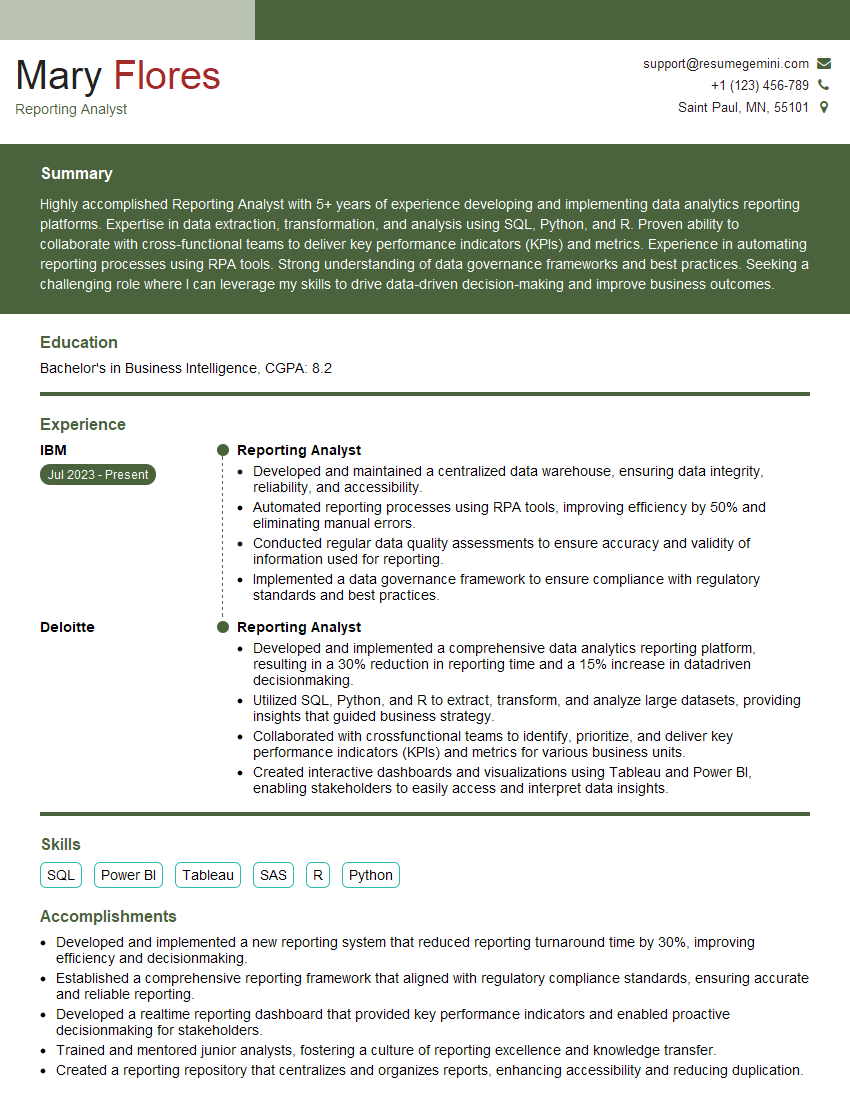
Reporting Analyst Resume Sample

Project Manager Resume Sample

Compliance Officer Resume Sample
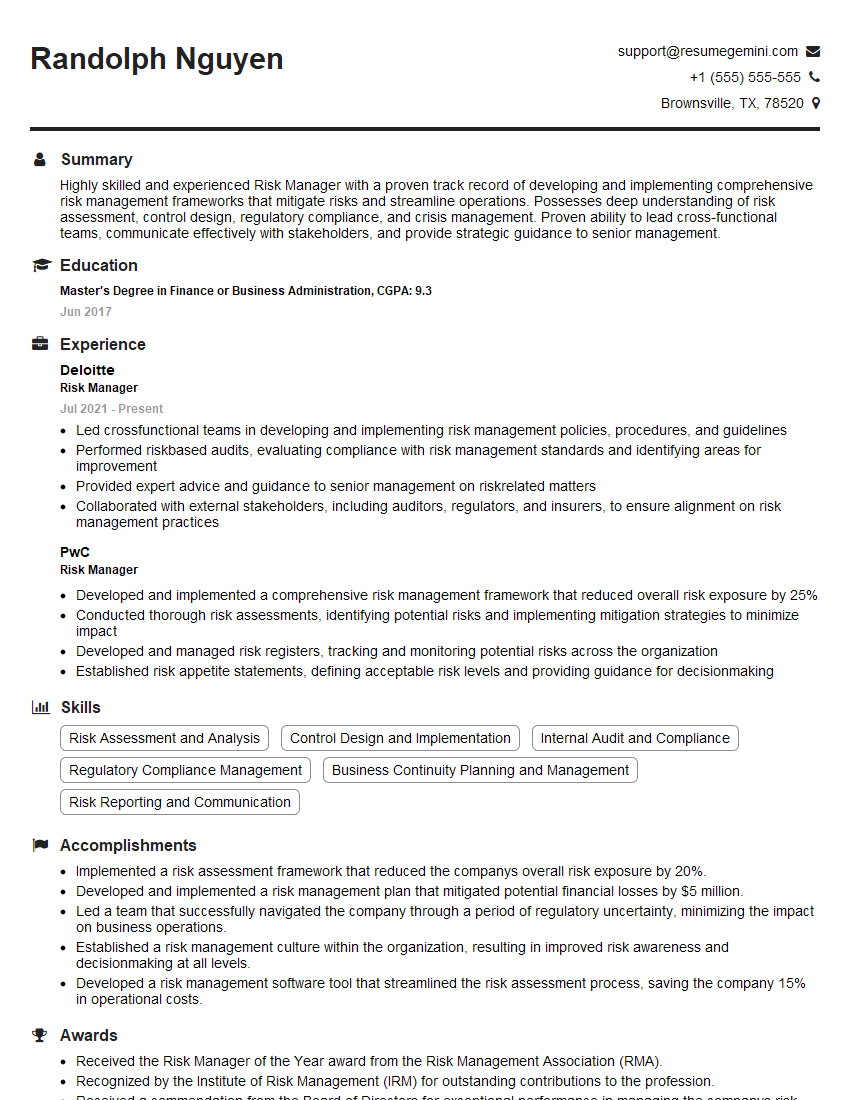
Risk Manager Resume Sample
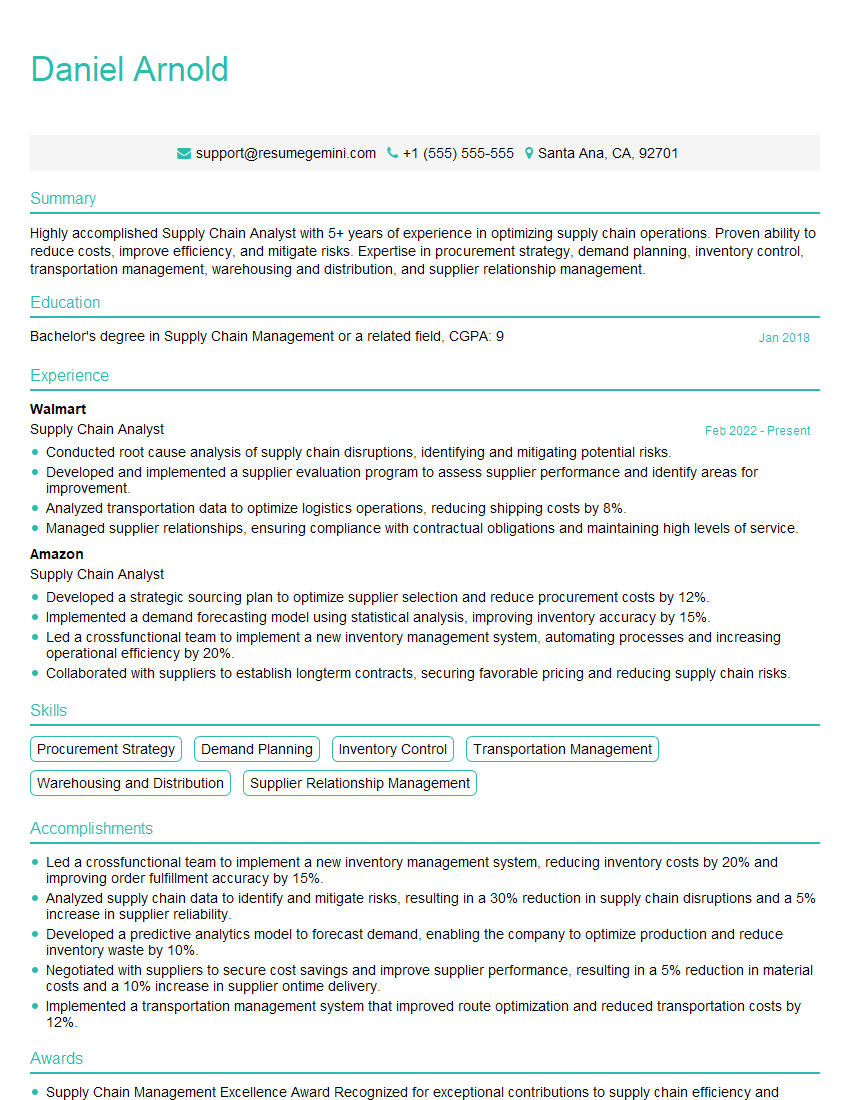
Supply Chain Analyst Resume Sample

Business Analyst Resume Sample
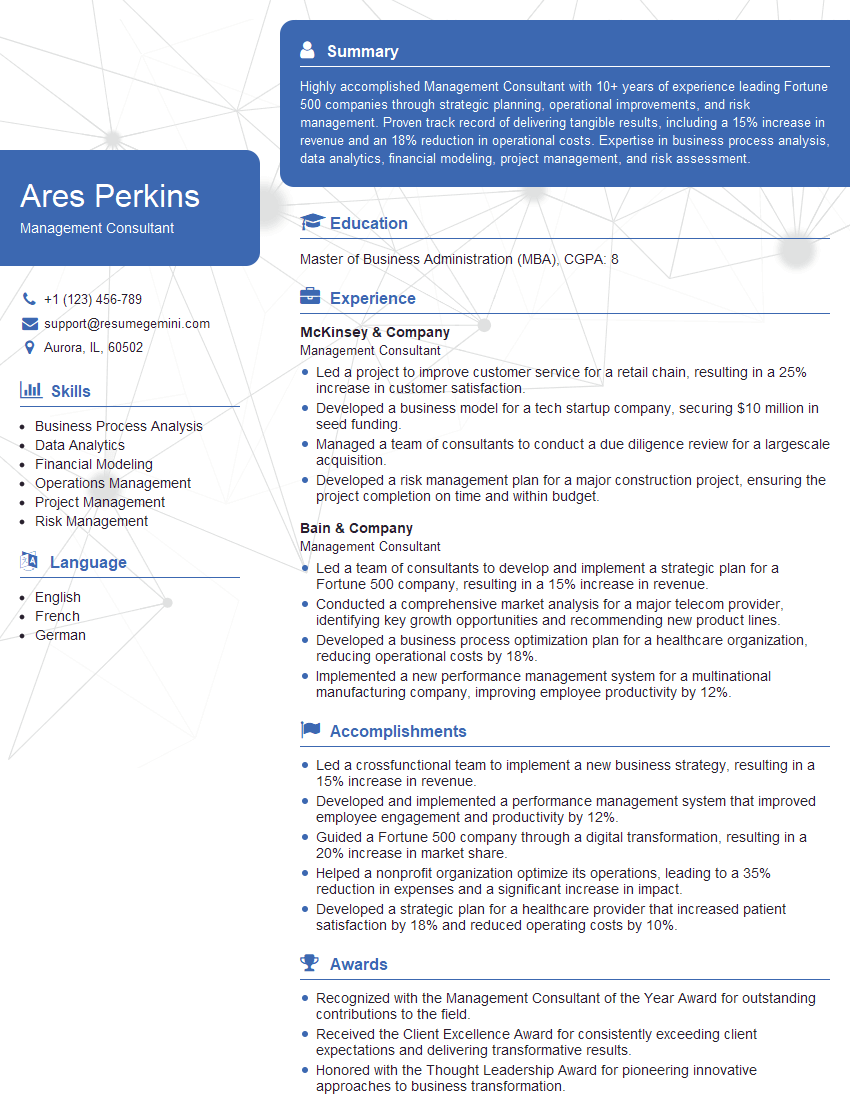
Management Consultant Resume Sample
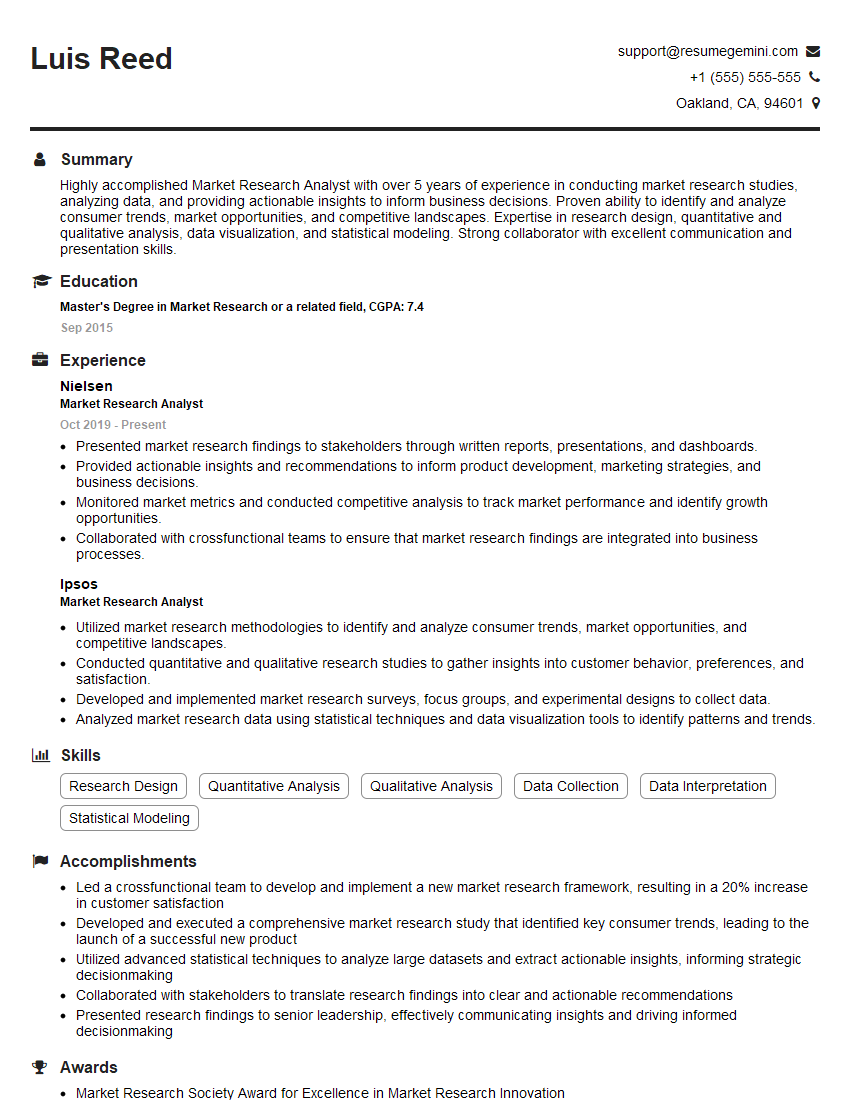
Market Research Analyst Resume Sample
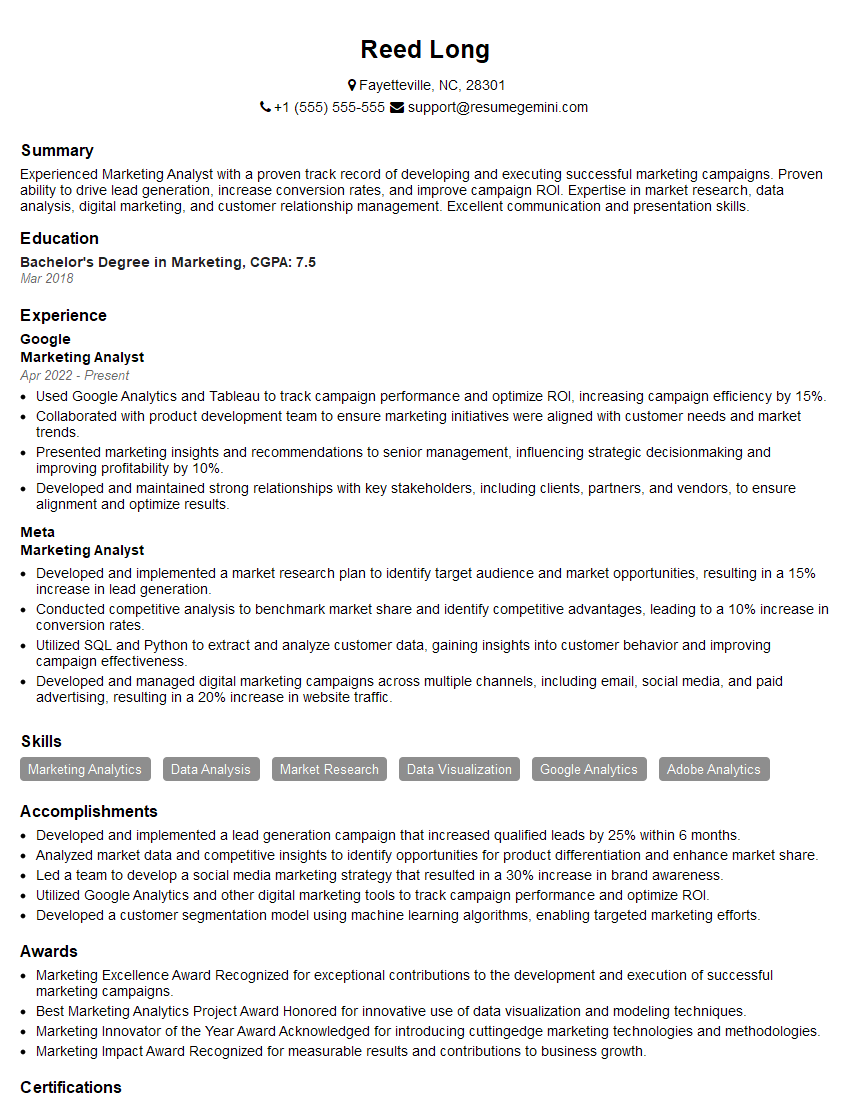
Marketing Analyst Resume Sample
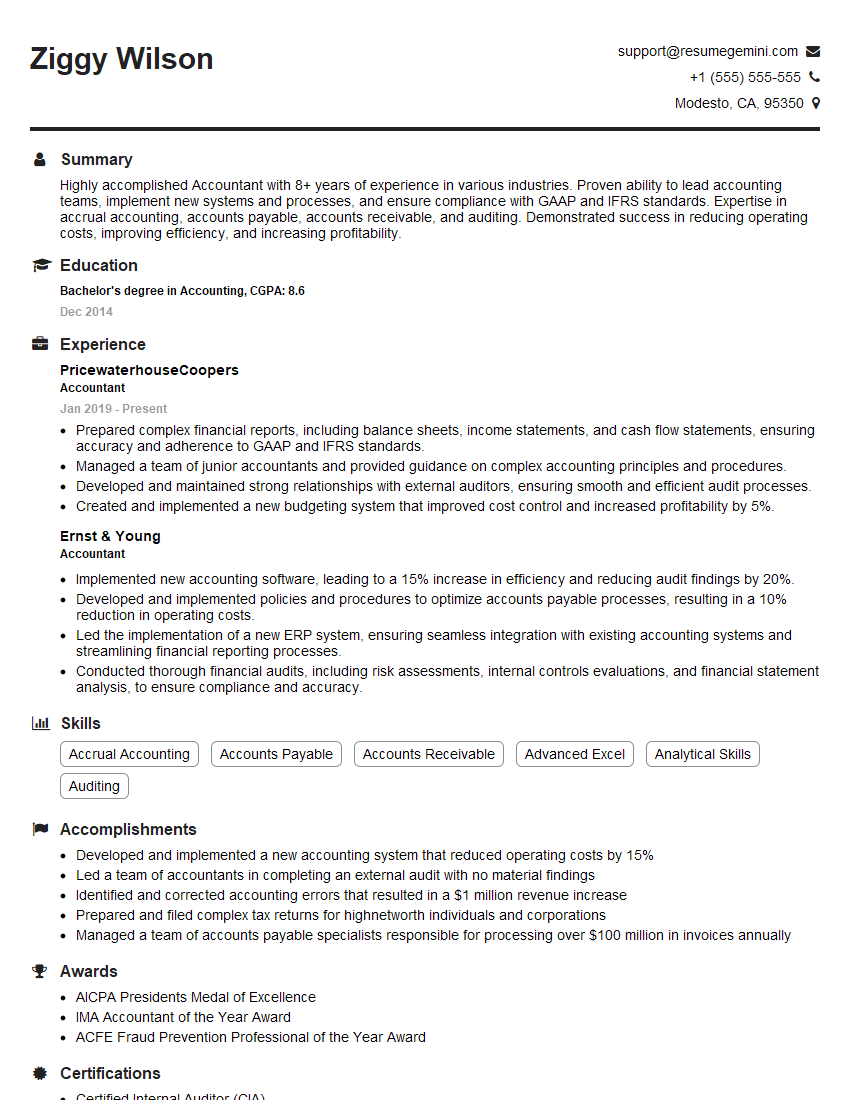
Accountant Resume Sample
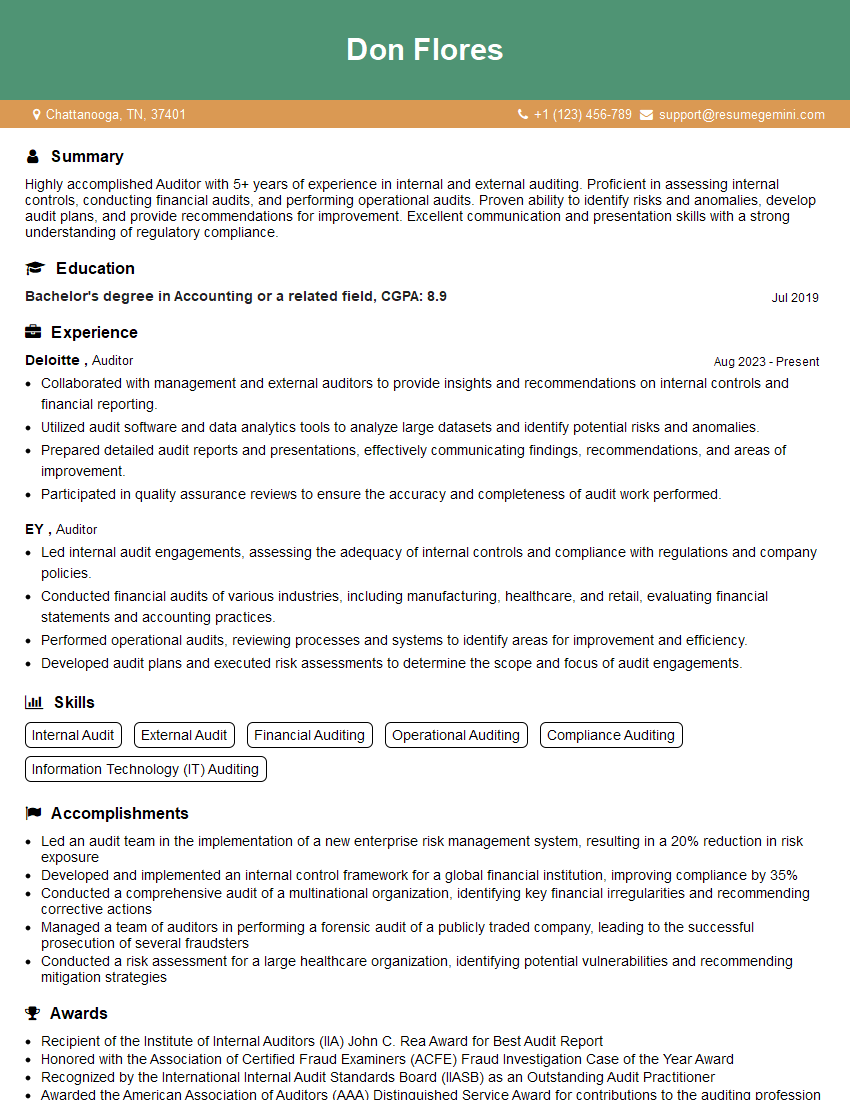
Auditor Resume Sample
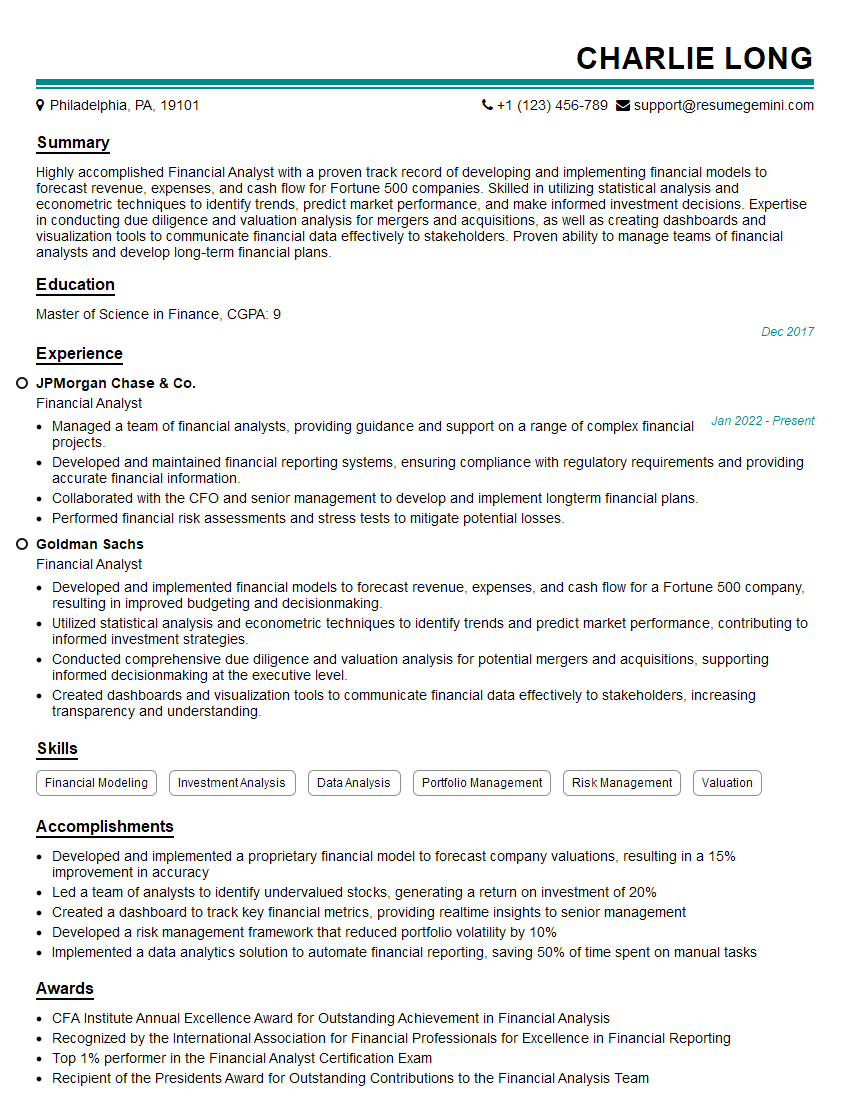
Financial Analyst Resume Sample

Data Analyst Resume Sample

Data Scientist Resume Sample

Research Scientist Resume Sample
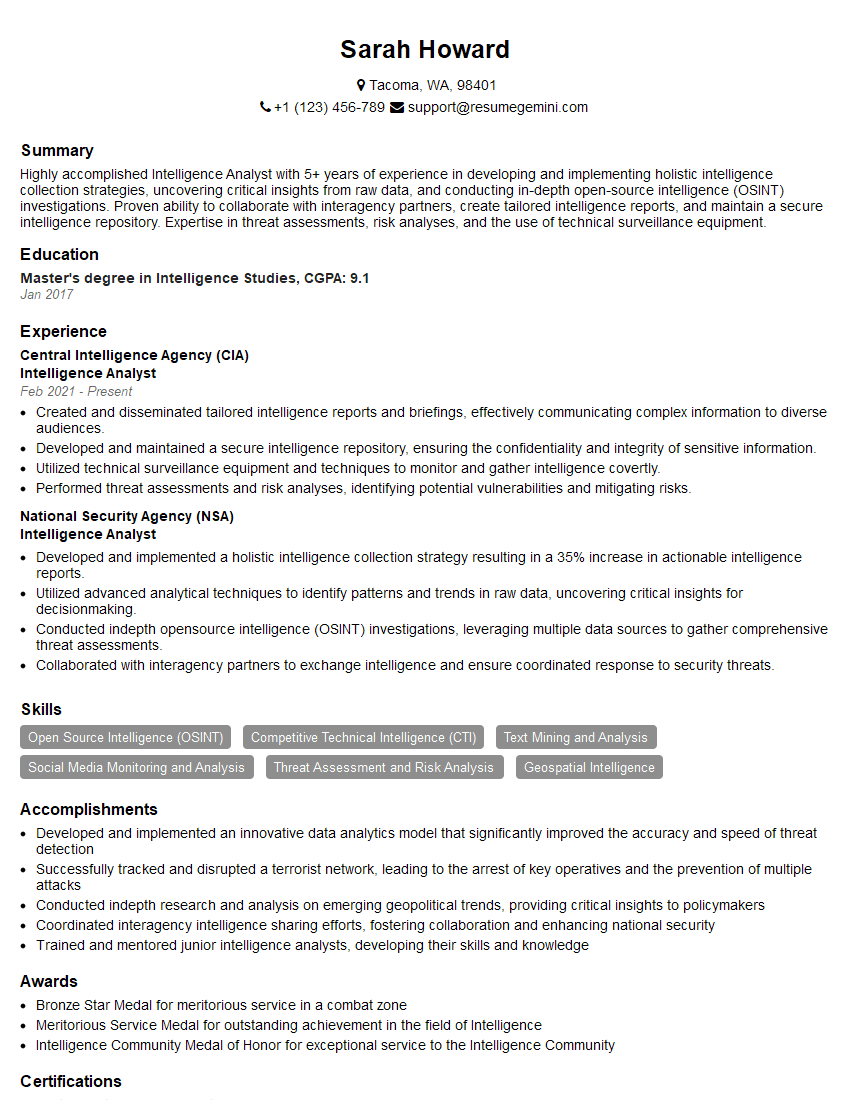
Intelligence Analyst Resume Sample
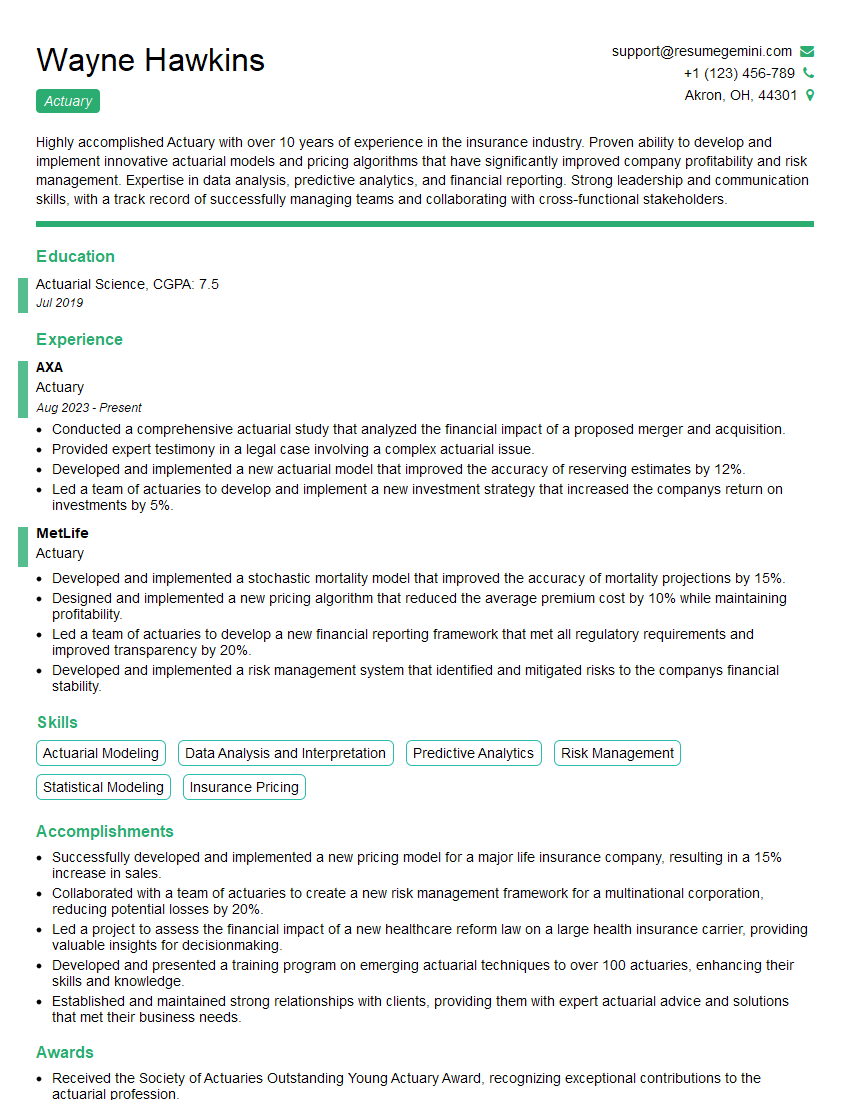
Actuary Resume Sample
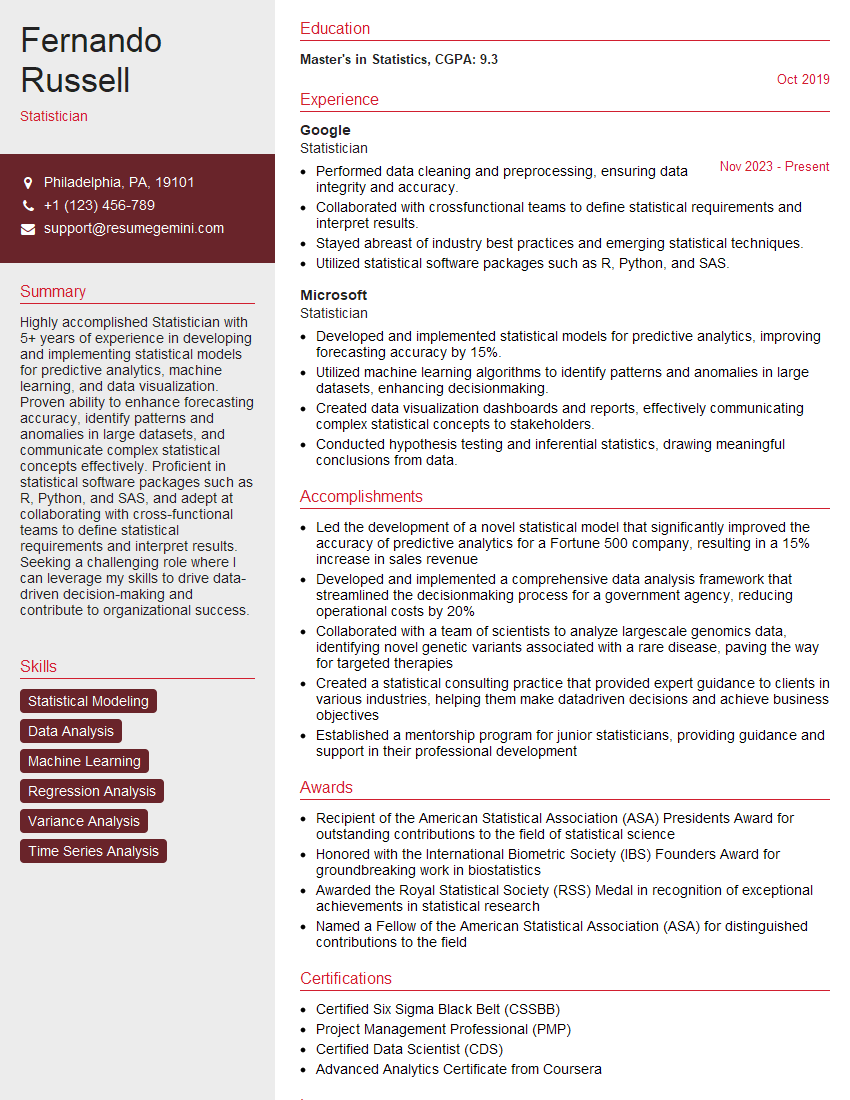
Statistician Resume Sample
- Operations Manager
- Reporting Analyst
- Project Manager
- Compliance Officer
- Risk Manager
- Supply Chain Analyst
- Business Analyst
- Management Consultant
- Market Research Analyst
- Marketing Analyst
- Accountant
- Auditor
- Financial Analyst
- Data Analyst
- Data Scientist
- Research Scientist
- Intelligence Analyst
- Actuary
- Statistician
Explore more articles
Users Rating of Our Blogs
Share Your Experience
We value your feedback! Please rate our content and share your thoughts (optional).
What Readers Say About Our Blog
Very informative content, great job.
good