Feeling uncertain about what to expect in your upcoming interview? We’ve got you covered! This blog highlights the most important Ability to use a variety of office equipment interview questions and provides actionable advice to help you stand out as the ideal candidate. Let’s pave the way for your success.
Questions Asked in Ability to use a variety of office equipment Interview
Q 1. Describe your experience using multi-function printers (MFPs).
Multi-function printers (MFPs) are workhorses in any modern office, combining printing, scanning, copying, and often faxing capabilities into a single device. My experience with MFPs spans several years and various models, from small office devices to larger, networked printers supporting high-volume print jobs. I’m proficient in operating them, managing their settings (like paper trays, duplex printing, and color options), and troubleshooting common issues. For instance, in my previous role, we had a high-volume HP MFP that handled hundreds of pages daily. I regularly managed its toner levels, ensured paper stock was sufficient, and performed routine maintenance like cleaning the paper path. I also configured network settings to allow seamless printing from various devices within the office.
I am familiar with various brands such as HP, Canon, and Xerox and their specific functionalities and interfaces. This includes navigating the control panels, adjusting print settings (quality, number of copies, collation), and understanding the error codes displayed.
Q 2. How proficient are you with different types of scanners (flatbed, sheetfed)?
I’m comfortable using both flatbed and sheetfed scanners, understanding their strengths and limitations. Flatbed scanners are excellent for scanning bound documents, books, or items with unusual shapes, providing high-quality images. Sheetfed scanners, on the other hand, are ideal for high-volume scanning tasks such as processing invoices or archiving large stacks of documents. Their speed makes them significantly more efficient for bulk scanning.
I have experience scanning documents in various formats (PDF, JPEG, TIFF) and adjusting resolution and color settings to optimize the quality of the scans depending on the intended use. In one project, I used a sheetfed scanner to digitize hundreds of client contracts, ensuring accurate image quality and efficient processing to meet a tight deadline. I also utilized a flatbed scanner to carefully scan fragile historical documents, taking precautions to minimize damage.
Q 3. Explain your experience with various types of copiers (e.g., digital, high-volume).
My experience with copiers ranges from small, basic desktop models to high-volume digital copiers found in larger offices. I understand the functionality of digital copiers, including features like collating, stapling, and scaling. I’ve worked with high-volume copiers that required regular maintenance, including toner and drum replacement, along with managing the paper supply to ensure uninterrupted operation.
For example, at my previous organization, I was responsible for maintaining a large Ricoh digital copier that served the entire department. This included preventative maintenance, ordering supplies, and troubleshooting minor issues. I also trained colleagues on proper copier usage to prevent damage and maintain consistent output quality.
Q 4. How would you troubleshoot a paper jam in a printer or copier?
Troubleshooting a paper jam requires a methodical approach. First, I would turn off the machine to ensure safety. Then, I would carefully check the common jam locations: the input tray, the paper path, and the output tray. I’d visually inspect the paper path, gently removing any jammed sheets. It’s crucial to avoid forcing paper, as this can lead to further damage.
Many printers display error codes which can pinpoint the exact location of the jam. If a visual inspection doesn’t solve the issue, I would consult the machine’s manual or online support resources for specific troubleshooting steps related to the error code. If the jam persists, I would consider contacting technical support.
Q 5. Have you used fax machines? Describe your experience.
While fax machines are less common now, I have experience sending and receiving faxes using both standalone machines and those integrated into MFPs. I understand the process of dialing fax numbers, transmitting documents, and checking for successful transmission confirmations.
My experience includes managing fax settings (like resolution and cover sheets), resolving transmission errors (such as busy signals or line problems), and maintaining the fax machine’s functionality. Although less frequent, this skill remains valuable when dealing with certain organizations or situations where digital document transfer isn’t feasible.
Q 6. What is your experience with using binding machines (e.g., comb, spiral)?
I’m familiar with various binding machines, including comb and spiral binding. Comb binding is suitable for documents of moderate thickness and is relatively easy to use. Spiral binding is suitable for thicker documents and offers a more durable finish. I understand the procedure for preparing documents for binding (punching holes accurately) and using the binding machine effectively.
In my previous role, I often used a comb binding machine to prepare presentations and reports, ensuring a professional and neat finish. Choosing the appropriate binding method depends heavily on the thickness of the document, budget, and the overall aesthetic desired.
Q 7. Describe your experience with laminating machines.
I’ve used laminating machines to protect documents from wear and tear and improve their overall durability. I understand the process of feeding documents into the machine, setting the appropriate temperature and speed, and monitoring the lamination process to ensure smooth and even results.
I’m aware of the different types of laminating pouches (hot and cold) and understand how to choose the appropriate pouch based on the thickness and type of document. Using a laminator ensures documents are well-preserved, preventing damage from moisture and frequent handling. For instance, I used a laminator frequently to preserve important certificates and project documentation.
Q 8. What software are you proficient with for managing documents and files?
My proficiency in document and file management software is extensive. I’m highly skilled in Microsoft Office Suite (Word, Excel, PowerPoint, Outlook), Google Workspace (Docs, Sheets, Slides, Gmail), and Adobe Acrobat Pro. Each of these platforms offers unique strengths for managing various document types and workflows.
- Microsoft Office Suite: I regularly use Word for creating and editing documents, Excel for managing spreadsheets and data analysis, PowerPoint for presentations, and Outlook for email management and scheduling. For example, I recently used Excel to track project timelines and budgets, creating dynamic charts to illustrate progress to stakeholders.
- Google Workspace: The collaborative features of Google Workspace are invaluable. I frequently use Docs for collaborative writing and editing, Sheets for shared spreadsheets and data visualization, and Slides for presentations requiring real-time feedback. For instance, I used Google Docs to collaborate with a remote team on a lengthy report, leveraging its version history and commenting features for seamless teamwork.
- Adobe Acrobat Pro: This software is essential for working with PDFs, allowing me to create, edit, merge, and secure documents. I often use it to convert files to and from PDF format, ensuring compatibility across different platforms. For example, I’ve used Acrobat to redact sensitive information from legal documents before distribution.
Q 9. How familiar are you with different types of shredders?
My familiarity with shredders extends beyond simply knowing how to use one. I understand the different security levels offered by various shredder types, which is crucial for protecting confidential information.
- Strip-cut shredders: These shred documents into strips, offering a moderate level of security. They are suitable for everyday documents that don’t contain highly sensitive information.
- Cross-cut shredders: These shred documents into tiny pieces, providing a higher level of security. This is ideal for documents containing sensitive personal or financial data.
- Micro-cut shredders: These produce confetti-like shreds, offering the highest level of security, making reconstruction virtually impossible. They’re best suited for highly sensitive documents like financial records or medical information.
In my previous role, we utilized a cross-cut shredder for all documents containing client information, ensuring compliance with privacy regulations.
Q 10. Have you worked with postage meters or mailing equipment?
Yes, I have extensive experience with postage meters and mailing equipment. This includes loading and maintaining the meter, generating postage, and using various mailing machines for sorting and packaging.
I’m proficient in using various postage meter brands and understand the importance of accurate postage application to ensure timely delivery. I’ve handled large mailings, optimizing the process for efficiency and cost-effectiveness. For instance, I once managed the mailing of over 5,000 marketing brochures, leveraging the postage meter’s features to streamline the process and track postage expenses effectively.
I’m also familiar with different types of mailing equipment, such as inserters and label printers, which automate parts of the mailing process, significantly reducing manual labor and improving accuracy.
Q 11. How do you ensure the security of confidential documents?
Ensuring the security of confidential documents requires a multi-faceted approach.
- Physical Security: Locking cabinets and file drawers are essential. Access should be restricted to authorized personnel only.
- Digital Security: Password protection, encryption, and access controls for electronic documents are crucial. Regular software updates and robust antivirus protection are also vital.
- Disposal: Proper disposal of confidential documents through shredding or secure incineration is non-negotiable. This prevents unauthorized access and protects sensitive information.
- Data Handling Policies: Adherence to strict data handling policies within the organization, including protocols for handling, storing, and disposing of confidential information, is key.
In a previous role, we implemented a policy requiring all confidential documents to be shredded before disposal, and access to sensitive data was controlled through role-based access control systems.
Q 12. How would you handle a malfunctioning piece of office equipment?
My approach to a malfunctioning piece of office equipment is systematic and prioritizes safety.
- Safety First: If the malfunction poses a safety risk (e.g., sparking or overheating), I immediately disconnect the power and notify the appropriate personnel (IT or facilities).
- Assessment: I try to identify the nature of the problem. Is it a simple paper jam, a power issue, or something more complex?
- Troubleshooting: I attempt basic troubleshooting steps based on my knowledge and the equipment’s manual. This could include checking power cords, clearing jams, or restarting the machine.
- Escalation: If the problem persists, I promptly report the malfunction to the relevant department or service provider, providing detailed information about the issue to facilitate efficient repair.
For example, when our office printer experienced a recurring paper jam issue, I systematically checked for obstructions, adjusted paper trays, and eventually identified a faulty roller. While I couldn’t fix it myself, my detailed reporting allowed IT to quickly resolve the problem.
Q 13. What is your experience with voice recording equipment?
My experience with voice recording equipment encompasses various types, from simple handheld recorders to professional-grade digital audio workstations (DAWs).
I’m comfortable operating and maintaining different recording devices, ensuring high-quality audio capture. This includes understanding microphone techniques, audio levels, and file formats. I’ve used voice recording for meeting minutes, interviews, and presentations. For example, I used a digital audio recorder to capture interviews for a market research project, ensuring clear and accurate audio recording by utilizing external microphones for better sound quality.
Further, I am familiar with basic audio editing software, allowing me to review, edit, and enhance audio recordings for clarity and accuracy. This also includes the capability to export recordings in various formats as needed.
Q 14. Can you describe your experience using presentation equipment (projectors, screens)?
I have considerable experience using presentation equipment, including projectors, screens, and related technology. This involves setting up equipment, troubleshooting technical issues, and ensuring a smooth presentation.
I’m familiar with different types of projectors (LCD, DLP), screen sizes, and aspect ratios. I can connect laptops and other devices to projectors and adjust settings for optimal image quality. I also understand the importance of proper lighting and room setup for an effective presentation. For instance, during a large conference, I successfully set up and managed multiple projectors and screens for simultaneous presentations, adapting to the unique challenges of each room and troubleshooting minor technical issues.
Beyond the technical aspects, I understand the importance of creating a professional and engaging presentation environment. This involves ensuring the equipment works correctly, anticipating potential problems, and maintaining a calm and helpful demeanor in case any issues arise.
Q 15. Describe your experience with using video conferencing equipment.
My experience with video conferencing equipment is extensive, encompassing various platforms and setups. I’m proficient in using systems like Zoom, Microsoft Teams, Google Meet, and Cisco WebEx. This includes not only joining meetings but also setting up and troubleshooting the equipment. For example, in my previous role, I was responsible for ensuring the smooth running of all our client presentations, which often involved using multiple cameras, microphones, and screens for optimal visual and audio quality. I’m adept at managing participant screens, sharing presentations seamlessly, and troubleshooting connection issues. I understand the importance of good lighting and audio for effective communication and proactively address any technical glitches that might arise.
I’m also familiar with different types of equipment, from basic webcams and built-in microphones to professional-grade systems incorporating external microphones, speakers, and lighting setups. I know how to adjust settings for optimal clarity and minimize background noise. I’ve even helped train colleagues on effective use of video conferencing tools, emphasizing best practices for professional communication.
Career Expert Tips:
- Ace those interviews! Prepare effectively by reviewing the Top 50 Most Common Interview Questions on ResumeGemini.
- Navigate your job search with confidence! Explore a wide range of Career Tips on ResumeGemini. Learn about common challenges and recommendations to overcome them.
- Craft the perfect resume! Master the Art of Resume Writing with ResumeGemini’s guide. Showcase your unique qualifications and achievements effectively.
- Don’t miss out on holiday savings! Build your dream resume with ResumeGemini’s ATS optimized templates.
Q 16. How would you maintain office equipment to prevent malfunctions?
Maintaining office equipment to prevent malfunctions is crucial for productivity and cost-effectiveness. My approach is proactive and multi-faceted. It begins with regular cleaning and inspection. This includes dusting keyboards, cleaning monitor screens, and emptying printer trays. I follow manufacturer’s guidelines for cleaning specific equipment, using appropriate cleaning solutions to avoid damage. For example, I’d use a microfiber cloth dampened with distilled water for screens and a compressed air canister for keyboards.
Beyond cleaning, I believe in preventative maintenance. This involves regular software updates for computers and printers, ensuring firmware is up-to-date on all devices. I also perform routine checks on toner levels in printers, paper jams, and cable connections. Addressing minor issues promptly prevents them from escalating into major problems. Imagine a printer running low on toner – addressing this promptly prevents costly downtime and ensures projects aren’t delayed. I keep a log of all maintenance activities, making it easier to track usage and identify potential issues before they become major problems.
Q 17. How familiar are you with basic computer peripherals (keyboard, mouse, monitor)?
I am extremely familiar with basic computer peripherals. My daily workflow heavily relies on keyboards, mice, and monitors. I’m comfortable using both standard and ergonomic keyboards, understanding the importance of posture and comfort for prolonged use. I can adjust monitor settings for optimal brightness, contrast, and resolution, ensuring a comfortable and productive work environment. I’m also familiar with various mouse types – optical, laser, and trackballs – and can readily adapt to different sensitivities and functionalities. Beyond basic usage, I understand the troubleshooting of these peripherals. For instance, I can identify and resolve issues like unresponsive keys, malfunctioning mouse buttons, or connection problems. My experience extends to connecting external peripherals, such as additional monitors or specialized input devices.
Q 18. Explain your experience with using label makers.
My experience with label makers is quite extensive. I’ve used various models from different manufacturers, ranging from simple handheld devices to more sophisticated models with larger label rolls and advanced features like barcode generation. I’m proficient in creating clear, legible labels for various purposes, from filing systems and office supplies to equipment identification and shipping labels. In my previous role, I was responsible for labeling hundreds of files for a large archiving project. This involved using a label maker to create consistent, easily identifiable labels that adhered to our company’s organizational structure.
I understand the importance of selecting the appropriate label type for the surface and environment. For instance, I’d use durable, weather-resistant labels for outdoor equipment and heat-resistant labels for items exposed to high temperatures. I’m also familiar with software integration options that allow for bulk label printing and customizing label designs, which significantly improves efficiency for larger projects.
Q 19. Have you worked with large-format printers?
Yes, I have worked with large-format printers. My experience includes using printers for creating blueprints, posters, and large-scale banners. I understand the specific requirements and considerations for handling large-format printing, such as media selection (paper, vinyl, etc.), proper loading and handling of large rolls, and color calibration for achieving accurate results. I’m familiar with different printing technologies used in large-format printers, and I understand how to troubleshoot common issues like print head clogs or paper feed problems. For example, in a previous role, I was involved in producing large-scale marketing materials for a trade show. This required careful planning and execution, ensuring high-quality prints and timely completion.
Q 20. Describe your experience using digital dictation equipment.
My experience with digital dictation equipment encompasses several different systems and software. I’m comfortable using both standalone dictation devices and software-based dictation solutions integrated with transcription services. I understand the importance of clear enunciation and proper microphone technique for accurate transcription. I’m proficient in using the various features of these devices, including indexing, timestamping, and adding comments. For example, in my legal internship, I regularly used digital dictation software to record interviews and legal notes, ensuring that the recordings were accurately transcribed and organized. I also understand the workflow involved in using these systems, from recording to uploading files and collaborating with transcriptionists.
Q 21. How comfortable are you using different types of staplers?
I’m very comfortable using different types of staplers. My experience ranges from basic manual staplers to heavy-duty electric staplers capable of handling larger volumes of paper. I’m adept at selecting the appropriate stapler for the task at hand, considering factors like paper thickness, number of sheets, and desired staple placement. I also know how to troubleshoot common issues like staple jams or misaligned staples. Beyond standard stapling, I’m proficient in using various types of staples, including those for different paper thicknesses and specialty applications. For example, I can quickly and efficiently staple documents for presentations or reports, selecting the right tool and technique for optimal results.
Q 22. What are your skills in using hole punches?
My skills with hole punches extend beyond simply punching holes. I’m proficient in using various types, from standard two-hole punches to heavy-duty punches for larger quantities of paper and even specialized punches for creating different hole patterns. I understand the importance of selecting the right punch for the job, considering factors like paper thickness and desired hole size. For instance, using a standard punch on a thick stack of cardstock could jam the mechanism, whereas a heavy-duty punch would handle it with ease. Furthermore, I am adept at maintaining punches, ensuring they are properly lubricated and the blades are sharp to prevent paper jams and ensure clean, consistent holes.
I also consider the overall efficiency. For high-volume tasks, I would explore the possibility of using a motorized punch to significantly reduce time and effort.
Q 23. Describe your experience with using different types of filing systems (electronic/physical).
I have extensive experience with both physical and electronic filing systems. In the past, I managed a large physical filing system, employing a color-coded alphabetical system for client files and a numerical system for project documents. This involved meticulous organization, regular purging of outdated documents, and ensuring easy retrieval of information. I created a detailed filing index and cross-referencing system to quickly locate any file. This approach minimized search time and ensured data integrity.
My electronic filing experience includes expertise with various software platforms, such as cloud-based systems like Google Drive and Dropbox, as well as internal company systems. I am skilled in utilizing tagging, keywords, and folder structures to organize digital files efficiently. For example, I’ve implemented a robust system for managing project documents using descriptive file names and a logical folder structure, which made collaboration and retrieval effortless. I am adept at maintaining data integrity and regularly back up important files to ensure business continuity.
Q 24. How familiar are you with inventory management of office supplies?
My familiarity with inventory management of office supplies is quite strong. I have experience tracking supplies using both manual and automated systems. In my previous role, I implemented a system to track inventory levels, order supplies when needed, and maintain an accurate record of costs. This included creating a spreadsheet to monitor stock levels and automating order generation when stock dropped below a certain threshold.
To avoid overstocking and wastage, I regularly assessed usage patterns to ensure we only ordered the supplies we needed. For instance, I noticed a consistent over-ordering of certain types of pens and reduced the order quantity accordingly, leading to significant cost savings. I am also adept at utilizing inventory management software to streamline the process.
Q 25. How would you prioritize tasks when multiple pieces of equipment need attention?
Prioritizing tasks when multiple pieces of equipment require attention involves a systematic approach. I would assess the urgency and impact of each issue. I use a method that considers several factors:
- Urgency: Which piece of equipment is critical for immediate operations? A malfunctioning printer during a crucial deadline takes precedence over a jammed paper shredder.
- Impact: How widespread will the disruption be if the equipment isn’t fixed? A broken fax machine might have a lower impact than a non-functional network server.
- Ease of Repair: Can I quickly fix the issue myself, or does it require external assistance? Simple paper jams are addressed first, while more complex technical issues might require scheduling a technician.
This approach ensures that the most critical issues are addressed promptly, minimizing disruptions and maximizing efficiency.
Q 26. Have you ever trained others on using office equipment?
Yes, I have extensive experience training others on the use of office equipment. I’ve conducted both individual and group training sessions, covering a wide range of equipment, including printers, copiers, scanners, and binding machines. My training approach is hands-on, starting with a clear explanation of the equipment’s functionality, followed by guided practice and troubleshooting exercises.
For instance, I created a step-by-step training guide for new employees on using our company’s multifunction printer, covering tasks like scanning, copying, and faxing. I also incorporated practical exercises to reinforce the learning. This ensured that everyone understood the equipment’s capabilities and how to troubleshoot minor problems independently. I regularly assessed their progress and provided personalized feedback.
Q 27. What is your experience with using specialized office equipment relevant to your previous roles?
In my previous roles, I’ve worked with a variety of specialized office equipment. This includes large-format printers for creating blueprints and posters, specialized binding machines for creating high-quality reports and presentations, and label printers for inventory management. I also have experience with more complex equipment like document scanners with Optical Character Recognition (OCR) capabilities for converting paper documents into searchable digital files.
For example, in my role at [Previous Company Name], I regularly used a large-format plotter to produce detailed architectural drawings. I became proficient in managing its settings, troubleshooting paper jams, and ensuring the quality of the prints. I also trained others on its usage, highlighting its capabilities and potential applications within the organization.
Q 28. How do you stay updated on new office technologies and equipment?
Staying updated on new office technologies and equipment is crucial in this rapidly evolving field. I use several strategies to remain current:
- Industry Publications and Websites: I regularly read industry publications and websites that focus on office technology and equipment.
- Trade Shows and Conferences: Attending trade shows and conferences allows me to see new products firsthand and network with vendors and other professionals.
- Online Courses and Webinars: Many online platforms offer courses and webinars on the latest office technologies, allowing me to deepen my understanding of specific areas.
- Vendor Training: Taking advantage of vendor-provided training on new equipment helps me stay up to date with the latest features and best practices.
By actively seeking out new information, I can ensure that my skills and knowledge remain relevant and I can recommend and implement the most efficient solutions for the workplace.
Key Topics to Learn for Ability to Use a Variety of Office Equipment Interview
- Operating Common Office Machines: Understanding the functionality of printers (laser, inkjet, multi-function), copiers, scanners, fax machines, and their troubleshooting. This includes knowing how to handle paper jams, low toner alerts, and connectivity issues.
- Software Proficiency: Demonstrating familiarity with office productivity software like Microsoft Office Suite (Word, Excel, PowerPoint) or Google Workspace (Docs, Sheets, Slides). This includes basic formatting, data entry, and presentation creation skills.
- Digital File Management: Knowing how to organize and manage digital files efficiently, including using cloud storage services (like Google Drive or Dropbox), understanding file types and formats, and utilizing file naming conventions for easy retrieval.
- Communication Technologies: Demonstrating familiarity with email, video conferencing software (Zoom, Teams, etc.), and instant messaging platforms, and understanding proper professional etiquette within these communication channels.
- Safety and Maintenance: Understanding basic safety procedures when operating office equipment and performing minor maintenance tasks like changing toner cartridges or clearing paper jams safely and efficiently.
- Problem-Solving and Troubleshooting: Describing your approach to resolving common issues with office equipment, highlighting your ability to identify the problem, find solutions, and seek assistance when needed.
Next Steps
Mastering the ability to use a variety of office equipment is crucial for career advancement. It showcases your efficiency, technical aptitude, and ability to contribute effectively to a workplace. To maximize your job prospects, focus on building an ATS-friendly resume that highlights these skills. ResumeGemini is a trusted resource to help you craft a compelling resume that gets noticed. We provide examples of resumes tailored to showcasing proficiency in using a variety of office equipment to help you get started.
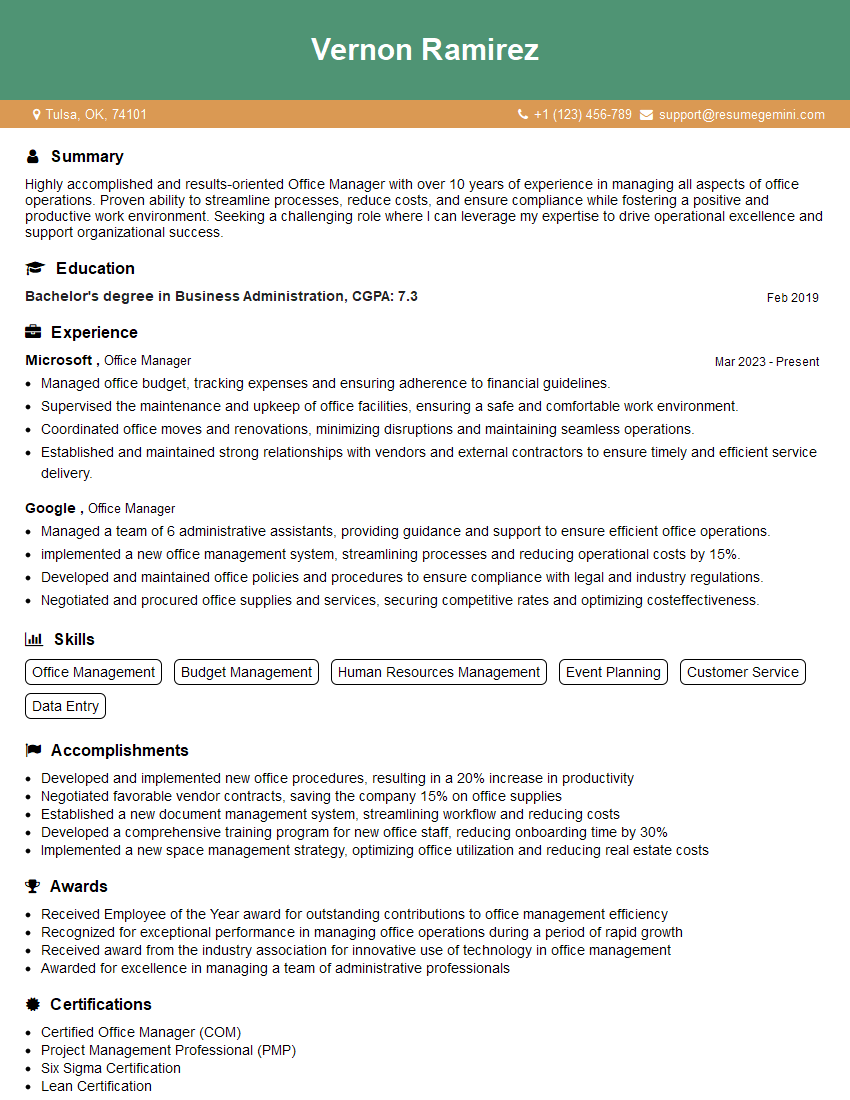
Office Manager Resume Sample
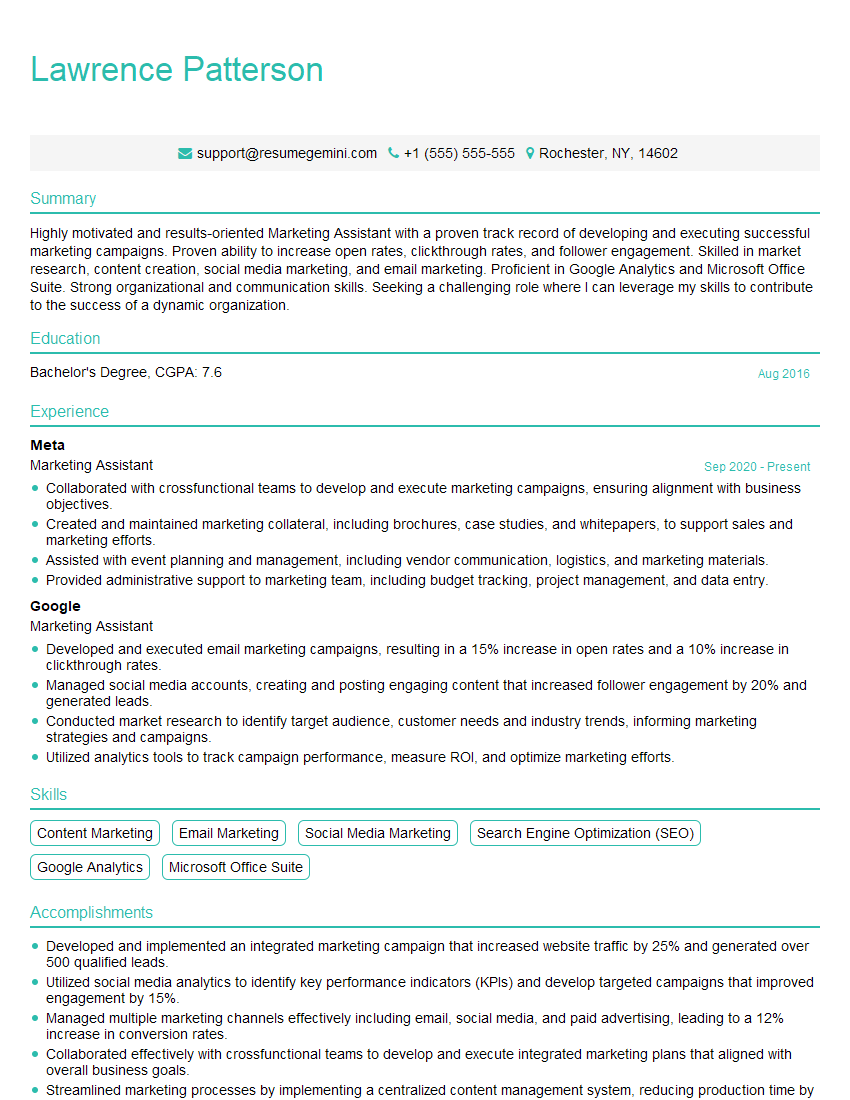
Marketing Assistant Resume Sample
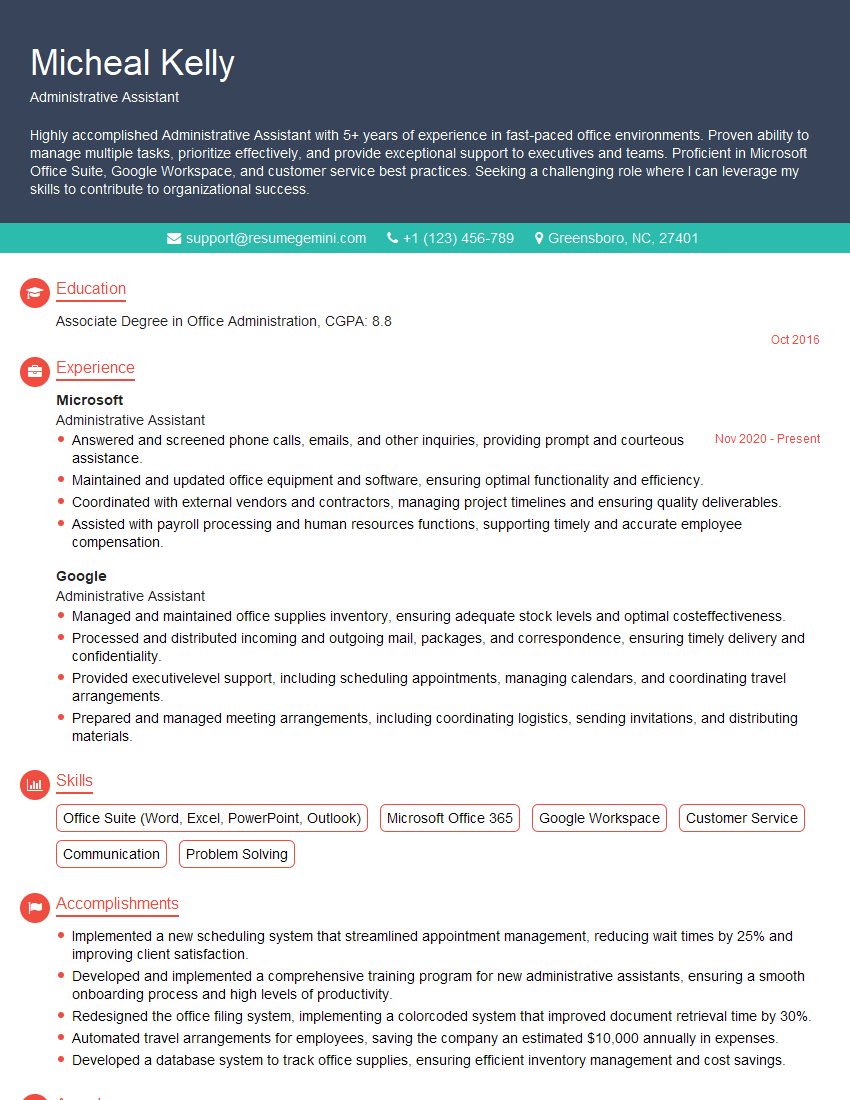
Administrative Assistant Resume Sample
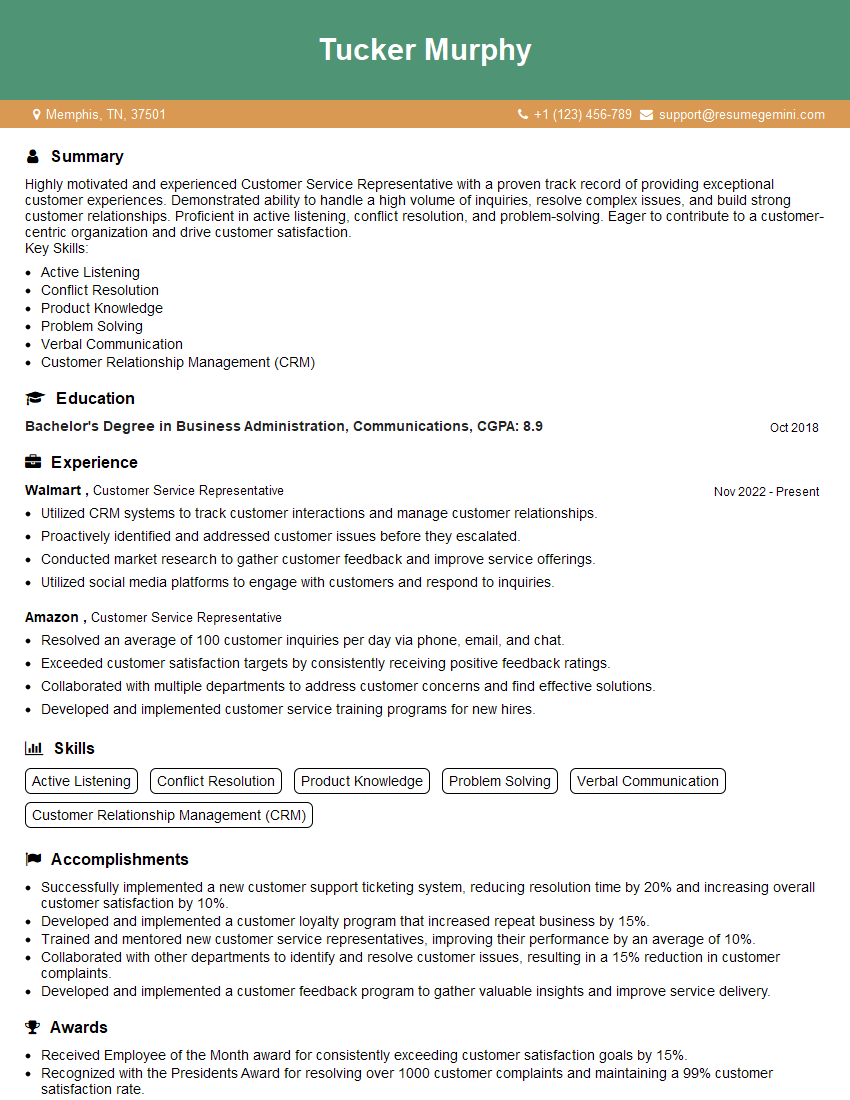
Customer Service Representative Resume Sample
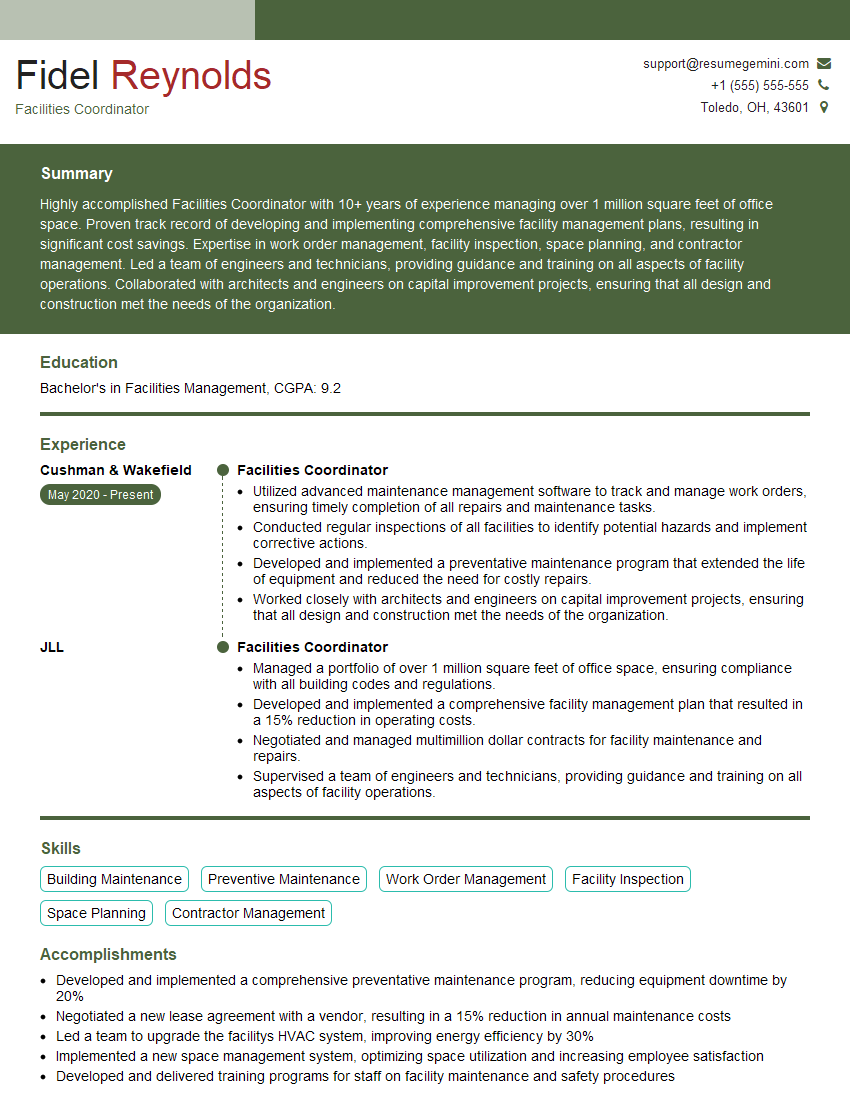
Facilities Coordinator Resume Sample
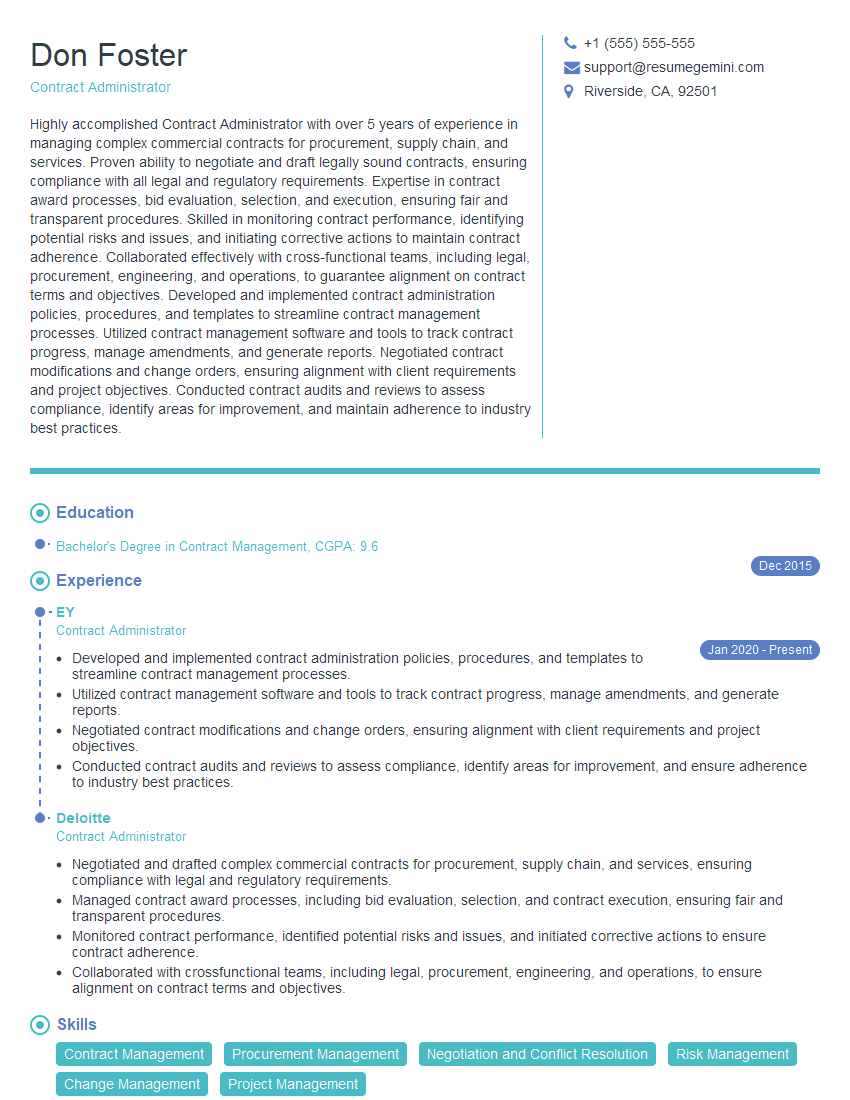
Contract Administrator Resume Sample
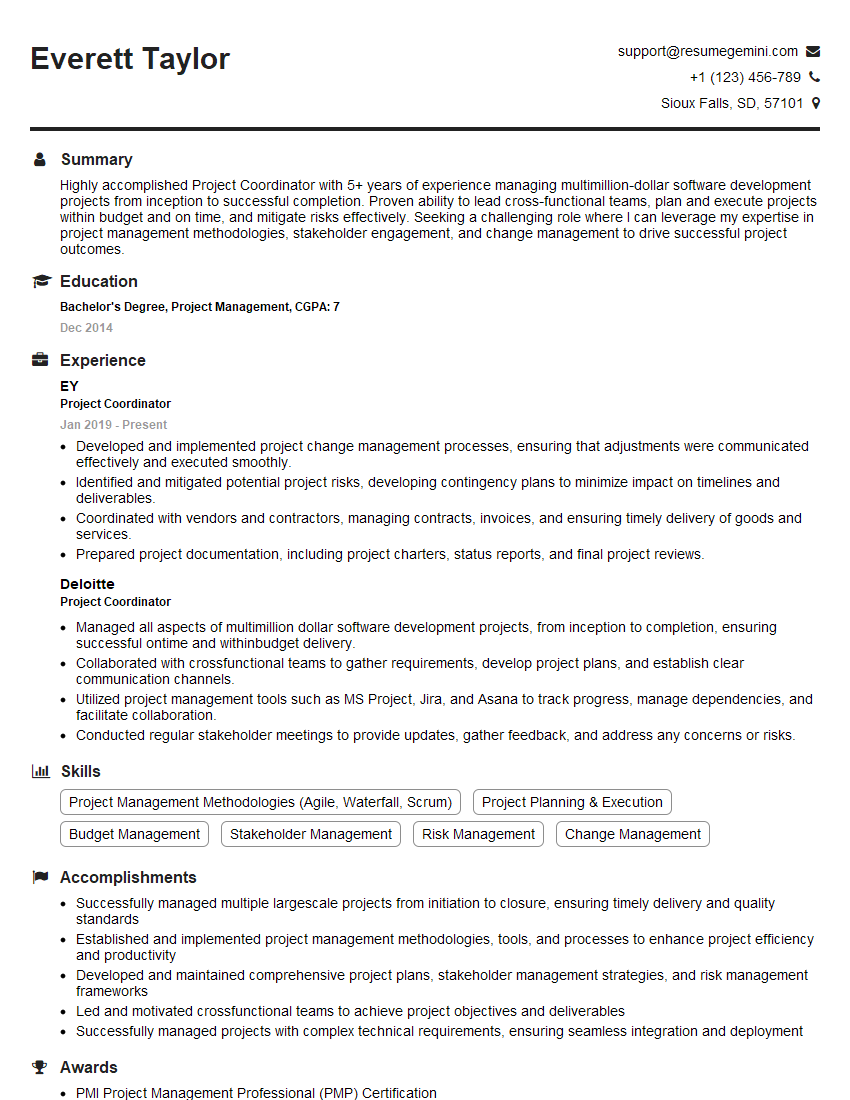
Project Coordinator Resume Sample

Compliance Officer Resume Sample

Scheduling Coordinator Resume Sample
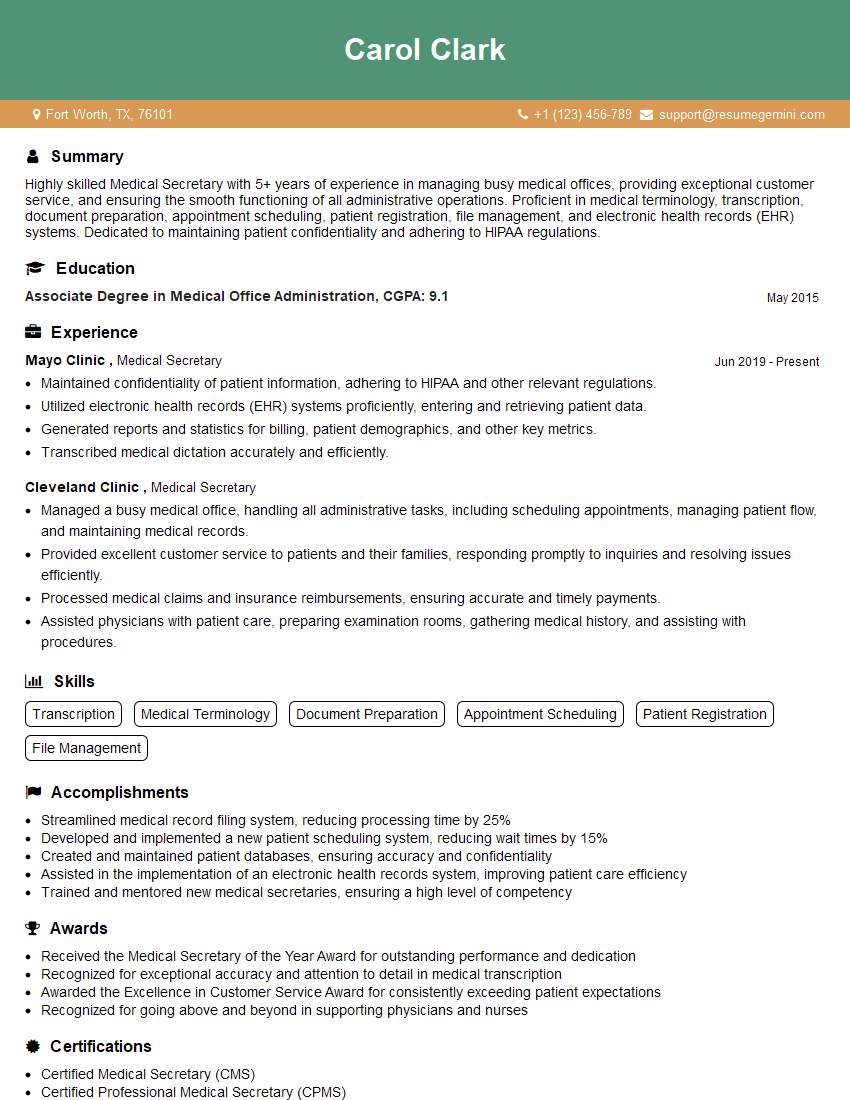
Medical Secretary Resume Sample
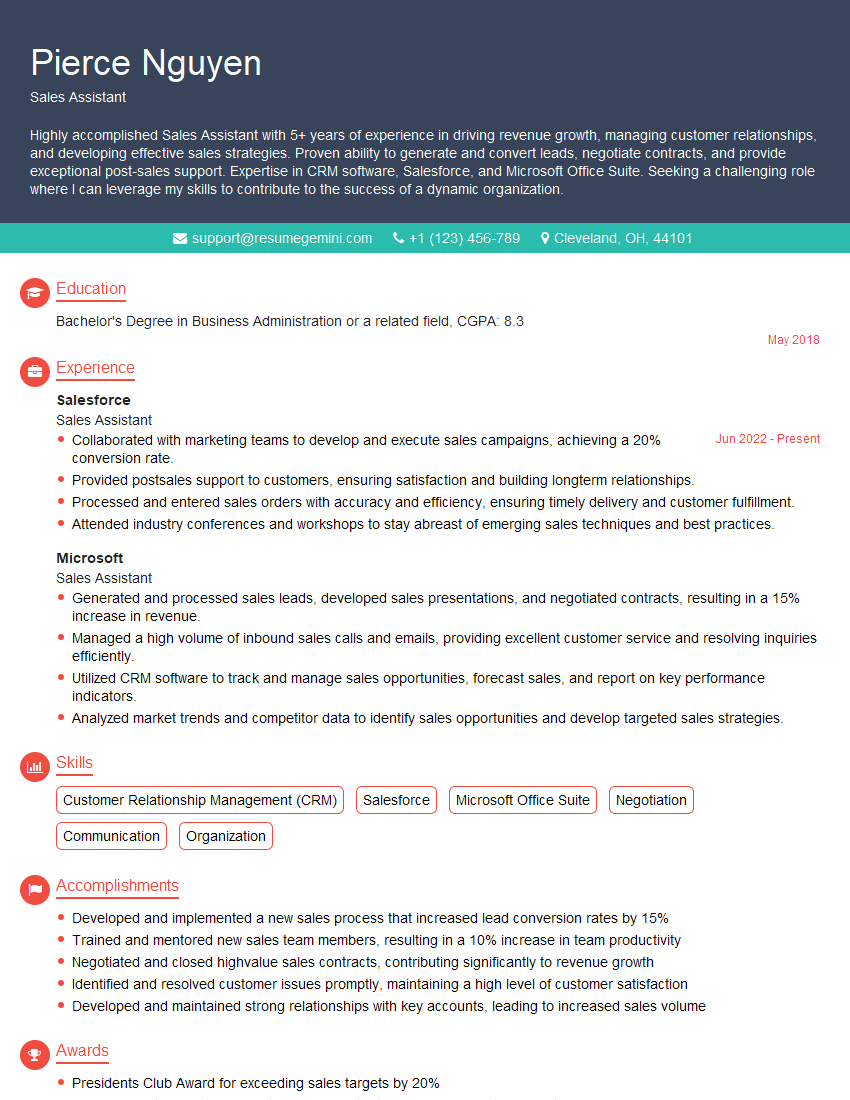
Sales Assistant Resume Sample
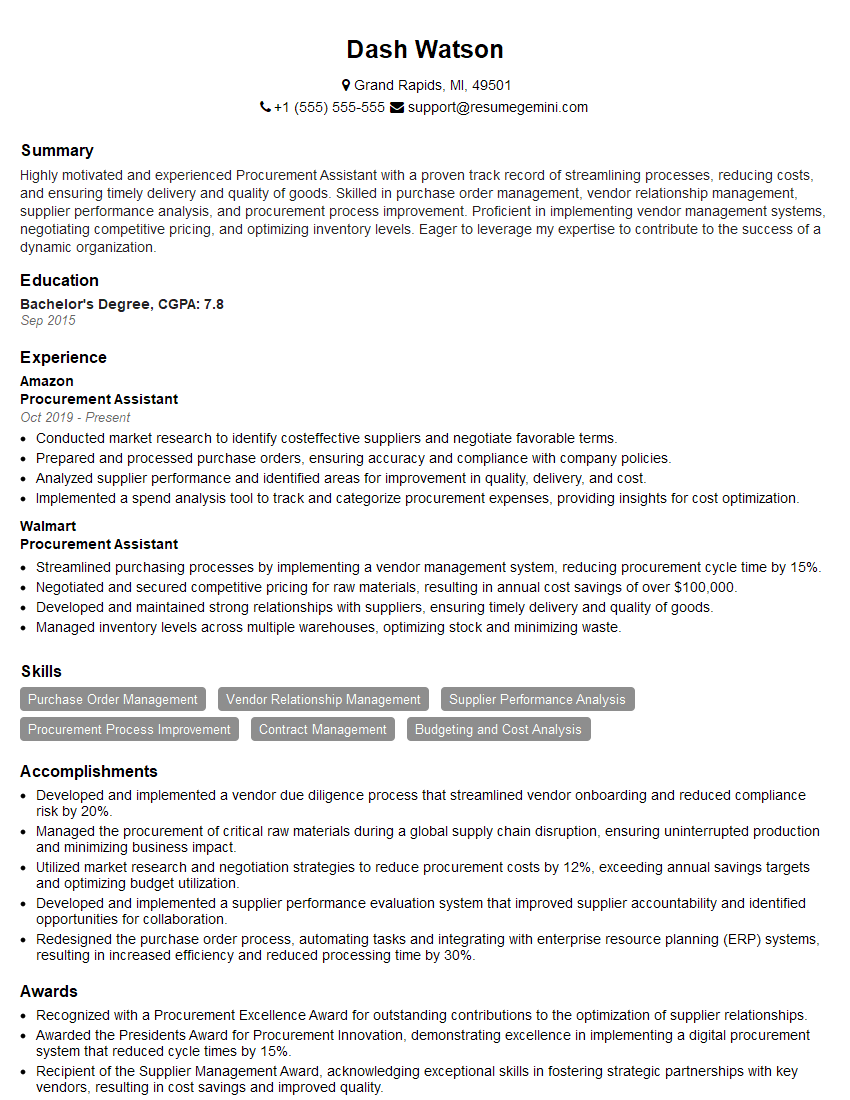
Procurement Assistant Resume Sample
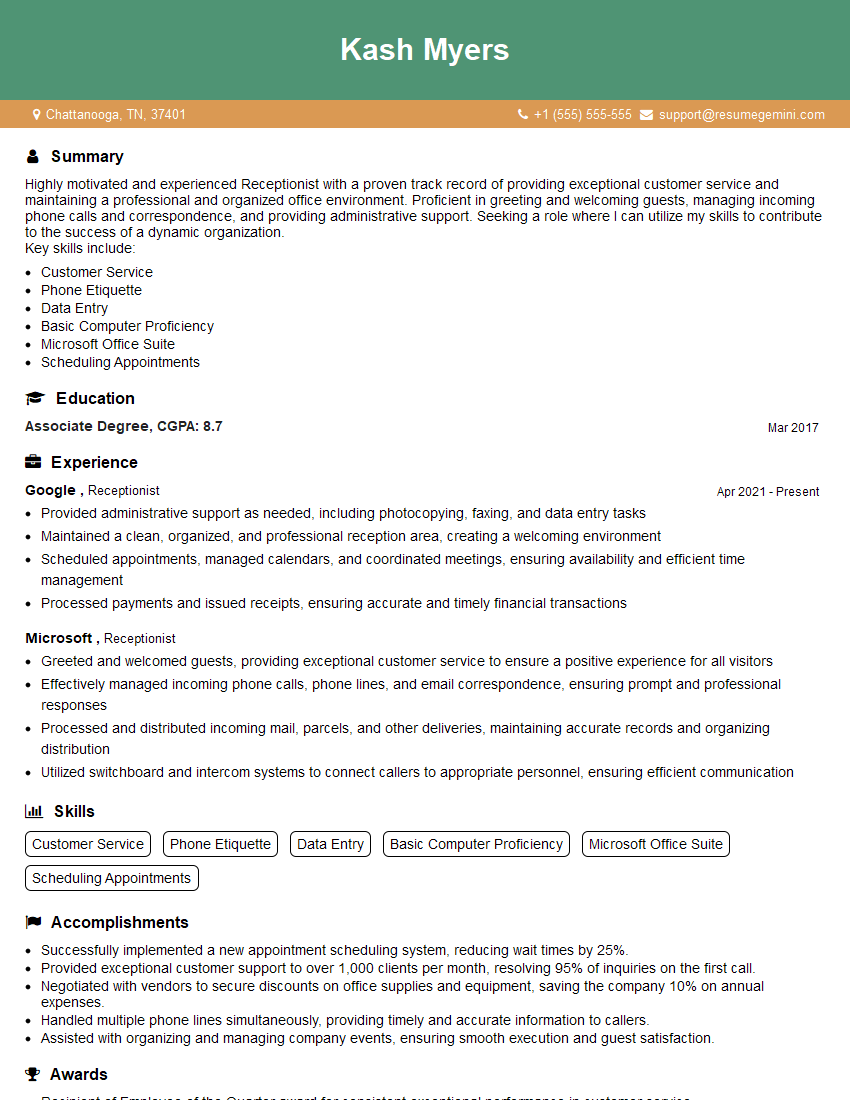
Receptionist Resume Sample
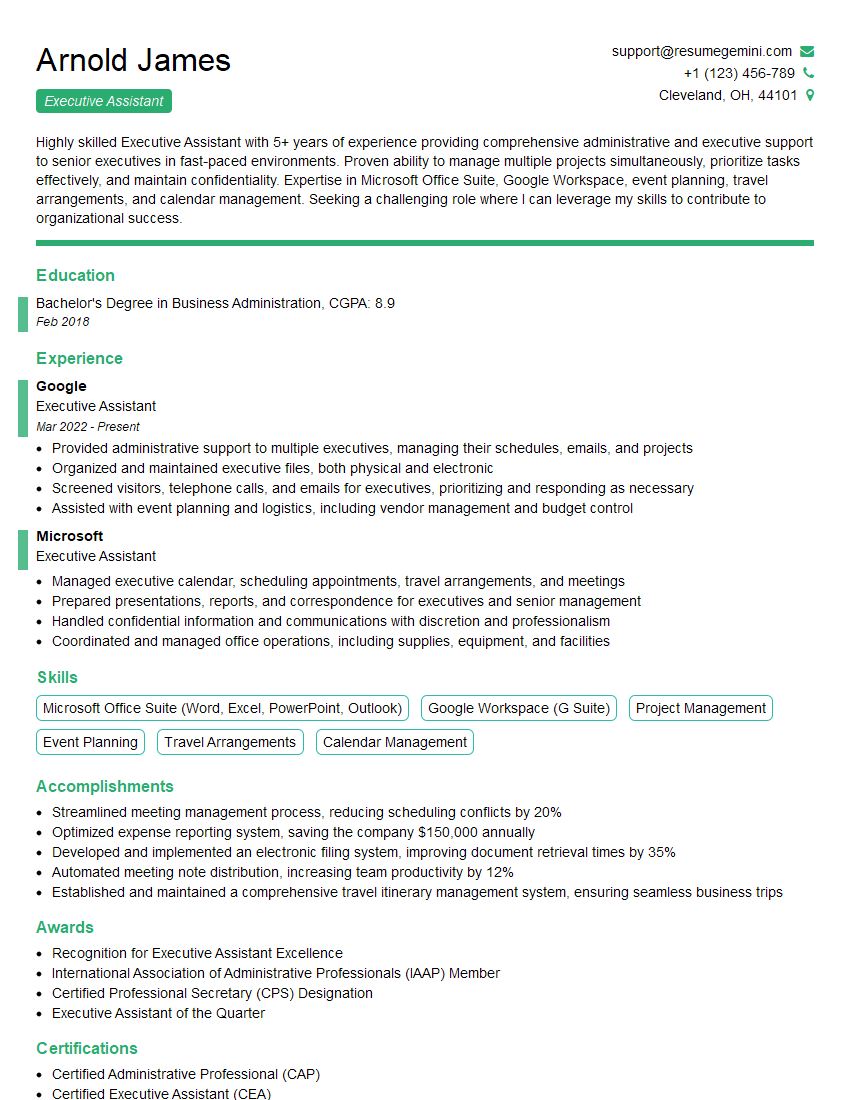
Executive Assistant Resume Sample
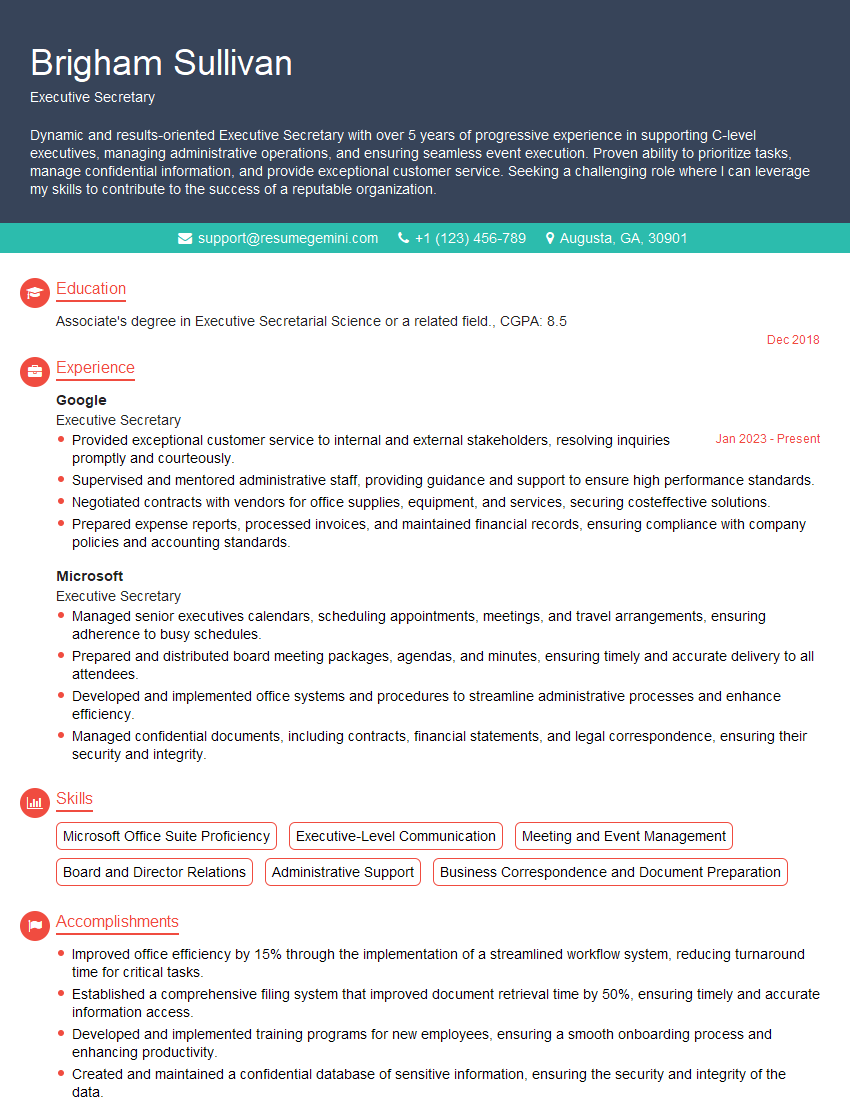
Executive Secretary Resume Sample
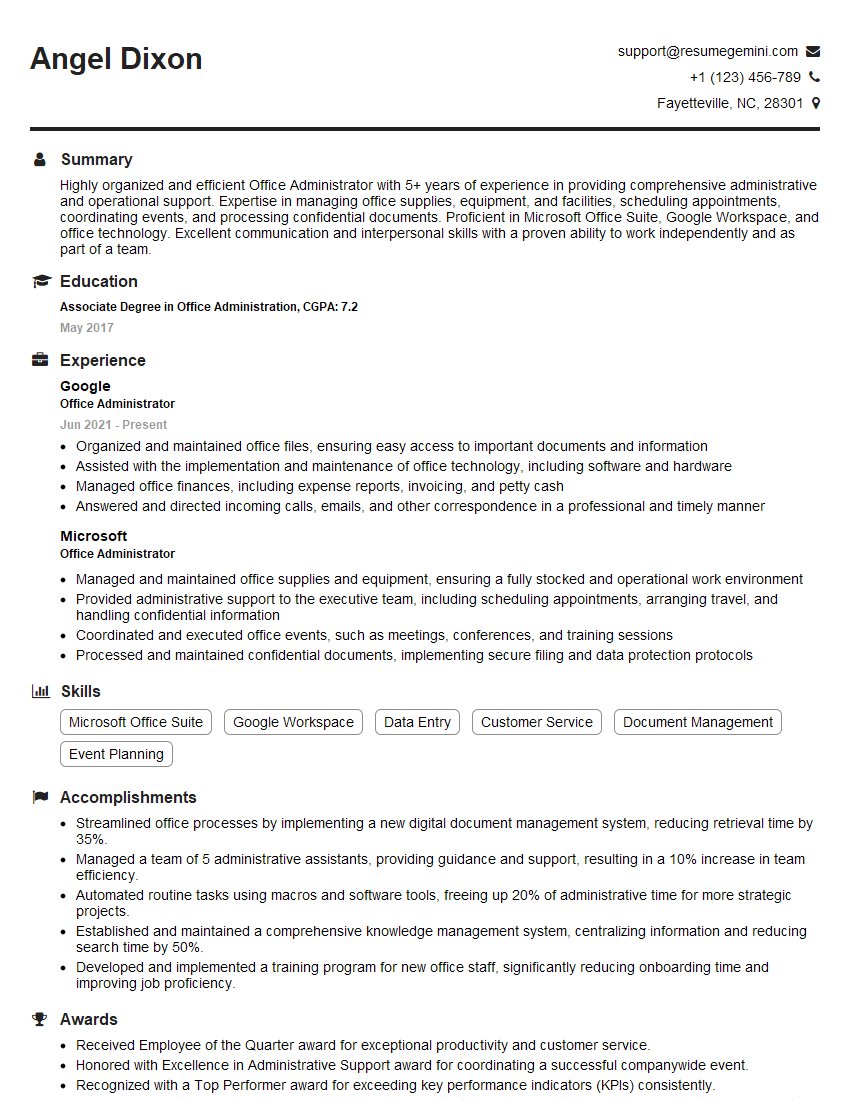
Office Administrator Resume Sample
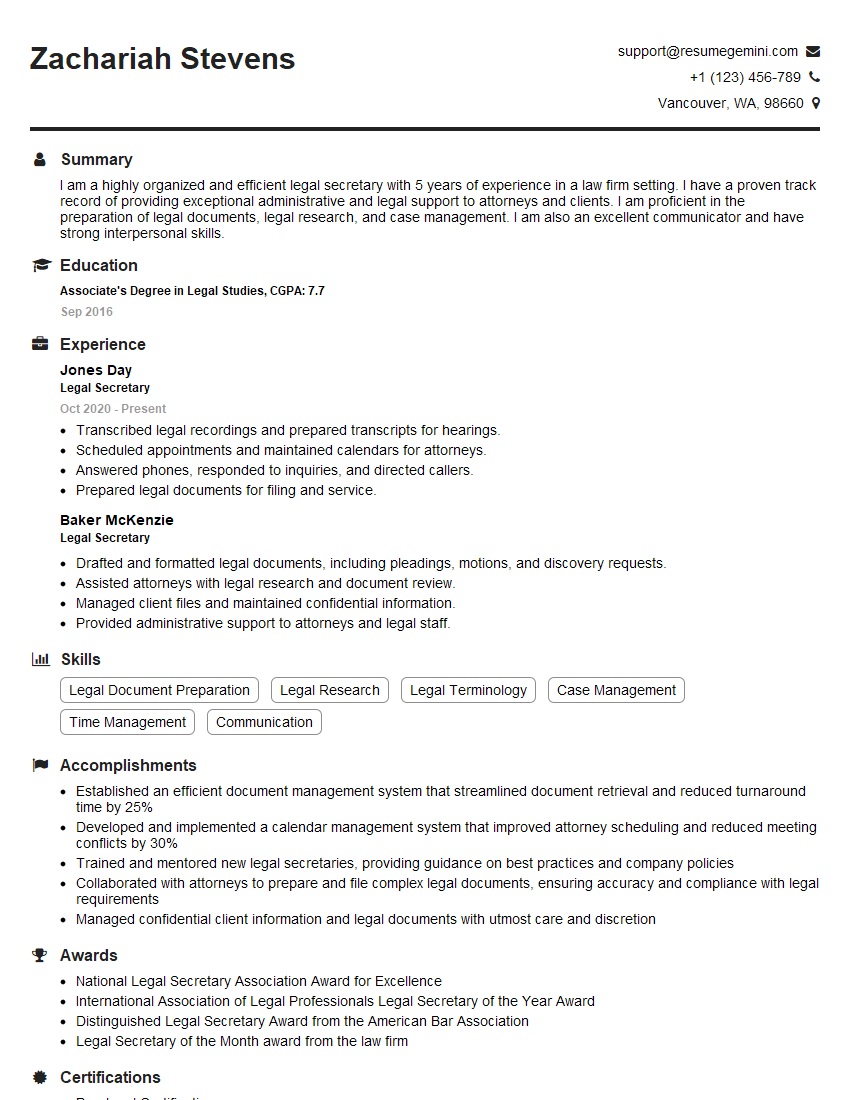
Legal Secretary Resume Sample

Data Entry Clerk Resume Sample
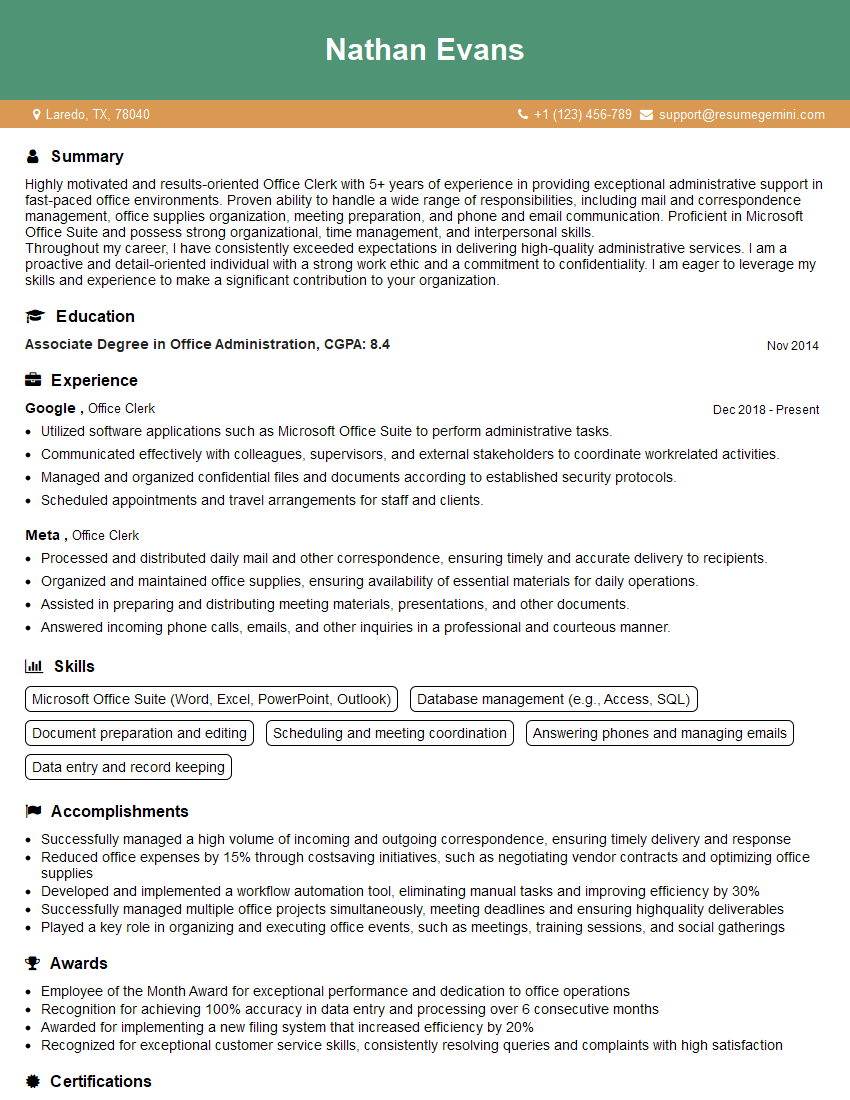
Office Clerk Resume Sample

Operations Assistant Resume Sample
- Office Manager
- Marketing Assistant
- Administrative Assistant
- Customer Service Representative
- Facilities Coordinator
- Contract Administrator
- Project Coordinator
- Compliance Officer
- Scheduling Coordinator
- Medical Secretary
- Sales Assistant
- Procurement Assistant
- Receptionist
- Executive Assistant
- Executive Secretary
- Office Administrator
- Legal Secretary
- Data Entry Clerk
- Office Clerk
- Operations Assistant
Explore more articles
Users Rating of Our Blogs
Share Your Experience
We value your feedback! Please rate our content and share your thoughts (optional).
What Readers Say About Our Blog
Very informative content, great job.
good