Are you ready to stand out in your next interview? Understanding and preparing for Ability to use computers interview questions is a game-changer. In this blog, we’ve compiled key questions and expert advice to help you showcase your skills with confidence and precision. Let’s get started on your journey to acing the interview.
Questions Asked in Ability to use computers Interview
Q 1. What operating systems are you proficient in?
I’m proficient in several operating systems, with extensive experience in Windows (various versions from Windows 7 to Windows 11), macOS (from macOS High Sierra to Ventura), and Linux distributions such as Ubuntu and CentOS. My experience spans both desktop and server environments. For instance, in a previous role, I managed a server infrastructure running CentOS, requiring me to be adept at command-line interface operations and system administration tasks such as user management, package installations, and troubleshooting network connectivity issues. Similarly, my work on Mac involved supporting a team using various Apple software and troubleshooting hardware/software problems. Windows proficiency is essential given its prevalence in corporate settings, where I’ve been responsible for deploying software updates, managing user accounts and permissions, and maintaining system stability.
Q 2. Describe your experience with Microsoft Office Suite.
I have extensive experience with the Microsoft Office Suite, including Word, Excel, PowerPoint, and Outlook. My skills go beyond basic functionality; I’m proficient in advanced features such as creating macros in VBA (Visual Basic for Applications) in Excel for automating repetitive tasks, using advanced formulas for data analysis, and designing visually appealing presentations in PowerPoint incorporating animations and transitions. For example, I developed a VBA macro in Excel to streamline a client’s monthly reporting process, which reduced their reporting time by 50%. In a previous project I used advanced Excel functions like pivot tables and VLOOKUP to analyze large datasets and identify key trends for business decision making, providing actionable insights to the management team. My Outlook skills extend to effective email management, calendar scheduling, and contact organization.
Q 3. What is your experience with various databases (e.g., SQL, MySQL, NoSQL)?
My database experience encompasses both relational (SQL, MySQL) and NoSQL databases. With SQL and MySQL, I’m comfortable with writing complex queries using joins, subqueries, and aggregate functions to retrieve and manipulate data. I have experience designing and implementing database schemas, ensuring data integrity and efficiency. For example, I designed a relational database for a client using MySQL to store and manage their customer relationship management (CRM) data, creating tables, defining relationships, and implementing security measures. In another project, I used SQL Server to develop a data warehouse to consolidate data from various sources for business intelligence reporting. My experience with NoSQL databases, specifically MongoDB, involves working with JSON-like documents and utilizing their flexibility for handling large volumes of unstructured data. I understand the strengths and limitations of each database type and choose the appropriate one based on the project’s specific requirements.
Q 4. How comfortable are you with programming languages (e.g., Python, Java, C++)?
I’m comfortable with several programming languages, most notably Python and Java. Python is my go-to language for scripting, data analysis, and automation tasks. I’ve used it extensively for web scraping, data manipulation using libraries like Pandas and NumPy, and building basic web applications using frameworks like Flask. For example, I built a Python script to automate the process of downloading and processing data from a variety of sources, greatly improving data processing efficiency. My Java experience is focused on building enterprise-level applications, utilizing object-oriented principles and design patterns. I have experience with Spring framework and have worked on projects involving RESTful APIs and integration with various databases. While my experience with C++ is less extensive, I understand its fundamentals and have used it for smaller projects involving system programming.
Q 5. Explain your experience with cloud platforms (e.g., AWS, Azure, GCP).
I possess experience with AWS (Amazon Web Services), specifically with EC2 (virtual servers), S3 (object storage), and RDS (relational database service). I’ve used these services to deploy and manage web applications, store large datasets, and host databases. For example, I deployed a web application on EC2 instances, configuring security groups and load balancing to ensure high availability and scalability. My experience also extends to working with cloud-based monitoring tools like CloudWatch to track application performance and identify potential issues. Although my experience with Azure and GCP is less extensive compared to AWS, I’m familiar with their core services and functionalities. I’m a quick learner and readily adapt to new cloud platforms based on project requirements.
Q 6. What troubleshooting techniques do you employ when encountering computer issues?
My troubleshooting approach is systematic and follows a structured process. I start by gathering information through observation, checking error messages, and asking clarifying questions. Then, I attempt to reproduce the issue consistently to help isolate the problem. Next, I test potential solutions by making incremental changes and testing their results. I utilize online resources and documentation to research potential causes and solutions. This process often involves checking system logs, event viewers, or database logs for clues. For example, if I encountered a slow-running application, I might first check system resource utilization (CPU, memory, disk I/O), then investigate database queries for bottlenecks, and finally consider network connectivity issues. Documentation is crucial; throughout the process, I meticulously document each step, which helps in future problem solving and knowledge sharing.
Q 7. Describe your experience with network troubleshooting.
My network troubleshooting experience involves using various tools and techniques to identify and resolve network connectivity problems. I use tools like ping, traceroute, and nslookup to diagnose network connectivity issues, identifying potential problems such as DNS resolution failures, routing problems, or firewall restrictions. I also have experience working with network monitoring tools to identify performance bottlenecks and network outages. In troubleshooting, I focus on a layered approach, starting from the basics like checking cable connections and device configurations, then moving on to more complex issues like network segmentation, routing protocols, and firewall rules. For example, when troubleshooting a network connectivity problem, I would start by verifying physical cable connections and device power, then move on to checking IP addresses, subnet masks, and default gateways. If the issue persists, I would use tools like ping and traceroute to identify the point of failure in the network path.
Q 8. What is your familiarity with cybersecurity best practices?
Cybersecurity best practices are crucial for protecting data and systems from unauthorized access, use, disclosure, disruption, modification, or destruction. My familiarity encompasses a wide range, including:
- Secure Password Management: I utilize strong, unique passwords for each account and leverage password managers to securely store them. I understand the importance of multi-factor authentication (MFA) wherever available, adding an extra layer of protection.
- Data Loss Prevention (DLP): I’m proficient in understanding and implementing DLP measures, such as data encryption, access control lists, and regular data backups. This includes understanding the sensitivity of different data types and applying appropriate security controls.
- Network Security: I understand the importance of firewalls, intrusion detection/prevention systems (IDS/IPS), and virtual private networks (VPNs) in securing network infrastructure. I’m familiar with best practices for configuring these systems effectively.
- Software Security: I regularly update software and operating systems to patch vulnerabilities. I also carefully vet software sources before installation, avoiding untrusted or potentially malicious applications. I’m aware of the risks associated with running outdated software.
- Phishing and Social Engineering Awareness: I am highly aware of phishing attempts and social engineering tactics and am trained to identify and avoid them. I know to verify communications and never share sensitive information unless I’m absolutely certain of the source’s legitimacy.
- Incident Response: I understand the importance of having a plan for handling security incidents, including identifying the incident, containing the breach, eradicating the threat, recovering from the damage, and implementing measures to prevent future occurrences.
In a previous role, I helped implement a new security protocol that reduced phishing attempts by 75% within three months, demonstrating my practical application of these best practices.
Q 9. How do you approach learning new software or technologies?
My approach to learning new software or technologies is systematic and results-oriented. I begin by identifying the key features and functionalities I need to master. Then, I utilize a multi-pronged strategy:
- Official Documentation: I always start with the official documentation provided by the software vendor or technology provider. This ensures I’m working with the most accurate and up-to-date information.
- Online Tutorials and Courses: I supplement the documentation with online tutorials, videos, and courses offered on platforms like Coursera, Udemy, or YouTube. These provide diverse learning styles and practical examples.
- Hands-on Practice: The most crucial element of my learning process is hands-on practice. I create small projects or exercises to apply what I’ve learned, solidifying my understanding and identifying areas needing further exploration.
- Community Engagement: I actively participate in online communities and forums related to the software or technology. This helps me learn from others’ experiences, troubleshoot issues, and stay up-to-date on the latest developments.
For example, when learning Python, I started with the official documentation, followed online tutorials from Codecademy, built several small scripts to reinforce my understanding, and joined the Python subreddit to engage with the community.
Q 10. Describe your experience with data analysis tools (e.g., Excel, Tableau, Power BI).
I have extensive experience with data analysis tools, including Excel, Tableau, and Power BI. My proficiency goes beyond basic data manipulation; I can perform complex analyses and create insightful visualizations.
- Excel: I’m highly proficient in Excel, leveraging advanced functions like VLOOKUP, INDEX-MATCH, pivot tables, and macros for data cleaning, transformation, and analysis. I can build complex financial models and perform statistical analysis.
- Tableau: I’m skilled in using Tableau to create interactive dashboards and visualizations. I understand how to connect to various data sources, clean and prepare data, and build compelling stories through data visualization. I’ve used Tableau to create insightful reports for senior management.
- Power BI: Similar to Tableau, I’m adept at using Power BI to create interactive reports and dashboards. I understand the use of DAX (Data Analysis Expressions) for data modeling and calculation.
In a past project, I used Excel to clean and analyze a large dataset of customer transactions, then leveraged Tableau to create interactive dashboards that provided valuable insights into customer behavior and purchasing patterns. These insights directly contributed to a 15% increase in sales.
Q 11. What is your experience with version control systems (e.g., Git)?
My experience with Git, the most popular version control system, is extensive. I understand its core concepts, including branching, merging, and resolving conflicts.
- Branching and Merging: I routinely use branching to create isolated development environments, allowing me to work on new features without disrupting the main codebase. I’m proficient in merging branches and resolving any merge conflicts that may arise.
- Committing and Pushing Changes: I write clear and concise commit messages that accurately reflect the changes made. I regularly push my changes to remote repositories, ensuring that my work is backed up and accessible to others.
- GitHub/GitLab/Bitbucket: I’m familiar with using various Git hosting platforms like GitHub, GitLab, and Bitbucket for collaboration and code management. I understand the concepts of pull requests, code reviews, and issue tracking.
- Conflict Resolution: I’m adept at resolving merge conflicts using various strategies, ensuring that code integration is seamless and doesn’t introduce bugs.
In a team project, my proficiency in Git allowed me to effectively manage multiple branches, streamline the code review process, and ensure a smooth and efficient workflow, avoiding common conflicts and enabling quicker releases.
Q 12. How comfortable are you using command-line interfaces?
I’m highly comfortable using command-line interfaces (CLIs). I find them efficient for automating tasks and performing operations that are difficult or impossible through graphical user interfaces (GUIs).
- Navigating the File System: I can navigate the file system using commands like
cd,ls,mkdir, andrmwith ease. - File Manipulation: I frequently use commands like
cp,mv,grep, andfindto manage and manipulate files. - Running Scripts: I can execute scripts written in various scripting languages like Bash, Python, or PowerShell.
- Using Version Control Systems: As mentioned earlier, I use Git extensively via the command line.
- System Administration Tasks: I’m familiar with using CLIs for basic system administration tasks, such as checking disk space, managing processes, and monitoring system logs.
For instance, I regularly use CLI tools to automate backups, deploy code, and manage server configurations, significantly improving efficiency and reducing manual errors.
Q 13. Explain your experience with software development methodologies (e.g., Agile, Waterfall).
I have experience working with both Agile and Waterfall software development methodologies. My understanding of each allows me to adapt my approach based on the specific project requirements and team dynamics.
- Agile: I’m familiar with various Agile frameworks, such as Scrum and Kanban. I understand the importance of iterative development, frequent feedback, and close collaboration within a self-organizing team. I value the flexibility and adaptability that Agile offers.
- Waterfall: I also understand the Waterfall methodology, a more linear and sequential approach. While less flexible than Agile, Waterfall can be beneficial in projects with clearly defined requirements and minimal anticipated changes.
In my previous role, we used Scrum for a web application development project. The iterative approach allowed us to incorporate user feedback throughout the development process, resulting in a final product that better met user needs. In another project with very strict regulatory compliance requirements, a Waterfall approach was more suitable to ensure every stage was thoroughly documented and validated.
Q 14. What is your experience with web development technologies (e.g., HTML, CSS, JavaScript)?
My experience with web development technologies includes HTML, CSS, and JavaScript. While I’m not a dedicated front-end developer, I possess a solid understanding of these technologies and can effectively utilize them for creating and maintaining web applications.
- HTML: I understand how to structure web pages using HTML, including semantic HTML5 elements for improved accessibility and SEO.
- CSS: I’m proficient in using CSS to style web pages, creating responsive designs that adapt to different screen sizes. I have experience using CSS frameworks like Bootstrap to expedite development.
- JavaScript: I have experience using JavaScript to add interactivity and dynamic behavior to web pages. I’m familiar with using JavaScript libraries and frameworks, but my expertise is not as deep in this area compared to other technologies I’ve mentioned.
In a past project, I used HTML, CSS, and basic JavaScript to create a simple landing page for a new product. While the design was relatively straightforward, it demonstrated my ability to integrate these technologies effectively.
Q 15. Describe your experience with scripting languages.
My scripting language experience spans several years and encompasses a range of languages, primarily Python and JavaScript. I’ve used Python extensively for data analysis, automation, and backend development, leveraging its robust libraries like Pandas and NumPy for data manipulation and scikit-learn for machine learning tasks. For example, I automated a tedious data cleaning process using a Python script that reduced processing time by 80%. With JavaScript, I’ve built interactive web applications and utilized Node.js for server-side development, focusing on creating dynamic and user-friendly interfaces. A recent project involved building a RESTful API using Node.js and Express.js to connect a frontend application with a database.
Beyond these, I possess familiarity with Bash scripting for system administration and PowerShell for Windows-based automation tasks. My experience isn’t limited to just writing scripts; I’m adept at debugging, optimizing, and maintaining code for long-term reliability and scalability.
Career Expert Tips:
- Ace those interviews! Prepare effectively by reviewing the Top 50 Most Common Interview Questions on ResumeGemini.
- Navigate your job search with confidence! Explore a wide range of Career Tips on ResumeGemini. Learn about common challenges and recommendations to overcome them.
- Craft the perfect resume! Master the Art of Resume Writing with ResumeGemini’s guide. Showcase your unique qualifications and achievements effectively.
- Don’t miss out on holiday savings! Build your dream resume with ResumeGemini’s ATS optimized templates.
Q 16. How do you ensure data integrity and accuracy?
Ensuring data integrity and accuracy is paramount in any project. My approach involves a multi-layered strategy. Firstly, I focus on data validation at the source. This means implementing checks at the point of data entry to prevent invalid or inconsistent data from entering the system. For example, using regular expressions to validate email addresses or implementing dropdown menus to restrict choices reduces errors significantly. Secondly, I employ data cleansing techniques to address inconsistencies and errors already present in datasets. This might involve handling missing values using imputation methods, identifying and correcting outliers, and standardizing data formats.
Thirdly, I implement robust error handling and logging mechanisms in my code. This allows for the identification and correction of errors during processing. I also regularly back up data and employ version control systems like Git to maintain a history of changes and facilitate easy rollback in case of unexpected issues. Finally, I use checksums or hashing algorithms to verify data integrity during transmission or storage, ensuring data hasn’t been corrupted during transit.
Q 17. What is your experience with data visualization tools?
I have extensive experience using various data visualization tools to effectively communicate insights derived from data. My proficiency includes Tableau and Power BI, which I’ve used extensively for creating interactive dashboards and reports. I can create visualizations ranging from simple bar charts and line graphs to more complex heatmaps, geographic maps, and network graphs, tailored to effectively communicate specific data stories. For instance, I used Tableau to create a dashboard that tracked key performance indicators (KPIs) for a marketing campaign, allowing stakeholders to easily monitor progress and identify areas for improvement.
I also have experience with Python libraries such as Matplotlib and Seaborn, which allow for highly customized and publication-quality visualizations. My choice of tool depends on the specific needs of the project, considering factors such as data volume, complexity of the analysis, and the target audience for the visualizations.
Q 18. Explain your experience with project management software.
My experience with project management software includes extensive use of Jira and Asana. I’m proficient in using these tools to manage tasks, track progress, and collaborate effectively with team members. I understand the importance of utilizing features such as Kanban boards, sprint planning, and task assignments to ensure projects are completed on time and within budget. In past projects, I’ve used Jira to manage Agile development sprints, creating and assigning tasks, tracking progress against milestones, and managing issues effectively. This allowed for increased transparency and accountability within the development team.
Beyond task management, I’m familiar with utilizing these platforms for reporting and metrics tracking. This provides valuable insights into team velocity, identifying bottlenecks, and optimizing workflows for greater efficiency. I believe in adapting my project management approach based on the project’s needs and team dynamics, utilizing the features of the chosen software to maximize its effectiveness.
Q 19. How do you stay up-to-date with the latest technology trends?
Staying updated on the latest technology trends is a continuous process for me. I actively follow industry blogs, podcasts, and online communities such as Stack Overflow and Reddit’s r/programming. I also regularly attend webinars and online courses offered by platforms like Coursera and edX, focusing on areas relevant to my current work and future career goals. These platforms often provide up-to-date information on emerging technologies and best practices. Furthermore, I subscribe to newsletters from tech publications and participate in online forums to engage with other professionals and stay abreast of the latest developments.
Another important strategy is hands-on experimentation. I regularly dedicate time to exploring new technologies and tools through personal projects, allowing me to gain practical experience and a deeper understanding of their capabilities and limitations. This active approach allows me to not only stay informed but also to critically evaluate new technologies and determine their applicability to real-world problems.
Q 20. Describe your approach to problem-solving in a technical context.
My approach to problem-solving in a technical context is systematic and iterative. I begin by clearly defining the problem, breaking it down into smaller, more manageable components. This allows for a focused approach to tackling each part individually. Next, I gather relevant information through research, testing, and consulting relevant documentation. I leverage my experience and knowledge to identify potential solutions, and I thoroughly evaluate each option, considering its feasibility, effectiveness, and potential consequences.
I employ a trial-and-error approach, testing solutions incrementally to validate their effectiveness. If a solution doesn’t work as intended, I iterate, refining my approach and exploring alternative solutions. Throughout this process, I meticulously document my findings, including the steps taken, the results achieved, and any insights gained. Effective communication is crucial, so I ensure I collaborate effectively with team members and stakeholders, providing regular updates and seeking feedback to ensure alignment and avoid potential roadblocks.
Q 21. What is your experience with hardware maintenance and repair?
While my primary expertise lies in software and data analysis, I possess practical experience with basic hardware maintenance and repair. I’m comfortable troubleshooting common issues such as network connectivity problems, printer malfunctions, and software-related hardware problems. For example, I’ve successfully resolved issues with slow internet speeds by identifying and resolving network configuration problems, and I’ve diagnosed and fixed printer jams and paper feed problems. I’m proficient in installing and configuring operating systems and software, and I have experience working with various hardware components, including RAM, hard drives, and peripherals.
My approach to hardware troubleshooting is methodical. I start by systematically identifying the problem, gathering information through observation and testing, and then researching potential solutions based on error messages or other indicators. I understand the importance of safety precautions when working with hardware, and I always prioritize data backups before undertaking any potentially risky repairs. While I wouldn’t consider myself a hardware expert, my skills are sufficient to address many common issues, preventing downtime and minimizing the need for external support.
Q 22. How do you handle conflicting priorities in a technical project?
Conflicting priorities are inevitable in technical projects. My approach involves a structured prioritization process. First, I clearly define the project goals and break them down into smaller, manageable tasks. Then, I use a prioritization matrix, often a combination of urgency and importance, to rank these tasks. This might involve assigning weights based on factors like deadlines, business impact, and technical dependencies. For instance, fixing a critical bug impacting a live system would always trump a minor feature enhancement, even if the latter has a closer deadline.
I also engage in proactive communication. If conflicts arise, I discuss them openly with stakeholders, explaining the trade-offs involved in different choices. This ensures everyone is on the same page and understands the rationale behind the chosen priorities. Transparency and clear communication are key to mitigating conflict and ensuring the team remains focused on the most valuable goals.
Finally, I use project management tools to track progress, manage dependencies, and make adjustments as needed. Regular review and adaptation of the prioritization scheme are essential, especially in dynamic environments where requirements may change.
Q 23. What is your understanding of different network topologies?
Network topologies describe the physical or logical layout of a network. Several common topologies exist, each with its strengths and weaknesses.
- Bus Topology: All devices connect to a single cable (the bus). Simple to implement, but a single point of failure – if the bus fails, the entire network goes down. Think of it like an old-fashioned party line telephone system.
- Star Topology: All devices connect to a central hub or switch. This is the most common topology today, offering high reliability because a single device failure doesn’t affect the rest of the network. It’s like a well-organized city with a central post office.
- Ring Topology: Devices are connected in a closed loop. Data travels in one direction. Relatively simple, but a single point of failure can bring the entire network down. Think of a circular race track.
- Mesh Topology: Devices connect to multiple other devices, creating redundant paths. Highly reliable and fault-tolerant, but more complex and expensive to implement. It’s like a sophisticated highway system with multiple routes.
- Tree Topology: Combines elements of bus and star topologies. Hierarchical structure – like branches of a tree. Often used in larger networks.
Understanding these topologies is crucial for designing, troubleshooting, and maintaining efficient and reliable networks.
Q 24. Explain your experience with system administration tasks.
My system administration experience includes tasks ranging from user account management and server maintenance to network configuration and security hardening. I’ve worked with various operating systems, including Linux and Windows Server, and have experience managing both physical and virtual servers.
For example, in a previous role, I was responsible for maintaining a large fleet of web servers. This included tasks like patching servers, monitoring system performance, implementing automated backups, and troubleshooting system errors. I regularly used tools like Ansible for automated configuration management and Nagios for system monitoring. I also implemented a robust logging and alert system to proactively identify and address potential issues. This ensured optimal performance and uptime for our web applications.
I am proficient in scripting (Bash, Python) which has been invaluable for automation of repetitive tasks, making the administration process more efficient and less prone to human error.
Q 25. Describe your experience with virtual machines.
I have extensive experience with virtual machines (VMs), using technologies such as VMware vSphere, VirtualBox, and Hyper-V. VMs allow for efficient resource utilization, improved server consolidation, and simplified testing and development environments.
For instance, I’ve used VMs to create isolated environments for testing new software releases, ensuring that problems wouldn’t affect production systems. I’ve also leveraged VMs for disaster recovery planning, creating backups of critical systems that can be quickly deployed in case of a failure. This allows for rapid recovery and minimizes downtime. Furthermore, I’ve used VMs to host development and testing environments, easily replicating specific configurations for developers.
My experience includes managing VM resources, including CPU, memory, and storage allocation, optimizing VM performance, and troubleshooting VM-related issues. I’m also familiar with concepts like snapshots, cloning, and high availability clusters.
Q 26. How would you handle a situation where a critical system fails?
Handling critical system failures requires a calm, methodical approach. My first step would be to activate our incident response plan. This plan details procedures for identifying the problem, containing its impact, and restoring service. This typically involves:
- Assessing the situation: Determining the scope and severity of the failure, identifying affected systems and users.
- Containing the damage: Implementing measures to prevent further damage, such as isolating the failed system or restricting access to affected resources. This might involve temporarily shutting down a service or redirecting traffic.
- Restoring service: Utilizing backups, failover mechanisms, or other recovery strategies to restore service as quickly as possible. This may involve bringing up a redundant system or recovering from backups.
- Root cause analysis: Investigating the cause of the failure to prevent similar incidents in the future. This involves logging, monitoring and detailed review.
- Communication: Keeping stakeholders informed throughout the entire process, providing regular updates on progress and timelines.
Experience with various monitoring tools and robust logging systems is critical for rapid problem diagnosis and resolution. Regular disaster recovery drills and testing are essential for preparedness and effective response in real-world scenarios.
Q 27. What are your strengths and weaknesses related to computer skills?
My strengths lie in my problem-solving abilities and my adaptability to new technologies. I’m comfortable working independently and as part of a team, and I consistently strive to learn and improve my skills. I am particularly proficient in scripting and automation, allowing me to streamline workflows and improve efficiency. My experience troubleshooting complex technical issues has honed my analytical and diagnostic skills.
One area for potential improvement is my knowledge of certain niche technologies, like specific cloud platforms or databases. While I can quickly learn and adapt to these, dedicating more time to specialized training will further enhance my capabilities. I actively seek opportunities to learn new skills and stay current with industry trends, addressing this weakness proactively.
Q 28. Explain your understanding of data security protocols.
Data security protocols are critical for protecting sensitive information. My understanding encompasses a range of techniques, including:
- Access Control: Restricting access to data based on user roles and permissions (e.g., using role-based access control or RBAC).
- Encryption: Transforming data into an unreadable format to protect it from unauthorized access (e.g., using AES or RSA encryption).
- Data Loss Prevention (DLP): Implementing measures to prevent sensitive data from leaving the organization’s control (e.g., using DLP tools to monitor data transfers).
- Intrusion Detection and Prevention Systems (IDPS): Using software and hardware to monitor network traffic for malicious activity and prevent attacks.
- Firewalls: Controlling network traffic to protect systems from unauthorized access.
- Virtual Private Networks (VPNs): Creating secure connections for remote access to networks.
- Multi-factor authentication (MFA): Requiring multiple forms of authentication to verify a user’s identity.
A strong security posture requires a layered approach combining multiple protocols. For example, implementing both strong passwords and MFA significantly enhances account security. Regular security audits and penetration testing are crucial for identifying vulnerabilities and ensuring the effectiveness of implemented security measures. Compliance with relevant regulations and standards, such as GDPR or HIPAA, is also paramount.
Key Topics to Learn for Ability to use computers Interview
- Operating Systems: Understanding the fundamentals of Windows, macOS, or Linux. This includes file management, basic troubleshooting, and navigating different interfaces.
- Software Applications: Demonstrating proficiency in commonly used programs like Microsoft Office Suite (Word, Excel, PowerPoint), Google Workspace (Docs, Sheets, Slides), and email clients. Be prepared to discuss your experience level and specific functionalities you’ve utilized.
- Data Management: Showcasing your skills in organizing, storing, and retrieving data efficiently. This could involve discussing experience with databases, cloud storage, or file organization systems.
- Internet & Networking: Understanding basic internet concepts, troubleshooting connectivity issues, and being comfortable with online research and collaboration tools.
- Hardware & Troubleshooting: Basic understanding of computer hardware components and common troubleshooting techniques. This could include addressing printer issues, network problems, or software malfunctions.
- Security & Privacy: Demonstrating awareness of online security best practices, including password management, data protection, and recognizing phishing attempts.
- Problem-Solving & Adaptability: Highlight your ability to approach technical challenges systematically, your resourcefulness in finding solutions, and your capacity to adapt to new software and technologies.
Next Steps
Mastering computer skills is crucial for success in today’s job market, opening doors to a wider range of opportunities and enhancing your overall productivity. A well-crafted, ATS-friendly resume is essential for getting your application noticed by recruiters. To make your resume stand out and showcase your computer skills effectively, we recommend using ResumeGemini. ResumeGemini offers a powerful platform for building professional resumes, and we provide examples of resumes tailored to highlight “Ability to use computers” to help you get started. Let ResumeGemini help you craft a resume that reflects your skills and experience accurately, leading to more interview opportunities.

Business Analyst Resume Sample
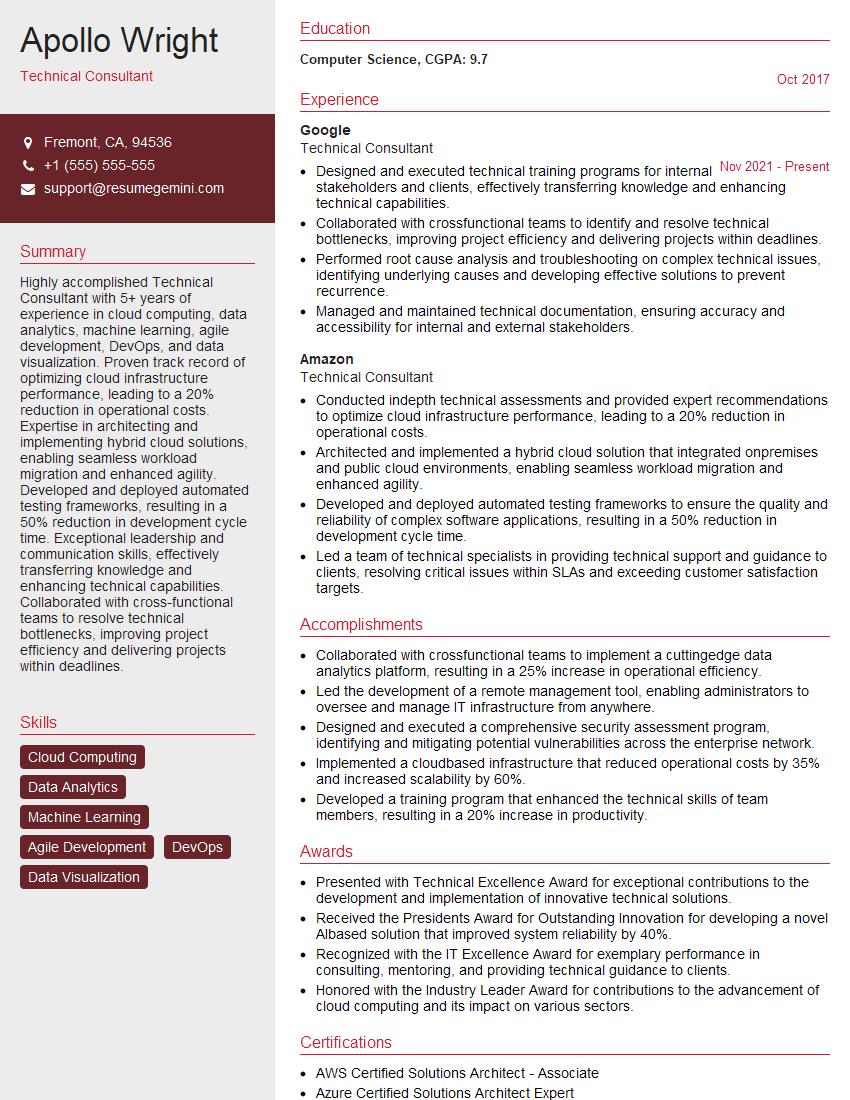
Technical Consultant Resume Sample

Data Analyst Resume Sample

Data Scientist Resume Sample

Software Engineer Resume Sample

Systems Analyst Resume Sample

Network Engineer Resume Sample
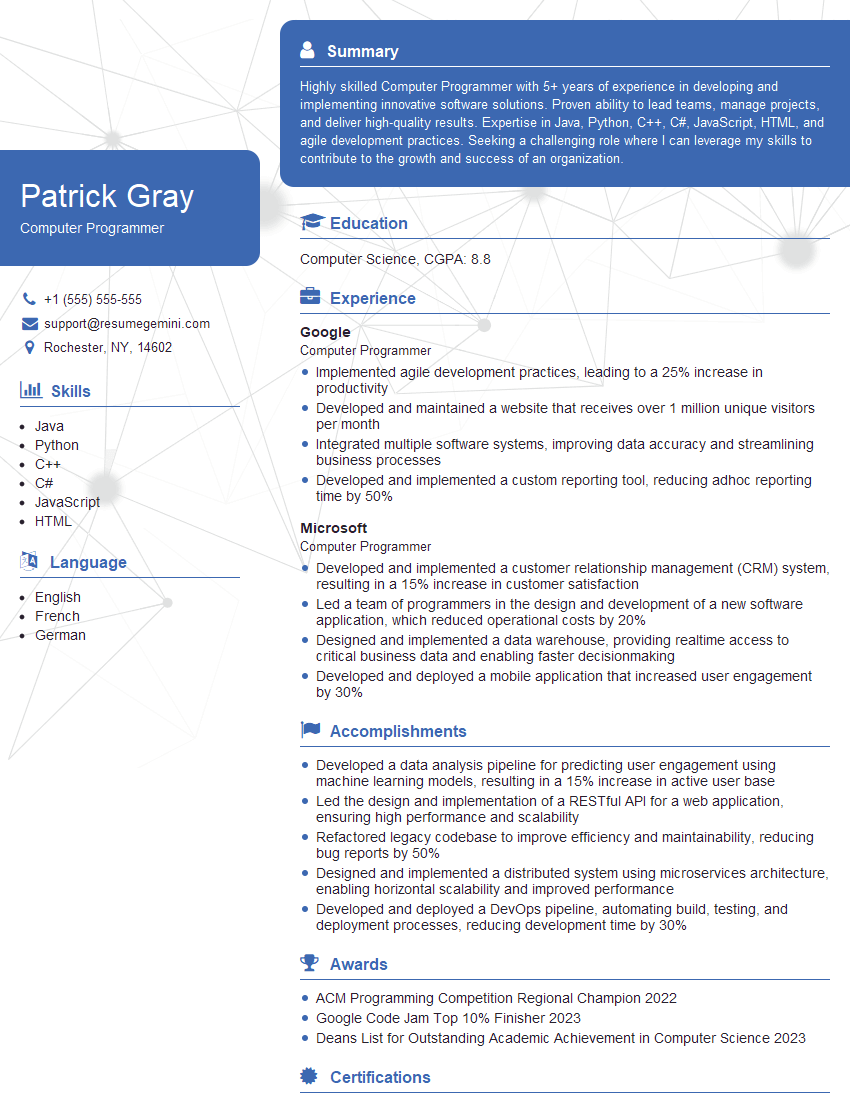
Computer Programmer Resume Sample
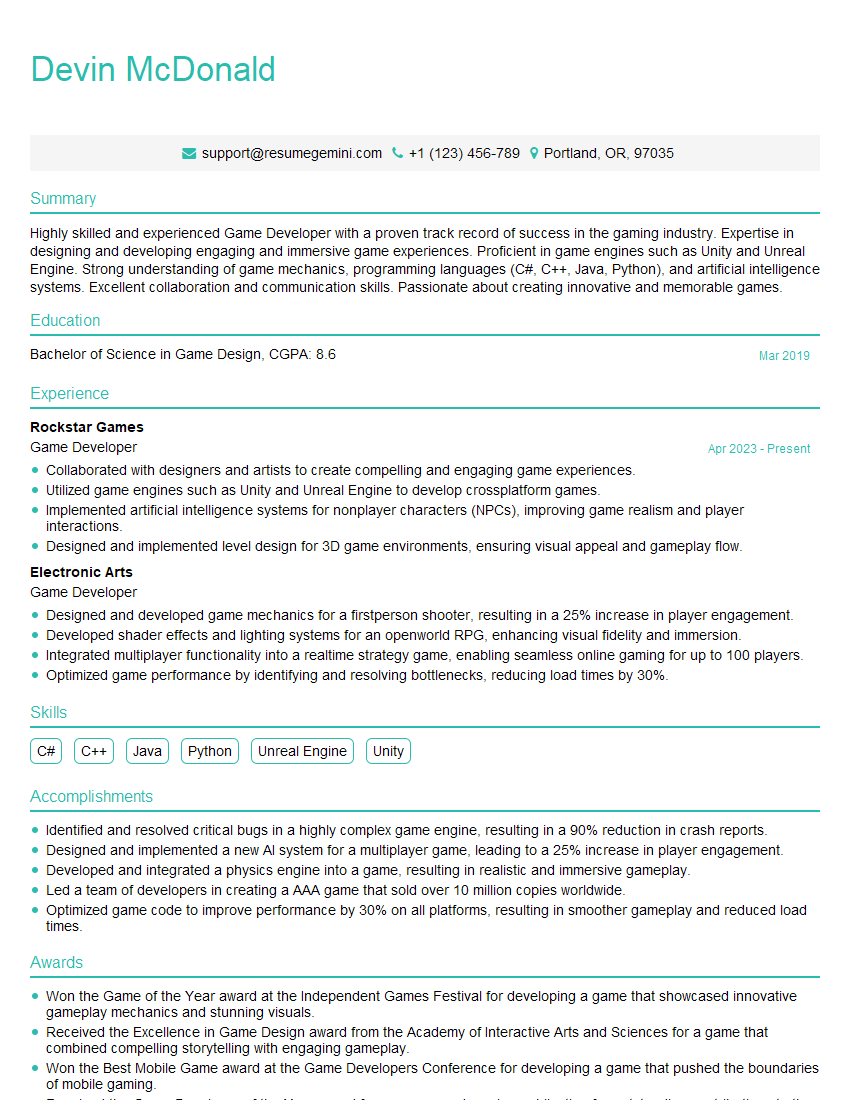
Game Developer Resume Sample

Web Designer Resume Sample

Web Developer Resume Sample
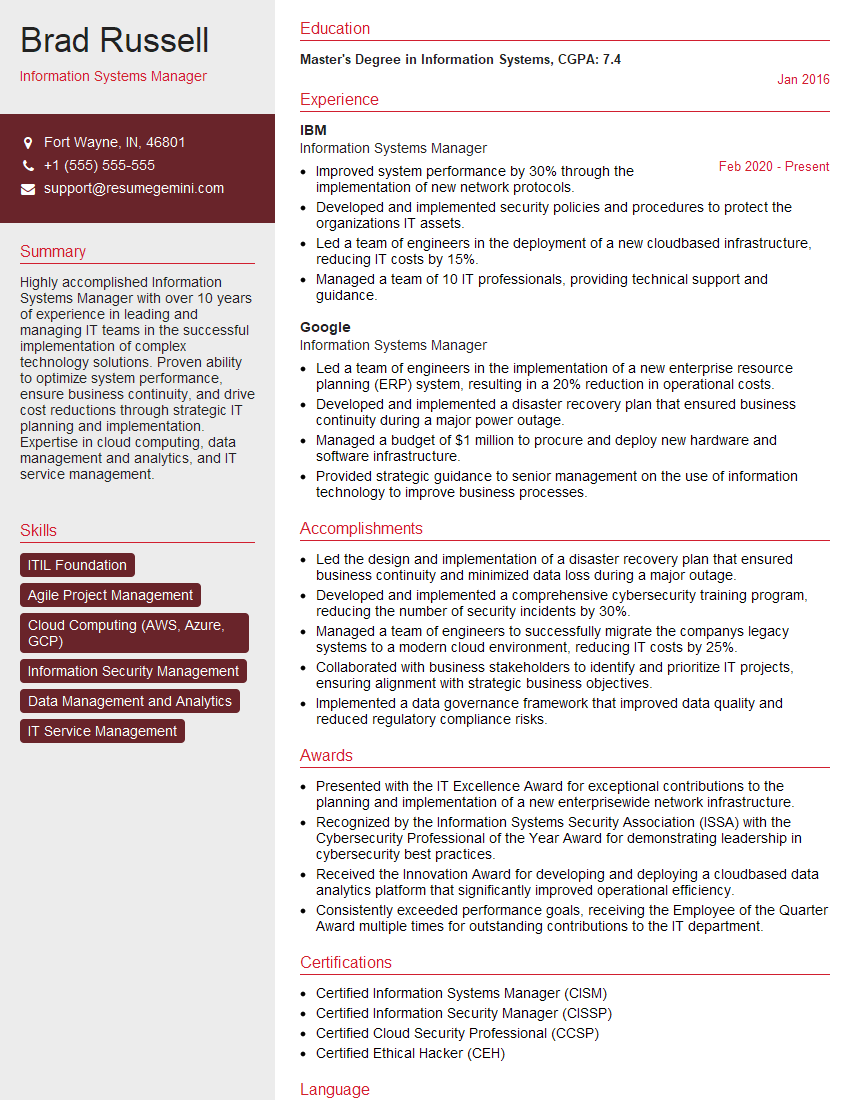
Information Systems Manager Resume Sample
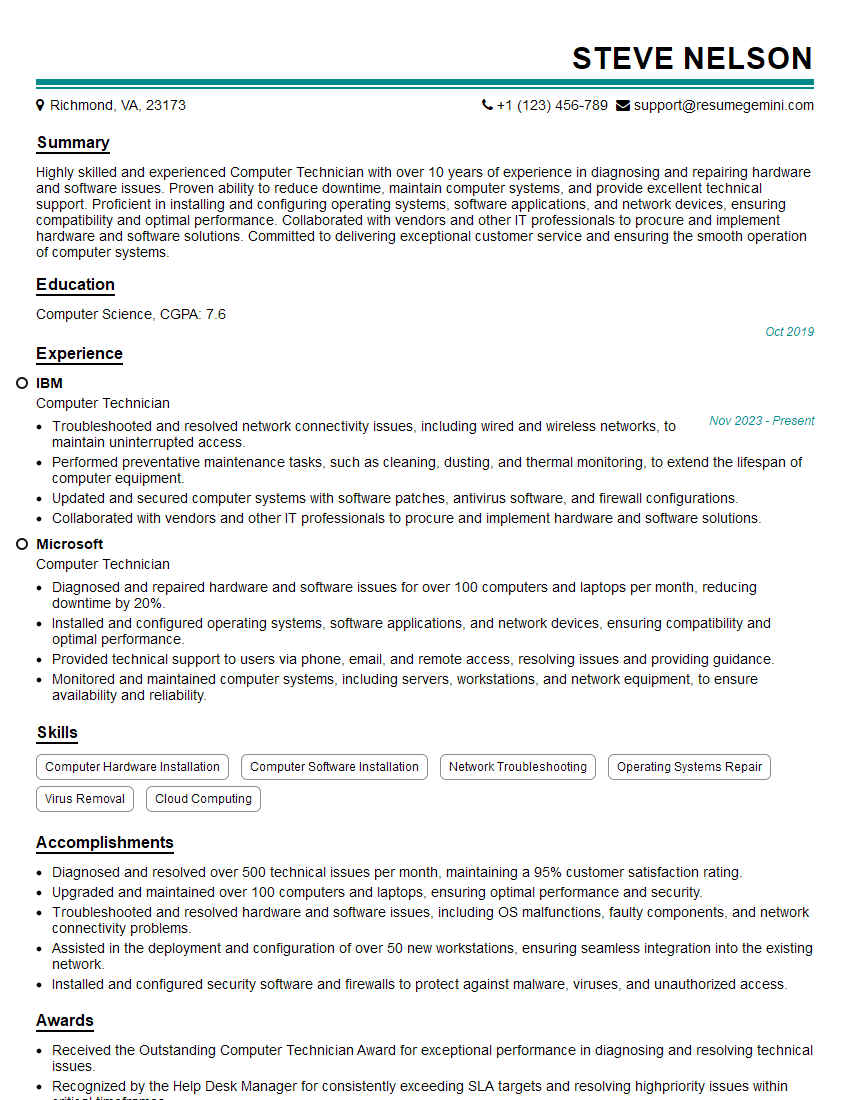
Computer Technician Resume Sample

Help Desk Analyst Resume Sample

IT Project Manager Resume Sample

Graphic Designer Resume Sample

Technical Writer Resume Sample

IT Support Specialist Resume Sample

Database Administrator Resume Sample

UX Designer Resume Sample

DevOps Engineer Resume Sample

Cloud Architect Resume Sample

Machine Learning Engineer Resume Sample
- Business Analyst
- Technical Consultant
- Data Analyst
- Data Scientist
- Software Engineer
- Systems Analyst
- Network Engineer
- Computer Programmer
- Game Developer
- Web Designer
- Web Developer
- Information Systems Manager
- Computer Technician
- Help Desk Analyst
- IT Project Manager
- Graphic Designer
- Technical Writer
- IT Support Specialist
- Database Administrator
- UX Designer
- DevOps Engineer
- Cloud Architect
- Machine Learning Engineer
Explore more articles
Users Rating of Our Blogs
Share Your Experience
We value your feedback! Please rate our content and share your thoughts (optional).
What Readers Say About Our Blog
Very informative content, great job.
good