Preparation is the key to success in any interview. In this post, we’ll explore crucial Accurate typing skills interview questions and equip you with strategies to craft impactful answers. Whether you’re a beginner or a pro, these tips will elevate your preparation.
Questions Asked in Accurate typing skills Interview
Q 1. What is your typing speed (words per minute) and accuracy rate?
My current typing speed is consistently above 80 words per minute (WPM) with an accuracy rate exceeding 98%. This is achieved through years of dedicated practice and a focus on efficient technique. I regularly test my speed and accuracy using online typing tests to track my progress and identify areas for improvement. Maintaining high accuracy is as important as speed, as errors can be costly in professional settings. Think of it like a finely tuned instrument – the speed is impressive, but the accuracy ensures the music is played perfectly.
Q 2. What typing methods are you proficient in (e.g., touch typing)?
I am proficient in touch typing. Touch typing, unlike hunt-and-peck, involves using all ten fingers without looking at the keyboard. This method significantly improves both speed and accuracy. I’ve honed my touch typing skills over many years, developing muscle memory and mastering the home row keys (ASDF JKL;) which serve as the foundation for efficient typing. This allows for a fluid and continuous workflow, essential for tasks that require extended typing sessions. It’s like learning to ride a bike – initially challenging, but once mastered it becomes second nature.
Q 3. Describe your experience with different keyboard layouts.
I have experience with the standard QWERTY keyboard layout, which is the most prevalent globally. I’m also familiar with Dvorak, a layout designed for improved efficiency, although I haven’t fully transitioned to it for professional use. The familiarity with QWERTY is crucial for seamless integration into various professional environments. While exploring alternative layouts like Dvorak can potentially offer speed advantages in the long run, switching layouts mid-career can lead to temporary efficiency loss, which needs to be carefully considered. Think of it like changing your dominant hand – you can learn, but it takes significant retraining.
Q 4. How do you maintain accuracy while increasing typing speed?
Increasing typing speed while maintaining accuracy is a delicate balance. It’s not just about typing faster; it’s about optimizing your technique. I focus on consistent practice, concentrating on maintaining proper posture and finger placement. Regularly practicing with typing tutor software helps to reinforce correct technique and gradually increase speed. Furthermore, I pay attention to my rhythm and avoid rushing. It’s like running a marathon – pacing yourself is crucial. Bursts of speed are less effective than consistent, controlled typing.
Q 5. What strategies do you use to minimize errors during prolonged typing sessions?
For minimizing errors during prolonged typing sessions, I prioritize regular breaks to prevent fatigue. Short, frequent breaks are more effective than one long break. I also consciously focus on maintaining good posture and proper technique throughout. Additionally, proofreading my work frequently, even small sections, helps catch errors early. It’s like a marathon runner taking hydration breaks – preventing exhaustion helps sustain performance. Proofreading helps to identify errors before they accumulate and become difficult to correct.
Q 6. How do you handle distractions while typing?
Handling distractions is crucial for maintaining focus and accuracy. I utilize techniques like creating a quiet workspace, turning off notifications on my devices, and using noise-canceling headphones if needed. I also practice mindfulness, focusing on the task at hand. It’s like a musician performing in a concert – external noise should be minimized, and attention needs to be fully focused on the task at hand. Using tools and techniques to create an environment conducive to focused work is essential.
Q 7. What software programs are you proficient in for typing and data entry?
I am proficient in several software programs for typing and data entry, including Microsoft Word, Google Docs, various spreadsheet programs like Excel and Google Sheets, and specialized data entry applications. My skills extend to navigating and inputting data across diverse platforms. This versatility is beneficial in various professional environments and ensures adaptability. Proficiency in multiple software is akin to having several tools in a toolbox, allowing for efficient and adaptable work in diverse settings.
Q 8. Describe your experience with different data entry systems.
Throughout my career, I’ve worked with a variety of data entry systems, ranging from simple spreadsheet programs like Microsoft Excel and Google Sheets to specialized software like data entry applications designed for specific industries (e.g., medical records, legal documents). I’m also proficient with different types of input devices, including standard keyboards, ergonomic keyboards, and even specialized number pads for faster numerical data entry. My experience extends to both cloud-based and on-premise systems, and I’m comfortable navigating different user interfaces and data formats.
For instance, in my previous role at Acme Corporation, I utilized a custom-built data entry application designed for processing customer orders. This system required familiarity with specific data validation rules and error handling procedures, which I mastered quickly. In another project, I used Google Sheets to consolidate data from multiple sources, requiring strong skills in data cleaning and formula application. My adaptability to different systems ensures I can efficiently manage any data entry task.
Q 9. Have you ever used dictation software? If so, describe your experience.
Yes, I have extensive experience with dictation software. I’ve used Dragon NaturallySpeaking and similar programs to transcribe audio recordings, often in situations where speed and efficiency were paramount. While dictation software offers incredible speed advantages, accuracy requires careful attention to pronunciation and consistent phrasing. The software’s accuracy improves significantly with training and personalized vocabulary adjustments. Post-transcription proofreading and editing remain crucial to ensure accuracy, especially for complex or technical materials.
For example, I used Dragon NaturallySpeaking to transcribe a series of lengthy interviews for a research project. The initial transcription required significant editing, but after training the software with the specific vocabulary and speech patterns of the interviewees, the accuracy drastically improved. This illustrates the importance of understanding the limitations and strengths of such tools and adapting workflow accordingly.
Q 10. How do you ensure data accuracy when entering large amounts of information?
Ensuring data accuracy when entering large amounts of information is paramount. My approach is multi-faceted and focuses on prevention and verification. This includes meticulous attention to detail during the initial data entry process, combined with robust verification methods. I use techniques such as double-checking data against source documents, employing checksums or other data integrity checks where possible, and using data validation features built into the software applications to catch errors early on.
For large datasets, I frequently break down the work into smaller, manageable chunks to avoid errors due to fatigue. Regular breaks and a focused approach maintain accuracy levels. Using data entry software with built-in validation features is essential. For instance, using a program that only accepts numbers in a numerical field is a simple yet powerful way to prevent errors. Finally, I always maintain a detailed audit trail to track any corrections or modifications made to the data.
Q 11. What is your approach to proofreading your work?
My proofreading approach is systematic and thorough. It involves multiple passes, each focusing on a different aspect of accuracy. The first pass is typically a quick scan for obvious errors like typos or grammatical mistakes. The second pass checks for consistency in formatting, data entry, and style. The final pass verifies data accuracy by cross-referencing with source documents and ensuring consistency throughout the entire dataset.
I use various tools to aid in proofreading, such as spell checkers and grammar checkers, but I always rely on my own critical eye and attention to detail as the final verification step. I also change the font size or background color during the proofreading to aid in catching missed errors. It is important to take breaks during this process to avoid fatigue and maintain accuracy.
Q 12. How do you handle typos and corrections?
Handling typos and corrections requires a systematic approach that prioritizes accuracy and traceability. I always correct typos immediately upon detection, avoiding the accumulation of errors. When making a correction, I clearly indicate the change and its rationale, typically using a notation system or track changes feature provided by the software. This ensures transparency and allows for easy auditing of the data. For example, I use a comment function in Excel to note why and when a change was made.
I prioritize a clean and error-free final product, understanding that even minor inaccuracies can have significant consequences depending on the context. Therefore, meticulous correction and documentation are integral parts of my workflow.
Q 13. Describe a time you had to meet a tight deadline for a typing-related task.
In a previous project involving the transcription of legal documents, I faced a tight deadline. We needed to have all documents transcribed and verified within 48 hours. To meet this deadline, I prioritized the task above all others, working extended hours and utilizing my proven time management and typing skills. I also employed dictation software where appropriate, improving transcription speed and managing fatigue. Thorough planning, careful prioritization of tasks, and a focused work ethic were vital in successfully completing the project on time and to the highest quality standards.
This experience underscored the importance of efficient workflow strategies and a commitment to meeting deadlines, especially under pressure. It also highlighted the value of using technology appropriately to improve productivity and efficiency.
Q 14. How do you prioritize tasks when faced with multiple typing assignments?
When faced with multiple typing assignments, I prioritize tasks based on several factors, including deadlines, urgency, and complexity. I use a project management approach, creating a list of all assignments and assigning each a priority level based on these factors. Urgent tasks with tight deadlines get top priority. I then break down complex tasks into smaller, more manageable subtasks to make the workload less daunting and more efficiently manageable. I employ time-blocking techniques to allocate specific time slots to each task.
This structured approach ensures that I can manage my workload effectively and avoid feeling overwhelmed, allowing me to meet all deadlines and maintain a high level of accuracy throughout the process. Regularly reviewing and updating my priority list ensures I stay on top of my assignments.
Q 15. How do you handle conflicting information while entering data?
Handling conflicting information during data entry requires a methodical approach. I first identify the source of the discrepancy. Is it a typographical error, an outdated record, or a genuine conflict between multiple data sources? Once identified, I investigate the validity of each piece of information. This may involve cross-referencing against other reliable sources or consulting with relevant personnel. For instance, if two databases list different addresses for a client, I’d check invoices, previous communications, or directly contact the client for clarification. Only after verification will I proceed to enter the correct information, carefully noting any discrepancies and resolutions in a log or comment section within the system if available. My priority is always data accuracy and maintaining a clear audit trail.
Career Expert Tips:
- Ace those interviews! Prepare effectively by reviewing the Top 50 Most Common Interview Questions on ResumeGemini.
- Navigate your job search with confidence! Explore a wide range of Career Tips on ResumeGemini. Learn about common challenges and recommendations to overcome them.
- Craft the perfect resume! Master the Art of Resume Writing with ResumeGemini’s guide. Showcase your unique qualifications and achievements effectively.
- Don’t miss out on holiday savings! Build your dream resume with ResumeGemini’s ATS optimized templates.
Q 16. How do you stay up-to-date on changes in typing technology or software?
Staying current in typing technology and software is crucial for maintaining efficiency and accuracy. I achieve this through a multifaceted approach. I regularly read industry publications and blogs focused on productivity and data entry technologies. I actively participate in online forums and communities dedicated to typing and keyboarding techniques, exchanging insights and learning from others’ experiences. Furthermore, I experiment with new software and keyboard layouts—for example, recently I explored Dvorak and Colemak layouts to evaluate their potential for improved speed and ergonomics. Finally, I attend webinars and online courses offered by various professional organizations to learn about the latest advancements in input methods and assistive technologies.
Q 17. What are some common typing errors you encounter, and how do you prevent them?
Common typing errors fall into several categories: transposed letters (e.g., typing ‘teh’ instead of ‘the’), omitted letters, incorrect word choices (particularly homophones like ‘their,’ ‘there,’ and ‘they’re’), and repetitive errors stemming from muscle memory. To prevent these, I employ several strategies. Firstly, I maintain a consistent posture and typing technique, focusing on accuracy over speed. Secondly, I utilize auto-correct features cautiously, double-checking suggestions before acceptance. Thirdly, I regularly practice touch typing exercises, focusing on improving my accuracy and reducing the reliance on visual confirmation of each keystroke. Finally, I use proofreading tools and techniques – I often read back my work aloud, which can help catch errors the eye might miss.
Q 18. How do you adapt your typing style to different document formats?
Adapting to various document formats demands flexibility. For example, a formal report requires a different typing style than a casual email. Formal documents might necessitate a more conservative tone and precise formatting, involving careful attention to margins, headings, and citations. This might involve using specialized software features or keyboard shortcuts. Informal communications, on the other hand, can be more concise and less formally structured. I adjust my typing speed and accuracy according to the context, understanding that speed isn’t always paramount; accuracy and adherence to stylistic guidelines are equally critical. For instance, I would use templates for standardized documents and utilize features such as auto-numbering for lists or tables to maintain consistency.
Q 19. What is your experience with using different input devices (e.g., keyboards, ergonomic keyboards)?
My experience spans various input devices. I’m proficient with standard QWERTY keyboards and have explored ergonomic keyboards, including split keyboards and those with curved layouts. I find that ergonomic keyboards can help to improve posture and reduce strain, especially during extended typing sessions. However, the learning curve can be steep as it requires retraining muscle memory. The choice of input device depends heavily on individual preferences and needs. Beyond keyboards, I am also comfortable using on-screen keyboards and voice-to-text software, recognizing that the optimal input method is often contextual and depends on the specific task. I believe that experimenting with and adapting to different input devices ensures flexibility and optimal performance in diverse situations.
Q 20. Describe a time you had to learn a new typing-related skill.
Learning to type using a Dvorak keyboard layout was a significant challenge. It involved completely retraining my muscle memory, which was initially frustrating and slower. I used online typing tutors and practiced consistently, dedicating specific time each day. The transition wasn’t immediate; it required patience and persistence. However, the reward was worth the effort. My accuracy improved considerably, and I now have a deeper understanding of keyboard layouts and the importance of efficient key placement. This experience underscored the value of continuous learning and adaptability within the field of typing.
Q 21. How do you ensure data confidentiality when handling sensitive information?
Data confidentiality is paramount when handling sensitive information. My approach involves several key practices. First, I always follow the organization’s security protocols, including password management, access control, and data encryption procedures. Second, I strictly avoid sharing sensitive data with unauthorized individuals or systems. Third, I ensure that my workstation is physically secure, preventing unauthorized access to my computer and documents. Fourth, I regularly update software and maintain strong antivirus protection to mitigate risks. Finally, in instances where particularly sensitive data is involved, I utilize secure data transfer methods and follow specific company guidelines regarding data storage and disposal. My adherence to these procedures guarantees the protection of sensitive information.
Q 22. How do you deal with repetitive strain injuries or other physical discomfort from typing?
Preventing repetitive strain injuries (RSIs) is paramount for any typist. My approach is multifaceted, focusing on ergonomics, breaks, and mindful typing. Ergonomics involves setting up my workstation correctly: ensuring my chair provides proper lumbar support, my keyboard is at the correct height, my wrists are straight, and my elbows are at a 90-degree angle. I also use a vertical keyboard to reduce strain on my wrists.
Regular breaks are crucial. I follow the 20-20-20 rule: every 20 minutes, I look at an object 20 feet away for 20 seconds. This helps to reduce eye strain and prevent neck stiffness, which often accompanies prolonged typing. Beyond scheduled breaks, I listen to my body and take short pauses whenever I feel any discomfort. Mindful typing means focusing on my posture and typing technique, ensuring I’m not tense or gripping the keyboard too tightly.
Finally, I incorporate stretches and exercises specifically designed to alleviate RSI symptoms, such as wrist rotations and finger stretches. These exercises are performed both during breaks and as part of my daily routine to promote flexibility and prevent future issues. Proactive care is far more effective than reactive treatment.
Q 23. What are your preferred methods for organizing your work when dealing with large volumes of text?
Managing large volumes of text requires a structured approach. My preferred methods involve utilizing folders and subfolders to categorize documents logically. For example, if I’m working on a project with multiple phases, I’d create a main folder for the project and then subfolders for each phase. This allows for easy retrieval and avoids confusion.
Within each folder, I consistently employ clear and descriptive file names. This may include dates, keywords, and project codes for efficient search and sorting. I also make heavy use of tools within the operating system and word processing programs – such as searching, filtering, and advanced find/replace – to quickly locate specific information within large documents. When feasible, I use a database management system to organize data in a relational structure which makes it simpler to query information.
Beyond file organization, I heavily rely on outlining and creating templates. Outlining helps structure the flow of my work before I start typing, which significantly reduces time spent on revisions. Custom templates help ensure consistency in formatting and style, leading to more efficient document production.
Q 24. How do you handle ambiguous or incomplete data while entering it?
Handling ambiguous or incomplete data requires careful attention to detail and a systematic approach. My first step is to identify the nature of the ambiguity or incompleteness. Is it a missing value, a vague term, or conflicting information? Once identified, I determine the best course of action. If possible, I’ll attempt to clarify the information by consulting the source of the data, whether it’s a colleague or a database.
If clarification is impossible, I’ll document the ambiguity using standardized notations, for example, adding a comment explaining the uncertainty within the data entry system, or flagging the missing value with a specific indicator like ‘N/A’ or ‘Unknown’. It’s crucial to maintain a record of these inconsistencies, for example, by noting them in a separate log file for later review and potential correction. Transparency in handling data uncertainties ensures accuracy and allows for future reconciliation if more information becomes available.
In cases where approximations are acceptable, I use the best available information to make reasonable estimates, clearly noting that these entries are estimates and not precise figures. Maintaining a clear audit trail of my decisions and assumptions is a cornerstone of responsible data handling.
Q 25. What is your experience with working with different data formats (e.g., CSV, Excel)?
I possess extensive experience working with various data formats, including CSV, Excel, JSON, and XML. CSV (Comma Separated Values) files are straightforward, often used for transferring data between different applications. I’m adept at importing and exporting CSV data, ensuring proper formatting and handling of delimiters. Excel spreadsheets offer more advanced functionalities, such as formulas, charts, and macros. I have extensive experience using Excel to process and manipulate large datasets.
My understanding extends to more complex formats like JSON (JavaScript Object Notation) and XML (Extensible Markup Language), commonly used for structured data exchange. I can parse these formats to extract relevant information and use scripting languages (like Python or JavaScript) to process them effectively. My proficiency in these formats allows me to adapt quickly to any data entry requirements, ensuring seamless integration with various systems and applications. The key is understanding the structure of each format and using the appropriate tools to work with them efficiently.
Q 26. Explain your understanding of data validation and how you apply it in your work.
Data validation is the process of ensuring that data is accurate, complete, and consistent. It’s an essential part of data entry and maintains data integrity. My approach involves applying multiple validation checks at different stages of the process.
Data Type Validation: I ensure that numeric fields only contain numbers, date fields contain valid dates, and text fields only contain strings. This often involves using built-in validation rules in software applications. For example, in Excel, I can set up data validation rules that automatically flag invalid data entries, helping to prevent errors from propagating through a dataset.
Range Validation: I check that data falls within an acceptable range. For example, an age field shouldn’t contain negative values. Format Validation: I ensure data is in the correct format, such as phone numbers following a specific pattern. Consistency Checks: I verify that data is consistent across different fields or records, detecting anomalies and preventing potential discrepancies.
Ultimately, my aim is to build robust systems to prevent invalid data from entering the system in the first place. By utilizing pre-emptive validation techniques, errors are mitigated upfront, avoiding downstream problems and saving time and resources in the long run.
Q 27. How familiar are you with different data entry techniques for efficient data entry?
Efficient data entry relies on understanding and applying various techniques. Beyond basic typing skills, I utilize keyboard shortcuts extensively to speed up the process. For example, using `Ctrl+C` (copy), `Ctrl+V` (paste), and `Ctrl+Z` (undo) are second nature. I also employ touch typing to eliminate the need for visual confirmation of each keystroke, significantly improving my speed and accuracy.
For repetitive data, I utilize templates to ensure consistency and minimize manual entry. I’m also proficient in using auto-fill features in various applications, to populate fields automatically based on patterns in existing data. If dealing with large datasets that are not easily manageable by manual entry, I utilize data import tools and scripting languages like Python to automate the process.
Furthermore, understanding the source data and its structure is vital. Pre-processing the data to handle inconsistencies or transform formats can dramatically reduce the time spent on actual data entry. Finally, I focus on maintaining consistent posture, taking breaks, and practicing efficient keystroke techniques to prevent fatigue and maintain accuracy throughout prolonged data entry sessions.
Q 28. How would you troubleshoot a typing-related problem you have never encountered before?
Encountering an unfamiliar typing problem would involve a systematic troubleshooting approach. My first step would be to clearly define the problem: What exactly is happening? What are the symptoms? When did the problem start? I would then gather information by attempting to replicate the issue and making detailed observations about the circumstances surrounding the problem.
Next, I would consult available resources, including online forums, documentation, or the application’s help files. Searching for error messages or similar symptoms online often yields useful insights. If the problem is hardware related, I would check connections, try different devices (e.g., keyboards, mice), and ensure all drivers are up-to-date.
If the problem persists, I would try isolating the source. Is it software-related, hardware-related, or a combination of both? System restore points could be a valuable tool to revert to a previous stable system configuration. Finally, if all else fails, seeking support from technical experts or the software vendor would be the final step. Throughout this process, clear documentation of every step taken is paramount. This helps track progress, identify potential solutions, and enables efficient communication if external support is needed.
Key Topics to Learn for Accurate Typing Skills Interview
- Typing Techniques and Ergonomics: Understand proper posture, hand placement, and finger techniques to maximize speed and accuracy while minimizing strain and risk of repetitive strain injuries (RSI).
- Touch Typing Proficiency: Demonstrate mastery of touch typing – the ability to type without looking at the keyboard. Practice different typing tests and exercises to improve speed and accuracy consistently.
- Error Correction and Proofreading: Learn effective strategies for identifying and correcting typing errors quickly and efficiently. Understand the importance of proofreading for accuracy and professionalism.
- Keyboard Shortcuts and Efficiency: Familiarize yourself with common keyboard shortcuts to increase your overall typing efficiency. This includes navigation shortcuts, text editing shortcuts, and potentially software-specific shortcuts.
- Software Proficiency (relevant applications): Depending on the job description, showcase proficiency in relevant software such as word processing (Microsoft Word, Google Docs), spreadsheets (Excel, Google Sheets), or other relevant applications requiring accurate typing.
- Adaptability to Different Keyboards: Discuss your ability to adapt to various keyboard layouts and input methods, showcasing flexibility and adaptability.
- Data Entry Accuracy and Speed: Be prepared to discuss your experience with maintaining high levels of accuracy while meeting speed targets in data entry tasks. Quantify your achievements whenever possible.
Next Steps
Mastering accurate typing skills is crucial for success in today’s digital workplace, significantly boosting your productivity and efficiency across various roles. A strong command of these skills will make you a highly desirable candidate. To further enhance your job prospects, creating an ATS-friendly resume is essential. ResumeGemini can help you build a professional and impactful resume that highlights your typing skills effectively. We provide examples of resumes tailored to accurate typing skills to help guide you. Take advantage of this resource to present yourself in the best possible light to potential employers.
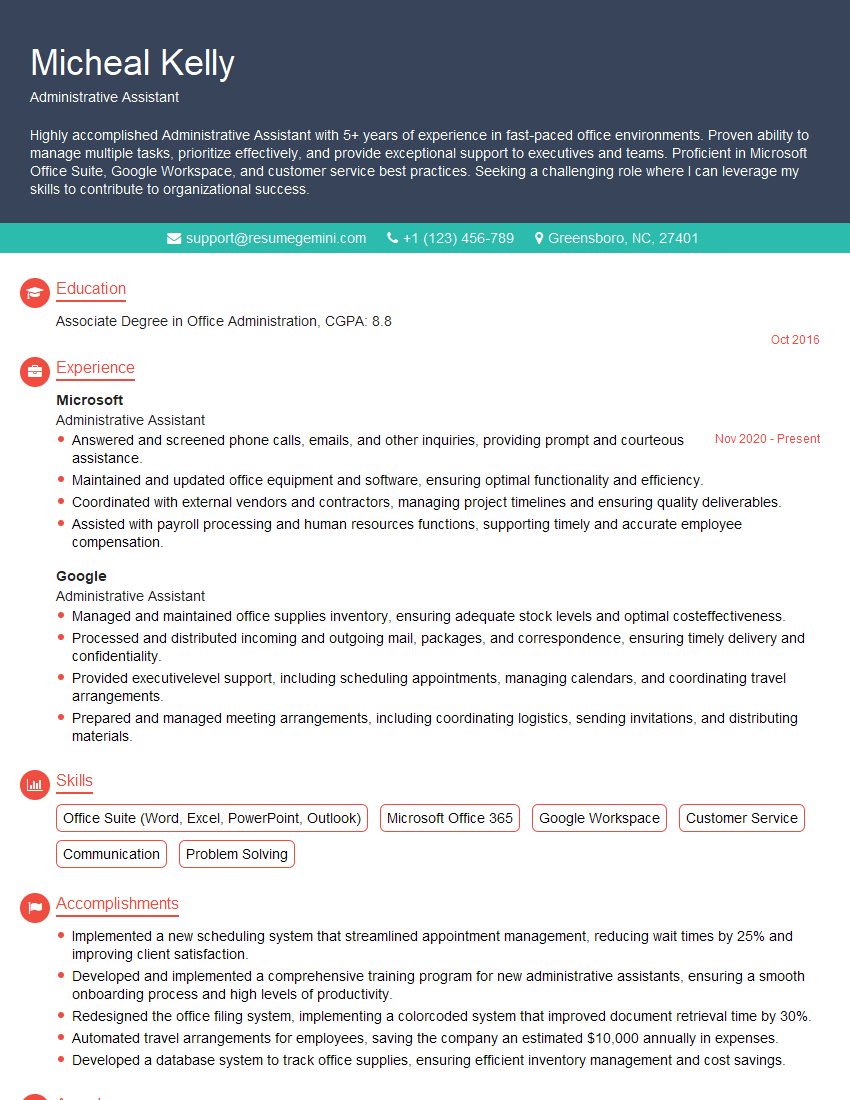
Administrative Assistant Resume Sample
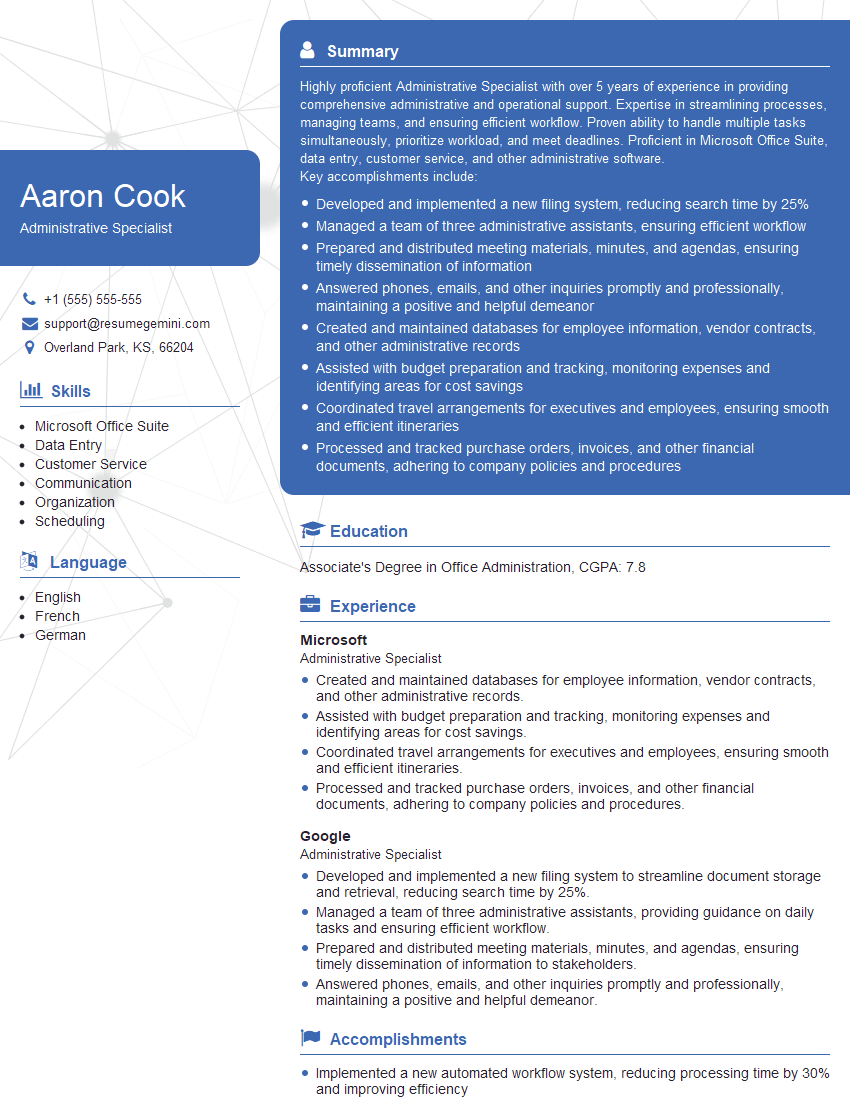
Administrative Specialist Resume Sample
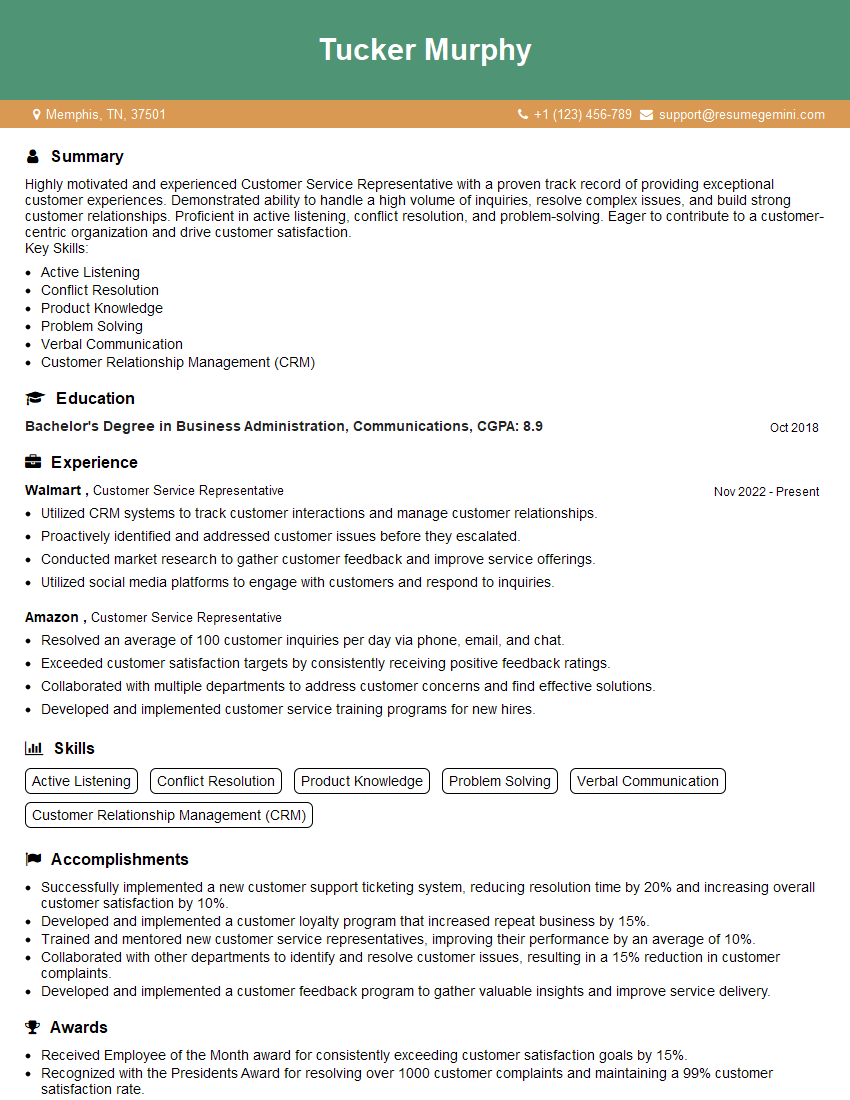
Customer Service Representative Resume Sample
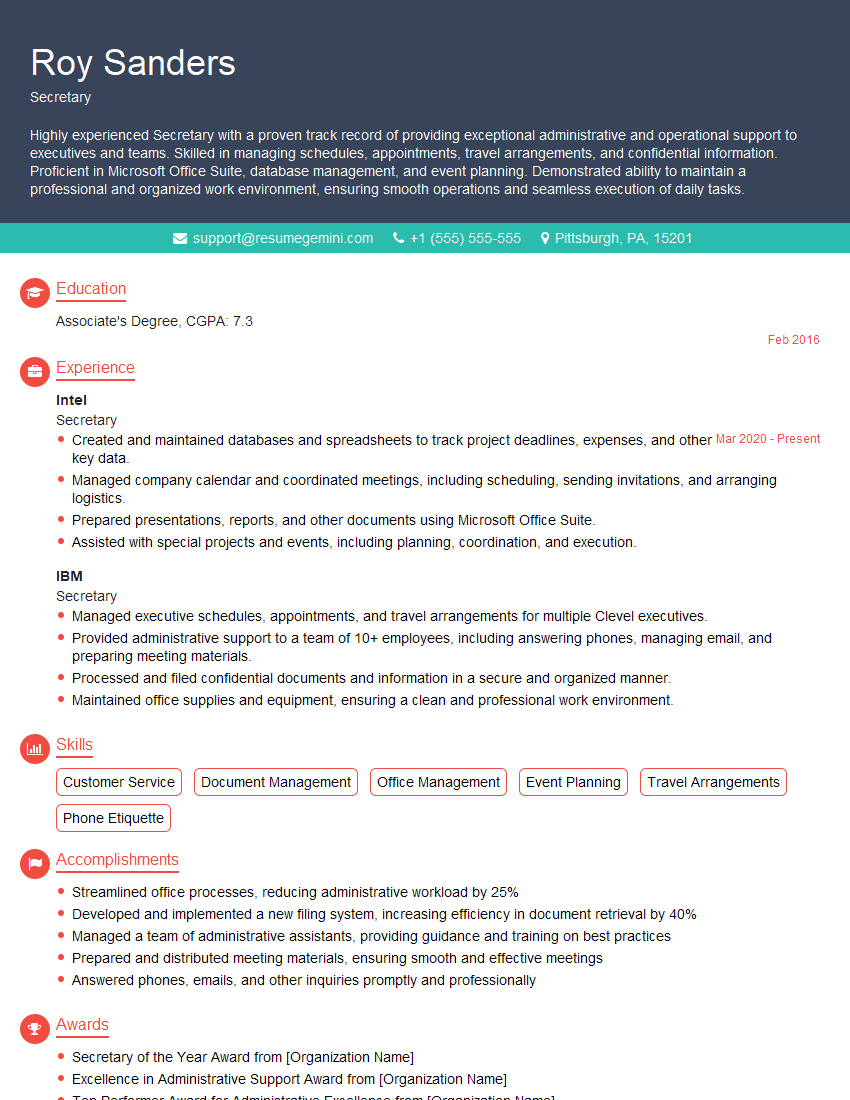
Secretary Resume Sample
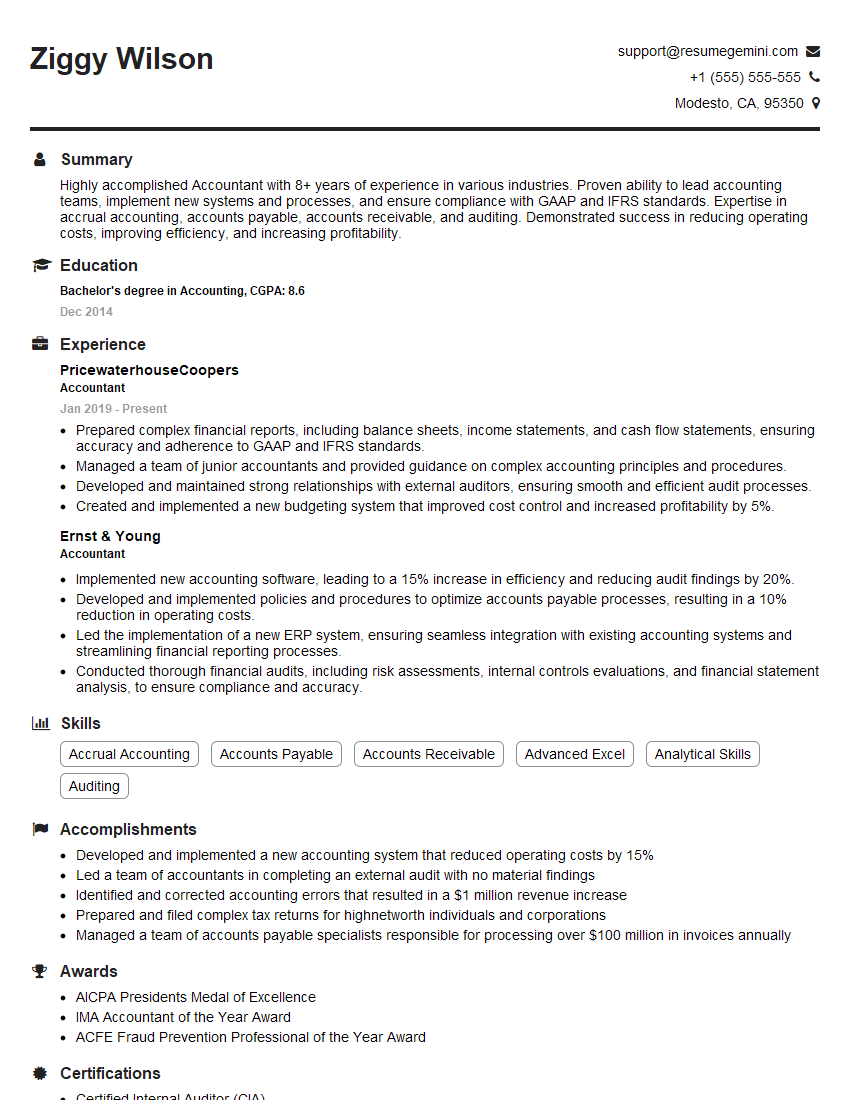
Accountant Resume Sample
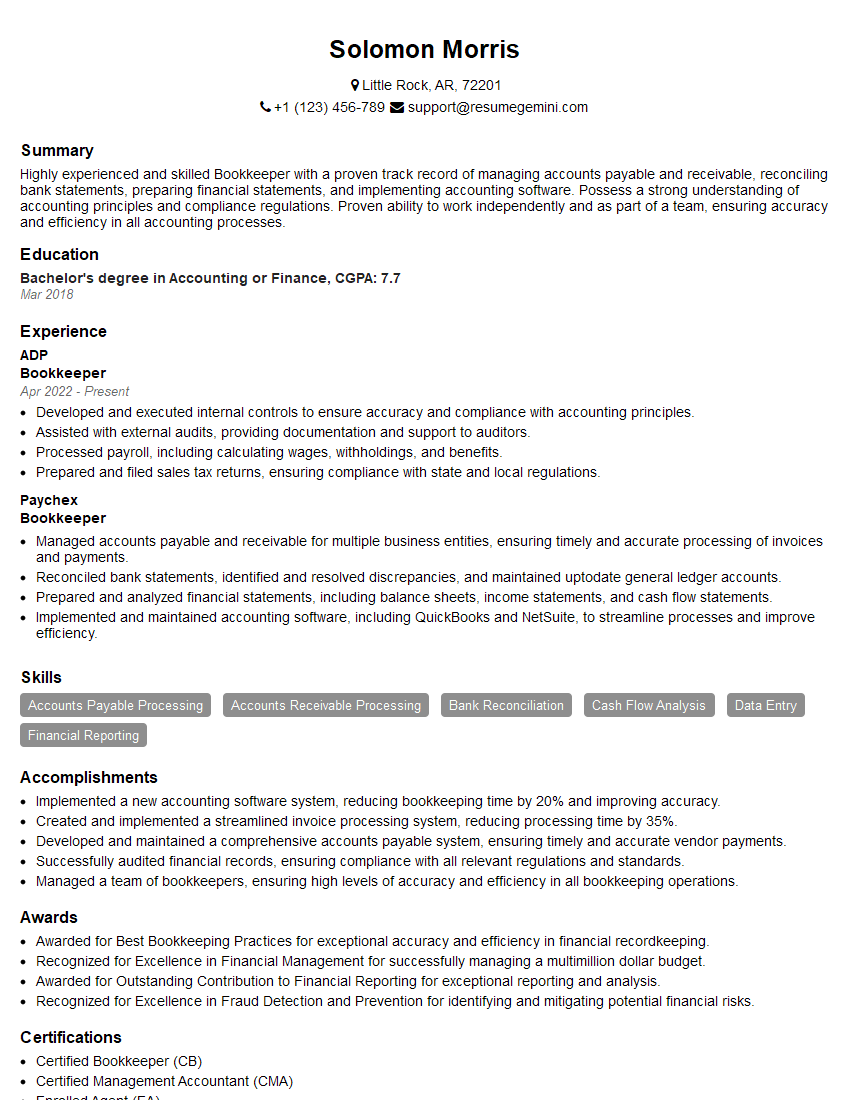
Bookkeeper Resume Sample
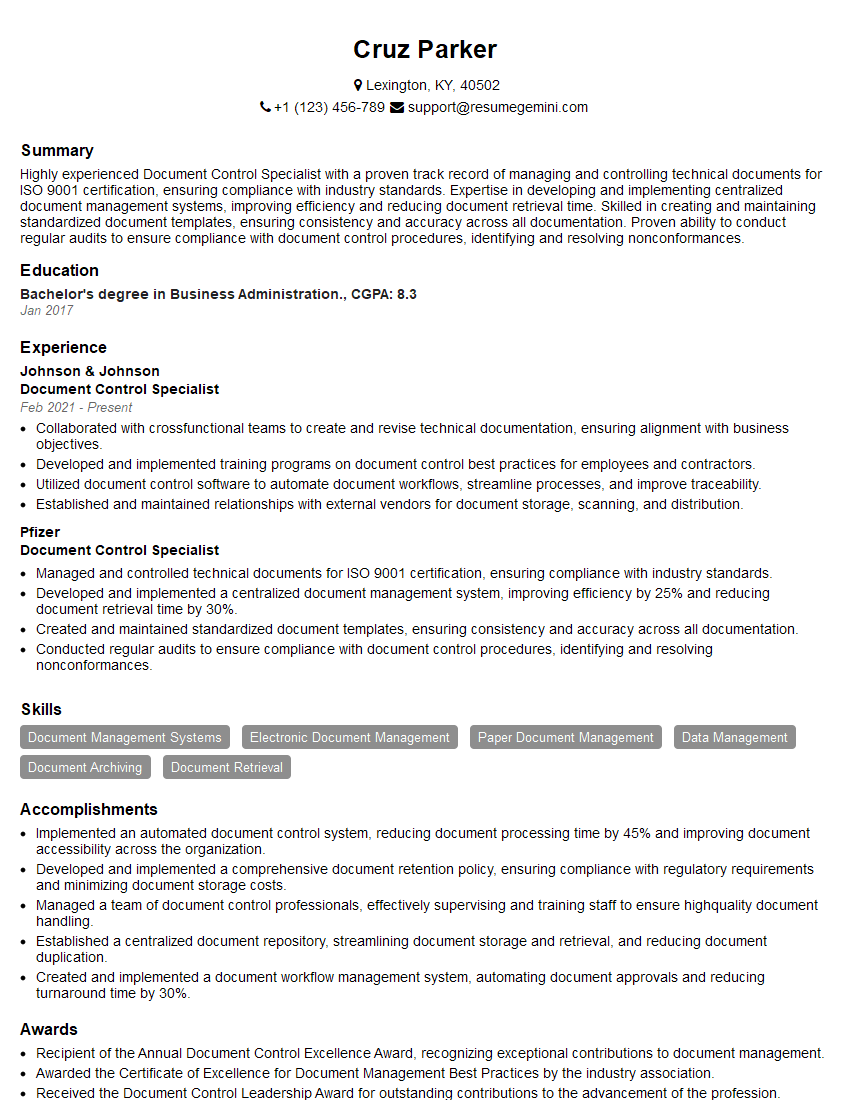
Document Control Specialist Resume Sample
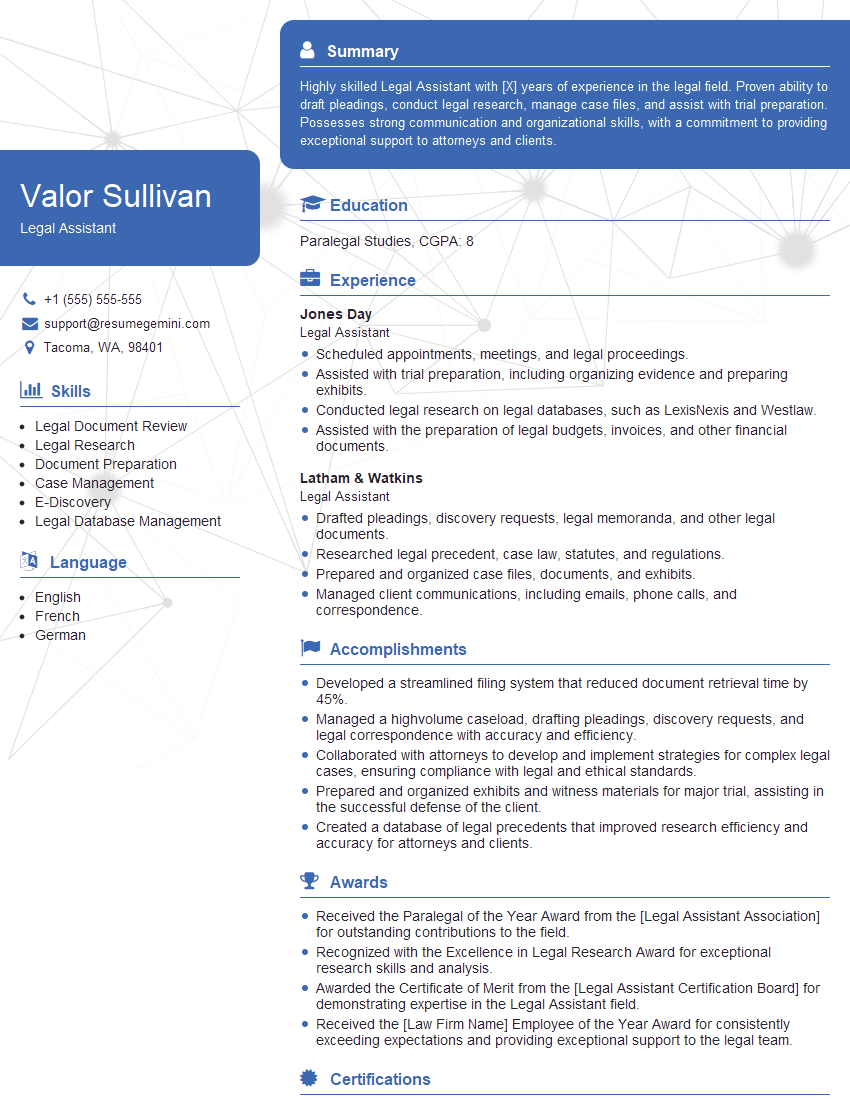
Legal Assistant Resume Sample
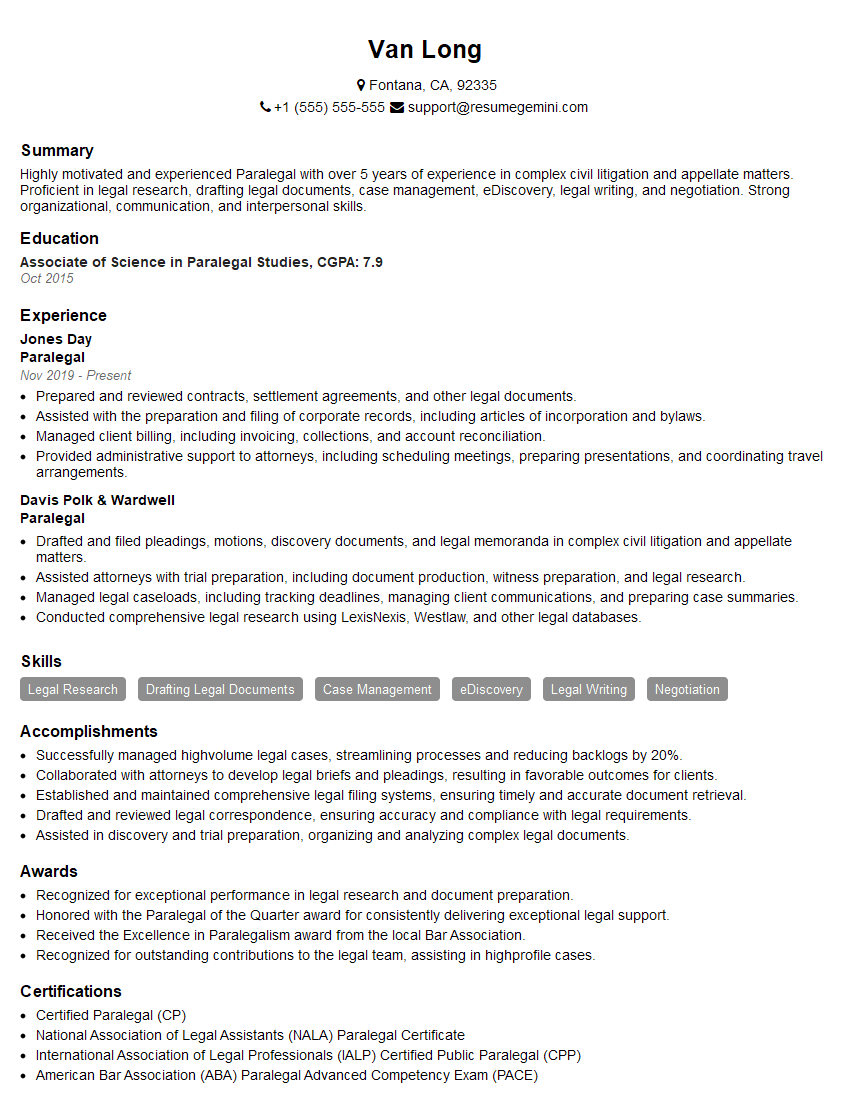
Paralegal Resume Sample
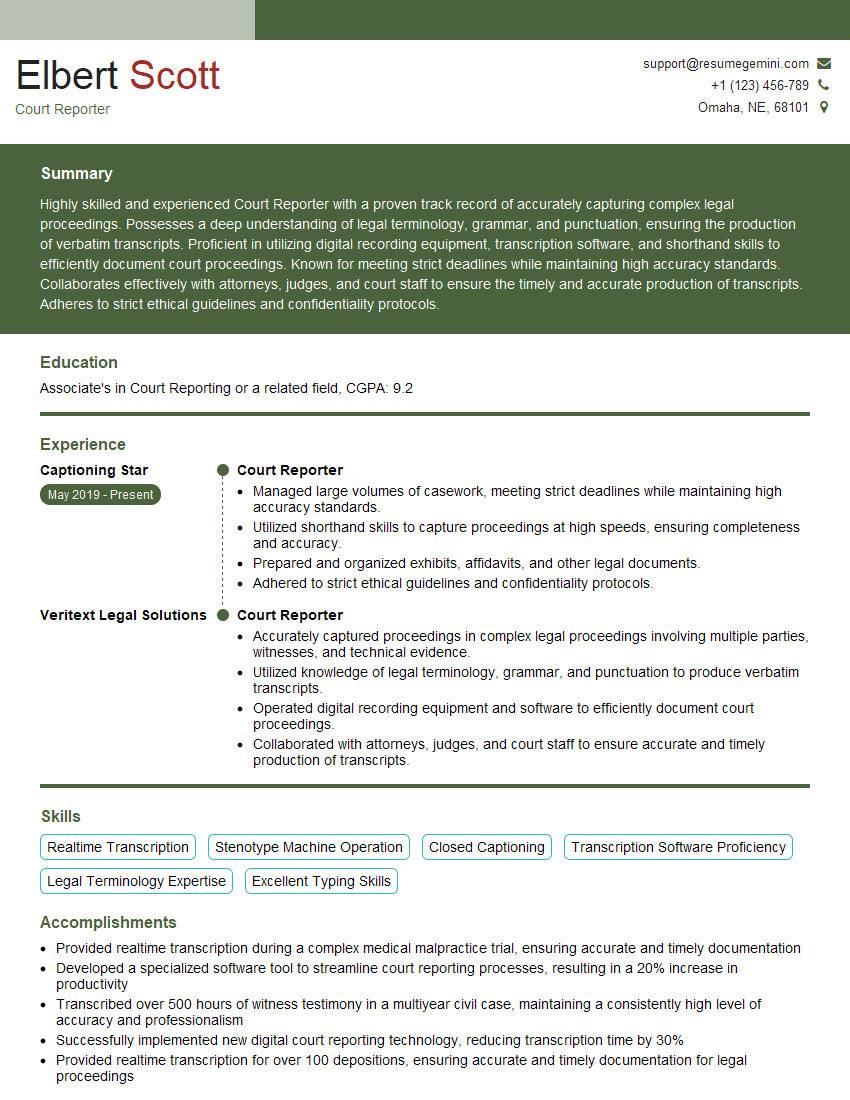
Court Reporter Resume Sample
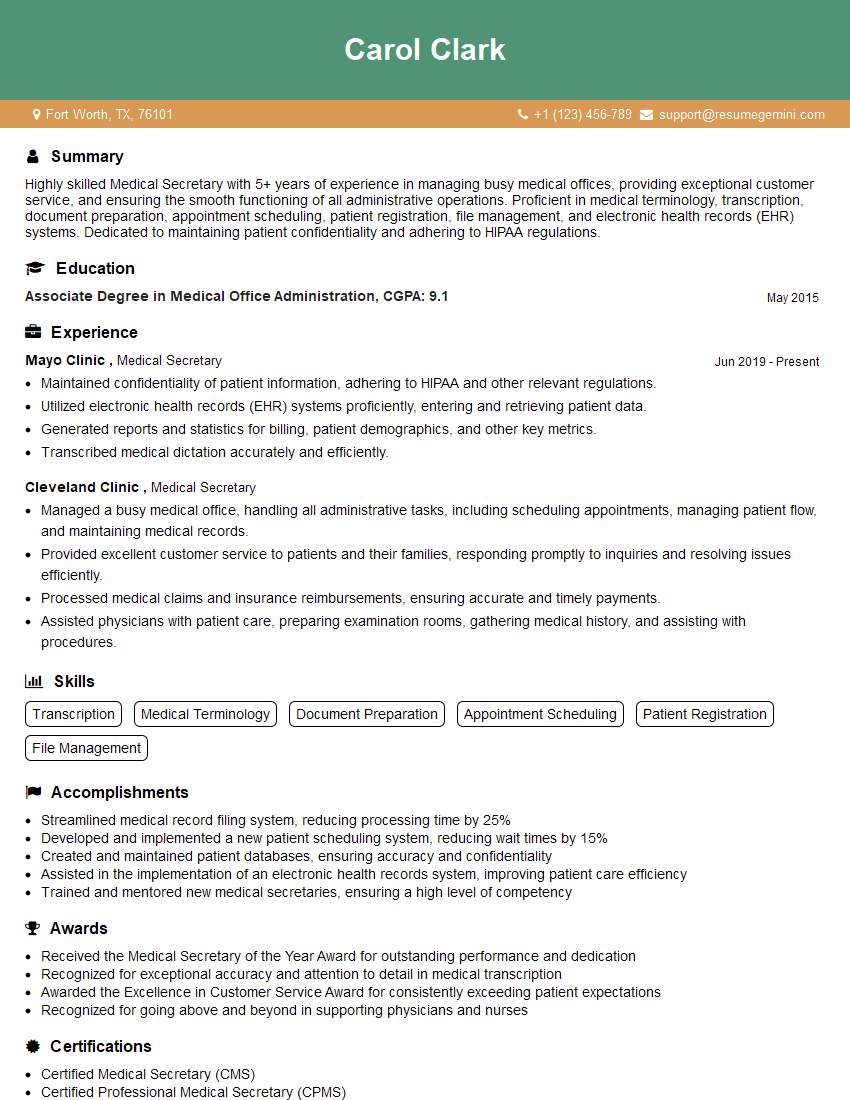
Medical Secretary Resume Sample
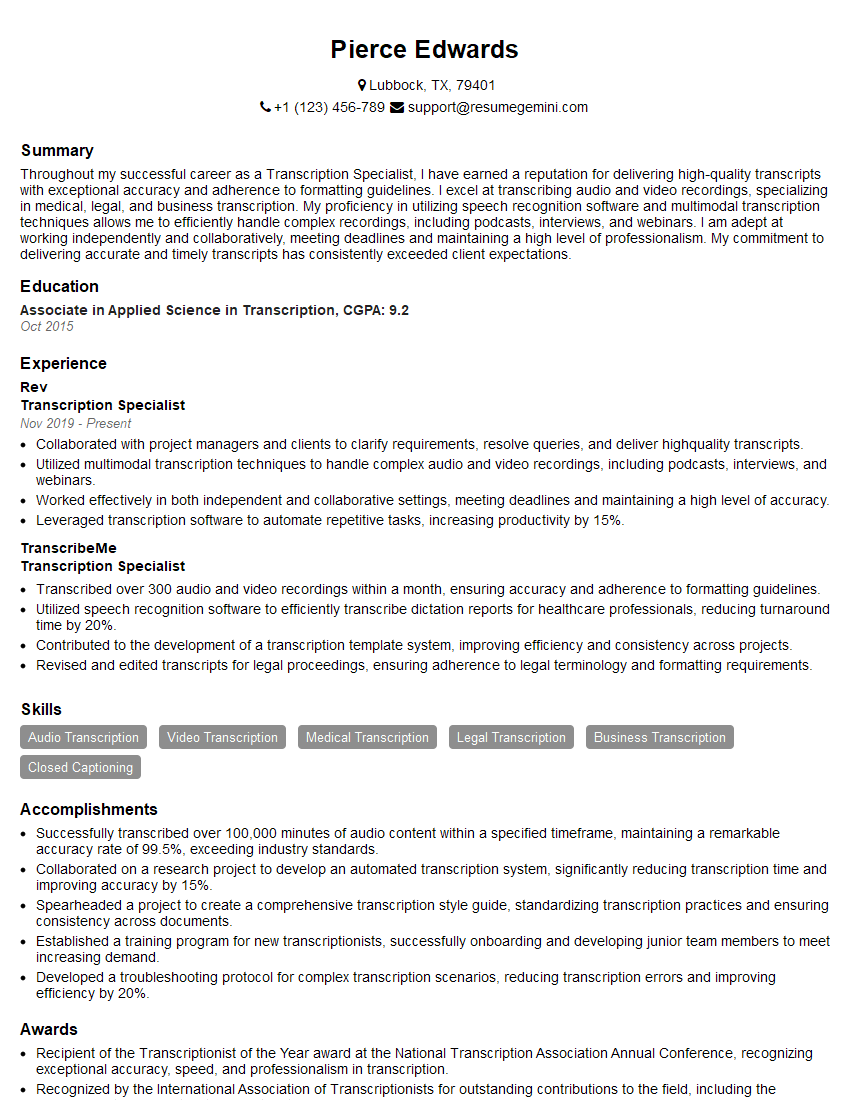
Transcription Specialist Resume Sample
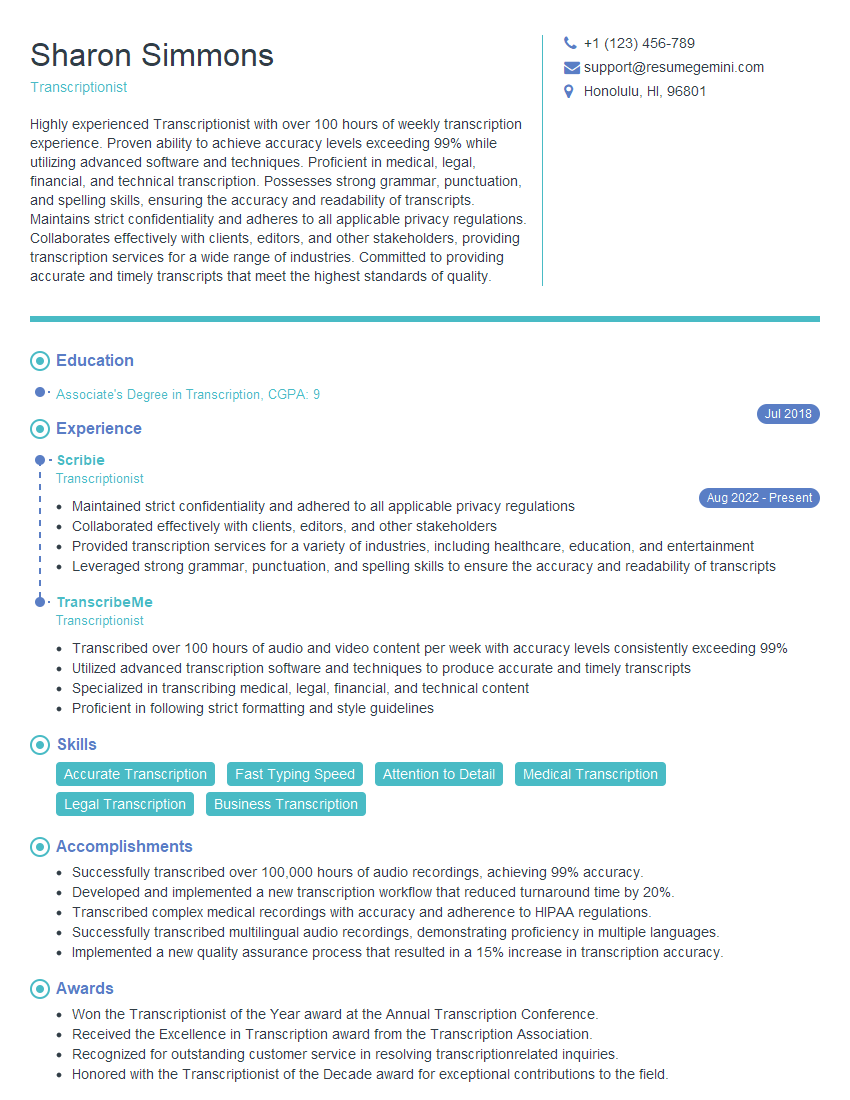
Transcriptionist Resume Sample
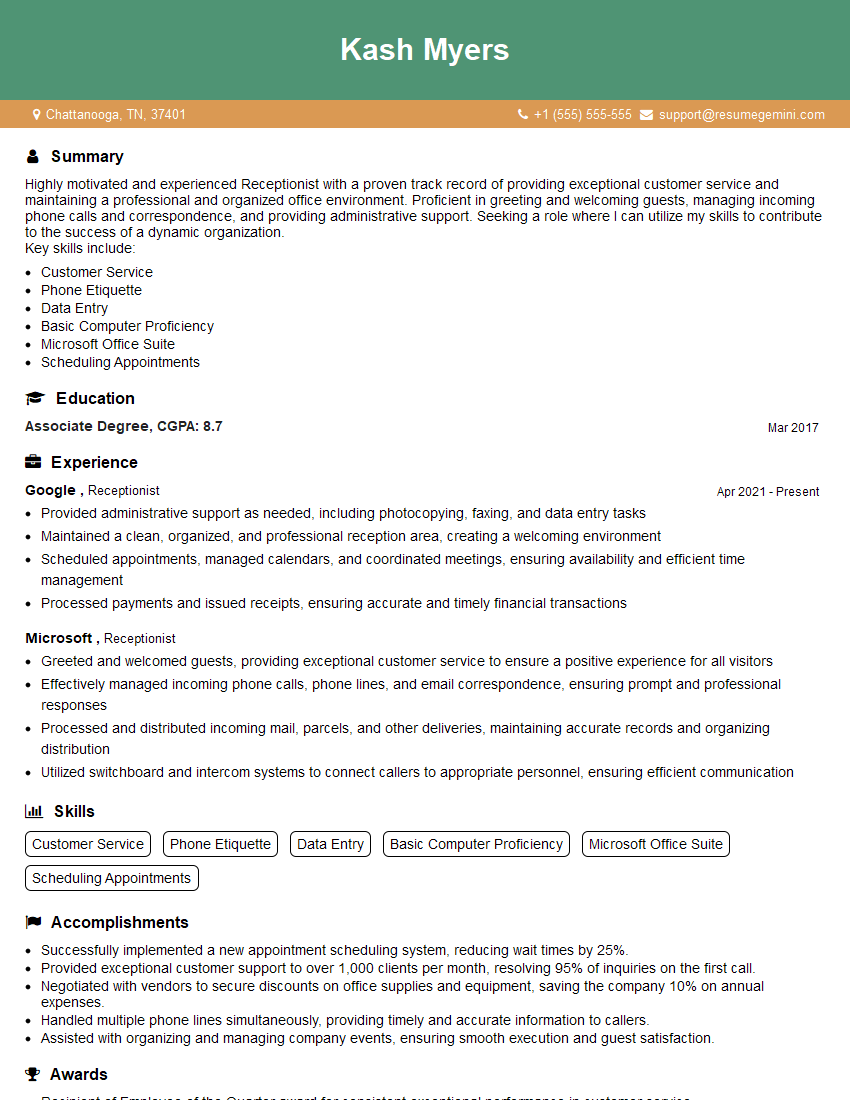
Receptionist Resume Sample
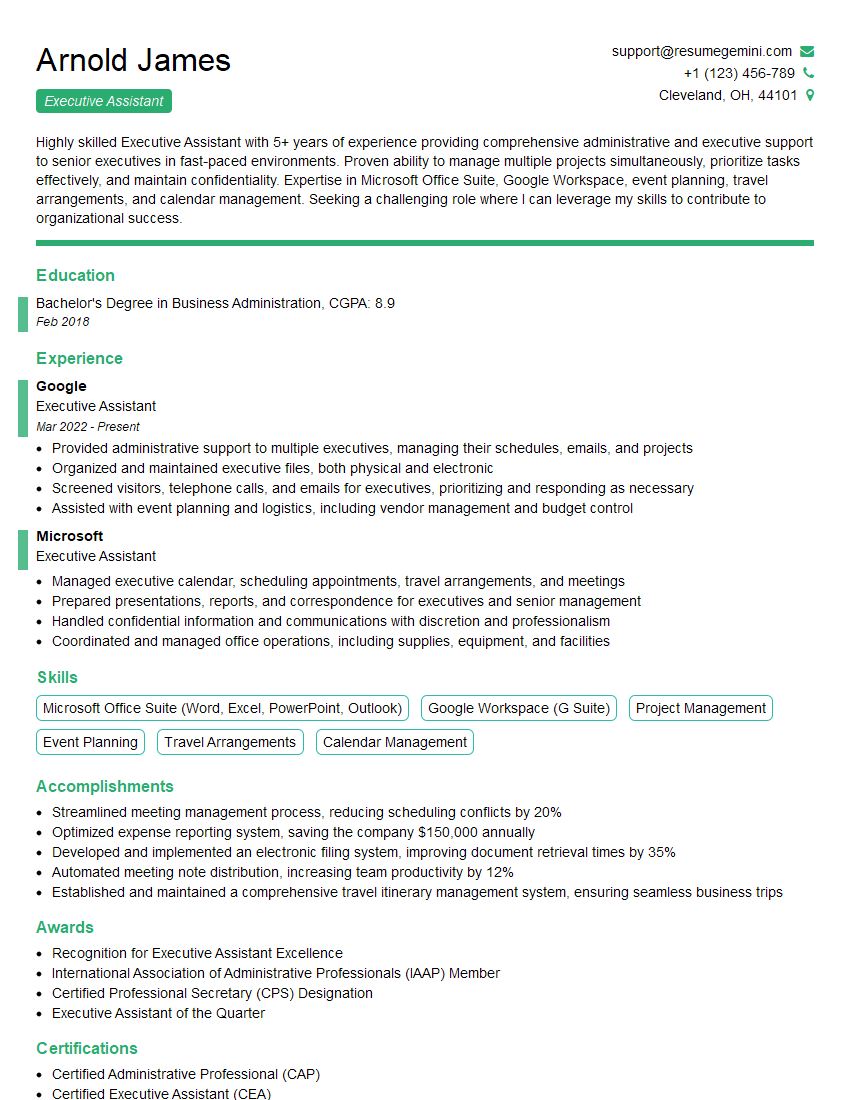
Executive Assistant Resume Sample
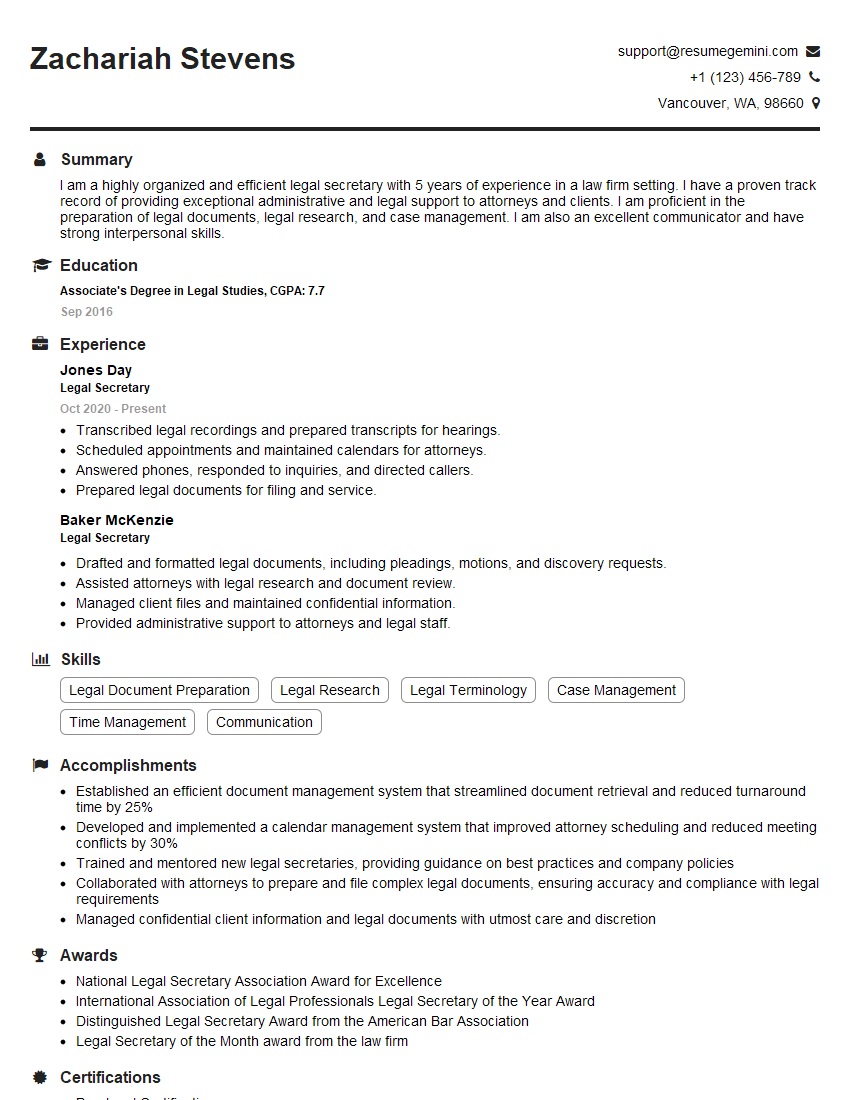
Legal Secretary Resume Sample

Data Entry Clerk Resume Sample
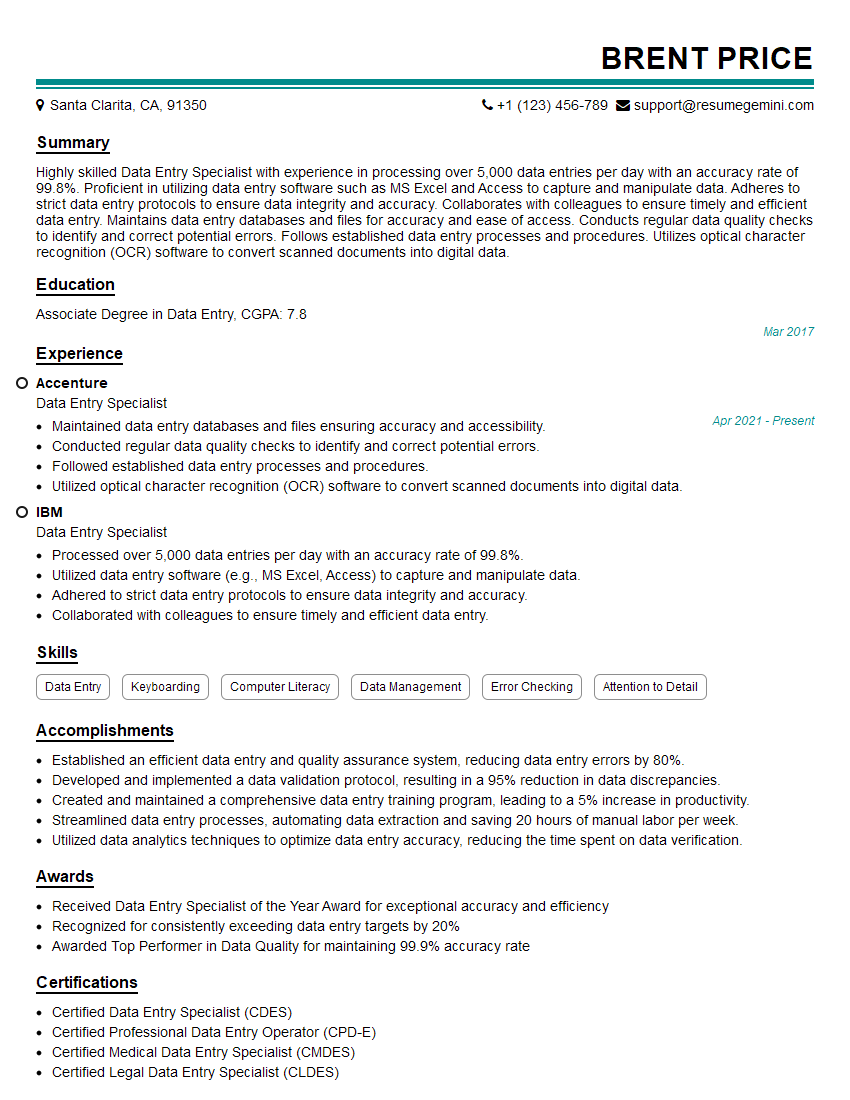
Data Entry Specialist Resume Sample
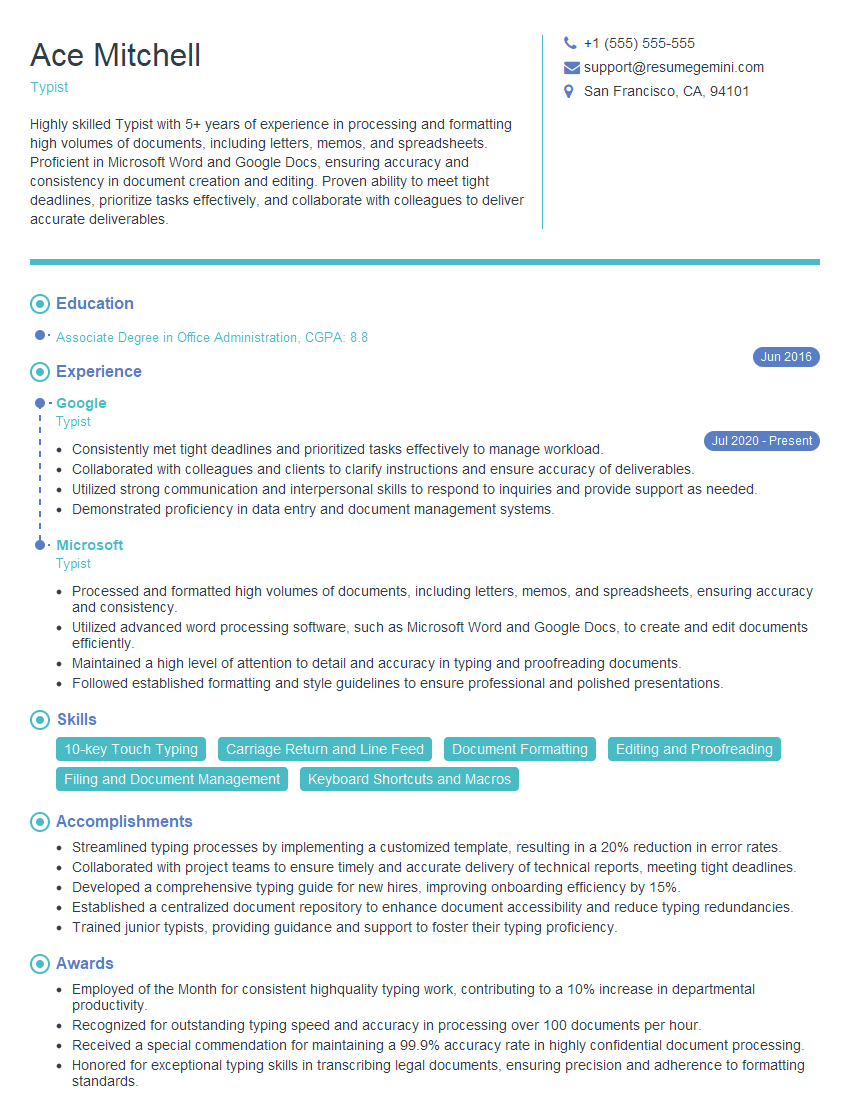
Typist Resume Sample
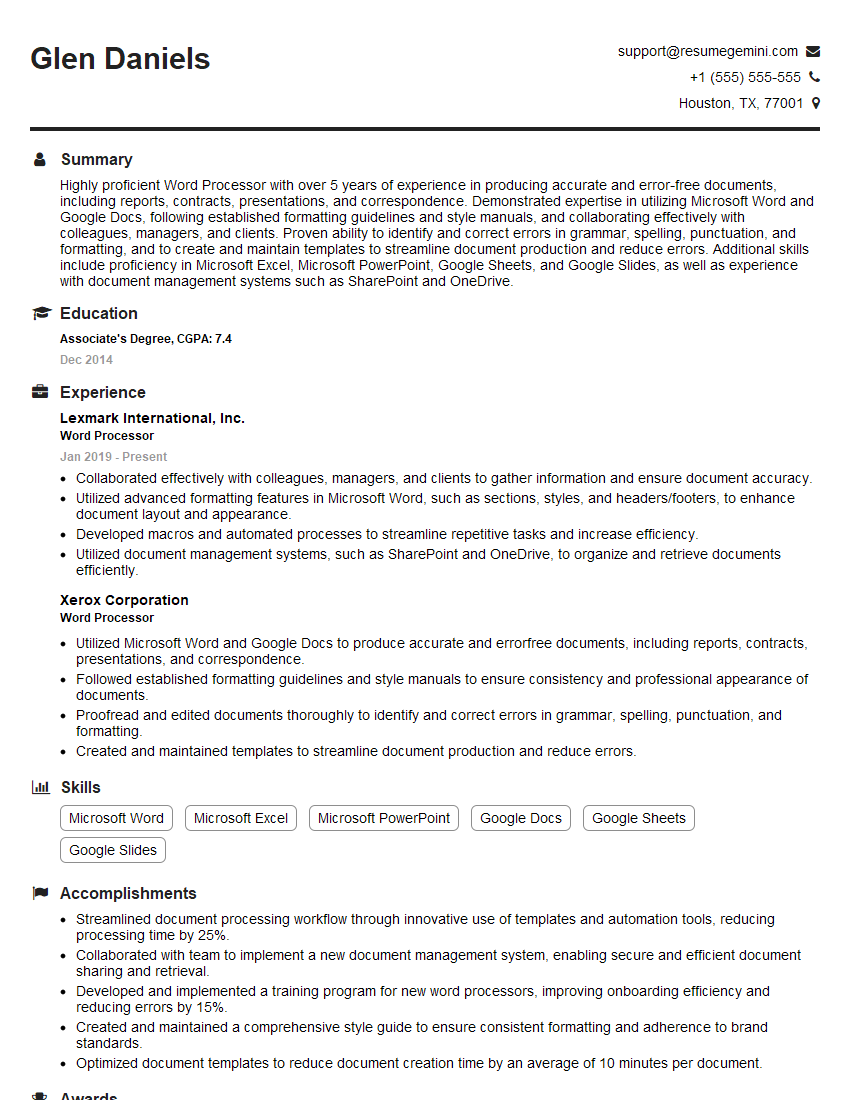
Word Processor Resume Sample
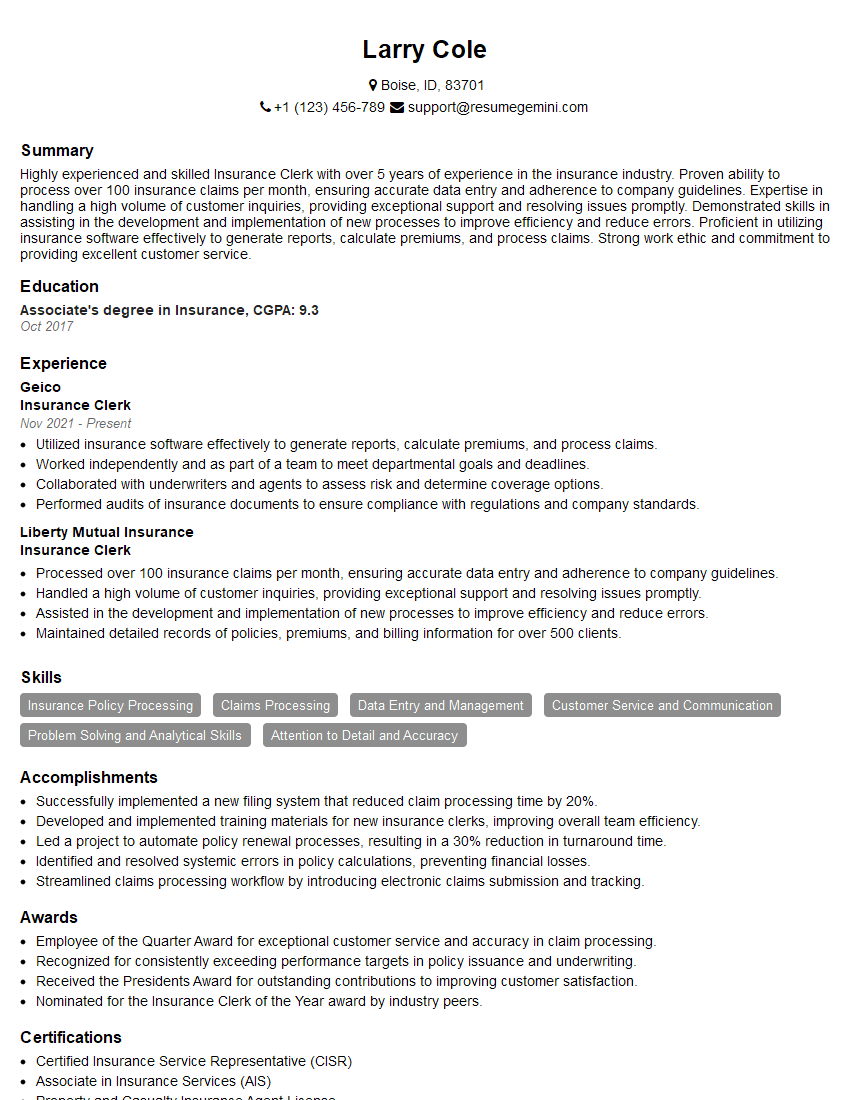
Insurance Clerk Resume Sample

Claims Processor Resume Sample
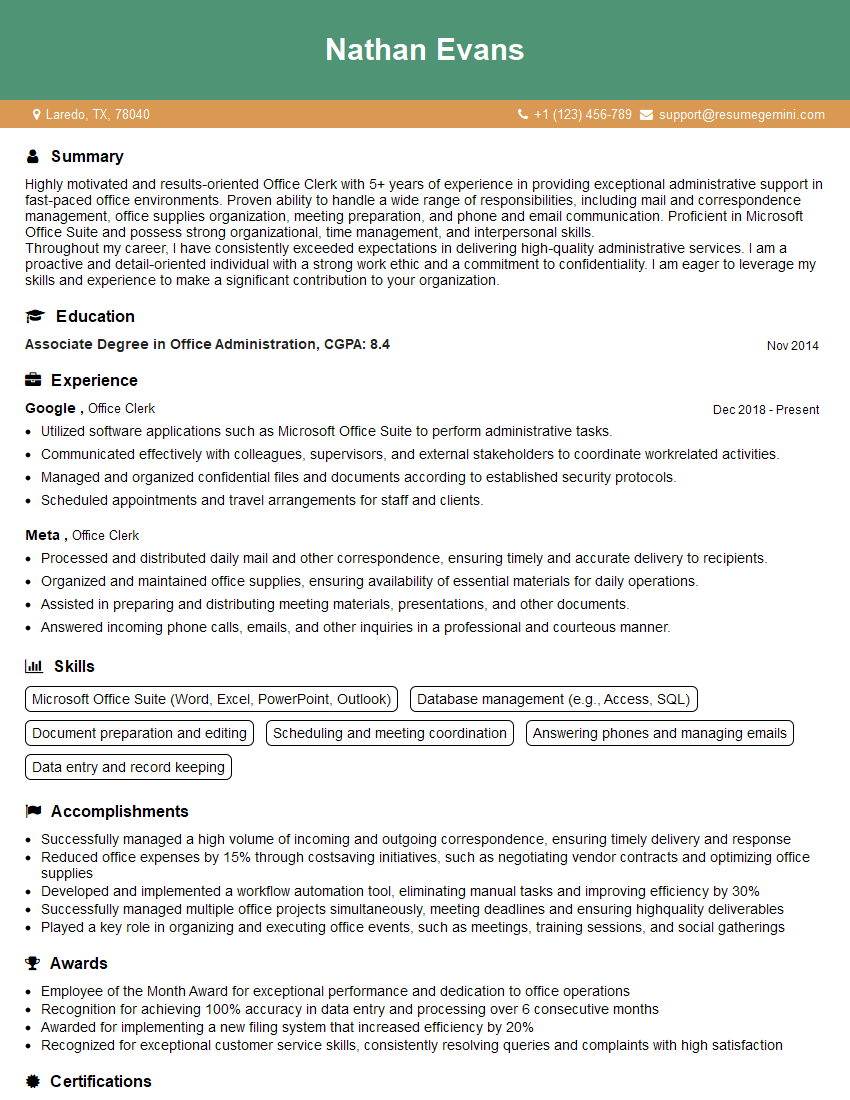
Office Clerk Resume Sample
- Administrative Assistant
- Administrative Specialist
- Customer Service Representative
- Secretary
- Accountant
- Bookkeeper
- Document Control Specialist
- Legal Assistant
- Paralegal
- Court Reporter
- Medical Secretary
- Transcription Specialist
- Transcriptionist
- Receptionist
- Executive Assistant
- Legal Secretary
- Data Entry Clerk
- Data Entry Specialist
- Typist
- Word Processor
- Insurance Clerk
- Claims Processor
- Office Clerk
Explore more articles
Users Rating of Our Blogs
Share Your Experience
We value your feedback! Please rate our content and share your thoughts (optional).
What Readers Say About Our Blog
Very informative content, great job.
good