Every successful interview starts with knowing what to expect. In this blog, we’ll take you through the top Audio and Visual Equipment Controls interview questions, breaking them down with expert tips to help you deliver impactful answers. Step into your next interview fully prepared and ready to succeed.
Questions Asked in Audio and Visual Equipment Controls Interview
Q 1. Explain the difference between balanced and unbalanced audio cables.
The key difference between balanced and unbalanced audio cables lies in their ability to reject noise. Unbalanced cables use a single conductor to carry the audio signal and a ground wire for reference. This makes them susceptible to electromagnetic interference (EMI) picking up noise from the environment, resulting in a degraded signal. Think of it like a single lane road – any noise is easily picked up.
Balanced cables, on the other hand, use two conductors carrying the audio signal, each carrying an inverted version of the other. This is called differential signaling. A third wire serves as a ground. Any noise picked up along the way affects both signals equally, and when they arrive at their destination, these signals are compared and the noise (which is identical in both) is cancelled out. This is analogous to a two-lane highway where any disruptions are less likely to affect the traffic flow overall. The result is a significantly cleaner and more robust audio signal, particularly over longer cable runs.
In professional audio applications, balanced cables (like XLR) are almost always preferred for their superior noise rejection, making them ideal for microphone connections and longer distances.
Q 2. Describe your experience with various audio mixing consoles.
My experience with audio mixing consoles spans a wide range, from small analog mixers like the Soundcraft Signature 12MTK, perfect for smaller events or recording studios, to larger digital consoles such as the Yamaha RIVAGE PM10 and the Avid S6. I’ve worked extensively with both analog and digital consoles, gaining a deep understanding of their strengths and weaknesses. Analog consoles provide a tactile and intuitive workflow, allowing for direct manipulation of the signal path, while digital consoles offer greater flexibility and automation features, making them suitable for more complex productions. For example, I used a Yamaha 01V96i for a smaller conference setup, appreciating its compact size and ease of use, while the Avid S6 was crucial for a large-scale concert, where its extensive routing and processing capabilities proved indispensable. This experience has given me a versatile skillset applicable to various audio environments.
Q 3. How do you troubleshoot a video projector that is displaying a distorted image?
Troubleshooting a video projector with a distorted image requires a systematic approach. The distortion could be caused by several factors, including the projector’s settings, cabling issues, or the projector itself. I would start by checking the most basic elements first:
- Power and Connections: Ensure that the projector is properly plugged in and the video source cable is securely connected. Try a different cable if possible.
- Image Settings: Adjust the keystone correction, aspect ratio, and other image settings within the projector’s menu. Distortion often manifests as a trapezoidal or pincushion effect which can usually be corrected in the projector settings.
- Resolution: Check that the projector’s resolution matches the output resolution of the video source. A mismatch can cause significant distortion.
- Lens: Inspect the projector lens for any damage or smudges. Clean the lens gently with a microfiber cloth.
- Lamp: If the lamp is nearing its end of life, the image quality might degrade and cause distortion. Check the lamp hours and replace if necessary.
- Internal Issues: If none of the above fixes the problem, it might be indicative of an internal problem within the projector. In such cases, professional repair or replacement might be required.
Throughout this process, I always document my findings to ensure effective troubleshooting and efficient problem resolution.
Q 4. What are the common causes of audio feedback, and how do you mitigate them?
Audio feedback, that ear-piercing squeal, occurs when a microphone picks up its own amplified sound. This creates a positive feedback loop, where the amplified sound gets re-picked up by the mic, amplified again, and so on, until it becomes a loud, unpleasant whine.
The primary causes of audio feedback are:
- Microphone Gain Too High: Excessive microphone amplification increases the likelihood of picking up ambient sounds, including the speaker’s output.
- Speaker Volume Too High: High speaker volume provides more sound for the microphone to pick up.
- Microphone Proximity to Speakers: Placing a microphone close to a speaker dramatically increases the chance of feedback.
- Incorrectly Placed Monitors: Monitors that are positioned improperly can contribute to feedback.
- Room Acoustics: Rooms with poor acoustics, like many reflective surfaces, can worsen feedback issues.
Mitigating audio feedback involves several techniques:
- Reduce Microphone Gain: Lowering the gain reduces the amount of sound the microphone picks up.
- Lower Speaker Volume: Decreasing the speaker’s volume reduces the overall sound level available to the microphone.
- Adjust Microphone Placement: Position microphones carefully, away from speakers and sound reflections. Consider using directional microphones to further reduce unwanted sound.
- EQ: Using an equalizer (EQ) to cut frequencies prone to feedback in the microphone signal can drastically decrease the risk of feedback. This is a precise method requiring skilled operation.
- Feedback Suppressors: Specialized equipment like feedback suppressors can automatically identify and reduce frequencies causing feedback.
By implementing these techniques systematically, you can significantly reduce or eliminate feedback issues.
Q 5. Explain your experience with different video switching systems.
My experience with video switching systems includes a variety of technologies. I’ve worked with matrix switchers like the Datavideo SE-1200, enabling me to route video signals from multiple sources to multiple displays, and smaller, more affordable switchers such as the Blackmagic Design ATEM Mini. I also have experience with more advanced systems that offer advanced features like scaling and processing, and those with integrated control systems. These systems are crucial for managing multiple video sources in events or presentation settings. The choice of switching system always depends on the scale and complexity of the project; for a small conference, a simple switcher may suffice, while a large-scale event would require a more robust and feature-rich matrix switcher. I am proficient in configuring these systems to meet the specific needs of any given project.
Q 6. Describe your experience with Crestron or AMX control systems.
I have extensive experience programming and integrating both Crestron and AMX control systems. These systems allow for centralized control of audio-visual equipment, lighting, and other aspects of a venue. I’m familiar with their programming languages (Crestron SIMPL+ and AMX NetLinx) and their hardware components. For instance, I used Crestron to create a comprehensive control system for a large corporate boardroom, integrating lighting, audio, video conferencing, and room scheduling. In another project, I leveraged AMX to build a sophisticated control system for a university lecture hall, enabling professors to effortlessly manage presentation displays and audio input sources. The choice between Crestron and AMX often depends on client preferences, budget constraints, and the specific requirements of the project, as both are capable of delivering high-quality control solutions.
Q 7. How do you ensure proper audio levels for a live event?
Ensuring proper audio levels for a live event is critical for a positive audience experience. My approach involves a multi-stage process:
- Pre-Event Planning: This includes understanding the venue’s acoustics, the type of audio equipment being used, and the expected audience size. This helps determine appropriate amplification levels.
- Gain Staging: Carefully adjusting the input gain on each microphone and instrument ensures each signal is at an optimal level before further processing. It prevents clipping and ensures consistent sound levels.
- Mixing: Mixing the audio during the event involves balancing individual levels, using equalization to shape the sound, and applying compression to control dynamics. This step is crucial in preventing excessive loudness or unwanted peaks.
- Monitoring: Using various meters and monitoring techniques (like peak meters and RMS meters) to observe audio levels in real time and makes adjustments to prevent signal distortion or other problems.
- Audience Feedback: During rehearsals and sound checks, audience feedback allows fine-tuning adjustments.
- Limiting: Using a limiter helps prevent sudden peaks, which can cause distortion and other issues. It provides overall sound protection.
By meticulously managing each step, I ensure clear, balanced audio that prevents sound overload and enhances the overall event experience.
Q 8. What are your experiences with various microphone types and their applications?
My experience with microphones spans a wide range of types, each suited for specific applications. Think of microphones like different paintbrushes – each has its own texture and application. For instance, dynamic microphones, like the Shure SM58, are incredibly robust and handle high sound pressure levels well. This makes them ideal for live performances and vocals where feedback is a concern. Their rugged construction also makes them suitable for less-than-ideal environments. Conversely, condenser microphones, often more sensitive and detailed, are better for studio recording, voiceovers, and situations requiring a higher sensitivity to capture subtle nuances. These can range from large-diaphragm condensers, perfect for warm vocals, to small-diaphragm condensers excellent for capturing detailed acoustic instruments. I’ve also worked extensively with lavalier microphones (lapel mics) for presentations and theatre productions – their discreet nature ensures they don’t distract the audience. Choosing the right microphone hinges on understanding the environment, the sound source, and the desired outcome.
- Dynamic: Live sound reinforcement, vocals, instruments
- Condenser: Studio recording, voiceovers, instruments requiring detail
- Lavalier: Presentations, theatre, broadcast journalism
Q 9. How familiar are you with Dante audio networking?
I’m highly proficient in Dante audio networking. Dante is essentially a digital audio transport protocol that uses standard Ethernet networks to transmit high-quality audio. Imagine it as a sophisticated highway system for audio signals, allowing for seamless transmission across long distances with minimal latency. I’ve used Dante in large-scale installations, including corporate boardrooms, auditoriums, and broadcast studios. My experience includes configuring Dante networks, troubleshooting connectivity issues, and integrating Dante-enabled devices from various manufacturers. I’m comfortable working with Dante Controller software to manage audio routing, sample rates, and clock synchronization, and I understand the importance of network design for optimal performance, including the use of switches and network redundancy for reliability.
For example, in one project, we used Dante to distribute audio from a central mixing console to multiple remote locations within a large campus, avoiding the need for extensive analog cabling. This dramatically simplified the installation and improved audio quality.
Q 10. Describe your experience with video conferencing systems.
My experience with video conferencing systems encompasses a wide range of solutions, from simple desktop systems to large, sophisticated video conferencing suites. I’ve worked with platforms like Zoom, Microsoft Teams, Cisco Webex, and Google Meet, handling installations, troubleshooting, and ongoing maintenance. My expertise covers various aspects, including camera selection and placement for optimal framing, audio setup to minimize background noise and echo, network optimization for reliable connections, and troubleshooting issues related to video quality, audio dropouts, and connectivity problems. I also have experience configuring and managing codecs, managing user access and permissions, and integrating video conferencing systems with other AV equipment such as presentation switchers and display systems.
In a recent project, I helped a client integrate a high-end video conferencing system into their boardroom, addressing issues with lighting, camera angles, and acoustic treatment to create a professional and efficient meeting environment.
Q 11. What are your skills in diagnosing and repairing faulty AV equipment?
Diagnosing and repairing faulty AV equipment is a critical part of my skill set. My approach is systematic and involves a combination of practical troubleshooting techniques and a deep understanding of the underlying technology. I start by gathering information about the problem: When did it start? What are the symptoms? Then, I use a combination of visual inspection, signal tracing, and testing equipment (multimeters, oscilloscopes) to identify the root cause. I’m adept at working with a variety of equipment, including microphones, speakers, amplifiers, projectors, cameras, and switchers. I regularly consult manufacturer documentation, schematics, and online resources to find solutions. This process often involves replacing faulty components, repairing damaged cables, or performing firmware updates. Safety is paramount, and I always follow proper safety procedures when working with electrical equipment.
For instance, I once resolved a problem with an intermittent projector by identifying a loose connection within its internal power supply, avoiding unnecessary replacement of the whole unit.
Q 12. Explain your knowledge of different video display technologies (LCD, LED, DLP).
My understanding of video display technologies includes LCD (Liquid Crystal Display), LED (Light Emitting Diode), and DLP (Digital Light Processing). LCD displays use liquid crystals to modulate light, offering good color reproduction and relatively low power consumption but can suffer from backlight limitations. LED displays use LEDs as backlights (direct or edge-lit), resulting in better contrast, black levels, and energy efficiency than traditional LCDs. DLP displays utilize tiny mirrors to reflect light, creating images with high contrast and sharp details, often preferred for larger-screen applications like projectors. Each technology presents trade-offs – LCDs offer affordability, LEDs boast improved contrast, and DLP excels in brightness and contrast for projection. The choice depends heavily on the specific application: LCDs might be suitable for everyday office use, LEDs are common in high-end televisions, and DLP technology dominates in projector market.
Q 13. How do you manage multiple audio and video sources simultaneously?
Managing multiple audio and video sources simultaneously requires a well-planned system design and skilled operation. This often involves using video switchers and audio mixers, allowing selection and routing of various signals. Video switchers manage the selection and transition between different video sources, while audio mixers handle multiple audio inputs, allowing adjustment of levels, equalization, and effects. In more complex setups, I use control systems that integrate both audio and video, often programmed using Crestron or AMX control systems. This allows centralized control, automation, and pre-programmed scenes for different events. Proper labeling and organization are crucial for efficient management, and a thorough understanding of signal flow is paramount to avoiding conflicts and ensuring a smooth workflow.
For instance, in a corporate event, I might be managing presentations from laptops, video feeds from cameras, and live audio from microphones, all routed and controlled through a central system for seamless switching and mixing.
Q 14. Describe your experience with setting up and configuring wireless microphones.
Setting up and configuring wireless microphones involves careful planning and execution to ensure reliable performance and avoid interference. This includes selecting the appropriate frequency band to avoid conflicts with other wireless devices, optimizing antenna placement for optimal signal strength and coverage, and setting up the receiver to match the transmitter’s frequency and settings. I am experienced with various frequency hopping technologies that adapt to changing radio environments and minimize interference. Troubleshooting wireless microphone systems often involves identifying sources of interference, adjusting antenna placement, and optimizing the signal strength. Proper coordination with other wireless systems is essential to prevent conflicts and ensure smooth operation. Understanding different frequency ranges and licensing requirements is also crucial. Before setting up, I meticulously check the system’s compatibility, frequency availability, and any potential sources of interference.
In one instance, I resolved a problem with wireless microphone dropouts by identifying a nearby Wi-Fi network operating on the same frequency, prompting a change to a different frequency channel to eliminate the conflict.
Q 15. What is your experience with lighting control systems?
My experience with lighting control systems spans over eight years, encompassing diverse projects from small-scale corporate events to large-scale theatrical productions. I’m proficient in various control protocols, including DMX512, Art-Net, and sACN, and have worked with leading lighting consoles from manufacturers like ETC, ChamSys, and GrandMA. I’m comfortable programming static and dynamic lighting scenes, implementing cues for precise timing and transitions, and integrating lighting control with other AV systems for synchronized effects. For example, in a recent concert, I used a GrandMA2 console to program complex lighting sequences that reacted dynamically to the music’s tempo and intensity, enhancing the audience experience significantly.
My skills extend to troubleshooting lighting fixtures, networking, and addressing system-wide issues. I understand the importance of safety regulations regarding lighting equipment and always prioritize a safe working environment. I’m familiar with various lighting fixture types, including LED, moving heads, and conventional fixtures, and can effectively utilize their unique capabilities to achieve desired lighting designs.
Career Expert Tips:
- Ace those interviews! Prepare effectively by reviewing the Top 50 Most Common Interview Questions on ResumeGemini.
- Navigate your job search with confidence! Explore a wide range of Career Tips on ResumeGemini. Learn about common challenges and recommendations to overcome them.
- Craft the perfect resume! Master the Art of Resume Writing with ResumeGemini’s guide. Showcase your unique qualifications and achievements effectively.
- Don’t miss out on holiday savings! Build your dream resume with ResumeGemini’s ATS optimized templates.
Q 16. Explain your understanding of signal flow in an AV system.
Understanding signal flow in an AV system is crucial for effective troubleshooting and system design. Think of it like a river flowing from source to destination. The ‘source’ could be a microphone, camera, or media player, providing the audio or video signal. This signal then travels through various processing and distribution points. For example, an audio signal might pass through a mixer, equalizer, amplifier, and finally to speakers. A video signal might go through a switcher, scaler, and then to a projector or display.
Each component in this ‘river’ modifies or transmits the signal. It’s essential to trace the signal path to identify problems. For instance, if the sound is weak, checking the signal level at each stage (mixer, amplifier, speaker) will pinpoint the issue. Similarly, with video, checking the connection at each stage will help isolate a faulty cable, a problem with the scaler, or a display issue. Proper signal flow diagrams are vital for documenting a system’s setup and assisting with troubleshooting.
Q 17. How do you handle unexpected technical issues during a live event?
Handling unexpected technical issues during a live event requires a calm, methodical approach and proactive planning. My strategy involves:
- Rapid Assessment: Quickly identify the problem’s nature and scope. Is it audio, video, or lighting? Which specific component is affected?
- Backup Systems: Prioritizing redundant systems. For instance, having backup microphones, projectors, and computers reduces downtime. Having a plan B, even a simple alternative, helps manage stress and reduce potential disaster.
- Troubleshooting: Systematically check connections, power supplies, and settings. Often, simple fixes like a loose cable can resolve the issue.
- Communication: Keep the client and team informed of the situation and progress. Transparency builds trust and prevents unnecessary panic.
- Problem Solving: If a quick fix is impossible, I leverage my expertise to find creative workarounds to minimize disruption. Perhaps temporarily switching to a backup system or adapting the show’s format.
- Documentation: After the event, I thoroughly document the issue, the solution implemented, and any lessons learned for future improvement.
For instance, during a recent conference, the primary projector failed. My pre-emptive setup of a backup projector ensured a seamless transition, minimizing disruption to the presenters and the audience. This proactive planning and swift action ensured a successful event despite the unforeseen technical glitch.
Q 18. Describe your experience with video scaling and aspect ratio adjustments.
Video scaling and aspect ratio adjustments are crucial for displaying images correctly on various screens. Scaling involves changing the size of a video image to fit the display’s dimensions. Aspect ratio refers to the proportional relationship between the image’s width and height (e.g., 16:9, 4:3). Incorrect scaling or aspect ratio can result in letterboxing (black bars) or pillarboxing (black bars on the sides), stretched images, or loss of image details.
My experience includes using various scaling methods, including hardware scalers (found in matrix switchers, processors) and software scaling (in media players or presentation software). I am adept at choosing the appropriate scaling algorithm to balance image quality and performance. For example, using a bicubic scaling algorithm preserves details better than bilinear scaling, although it may be more computationally intensive. I also understand how to adjust aspect ratios to maintain the original image’s proportions or fit them to different display formats, using techniques like cropping or adding letter/pillarboxing as needed. Understanding color space conversions (like RGB to YUV) is also vital for proper image display.
Q 19. What is your experience with setting up and troubleshooting video conferencing equipment?
I have extensive experience setting up and troubleshooting video conferencing equipment, including systems from Cisco, Polycom, and Zoom. This involves configuring cameras, microphones, speakers, and the video conferencing software itself. I understand network requirements for optimal performance, addressing issues like bandwidth limitations and network congestion. My experience encompasses troubleshooting connectivity problems, audio/video quality issues, and software glitches. I’m proficient in diagnosing problems related to codecs, network settings, and device compatibility.
A recent example involved a remote team experiencing poor audio quality during a critical meeting. By systematically checking microphone levels, network connectivity, and codec settings, I identified the problem as a conflict between the audio codec used by the video conferencing system and the audio processing on one participant’s laptop. By adjusting the laptop’s audio settings, we resolved the issue. This situation underscores the importance of thorough testing and understanding the interplay of different components in a video conferencing setup.
Q 20. How do you maintain and document an AV system?
Maintaining and documenting an AV system is essential for its longevity and efficient troubleshooting. My approach involves a multi-faceted strategy:
- Preventive Maintenance: Regular checks of cables, connections, and equipment functionality prevent minor issues from becoming major problems.
- Cleaning: Keeping equipment clean (especially optical components) optimizes performance and extends its lifespan.
- Firmware Updates: Regularly updating firmware on devices ensures optimal performance and security.
- Documentation: Creating and maintaining detailed documentation including system diagrams, equipment inventories, and troubleshooting logs are vital for future maintenance and repairs.
- Calibration: Periodic calibration of audio and video equipment ensures optimal performance and consistency.
I use a combination of physical documentation (labeled cables, equipment racks) and digital documentation (spreadsheets, system diagrams) to maintain a comprehensive record of the system. This detailed documentation simplifies troubleshooting and ensures smooth operation throughout the system’s lifecycle.
Q 21. What are your experience with different types of audio codecs?
Audio codecs are essential for compressing and decompressing audio signals for efficient transmission and storage. I have experience with various codecs, including:
- PCM (Pulse-Code Modulation): Uncompressed, high-quality audio, but requires significant bandwidth.
- MP3 (MPEG Audio Layer III): Widely used for music, offering a good balance between quality and compression.
- AAC (Advanced Audio Coding): Often used in streaming services and digital broadcasting, providing better quality than MP3 at similar bitrates.
- Opus: A modern codec designed for low latency and wideband applications, suitable for voice and music streaming.
- G.711 (µ-law and A-law): Used primarily for telephony, offering good quality with low bandwidth requirements.
Choosing the right codec depends on the application’s specific requirements. For instance, high-fidelity music reproduction might require PCM or AAC, whereas voice communication might utilize G.711 or Opus for its low latency and efficiency. Understanding the tradeoffs between quality, compression ratio, and latency is key to selecting the appropriate codec for a given application.
Q 22. Explain your understanding of HDMI, DVI, and VGA video connections.
HDMI, DVI, and VGA are all video connection standards, each with its strengths and weaknesses. Think of them as different types of plugs for your video signal.
- HDMI (High-Definition Multimedia Interface): This is the current gold standard, carrying both high-definition video and audio signals over a single cable. It supports a wide range of resolutions and advanced features like HDCP (High-bandwidth Digital Content Protection) for copyright protection. I’ve used HDMI extensively in setting up home theaters, conference rooms, and even live event productions. Its versatility makes it ideal for most modern setups.
- DVI (Digital Visual Interface): DVI primarily transmits digital video signals. While it’s becoming less common, you might still encounter it in older equipment. It offers several variations, including DVI-D (digital only), DVI-A (analog only), and DVI-I (both digital and analog). The digital versions are capable of transmitting high-resolution video, similar to HDMI, but without audio. I recall troubleshooting a corporate presentation once where the projector only supported DVI, highlighting the need to be familiar with older standards.
- VGA (Video Graphics Array): This is an older analog standard. It transmits video signals using analog technology. VGA connections offer lower resolutions and don’t transmit audio. Although its quality is inferior to HDMI and DVI, it remains surprisingly persistent in some older projectors and monitors. I’ve had to use VGA adapters on a few occasions when dealing with legacy equipment in educational settings.
Choosing the right connection depends on the capabilities of your source and display devices. For new installations, HDMI is almost always preferred due to its versatility and high quality.
Q 23. How do you prioritize tasks during a busy event setup?
During a busy event setup, effective prioritization is crucial. My approach is based on a combination of critical path analysis and collaborative communication. I visualize the setup as a network, identifying the tasks that directly impact others (like network connectivity before individual device setups).
- Identify Critical Path: First, I determine the absolute necessities that need to be completed before anything else can function. For example, getting the main audio/video sources online and tested often takes precedence.
- Delegate Effectively: I don’t try to do everything myself. If I have a team, I assign tasks based on individual strengths and experience, ensuring clear communication channels. This speeds up the process significantly.
- Time Management: Utilizing a checklist and a realistic timeline ensures I stay on track. Breaking down large tasks into smaller, more manageable components makes the whole process less daunting.
- Prioritize Problem Solving: When issues arise (and they always do!), I tackle them systematically. This involves identifying the core problem, finding the quickest effective solution, and then documenting the fix to prevent future recurrence.
For instance, at a recent conference, network connectivity was critical. I prioritized getting the internet working correctly before moving on to individual laptop setups, thus avoiding potential delays caused by later network issues.
Q 24. Describe your experience with troubleshooting network issues affecting AV equipment.
Troubleshooting network issues affecting AV equipment requires a systematic approach. I start with the basics and gradually move towards more complex solutions.
- Verify Physical Connections: I check all cables, ensuring they’re securely connected at both ends. A loose cable is the most common cause of network problems.
- Check Network Devices: This includes routers, switches, and network interface cards (NICs). I’ll check for proper power, IP addresses, and connectivity.
- Use Network Diagnostics Tools: Ping tests, traceroutes, and network scanners can help pinpoint bottlenecks or connectivity issues. These tools provide valuable data that assist in identifying the source of a network problem.
- Consult Documentation: Understanding the specific network configurations and any security protocols is crucial. The device manuals can help in solving complex network errors.
- Escalate If Necessary: If the problem persists, it might be time to involve the IT team or a network specialist. Sometimes problems are beyond a typical AV technician’s expertise.
For example, during a large concert setup, we experienced intermittent signal drops on certain microphones. By using a network scanner and traceroute, we discovered a faulty switch that was overloading. Replacing the switch restored the connection completely.
Q 25. What software are you proficient in for audio and video editing?
I’m proficient in several audio and video editing software packages. My expertise spans both linear and non-linear editing.
- Adobe Premiere Pro: I use Premiere Pro extensively for video editing, from basic cuts and transitions to more complex color correction and effects. Its powerful features and integration with other Adobe Creative Cloud applications make it my go-to software for most professional video projects.
- Adobe Audition: Audition is my preferred choice for audio editing and mixing. I’ve used it to clean up audio recordings, add effects, and create professional-sounding mixes.
- Logic Pro X/Ableton Live: While less focused on video, I also have experience with Logic Pro X and Ableton Live for tasks involving music production and sound design, which often integrates with video projects.
My experience with these tools ensures I can create high-quality audio and video content for various applications.
Q 26. Explain your experience with different types of video projection systems.
My experience encompasses various video projection systems, each suited for different needs and environments.
- DLP (Digital Light Processing): DLP projectors use tiny mirrors to reflect light and create an image. They typically offer high contrast ratios and sharp images. I’ve utilized DLP projectors extensively in corporate presentations, where image clarity is key.
- LCD (Liquid Crystal Display): LCD projectors utilize liquid crystals to control the light passing through them. They often produce brighter images but may have lower contrast ratios compared to DLP. They are a good option for well-lit environments.
- LCOS (Liquid Crystal on Silicon): LCOS projectors combine the advantages of LCD and DLP technologies. They usually offer high resolutions and excellent image quality. They are often used in high-end applications such as digital cinema.
- Short-Throw Projectors: These are designed to project large images from a short distance. This makes them ideal for smaller rooms or situations where placing a projector far from the screen isn’t feasible. I’ve frequently used these in classroom setups.
Selecting the appropriate projection system depends on factors like room size, ambient light, required resolution, budget, and desired image quality. I always assess these factors before making a recommendation.
Q 27. How familiar are you with different types of audio processing equipment (compressors, EQs, etc.)?
I’m very familiar with a wide range of audio processing equipment, understanding their function and practical applications.
- Compressors: Compressors control dynamic range, making loud sounds quieter and soft sounds louder. They are essential for creating a consistent and professional-sounding mix. I frequently use them to control vocals and instruments, preventing unwanted peaks and enhancing clarity.
- Equalizers (EQs): EQs shape the frequency response of audio signals. They allow me to boost or cut specific frequencies, correcting tonal imbalances and sculpting the overall sound. I use them extensively to improve clarity, add warmth, or remove unwanted noise.
- Gate/Expanders: Gates reduce background noise by silencing audio below a certain threshold. Expanders amplify quieter sounds, making them more prominent. These are useful for cleaning up audio recordings and highlighting subtle details.
- Reverberation (Reverb) and Delay Effects: Reverb adds a sense of space and ambience to audio, while delay creates echoes and rhythmic effects. I use these effects to enhance the depth and creativity of the sound.
Understanding how these tools interact allows me to create balanced and well-produced audio for various purposes, from live events to studio recordings.
Q 28. Describe your experience with designing and implementing AV systems for different types of venues.
I have extensive experience designing and implementing AV systems for diverse venues, each posing unique challenges and requiring tailored solutions.
- Corporate Offices: These often require reliable video conferencing solutions and high-quality presentation systems. I’ve designed systems integrating video conferencing platforms, multiple displays, and high-fidelity audio systems for seamless communication.
- Conference Centers: These require robust and flexible systems capable of handling large audiences and diverse presentation needs. I’ve worked on projects using multiple projectors, large-screen displays, advanced audio systems, and control systems for managing complex events.
- Educational Institutions: Classroom AV systems necessitate user-friendly interfaces and reliable performance for lectures and presentations. I’ve designed systems with integrated projectors, sound systems, and document cameras that are easy to operate by teachers.
- Houses of Worship: These projects often involve specialized audio systems for music and spoken word, along with video projection for presentations and lyrics. I ensure the sound is even across the entire space, addressing potential acoustical challenges.
Each project necessitates a thorough understanding of the venue’s acoustics, audience size, and specific requirements to ensure a seamless and effective AV experience. Careful planning and collaboration with other stakeholders are vital for success.
Key Topics to Learn for Audio Visual Equipment Controls Interview
- Signal Flow and Routing: Understanding how audio and video signals travel through different equipment, including mixers, amplifiers, switchers, and displays. Practical application: Troubleshooting signal loss or distortion in a live event setup.
- Audio Mixing and Processing: Mastering the fundamentals of equalization (EQ), compression, and effects processing. Practical application: Balancing microphone levels and achieving optimal sound quality in a conference room.
- Video Switching and Production: Familiarity with video switchers, cameras, and basic video production techniques. Practical application: Setting up and managing video feeds for a presentation or live stream.
- Control Systems and Automation: Knowledge of various control systems (e.g., Crestron, AMX) and their application in automating AV equipment. Practical application: Programming a control system to manage lighting, sound, and projection in a large venue.
- Troubleshooting and Problem Solving: Developing systematic approaches to identifying and resolving technical issues with AV equipment. Practical application: Diagnosing and repairing faulty connections or malfunctioning components.
- Health and Safety Regulations: Understanding relevant safety procedures and regulations related to handling AV equipment. Practical application: Ensuring the safe operation of equipment and adherence to industry best practices.
- Different AV Technologies: Familiarity with various AV technologies, including different display types (LED, LCD, projection), audio formats, and video standards (HDMI, SDI).
Next Steps
Mastering Audio Visual Equipment Controls opens doors to exciting careers in event management, corporate AV, broadcasting, and more. Your expertise is highly sought after! To maximize your job prospects, create a resume that showcases your skills effectively. An ATS-friendly resume is crucial for getting past Applicant Tracking Systems and landing that interview. ResumeGemini is a trusted resource to help you build a professional, impactful resume tailored to your specific experience. Examples of resumes tailored to Audio Visual Equipment Controls are provided to help you get started. Invest in your future – build a standout resume today!

Technical Director Resume Sample
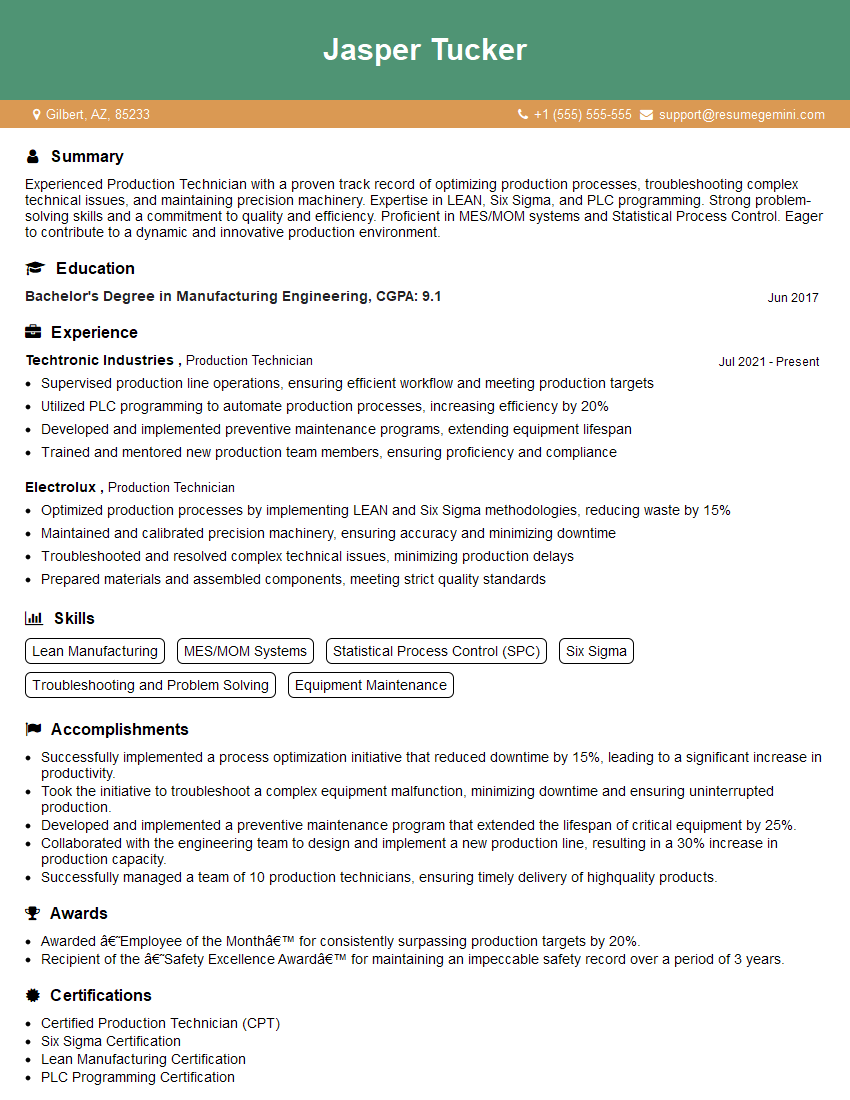
Production Technician Resume Sample
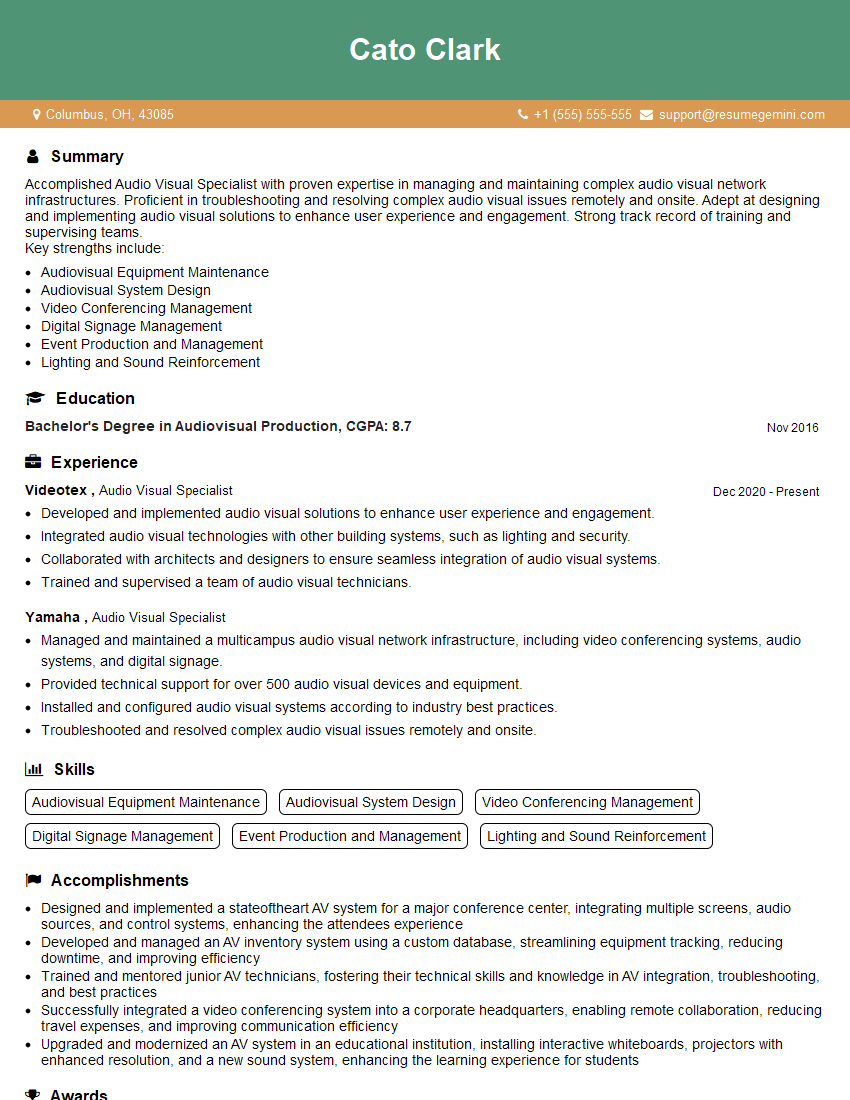
Audio Visual Specialist Resume Sample

Multimedia Specialist Resume Sample
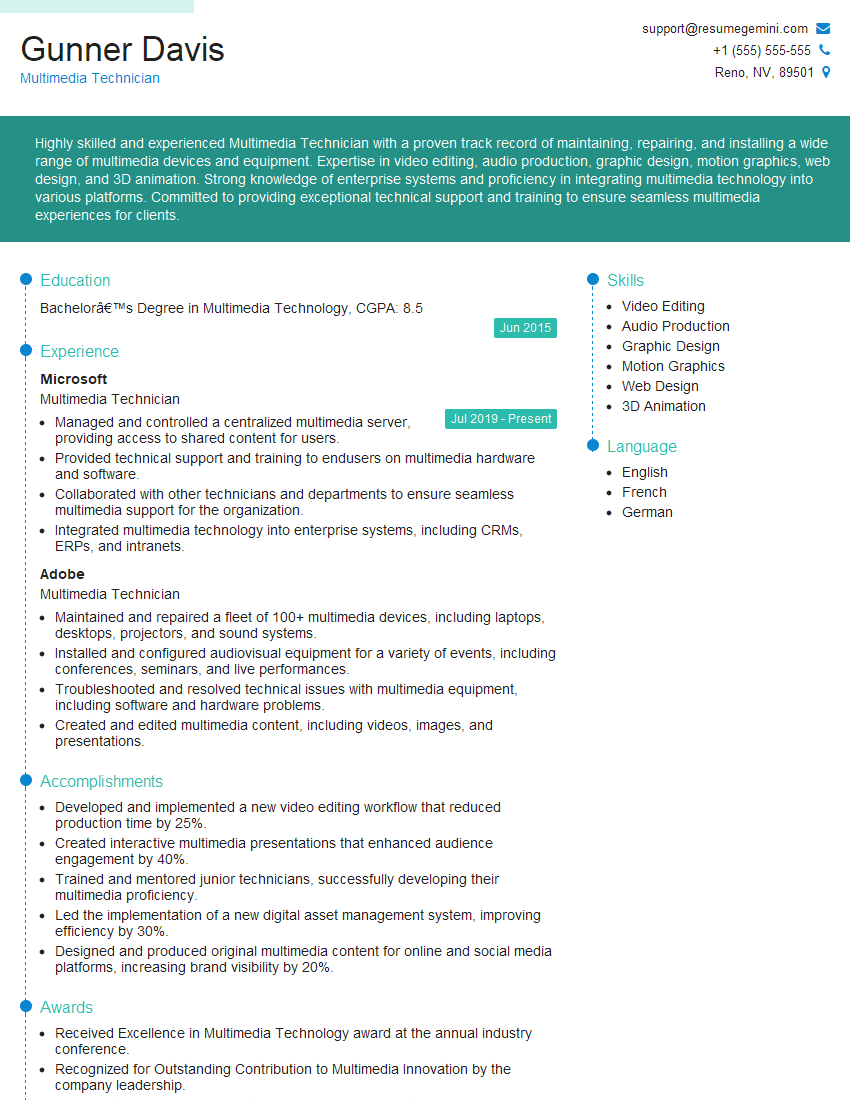
Multimedia Technician Resume Sample
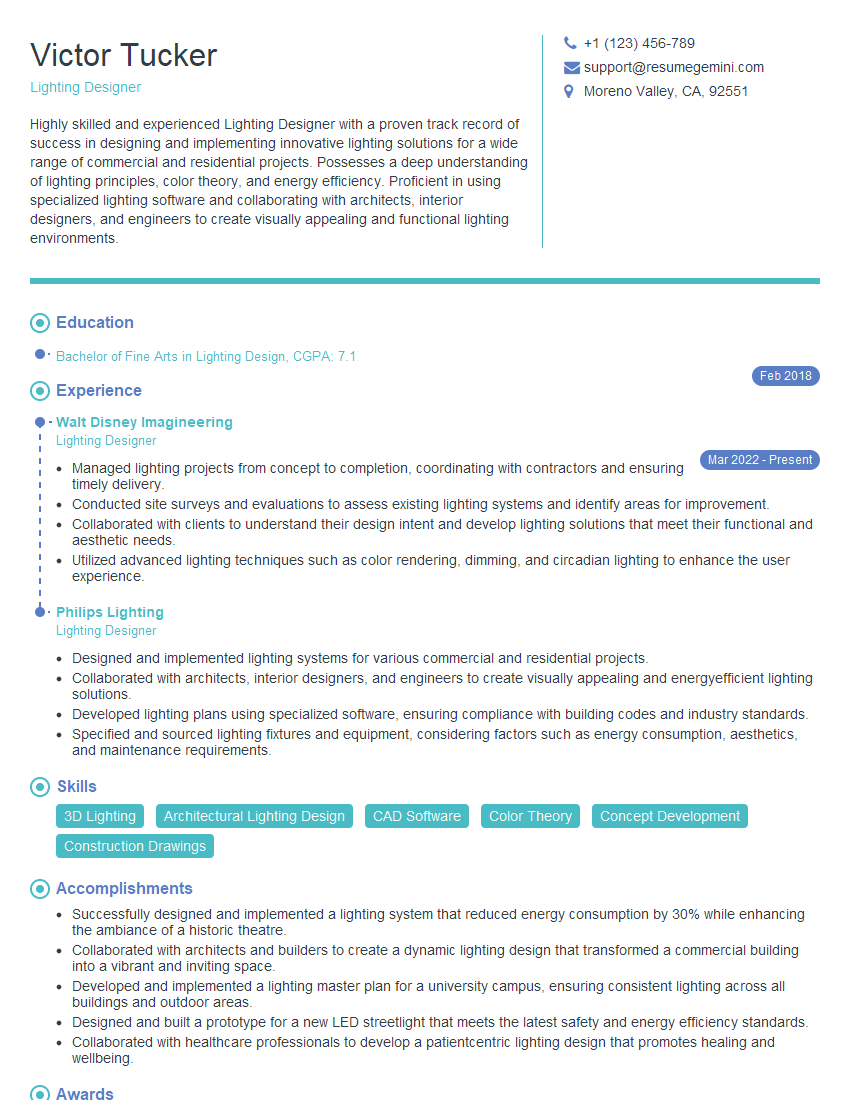
Lighting Designer Resume Sample
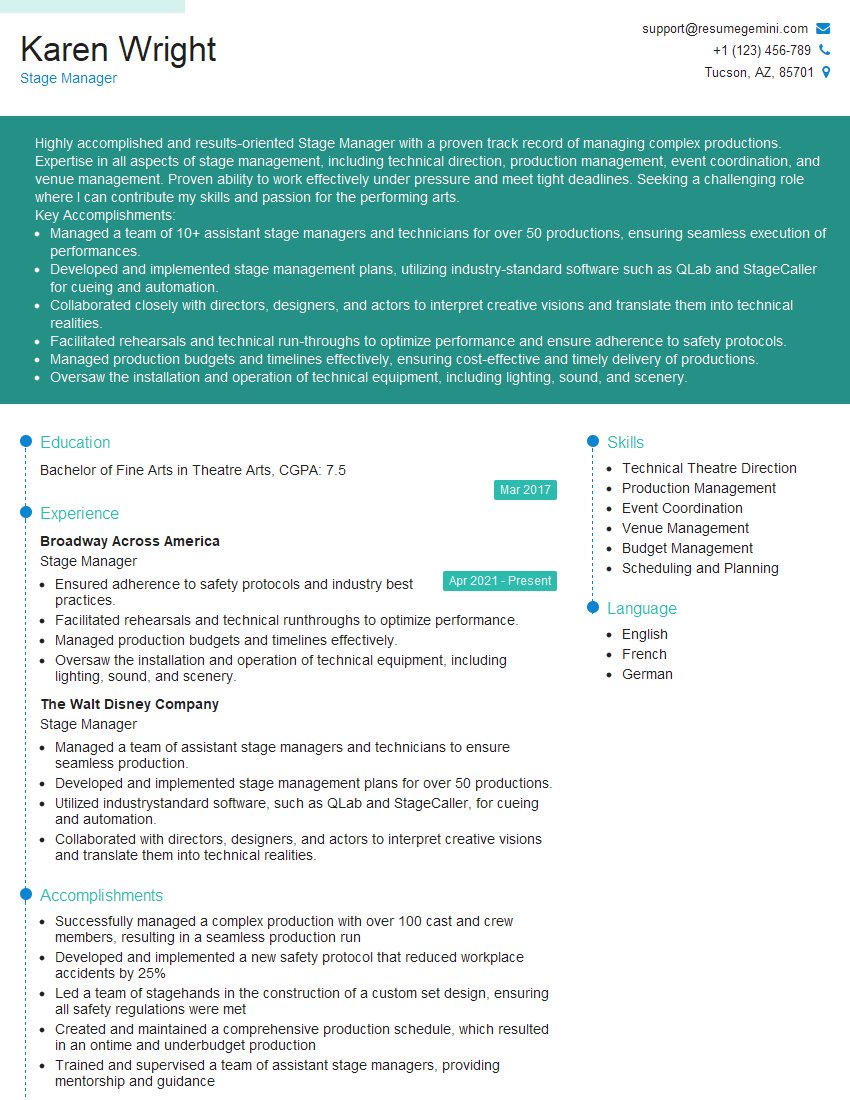
Stage Manager Resume Sample
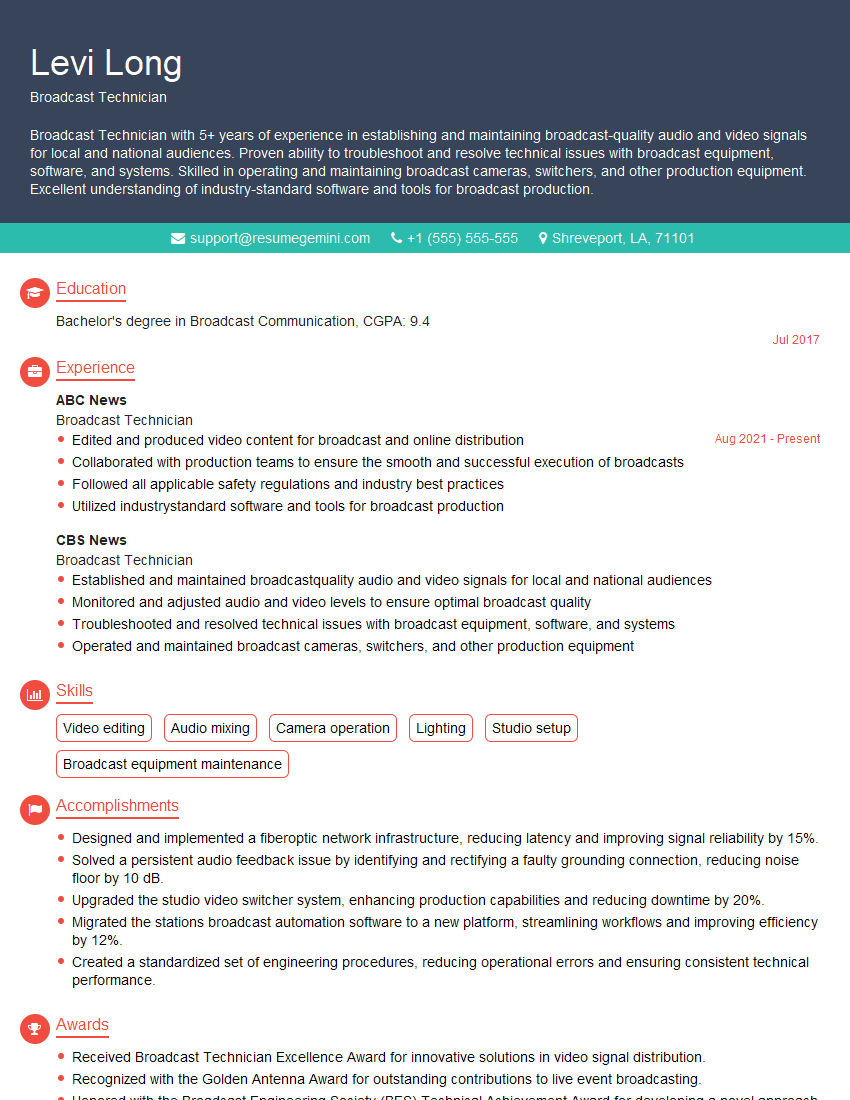
Broadcast Technician Resume Sample
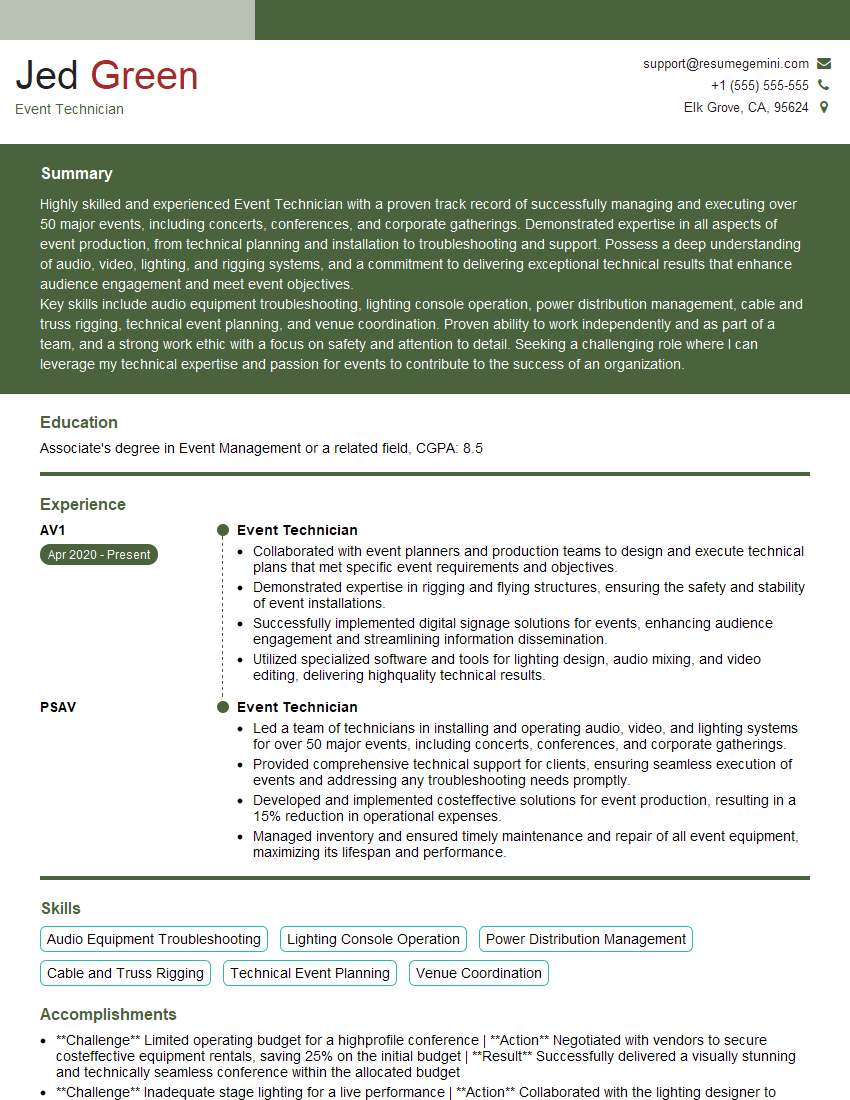
Event Technician Resume Sample

Audio Engineer Resume Sample
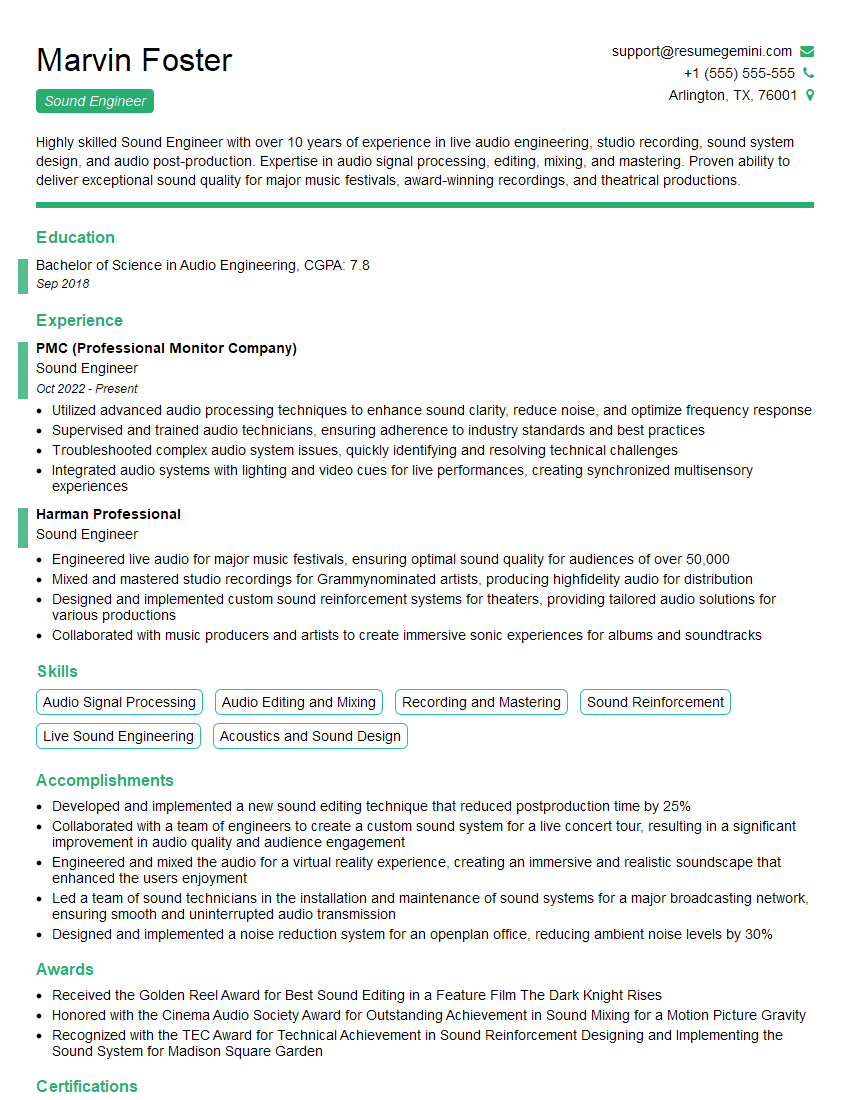
Sound Engineer Resume Sample
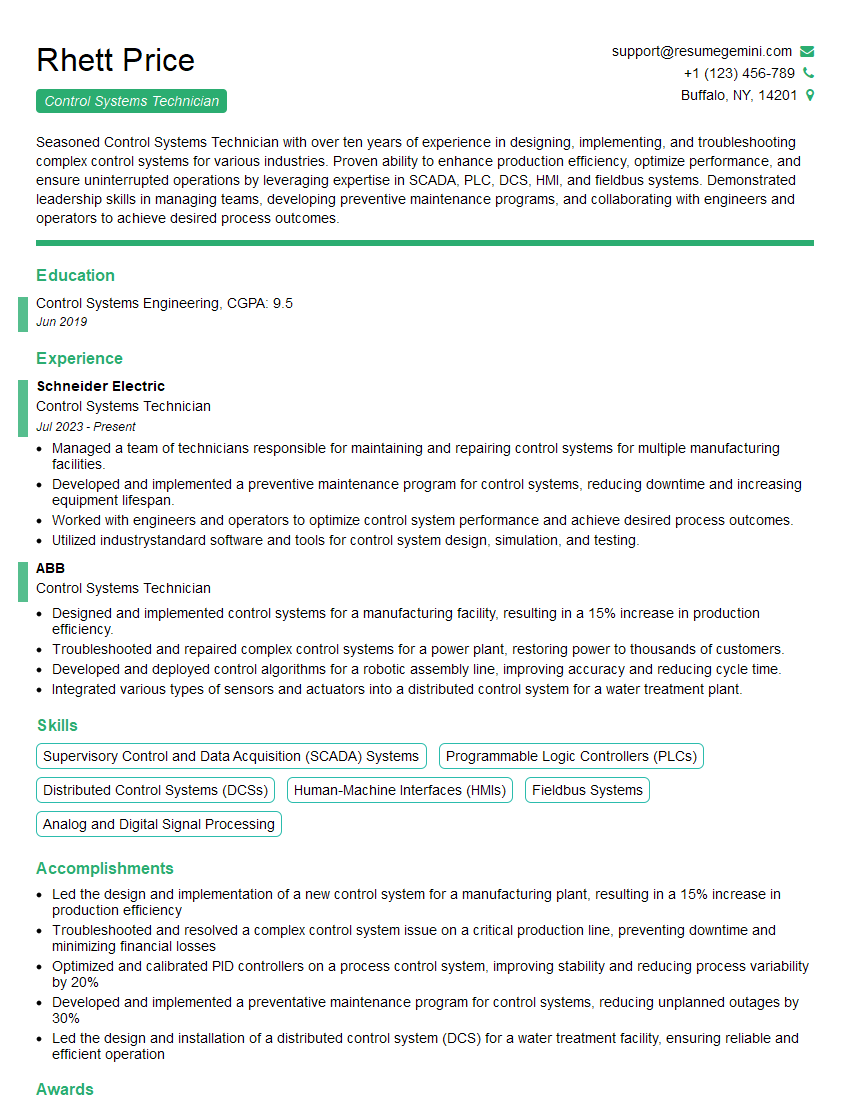
Control Systems Technician Resume Sample
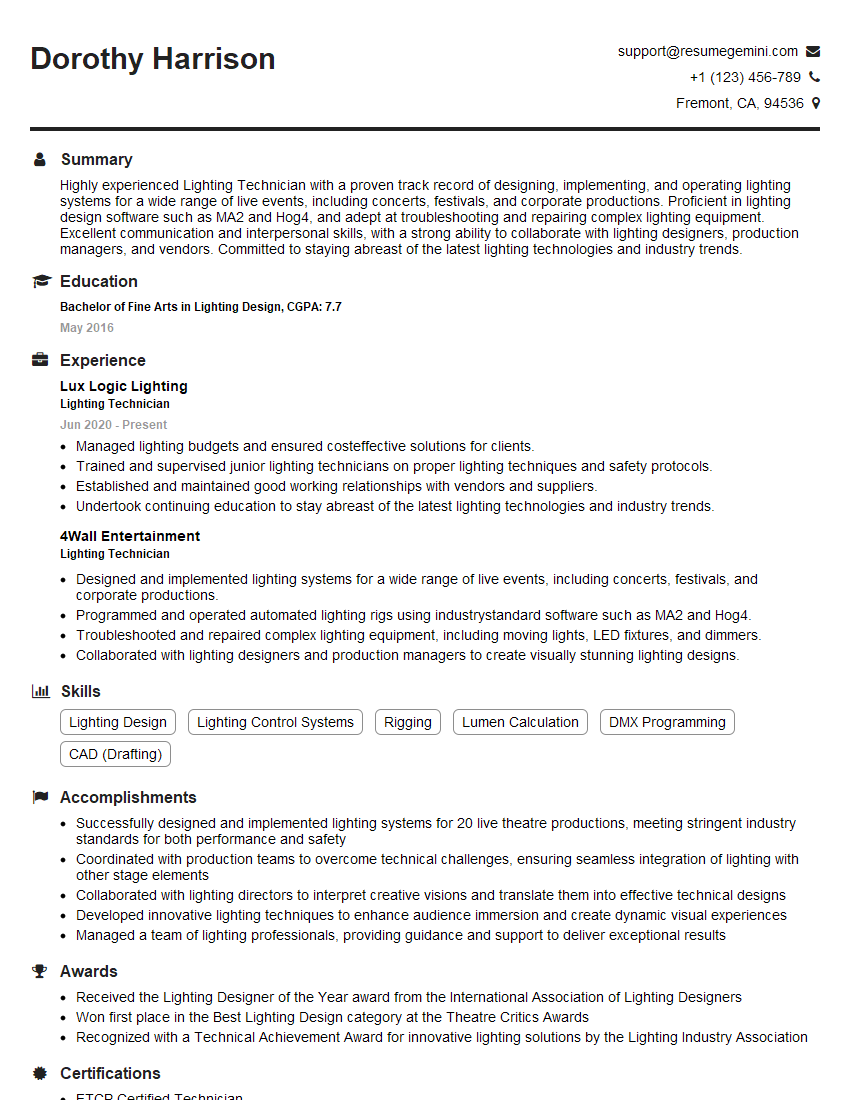
Lighting Technician Resume Sample
Explore more articles
Users Rating of Our Blogs
Share Your Experience
We value your feedback! Please rate our content and share your thoughts (optional).
What Readers Say About Our Blog
Very informative content, great job.
good