Interviews are opportunities to demonstrate your expertise, and this guide is here to help you shine. Explore the essential Bentley PowerCivil interview questions that employers frequently ask, paired with strategies for crafting responses that set you apart from the competition.
Questions Asked in Bentley PowerCivil Interview
Q 1. Explain the difference between a surface and a TIN in PowerCivil.
In Bentley PowerCivil, both surfaces and TINs (Triangulated Irregular Networks) represent the ground’s topography, but they differ in their data structure and functionality. Think of a surface as a more general term, encompassing various representations of elevation data. A TIN, on the other hand, is a specific type of surface model.
A surface in PowerCivil can be created from various data sources like point clouds, contours, and breaklines. It’s a flexible representation that can handle different data formats and complexities. The surface doesn’t necessarily have to be a triangulated network; it can be a grid or other representations. This makes surfaces versatile, allowing for different analysis techniques.
A TIN, however, is always a triangulated network. It’s a collection of interconnected triangles, each defined by three points with known elevations. This structure is excellent for visualization and calculations involving slope, aspect, and drainage analysis. While a TIN is a *type* of surface, not all surfaces are TINs.
For instance, if you’re working with a large point cloud, you might create a surface from it initially for visualization. Later, you may decide to create a TIN from that surface for specific tasks like hydrological modeling, where the triangulated structure is beneficial for accurate flow calculations.
Q 2. How do you manage and resolve conflicts between different design models in PowerCivil?
Managing model conflicts in PowerCivil is crucial for efficient collaboration and accurate designs. Conflicts often arise when multiple teams work simultaneously on different aspects of a project, resulting in overlapping or conflicting elements. My strategy involves a multi-pronged approach:
- Version Control: Utilizing Bentley’s integrated version control or external systems like ProjectWise ensures that everyone works with the most up-to-date information and helps track changes. This limits the chances of conflicting edits.
- Clear Model Organization: Structuring the model logically, using named design models and layers, prevents accidental overwriting or interference between different components. For example, separating road design, utility models, and drainage models into distinct, well-named models enhances clarity and helps isolate conflicts.
- Model Coordination Tools: PowerCivil offers tools for detecting and resolving geometric clashes, such as comparing designs against existing surveys or other models. These tools visually highlight areas of conflict, enabling prompt resolution.
- Collaboration and Communication: Open communication among team members is vital. Regularly scheduled meetings, clear documentation, and the use of shared data repositories ensure everyone is aware of ongoing design changes and potential conflicts.
- Prioritization and Conflict Resolution Strategy: Establish a clear process for resolving conflicts. This might involve a precedence rule where one model’s data takes priority or a negotiation process that compromises between conflicting designs. Documentation of every resolution is crucial for maintaining a record of decisions made.
For example, a conflict might arise between a new road design and an existing underground utility model. Using PowerCivil’s clash detection tools, I can visually identify the conflict, then, in collaboration with the utility team, adjust the road design to avoid the underground utilities.
Q 3. Describe your experience with PowerCivil’s corridor modeling capabilities.
Corridor modeling in PowerCivil is a cornerstone of my workflow, particularly for linear infrastructure projects like highways and railways. I’ve extensively used its capabilities to design, analyze, and quantify earthwork for various projects.
My experience includes creating corridors from alignments and cross sections, defining various design criteria like superelevation, and generating cross-sectional views. I’ve also leveraged its automated design features to optimize corridor geometry, minimizing earthwork quantities and improving design efficiency. The ability to quickly and accurately generate various design options using PowerCivil’s corridor modeling tools is invaluable for both design and cost optimization.
For example, during a highway project, I used PowerCivil to create a corridor model from the survey data and alignment. I then designed various cross-sections for different sections of the highway, considering factors such as terrain, speed limits, and sight distances. The software automatically generated the earthwork volumes and quantities, providing essential data for cost estimation and project planning. This automated process saved significant time and effort compared to traditional manual methods.
Q 4. How do you create and manage alignments in PowerCivil?
Creating and managing alignments in PowerCivil is straightforward yet powerful. Alignments are the foundational elements for linear infrastructure design, defining the horizontal and vertical geometry of the project.
I typically start by importing existing survey data or creating alignments directly within PowerCivil using various tools such as:
- Inputting coordinates directly: For simple alignments.
- Creating alignments from existing lines or polylines: This is convenient when using data from other CAD software.
- Using curve fitting tools: PowerCivil provides tools to automatically fit curves through a series of points, creating smooth and realistic alignments.
Once an alignment is created, I can manipulate it using various editing tools, including adding or removing points, modifying curve parameters (radius, length), and adjusting vertical profiles. PowerCivil provides a range of tools to ensure the alignment meets design criteria, for instance, checking sight distances, superelevation, and curvature.
For instance, when designing a winding mountain road, I might start by creating a preliminary alignment using a series of points defining the general path. Then, I would use PowerCivil’s curve fitting tools to create a smooth, safe, and aesthetically pleasing alignment, ensuring the curves meet the design criteria for speed and safety.
Q 5. Explain your workflow for creating and editing cross sections in PowerCivil.
My workflow for creating and editing cross-sections in PowerCivil is iterative and data-driven. I typically begin by defining the alignment and then creating cross-sections at specific points along it. This is done by defining the location and orientation of each cross-section.
I utilize various methods to create cross-sections, including:
- Automatic generation from surface data: PowerCivil can automatically generate cross-sections based on a digital terrain model (DTM).
- Manual creation: For situations requiring greater precision and control.
- Importing existing cross-sections: This is useful when working with data from previous designs or external sources.
Editing cross-sections typically involves modifying ground lines, adding or removing design elements (e.g., road embankments, ditches), and adjusting parameters such as slopes and elevations. PowerCivil offers powerful tools for this, allowing for precise control over the design. After making modifications, I’ll typically regenerate the corridor model to reflect the changes in the cross-sections.
For example, during a road design project, I might use the automatic generation feature to create initial cross-sections. I then manually adjust the design to account for specific site conditions, such as existing utilities or environmentally sensitive areas, ensuring the final design meets all regulations and design criteria.
Q 6. How do you use PowerCivil’s quantity takeoff tools?
PowerCivil’s quantity takeoff tools are essential for accurate cost estimation and project management. These tools automate the process of calculating earthwork volumes, pavement areas, and other quantities required for bidding and construction.
My workflow typically involves:
- Defining the boundaries of the area to be quantified: This could be a corridor, a specific section of a design, or an entire project area.
- Specifying the materials involved: Each material requires its own classification for accurate volume calculations.
- Using PowerCivil’s automated calculation tools: The software automatically calculates quantities based on the defined boundaries and material classifications.
- Generating reports: PowerCivil generates detailed reports summarizing the calculated quantities, which are essential for bidding and cost control.
These tools significantly reduce the time and effort needed for manual quantity calculations, minimizing the risk of errors and improving accuracy. For instance, when calculating earthwork volumes for a large highway project, PowerCivil’s automated tools provided precise figures, saving numerous hours of manual calculation and significantly reducing the chances of errors, leading to a more accurate cost estimate.
Q 7. Describe your experience with PowerCivil’s hydraulic analysis features.
PowerCivil’s hydraulic analysis features are vital for designing effective drainage systems. While not as comprehensive as dedicated hydraulic modeling software, it provides essential tools for preliminary analysis and design checks.
My experience includes using PowerCivil to:
- Model drainage networks: Defining pipes, culverts, and channels within the design.
- Simulate water flow: Calculating flow rates and water depths under various conditions.
- Verify design criteria: Ensuring the drainage system meets design standards and capacity requirements.
- Generate reports: Presenting results in a clear and concise manner.
While PowerCivil’s capabilities may not replace specialized hydraulic modeling software for complex analyses, it’s an extremely useful tool for preliminary design and checks, integrating seamlessly within the broader civil engineering workflow. I often use PowerCivil for initial design checks before employing more detailed software for more complex analyses of the drainage systems. For example, I have used it to model a small urban drainage network, ensuring adequate capacity for rainfall events and verifying that the pipe sizes and slopes meet local regulations. The results from this initial modeling guided the final design, ensuring proper drainage and flood control.
Q 8. How do you handle data imports and exports in PowerCivil?
PowerCivil offers robust import and export capabilities crucial for interoperability with other software and data sources. Think of it like a central hub for all your project data. You can seamlessly transfer data between different formats and applications.
Import: PowerCivil supports importing data from various sources, including land survey data (LandXML, DXF), point clouds (LAS, XYZ), design files (DGN), and even CAD data. The process usually involves specifying the file type, selecting the appropriate coordinate system, and defining how the imported data should be mapped to PowerCivil’s geometry. For example, importing a LandXML file containing survey data directly populates the terrain model, eliminating manual entry. Proper coordinate system definition is crucial to prevent misalignment.
Export: Similarly, exporting data is equally streamlined. You can export your completed design as a LandXML file for sharing with other engineers, a DGN file for integration with other Bentley products, or various other formats depending on the recipient’s software. Creating shareable PDFs of your designs for client reviews is also a common export function.
I often use these import/export functions to collaborate with colleagues using different software. For example, I’ll import a topographic survey from a colleague’s GIS software and then export the final design in LandXML for them to easily integrate into their workflow.
Q 9. Explain your experience with customizing PowerCivil using macros or VBA.
Customizing PowerCivil using macros or VBA is where I truly shine. Think of it as building specialized tools to streamline workflows and automate repetitive tasks. This allows me to tailor the software to specific project needs and significantly increase efficiency.
I’ve extensively used VBA to automate tasks such as generating reports, creating custom drawing templates, and even automating the generation of construction quantities. For instance, I developed a VBA macro to automatically extract cross-section data from a corridor model and generate a spreadsheet detailing cut and fill volumes, saving hours of manual data extraction.
'Example VBA code snippet (Illustrative):
Sub AutomateReportGeneration()
  'Code to automate report generation
End Sub
Another example is creating custom drawing templates using macros. I can define standards for drawing styles and annotations, ensuring consistent output across all projects. This ensures a consistent look and feel in our final deliverables.
Q 10. How do you manage and resolve data discrepancies in PowerCivil?
Data discrepancies in PowerCivil, like in any design software, can be a real headache. They can stem from various sources, including inaccurate input data, conflicting data from different sources, or errors during processing. Think of it like finding inconsistencies in a complex puzzle – you need to identify the problem areas and find a solution.
My approach to resolving these involves a multi-step process:
- Identification: I thoroughly review data from different sources, comparing them against each other and against known references (e.g., survey data, existing drawings). I use PowerCivil’s visualization and analysis tools to pinpoint discrepancies. Visual comparison is surprisingly effective.
- Verification: Once discrepancies are identified, I investigate their source. Are they errors in the original data? Are they the result of transformations or calculations within PowerCivil?
- Resolution: Depending on the severity and source of the discrepancy, I use a combination of data correction, editing, and modeling techniques to address the issue. This could involve modifying input data, refining alignment geometry, or adjusting the terrain model.
- Documentation: I always carefully document the discrepancies found and the actions taken to resolve them. This detailed record helps prevent future issues and provides accountability.
I’ve successfully resolved numerous data discrepancies in various projects. For example, I once discovered a significant discrepancy between a digital terrain model (DTM) and the actual site survey data. By carefully analyzing the source data and performing a detailed comparison, I identified the error, rectified it, and updated the design accordingly.
Q 11. Describe your experience with PowerCivil’s collaboration features.
PowerCivil’s collaboration features are essential for large, complex projects involving multiple teams. Think of it as a shared workspace for all project stakeholders. I’ve leveraged these extensively to streamline teamwork and ensure consistent data.
My experience includes using:
- ProjectWise: For centralized data management and version control. This ensures everyone works with the latest, approved design data, eliminating version conflicts and ensuring consistency across the team. I use ProjectWise for file sharing, version control, and workflow management, ensuring everyone’s working on the same data and has access to the latest revisions.
- iModel Sharing: For real-time collaboration on design models. It allows multiple users to simultaneously view and edit the model, fostering real-time communication and efficient design reviews. Think of it like a collaborative online design studio.
- Cloud Services: For sharing design information easily. We utilise cloud services to share large files, especially with clients, and this has drastically reduced file transfer times and logistical challenges.
In a recent project, using ProjectWise and iModel Sharing allowed our team of engineers, surveyors, and designers to collaborate seamlessly, resolving conflicts and improving design quality. The centralized data management system ensured everyone worked with the most up-to-date information, leading to a significantly improved workflow.
Q 12. How do you ensure data accuracy and integrity in PowerCivil projects?
Data accuracy and integrity are paramount in PowerCivil projects. Errors can lead to costly mistakes in construction and even safety hazards. My approach to maintaining data accuracy and integrity is multifaceted, akin to building a robust foundation for a skyscraper.
Key strategies I employ include:
- Data Validation: Rigorous checks on imported data, ensuring accurate coordinates, surface elevations, and attribute information before integrating them into the model. I often use quality control checks provided within PowerCivil to detect and rectify potential errors early on.
- Regular Backups: Maintaining regular backups of the project data to protect against data loss due to software crashes or other unforeseen issues. I employ a multi-layered backup strategy.
- Version Control: Utilizing version control systems like ProjectWise to track changes and revert to previous versions if necessary. This provides an audit trail and ensures accountability.
- Quality Control Checks: Conducting regular quality control checks throughout the design process. These involve visual inspections, automated checks within PowerCivil, and cross-referencing with other data sources to ensure consistency and accuracy.
- Standard Operating Procedures: Establishing and adhering to standardized procedures for data handling and processing throughout the project. These procedures define how data is to be collected, processed, and stored to guarantee integrity and consistency across the project lifespan.
Q 13. Explain your process for creating and reviewing design drawings in PowerCivil.
Creating and reviewing design drawings in PowerCivil is a crucial aspect of the design process. It’s where our three-dimensional models are transformed into understandable and usable plans, sections, and profiles for construction. Think of it as the final communication step between design and implementation.
My process typically involves:
- Model Creation: First, I develop the 3D model within PowerCivil. This forms the basis for all drawings.
- Sheet Setup: I then create drawing sheets, defining the layout, scales, and annotation styles. I often create custom drawing templates for consistency.
- View Creation: I create plan, section, and profile views of the model using PowerCivil’s powerful view creation tools, including specific viewpoints, details, and labels.
- Annotation and Labeling: I add all necessary annotations, labels, dimensions, and details to the views, using a standardized system consistent with the project requirements. I utilize layers effectively to organize the design drawing content.
- Review and Iteration: I then review the drawings carefully, checking for accuracy, completeness, and clarity before presenting them for review by others, incorporating feedback to make necessary revisions. This iterative process is key to producing accurate and error-free deliverables.
- Output: Finally, I output the drawings in PDF and/or DGN format.
The review process itself typically involves formal check lists and quality control procedures. In larger projects, other engineers or designers will review my drawings, ensuring compliance with design standards and specifications.
Q 14. Describe your experience using PowerCivil’s reporting tools.
PowerCivil’s reporting tools are invaluable for summarizing project information and generating crucial data for construction and cost estimation. These are like generating business intelligence reports but for civil engineering projects. They provide a summary of project details in an organized and comprehensive format.
My experience includes using PowerCivil’s built-in reporting capabilities to generate various reports, including:
- Earthwork Quantities: Reports detailing cut, fill, and borrow quantities, vital for construction planning and cost estimation. These are usually formatted for easy integration into spreadsheets or cost estimation software.
- Cross-Sections: Automated generation of cross-section drawings and data. These are critical for ensuring accuracy in earthwork calculations and design review.
- Alignment Data: Reports providing detailed alignment geometry data, including stationing, coordinates, and curves. This data is important for construction stakeout.
- Custom Reports: Using VBA macros or other customization techniques to generate project-specific reports that go beyond the standard reporting capabilities. I’ve built custom reports to track material usage, analyze design compliance, or other project-specific parameters.
For instance, I created a custom VBA macro to generate a report automatically detailing the quantities of different materials required for each section of a highway project, based on data extracted directly from the PowerCivil model. This report was easily shared and provided critical information for material ordering and project planning.
Q 15. How do you troubleshoot common errors in PowerCivil?
Troubleshooting in Bentley PowerCivil often involves a systematic approach. I begin by identifying the error message or unexpected behavior. This usually points to the source of the problem. For example, a ‘geometry error’ often suggests issues with the underlying surface data or alignment. A ‘data mismatch’ could point to inconsistencies between different datasets imported into the model.
My troubleshooting strategy typically involves:
- Checking Data Integrity: I verify the accuracy of input data, such as survey data, alignment files, and cross-sections. Inconsistent units or coordinate system discrepancies are common culprits. I use PowerCivil’s tools to check for data gaps or errors in the imported files.
- Reviewing the Model Structure: I examine the model’s hierarchy, checking for unexpected connections or relationships between objects. Sometimes, a simple object deletion and recreation can resolve issues.
- Utilizing PowerCivil’s Diagnostics: PowerCivil provides built-in diagnostic tools that can pinpoint problems. I utilize these extensively. For instance, I might use the geometry checking tools to identify self-intersections or other invalid geometries.
- Seeking Help from the Community and Documentation: If the issue persists, I consult Bentley’s online resources, the PowerCivil community forums, and the software’s help documentation. I’ve often found solutions to less common problems within these resources.
- Contacting Bentley Support (when necessary): As a last resort, especially for serious or critical bugs, I contact Bentley support for assistance.
For instance, I once encountered an issue where drainage pipes weren’t properly connecting to manholes. After investigating, I discovered a small error in the pipe invert elevations, which I corrected, resolving the problem. Thorough data validation is key to preventing many common errors.
Career Expert Tips:
- Ace those interviews! Prepare effectively by reviewing the Top 50 Most Common Interview Questions on ResumeGemini.
- Navigate your job search with confidence! Explore a wide range of Career Tips on ResumeGemini. Learn about common challenges and recommendations to overcome them.
- Craft the perfect resume! Master the Art of Resume Writing with ResumeGemini’s guide. Showcase your unique qualifications and achievements effectively.
- Don’t miss out on holiday savings! Build your dream resume with ResumeGemini’s ATS optimized templates.
Q 16. Explain your experience working with different coordinate systems in PowerCivil.
Working with coordinate systems is crucial for accurate modeling in PowerCivil. I have extensive experience managing various coordinate systems, including State Plane, UTM, and geographic coordinates (latitude/longitude). PowerCivil supports the import and export of data in different coordinate systems, allowing for seamless integration with survey data from various sources. Understanding datum transformations is especially important to ensure model accuracy.
My workflow typically includes:
- Defining Project Coordinate System: The first step is defining the appropriate coordinate system for the project, ensuring consistency throughout the model. This ensures all data aligns correctly.
- Transforming Data: I use PowerCivil’s tools or external software (like coordinate conversion utilities) to transform data from one coordinate system to another if necessary. This often involves understanding and applying datum transformations, taking into account things like ellipsoid shifts and grid conversions.
- Verification: After data transformation, I perform rigorous verification to confirm the accuracy and precision of the transformation. Simple visual checks against known ground features or control points are often helpful here.
In one project, we received survey data in UTM Zone 10 while the project’s base map was in State Plane. I used PowerCivil’s coordinate system transformation functionality to accurately project all data into the project’s coordinate system, preventing significant errors in the final design.
Q 17. How do you manage and organize large datasets in PowerCivil?
Managing large datasets in PowerCivil requires a strategic approach. Simply importing everything at once can lead to performance issues and model instability. My approach focuses on organization, data partitioning, and leveraging PowerCivil’s efficient data handling capabilities.
My strategies include:
- Data Partitioning: I divide large datasets into smaller, manageable portions. This can involve separating different types of data (e.g., survey points, alignments, cross-sections) into different files or using PowerCivil’s features to logically group data elements.
- Efficient Data Import: I use the optimal data import methods for each dataset type. Understanding the differences between direct import and various file format options is key here.
- Data Referencing and Linking: I use PowerCivil’s referencing capabilities to link data efficiently. Instead of duplicating data, I link to external files or other parts of the model, saving space and improving performance.
- Database Management: For truly massive datasets, I consider using external databases or data management systems for efficient storage and retrieval. This is crucial for long-term model accessibility and maintainability.
- Regular Data Cleanup: Removing unneeded or obsolete data keeps the model efficient. This includes removing temporary files and unused layers.
For example, on a large highway project, I organized the survey data into separate files based on location and divided the model into different sections to improve performance during modeling and design. This approach also made the model much easier to navigate and manage.
Q 18. How do you ensure the consistency and quality of your PowerCivil models?
Ensuring consistency and quality in PowerCivil models is paramount. This involves a combination of best practices, quality checks, and a disciplined workflow.
My methods include:
- Standard Operating Procedures (SOPs): Establishing and adhering to consistent SOPs for data input, modeling, and design processes helps maintain consistency across the project. This ensures that everyone on the team is working to the same standards.
- Regular Quality Checks: I regularly perform quality checks using PowerCivil’s built-in tools and custom scripts to detect errors and inconsistencies. Geometry checks, data validation, and consistency checks of attributes are crucial.
- Version Control: Utilizing a robust version control system (like Autodesk Vault or similar) allows for tracking changes, reverting to previous versions if necessary, and facilitating collaborative work. It allows for easy management of various design iterations.
- Model Review: Regular model reviews with peers provide an independent check for consistency and accuracy. A fresh pair of eyes can often catch errors that the model creator might overlook.
- Automated Checks: Creating and employing automated checks, using custom scripts or macros, allows for consistent and thorough validation of the model. This helps catch errors early in the process.
A specific example includes implementing automated checks to ensure correct pipe sizing based on drainage calculations and hydraulic modeling. This reduced manual errors and significantly improved the design quality.
Q 19. Describe your experience with PowerCivil’s drainage design features.
PowerCivil’s drainage design features are powerful tools for designing efficient and sustainable drainage systems. My experience encompasses the entire drainage design process, from data input to hydraulic modeling and reporting. I’m proficient in creating and analyzing drainage networks, including pipes, manholes, inlets, and other drainage structures.
My work with PowerCivil’s drainage features includes:
- Hydraulic Modeling: Performing hydraulic analyses using the integrated hydraulic modeling capabilities to determine pipe sizes, flow velocities, and water surface elevations.
- Drainage Network Design: Creating and modifying drainage networks, including connectivity, grading, and structure placement. This includes ensuring appropriate sizing of structures based on flow capacity and local regulations.
- Structure Design: Designing and detailing drainage structures, such as manholes, inlets, and culverts, ensuring compliance with local design standards and best practices.
- Reporting: Generating comprehensive reports of drainage design calculations, hydraulic analyses, and design drawings for construction purposes.
In a recent project, I used PowerCivil’s drainage tools to design a stormwater management system for a large residential development. The model accurately simulated the flow of stormwater through the network, allowing us to optimize the design for both efficiency and cost-effectiveness. The automated reporting features significantly streamlined the documentation process.
Q 20. How do you create and manage profiles in PowerCivil?
Profiles are fundamental to the design process in PowerCivil, representing the vertical geometry of alignments and cross-sections. I have extensive experience creating, editing, and managing profiles for various applications, including roadways, pipelines, and canals.
My profile creation and management techniques include:
- Creating Profiles from Existing Data: I can create profiles from existing survey data, alignment data, and cross-section data. I ensure proper data referencing and coordinate system consistency.
- Manual Profile Creation: I can manually create and edit profiles using PowerCivil’s tools to define grades, curves, and vertical alignments. This allows for detailed design control and customization.
- Profile Optimization: I use PowerCivil’s features to optimize profiles based on design criteria, minimizing earthwork and ensuring proper drainage. This is often an iterative process requiring adjustments based on the results.
- Profile Management: I maintain well-organized profile libraries, employing a consistent naming convention, and keeping track of versions to manage the design process effectively.
For example, on a highway project, I used PowerCivil to design vertical alignments that minimized cut and fill, resulting in significant cost savings. The ability to quickly adjust profiles based on design criteria and visualize the impact of changes was crucial to this success.
Q 21. Explain your understanding of PowerCivil’s geometric modeling capabilities.
PowerCivil’s geometric modeling capabilities are extensive, providing tools for creating and manipulating complex 3D models. My experience extends to working with various geometric entities such as surfaces, alignments, and solids. I utilize these capabilities for tasks ranging from terrain modeling to detailed design of infrastructure.
My understanding of PowerCivil’s geometric modeling includes:
- Surface Modeling: Creating and editing TIN (Triangulated Irregular Network) surfaces from survey data, utilizing different interpolation methods to create accurate representations of the terrain.
- Alignment Design: Designing alignments using horizontal and vertical geometry, including curves, spirals, and tangents. I understand the parameters and implications of different curve types.
- Cross-Section Creation and Editing: Generating cross-sections from alignments and surfaces, customizing them to reflect design requirements. I’m adept at creating and modifying complex cross-sections with multiple features.
- Volume Calculations: Utilizing PowerCivil’s tools to perform accurate volume calculations for earthwork, providing crucial data for cost estimation and project planning.
- Solid Modeling: Creating and manipulating 3D solids for detailed design of structures, such as culverts and retaining walls, and incorporating them seamlessly into the overall design.
In one project, I used PowerCivil to create a detailed 3D model of a complex interchange, including the terrain, roadways, and various structures. The model facilitated effective design review and significantly improved communication and collaboration among the project team.
Q 22. How do you use PowerCivil to create and manage construction plans?
Creating and managing construction plans in Bentley PowerCivil involves a streamlined workflow leveraging its powerful design tools. It’s like assembling a detailed LEGO model of your project, piece by piece. First, you’ll import survey data, creating a digital terrain model (DTM). Then, you design alignments (roads, railways), profiles (cross-sections), and surfaces, all within a highly integrated environment. PowerCivil automatically generates plan sheets, including cross-sections, longitudinal sections, and plan views. This automated generation saves significant time compared to traditional manual drafting.
For example, designing a highway involves creating the centerline alignment, then defining the cross-sections using templates. PowerCivil automatically calculates cut and fill volumes, which are essential for cost estimation and earthwork planning. You can then add features such as ditches, curbs, and pavement layers, with the software dynamically updating the plan sheets. Managing revisions is also straightforward; PowerCivil maintains a history of changes, allowing for easy comparison of different design iterations and efficient collaboration among team members.
Furthermore, PowerCivil allows for the creation of detailed quantities for materials and labor, essential for accurate bidding and project management. Think of it as a comprehensive digital project notebook, keeping all aspects of the design in one place, readily accessible and easily updated.
Q 23. Describe your experience with PowerCivil’s data interoperability features.
PowerCivil excels in data interoperability, seamlessly integrating with other Bentley products and industry-standard formats. It’s like a universal translator for your infrastructure data. I’ve extensively used its capabilities to import and export data in various formats, including LandXML, DXF, DWG, and various geospatial formats like shapefiles. This ensures compatibility with other software used by clients and collaborators. For example, I’ve integrated survey data from a total station directly into PowerCivil, eliminating manual data entry and reducing errors. Similarly, I’ve exported design data to other applications for visualization, analysis, and presentation purposes.
In one project, we used PowerCivil to design a complex stormwater management system. We imported existing utility data from a GIS system and integrated it with our PowerCivil model to avoid conflicts. This interoperability saved time and prevented costly design errors during construction.
The ability to share data in a standardized format fosters seamless collaboration among different engineering disciplines. This eliminates the need for data re-entry, ensuring consistency and accuracy throughout the project lifecycle.
Q 24. How do you leverage PowerCivil to optimize design solutions?
Optimizing design solutions in PowerCivil involves leveraging its analytical capabilities and design exploration tools. It’s akin to using a sophisticated simulator to test multiple design scenarios before settling on the most efficient and cost-effective one. I regularly use the automated design features to explore different alignment options, optimize earthwork quantities, and improve drainage design. For instance, I can run multiple iterations of a road design, varying the horizontal and vertical alignment to minimize earthwork costs and environmental impact.
PowerCivil’s parameterization tools allow for quick modifications and what-if analyses. This allows for exploration of various scenarios quickly and efficiently without tedious manual adjustments. For example, by modifying parameters such as lane widths or shoulder slopes, I can instantly see the impact on quantities and costs. The software’s automatic generation of reports and summaries also facilitates quick comparisons between various alternatives.
In a recent project involving a railway alignment, I used PowerCivil to compare multiple alignment options based on factors like construction cost, environmental impact, and operational efficiency. By simulating various scenarios, we were able to identify a solution that optimized all these factors, resulting in significant cost savings and environmental benefits.
Q 25. How do you use PowerCivil to perform design checks and analysis?
Design checks and analysis in PowerCivil are performed using a combination of automated tools and manual verification. Think of it as having a built-in quality assurance system. The software automatically checks for design compliance with relevant codes and standards, flagging potential issues such as inadequate sight distances, insufficient vertical clearances, and excessive slopes. This helps identify and correct errors early in the design process.
PowerCivil also provides tools for hydraulic analysis, enabling designers to assess the capacity of drainage systems and ensure adequate stormwater management. I often use these features to verify that our designs meet regulatory requirements. For example, the software can model the flow of water through culverts and channels, ensuring they are sized appropriately to handle anticipated flow rates. This prevents flooding and other related issues during and after construction.
Beyond automated checks, I always perform a thorough manual review of the design, checking for potential conflicts with existing utilities or other infrastructure. A combination of automated checks and diligent manual verification ensures a robust and compliant design.
Q 26. Explain your understanding of the different types of data used in PowerCivil.
PowerCivil utilizes a variety of data types, each playing a crucial role in the design process. It’s like a complex orchestra, with each instrument (data type) contributing to the overall harmony (complete design). These include:
- Survey Data: This forms the foundation of the model, providing the real-world coordinates of the site. Often in the form of point clouds, surface models, or lines.
- Alignment Data: Defining the horizontal and vertical location of linear features like roads and railways.
- Profile Data: Cross-sections of the design, showing the vertical geometry at specific points along an alignment.
- Surface Data: Representing the ground surface and other surfaces such as pavements and embankments. Essential for earthwork calculations.
- Design Data: This includes all the design elements, such as pavement layers, ditches, curbs, and other features.
- Geospatial Data: Often integrated from external sources like GIS systems, including utilities, parcels, and other relevant geographical features.
Understanding how these different data types interact and influence each other is essential for effective use of PowerCivil. For example, changes to the alignment data will automatically update the profiles and surfaces, reflecting the changes in the overall design.
Q 27. Describe your experience working with different versions of PowerCivil.
My experience with different versions of PowerCivil spans several releases, starting from version V8i and extending to the latest CONNECT Edition. Each version has brought significant improvements in functionality and performance. The transition between versions involved understanding the changes in the user interface, new features, and improved workflow processes.
Early versions were more focused on individual design elements, while the newer versions emphasize integration and collaboration. For example, the CONNECT Edition offers enhanced cloud collaboration features, allowing for real-time sharing and synchronization of design data across multiple users and locations. This is a huge improvement over earlier versions, which relied heavily on file-based sharing. I’ve found that adapting to newer versions is easier thanks to Bentley’s comprehensive training resources and online communities.
While the core functionality remains consistent across versions, the improvements in performance and user experience enhance the overall design process. The latest versions significantly streamline tasks like data import, model manipulation, and report generation, making the entire workflow more efficient.
Q 28. How do you stay updated with the latest features and improvements in PowerCivil?
Staying updated with the latest features and improvements in PowerCivil is crucial for maintaining proficiency and utilizing the software to its full potential. My approach involves a multi-pronged strategy.
- Bentley Communities: Active participation in online forums and communities allows me to learn from other users, access valuable tips and tricks, and keep abreast of the latest updates and best practices.
- Bentley Learn: I regularly utilize Bentley’s online learning platform to access tutorials, webinars, and training courses on new features and improvements. This provides in-depth knowledge and practical application guidance.
- Industry Events and Conferences: Attending industry events and conferences provides invaluable networking opportunities and allows me to learn directly from Bentley experts and other industry professionals.
- Software Updates and Release Notes: I diligently review the release notes of each new software update to understand the changes and improvements that have been implemented.
By consistently engaging with these resources, I ensure that I am always at the forefront of using the latest tools and techniques, allowing me to improve my efficiency and design better infrastructure solutions.
Key Topics to Learn for Bentley PowerCivil Interview
- Surface Modeling: Understanding the creation and manipulation of surfaces, including TINs, grids, and contours. Practical application: Demonstrate your ability to create accurate surfaces from survey data and use them for volume calculations.
- Alignment Design: Mastering the design and analysis of horizontal and vertical alignments, including curves, spirals, and vertical profiles. Practical application: Explain your experience in designing safe and efficient road alignments, considering design standards and site constraints.
- Cross-Sectioning: Proficiency in creating and modifying cross-sections, including earthwork calculations and volume estimations. Practical application: Describe a project where you optimized earthwork quantities using PowerCivil’s cross-sectioning tools.
- Drainage Design: Knowledge of designing storm drainage systems, including pipes, inlets, and manholes. Practical application: Showcase your understanding of hydraulic calculations and the use of PowerCivil for designing effective drainage solutions.
- Data Import/Export: Familiarity with importing and exporting data from various sources, such as CAD files and survey data. Practical application: Explain your process for ensuring data accuracy and consistency during import and export operations.
- Customization and Automation: Understanding PowerCivil’s capabilities for customization and automation through macros or other scripting tools. Practical application: Discuss any experience in automating repetitive tasks to increase efficiency.
- Project Management within PowerCivil: Utilizing PowerCivil’s project management features for organization and collaboration. Practical application: Describe how you manage large datasets and collaborate with team members within the PowerCivil environment.
Next Steps
Mastering Bentley PowerCivil significantly enhances your career prospects in civil engineering, opening doors to challenging and rewarding roles. To maximize your chances of landing your dream job, it’s crucial to present your skills effectively. An ATS-friendly resume is key to getting noticed by recruiters. We strongly encourage you to leverage ResumeGemini, a trusted resource, to craft a compelling resume that highlights your Bentley PowerCivil expertise. Examples of resumes tailored to Bentley PowerCivil positions are available to help guide you.
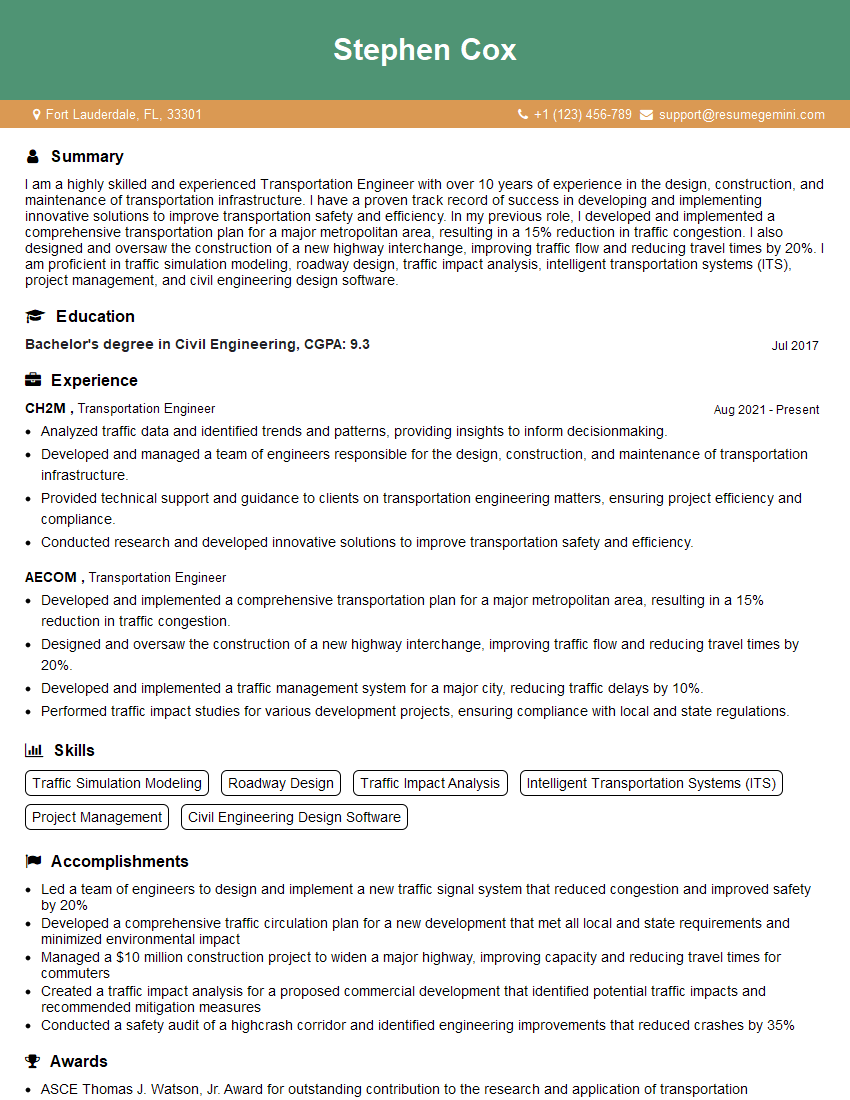
Transportation Engineer Resume Sample
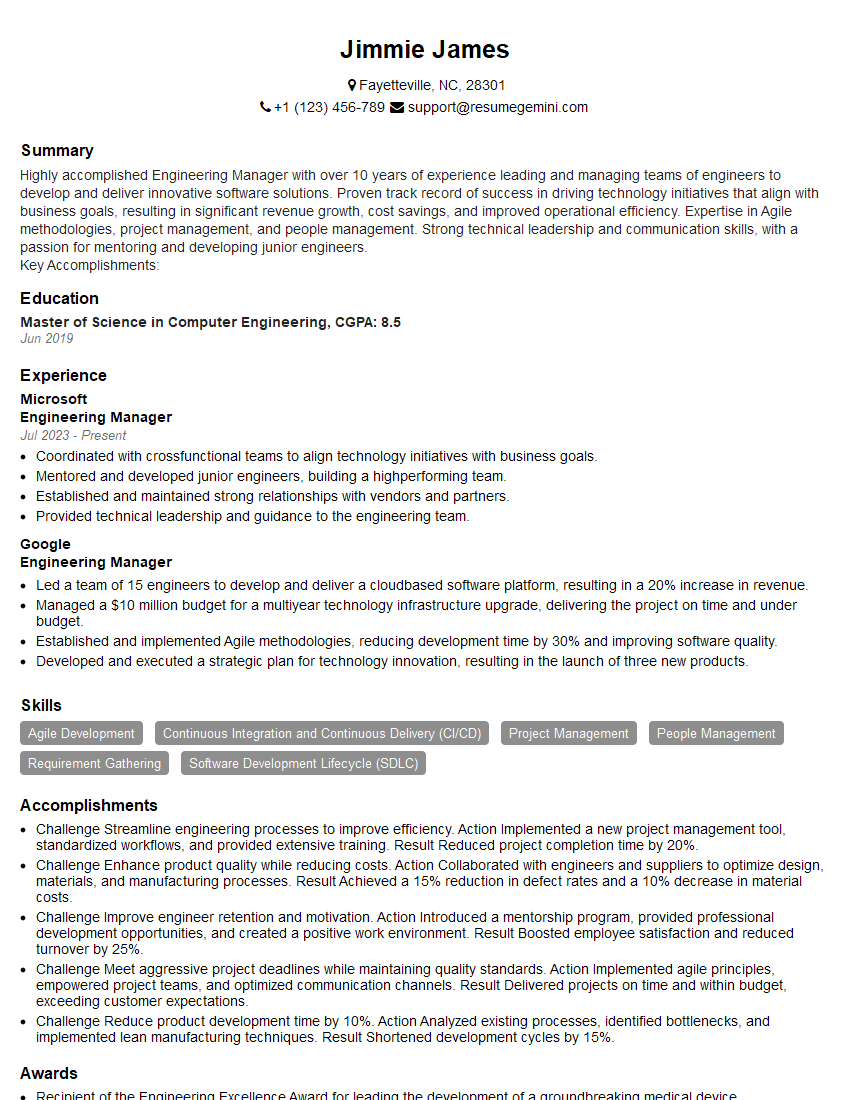
Engineering Manager Resume Sample

Project Engineer Resume Sample

Data Analyst Resume Sample

Infrastructure Engineer Resume Sample
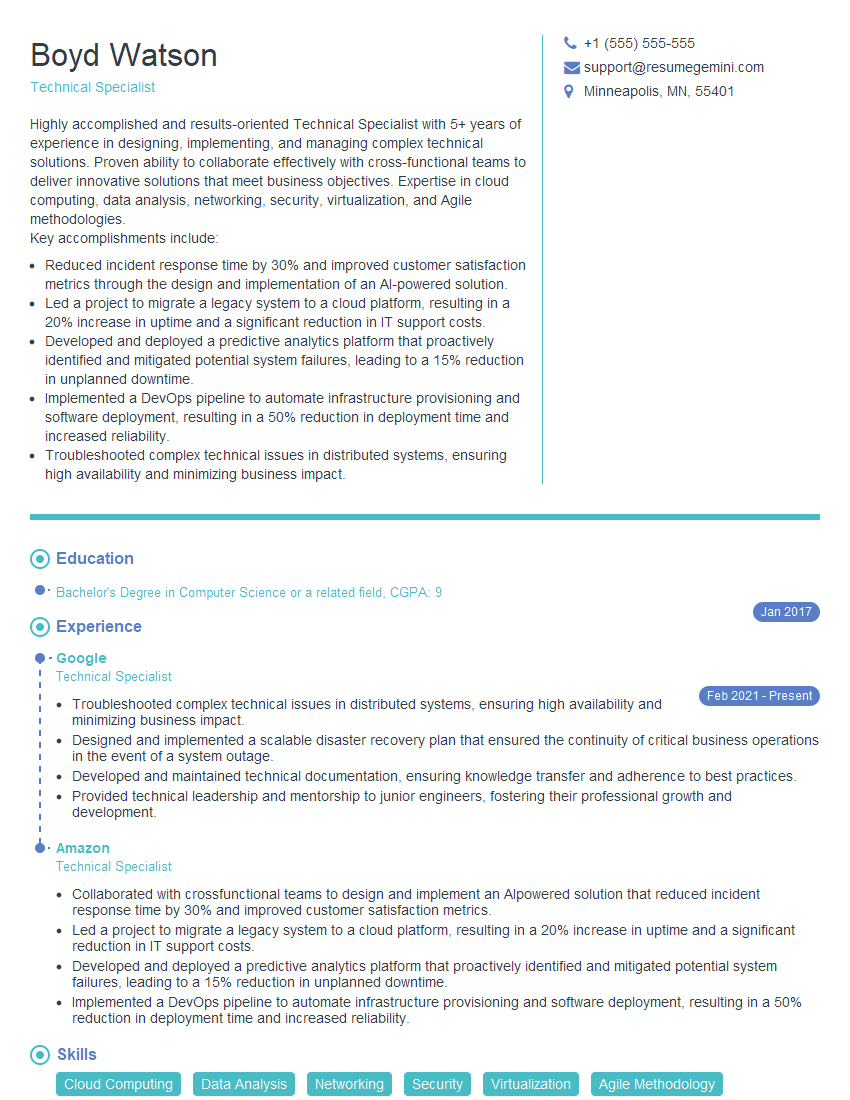
Technical Specialist Resume Sample

Design Engineer Resume Sample
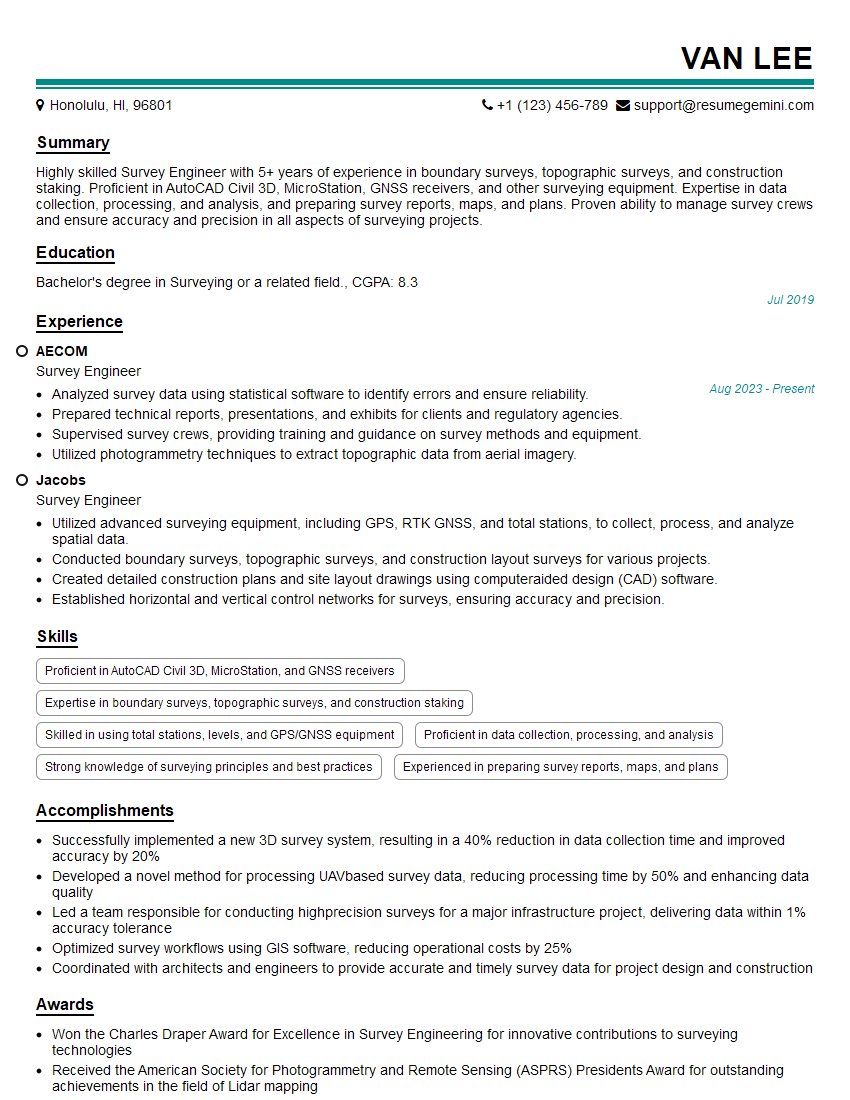
Survey Engineer Resume Sample
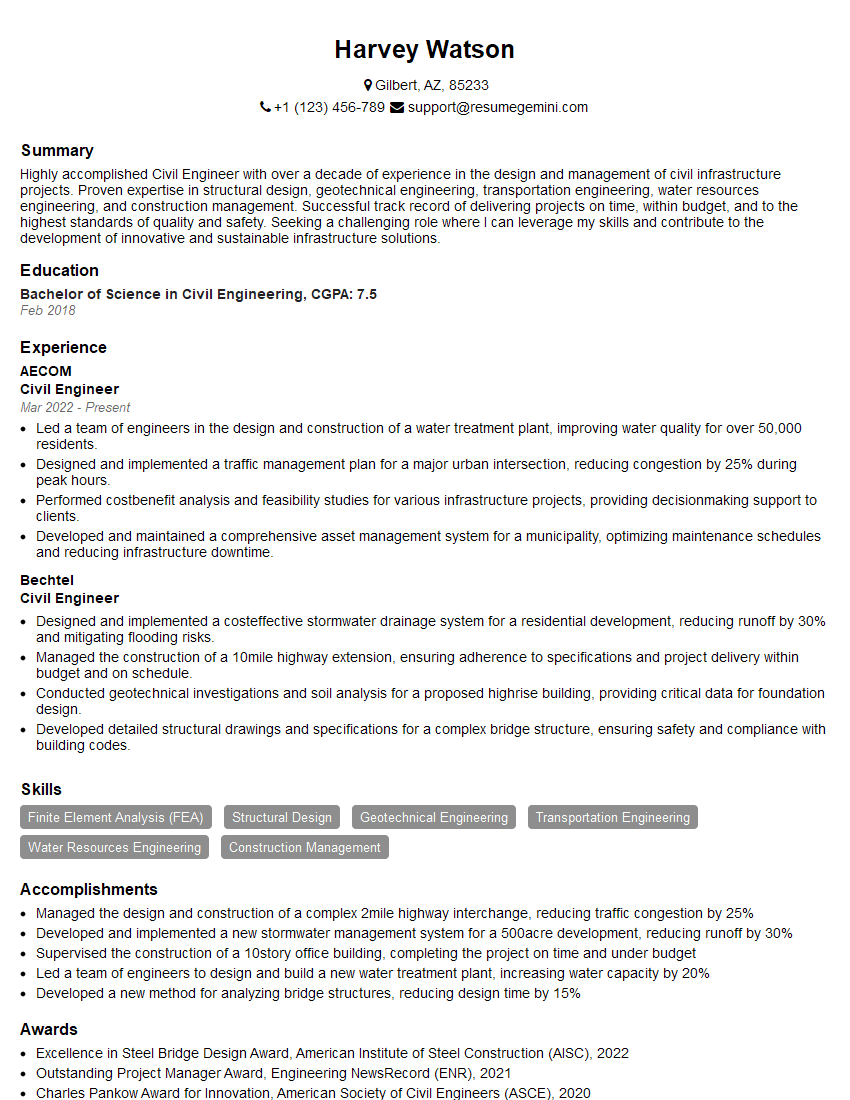
Civil Engineer Resume Sample
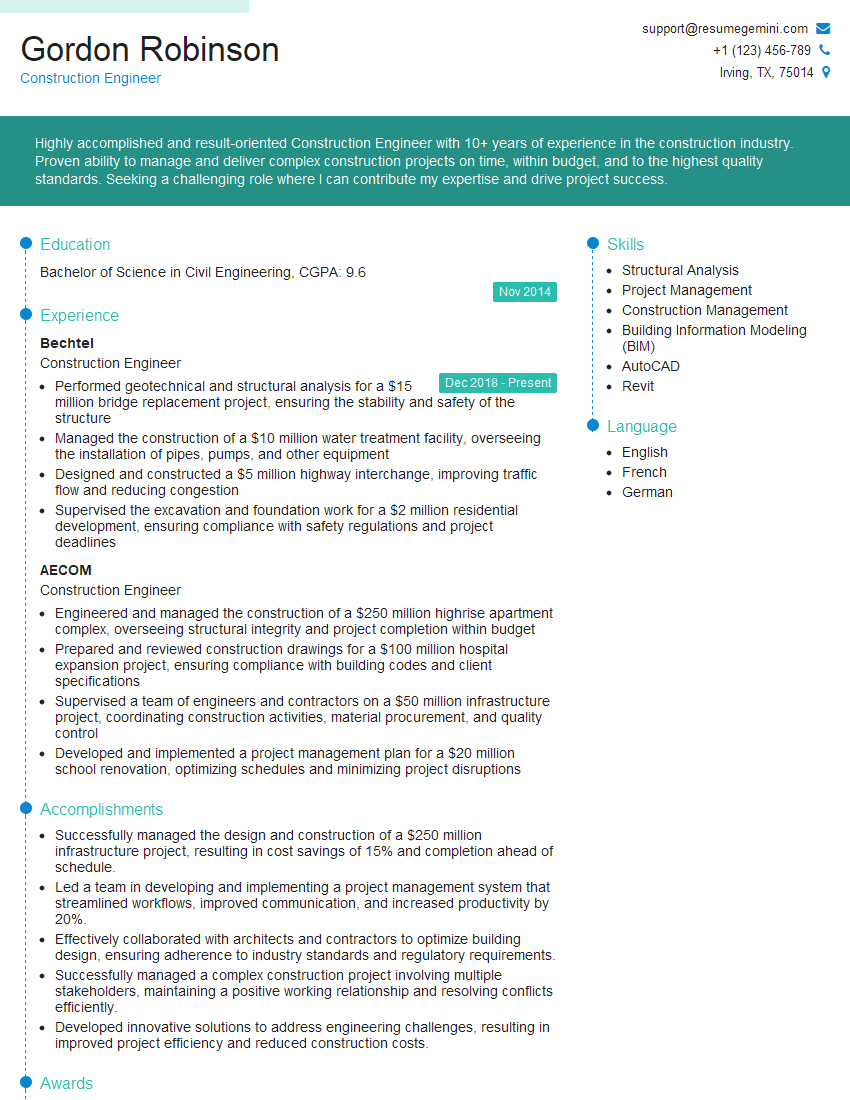
Construction Engineer Resume Sample
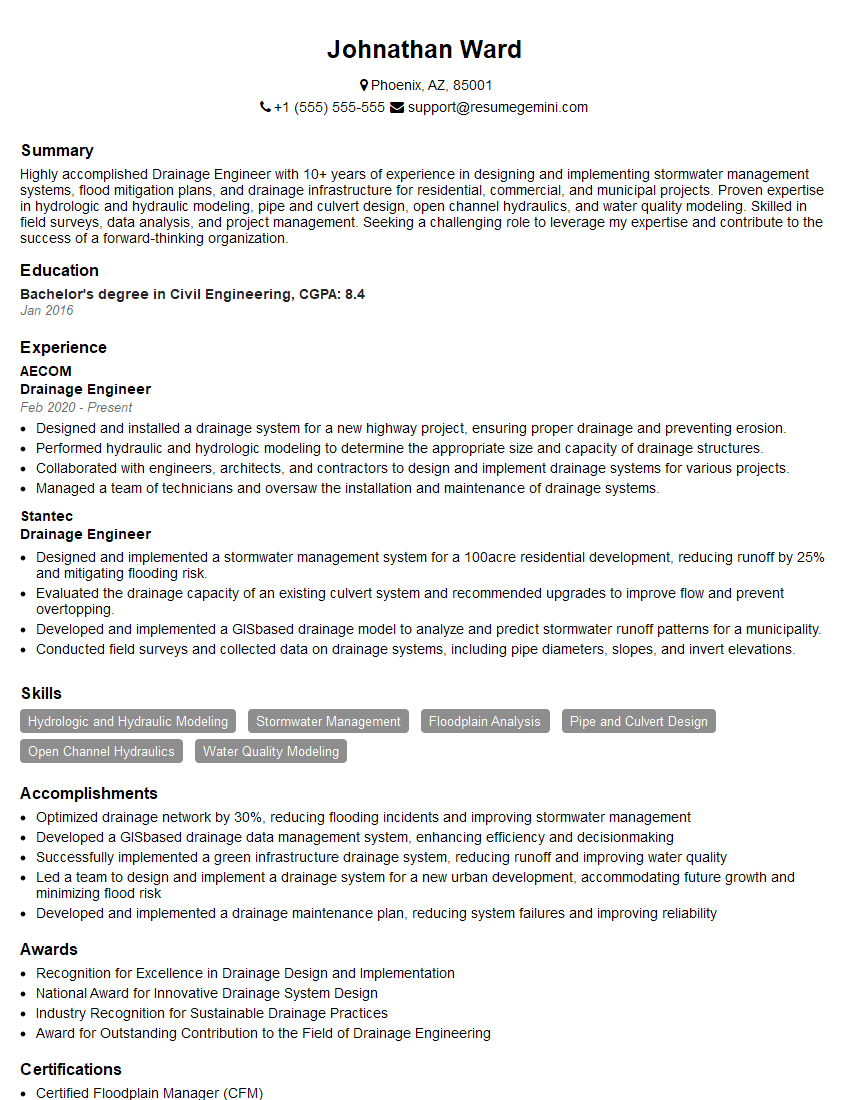
Drainage Engineer Resume Sample
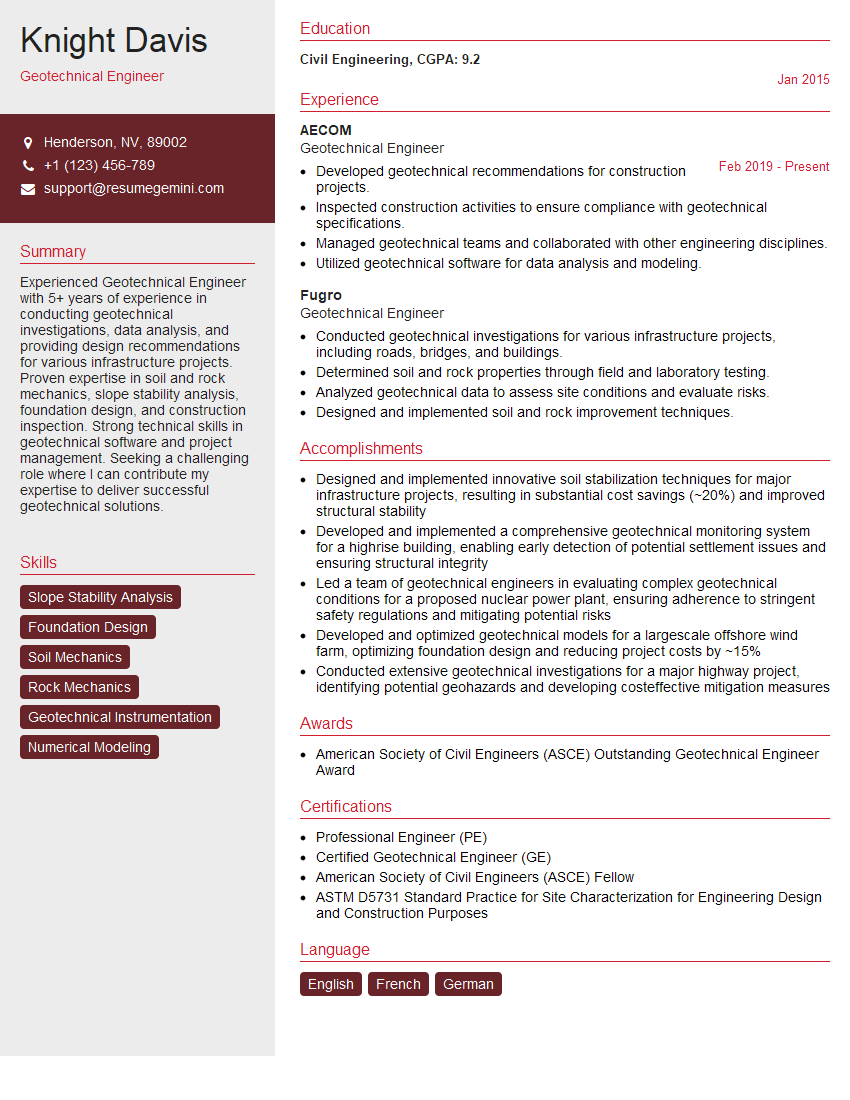
Geotechnical Engineer Resume Sample
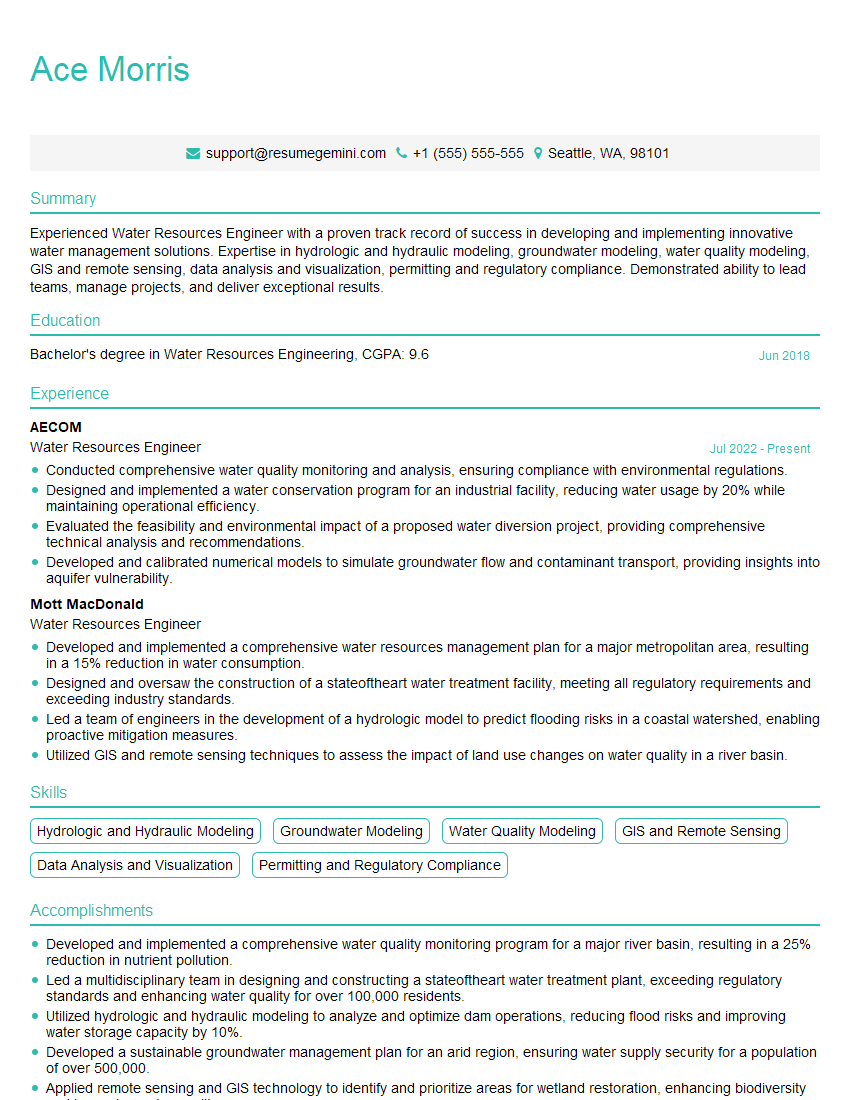
Water Resources Engineer Resume Sample
Explore more articles
Users Rating of Our Blogs
Share Your Experience
We value your feedback! Please rate our content and share your thoughts (optional).
What Readers Say About Our Blog
Very informative content, great job.
good