Preparation is the key to success in any interview. In this post, we’ll explore crucial Broadcast Communications interview questions and equip you with strategies to craft impactful answers. Whether you’re a beginner or a pro, these tips will elevate your preparation.
Questions Asked in Broadcast Communications Interview
Q 1. Explain the difference between SDI and HDMI video signals.
SDI (Serial Digital Interface) and HDMI (High-Definition Multimedia Interface) are both digital video interfaces, but they differ significantly in their applications and capabilities. SDI is a professional-grade standard designed for high-quality, long-distance, and error-free transmission of uncompressed video signals. HDMI, on the other hand, is a consumer-grade standard better suited for shorter distances and often incorporates compressed video.
- Bandwidth and Distance: SDI offers significantly higher bandwidth, allowing for transmission of uncompressed high-definition and even ultra-high-definition video over longer distances with minimal signal degradation. HDMI’s bandwidth is lower, limiting its range and resolution capabilities, especially at higher resolutions. Think of it like this: SDI is a high-speed expressway for video data, while HDMI is a well-maintained local road.
- Signal Integrity: SDI employs sophisticated error correction and re-clocking mechanisms, ensuring signal integrity even over longer cables. HDMI is more susceptible to noise and signal degradation over longer distances. This reliability is paramount in a professional broadcast setting where even small errors can lead to significant problems on air.
- Professional vs. Consumer: SDI is primarily used in professional broadcast and production environments, including studios, OB vans, and post-production facilities. HDMI is widely adopted in consumer electronics, such as televisions, Blu-ray players, and gaming consoles.
- Connectors: SDI typically uses BNC connectors, known for their robustness and secure connections. HDMI utilizes smaller, more easily damaged connectors.
In short, SDI is the workhorse of professional broadcasting, providing reliable, high-quality video transmission, while HDMI serves the consumer market with its convenience and broader device compatibility.
Q 2. Describe your experience with audio mixing consoles.
I have extensive experience with various audio mixing consoles, ranging from small, analog mixers for smaller productions to large-format digital consoles used in major broadcast facilities. My proficiency includes both their operational aspects and the technical understanding necessary for setup and troubleshooting. I’m comfortable with both console-based mixing and using digital audio workstations (DAWs) in conjunction with consoles.
For instance, in a recent live music broadcast, I used a Yamaha QL5 digital mixing console to handle multiple microphones, instrument inputs, and playback sources. I configured the console’s routing, EQ, compression, and dynamics processing to achieve optimal sound quality for different sources, and used its automation capabilities for smooth transitions between segments. I also incorporated a DAW for precise editing and effects processing of specific audio tracks.
I’m familiar with various manufacturers, including Yamaha, Soundcraft, Avid, and Allen & Heath, and understand the nuances of different mixing styles, be it live sound reinforcement or studio recording. My experience also encompasses gain staging, microphone selection, and troubleshooting issues like feedback and signal noise.
Q 3. What are your preferred video editing software and why?
My preferred video editing software is Adobe Premiere Pro. I’ve used it extensively for years and find its combination of power and user-friendliness unmatched in the professional broadcast environment.
- Robust Feature Set: Premiere Pro offers a comprehensive range of editing tools, including advanced effects, color correction, audio mixing, and title creation. This comprehensive feature set reduces the need for juggling multiple applications for different tasks.
- Excellent Performance: It’s optimized for handling high-resolution video and large projects, ensuring efficient workflows, even with demanding projects.
- Industry Standard: Its widespread use in the broadcast industry makes collaboration and project handover seamless. Many freelancers and studios utilize it, and finding compatible templates and plugins is easier.
- Integration with Adobe Creative Cloud: This integration facilitates a streamlined workflow when using other Adobe applications like After Effects (for visual effects) or Audition (for audio post-production).
While other software like Avid Media Composer is also popular, Premiere Pro’s balance of features, performance, and accessibility makes it my preferred choice.
Q 4. How do you troubleshoot a live broadcast technical issue?
Troubleshooting a live broadcast technical issue requires a systematic approach, combining technical knowledge with quick thinking and problem-solving skills. My approach involves a structured, four-stage process:
- Identify the Problem: First, precisely define the issue. Is it a loss of video signal, audio dropouts, distorted audio, or a graphical anomaly? Collect information from other crew members to paint a comprehensive picture of the problem.
- Isolate the Source: Systematically check different components in the signal chain. Start with the obvious suspects (like loose cables or faulty equipment) and work my way through the system. For example, if there’s audio distortion, check the microphone, mixer, cables, and the output device systematically.
- Implement Solutions: Once the problem’s source is located, apply the appropriate solution. This might involve replacing a faulty cable, adjusting settings on a mixer, or restarting a piece of equipment. Prioritizing solutions that minimize disruption to the live broadcast is crucial.
- Monitor and Prevent Recurrence: After resolving the immediate issue, monitor the system to ensure the problem doesn’t reappear. Take preventative measures. This might include routine cable checks, equipment maintenance, or implementing redundancy in critical parts of the system.
For instance, if the audio from a specific microphone drops out during a live show, I would first check the microphone itself, its cable, and its connection to the mixer. Then, I would verify the mixer’s settings and output. If necessary, I may have to switch to a backup microphone to maintain the broadcast.
Q 5. What is your experience with nonlinear video editing?
Nonlinear video editing (NLE) is the cornerstone of modern video production, allowing for flexible and precise editing of video and audio content. My experience encompasses a wide range of NLE workflows, from creating short promotional videos to editing hour-long television programs.
I’m proficient in assembling sequences, applying transitions, adding effects, color grading, and managing audio tracks in a NLE environment. Understanding the concept of non-destructive editing, where the original source material remains untouched, is key. This allows for revisions and modifications without impacting the original files. My experience includes working with various NLE software to accommodate varying project needs and client preferences.
For example, I recently completed a project involving multi-camera editing for a corporate event. I used the NLE’s capabilities to seamlessly integrate footage from different cameras, ensuring smooth transitions and a polished final product. Utilizing the power of NLE software greatly improved the overall production value compared to traditional linear editing methods.
Q 6. Describe your understanding of broadcast standards (e.g., NTSC, PAL, ATSC).
Broadcast standards define the technical specifications for television signals, ensuring compatibility between different broadcasting equipment and receivers. Understanding these standards is crucial for successful broadcast operations. Here are some key standards:
- NTSC (National Television System Committee): A primarily analog standard used in North America and parts of other regions. It uses a 525-line interlaced scan format with a frame rate of 29.97 frames per second.
- PAL (Phase Alternating Line): An analog standard primarily used in Europe, Australia, and parts of Asia. It utilizes a 625-line interlaced scan with a frame rate of 25 frames per second. It offers slightly better picture quality compared to NTSC due to its higher line count.
- ATSC (Advanced Television Systems Committee): The digital broadcast standard for terrestrial television in North America. ATSC uses various compression methods to fit more channels and high-definition content within the same bandwidth, drastically improving picture quality and offering features like interactive TV.
The choice of standard dictates the technical specifications for camera equipment, encoding, transmission, and receiving devices. An understanding of these standards is paramount for ensuring compatibility and ensuring a seamless broadcast experience.
Q 7. How do you ensure quality control in a broadcast environment?
Quality control in a broadcast environment is critical for delivering a professional and polished product. My approach focuses on a multi-layered strategy covering pre-production, production, and post-production.
- Pre-Production Checks: This involves verifying equipment functionality, conducting test runs, and reviewing scripts and storyboards for accuracy and clarity. Thorough pre-production planning reduces the likelihood of on-air issues.
- Production Monitoring: During the live broadcast, continuous monitoring of audio and video signals is vital. This includes observing levels, checking for signal distortions, and ensuring smooth transitions between segments. Having multiple operators monitoring different aspects adds redundancy.
- Post-Production Review: This stage involves a meticulous review of the recorded material for errors, inconsistencies, and technical problems. Color correction, audio mixing refinements, and final edits are carried out, ensuring the highest possible quality before airing.
- Utilizing Test Signals: Implementing test signals and color bars throughout the broadcast chain aids in identifying signal problems before the actual program. This allows for correction before it reaches viewers.
- Regular Equipment Maintenance: Preventative maintenance and routine equipment checks are fundamental to avoid unforeseen failures and guarantee a consistent, high-quality output.
A robust quality control system requires a proactive approach, combining technical expertise with attention to detail at every stage of the production process.
Q 8. What is your experience with character generators?
Character generators (CGs) are essential tools in broadcast graphics. They allow us to create and display lower thirds, headlines, score bugs, and other on-screen graphics. My experience spans several CG platforms, including industry-standard solutions like Ross Video’s XPression and ChyronHego’s Lyric. I’m proficient in creating templates, integrating them with newsroom computer systems (NRCS), and troubleshooting technical issues. For instance, during a live breaking news event, I once had to quickly create a new CG template for an updated headline while the program was on air. This required quick thinking and familiarity with the software’s shortcuts and features to avoid disrupting the broadcast.
Beyond basic operation, I understand the nuances of integrating CGs with automation systems and utilizing different data sources to dynamically update graphics. This expertise is crucial for efficient workflow and ensures accurate and timely on-screen information.
Q 9. Explain your experience with remote broadcasting technologies.
Remote broadcasting is rapidly transforming the industry. My experience includes working with various remote contribution technologies, such as bonded cellular, satellite uplinks, and IP-based codecs. I’ve successfully managed remote interviews and newsgathering using tools like LiveU, Dejero, and Teradek. For instance, I coordinated a live interview with a correspondent reporting from a remote location using a bonded cellular solution. The challenge was ensuring reliable connectivity despite fluctuating network conditions. I achieved this by monitoring signal quality, employing redundancy measures, and employing various compression techniques to manage bandwidth efficiently.
Understanding the complexities of signal transmission, encoding, and decoding is vital in a remote environment. I’m familiar with troubleshooting network issues, optimizing video and audio quality, and adapting to unexpected connectivity challenges. This also involves coordinating with various teams and ensuring seamless integration with studio production workflows.
Q 10. How familiar are you with various audio codecs?
My familiarity with audio codecs is extensive. I’m proficient in both lossy and lossless codecs, understanding their trade-offs between audio quality and file size. I frequently use codecs such as AAC (Advanced Audio Coding), MP3, and PCM (Pulse Code Modulation) for different applications. For broadcast quality, uncompressed PCM is often preferred, but for online distribution or file storage, AAC offers a good balance between quality and file size. Choosing the right codec is crucial to ensure optimal audio quality while managing bandwidth and storage constraints.
I’m also familiar with embedded audio formats like those found within MXF (Material Exchange Format) and other professional broadcast file wrappers. Understanding how codecs interact within the broader broadcast chain, including audio routing and processing within mixing consoles, is essential for delivering pristine audio.
Q 11. Describe your workflow for producing a news segment.
My workflow for producing a news segment is systematic and collaborative. It begins with story selection and scriptwriting, ensuring accuracy and clarity. We then gather all necessary visual elements, including B-roll footage and graphics. I’ll work closely with the news editor, reporters, and the camera crew to confirm that all components of the segment are available.
Next, the editing process involves assembling the visuals and audio, syncing them precisely, and adding transitions and graphics. A thorough review with the news director ensures adherence to broadcast standards and style guides. Finally, I prepare the segment for broadcast by uploading it to the appropriate server and ensuring flawless integration with the overall news program. This detailed process enhances clarity and helps maintain a high-quality broadcast.
Q 12. How do you manage multiple tasks under pressure in a live broadcast?
Managing multiple tasks under pressure in a live broadcast environment requires organization, prioritization, and quick thinking. I use a system of checklists and prioritized task lists, keeping calm under pressure and effectively communicating with the team. For example, during a live newscast, if a technical glitch occurs, I can quickly troubleshoot the issue while simultaneously relaying information to other team members and ensuring the show remains on air smoothly. This involves a rapid assessment of the problem, and selecting the most effective solution, and executing it quickly and efficiently.
Prioritizing tasks is crucial, so I focus on immediate critical actions and delegate when possible. This involves excellent communication and team cohesion. My proactive approach, coupled with experience handling unexpected situations, allows me to maintain efficiency and deliver high-quality output even amidst challenges.
Q 13. Explain your understanding of IP-based broadcast workflows.
IP-based broadcast workflows are revolutionizing the industry. My understanding encompasses the use of network protocols such as SMPTE 2022-6 and 2110 for transporting audio and video over standard IP networks. This allows for greater flexibility, scalability, and cost efficiency compared to traditional SDI-based systems. I’m experienced in configuring and troubleshooting IP-based equipment and networks, ensuring seamless signal delivery. This includes configuring network switches and routers to support the required bandwidth and quality of service.
The advantages are significant: greater flexibility in remote production, reduced cabling costs, and increased accessibility. However, there are challenges such as network latency, security considerations, and the need for specialized expertise in IP networking and protocols. I am prepared to address these challenges through meticulous planning, testing, and redundancy strategies.
Q 14. What are your strengths in working within a team in a broadcast environment?
My strengths within a broadcast team lie in collaboration, communication, and problem-solving. I’m adept at working collaboratively with diverse teams, including producers, directors, engineers, and reporters, to achieve common goals. I believe in clear and proactive communication; keeping everyone informed and updated on my progress and any potential issues. For instance, during a recent live event, I identified a potential audio feedback issue early on, and communicated it proactively with the audio engineer, preventing any disruptions during the broadcast.
My problem-solving skills are critical, as I approach technical challenges with a calm, methodical approach, always focusing on the most efficient and effective solution. This proactive approach in teamwork helps to make a successful production.
Q 15. How familiar are you with different camera types and their operation?
My familiarity with camera types extends across various formats, from traditional studio cameras like the Sony HDC-4300 (known for its exceptional image quality and versatility in studio environments) to more compact ENG (Electronic News Gathering) cameras like the Canon XA55 (ideal for its portability and ease of use in field reporting). I’m proficient in operating both.
I understand the nuances of different sensor sizes (e.g., Super 35 vs. 1/3-inch), their impact on depth of field and low-light performance, and the importance of selecting the right camera based on the production’s needs. For instance, a larger sensor offers a shallower depth of field, perfect for isolating a subject against a blurred background, which is common in interviews. Conversely, a smaller sensor is better suited for applications requiring a wider field of view, such as live sporting events where capturing the entire playing field is crucial. My experience also encompasses adjusting settings like iris, shutter speed, and gain to achieve optimal exposure and image quality in various lighting conditions.
- Studio Cameras: These are typically larger, high-quality cameras designed for stable, controlled studio environments. I’m experienced with their remote control functionalities and integration with studio control systems.
- ENG/EFP Cameras: Smaller, more portable cameras designed for field production. I understand their limitations and how to maximize their capabilities in less-than-ideal conditions.
- Robotics Cameras: I’ve worked with robotic camera systems, allowing for precise and remote camera movements, enhancing efficiency and creativity in studio setups.
I also possess hands-on experience with camera accessories such as tripods, jibs, and sliders, understanding how their application enhances creativity and storytelling through dynamic shots.
Career Expert Tips:
- Ace those interviews! Prepare effectively by reviewing the Top 50 Most Common Interview Questions on ResumeGemini.
- Navigate your job search with confidence! Explore a wide range of Career Tips on ResumeGemini. Learn about common challenges and recommendations to overcome them.
- Craft the perfect resume! Master the Art of Resume Writing with ResumeGemini’s guide. Showcase your unique qualifications and achievements effectively.
- Don’t miss out on holiday savings! Build your dream resume with ResumeGemini’s ATS optimized templates.
Q 16. Describe your experience with audio recording techniques and equipment.
My audio recording experience is extensive, encompassing both field and studio environments. I’m comfortable working with a wide range of equipment, from professional mixing consoles like the Yamaha QL5 to portable recorders like the Zoom H6. I understand the importance of microphone selection for different applications and the principles of signal flow.
In the field, I prioritize capturing clean audio, free of background noise and interference, using techniques such as boom microphone operation, lav microphone placement, and sound isolation. I also understand the importance of monitoring levels during recording to prevent clipping or distortion. In the studio, I’m adept at using digital audio workstations (DAWs) such as Pro Tools for audio editing and mixing, ensuring high-quality audio for broadcast.
For example, during a recent outdoor interview, I employed a combination of a shotgun microphone mounted on a boom pole to minimize environmental noise and a lavalier microphone for close-up audio capture on the interview subject. This ensured high-quality audio despite the ambient sounds.
I understand various audio recording formats, including WAV and MP3, and am familiar with metadata embedding for organizational purposes. My experience also covers the use of audio processing tools such as compressors, limiters, and equalizers to refine audio recordings.
Q 17. How would you handle a situation where a live broadcast is interrupted?
Handling live broadcast interruptions requires quick thinking and a calm demeanor. My approach follows a structured process:
- Assess the Situation: Immediately identify the nature of the interruption – is it technical (equipment failure), content-related (unexpected event), or an external factor (power outage)?
- Activate Backup Systems: If possible, switch to backup cameras, audio feeds, or even a pre-recorded segment. The goal is to maintain a live broadcast without a complete black screen or dead air.
- Communicate Effectively: If necessary, the on-air talent should be instructed to speak calmly and professionally, potentially bridging to a pre-planned filler segment or a brief apology. The production team needs to be clear about the nature of the problem and the chosen solution.
- Problem Resolution: Simultaneously, technical personnel should focus on resolving the root cause of the interruption. Depending on the complexity, this might involve troubleshooting equipment, switching to backup systems, or contacting external support.
- Post-Incident Review: After the broadcast, a thorough review of the incident is conducted. This helps to identify areas of weakness, implement preventative measures, and improve emergency response protocols for future broadcasts.
For instance, during a live news broadcast, a sudden power outage occurred. We quickly switched to our backup generator, maintaining the broadcast, although with a slight loss in video quality. The anchor calmly informed the viewers of the temporary technical difficulty and we smoothly transitioned to a pre-recorded segment. Post-broadcast, we upgraded our backup power system to ensure that a similar situation would not result in another disruption.
Q 18. What is your experience with teleprompters?
I have extensive experience operating teleprompters. I understand their use in delivering smooth and engaging presentations and am proficient in setting up and adjusting speed, font size, and scrolling styles to match the presenter’s comfort and pace. I know how to efficiently load scripts and adjust the prompter’s position for optimal viewing angles. My work has included using both traditional glass-based teleprompters and more modern, tablet-based systems.
I recognize the importance of subtly integrating the teleprompter into the broadcast workflow without it being obvious to the audience. A good presenter should engage with the camera and audience naturally even while using a teleprompter. My experience includes teaching presenters best practices for efficient and natural-looking teleprompter usage.
One example of my experience is working with a nervous presenter on a major announcement. By adjusting the teleprompter’s scroll speed and font size, and providing additional coaching on eye contact and natural delivery, we helped them successfully deliver a professional and impactful speech.
Q 19. Explain your experience with broadcast automation systems.
My experience with broadcast automation systems includes working with various platforms, such as Ross Video’s OverDrive and Grass Valley’s Ignite. I’m familiar with the workflows involved in scheduling and controlling broadcast content, including commercials, news segments, and other programming. I understand how to manage playlists, integrate graphics, and monitor system performance.
I am comfortable using automation systems to streamline broadcast processes, freeing up personnel for other tasks. This efficiency enhances productivity and ensures timely program delivery. I also understand how to troubleshoot issues that may arise during automated broadcasts.
In a previous role, I implemented a new broadcast automation system that resulted in a 20% reduction in operational costs and improved program accuracy. This involved not only the technical implementation but also training staff on the new system, ensuring a smooth transition and minimizing disruption to existing workflows.
Q 20. How do you ensure compliance with broadcast regulations?
Ensuring compliance with broadcast regulations is paramount. This involves staying current on all applicable laws, rules, and guidelines, including those related to content decency, advertising standards, and technical specifications (such as audio levels and video quality). Different regions and countries have varying regulations; I strive to understand the specific rules for each broadcast territory.
My approach to compliance involves several key steps:
- Thorough Pre-Broadcast Review: All content is reviewed to ensure adherence to relevant regulations. This includes scripts, graphics, and commercials.
- Legal Consultation: For potentially contentious or complex content, consulting with legal counsel is essential.
- Maintaining Records: Documentation of compliance efforts is crucial. This includes logging all reviews and approvals.
- Training and Education: Ongoing training is provided to the team, ensuring everyone is aware of the regulatory landscape and best practices.
- Continuous Monitoring: Regularly monitoring changes in regulations and updating our practices accordingly is necessary to maintain compliance.
Failure to comply with broadcast regulations can lead to significant penalties, including fines and license revocation. A proactive and diligent approach to compliance minimizes these risks and protects the broadcast operations.
Q 21. Describe your experience with different types of microphones.
My experience encompasses a wide range of microphones, each suited for different applications. I’m proficient in using:
- Dynamic Microphones: These are robust and handle high sound pressure levels well. Shure SM58 is a classic example, perfect for live vocals and instruments due to its durability and resistance to feedback.
- Condenser Microphones: These are more sensitive and capture a wider range of frequencies, making them suitable for recording delicate sounds. Neumann U 87 is an industry-standard condenser microphone offering exceptional clarity.
- Shotgun Microphones: These are highly directional, ideal for picking up sound from a distance while minimizing background noise. They are frequently used for film and television location sound recording.
- Lavalier Microphones: Small, clip-on microphones that are used for close-miking talent, often invisible to the camera.
- Boundary Microphones: These are designed to be mounted on a flat surface, ideal for conference rooms or table-top applications.
Choosing the right microphone depends on factors such as the sound source, environment, and desired sound quality. My expertise lies in selecting the optimal microphone for each situation and applying proper microphone techniques to maximize audio quality.
For instance, when recording a musical performance, I might use condenser microphones for capturing the nuances of instruments like acoustic guitar and piano, while employing dynamic microphones for amplified instruments like electric guitars and drums to avoid overloading the signal.
Q 22. How do you manage time effectively during a live broadcast?
Effective time management during a live broadcast is crucial for success. It’s akin to conducting a highly choreographed dance where everyone needs to be in sync. My approach involves a multi-pronged strategy:
Detailed Run-of-Show: I create a meticulously planned run-of-show document, allocating specific time slots for each segment, including buffer time for unexpected delays. This document is shared with the entire team.
Pre-Production Planning: Thorough preparation is key. This includes pre-recording segments where possible, confirming all technical aspects (equipment, connections, guest availability), and conducting thorough rehearsals.
Clear Communication: Maintaining constant, clear communication with the entire team – directors, producers, technical crew, and on-air talent – is paramount. This avoids confusion and allows for quick adjustments.
Flexibility and Adaptability: Despite the best planning, things can go wrong. I foster a culture of flexibility, empowering the team to react swiftly and decisively to unforeseen circumstances. This includes having contingency plans in place.
Time Tracking and Monitoring: During the live broadcast, I closely monitor the time remaining for each segment and provide timely updates to the team, ensuring we stay on schedule. A dedicated timer is always visible to everyone involved.
For example, during a recent live news broadcast, a guest experienced technical difficulties. Our pre-planned buffer time and the team’s swift action allowed us to seamlessly transition to another segment, preventing any disruption to the viewers’ experience.
Q 23. What are your experiences with live streaming platforms?
I have extensive experience with various live streaming platforms, including YouTube Live, Facebook Live, Twitch, and Vimeo Livestream. Each platform offers unique features and functionalities, catering to different needs. My experience encompasses:
Platform Selection: Choosing the right platform depends on the target audience, content type, and desired features. For example, Twitch is ideal for gaming streams, while YouTube Live is better suited for broader audiences.
Encoding and Streaming: I’m proficient in using encoding software like OBS Studio and Wirecast to optimize video and audio quality for various platforms. I understand the importance of bitrate, resolution, and codecs for delivering high-quality streams.
Livestream Management: This involves managing chat interactions, monitoring stream health, and handling technical issues during live broadcasts. I’m adept at using platform-specific tools for managing these aspects.
For instance, in a recent event, we successfully streamed a concert to three different platforms simultaneously using a multi-platform streaming setup, ensuring maximum reach for the audience.
Q 24. Describe your understanding of different video formats.
Understanding different video formats is fundamental in broadcast communications. These formats define how video data is compressed, stored, and transmitted. Some key formats include:
MPEG-2: A widely used format for broadcast television, known for its good compression and compatibility but relatively large file sizes.
MPEG-4 (H.264): A highly efficient codec offering better compression than MPEG-2, widely used for online video streaming and HD broadcasts.
H.265 (HEVC): The next-generation codec providing even better compression and higher resolution support, ideal for 4K and 8K video.
ProRes: Apple’s professional codec often used in post-production for its high quality and ease of editing.
AVCHD: Commonly used by consumer camcorders, a consumer-friendly format.
Selecting the appropriate format depends on factors like storage space, bandwidth requirements, and desired quality. For instance, H.264 is a good balance of quality and compression for online streaming, while ProRes is preferred for professional editing where quality is paramount.
Q 25. How familiar are you with various audio editing software?
My experience with audio editing software is extensive. I’m proficient in using industry-standard software such as:
Adobe Audition: A powerful tool for multitrack editing, audio restoration, sound design, and mixing.
Pro Tools: The industry standard for professional audio recording and editing, often used in music production and film scoring.
Audacity: A free and open-source program suitable for basic audio editing tasks.
My expertise extends beyond simply editing; I understand concepts like noise reduction, equalization, compression, and mastering. I can use these techniques to improve audio clarity, enhance dialogue, and create a professional sound. In a recent documentary, I used Audition’s noise reduction tools to significantly improve the audio quality of archival footage, making it suitable for broadcast.
Q 26. What is your experience with virtual studio technology?
Virtual studio technology has revolutionized broadcast production. My experience includes working with various virtual studio systems, ranging from simple chroma key setups to advanced augmented reality environments. This includes:
Chroma Keying: I’m skilled in using green screen technology to seamlessly integrate virtual sets and graphics into live broadcasts.
Augmented Reality (AR): I’ve worked with AR systems that overlay digital graphics onto real-world environments, creating immersive and engaging visual experiences.
Virtual Set Design and Integration: I’m familiar with various software packages for designing and rendering virtual sets, ensuring seamless integration with live video feeds.
For example, during a recent weather broadcast, we used a virtual studio with interactive maps and weather data to enhance the visual presentation and viewer engagement. The use of AR allowed us to demonstrate weather patterns more dynamically.
Q 27. Describe your experience with different types of lighting equipment and techniques.
Lighting is crucial for creating the right mood and visual appeal in a broadcast. My experience encompasses various lighting techniques and equipment:
Three-Point Lighting: I’m proficient in the classic three-point lighting setup (key light, fill light, back light) to achieve balanced and flattering illumination for subjects.
Lighting Equipment: I have hands-on experience with various lighting equipment including LED panels, Fresnels, softboxes, and HMI lights, understanding their strengths and limitations.
Color Temperature and White Balance: I understand the importance of color temperature and white balance in maintaining consistent color across different light sources.
Lighting Design for Different Settings: I can adapt lighting techniques for various settings, from studio broadcasts to on-location shoots.
In a recent interview, using a combination of softboxes and backlights, we created a warm, inviting atmosphere that complemented the guest’s personality and the interview’s tone.
Q 28. How do you adapt to rapidly changing situations in a live broadcast environment?
Adaptability is paramount in live broadcasting. Unexpected events are inevitable, and my approach focuses on:
Problem-Solving Skills: I’m adept at quickly identifying and addressing problems, focusing on finding practical solutions under pressure.
Communication and Teamwork: Clear and concise communication with the team is essential for coordinating a rapid response to unexpected situations.
Contingency Planning: Developing backup plans and having alternative solutions ready for common issues.
Maintaining Calm and Focus: Staying calm under pressure is crucial for effective decision-making and maintaining a professional image on air.
During a live sports broadcast, we experienced a sudden power outage. Thanks to our backup generators and the team’s swift response, we were able to minimize the disruption and keep the broadcast running smoothly with minimal interruption to the viewers.
Key Topics to Learn for Your Broadcast Communications Interview
- Storytelling & Narrative Structure: Understanding how to craft compelling narratives for different media (TV, radio, online) and adapting your style to various audiences.
- Media Production Techniques: Practical knowledge of filming, editing, audio recording, and mixing; demonstrating your proficiency in relevant software and equipment.
- Broadcast Journalism & Ethics: Familiarity with journalistic principles, ethical considerations, fact-checking, and responsible reporting in a broadcast environment.
- Digital Media & Convergence: Understanding the evolving media landscape, including social media integration, online streaming, and multi-platform content distribution.
- Audience Engagement & Analysis: Demonstrating knowledge of audience research methods, analyzing audience feedback, and adapting content strategies based on data.
- Technical Aspects of Broadcasting: Understanding basic broadcasting technologies, signal transmission, and common industry workflow processes.
- Communication & Collaboration Skills: Highlighting your ability to work effectively in teams, communicate clearly under pressure, and meet deadlines in fast-paced environments.
- Problem-solving in Broadcast Environments: Describing instances where you had to troubleshoot technical difficulties, manage unexpected challenges, or adapt to changing circumstances on a project.
Next Steps: Unlock Your Broadcast Career
Mastering Broadcast Communications opens doors to dynamic and rewarding careers in television, radio, online media, and beyond. To significantly boost your job prospects, focus on creating an ATS-friendly resume that showcases your skills and experience effectively. ResumeGemini can help you build a professional and compelling resume that gets noticed. We offer examples of resumes tailored specifically to the Broadcast Communications field to guide you. Let ResumeGemini help you craft the perfect resume to land your dream job!

Technical Director Resume Sample
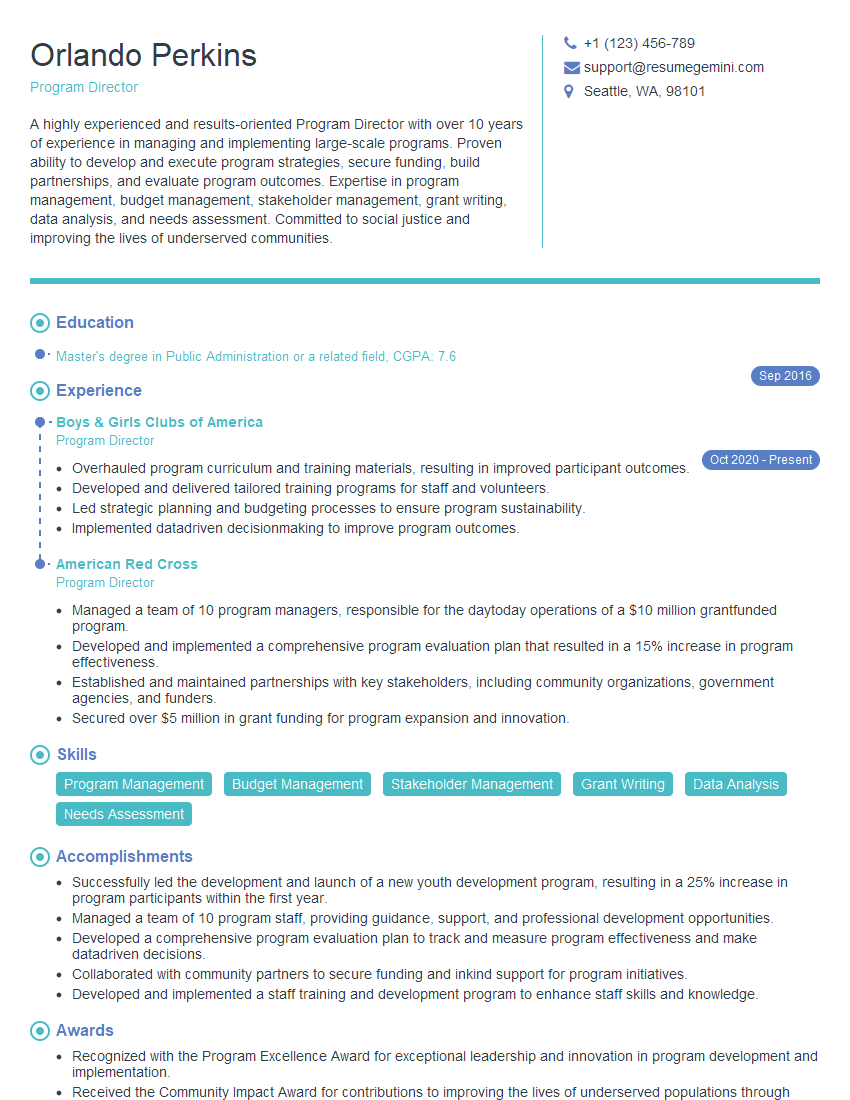
Program Director Resume Sample
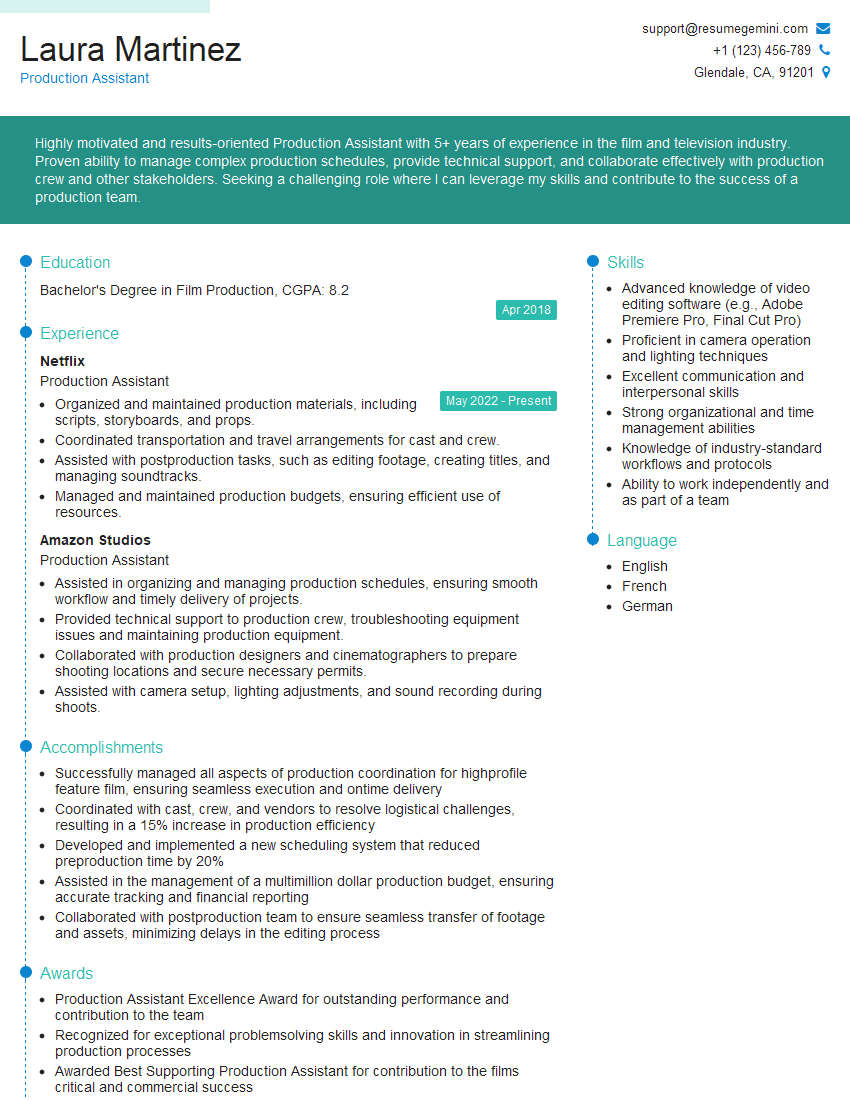
Production Assistant Resume Sample

Radio Producer Resume Sample
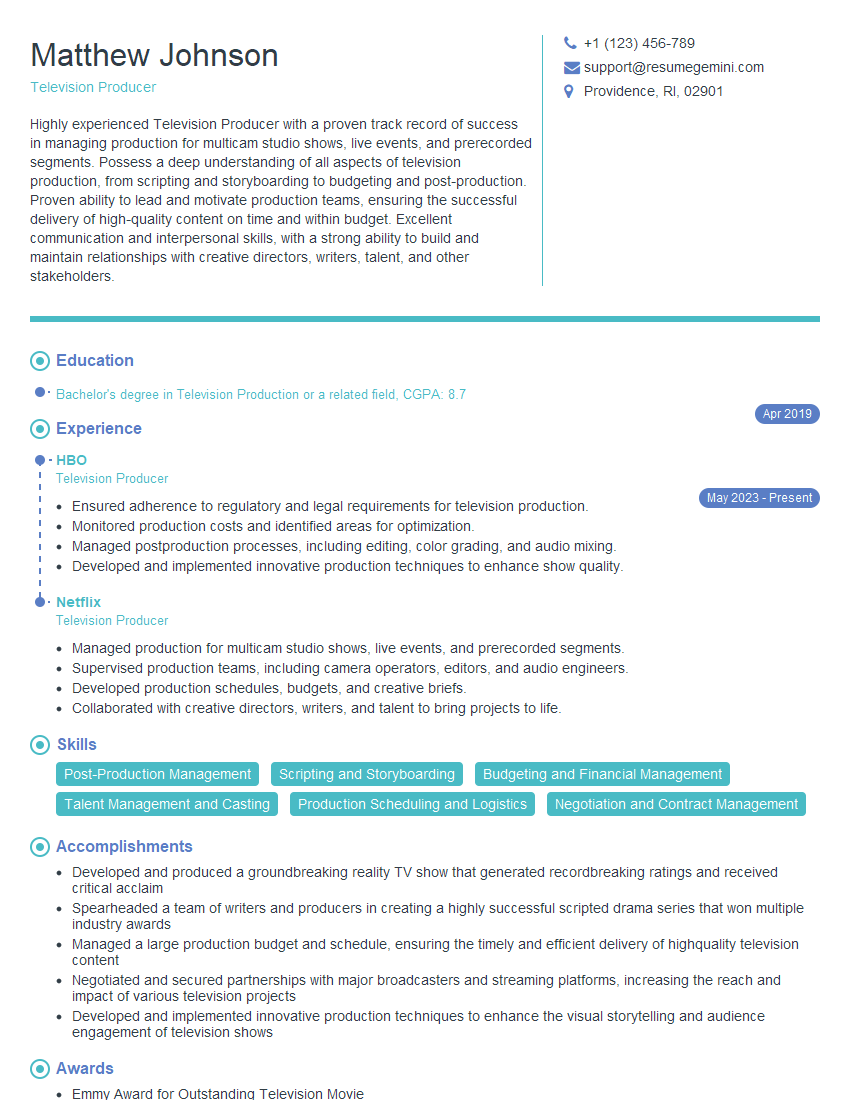
Television Producer Resume Sample
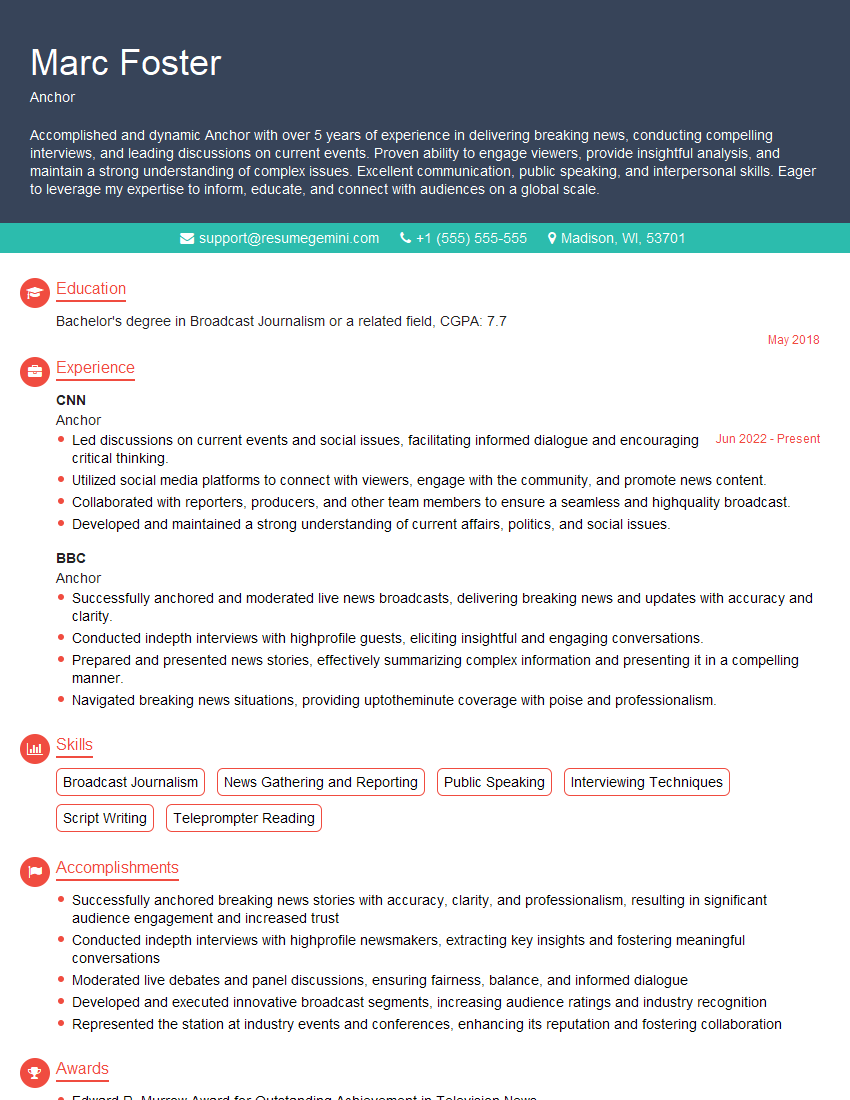
Anchor Resume Sample
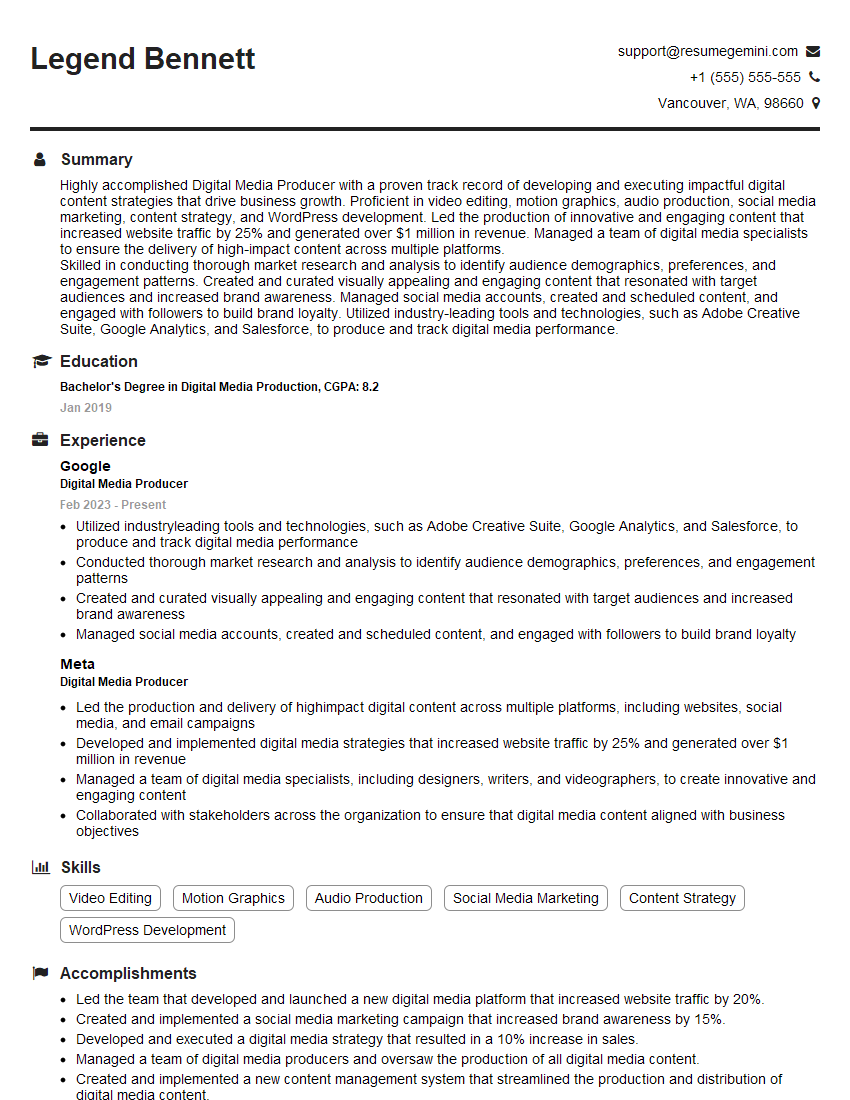
Digital Media Producer Resume Sample

Broadcast Engineer Resume Sample
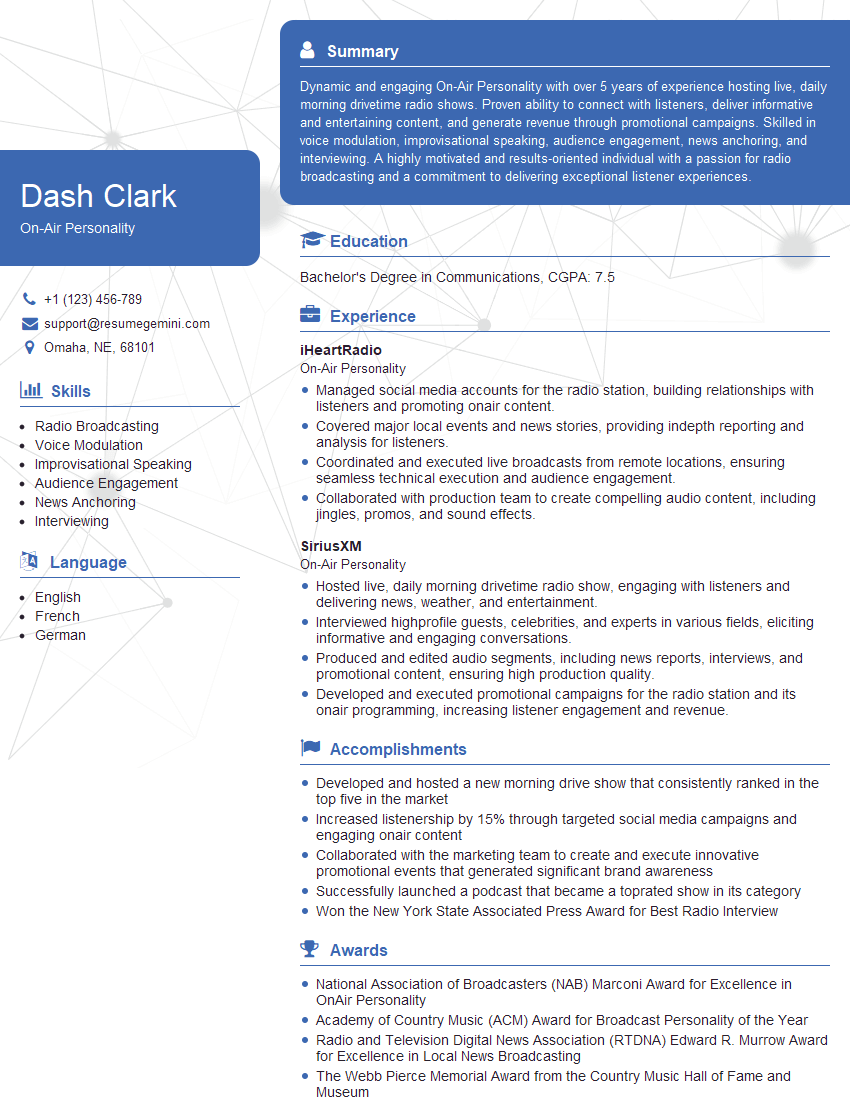
On-Air Personality Resume Sample
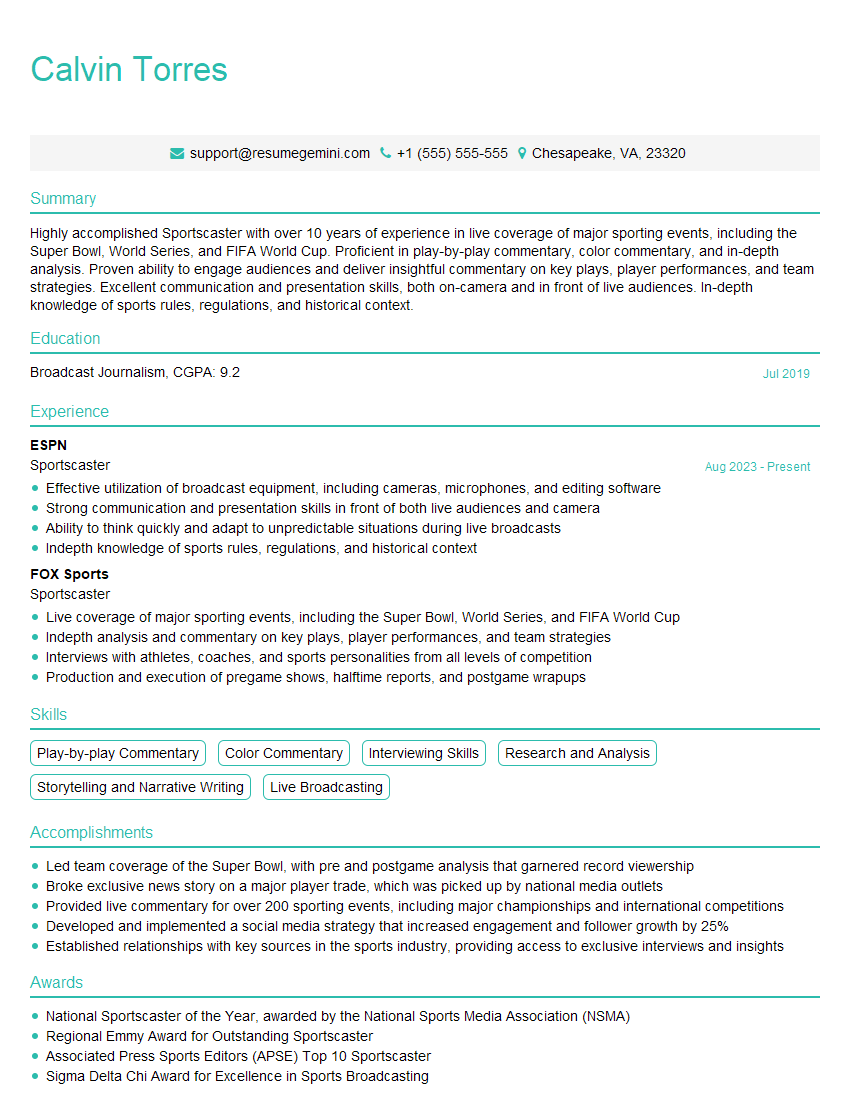
Sportscaster Resume Sample
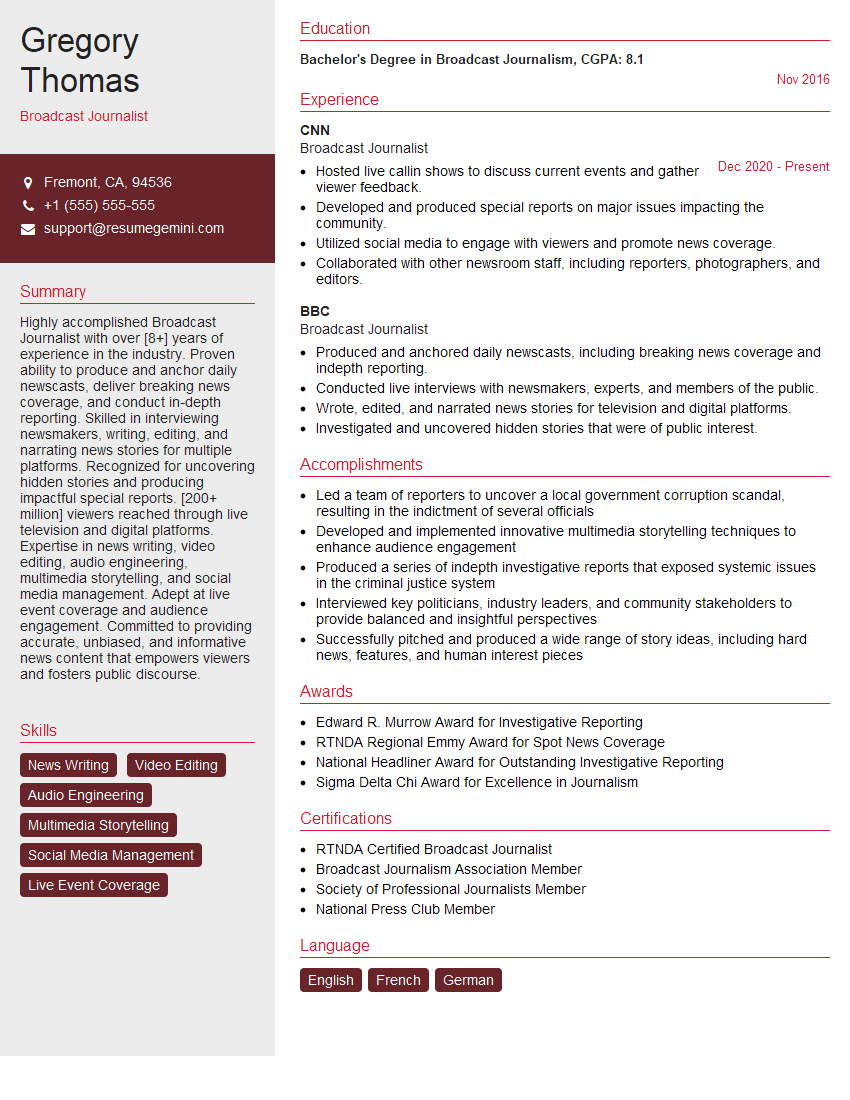
Broadcast Journalist Resume Sample
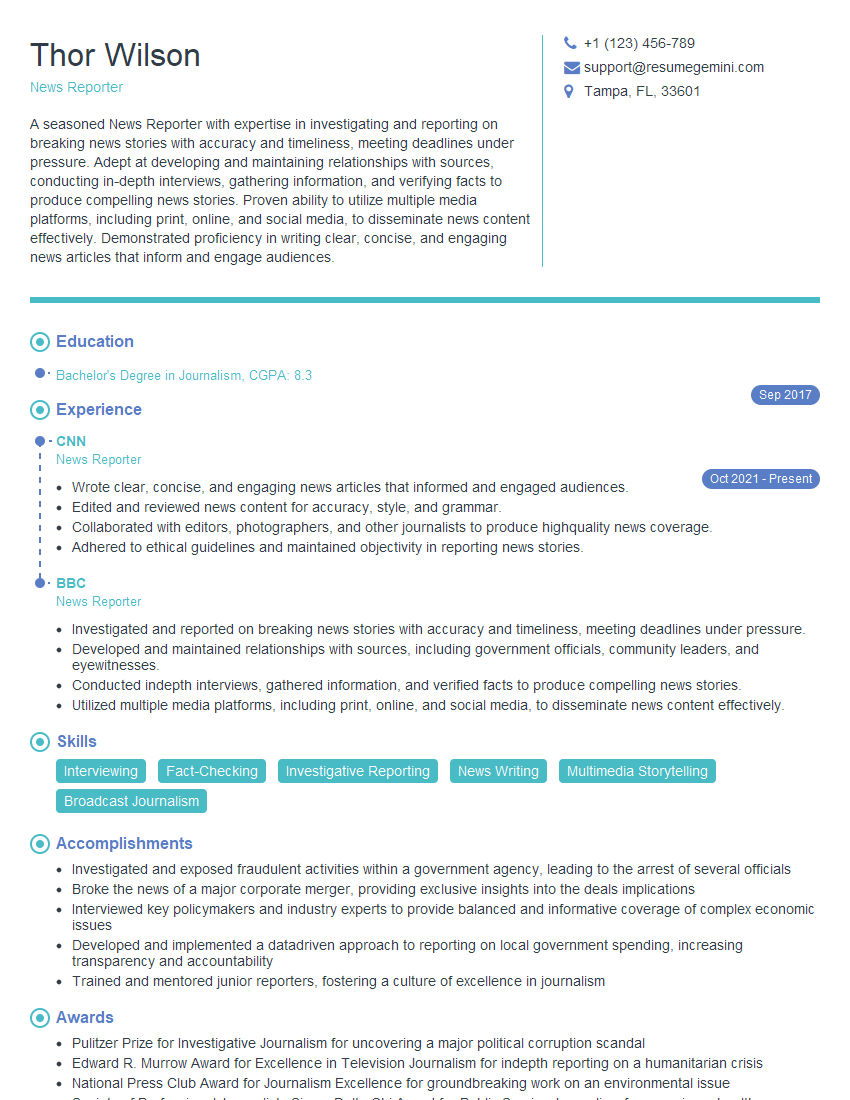
News Reporter Resume Sample
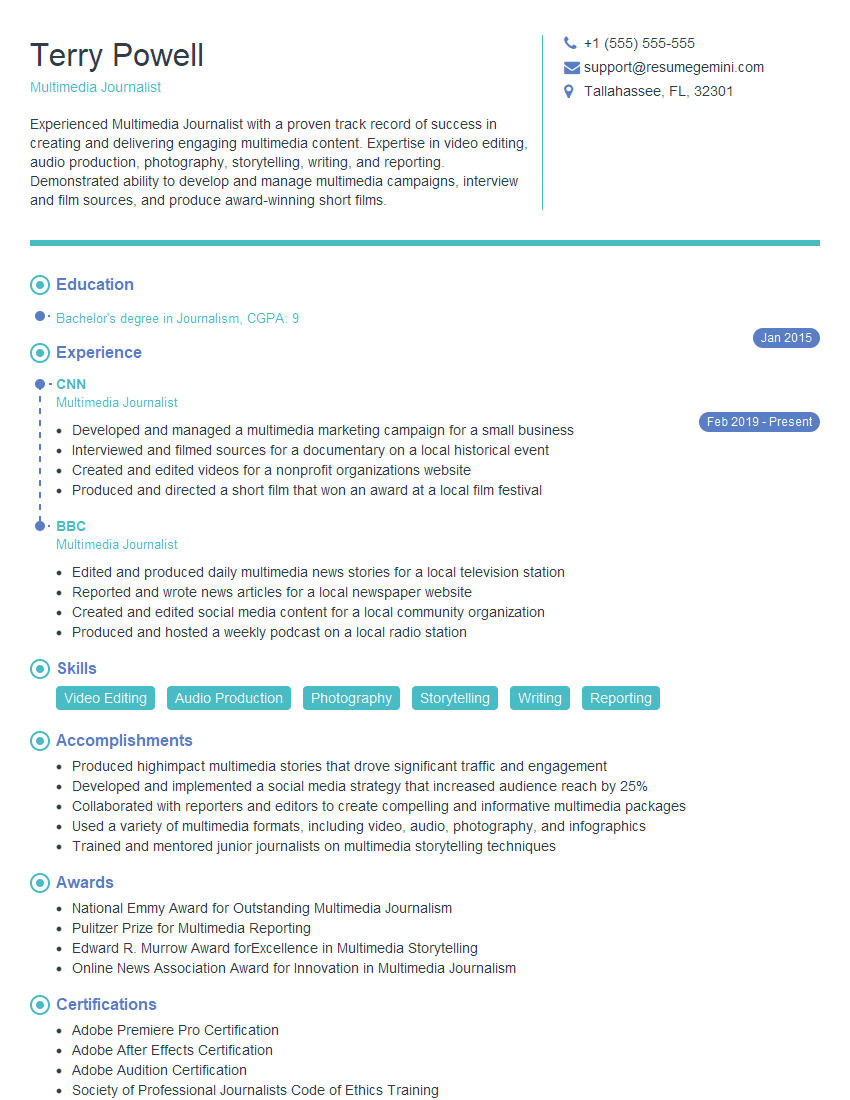
Multimedia Journalist Resume Sample
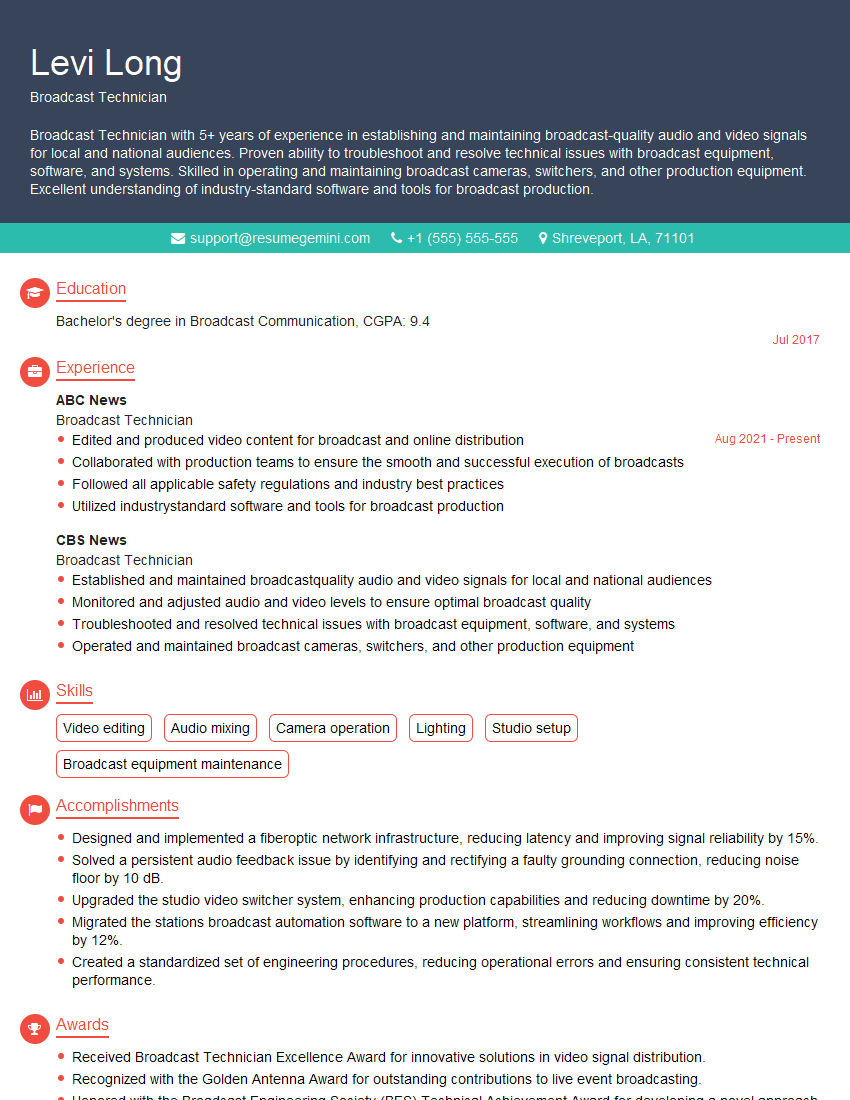
Broadcast Technician Resume Sample

Video Editor Resume Sample

Audio Engineer Resume Sample
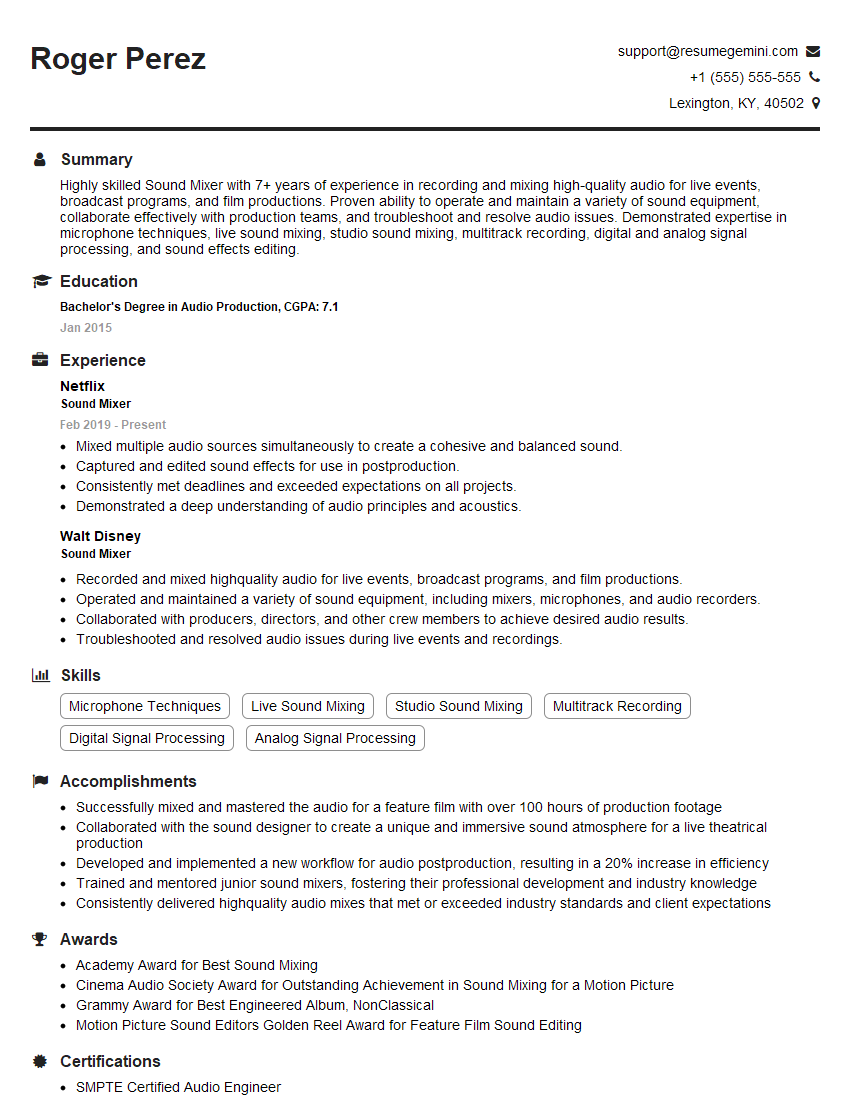
Sound Mixer Resume Sample
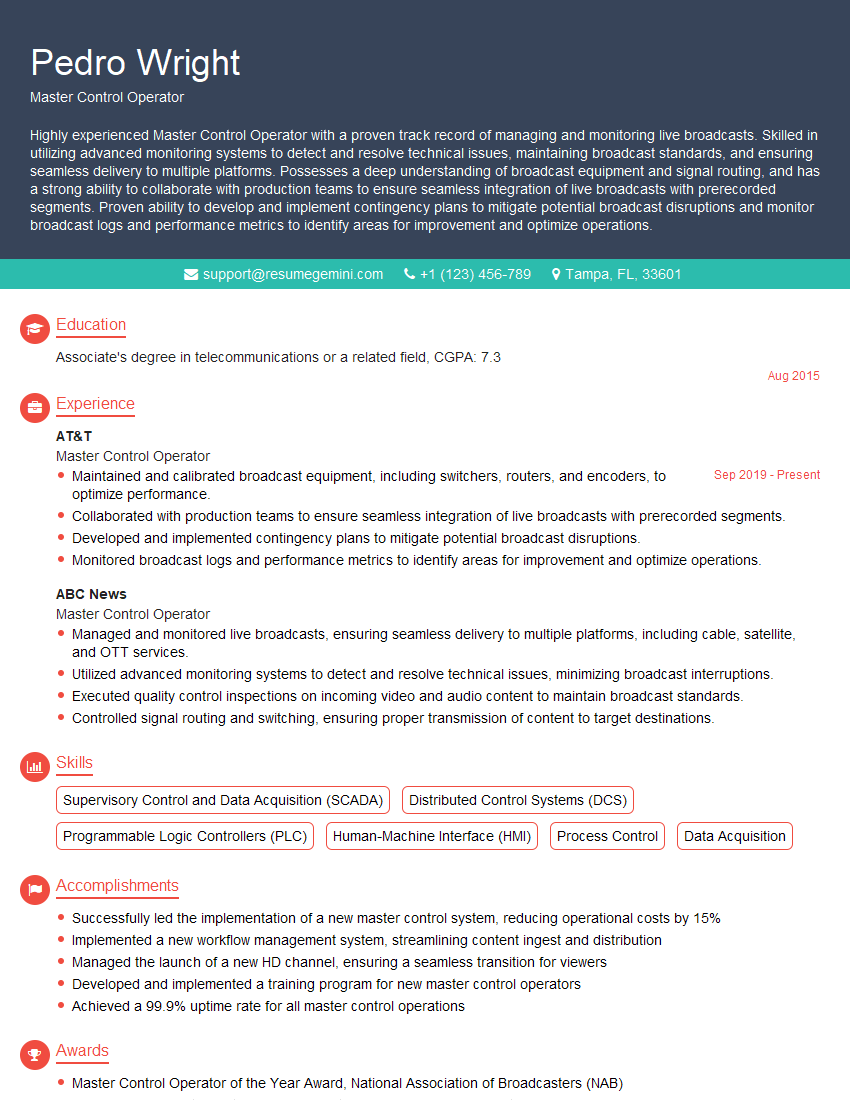
Master Control Operator Resume Sample
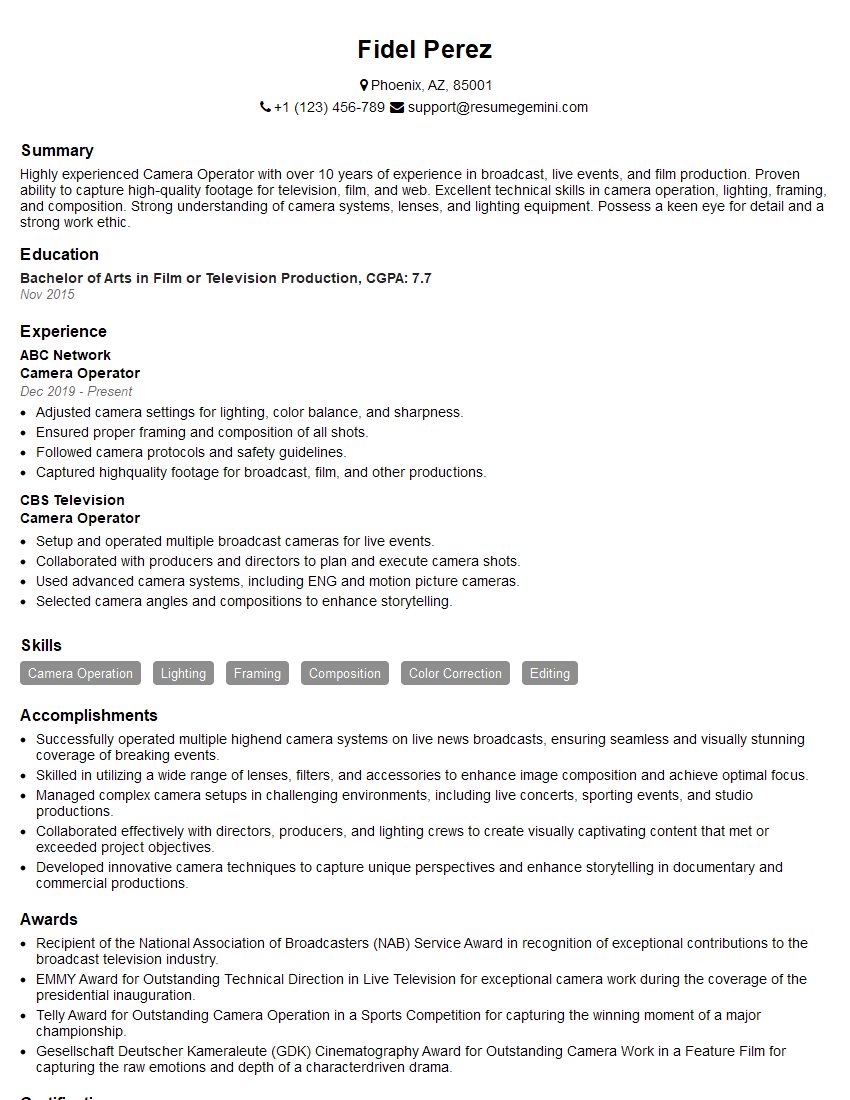
Camera Operator Resume Sample
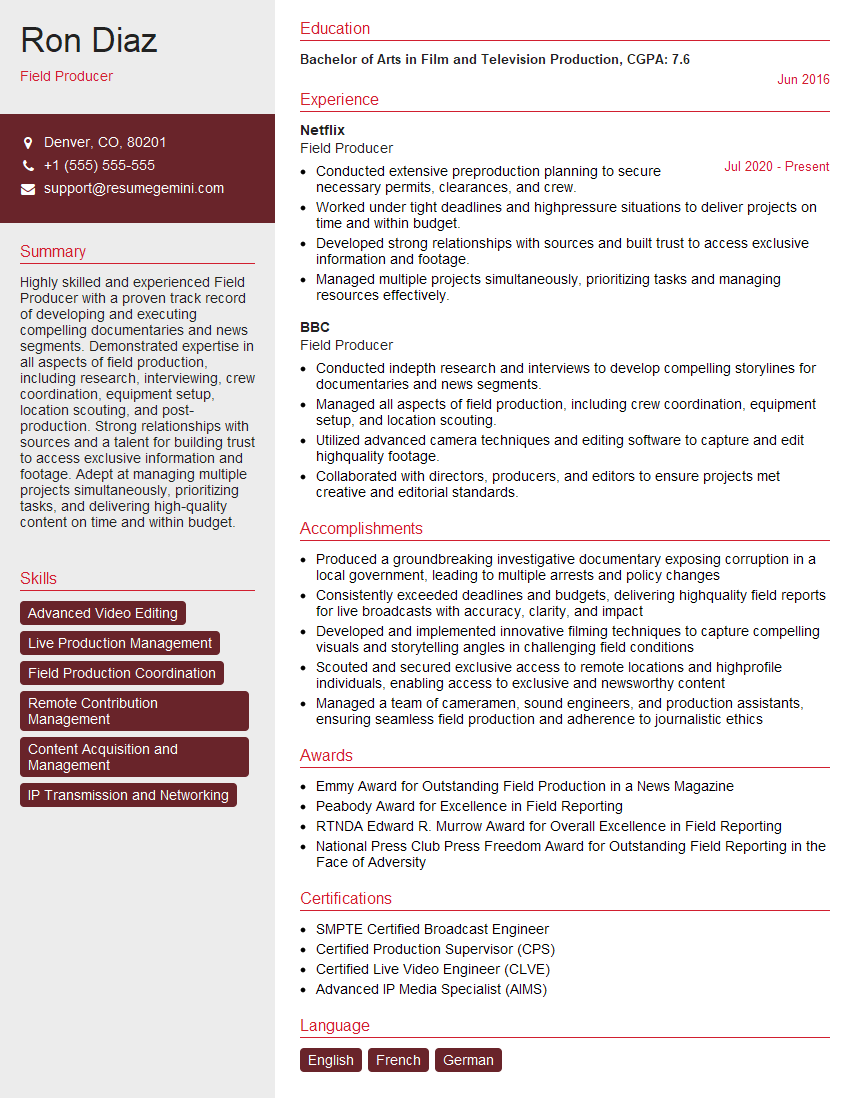
Field Producer Resume Sample
- Technical Director
- Program Director
- Production Assistant
- Radio Producer
- Television Producer
- Anchor
- Digital Media Producer
- Broadcast Engineer
- On-Air Personality
- Sportscaster
- Broadcast Journalist
- News Reporter
- Multimedia Journalist
- Broadcast Technician
- Video Editor
- Audio Engineer
- Sound Mixer
- Master Control Operator
- Camera Operator
- Field Producer
Explore more articles
Users Rating of Our Blogs
Share Your Experience
We value your feedback! Please rate our content and share your thoughts (optional).
What Readers Say About Our Blog
Very informative content, great job.
good