The right preparation can turn an interview into an opportunity to showcase your expertise. This guide to Bug Tracking Systems (e.g., JIRA, Bugzilla) interview questions is your ultimate resource, providing key insights and tips to help you ace your responses and stand out as a top candidate.
Questions Asked in Bug Tracking Systems (e.g., JIRA, Bugzilla) Interview
Q 1. Explain the difference between a bug, a defect, and a failure.
While the terms ‘bug,’ ‘defect,’ and ‘failure’ are often used interchangeably, there are subtle but important distinctions. Think of it like this: a defect is a flaw in the design or code; a bug is a manifestation of that defect, a specific problem causing unexpected behavior; and a failure is the consequence of a bug, the system not performing its intended function.
- Defect: A missing requirement in the design specification that leads to an incomplete feature. For example, the design document didn’t specify handling for negative numbers in a calculation.
- Bug: The actual error caused by the defect. In our example, when a user enters a negative number, the application crashes.
- Failure: The system’s inability to perform its intended function as a direct result of the bug. The user cannot complete their task because the application crashes.
In a bug tracking system, we primarily focus on tracking and resolving bugs – the observable problems. However, understanding the underlying defects helps in preventing future similar issues.
Q 2. Describe your experience with Jira workflows and issue statuses.
My experience with Jira workflows involves extensive use of various statuses to manage the lifecycle of issues, from initial reporting to resolution and closure. I’ve worked with workflows tailored to different methodologies like Scrum and Kanban. A typical workflow might include statuses like:
- To Do: The issue is newly reported and hasn’t been assigned.
- In Progress: The issue is being actively worked on by a developer.
- Code Review: The code fix is ready for peer review.
- Testing: The fix is being tested by a QA engineer.
- Done: The issue has been resolved and tested successfully.
- Reopened: The issue reappeared after being marked as resolved.
I’m proficient in configuring workflows, adding custom statuses and transitions, and managing issue transitions through automation rules. This allows for creating a tailored process that best suits a team’s needs and maintains transparency throughout the development cycle.
Q 3. How do you prioritize bugs in a bug tracking system?
Prioritizing bugs involves considering several factors to maximize impact and minimize disruption. I typically use a combination of techniques, including:
- Severity: How critical is the bug? A crash is more severe than a minor visual glitch (e.g., Critical, Major, Minor, Trivial).
- Priority: How urgently should the bug be fixed? This considers business impact and deadlines (e.g., High, Medium, Low).
- Frequency: How often does the bug occur? More frequent bugs get higher priority.
- Customer Impact: Does the bug affect a large number of users or a critical business function?
I often use a matrix combining Severity and Priority to create a clear ranking system. For example, a high-severity, high-priority bug (e.g., a system crash affecting all users) would be addressed immediately, while a low-severity, low-priority bug (e.g., a minor typo on a rarely used page) could be deferred to a later sprint.
Q 4. What are the different issue types in Jira and when would you use each?
Jira offers various issue types to categorize different kinds of work items. Some common types include:
- Bug: Reports a defect or error in the software.
- Task: Represents a smaller unit of work within a larger project.
- Story: Describes a user story with a clear objective and acceptance criteria – usually used in Agile development.
- Sub-task: A smaller task that contributes to a larger task or story.
- Epic: A large body of work broken down into smaller stories and tasks.
- Improvement: Suggests an enhancement or improvement to an existing feature.
The choice of issue type depends on the context. For instance, I’d use a ‘Bug’ for reporting a software malfunction, a ‘Story’ to capture a user requirement, and a ‘Task’ to represent a specific coding or testing activity within that story.
Q 5. Explain your experience with Jira’s Agile boards (Kanban, Scrum).
I have extensive experience using Jira’s Agile boards, both Kanban and Scrum. I’ve configured and managed boards to visualize workflows, track progress, and improve team collaboration.
- Kanban: I’ve used Kanban boards to manage continuous workflow, visualizing work items in different stages (To Do, In Progress, Testing, Done). The emphasis is on visualizing workflow, limiting work in progress, and continuously improving the process.
- Scrum: I’ve utilized Scrum boards to manage sprints, with columns representing different sprint stages (Backlog, To Do, In Progress, Testing, Done). This facilitates sprint planning, daily stand-ups, and sprint reviews.
My experience includes creating custom workflows, configuring swimlanes for better organization, and using various gadgets to track metrics like burndown charts and velocity.
Q 6. How do you use Jira to track progress and manage sprints?
Jira is instrumental in tracking progress and managing sprints. For Scrum, I leverage the Scrum board to:
- Sprint Planning: Select stories from the product backlog and assign them to the current sprint.
- Daily Scrum: Track progress by moving issues across columns, discussing impediments, and updating the team on daily progress.
- Sprint Review: Review the completed work and gather feedback.
- Sprint Retrospective: Reflect on the sprint and identify areas for improvement in the process.
I use burndown charts to monitor progress against the sprint goals and identify potential issues early. For Kanban, continuous monitoring of the board’s flow helps to identify bottlenecks and ensure a smooth workflow.
Q 7. Describe your experience with creating and managing Jira projects.
Creating and managing Jira projects involves careful planning and configuration to ensure the project runs smoothly. My experience covers:
- Project Creation: Selecting the appropriate project template (Scrum, Kanban, etc.), defining the project’s scope, and setting up permissions and roles for team members.
- Workflow Configuration: Customizing the workflow to match the team’s process, defining statuses and transitions, and managing automation rules.
- Issue Type Configuration: Selecting appropriate issue types for the project and customizing their fields to capture relevant information.
- Reporting and Dashboards: Creating custom reports and dashboards to monitor project progress, identify bottlenecks, and track key metrics.
- Project Administration: Managing users, permissions, and project settings to maintain a clean and efficient environment.
I’ve successfully managed projects of varying sizes and complexities, adapting Jira’s configuration to best suit the project’s needs and the team’s working style.
Q 8. How do you use JQL (Jira Query Language)? Provide an example.
JQL, or Jira Query Language, is a powerful search language used within Jira to find specific issues based on various criteria. Think of it as a highly advanced search engine tailored for bug tracking. You can use it to filter issues by assignee, status, priority, project, components, due dates, custom fields – essentially anything that’s tracked within a Jira issue. This is crucial for managing large numbers of bugs and quickly locating the ones you need to address.
For example, let’s say you want to find all critical bugs assigned to you that are in the ‘In Progress’ status in the ‘Project X’ project. You’d use a JQL query like this:
assignee = currentUser() AND priority = Critical AND status = 'In Progress' AND project = 'Project X' Another example: to find all bugs reported in the last week that are unresolved, you might use:
created >= -7d AND resolution = UnresolvedThe power of JQL lies in its flexibility. You can combine different criteria using AND, OR, and NOT operators to refine your search significantly. Mastering JQL is a vital skill for anyone working extensively with Jira.
Q 9. How do you handle conflicting priorities when managing bugs?
Handling conflicting priorities in bug management requires a structured approach. It’s rarely a simple matter of choosing one bug over another. I usually start by clearly defining the criteria for prioritization. This could involve a combination of factors such as severity (critical, major, minor), business impact (how many users are affected, revenue loss), release deadlines, and dependencies on other tasks.
Next, I’d use a prioritization matrix or scoring system to rank the bugs objectively. This helps remove any bias and ensures a consistent approach. Then, I facilitate a discussion with the development team and stakeholders (product owners, project managers, etc.) to transparently review the prioritized list and address any concerns. Compromises might be necessary – for instance, breaking down a large, high-priority bug into smaller, more manageable tasks that can be addressed incrementally.
Finally, regular monitoring and reassessment are crucial. Prioritization is not static; new information, changing deadlines, or emerging issues may require adjustments to the bug-fixing schedule. This collaborative approach minimizes friction and ensures the most impactful bugs are addressed first.
Q 10. How do you ensure that bugs are accurately reported and documented?
Accurate bug reporting and documentation are paramount to efficient bug resolution. My approach focuses on establishing clear guidelines and utilizing Jira’s features effectively. I ensure that every bug report includes a concise summary, detailed steps to reproduce the issue, expected vs. actual behavior, screenshots or screen recordings (whenever relevant), and the affected environment (browser, operating system, etc.).
To maintain consistency, I create customized templates within Jira for bug reporting. These templates guide reporters to provide all necessary information, minimizing ambiguity and omissions. I regularly review reported bugs and provide feedback to reporters, offering guidance on improving the quality and clarity of their reports. Clear, concise documentation saves time for developers and prevents misunderstandings that lead to delays or unnecessary back-and-forth.
I also emphasize using Jira’s attachment feature for including relevant files (log files, screenshots, etc.), and leveraging Jira’s workflow to track the status and progress of each bug. Regular training for the team on best practices for bug reporting helps maintain a high standard of accuracy throughout the process.
Q 11. How do you collaborate with developers to resolve bugs effectively?
Effective collaboration with developers is key to resolving bugs swiftly. I believe in fostering open communication and transparency. I begin by ensuring the bug report is clear and complete; this often involves working directly with the reporter to clarify any ambiguities. I then assign the bug to the appropriate developer and use Jira’s commenting feature to facilitate discussion and updates.
I encourage developers to provide regular updates on their progress, using the comments section to clarify any questions or concerns they may have. I also proactively participate in stand-up meetings or other team communication channels to address any roadblocks they might encounter. Where possible, I involve the developer in the testing process to help them understand the impact of the bug and verify the fix effectively.
Moreover, I use Jira’s features like linking issues to show dependencies between bugs and tasks. For example, if a fix for one bug requires changes that affect other parts of the system, I’ll create linked issues to track those dependencies and facilitate efficient coordination. This collaborative approach minimizes misunderstandings and promotes faster resolution times.
Q 12. Explain your experience with Jira’s reporting and dashboards.
Jira’s reporting and dashboards are invaluable for tracking project progress and identifying trends. I’ve extensively used Jira’s built-in report functionalities to generate various reports, including: bug count by severity, resolution time, bugs opened per sprint, and bug distribution across different modules.
I also create custom dashboards that provide a quick overview of key metrics. For instance, I have a dashboard that shows the current status of critical bugs, the backlog of unresolved bugs, and the average resolution time. These dashboards are highly customizable and can be tailored to track the specific metrics most relevant to each project.
Beyond standard reports, I’ve used Jira’s reporting capabilities to analyze historical data to identify patterns in bug occurrences, helping us proactively address recurring issues and improve the overall software quality. This data-driven approach allows for informed decision-making and contributes to better resource allocation.
Q 13. How do you use Jira to manage different versions of software?
Jira effectively manages different software versions using its versioning feature. I typically create a version for each software release (e.g., v1.0, v1.1, v2.0). This allows us to track bugs specific to each version and associate them with the relevant release cycle. When a bug is reported, I ensure it’s correctly assigned to the appropriate version.
Jira allows for filtering and reporting based on version, facilitating analysis of the number and types of bugs in each release. This data helps identify areas needing improvement in future releases and ensures that we’re effectively resolving bugs before they affect users. This is incredibly useful for assessing the stability of each version and managing the release process more efficiently.
Furthermore, the versioning functionality helps with effective testing and quality assurance. By associating test cases and test results with specific versions, we can verify the fixes for bugs in each release and monitor the overall quality of each version of the software. The release notes for each version can then accurately reflect the bugs addressed in that particular update.
Q 14. What are some common challenges you’ve faced using Jira, and how did you overcome them?
One common challenge I’ve encountered with Jira is managing a large number of issues and ensuring efficient workflow. In some cases, we had excessively long workflows that slowed down bug resolution. To overcome this, I streamlined our workflows, focusing on clarity and reducing unnecessary steps. We simplified the transition stages and improved the process, leading to more efficient tracking.
Another challenge was maintaining data consistency across different teams and projects. We addressed this by establishing clear naming conventions for issues and implementing standardized fields for better data management. Regular training on best practices for using Jira further minimized inconsistencies.
Finally, integrating Jira with other development tools was sometimes cumbersome. We overcame this by carefully planning the integration process and ensuring proper configuration, taking advantage of Jira’s extensive plugin ecosystem to bridge gaps and automate tasks, improving workflow efficiency and reducing manual intervention.
Q 15. Describe your experience with Bugzilla’s workflow and bug statuses.
Bugzilla’s workflow revolves around the lifecycle of a bug report, from initial discovery to resolution and closure. Key statuses include:
- New: The bug report has been submitted but not yet assigned or reviewed.
- Assigned: A developer is responsible for addressing the bug.
- Confirmed: The bug has been verified and is a valid issue.
- In progress: The developer is actively working on a fix.
- Resolved: A fix has been implemented and tested internally.
- Verified: The fix has been tested and validated by a QA team or other designated tester. This often involves retesting the application to make sure the fix is effective and doesn’t introduce new issues.
- Closed: The bug has been successfully resolved and verified. Note that the bug can be reopened if needed.
- Duplicate: This means a similar bug report already exists.
- Wontfix: The bug is deemed too low priority, not feasible, or not a valid issue.
- Incomplete: The initial report lacks sufficient information for proper investigation.
My experience involves effectively managing this workflow. For example, I’ve used Bugzilla’s custom fields and workflows to enforce our process of having QA verify all resolved bugs before closing them. This ensured quality and reduced the number of regressions. I’ve also used its search features to easily track bugs by their status, severity, and other custom parameters.
Career Expert Tips:
- Ace those interviews! Prepare effectively by reviewing the Top 50 Most Common Interview Questions on ResumeGemini.
- Navigate your job search with confidence! Explore a wide range of Career Tips on ResumeGemini. Learn about common challenges and recommendations to overcome them.
- Craft the perfect resume! Master the Art of Resume Writing with ResumeGemini’s guide. Showcase your unique qualifications and achievements effectively.
- Don’t miss out on holiday savings! Build your dream resume with ResumeGemini’s ATS optimized templates.
Q 16. How do you use Bugzilla to track bugs across multiple projects?
Bugzilla’s ability to handle multiple projects is a key strength, although it’s not always intuitive. I’ve used product and project-specific configurations. This typically involves creating separate product databases or using Bugzilla’s features for product separation. Essentially, each project within Bugzilla can be configured independently, with its own settings for workflows, custom fields, and access permissions. This ensures that bugs related to specific projects stay organized and don’t interfere with others.
For instance, when I worked on a project with multiple interconnected products (a web application, a mobile app, and an API), we created separate products within Bugzilla to keep the reports highly organized. This allowed us to easily filter and sort bugs depending on which product they affected.
Q 17. Explain your experience with Bugzilla’s reporting and analysis features.
Bugzilla’s reporting features are powerful, though somewhat technical. They provide extensive customizability. I’ve used its built-in query system to generate detailed reports on various aspects, such as:
- Bug distribution by severity and priority: This helps prioritize critical bugs over less urgent ones.
- Open bugs by product and component: Pinpointing areas needing immediate attention.
- Bug resolution trends over time: To track efficiency and identify bottlenecks.
For example, I created custom reports to track the average resolution time for bugs in specific product areas. These reports helped identify problematic areas and inform improvements to our development process. I have also used this data to report back to stakeholders on our progress in resolving bugs.
Q 18. What are the advantages and disadvantages of using Jira compared to Bugzilla?
Jira and Bugzilla are both powerful, but have distinct advantages and disadvantages:
- Jira:
- Advantages: More user-friendly interface, extensive customization options (including Agile workflows), seamless integration with other Atlassian tools (Confluence, Bitbucket), and stronger commercial support. It’s generally considered more user-friendly for non-technical users.
- Disadvantages: Can be expensive, especially for larger teams, and the extensive customization can lead to complexity.
- Bugzilla:
- Advantages: Open-source and free, very powerful and customizable reporting features, and highly scalable for large projects.
- Disadvantages: Steeper learning curve, interface can feel outdated, and fewer built-in integrations.
The choice depends on the team’s size, budget, technical skills, and specific needs. For smaller teams with limited budgets and technical expertise, Bugzilla’s free and open-source nature might be attractive. Larger organizations with more complex workflows and needing seamless integration often prefer Jira’s ease of use and robust ecosystem.
Q 19. How do you handle large volumes of bugs in a bug tracking system?
Managing large volumes of bugs requires a structured approach. My strategy involves:
- Prioritization: Using severity and priority levels (critical, major, minor, trivial), combined with impact analysis, to focus on the most impactful issues first.
- Workflow optimization: Refining the Bugzilla workflow to minimize bottlenecks and ensure timely resolution. This includes setting clear expectations for response and resolution times.
- Automated testing: Incorporating automated tests to catch bugs early in the development cycle and reduce the number of bugs reaching the Bugzilla system.
- Regular reporting and analysis: Monitoring key metrics such as open bug counts, resolution times, and bug trends to identify patterns and areas for improvement.
- Effective communication: Keeping developers, testers, and stakeholders informed through regular updates and reports.
In practice, this might involve using custom Bugzilla reports to identify areas with high bug counts and then assigning additional developers to those areas. It might also involve investigating underlying causes of high bug rates in specific areas to improve the overall development process.
Q 20. What are your preferred methods for verifying bug fixes?
Verifying bug fixes is crucial. My preferred methods are:
- Reproduce the bug: Confirm the bug exists before the fix is applied.
- Test the fix: Verify the fix resolves the original problem and doesn’t introduce new issues.
- Regression testing: Conduct thorough testing on related functionalities to ensure the fix doesn’t negatively impact other features. Often, this would mean running automated tests that were written for the section being fixed, and also more broad-scale testing (manual or otherwise).
- Documentation: Ensure clear documentation of the bug and the implemented fix to improve future issue resolution.
- Code review: Peer review of the implemented fix to ensure correctness and adherence to coding standards.
For example, I’ve developed checklists that team members use to verify bugs, covering the reproduction steps and regression testing scenarios. This ensures consistency and helps prevent the closing of bugs that aren’t really fixed.
Q 21. Explain your experience with integrating a bug tracking system with other tools.
Integrating Bugzilla with other tools enhances efficiency. I’ve worked with integrations such as:
- Version control systems (e.g., Git): Linking bugs to specific commits to track the fix’s implementation and history.
- Continuous integration/continuous deployment (CI/CD) pipelines: Automating testing and deployment processes and updating bug statuses based on the outcomes.
- Project management tools (e.g., Jira): Linking bugs to user stories or tasks to track progress.
- Communication platforms (e.g., Slack): Setting up notifications to alert developers or teams about new or updated bugs.
One example involved setting up a webhook that automatically updated a Slack channel whenever a high-priority bug was reported. This helped quickly alert the relevant developers and ensured timely attention to these urgent issues.
Q 22. How do you maintain the quality of data in a bug tracking system?
Maintaining data quality in a bug tracking system is crucial for accurate reporting and effective bug resolution. It’s like keeping a meticulously organized library – if the catalog is messy, you’ll never find the right book (bug fix).
Consistent Data Entry: Implementing mandatory fields for crucial information (e.g., summary, steps to reproduce, expected vs. actual results) ensures every bug report provides the necessary context. Think of it as having a standardized form for all library entries.
Workflow and Status Management: Defining clear workflows and statuses (e.g., Open, In Progress, Resolved, Closed) prevents confusion and ensures transparency. This is like having a well-defined system for checking out and returning books.
Regular Data Audits: Periodically reviewing the data for inconsistencies, outdated information, or missing fields helps maintain its accuracy. It’s like conducting a library inventory to check for missing or damaged books.
User Training: Providing training to the team on how to properly use the bug tracking system ensures consistency in data entry and reporting. Just like librarians need training to properly catalog and manage books.
Data Validation Rules: Setting up validation rules in the system to prevent incorrect data entry (e.g., checking for valid email addresses, ensuring required fields are filled). This is akin to a library system preventing users from entering nonsensical information for book titles.
Q 23. Describe your experience with automating bug reporting and tracking processes.
I have extensive experience automating bug reporting and tracking processes, primarily using scripting languages like Python and integrations with APIs provided by bug tracking systems like JIRA and Bugzilla. Automation significantly improves efficiency and reduces manual effort.
Automated Test Reporting: I’ve integrated automated tests with JIRA, automatically creating bug reports when tests fail, including detailed error logs and screenshots. This drastically reduces the time spent on manual bug reporting and ensures consistency.
Automated Status Updates: Using scripts, I’ve automated status updates based on predefined criteria. For instance, if a bug remains unresolved after a certain time, it automatically triggers a notification to the relevant team member. This helps maintain momentum and prevents bugs from falling through the cracks.
Custom Reporting and Dashboards: I’ve leveraged JIRA’s API and reporting capabilities to create custom dashboards and reports that provide valuable insights into the bug tracking process, allowing for data-driven decisions regarding resource allocation and prioritization.
For example, I used Python with the JIRA API to create a script that automatically pulls test results from a CI/CD pipeline and creates JIRA issues, complete with all necessary information like steps to reproduce and error logs. This automated process saved our team hours per week.
Q 24. How do you ensure the accuracy and completeness of bug reports?
Ensuring accuracy and completeness in bug reports is paramount. It’s like providing a detailed map to find a specific location – a vague description will lead to frustration.
Detailed Steps to Reproduce: Requiring clear, concise, and step-by-step instructions to reproduce the bug is vital. The more detailed the instructions, the easier it is for developers to understand and fix the problem. This is like providing turn-by-turn directions to a specific address.
Expected vs. Actual Results: Clearly stating what was expected and what actually happened provides a clear picture of the problem. This is like specifying the destination and showing where the journey ended up instead.
Screenshots and Videos: Using visual aids helps convey the bug effectively, especially when dealing with UI or graphical glitches. This is like including pictures along with directions, offering visual confirmation.
Environment Details: Recording the operating system, browser version, and other relevant environment details helps developers pinpoint the issue more accurately. This is similar to specifying the vehicle used for navigation, as it can impact the route and arrival time.
Prioritization and Severity: Assigning a severity and priority level helps developers focus on the most critical issues first, just like sorting library requests based on urgency.
Q 25. What metrics do you track to measure the effectiveness of your bug tracking process?
Tracking key metrics is crucial to understand the effectiveness of our bug tracking process. This is like monitoring the key performance indicators (KPIs) of any business to see how well it performs.
Bug Open/Close Rate: Tracks the number of bugs opened versus the number closed over a specific period. A high open rate indicates potential issues in the development process.
Bug Resolution Time: Measures the time taken to resolve a bug from its initial report to closure. Long resolution times highlight bottlenecks.
Bug Severity Distribution: Analyzes the distribution of bugs across severity levels (critical, major, minor). This helps prioritize efforts and identify potential areas of improvement.
Bug Cycle Time: The total time from identifying the bug to the point it is fully fixed and deployed.
Re-opened Bug Rate: The percentage of bugs that were reopened after being closed. A high percentage might indicate testing or bug fixing issues.
By monitoring these metrics, we can identify trends, areas of improvement, and measure the overall efficiency of our bug tracking and resolution process. This data is essential for informing process optimization.
Q 26. How do you handle bugs that are difficult to reproduce?
Handling difficult-to-reproduce bugs requires a systematic approach. It’s like searching for a needle in a haystack – you need a strategy.
Gather Detailed Information: Collect as much information as possible from the reporter, including specific steps taken, timing, environmental conditions, and error messages.
Reproduce in a Controlled Environment: Try to reproduce the bug in a controlled environment, such as a virtual machine or a sandbox, to eliminate external variables.
Use Debugging Tools: Leverage debugging tools, such as debuggers, profilers, and logging mechanisms, to capture information about the system’s behavior.
Monitor System Logs: Carefully examine system logs and error messages for clues about the bug’s cause.
Collaborate with Reporter: Work closely with the reporter to gather more information and try to reproduce the bug together through screen sharing or remote sessions.
Logging and Monitoring: Implement more robust logging and monitoring to capture detailed system behavior that can help identify the root cause.
Sometimes, a bug might require extensive investigation, and this iterative process, using various techniques, is a fundamental part of the debugging lifecycle.
Q 27. How do you handle bugs that require cross-functional collaboration?
Cross-functional collaboration is essential when handling bugs that span multiple teams or systems. It’s like assembling a jigsaw puzzle – each team contributes a piece.
Clear Communication: Maintain open communication channels between all involved teams. This might involve regular meetings, shared documentation, or using a collaborative platform.
Defined Roles and Responsibilities: Clearly define the roles and responsibilities of each team member to avoid confusion and duplication of effort.
Centralized Bug Tracking: Use a centralized bug tracking system that allows all teams to access and update bug reports. JIRA’s features such as linking issues and assigning to different teams facilitate this.
Regular Status Meetings: Hold regular meetings to discuss progress, address roadblocks, and coordinate efforts.
Escalation Path: Establish a clear escalation path to resolve conflicts or disagreements between teams.
For instance, a bug affecting both the frontend and backend might require close collaboration between frontend and backend developers, potentially involving QA and project management. Effective communication and a defined process are key.
Q 28. Describe your experience with using a bug tracking system in a distributed team environment.
Working with distributed teams using a bug tracking system requires careful planning and execution. It’s like managing a project across different time zones and countries.
Clear Communication Channels: Establish clear communication channels, such as email, chat, or video conferencing, to ensure seamless collaboration across different locations.
Time Zone Awareness: Account for time zone differences when scheduling meetings and setting deadlines.
Centralized Bug Tracking System: Use a centralized bug tracking system that is easily accessible to all team members regardless of their location. JIRA Cloud, for example, enables global collaboration.
Documenting Workflows: Well-documented workflows, including approval processes and communication protocols, ensures everyone is on the same page.
Regular Updates and Synchronization: Encourage regular updates and synchronization among team members to ensure everyone is aware of the current status of bugs and ongoing developments. This can be facilitated using JIRA’s notification system.
In my experience, leveraging JIRA’s features like assigning issues based on team and location, combined with regular virtual meetings, was extremely effective in managing distributed teams, ensuring smooth workflow and maintaining clarity throughout.
Key Topics to Learn for Bug Tracking Systems (e.g., JIRA, Bugzilla) Interview
- Workflow and Project Management: Understanding how to create and manage projects, assign tasks, track progress, and utilize different workflows within the system (e.g., Scrum, Kanban).
- Issue Tracking and Reporting: Mastering the creation, assignment, and resolution of issues, including detailed descriptions, attachments, and status updates. Learn how to generate insightful reports to track progress and identify bottlenecks.
- Search and Filtering: Become proficient in using advanced search operators and filters to quickly locate specific issues and information within a large database.
- Customization and Configuration: Familiarize yourself with the system’s configuration options, including custom fields, workflows, and permissions, to tailor the system to specific project needs.
- Integration with other tools: Understand how Bug Tracking Systems integrate with other development tools, such as version control systems (Git) and continuous integration/continuous deployment (CI/CD) pipelines.
- Best Practices for Bug Reporting: Learn how to write clear, concise, and reproducible bug reports, including steps to reproduce, expected vs. actual results, and relevant screenshots or logs.
- Understanding different issue types and priorities: Learn how to effectively categorize and prioritize bugs based on severity and impact.
- Practical Application: Consider simulating real-world scenarios, such as creating a project, assigning tasks, tracking bugs, and generating reports to solidify your understanding.
Next Steps
Mastering bug tracking systems like JIRA and Bugzilla is crucial for career advancement in software development and related fields. These tools are indispensable for collaborative project management and effective quality assurance. To significantly enhance your job prospects, create an ATS-friendly resume that highlights your skills and experience. ResumeGemini is a valuable resource that can help you build a professional and impactful resume. We provide examples of resumes tailored to showcase experience with Bug Tracking Systems like JIRA and Bugzilla to give you a head start. Invest in your future— craft a compelling resume that showcases your expertise.

Project Manager Resume Sample

Business Analyst Resume Sample
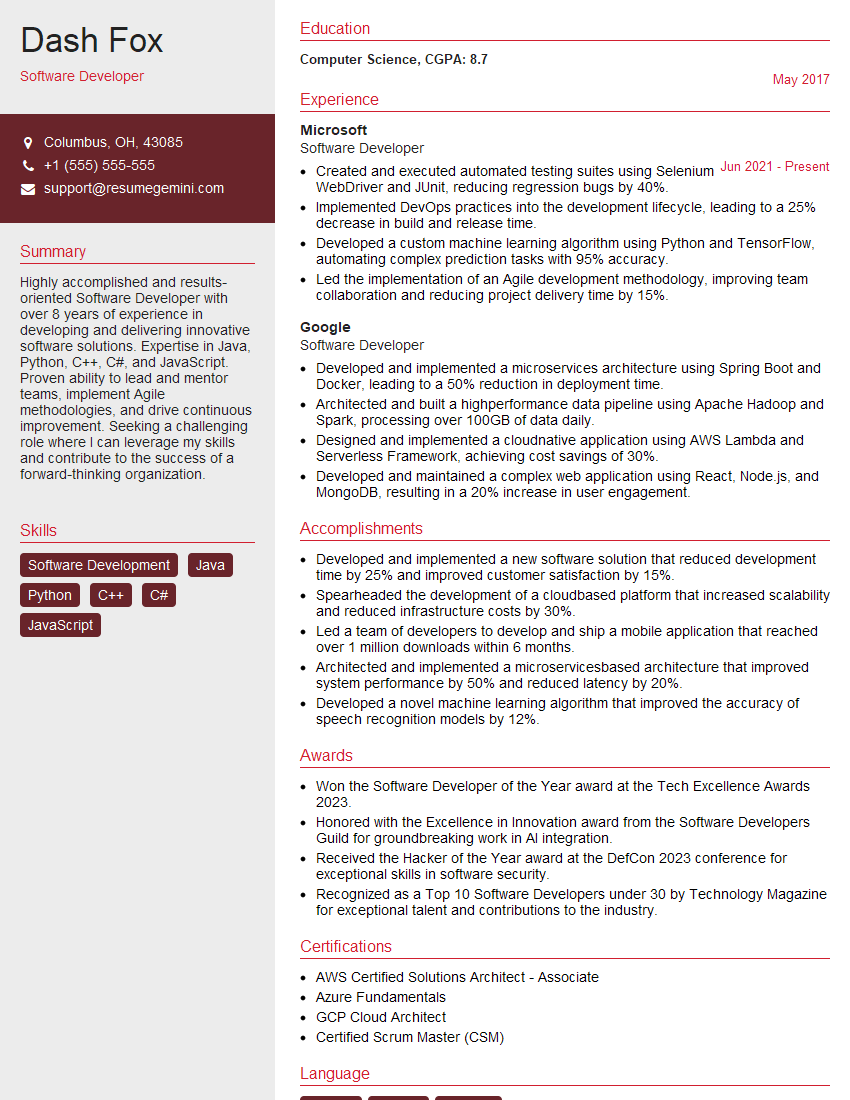
Software Developer Resume Sample

Software Test Engineer Resume Sample

IT Manager Resume Sample

Release Manager Resume Sample
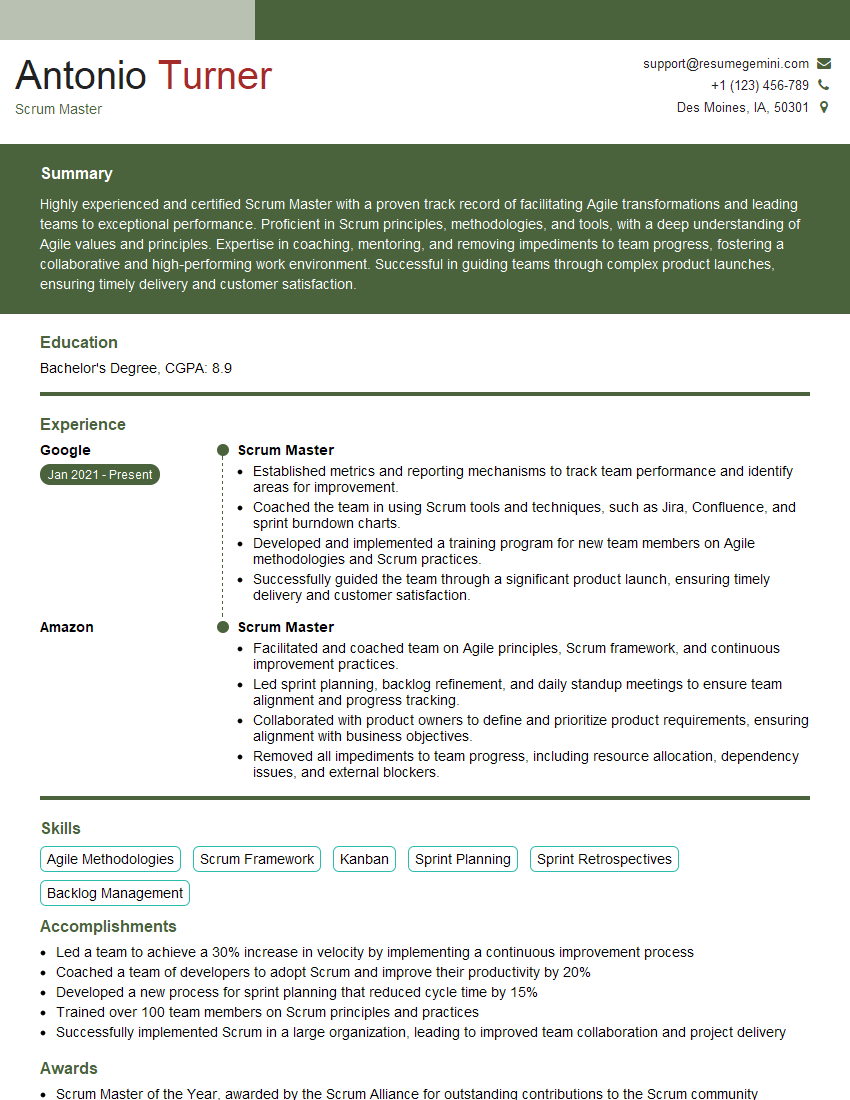
Scrum Master Resume Sample

Technical Writer Resume Sample

DevOps Engineer Resume Sample

Product Owner Resume Sample
Explore more articles
Users Rating of Our Blogs
Share Your Experience
We value your feedback! Please rate our content and share your thoughts (optional).
What Readers Say About Our Blog
Very informative content, great job.
good