Feeling uncertain about what to expect in your upcoming interview? We’ve got you covered! This blog highlights the most important Color Harmony and Contrast interview questions and provides actionable advice to help you stand out as the ideal candidate. Let’s pave the way for your success.
Questions Asked in Color Harmony and Contrast Interview
Q 1. Explain the difference between additive and subtractive color mixing.
Additive and subtractive color mixing are two fundamentally different ways of creating colors. Think of it like this: additive is about adding light, while subtractive is about subtracting light.
Additive color mixing is used with light sources, like monitors, TVs, and projectors. The primary colors are red, green, and blue (RGB). When you combine them, you get different colors. Combining all three at full intensity produces white light. Imagine shining a red, green, and blue flashlight onto a white surface; where they overlap, you’ll see various colors, including white in the center.
Subtractive color mixing applies to pigments, inks, and dyes. The primary colors here are cyan, magenta, and yellow (CMY), sometimes with black (K) added for better results (CMYK). These colors absorb (subtract) certain wavelengths of light, reflecting others to create the perceived color. Mixing all three CMY colors theoretically produces black, but in practice, a muddy dark brown results, hence the addition of black (K).
For instance, mixing blue and yellow pigments creates green because the blue pigment absorbs most wavelengths except blue and a small part of green, and the yellow absorbs most except yellow and a small part of green; only the green light is reflected. In contrast, mixing blue and yellow light creates cyan because both are added together.
Q 2. Describe the principles of color harmony: complementary, analogous, triadic, etc.
Color harmony refers to the pleasing arrangement of colors in a design. Several principles guide harmonious color combinations:
- Complementary: Uses colors opposite each other on the color wheel (e.g., red and green, blue and orange). This creates high contrast and visual excitement. Think of a classic Christmas color scheme.
- Analogous: Uses colors adjacent to each other on the color wheel (e.g., blue, blue-green, and green). This creates a calm, harmonious feel. Imagine the serene colors of a natural landscape.
- Triadic: Uses three colors evenly spaced on the color wheel (e.g., red, yellow, and blue). This combination offers a vibrant and balanced feel, ideal for playful designs.
- Tetradic (Double Complementary): Uses two sets of complementary colors (e.g., red-orange & blue-green, and yellow-green & red-purple). This creates a more complex and rich palette but needs careful balancing.
- Monochromatic: Uses different shades, tints, and tones of a single color. This is very cohesive and sophisticated but can appear monotonous if not used carefully.
Choosing the right harmony depends on the mood and message you want to convey.
Q 3. How do you ensure sufficient color contrast for accessibility (WCAG guidelines)?
Ensuring sufficient color contrast for accessibility is crucial, particularly for users with visual impairments. The Web Content Accessibility Guidelines (WCAG) provide specific criteria. The most relevant success criterion is 1.4.3, which addresses contrast between text and background.
WCAG defines contrast ratios using a formula that accounts for the relative luminance of foreground and background colors. Tools are available online to calculate these ratios. The minimum recommended contrast ratio for normal text is 4.5:1, and for large text (18pt or 14pt bold) is 3:1. For example, using a dark text on a light background generally meets these standards.
To achieve sufficient contrast:
- Use a contrast checker: Many free online tools can check the contrast ratio between your foreground and background colors.
- Prioritize readability: Don’t just focus on meeting the minimum requirements; strive for higher contrast for improved readability.
- Test with different devices and screen sizes: Color perception can vary.
- Consider color blindness: Design with color blindness in mind. Use color in combination with other visual cues like text or icons to convey information.
Q 4. What are the implications of using a high-contrast color scheme?
Using a high-contrast color scheme has several implications:
- Improved readability: Makes text and other elements easier to read, especially for users with visual impairments. This is the primary benefit and directly supports accessibility.
- Stronger visual impact: Creates a more striking and memorable design. It can grab attention more effectively but can also feel jarring if not implemented thoughtfully.
- Potential for reduced eye strain: For some individuals, high contrast can lessen eye strain, but high saturation can also cause the opposite.
- Limitations in design flexibility: High contrast might restrict design choices and make it harder to create certain moods or aesthetics. A very high contrast scheme can feel harsh or aggressive.
It’s crucial to find a balance. While high contrast is beneficial for accessibility, it shouldn’t compromise the overall design’s aesthetic appeal. The key is to carefully select colors that deliver both accessibility and a pleasing visual experience.
Q 5. What are some common color palettes and their typical applications?
Numerous color palettes exist, each with typical applications:
- Pastel palettes: Soft, muted colors (light blues, pinks, lavenders) evoke a sense of calm, often used in children’s products, feminine brands, or spring-themed designs.
- Monochromatic palettes: Variations of a single hue create elegance and sophistication. They work well in corporate settings, logos, and high-end brands.
- Analogous palettes: Neighboring colors on the color wheel offer harmony and tranquility, ideal for websites, brochures, and natural-themed projects.
- Complementary palettes: Opposing colors create high contrast and visual excitement. These are effective for advertisements, packaging, and grabbing attention.
- Earth tones: Browns, greens, and beige create a natural and rustic feel, suitable for organic products, outdoor brands, and environmentally conscious companies.
The choice of palette depends on the brand identity, target audience, and intended message. Careful consideration of the psychological impact of color is vital.
Q 6. How does color psychology influence design choices?
Color psychology studies the effect colors have on human behavior and emotions. Design choices are significantly influenced by these effects. For example:
- Red: Often associated with energy, excitement, passion, but also anger or urgency. Used in fast food or sale promotions.
- Blue: Often associated with calmness, trust, stability, and serenity. Used frequently by banks and technology companies.
- Green: Often associated with nature, growth, health, and freshness. Used in eco-friendly products or healthcare brands.
- Yellow: Often associated with optimism, happiness, and creativity but can also feel overwhelming in large quantities.
- Purple: Often associated with luxury, royalty, and creativity.
Understanding color psychology helps designers evoke the desired emotions and connect with their audience on a deeper level. A website aiming for a calming atmosphere would use different colors than one designed to generate excitement.
Q 7. Explain the concept of color temperature (warm vs. cool colors).
Color temperature refers to the perceived warmth or coolness of a color, related to its position on the color spectrum. It’s not about the actual temperature of the color but how it makes us feel.
Warm colors (reds, oranges, yellows) evoke feelings of warmth, comfort, excitement, and energy. They are often associated with the sun and fire. These colors can be visually advancing, appearing closer to the viewer.
Cool colors (blues, greens, purples) evoke feelings of calmness, serenity, and stability. They are associated with water, sky, and nature. These colors can be visually receding, appearing further away from the viewer.
Understanding color temperature allows designers to influence the mood and atmosphere of a design. For instance, warm colors might be used to create a welcoming feeling in a restaurant, whereas cool colors might be preferred in a spa or meditation app.
Q 8. How do you choose appropriate colors for different target audiences?
Choosing colors for different target audiences requires understanding their demographics, psychographics, and cultural contexts. Color preferences vary significantly across age groups, genders, and cultures. For instance, vibrant colors might appeal to a younger audience, while more subdued tones might resonate with an older demographic. Understanding the brand’s personality and the message it wants to convey is also crucial.
- Younger audiences (Gen Z & Millennials): Often respond well to bold, bright colors, gradients, and unconventional color combinations. Think Instagram-esque palettes.
- Older audiences (Baby Boomers & Gen X): May prefer more classic and sophisticated palettes, utilizing muted tones and earthier colors. Think elegant neutrals and jewel tones.
- Corporate clients: Typically prefer professional and trustworthy color schemes. Blues, grays, and greens often convey stability and reliability.
- Luxury brands: Often use rich, deep colors like gold, black, and burgundy to evoke a sense of exclusivity and prestige.
Thorough market research and competitor analysis are essential steps to inform this process. A/B testing different color variations can also provide valuable data.
Q 9. How would you create a visually appealing color palette for a website?
Creating a visually appealing website color palette involves a multi-step process that considers both aesthetics and functionality. I typically start by defining the website’s purpose and target audience. Then, I explore different color harmony rules to guide my selection.
- Define the brand’s personality: Is it playful, sophisticated, modern, or traditional? This guides the overall color mood.
- Choose a base color palette: I might start with a primary color, a secondary color, and one or two accent colors. Tools like Adobe Color or Coolors can assist in generating palettes based on various harmony rules (complementary, analogous, triadic, etc.).
- Consider color contrast: Sufficient contrast ensures readability and accessibility. Tools like WebAIM’s contrast checker are indispensable for verifying adequate contrast between text and background colors.
- Test the palette on different devices and screen sizes: Color perception can vary across devices, so testing is crucial to ensure consistency.
- Incorporate white space: Strategic use of white space allows colors to breathe and prevents visual clutter.
For example, a website for a tech company might use a modern palette with blues, grays, and a bright accent color like teal, while a website for a spa might use calming earth tones with hints of green and beige.
Q 10. Describe your process for selecting a color palette for a branding project.
Selecting a color palette for a branding project requires a deep understanding of the brand’s identity and values. It’s not just about aesthetics; it’s about communicating the brand’s essence visually. I approach this through a structured process:
- Brand discovery and analysis: Understanding the brand’s mission, vision, values, target audience, and competitive landscape is paramount. This informs the emotional tone and overall aesthetic of the palette.
- Mood board creation: I create a mood board containing images, textures, and colors that capture the brand’s essence. This serves as a visual reference point.
- Color exploration: I explore different color harmonies and combinations, keeping in mind the brand’s personality and target audience. I might use color theory tools and explore historical color palettes for inspiration.
- Palette refinement and testing: I refine the palette, ensuring sufficient contrast and accessibility. Feedback from stakeholders is crucial at this stage.
- Documentation and specification: The final palette is documented with specific color codes (e.g., HEX, RGB, CMYK) for consistent use across all brand assets.
For example, a sustainable fashion brand might use earthy tones and greens to convey its commitment to environmental responsibility, while a tech startup might opt for a vibrant and modern palette reflecting innovation.
Q 11. How do you ensure consistency in color usage across multiple design assets?
Consistency in color usage across multiple design assets is achieved through meticulous documentation and the use of a centralized color palette system. This ensures a cohesive brand identity across all touchpoints.
- Style guide creation: A comprehensive style guide documents the brand’s chosen color palette, including color codes (HEX, RGB, CMYK), usage guidelines, and examples. This guide should be readily accessible to all designers and marketers.
- Centralized color library: Using a centralized color library (either a physical or digital system) ensures everyone is using the exact same color codes. Design software like Adobe Creative Suite allows for the creation and management of custom color palettes.
- Regular audits and updates: Periodically review and update the style guide to ensure consistency and address any discrepancies. This prevents drift in color usage over time.
- Collaboration and communication: Open communication and collaboration among designers and other stakeholders are essential to maintaining color consistency.
This methodical approach prevents visual inconsistencies and ensures a unified brand experience.
Q 12. Explain the use of color in creating visual hierarchy.
Color is a powerful tool for creating visual hierarchy, guiding the viewer’s eye through a design. By strategically using different colors and their saturation, value, and hue, designers can highlight important elements and create a clear visual flow.
- Emphasis: Brighter, more saturated colors attract attention and emphasize important information. For example, call-to-action buttons are often designed in contrasting colors.
- Grouping: Similar colors can group related elements, improving visual organization. This is especially useful in complex layouts.
- Background and foreground: Using high contrast between foreground (text) and background colors ensures readability. This contrast should adhere to accessibility guidelines.
- Readability: Choosing appropriate color combinations that provide ample contrast is vital for text readability. Tools like WebAIM’s contrast checker can be employed to ensure text is easily readable.
For example, a website’s main navigation might be highlighted in a brighter color than the secondary content, guiding users to key sections.
Q 13. How can color be used to evoke specific emotions or moods?
Color psychology plays a significant role in evoking specific emotions and moods. Different colors have cultural and psychological associations that can be leveraged effectively in design.
- Warm colors (reds, oranges, yellows): Often associated with energy, excitement, warmth, and passion. They can stimulate appetite and encourage action.
- Cool colors (blues, greens, purples): Often associated with calmness, tranquility, trust, and serenity. They can be calming and promote relaxation.
- Neutral colors (black, white, gray, beige): Convey sophistication, neutrality, and simplicity. They provide a versatile backdrop for other colors.
For example, a fast-food restaurant might use vibrant reds and yellows to stimulate appetite, while a spa might utilize calming blues and greens to create a relaxing atmosphere. The careful selection and application of colors are vital for setting the desired mood.
Q 14. What are some tools or software you use for color selection and management?
Several tools and software facilitate color selection and management. My workflow often integrates several options depending on the project’s needs:
- Adobe Color (formerly Adobe Kuler): A web-based tool for creating, exploring, and saving color palettes. It offers various harmony rules and allows for exploring color variations.
- Coolors: A user-friendly online tool for generating random and custom color palettes. It features a wide range of options and export capabilities.
- Adobe Creative Suite (Photoshop, Illustrator, InDesign): These industry-standard applications offer advanced color management tools, including color libraries, swatches, and color adjustment features.
- Figma/Sketch: These design software also offer robust color palette management systems, allowing for easy color selection and application in digital designs.
- WebAIM Color Contrast Checker: A crucial tool for verifying sufficient color contrast to ensure accessibility for users with visual impairments.
The selection of tools often depends on personal preference and project requirements. However, a combination of these tools provides a comprehensive approach to color management.
Q 15. How do you handle color challenges in different printing processes?
Handling color challenges across different printing processes requires a deep understanding of how each process affects color reproduction. The main challenge lies in the differences between color models (RGB for screens and CMYK for print) and the variations in ink and paper types.
- CMYK (Cyan, Magenta, Yellow, Key/Black): This subtractive color model is used in print. Each ink absorbs certain wavelengths of light, resulting in the final color. The challenge is that CMYK can’t reproduce the full range of colors achievable with RGB. Certain vibrant colors may appear duller in print.
- RGB (Red, Green, Blue): This additive color model is used on screens. Combining different intensities of red, green, and blue light creates a wide spectrum of colors. Colors that look vibrant on screen might print differently due to the limitations of CMYK.
- Color Profiles: To minimize discrepancies, we use color profiles (ICC profiles) which define the color space of a specific device (printer, monitor). These profiles help translate colors accurately between devices.
- Proofing: Before large-scale printing, color proofing is crucial. This involves creating a physical sample print to check the color accuracy against the digital design. Soft proofing, a digital preview using a simulated color profile, is also helpful but not a complete replacement for physical proofing.
For example, a bright, saturated teal that looks stunning on screen might appear slightly muted when printed using standard CMYK inks. To mitigate this, we may adjust the color in the design phase, perhaps slightly increasing the cyan and blue values in the CMYK profile to compensate for the loss of vibrancy during the printing process.
Career Expert Tips:
- Ace those interviews! Prepare effectively by reviewing the Top 50 Most Common Interview Questions on ResumeGemini.
- Navigate your job search with confidence! Explore a wide range of Career Tips on ResumeGemini. Learn about common challenges and recommendations to overcome them.
- Craft the perfect resume! Master the Art of Resume Writing with ResumeGemini’s guide. Showcase your unique qualifications and achievements effectively.
- Don’t miss out on holiday savings! Build your dream resume with ResumeGemini’s ATS optimized templates.
Q 16. Describe a time you had to resolve a color-related conflict in a design project.
In a recent project designing a corporate brochure, the client insisted on a specific shade of purple—a rich, almost royal purple—that they had selected based on a screen representation. However, when we produced a CMYK proof, the purple appeared significantly duller and grayer than desired. This created a conflict, as the client’s expectation didn’t align with the print reality.
To resolve this, I didn’t simply dismiss the client’s preference. Instead, I showed them the limitations of translating RGB to CMYK. We explored several solutions:
- Alternative shades: I presented alternative purple shades that were richer in CMYK and would print truer to the desired look.
- Specialized inks: We discussed the possibility of using special spot colors (like Pantone) for the purple to guarantee the exact shade, though this was more expensive.
- Color Calibration: I ensured the client’s screen was properly calibrated to match the printer’s color profile as accurately as possible.
Ultimately, we chose a compromise where we used a slightly modified version of the original purple, ensuring it still reflected the brand’s identity and printed effectively. The client appreciated the transparent process and the attention to detail, resolving the conflict amicably.
Q 17. How do you adapt color palettes for various screen sizes and devices?
Adapting color palettes across various screen sizes and devices involves understanding how different devices render color and considering the context of the design. The primary factor is the device’s resolution and color gamut. High-resolution devices can display more detail and a wider range of colors.
- Responsive Design: Color palettes should be designed with responsiveness in mind. This means choosing colors that work well across a variety of screen sizes and pixel densities. Avoid overly saturated colors that might look harsh on smaller screens.
- Color Gamut Considerations: Different devices have varying color gamuts (the range of colors they can reproduce). A color that looks great on a high-end monitor may appear different on a smartphone or older tablet. Sticking to a smaller, common color gamut is usually the safest option for maximum consistency.
- Testing: Thorough testing on different devices is essential. Using various screen sizes and operating systems during testing will identify any discrepancies in color appearance and help fine-tune the palette accordingly.
For instance, a vibrant color scheme might be well-suited for a large desktop website but may need to be desaturated for mobile viewing. The key is ensuring visual harmony and readability across all screen types.
Q 18. What is your understanding of Pantone Matching System (PMS)?
The Pantone Matching System (PMS) is a standardized color reproduction system used globally. It provides a library of pre-mixed inks, each identified by a unique Pantone number (e.g., PMS 186 C). This system ensures consistent color reproduction across various printing processes and locations. It is especially useful when precise color matching is critical.
Unlike CMYK, which is process color (created by mixing CMYK inks), PMS uses spot colors, meaning each color is a unique ink. This produces incredibly accurate colors that are often more vibrant and less prone to variations than process colors. However, spot colors require additional setup during printing and are usually more expensive.
In a design workflow, PMS is valuable when the color needs to be identical across different print runs, different printers, or for specific branding needs where color accuracy is paramount, such as in corporate logos or packaging.
Q 19. Explain the importance of color management in digital design workflows.
Color management in digital design is paramount for ensuring visual consistency and accuracy across different stages of the design workflow, from initial concept to final output. It involves managing and controlling colors to avoid discrepancies between what is seen on screen and what is produced in print or other media.
- Profile Matching: Color profiles ensure that colors are interpreted consistently across different devices and software. They are critical for accurate color reproduction.
- Soft Proofing: Soft proofing allows designers to view how their designs will look when printed or output to other media using simulated profiles, thereby preventing unexpected color variations.
- Consistent Color Spaces: Utilizing consistent color spaces throughout the design and production workflow is essential for maintaining color accuracy.
Without proper color management, designers risk encountering significant differences between digital designs and their printed counterparts, leading to costly revisions and client dissatisfaction. A well-managed workflow, using tools like color profiles and soft proofing, significantly minimizes these risks, resulting in higher-quality output and professional efficiency.
Q 20. Discuss your experience working with CMYK and RGB color models.
I have extensive experience working with both CMYK and RGB color models. Understanding their differences and limitations is key to achieving accurate color reproduction across various media.
- RGB: Additive model, ideal for screen displays. It uses light to create color; combining red, green, and blue light generates the full spectrum. It has a wider color gamut than CMYK.
- CMYK: Subtractive model, used in printing. It utilizes inks that absorb light; combining cyan, magenta, yellow, and black inks results in the printed colors. It has a narrower color gamut and can struggle with some vibrant colors.
In practice, I often start a design project in RGB, leveraging the wider color gamut for initial creativity. However, for print materials, I always convert the design to CMYK and perform color proofing to ensure accuracy. This conversion sometimes requires adjusting colors to avoid unintended changes during the transition, a process I have extensive experience managing. I’m also proficient in using different color profile settings to optimize the final outcome.
Q 21. How do you assess the readability of text against a background color?
Assessing text readability against a background color involves considering several factors to ensure optimal legibility. The key is to create sufficient contrast between the text and its background to avoid eye strain and improve comprehension.
- Contrast Ratio: The most crucial factor is the contrast ratio, which measures the difference in luminance (brightness) between the text and background. Higher contrast ratios are generally better for readability. WCAG (Web Content Accessibility Guidelines) provides specific guidelines for contrast ratios, recommending minimum ratios depending on text size and weight.
- Color Combinations: Certain color combinations offer better contrast than others. For example, black text on a white background provides high contrast, while light gray text on a light beige background offers poor contrast. Tools exist to calculate contrast ratios for given color combinations.
- Text Size and Weight: Larger text sizes and bolder fonts improve readability, particularly when contrast is lower. These factors compensate for lower contrast by increasing the visual distinctiveness of the text.
- Font Choice: Choosing a highly legible font also contributes to overall readability. Fonts with serifs (small decorative strokes at the ends of characters) are often considered more legible in print, while sans-serif fonts are popular for screen displays.
In practice, I use online tools to measure contrast ratios and adhere to WCAG guidelines. If a color combination falls short of the required contrast, I adjust either the text or background color until an acceptable level is achieved. For instance, a website design with dark blue text against a dark gray background might need the text adjusted to white or a lighter shade of blue.
Q 22. Describe your experience with color accessibility testing.
Color accessibility testing is crucial for ensuring inclusivity in design. It involves evaluating a color palette’s suitability for users with visual impairments, particularly color blindness. My experience includes using tools like WebAIM’s color contrast checker to analyze text and background color combinations, ensuring sufficient contrast ratios meet WCAG (Web Content Accessibility Guidelines) standards. I also conduct simulations using color blindness simulators to preview how the design appears to individuals with various forms of color vision deficiency. This allows me to identify and correct potential issues proactively, ensuring readability and usability for everyone.
For instance, I recently worked on a project where the initial color scheme, while aesthetically pleasing, had insufficient contrast for users with protanopia (red-green color blindness). By adjusting the color values and retesting, we achieved a significantly improved contrast ratio, making the design accessible to a wider audience.
Q 23. What strategies do you use to ensure color consistency across different platforms?
Maintaining color consistency across different platforms requires a systematic approach. I typically begin by defining a core color palette using a specific color space, such as sRGB for web and Adobe RGB for print. This provides a consistent foundation. Then, I utilize color management tools and workflows to translate the color values accurately across different devices and software. This includes specifying color profiles for images and ensuring consistent color rendering settings within design software.
For example, to ensure consistency between a website and a mobile app, I would use a design system that centralizes the color palette. This system provides clearly defined hex codes for each color, which are then consistently implemented across all platforms. Any variations are meticulously documented and justified. Regular testing and quality assurance across various devices are also essential to identify and address any inconsistencies.
Q 24. How do you use color to guide user attention and interaction?
Color is a powerful tool for directing user attention and guiding interaction. I leverage color strategically to highlight calls to action (CTAs), draw attention to important information, and create visual hierarchy. Brighter, more saturated colors are generally used to emphasize key elements, while muted tones provide a more subdued background. Consistent use of color also aids in establishing clear visual patterns and intuitive navigation.
Imagine an e-commerce website. A vibrant orange button labeled “Buy Now” immediately stands out, guiding the user towards the desired action. In contrast, less saturated colors might be used for less critical elements like secondary navigation, maintaining a clear visual distinction and minimizing distractions. This strategic use of color optimizes the user experience and increases conversion rates.
Q 25. Explain the concept of color saturation and its importance in design.
Color saturation refers to the intensity or purity of a color. A highly saturated color is vivid and rich, while a less saturated color appears duller and closer to gray. It plays a vital role in design because it affects the mood, emotion, and perceived weight of elements. High saturation can convey excitement, energy, or dominance, while low saturation can communicate calmness, sophistication, or neutrality.
For instance, a website promoting a children’s toy might utilize highly saturated, bright colors to create a playful atmosphere, while a corporate website might opt for low-saturated colors to project professionalism and trust. Understanding and controlling saturation is crucial for creating the desired aesthetic and emotional response.
Q 26. How do you evaluate the overall effectiveness of a color palette?
Evaluating the effectiveness of a color palette goes beyond mere aesthetics. I consider several factors: Does the palette achieve the desired mood and brand identity? Does it provide sufficient contrast for accessibility? Does it create a visually harmonious and balanced composition? Is the palette versatile enough to be used consistently across various applications and contexts?
I often employ user testing, collecting feedback on color preferences and perceptions. I also analyze the palette using color harmony principles, such as complementary, analogous, or triadic schemes, to ensure visual coherence. Finally, I review the palette in the context of its intended application, considering its impact on overall usability and user experience.
Q 27. How would you approach designing a color palette for a print project with specific paper stock?
Designing a color palette for print, especially when considering specific paper stock, requires careful consideration of the paper’s color and texture. The paper’s inherent color will influence how the printed colors appear. For example, a creamy off-white paper will subtly alter the appearance of colors compared to bright white paper. The paper’s texture can also affect color perception, with certain textures causing colors to appear more vibrant or muted.
My approach would start by understanding the paper stock’s characteristics. I would obtain a color profile for the paper or conduct test prints to determine how colors are affected. I would then select a color palette that complements the paper and ensures the desired colors are accurately reproduced. Color management software and proofing techniques are essential to achieve consistent results across multiple print runs.
Q 28. Explain your understanding of Munsell color system.
The Munsell color system is a color space that organizes colors based on three attributes: hue, value (lightness), and chroma (saturation). Unlike RGB or CMYK, which are device-dependent, Munsell is a more perceptual system aiming to represent how humans perceive color. It uses a three-dimensional model where hue is represented as a circle, value as a vertical axis, and chroma as concentric circles radiating outward from the central axis of neutral grays.
Understanding the Munsell system is valuable because it provides a consistent and predictable way to describe and communicate color, independent of specific devices or printing methods. This makes it useful for color specification in various applications, from paint manufacturing to fine arts, ensuring accurate color matching and reproduction.
Key Topics to Learn for Color Harmony and Contrast Interview
- Color Theory Fundamentals: Understanding the color wheel, primary, secondary, and tertiary colors, and color temperature (warm vs. cool).
- Harmony Systems: Exploring different harmony rules like complementary, analogous, triadic, and split-complementary harmonies. Practice identifying and applying these in design examples.
- Contrast Principles: Mastering the use of contrast for visual hierarchy and readability. Understand the impact of value, saturation, and hue contrast.
- Accessibility Considerations: Learn about WCAG guidelines and how color contrast impacts accessibility for users with visual impairments. Practice evaluating color combinations for sufficient contrast ratios.
- Practical Application in Design Software: Gain proficiency in using tools and features within design software (e.g., Photoshop, Illustrator) to effectively implement color harmony and contrast principles.
- Color Psychology and Branding: Understand how color evokes emotions and its impact on brand perception. Be prepared to discuss how color choices contribute to a cohesive brand identity.
- Case Studies and Portfolio Review: Analyze successful design examples that effectively utilize color harmony and contrast. Prepare to discuss your own design work and how you applied these principles.
- Problem-Solving: Be ready to discuss scenarios where color choices need to be adjusted to improve a design’s effectiveness or accessibility. Demonstrate your ability to troubleshoot color-related issues.
Next Steps
Mastering color harmony and contrast is crucial for a successful career in design and related fields. A strong understanding of these principles demonstrates your ability to create visually appealing, accessible, and effective designs. To maximize your job prospects, invest time in crafting an ATS-friendly resume that highlights your relevant skills and experience. ResumeGemini is a trusted resource that can help you build a professional and impactful resume, ensuring your qualifications stand out. Examples of resumes tailored to Color Harmony and Contrast expertise are available to guide your creation process.

Art Director Resume Sample

Web Designer Resume Sample

Game Designer Resume Sample

Color Consultant Resume Sample

Product Designer Resume Sample
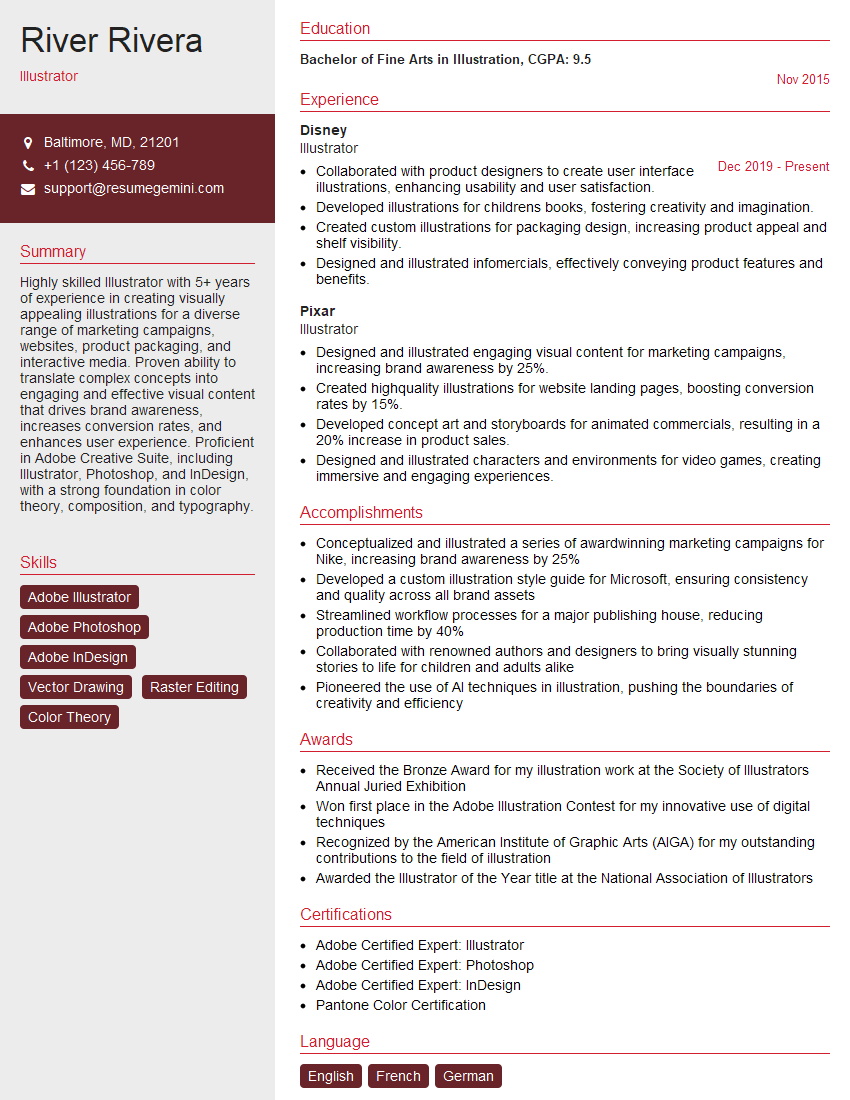
Illustrator Resume Sample

Animator Resume Sample

Graphic Designer Resume Sample

Packaging Designer Resume Sample
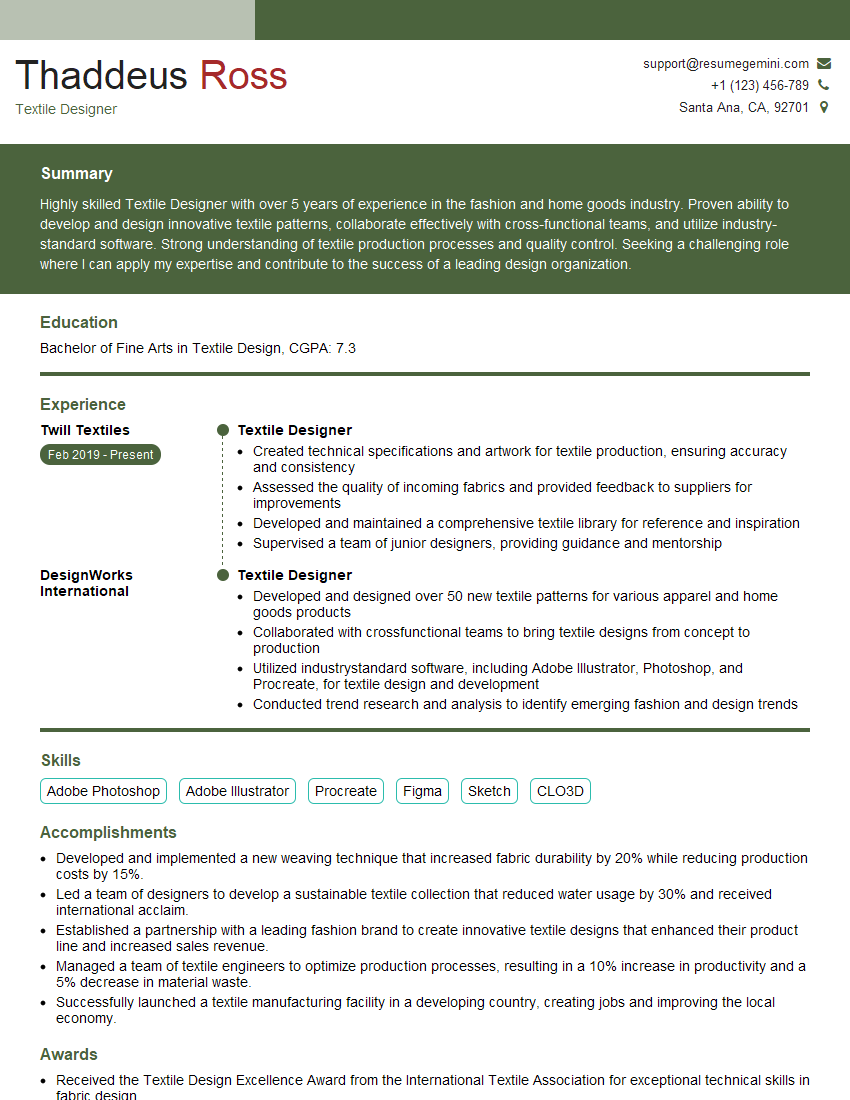
Textile Designer Resume Sample
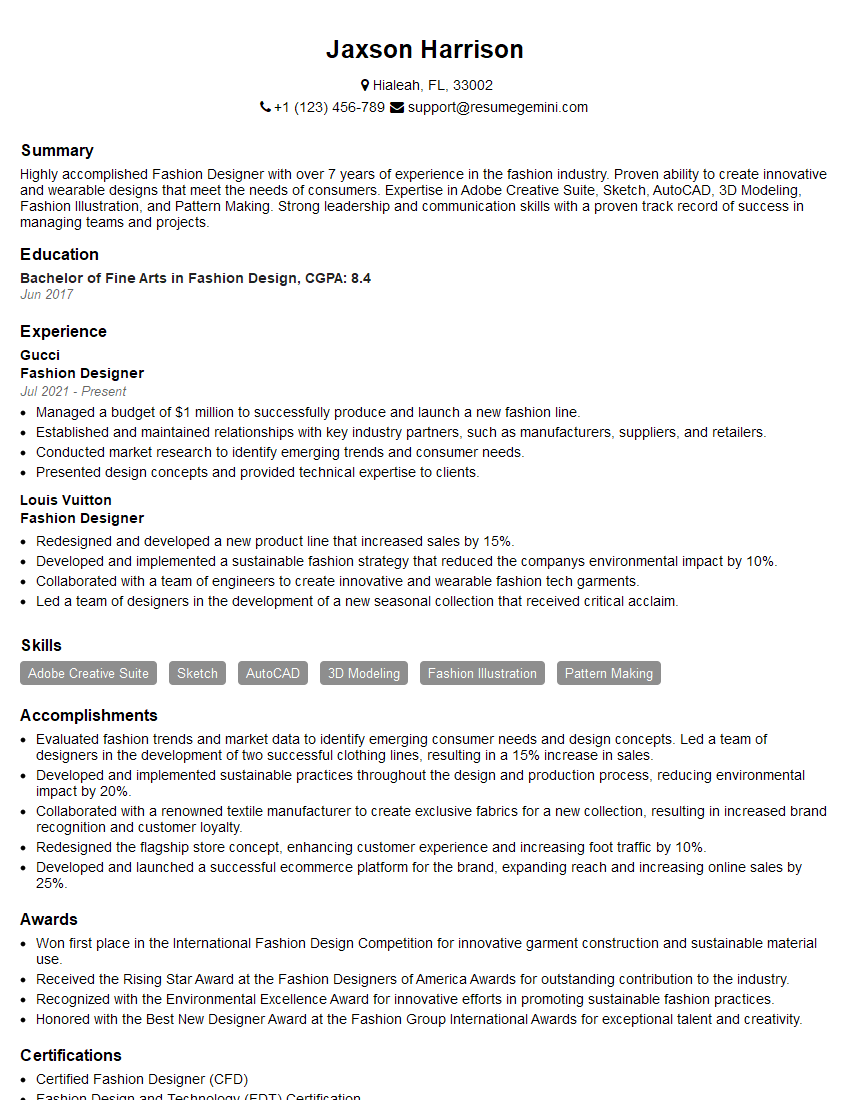
Fashion Designer Resume Sample

Production Artist Resume Sample
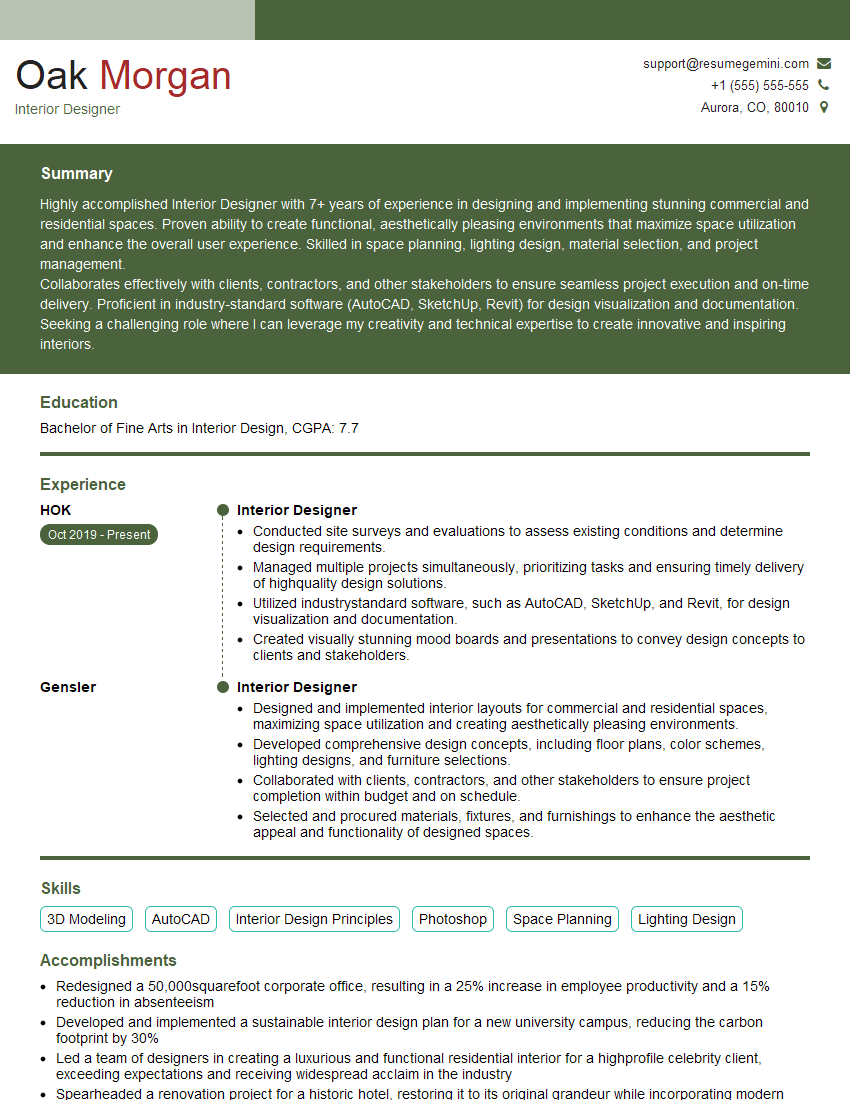
Interior Designer Resume Sample
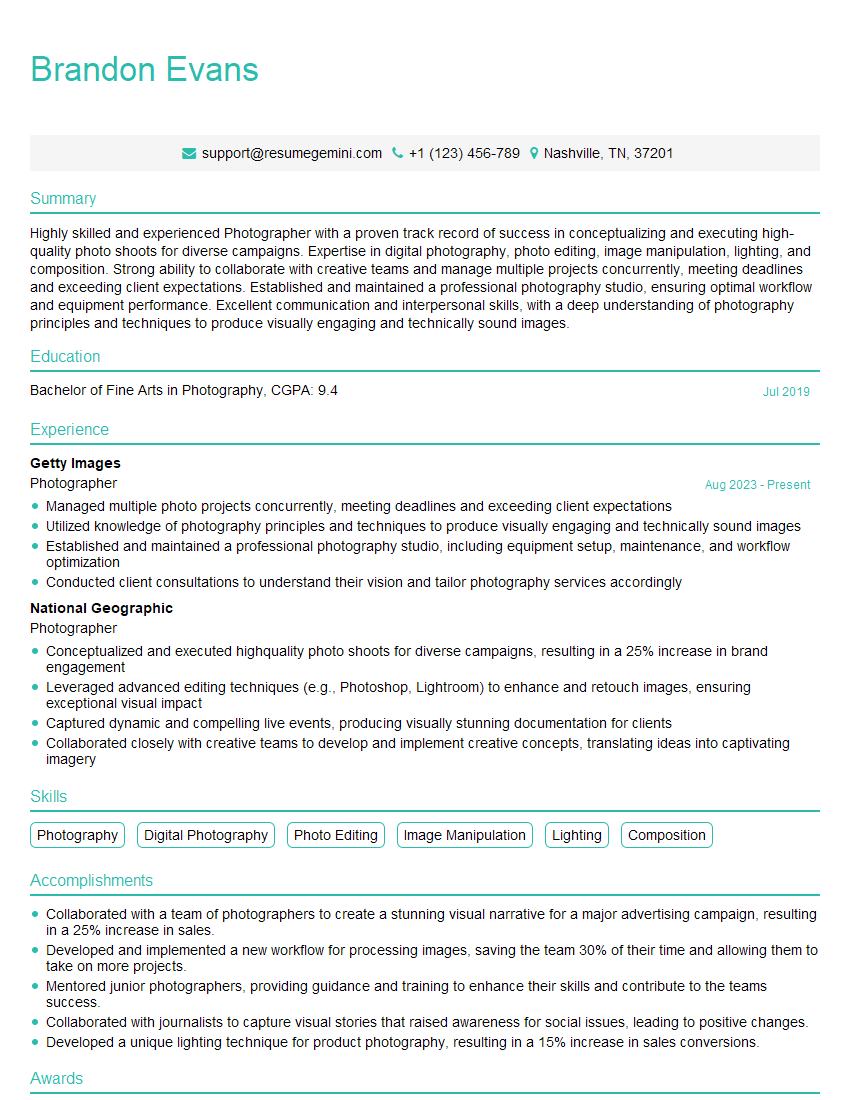
Photographer Resume Sample

UX Designer Resume Sample
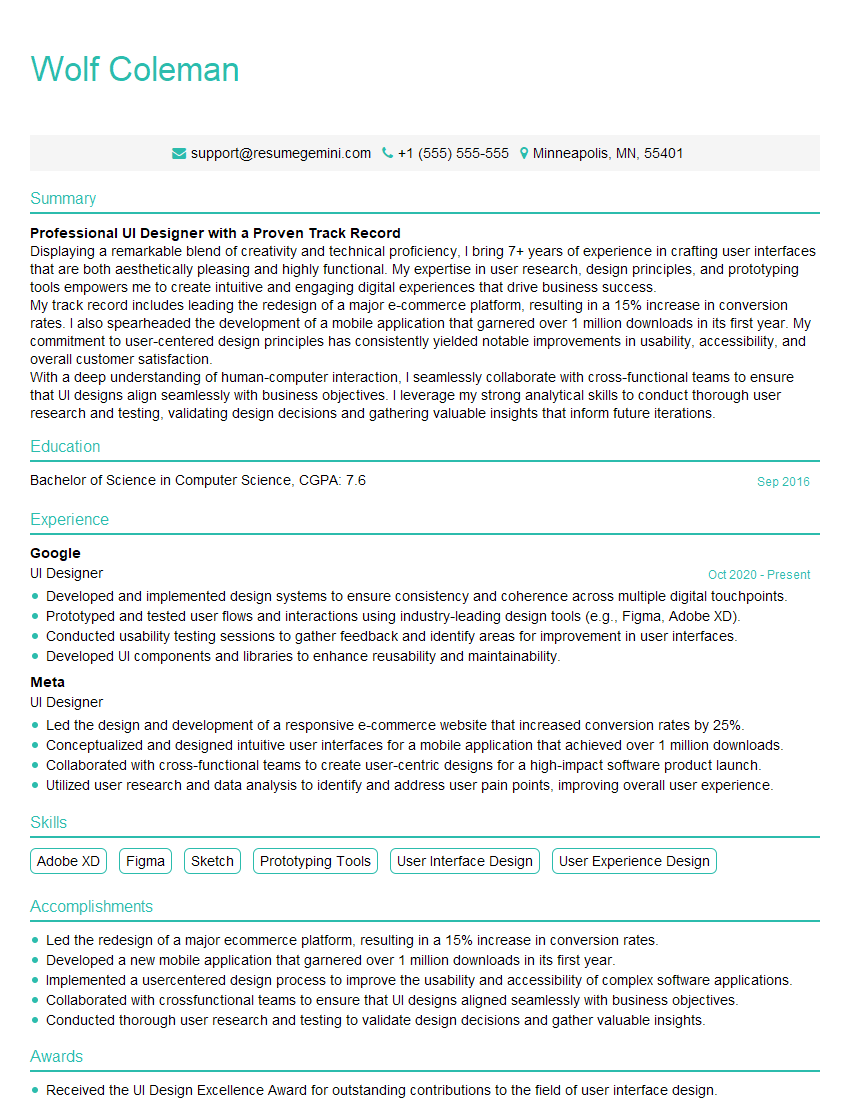
UI Designer Resume Sample
Explore more articles
Users Rating of Our Blogs
Share Your Experience
We value your feedback! Please rate our content and share your thoughts (optional).
What Readers Say About Our Blog
Very informative content, great job.
good