Are you ready to stand out in your next interview? Understanding and preparing for Color Theory and Printing Effects interview questions is a game-changer. In this blog, we’ve compiled key questions and expert advice to help you showcase your skills with confidence and precision. Let’s get started on your journey to acing the interview.
Questions Asked in Color Theory and Printing Effects Interview
Q 1. Explain the difference between additive and subtractive color mixing.
Additive and subtractive color mixing are two fundamentally different approaches to creating colors. Think of it like this: additive mixing is like shining lights together, while subtractive mixing is like layering colored filters.
Additive Color Mixing: This model, used primarily in digital displays like monitors and televisions, starts with black (the absence of light) and adds light of different wavelengths (red, green, and blue – RGB) to create other colors. Mixing all three primary colors at their maximum intensity produces white light. Imagine shining a red, green, and blue flashlight onto a white wall; where they overlap, you get white. Increasing the intensity of a primary color increases its contribution to the resulting color.
Subtractive Color Mixing: This is the model used in printing. It starts with white (reflecting all light) and subtracts light using colored inks (cyan, magenta, yellow, and black – CMYK). Each ink absorbs specific wavelengths of light, leaving the remaining wavelengths to be reflected. Mixing all four primary colors ideally produces black, though in practice, a pure black ink (K) is used to achieve a deeper, richer black.
The key difference lies in the starting point: black for additive and white for subtractive. This leads to different color relationships and results.
Q 2. Describe the CMYK color model and its limitations.
CMYK (Cyan, Magenta, Yellow, Key/Black) is the subtractive color model used in printing. Each color represents a pigment that absorbs certain wavelengths of light, resulting in the reflected color we see. Cyan absorbs red, magenta absorbs green, and yellow absorbs blue. Black (K) is added not only to improve the depth of dark colors but also because a mixture of the other three rarely creates a true black.
Limitations of CMYK:
- Narrower Gamut: CMYK has a smaller color gamut than RGB. This means there are colors that can be accurately represented on a screen but cannot be printed accurately.
- Muddy Colors: Mixing CMY inks often results in muddy or dull colors, especially in the darker ranges.
- Ink Limitations: The quality and type of ink used significantly impact the final color. Variations between ink manufacturers can cause inconsistencies.
- Substrate Interaction: The paper or material being printed on affects how the ink is absorbed and reflected, influencing the final color.
- Color Profile Dependency: Achieving consistent color requires accurate color profiles tailored to specific inks, paper, and printing processes.
Overcoming these limitations often involves careful color management, utilizing specialized inks and substrates, and employing advanced printing techniques.
Q 3. What is color gamut, and how does it affect print reproduction?
A color gamut is the range of colors that a particular device or process can reproduce. Imagine it as the palette of colors available to you. For example, a monitor has a certain gamut, and a printer has a different, usually smaller one.
Impact on Print Reproduction: The difference between the color gamuts of the source (e.g., a digital image) and the output device (e.g., a printer) directly impacts print reproduction. Colors outside the printer’s gamut (out-of-gamut colors) cannot be accurately reproduced. They will be approximated, often resulting in a shift or dulling of the intended color. This is why a vibrant green displayed on a screen might appear less intense in the print.
Color management techniques aim to predict and correct these differences, ensuring the printed output is as close as possible to the digital source. Choosing the appropriate color profile and carefully selecting papers and inks designed for the target color space can significantly improve print quality.
Q 4. Explain the concept of color profiles (ICC profiles).
Color profiles, often referred to as ICC (International Color Consortium) profiles, are files that describe the color characteristics of a device (e.g., monitor, printer, scanner). They act as a translator, allowing different devices with different color spaces to communicate and understand each other more accurately.
Each profile maps the device’s color space to a standard color space (e.g., sRGB, Adobe RGB). This standardization ensures that a color represented in a specific profile will be interpreted consistently across different devices. Without color profiles, the same image opened on different screens or printed on different printers will appear dramatically different.
For example, an ICC profile for a particular printer would detail the ink characteristics, paper type, and resulting color output. When you print an image with a correct color profile, the printer utilizes this information to accurately reproduce the intended color based on the image’s data.
Q 5. How do you calibrate a monitor for accurate color representation?
Calibrating a monitor ensures accurate color representation by adjusting its settings to match a standard. This is crucial for designers, photographers, and anyone working with color-critical tasks.
Steps to calibrate a monitor:
- Use a colorimeter or spectrophotometer: These specialized devices measure your monitor’s color output and compare it to a standard. They provide objective data to guide the calibration.
- Use calibration software: Software like Datacolor SpyderX or X-Rite i1Display Studio will guide you through the calibration process, using the data from the colorimeter/spectrophotometer.
- Choose a profile: Select a standard color space profile (e.g., sRGB or Adobe RGB) that best suits your workflow.
- Follow the software instructions: The software will typically adjust your monitor’s brightness, contrast, gamma, and other settings to match the chosen profile.
- Regular calibration: Calibrate your monitor regularly (every few months) because monitor settings drift over time.
Regular calibration is essential for consistent color perception across different stages of the design process, reducing errors and improving accuracy.
Q 6. What are common printing defects, and how can they be avoided?
Several common printing defects can significantly impact the quality of a printed piece. Understanding their causes is key to prevention.
- Banding: Uneven color distribution across a print, often appearing as horizontal stripes. This can be caused by inconsistent ink flow, problems with the print heads, or low-resolution images.
- Moiré Patterns: Interference patterns that appear as a wavy or speckled texture, often due to the interaction of fine details in an image and the printing screen angle.
- Color Shift: Variations in color between different parts of the print or between different prints. This can be caused by ink inconsistencies, changes in printing conditions (humidity, temperature), or improper color profiles.
- Bronzing: An undesirable metallic sheen on the print, often due to excessive ink, incorrect drying times, or coating interactions.
- Dot Gain: The spreading of ink dots beyond their intended size, leading to darker colors and loss of detail. This can be caused by variations in paper absorption, or incorrect settings in printing presses.
Preventing these defects: Proper image preparation (high-resolution files, appropriate color profiles), regular maintenance of printing equipment, precise calibration of the printing process, and appropriate choice of inks and substrates are key to avoiding these problems.
Q 7. Explain the difference between halftoning and screening in printing.
Halftoning and screening are closely related techniques used to create the illusion of continuous tone images using only dots of ink. They both achieve this, but the approach differs.
Halftoning: This is a broader concept that encompasses various methods to represent continuous tones using a pattern of dots. It’s the fundamental principle behind creating a grayscale or color image with a limited number of ink colors. The size and spacing of the dots determine the perceived tonal value – smaller, more spaced-out dots represent lighter areas, while larger, closer dots represent darker areas.
Screening: This refers specifically to the process of generating the halftone dot pattern. Different screening methods exist, such as amplitude-modulated screening (AM) and frequency-modulated screening (FM). AM uses dots of varying size, while FM uses dots of consistent size, but varying their frequency. FM tends to produce higher-quality results, minimizing moiré patterns and providing smoother transitions between tones.
In essence, halftoning is the overall concept, while screening describes the specific techniques used to create the halftone dots that enable printing of continuous tone images.
Q 8. Describe different types of printing processes (e.g., offset, digital, screen).
Printing processes differ significantly in their methods and applications. Let’s explore three common types:
- Offset Printing: This is a high-volume, cost-effective process. Ink is transferred from a plate to a rubber blanket and then to the paper. It excels in producing high-quality images with sharp details and consistent color across large print runs. Think of magazines, newspapers, and brochures – these often use offset printing.
- Digital Printing: This method uses digital files directly to print onto the substrate. It’s ideal for shorter runs, personalized items, and quick turnaround times. Digital printing is perfect for things like business cards, flyers, and custom-made apparel. Unlike offset, there are no printing plates involved, making it more flexible for smaller-scale projects.
- Screen Printing: This is a stencil-based process where ink is forced through a mesh screen onto the substrate. It is well-suited for printing on textiles, promotional items, and surfaces with unique textures. Screen printing allows for vibrant colors and thick ink layers which create a tactile experience.
Each process has its strengths and weaknesses regarding cost, quality, speed, and the types of substrates it can print on. The choice depends heavily on the project’s specifics.
Q 9. What is color separation, and why is it important in printing?
Color separation is the process of dividing a full-color image into its four CMYK (Cyan, Magenta, Yellow, and Key/Black) components. Each color gets its own plate or file in offset and digital printing respectively. This is crucial because printing presses can’t apply all four colors simultaneously.
Imagine a vibrant red apple. Color separation separates that red into the precise combinations of cyan, magenta, yellow, and black inks needed to recreate that red on the printed page. Without this separation, you wouldn’t be able to achieve accurate color reproduction.
The importance lies in achieving faithful color reproduction. It ensures that the final printed piece matches the design intent as closely as possible. Inaccurate separation leads to muddy colors, incorrect hues, and a generally unsatisfactory printed result.
Q 10. How do you troubleshoot a color mismatch between a monitor and a printed output?
Color mismatches between monitor and print are common due to different color spaces. Monitors use RGB (Red, Green, Blue), while most printing uses CMYK. RGB has a wider gamut (range of colors) than CMYK. Therefore, some colors that look vibrant on screen might not be reproducible in print.
Troubleshooting involves several steps:
- Profile Matching: Ensure both your monitor and printer are using the correct color profiles (ICC profiles). These profiles tell the devices how to interpret color data.
- Soft Proofing: Use color management software to simulate the print output on your screen. This gives you a preview of what the printed piece will look like, allowing for adjustments before printing.
- Paper Consideration: Different papers absorb ink differently. The paper type chosen significantly impacts final color appearance. Use a paper that’s appropriate for your intended results.
- Ink Calibration: Regular calibration of your printer ensures accurate ink delivery and color consistency.
- Color Conversion: When designing, keep in mind the CMYK limitations. Avoid using colors outside the CMYK gamut unless you are willing to accept some degree of color shift.
If the problem persists, consider a test print with a color chart to identify specific color discrepancies and adjust accordingly. This systematic approach often helps pinpoint the source of the mismatch.
Q 11. Explain the concept of dot gain and its impact on print quality.
Dot gain refers to the increase in the size of ink dots during the printing process. Imagine tiny dots of ink – these dots combine to create the image. During printing, these dots spread and merge slightly, increasing their overall size. This is partly due to the absorbent nature of paper and the pressure of the printing process.
High dot gain leads to darker and muddier colors, especially in areas with small dots. This can result in a loss of detail and sharpness. Low dot gain, conversely, can cause colors to appear too light or pale. The goal is to achieve optimal dot gain for the specific printing process and paper type to preserve image quality and accuracy. Managing dot gain often requires adjusting the printing settings, specifically the screen ruling (the number of dots per inch).
Q 12. What are the different paper types and their influence on color reproduction?
Paper significantly impacts color reproduction. Different papers have varying brightness, texture, and absorbency, all affecting how ink interacts with the surface.
- Coated Paper: This paper has a smooth, glossy surface that results in crisp, sharp images and vibrant colors. It is ideal for high-quality photographic reproductions and glossy publications.
- Uncoated Paper: This paper has a more porous, textured surface, which absorbs ink differently. The colors might appear less vibrant but tend to have a more natural look. Uncoated paper is suitable for invitations, letterheads, and publications with a more rustic feel.
- Recycled Paper: This paper often has variations in color and texture. While eco-friendly, its inconsistent absorbency can influence color consistency. It’s important to choose a high-quality recycled paper for better color control.
The choice of paper should be carefully considered in relation to the desired aesthetic and color reproduction. Test prints on the chosen paper are highly recommended to assess the impact on the final output.
Q 13. How does ink density affect the final color of a print?
Ink density directly affects the final color. It refers to the amount of ink applied per unit area. Higher ink density generally means a darker, more saturated color. Lower density results in lighter, less saturated colors.
For example, a high ink density in a cyan area will result in a deeper, richer cyan, while a low density will create a lighter, pastel cyan. Proper ink density is crucial for achieving accurate color reproduction; incorrect density can lead to dull, washed-out colors or excessively dark, muddy tones.
Controlling ink density involves adjusting the printing settings and using appropriate inks for the selected paper. A color management system helps to control and manage the ink density precisely, ensuring consistency across the entire print job.
Q 14. Explain the role of color management software in the printing workflow.
Color management software plays a vital role in ensuring accurate color reproduction throughout the printing workflow. It acts as a bridge between the digital design and the physical print output.
Key functions include:
- Color Profile Management: It handles the different color spaces (RGB, CMYK) and uses color profiles to translate color data between devices.
- Soft Proofing: This simulates the printed output on the screen, allowing designers to view and adjust the colors before actual printing.
- Color Conversion: It accurately converts RGB colors to CMYK for printing, minimizing color shifts.
- Density Control: The software helps manage and control ink density to achieve the desired color saturation.
- Workflow Integration: It seamlessly integrates with various design and printing software to ensure consistent color throughout the entire workflow.
By employing color management software, you minimize the likelihood of color discrepancies and ensure that the final printed product accurately reflects the digital design.
Q 15. Describe the process of creating a color-accurate proof.
Creating a color-accurate proof involves a meticulous process to ensure the final printed piece matches the digital design. It’s like baking a cake – you need the right ingredients and precise measurements to achieve the desired result.
The process typically begins with selecting the correct color profile, which defines the relationship between the digital colors on your screen and the colors produced by the printer. Common profiles include sRGB, Adobe RGB, and custom profiles created for specific printers and papers. Next, you’ll choose the appropriate printing method (e.g., offset, digital) and paper stock, as these significantly impact color reproduction. A high-quality proofing method, like a calibrated inkjet printer using a dedicated proofing paper and inkset matching the intended printing method, is crucial. This printer is meticulously profiled to mimic the final print’s color behavior. Software color management tools are essential for transforming your digital image to the desired color space for the chosen output. Finally, a visual comparison of the proof against the design is done under controlled lighting conditions, and any necessary adjustments are made before proceeding to the final print run.
For instance, if you’re printing a vibrant Pantone color, like a specific shade of blue, it’s essential that the proofing process ensures this color is accurately represented. Failing to do this might result in a final print with a significantly different shade of blue, leading to inconsistencies and client dissatisfaction.
Career Expert Tips:
- Ace those interviews! Prepare effectively by reviewing the Top 50 Most Common Interview Questions on ResumeGemini.
- Navigate your job search with confidence! Explore a wide range of Career Tips on ResumeGemini. Learn about common challenges and recommendations to overcome them.
- Craft the perfect resume! Master the Art of Resume Writing with ResumeGemini’s guide. Showcase your unique qualifications and achievements effectively.
- Don’t miss out on holiday savings! Build your dream resume with ResumeGemini’s ATS optimized templates.
Q 16. How do you handle color inconsistencies across different printing devices?
Color inconsistencies across different printing devices are a common challenge, often stemming from variations in printer calibration, ink formulation, and substrate (paper type). Think of it like trying to match paint colors from different brands – even if they’re labeled the same shade, slight differences are inevitable.
Addressing these inconsistencies requires a multi-pronged approach. First, each device needs to be color-profiled using a spectrophotometer. This device measures the color output accurately and allows for the creation of a custom profile specific to that machine. Color management software (like Adobe Color Management Modules) is then used to transform the digital design to each device’s specific profile. This ensures that the design is correctly interpreted and rendered by each printer. It’s also vital to use consistent inks and substrates across different print runs whenever possible to minimize variables. Finally, regular calibration and maintenance of printing equipment are critical to maintain consistent color accuracy over time.
For example, a large-scale printing project might utilize different offset presses. Profiling each press and applying appropriate color transformations will help to maintain consistency in color across all units.
Q 17. What is the importance of maintaining consistent color across different print runs?
Maintaining consistent color across different print runs is paramount for brand identity, product recognition, and overall quality control. Imagine a company known for its distinctive shade of green – if print runs varied significantly in that shade, it could damage the brand’s image and confuse customers.
Inconsistent color can lead to several problems, including:
- Brand Damage: Inconsistent color undermines brand recognition and weakens visual identity.
- Product Defects: Variations in color can render a printed product unacceptable (think packaging that looks faded or off-brand).
- Customer Complaints: Inconsistencies lead to dissatisfied clients and potential returns.
- Wasted Resources: Incorrect color requires reprints, causing financial losses.
Consistent color ensures a professional image, maintains brand integrity, and reduces waste and reprints.
Q 18. What are Pantone colors, and how are they used in printing?
Pantone colors are a proprietary system of standardized spot colors, each identified by a unique name and number. Think of them as a precise paint swatch library for printers. Unlike process colors (CMYK), which are created by mixing cyan, magenta, yellow, and black inks, Pantone colors are pre-mixed and provide consistent, highly accurate color reproduction.
In printing, Pantone colors are mainly used when precise color matching is crucial, especially for brand colors and corporate identities. They’re frequently used for logos, packaging, and other applications where the consistency of a specific color is paramount. For example, Coca-Cola’s iconic red is likely a specific Pantone color, ensuring its consistent representation globally.
While Pantone colors offer consistency, there’s always slight variations due to different printing methods and substrates. Thus, proofing remains crucial even with Pantone colors to minimize variation.
Q 19. Explain the difference between spot color and process color printing.
Spot color printing uses pre-mixed inks (like Pantone colors) to achieve specific colors. Process color printing, on the other hand, uses a combination of cyan, magenta, yellow, and black (CMYK) inks to create a wider range of colors. The main difference lies in the color creation process and the level of color accuracy.
Spot color printing offers unmatched color accuracy for specific hues but has limitations in the range of achievable colors. It’s more expensive because of specialized ink setup and is ideal for limited color palettes. Process color printing provides a vast spectrum of colors but can be less precise, particularly with highly saturated or unusual colors. It is more economical because it uses standard CMYK inks.
For example, printing a company logo with its signature Pantone blue would be spot color. Printing a full-color photograph would typically use process color.
Q 20. Describe the various methods for measuring color accuracy (e.g., spectrophotometer).
Color accuracy is measured using various instruments, with the spectrophotometer being the most common. This device measures the spectral reflectance or transmittance of a color sample, providing precise data that can be used to compare the printed color to the design.
A spectrophotometer works by shining light on a sample and measuring the amount of light reflected or transmitted at different wavelengths. This data creates a spectral curve, representing the color’s unique composition. Software then compares the spectral curve of the printed sample to the expected color, allowing for quantitative analysis of color differences. Other methods include densitometers (measuring the density of individual CMYK inks) and colorimeters (measuring color coordinates).
The choice of method depends on the application and desired level of precision. Spectrophotometers provide the most accurate measurements, while densitometers are more suitable for quick checks in less critical applications.
Q 21. What is the significance of color temperature in printing?
Color temperature, measured in Kelvin (K), describes the warmth or coolness of a light source. In printing, it influences how colors appear. Imagine the difference between a warm sunset and a cool, overcast day – the same colors will appear different under these contrasting light sources.
The color temperature of the light used during proofing and the light under which the printed product is viewed significantly affects color perception. Inconsistencies in color temperature can lead to mismatches between the perceived color and the actual printed color. For instance, a color that appears accurate under warm incandescent lighting might appear slightly different under cool fluorescent lighting.
Therefore, consistent lighting conditions throughout the printing process, from proofing to final viewing, are essential to ensure color accuracy. Standard viewing conditions, such as those specified in ISO standards, are often employed to minimize discrepancies caused by varying color temperatures.
Q 22. How do you handle color-critical projects?
Handling color-critical projects requires a meticulous approach from start to finish. It’s not just about choosing the right colors; it’s about ensuring those colors remain consistent throughout the entire production process, from design to final print. This begins with a clear understanding of the client’s vision and the intended final output. We establish a robust color management system early on, often using a dedicated color profile for the specific printing method and substrate.
For example, if we’re working on a high-end packaging project, we’ll work with the client to approve a physical color proof, which is a printed sample matching the intended colors, before committing to large-scale production. This minimizes costly reprints due to unforeseen color discrepancies. We also maintain detailed records of all color settings and profiles used throughout the project, allowing us to easily reproduce the exact colors if needed.
Q 23. Explain your experience with color correction techniques.
Color correction is an essential skill for achieving accurate color reproduction. My experience encompasses various techniques, ranging from simple adjustments using curves and levels to advanced methods involving color profiling and spectral analysis. I’m proficient in correcting color casts, adjusting saturation and brightness, and matching colors across different images or from different sources. Think of it like fine-tuning an instrument—each adjustment needs to be precise and deliberate to achieve the desired harmony.
For instance, I’ve worked on projects where images needed to be corrected for different lighting conditions. An image shot in warm indoor lighting might have a yellow cast that needs to be neutralized to match other images shot under natural light. I would utilize tools like color balance adjustments, and carefully manipulate curves to correct these nuances, ensuring the final outcome is visually consistent and appealing.
Q 24. What software are you proficient in for color management and prepress?
My proficiency in color management and prepress software includes Adobe Photoshop, Illustrator, and InDesign—the industry standards. I’m also highly experienced with X-Rite i1Profiler and ColorSync Utility for advanced color profiling and calibration of monitors and printers. Knowing these programs isn’t enough though; the real expertise lies in understanding their underlying color management systems and how they interact with different output devices.
For example, I frequently use Adobe Photoshop’s color adjustment layers to non-destructively edit and test different color settings. This allows for flexibility and prevents accidental permanent alterations to the original artwork. The ability to switch seamlessly between different color spaces (sRGB, Adobe RGB, etc.) based on the project’s needs and the output device’s capabilities is critical for accuracy.
Q 25. Describe a time you had to troubleshoot a color problem in a printing project.
In one project involving a high-volume print run of brochures, the final printed colors differed significantly from the approved proofs. The blues were noticeably muted, and the reds were too saturated. Initially, we suspected a problem with the printer settings. However, through systematic troubleshooting, we identified the root cause: a slight mismatch between the printer’s color profile and the one used to create the proofs.
We addressed this by creating a custom color profile tailored to the specific printer and paper stock, ensuring accurate color conversion and matching. This involved careful calibration of the printer and several test prints to fine-tune the profile. We then reprinted a small batch to verify the corrected colors before moving to the full-scale production, avoiding significant waste and ensuring client satisfaction.
Q 26. How do you ensure consistent color accuracy across various substrates?
Ensuring consistent color accuracy across various substrates (e.g., coated paper, uncoated paper, card stock) requires careful consideration of color profiles and substrate characteristics. Each substrate interacts with ink differently, affecting color appearance. This necessitates creating and using specific ICC (International Color Consortium) profiles tailored to each substrate for accurate color rendering.
For example, if a design looks perfect on a coated paper but dull on an uncoated one, simply changing the paper won’t solve the problem. We must compensate for substrate variations in our design process. By employing substrate-specific profiles during the print process, we maintain color consistency and accurately reflect the design intent, even when using different materials.
Q 27. Explain your understanding of different color spaces (e.g., sRGB, Adobe RGB).
Color spaces define the range of colors a device can reproduce. sRGB (Standard Red Green Blue) is a widely used color space for web and screen displays, offering a relatively limited gamut (range of reproducible colors). Adobe RGB has a wider gamut, meaning it can reproduce more colors, especially greens and blues, making it ideal for print and high-quality image editing. The key difference is the color volume—how many colors can be represented within a space.
Imagine sRGB as a small bucket containing a limited set of colors, suitable for online viewing. Adobe RGB is a significantly larger container, capable of holding many more colors to provide greater richness for print applications where a larger color range is needed for high-fidelity reproduction.
Q 28. What are your strategies for managing client expectations regarding color reproduction?
Managing client expectations regarding color reproduction starts with clear communication and realistic expectations. I explain the limitations of different printing methods and substrates, emphasizing that perfect color matching isn’t always achievable due to the inherent variations in printing technology and materials. Providing clients with color proofs and test prints to review and approve before final production is key.
Setting expectations early avoids misunderstandings. I’ll discuss the differences between what they see on a screen (which is often using an sRGB color space), and what can be printed using different techniques (which often use larger color spaces like Adobe RGB). I’ll highlight any potential variations in color due to paper stock, inks, or printer limitations. This transparency helps build trust and manage expectations throughout the project.
Key Topics to Learn for Color Theory and Printing Effects Interview
- Color Models: Understanding RGB, CMYK, Pantone, and their respective applications in digital and print media. Be prepared to discuss color space conversions and potential challenges.
- Color Harmonies and Relationships: Mastering complementary, analogous, triadic, and split-complementary color schemes. Practice applying these theories to design mockups and explain your choices.
- Color Management: Discuss ICC profiles, color proofing, and methods for ensuring color accuracy across different devices and printing processes.
- Print Processes: Familiarize yourself with offset printing, digital printing, screen printing, and their unique characteristics. Be ready to compare and contrast these methods.
- Pre-press Preparation: Understand file formats (e.g., PDF, TIFF), resolution requirements, and the importance of proper image preparation for optimal print results.
- Troubleshooting Printing Issues: Be prepared to discuss common printing problems (e.g., banding, color mismatches, registration issues) and potential solutions.
- Print Finishes and Effects: Explore various finishing options like embossing, debossing, varnishing, laminating, and their impact on the final product’s appearance and durability.
- Sustainability in Printing: Discuss environmentally friendly printing practices and the use of sustainable materials.
Next Steps
Mastering Color Theory and Printing Effects is crucial for career advancement in graphic design, pre-press, and printing industries. A strong understanding of these concepts significantly enhances your problem-solving abilities and opens doors to more challenging and rewarding roles. To maximize your job prospects, invest time in creating an ATS-friendly resume that showcases your skills effectively. ResumeGemini is a trusted resource that can help you build a professional and impactful resume. Examples of resumes tailored to Color Theory and Printing Effects are available to guide you. Take the initiative to craft a resume that reflects your expertise and positions you for success.

Print Production Manager Resume Sample

Graphic Designer Resume Sample

Packaging Designer Resume Sample

Proofreader Resume Sample

Prepress Operator Resume Sample

Prepress Technician Resume Sample

Offset Press Operator Resume Sample

Screen Printer Resume Sample
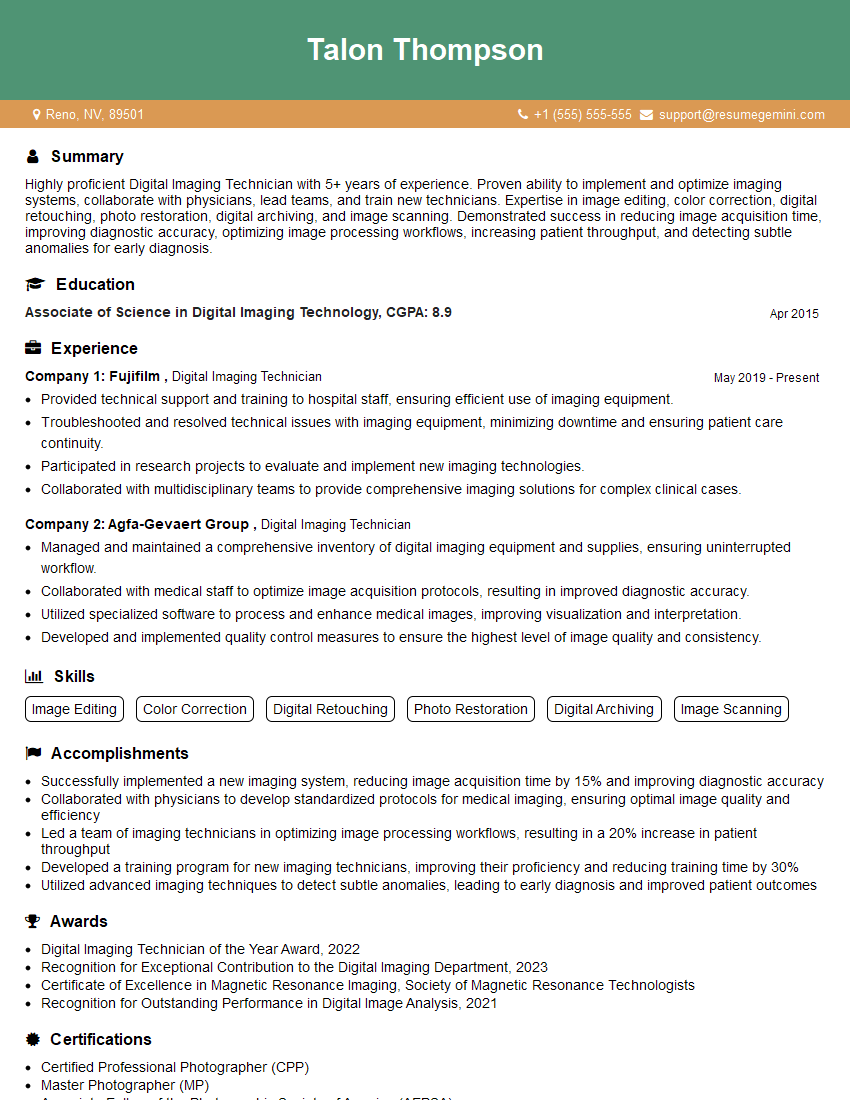
Digital Imaging Technician Resume Sample
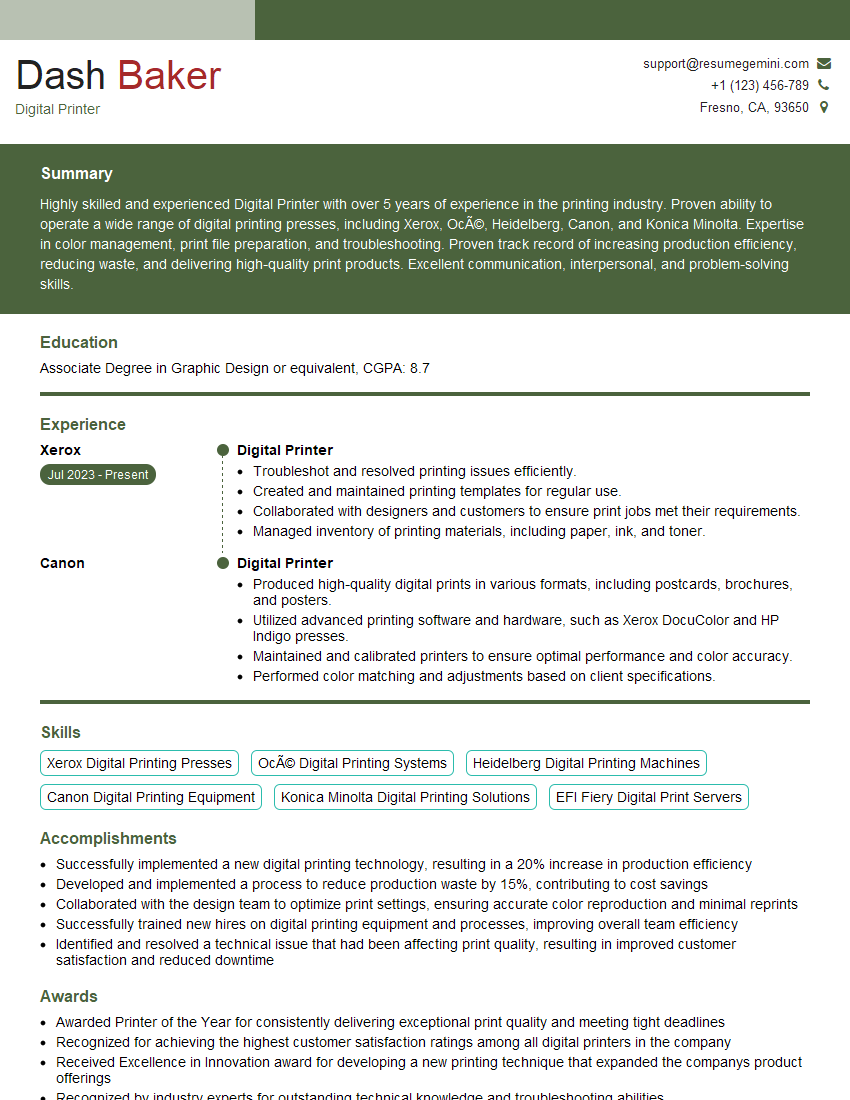
Digital Printer Resume Sample

Print Finisher Resume Sample
Explore more articles
Users Rating of Our Blogs
Share Your Experience
We value your feedback! Please rate our content and share your thoughts (optional).
What Readers Say About Our Blog
Very informative content, great job.
good