Preparation is the key to success in any interview. In this post, we’ll explore crucial Computer Literacy Operation interview questions and equip you with strategies to craft impactful answers. Whether you’re a beginner or a pro, these tips will elevate your preparation.
Questions Asked in Computer Literacy Operation Interview
Q 1. What operating systems are you proficient in?
I’m proficient in several operating systems, with extensive experience in Windows (all versions from Windows XP onwards, including Server editions), macOS, and various Linux distributions such as Ubuntu, CentOS, and Fedora. My proficiency extends beyond basic usage; I’m comfortable managing user accounts, configuring system settings, installing and troubleshooting software, and working with command-line interfaces. For instance, in a previous role, I had to migrate a company’s server infrastructure from Windows Server 2008 to Windows Server 2019, a process that involved meticulous planning, execution, and extensive testing to ensure zero downtime during the transition.
- Windows: Deep understanding of the registry, file system, and group policies. Experience with Active Directory.
- macOS: Proficient in using Terminal for system administration tasks. Familiar with AppleScript for automation.
- Linux: Comfortable managing packages using apt, yum, or dnf, and working with systemd for service management.
Q 2. Describe your experience with Microsoft Office Suite.
I have extensive experience with the Microsoft Office Suite, encompassing Word, Excel, PowerPoint, Outlook, and Access. My skills go beyond basic document creation and spreadsheet management. In Excel, I’m adept at creating complex formulas, using pivot tables for data analysis, and using VBA for automation. In Word, I’ve managed large documents, created templates, and utilized mail merge features for efficient communication. I’ve also used PowerPoint to create engaging presentations with animations and transitions, and Outlook for efficient email management and calendar scheduling. For instance, I once used Excel and VBA to automate a monthly reporting process, saving the team several hours each month.
- Excel: Advanced formulas (VLOOKUP, INDEX/MATCH, array formulas), pivot tables, VBA macros.
- Word: Mail merge, styles, templates, advanced formatting.
- PowerPoint: Animations, transitions, presentations for diverse audiences.
- Outlook: Calendar management, email automation (rules), contact management.
- Access: Database design, query creation, form development (basic).
Q 3. How familiar are you with different types of software applications?
My familiarity with software applications spans various categories, including productivity suites (like Microsoft Office and Google Workspace), graphic design software (Adobe Photoshop, Illustrator, InDesign), database management systems (MySQL, PostgreSQL, SQL Server), programming languages (Python, Java, C# – basic level), and specialized software for specific industries. I’m a quick learner and comfortable adapting to new applications, understanding their functionalities and applications within a given context. For example, I recently learned the basics of Adobe After Effects to create short video clips for internal training purposes, demonstrating my ability to quickly grasp new software functionalities.
- Productivity Suites: Microsoft Office, Google Workspace (Docs, Sheets, Slides)
- Graphic Design: Adobe Creative Suite (Photoshop, Illustrator, InDesign)
- Database Management: MySQL, PostgreSQL, SQL Server, MS Access
- Programming: Python (scripting, data analysis), Java (basic), C# (basic)
Q 4. Explain your experience with troubleshooting computer issues.
Troubleshooting computer issues is a significant part of my experience. My approach is systematic and methodical. I start by gathering information – what the user was doing, when the problem started, what error messages are displayed – then proceed with a series of diagnostic steps. I’m proficient in using system diagnostic tools, event logs, and command-line utilities to pinpoint the problem. I’ve resolved issues ranging from simple hardware malfunctions (like a failing hard drive or RAM) to complex software conflicts. For example, I once diagnosed and resolved a network connectivity issue that affected a large portion of the company’s network by isolating the problem to a faulty network switch.
My troubleshooting methodology typically follows these steps:
- Gather information from the user.
- Check for obvious issues (power, connections).
- Utilize system diagnostic tools (e.g., System Information, Resource Monitor, Event Viewer).
- Check error logs for clues.
- Isolate the problem (hardware, software, network).
- Implement a solution (repair, reinstall, replace).
- Test and verify the solution.
- Document the process and solution.
Q 5. What is your experience with data entry and management?
I have significant experience with data entry and management. I’m adept at accurately and efficiently inputting data into various systems, ensuring data integrity and consistency. My experience includes working with spreadsheets, databases, and specialized data entry applications. I’m familiar with different data entry techniques and understand the importance of data validation to minimize errors. In a previous role, I was responsible for entering and managing customer data, ensuring data accuracy and compliance with data privacy regulations.
My skills include:
- Accurate and efficient data entry.
- Data validation and error checking.
- Data cleaning and formatting.
- Data organization and management.
- Use of various data entry tools and techniques.
Q 6. How comfortable are you working with databases?
I’m comfortable working with databases, having experience with relational databases (like MySQL, PostgreSQL, and SQL Server) and NoSQL databases. My skills include designing database structures, creating and optimizing queries, managing database users and permissions, and ensuring data integrity. I understand SQL and can write complex queries to retrieve, insert, update, and delete data. I’ve also worked with database administration tasks, including backup and recovery procedures.
Examples of my database experience:
- Designed and implemented a database for tracking customer orders.
- Optimized database queries to improve data retrieval speed.
- Managed database user permissions to ensure data security.
- Performed database backups and recovery procedures.
Q 7. Describe your experience with network troubleshooting.
My network troubleshooting experience encompasses various aspects, from identifying basic connectivity problems to resolving complex network infrastructure issues. I’m familiar with different network topologies, protocols (TCP/IP, DNS, DHCP), and hardware components (routers, switches, firewalls). I use network diagnostic tools (like ping, traceroute, ipconfig) to identify and isolate network problems. I also have experience with troubleshooting network security issues, including firewall configuration and intrusion detection. For instance, I once resolved a slow network performance issue by identifying a bottleneck in the network infrastructure caused by insufficient bandwidth.
My approach to network troubleshooting involves:
- Identifying the symptoms of the network problem.
- Checking the physical connections and hardware.
- Using network diagnostic tools to isolate the problem.
- Checking network configuration settings (IP addresses, subnet masks, DNS servers).
- Analyzing network traffic patterns.
- Implementing solutions and testing the network connectivity.
Q 8. What is your experience with cloud-based services?
My experience with cloud-based services is extensive, encompassing both personal and professional use. I’ve worked extensively with platforms like AWS (Amazon Web Services), Google Cloud Platform (GCP), and Microsoft Azure. This includes provisioning and managing virtual machines (VMs), configuring storage solutions (like S3 and Blob storage), and deploying and managing applications using containerization technologies such as Docker and Kubernetes. For example, in a previous role, I migrated a legacy on-premise application to AWS, resulting in a 30% reduction in operational costs and improved scalability. I’m familiar with various cloud service models – IaaS (Infrastructure as a Service), PaaS (Platform as a Service), and SaaS (Software as a Service) – and understand the trade-offs involved in choosing the right model for a specific application. I also have experience with cloud security best practices, including access control, data encryption, and vulnerability management.
Q 9. How proficient are you in using email and calendar applications?
I’m highly proficient in using email and calendar applications. My daily workflow relies heavily on tools like Outlook, Gmail, and Google Calendar. I’m comfortable managing multiple calendars, scheduling meetings across time zones, using features like recurring events and reminders, and utilizing email features such as filtering, rules, and canned responses to improve efficiency. For instance, I’ve implemented a system of email filters and folders to automatically categorize incoming messages based on sender and subject, significantly improving my ability to prioritize urgent tasks. I also regularly use email features to collaborate with colleagues, share files, and track project progress.
Q 10. Explain your understanding of cybersecurity best practices.
Cybersecurity best practices are paramount in today’s digital landscape. My understanding encompasses several key areas. First, strong password management – employing complex, unique passwords and utilizing password managers – is crucial. Second, regular software updates are essential to patch vulnerabilities. Third, implementing multi-factor authentication (MFA) adds an extra layer of security, making unauthorized access significantly more difficult. Fourth, being wary of phishing attempts and practicing safe browsing habits are vital for preventing malware infections. Fifth, regularly backing up data to a secure location ensures business continuity in case of data loss. Finally, understanding the principles of data privacy and compliance with relevant regulations, like GDPR, are increasingly important. In my experience, a proactive and layered approach to security is the most effective strategy.
Q 11. Describe your experience with hardware troubleshooting.
My experience with hardware troubleshooting involves diagnosing and resolving issues with a range of devices, from desktops and laptops to printers and network equipment. I’m adept at identifying problems through systematic testing, such as checking power connections, verifying hardware compatibility, and utilizing diagnostic tools. For example, I once resolved a persistent network connectivity issue by identifying a faulty network card and replacing it. I’m also familiar with common hardware components and their functionalities, enabling me to troubleshoot issues effectively. My approach involves a structured methodology – starting with the simplest potential causes and progressively investigating more complex ones – to quickly and efficiently resolve hardware problems.
Q 12. How would you handle a situation where a crucial software application malfunctions?
If a crucial software application malfunctions, my response would follow a structured approach. First, I’d try to identify the nature of the malfunction – is it a crash, an error message, or unexpected behavior? Then, I’d attempt basic troubleshooting steps like restarting the application and the computer. If that fails, I’d consult the application’s documentation or online resources for known issues and potential solutions. Next, I would check for system updates or software conflicts that might be causing the problem. If the problem persists, I’d consider contacting the software vendor’s support team for assistance. Meanwhile, if possible, I’d explore alternative solutions or workarounds to ensure business continuity. This might involve using a backup system or a different application with similar functionality. Documentation of each step taken is crucial for effective troubleshooting and future reference.
Q 13. How familiar are you with different file formats and their uses?
I’m familiar with a wide range of file formats and their uses, including common document formats like .doc, .docx (Microsoft Word), .pdf (Adobe Acrobat), .txt (plain text), and .rtf (rich text format). I also work with spreadsheet formats like .xls, .xlsx (Microsoft Excel), and .csv (comma-separated values). Image formats like .jpg, .png, and .gif are well understood, as are audio formats such as .mp3 and .wav and video formats like .mp4 and .avi. Understanding the strengths and weaknesses of each format is crucial for choosing the right one for a specific purpose, considering factors like file size, compatibility, and editing capabilities. For example, I’d choose a .pdf format for a document intended for archival purposes, ensuring its appearance remains consistent across different platforms. For data analysis, a .csv file is often more practical than a spreadsheet file for import into analytical software.
Q 14. What is your experience with remote access software?
I have experience with various remote access software solutions, including TeamViewer, AnyDesk, and LogMeIn. I’ve used these tools both to provide remote support to users and to access my own systems remotely. I understand the security considerations associated with remote access, such as using strong passwords and enabling MFA. I also understand the importance of secure protocols and encryption to protect sensitive data transmitted during remote sessions. For example, in a previous role, I utilized TeamViewer to troubleshoot a critical system issue at a client site, resolving the problem quickly and efficiently without needing to be physically present.
Q 15. Explain your experience with data backup and recovery procedures.
Data backup and recovery are crucial for ensuring data integrity and business continuity. My experience encompasses developing and implementing comprehensive backup strategies across various platforms, from individual workstations to complex server environments. This includes selecting appropriate backup methods (full, incremental, differential), scheduling regular backups, and verifying their successful completion.
I’ve worked extensively with both on-site and off-site backup solutions. On-site solutions often involve using network-attached storage (NAS) devices or dedicated backup servers, while off-site solutions leverage cloud storage services like AWS S3 or Azure Blob Storage for disaster recovery. My experience also includes using various backup software, such as Veeam, Acronis, and Windows Server Backup.
The recovery process is equally critical. I have a proven track record of restoring data quickly and efficiently following hardware failures, software crashes, or cyberattacks. This includes using various recovery methods, from restoring individual files to performing a full system recovery. Regular testing of the backup and recovery process is vital, and I always ensure that our recovery time objectives (RTOs) and recovery point objectives (RPOs) are met.
For example, in a previous role, I implemented a three-tiered backup strategy involving daily incremental backups to a local NAS, weekly full backups to a secondary server, and monthly off-site backups to a cloud storage provider. This ensured we had multiple recovery points in case of different types of failures. The rigorous testing of this strategy ensured a swift recovery from a server failure, minimizing downtime and data loss.
Career Expert Tips:
- Ace those interviews! Prepare effectively by reviewing the Top 50 Most Common Interview Questions on ResumeGemini.
- Navigate your job search with confidence! Explore a wide range of Career Tips on ResumeGemini. Learn about common challenges and recommendations to overcome them.
- Craft the perfect resume! Master the Art of Resume Writing with ResumeGemini’s guide. Showcase your unique qualifications and achievements effectively.
- Don’t miss out on holiday savings! Build your dream resume with ResumeGemini’s ATS optimized templates.
Q 16. How do you stay updated with the latest technological advancements?
Staying current in the rapidly evolving tech landscape is paramount. My approach is multifaceted and combines several strategies:
- Following industry publications and blogs: I regularly read publications like TechCrunch, Ars Technica, and InfoWorld to keep abreast of emerging trends and technologies.
- Attending conferences and webinars: Participating in industry conferences and webinars provides valuable insights directly from experts and allows for networking opportunities.
- Engaging with online communities: I actively participate in online forums, such as Reddit’s r/sysadmin, to engage in discussions, learn from others, and share my expertise.
- Taking online courses and certifications: Platforms like Coursera, edX, and LinkedIn Learning provide access to structured learning paths and industry-recognized certifications to validate my skills.
- Hands-on experimentation: I dedicate time to experimenting with new technologies and tools in a controlled environment (e.g., a virtual machine) to build practical experience.
This continuous learning ensures my skill set remains relevant and allows me to effectively contribute to projects requiring cutting-edge technologies.
Q 17. What is your approach to learning new software or technologies?
My approach to learning new software or technologies is systematic and results-oriented. It involves:
- Needs assessment: I begin by clearly defining the purpose and requirements for learning the new technology. What specific tasks will it enable me to accomplish?
- Resource identification: I identify relevant resources such as official documentation, tutorials, online courses, and training videos.
- Structured learning: I prefer a structured approach, often following a curriculum or tutorial series, ensuring a comprehensive understanding of the fundamentals before moving to advanced concepts.
- Hands-on practice: I believe in the importance of hands-on practice. I set up practice environments, often using virtual machines, to experiment with different features and functionalities without risking live systems.
- Project application: I seek opportunities to apply my newfound knowledge to real-world projects, solidifying my understanding and identifying areas needing further attention.
- Continuous improvement: I actively seek feedback and continuously refine my skills through ongoing practice and experimentation.
For example, when learning Docker, I started with the official documentation, then moved on to hands-on tutorials, creating and managing containers and images in a virtual machine. Finally, I implemented Docker in a personal project to consolidate my understanding.
Q 18. Describe your experience with project management software.
I have extensive experience using various project management software, including Jira, Asana, Trello, and Microsoft Project. My familiarity extends beyond simply using these tools; I understand how to effectively leverage their features to manage projects efficiently and collaboratively.
I’m proficient in creating and managing project plans, assigning tasks, tracking progress, and monitoring deadlines. I’m adept at using Kanban boards, Scrum methodologies, and Gantt charts depending on project needs. My experience also includes customizing workflows and integrating these tools with other systems to streamline processes. For instance, in a previous role, I integrated Jira with our Git repository to automate issue tracking and code deployment. The use of these tools allows me to manage multiple projects simultaneously, keep stakeholders informed, and deliver projects on time and within budget.
Beyond the technical skills, I understand the importance of using project management tools to foster clear communication and collaboration within teams. I can effectively translate project requirements into actionable tasks and provide clear, concise updates to both technical and non-technical audiences.
Q 19. How would you explain complex technical issues to a non-technical audience?
Explaining complex technical issues to a non-technical audience requires a strategic approach focused on clarity, simplicity, and relatable analogies. I avoid technical jargon whenever possible, opting instead for plain language and easily understood concepts.
My approach typically involves:
- Identifying the core issue: I start by identifying the most fundamental aspect of the problem, avoiding unnecessary detail.
- Using analogies and metaphors: I use relatable analogies to explain abstract concepts. For instance, explaining network latency by comparing it to traffic congestion.
- Visual aids: I often utilize diagrams, charts, or simple illustrations to visually represent the problem and its solution.
- Step-by-step explanations: I break down complex concepts into smaller, more manageable steps.
- Checking for understanding: I regularly check the audience’s understanding to ensure they are following along.
For example, when explaining database replication to a non-technical manager, I would compare it to making copies of important documents and storing them in different locations for safety and redundancy.
Q 20. What is your experience with virtual machines?
Virtual machines (VMs) are a cornerstone of my technical skillset. I’m experienced in creating, configuring, and managing VMs using various hypervisors, including VMware vSphere, VirtualBox, and Hyper-V. My experience includes setting up VMs for testing, development, and deployment of software applications.
I understand the concepts of virtualization, including resource allocation, networking, and storage management within a virtualized environment. I’m proficient in cloning, migrating, and snapshotting VMs, ensuring efficient resource utilization and business continuity. I also have experience optimizing VM performance through resource allocation and configuration. For example, I’ve used VMs to create isolated test environments for new software deployments, preventing disruptions to production systems.
My experience extends to working with cloud-based VMs, such as those provided by AWS EC2 and Azure Virtual Machines. This includes understanding and utilizing various cloud-based services to support the VMs, such as networking, storage, and security.
Q 21. How comfortable are you working with command-line interfaces?
I am highly comfortable working with command-line interfaces (CLIs). I consider them essential tools for efficient system administration and scripting. My proficiency includes using various shells, such as Bash, Zsh, and PowerShell, to automate tasks, manage files, and troubleshoot system issues.
I’m comfortable with navigating file systems, executing commands, and using scripting languages like Python and Bash to automate repetitive tasks. For example, I routinely use CLIs to perform tasks such as setting up users, managing network configurations, monitoring system logs, and remotely managing servers. This expertise enables me to perform complex tasks with precision and efficiency, often faster than through graphical user interfaces.
Furthermore, I understand the importance of using CLIs for debugging and troubleshooting, allowing for detailed logging and quick identification of problems.
Q 22. What is your experience with scripting or programming languages?
My scripting and programming experience spans several languages, focusing primarily on those relevant to system administration and automation. I’m proficient in Python, using it extensively for tasks like automating system backups, parsing log files for troubleshooting, and creating custom scripts to manage network devices. I’ve also worked with PowerShell extensively within Windows environments for similar automation tasks, including Active Directory management and user account provisioning. My experience with Bash scripting on Linux systems is equally strong, enabling me to handle tasks such as system monitoring, log analysis, and deploying applications. I understand the importance of choosing the right tool for the job, and my skillset allows for flexibility across diverse operating systems and environments. For example, I recently used Python to develop a script that automatically monitors server disk space and sends alerts via email when thresholds are breached, preventing potential data loss. This required knowledge of file I/O, email protocols, and efficient error handling.
Q 23. Describe your experience with network security protocols.
My experience with network security protocols is comprehensive, covering various layers of the OSI model. I’m familiar with fundamental protocols like TCP/IP, UDP, and ICMP, understanding their functions and how they contribute to network communication. I have extensive practical experience with security protocols such as TLS/SSL for encrypting web traffic, ensuring secure communication between clients and servers. I understand the importance of firewalls and intrusion detection/prevention systems (IDS/IPS) in mitigating security threats. My work has included configuring and managing firewalls, implementing VPNs for secure remote access, and analyzing network traffic to identify and resolve security vulnerabilities. For instance, I recently worked on implementing multi-factor authentication (MFA) across our organization’s network to enhance user account security, significantly reducing the risk of unauthorized access. This involved configuring authentication servers and integrating them with existing network infrastructure. I also have experience with IPsec and other VPN technologies for creating secure connections between networks.
Q 24. How would you prioritize multiple technical support requests?
Prioritizing multiple technical support requests involves a structured approach that considers urgency, impact, and resources. I use a system that combines urgency (critical, high, medium, low) and impact (major disruption, minor disruption, minimal impact). Critical issues with major disruption take immediate priority. For instance, a server outage affecting a critical business application would be immediately addressed. High-priority issues, like widespread network connectivity problems, are next. Then, I would address medium-priority requests, such as individual user issues, while minimizing disruptions. Low-priority requests, like software updates or routine maintenance, are scheduled for off-peak hours or other convenient times. I also take into account the complexity of the issue and the availability of resources to resolve it efficiently. Proper documentation and communication are also key to ensuring all requests are handled effectively and transparently.
Q 25. What is your approach to problem-solving when troubleshooting computer issues?
My approach to troubleshooting computer issues is systematic and methodical. I follow a structured process that mirrors the scientific method: observation, hypothesis, experimentation, and analysis. First, I carefully gather information about the problem by asking clarifying questions and observing the symptoms. Then, I formulate a hypothesis about the cause of the problem. This is followed by testing my hypothesis through experimentation. This often involves checking system logs, running diagnostic tools, and isolating the problem to a specific component. I carefully document every step of the process, recording my findings and the actions I take. Finally, I analyze the results and determine the most effective solution. For example, if a user is reporting slow application performance, I would systematically investigate factors such as network connectivity, disk I/O, CPU usage, and application-specific configurations before arriving at a solution.
Q 26. Describe your experience with different types of printers and their maintenance.
I have experience with a wide range of printers, including laser printers, inkjet printers, and dot-matrix printers. I understand their different functionalities and maintenance needs. Laser printers, for instance, require regular toner and drum replacement, as well as occasional cleaning of the fuser unit. Inkjet printers need frequent ink cartridge changes, and cleaning of print heads can resolve clogging issues. I’m adept at troubleshooting various printer problems, such as paper jams, connectivity issues, and print quality issues. My experience includes installing and configuring printers on different network types, managing printer drivers, and performing basic maintenance tasks. I also have experience with more specialized printers, such as large-format plotters and thermal printers, understanding their particular maintenance requirements. I can work with various printer management software and techniques to maintain optimal printer efficiency and functionality across a range of devices.
Q 27. How familiar are you with different types of computer networks?
I’m familiar with various types of computer networks, ranging from simple peer-to-peer networks to complex enterprise networks. I understand the differences between LANs (Local Area Networks), WANs (Wide Area Networks), and MANs (Metropolitan Area Networks), as well as their respective topologies, such as bus, star, ring, and mesh. My experience includes working with both wired and wireless networks, including configuring routers, switches, and wireless access points. I’m proficient in configuring network protocols like DHCP (Dynamic Host Configuration Protocol) and DNS (Domain Name System) for efficient network administration. I also have experience with VPNs (Virtual Private Networks) for secure remote access and network segmentation techniques for enhanced security and performance. Understanding network segmentation helps me isolate problems and prevent a single issue from impacting the entire network. Understanding network topologies and protocols is crucial for efficient network troubleshooting and management.
Q 28. What is your understanding of data privacy and security regulations?
My understanding of data privacy and security regulations is comprehensive, encompassing various legal frameworks like GDPR (General Data Protection Regulation), CCPA (California Consumer Privacy Act), and HIPAA (Health Insurance Portability and Accountability Act). I’m aware of the principles of data minimization, purpose limitation, and data security, and I understand the importance of implementing appropriate technical and organizational measures to protect sensitive data. This includes secure data storage, access control mechanisms, data encryption, and regular security audits. I understand the implications of data breaches and the necessary steps to mitigate risks and ensure compliance with relevant regulations. In my work, I prioritize data privacy and security, ensuring that all data handling practices comply with applicable laws and regulations. For example, I would ensure that access to sensitive data is restricted to authorized personnel only through role-based access control and strong password policies. I am also familiar with data retention policies and procedures for secure data disposal.
Key Topics to Learn for Computer Literacy Operation Interview
- Operating Systems: Understanding different OS (Windows, macOS, Linux) functionalities, file management, basic troubleshooting, and user account management. Practical application: Demonstrate proficiency in navigating file systems, creating folders, and managing user permissions.
- Software Applications: Proficiency in commonly used software like Microsoft Office Suite (Word, Excel, PowerPoint), email clients, and web browsers. Practical application: Showcase your ability to create professional documents, spreadsheets, and presentations; effectively manage emails; and navigate the internet efficiently.
- Hardware Basics: Familiarity with common computer hardware components (CPU, RAM, storage devices), their functions, and basic troubleshooting. Practical application: Explain the role of different hardware components in a computer’s performance and demonstrate understanding of common hardware issues and potential solutions.
- Data Management: Organizing, storing, retrieving, and backing up data effectively. Practical application: Describe methods for organizing files, using cloud storage, and implementing data backup strategies.
- Networking Fundamentals: Basic understanding of networks (LAN, WAN), internet connectivity, and network security. Practical application: Explain the difference between wired and wireless networks and describe basic network security practices.
- Cybersecurity Awareness: Understanding basic cybersecurity threats (viruses, phishing), and best practices for safe computing. Practical application: Demonstrate knowledge of safe browsing habits, password management, and recognizing phishing attempts.
- Problem-Solving & Troubleshooting: Ability to diagnose and resolve common computer problems independently. Practical application: Describe your approach to troubleshooting common issues like printer malfunctions or software errors.
Next Steps
Mastering Computer Literacy Operation is crucial for success in today’s digital workplace. It demonstrates essential skills valued across various industries, opening doors to diverse career opportunities. To significantly improve your job prospects, creating a well-structured, ATS-friendly resume is paramount. ResumeGemini is a trusted resource that can help you build a professional resume that highlights your skills effectively. Take advantage of their tools and resources, including examples of resumes tailored to Computer Literacy Operation, to showcase your qualifications compellingly and land your dream job.
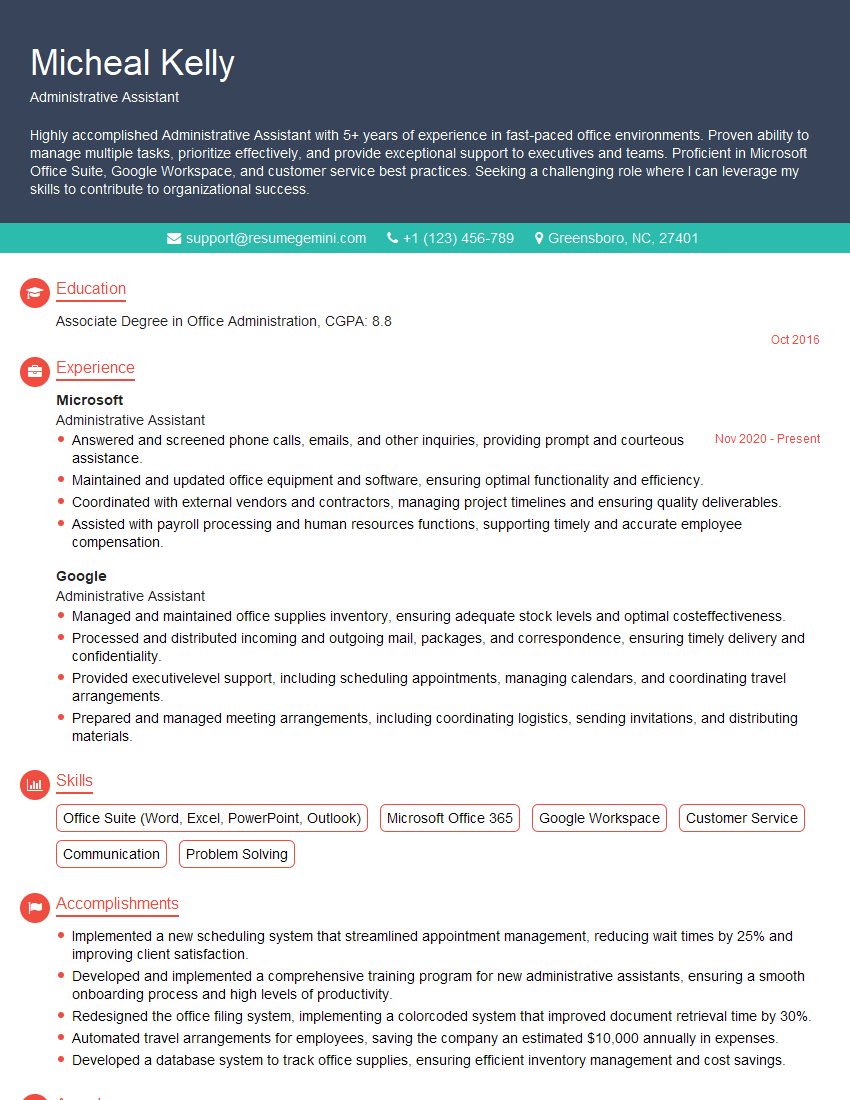
Administrative Assistant Resume Sample
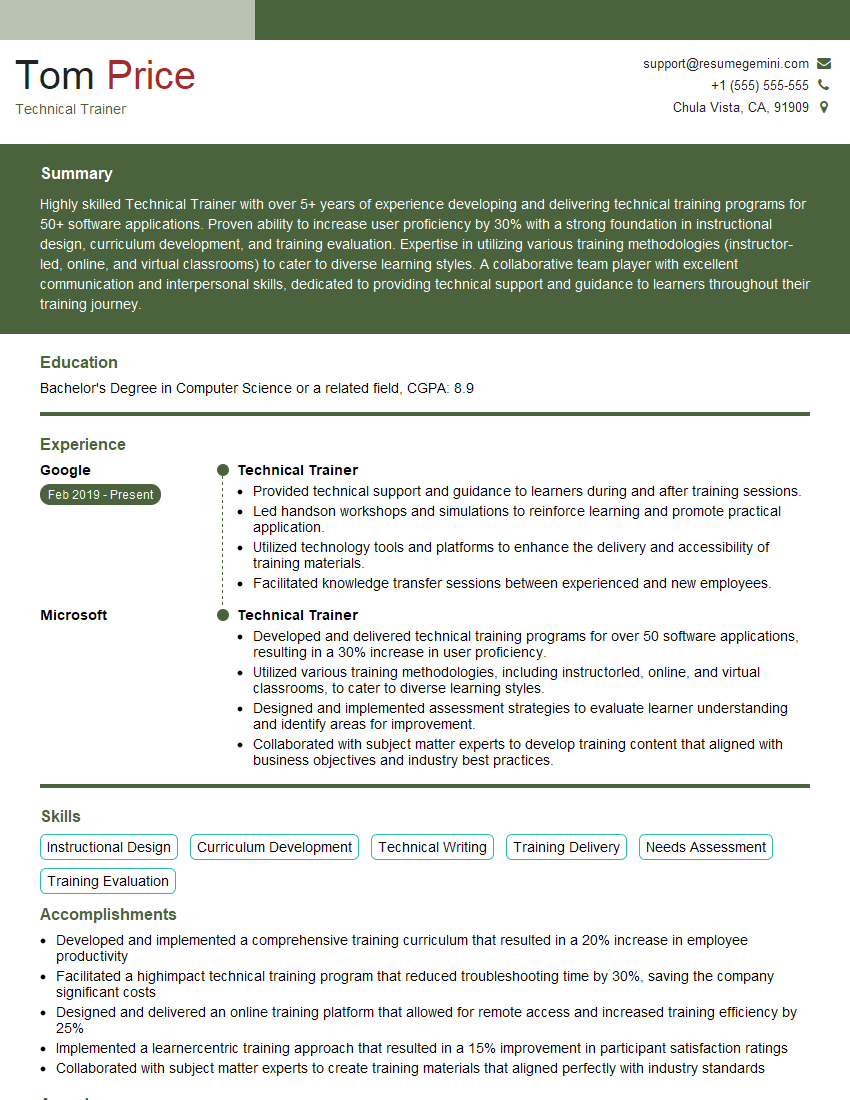
Technical Trainer Resume Sample

Software Engineer Resume Sample

Systems Analyst Resume Sample

Network Administrator Resume Sample

Network Engineer Resume Sample

Web Developer Resume Sample
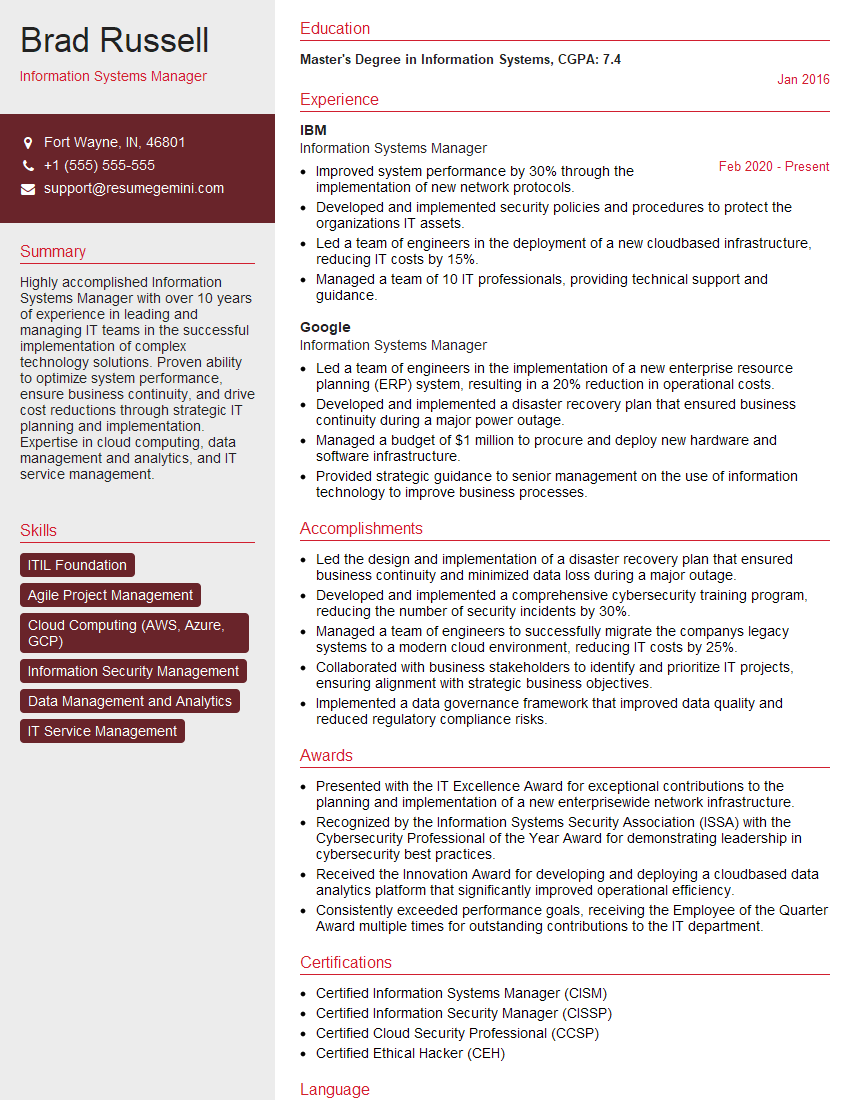
Information Systems Manager Resume Sample

System Administrator Resume Sample
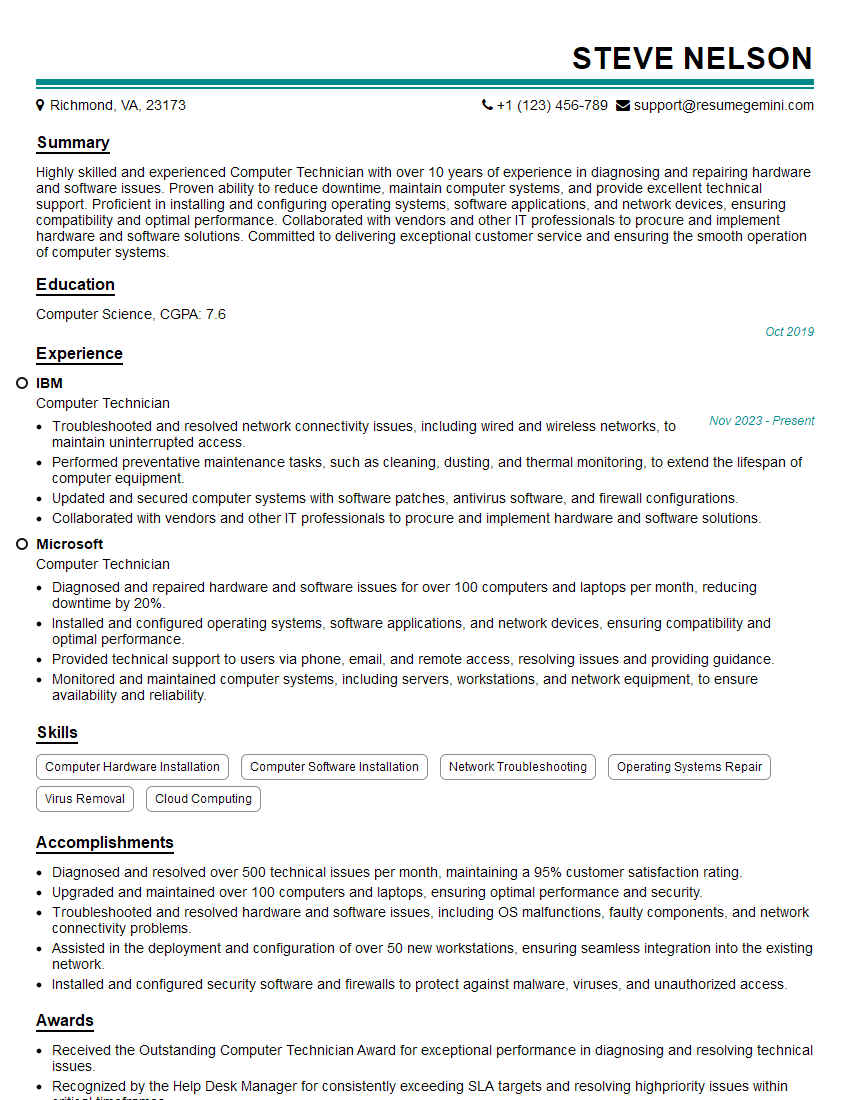
Computer Technician Resume Sample
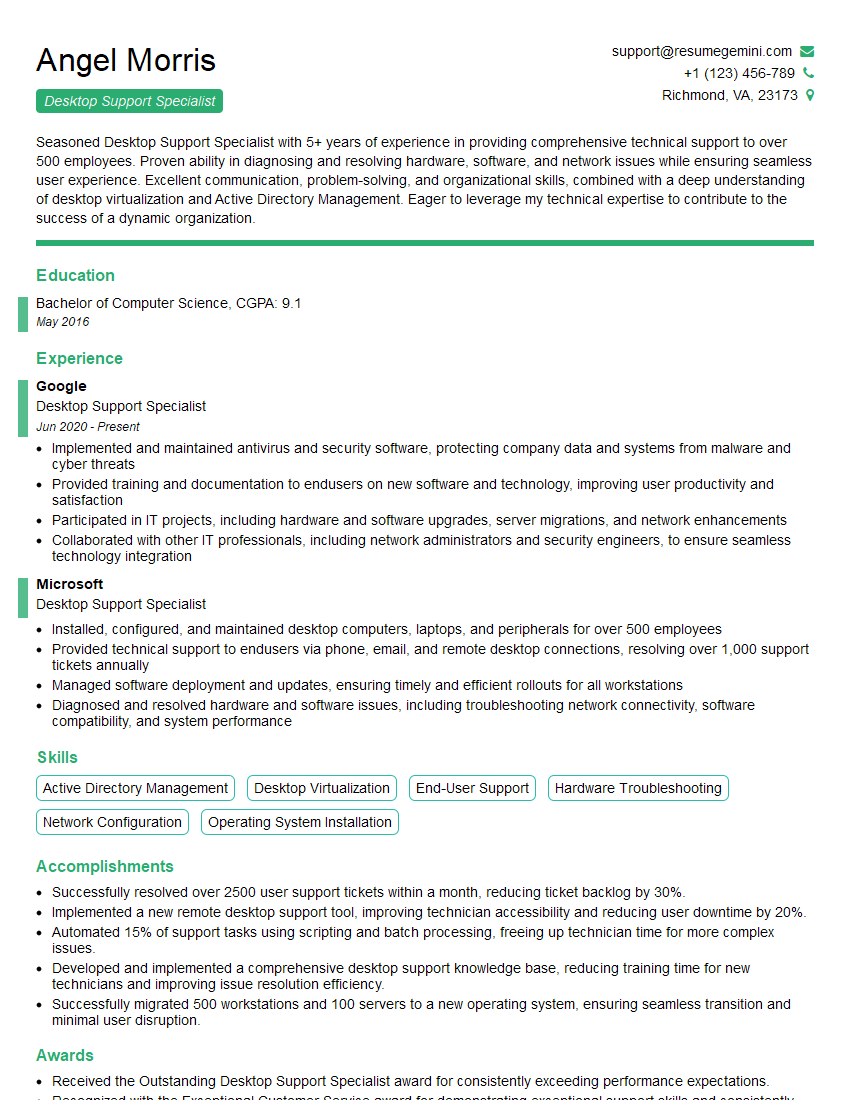
Desktop Support Specialist Resume Sample

Help Desk Analyst Resume Sample
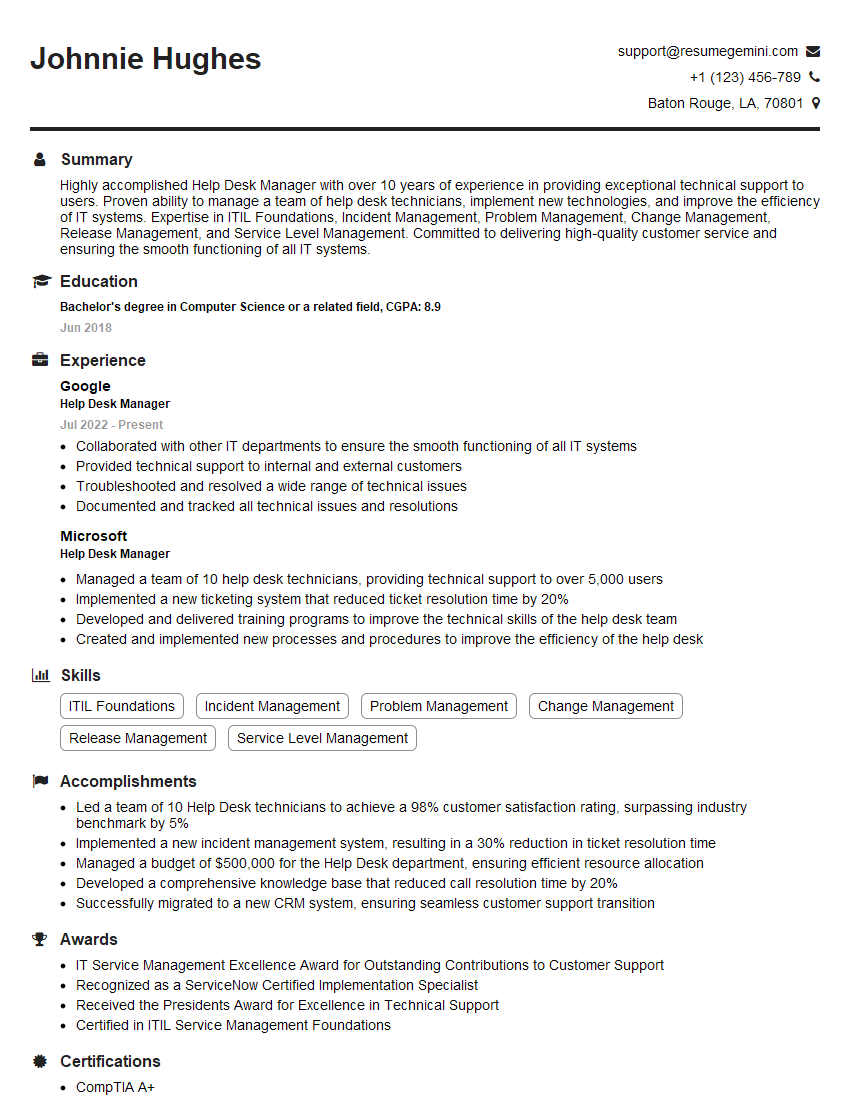
Help Desk Manager Resume Sample
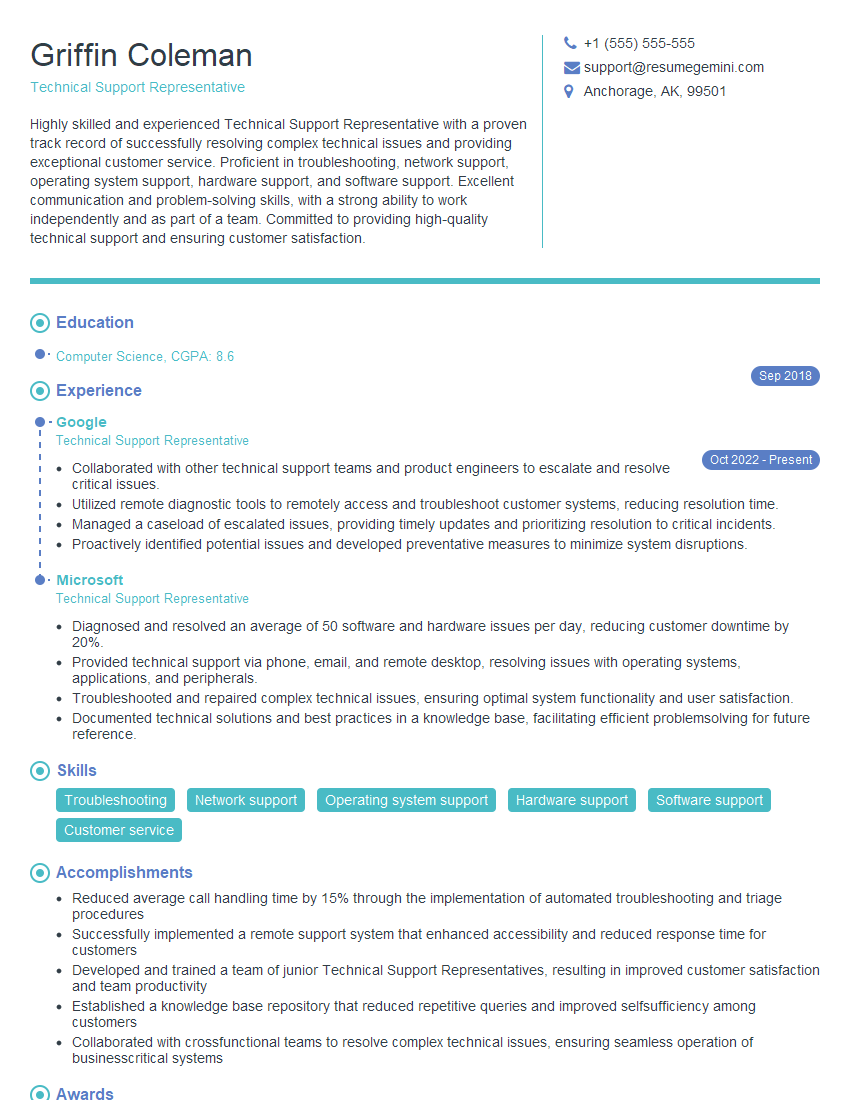
Technical Support Representative Resume Sample

IT Project Manager Resume Sample
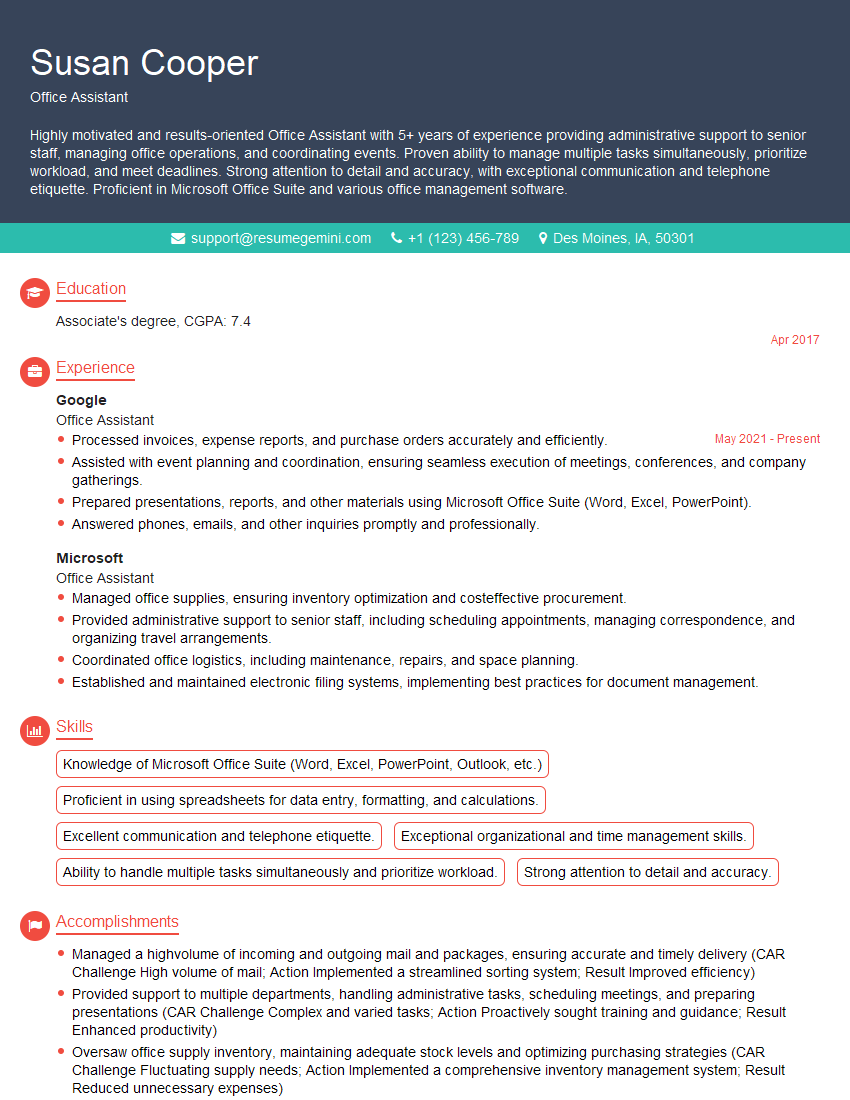
Office Assistant Resume Sample

Data Entry Clerk Resume Sample

Database Administrator Resume Sample

Cloud Engineer Resume Sample
- Administrative Assistant
- Technical Trainer
- Software Engineer
- Systems Analyst
- Network Administrator
- Network Engineer
- Web Developer
- Information Systems Manager
- System Administrator
- Computer Technician
- Desktop Support Specialist
- Help Desk Analyst
- Help Desk Manager
- Technical Support Representative
- IT Project Manager
- Office Assistant
- Data Entry Clerk
- Database Administrator
- Cloud Engineer
Explore more articles
Users Rating of Our Blogs
Share Your Experience
We value your feedback! Please rate our content and share your thoughts (optional).
What Readers Say About Our Blog
Very informative content, great job.
good