Feeling uncertain about what to expect in your upcoming interview? We’ve got you covered! This blog highlights the most important Concept Art and Illustration interview questions and provides actionable advice to help you stand out as the ideal candidate. Let’s pave the way for your success.
Questions Asked in Concept Art and Illustration Interview
Q 1. Describe your process for creating a concept sketch from a written prompt.
My process for creating a concept sketch from a written prompt begins with a thorough understanding of the prompt itself. I dissect it, identifying key elements like setting, characters, mood, and narrative intent. Then, I create a series of thumbnails – quick, small sketches exploring different compositional ideas and visual interpretations of the prompt. This allows me to quickly experiment with various approaches before committing to a more detailed sketch. Once I’ve chosen a promising thumbnail, I refine it into a more detailed concept sketch, focusing on the key elements and establishing the overall visual language of the piece. This process is iterative; I might refine several thumbnails before settling on one, and even the final sketch might undergo several revisions before I’m satisfied.
For example, if the prompt is “A lone astronaut gazing at a nebula from a desolate lunar outpost,” I’d first brainstorm different compositions: the astronaut silhouetted against the nebula, a close-up focusing on their expression, a wide shot showing the outpost’s scale against the vastness of space. My thumbnails would explore these options, and the chosen one would form the foundation for the detailed sketch, paying attention to the astronaut’s pose, the outpost’s design, and the dramatic interplay of light and shadow.
Q 2. Explain your workflow for digital painting, from initial sketch to final render.
My digital painting workflow starts with the refined concept sketch, which I import into my chosen software (usually Photoshop). I then create a new layer and begin painting, usually starting with a loose, overall color scheme to establish the light and shadow. I utilize various brushes – some for blocking in large areas of color, others for adding fine details. I frequently use layers to isolate elements and maintain control over the painting. As I progress, I gradually refine the details, adjusting values, color temperature, and saturation. I might employ techniques like color dodging and burning to enhance contrast. Texture is often added using custom brushes or digital textures imported into the painting.
Once the painting is largely finished, I move onto post-processing – checking for any inconsistencies, adjusting the overall color balance, and potentially adding final touches to highlight key features. I often use a final pass with a low opacity brush to blend and unify the painting and create a more cohesive feel. Throughout the process, I regularly zoom in and out to maintain a sense of both detail and overall composition. This layered and iterative approach helps me build a robust and visually compelling final render.
Q 3. How do you handle feedback and revisions on your artwork?
Handling feedback and revisions is a crucial aspect of the creative process. I view feedback as an opportunity for improvement and growth. I approach revisions collaboratively, listening attentively to the client’s or art director’s concerns, clarifying any misunderstandings, and discussing potential solutions. I often create small sketches or quick digital studies to visualize suggested changes before fully implementing them. Documentation is key; I keep a record of all revisions, along with the rationale behind the changes. This record helps maintain clarity and ensures a smooth workflow. Sometimes, even seemingly small changes can significantly impact the overall effectiveness of the art.
For instance, if feedback points towards a shift in the overall mood, I might adjust the color palette, perhaps moving towards cooler colors to create a more somber tone, or warmer ones to create a more inviting atmosphere. The goal is to meet the artistic goals while retaining the overall integrity of my style and skills.
Q 4. What software and tools are you proficient in?
I’m proficient in several industry-standard software applications. My primary tool is Adobe Photoshop, which I utilize for virtually all aspects of my digital painting workflow. I also have experience with Adobe Illustrator for vector work, especially when creating clean line art or logos. For 3D modeling, I’m familiar with Blender, although my primary focus remains 2D concept art and illustration. My toolset also includes a variety of graphic tablets (Wacom Cintiq and Intuos) that provide me with precise control and responsiveness in my digital artwork. Finally, I utilize cloud storage solutions for efficient file management and collaboration.
Q 5. Describe your experience with color theory and its application in your work.
Color theory is fundamental to my work. I understand the color wheel, complementary colors, analogous colors, and how to use them effectively to create mood, depth, and visual interest. For example, I might use warm colors (reds, oranges, yellows) to create a sense of energy and excitement, or cool colors (blues, greens, purples) to evoke calmness or melancholy. The careful consideration of color temperature – the relative warmth or coolness of a color – plays a significant role in establishing the atmosphere of a piece. Understanding color harmony and contrast allows me to create visually pleasing compositions and guide the viewer’s eye around the artwork. I use color palettes as tools to communicate emotions and themes, supporting the story being told through the artwork.
For a fantasy illustration, perhaps depicting a magical forest, I might use a vibrant, saturated palette of greens, blues, and purples to convey the otherworldly nature of the setting. A different project, such as a gritty cyberpunk scene, would require a more muted palette, possibly incorporating desaturated grays, blues, and greens to establish a sense of coldness and decay.
Q 6. How do you approach creating believable textures and surfaces?
Creating believable textures and surfaces is achieved through a combination of understanding materials and applying various painting techniques. I start by studying reference images – photographs of real-world materials – to grasp the nuances of their surfaces. This helps me understand how light interacts with different textures, creating highlights, shadows, and subtle variations in color. In my digital paintings, I often utilize custom brushes to mimic the appearance of different materials, such as rough-hewn stone, smooth metal, or soft fabric. Layer blending modes, such as overlay or multiply, can also be used to subtly enhance the texture and depth. Sometimes I incorporate digital textures, but I always strive to maintain a sense of hand-painted quality, so the textures feel integrated into the overall artwork, rather than just pasted on.
For instance, to depict a rusty metal surface, I’d carefully observe how rust creates irregular patches of varying colors and textures. This observation informs my brushstrokes and color choices in the painting, allowing me to build up a realistic representation of the rusty metal rather than simply applying a solid color.
Q 7. Explain your understanding of perspective and its importance in concept art.
Perspective is paramount in concept art, as it’s crucial for establishing a believable sense of depth and spatial relationships within a scene. A solid grasp of one-point, two-point, and three-point perspective enables me to create accurate and immersive environments. I use vanishing points and orthogonals (lines that converge at vanishing points) as guides to place objects and architectural elements within the scene correctly. Understanding perspective also helps me to create a sense of scale, demonstrating the relative sizes of objects and characters within the environment. Even subtle inaccuracies in perspective can drastically undermine the believability of a concept design.
For example, in creating a fantasy city, I’d carefully plan the positioning of buildings and streets to create a sense of depth and scale. Using two-point perspective would allow me to convey the city’s sprawling nature, with buildings receding into the distance, while maintaining a consistent and believable spatial relationship.
Q 8. How do you research and develop concepts for a new project?
Concept development begins with a deep dive into the project’s brief. I don’t just read it; I dissect it. What’s the core idea? What’s the mood? What’s the target audience? These are crucial first steps.
- Keyword Research: I brainstorm keywords related to the project to trigger visual ideas. For example, if the project is a fantasy RPG, I’d explore terms like ‘high fantasy,’ ‘dark fantasy,’ ‘elven architecture,’ ‘magical creatures,’ etc. This helps expand my creative horizons.
- Mood Boards: I create digital or physical mood boards, compiling images, textures, colors, and even music that capture the project’s essence. This is a visual brainstorming process, allowing me to see connections and patterns I might miss otherwise.
- Reference Gathering: Thorough research is key. I study historical art, photographs, films, and other relevant media for inspiration. For instance, if I’m designing a futuristic city, I’ll study real-world urban design, science fiction films, and even architecture from different eras to blend familiar elements into a unique vision.
- Sketching and Experimentation: Once I have a solid grasp of the project’s direction, I start sketching. This phase is all about exploration, trying different compositions, character designs, and environments. I might try several different approaches before settling on the strongest concepts.
This layered approach ensures my concepts are not only visually appealing but also deeply rooted in the project’s core values and requirements.
Q 9. Describe a time you had to overcome a creative challenge.
I once faced a significant challenge designing a character for a historical fantasy game. The client wanted a visually striking character that felt authentic to the time period but also embodied a powerful, magical essence. The initial designs felt either too historical and lacked magic, or too fantastical and lost historical grounding.
To overcome this, I employed a multi-pronged strategy:
- Historical Accuracy First: I focused intensely on researching the era’s clothing, armor, and weaponry. I even visited museums to study artifacts firsthand.
- Subtle Magic Integration: Instead of overt fantasy elements, I subtly integrated magical aspects through the character’s posture, accessories (like subtly glowing jewelry), and clothing details (like intricate, almost otherworldly embroidery).
- Iterative Feedback: I presented multiple sketches and variations to the client, actively seeking feedback at each stage. This allowed us to refine the design incrementally, ensuring the final result satisfied everyone.
The final design was a blend of historical authenticity and subtle magical hints, creating a character that felt believable and captivating, effectively resolving the creative conflict.
Q 10. How do you manage your time and prioritize tasks when working on multiple projects?
Juggling multiple projects requires a robust time management system. I rely on a combination of project management tools and personal discipline.
- Project Breakdown: Each project is broken down into smaller, manageable tasks. This makes progress feel less overwhelming and allows for better tracking.
- Prioritization Matrix: I use a prioritization matrix (like Eisenhower Matrix) to categorize tasks based on urgency and importance. This ensures I focus on the most critical tasks first.
- Time Blocking: I schedule specific time blocks for each project, ensuring dedicated time for each. This prevents task-switching and enhances focus.
- Project Management Software: I use tools like Asana or Trello to track progress, deadlines, and client communication. This provides a centralized hub for all project-related information.
Regular review and adjustment are key. I regularly re-evaluate my schedule and priorities to accommodate unexpected delays or changes in project requirements. This flexible approach allows me to adapt to the dynamic nature of creative work.
Q 11. What are your strengths and weaknesses as a concept artist/illustrator?
My strengths lie in my versatility, strong observational skills, and ability to translate abstract ideas into compelling visuals. I am adept at creating mood and atmosphere in my artwork and enjoy collaborating with others.
My weaknesses include a tendency to overthink details sometimes, leading to slower-than-ideal progress. I’m actively working on improving my time management skills to offset this.
Q 12. Explain your experience with different art styles and how you adapt your style to a project’s needs.
I’m comfortable working across various art styles, from realistic to stylized, painterly to graphic. Adapting to a project’s needs involves a combination of technical skill and creative understanding.
- Research and Analysis: The first step involves carefully studying the existing art style and identifying its key elements, such as color palettes, line weights, and brushwork techniques. If it’s a specific game style I’ll reference the art from that game.
- Technical Adaptation: Then I adjust my workflow and techniques to match the chosen style. For example, a painterly style might require using digital brushes that mimic traditional media, while a more graphic style might necessitate precise line work and flat coloring.
- Style Experimentation: I often create test pieces to experiment with different techniques and see how well they work within the project’s constraints before committing to the full piece. This iterative process ensures the final style aligns with the overall vision.
Examples of styles I’ve worked with include realistic character portraits, stylized fantasy illustrations, and vector graphics for user interface design. The adaptability ensures successful integration of my work into diverse creative projects.
Q 13. How familiar are you with creating assets for different platforms (e.g., games, animation, print)?
I’m proficient in creating assets for various platforms, understanding the specific requirements and constraints of each medium.
- Game Assets: I’m familiar with optimizing textures, creating low-poly models (with the help of 3D modeling software), and understanding UV mapping for efficient texture application in game engines like Unity and Unreal Engine. I understand the technical limitations and performance considerations for optimal results in a game.
- Animation Assets: For animation, I’m experienced in creating character sheets, concept sketches, and turnaround sheets which are critical for animators and modelers. I also understand the need for consistent line weight and clear visual communication for animators.
- Print Assets: For print, I focus on high-resolution artwork, appropriate color spaces (CMYK), and consideration for bleed and other printing requirements. I’m familiar with preparing files for various print processes.
My experience spans across these platforms, allowing me to adapt my workflow and output to suit the project’s specific needs.
Q 14. Describe your experience collaborating with other artists and designers.
Collaboration is essential in the creative process. I thrive in team environments and value open communication and constructive feedback.
- Active Listening: I prioritize active listening during discussions, ensuring I fully grasp the team’s vision and incorporate it into my work.
- Clear Communication: I strive for clear communication regarding my progress, challenges, and concerns, ensuring transparency within the team.
- Constructive Feedback: I welcome constructive criticism and view it as an opportunity for improvement, helping refine the overall product.
- Version Control: When working collaboratively, using version control systems ensures that the latest iterations are available and avoids any conflict. I use cloud-based storage to facilitate this easily.
My experiences collaborating on various projects have fostered strong working relationships and helped me refine my ability to adapt and contribute effectively in team settings.
Q 15. How do you balance artistic vision with client feedback or project requirements?
Balancing artistic vision with client feedback is a crucial skill in concept art. It’s about finding a collaborative sweet spot where the client’s needs meet the artistic integrity of the project. I approach this by engaging in thorough initial discussions to understand the client’s goals, target audience, and any specific requirements. This includes reviewing mood boards, style guides, and any existing assets. I then present my initial concepts, explaining my artistic choices and the rationale behind them. This proactive communication is key. Constructive feedback is welcomed as an opportunity for refinement. I’ll iterate on designs, presenting revised concepts that address the client’s concerns while preserving the core artistic vision. Sometimes compromises are necessary, and I’ll clearly explain the trade-offs involved, ensuring transparency throughout the process. For example, if a client wants a more ‘realistic’ style than I initially envisioned, I’ll adapt my techniques but ensure the final product maintains a strong artistic signature. The key is open communication and a willingness to iterate and adapt.
Career Expert Tips:
- Ace those interviews! Prepare effectively by reviewing the Top 50 Most Common Interview Questions on ResumeGemini.
- Navigate your job search with confidence! Explore a wide range of Career Tips on ResumeGemini. Learn about common challenges and recommendations to overcome them.
- Craft the perfect resume! Master the Art of Resume Writing with ResumeGemini’s guide. Showcase your unique qualifications and achievements effectively.
- Don’t miss out on holiday savings! Build your dream resume with ResumeGemini’s ATS optimized templates.
Q 16. Explain your understanding of anatomy and its application in character design.
Anatomy is fundamental to believable character design. A strong understanding of human (or creature) anatomy allows me to create characters that are not only visually appealing but also feel dynamic, believable, and emotionally expressive. I study anatomical references – both from life and from anatomical drawings – focusing on muscle structure, bone structure, and weight distribution. This understanding informs my approach to proportions, posture, and movement. For instance, understanding the way muscles bunch and contract allows me to portray a character’s actions and emotions accurately. I don’t aim for photorealism, necessarily. Stylization is often a crucial aspect of concept art. But even stylized characters benefit from an underlying understanding of anatomy; it’s the foundation upon which stylistic choices are built. For instance, a cartoonish character can still have convincing weight and balance if the underlying anatomy is understood and applied, even in a simplified form. I often sketch anatomical studies before starting a character design, even for highly stylized work, to ensure a firm grasp of the underlying structure.
Q 17. How do you use composition and visual storytelling to create impactful imagery?
Composition and visual storytelling are intrinsically linked in creating impactful imagery. Composition guides the viewer’s eye, creating a sense of flow and emphasis. I use techniques like the rule of thirds, leading lines, and negative space to create visually engaging and dynamic compositions. For example, placing a character off-center often creates a more dynamic and interesting image than placing them dead-center. Visual storytelling is about conveying a narrative or emotion through the arrangement of visual elements. This involves careful consideration of character placement, lighting, color, and even environmental details. For example, a lone figure silhouetted against a vast landscape can effectively convey feelings of isolation or loneliness. Consider the use of light and shadow to accentuate emotion and create a focal point. A dramatic lighting scheme can instantly set the tone and mood of a piece. By strategically combining composition and visual storytelling, I strive to create images that not only look good but also tell a compelling story or evoke a specific feeling.
Q 18. Describe your approach to creating mood and atmosphere in your artwork.
Creating mood and atmosphere is crucial in concept art; it sets the tone and immerses the viewer in the scene. I achieve this through a combination of techniques. Color is a primary tool; warm colors generally create a feeling of warmth and comfort, while cool colors can evoke a sense of coldness or mystery. Lighting plays a vital role in defining the mood. Harsh, direct lighting can create a feeling of tension or drama, while soft, diffused light can feel more peaceful or intimate. Environmental details are also essential. A desolate, barren landscape will create a different mood than a lush, vibrant forest. I also consider the overall composition. Isolated figures or objects can enhance a feeling of loneliness or vulnerability. Visual details like weather effects (rain, snow, fog) can add to the atmosphere. For instance, a character standing amidst swirling fog contributes to the mystery. Finally, the level of detail itself – more detail can lead to greater realism, and less detail can enhance a dreamlike or surreal atmosphere. The interplay of all these elements is crucial for creating a resonant and impactful mood.
Q 19. How do you handle constructive criticism?
I value constructive criticism and see it as an invaluable opportunity for growth. I approach feedback with an open mind, actively listening and trying to understand the perspective of the person offering the criticism. I ask clarifying questions if I’m unsure about specific points. I avoid taking criticism personally; instead, I focus on identifying actionable improvements. I will often make sketches or quick studies to test out suggestions before incorporating them into the final artwork. Sometimes, a piece of feedback might not entirely resonate with my vision; however, it is still valuable to consider why that feedback was given, even if I don’t implement the suggestion directly. I document feedback and use it to refine my skills and artistic approach over time. A well-articulated critique can illuminate blind spots, and lead to significant improvements.
Q 20. How do you stay up-to-date with industry trends and new technologies?
Staying updated is vital in this rapidly evolving industry. I actively participate in online communities, such as art forums and social media groups, to see the work of other artists and learn about new techniques. I follow prominent concept artists and illustrators, studying their work and processes. I attend online workshops and webinars, taking advantage of the many resources available to enhance my skills. I experiment with new software and hardware; for instance, I explore new digital painting techniques, and keep my software updated. Regularly browsing art publications and websites allows me to see emerging trends and styles. I also attend industry events, conferences, and exhibitions (when feasible), which offer valuable opportunities to network and learn from other professionals.
Q 21. What is your understanding of the concept art pipeline?
The concept art pipeline typically begins with initial brainstorming and exploration. This involves understanding the project’s goals and developing initial concepts based on client briefs or storyboards. This might involve creating thumbnails or quick sketches to explore different ideas. Next comes the refinement phase. Chosen concepts are developed into more detailed illustrations, often incorporating feedback from the art director or client. This phase may involve multiple iterations and revisions. Once approved, the artwork will be further polished and finalized, usually with attention to detail, texture, and color. The pipeline might also include creating variations of the design for different purposes, such as marketing materials or in-game assets. Finally, the assets are prepared for integration into the final project, whether it’s a game, film, or other media. The process is iterative and collaborative; the feedback loop with other stakeholders is crucial at every stage.
Q 22. Explain your experience with different types of brushes and their effects.
My experience with brushes spans a wide range, from traditional media like watercolor and oil brushes to the vast digital palette available in software like Photoshop and Procreate. Understanding the unique properties of each brush is key to achieving specific effects. For instance, a dry brush in digital painting, similar to its real-world counterpart, creates a textured, scratchy line, ideal for depicting rough surfaces or conveying a sense of urgency. Conversely, a soft airbrush creates smooth gradients perfect for rendering atmospheric effects like fog or smoke. Hard-edged brushes are excellent for sharp lines and details, while textured brushes—imitating canvas, paper, or even fabric—add immediate visual interest and authenticity. I often experiment with custom brush creation, tailoring their shape, opacity, and flow to perfectly match the needs of a specific project. For example, when working on a fantasy illustration featuring a dragon’s scales, I might create a custom brush that mimics the overlapping and irregular shapes of those scales to ensure accuracy and efficiency. The key is understanding how each brush’s characteristics—shape, hardness, spacing, etc.—contribute to the final image’s overall texture and style.
Q 23. Describe your process for creating environments, including lighting and atmosphere.
Creating believable environments involves a multi-step process. It begins with concept sketches, establishing the overall layout, key elements, and mood. Next, I focus on perspective and composition, ensuring a compelling viewpoint. Then, I develop the detailed elements—vegetation, buildings, rocks, etc.—paying close attention to scale and realism. Lighting is crucial; I usually start with a basic light source, then add ambient light and shadows to create depth and volume. Atmospheric perspective is used to create a sense of distance, using subtle changes in color saturation and value to create depth. For instance, in a landscape painting, the mountains in the distance might be rendered with cooler tones and less detail, while the foreground would be sharper and more saturated. I frequently utilize photo references to inform my understanding of real-world lighting and atmospheric conditions, allowing me to create environments that feel grounded in reality. A recent project required depicting a misty forest at dawn. I used cool blues and purples for the overall atmosphere, with a warm sunrise gradually breaking through the fog to emphasize the time of day and create a specific mood.
Q 24. How do you create believable and compelling characters?
Creating believable and compelling characters hinges on understanding anatomy, form, and personality. I begin by studying references—photos, sculptures, even real people—to grasp the underlying structure. I pay close attention to proportions, muscle definition, and how light interacts with the body. This foundational understanding ensures the character looks realistic, even if it’s a fantastical creature. Beyond the physical aspects, I focus on conveying personality through posture, expression, and clothing. A character’s stance can communicate their confidence, nervousness, or aggression. Facial expressions are critical in conveying emotions. The clothing choice can also reflect their personality, background, or social status. For example, a strong, determined warrior would have a different posture and attire compared to a shy scholar. I often develop character sheets outlining their personality, backstory, and physical traits to ensure consistency throughout the project. This approach helps in creating well-rounded characters that feel both visually appealing and emotionally resonant.
Q 25. What is your approach to storytelling through illustration?
Storytelling through illustration is a powerful way to communicate ideas and emotions. I approach it by considering the narrative arc—beginning, middle, and end—and breaking it down into individual scenes or panels. Each illustration should contribute to the overall story, revealing pieces of the narrative rather than simply depicting isolated moments. Composition is vital—leading lines, focal points, and visual cues can guide the viewer’s eye, emphasizing key details and building suspense. Color palettes and lighting can also play a powerful role in setting the mood and atmosphere. For instance, a dark, muted palette might suggest a somber tone, while bright, vibrant colors could signify joy or hope. I often use symbolic imagery to add layers of meaning and enhance the narrative. For example, a wilting flower might symbolize loss or decay, while a rising sun might represent hope or renewal. The goal is not just to create visually appealing artwork but to create a narrative experience that resonates with the viewer.
Q 26. Explain your experience with different rendering techniques.
My rendering techniques encompass both traditional and digital methods. In traditional media, I use techniques like watercolor washes, oil painting, and pencil sketching, each offering unique textural and visual qualities. Digitally, I’m proficient in various software like Photoshop and Procreate, utilizing techniques such as cel shading, realistic rendering, and painterly styles. Cel shading creates a graphic, cartoon-like look with distinct flat colors and strong outlines, while realistic rendering strives for photorealism through careful attention to light, shadow, and texture. Painterly styles emulate the look of traditional mediums, providing more texture and artistic expression. I often blend these techniques in a single piece, leveraging the strengths of each approach to achieve a specific visual outcome. For example, I might start a digital painting with a rough sketch in a painterly style, then refine details with realistic rendering techniques, finishing with some elements rendered using cel shading to highlight certain features. Choosing the right rendering technique depends greatly on the project’s style and artistic goals.
Q 27. How do you approach creating a style guide for a project?
Creating a style guide is essential for maintaining consistency across a project, especially in collaborative environments. My approach starts with defining the overall aesthetic—color palette, line style, character designs, and environment style. I then create a series of example illustrations showcasing these elements, providing clear guidelines for how they should be applied. This includes detailed examples of character proportions, clothing styles, and common environmental elements. Color palettes are presented as swatches, and line weight variations are clearly demonstrated. The style guide also includes instructions for texture, shading, and lighting styles to ensure consistency across the project. For instance, I might create a sample showing how to render water, wood, and metal surfaces to maintain consistency. This comprehensive document ensures all artists involved understand and adhere to the established visual language, leading to a unified and cohesive final product. The style guide serves as a living document, allowing for adjustments and updates as the project progresses.
Q 28. Describe your understanding of visual hierarchy and its application in your artwork.
Visual hierarchy is the arrangement of elements in a design to guide the viewer’s eye and communicate information effectively. I apply this by carefully considering the size, placement, color, and contrast of elements. Larger elements and those placed more prominently tend to receive more attention. High contrast (between light and dark, or colors) can also draw the eye. This principle is critical in storytelling illustrations where directing the viewer’s attention to the key action or emotion is paramount. For example, in an illustration depicting a dramatic battle scene, I would use size and color to highlight the central conflict, placing the main characters prominently and using darker, more saturated colors for intense moments. Background elements would be less prominent and rendered in muted tones to avoid competing for attention. Understanding visual hierarchy allows for a more engaging and effective communication of ideas and narrative.
Key Topics to Learn for Concept Art and Illustration Interview
- Visual Communication: Understanding the principles of visual storytelling, composition, and conveying mood and narrative through imagery. Practical application: Analyze successful concept art pieces and identify how these principles are used.
- Software Proficiency: Demonstrating expertise in industry-standard software like Photoshop, Painter, or 3D modeling packages (e.g., ZBrush, Blender). Practical application: Prepare examples showcasing your skillset in creating various concept art styles.
- Character Design: Creating compelling characters with believable anatomy, appropriate costumes, and distinct personalities. Practical application: Develop a character design portfolio showcasing your range and skill in conveying emotion and narrative through character design.
- Environment Design: Building believable and immersive environments that support the narrative and enhance the overall visual experience. Practical application: Develop a portfolio of environment designs, focusing on atmospheric perspective and world-building.
- Color Theory & Lighting: Mastering the use of color palettes to create mood and atmosphere and utilizing lighting techniques to enhance visual impact. Practical application: Analyze lighting and color choices in existing concept art to understand their impact.
- Workflow & Process: Articulating your creative process, from initial sketches and brainstorming to final renderings, and demonstrating problem-solving skills. Practical application: Be prepared to discuss your creative workflow, including revisions and iterations.
- Understanding Client Needs: Demonstrating the ability to interpret briefs, understand feedback, and iterate designs based on client input. Practical application: Showcase projects where you successfully adapted to client feedback and incorporated it into your design process.
- Style & Portfolio Presentation: Presenting a cohesive and professional portfolio showcasing a diverse range of styles and demonstrating your adaptability. Practical application: Curate a portfolio that highlights your strongest work and best showcases your skills.
Next Steps
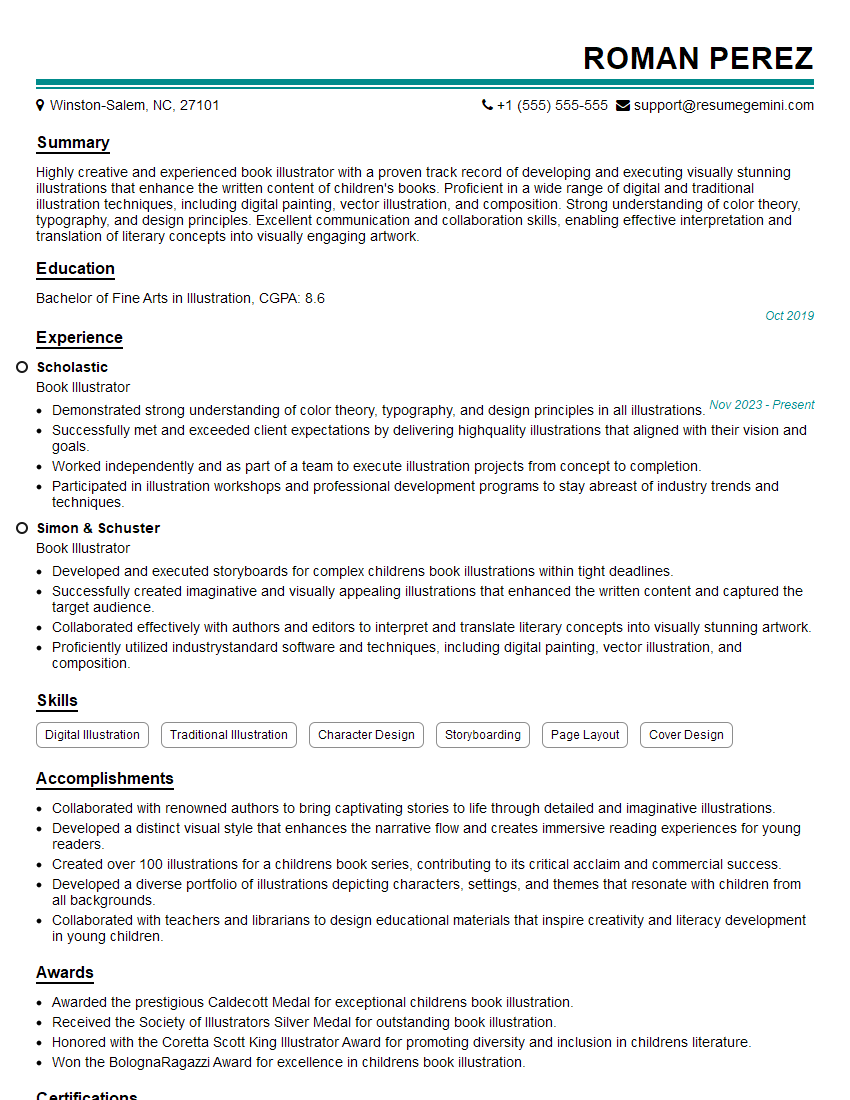
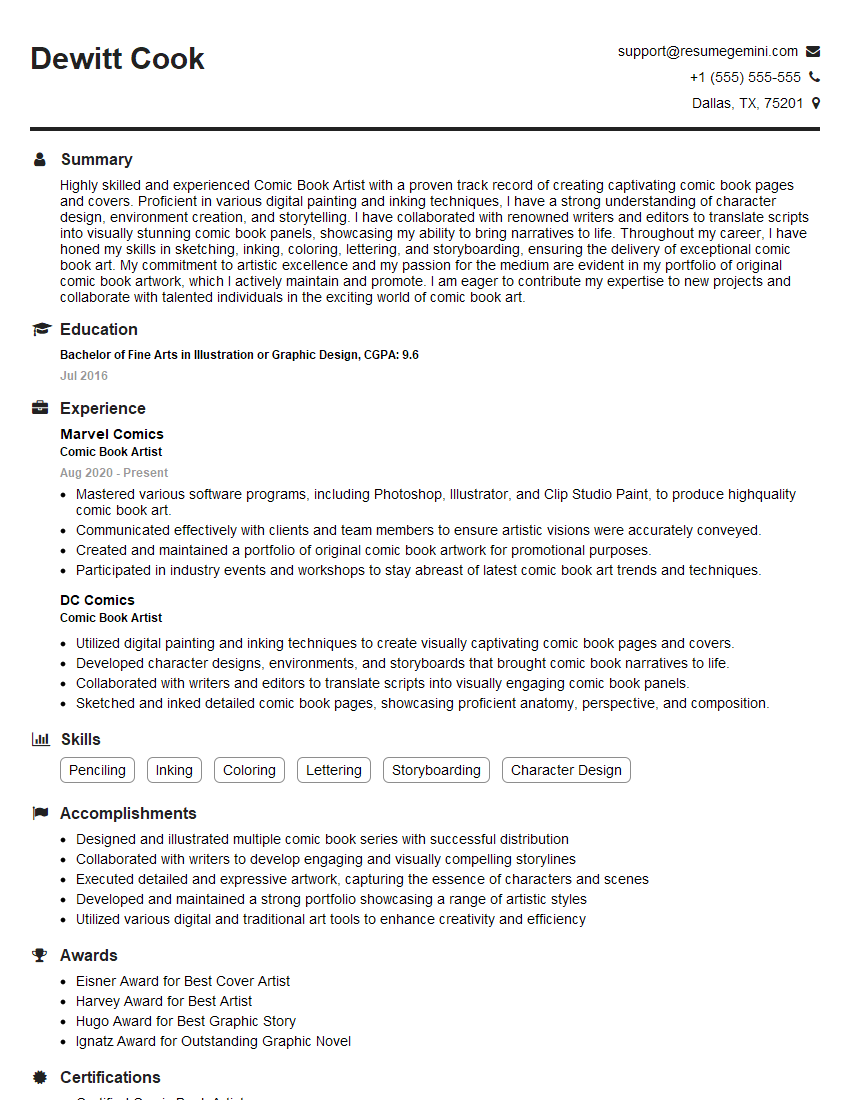
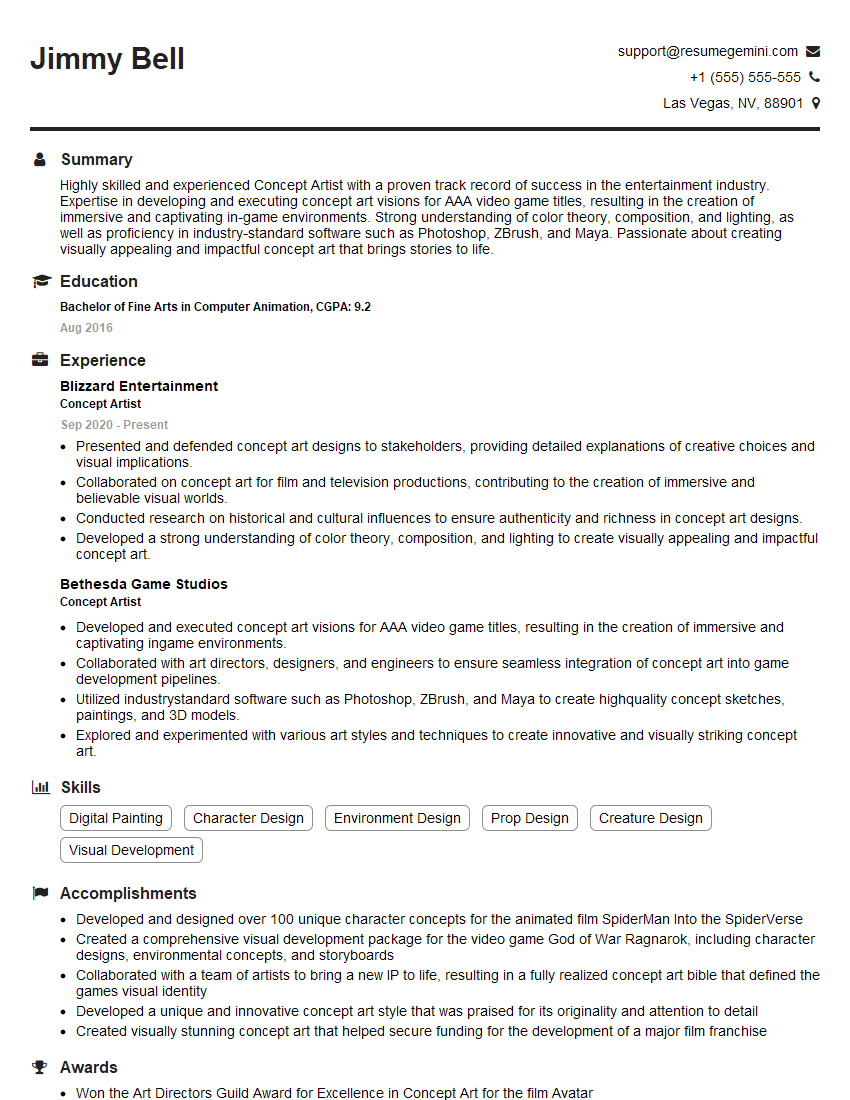
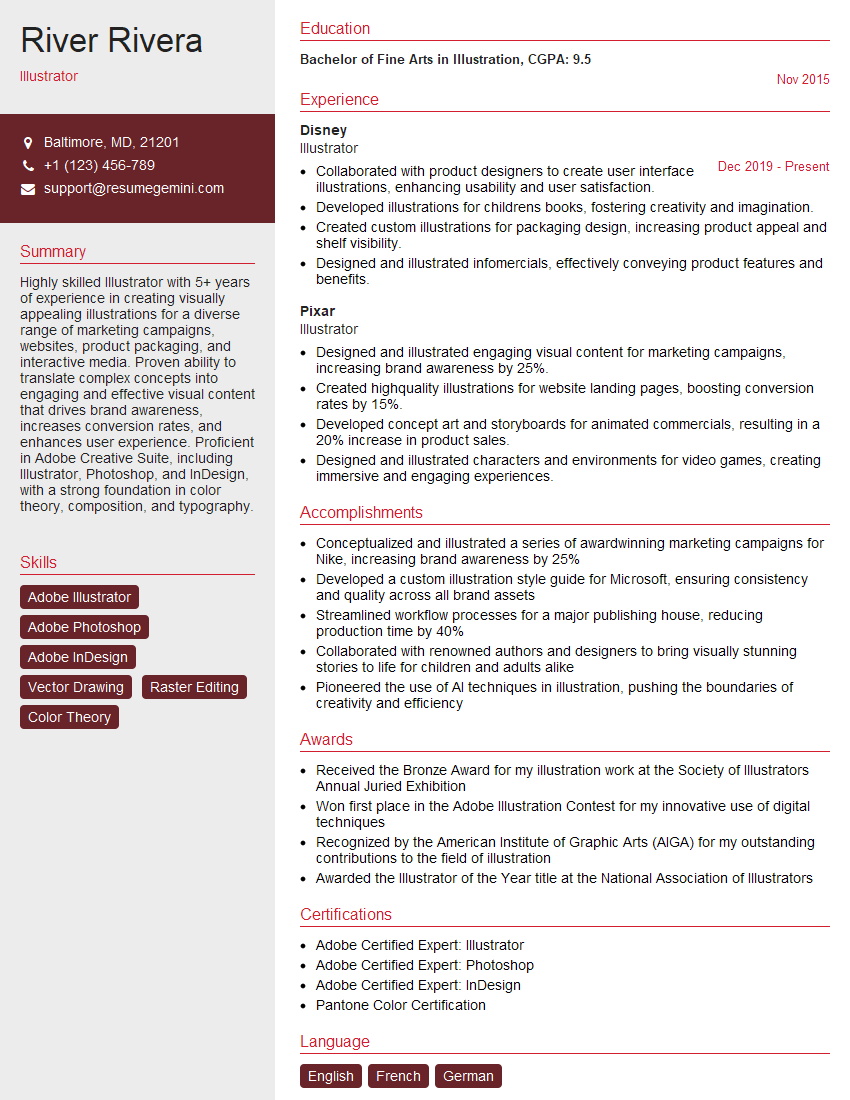
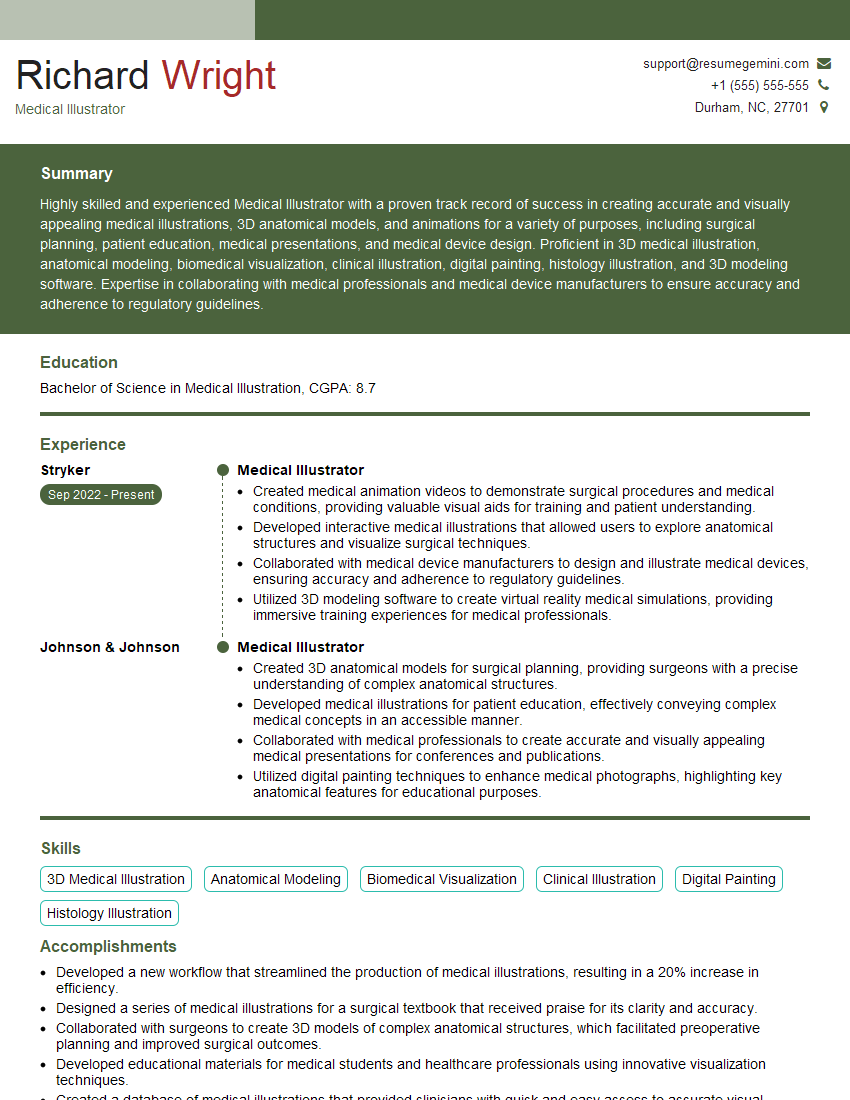
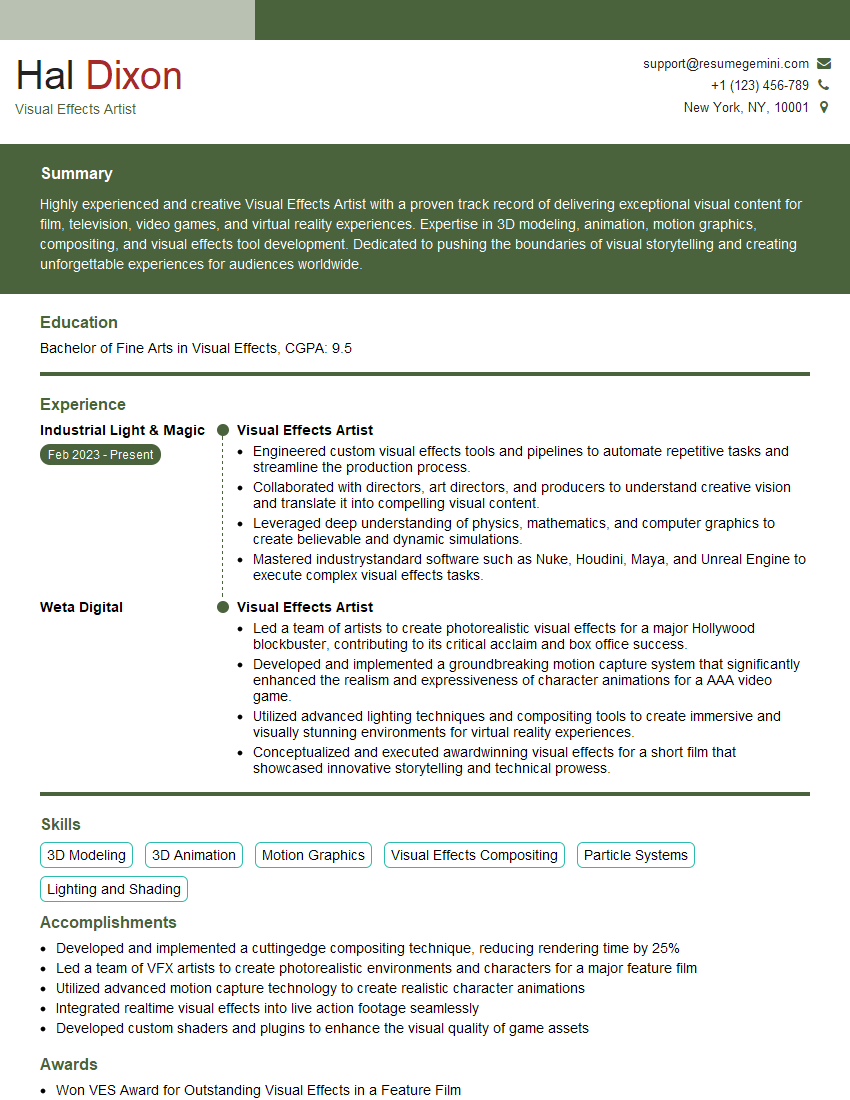
Mastering Concept Art and Illustration opens doors to exciting careers in the gaming, film, animation, and advertising industries. A strong portfolio is crucial, but equally important is a professional resume that highlights your skills and experience effectively. Building an ATS-friendly resume significantly increases your chances of getting your application noticed by recruiters. ResumeGemini is a trusted resource to help you create a compelling and effective resume. They provide examples of resumes tailored specifically for Concept Art and Illustration professionals, helping you stand out from the competition.



Explore more articles
Users Rating of Our Blogs
Share Your Experience
We value your feedback! Please rate our content and share your thoughts (optional).
What Readers Say About Our Blog
Very informative content, great job.
good