Every successful interview starts with knowing what to expect. In this blog, we’ll take you through the top CRM and Customer Relationship Management interview questions, breaking them down with expert tips to help you deliver impactful answers. Step into your next interview fully prepared and ready to succeed.
Questions Asked in CRM and Customer Relationship Management Interview
Q 1. Explain your experience with different CRM systems (e.g., Salesforce, HubSpot, Microsoft Dynamics).
My experience spans several leading CRM platforms, including Salesforce, HubSpot, and Microsoft Dynamics 365. Each offers a unique set of functionalities and strengths. For instance, Salesforce is known for its robust customization options and extensive AppExchange ecosystem, making it ideal for large enterprises with complex needs. I’ve successfully implemented and managed Salesforce projects for clients in the finance and technology sectors, customizing solutions to track leads, manage sales pipelines, and analyze customer interactions. HubSpot, with its integrated marketing automation capabilities, is particularly well-suited for inbound marketing strategies and smaller businesses looking for a more streamlined approach. I’ve used HubSpot to create and manage marketing campaigns, track website traffic and conversions, and nurture leads through automated email sequences. Finally, Microsoft Dynamics 365 offers strong integration with the broader Microsoft ecosystem, making it attractive for companies heavily invested in Microsoft products. I’ve leveraged Dynamics 365 in projects focused on customer service, implementing case management systems and improving customer support workflows.
My experience isn’t just about technical proficiency; it also involves understanding the business context. I always begin by carefully assessing the client’s specific needs and challenges before recommending a platform. For example, a small startup would likely benefit more from HubSpot’s ease of use and affordability compared to Salesforce’s more extensive (and expensive) features.
Q 2. Describe your process for identifying and prioritizing CRM improvement opportunities.
Identifying and prioritizing CRM improvement opportunities involves a structured approach. I start with a thorough analysis of the existing CRM system, including user feedback, data analysis, and process mapping. This involves:
- User Interviews: Talking to sales reps, customer service agents, and marketing personnel to understand their pain points and identify areas for improvement.
- Data Analysis: Examining CRM data to uncover trends, inefficiencies, and areas where the system isn’t being used effectively. For example, low conversion rates from lead to opportunity could indicate problems in the sales process or a need for better lead qualification.
- Process Mapping: Documenting current workflows to identify bottlenecks and areas where automation could improve efficiency. This allows us to pinpoint areas where the CRM could be better integrated with other systems or improved in terms of usability.
Once potential areas for improvement are identified, I prioritize them based on their impact and feasibility. Improvements with the highest potential ROI and lowest implementation complexity are tackled first. For example, automating routine tasks like lead assignment or email sequences would likely be prioritized over implementing a complex new reporting dashboard.
Q 3. How do you measure the success of a CRM implementation?
Measuring the success of a CRM implementation goes beyond simply checking if the software is functioning. It requires a holistic approach that aligns with business objectives. Key metrics include:
- Increased Sales Revenue: A successful CRM should contribute directly to increased sales through improved lead management, sales pipeline visibility, and improved customer engagement.
- Improved Sales Cycle Length: Faster deal closure indicates more efficient sales processes.
- Higher Customer Satisfaction: Efficient customer service, personalized communication, and improved issue resolution contribute to higher satisfaction scores.
- Increased Marketing ROI: Better lead nurturing, more effective campaigns, and improved campaign tracking can demonstrably improve ROI.
- Enhanced User Adoption: If users aren’t embracing the CRM, its effectiveness is significantly diminished. Training, ongoing support and a user-friendly interface are crucial.
I use a combination of quantitative data (metrics like conversion rates, sales cycle length) and qualitative data (user feedback, surveys) to get a complete picture of the implementation’s success. Regular reporting and dashboards are crucial for monitoring progress and identifying areas requiring further attention.
Q 4. What are the key performance indicators (KPIs) you track in CRM?
The specific KPIs tracked depend on the business goals and the CRM’s purpose, but some common ones include:
- Lead Conversion Rate: The percentage of leads that convert into opportunities.
- Sales Cycle Length: The time it takes to close a deal.
- Customer Acquisition Cost (CAC): The cost of acquiring a new customer.
- Customer Lifetime Value (CLTV): The predicted revenue generated by a customer over their relationship with the company.
- Customer Churn Rate: The percentage of customers who cancel their service or stop doing business with the company.
- Average Revenue Per User (ARPU): The average revenue generated per customer.
- First Response Time (FRT): For customer service, the time it takes to respond to a customer inquiry.
- Customer Satisfaction (CSAT): Measured through surveys and feedback.
Regularly monitoring these KPIs helps identify trends, areas for improvement, and ultimately optimize the CRM’s effectiveness.
Q 5. How do you handle data migration during a CRM implementation?
Data migration is a critical aspect of CRM implementation and requires careful planning and execution. My approach is a phased process involving:
- Data Assessment: First, a comprehensive assessment of the existing data sources, identifying data quality issues, inconsistencies, and duplicates. This may involve data profiling and cleansing.
- Data Mapping: Mapping the fields from the old system to the new CRM system. This ensures a smooth transfer of data and minimizes data loss.
- Data Transformation: Transforming data to fit the new CRM’s structure. This may involve data cleansing, standardization, and formatting.
- Data Migration: Using appropriate tools and techniques to migrate the data. This could involve manual processes for smaller datasets or automated ETL (Extract, Transform, Load) processes for larger datasets. A staged migration approach, where data is migrated in phases, is often preferred to reduce risk and disruption.
- Data Validation: Validating the migrated data to ensure its accuracy and completeness. This involves post-migration checks and comparisons with the source data.
It’s crucial to have a robust backup and recovery plan in place to deal with any unexpected issues during migration. Thorough testing is also essential to ensure data integrity and system functionality.
Q 6. Explain your experience with CRM reporting and analytics.
My experience with CRM reporting and analytics is extensive. I’m proficient in using various reporting tools and techniques to extract meaningful insights from CRM data. I can create custom reports and dashboards to track key performance indicators (KPIs), analyze sales trends, identify customer segments, and measure the effectiveness of marketing campaigns. I utilize standard reporting features within platforms like Salesforce and HubSpot, as well as integrating with external business intelligence (BI) tools like Tableau or Power BI for advanced analytics. For example, I’ve built dashboards that show sales pipeline progression, customer lifetime value, and customer churn rate in real-time, allowing sales and marketing teams to make data-driven decisions.
Beyond standard reporting, I focus on building predictive models. Using techniques like regression analysis, we can forecast future sales, predict customer churn, and optimize marketing spend. My goal is not just to provide reports, but to translate data into actionable insights that drive business growth and improve customer relationships.
Q 7. How do you ensure data accuracy and integrity within a CRM system?
Ensuring data accuracy and integrity is paramount in CRM. My approach involves a multi-faceted strategy:
- Data Validation Rules: Implementing data validation rules within the CRM system to prevent incorrect or incomplete data from being entered. For example, setting up rules to ensure that email addresses are properly formatted or that required fields are always populated.
- Data Cleansing Processes: Regularly cleaning and deduplicating data to remove duplicates, inconsistencies, and outdated information. This involves using both automated tools and manual review processes.
- Data Governance Policies: Establishing clear data governance policies and procedures to define roles, responsibilities, and data quality standards. This ensures that data is managed consistently and accurately across the organization.
- User Training: Providing comprehensive training to users on data entry procedures and best practices to reduce errors and inconsistencies.
- Data Monitoring and Auditing: Regularly monitoring data quality metrics and conducting data audits to identify and resolve any data quality issues promptly.
A combination of these measures helps maintain the accuracy and integrity of CRM data, which is essential for making informed business decisions and delivering exceptional customer experiences.
Q 8. Describe your experience with CRM customization and configuration.
CRM customization and configuration is the process of tailoring a CRM system to meet the specific needs of an organization. This goes beyond simply using the out-of-the-box features; it involves modifying workflows, adding custom fields, integrating with other systems, and potentially even developing custom applications. I have extensive experience in this area, working with various CRM platforms like Salesforce, Microsoft Dynamics 365, and HubSpot.
For example, in a previous role, we customized Salesforce to manage our complex sales process. This involved creating custom objects to track specific project milestones, automating email sequences based on deal stages, and integrating with our marketing automation platform for lead scoring and nurturing. We also built custom reports and dashboards to provide real-time visibility into key sales metrics.
Another example involved configuring Microsoft Dynamics 365 to support a field service organization. This required setting up custom entities for work orders, technicians, inventory, and service agreements. We also implemented advanced scheduling capabilities and mobile access for technicians to update work order statuses and manage their daily schedules efficiently. This involved careful configuration of security roles and permissions to ensure data integrity and access control.
Q 9. How do you manage user adoption of a new CRM system?
Managing user adoption of a new CRM system is crucial for its success. It’s not just about training; it’s about building a culture of engagement and demonstrating the value proposition. My approach is multifaceted and starts even before the system goes live.
- Early Engagement: I involve key users early in the selection and implementation process to ensure buy-in and gather feedback. This helps tailor the system to their needs and reduces resistance to change.
- Comprehensive Training: I develop and deliver tailored training programs, including hands-on workshops and online resources, focusing on the specific tasks users will perform. We also offer ongoing support and mentorship.
- Gamification & Incentives: Introducing friendly competition or reward systems can boost user engagement and motivation. This could involve awarding badges for completing training modules or achieving certain usage milestones.
- Change Management Strategy: I create a clear communication plan, highlighting the benefits of the new system and addressing potential concerns. This includes regular updates and feedback sessions to ensure users feel heard and understood.
- Ongoing Support & Feedback Loops: Post-launch, we actively monitor system usage, gather user feedback, and provide ongoing support to address any challenges. Regular feedback sessions and system updates are also essential.
For instance, when implementing a new CRM for a non-profit, we used a phased rollout, starting with a pilot group. This allowed us to address issues and refine the training program before a full launch. We also focused on highlighting how the system would improve their efficiency, freeing up time for core mission activities.
Q 10. What are some common challenges you’ve faced during CRM projects, and how did you overcome them?
CRM projects often encounter challenges. Some common ones include data migration issues, integration complexities, resistance to change, and inadequate user training.
- Data Migration Challenges: I’ve encountered situations where data from legacy systems is inconsistent, incomplete, or in incompatible formats. My strategy is to thoroughly clean and prepare the data before migration, often involving data cleansing and transformation tools. This minimizes errors and ensures data integrity.
- Integration Complexities: Integrating the CRM with other systems (ERP, marketing automation, etc.) can be challenging. I use a phased approach, starting with crucial integrations and addressing more complex ones later. Careful planning and well-defined APIs are essential.
- Resistance to Change: Overcoming resistance requires strong communication, user involvement, and demonstrating the clear benefits of the new system. Addressing user concerns and anxieties is key.
- Inadequate User Training: Incomplete or ineffective training leads to poor adoption. I address this by designing comprehensive training programs that are engaging, relevant, and tailored to different user roles. We emphasize practical application and ongoing support.
For example, in one project, we faced significant data migration challenges due to inconsistent data formats. We addressed this by creating a custom data mapping process and implementing data validation checks. This ensured the accuracy and consistency of data in the new CRM.
Q 11. Describe your experience with CRM integration with other business systems.
CRM integration with other business systems is essential for a holistic view of customer data and streamlined workflows. My experience includes integrating CRMs with ERP systems, marketing automation platforms, e-commerce platforms, and other business applications.
I have leveraged various integration methods, including:
- API Integrations: Using APIs (Application Programming Interfaces) to establish secure and efficient data exchange between systems. This allows for real-time data synchronization and automation of processes.
- ETL (Extract, Transform, Load) Tools: Employing ETL tools to move data between systems in a batch process. This is useful for large data migrations or when real-time synchronization isn’t critical.
- Middleware Solutions: Using middleware platforms to manage the complexities of integrating multiple systems with different architectures and protocols.
In one project, we integrated Salesforce with an ERP system to automate order processing and inventory management. This eliminated manual data entry, reduced errors, and improved overall efficiency. The API-driven integration ensured real-time data synchronization, providing sales teams with up-to-date information on inventory levels and order status.
Q 12. How do you handle data security and privacy concerns within a CRM system?
Data security and privacy are paramount in CRM systems, especially with the increasing amount of sensitive customer data they handle. My approach focuses on a multi-layered security strategy.
- Access Control: Implementing role-based access control (RBAC) to restrict user access to specific data and functionalities based on their roles and responsibilities.
- Data Encryption: Encrypting data both in transit and at rest to protect it from unauthorized access.
- Regular Security Audits: Conducting regular security audits and penetration testing to identify vulnerabilities and ensure compliance with industry standards and regulations (e.g., GDPR, CCPA).
- Data Loss Prevention (DLP): Implementing DLP measures to prevent sensitive data from leaving the system without authorization.
- Compliance & Policies: Establishing clear data privacy policies and ensuring adherence to relevant regulations. This includes providing training to employees on data security best practices.
For instance, when working with a healthcare organization, we implemented strict access control measures, data encryption, and regular security audits to comply with HIPAA regulations. This involved configuring Salesforce to meet stringent security requirements and providing comprehensive training to staff on data privacy and security protocols.
Q 13. What is your experience with CRM automation workflows?
CRM automation workflows are essential for improving efficiency and productivity. They automate repetitive tasks, freeing up valuable time for more strategic activities. My experience involves designing and implementing various automation workflows, such as lead scoring, email marketing campaigns, sales process automation, and customer service case management.
For example, I’ve implemented automated lead scoring systems that automatically assign scores to leads based on various criteria such as website activity, email engagement, and demographics. This helps sales teams prioritize high-potential leads and improve conversion rates. Another example involved setting up automated email sequences that nurture leads through the sales funnel, providing relevant information and encouraging engagement.
I also have experience implementing automated workflows for customer service, such as automatically assigning cases to the appropriate agents, triggering notifications based on case status, and providing self-service options through knowledge bases. These workflows improve response times and enhance customer satisfaction.
These automations often rely on tools available within the CRM platform itself, or through integration with other tools, using techniques like conditional logic and triggers to specify when specific tasks need to be performed.
Q 14. How do you segment customers within a CRM system?
Customer segmentation is the process of dividing customers into groups based on shared characteristics. This allows for targeted marketing and personalized customer experiences. Within a CRM, this is achieved using various criteria and tools.
- Demographic Segmentation: Grouping customers based on age, gender, location, income, etc.
- Behavioral Segmentation: Grouping customers based on their past purchase history, website activity, engagement with marketing campaigns, etc.
- Geographic Segmentation: Grouping customers based on their location, allowing for geographically targeted campaigns.
- Psychographic Segmentation: Grouping customers based on their lifestyles, values, interests, and attitudes.
Within a CRM system, segmentation is typically achieved using built-in features like list views, filters, and reports. For example, in Salesforce, we can create customized list views to filter customers based on specific criteria, allowing us to target specific segments with personalized marketing messages. We can also use reports to analyze customer behavior and identify patterns that can inform our segmentation strategies.
Effective segmentation leads to more effective marketing and improved customer relationships. By understanding customer needs and preferences, we can tailor our interactions and offerings, increasing customer loyalty and driving revenue.
Q 15. How do you use CRM data to improve customer experience?
CRM data is the lifeblood of a superior customer experience. By analyzing customer interactions, preferences, and purchase history stored within the CRM, we can personalize the customer journey in meaningful ways.
- Targeted Marketing: Identifying customer segments based on demographics, purchase behavior, or website activity allows for highly relevant marketing campaigns. For example, if a customer frequently purchases running shoes, we can send them emails about new releases or upcoming sales specifically related to running shoes, rather than bombarding them with irrelevant promotions.
- Personalized Support: Accessing a customer’s history allows support agents to quickly understand the issue and provide tailored solutions. If a customer has contacted support multiple times about the same product, a proactive approach can be taken to prevent future issues, perhaps by offering a replacement or refund.
- Proactive Engagement: Predictive analytics using CRM data can identify customers at risk of churning or those who might be interested in upgrading. We can then reach out with targeted offers, loyalty programs, or personalized support to retain their business. Imagine identifying customers who haven’t made a purchase in six months and offering them a special discount to encourage them to return.
- Improved Product Development: Analyzing customer feedback and product reviews within the CRM helps inform product development and improvements. Identifying common complaints or areas for enhancement enables the creation of better products that meet customer needs.
Career Expert Tips:
- Ace those interviews! Prepare effectively by reviewing the Top 50 Most Common Interview Questions on ResumeGemini.
- Navigate your job search with confidence! Explore a wide range of Career Tips on ResumeGemini. Learn about common challenges and recommendations to overcome them.
- Craft the perfect resume! Master the Art of Resume Writing with ResumeGemini’s guide. Showcase your unique qualifications and achievements effectively.
- Don’t miss out on holiday savings! Build your dream resume with ResumeGemini’s ATS optimized templates.
Q 16. Describe your experience with CRM training and support.
Throughout my career, I’ve received comprehensive CRM training covering various platforms, including Salesforce, HubSpot, and Zoho CRM. My training included both classroom-based instruction and hands-on experience working with real data. I’ve also sought out numerous online courses and certifications to stay up-to-date with the latest features and best practices.
Beyond formal training, I actively seek support through online communities, documentation, and mentorship from experienced CRM professionals. I am a strong believer in continuous learning and readily adapt to new CRM systems and functionalities. When faced with a challenge, I approach it systematically, utilizing the available resources to find a solution. For example, I recently encountered a reporting issue in Salesforce. I started by searching the Salesforce help center, then explored relevant online forums before contacting Salesforce support for personalized guidance.
Q 17. What are your preferred methods for CRM data cleaning and validation?
Data quality is paramount in a CRM system. My preferred methods for data cleaning and validation involve a multi-step approach:
- Data Deduplication: Using CRM functionalities and potentially third-party tools, I identify and merge duplicate records, ensuring data consistency and accuracy. This minimizes confusion and provides a clear view of each unique customer.
- Standardization: I enforce consistent data entry formats, such as using standard address formats, phone number formats, and consistent capitalization across all fields. This makes searching and reporting much more efficient.
- Validation Rules: Implementing validation rules within the CRM system itself prevents incorrect data from being entered in the first place. For example, we can ensure that email addresses are properly formatted before saving a new contact.
- Data Enrichment: I utilize third-party data enrichment services to update existing customer information with more accurate and up-to-date details, such as addresses or contact information.
- Regular Audits: I perform regular data audits to identify and correct inconsistencies over time. This is a preventative measure that ensures data quality remains consistently high.
For example, I once worked with a client whose CRM had significant data inconsistencies. By applying these steps, we improved data accuracy by over 80%, leading to more effective marketing campaigns and improved customer service.
Q 18. How familiar are you with different CRM methodologies (e.g., Agile, Waterfall)?
I’m familiar with both Agile and Waterfall methodologies in the context of CRM implementation and management. The choice of methodology depends largely on the project’s scope, complexity, and the client’s needs.
- Waterfall: This is a more traditional, linear approach, well-suited for projects with clearly defined requirements and limited scope for changes. Each stage (requirements, design, implementation, testing, deployment) is completed before moving to the next. It’s highly structured and provides predictability but can be less adaptable to evolving needs.
- Agile: Agile is an iterative approach, characterized by short development cycles (sprints), frequent feedback, and adaptability. This is ideal for complex projects where requirements might evolve during development. It emphasizes collaboration and continuous improvement but requires strong communication and collaboration within the team.
In practice, I often employ a hybrid approach, leveraging the strengths of both methodologies. For example, a large-scale CRM implementation might use a Waterfall approach for the initial planning and architecture, but then switch to Agile for iterative development and feature implementation.
Q 19. What is your experience with CRM API integration?
I have extensive experience with CRM API integration. APIs (Application Programming Interfaces) allow CRMs to connect with other applications and systems, enabling data exchange and automation.
I’ve worked with various APIs, including REST and SOAP, to integrate CRMs with marketing automation platforms, e-commerce systems, accounting software, and custom-built applications. For instance, I integrated a CRM with a marketing automation platform to automate email campaigns based on customer behavior within the CRM. This resulted in significant improvements in marketing efficiency and lead conversion rates. My proficiency extends to understanding API documentation, designing API calls, handling authentication and authorization, and troubleshooting integration issues.
Example of a simple REST API call (Conceptual):GET /api/v1/customers?email=test@example.com
This conceptual example shows a GET request to retrieve customer data based on an email address. The actual implementation would be more complex, depending on the specific API and the desired functionality.
Q 20. How do you ensure compliance with data regulations (e.g., GDPR, CCPA) in a CRM environment?
Data privacy and compliance are critical. Ensuring compliance with regulations like GDPR and CCPA requires a multifaceted approach within the CRM environment:
- Data Minimization: Only collect and store necessary customer data. Avoid collecting unnecessary personal information.
- Consent Management: Implement mechanisms for obtaining explicit consent for data collection and processing, providing customers with clear and concise information about how their data will be used.
- Data Security: Implement robust security measures to protect customer data from unauthorized access, use, or disclosure. This includes encryption, access controls, and regular security audits.
- Data Subject Rights: Establish processes to enable customers to exercise their rights, such as accessing, correcting, or deleting their personal data.
- Data Retention Policies: Define clear data retention policies, specifying how long customer data will be stored and when it will be deleted.
- Transparency and Accountability: Maintain clear records of data processing activities and be prepared to demonstrate compliance to regulatory authorities.
For example, if a customer requests to delete their data under GDPR, we must have a streamlined process to quickly and completely remove all their data from the CRM, including backups.
Q 21. Explain your experience with different CRM reporting tools.
My experience encompasses a range of CRM reporting tools, both built-in and third-party solutions. I’m proficient in using standard reporting features within various CRM platforms such as Salesforce, HubSpot, and Zoho. This includes creating custom reports, dashboards, and visualizations to track key performance indicators (KPIs).
I’ve also utilized advanced analytics platforms and BI tools like Tableau and Power BI to connect to CRM data and create more sophisticated reports and interactive dashboards. These tools allow for advanced data analysis, predictive modeling, and the creation of visually compelling reports that provide valuable insights into customer behavior and business performance. For example, I used Tableau to build a dashboard that tracked sales performance by region, customer segment, and product category, providing sales managers with a clear overview of their team’s progress and areas for improvement. This greatly enhanced decision-making and enabled more effective resource allocation.
Q 22. How do you identify and resolve CRM system errors and issues?
Identifying and resolving CRM system errors requires a multi-faceted approach. It starts with proactive monitoring for performance issues, unusual error logs, and user reported problems. Think of it like a doctor diagnosing a patient: you need a systematic approach.
Monitoring System Logs: Regularly reviewing system logs is crucial. This helps identify patterns, pinpoint recurring errors, and track down the source of problems. For example, frequent database errors might indicate a need for optimization or increased server capacity.
User Feedback Mechanisms: Implementing robust feedback mechanisms, such as in-app surveys, support tickets, and regular communication channels, allows users to quickly report issues. These reports provide valuable insights into usability problems and unexpected behavior.
Testing and Validation: Regularly testing new features and updates before deploying them to the live environment is paramount. This reduces the chance of introducing errors into the production system. This is like testing a recipe before serving it to guests; you want to make sure it works!
Troubleshooting Techniques: When an error occurs, a systematic approach is essential. This includes checking the system’s documentation, searching online forums for similar issues, and using debugging tools provided by the CRM vendor. Sometimes, simple steps like clearing browser cache can solve the problem.
Escalation and Resolution: If internal troubleshooting fails, escalation to the CRM vendor’s support team is necessary. Clearly documented error messages, system logs, and screenshots aid in faster resolution. Think of it as calling a specialist when your own attempts don’t work.
By combining proactive monitoring with reactive troubleshooting, you can minimize downtime and maintain a healthy CRM system.
Q 23. Describe your experience with CRM budget management.
Effective CRM budget management requires a strategic approach that aligns with business objectives. It’s not just about spending; it’s about maximizing ROI. I approach this in phases:
Needs Assessment: Before allocating funds, I meticulously assess the organization’s needs. This involves understanding current CRM capabilities, identifying gaps, and prioritizing areas for improvement. For example, are we lacking integrations with other systems? Do we need enhanced reporting features?
Cost-Benefit Analysis: Each potential CRM investment (new features, upgrades, training, etc.) undergoes a thorough cost-benefit analysis. This determines the return on investment and helps justify the budget request to stakeholders. A concrete example would be comparing the cost of implementing a new sales automation tool against the potential increase in sales revenue.
Prioritization and Resource Allocation: Based on the analysis, I prioritize investments, allocating resources efficiently. This ensures that the most impactful projects receive funding first, delivering the greatest value for the organization. It might involve prioritizing a customer service improvement over a new marketing automation feature based on current business needs.
Monitoring and Adjustment: The budget isn’t static. I continuously monitor spending, track progress, and make adjustments as needed. This might involve reallocating funds from underperforming projects to high-performing initiatives.
Reporting and Accountability: Regular reporting to stakeholders is vital. This demonstrates the effectiveness of the CRM budget and helps maintain transparency. Reporting should show key metrics like improved customer satisfaction, increased sales, and reduced operational costs.
By following this disciplined process, I ensure the CRM budget is utilized strategically to maximize value and support the organization’s overall goals.
Q 24. How do you prioritize CRM enhancements and feature requests?
Prioritizing CRM enhancements and feature requests requires a balanced approach combining business value, feasibility, and user impact. I use a framework combining qualitative and quantitative data:
Business Value: How will the enhancement contribute to business objectives? This is often measured by potential revenue increase, cost reduction, or improved efficiency. For instance, integrating with a major e-commerce platform could significantly increase online sales.
User Impact: How many users will benefit, and what is the level of their need? A highly requested feature with a large user base might have higher priority than a niche feature used by only a few. For instance, a streamlined workflow for handling customer inquiries might improve agent efficiency and customer satisfaction.
Feasibility: How difficult and costly is it to implement? Some enhancements might require significant development effort and integration complexities, making them less practical in the short term. This is the technical ‘can we do it?’ question.
Prioritization Matrix: I typically use a prioritization matrix (e.g., MoSCoW method – Must have, Should have, Could have, Won’t have) to rank feature requests based on the above factors. This provides a clear roadmap for development, allocating resources to the most impactful enhancements first.
Regular Review: The prioritization isn’t static. I regularly review the matrix, incorporating new feedback and adjusting priorities based on changing business needs. This ensures that the CRM continues to align with evolving organizational goals.
This structured approach ensures that CRM enhancements deliver maximum value and satisfy user needs.
Q 25. How would you approach a project to improve customer satisfaction using CRM data?
Improving customer satisfaction using CRM data is a data-driven project. It begins with identifying the key drivers of satisfaction and then implementing targeted interventions. Here’s how I’d approach it:
Data Analysis: I’d start by analyzing CRM data to identify trends and patterns related to customer satisfaction. This might include analyzing customer feedback (surveys, reviews), support ticket resolution times, and customer churn rates. Identifying common issues or pain points is key.
Identify Key Metrics: Defining relevant metrics, like Customer Satisfaction Score (CSAT), Net Promoter Score (NPS), and average resolution time, is crucial. This provides a quantifiable measure of success.
Targeted Interventions: Based on the analysis, I’d develop targeted interventions. This might involve improving customer service processes, personalizing communication, or proactively addressing customer concerns. For example, if slow response times are a problem, we could implement automated responses and improve team training.
A/B Testing: To measure the effectiveness of interventions, I’d utilize A/B testing to compare the impact of different approaches. This allows us to optimize strategies and maximize the positive effect on customer satisfaction.
Continuous Monitoring: Once interventions are implemented, continuous monitoring and adjustments are necessary. Tracking key metrics and customer feedback ensures the project’s ongoing success and allows for iterative improvements.
The key is to use data to understand customer needs and tailor interventions for maximum impact. It’s about using the CRM as a tool to listen to customers and actively improve their experience.
Q 26. What is your experience with CRM predictive analytics?
CRM predictive analytics utilizes historical data to forecast future outcomes, enabling proactive decision-making. My experience involves using various techniques:
Predictive Modeling: I’ve utilized predictive models, such as regression analysis and machine learning algorithms, to predict customer churn, sales forecasting, and customer lifetime value (CLTV). For instance, a churn prediction model might identify customers at high risk of leaving and allow for proactive intervention.
Data Mining: Extracting meaningful insights from large CRM datasets requires advanced data mining techniques. This includes identifying patterns, correlations, and anomalies to reveal hidden relationships. For example, we could find a correlation between specific product usage and customer likelihood to purchase another product.
Segmentation and Targeting: Predictive analytics allows for precise customer segmentation based on predicted behavior. This enables targeted marketing campaigns, personalized offers, and optimized resource allocation. For example, we might target high-value customers with exclusive offers based on their predicted future spending.
Reporting and Visualization: Effectively presenting predictive insights requires clear, concise dashboards and reports. Visualizations such as charts and graphs communicate complex data in a readily understandable format for business stakeholders. This ensures everyone can utilize the data for decision-making.
By leveraging predictive analytics, organizations can move from reactive to proactive decision-making, improving customer engagement and business outcomes. It’s about using data to anticipate the future.
Q 27. How do you manage and resolve customer conflicts or complaints using the CRM system?
Managing and resolving customer conflicts or complaints within the CRM system requires a structured approach focusing on efficient communication and issue resolution. The CRM itself becomes the central hub for tracking interactions.
Centralized Communication: All customer interactions, including complaints, are logged within the CRM system. This creates a single source of truth for the entire team, ensuring consistent communication and eliminating information silos. This avoids the frustrating experience of having to re-explain an issue to multiple people.
Issue Tracking and Resolution: The CRM enables efficient tracking of the resolution process. This includes assigning tasks, setting deadlines, and monitoring progress. Status updates keep both the customer and the support team informed throughout the process.
Escalation Procedures: Clear escalation paths are defined within the system. This ensures complex or unresolved issues are promptly escalated to the appropriate individuals or departments, providing a clear pathway for resolution. A well-defined escalation path prevents complaints from falling through the cracks.
Customer Feedback Collection: The CRM allows for the systematic collection of customer feedback after resolving conflicts. This valuable feedback helps identify areas for improvement in products or services, leading to better customer satisfaction in the future.
Reporting and Analysis: Regular reporting and analysis of customer conflicts within the CRM helps identify trends and patterns. This allows proactive measures to prevent future issues. For example, we might discover a recurring problem with a specific product and address it before it becomes a major issue.
By using the CRM strategically, we can manage and resolve customer conflicts efficiently, ensuring a positive customer experience.
Q 28. Describe your experience with CRM business process re-engineering.
CRM business process re-engineering involves fundamentally redesigning business processes to improve efficiency, effectiveness, and customer satisfaction. It’s not just about tweaking existing processes; it’s about starting from scratch and building something better.
Process Mapping: The first step is to meticulously map existing business processes. This provides a clear understanding of how things currently work, identifying inefficiencies and bottlenecks. It is crucial to get a bird’s eye view of how things function.
Needs Assessment: A thorough needs assessment is conducted to determine the desired outcomes of the re-engineering effort. What are the key goals? Reduced costs? Improved customer satisfaction? Increased sales? Defining these goals provides a clear direction for the project.
Process Redesign: Based on the needs assessment and process mapping, existing processes are redesigned for optimal efficiency. This may involve automating tasks, streamlining workflows, and integrating different systems. The focus should be on simplicity and effectiveness.
CRM Implementation: The redesigned processes are implemented within the CRM system. This might involve customizing workflows, creating new fields, and integrating with other applications. The CRM becomes the engine driving the improved processes.
Testing and Optimization: Thorough testing is essential to ensure the redesigned processes function correctly and meet the defined objectives. Post-implementation monitoring and optimization ensure continual improvements.
Training and Support: Employees require proper training to use the redesigned processes and CRM system effectively. Providing ongoing support ensures smooth transitions and addresses any challenges encountered.
By focusing on a systematic, data-driven approach, we can streamline processes, leading to increased efficiency and improved customer experiences.
Key Topics to Learn for CRM and Customer Relationship Management Interview
- CRM Fundamentals: Understanding the core concepts of CRM, its benefits, and different CRM deployment models (cloud-based, on-premise).
- CRM Software & Platforms: Familiarity with popular CRM platforms (Salesforce, HubSpot, Microsoft Dynamics 365 etc.) and their key features. Be prepared to discuss your experience with specific platforms.
- Data Management & Analysis: Understanding data cleansing, segmentation, and reporting within a CRM system. Discuss how you’ve used CRM data to improve business outcomes.
- Sales & Marketing Processes: Explain how CRM systems support lead generation, qualification, opportunity management, and sales forecasting. Highlight your experience in optimizing these processes.
- Customer Service & Support: Discuss the role of CRM in managing customer interactions, resolving issues, and improving customer satisfaction. Share examples of how you’ve leveraged CRM for exceptional customer service.
- Integration & Automation: Discuss the integration of CRM with other business systems (marketing automation, ERP etc.) and the benefits of automation within the CRM workflow.
- Reporting & Analytics: Understanding how to extract meaningful insights from CRM data to inform business decisions. Be ready to discuss your experience with CRM reporting and dashboards.
- Data Security & Compliance: Discuss the importance of data security and compliance within a CRM environment, and the best practices to ensure data protection.
- Problem-Solving & Case Studies: Prepare examples demonstrating how you’ve used CRM to solve business challenges or improve processes. Quantify your achievements whenever possible.
Next Steps
Mastering CRM and Customer Relationship Management is crucial for career advancement in today’s data-driven business world. It demonstrates valuable skills in data analysis, process optimization, and customer-centric strategies, making you a highly sought-after candidate. To maximize your job prospects, focus on building an ATS-friendly resume that highlights your relevant skills and accomplishments. ResumeGemini is a trusted resource that can help you create a professional and impactful resume. We provide examples of resumes tailored to CRM and Customer Relationship Management roles to help you get started. Invest the time to craft a strong resume – it’s your first impression with potential employers.
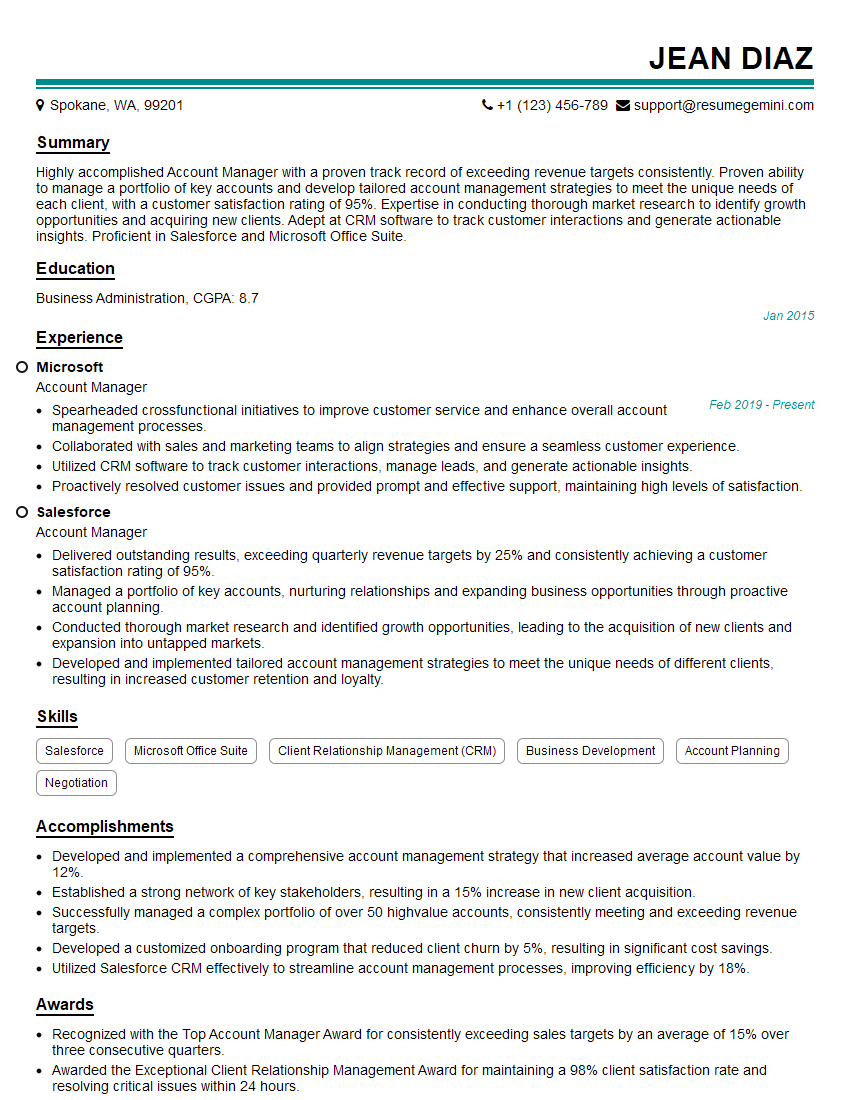
Account Manager Resume Sample
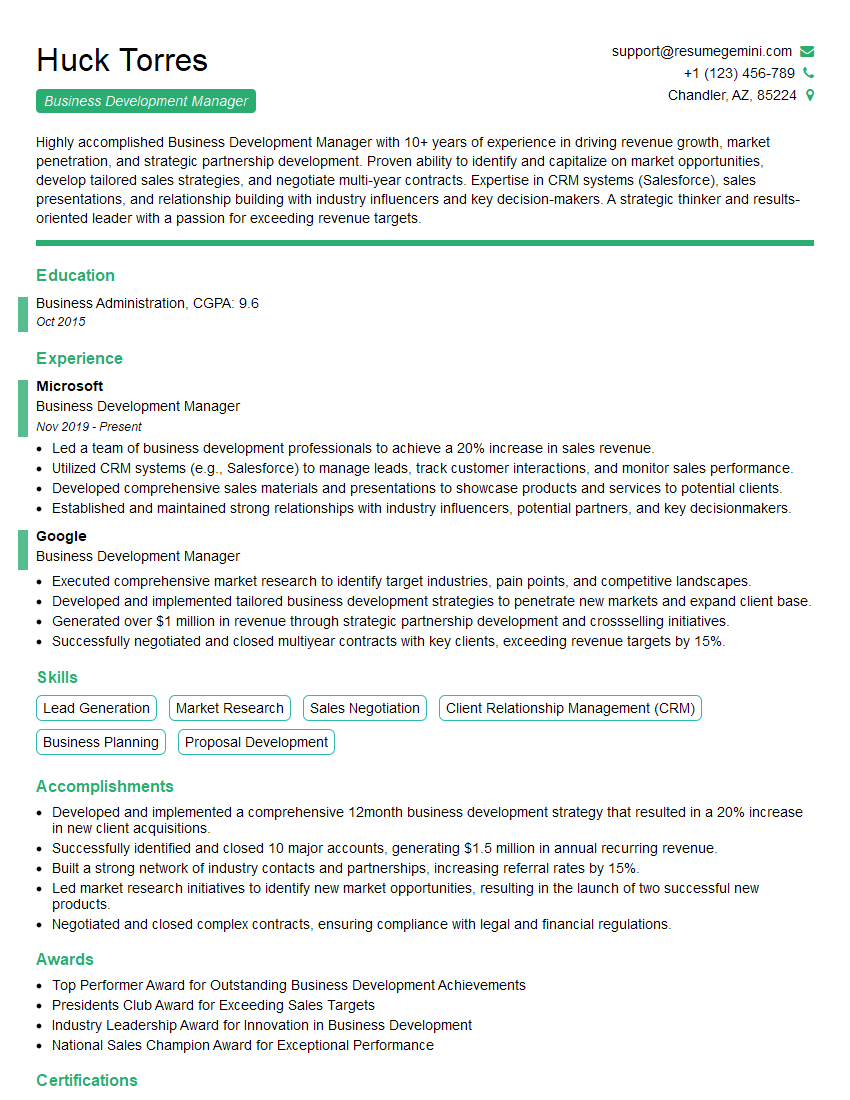
Business Development Manager Resume Sample
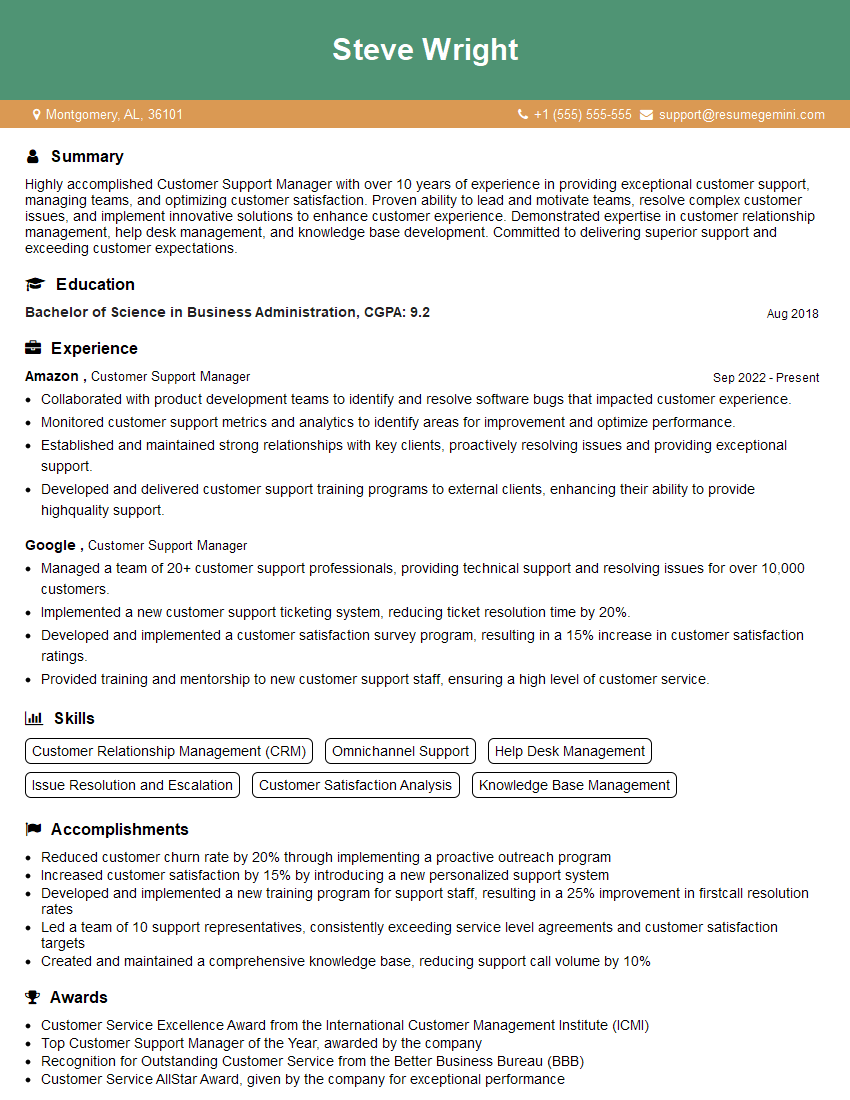
Customer Support Manager Resume Sample
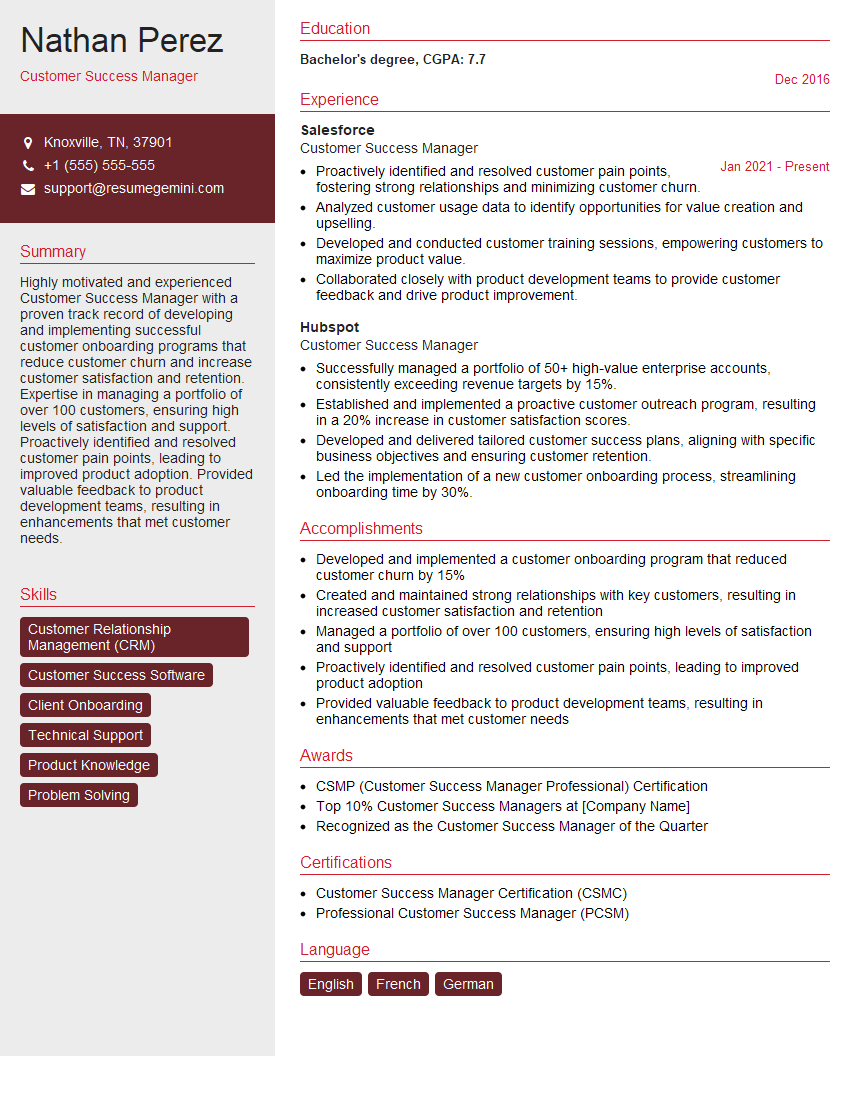
Customer Success Manager Resume Sample
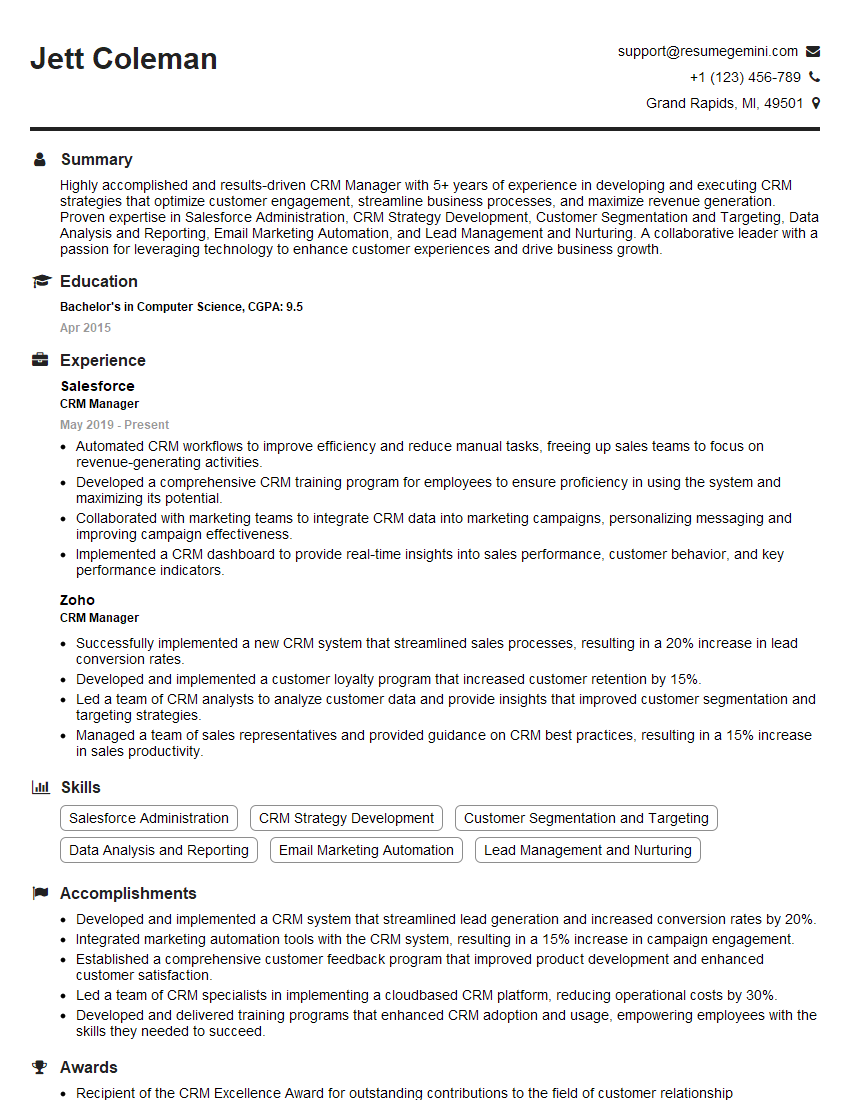
CRM Manager Resume Sample
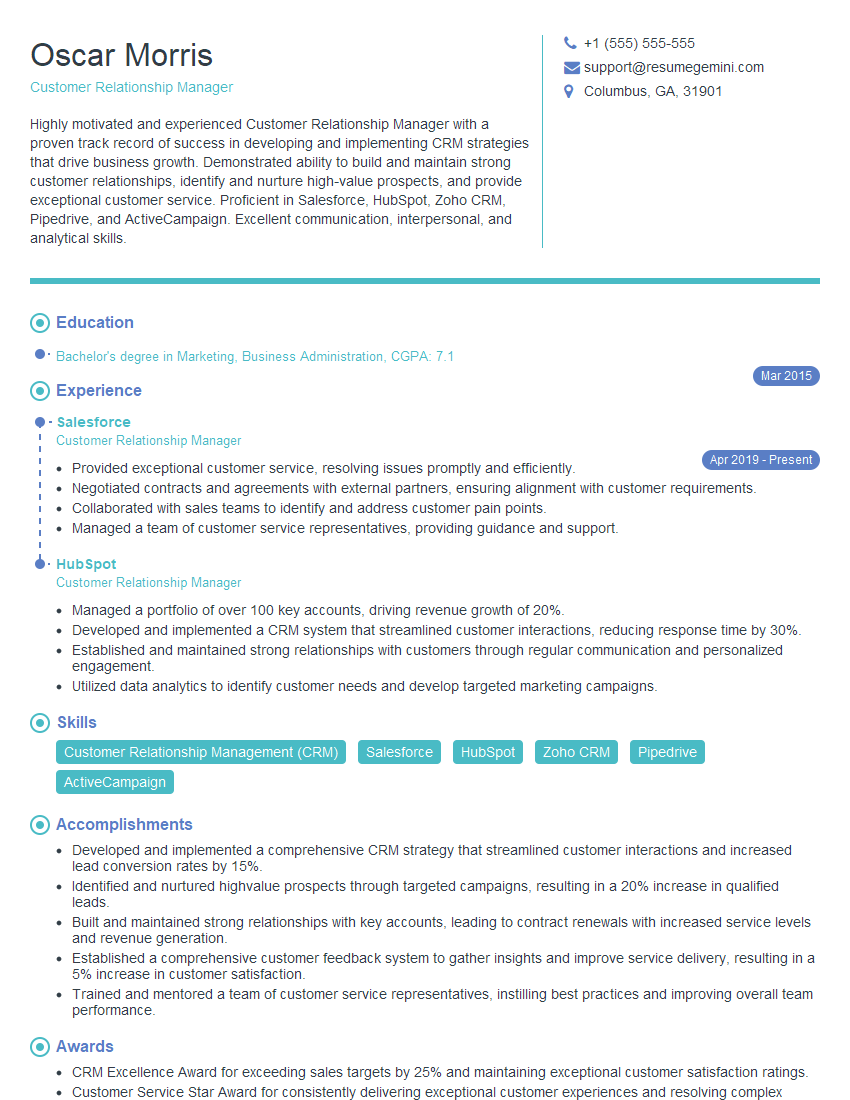
Customer Relationship Manager Resume Sample
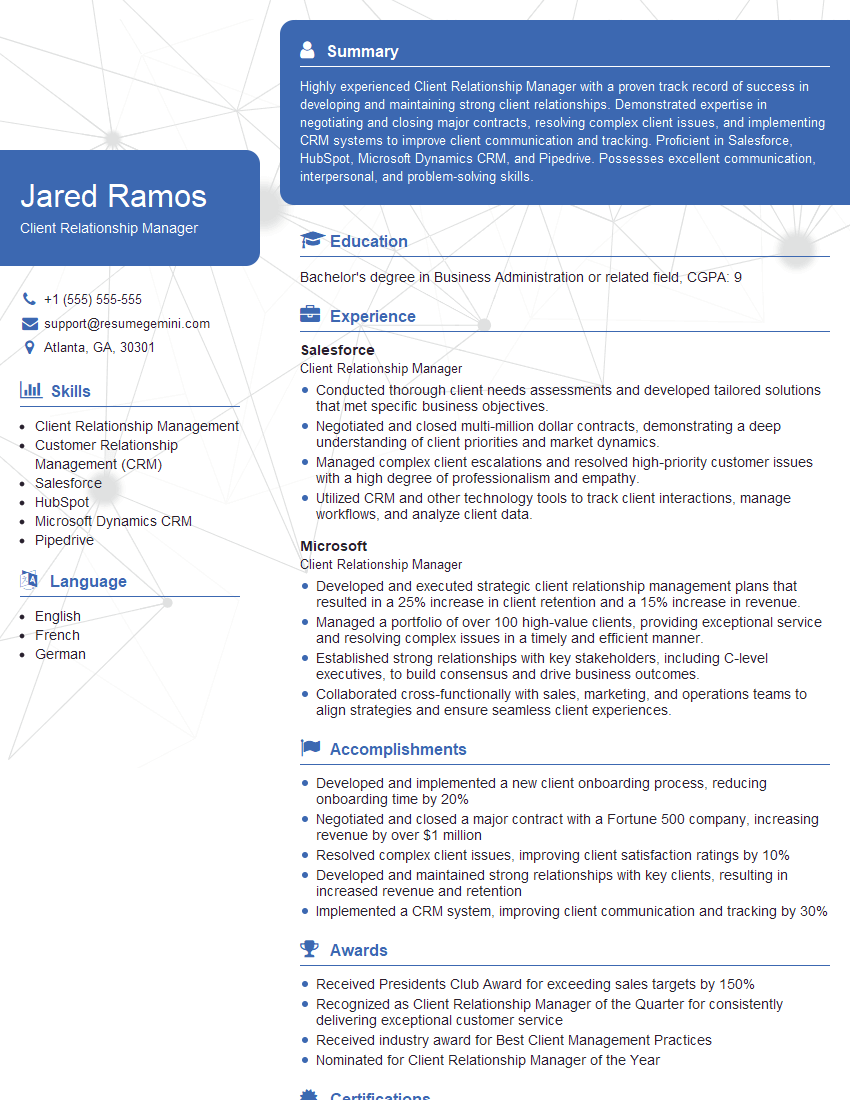
Client Relationship Manager Resume Sample
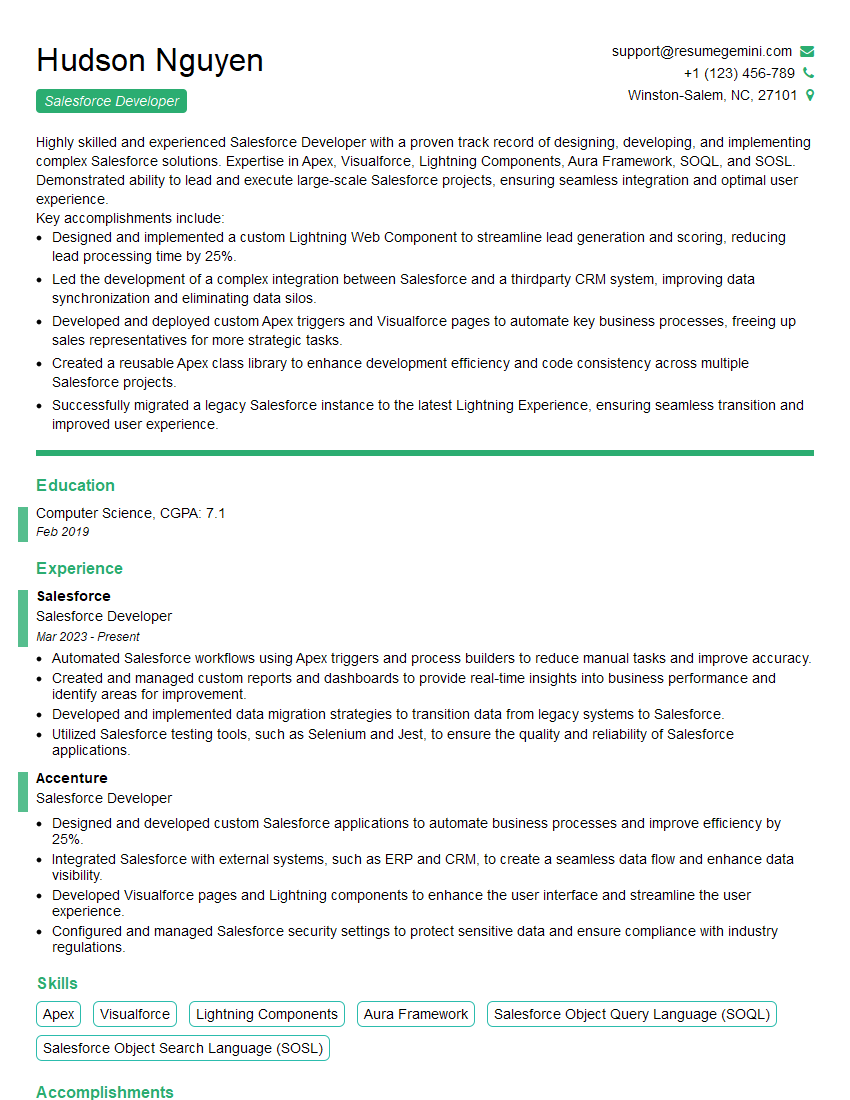
Salesforce Developer Resume Sample
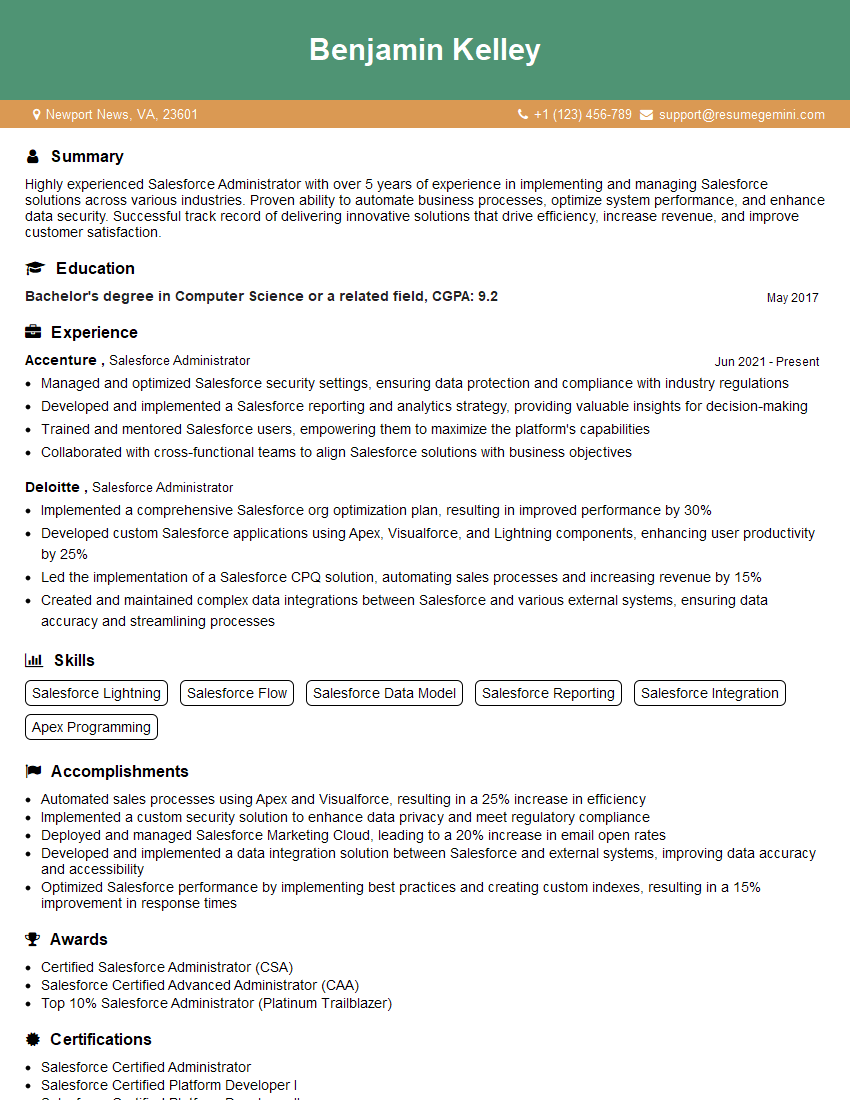
Salesforce Administrator Resume Sample
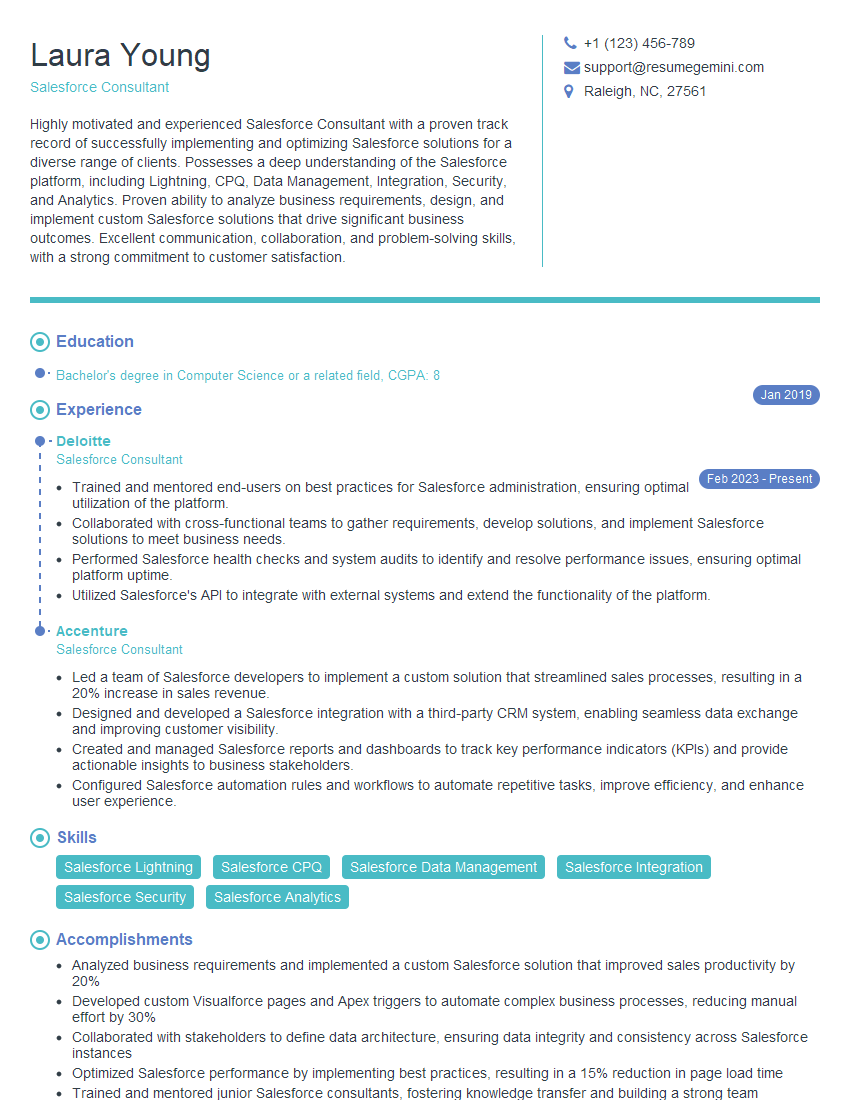
Salesforce Consultant Resume Sample
Explore more articles
Users Rating of Our Blogs
Share Your Experience
We value your feedback! Please rate our content and share your thoughts (optional).
What Readers Say About Our Blog
Very informative content, great job.
good