Preparation is the key to success in any interview. In this post, we’ll explore crucial Design Aesthetics interview questions and equip you with strategies to craft impactful answers. Whether you’re a beginner or a pro, these tips will elevate your preparation.
Questions Asked in Design Aesthetics Interview
Q 1. Explain the principles of Gestalt design and how they impact user experience.
Gestalt design principles are guidelines that describe how humans visually perceive and organize information. They explain how we see patterns and relationships in a design, even when elements aren’t explicitly connected. Understanding these principles is crucial for creating designs that are intuitive and easy to understand, directly impacting user experience.
- Proximity: Elements placed close together are perceived as a group. Think of a contact list – names and numbers grouped together are easily associated.
- Similarity: Similar elements (shape, color, size) are perceived as belonging together. A website using the same button style consistently for actions promotes a clear visual language.
- Closure: We tend to complete incomplete shapes or figures. A partially hidden logo still conveys its brand identity due to our innate ability to ‘close’ the gap.
- Continuity: The eye follows lines and curves, connecting elements in a smooth path. A menu with consistently aligned items encourages users to follow the flow.
- Figure/Ground: The distinction between a figure (focus) and the background. A clear separation of content from the background improves readability and comprehension. For example, a strong contrast between text and background.
Ignoring Gestalt principles can lead to confusion and disorientation. For instance, inconsistently spaced elements on a webpage can make it feel cluttered and difficult to navigate, negatively impacting user experience. By applying these principles, designers ensure that the visual organization of their designs supports the user’s intuitive understanding of the information presented.
Q 2. Describe your understanding of visual hierarchy and its role in effective communication.
Visual hierarchy is the arrangement of elements in a design to guide the viewer’s eye and emphasize certain aspects over others. It’s the art of directing attention to the most important information first, ensuring effective communication. Think of it as creating a visual roadmap for the user.
Effective visual hierarchy uses size, color, contrast, font weight, and placement to create a clear order of importance. A large, bold headline will naturally draw the eye more than smaller, less prominent body text. Strategic use of whitespace further enhances this.
For example, a website landing page might prioritize the headline and call-to-action button with larger sizes and contrasting colors. Supporting information would then follow, using smaller text sizes and subtle styling. A poorly designed website, in contrast, would present all elements equally, leading to user confusion and potentially missed crucial information. A clear visual hierarchy makes the message easily digestible, improving engagement and understanding.
Q 3. How do you balance aesthetics with usability in your design process?
Balancing aesthetics and usability is paramount in design. A beautiful design is useless if it’s not user-friendly, and a functional design is ineffective if it’s unattractive. These aren’t opposing forces; they’re interdependent.
My process involves iterative design, testing, and refinement. I start by understanding the user’s needs and goals, ensuring the design serves its purpose effectively. Then, I explore aesthetically pleasing options that align with the brand and context. Throughout the process, usability testing provides valuable feedback, allowing me to adjust the design to optimize both its appearance and functionality. I might initially create a visually appealing mockup, then test it with users to identify any usability issues. Based on the feedback, I adjust the visual elements to improve both aesthetics and user experience.
For example, a visually stunning website with an incredibly complex navigation system is a failure. By iteratively refining the design based on user feedback and data, I can achieve a design that’s both beautiful and effective.
Q 4. Discuss the importance of color theory in creating effective visual designs.
Color theory is the foundation of effective visual design. It governs how colors interact, creating specific moods, emotions, and associations. Understanding color relationships (complementary, analogous, triadic, etc.) allows designers to evoke particular feelings and guide the user experience.
- Hue: The pure color itself (e.g., red, blue, green).
- Saturation: The intensity or purity of a color.
- Brightness: The lightness or darkness of a color.
For example, using warm colors like oranges and reds can create a sense of energy and excitement, suitable for a gaming website. Cool colors like blues and greens might evoke calmness and trust, ideal for a healthcare website. Consider also accessibility: sufficient contrast between text and background colors is critical for readability and inclusivity.
Incorrect color choices can lead to poor readability, jarring visuals, and miscommunication. A website with clashing colors might appear unprofessional and repel users. Careful consideration of color theory ensures that the visual design enhances the message and creates a positive user experience.
Q 5. Explain the concept of ‘white space’ and its impact on design aesthetics.
White space (also known as negative space) is the empty area surrounding design elements. It’s often overlooked but is crucial for improving readability, visual clarity, and overall aesthetic appeal. It provides visual breathing room, allowing the eye to rest and focus on key elements without feeling overwhelmed.
White space doesn’t have to be white; it refers to any unoccupied area in a design. Effective use of whitespace creates a sense of balance, organization, and professionalism. Consider the impact on a business card—too much text crammed into a small space is overwhelming, while strategic whitespace allows the information to breathe, enhancing readability and giving a more refined look.
Conversely, excessive clutter and lack of whitespace make a design feel chaotic and unprofessional. This can affect the user experience negatively. For example, a webpage overflowing with information will likely overwhelm the user, making it difficult to find what they need.
Q 6. How do you incorporate typography effectively to enhance the overall design?
Typography is more than just choosing a font; it’s about selecting typefaces and sizes that are legible, aesthetically pleasing, and communicate the intended message effectively. It’s a crucial element in establishing visual hierarchy and creating a cohesive brand identity.
Effective typography considers several factors: readability, contrast, kerning (space between letters), leading (space between lines), and overall consistency. Different fonts convey different moods – a serif font (like Times New Roman) often appears traditional and formal, while a sans-serif font (like Arial) is more modern and clean. A good designer selects and pairs fonts strategically to reflect the brand and enhance content clarity.
For instance, using a large, bold heading in a contrasting font to highlight key information, while utilizing a more subtle, legible font for body text, establishes a clear visual hierarchy. Inconsistent or poorly chosen fonts can detract from the overall design and lead to reader fatigue. Proper typography ensures both visual appeal and readability, significantly impacting the user experience.
Q 7. Describe your process for creating a mood board and its relevance to a project.
A mood board is a visual collage used to define the aesthetic direction of a design project. It gathers images, textures, colors, and typography samples that collectively convey the desired feeling and style. It serves as a visual reference point for the entire design process, helping to maintain consistency and cohesion.
My process involves brainstorming the project’s overall goals and target audience. I then gather imagery – photos, textures, color swatches, typography examples – that represent the project’s desired aesthetic. This could include images reflecting the target audience’s lifestyle or visual trends relevant to the project’s context. I arrange the collected elements to build a visual narrative, ensuring a coherent aesthetic direction.
The mood board is presented to the client for approval and serves as a shared understanding of the design direction. It helps prevent misunderstandings, keeps the project on track, and ensures everyone is aligned on the visual style. Without a mood board, a project can lack cohesiveness and clarity, resulting in a less effective and less impactful final product. It acts as a crucial early-stage tool fostering effective client communication and design alignment.
Q 8. Explain your understanding of different design styles (e.g., Minimalism, Material Design, etc.).
Design styles are essentially distinct visual languages, each with its own set of principles and characteristics. Understanding them is crucial for crafting effective and appealing designs. Let’s explore a few key examples:
- Minimalism: This style prioritizes simplicity and functionality. It emphasizes clean lines, a limited color palette (often monochrome), and the removal of unnecessary elements. Think of the design of an Apple product – simple, elegant, and highly functional. The focus is on clarity and ease of use.
- Material Design: Developed by Google, this style uses metaphors from the real world to create intuitive interfaces. Key features include depth effects (shadows and layering), bold colors, and responsive animations. The design aims to feel tactile and engaging, mimicking the properties of physical materials.
- Swiss Style (International Typographic Style): Characterized by its objectivity, clarity, and functionality, this style emphasizes grid-based layouts, sans-serif typefaces, and a restrained use of color. It’s often found in corporate branding and editorial design, prioritizing readability and accessibility.
- Art Deco: Known for its geometric shapes, rich ornamentation, and luxurious feel, Art Deco often employs a bold color palette and decorative elements. Think of the Chrysler Building – its streamlined aesthetic and decorative details are hallmarks of this style.
Choosing the right style depends on the project’s goals, target audience, and brand identity. A minimalist design might be ideal for a tech startup aiming for a clean and modern image, while Art Deco could be a perfect fit for a luxury brand looking to convey sophistication and opulence.
Q 9. How do you conduct user research to inform your design aesthetic choices?
User research is fundamental to effective design. To inform aesthetic choices, I employ a multi-faceted approach. It begins with understanding the target audience’s needs, preferences, and behaviors. This involves:
- User interviews: Direct conversations to understand their experiences, pain points, and expectations regarding design.
- Surveys: Gathering quantitative data on preferences for colors, layouts, and overall design styles.
- Usability testing: Observing users interacting with prototypes to identify areas for improvement in terms of both functionality and aesthetics.
- Competitive analysis: Studying competitors’ designs to identify trends and best practices within the industry.
- Persona development: Creating representative user profiles to help guide design decisions.
By analyzing data gathered from these methods, I can make informed decisions about color palettes, typography, imagery, and overall layout that resonate with the target audience and support their interaction with the product or service.
Q 10. Describe a time you had to compromise on aesthetic choices due to technical limitations.
In a recent project, I designed a website with a complex interactive map feature. My initial aesthetic vision included intricate animations and highly detailed vector graphics to create a visually stunning experience. However, performance testing revealed that these elements significantly slowed down loading times on lower-bandwidth connections. This was unacceptable given our diverse user base.
Therefore, I had to compromise. We simplified the animations, optimized the vector graphics for smaller file sizes, and implemented lazy loading for map elements. While the final product wasn’t exactly as I initially envisioned, the improvements in website performance significantly enhanced user experience and accessibility for everyone.
This experience taught me the crucial importance of balancing aesthetic goals with technical constraints. Effective design is not only about looking good but also about functioning well.
Q 11. How do you ensure your designs are accessible to users with disabilities?
Accessibility is paramount. I incorporate accessibility best practices throughout the design process. This includes:
- Sufficient color contrast: Ensuring enough contrast between text and background colors to meet WCAG (Web Content Accessibility Guidelines) standards.
- Appropriate font sizes and styles: Choosing legible fonts and sizes, allowing users to adjust font sizes easily.
- Alternative text for images: Providing descriptive alt text for all images so screen readers can convey the image content.
- Keyboard navigation: Designing interfaces fully navigable using only a keyboard.
- Clear and concise language: Avoiding jargon and using simple language everyone can understand.
- Captions and transcripts for videos and audio: Making multimedia content accessible to deaf and hard-of-hearing individuals.
I regularly use tools like WAVE and Lighthouse to audit designs for accessibility issues and make necessary adjustments. I believe inclusive design benefits everyone, not just users with disabilities.
Q 12. How would you approach designing for a specific brand’s aesthetic guidelines?
Designing within a brand’s aesthetic guidelines requires careful study and adherence to its established visual identity. My approach is systematic:
- Thorough brand research: I review the brand’s style guide, reviewing its logo, color palette, typography, and imagery usage. I also analyze existing marketing materials to understand the brand’s overall aesthetic.
- Identify key brand attributes: I pinpoint the brand’s personality (e.g., playful, sophisticated, modern) and the emotions it seeks to evoke.
- Design iteration within constraints: I create designs that align closely with the established brand guidelines, ensuring consistency in visual communication.
- Communication and collaboration: I maintain close communication with the brand team throughout the process, presenting design concepts and receiving feedback to ensure the final designs accurately reflect the brand’s identity.
For example, if working with a brand known for its minimalist design, I would prioritize clean lines, simple layouts, and a restricted color palette. Conversely, a brand with a more playful aesthetic might call for brighter colors, more dynamic layouts, and unconventional typography.
Q 13. Explain your understanding of visual branding and its impact on user perception.
Visual branding is the visual representation of a brand’s identity, including its logo, color palette, typography, imagery, and overall visual style. It’s crucial because it profoundly impacts user perception. A strong visual brand:
- Creates recognition and memorability: A consistent visual identity helps users quickly identify and remember a brand.
- Communicates brand values: Visual elements convey the brand’s personality, values, and mission.
- Builds trust and credibility: A well-designed visual identity conveys professionalism and inspires confidence.
- Differentiates from competitors: A unique visual identity helps a brand stand out in a crowded marketplace.
- Enhances user experience: Consistent visuals create a cohesive and enjoyable experience for users.
For instance, a brand with a logo featuring bold colors and playful fonts might be perceived as energetic and fun, while a brand with a minimalist logo and sophisticated typography might be viewed as refined and professional. The visual elements directly influence how users perceive and interact with the brand.
Q 14. How do you stay up-to-date with current design trends and aesthetic innovations?
Staying current in the dynamic field of design aesthetics requires a proactive approach. My strategies include:
- Following design blogs and publications: I regularly read blogs, articles, and publications from leading design websites and publications.
- Attending industry conferences and workshops: Participating in conferences allows me to learn from leading designers and stay updated on the latest trends.
- Exploring online design communities: Engaging with online forums and social media groups dedicated to design provides valuable insights and peer learning.
- Analyzing successful design projects: I study successful design projects across various industries to learn best practices and innovative techniques.
- Experimenting with new tools and techniques: I explore new design software, tools, and technologies to expand my skillset and creative capabilities.
This multi-pronged approach keeps me engaged with current trends, helping me anticipate future directions in design aesthetics and integrate the most relevant innovations into my work.
Q 15. What design tools are you proficient in, and how do you utilize them to achieve specific aesthetic goals?
My proficiency spans a range of design tools, each chosen strategically depending on the project’s needs and aesthetic goals. For example, I utilize Figma extensively for its collaborative features and robust prototyping capabilities, creating interactive mockups to test user flows and ensure a seamless and visually appealing experience. For more intricate illustrations and branding elements, I rely on Adobe Illustrator for its vector-based capabilities, ensuring scalability and crispness across different mediums. Adobe Photoshop is indispensable for image manipulation and retouching, enhancing visual appeal and consistency. Finally, I leverage Sketch for quick iterations and UI design.
To achieve specific aesthetic goals, I start with mood boards and style guides, using the chosen tools to translate these concepts visually. For instance, if I’m aiming for a minimalist aesthetic, I’ll use Figma to create clean layouts with limited color palettes and ample white space. Conversely, for a more vibrant design, I’ll use Photoshop to create rich textures and layered effects while maintaining consistency within the design system built in Figma.
Career Expert Tips:
- Ace those interviews! Prepare effectively by reviewing the Top 50 Most Common Interview Questions on ResumeGemini.
- Navigate your job search with confidence! Explore a wide range of Career Tips on ResumeGemini. Learn about common challenges and recommendations to overcome them.
- Craft the perfect resume! Master the Art of Resume Writing with ResumeGemini’s guide. Showcase your unique qualifications and achievements effectively.
- Don’t miss out on holiday savings! Build your dream resume with ResumeGemini’s ATS optimized templates.
Q 16. Describe your approach to creating a consistent design language across multiple platforms.
Creating a consistent design language across multiple platforms requires a meticulously crafted design system. This system serves as a single source of truth, defining everything from typography and color palettes to spacing and component styles. I begin by defining core design principles – say, elegance and simplicity – and then translate them into tangible elements. This involves creating a comprehensive style guide, which is then implemented consistently across all platforms (web, mobile, etc.).
For example, if a particular button style is defined in the design system, that same style must be replicated on every platform. This ensures a cohesive user experience, irrespective of the device or application. I regularly use version control systems to manage updates and ensure consistent application of the design system throughout the project lifecycle.
Q 17. How do you measure the success of your design choices from an aesthetic perspective?
Measuring the success of design choices from an aesthetic perspective requires a multi-faceted approach. Purely subjective opinions are insufficient. Instead, I combine quantitative and qualitative data. Quantitative data includes metrics like user engagement (time spent on a page, click-through rates), while qualitative data involves user feedback (through surveys, usability testing, and interviews). For example, A/B testing different versions of a webpage, each with a slightly different visual style, can provide objective data on which aesthetic choices resonate more strongly with users.
Beyond metrics, I also consider expert reviews. Seeking feedback from other designers or design leaders helps me to identify blind spots and ensure that the design holds up under scrutiny. The ultimate measure of success is the alignment between the intended aesthetic goal and the user’s perceived experience – does the design evoke the intended emotion or feeling, and is it considered visually appealing and usable?
Q 18. How do you handle feedback from stakeholders who have differing aesthetic preferences?
Handling differing aesthetic preferences among stakeholders necessitates strong communication and collaboration. I begin by presenting my design rationale and the underlying design principles. This ensures that stakeholders understand the ‘why’ behind the choices, not just the ‘what’. I then facilitate a structured discussion, encouraging open feedback and actively listening to different perspectives. This often involves presenting multiple design options, allowing for comparison and informed decision-making.
Compromise is key. I strive to find solutions that honor the core design principles while addressing stakeholders’ concerns where possible. For example, while I might champion a minimalist aesthetic, I might incorporate suggestions for subtle variations to satisfy preferences without compromising the overall design integrity. Visual aids, like mood boards and prototypes, greatly aid in this process, making abstract ideas concrete and facilitating effective communication.
Q 19. Explain your approach to designing for different cultural contexts and audiences.
Designing for different cultural contexts demands thorough research and sensitivity. I begin by identifying the specific cultural nuances relevant to the target audience. This might include understanding color symbolism, iconography, typography choices, and even layout preferences. For example, what is considered aesthetically pleasing in one culture might be offensive or confusing in another. I might use localized imagery, adapt color palettes, and modify text layouts accordingly.
Collaboration with cultural experts or individuals from the target audience is crucial. Their insights provide invaluable guidance in ensuring the design is not only visually appealing but also culturally appropriate and respectful. This process ensures inclusivity and avoids unintentional cultural appropriation or misrepresentation.
Q 20. Describe your process for iterating and refining designs based on user feedback and testing.
Iterating and refining designs is an ongoing process, driven by user feedback and testing. I typically use iterative design methodologies such as lean UX or agile development. This involves creating prototypes early, testing them with users, gathering feedback, and then iterating on the design based on that feedback. User testing might involve observing users interacting with the prototype, conducting interviews, or analyzing usage data.
I document all changes and their rationale, creating a clear history of design decisions. This is vital for ensuring transparency and allows for revisiting design choices in the future. The process continues until the design achieves the desired level of usability and aesthetic appeal while meeting user needs and satisfying business goals.
Q 21. What are some common mistakes designers make regarding design aesthetics?
Several common mistakes designers make regarding aesthetics include: Ignoring accessibility: Prioritizing aesthetics over accessibility, such as neglecting sufficient color contrast or using only visual cues, excludes users with disabilities. Overlooking usability: Stunning designs that are difficult to navigate or use are ultimately unsuccessful. Ignoring target audience: Failing to tailor the design to the specific preferences and needs of the intended users. Inconsistent branding: Lack of cohesive branding across different platforms and touchpoints creates a fragmented and unprofessional image. Overuse of trends: Chasing fleeting design trends often results in designs that quickly become dated and irrelevant.
Avoiding these mistakes requires a balanced approach, prioritizing usability and accessibility alongside aesthetic considerations. Thorough research, user testing, and adherence to established design principles are crucial for creating designs that are both beautiful and effective.
Q 22. How do you balance creativity with practicality in the design process?
Balancing creativity and practicality in design is a constant dance. It’s about understanding that innovation shouldn’t exist in a vacuum; it needs to serve a purpose and be feasible within given constraints. I approach this by employing a structured process:
- Understanding the problem: Before any creative sparks fly, I thoroughly investigate the project’s goals, target audience, and technical limitations. This ensures I’m not creating beautiful solutions to the wrong problems.
- Ideation and sketching: I allow for a period of uninhibited creativity, generating a wide range of ideas through brainstorming and sketching. This phase is about quantity over quality initially.
- Refinement and feasibility check: This is where practicality steps in. I evaluate each idea considering factors like budget, time constraints, technical feasibility (e.g., browser compatibility, accessibility), and user experience. I might use prototyping tools to test aspects of the design.
- Iterative refinement: The design evolves through several iterations, incorporating feedback and making necessary compromises between aesthetics and functionality. This iterative process ensures the final product is both visually appealing and practically sound.
For instance, in designing a website for a non-profit, I might initially envision intricate animations. However, upon considering the limited budget and need for cross-browser compatibility, I might opt for simpler, equally effective, and more readily implemented visual elements.
Q 23. Explain the impact of micro-interactions on overall design aesthetics.
Micro-interactions are small, often subtle, animations or feedback mechanisms that respond to user actions. They significantly enhance design aesthetics by enriching the user experience and building a stronger connection with the product. Think of the subtle bounce when you click a button, the loading spinner’s animation, or the gentle confirmation animation after completing a form. These small details significantly impact the overall feel and perception of the design.
- Improved User Experience: Micro-interactions provide visual feedback, making the interface more intuitive and responsive. Users understand the system’s response to their actions.
- Enhanced Brand Identity: Well-crafted micro-interactions can reinforce a brand’s personality. A playful animation might suit a children’s app, while a sophisticated transition would work well for a premium brand.
- Increased Engagement: Delightful micro-interactions can make using the product more enjoyable, thus encouraging users to interact more.
For example, a simple ‘like’ button that animates with a heart icon and a subtle ‘liked’ notification reinforces the feeling of interaction and feedback. Conversely, an unresponsive or clunky micro-interaction might lead to a negative user experience.
Q 24. How do you ensure your designs are responsive and adapt well across various devices?
Responsive design is crucial for ensuring a seamless experience across devices. I achieve responsiveness through a combination of techniques:
- Fluid Grids: Using percentage-based widths and flexible layouts allows content to adapt seamlessly to different screen sizes.
- Flexible Images and Videos: Images and videos should scale appropriately without distorting, using techniques like
max-width: 100%andheight: auto. - Media Queries: CSS media queries allow me to apply different styles based on screen size, orientation, and device capabilities. For example,
@media (max-width: 768px) { /* styles for smaller screens */ } - Mobile-First Approach: I often begin designing for the smallest screen size and progressively add styles for larger screens. This prioritizes accessibility and ensures the core design works well on all devices.
- Testing Across Devices: Thorough testing on various devices and browsers is essential to ensure responsiveness. Browser developer tools are invaluable for simulating different screen sizes and resolutions.
By adopting this multi-faceted approach, I can create designs that look and function flawlessly on desktops, tablets, and smartphones.
Q 25. Describe your preferred method for presenting and explaining design decisions to clients or stakeholders.
Presenting design decisions effectively requires clarity, visual aids, and a collaborative approach. My preferred method involves:
- Storytelling: I begin by explaining the design’s rationale, connecting it back to the project goals and target audience. I use a narrative structure to explain the design’s journey from initial concept to the final product.
- Visual Presentations: I use design mockups, prototypes, and interactive presentations to illustrate the design’s functionality and aesthetic appeal. Tools like Figma or Adobe XD allow for interactive prototypes.
- Data-Driven Insights: If available, I incorporate user research data and analytics to back up design decisions, demonstrating their impact on usability and effectiveness.
- Iterative Feedback: I encourage an open dialogue, allowing clients and stakeholders to offer feedback throughout the presentation and design process. I actively seek their input to refine the design.
- Documentation: I provide thorough documentation explaining all design decisions, including the reasoning behind specific choices. This aids future maintenance and collaboration.
For example, if a client expresses concern about a particular color palette, I’ll explain the rationale behind it – its connection to the brand’s identity, its emotional impact on the target audience, or its accessibility considerations.
Q 26. How would you create a visual design that communicates a specific emotion or feeling?
Communicating specific emotions through visual design involves understanding the psychology of color, typography, imagery, and composition. For example:
- Color Psychology: Warm colors like red and orange evoke energy and excitement, while cool colors like blue and green suggest calmness and serenity. Consider using color palettes associated with the desired emotion.
- Typography: The font choice significantly impacts the mood. A playful script font might communicate joy, while a bold sans-serif font suggests confidence.
- Imagery: Carefully selected images can powerfully convey emotions. For instance, an image of a sunset might represent tranquility, while a fast-paced action shot might express excitement.
- Composition: The arrangement of elements affects the feeling. A symmetrical composition often suggests order and stability, while an asymmetrical composition might express dynamism.
If I were to create a design that communicates sadness, I would likely use a muted color palette, perhaps with blues and greys. I might use a more delicate, melancholic font and imagery depicting a lonely landscape or solitary figure. The overall composition would be relatively calm and simple, reflecting the quietness often associated with sadness.
Q 27. Discuss the role of consistency and cohesiveness in maintaining a strong design aesthetic.
Consistency and cohesiveness are fundamental to a strong design aesthetic. They create a sense of unity, professionalism, and trust. Inconsistency, on the other hand, can be jarring and detract from the overall experience.
- Style Guides: Creating a comprehensive style guide that outlines typography, color palettes, spacing, imagery guidelines, and other design elements ensures consistency across all platforms and components.
- Modular Design: Breaking down the design into reusable modules helps maintain uniformity. A module could be a button, a navigation bar, or a specific layout structure. Using the same modules consistently helps avoid discrepancies.
- Brand Identity: Adhering to the brand’s established visual identity, including logo usage, colors, and typography, strengthens brand recognition and creates a unified experience.
- Visual Hierarchy: Establishing a clear visual hierarchy, using size, color, and spacing to guide the user’s eye, creates a sense of order and direction, reinforcing cohesion.
Consider a website with inconsistent button styles; some might be rounded, while others are square, with varying colors and sizes. This would create a jarring and unprofessional impression. By adhering to a consistent design language, the website would feel more polished, user-friendly, and ultimately more successful.
Key Topics to Learn for Design Aesthetics Interview
- Principles of Design: Understand and articulate the core principles like balance, contrast, emphasis, movement, pattern, rhythm, unity, and proximity. Be prepared to discuss how these principles are applied in different design contexts.
- Color Theory: Demonstrate knowledge of color harmonies (complementary, analogous, triadic, etc.), color psychology, and the effective use of color palettes to evoke specific emotions or communicate brand identity. Practice analyzing color choices in existing designs.
- Typography: Discuss typefaces, kerning, leading, tracking, and hierarchy. Be ready to explain your choices regarding typeface selection and its impact on readability and overall design aesthetics.
- Visual Hierarchy & Layout: Explain how to effectively guide the viewer’s eye through a design using visual cues like size, color, and placement. Be able to discuss different layout grids and their applications.
- Whitespace & Negative Space: Articulate the importance of using whitespace effectively to improve readability, create visual breathing room, and enhance the overall design impact. Provide examples of how negative space contributes to a design’s success.
- Design Styles & Movements: Familiarize yourself with various design styles (e.g., Minimalism, Art Deco, Bauhaus) and their historical context and characteristics. Be able to discuss their influence on contemporary design.
- User Experience (UX) and User Interface (UI) Considerations: Discuss how aesthetic choices impact user experience and usability. Explain the balance between form and function in design.
- Critique & Analysis: Practice analyzing existing designs, identifying strengths and weaknesses, and articulating your reasoning using design principles. Be prepared to constructively critique your own work.
Next Steps
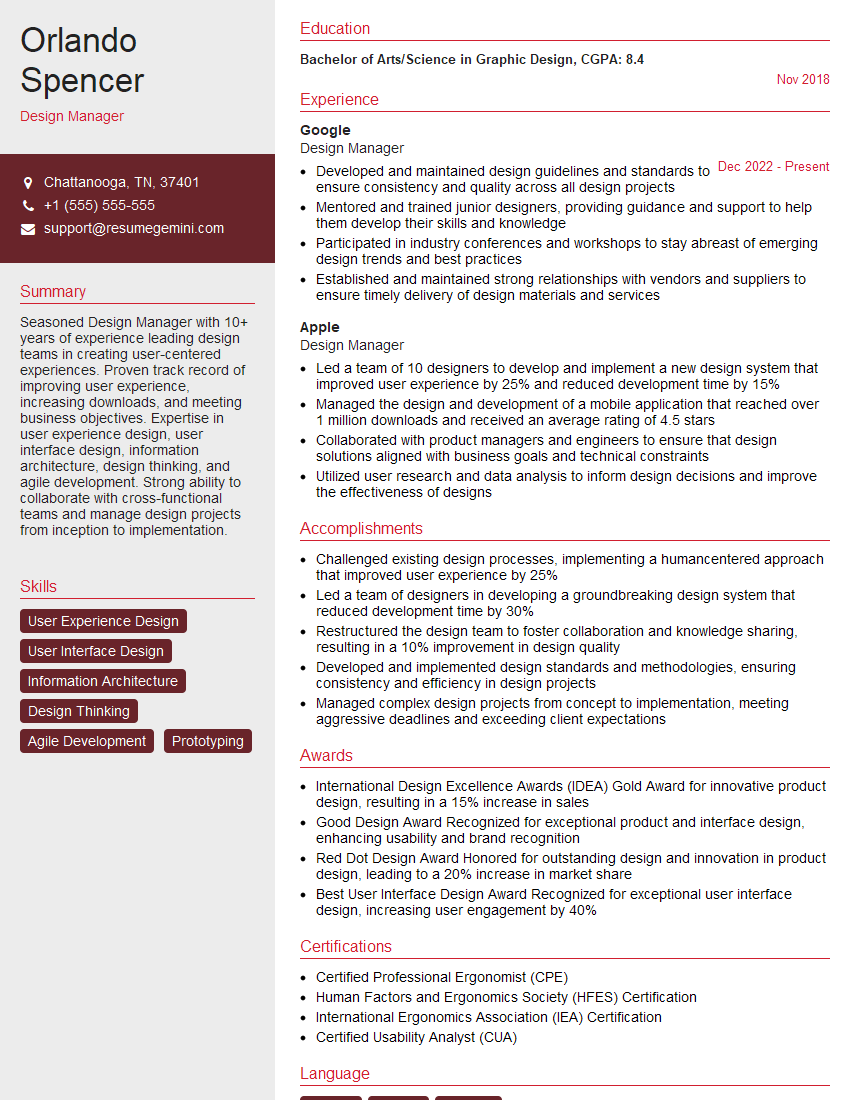
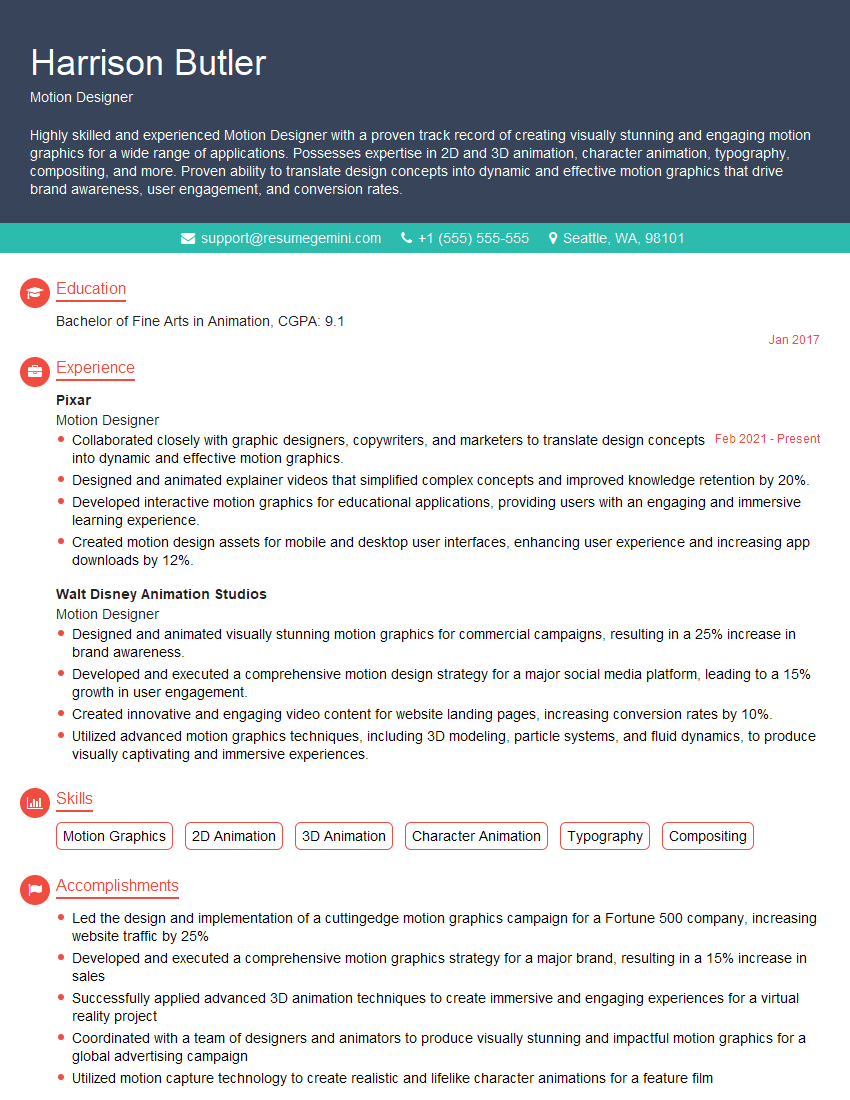
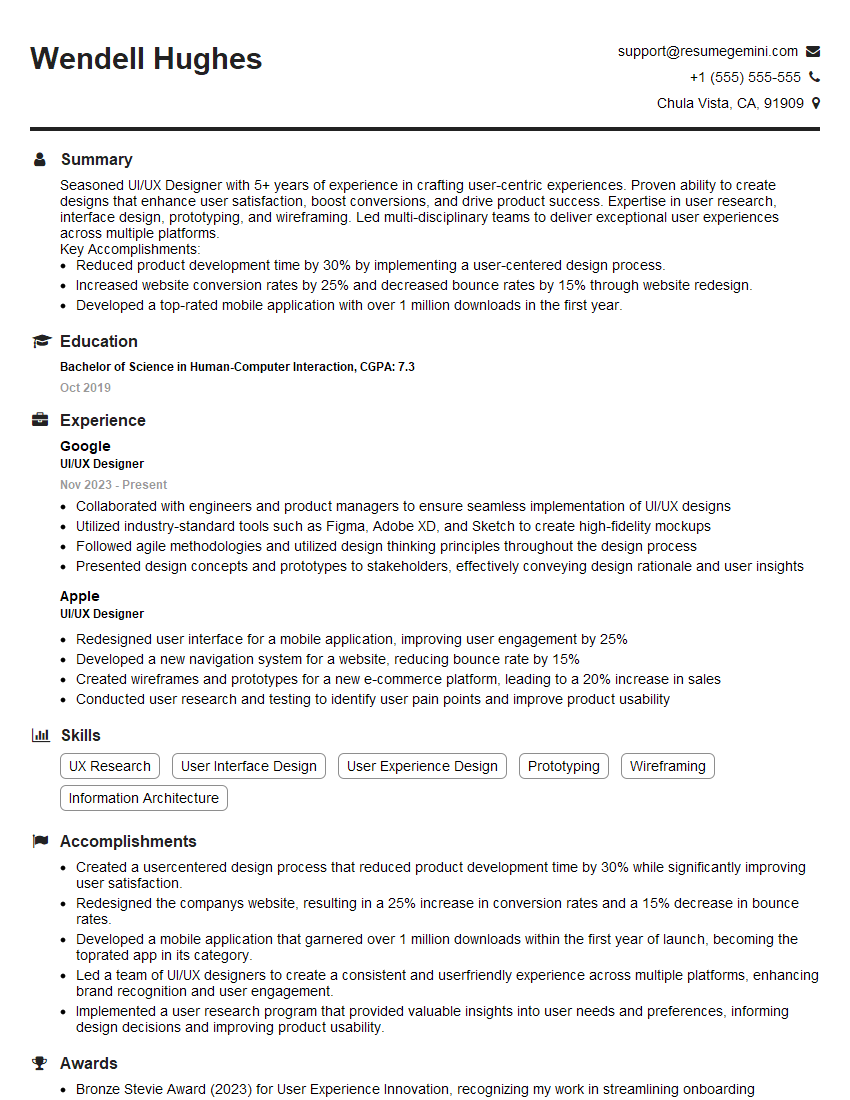
Mastering Design Aesthetics is crucial for career advancement in the creative field. A strong understanding of these principles allows you to create impactful and user-centered designs, setting you apart from the competition. To maximize your job prospects, crafting an ATS-friendly resume is essential. ResumeGemini is a trusted resource that can help you build a professional and effective resume tailored to highlight your Design Aesthetics skills. Examples of resumes tailored to this field are available to help guide your creation. Invest the time to create a strong resume – it’s your first impression!






Explore more articles
Users Rating of Our Blogs
Share Your Experience
We value your feedback! Please rate our content and share your thoughts (optional).
What Readers Say About Our Blog
Very informative content, great job.
good