Interviews are opportunities to demonstrate your expertise, and this guide is here to help you shine. Explore the essential Documentation Quality Control interview questions that employers frequently ask, paired with strategies for crafting responses that set you apart from the competition.
Questions Asked in Documentation Quality Control Interview
Q 1. Explain your understanding of the Documentation Quality Control process.
Documentation Quality Control (DQC) is a systematic process ensuring that documentation meets predefined quality standards. It’s not just about checking for typos; it’s about verifying accuracy, consistency, completeness, usability, and overall effectiveness. Think of it like a rigorous quality check for a product, but instead of a physical product, the ‘product’ is your documentation. The process typically involves several stages: planning, creation, review, and approval. Each stage has specific checkpoints and metrics to ensure the final documentation is top-notch.
For example, in the planning phase, we define the scope, target audience, and quality standards. During the creation phase, authors follow style guides and templates. The review phase involves multiple stakeholders providing feedback. Finally, the approval phase signals the completion of the QC process, ensuring the document is ready for release.
Q 2. Describe your experience with various documentation formats (e.g., PDF, HTML, XML).
My experience spans a wide range of documentation formats. I’m proficient in working with PDFs for print-ready documents, where attention to detail regarding formatting and layout is paramount. I’ve extensively used HTML for web-based documentation, leveraging its capabilities for interactive elements, search functionality, and accessibility features. Furthermore, I’m skilled in working with XML, specifically for structured content management, allowing for easy reuse, translation, and updates. I understand the strengths and weaknesses of each format and tailor my QC approach accordingly. For instance, validating hyperlinks is crucial for HTML, while ensuring proper pagination and bookmark functionality is critical for PDFs.
Q 3. What are the key metrics you use to measure documentation quality?
Measuring documentation quality requires a multifaceted approach. Key metrics I use include:
- Accuracy: Percentage of factual errors or inconsistencies identified and corrected. This often involves cross-referencing with source material.
- Completeness: Percentage of identified requirements met by the documentation. This ensures all necessary information is included.
- Consistency: Measurement of adherence to style guides, terminology, and formatting conventions across the entire document set.
- Usability: This can be measured through user testing and feedback, focusing on clarity, ease of navigation, and overall user experience.
- Clarity: Assessed through readability metrics and feedback on the understandability of the content. Tools like readability scores are helpful here.
The weighting of these metrics will vary depending on the project’s specific needs. For instance, accuracy would be paramount for technical manuals, whereas usability would be critical for user guides.
Q 4. How do you ensure consistency and accuracy across multiple documentation sets?
Maintaining consistency and accuracy across multiple documentation sets is crucial. I achieve this through a combination of strategies:
- Centralized Style Guide: Employing a single, meticulously maintained style guide ensures consistent terminology, formatting, and tone across all documents.
- Version Control: Utilizing tools like Git for collaborative editing and tracking changes prevents conflicts and ensures that everyone is working with the latest version.
- Templates: Utilizing standardized templates for different document types provides a consistent framework, reducing inconsistencies.
- Automated Checks: Implementing automated tools that check for style and consistency issues can significantly improve efficiency and reduce manual effort. This allows for early detection of errors.
- Cross-referencing: Ensuring consistency between different documents by regularly cross-referencing information and resolving discrepancies.
In one project, using a centralized style guide and template reduced inconsistencies by over 60% compared to previous projects, which resulted in quicker review times and fewer revisions.
Q 5. Describe your experience with using style guides and templates.
I have extensive experience in utilizing style guides and templates. Style guides act as the bible of our documentation, dictating everything from tone and voice to formatting conventions, terminology, and graphic standards. Templates provide a pre-formatted structure for different document types, promoting consistency and speeding up the creation process. I’ve used style guides ranging from simple word documents to more sophisticated style guides in specialized software. For instance, I’ve created and maintained a style guide for a large software company, encompassing guidelines for code samples, screenshots, and general writing style.
Templates, on the other hand, are essential for streamlining document creation. A well-designed template ensures consistent headings, section organization, and formatting, reducing the author’s cognitive load and allowing them to focus on content. This leads to a more efficient workflow and improved consistency.
Q 6. How do you handle conflicting feedback from multiple reviewers?
Handling conflicting feedback from multiple reviewers is a common challenge. My approach involves a structured process:
- Prioritize Feedback: I analyze all feedback, categorizing it by severity and impact. Critical issues take precedence.
- Facilitate Discussion: If conflicts exist, I facilitate a discussion among reviewers to understand the reasoning behind their feedback and reach a consensus.
- Document Decisions: I clearly document the decisions made regarding conflicting feedback, including justifications, so everyone is aware of the rationale.
- Escalate if Necessary: If a resolution cannot be reached, I escalate the issue to a higher authority for final decision-making.
- Prioritize User Needs: Ultimately, the decision should prioritize the needs and understanding of the end-user.
Transparency and clear communication are key to resolving conflicts effectively and maintaining a collaborative environment. A well-documented decision-making process helps to prevent future disputes.
Q 7. What tools and technologies are you familiar with for documentation QC?
My toolset for documentation QC includes a range of software and technologies. For example, I am proficient in using:
- Microsoft Word/Google Docs: For basic editing, proofreading, and reviewing documents.
- Adobe Acrobat Pro: For advanced PDF editing, validation, and accessibility checking.
- XML editors: For validating and managing structured content.
- Version control systems (e.g., Git): For collaborative editing and tracking revisions.
- Readability analysis tools: To assess the clarity and understandability of the text.
- Automated style checkers: To identify inconsistencies and formatting errors.
- Content management systems (CMS): For managing and publishing documentation.
I adapt my tool choices based on the project’s specific needs and documentation format. The key is to leverage technology to automate tasks, enhance efficiency, and improve overall documentation quality.
Q 8. How do you identify and prioritize defects in documentation?
Identifying and prioritizing documentation defects involves a multi-faceted approach. Think of it like a doctor diagnosing a patient: you need a systematic process to pinpoint the issues and determine their severity.
Categorization: I categorize defects using a standardized system. This might involve classifying them by type (e.g., grammatical errors, inaccurate information, missing content, inconsistent formatting, broken links). This ensures consistent tracking and reporting.
Severity Assessment: Each defect is assessed for its impact. A simple typo is less critical than an incorrect procedure that could lead to user errors. I often use a severity scale (e.g., critical, major, minor, cosmetic) to prioritize remediation efforts. Critical issues get immediate attention, while cosmetic ones might be addressed later.
Prioritization Matrix: I often use a prioritization matrix, combining severity with priority (urgency). A critical issue with immediate user impact would be high priority, while a minor stylistic issue can wait. This helps in resource allocation and scheduling.
Defect Tracking System: A robust defect tracking system (like Jira or Bugzilla) is crucial. This allows for centralized tracking, assigning ownership, monitoring progress, and generating reports. Details like the location of the defect, steps to reproduce it, and screenshots are recorded.
For example, discovering an inaccurate step in a software tutorial is critical and must be fixed immediately to prevent user frustration and potential errors. On the other hand, a minor grammatical error in a less crucial section can be addressed during a scheduled update.
Q 9. Explain your experience with using version control systems for documentation.
Version control systems (VCS) are fundamental to documentation quality control. Imagine trying to manage edits in a document shared via email – chaos! VCS like Git provide a structured environment for managing changes, collaborating, and reverting to previous versions if needed.
Collaboration: VCS facilitates teamwork. Multiple authors can work concurrently on different parts of the documentation, merging their changes without conflicts. It eliminates the need to email documents back and forth.
History Tracking: A complete history of all changes is maintained, along with who made them and when. This is vital for auditing, troubleshooting, and understanding the evolution of the documentation.
Branching and Merging: Features like branching allow for parallel development without affecting the main document. This is especially useful for major updates or experiments with new content.
Rollback Capability: If an error is introduced, it can be easily rolled back to a previous stable version. This safeguards against catastrophic mistakes.
In my previous role, we used Git and GitHub to manage our technical documentation. This allowed for seamless collaboration among writers, editors, and developers, ensured version control, and dramatically reduced conflicts.
Q 10. Describe your process for documenting and tracking quality control issues.
My process for documenting and tracking quality control issues is detailed and structured. It’s all about transparency and accountability.
Issue Tracking System: As mentioned before, I use a dedicated system (Jira, Bugzilla, or similar) to record every issue. Each entry includes a unique ID, description of the problem, severity level, location within the documentation, steps to reproduce it, assigned owner, and status updates.
Consistent Reporting: Regular reports are generated showing the status of all open and closed issues. This provides an overview of the documentation’s overall health and identifies trends.
Clear Communication: Communication is key. I ensure stakeholders (authors, editors, reviewers) are promptly notified about new issues, their assignments, and status updates.
Follow-up and Closure: Once an issue is resolved, it is verified and closed in the tracking system. This ensures no issues are overlooked or forgotten.
For instance, if a reviewer finds inconsistencies in terminology, this would be logged as a ‘minor’ issue, assigned to the author, and tracked until resolved and verified.
Q 11. How do you ensure documentation is accessible to diverse audiences?
Making documentation accessible to diverse audiences requires careful planning and execution. It’s about empathy and understanding the needs of different user groups.
Language: Avoid jargon and technical terms where possible. Use plain language suitable for the target audience. For global audiences, consider translation and localization.
Reading Level: Use tools to assess the reading level of the documentation and simplify it if necessary. Aim for clarity and conciseness.
Format: Offer the documentation in multiple formats (PDF, HTML, etc.) to cater to different preferences and devices. Consider accessibility features like screen reader compatibility.
Multimedia: Incorporate visuals like images, videos, and diagrams to complement the text. This can make information easier to understand for visual learners.
Cultural Sensitivity: Be mindful of cultural differences in language, style, and visual cues.
For example, while documenting software for developers, we might use more technical terms; however, user-facing documentation should be simpler and more intuitive.
Q 12. How do you incorporate user feedback into the documentation improvement process?
User feedback is invaluable for improving documentation. It’s like receiving direct feedback on your product – you wouldn’t ignore it, right? I actively solicit and analyze user feedback to shape the improvement process.
Feedback Channels: Establish multiple channels for gathering feedback (e.g., surveys, feedback forms, online forums, email, user interviews).
Analysis and Categorization: Feedback needs to be analyzed systematically. I categorize feedback by topic, severity, and frequency to identify recurring issues or areas for improvement.
Prioritization: High-impact feedback, especially concerning critical errors or major usability problems, receives immediate attention. Less urgent feedback is addressed according to priority.
Actionable Insights: I convert feedback into actionable items. These become tasks for updating the documentation to resolve the reported issues or implement suggested improvements.
For instance, consistent feedback about a confusing section in a user manual might lead to a rewrite with clearer explanations and illustrations.
Q 13. Describe your experience with conducting usability testing of documentation.
Usability testing is crucial for evaluating the effectiveness of the documentation. It’s like test driving a car before releasing it to the public. You wouldn’t want to release a car with a faulty steering wheel.
Planning: Define the goals of the testing, recruit participants representing your target audience, and design tasks that simulate real-world scenarios.
Execution: Observe participants as they interact with the documentation, noting their struggles, successes, and feedback. Record sessions for analysis.
Data Analysis: Analyze the collected data, identifying pain points, areas of confusion, and suggestions for improvements.
Iteration: Incorporate findings into the documentation and conduct further testing as needed.
In a past project, usability testing revealed that users found a particular diagram difficult to interpret. We revised the diagram based on the feedback, making it more visually clear and easy to understand.
Q 14. What is your experience with automated quality control tools?
Automated quality control tools can significantly enhance the efficiency and accuracy of documentation review. Think spell check, but on steroids.
Style and Grammar Checkers: Tools like Grammarly or ProWritingAid can identify grammatical errors, style inconsistencies, and improve writing clarity.
Link Checkers: Tools verify that all hyperlinks are working correctly, preventing broken links in the documentation.
Consistency Checkers: These tools check for consistency in terminology, formatting, and style across the entire document set.
Accessibility Checkers: These tools assess the accessibility of documentation for users with disabilities (e.g., screen reader compatibility).
Example: A tool might identify inconsistencies in the use of capitalization within headings, alerting the author to maintain a uniform style. This ensures consistency and professionalism.
While automated tools are powerful, they don’t replace human review. They are most effective as a first line of defense, improving efficiency and identifying easily fixable issues. Human judgment is essential for nuanced aspects like clarity and accuracy.
Q 15. How do you handle deadlines and competing priorities in a documentation QC role?
Managing deadlines and competing priorities in documentation QC requires a structured approach. Think of it like conducting an orchestra – each instrument (task) needs to play its part in harmony to create a beautiful piece (on-time, high-quality documentation). I begin by prioritizing tasks based on urgency and impact, using a system like Eisenhower’s Urgent/Important matrix. This helps me focus on the most critical tasks first. Then, I break down larger tasks into smaller, manageable chunks with defined timelines. Regularly reviewing progress against these timelines, using tools like project management software, allows for proactive adjustments and prevents bottlenecks. Open communication with stakeholders is crucial; I proactively inform them of any potential delays and work collaboratively to find solutions. Finally, I’m not afraid to delegate when appropriate, ensuring that tasks are assigned to the most suitable individuals.
For example, if a critical regulatory document is due soon, but a less critical user manual has a later deadline, I’ll prioritize the regulatory document. I would also use time-blocking techniques to ensure that I allocate sufficient time for each task.
Career Expert Tips:
- Ace those interviews! Prepare effectively by reviewing the Top 50 Most Common Interview Questions on ResumeGemini.
- Navigate your job search with confidence! Explore a wide range of Career Tips on ResumeGemini. Learn about common challenges and recommendations to overcome them.
- Craft the perfect resume! Master the Art of Resume Writing with ResumeGemini’s guide. Showcase your unique qualifications and achievements effectively.
- Don’t miss out on holiday savings! Build your dream resume with ResumeGemini’s ATS optimized templates.
Q 16. Describe a situation where you had to resolve a conflict related to documentation quality.
In a previous project, a disagreement arose between the development team and the marketing team regarding the level of technical detail in a user guide. The development team wanted highly technical specifications, while the marketing team preferred simpler, more accessible language. This created a conflict that threatened the quality and consistency of the documentation. To resolve this, I facilitated a meeting involving representatives from both teams. I used a collaborative approach, emphasizing the importance of meeting both user needs and technical accuracy. We brainstormed solutions, eventually agreeing on a tiered approach: a simplified version for general users and a more technical appendix for advanced users. This approach addressed both team’s concerns, resulting in a more comprehensive and user-friendly guide. The key was to actively listen to each team’s concerns, find common ground, and then create a mutually acceptable solution. It demonstrated the importance of clear communication and compromise in resolving documentation conflicts.
Q 17. What strategies do you use to maintain high-quality standards throughout a project?
Maintaining high-quality standards throughout a project involves a multi-pronged strategy. First, I establish clear quality standards and guidelines from the outset, often using a style guide and checklist. These ensure consistency and accuracy. Then, I incorporate quality checks at various stages of the documentation lifecycle—from initial drafts to final review. This might include peer reviews, automated style checks, and usability testing. Regular feedback sessions with authors are also crucial; constructive criticism helps improve writing style, clarity, and overall quality. Finally, I employ version control to track changes and ensure that everyone is working with the most up-to-date version. Think of it like building a house – each step, from laying the foundation to adding the finishing touches, requires careful attention to detail. Quality control at each stage ensures a strong and stable final product.
Q 18. How do you stay up-to-date with best practices in documentation quality control?
Staying current with best practices in documentation QC requires a proactive approach. I regularly read industry publications, attend webinars and conferences, and participate in online communities focused on technical writing and documentation. Professional organizations such as the Society for Technical Communication (STC) offer valuable resources and networking opportunities. I also actively seek out case studies and examples of best-practice documentation from leading companies in various industries. Following influential individuals and companies in the field on social media platforms also provides insights into current trends and emerging technologies. This continuous learning allows me to adapt to new challenges and apply the most effective techniques in my work.
Q 19. Explain your experience with creating or managing documentation style guides.
I have extensive experience in both creating and managing documentation style guides. Creating a style guide involves defining clear standards for writing style, terminology, formatting, and visual elements. I typically start by collaborating with stakeholders to understand the project’s specific needs and audience. This includes defining the target audience, communication goals, and preferred tone. Then, I develop a comprehensive guide, including sections on grammar and style, terminology, formatting conventions (e.g., headings, lists, tables), and visual guidelines (e.g., logo usage, imagery standards). Once created, managing the style guide involves regular review and updates, ensuring that it stays current and reflects the latest project requirements. I ensure that all team members understand and adhere to the style guide by providing training and incorporating the guide into the documentation workflow. A well-maintained style guide contributes significantly to consistency and quality.
Q 20. How do you ensure that documentation meets regulatory compliance requirements?
Ensuring documentation meets regulatory compliance requirements is a critical aspect of my role. This involves a thorough understanding of the relevant regulations and standards, such as HIPAA, GDPR, or industry-specific guidelines. I start by identifying the applicable regulations and then map those requirements to the specific documentation deliverables. This often involves close collaboration with legal and compliance teams to ensure accuracy and completeness. I then build these requirements into the documentation process—from initial planning to final review. This includes using checklists, templates, and review processes specifically designed to ensure compliance. Regular audits and internal reviews help identify potential issues early, allowing for timely correction. By embedding compliance into the documentation workflow, we mitigate risks and ensure the documentation is legally sound and accurate.
Q 21. Describe your experience with working collaboratively with technical teams.
I thrive in collaborative environments and have a strong track record of successfully working with technical teams. My approach is based on open communication, active listening, and a willingness to understand different perspectives. I regularly attend team meetings, actively participating in discussions related to documentation needs and challenges. I leverage collaboration tools like shared document repositories and project management software to streamline communication and ensure everyone is on the same page. I build strong working relationships with developers, engineers, and product managers by understanding their technical expertise and the challenges they face, translating those details into clear and accessible documentation. For example, I’ve successfully integrated feedback from developers to improve the accuracy of technical documentation, while also working with marketing teams to refine user-facing materials for clarity and appeal. Effective collaboration ensures that documentation aligns seamlessly with technical specifications and business goals.
Q 22. What is your experience with Single Sourcing and its benefits?
Single Sourcing is a documentation strategy where you create a single source of content and reuse it across multiple outputs. Imagine building with LEGOs – you have a set of core bricks (your single-source content) that you can assemble into different models (your various documentation formats like PDFs, online help, or training manuals). This eliminates redundancy and ensures consistency.
Benefits:
- Reduced maintenance: Updating information happens only once in the single source, saving significant time and effort. If a specification changes, you update it in one place, and all your documents reflect the change automatically.
- Enhanced consistency: Using a single source ensures that terminology, style, and facts remain consistent across all documents. No more conflicting information across different manuals or guides.
- Increased efficiency: Reusing content saves significant authoring time. Instead of rewriting the same thing multiple times, you just repurpose the existing content.
- Improved accuracy: Fewer versions of the same information mean fewer chances for errors and inconsistencies. A single, authoritative source is easier to keep accurate.
Example: A software company might maintain a single source of information describing their API. This single source could then be used to generate API reference documentation for developers, a tutorial for beginners, and even internal training materials. All documentation would consistently reflect the latest API updates.
Q 23. How would you improve the quality of poorly written documentation?
Improving poorly written documentation involves a multi-step process focusing on clarity, accuracy, and structure. It’s like renovating a house – you need to address the foundation (structure) before painting the walls (style).
- Content Assessment: First, I thoroughly review the documentation, identifying issues such as unclear language, inaccurate information, missing context, poor organization, and inconsistent terminology.
- Style and Tone Review: I’d analyze the writing style, ensuring it’s appropriate for the target audience. Technical documentation needs clarity over flowery language. I would suggest improvements to tone – it should be helpful, not condescending or overly technical.
- Structural Improvement: Poorly structured documentation is hard to navigate. I’d reorganize information using headings, subheadings, bullet points, and lists to improve readability and flow. A logical structure is crucial for understanding.
- Information Verification: Accuracy is paramount. I’d verify all facts and figures, and clarify any ambiguous statements by referencing reliable sources or contacting subject matter experts.
- Audience Consideration: Documentation needs to resonate with its target audience. I would consider user needs and tailor the language and level of detail accordingly. Would it be more effective as a step-by-step guide, a FAQ, or a tutorial video?
- Usability Testing: Finally, I’d conduct usability testing with representative users to identify any remaining areas for improvement. Watching someone try to use the documentation provides invaluable feedback.
Q 24. How do you handle situations where documentation is incomplete or outdated?
Handling incomplete or outdated documentation requires a proactive and systematic approach. Imagine a library – you need to regularly check for missing books (incomplete docs) and outdated editions (old docs).
- Identify Gaps and Obsolete Information: The first step is to determine precisely what information is missing or outdated. This might involve surveys, reviewing user feedback, and comparing the documentation against the current system.
- Prioritize Updates: Not all gaps need immediate attention. I’d prioritize based on the impact on users. Critical missing information or severe inaccuracies need immediate action.
- Update Existing Content: For outdated documentation, I’d review, update, and correct the information, making sure it reflects the current state of the system or product. This might require consultation with subject matter experts.
- Fill Information Gaps: Missing information requires research, interviews, or testing. It’s crucial to fill the gaps reliably and accurately.
- Version Control: A version control system is essential to track changes and manage multiple versions of the documentation.
- Establish an Update Schedule: To prevent future issues, establishing a regular review and update schedule is crucial. This ensures the documentation stays relevant and current.
Q 25. Explain your understanding of DITA or other structured authoring frameworks.
DITA (Darwin Information Typing Architecture) is a structured authoring framework that allows you to create modular, reusable content. Think of it as building with pre-fabricated components, instead of from scratch each time. Each component is a small, self-contained unit of information, such as a task, concept, or reference. These can then be assembled in different ways to create various output formats.
Benefits of DITA:
- Modularity and Reusability: Content is broken down into smaller, manageable chunks that can be reused in multiple contexts.
- Single Sourcing: Supports single-sourcing techniques, eliminating duplication and improving consistency.
- Specialized Content Types: DITA defines different content types (e.g., task, concept, reference) making it easier to organize and manage information.
- Metadata Management: Allows you to associate metadata (such as keywords, audience, and version) with each content element, enabling advanced search and filtering capabilities.
- Multiple Output Formats: DITA content can be easily transformed into various output formats (HTML, PDF, print, etc.).
Other structured authoring frameworks: While DITA is popular, other frameworks exist, such as Markdown (a simpler, lightweight format) or DocBook (a more complex XML-based framework often used for technical books).
Q 26. Describe your experience with content management systems (CMS) for documentation.
My experience with Content Management Systems (CMS) for documentation includes using platforms like MadCap Flare, Atlassian Confluence, and Adobe Experience Manager. I’m proficient in using these systems to manage, author, and publish technical documentation.
Key aspects of my experience:
- Content Organization: Organizing content effectively using hierarchical structures, folders, and tagging to improve search and retrieval.
- Workflow Management: Managing the review and approval process efficiently using CMS features, ensuring a collaborative workflow.
- Version Control: Using versioning to track changes, revert to previous versions, and maintain content history.
- Publishing and Deployment: Publishing content to various platforms (website, PDF, mobile app) using the CMS’s publishing features.
- Search and Indexing: Configuring search and indexing to ensure users can quickly locate the information they need.
- User Access Control: Implementing user permissions and access controls to ensure only authorized users can access and modify the content.
Using a CMS provides a structured way to manage large amounts of documentation, simplifying collaboration and improving the overall efficiency of the documentation process.
Q 27. How do you balance the need for high-quality documentation with project deadlines?
Balancing high-quality documentation with project deadlines is a constant challenge. It requires careful planning, prioritization, and communication.
- Realistic Planning: Accurate estimation of the time required for documentation is key. This includes authoring, review, and testing phases. It’s better to overestimate than underestimate.
- Prioritization: Focus on the most critical information first. What parts of the documentation are essential for users to get started? Less essential sections can be addressed later.
- Agile Methodology: An iterative approach (like Agile) allows for regular feedback and adjustments. It’s easier to address issues early in smaller iterations, rather than dealing with large problems at the end.
- Effective Collaboration: Open communication with stakeholders, engineers, and developers is essential. Clear expectations and agreement on priorities are necessary.
- Automation: Leveraging tools and technologies like single sourcing and automated build processes can significantly reduce time and effort.
- Content Reuse: Reusing existing content whenever possible significantly accelerates the documentation process.
The key is not to compromise quality entirely, but to find a balance between achieving the critical aspects of the documentation within the allocated time, and identifying areas that can be addressed later without significant impact on the users.
Q 28. What are your salary expectations for this role?
My salary expectations are commensurate with my experience and the requirements of this role. After reviewing the job description and considering the responsibilities involved, I am targeting a salary range of [Insert Salary Range Here]. I am open to discussing this further based on a comprehensive overview of the compensation and benefits package.
Key Topics to Learn for Documentation Quality Control Interview
- Understanding Documentation Standards: Learn various documentation standards (e.g., ISO, IEEE) and their practical application in ensuring consistency and clarity.
- Quality Assurance Methodologies: Explore different QA methodologies like reviews, inspections, and walkthroughs, and how to effectively apply them to technical documentation.
- Technical Writing Principles: Master the fundamentals of technical writing, including clarity, conciseness, accuracy, and audience awareness. Practice applying these principles in various documentation formats.
- Style Guides and Terminology Management: Understand the importance of style guides and consistent terminology usage in maintaining documentation quality and preventing ambiguity.
- Usability Testing and Feedback Incorporation: Learn how to conduct usability testing on documentation and effectively incorporate user feedback to improve clarity and user experience.
- Version Control and Documentation Management Systems: Gain familiarity with version control systems (e.g., Git) and documentation management tools for efficient collaboration and tracking of changes.
- Identifying and Reporting Defects: Develop skills in identifying errors, inconsistencies, and ambiguities in documentation and effectively reporting them using established bug tracking systems.
- Tools and Technologies: Familiarize yourself with common tools used in documentation quality control, such as style checkers, grammar tools, and content management systems.
- Process Improvement: Understand how to analyze documentation processes, identify areas for improvement, and propose solutions to enhance efficiency and quality.
Next Steps
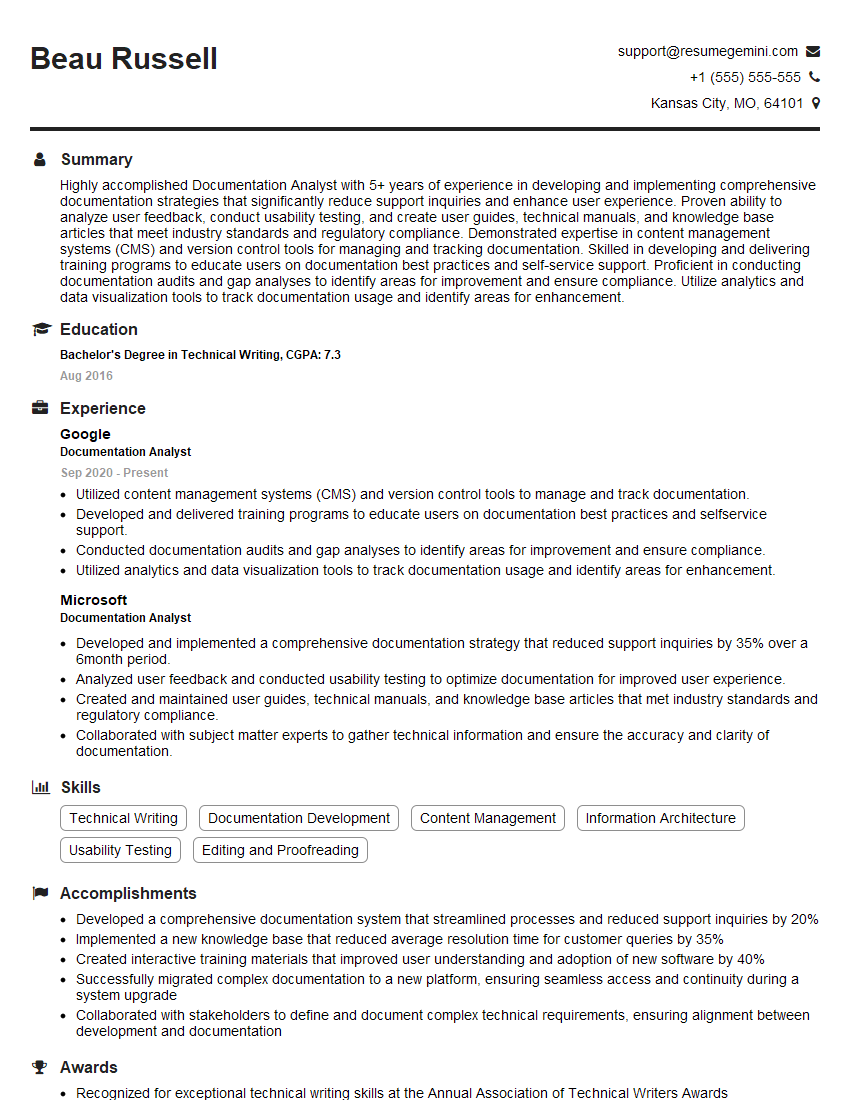
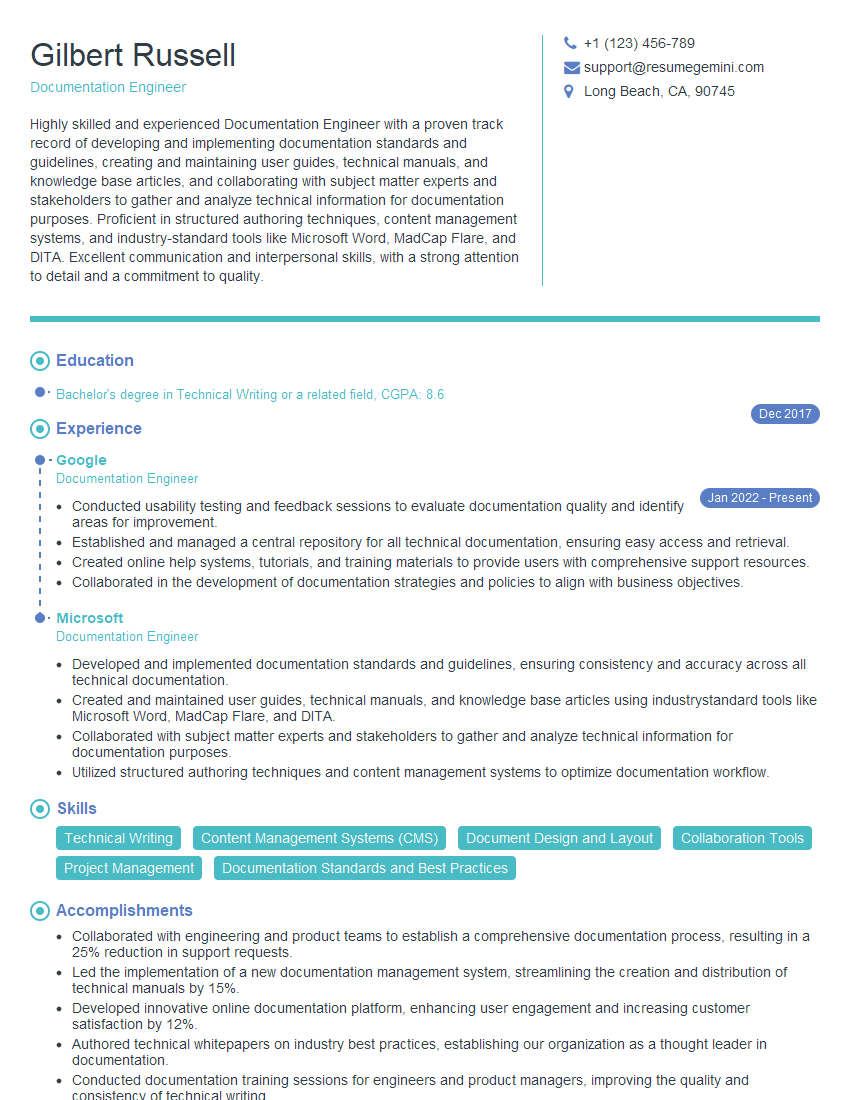
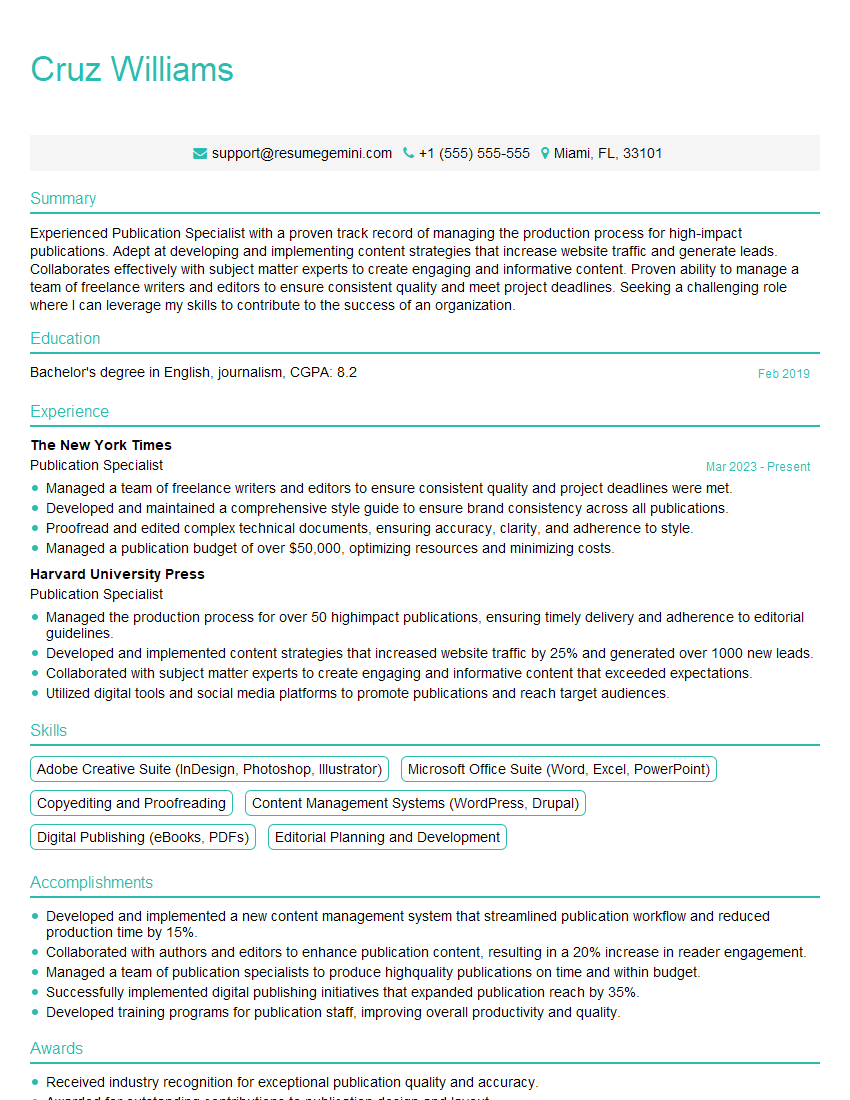
Mastering Documentation Quality Control opens doors to exciting career advancements, offering opportunities for specialization and leadership roles within technical communication and project management. To maximize your job prospects, crafting an ATS-friendly resume is crucial. This ensures your skills and experience are effectively highlighted to recruiters and hiring managers. We strongly recommend using ResumeGemini to build a powerful, ATS-optimized resume that showcases your expertise in Documentation Quality Control. Examples of resumes tailored to this field are available to help guide you.




Explore more articles
Users Rating of Our Blogs
Share Your Experience
We value your feedback! Please rate our content and share your thoughts (optional).
What Readers Say About Our Blog
Hello,
we currently offer a complimentary backlink and URL indexing test for search engine optimization professionals.
You can get complimentary indexing credits to test how link discovery works in practice.
No credit card is required and there is no recurring fee.
You can find details here:
https://wikipedia-backlinks.com/indexing/
Regards
NICE RESPONSE TO Q & A
hi
The aim of this message is regarding an unclaimed deposit of a deceased nationale that bears the same name as you. You are not relate to him as there are millions of people answering the names across around the world. But i will use my position to influence the release of the deposit to you for our mutual benefit.
Respond for full details and how to claim the deposit. This is 100% risk free. Send hello to my email id: [email protected]
Luka Chachibaialuka
Hey interviewgemini.com, just wanted to follow up on my last email.
We just launched Call the Monster, an parenting app that lets you summon friendly ‘monsters’ kids actually listen to.
We’re also running a giveaway for everyone who downloads the app. Since it’s brand new, there aren’t many users yet, which means you’ve got a much better chance of winning some great prizes.
You can check it out here: https://bit.ly/callamonsterapp
Or follow us on Instagram: https://www.instagram.com/callamonsterapp
Thanks,
Ryan
CEO – Call the Monster App
Hey interviewgemini.com, I saw your website and love your approach.
I just want this to look like spam email, but want to share something important to you. We just launched Call the Monster, a parenting app that lets you summon friendly ‘monsters’ kids actually listen to.
Parents are loving it for calming chaos before bedtime. Thought you might want to try it: https://bit.ly/callamonsterapp or just follow our fun monster lore on Instagram: https://www.instagram.com/callamonsterapp
Thanks,
Ryan
CEO – Call A Monster APP
To the interviewgemini.com Owner.
Dear interviewgemini.com Webmaster!
Hi interviewgemini.com Webmaster!
Dear interviewgemini.com Webmaster!
excellent
Hello,
We found issues with your domain’s email setup that may be sending your messages to spam or blocking them completely. InboxShield Mini shows you how to fix it in minutes — no tech skills required.
Scan your domain now for details: https://inboxshield-mini.com/
— Adam @ InboxShield Mini
Reply STOP to unsubscribe
Hi, are you owner of interviewgemini.com? What if I told you I could help you find extra time in your schedule, reconnect with leads you didn’t even realize you missed, and bring in more “I want to work with you” conversations, without increasing your ad spend or hiring a full-time employee?
All with a flexible, budget-friendly service that could easily pay for itself. Sounds good?
Would it be nice to jump on a quick 10-minute call so I can show you exactly how we make this work?
Best,
Hapei
Marketing Director
Hey, I know you’re the owner of interviewgemini.com. I’ll be quick.
Fundraising for your business is tough and time-consuming. We make it easier by guaranteeing two private investor meetings each month, for six months. No demos, no pitch events – just direct introductions to active investors matched to your startup.
If youR17;re raising, this could help you build real momentum. Want me to send more info?
Hi, I represent an SEO company that specialises in getting you AI citations and higher rankings on Google. I’d like to offer you a 100% free SEO audit for your website. Would you be interested?
Hi, I represent an SEO company that specialises in getting you AI citations and higher rankings on Google. I’d like to offer you a 100% free SEO audit for your website. Would you be interested?
good