Cracking a skill-specific interview, like one for Drafting and Technical Drawing, requires understanding the nuances of the role. In this blog, we present the questions you’re most likely to encounter, along with insights into how to answer them effectively. Let’s ensure you’re ready to make a strong impression.
Questions Asked in Drafting and Technical Drawing Interview
Q 1. What CAD software are you proficient in?
I’m proficient in several CAD software packages, most notably AutoCAD, Revit, and SolidWorks. AutoCAD forms the backbone of my 2D drafting skills, while Revit is my go-to for Building Information Modeling (BIM) and construction documents. SolidWorks allows me to create and manipulate detailed 3D models with precision. My experience with each spans several years, involving diverse projects from simple mechanical parts to complex building designs. I’m also familiar with MicroStation, though my proficiency is less extensive compared to the previously mentioned software.
Q 2. Describe your experience with 2D and 3D drafting.
My experience with 2D and 3D drafting is extensive and covers a broad range of applications. In 2D drafting, I’m adept at creating detailed plans, elevations, sections, and other technical drawings using AutoCAD. I’ve worked on everything from architectural floor plans to mechanical schematics, always emphasizing accuracy and clarity. Transitioning to 3D, I utilize SolidWorks and Revit to create realistic models, allowing for better visualization and analysis of design elements. For instance, in a recent project designing a custom-made staircase, I first created a 2D plan, then built a 3D model in SolidWorks to check for interferences and optimize the design before producing the final construction drawings in Revit.
Q 3. Explain the difference between orthographic and isometric projections.
Orthographic and isometric projections are both ways of representing a 3D object on a 2D surface, but they differ significantly in their perspective. Orthographic projection uses multiple views – typically front, top, and side – to show the object from different, perpendicular angles. Each view shows only two dimensions, providing a complete, unambiguous representation of the object’s shape and size. Think of it like a set of blueprints; they lack a sense of depth but communicate the design clearly. Isometric projection, on the other hand, provides a single, three-dimensional view of the object. While it shows all three dimensions simultaneously, it distorts the true lengths and angles. It is often used for quick visualization and conceptual sketching. Imagine looking at a cube from a slightly elevated angle; you can see all three faces, but the lines aren’t all perfectly perpendicular. Orthographic projections are best for precise measurements and detailed construction, while isometric projections are useful for initial conceptual design and presentation.
Q 4. How do you handle revisions and updates to drawings?
Handling revisions and updates is a critical part of the drafting process. I typically employ version control within the CAD software itself. This allows me to track all changes made, revert to previous versions if necessary, and maintain a complete history of the drawing’s evolution. For instance, in Revit, I heavily utilize the ‘worksharing’ feature. Each revision is clearly documented, including the date, the person making the changes, and a brief description of the modification. This ensures that everyone working on the project is informed about the latest changes and minimizes confusion. I also adhere to a consistent revision numbering system, typically adding a letter suffix to the drawing number (e.g., A, B, C) for each revision. This method allows me to maintain clarity across all drawings and simplifies tracking and managing alterations throughout the project.
Q 5. What are your preferred methods for creating detailed drawings?
Creating detailed drawings involves a systematic approach. I begin with a thorough understanding of the project requirements. This includes reviewing specifications, discussing design concepts with engineers and architects, and gathering necessary data. I then develop a clear workflow and use layering effectively in my CAD software. Layering allows me to organize different elements (structural, mechanical, electrical, etc.) separately, improving clarity and manageability. Dimensioning is meticulously done to ensure accuracy, employing various dimensioning styles as needed (linear, angular, radial). Detailed annotations and callouts are added where necessary, along with material specifications and other relevant information. Finally, I perform thorough quality checks before finalizing the drawing, reviewing for any omissions, inaccuracies, or conflicts.
Q 6. How do you ensure accuracy and precision in your drawings?
Accuracy and precision are paramount in drafting. I employ several strategies to ensure both: First, I always use precise measurements and coordinate systems established at the beginning of the project. Second, I employ constraints and relations within the CAD software to ensure geometric consistency. Third, I regularly use geometric checks and tolerances to verify the accuracy of my work. For instance, if a design requires a precisely sized hole, I would use constraints within the software to fix its dimensions and prevent any unintentional changes. Fourth, I always adhere to drafting standards and conventions, ensuring consistency and clarity in my drawings. And lastly, before finalizing, I conduct a thorough review, often involving a colleague, to identify any errors or potential issues. Think of it as a quality control check, essential for maintaining the integrity and reliability of the final product.
Q 7. Describe your experience with creating construction documents.
I have significant experience in creating construction documents. This includes preparing detailed drawings for various trades – architectural, structural, mechanical, electrical, and plumbing – and coordinating these drawings to ensure consistency and avoid conflicts. My experience with Revit has been particularly useful in this context, as it facilitates Building Information Modeling (BIM), allowing for better collaboration and coordination among different disciplines. I understand the importance of creating clear, concise, and accurate documents that meet all relevant building codes and regulations. In a recent project, I was responsible for creating the complete set of construction documents for a multi-story residential building, which involved coordinating with various engineers and consultants to ensure all aspects of the design were accurately represented and compatible.
Q 8. How familiar are you with different drafting standards (e.g., ANSI, ISO)?
I’m highly proficient in various drafting standards, primarily ANSI and ISO. Understanding these standards is crucial for creating clear, unambiguous, and internationally compatible technical drawings. ANSI (American National Standards Institute) is widely used in the United States and Canada, while ISO (International Organization for Standardization) standards are globally recognized and provide a common language for technical communication. The key differences lie in areas like sheet sizes, line weights, dimensioning styles, and tolerance representation. For example, ANSI uses A-size sheets (e.g., A, B, C, D), while ISO employs a system based on A0 size and its derivatives (A1, A2, etc.). Similarly, dimensioning practices, although conceptually similar, have subtle variations in notation and preferred methods.
My experience involves seamlessly switching between these standards based on project requirements. I’ve worked on projects requiring both ANSI and ISO compliance, adapting my drafting techniques to meet the specific needs of each. This includes using CAD software settings to ensure consistent adherence to the chosen standard, from the initial template setup to final output.
Q 9. Explain your understanding of dimensioning and tolerancing.
Dimensioning and tolerancing are fundamental aspects of technical drawing, ensuring that manufactured parts meet specified requirements. Dimensioning provides the numerical values defining the size and location of features on a part. Tolerancing defines the acceptable range of variation from these nominal dimensions. Think of it like baking a cake – the recipe provides the dimensions (ingredients and amounts), while tolerancing allows for some variation in measurements without ruining the final product. A slightly smaller or larger amount of flour might still result in an acceptable cake.
I use various dimensioning techniques, including aligned, unidirectional, and chained dimensioning, selecting the most appropriate method for clarity and efficiency. Tolerancing involves specifying limits (e.g., ±0.1mm), geometric tolerances (controlling form, orientation, location, and runout), and surface roughness. I’m proficient in applying both unilateral and bilateral tolerances, and in understanding the implications of different tolerance types. I regularly utilize GD&T (Geometric Dimensioning and Tolerancing) symbols to clearly communicate complex tolerance requirements, enhancing the precision and manufacturability of designs.
Q 10. How do you manage large and complex drawing files?
Managing large and complex drawing files requires a strategic approach to prevent slowdowns and data loss. I employ several techniques, including:
- File organization: Using a clear and consistent file naming convention and folder structure is essential. I typically organize files by project, discipline, and revision.
- Data referencing (Xrefs): For large projects, I leverage external references (Xrefs) to link drawings rather than embedding them, reducing file size and simplifying management. Changes to the referenced file automatically update in the main drawing.
- Layer management: Efficient layer management is key. I use descriptive layer names, turn off unnecessary layers to improve performance, and regularly purge unused data.
- Regular backups: Frequent backups are critical to prevent data loss. I employ both local and cloud-based backup solutions.
- Software optimization: Ensuring my CAD software is updated and optimized for performance enhances speed and stability when working with large files.
- Data cleanup: Periodically, I perform data cleanup, purging unused blocks, layers, and other unnecessary entities to maintain optimal file performance.
These strategies ensure that even the most complex projects remain manageable and efficient.
Q 11. Describe your experience working with different drawing layers and templates.
Drawing layers and templates are crucial for creating organized and consistent drawings. Layers allow me to group related drawing elements (e.g., walls, doors, annotations) for easy management and control. Templates provide a pre-configured framework with predefined layers, styles, and settings, ensuring consistent formatting across multiple drawings within a project. This standardization streamlines the drafting process and reduces the risk of errors.
I have extensive experience creating and managing custom templates tailored to specific project needs and company standards. This includes defining layer properties, linetypes, text styles, and plot settings. I’m also skilled at using layer states to temporarily hide or show layers during editing, improving drawing clarity and performance. For example, I might create separate layers for architectural, structural, and MEP elements in a building project. Each layer has specific properties to help differentiate and manage various aspects of the design.
Q 12. How do you collaborate with other team members on drafting projects?
Collaboration is essential in drafting. I utilize several methods to efficiently work with team members:
- Cloud-based collaboration platforms: I use platforms that allow simultaneous access and editing of drawing files, enabling real-time collaboration and reducing conflicts. Version control is key to track changes and revert to previous versions if needed.
- Model sharing and review: I use version control systems (like BIM 360 or similar) to manage drawing revisions and provide feedback on design changes.
- Clear communication: Effective communication through regular meetings, email, and instant messaging is crucial. I ensure that everyone is informed of progress, changes, and any potential issues.
- Defined roles and responsibilities: Clearly defined roles and responsibilities prevent confusion and ensure efficient task allocation.
- Standard file formats: Using common file formats (like DWG or IFC) ensures compatibility across various CAD software packages and platforms used by different team members.
A collaborative approach ensures a smooth workflow, reduces errors, and leads to a higher-quality final product.
Q 13. How do you troubleshoot common issues encountered in CAD software?
Troubleshooting is a regular part of CAD work. Common issues I encounter include file corruption, software glitches, and drawing inconsistencies. My troubleshooting approach is systematic:
- Identify the problem: Accurately determine the nature of the issue. Is it a software error, a user error, or a file corruption problem?
- Reproduce the problem: If possible, try to reproduce the issue to better understand its cause and context.
- Check basic solutions: Start with simple solutions: Check file integrity, reboot the computer, and update the software.
- Seek online resources: Consult online forums, help documents, and video tutorials for solutions.
- Contact support: If the problem persists, reach out to the software vendor’s support team.
- Recover data: If data loss occurs, utilize backup files or recovery tools to retrieve the lost data.
Experience helps me quickly diagnose common problems. For instance, I know that certain commands or actions might lead to file corruption, and I take steps to avoid them or back up my work regularly. I view troubleshooting as an opportunity to improve my skills and prevent future problems.
Q 14. What is your experience with BIM (Building Information Modeling)?
My experience with BIM (Building Information Modeling) is extensive. I’m proficient in using BIM software to create and manage digital representations of buildings and infrastructure. BIM goes beyond traditional 2D drafting by creating a 3D model that contains detailed information about every aspect of a building, including geometry, materials, and components. This allows for improved coordination among various disciplines (architectural, structural, MEP, etc.), better clash detection, and more accurate cost estimation.
I’ve used BIM software to develop complete building models, create detailed shop drawings, and generate construction documentation. I understand the importance of data integrity in BIM and the use of IFC (Industry Foundation Classes) for data exchange. My experience includes using BIM for various project phases, from conceptual design to construction administration. I find BIM to be a powerful tool for improving efficiency, collaboration, and the overall quality of building projects.
Q 15. Describe your experience with creating sections, elevations, and details.
Creating sections, elevations, and details is fundamental to conveying design intent in technical drawings. Sections reveal the internal structure of an object by cutting through it, elevations show a single vertical face, and details provide magnified views of specific components. My experience spans various projects, from residential buildings to complex industrial machinery.
Sections: I’m proficient in creating various section types, including full sections, half sections, and broken-out sections, using appropriate hatching patterns to differentiate materials. For example, in a building project, I’d create a section through a wall to show the arrangement of insulation, studs, and drywall.
Elevations: I meticulously create elevations to accurately represent the exterior and interior facades. This includes window and door placement, material specifications, and any significant architectural features. A recent project involved creating elevations for a multi-story building, requiring precise measurements and attention to detail to ensure accurate representation.
Details: I excel at developing clear and concise details. These zoomed-in views clarify critical connections, assembly methods, or unique design features. For instance, in a mechanical design, I’d create a detail of a specific weld or bolt connection, ensuring all dimensions and tolerances are accurately represented.
My approach prioritizes clarity, accuracy, and consistency across all drawings, adhering to industry standards and client specifications.
Career Expert Tips:
- Ace those interviews! Prepare effectively by reviewing the Top 50 Most Common Interview Questions on ResumeGemini.
- Navigate your job search with confidence! Explore a wide range of Career Tips on ResumeGemini. Learn about common challenges and recommendations to overcome them.
- Craft the perfect resume! Master the Art of Resume Writing with ResumeGemini’s guide. Showcase your unique qualifications and achievements effectively.
- Don’t miss out on holiday savings! Build your dream resume with ResumeGemini’s ATS optimized templates.
Q 16. How do you handle conflicting design requirements?
Conflicting design requirements are inevitable in complex projects. My approach involves a structured process to resolve them collaboratively:
Identify and Document: I meticulously document all conflicting requirements, clearly defining the discrepancies.
Analyze and Prioritize: I analyze the implications of each requirement, considering factors such as cost, functionality, and constructability. This often involves prioritizing critical requirements over less crucial ones.
Consult and Collaborate: I proactively engage with engineers, architects, and other stakeholders to discuss potential solutions and compromises. This collaborative approach ensures that all parties understand the trade-offs and agree on a resolution.
Document Resolutions: The agreed-upon resolutions are meticulously documented and communicated to all involved parties. This avoids future misunderstandings and ensures everyone is on the same page.
For example, in a recent project, a design called for a specific material that was both expensive and difficult to source. By collaborating with the design team, we found a suitable alternative material that met the performance requirements at a lower cost and better availability.
Q 17. What is your process for creating a drawing from scratch?
Creating a drawing from scratch starts with a thorough understanding of the design concept. My process is systematic:
Gather Information: I begin by collecting all necessary information, including sketches, specifications, and relevant standards.
Develop a Plan: I then plan the drawing layout, determining the necessary views (plans, sections, elevations, details) and their arrangement on the sheet.
Sketch and Layout: I create a rough sketch to visualize the arrangement of elements. This initial sketch serves as a guide for the final drawing.
Detailed Drafting: Using CAD software (AutoCAD, Revit, etc.), I create the final drawing, adding dimensions, annotations, and other necessary details. This stage involves meticulous attention to detail, adhering to drafting standards and client specifications.
Review and Revisions: Once the drawing is complete, I carefully review it for accuracy, completeness, and clarity. Necessary revisions are made based on the review.
Throughout this process, I maintain a well-organized file structure to manage different versions and revisions of the drawing.
Q 18. How do you manage deadlines and prioritize tasks?
Effective deadline management is crucial. My approach involves a combination of planning, prioritization, and communication:
Task Breakdown: I break down large projects into smaller, manageable tasks, each with its own deadline.
Prioritization: I prioritize tasks based on their urgency and importance, focusing on critical path items first.
Time Estimation: I accurately estimate the time required for each task, considering potential delays and unforeseen issues.
Regular Monitoring: I regularly monitor progress against the schedule, identifying potential delays early on and taking corrective action.
Communication: I maintain open communication with project managers and stakeholders, promptly reporting any challenges or potential delays.
Using project management tools helps me track progress and manage multiple tasks effectively. I’m also adept at adapting my schedule based on changing priorities or unexpected events.
Q 19. What are your strengths and weaknesses as a drafter?
My strengths lie in my meticulous attention to detail, my ability to understand and interpret complex designs, and my proficiency in various CAD software packages. I’m also a collaborative team player, comfortable communicating technical information to both technical and non-technical audiences. I am efficient and can handle multiple projects simultaneously.
My weakness, if I had to identify one, is that I sometimes tend to over-analyze details, which can occasionally slow down the process. However, I’m actively working on improving my time management skills to mitigate this.
Q 20. Describe a challenging drafting project and how you overcame the challenges.
One challenging project involved creating detailed drawings for a complex custom-designed robotic arm. The design incorporated intricate mechanisms and tight tolerances, requiring a high level of accuracy in the drawings.
The challenges included:
Complex Geometry: The robotic arm’s geometry was challenging to model accurately in CAD software.
Tight Tolerances: The design required extremely tight tolerances, demanding precise drafting techniques.
Multiple Revisions: The design underwent several revisions, requiring me to adapt the drawings quickly and efficiently.
To overcome these challenges, I employed a methodical approach. I used advanced CAD modeling techniques to accurately represent the complex geometry, verifying measurements and dimensions rigorously. I leveraged the software’s annotation capabilities to clearly communicate tolerances and other critical information. By employing a robust version control system, I smoothly managed the multiple revisions and ensured that the latest drawings were always available to the team. Open communication with the engineering team was essential throughout the process, allowing for quick adjustments and clarifications. The final drawings were highly accurate and contributed significantly to the successful fabrication and assembly of the robotic arm.
Q 21. How do you stay updated with the latest technologies and trends in drafting?
Staying updated with the latest technologies and trends in drafting is crucial. I utilize several methods:
Professional Development Courses: I actively participate in online and in-person training courses offered by industry leaders and software vendors to enhance my skills in new CAD software and drafting techniques.
Industry Publications and Journals: I regularly read industry publications and journals to stay abreast of the latest advancements in drafting standards, software, and techniques.
Online Communities and Forums: I actively engage in online communities and forums dedicated to drafting and CAD software to learn from other professionals and share knowledge.
Industry Conferences and Events: I attend industry conferences and events to network with professionals and learn about new technologies and trends firsthand.
By consistently pursuing these strategies, I ensure my skills remain current and relevant, enabling me to effectively contribute to the ever-evolving field of drafting and technical drawing.
Q 22. What is your experience with printing and plotting drawings?
My experience with printing and plotting drawings spans over ten years, encompassing a wide range of formats and printers. I’m proficient in handling both large-format plotters for architectural drawings and standard printers for smaller-scale documents. I understand the importance of selecting the correct paper type and size, calibrating the printer for optimal color accuracy and line weight, and troubleshooting issues such as paper jams or print quality problems. For example, I’ve successfully managed the plotting of complex, detailed engineering drawings requiring precise scaling and fine line resolution, ensuring all annotations and details were clearly visible. I also have experience with various file formats, optimizing the print settings for each to achieve the best possible outcome. I routinely check plotters’ calibration to avoid discrepancies between the digital file and the printed output.
I’m equally comfortable with managing large-scale print jobs, including the nesting and organization of multiple sheets to minimize paper wastage and maximizing efficiency. My experience extends to checking and proofing prints for errors before final distribution or archiving.
Q 23. How do you ensure drawings are compliant with relevant regulations?
Ensuring drawing compliance is paramount. My approach involves a multi-step process. First, I meticulously review the relevant regulations and standards, whether it’s building codes (like IBC), industry-specific guidelines (e.g., ASME for mechanical engineering), or client-specific requirements. I create a checklist specific to the project to ensure every aspect is addressed. This checklist usually includes things like correct dimensioning, material specifications, safety symbols, and appropriate tolerances. Secondly, I utilize the appropriate drawing standards, such as ISO or ANSI, integrating the required elements seamlessly into the design. Thirdly, I conduct thorough internal reviews, often involving peer review sessions to catch any overlooked issues. Finally, I maintain detailed records of all revisions and approvals to maintain a clear audit trail. For instance, in a recent project involving structural design, adherence to local building codes for seismic considerations was critical; I used specific annotations and calculations to clearly demonstrate compliance and had these reviewed by a qualified structural engineer.
Q 24. What is your understanding of different drawing formats (e.g., DWG, DXF)?
I possess a comprehensive understanding of various drawing formats. DWG (Drawing) is the native format for AutoCAD, offering extensive features and data retention. DXF (Drawing Exchange Format) is a more universal format, allowing for better interoperability between different CAD software. I understand the nuances of each format and the potential compatibility issues. For example, while DXF files are great for sharing between different software packages, some advanced features of a DWG file might be lost in the conversion. I often choose the optimal format based on the project needs and the software used by collaborators. I’m also familiar with other formats such as PDF, which is excellent for archiving and distribution, and other vector formats like SVG. My experience encompasses managing file versions and resolving issues arising from format conversions.
Q 25. Describe your experience with creating technical illustrations.
Creating technical illustrations is a significant part of my skill set. I’ve produced numerous technical illustrations, including exploded diagrams, cutaway views, and detailed component drawings, utilizing both traditional hand-drawing techniques and digital software like Adobe Illustrator. I understand the principles of creating clear, concise visuals that effectively communicate complex information. For example, I recently created a series of exploded diagrams for a newly designed piece of machinery, highlighting the assembly sequence and the function of each individual part. These illustrations were crucial for both assembly instructions and maintenance manuals. My experience also includes adapting illustration styles to match client branding guidelines, ensuring a consistent visual identity across all documentation.
Q 26. Explain your familiarity with different types of drawing scales.
My familiarity with drawing scales encompasses various types: Full-scale (1:1), where the drawing is the actual size of the object; Reduced scales (e.g., 1:10, 1:100), where the drawing is smaller than the object; and Enlarged scales (e.g., 10:1, 100:1), where the drawing is larger than the object. I understand how scale selection impacts drawing clarity, detail representation, and overall project feasibility. Choosing the right scale is crucial for effective communication; a drawing that’s too small might lack essential detail, while one that’s too large may be cumbersome to handle and view. For instance, I might use a large scale for intricate mechanical parts and a reduced scale for building plans to manage document size effectively.
Q 27. How do you ensure the clarity and legibility of your drawings?
Ensuring clarity and legibility is paramount. My techniques involve using consistent line weights, clear annotations, and appropriate text sizes. I follow established drafting standards (like ANSI or ISO) for lettering styles, line types (e.g., object lines, hidden lines, center lines), and dimensioning methods. I prioritize a clean layout with logical organization of elements, avoiding visual clutter. I also use appropriate color coding where beneficial, enhancing understanding without causing confusion. Before finalization, a thorough review, ideally with a fresh set of eyes, helps catch any potential issues with legibility. For complex drawings, I might create layered drawings or utilize callouts to highlight specific details. The goal is always to make the drawing easily understood by anyone familiar with technical drawings, irrespective of their level of expertise in the specific area.
Q 28. What is your experience with using digital drawing tools (e.g., tablets, styluses)?
I’m highly proficient in using digital drawing tools. I’m experienced with various graphics tablets and styluses, allowing for precise and natural input, enhancing the speed and accuracy of my work. I’ve used both pen-based and pressure-sensitive styluses, adapting my technique based on the sensitivity and responsiveness of the device. This experience has allowed me to create highly detailed drawings with fine lines and subtle shading, mirroring the precision achievable with traditional drafting tools. The software proficiency complements this, allowing me to leverage the power of digital tools for editing, layer management, and advanced annotation features. For example, I regularly utilize digital tools to enhance existing drawings, modifying designs quickly and efficiently. The digital workflow is crucial for collaborative projects, facilitating easier sharing and version control.
Key Topics to Learn for Drafting and Technical Drawing Interview
- Fundamentals of Geometric Dimensioning and Tolerancing (GD&T): Understanding GD&T symbols and their application in ensuring precision and manufacturability of designs. This is crucial for communicating design intent clearly and avoiding costly errors.
- Proficiency in CAD Software: Demonstrate practical experience with industry-standard software like AutoCAD, SolidWorks, Revit, or similar. Be ready to discuss specific projects and your skill level in 2D and 3D modeling, drafting, and detailing.
- Orthographic Projection and Isometric Drawing: A strong grasp of these fundamental drawing techniques is essential for creating clear and accurate technical drawings that accurately represent three-dimensional objects in two dimensions. Practice creating and interpreting these drawings.
- Blueprint Reading and Interpretation: Master the ability to decipher complex blueprints, identifying dimensions, materials, specifications, and assembly instructions. This demonstrates a practical understanding of the entire design-to-manufacturing process.
- Material Selection and Properties: Show understanding of different materials commonly used in engineering and construction and their respective properties (strength, durability, cost etc.) in relation to design applications.
- Design for Manufacturing (DFM): Demonstrate knowledge of how design decisions impact manufacturability, cost, and efficiency. Be prepared to discuss design choices that optimize for production.
- Problem-solving and Design Thinking: Be ready to discuss how you approach design challenges, your ability to analyze problems, and your creativity in finding efficient solutions. Highlight your approach to problem-solving in a design context.
- Technical Communication and Teamwork: Emphasize your ability to effectively communicate technical information, collaborate with engineers and other professionals, and contribute to a team environment.
Next Steps
Mastering Drafting and Technical Drawing opens doors to exciting and rewarding careers in engineering, architecture, construction, and manufacturing. A strong foundation in these skills translates directly into higher earning potential and increased job security. To maximize your job prospects, create an ATS-friendly resume that showcases your skills and experience effectively. ResumeGemini is a trusted resource that can help you build a professional and impactful resume. They provide examples of resumes tailored to Drafting and Technical Drawing to guide you through the process, ensuring your qualifications are highlighted for recruiters.
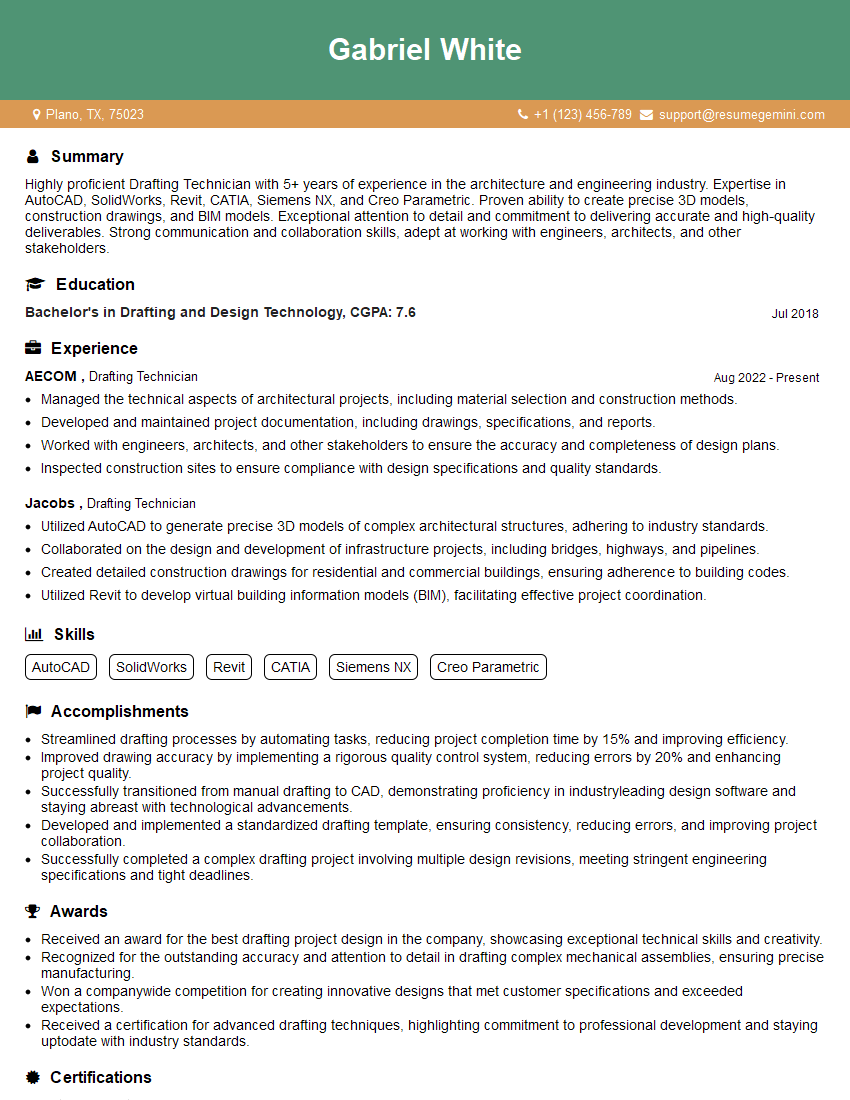
Drafting Technician Resume Sample
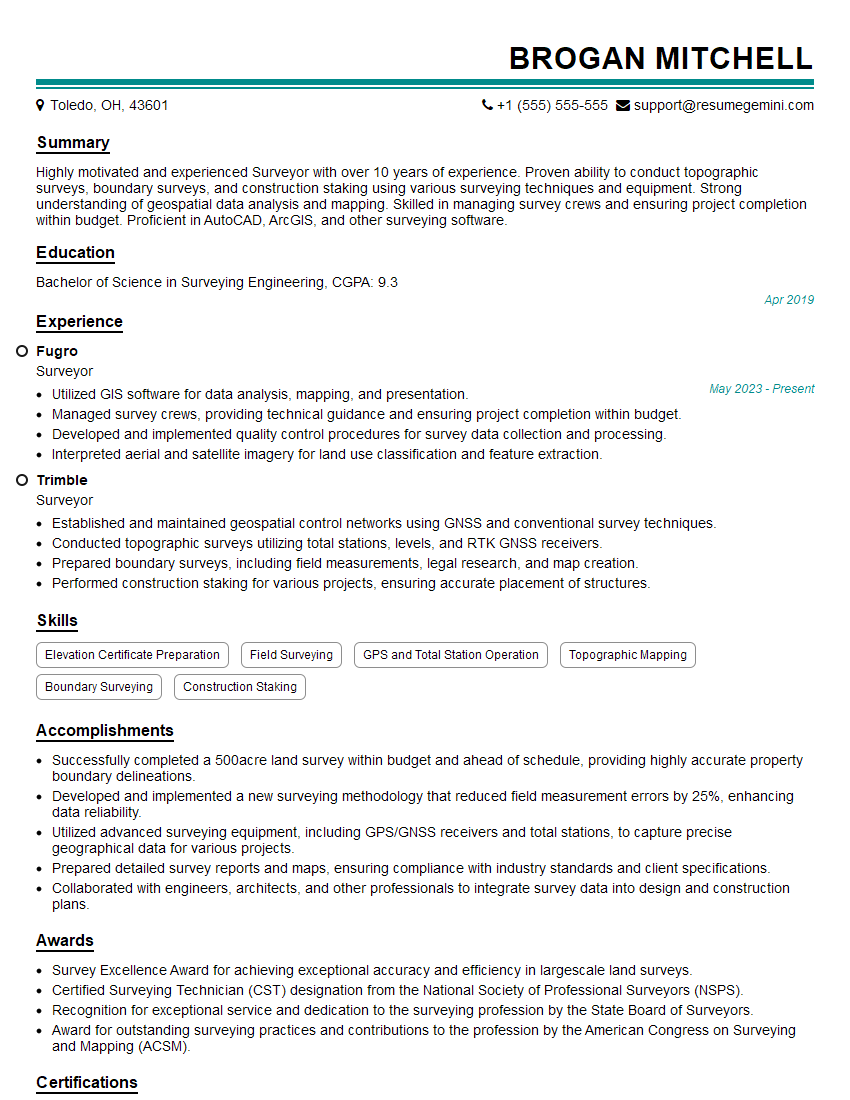
Surveyor Resume Sample
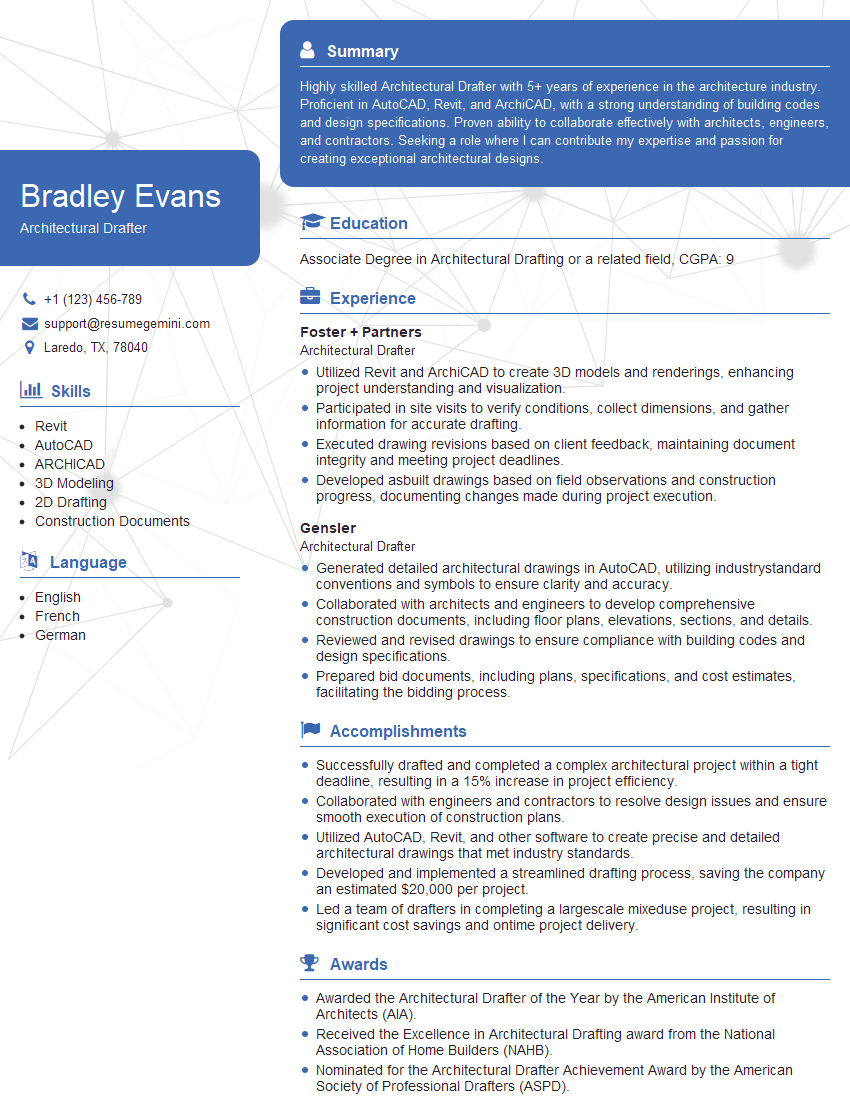
Architectural Drafter Resume Sample
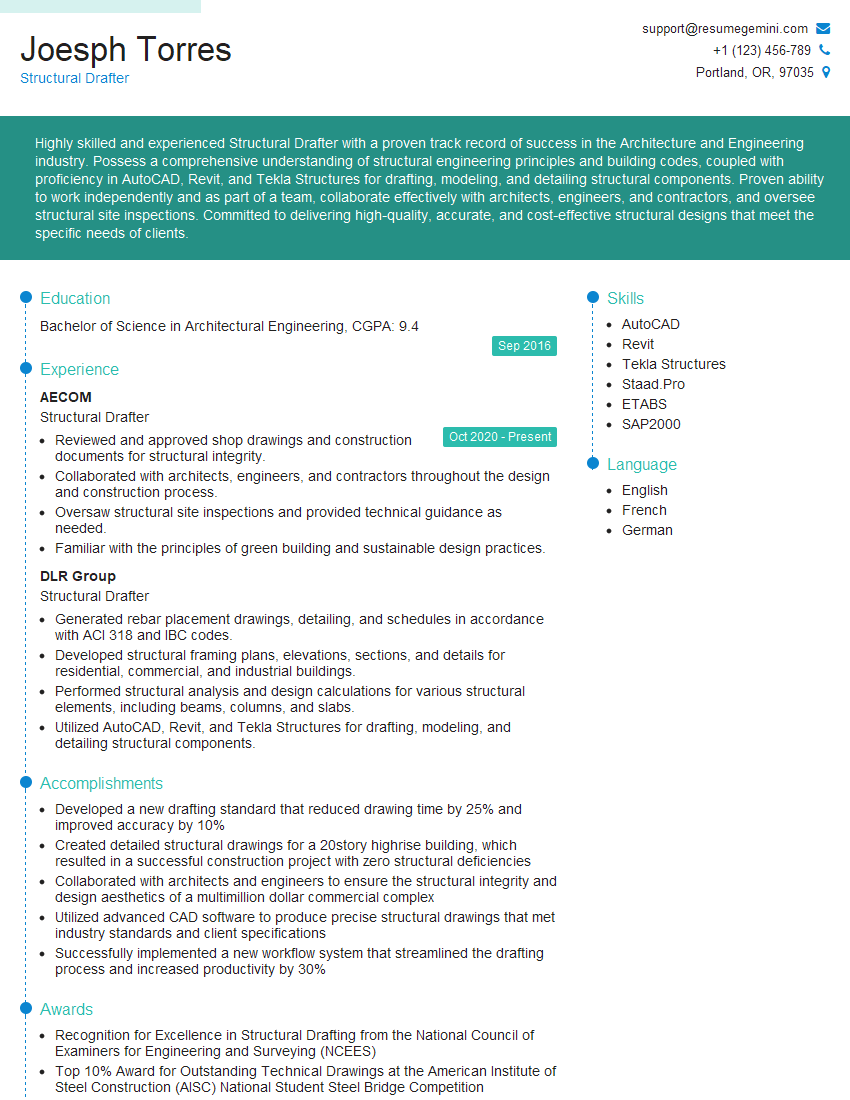
Structural Drafter Resume Sample
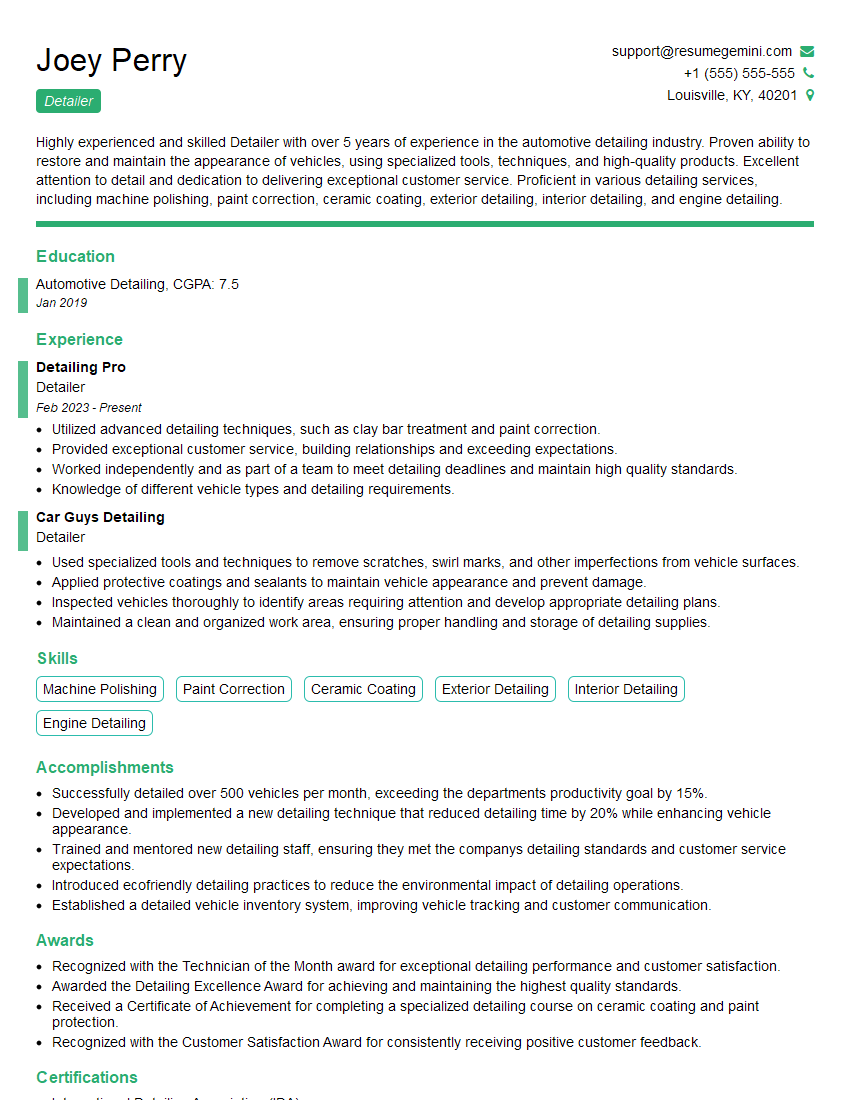
Detailer Resume Sample
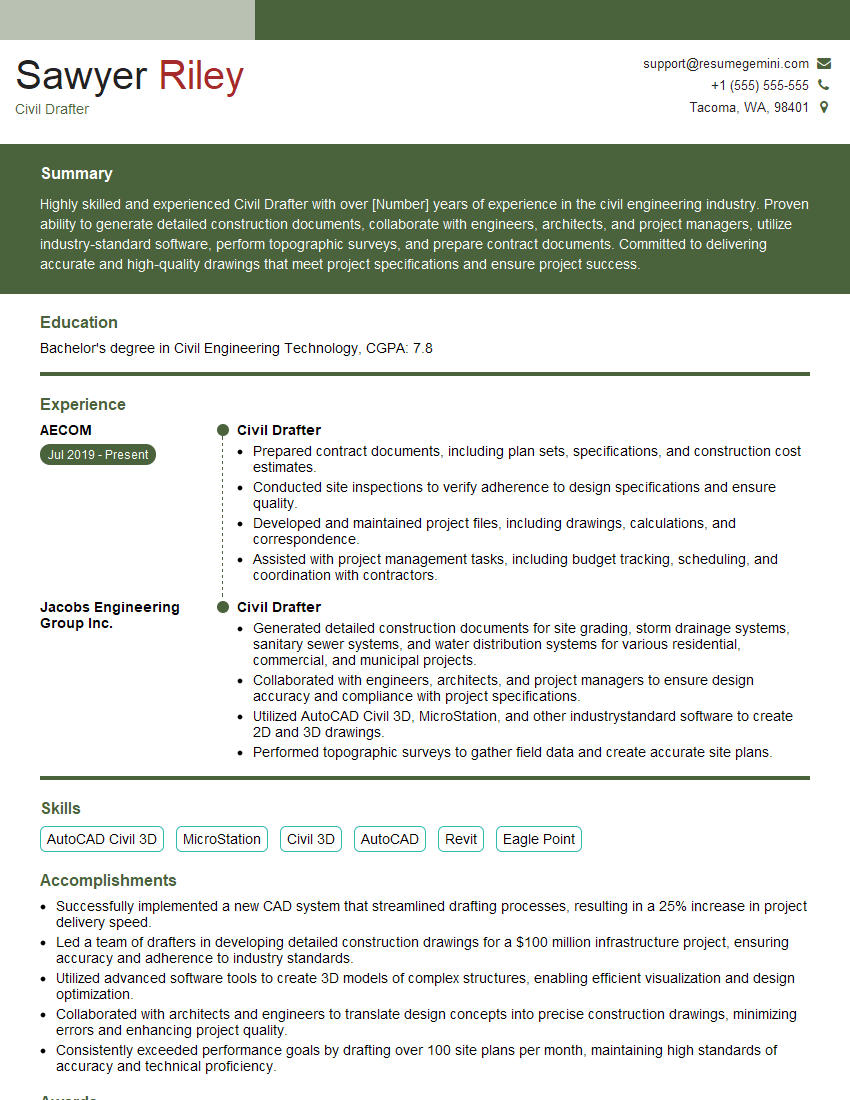
Civil Drafter Resume Sample
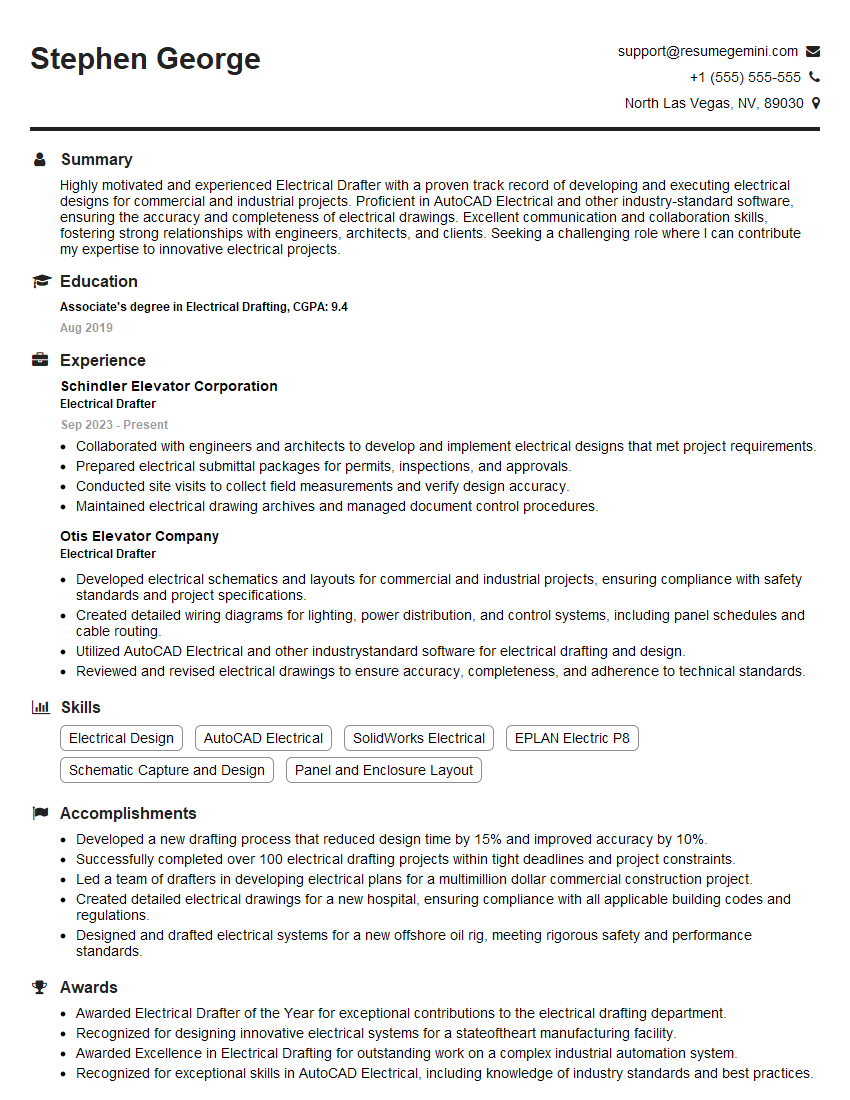
Electrical Drafter Resume Sample
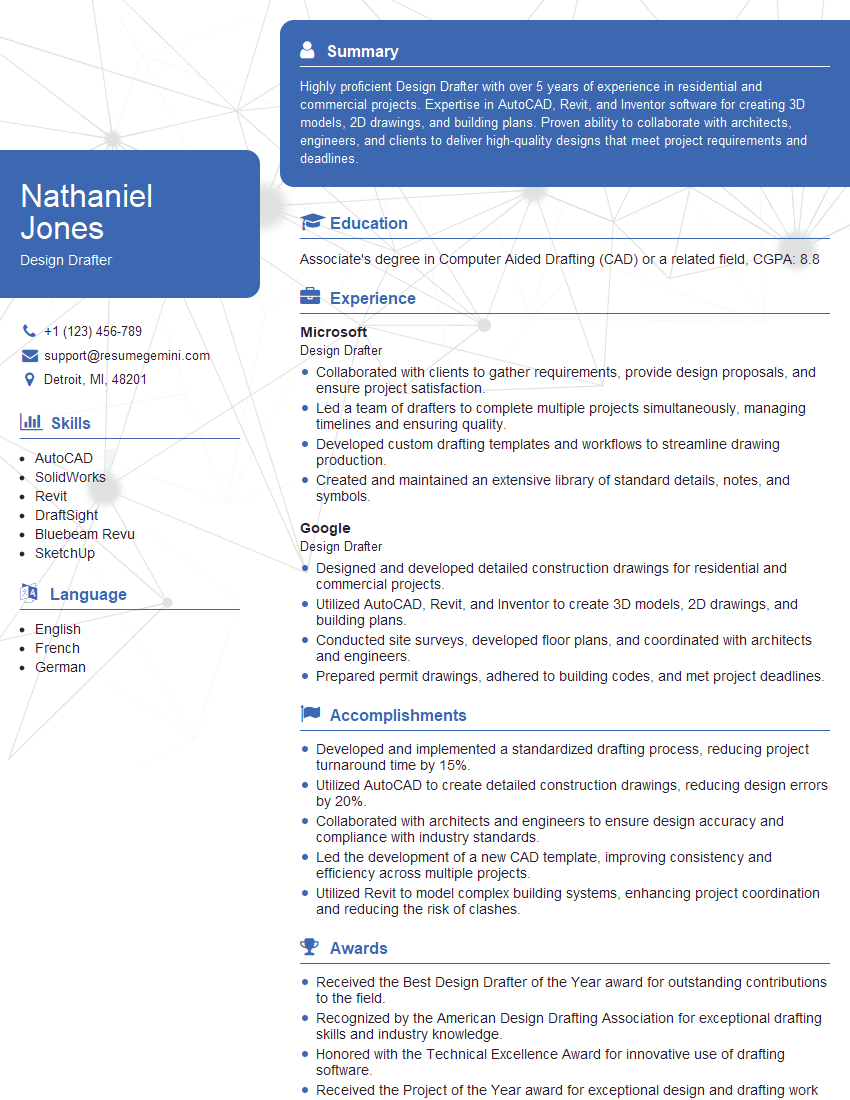
Design Drafter Resume Sample
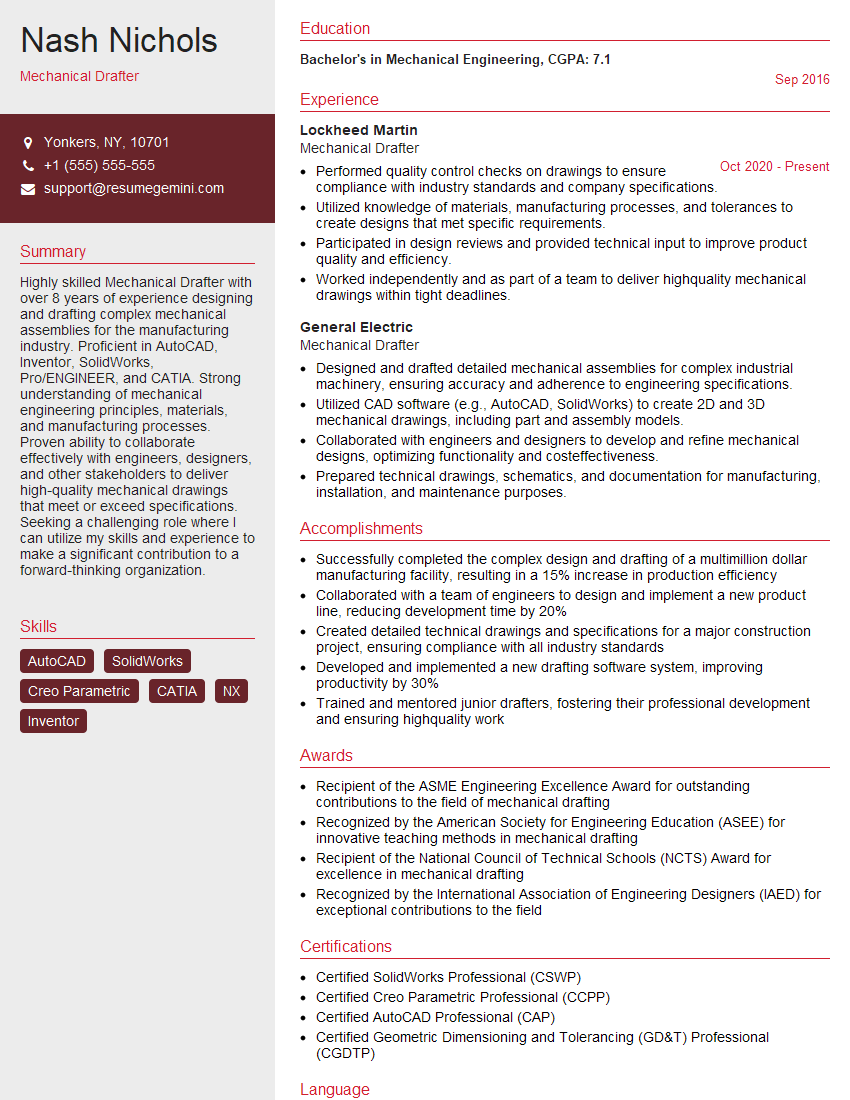
Mechanical Drafter Resume Sample

Technical Designer Resume Sample

Technical Illustrator Resume Sample
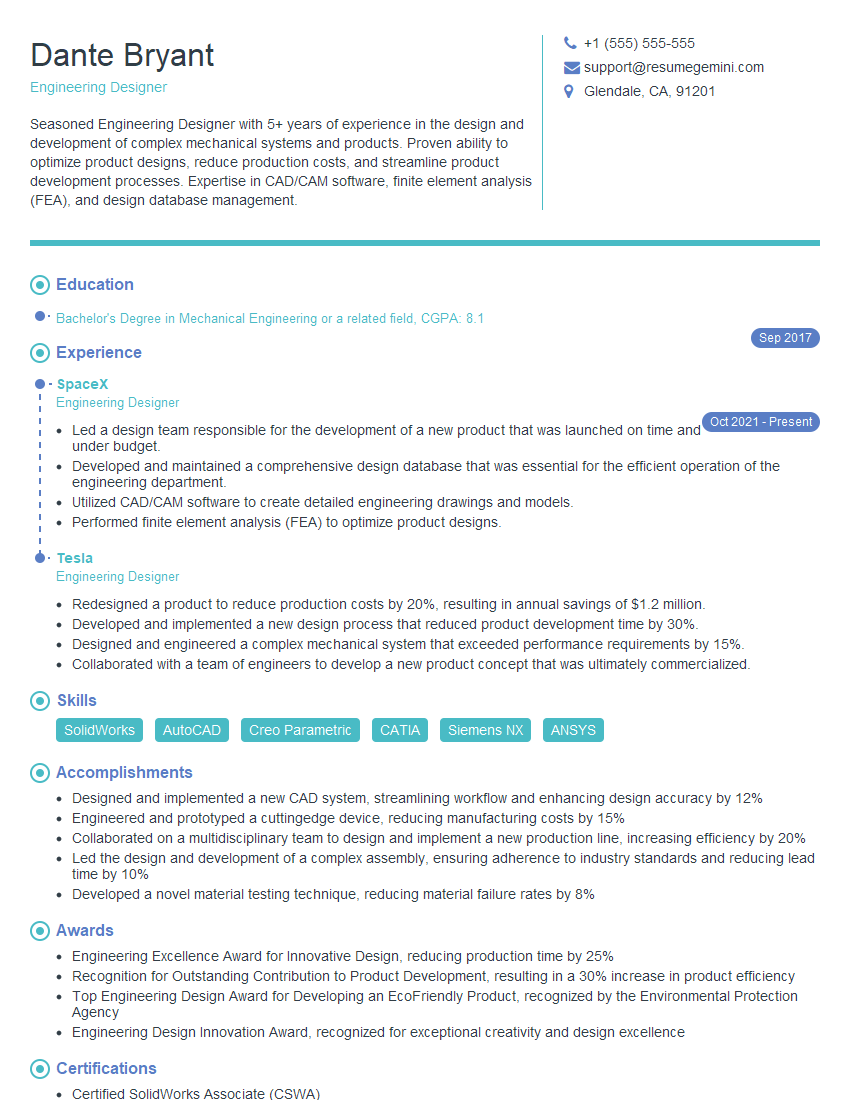
Engineering Designer Resume Sample

3D Modeler Resume Sample
Explore more articles
Users Rating of Our Blogs
Share Your Experience
We value your feedback! Please rate our content and share your thoughts (optional).
What Readers Say About Our Blog
Very informative content, great job.
good