The thought of an interview can be nerve-wracking, but the right preparation can make all the difference. Explore this comprehensive guide to Electrical Design Software interview questions and gain the confidence you need to showcase your abilities and secure the role.
Questions Asked in Electrical Design Software Interview
Q 1. Explain your experience with different Electrical Design Software packages (e.g., AutoCAD Electrical, EPLAN, Altium Designer).
My experience spans several leading Electrical Design Software packages. I’ve worked extensively with AutoCAD Electrical for panel design and schematic capture, leveraging its robust features for creating detailed wiring diagrams and automatically generating reports. For larger, more complex projects requiring integrated PCB design, I’ve utilized Altium Designer, appreciating its comprehensive library management and advanced simulation capabilities. Additionally, I possess experience with EPLAN, particularly its strengths in managing large-scale projects and its excellent support for collaborative workflows. Each software has its strengths: AutoCAD Electrical excels in panel design automation, Altium Designer shines in PCB design and simulation, and EPLAN excels in managing complex projects and ensuring consistency across large teams. I can adapt my approach based on project requirements and the specific advantages of each software.
Q 2. Describe your proficiency in schematic capture and PCB layout design.
Schematic capture and PCB layout design are core aspects of my expertise. In schematic capture, I’m adept at creating clear, well-organized diagrams, employing best practices for component placement, net naming, and annotation. I meticulously verify the schematic for errors before proceeding to layout. My PCB layout skills focus on efficient routing, signal integrity considerations, and manufacturability. I employ techniques such as controlled impedance routing for high-speed signals and careful placement of components to minimize EMI/EMC issues. For example, in a recent project involving a high-frequency switching power supply, I utilized Altium Designer’s advanced routing tools to maintain signal integrity and minimize radiated emissions, resulting in a design that met stringent regulatory requirements. This includes careful consideration of thermal management and component placement to optimize cooling.
Q 3. How do you manage component libraries and symbols within your preferred software?
Effective component library management is crucial for efficiency and consistency. My approach involves a structured organization of libraries, categorized by component type and manufacturer. Within Altium Designer, for instance, I utilize the integrated library management system to create and maintain custom libraries. This involves creating and importing symbols, footprints, and 3D models, ensuring accuracy and compliance with industry standards. Regular audits and updates to the libraries are essential to keep them current and prevent issues with obsolete components. I also use a version control system (like Git) to track changes and prevent conflicts when multiple users are working on the same libraries. This ensures that everyone has access to the most current and accurate component data.
Q 4. Explain your process for creating and managing project documentation.
Generating and managing project documentation is a critical aspect of my design process. I use the built-in reporting capabilities of the chosen design software to produce comprehensive documentation, including schematics, BOMs (Bills of Materials), netlists, and PCB layout files. I also utilize document management systems to organize and control the documents, ensuring that all revisions are tracked and readily accessible. Beyond software-generated reports, I create supplementary documents like design reviews, test plans, and risk assessments. A well-structured document management system, ideally integrating version control, is crucial for a successful and auditable project. This includes clearly labeling all documents with revision numbers and dates to maintain traceability.
Q 5. Describe your experience with electrical simulations and analysis software.
My experience with simulation and analysis software complements my design work. I utilize tools like LTSpice for circuit simulations to verify functionality and performance, identify potential problems early on, and optimize circuit parameters. This allows me to proactively address issues before they arise in the physical prototype. For PCB-level analysis, I use Altium Designer’s integrated simulation tools to assess signal integrity, power integrity, and thermal performance. For example, I’ve used simulation to identify and mitigate signal reflections in high-speed digital circuits and optimized power plane designs to minimize voltage drop and noise. This proactive simulation approach helps to ensure a robust and reliable final product.
Q 6. How do you ensure compliance with industry standards (e.g., IEC, UL) in your designs?
Compliance with industry standards is paramount. I incorporate IEC and UL standards throughout the design process, starting with component selection. I ensure that all components used meet the necessary safety and performance standards, verifying compliance with datasheets and certifications. My design practices adhere to relevant safety regulations, such as appropriate clearances and creepage distances, and I use software features to automate compliance checks where possible. Regular design reviews and simulations help to identify and address potential non-compliance issues. Furthermore, I maintain detailed records of all compliance-related activities for audits and certification purposes. This commitment to standards ensures the safety and reliability of the final product.
Q 7. Explain your experience with version control and collaborative design workflows.
Version control and collaborative design are integral to my workflow. I am proficient in using Git for version control, allowing me to track changes, collaborate effectively with team members, and easily revert to previous versions if needed. This is especially crucial in team-based projects to ensure that everyone is working with the most up-to-date design files. Collaborative design workflows often involve using cloud-based platforms for shared access and real-time collaboration, ensuring transparent communication and avoiding conflicts. I also actively participate in design reviews, providing and receiving feedback to ensure the design meets the specifications and standards.
Q 8. How do you troubleshoot design errors and inconsistencies?
Troubleshooting design errors and inconsistencies in electrical design software requires a systematic approach. Think of it like detective work – you need to gather clues, analyze them, and formulate a solution. My process typically involves:
- Visual Inspection: I start by carefully reviewing the schematic diagrams and 3D models for any obvious errors like incorrect component placement, wiring mistakes, or clearance violations. This is often aided by the software’s built-in design rule checkers.
- Simulation and Analysis: I leverage the software’s simulation capabilities (e.g., SPICE simulations for circuit analysis, thermal analysis for heat dissipation) to identify potential issues that might not be apparent visually. For example, simulating a circuit can highlight potential short circuits or voltage drops.
- Cross-checking: I meticulously cross-check the design against the initial specifications and requirements. This includes verifying that component values, ratings, and tolerances align with the project’s needs.
- Error Logging and Tracing: Many software packages provide detailed error logs. I use these to trace the source of inconsistencies and understand the context of the reported issues. This often helps pinpoint specific problematic areas of the design.
- Incremental Changes and Verification: Instead of making large, sweeping changes, I address issues incrementally, testing and verifying each change to ensure I don’t inadvertently introduce new problems. This iterative approach minimizes the risk of creating more errors while solving existing ones.
For instance, in one project involving a high-power motor control system, a simulation revealed a significant current surge during startup. By analyzing the simulation results and the schematic, I identified a missing capacitor in the power supply filter circuit. Adding the capacitor resolved the surge issue.
Q 9. Describe your experience with generating reports and design documentation.
Generating comprehensive reports and design documentation is crucial for effective communication and project management. I’m proficient in leveraging the reporting features of various electrical design software packages to create professional documents. This typically involves:
- Schematic Generation: Creating clear and well-organized schematic diagrams with detailed annotations, component labels, and version control information.
- Bill of Materials (BOM) Reports: Generating detailed BOMs that include component part numbers, descriptions, quantities, and supplier information. I ensure that the BOM is linked directly to the design, simplifying updates and ensuring accuracy.
- Simulation Results Documentation: Including relevant simulation results, graphs, and analyses to support design choices and demonstrate compliance with specifications.
- Design Review Packages: Compiling all relevant design documents, including schematics, BOMs, simulation results, and analysis reports into a single package for review by stakeholders.
- Custom Reports: Using the software’s reporting tools to create custom reports tailored to the specific needs of the project. For example, I have customized reports to track component costs, lead times, or other critical project metrics.
In a recent project, I automated the BOM generation process using scripting within the design software. This significantly reduced the time spent on manual data entry and ensured consistency across multiple revisions. The automated reports were readily integrated into our project management system, allowing for real-time progress tracking.
Q 10. Explain your understanding of electrical design principles relevant to software use.
A strong understanding of electrical design principles is fundamental to effectively using electrical design software. The software acts as a tool to implement these principles, not a replacement for them. My understanding encompasses:
- Circuit Theory: Fundamental concepts like Ohm’s law, Kirchhoff’s laws, and network theorems are crucial for understanding circuit behavior and designing effective circuits. The software helps with calculations, but the user must understand the underlying principles.
- Signal Integrity: Understanding signal propagation, impedance matching, and noise reduction is critical for designing high-speed digital circuits. The software can simulate these effects, aiding in design optimization.
- Power Systems: Knowledge of power distribution, grounding techniques, and protection devices is crucial for designing safe and reliable power systems. Software facilitates the design of these systems but requires a solid understanding of the underlying principles.
- Electromagnetism: Understanding electromagnetic fields and their effects on components and circuits is essential for designing robust and interference-free systems. The software can help analyze these effects through simulation.
- Safety Standards: Familiarity with relevant safety standards (e.g., UL, IEC) is paramount for ensuring the safety of the designed systems. The software helps in generating compliance documentation but requires user knowledge of the requirements.
For example, while designing a PCB using software, understanding signal integrity principles allows me to effectively route traces to minimize electromagnetic interference and ensure reliable signal transmission. The software provides the tools, but the underlying knowledge guides the design choices.
Q 11. Describe your experience with bill of materials (BOM) generation and management.
Bill of Materials (BOM) generation and management is a critical aspect of electrical design. I have extensive experience in creating, managing, and updating BOMs using both the software’s built-in tools and external spreadsheet software. My workflow includes:
- Automated BOM Generation: I utilize the software’s capabilities to automatically generate BOMs directly from the schematic design. This ensures accuracy and consistency between the design and the BOM.
- BOM Validation: I meticulously review and validate the automatically generated BOM to ensure accuracy and completeness. This includes checking component designations, quantities, and descriptions.
- Part Number Cross-referencing: I cross-reference part numbers with manufacturer datasheets and ensure that the selected components meet the design requirements. This is crucial to avoid compatibility issues.
- BOM Revision Control: I maintain proper version control of the BOM, tracking changes and revisions over the project’s lifecycle. This ensures that all stakeholders work with the latest and correct information.
- BOM Integration with Procurement Systems: I have experience integrating BOMs with procurement systems to facilitate efficient ordering and inventory management.
In a previous project, I improved the BOM management process by implementing a custom script that automatically updated the BOM whenever changes were made to the schematic. This minimized errors and significantly reduced the time required for BOM updates.
Q 12. How do you handle design changes and revisions effectively?
Handling design changes and revisions effectively is critical for successful project completion. My approach is based on a structured and controlled process:
- Change Request Management: All design changes are formally documented and tracked through a change request system. This ensures traceability and accountability for all modifications.
- Impact Analysis: Before implementing any changes, a thorough impact analysis is performed to identify the potential effects on other parts of the design. This minimizes the risk of introducing new problems.
- Version Control: The software’s version control features are used to manage different design revisions. This allows for easy comparison of revisions and rollback to previous versions if necessary.
- Design Review: All significant design changes are reviewed by relevant stakeholders to ensure that the changes are appropriate and consistent with project goals.
- Testing and Verification: After implementing changes, thorough testing and verification are performed to ensure that the design continues to meet the specifications and that the introduced change has fixed the identified problem without introducing others.
For instance, in a recent project involving a complex embedded system, a required change in the communication protocol necessitated modifications to both the hardware and software components. By carefully managing the change request, performing an impact analysis, and rigorously testing the modified design, I ensured that the system remained functional and met all requirements.
Q 13. How familiar are you with different design methodologies (e.g., top-down, bottom-up)?
I am familiar with various design methodologies, including top-down and bottom-up approaches. The choice of methodology often depends on the project’s complexity and requirements.
- Top-Down Design: This approach starts with the overall system architecture and gradually breaks it down into smaller, more manageable modules. This is beneficial for large, complex projects where a clear system-level understanding is crucial. It is akin to building a house – you start with the foundation and walls before adding the finer details.
- Bottom-Up Design: This approach starts with individual components or modules and integrates them to create the complete system. This is well-suited for projects where the individual components are well-defined and readily available. It’s like assembling a pre-packaged kit – you start with the individual parts and put them together.
- Hybrid Approach: Often, a hybrid approach combining elements of both top-down and bottom-up methodologies is employed. This allows for flexibility and adaptability to the specific needs of the project.
In practice, I often utilize a hybrid methodology. For example, in a recent project, I used a top-down approach to define the system architecture and then employed a bottom-up approach to design and integrate the individual circuit boards. This combined approach ensured a coherent system design while allowing for parallel development of individual components.
Q 14. Explain your experience with data management and integration within the software.
Effective data management and integration within electrical design software are crucial for efficient and error-free design processes. My experience includes:
- Data Import/Export: I’m proficient in importing and exporting data in various formats (e.g., CSV, XML, DXF) to and from the design software and other applications, such as spreadsheet software or project management tools.
- Data Linking and Synchronization: I leverage the software’s capabilities to link design data with other related information, such as simulation results, BOMs, and manufacturing specifications. This ensures data consistency and minimizes errors.
- Data Validation: I implement data validation procedures to ensure the accuracy and integrity of the data within the design software. This includes checks for inconsistencies and errors.
- Database Integration: I have experience integrating the design software with databases to manage large amounts of design data efficiently. This is particularly useful for managing complex projects with numerous revisions and components.
- Version Control: I use the software’s version control system to track changes and revisions, allowing me to easily revert to earlier versions if necessary. This also facilitates collaborative design by allowing multiple engineers to work simultaneously.
For instance, I once integrated the design software with our company’s ERP system to automate the flow of BOM data into the procurement system. This eliminated manual data entry, reduced errors, and significantly improved procurement efficiency.
Q 15. Describe a challenging electrical design project and how you overcame the difficulties using software.
One particularly challenging project involved designing the electrical system for a large-scale industrial automation facility. The complexity stemmed from integrating legacy equipment with cutting-edge robotics and PLC systems, all while adhering to stringent safety and performance regulations. The initial design, created manually, proved cumbersome and prone to errors. Switching to EPLAN Electric P8, however, dramatically improved the process.
The software’s schematic capture capabilities allowed us to easily represent the intricate network of sensors, actuators, and control systems. Its integrated component library facilitated the selection and placement of specific devices, significantly reducing design time. The most challenging aspect was managing the extensive cabling and wiring. EPLAN’s automated wiring diagram generation and cable scheduling features proved invaluable here. By inputting the connections, the software automatically generated detailed diagrams, minimizing manual effort and significantly reducing the potential for errors. Furthermore, the integrated cross-referencing helped us quickly identify potential conflicts or inconsistencies, enabling proactive problem-solving. This software allowed us to manage the complexity, ensuring a design that met all safety standards and functional requirements, ultimately leading to a successful and timely project completion.
Career Expert Tips:
- Ace those interviews! Prepare effectively by reviewing the Top 50 Most Common Interview Questions on ResumeGemini.
- Navigate your job search with confidence! Explore a wide range of Career Tips on ResumeGemini. Learn about common challenges and recommendations to overcome them.
- Craft the perfect resume! Master the Art of Resume Writing with ResumeGemini’s guide. Showcase your unique qualifications and achievements effectively.
- Don’t miss out on holiday savings! Build your dream resume with ResumeGemini’s ATS optimized templates.
Q 16. What are the advantages and disadvantages of your preferred Electrical Design Software?
My preferred software is EPLAN Electric P8. Its advantages include its comprehensive feature set for creating and managing electrical designs, including schematic capture, PLC programming integration, automated report generation, and robust simulation capabilities. The integrated nature of these features streamlines the entire design process, making it more efficient and less error-prone. Its strong library of pre-defined components saves time, and its powerful search functions facilitate locating specific parts quickly. For example, locating a specific relay with particular specifications is significantly easier than in many other softwares.
However, it does have some disadvantages. The initial learning curve is steep; mastering all its functionalities takes time and consistent effort. Also, the software can be resource-intensive, requiring a powerful computer, particularly for managing large projects. The cost of licensing can also be a barrier for smaller companies.
Q 17. How do you ensure the accuracy and integrity of your electrical design data?
Accuracy and data integrity are paramount in electrical design. I employ several strategies to ensure this. First, I meticulously verify all component specifications against datasheets and manufacturer information. Second, I leverage EPLAN’s built-in consistency checks and error detection features; these identify potential conflicts, such as incorrect wiring or component mismatches, early in the design phase. Third, I implement version control, regularly saving design backups and documenting all changes. This allows for easy rollback in case of errors. Finally, I use a structured design methodology, breaking down complex systems into manageable modules, enabling easier verification and validation of each section. Regular peer reviews of the design also help identify potential issues and ensure adherence to industry best practices.
Q 18. Describe your experience with creating and modifying electrical symbols and components.
I have extensive experience creating and modifying electrical symbols and components in EPLAN. I often need to create custom symbols for specific components that aren’t available in the default library. This usually involves importing a 2D drawing of the component and then creating a symbol with relevant properties like pins, terminals, and other attributes. EPLAN provides powerful tools for this—editing existing symbols, creating macros for reusable elements, and organizing symbols into custom libraries.
Modifying existing symbols is equally important. For instance, if a manufacturer releases a new version of a component with slight changes in the terminal layout, I can modify the symbol accordingly to maintain accuracy in the design. This ensures consistent and accurate representation of the components throughout the project lifecycle.
Q 19. How do you utilize simulation tools to verify design performance?
Simulation tools are crucial for verifying design performance. EPLAN provides simulation capabilities for checking circuit functionality, analyzing short circuits, and identifying potential voltage drops. I typically use these features to validate circuit behavior before manufacturing. For example, I might simulate the operation of a motor control circuit to ensure that the protection relays and overcurrent devices function correctly and prevent damage. This allows early identification of potential problems and reduces costly rework or even potentially hazardous situations in the final product.
For more complex scenarios, I integrate EPLAN with other specialized simulation software for detailed analysis, such as transient analysis of power systems or electromagnetic compatibility (EMC) testing. This ensures that the design meets all relevant standards and performs reliably under various operating conditions.
Q 20. Explain your experience with generating wiring diagrams and cable schedules.
Generating wiring diagrams and cable schedules is a significant part of my work. EPLAN greatly simplifies this process. After completing the schematic design, the software automatically generates detailed wiring diagrams based on the connections defined in the schematic. These diagrams are automatically updated when changes are made to the schematic, reducing manual work and errors. Similarly, the software automatically creates cable schedules, listing all cables, their lengths, and the wires they contain. This information is essential for purchasing materials, assembling cables, and documenting the electrical system.
For instance, in a recent project, the software automatically flagged a potential cable length exceeding the recommended limit for a specific signal, allowing for timely adjustments to the design, preventing potential signal degradation.
Q 21. How do you ensure that your designs meet specific performance and safety requirements?
Meeting performance and safety requirements is critical. I adhere to relevant standards such as IEC 60617, IEC 61508 (for safety-critical systems), and other regionally applicable codes throughout the design process. EPLAN helps with this through its built-in checking functions and the use of standard component libraries. For instance, the software alerts me to potential violations of voltage drop limits or short-circuit currents, enforcing compliance with safety standards. I also perform simulations and analyses to verify compliance with performance criteria, such as response times and power consumption. Thorough documentation of all calculations and design choices ensures traceability and supports audits. Throughout the design phase, regular reviews and cross-checking ensure all requirements are met.
Q 22. What are your preferred methods for validating and verifying your designs?
Validating and verifying electrical designs is crucial to ensure functionality and manufacturability. My preferred methods involve a multi-pronged approach combining simulations, design rule checks (DRCs), and physical prototyping.
Simulations: I leverage simulation software to model circuit behavior under various conditions. This allows me to predict performance, identify potential issues like signal integrity problems or thermal hotspots, and optimize the design before manufacturing. For example, I’ve used SPICE simulations to verify the stability of a high-speed clock distribution network, preventing potential oscillations.
Design Rule Checks (DRCs): DRCs are automated checks that ensure the design adheres to manufacturing constraints. I meticulously review DRC reports to catch errors early in the design process, avoiding costly revisions later. I pay particular attention to clearances, trace widths, and via sizes, making sure they align with the chosen fabrication process’s capabilities.
Prototyping: While simulations and DRCs are valuable, building a prototype is the ultimate validation. A physical prototype allows me to test the design under real-world conditions, catching any unforeseen issues. This often involves building a small-scale prototype for functional testing and then a fully functional prototype closer to the final product design.
By combining these three methods, I establish a robust validation and verification process, minimizing risks and ensuring a high-quality end product.
Q 23. Explain your understanding of different design rule checks (DRC) and how you use them.
Design Rule Checks (DRCs) are automated checks performed by EDA software to ensure that a design meets specific manufacturing rules and guidelines. They are essential for ensuring the manufacturability of a printed circuit board (PCB) or integrated circuit (IC). Think of them as a comprehensive quality control system built directly into the design software.
Different types of DRCs include:
- Clearance Checks: Verify that traces and components are sufficiently spaced apart to prevent shorts or other electrical problems.
- Width and Spacing Checks: Ensure that traces and spaces between them meet the minimum manufacturing requirements set by the chosen fabrication house.
- Net and Component Connectivity Checks: Verify that all the connections in the design are correctly made and that there are no open circuits or shorts.
- Layer Stackup Checks: Ensure that the PCB layers are correctly stacked and that there are no conflicts between different layers.
- Thermal Checks: Verify that components’ temperature will stay within acceptable limits during operation.
I utilize DRCs throughout the design process, starting from the initial schematic capture and continuing through layout. I configure the DRC rules based on the chosen manufacturing process and specifications. The software generates a report detailing any violations, and I address these issues meticulously to ensure a clean and manufacturable design. Ignoring DRCs can lead to design failures, costly revisions, and potential product recalls.
Q 24. Describe your experience with generating manufacturing documentation (e.g., Gerber files).
Generating manufacturing documentation, specifically Gerber files, is a crucial step in the PCB design process. Gerber files are a set of standardized vector-based files that describe the PCB’s layers. They act as the blueprint for the manufacturing process, containing information on component placement, trace routing, and drill holes.
My experience encompasses using various EDA software packages to generate a complete set of Gerber files, including:
- Top and Bottom Copper Layers: Defining the trace layout.
- Solder Mask Layers: Defining areas to be masked to prevent solder bridges.
- Silkscreen Layers: For component and PCB marking.
- Drill Files: Specifying the locations and sizes of holes for component mounting and vias.
- Outline Layer: Defining the board’s overall shape.
I always double-check the generated Gerber files for accuracy and completeness. I perform visual inspections and compare them to the design in the EDA software to catch any discrepancies. I also carefully verify that the settings for layer names, units, and coordinate systems are consistent to avoid confusion during manufacturing. Furthermore, I ensure the Gerber files adhere to the manufacturer’s specifications to guarantee a smooth transition to production. In one project, for instance, I detected a minor error in the Gerber files generated by the software that could have resulted in misaligned components. Thanks to a thorough review, this issue was identified and resolved well in advance of production.
Q 25. How do you stay updated with the latest advancements in Electrical Design Software?
Staying updated in the rapidly evolving field of electrical design software requires a proactive approach. I utilize several methods to ensure my skills are current:
- Participating in Webinars and Online Courses: Many software vendors and industry organizations offer webinars and online courses on the latest features and techniques. These opportunities provide valuable insights into new capabilities and best practices.
- Reading Industry Publications and Attending Conferences: Staying informed through specialized magazines, journals, and attending conferences allows me to learn about new software releases and emerging trends in the field.
- Engaging with Online Communities and Forums: Online forums and communities provide a platform for exchanging knowledge, asking questions, and learning from the experiences of other engineers.
- Hands-on Experience with New Software Features: The best way to learn is by doing. I actively seek opportunities to explore and utilize new features in software, often integrating them into personal projects.
This multi-faceted approach enables me to stay ahead of the curve and utilize the most efficient and effective tools for my design work.
Q 26. Explain your experience with 3D modeling and integration within electrical design workflows.
3D modeling integration within electrical design workflows is becoming increasingly important for optimizing product design and manufacturability. I have experience integrating 3D models into my electrical design process to improve design visualization, verify clearances, and aid in collaboration with mechanical engineers.
My experience includes using tools like Altium 365 and other EDA software packages with built-in 3D model import capabilities. This allows me to import 3D models of mechanical enclosures and other components to verify that my PCB design fits properly and that there are no collisions. This prevents costly rework and delays. For example, in a recent project involving a complex handheld device, using 3D modeling allowed me to identify and resolve potential clearance issues between the PCB and other components within the casing before it reached the prototyping phase, saving significant time and resources.
Furthermore, I’m proficient in using 3D modeling software to create my own simplified models for visualization and collaboration when detailed mechanical designs are not yet available. This enables effective communication and collaboration with mechanical teams early in the design cycle.
Q 27. How do you collaborate with other engineering disciplines (e.g., mechanical, software)?
Collaboration with other engineering disciplines is paramount for successful product development. My approach emphasizes clear communication and the use of shared platforms for data exchange.
With Mechanical Engineers: I use 3D modeling (as described above) and collaborate through CAD data exchange to ensure proper integration of the electrical and mechanical components. This often involves participating in design reviews, clarifying interfaces, and addressing any potential conflicts.
With Software Engineers: I work collaboratively to define interfaces between hardware and software components. This involves creating detailed specifications, participating in design reviews, and utilizing shared version control systems for managing design files and documentation.
Tools for Collaboration: We often use cloud-based platforms like shared drives, design review software, and project management tools to facilitate efficient communication and data sharing. The choice of the platform depends on the project’s size and complexity, and the preferences of the involved teams. A good understanding of each discipline’s needs and workflows is essential for successful collaboration.
Q 28. Describe your experience with using software for creating and managing project timelines.
Effective project timeline management is crucial for on-time delivery. I have experience using various software tools for creating and managing project timelines, including Gantt charts and task management systems.
Gantt Charts: These visual tools provide a clear overview of tasks, their dependencies, and durations. I use Gantt charts to create a baseline schedule and to track progress. Changes in the schedule are reflected promptly, ensuring that the whole team remains informed about any potential delays and how to address them.
Task Management Software: I leverage task management software like Jira or Asana for detailed task assignment, progress tracking, and communication. This helps break down large projects into smaller, manageable tasks, improving efficiency and accountability. It also facilitates tracking of individual and team performance, and highlighting potential bottlenecks early on.
Regular Project Reviews: I believe that regular project reviews, usually weekly or bi-weekly, are indispensable. They involve going through the Gantt charts and task management data, identifying potential issues and making necessary adjustments to the timeline. This approach fosters proactive problem-solving and ensures project delivery on schedule.
My experience with these tools helps me create realistic timelines, identify potential risks, and adapt to changes effectively, contributing to the successful completion of projects within budget and deadlines.
Key Topics to Learn for Electrical Design Software Interview
- Circuit Simulation & Analysis: Understand the principles behind circuit simulation and be prepared to discuss different simulation techniques (e.g., transient, AC, DC analysis) and their applications in designing and troubleshooting electrical systems. Consider exploring specific software functionalities related to these simulations.
- Schematic Capture & PCB Design: Master the process of creating and managing electrical schematics, including component placement, netlisting, and design rule checking. Discuss your experience with PCB layout techniques, signal integrity considerations, and manufacturing constraints.
- Component Libraries & Datasheets: Demonstrate your ability to effectively utilize component libraries within the software and interpret datasheets to select appropriate components for specific design requirements. Be ready to explain your selection process and justify your choices.
- Power System Design: If applicable to the software and your experience, showcase your knowledge of power system design principles, including load calculations, power distribution, and protection schemes. Be prepared to discuss relevant software tools and techniques.
- Data Management & Reporting: Highlight your understanding of efficient data management practices within the software, including version control, collaboration, and report generation. Discuss how you organize projects and share information effectively.
- Troubleshooting & Debugging: Be prepared to discuss your approach to identifying and resolving design errors and issues during the design process. This includes using software tools to pinpoint potential problems and applying your understanding of electrical principles to solve them.
- Software-Specific Features: Familiarize yourself with the specific features and functionalities of the Electrical Design Software you’ll be interviewed for. This includes understanding its strengths, limitations, and comparison to other similar tools.
Next Steps
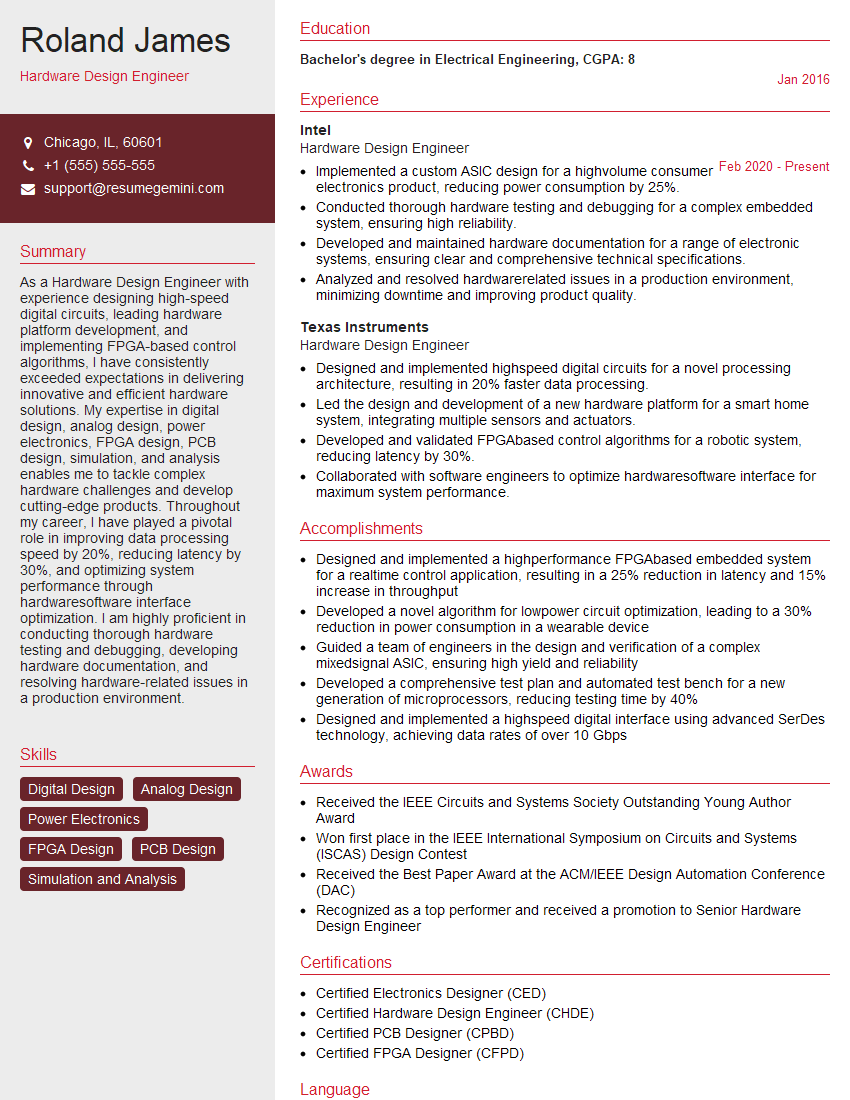
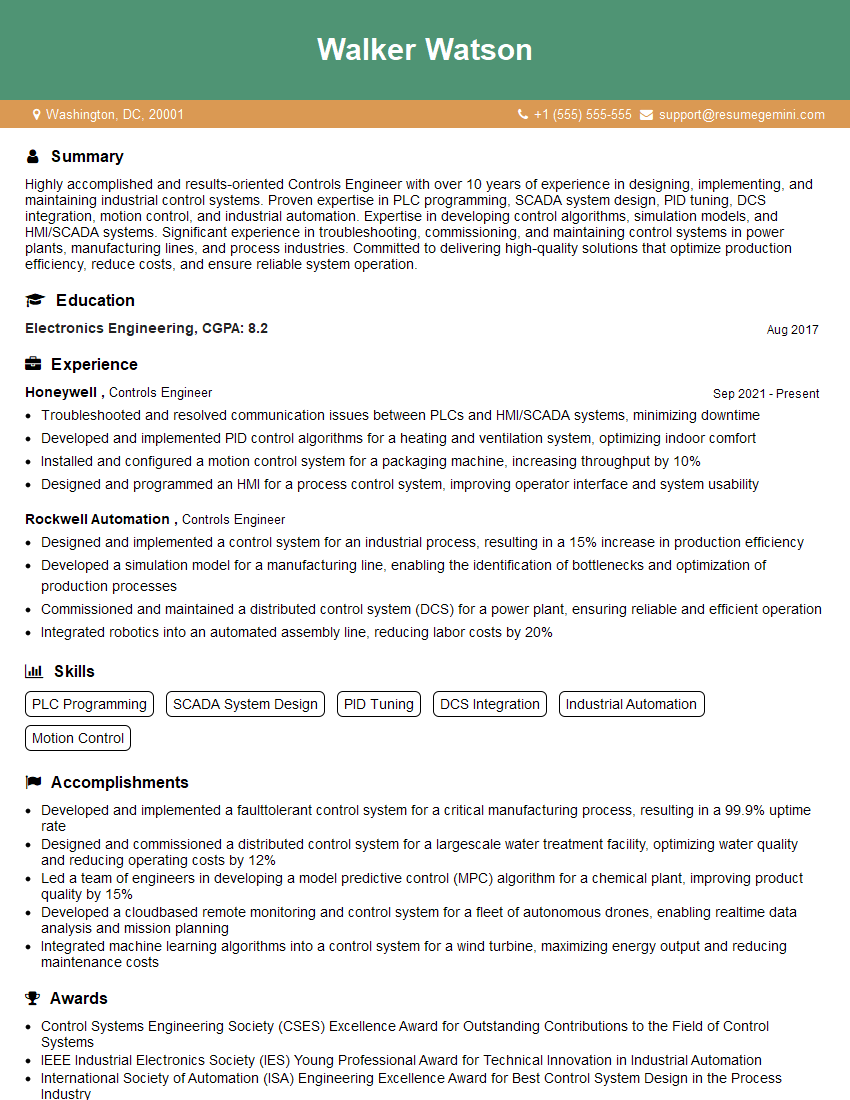
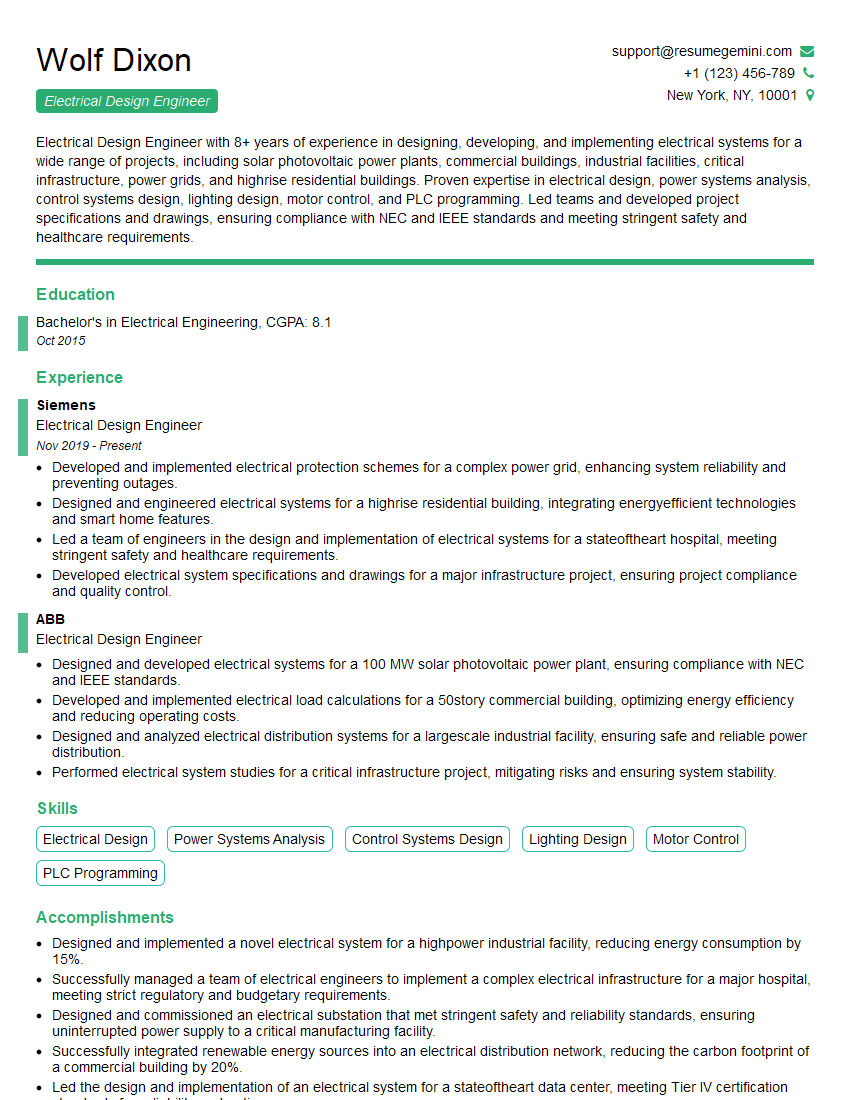
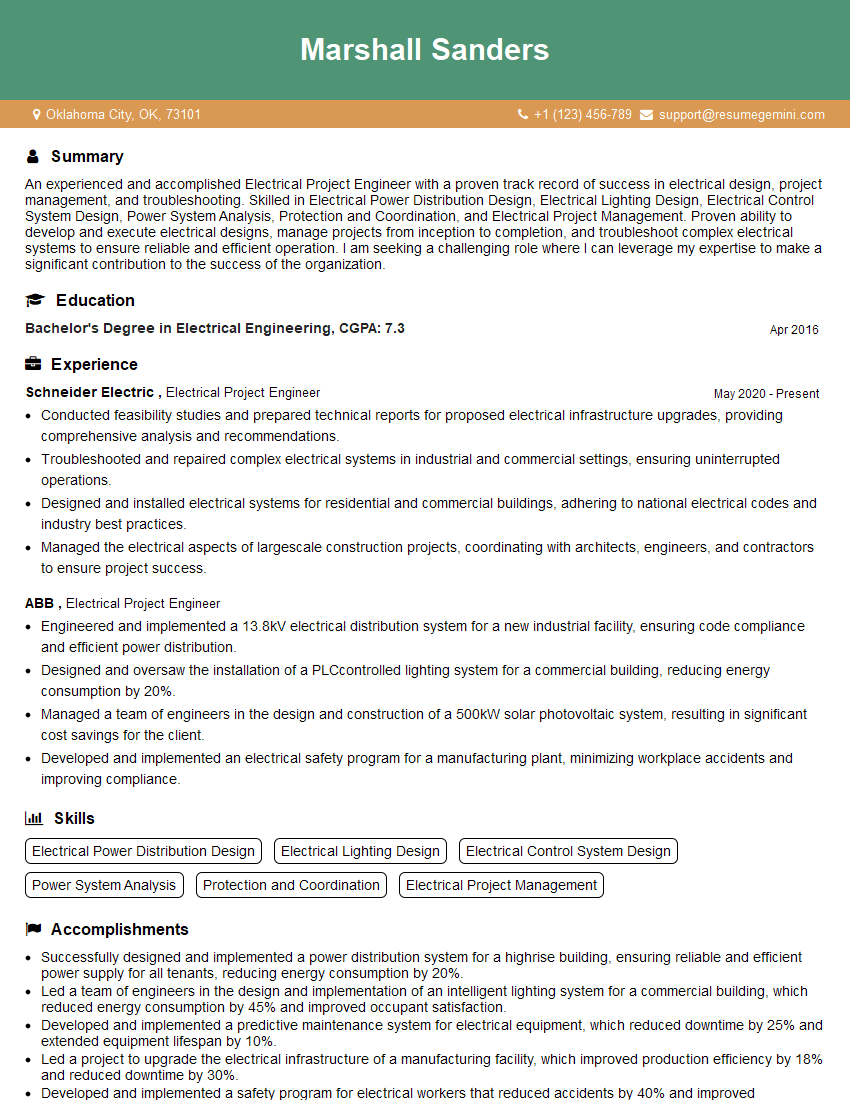
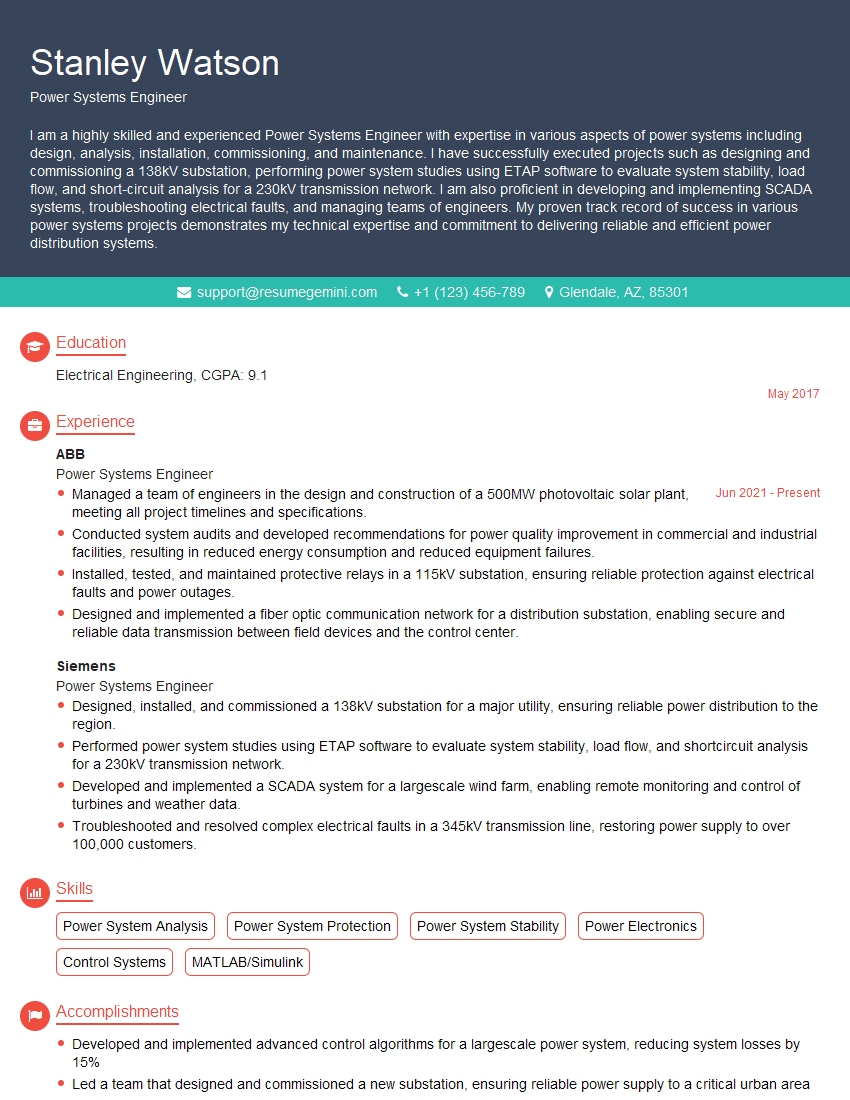
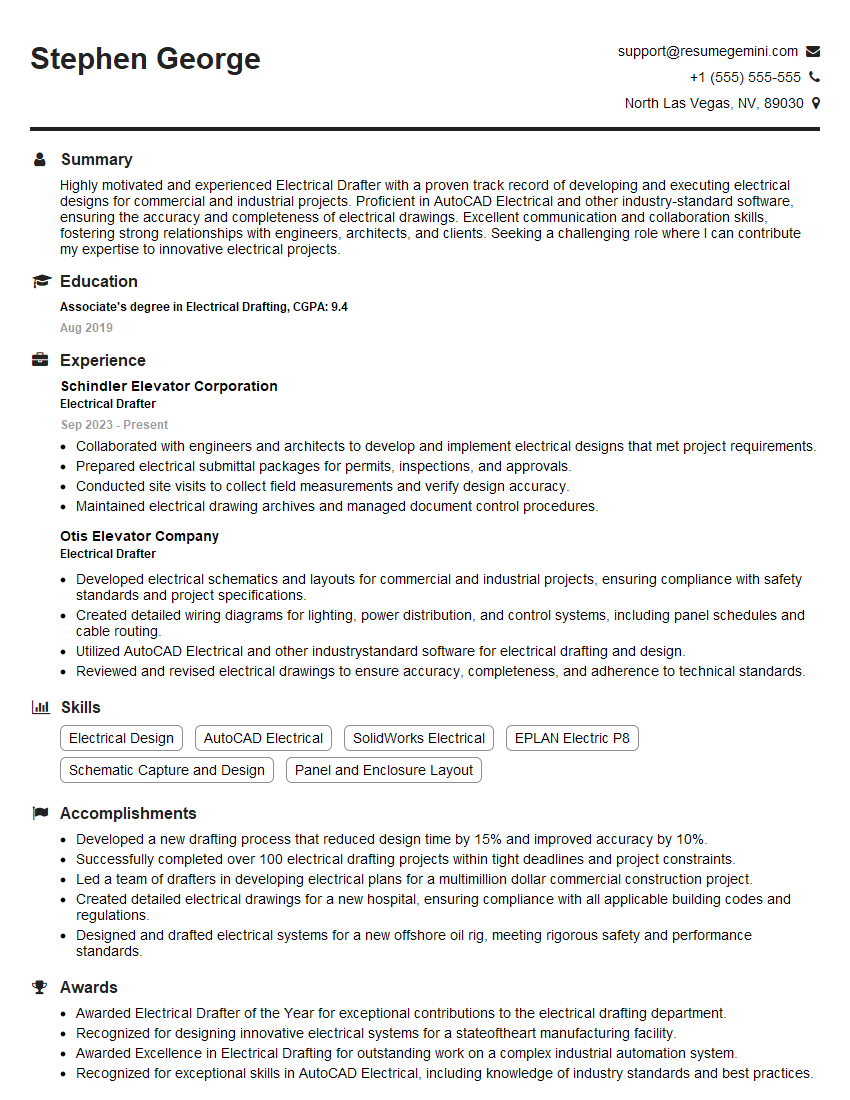
Mastering Electrical Design Software is crucial for career advancement in the field of electrical engineering. Proficiency in these tools demonstrates practical skills highly sought after by employers, significantly increasing your job prospects. To stand out, it’s essential to create an ATS-friendly resume that highlights your technical abilities effectively. ResumeGemini is a trusted resource that can help you build a compelling and professional resume. Examples of resumes tailored to Electrical Design Software professionals are available to help guide you. Invest the time to craft a strong resume; it’s your first impression on a potential employer.

Explore more articles
Users Rating of Our Blogs
Share Your Experience
We value your feedback! Please rate our content and share your thoughts (optional).
What Readers Say About Our Blog
Very informative content, great job.
good