The right preparation can turn an interview into an opportunity to showcase your expertise. This guide to Electronic Charting and Navigation (ECDIS) interview questions is your ultimate resource, providing key insights and tips to help you ace your responses and stand out as a top candidate.
Questions Asked in Electronic Charting and Navigation (ECDIS) Interview
Q 1. What are the different types of ECDIS systems?
ECDIS systems aren’t categorized into rigidly defined ‘types’ like different car models. Instead, they vary based on features, functionality, and manufacturer. However, we can classify them based on their functionality and intended use:
- Integrated ECDIS: These systems are tightly integrated into a vessel’s overall navigation and bridge system. They often interface with other equipment like GPS, radar, and autopilot, providing a comprehensive navigation solution. Think of it as a central nervous system for navigation.
- Stand-alone ECDIS: These are independent units that don’t necessarily connect to other onboard systems. They primarily focus on chart display and navigation functions. Imagine this as a dedicated, specialized navigation computer.
- ECDIS with integrated AIS: Many modern ECDIS systems include Automatic Identification System (AIS) capabilities, displaying real-time information about nearby vessels on the chart. This adds a crucial layer of collision avoidance.
- ECDIS with integrated radar overlay: Some ECDIS systems can overlay radar data onto the electronic charts, enhancing situational awareness, particularly in low-visibility conditions.
The differences mainly lie in the level of integration and the specific features offered, tailored to the vessel’s size, type, and operational requirements.
Q 2. Explain the functionality of the ECDIS route planning feature.
ECDIS route planning is a powerful feature allowing for efficient and safe voyage planning. It goes beyond simply plotting a line on a chart; it involves detailed consideration of navigational hazards and regulations. The functionality typically includes:
- Route creation: You select waypoints (significant points along the route) by clicking on the chart, specifying their latitude and longitude. The system then automatically calculates the shortest or most efficient route between these points.
- Route optimization: ECDIS considers factors like water depth, restricted areas, traffic separation schemes, and other navigational hazards to suggest the safest and most compliant route. Think of it as a smart assistant, advising you on the best path.
- Route checking: The system checks the planned route against chart data, alerting the navigator to potential conflicts or dangers. For instance, it will warn you if your route takes you too close to a known wreck.
- Route monitoring: During the voyage, the ECDIS monitors the vessel’s position and compares it to the planned route. It provides alerts if the vessel deviates significantly from the planned path, giving early warning of potential issues.
- Automatic route calculations: Some advanced systems can automatically generate routes based on user input like destination and desired parameters such as depth clearance.
A well-planned route, checked and monitored by the ECDIS, is a cornerstone of safe navigation.
Q 3. How do you ensure the integrity of your ECDIS charts?
Maintaining the integrity of ECDIS charts is paramount for safe navigation. This involves several key practices:
- Regular Updates: Charts must be updated regularly with the latest corrections and data. Neglecting this is extremely dangerous.
- Verification of Updates: After each update, it’s crucial to verify that the charts have been correctly installed and that no errors occurred during the update process. This often involves visual inspection and checks for discrepancies.
- Data Validation: ECDIS systems typically have built-in mechanisms for checking the validity of the chart data. Always ensure these systems are running and functioning correctly.
- Proper Chart Management: Charts must be managed properly to prevent data corruption or accidental deletion. This includes regular backups and following the manufacturer’s guidelines for handling chart data.
- Using Approved Chart Data: Always utilize Electronic Navigational Charts (ENCs) from officially recognized hydrographic offices. Unauthorized or unofficial charts can contain inaccuracies and should never be used for navigation.
Imagine building a house: you wouldn’t use outdated blueprints; similarly, outdated charts are a recipe for disaster.
Q 4. Describe the process of updating ECDIS charts.
Updating ECDIS charts is a critical process that requires careful attention to detail. The process generally involves the following steps:
- Acquiring Updates: Chart updates are typically obtained from the chart service provider via a service provider’s online portal or a direct download. It is critical to obtain updates from certified sources.
- Downloading Updates: The updates are downloaded to a computer or a dedicated device, depending on the system’s configuration. This process usually requires some form of authentication.
- Installing Updates: The downloaded update files are installed into the ECDIS system. This process often requires specialized software and might involve following specific instructions provided by the manufacturer. Never interrupt this process.
- Verification of Updates: After installation, thorough verification is essential to confirm that all updates have been correctly installed and are functioning as expected. This typically involves checking the chart version numbers and confirming that new data is reflected on the display.
- System Check: Finally, perform a comprehensive system check to ensure everything is running smoothly.
Think of it like updating your phone’s operating system: you need to follow a specific process and ensure you have a stable internet connection for a successful update.
Q 5. What are the limitations of ECDIS?
While incredibly powerful, ECDIS systems do have limitations:
- Reliance on Power: ECDIS systems rely on functioning power. A power failure renders the system unusable, highlighting the importance of backup power systems.
- Data Dependence: The accuracy of the information displayed on the ECDIS depends entirely on the accuracy of the ENC data. Out-of-date charts or errors in the data can lead to misjudgment.
- System Failure: Like any complex electronic system, ECDIS can malfunction. Having backup systems and traditional paper charts is crucial.
- User Error: Incorrect input, improper use of the system, and failure to follow standard operating procedures can lead to errors.
- Software Bugs: Software issues and glitches can affect the accuracy and reliability of the system.
- Lack of Sensory Input: ECDIS relies on electronic data and doesn’t incorporate other traditional navigational methods like visual or auditory inputs.
It is therefore imperative to understand and acknowledge these limitations. ECDIS should be considered a tool augmenting, not replacing, traditional navigation methods.
Q 6. How do you handle an ECDIS malfunction?
Handling an ECDIS malfunction requires a calm and methodical approach. The priority is always to maintain safe navigation.
- Immediate Action: If the ECDIS malfunctions, immediately switch to backup systems. This typically involves using paper charts and traditional navigational methods.
- Assess the Situation: Determine the nature and extent of the malfunction. Is it a total failure or a partial one? What functions are affected?
- Implement Contingency Plans: Your vessel’s safety management system (SMS) should include contingency plans for ECDIS failure. Follow these plans.
- Report the Malfunction: Report the malfunction to the relevant authorities, potentially including the ship’s management company or port authorities.
- Troubleshooting: Attempt to troubleshoot the problem if safe and appropriate to do so, while maintaining safety as the top priority. This might involve checking power connections or restarting the system.
- Documentation: Thoroughly document the malfunction, including the time of occurrence, nature of the problem, actions taken, and any resulting impact on navigation.
The key is to remain calm, use backups, and adhere to established procedures. Regular training and drills are crucial for effective response.
Q 7. Explain the concept of ENC (Electronic Navigational Chart).
An Electronic Navigational Chart (ENC) is a digital representation of a nautical chart, conforming to international standards (S-57). Unlike a raster image of a paper chart, an ENC is a vector-based database, meaning it’s composed of individual data objects with attributes. This allows for a much more flexible and powerful system.
Think of a paper chart as a photograph: you can see the details but can’t easily interact with them. An ENC, on the other hand, is like a detailed database: you can query specific information (water depth at a location, for instance) and the system can use that information to automatically generate alerts and calculations.
Key features of an ENC include:
- Vector-based data: Allows for flexible scaling and zooming without loss of quality, unlike raster images.
- Data layers: ENCs are made up of different data layers (e.g., depth contours, aids to navigation, restricted areas) that can be selectively displayed.
- Standardization: ENCs adhere to the IHO S-57 standard, ensuring consistency and compatibility between different systems.
The use of ENCs is fundamental to the operation of any ECDIS system, providing the foundation for safe and efficient navigation.
Q 8. What are the various chart display options in ECDIS?
ECDIS offers a wide array of chart display options to customize the navigational picture based on the mariner’s needs and the prevailing conditions. These options allow for the presentation of critical information in a clear and uncluttered manner, optimizing situational awareness. Think of it like adjusting the settings on a high-tech map – you can choose what to highlight and what to leave out.
Chart Scales: ECDIS allows you to seamlessly zoom in and out, changing the chart scale to suit the navigational situation. A larger scale (e.g., 1:50,000) provides more detail for harbor approaches, while a smaller scale (e.g., 1:500,000) is suitable for open ocean navigation.
Chart Layers: You can selectively display or hide different layers of information, such as aids to navigation (ATONs), depth contours, or geographical features. This helps avoid visual clutter and allows you to focus on what’s most important. For example, you can turn off less critical layers in busy harbors, but keep them on during offshore transits.
Symbols and Data Overlays: ECDIS can display various data overlays, like vessel position, course, speed, planned route, and safety contours. These are customizable to match the navigator’s preferences. A captain might want to prominently display the planned route and safety contours in a narrow channel.
Raster Charts: Some ECDIS systems support the display of raster charts (scanned paper charts) alongside vector charts for comparison or redundancy. This can be invaluable during transitions or in areas where electronic chart coverage is limited.
3D Views: Advanced ECDIS systems may include 3D visualization options, providing a more intuitive representation of the terrain and surrounding environment. This is especially useful in complex harbor approaches or mountainous regions.
Q 9. Describe the safety features of ECDIS.
ECDIS boasts several crucial safety features designed to prevent navigation errors and enhance safety at sea. Think of them as multiple layers of protection, working together to reduce risk.
Automatic Chart Updates: ECDIS regularly checks for and downloads updates to the electronic navigational charts (ENCs), ensuring that the system always reflects the latest information on hazards and changes to waterways. This helps prevent accidents caused by outdated charts.
Safety Contours: ECDIS automatically generates safety contours based on the vessel’s draft, under keel clearance, and other parameters. These contours visually alert the navigator to potential grounding hazards. This is like a virtual buffer zone, ensuring that the vessel maintains safe distances from the seafloor.
Alarm Functions: ECDIS provides configurable alarms for various events, including approaching dangers, deviating from the planned route, and system malfunctions. These alarms provide immediate warnings, allowing for swift corrective action.
Route Planning and Monitoring: The system aids in route planning, providing the navigator with safe and efficient routes, and continuously monitors the vessel’s progress against the planned route, alerting the navigator of any deviations.
Back-up Systems: A good ECDIS system always has backup power and communication systems to ensure its continuous function in case of primary system failure. This is crucial for safety in remote areas.
ENC Quality Control: The ENCs themselves undergo rigorous quality control processes before distribution, minimizing errors in the chart data.
Q 10. How do you use ECDIS for voyage planning?
Voyage planning with ECDIS is a significantly more efficient and safer process compared to traditional paper chart methods. It involves several key steps:
Route Planning: The navigator inputs the departure and destination points, and the ECDIS system automatically generates a series of waypoints forming an optimal route, considering factors like depth, traffic separation schemes, and other navigational hazards. Think of this like plotting the best driving route using a GPS.
Route Optimization: Once a preliminary route is generated, the navigator can manually adjust it to account for specific needs or preferences, such as avoiding areas with heavy traffic or passing through specific channels. This fine-tuning maximizes efficiency and safety.
Safety Contour Analysis: The system generates safety contours based on the vessel’s characteristics (draft, under keel clearance, etc.). The navigator reviews these contours to confirm the route’s safety and make any necessary modifications.
Tide and Current Consideration: ECDIS can incorporate tidal data and current predictions to account for their influence on the vessel’s progress and ensure safe navigation, especially in narrow channels or shallow waters. This is crucial for precise arrival times.
Route Monitoring: During the voyage, the ECDIS continuously monitors the vessel’s position relative to the planned route, generating alarms if deviations occur. This helps maintain the planned course and detect potential problems early.
Imagine this: A tanker traversing a busy strait, using ECDIS to plan a route that avoids collisions with other vessels while maintaining sufficient under-keel clearance – a task previously far more time-consuming and error-prone.
Q 11. Explain the concept of SENC (System Electronic Navigational Chart).
A SENC, or System Electronic Navigational Chart, is the entire collection of electronic chart data processed and displayed by the ECDIS. It’s more than just a single chart; it’s a dynamic database that contains all the necessary information for navigation, including vector data, raster charts (in some systems), and other relevant navigational information. Consider it the heart of the ECDIS system.
The SENC is made up of ENCs (Electronic Navigational Charts) which are officially created and produced by authorized hydrographic offices. The SENC management system allows the navigator to select the appropriate ENCs and manage the updating process, ensuring the data displayed is current and accurate.
The SENC also includes information about the vessel’s characteristics, enabling the ECDIS to calculate safety contours and provide appropriate navigational warnings. It’s a crucial component that goes beyond just showing a visual chart; it allows complex calculations and safety features to operate effectively.
Q 12. How do you manage overlapping chart information in ECDIS?
Managing overlapping chart information in ECDIS is critical to preventing confusion and ensuring safe navigation. Overlaps occur when transitioning between charts of different scales or when multiple charts cover the same area. ECDIS handles this in a few ways:
Prioritization: ECDIS automatically prioritizes the chart with the most detail (the larger scale) when overlaps occur. The system displays this information prominently, ensuring the mariner sees the most relevant data.
Seamless Transitions: The system ensures seamless transitions between adjacent charts, preventing gaps or discontinuities in the navigational picture. This seamless experience is critical for route planning and monitoring.
Conflict Resolution: In the rare event of conflicting data (e.g., discrepancies in depth soundings), ECDIS will prioritize data from the most authoritative source, usually the most recent ENC update. In such a case, an alert might be issued prompting the navigator to investigate.
User Intervention: While the system primarily manages overlaps automatically, the navigator can manually select the preferred chart layer or adjust display settings to better suit their needs. This flexibility ensures efficient chart management.
Think of it as a sophisticated layer system, similar to image editing software – several layers are present, but only the most relevant is shown prominently.
Q 13. What are the responsibilities of an ECDIS Officer?
The responsibilities of an ECDIS officer are substantial and directly impact navigational safety. It’s not simply about operating a computer; it’s about making informed decisions based on the data provided. Responsibilities include:
Chart Management: Ensuring the ECDIS is updated with the latest ENCs and other relevant navigational data.
Voyage Planning: Utilizing the ECDIS to plan and optimize voyages, considering factors such as weather, traffic, and depths.
Route Monitoring: Continuously monitoring the vessel’s position relative to the planned route and taking corrective action as needed.
Safety Contour Monitoring: Ensuring the vessel maintains safe distances from hazards based on calculated safety contours.
Alarm Management: Responding appropriately to alarms generated by the ECDIS, taking necessary precautions and corrective actions.
System Maintenance: Regularly inspecting and maintaining the ECDIS system to ensure its proper functioning.
Understanding Limitations: A key role is understanding the inherent limitations of ECDIS and using other navigational aids and traditional methods as necessary backups. ECDIS is a tool – not a replacement for seamanship.
The ECDIS officer acts as a critical link between technology and safe navigation practices, ensuring that the system’s capabilities are fully utilized for the benefit of the crew and the vessel.
Q 14. Explain the use of ECDIS in restricted waters.
ECDIS is particularly valuable in restricted waters due to its ability to provide detailed navigational information and enhance situational awareness. The increased precision and clarity offered by electronic charts compared to paper charts are crucial in complex environments.
High-Resolution Charts: ECDIS provides high-resolution charts that allow for precise navigation even in narrow channels or harbors.
Safety Contours: Crucially, the generation of safety contours is especially helpful in shallow waters and areas with obstructions, providing visual warnings and reducing the risk of grounding.
AIS Integration: The integration of Automatic Identification System (AIS) data with ECDIS enhances collision avoidance, offering a clear picture of surrounding traffic in busy waterways.
Detailed Information: ECDIS displays detailed information about aids to navigation, buoys, and other important features, critical for maneuvering in confined areas.
Route Planning: In intricate waterways, ECDIS aids in route planning, ensuring that the planned route is safe and avoids all obstacles, such as reefs, shallows, or bridges.
Imagine navigating a busy harbor at night with poor visibility. ECDIS provides the detailed situational awareness needed for safe and efficient transit, highlighting potential hazards that might be missed on a paper chart. This is a real life-saving tool for navigating complex areas.
Q 15. How does ECDIS integrate with other navigation systems?
ECDIS doesn’t operate in isolation; it’s designed to seamlessly integrate with other crucial navigation systems aboard a vessel. Think of it as the central hub, receiving and sharing information. This integration enhances safety and situational awareness.
GPS/GNSS: ECDIS relies heavily on GPS and other Global Navigation Satellite Systems for precise positioning. The data feeds directly into the system, updating the vessel’s position on the chart in real-time.
AIS (Automatic Identification System): AIS data provides information on nearby vessels, enhancing collision avoidance. ECDIS displays the position and details of other ships, improving situational awareness significantly. Imagine it like having a live, interactive traffic map on the water.
Gyrocompass: The gyrocompass provides heading information, crucial for accurate navigation and route planning. This data ensures the ECDIS’s own heading information is always correct.
Depth Sounder/Echo Sounder: Depth data from the echo sounder is integrated to provide a clear picture of water depths around the vessel. This is vital for safe navigation in shallow waters or near obstacles.
Radar: While not directly integrated in the same way as GPS, radar data can be overlaid onto the ECDIS chart, offering a combined visual of navigational hazards and other vessels, even in low visibility. Think of it as adding a weather radar to your car’s GPS.
Navtex: Navigational warnings from Navtex receivers are directly input into the ECDIS, providing real-time updates on hazards, such as weather warnings, navigational changes, or safety alerts. We’ll discuss Navtex interpretation more thoroughly in a later question.
Career Expert Tips:
- Ace those interviews! Prepare effectively by reviewing the Top 50 Most Common Interview Questions on ResumeGemini.
- Navigate your job search with confidence! Explore a wide range of Career Tips on ResumeGemini. Learn about common challenges and recommendations to overcome them.
- Craft the perfect resume! Master the Art of Resume Writing with ResumeGemini’s guide. Showcase your unique qualifications and achievements effectively.
- Don’t miss out on holiday savings! Build your dream resume with ResumeGemini’s ATS optimized templates.
Q 16. Describe the process of setting up a route in ECDIS.
Setting up a route in ECDIS is a straightforward yet crucial process. Accuracy is paramount, as incorrect routes can lead to dangerous situations. The process generally involves these steps:
Waypoint Selection: Identify your desired waypoints. These can be existing points on the chart (like buoys or lighthouses), or user-defined waypoints that you’ve created. Think of waypoints as checkpoints along your journey.
Route Planning: Connect the waypoints to create the route. ECDIS allows you to adjust the route to avoid hazards or take advantage of favorable currents. Always visually verify the route against the chart.
Route Optimization (optional): Some ECDIS systems offer route optimization features, which can suggest the most efficient or safest route based on factors like weather, depth, and traffic.
Route Review: Before activating the route, thoroughly review the planned path to ensure it’s accurate and safe. Are you avoiding any hazards? Does it make sense given the circumstances? This is a critical step.
Route Activation: Once you’re satisfied, activate the route. The ECDIS will now monitor your progress along the planned route and provide alerts as needed.
Remember, a well-planned route is a foundation of safe navigation. Always double-check your work!
Q 17. How do you interpret navigational warnings (Navtex) using ECDIS?
Navtex messages, received via a Navtex receiver, contain crucial navigational warnings. ECDIS typically integrates with a Navtex receiver, automatically displaying the messages on the screen. The process of interpreting these warnings involves:
Message Identification: Each message will have a unique identifier and a timestamp. Pay close attention to these for easy identification and tracking.
Warning Content Review: Carefully read the warning. Note the location, type of hazard, urgency, and any recommended actions. Many messages contain geographic coordinates to pinpoint the affected area.
Chart Overlay (if applicable): Some ECDIS systems can overlay the Navtex message area directly onto the electronic chart. This provides a visual representation of the hazard’s location relative to your vessel’s position.
Actionable Steps: Based on the warning, take necessary steps. This could involve altering your course, reducing speed, or taking other precautionary measures.
For example, a Navtex message might warn of a sudden squall near your planned route. You would then review your route, potentially adjust it to avoid the area, and inform the bridge crew of the change.
Q 18. Explain the importance of regular ECDIS maintenance.
Regular ECDIS maintenance is not just a recommendation—it’s a necessity for ensuring safe and reliable navigation. Neglecting maintenance could have severe consequences.
Software Updates: Regular software updates are crucial. They often include bug fixes, performance improvements, and new features. Outdated software can introduce inaccuracies or vulnerabilities.
Chart Updates: Charts need frequent updates to reflect changes in waterways, hazards, or regulations. Using outdated charts is a significant safety risk.
Hardware Checks: Regular checks of the ECDIS hardware, such as the display, inputs, and sensors, are necessary to identify any potential malfunctions before they lead to failures.
Backup and Recovery: Ensure your ECDIS has a robust backup and recovery system. This is important in the event of data corruption or hardware failure.
User Training: Regular training for crew members is essential to maintain proficiency in ECDIS operation and ensure everyone understands safety procedures and the system’s capabilities.
Think of ECDIS maintenance like maintaining a car—regular servicing is vital to ensuring it performs correctly and safely.
Q 19. What are the different types of navigational alerts in ECDIS?
ECDIS provides various navigational alerts to keep the crew informed and aware of potential hazards or deviations from the planned route. These alerts can be categorized as:
Proximity Alerts: Warn of approaching hazards, such as shallow water, restricted areas, or other vessels, based on user-defined parameters or system-calculated ranges.
Route Deviation Alerts: These trigger when the vessel deviates from the planned route beyond a preset tolerance. This is a vital safety feature to avoid unintentionally going off-course.
Safety Contour Alerts: Alerts triggered when nearing user-defined safety contours (e.g., a minimum depth contour).
Navigation Warnings (Navtex): As discussed earlier, these alerts originate from Navtex broadcasts and can encompass a broad range of hazards or changes to navigational information.
System Alerts: These alerts are internal to the ECDIS, indicating system failures, data errors, or other internal issues. These often require immediate attention.
The specific types and thresholds of alerts can be customized according to the vessel’s operational needs and preferences.
Q 20. How do you manage user-defined waypoints and routes?
Managing user-defined waypoints and routes is a fundamental aspect of ECDIS use. It allows for flexible and customized navigation plans. This is typically done through the ECDIS’s user interface:
Waypoint Creation: Waypoints can be created manually by entering coordinates or selecting a location directly on the chart. Give each waypoint a descriptive name for easy identification.
Waypoint Editing: Existing waypoints can be edited (e.g., changing their name, coordinates, or associated attributes).
Waypoint Deletion: Unnecessary waypoints can be deleted to keep the database organized.
Route Creation and Modification: Routes are created by selecting and connecting waypoints. Routes can be easily modified by adding, deleting, or rearranging waypoints. The system typically allows you to save routes for future use.
Route Management: The ECDIS provides tools to manage multiple routes, to organize them, and to give them names for easy retrieval.
Proper management is crucial for efficient and safe navigation. Think of waypoints and routes as building blocks for your navigational plan.
Q 21. Describe the use of ECDIS in emergency situations.
ECDIS becomes an invaluable tool during emergency situations. Its capabilities far exceed those of traditional paper charts, providing critical information quickly and accurately in a crisis.
Quick Route Planning: In an emergency, ECDIS can quickly generate alternative routes to avoid hazards or reach a safe haven.
Real-time Information: It provides real-time information on the vessel’s position, speed, and course, vital for coordinating rescue efforts or navigating away from danger.
Hazard Identification: ECDIS helps identify nearby hazards, such as shallow waters, obstacles, or other vessels. This is vital for making informed decisions under pressure.
Communication Support: The information displayed on the ECDIS can be easily shared with other vessels or rescue authorities.
Backup Navigation: In the event of GPS failure, ECDIS often provides alternative positioning systems to aid in navigation, albeit with reduced accuracy.
In a real-world scenario, imagine a vessel experiencing engine failure. ECDIS enables the captain to quickly identify safe anchorages, plot a drift course, and contact rescue services—all while maintaining constant situational awareness.
Q 22. What is the role of the ECDIS in collision avoidance?
ECDIS plays a crucial role in collision avoidance by providing real-time navigational information and facilitating safe navigation. It integrates various data sources like electronic charts, GPS, and AIS (Automatic Identification System) to generate a comprehensive picture of the vessel’s surroundings. This allows the mariner to identify potential hazards such as other vessels, landmasses, and shallow waters well in advance, enabling timely maneuvering to avoid collisions.
For example, an ECDIS can display the course and speed of other vessels via AIS, allowing the mariner to predict potential close-quarters situations. It can also highlight areas of restricted navigation or shallow water, alerting the mariner to potential dangers before they become critical. The system’s route planning features help avoid hazardous areas, and its alarm functionalities warn of impending dangers, giving the mariner valuable time to react.
Q 23. How do you ensure the accuracy of positional data in ECDIS?
Ensuring the accuracy of positional data in ECDIS is paramount for safe navigation. This is achieved through several key methods:
- Regular Calibration and Maintenance: The system’s GPS antenna and other sensors require regular calibration and maintenance to ensure optimal performance and accuracy. This often involves checks against known positions and adjustments as needed.
- Differential GPS (DGPS) or other Enhancement Systems: Utilizing DGPS or other satellite-based augmentation systems improves the accuracy of GPS signals, reducing errors significantly. These systems correct for atmospheric and other errors that can affect GPS accuracy.
- Chart Updates: Regular updates to the electronic charts are crucial. Charts are updated regularly with Notices to Mariners (NTMs) and other corrections to reflect changes in water depths, navigational aids, and other relevant features.
- Data Integrity Checks: The ECDIS itself conducts various data integrity checks to detect and flag inconsistencies or errors in the data. This ensures that the information presented is as reliable as possible.
Imagine a situation where a vessel is navigating a narrow channel. Inaccurate positional data could lead the vessel to run aground or collide with another vessel. Therefore, maintaining the accuracy of positional data is crucial for the safety of the vessel, its crew, and the environment.
Q 24. Explain the difference between raster and vector charts.
Raster and vector charts represent different approaches to storing and displaying cartographic data on ECDIS:
- Raster Charts: These are essentially digital images of paper charts. They are displayed as a single image and are simple to understand visually. However, they are difficult to scale without losing resolution, cannot be easily updated in parts, and require significant storage space.
- Vector Charts: These store information as individual objects (points, lines, polygons) with associated attributes. This allows for easy scaling, selective display of information (layer management), and efficient updates by modifying individual objects. They require less storage space than raster charts for the same information.
Think of it like this: a raster chart is like a photograph – you can zoom in, but it gets blurry. A vector chart is like a drawing – you can zoom in infinitely, and the lines will remain sharp. Modern ECDIS systems primarily utilize vector charts due to their flexibility and efficiency.
Q 25. What are the different layers of information displayed on ECDIS?
ECDIS displays various layers of information, allowing the mariner to customize the displayed data based on the navigational context. Common layers include:
- Base Chart Layer: This shows the fundamental nautical information, like depth contours, landmasses, and navigational aids.
- Navigation Data Layer: This layer shows the vessel’s position, course, and speed; planned routes; and safety contours.
- AIS Layer: Displays the position and information of other vessels equipped with AIS transponders.
- Meteorological Layer: Shows weather information such as wind speed, direction, and wave height.
- User-Defined Layers: Allows the user to add layers for specific navigational needs or details not included in the base layers.
These layers can be switched on or off as required, allowing the mariner to focus on the most critical information for the current situation. For example, during a harbor approach, the AIS layer would be highly relevant to avoid collisions with other vessels. In open ocean, the meteorological layer may be more important.
Q 26. How do you handle conflicting navigational information?
Conflicting navigational information requires careful consideration and resolution. The mariner must prioritize information based on established protocols and best practices. The general rule is to prioritize information from official sources and to resolve conflicts using established procedures, such as the International Regulations for Preventing Collisions at Sea (COLREGs).
For example, if a paper chart shows a different depth than the electronic chart, the mariner must investigate the discrepancy. Checking Notices to Mariners and confirming the information with other sources like nautical publications or local pilots may be necessary. The mariner must always exercise sound judgement and take the most cautious course of action when faced with conflicting information.
Ultimately, the mariner bears the responsibility for the safe navigation of the vessel and must make informed decisions based on the totality of the available information.
Q 27. Describe the procedures for backing up and restoring ECDIS data.
Backing up and restoring ECDIS data is crucial for maintaining system functionality and preventing data loss. Procedures typically involve:
- Regular Backups: Regular backups should be performed according to a predetermined schedule, saving copies of both chart data and system configuration files to a separate, reliable medium such as an external hard drive or cloud storage.
- Backup Location: The backup should be stored in a secure location separate from the ECDIS system itself. This prevents data loss in the event of a system failure or theft.
- Data Verification: After performing a backup, it’s essential to verify that the backup data is complete and can be successfully restored.
- Restoration Procedure: In the event of data loss, the restoration procedure should be clearly documented and readily available. This typically involves loading the backed-up data into the ECDIS and reconfiguring the system.
Think of it like backing up important personal files on a computer – it’s a crucial safety measure to prevent data loss from unforeseen events. In the maritime context, data loss can have serious implications for safety.
Q 28. How does ECDIS comply with SOLAS regulations?
ECDIS compliance with SOLAS (Safety of Life at Sea) regulations is mandatory for vessels operating internationally. SOLAS chapter V, Regulation 19, mandates the carriage of ECDIS that meets specific performance standards. Key aspects of ECDIS compliance include:
- Performance Standards: The ECDIS must meet the performance standards set forth by the International Maritime Organization (IMO), ensuring reliability, accuracy, and functionality.
- Type Approval: ECDIS systems must be type-approved by a recognized organization to verify that they comply with SOLAS requirements.
- Chart Updating: The system must support the regular updating of electronic charts through the use of electronic Notice to Mariners (e-NTMs).
- Regular Maintenance: Regular maintenance and testing are required to ensure continued compliance and reliable operation.
- Training: Personnel using the ECDIS must receive adequate training on the system’s operation and functionality.
Compliance with SOLAS is not just a legal requirement; it is crucial for the safety of life at sea. Failure to comply can result in serious consequences, including accidents and loss of life.
Key Topics to Learn for Electronic Charting and Navigation (ECDIS) Interview
- ECDIS System Functionality: Understanding the basic operational principles of ECDIS, including chart display, data management, and route planning functionalities.
- Chart Management and Updates: Knowing how to manage chart updates, identify ENC data sources, and ensure the system is using the latest available charts. Practical application: Describe a scenario where you had to manage a critical chart update at sea.
- Route Planning and Monitoring: Mastering the creation of safe and efficient routes using ECDIS, including considerations for depth, proximity to hazards, and optimal speed. Practical application: Explain your process for planning a route through a confined waterway.
- Safety Contours and Alerts: Understanding the use of safety contours and alarms, and their importance in preventing groundings and collisions. Practical application: Describe how you’ve used safety contours to avoid a potential hazard.
- Performance Monitoring and Troubleshooting: Familiarity with common ECDIS system issues and troubleshooting procedures. Practical application: Outline your approach to diagnosing and resolving a malfunctioning ECDIS.
- Integration with other Navigation Systems: Understanding how ECDIS integrates with other navigational systems, such as GPS, radar, and AIS. Practical application: Explain how you would utilize data from multiple sources to make informed navigation decisions.
- Regulations and Standards: Familiarity with relevant international regulations and standards pertaining to ECDIS use and maintenance. Practical application: Discuss the implications of non-compliance with ECDIS regulations.
- Back-up systems and procedures: Understanding paper charts and traditional navigation methods as a backup to ECDIS and when they are necessary. Practical application: Describe a situation where paper charts were used as a backup.
Next Steps
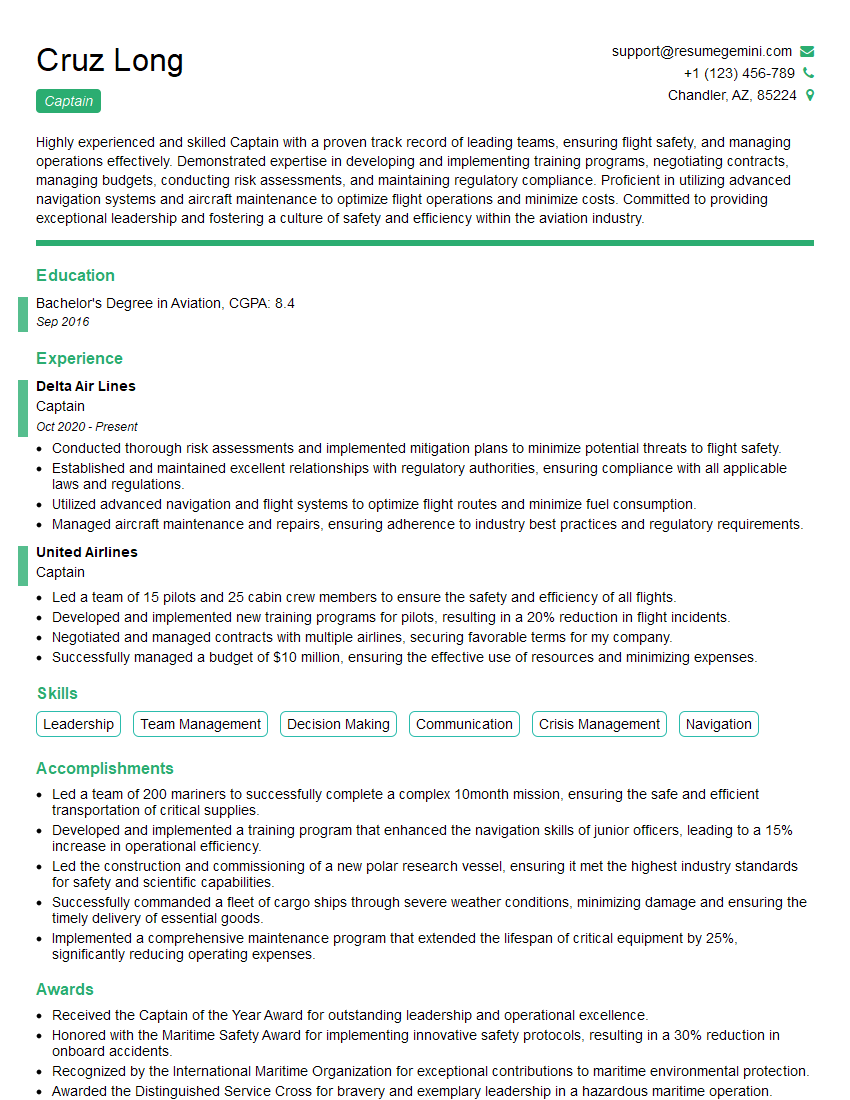
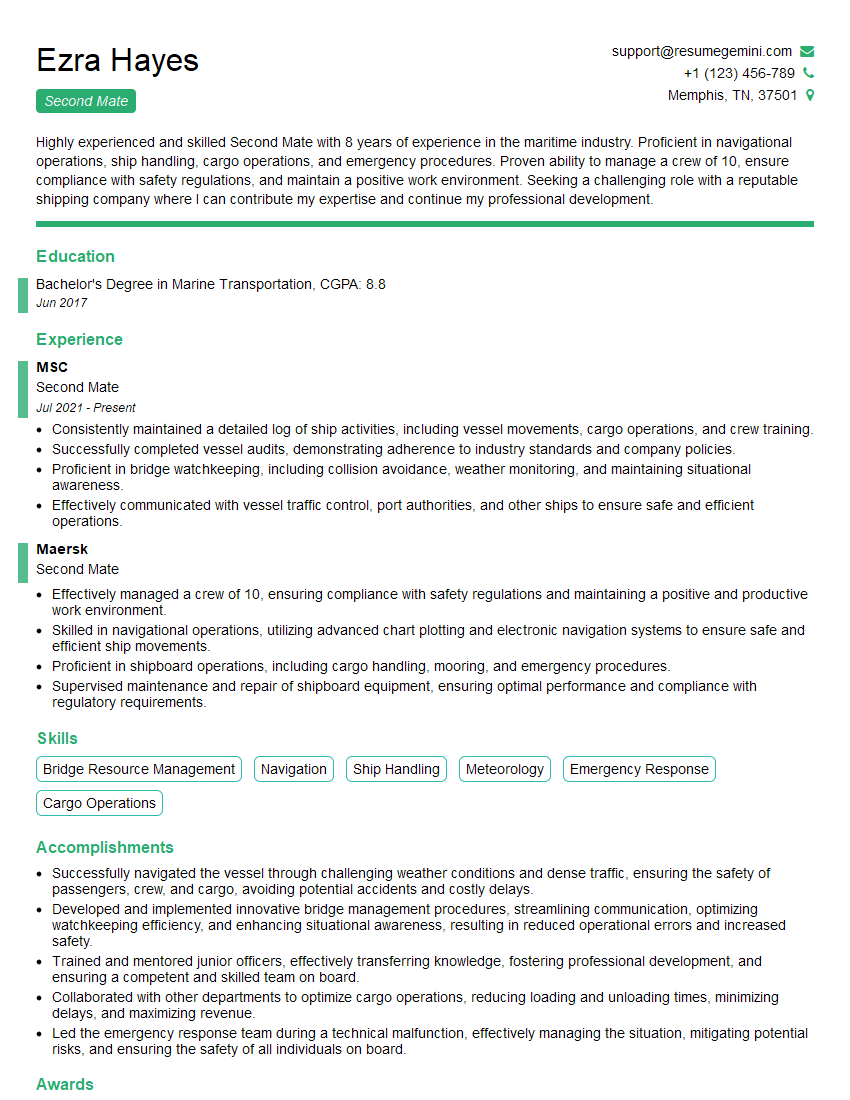
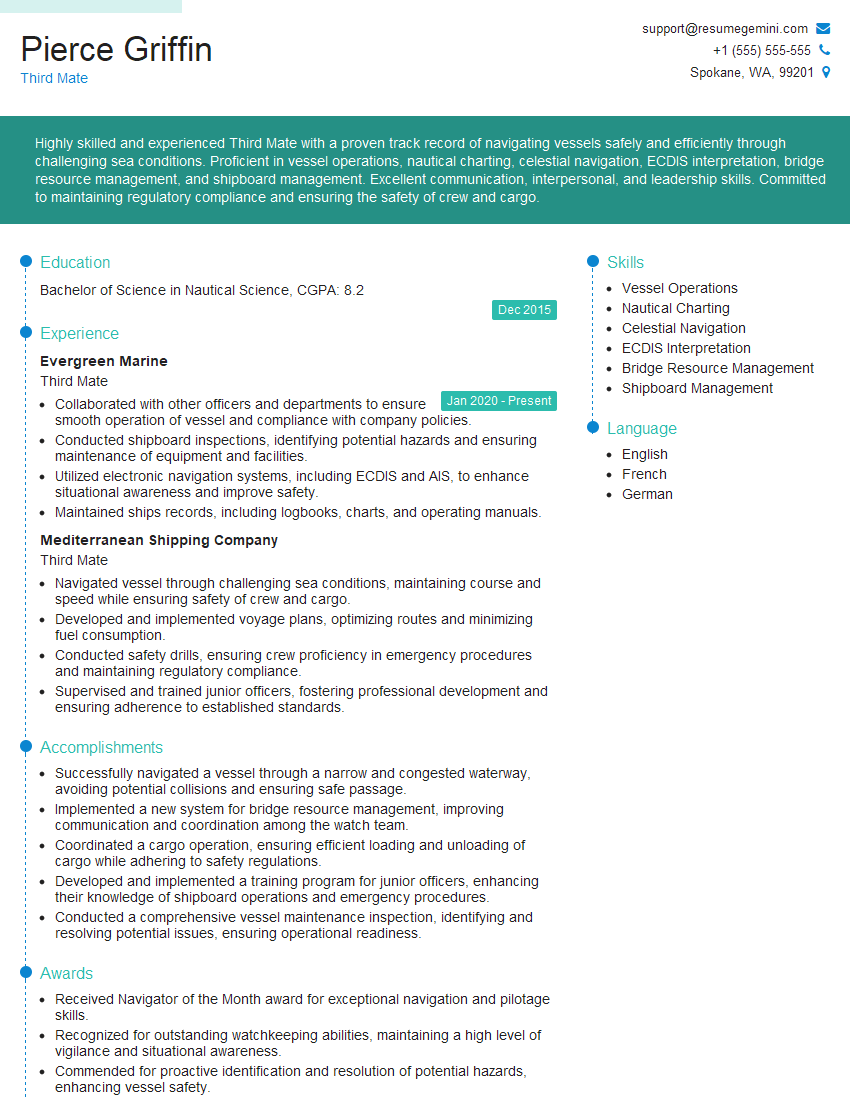
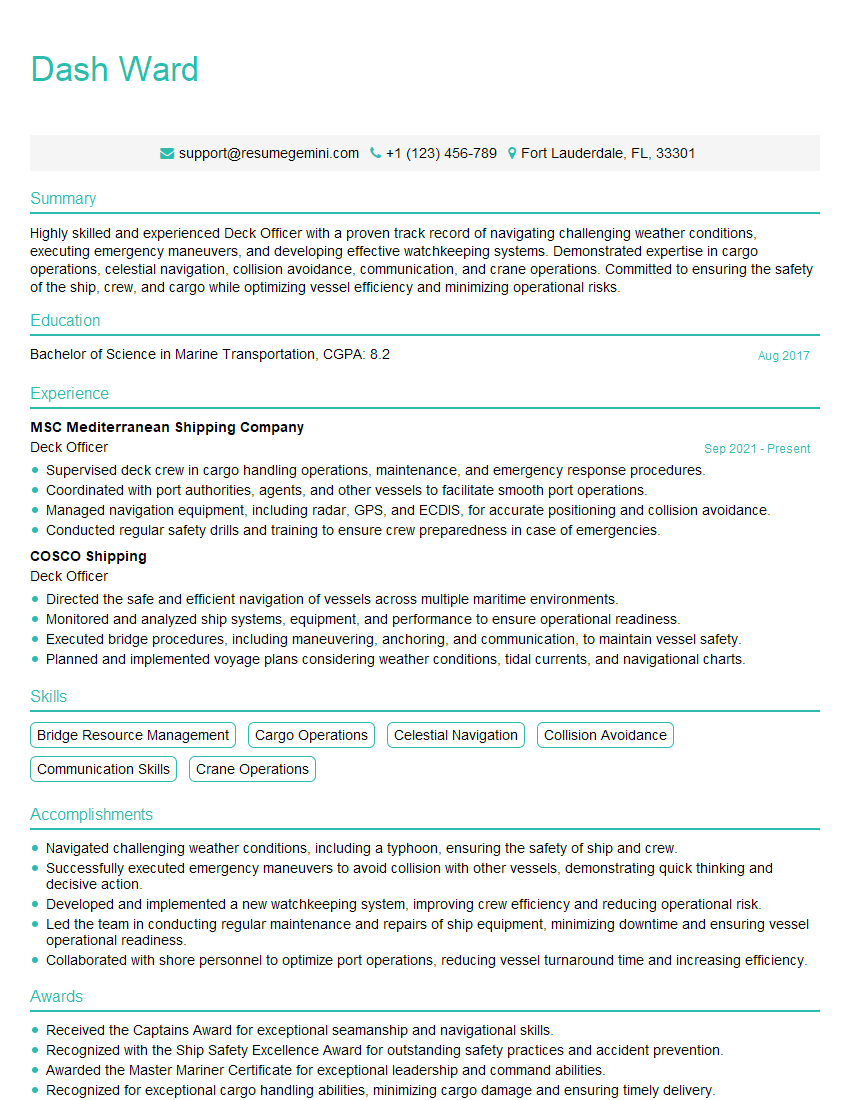
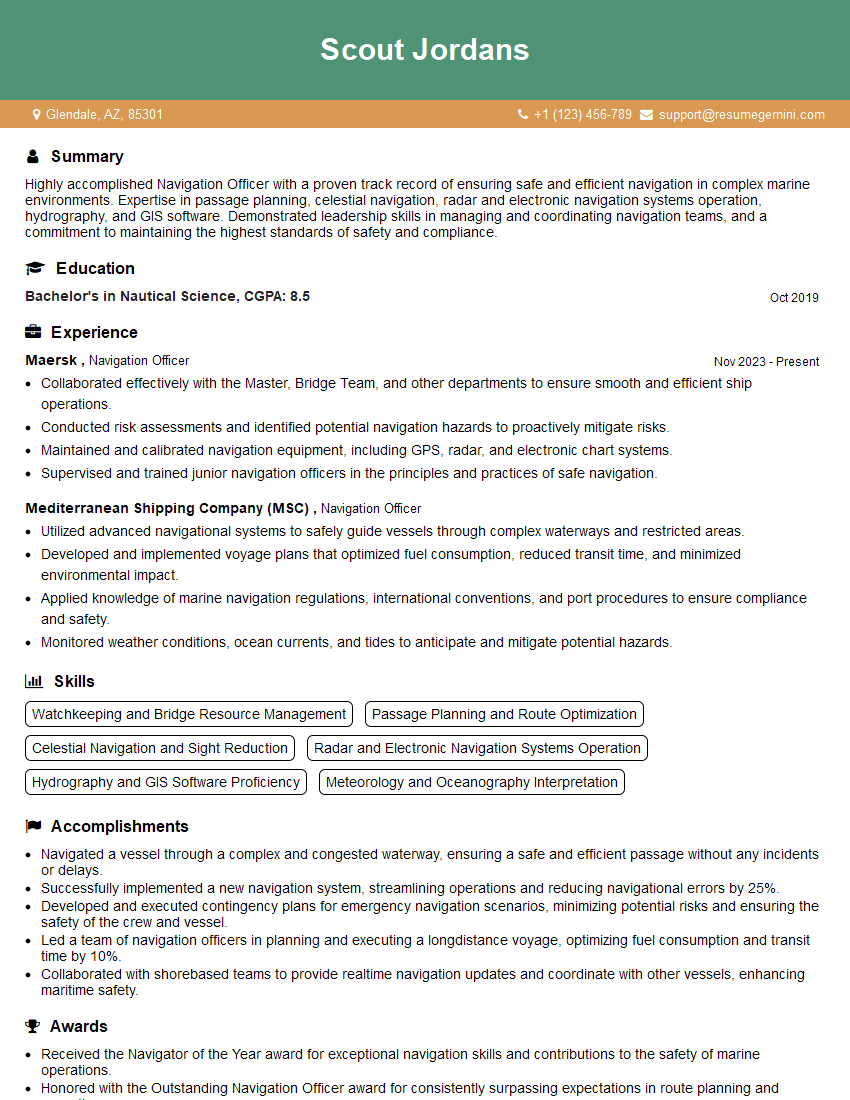
Mastering Electronic Charting and Navigation (ECDIS) is crucial for career advancement in the maritime industry, opening doors to more challenging and rewarding roles. A strong resume is your key to unlocking these opportunities. Creating an ATS-friendly resume is essential to ensure your application gets noticed. To enhance your resume and significantly increase your chances of landing your dream job, we recommend using ResumeGemini. ResumeGemini provides a user-friendly platform for building professional resumes, and examples of resumes tailored to Electronic Charting and Navigation (ECDIS) roles are available to guide you.

Explore more articles
Users Rating of Our Blogs
Share Your Experience
We value your feedback! Please rate our content and share your thoughts (optional).
What Readers Say About Our Blog
Very informative content, great job.
good