Interviews are more than just a Q&A session—they’re a chance to prove your worth. This blog dives into essential Entry Taking interview questions and expert tips to help you align your answers with what hiring managers are looking for. Start preparing to shine!
Questions Asked in Entry Taking Interview
Q 1. What is your typing speed and accuracy?
My typing speed is consistently above 75 words per minute with an accuracy rate exceeding 99%. This is based on numerous timed tests and practical experience in various data entry roles. I maintain this level of proficiency through regular practice and attention to proper ergonomic posture and technique. For example, during my previous role at Acme Corp, I consistently met and often exceeded daily entry targets while maintaining an exceptionally low error rate.
Q 2. What data entry software are you proficient in?
I’m proficient in a variety of data entry software, including but not limited to Microsoft Excel, Google Sheets, SAP, Salesforce, and various proprietary database management systems. My experience spans both simple data entry tasks and more complex tasks involving data manipulation and reporting. I’m also comfortable using specialized data entry applications tailored to specific industry needs. For instance, in my previous role at Beta Solutions, I utilized a custom database system to input and manage client information, consistently demonstrating efficiency and accuracy.
Q 3. Describe your experience with data validation and error correction.
Data validation and error correction are crucial aspects of accurate data entry. My approach involves a multi-step process. First, I meticulously check for inconsistencies or errors during the initial entry process. This includes verifying data against source documents and utilizing built-in validation rules within the software. Second, I implement a system of regular checks for data integrity, often involving comparison checks and plausibility checks. Lastly, if an error is identified, I use the software’s error correction tools, and if necessary, manually correct the error, documenting the correction and the nature of the error. Think of it like proofreading a document – multiple passes ensure accuracy. A real-world example is when I caught a potential billing error by validating a client’s address against our database, preventing a significant financial issue.
Q 4. How do you handle large volumes of data entry?
Handling large volumes of data requires a strategic and organized approach. I employ techniques such as breaking down large tasks into smaller, manageable chunks. Prioritization, based on urgency and importance, is essential. I utilize shortcuts and automation tools wherever possible to boost efficiency without compromising accuracy. Furthermore, taking regular short breaks helps maintain focus and prevent errors caused by fatigue. This structured approach allows for efficient and accurate completion, even under pressure. For example, during a peak season at Gamma Industries, I successfully managed to input over 10,000 data points with minimal errors by utilizing these methods.
Q 5. How do you maintain accuracy while working under pressure?
Maintaining accuracy under pressure is a skill honed over years of experience. My strategy centers around deep focus, effective time management, and a methodical approach. I break tasks into smaller, manageable steps and prioritize tasks according to urgency and importance. Regular breaks are crucial to avoid errors stemming from fatigue. I double-check my work frequently and utilize built-in validation tools wherever possible. It’s like running a marathon, not a sprint; maintaining a consistent pace prevents burnout and errors. In my experience at Delta Corp, I consistently maintained accuracy even during peak periods by adhering to this strategy.
Q 6. Explain your experience with different data entry methods (e.g., keyboard, scanning).
My experience encompasses a range of data entry methods. I’m highly proficient with keyboard entry, utilizing touch typing techniques for speed and accuracy. I also possess experience with optical character recognition (OCR) software and document scanning, effectively converting paper documents into digital formats for entry. Each method has its strengths and weaknesses; keyboard entry offers precise control, while scanning is faster for high-volume tasks. The choice depends on the nature of the data and the volume. For example, at Epsilon Inc, I used both keyboard entry and scanning, streamlining the process by choosing the most efficient method for each task.
Q 7. How do you prioritize tasks when faced with multiple deadlines?
When faced with multiple deadlines, I prioritize tasks using a combination of urgency and importance. I often employ a matrix where tasks are ranked based on both factors. Urgent and important tasks are tackled first, followed by important but less urgent tasks. I communicate proactively with stakeholders to manage expectations and ensure that deadlines are met. This structured approach, combined with effective time management, ensures that all tasks are completed efficiently and accurately. This is crucial for avoiding bottlenecks and maintaining productivity. In essence, I visualize my workload like a project roadmap, with well-defined milestones and timelines to achieve success.
Q 8. Describe your experience with data organization and filing systems.
Data organization and filing systems are crucial for efficient data entry and retrieval. My experience encompasses a wide range of methods, from simple alphabetical or chronological filing to complex, hierarchical systems using metadata tagging and categorization. I’m proficient in utilizing both physical and digital filing systems. For example, in a previous role managing client records, I implemented a color-coded system for physical files, categorizing clients by industry, which significantly reduced search time. Digitally, I’ve mastered using cloud-based storage systems like Dropbox and Google Drive, implementing folder structures that mirror the company’s organizational chart for easy navigation and access control.
I’m also adept at utilizing database management systems (DBMS) to manage large datasets. This allows for more sophisticated organization and retrieval based on multiple criteria. For instance, I used a relational database to organize thousands of customer transactions, enabling quick generation of reports based on various parameters like purchase date, product category, and geographic location.
Q 9. How do you ensure data integrity and security?
Data integrity and security are paramount. My approach involves multiple layers of protection. Firstly, I meticulously verify all data entered, using cross-referencing and validation techniques to identify and correct errors immediately. This proactive approach minimizes the risk of data corruption. Secondly, I adhere strictly to access control protocols. I understand the importance of using strong, unique passwords and limiting access to sensitive data to only authorized personnel. Finally, regular data backups are crucial. I’ve used both local and cloud-based backup solutions to ensure data recovery is possible in the event of system failures or security breaches. In one instance, a scheduled backup saved the day when a hard drive malfunctioned, allowing us to recover all essential data with minimal disruption.
Q 10. What is your experience with different data formats (e.g., CSV, Excel, XML)?
I possess extensive experience working with diverse data formats, including CSV, Excel, and XML. CSV files are ideal for importing and exporting large datasets into databases. I’m familiar with various delimiters and handling potential issues like inconsistent formatting. Excel spreadsheets are useful for smaller datasets and performing basic analysis, and I have experience using pivot tables and formulas to summarize and manipulate data. XML is more complex and structured, used for exchanging data between different systems. I’m adept at parsing XML documents to extract necessary information and converting them into other formats as required. For example, I’ve converted XML feed data into a relational database to facilitate easier reporting and analysis.
Q 11. Describe your experience with data cleansing and deduplication.
Data cleansing and deduplication are essential for maintaining data quality. Cleansing involves identifying and correcting inconsistencies, errors, and inaccuracies in the data. This might include standardizing date formats, correcting spelling errors, and handling missing values. Deduplication eliminates duplicate entries, ensuring data accuracy and preventing misleading analysis. I’ve used various tools and techniques for both these processes, ranging from manual review and correction for smaller datasets to automated scripting for large volumes. For example, I used a scripting language to identify and remove duplicate entries in a customer database based on a combination of email addresses and phone numbers, significantly improving data quality for marketing campaigns.
Q 12. How do you handle discrepancies or inconsistencies in data?
Discrepancies and inconsistencies require careful investigation and resolution. My approach involves identifying the source of the error – whether it’s a data entry mistake, a problem with the source data, or a system glitch. Once the source is identified, I will attempt to reconcile the conflicting information by verifying data with original source documents or contacting relevant parties to clarify the information. If the discrepancy cannot be resolved, I document the issue clearly, explaining the steps taken and the remaining inconsistencies, ensuring transparency and traceability.
For example, if I find conflicting information on a customer’s address, I would attempt to contact the customer to verify their current address before updating the record. If contact is unsuccessful, the discrepancy would be documented with a clear explanation and any supporting evidence.
Q 13. How do you troubleshoot data entry errors?
Troubleshooting data entry errors requires a systematic approach. I begin by identifying the nature of the error – is it a data type mismatch, a validation error, or an outright inconsistency? Then, I trace back the error to its source, reviewing the data entry process and the source data to locate the root cause. This may involve checking data entry forms, reviewing source documents, or examining data import processes. Once identified, the error is corrected and preventative measures are put in place to avoid similar issues in the future. This might include refining data entry forms, improving data validation rules, or providing additional training to data entry personnel. For instance, if a recurring error involves incorrect date formats, I would create a standardized date format guide for data entry staff.
Q 14. What is your experience with using databases (e.g., SQL, MySQL)?
I have significant experience using SQL and MySQL databases. I’m proficient in writing SQL queries to retrieve, manipulate, and analyze data. My skills include creating tables, defining relationships, writing complex queries involving joins, subqueries and aggregations, and optimizing query performance for large datasets. I’ve used these skills extensively to build and maintain databases, create reports, and perform data analysis. For instance, in a previous role, I developed a system using MySQL to track inventory levels, enabling real-time monitoring and automated alerts for low stock items.
Beyond basic query writing, I understand database design principles, normalization, and indexing, which are crucial for creating efficient and scalable database systems.
Q 15. Describe your experience with report generation.
Report generation is a crucial aspect of data entry, summarizing collected information into a digestible format. My experience encompasses generating various report types, from simple summaries to complex analyses, using diverse tools like spreadsheet software (Excel, Google Sheets), database management systems (SQL, MySQL), and dedicated reporting applications. For example, in my previous role at Acme Corp, I generated weekly sales reports that involved extracting data from our CRM, calculating key metrics such as total sales, average order value, and conversion rates, and then presenting these findings in visually appealing charts and graphs. This involved ensuring data accuracy, consistency, and clear communication of insights to management.
Another example involved creating custom reports for clients based on their specific needs. This required understanding their business requirements, selecting the appropriate data points, and customizing the report format for optimal readability. I’ve used both automated reporting tools and manual data manipulation to achieve desired results, always prioritizing clarity and accuracy.
Career Expert Tips:
- Ace those interviews! Prepare effectively by reviewing the Top 50 Most Common Interview Questions on ResumeGemini.
- Navigate your job search with confidence! Explore a wide range of Career Tips on ResumeGemini. Learn about common challenges and recommendations to overcome them.
- Craft the perfect resume! Master the Art of Resume Writing with ResumeGemini’s guide. Showcase your unique qualifications and achievements effectively.
- Don’t miss out on holiday savings! Build your dream resume with ResumeGemini’s ATS optimized templates.
Q 16. How familiar are you with data backup and recovery procedures?
Data backup and recovery are paramount for data integrity and business continuity. I’m proficient in various backup methodologies, including local backups, network backups, and cloud-based solutions. I understand the importance of regular backups, version control, and disaster recovery planning. For instance, I’ve implemented and managed backup schedules using tools like Veeam and Acronis, ensuring that regular incremental backups were performed and stored securely offsite. My experience includes restoring data from backups in the event of hardware failures or accidental data loss. This involves identifying the appropriate backup point, restoring the data to a designated location, and verifying data integrity post-restoration. I always prioritize a robust, tested backup and recovery strategy to minimize downtime and data loss.
Q 17. How do you stay organized and manage your workflow?
Organization and workflow management are essential in data entry. I employ several strategies to maintain efficiency and accuracy. My approach typically involves prioritizing tasks based on urgency and importance, using tools such as to-do lists, project management software (Asana, Trello), and color-coded spreadsheets to visually organize my workload. I also break down large tasks into smaller, manageable steps to prevent feeling overwhelmed. Furthermore, I utilize file naming conventions that reflect the data’s content and date, allowing for easy retrieval and organization. This methodical approach ensures I can consistently deliver accurate work within deadlines. Think of it like a well-organized library – every book (data point) has its place and can be easily found when needed.
Q 18. How do you handle repetitive tasks?
Repetitive tasks are inherent in data entry. To handle them efficiently and maintain focus, I leverage automation wherever possible. I’m proficient in using macros in spreadsheet software and scripting languages (e.g., Python) to automate routine tasks like data cleaning, formatting, and validation. For tasks that can’t be automated, I break them down into smaller chunks and take regular short breaks to avoid fatigue and maintain accuracy. For example, if I’m entering a large dataset, I might set a timer for 25 minutes of focused work followed by a 5-minute break. This technique, known as the Pomodoro Technique, helps me stay productive and maintain attention to detail.
Q 19. How do you adapt to changing data entry requirements?
Adaptability is crucial in data entry, as requirements frequently evolve. I’m comfortable learning new software and procedures quickly. My approach involves actively seeking clarity on new requirements, asking clarifying questions when needed, and thoroughly testing any new processes before implementation. I also maintain a positive attitude towards change, viewing it as an opportunity for growth and improvement. For example, when my previous employer transitioned to a new CRM system, I proactively learned the new system’s features, identified potential challenges, and collaborated with colleagues to ensure a smooth transition with minimal disruption to data entry operations. I view continuous learning as a key component to success in this field.
Q 20. Describe a time you had to meet a tight deadline for data entry.
I once had to enter a large dataset of customer information before a crucial marketing campaign launch. The deadline was incredibly tight – just 24 hours. To meet this challenge, I prioritized accuracy over speed, focusing on maintaining consistent data quality. I collaborated with a colleague to divide the workload, creating a two-person assembly line for data verification. We implemented a rigorous quality check at each stage, catching errors early on. We also used automated data validation tools to flag potential inconsistencies. Through careful planning, teamwork, and a focus on efficiency, we successfully completed the data entry within the given timeframe, ensuring the marketing campaign’s success. This experience highlighted the importance of collaboration, prioritization, and efficient use of tools in high-pressure situations.
Q 21. What is your experience with using different input devices?
I have extensive experience using a variety of input devices, including standard keyboards, ergonomic keyboards, mice, touchscreens, and data entry scanners. I can comfortably adapt to different input methods depending on the task and available technology. My experience with ergonomic keyboards has improved my posture and reduced strain during long data entry sessions. Furthermore, I’m proficient in using barcode scanners and optical character recognition (OCR) software to efficiently enter data from various sources, significantly speeding up the data entry process. My adaptability to various input devices enhances my overall efficiency and allows me to seamlessly integrate into various work environments.
Q 22. How do you maintain attention to detail during prolonged data entry tasks?
Maintaining focus during lengthy data entry tasks is crucial for accuracy. I employ several strategies. Firstly, I break down large datasets into smaller, manageable chunks. This prevents mental fatigue and allows for regular short breaks to avoid burnout. Think of it like running a marathon – you don’t sprint the entire distance; you pace yourself. Secondly, I utilize techniques like the Pomodoro Technique, working in focused bursts with short rest intervals. This structured approach helps maintain concentration. Finally, I ensure a comfortable and ergonomic workspace, free from distractions. A well-lit, organized area minimizes errors caused by eye strain or discomfort. I also regularly double-check my work, comparing entered data to source documents meticulously.
Q 23. Describe your experience working with confidential information.
I have extensive experience handling confidential information. In my previous role at [Previous Company Name], I regularly worked with sensitive client data, including personal details, financial information, and medical records. I strictly adhered to company protocols regarding data security, including password protection, access control, and secure data storage practices. I understand the importance of confidentiality and the legal and ethical implications of data breaches. I am comfortable signing non-disclosure agreements and understand the sensitivity required when handling private information. Furthermore, I am always vigilant about protecting data, even outside of formal procedures; for instance, never leaving sensitive documents unattended.
Q 24. How would you handle a situation where the data you are entering is incorrect?
If I identify incorrect data, my first step is to verify the error. I cross-reference the information with the source document to confirm the discrepancy. If the error is in the source document, I flag the issue and notify my supervisor for guidance on how to proceed, potentially requiring a correction in the source material. If the error is mine, I immediately correct it, noting the correction and the source of the error. I maintain a detailed log of any such corrections for auditing purposes. Accuracy is paramount; therefore, thorough verification and careful correction are essential. For example, if I’m entering numerical data and notice an obvious typo (e.g., entering 1234 instead of 1243), I immediately correct it and make a note of the correction.
Q 25. What are your strengths and weaknesses in relation to data entry?
My strengths include my accuracy, speed, and ability to quickly learn new software and procedures. I am highly detail-oriented and possess excellent typing skills. I am also adept at identifying patterns and inconsistencies in data, enabling me to catch errors quickly. One area I am working on is improving my speed further with complex data sets. While I am already efficient, consistent improvement is always a goal. I actively seek opportunities to refine my skills and enhance my workflow through training and continuous learning.
Q 26. How do you learn new data entry software or procedures?
I am a quick learner when it comes to new data entry software and procedures. I typically start by thoroughly reviewing any provided documentation, tutorials, or training materials. I then use a hands-on approach, experimenting with the software and practicing with sample datasets. I find that actively working with the software is the most effective way to learn. If needed, I don’t hesitate to seek clarification from colleagues or supervisors. I also find online forums and communities incredibly helpful resources for troubleshooting and learning tips and tricks from other users. I see learning as an ongoing process and embrace new challenges enthusiastically.
Q 27. What are your salary expectations for this data entry position?
Based on my experience and research of similar roles in this market, my salary expectations are in the range of $[Lower Bound] to $[Upper Bound] annually. However, I am open to discussing this further and considering the overall compensation package.
Q 28. Do you have any questions for me?
Yes, I have a few questions. Firstly, what are the key performance indicators (KPIs) for this role? Secondly, what opportunities are there for professional development and advancement within the company? Finally, can you describe the team dynamic and work environment?
Key Topics to Learn for Entry Taking Interview
- Data Accuracy and Verification: Understanding the critical importance of accurate data entry and methods for verifying information to minimize errors. Practical application: Explain how you’d handle discrepancies between different data sources.
- Data Entry Systems and Software: Familiarity with various data entry software and systems (e.g., CRM software, databases). Practical application: Discuss your experience with different software packages and your ability to quickly learn new systems.
- Keyboarding Skills and Efficiency: Demonstrating proficiency in accurate and fast typing, as well as efficient data entry techniques. Practical application: Describe strategies you use to maintain accuracy while maximizing speed.
- Data Organization and Management: Understanding principles of data organization, including filing systems and database structures. Practical application: Explain how you would organize a large dataset for efficient retrieval.
- Attention to Detail and Problem-Solving: Highlighting your ability to spot inconsistencies, errors, and anomalies in data. Practical application: Describe a situation where you identified and corrected a data entry error.
- Following Procedures and Protocols: Understanding and adhering to established data entry procedures and protocols. Practical application: Explain how you would ensure compliance with data security and privacy regulations.
- Teamwork and Communication: Demonstrating effective communication skills when working with colleagues and clarifying data entry issues. Practical application: Describe your experience collaborating with others on data entry projects.
Next Steps
Mastering entry-taking skills opens doors to numerous career opportunities, providing a solid foundation for administrative and data-focused roles. A strong resume is crucial for showcasing your abilities to potential employers. Creating an ATS-friendly resume is key to maximizing your job prospects. To build a compelling and effective resume, we highly recommend using ResumeGemini, a trusted resource for crafting professional resumes. Examples of resumes tailored to Entry Taking positions are available to help you get started.
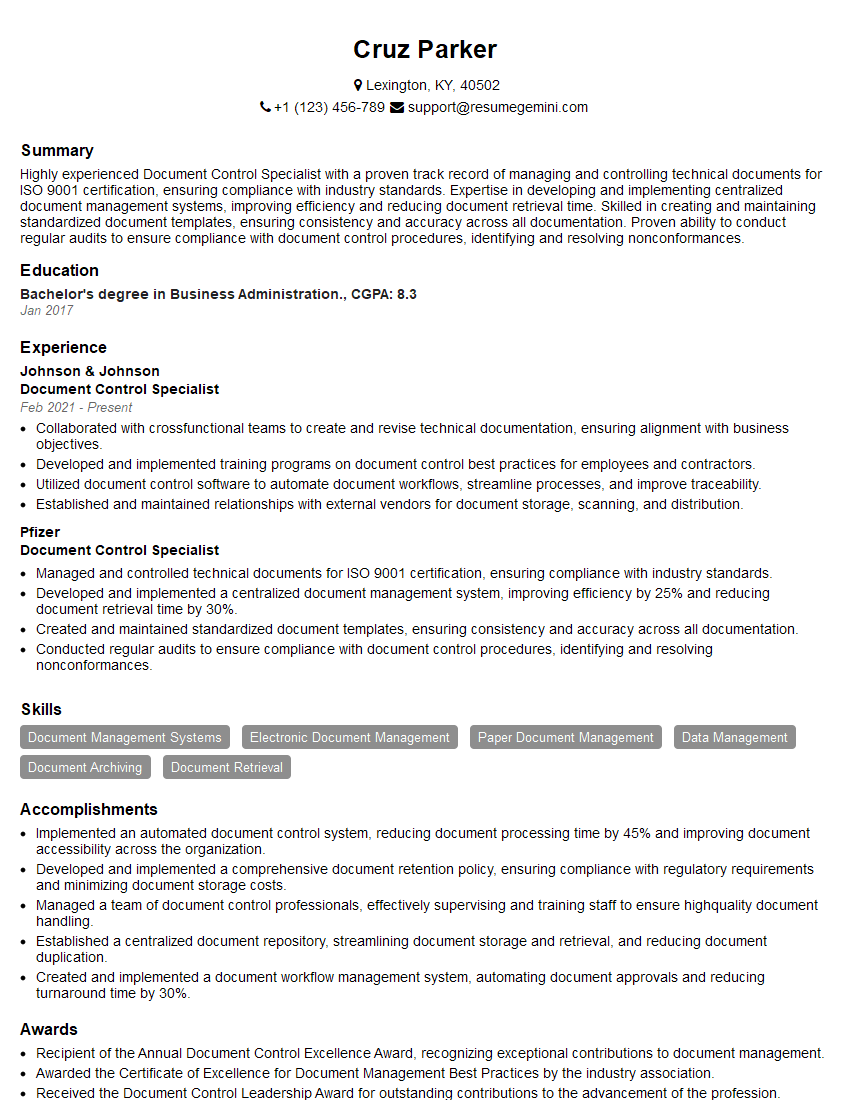
Document Control Specialist Resume Sample
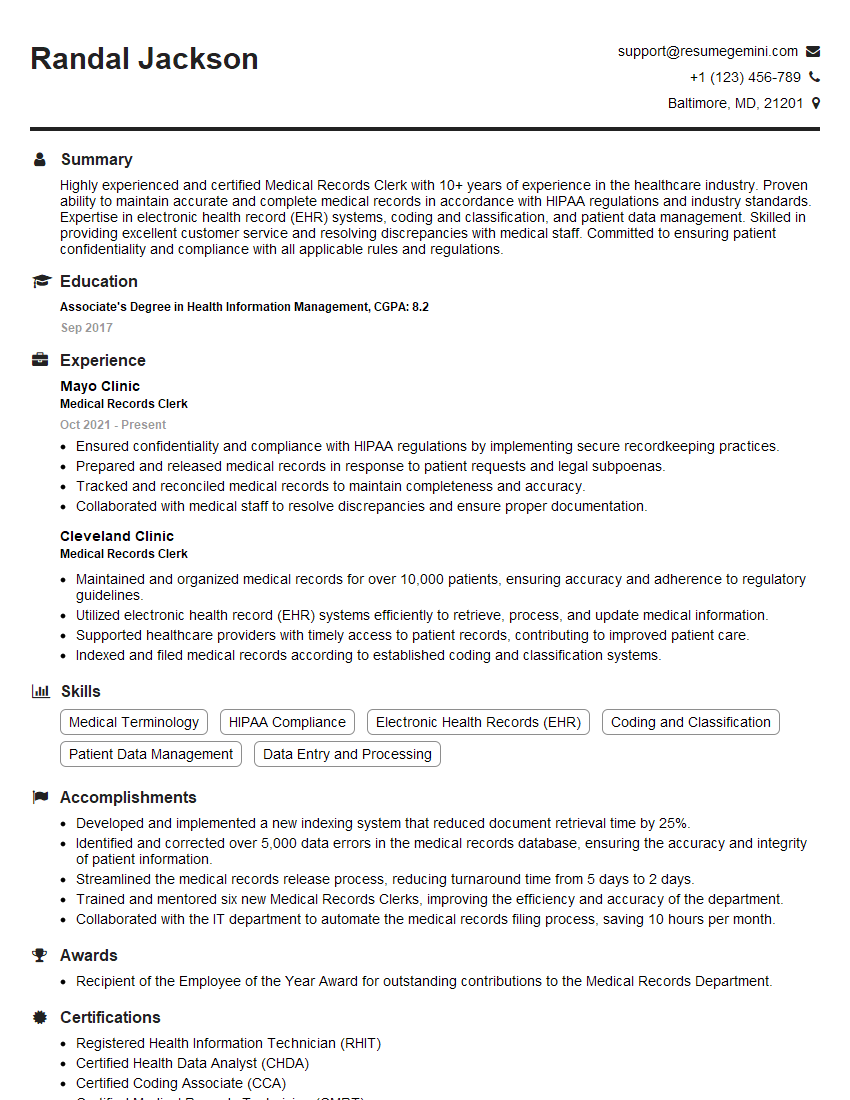
Medical Records Clerk Resume Sample
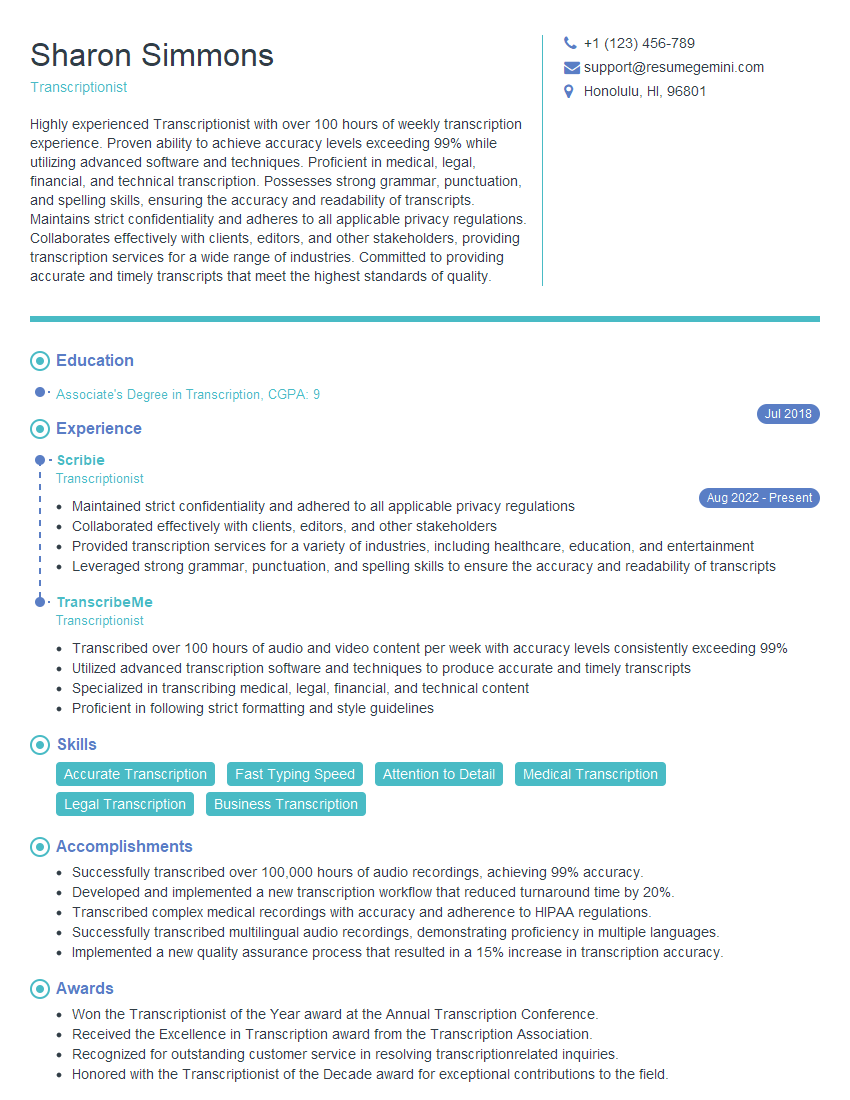
Transcriptionist Resume Sample
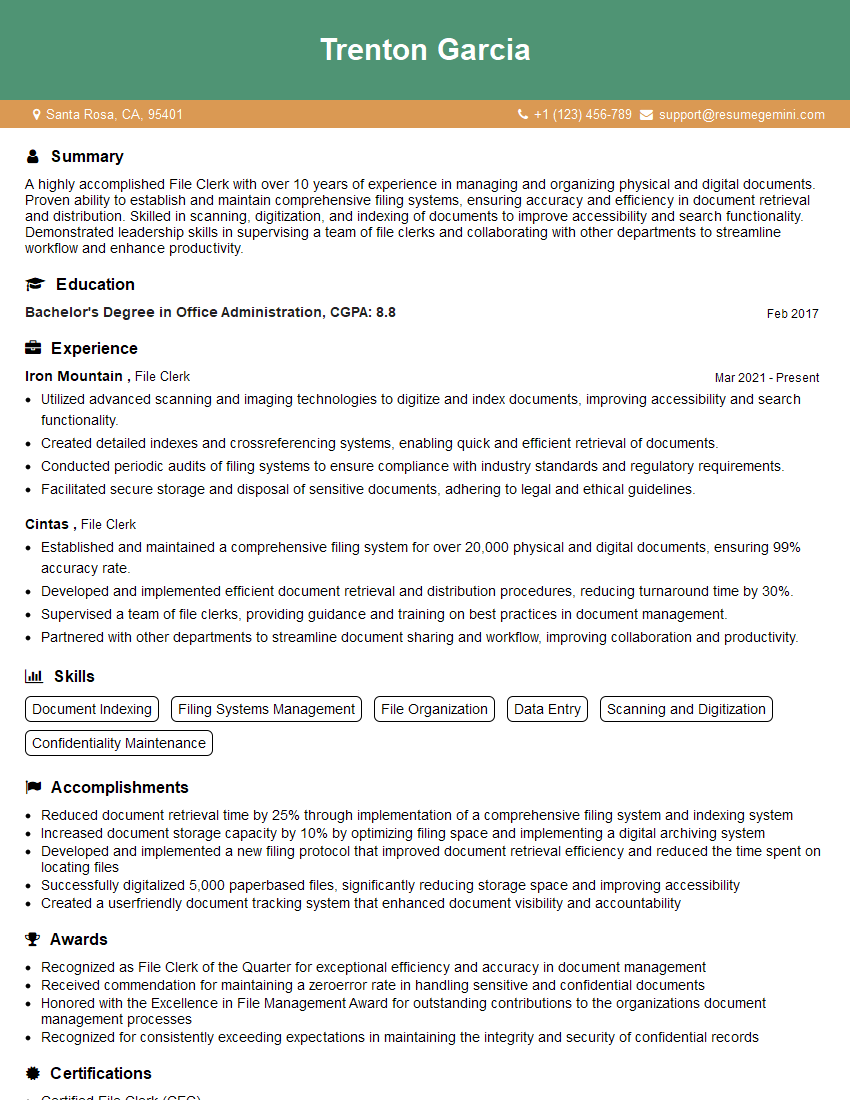
File Clerk Resume Sample
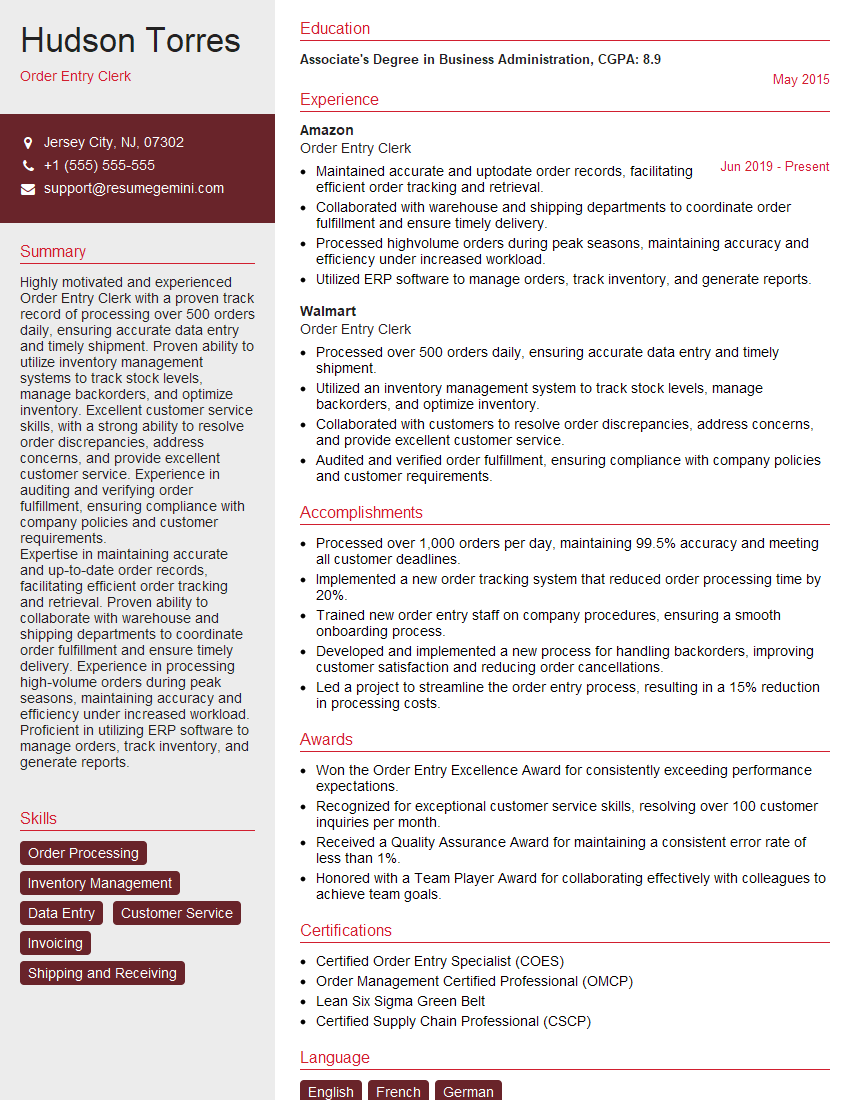
Order Entry Clerk Resume Sample
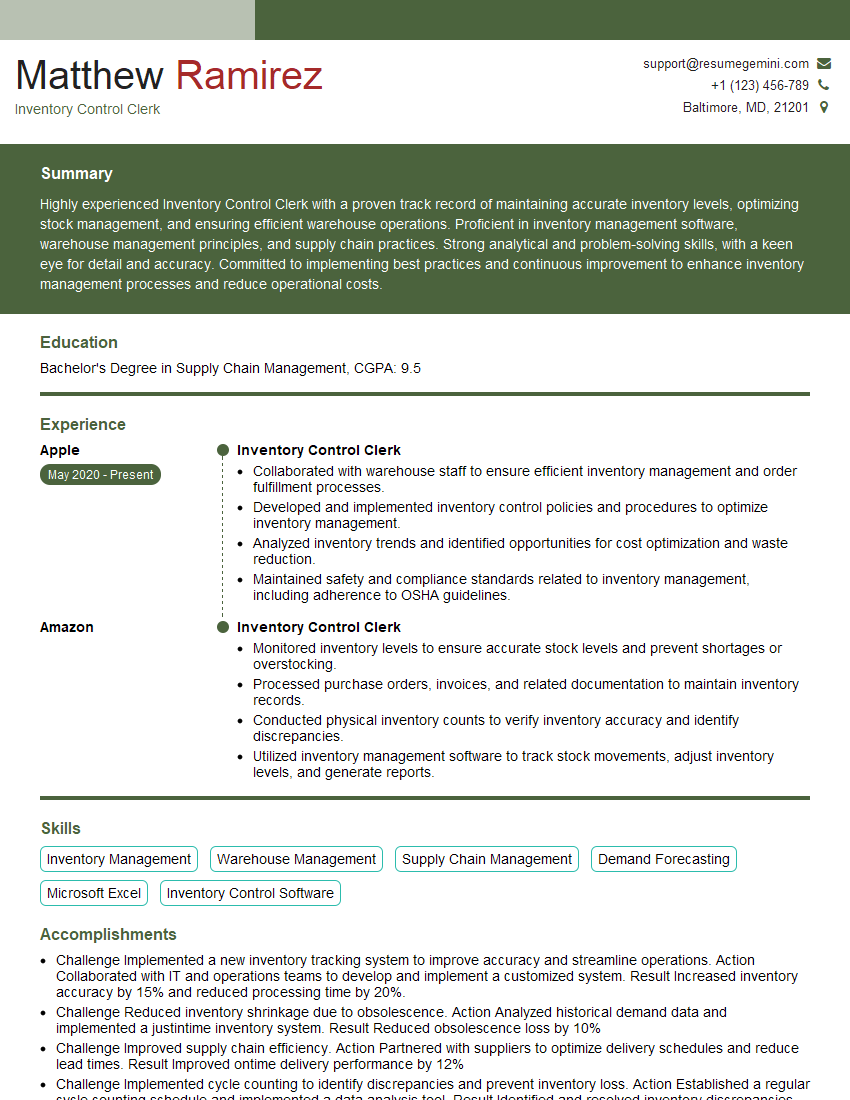
Inventory Control Clerk Resume Sample
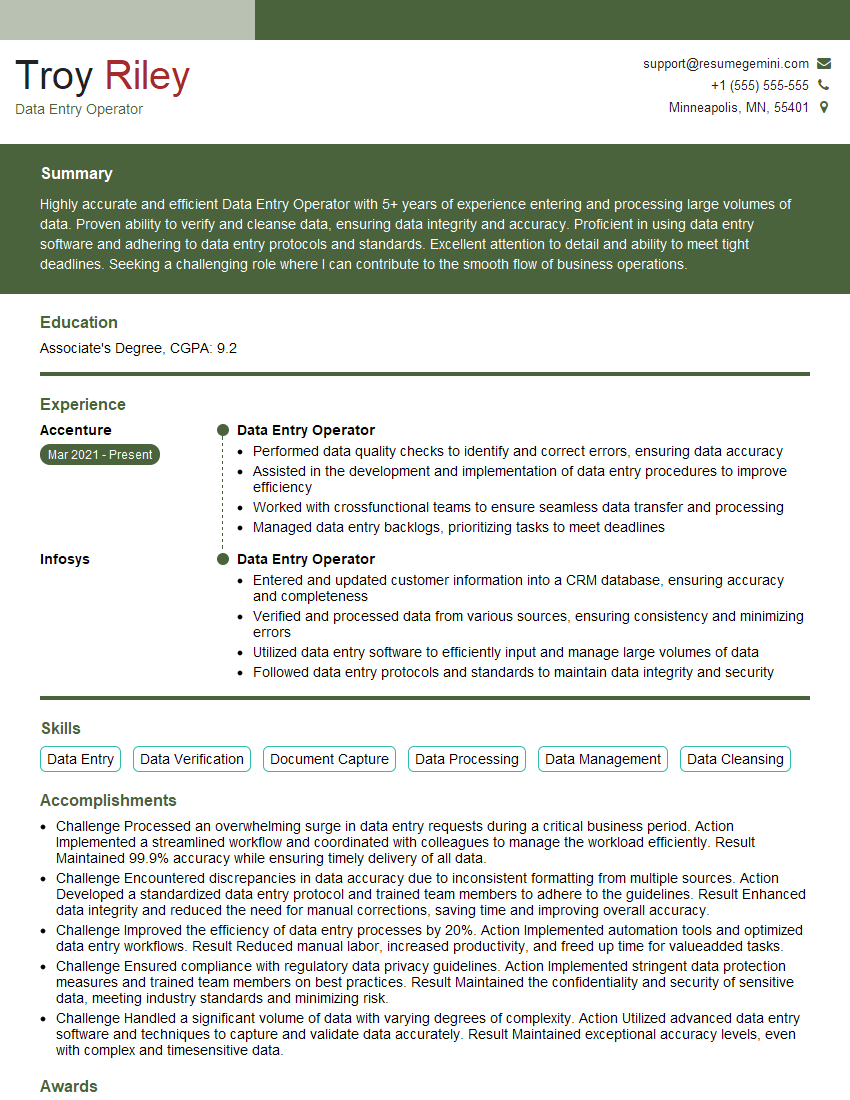
Data Entry Operator Resume Sample
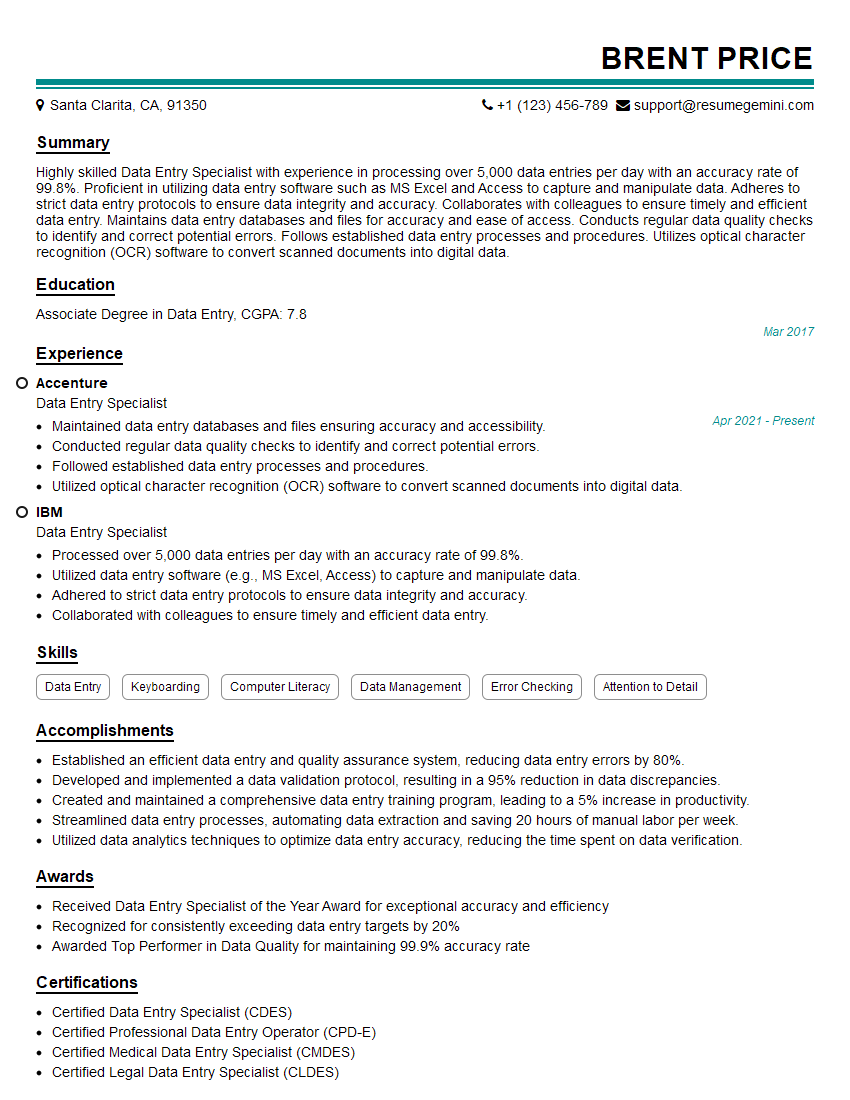
Data Entry Specialist Resume Sample
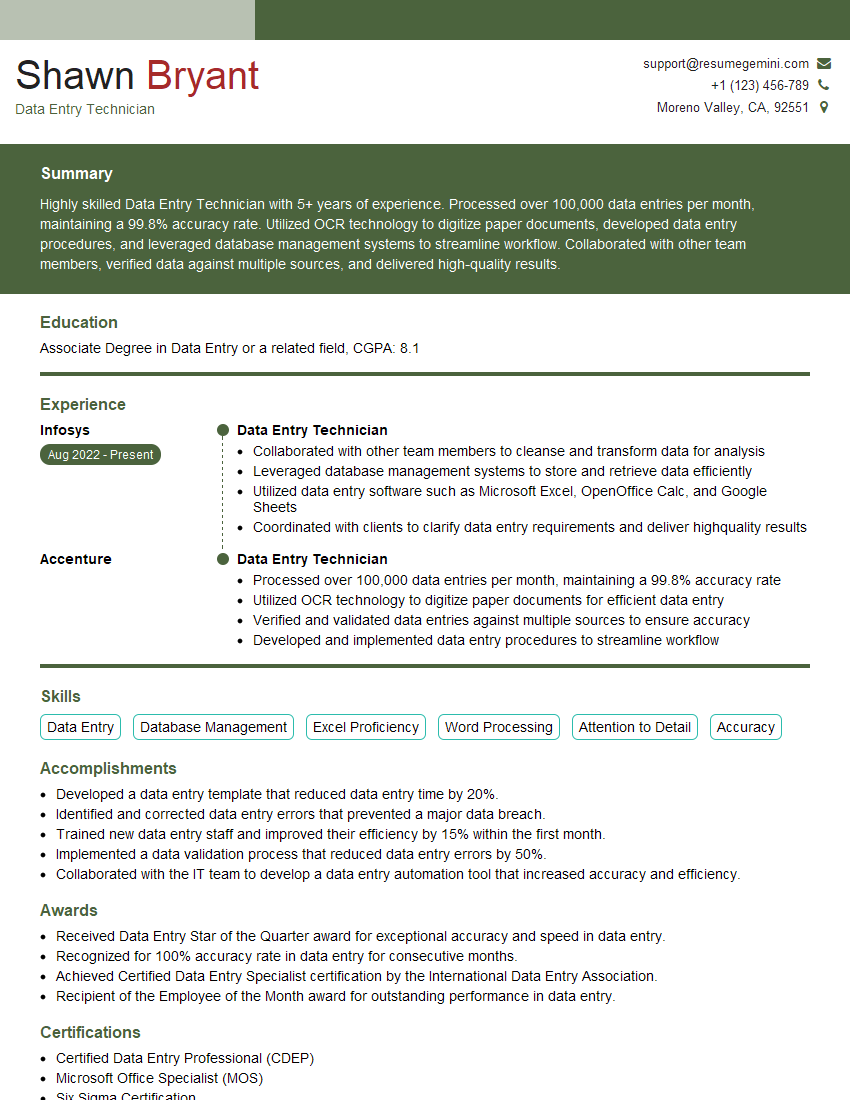
Data Entry Technician Resume Sample
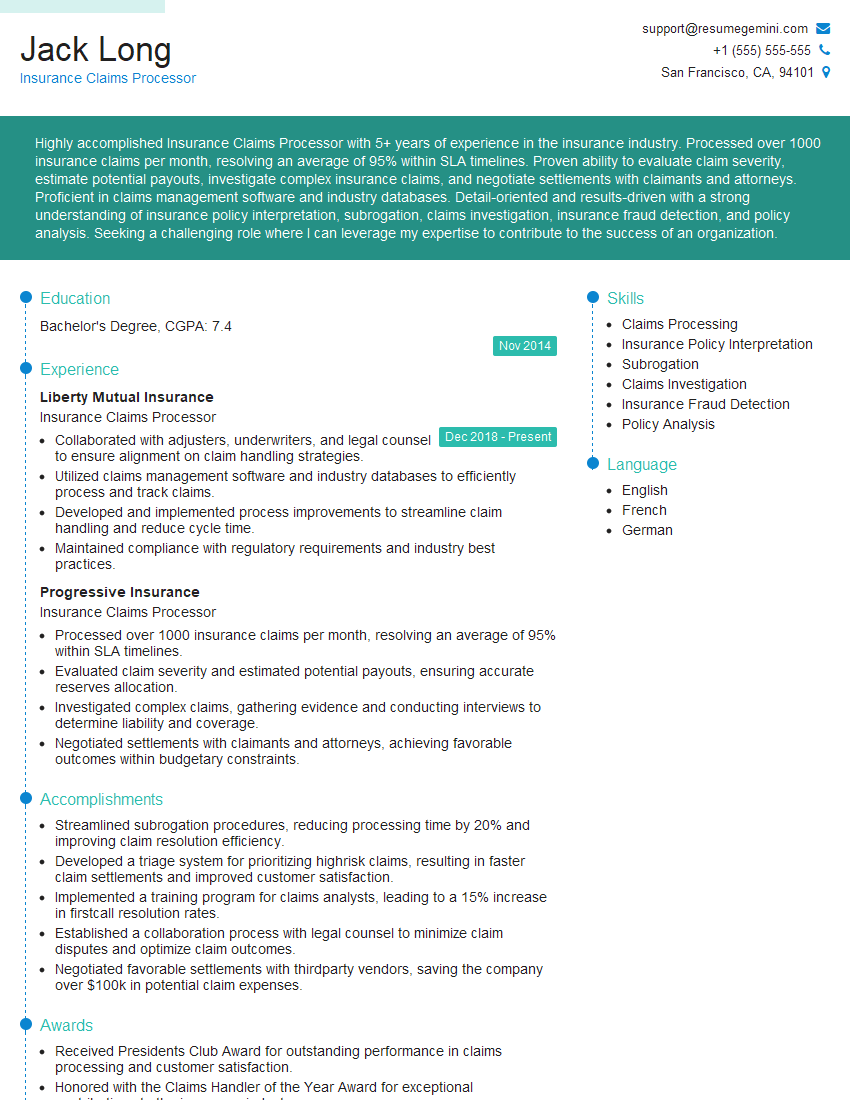
Insurance Claims Processor Resume Sample
Explore more articles
Users Rating of Our Blogs
Share Your Experience
We value your feedback! Please rate our content and share your thoughts (optional).
What Readers Say About Our Blog
Very informative content, great job.
good