The right preparation can turn an interview into an opportunity to showcase your expertise. This guide to Experience in graphic design and typography interview questions is your ultimate resource, providing key insights and tips to help you ace your responses and stand out as a top candidate.
Questions Asked in Experience in graphic design and typography Interview
Q 1. Explain your understanding of kerning and tracking.
Kerning and tracking are both methods for adjusting the spacing between characters in typography, but they operate at different levels. Think of it like this: tracking adjusts the overall spacing of a whole block of text, like the space between words in a paragraph, while kerning fine-tunes the space between individual letter pairs.
Kerning involves manually adjusting the space between specific pairs of letters. For instance, the combination ‘AV’ often needs kerning because the ‘A’ and ‘V’ can appear too far apart or too close, impacting readability. A skilled designer will carefully kern to optimize the visual balance and legibility.
Tracking, on the other hand, is a global adjustment that affects the spacing between all characters within a selected range of text. It’s useful for adjusting the overall density of a paragraph or headline. Increasing tracking opens up the text, making it feel more airy and less cramped, while decreasing it creates a tighter, more condensed look.
Consider a headline: you might use tracking to create a more open and luxurious feel. In body text, you might slightly tighten tracking for improved readability, but always in moderation, ensuring it does not hinder legibility. The goal of both kerning and tracking is to create visually appealing and easily readable text.
Q 2. What are the differences between serif and sans-serif typefaces, and when would you use each?
Serif and sans-serif typefaces are the two fundamental categories of type, distinguished by the presence or absence of ‘serifs.’ Serifs are the small decorative strokes at the ends of letterforms.
Serif typefaces (like Times New Roman or Garamond) generally appear more traditional, elegant, and often easier to read in large blocks of text due to the serifs acting as visual guides for the eye. They evoke a sense of sophistication and formality. I often use serifs for body text in books, articles, or any design that requires extended reading.
Sans-serif typefaces (like Arial or Helvetica) are cleaner, simpler, and often more modern in appearance. They are generally considered more versatile for headlines, short text blocks, and designs that require a contemporary or minimalist feel. Their clean lines suit digital interfaces and modern branding very well.
Choosing between serif and sans-serif depends entirely on the design’s context and desired effect. A wedding invitation might suit a beautiful serif font, whereas a tech startup’s logo will likely benefit from a bold, clean sans-serif font.
Q 3. Describe your experience with Adobe Creative Suite (Illustrator, Photoshop, InDesign).
I possess extensive experience working with the Adobe Creative Suite, specifically Illustrator, Photoshop, and InDesign. My proficiency includes utilizing each program’s specific strengths for various design tasks.
Illustrator is my go-to for vector graphics, logo design, and illustrations. I’m comfortable using its tools for creating scalable artwork, complex shapes, and precise typography. For example, I recently used Illustrator to create a series of highly detailed icons for a mobile application, ensuring they remained crisp and clear at any size.
Photoshop is crucial for image manipulation, retouching, and digital painting. My expertise includes color correction, compositing, and image optimization for various media. I recently used Photoshop to enhance product photos for an e-commerce website, ensuring high-quality visuals that would attract customers.
InDesign is my preferred software for page layout and design for print and digital publications. My skills encompass master page creation, typography management, and image placement to create professional-looking documents such as brochures, magazines, and annual reports. For a recent project, I created a visually stunning annual report using InDesign, integrating complex charts and infographics seamlessly with the text and imagery.
Q 4. How do you ensure visual hierarchy in your designs?
Visual hierarchy is crucial for guiding the viewer’s eye through a design, ensuring the most important information is noticed first. I achieve this using several techniques.
- Size: Larger elements naturally draw more attention than smaller ones.
- Contrast: Using color, value, and font weight differences to make key elements stand out.
- Placement: Strategically placing important elements in prominent positions (e.g., top left).
- Color: Utilizing a dominant color to draw attention to specific elements.
- Whitespace: Strategic use of white space to separate elements and create visual breathing room, emphasizing important elements.
For example, in a website design, the hero image and call-to-action button would be the largest and most visually prominent elements, leading the viewer’s eye to the most critical information. Subsequently, secondary information would be organized in a supporting manner using these principles, creating a clear and understandable visual pathway.
Q 5. Explain your process for creating a logo.
My logo design process is iterative and involves a deep understanding of the client’s brand and target audience. It typically follows these steps:
- Research and Concept Development: I start by thoroughly researching the client’s business, mission, values, and competitors. I create mood boards and explore various design directions.
- Sketching and Ideation: I sketch numerous logo concepts, exploring different typographic styles, imagery, and symbols.
- Digital Refinement: I refine selected sketches digitally in Illustrator, experimenting with color palettes, typography, and overall composition.
- Client Presentation and Feedback: I present several logo options to the client, incorporating their feedback and making revisions as needed.
- Finalization and File Preparation: Once the client approves a design, I finalize the logo in various formats (vector, raster) for different applications.
Throughout this process, I maintain open communication with the client to ensure the final logo effectively represents their brand.
Q 6. How do you handle design critiques and feedback?
I value constructive criticism and see design critiques as opportunities for growth. My approach involves:
- Active Listening: I carefully listen to all feedback, seeking to understand the perspective of the critic.
- Seeking Clarification: If I’m unsure about a point, I ask clarifying questions to ensure complete understanding.
- Objective Evaluation: I evaluate the feedback objectively, separating personal preferences from constructive criticism.
- Implementation and Iteration: I incorporate useful feedback into revisions, iterating on the design until it meets the client’s expectations and design principles.
A recent project involved significant revisions based on client feedback. While initially disappointed with some suggestions, I embraced them, resulting in a superior final product. This experience reinforced the value of open communication and collaborative design.
Q 7. Describe your experience with color theory and its application in design.
Color theory is fundamental to my design process. Understanding color relationships – hue, saturation, value, and temperature – allows me to create visually appealing and impactful designs.
I use color palettes to evoke specific moods and emotions. For instance, warm colors (reds, oranges, yellows) generally convey energy and excitement, while cool colors (blues, greens, purples) often suggest calmness and tranquility. I frequently utilize color wheels to identify complementary, analogous, or triadic color schemes to ensure harmonious color combinations.
Beyond aesthetics, color plays a crucial role in accessibility. I ensure sufficient contrast between text and background colors to meet WCAG (Web Content Accessibility Guidelines) standards, making designs usable for people with visual impairments. My experience includes creating color palettes for websites, branding materials, and print designs considering both aesthetic appeal and accessibility best practices.
Q 8. What are some common design principles you follow?
My design process is guided by several core principles. Balance is crucial; I strive for visual equilibrium, using symmetry or asymmetry to create a harmonious composition. Think of it like balancing a scale – too much weight on one side feels off. Proximity groups related elements together, improving readability and comprehension. Imagine a website with all the text scattered randomly; it would be impossible to navigate. Alignment creates order and strengthens the visual connection between elements. Everything should have a clear purpose and placement, avoiding a haphazard look. Contrast helps important elements stand out, guiding the viewer’s eye. This is vital for hierarchy and visual interest, making sure certain information is prioritized. Finally, White Space (or negative space) is essential. It’s not just empty space; it breathes life into the design, preventing it from feeling cluttered and improving readability. It acts like the pauses in a sentence, giving the eye a place to rest.
For example, in designing a brochure, I’d use a grid system (discussed later) to ensure all elements are balanced and aligned, using proximity to group related information (like product descriptions and images), and enough white space to separate these blocks for clarity.
Q 9. How do you stay up-to-date with current design trends?
Staying current is vital in graphic design. I actively engage in several strategies: I regularly browse design publications like AIGA Eye on Design and Communication Arts, both print and online. I follow influential designers and studios on social media platforms like Behance and Dribbble, observing their work and creative processes. Attending industry conferences and workshops offers invaluable insights into emerging trends and allows for networking. Online design resources like Adobe’s website and various design blogs provide constant updates. Finally, I actively participate in online design communities and forums, engaging in discussions and learning from peers. This multi-faceted approach ensures I’m exposed to a broad range of ideas and techniques.
Q 10. Describe your experience with responsive design.
Responsive design is crucial for ensuring a seamless experience across various devices. I’m proficient in creating designs that adapt fluidly to different screen sizes (desktops, tablets, smartphones). This involves using flexible grids, relative units (percentages instead of fixed pixels), and media queries in CSS. Media queries allow specific styles to be applied based on screen size, orientation, and resolution. For instance, I might use a fluid grid where columns automatically adjust their width depending on the device, ensuring content remains readable and aesthetically pleasing regardless of the screen. I also use responsive images, ensuring images scale appropriately without compromising quality. Furthermore, I always test my designs on various devices and browsers to ensure cross-browser compatibility.
Q 11. Explain your understanding of grid systems and their importance in design.
Grid systems are foundational to effective design. They provide a structured framework for organizing content, ensuring consistency and readability. Think of it as a blueprint for a building – it provides a solid foundation for a visually appealing and functional structure. They help create visual hierarchy by defining the placement and size of elements. Common grid systems include column-based grids, modular grids, and hierarchical grids. I frequently employ column-based grids, which divide the design space into vertical columns, allowing for flexible placement of elements. Grids improve consistency; a consistent layout helps the audience quickly process the information presented. They enhance readability by organizing content in a logical way. Without a grid, a design can easily feel chaotic and disorganized. For example, a website designed with a grid system will have a consistent layout across all pages, improving user experience.
Q 12. How do you ensure your designs are accessible to people with disabilities?
Accessibility is paramount in my design process. I adhere to WCAG (Web Content Accessibility Guidelines) to ensure designs are usable by people with disabilities. This includes using sufficient color contrast between text and background, ensuring adequate font sizes are used, providing alternative text for images (alt text), and ensuring keyboard navigation works seamlessly. I also incorporate ARIA attributes to add semantics to interactive elements for assistive technologies such as screen readers. Moreover, I ensure that forms are easily navigable and all content is structured logically. Regular testing with assistive technologies like screen readers is essential to identify and fix potential accessibility issues before launching a design.
Q 13. Describe your workflow for a typical design project.
My workflow typically involves these phases: First, a thorough understanding of the client’s brief and objectives is crucial. Then, I create mood boards and concept sketches to explore various design directions. Following this, I develop a detailed design using software such as Adobe Illustrator, Photoshop, or InDesign. This step might involve creating several mockups and prototypes. Then comes client feedback and revisions; these steps are iterative and often necessary to perfect the design. The final step is production and export of the design files in the appropriate formats. This process is adaptive; some projects might require more emphasis on certain steps than others depending on the specific project demands and client needs. Effective communication with the client throughout the entire process is paramount for success.
Q 14. What file formats are you most comfortable working with?
I’m comfortable working with a range of file formats, but some are more common in my workflow. For vector graphics, I primarily use Adobe Illustrator’s .ai and .eps formats. For raster graphics, .psd (Photoshop) and .tiff are frequently used. For web graphics, .jpg, .png, and .svg are my go-to options. I also have experience with .pdf for print-ready files and .indd (InDesign) for complex layouts. The choice of format depends on the specific needs of the project – vectors for scalability and print, and rasters for photorealistic images. I prioritize maintaining the highest quality across all file types during the design process and ensure the appropriate format is selected for the intended use.
Q 15. How do you manage your time and prioritize tasks in a fast-paced environment?
In a fast-paced design environment, effective time management is crucial. I utilize a combination of strategies to prioritize tasks and ensure deadlines are met. First, I employ a project management system, typically a Kanban board or a similar digital tool, to visualize all active projects and their respective deadlines. This allows me to see at a glance what’s most urgent. Then, I prioritize tasks based on urgency and impact, using a method like the Eisenhower Matrix (urgent/important). Urgent and important tasks get immediate attention; important but not urgent tasks are scheduled; urgent but unimportant tasks are delegated if possible; and unimportant tasks are eliminated.
Beyond prioritization, I break down large projects into smaller, manageable tasks. This makes the overall project less daunting and allows for better tracking of progress. Regular time-blocking helps me allocate specific time slots for focused work on particular tasks, minimizing distractions. Finally, I regularly review my schedule and adjust priorities as needed, recognizing that unexpected issues may arise. This adaptable approach allows me to remain efficient and productive even under pressure.
Career Expert Tips:
- Ace those interviews! Prepare effectively by reviewing the Top 50 Most Common Interview Questions on ResumeGemini.
- Navigate your job search with confidence! Explore a wide range of Career Tips on ResumeGemini. Learn about common challenges and recommendations to overcome them.
- Craft the perfect resume! Master the Art of Resume Writing with ResumeGemini’s guide. Showcase your unique qualifications and achievements effectively.
- Don’t miss out on holiday savings! Build your dream resume with ResumeGemini’s ATS optimized templates.
Q 16. Describe a time you had to solve a complex design problem.
One particularly challenging design problem involved creating a logo for a tech startup that needed to convey both innovation and trustworthiness. Their initial brief was vague, simply requesting a ‘modern and memorable’ logo. The difficulty lay in finding a visual representation that satisfied their conflicting needs – a bold, innovative image without sacrificing a sense of reliability.
My approach was iterative. I began by conducting thorough research, examining their competitors’ branding and analyzing their target audience. This helped me identify key visual cues that would resonate with their potential customers. I then generated a wide range of initial concepts, experimenting with different typography, color palettes, and symbolic imagery. I presented these early concepts to the client for feedback, which was crucial in refining the direction. After several rounds of revisions and incorporating client feedback, we arrived at a logo that effectively balanced innovation and trustworthiness – a clean, geometric symbol paired with a modern, yet legible sans-serif font.
Q 17. What is your experience with print production and pre-press?
My experience with print production and pre-press is extensive. I’m proficient in preparing files for various printing methods, including offset, digital, and large-format printing. This encompasses understanding color profiles (CMYK vs. RGB), image resolution requirements, bleed and trim settings, and the creation of printer marks. I’m familiar with different file formats like PDF/X-1a and TIFF, ensuring the files are optimized for the printing process.
I also have experience working with pre-press professionals, providing them with the necessary files and specifications to ensure a smooth printing process. I understand the importance of accurate color management and proofing to minimize errors and guarantee the final printed product matches the design intent. I’ve also handled issues such as identifying and resolving potential printing problems before they reach the press, saving time and resources. For instance, I’ve caught instances of low-resolution images or incorrect color spaces before they led to costly reprints.
Q 18. How familiar are you with design systems and style guides?
I’m very familiar with design systems and style guides. I understand their importance in maintaining consistency and efficiency across a brand’s various design assets. A well-defined design system provides a single source of truth for typography, color palettes, spacing, component libraries, and other design elements. This ensures a cohesive brand identity across websites, applications, marketing materials, and other platforms.
My experience includes creating and maintaining design systems, as well as working within established ones. I’m adept at using tools like Figma and Adobe XD to build and manage component libraries, and I understand the importance of clear documentation and communication to keep the system updated and accessible to other designers and developers. Using a design system dramatically reduces design time and ensures consistent brand messaging across all channels. For example, a well-defined button style within a design system means I don’t need to recreate button styles from scratch for every project; I simply use the pre-built, consistent component.
Q 19. Explain your understanding of user experience (UX) principles.
My understanding of UX principles centers around creating user-centered designs that are intuitive, efficient, and enjoyable to use. This involves considering the user’s needs, goals, and behaviors throughout the entire design process. Key principles I apply include usability, findability, credibility, desirability, and accessibility.
Usability focuses on making the design easy to learn and use. Findability ensures users can easily locate information and complete tasks. Credibility builds trust and confidence in the product or service. Desirability focuses on making the design appealing and engaging. Accessibility considers the needs of users with disabilities, adhering to WCAG guidelines to ensure inclusivity. I apply these principles by conducting user research, creating user personas, wireframing and prototyping, and testing designs with real users to gather feedback and iterate on my designs. For instance, when designing a website, I’d create user flows to map out the user journey and ensure a logical and intuitive navigation experience.
Q 20. How do you measure the success of your design work?
Measuring the success of design work requires a multi-faceted approach. It’s not solely about aesthetic appeal, but also about the impact on the user and business goals. Key metrics I use include:
- Usability testing results: Task completion rates, error rates, and user satisfaction scores from usability testing provide quantitative data on how effectively the design meets user needs.
- Conversion rates: For websites or applications, conversion rates (e.g., sign-ups, purchases) directly measure the design’s effectiveness in achieving business objectives.
- Engagement metrics: Metrics like time spent on page, bounce rate, and click-through rates offer insight into user engagement and satisfaction.
- Qualitative feedback: User interviews and surveys provide valuable qualitative insights into user experiences and identify areas for improvement.
- Client satisfaction: Ultimately, client satisfaction reflects the success in meeting their specific goals and expectations.
By combining quantitative and qualitative data, I can obtain a comprehensive understanding of the design’s effectiveness and identify areas for optimization. For example, a high conversion rate on a landing page combined with positive user feedback would indicate a successful design.
Q 21. What is your preferred method for presenting your designs to clients or stakeholders?
My preferred method for presenting designs to clients or stakeholders involves a structured and iterative approach. I begin with a clear and concise overview of the project’s goals and the design process. Then, I present the designs themselves in a visually compelling manner, using high-quality mockups and prototypes. I highlight key design decisions and explain the rationale behind them.
I avoid overwhelming the client with too much information at once; instead, I focus on showcasing the most important aspects of the design. I encourage interaction and feedback during the presentation, allowing clients to ask questions and share their thoughts. Finally, I conclude with a clear plan for the next steps, outlining the timeline for revisions and implementation. Throughout the process, I maintain open communication and actively seek to understand the client’s perspective. This ensures the final product meets their needs and exceeds their expectations. For example, I might use a live prototype to demonstrate the functionality of an app or a detailed style guide to illustrate brand consistency across different platforms.
Q 22. Describe your experience with different design software (e.g., Sketch, Figma).
My experience with design software is extensive, encompassing both vector-based and raster-based applications. I’m highly proficient in Figma, utilizing its collaborative features for real-time teamwork and its robust prototyping capabilities for interactive designs. I’ve also worked extensively with Adobe Creative Suite, including Photoshop for image manipulation and Illustrator for vector graphics. Sketch, while not my primary tool, is familiar to me, and I can easily adapt to its interface when needed. My proficiency extends beyond just the basic features; I leverage advanced tools like Figma’s auto layout for responsive design and Illustrator’s Pathfinder for intricate shape manipulation. For example, in a recent project designing a mobile app, Figma’s prototyping features allowed me to quickly test user flows and iterate based on feedback. The ability to seamlessly integrate these various tools allows me to tackle a diverse range of design challenges effectively.
Q 23. How do you approach the design process for different mediums (print, web, mobile)?
My approach to designing for different mediums is fundamentally about understanding the unique constraints and opportunities of each platform. For print design, I prioritize high-resolution images, accurate color reproduction, and the use of appropriate bleeds and margins. Consider the difference between designing a brochure versus a poster – the former requires precise text placement for readability, while the latter emphasizes impactful visuals. Web design necessitates a responsive approach using flexible layouts and optimized images to ensure cross-device compatibility. Mobile design focuses on intuitive navigation, touch-friendly elements, and efficient information architecture. Think about the difference between designing a website landing page versus a mobile app: the former needs to load quickly and clearly present a call to action, while the latter needs to be intuitive and easy to use even with one hand. In each case, I start with thorough research, including audience analysis and competitive benchmarking, to ensure the design effectively meets its goals.
Q 24. Explain your understanding of typography’s role in branding.
Typography is the cornerstone of effective branding. It’s more than just choosing a font; it’s about crafting a visual identity that conveys the brand’s personality, values, and message. The right typeface can evoke feelings of sophistication (e.g., using a serif font like Garamond), playfulness (e.g., a handwritten script), or modernity (e.g., a sans-serif font like Helvetica). For example, a luxury brand might use a classic serif font to project elegance, while a tech startup might opt for a clean sans-serif font to convey innovation. Beyond font selection, kerning (adjusting space between letters), tracking (adjusting space between words), and leading (adjusting space between lines) are crucial for readability and visual harmony. Consistent typography across all brand materials ensures a unified and recognizable brand identity. Inconsistency, on the other hand, can dilute brand recognition and negatively impact the user experience.
Q 25. Describe your experience with designing for various screen sizes and resolutions.
Designing for various screen sizes and resolutions requires a deep understanding of responsive design principles. I leverage tools like Figma’s auto layout and responsive design features to create designs that adapt seamlessly to different devices. For web design, I use media queries in CSS to apply different styles based on screen size and resolution. @media (max-width: 768px) { /* Styles for smaller screens */ } This allows for optimal viewing on desktops, tablets, and smartphones. Additionally, I utilize flexible image formats such as WebP and SVG, which scale efficiently without compromising quality. Creating design systems with modular components further enhances my ability to design for various resolutions, ensuring consistency and ease of maintenance across all devices. For example, I recently designed a website that utilized a card component to display product information. This component automatically adapted to different screen sizes, ensuring a consistent user experience across various devices.
Q 26. How do you balance aesthetics and functionality in your designs?
Balancing aesthetics and functionality is crucial for effective design. It’s not about choosing one over the other, but rather finding a harmonious integration. A visually stunning design that’s difficult to navigate is ultimately a failure. Similarly, a highly functional design that’s visually unappealing will likely not be engaging. My approach involves iterative design, starting with user research to understand user needs and goals. Then, I create wireframes to establish a functional structure before moving to visual design. Regular user testing throughout the process helps ensure that the design is both aesthetically pleasing and user-friendly. For example, a beautifully designed e-commerce website is useless if users cannot easily find what they’re looking for or complete a purchase. Therefore, usability testing is critical.
Q 27. What are your strengths and weaknesses as a graphic designer?
My strengths lie in my ability to quickly understand client needs and translate them into effective visual solutions. I’m highly adaptable and comfortable working across various design styles. My attention to detail ensures high-quality output, and my strong communication skills allow for seamless collaboration. However, I sometimes find it challenging to step away from a design once I’ve invested significant time in it. To mitigate this, I actively seek feedback from peers and use time-boxing techniques to avoid getting bogged down in minor details. Regularly reviewing my work with a fresh perspective helps me identify areas for improvement and maintain a healthy balance between attention to detail and timely delivery.
Q 28. Where do you see yourself in five years?
In five years, I envision myself as a senior graphic designer leading projects and mentoring junior designers. I want to continue expanding my expertise in areas like motion graphics and UX/UI design. My goal is to be a valuable asset to a company known for innovative and impactful design, potentially leading design initiatives for significant clients. I also see myself actively participating in the design community, sharing my knowledge and contributing to the field’s growth through workshops or writing.
Key Topics to Learn for Your Graphic Design & Typography Interview
- Design Principles: Understanding and applying principles like balance, contrast, proximity, and repetition to create effective visual communication. Consider how you’ve used these principles in past projects.
- Typography Fundamentals: Mastering concepts like kerning, tracking, leading, and choosing appropriate typefaces for different projects and audiences. Be prepared to discuss your typeface choices and their rationale.
- Software Proficiency: Demonstrate your expertise in industry-standard software such as Adobe Creative Suite (Photoshop, Illustrator, InDesign) or similar programs. Be ready to discuss your workflow and preferred tools.
- Color Theory: Explain your understanding of color palettes, color harmonies, and how color impacts mood and message. Showcase examples where you’ve successfully used color to achieve a specific design goal.
- Design Process & Workflow: Describe your approach to a design project, from initial concept to final delivery. Highlight your problem-solving skills and ability to manage revisions effectively.
- Visual Communication & Storytelling: Explain how you use design to convey a message or tell a story. Be ready to analyze the effectiveness of your own designs and discuss what makes them successful.
- Branding & Identity Design: Demonstrate understanding of creating and maintaining consistent brand identities across various platforms. Discuss your experience with logo design, brand guidelines, and maintaining brand consistency.
- Client Communication & Collaboration: Articulate your ability to effectively communicate design ideas to clients and stakeholders, manage expectations, and incorporate feedback.
- Accessibility & Inclusivity in Design: Discuss your awareness of and experience with designing for accessibility, including considerations for color blindness, font readability, and other accessibility guidelines.
Next Steps
Mastering graphic design and typography is crucial for a successful and rewarding career. A strong understanding of these principles will open doors to exciting opportunities and allow you to create impactful visual experiences. To maximize your job prospects, create an ATS-friendly resume that highlights your skills and experience effectively. ResumeGemini is a trusted resource to help you build a professional and impactful resume that gets noticed. We provide examples of resumes tailored to graphic design and typography roles to help you get started.

Art Director Resume Sample

Creative Director Resume Sample

Web Designer Resume Sample
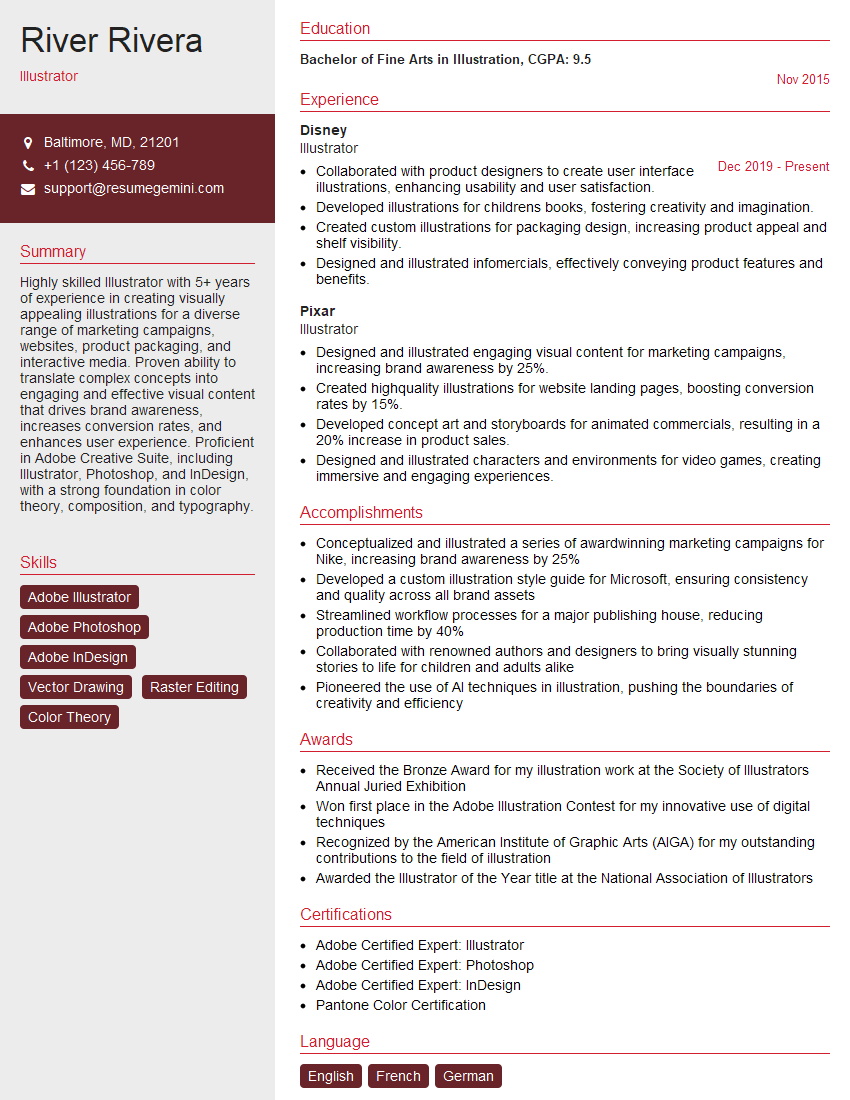
Illustrator Resume Sample
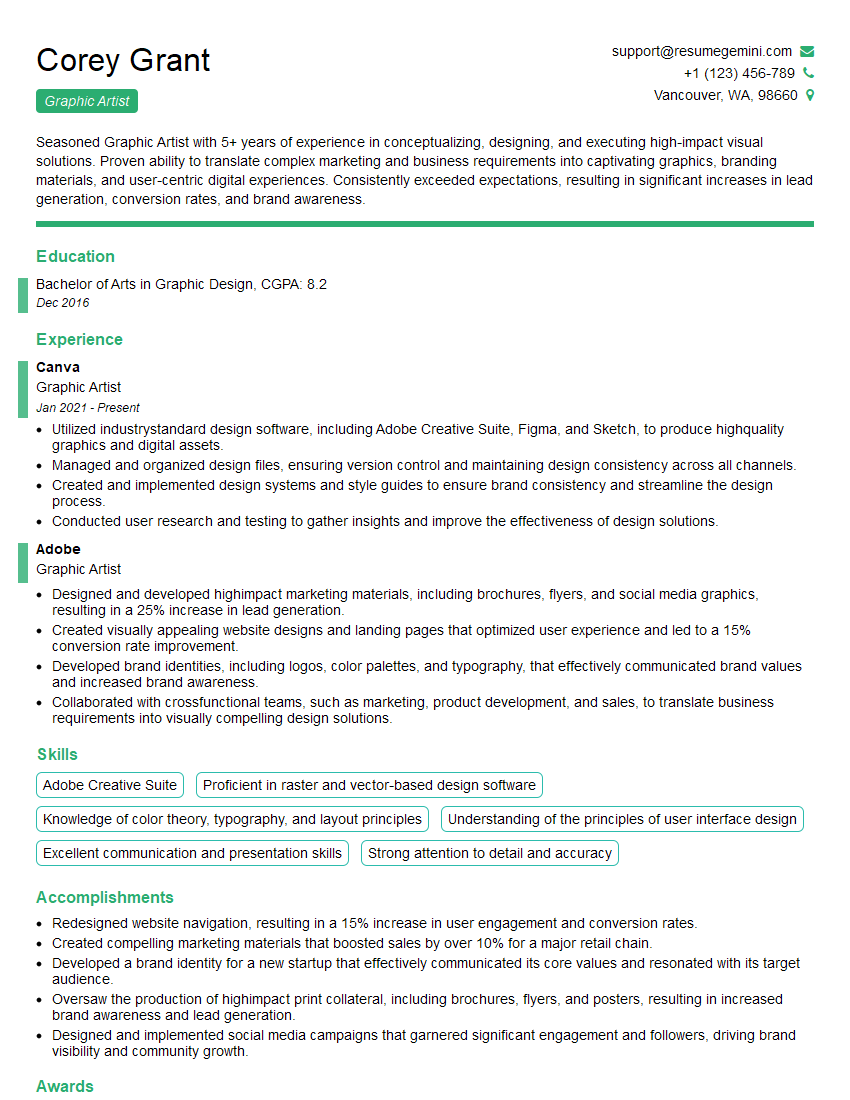
Graphic Artist Resume Sample

Graphic Designer Resume Sample
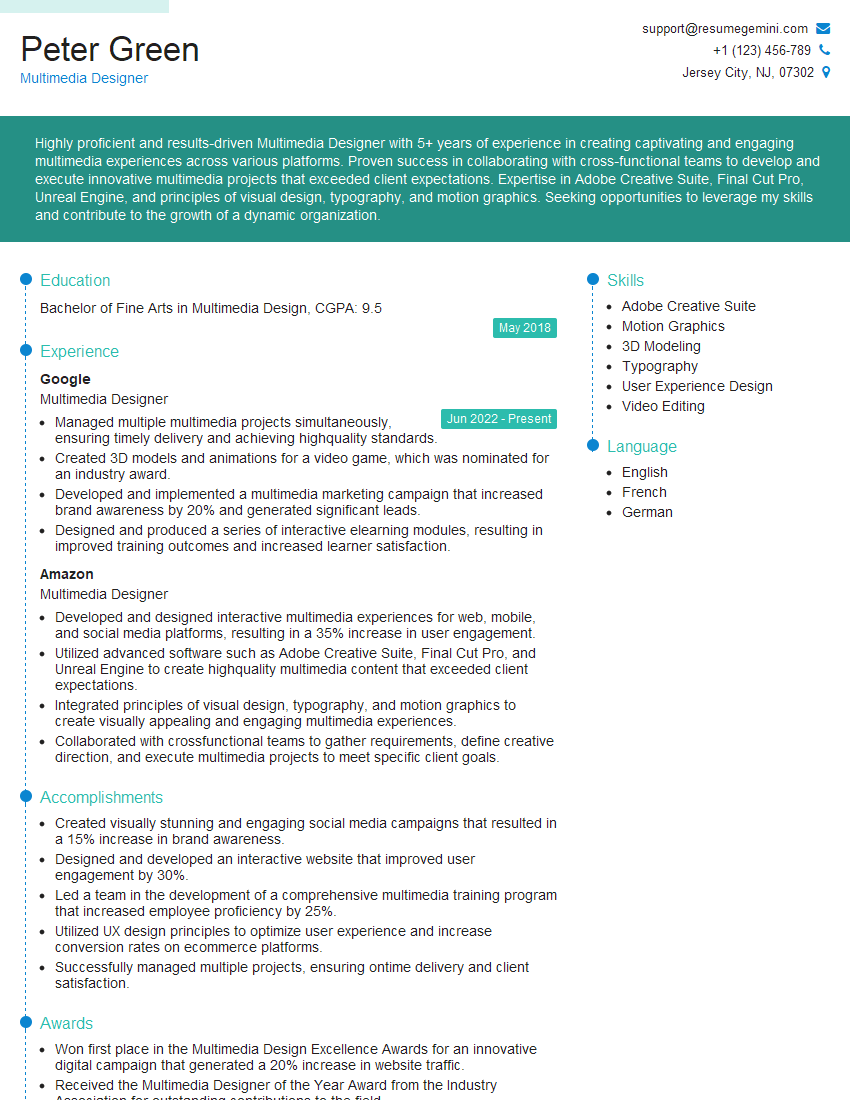
Multimedia Designer Resume Sample

Packaging Designer Resume Sample
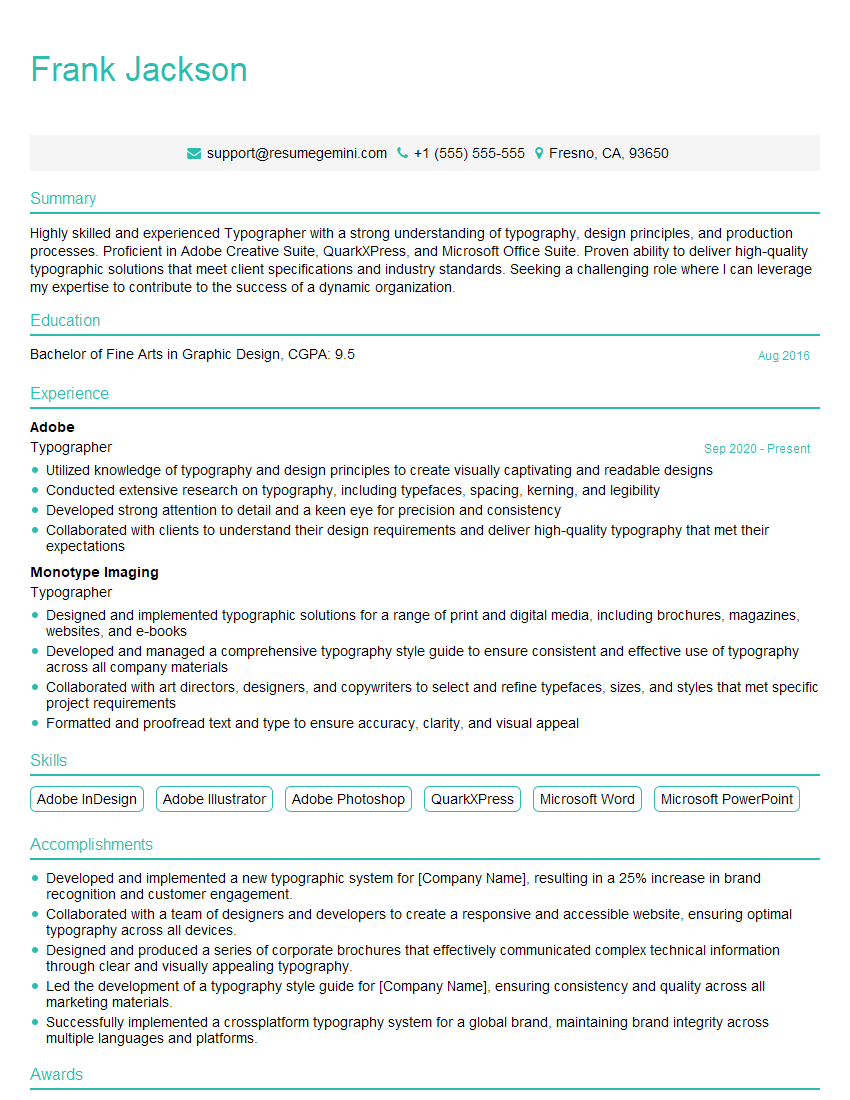
Typographer Resume Sample

UX Designer Resume Sample
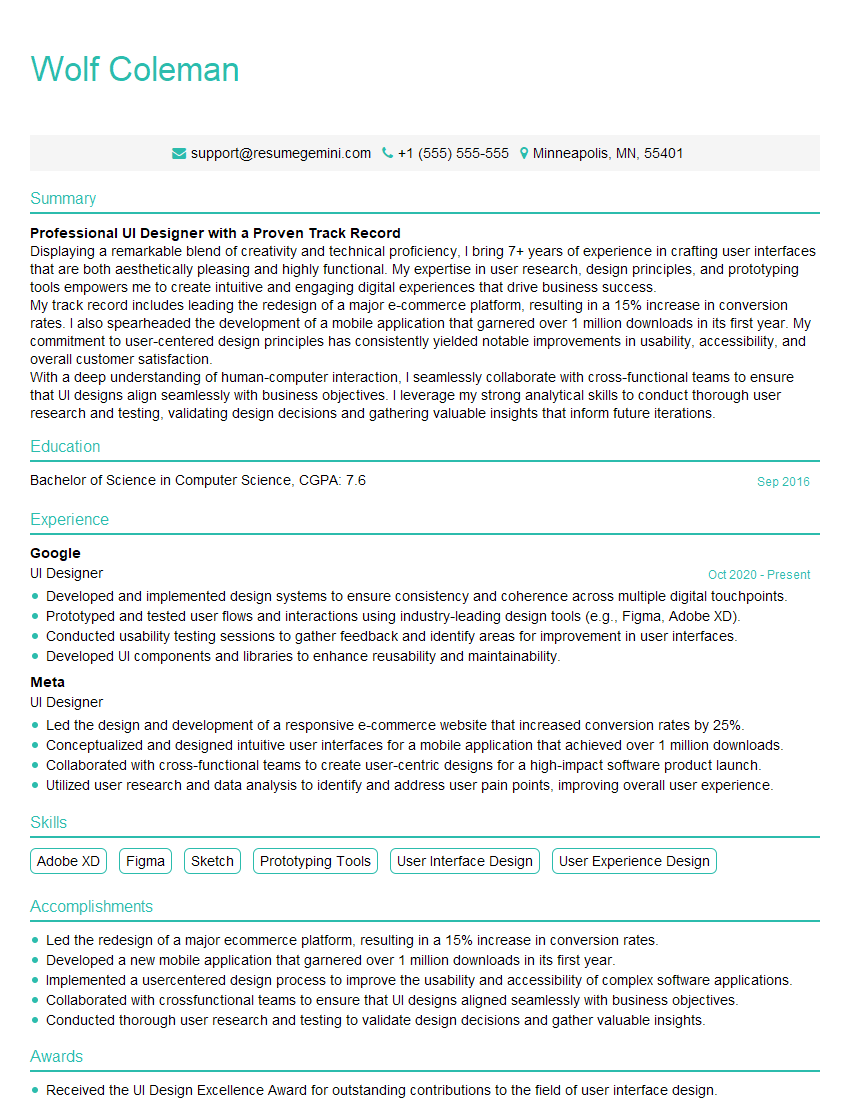
UI Designer Resume Sample
Explore more articles
Users Rating of Our Blogs
Share Your Experience
We value your feedback! Please rate our content and share your thoughts (optional).
What Readers Say About Our Blog
Very informative content, great job.
good