The right preparation can turn an interview into an opportunity to showcase your expertise. This guide to Experience in using cloud-based music collaboration tools interview questions is your ultimate resource, providing key insights and tips to help you ace your responses and stand out as a top candidate.
Questions Asked in Experience in using cloud-based music collaboration tools Interview
Q 1. What are the advantages and disadvantages of using cloud-based collaboration tools for music production?
Cloud-based music collaboration tools offer significant advantages, but also present certain challenges. The benefits primarily revolve around accessibility and streamlined workflow. Imagine a geographically dispersed band – cloud tools allow them to work simultaneously on a project, regardless of location. This eliminates the need for physical meetings and the tedious process of sending large files back and forth via email or physical storage.
- Advantages: Real-time collaboration, accessibility from anywhere with an internet connection, version control, simplified file sharing, enhanced communication features (integrated chat, comments).
- Disadvantages: Reliance on a stable internet connection (latency issues can be significant), potential security concerns regarding data breaches, dependence on the platform’s uptime and functionality, potential cost associated with subscription fees or storage limits, learning curve for new software.
Q 2. Compare and contrast at least three different cloud-based music collaboration platforms.
Let’s compare three popular platforms: Soundtrap, BandLab, and Splice Studios. Each offers a different approach to cloud-based music collaboration.
- Soundtrap: Excellent for beginners, Soundtrap boasts a user-friendly interface and built-in instruments. It focuses on simplicity and ease of use, making it ideal for smaller projects or educational settings. Its collaborative features are straightforward and intuitive. However, its advanced features might be limited compared to other platforms.
- BandLab: BandLab offers a robust platform with a wide range of instruments and effects, catering to both beginners and professionals. Its strong community aspect allows for easy collaboration and feedback. It’s free to use, but some features are premium. The interface is arguably more complex than Soundtrap’s.
- Splice Studios: Splice leans towards professional users, offering high-quality samples and loops, along with powerful collaboration tools. While it’s a subscription-based service, the focus is on professional-grade tools and extensive library access. It’s ideal for individuals or groups who need extensive sound libraries and robust features, but might have a steeper learning curve.
The choice depends on your project’s complexity, budget, and technical expertise. For a simple project, Soundtrap’s simplicity might be preferred. For more complex projects and professional needs, Splice Studios is a suitable choice. BandLab offers a good balance between functionality and cost.
Q 3. Describe your experience with version control in a collaborative music project.
Version control is crucial in collaborative music projects. Imagine working on a track with multiple collaborators, each adding their parts. Without version control, tracking changes and reverting to previous versions becomes a nightmare. I’ve extensively used Soundtrap’s built-in version history, allowing us to revert to earlier mixes if needed. We’ve also employed a ‘naming convention’ – naming versions like ‘Track_v1.0’, ‘Track_v1.1 (Drums added)’ etc., allowing us to keep track of changes even without an automatic version control system. We established a clear workflow where each member worked on a separate stem (e.g., drums, bass, vocals), and these were then compiled and versioned.
In other projects, using a version control system like Git alongside audio files (storing metadata about changes) proved beneficial for complex projects. This provides a detailed log of modifications, enabling us to pinpoint the source of an issue and revert specific changes if necessary.
Q 4. How do you handle latency issues when collaborating remotely on music projects?
Latency is a significant hurdle in remote music collaboration. It’s the delay between sending and receiving audio data, resulting in out-of-sync performances. We mitigate latency by:
- Using high-speed internet connections: Reliable internet with low latency is paramount.
- Optimizing audio settings: Reducing buffer size in the DAW (Digital Audio Workstation) can decrease latency, but this may introduce audio glitches. Finding the right balance is crucial.
- Using high-quality audio interfaces: High-quality interfaces minimize added latency on the local machine.
- Planning recordings meticulously: We often record individual tracks separately and then combine them, minimizing the need for real-time collaboration on the most timing-sensitive parts.
- Using audio-over-IP solutions: In professional settings, solutions like Dante or Ravenna minimize latency over a network.
Q 5. Explain your workflow for sharing and receiving feedback on music projects using cloud-based tools.
My workflow for feedback revolves around efficient communication and organized file sharing. I typically export individual stems or rough mixes to a cloud storage service (e.g., Google Drive, Dropbox) and then share them with collaborators via a shared link. We use collaborative annotation tools (sometimes within the platform itself or via a separate application) to mark specific sections needing attention. This can be as simple as timestamps and comments. For more detailed feedback, we’ll schedule video calls where we discuss the annotations and the overall direction. Soundtrap and Bandlab facilitate this by allowing direct comments on individual tracks.
Q 6. What strategies do you employ to ensure the security and integrity of your music files in the cloud?
Security is a major concern. I utilize several strategies to protect my music files:
- Strong Passwords and Two-Factor Authentication: I use strong, unique passwords for all my cloud accounts and always enable two-factor authentication for an extra layer of security.
- Choosing Reputable Platforms: I only use reputable cloud services known for their robust security measures.
- Regular Backups: I maintain local backups of my important files in addition to cloud storage. This safeguards against data loss due to platform issues or unforeseen events.
- Private Sharing Settings: I use restricted sharing options on my cloud services, limiting access only to authorized collaborators.
- Regular Security Audits: I periodically review my account activity for any suspicious signs.
Q 7. How do you manage file sizes and storage limitations when working with large audio files in the cloud?
Large audio files pose a challenge. My strategies include:
- High-Quality Compression: I use lossless compression formats (like FLAC) for archiving and lossy compression (like MP3) for sharing when quality isn’t critical to reduce file size.
- Stem-Based Workflow: Working with individual stems instead of a full mix reduces file size during collaboration, as each collaborator works on a smaller audio chunk.
- Cloud Storage with Sufficient Space: I opt for cloud storage providers offering ample space or tiered plans, allowing for large-scale projects.
- Selective Uploading: I don’t constantly upload every version of a project. Instead, I upload key milestones or final versions, saving space and bandwidth.
Q 8. Describe your experience using cloud-based tools for mixing and mastering collaborations.
My experience with cloud-based mixing and mastering collaboration is extensive. I’ve utilized platforms like Soundtrap, BandLab, and even more specialized tools like Audiomovers’ LISNR for high-resolution file transfers. These platforms allow for real-time collaboration, version history tracking (crucial for identifying changes and reverting if needed), and seamless sharing of individual stems or complete mixes. For instance, in a recent project, we used Soundtrap to handle individual instrument tracks, each contributor working from their own location. This allowed us to easily combine and refine the final mix without the logistical hurdles of transferring large audio files via email or physical media. The version history feature ensured that we could easily track revisions and revert to previous iterations if needed. The ability to leave comments directly on specific sections of a track was also invaluable for providing detailed feedback.
Q 9. What are the challenges of collaborating on music projects with individuals across different time zones?
Collaborating across time zones presents significant challenges. The most obvious is scheduling. Finding overlapping times for live sessions or even just quick feedback exchanges can be difficult. This often leads to extended project timelines. Another challenge is communication delays. What might be an instant clarification in person becomes a series of asynchronous messages, potentially leading to misunderstandings. Lastly, the varying work schedules of collaborators can create bottlenecks if one person is unavailable for a critical review or contribution. To mitigate this, I always set clear expectations and deadlines at the outset, utilize project management tools with integrated communication features, and actively encourage proactive communication, even if it involves short asynchronous updates to keep everyone informed.
Q 10. How do you maintain clear communication and project organization when collaborating remotely?
Maintaining clear communication and organization is paramount in remote collaborations. I employ several strategies: First, we utilize project management tools like Asana or Trello to assign tasks, track progress, and maintain a centralized repository for all project-related documents. This ensures that everyone knows their responsibilities and the overall project status. Second, we hold regular online meetings using video conferencing tools like Zoom or Google Meet to discuss progress, address issues, and brainstorm ideas. These meetings often incorporate screen sharing for efficient demonstration and feedback. Third, we establish clear communication channels (e.g., a dedicated Slack channel or email thread) for specific discussions, avoiding cross-communication that can cause confusion. Finally, consistent and timely updates to the project management tool, along with proactive communication regarding any delays or challenges, help keep everyone in sync. For file organization, a systematic folder structure within our cloud storage is maintained, differentiating between stems, mixes, and final masters.
Q 11. Have you used any cloud-based collaboration tools for live music performance or streaming?
While I haven’t used cloud-based tools for live *performance* streaming in the same way as, say, a dedicated livestreaming platform, I have experience with tools facilitating remote collaboration for *pre-production* of live performances and streaming. For example, we’ve used Google Drive and Dropbox to share setlists, backing tracks, and performance notes amongst band members located in different cities. Then, during actual live performance, this pre-production preparation becomes the foundation for smooth and efficient execution of the streamed event. This indirect usage of cloud platforms ensures pre-performance coordination, which is essential for creating a cohesive and polished final output in a live setting.
Q 12. What are your preferred methods for resolving conflicts related to creative differences during collaboration?
Creative differences are inevitable in collaborative projects. My approach to resolving conflicts emphasizes open and respectful communication. I encourage collaborators to articulate their viewpoints clearly and respectfully, focusing on the objective merits of their ideas rather than resorting to personal attacks. I facilitate a structured discussion to explore different approaches, often using a method of identifying common ground and then exploring compromises that incorporate valuable aspects from each perspective. Active listening and empathy are critical in this process. If consensus is not immediately reached, I suggest taking a break to let emotions settle before revisiting the issue with fresh perspectives. Documentation of decisions and their rationales helps maintain transparency and prevent future misunderstandings.
Q 13. Explain your familiarity with different audio file formats and their suitability for cloud-based collaboration.
Familiarity with various audio file formats is vital for cloud-based collaboration. WAV (uncompressed) is ideal for maintaining high audio quality during the mixing and mastering stages, but its large file size can impact upload/download speeds. AIFF (similar to WAV) is another high-quality choice. For sharing projects, I often use FLAC (lossless compression) to achieve a balance between quality and file size. MP3 (lossy compression) is often used for final distribution but should be avoided during collaboration due to the loss of audio data. When collaborating, it’s critical to specify a common format early on to ensure consistency and compatibility across all platforms and software being used. In most cases, I recommend WAV or AIFF for intermediary files to retain the highest possible quality before converting to a more compressed format for sharing purposes.
Q 14. How do you address copyright and licensing issues when sharing and collaborating on music projects?
Copyright and licensing are paramount. Before any collaboration begins, all parties involved should clearly define ownership and usage rights for all contributed material. This should be documented in a written agreement. This agreement should detail who owns the copyright to the final product (joint ownership is common in collaborative projects). The agreement should also specify how the music can be used (e.g., commercial release, non-commercial use, specific territories). Regarding sample clearances, we always ensure that any third-party material used is legally cleared before incorporation into the project. Using royalty-free samples is advisable to simplify this process. Clear communication and proper documentation are essential to prevent legal disputes and ensure all collaborators are protected.
Q 15. What cloud-based platforms are you proficient in?
My proficiency spans several cloud-based platforms crucial for music collaboration. I’m highly experienced with Google Drive, leveraging its collaborative features like shared folders and real-time co-editing of documents for project planning and annotation. I’m also adept at using Dropbox for its reliable file syncing and version history, essential for managing large audio files and preventing accidental data loss. Furthermore, I have significant experience with Box, particularly its robust access controls and integration capabilities, valuable for maintaining secure project workflows involving multiple collaborators with varying access needs. Finally, I’ve utilized Soundtrap, a dedicated cloud-based digital audio workstation (DAW), for collaborative recording, mixing, and mastering, streamlining the entire creative process.
Career Expert Tips:
- Ace those interviews! Prepare effectively by reviewing the Top 50 Most Common Interview Questions on ResumeGemini.
- Navigate your job search with confidence! Explore a wide range of Career Tips on ResumeGemini. Learn about common challenges and recommendations to overcome them.
- Craft the perfect resume! Master the Art of Resume Writing with ResumeGemini’s guide. Showcase your unique qualifications and achievements effectively.
- Don’t miss out on holiday savings! Build your dream resume with ResumeGemini’s ATS optimized templates.
Q 16. Describe a time you had to troubleshoot a technical issue related to cloud-based music collaboration.
During a large-scale orchestral recording project using Soundtrap, we encountered a significant delay in audio playback. Several collaborators reported lagging and dropped frames. My initial troubleshooting involved checking individual internet connections; some had slower upload speeds than expected. We then investigated Soundtrap’s server status, ruling out a widespread outage. The issue, however, stemmed from a single collaborator uploading a very large, uncompressed audio file simultaneously. This overloaded the platform’s processing capabilities for our project’s session. The solution involved temporarily disabling the upload, compressing the audio file to a smaller size (using a lossless codec like FLAC), and re-uploading it in smaller chunks. We also established a pre-upload protocol to prevent similar issues in future sessions.
Q 17. How do you ensure that all team members have the necessary access and permissions to cloud-based project resources?
Maintaining proper access control is paramount. For each project, I establish a clear hierarchy of permissions on platforms like Box and Google Drive. For example, producers and engineers might have full editing access, while other collaborators could be granted view-only or comment-only access. This is achieved through granular permission settings offered by these platforms – specifying exactly who can edit, download, share, or comment on specific files and folders. I meticulously document these permissions, and regularly audit access rights, removing or adjusting them as the project evolves and team roles change to ensure data security and maintain workflow efficiency. We clearly communicate these permissions to everyone involved to avoid confusion and potential security breaches.
Q 18. How would you handle a situation where a collaborator’s internet connection is unstable?
Unstable internet connections are a common challenge in collaborative projects. If one collaborator experiences connectivity issues, the first step is to identify the problem’s root cause – is it a localized network problem, or a broader ISP outage? We encourage collaborators with unstable internet to utilize a wired connection whenever possible, as opposed to Wi-Fi. While working, high-resolution audio files are often temporarily downloaded to the collaborators’ local machines to allow work to continue. Once their connection stabilizes, those files can be uploaded. If the issue persists, we may adopt a strategy of working in smaller, self-contained sections of the project, uploading these sections as they are completed to minimize the risk of data loss due to connectivity problems. We may also consider using alternative platforms with offline capabilities for temporary editing.
Q 19. What are the best practices for maintaining a secure and efficient cloud-based workflow?
Secure and efficient cloud workflows require a multifaceted approach. First, I emphasize using strong, unique passwords and enabling two-factor authentication whenever possible. Second, regular backups of project files are crucial, stored both in the cloud and locally on external hard drives, to mitigate against data loss. Third, version control is essential; using tools with version history allows us to revert to previous versions if necessary. This is particularly important when working with large audio files. Fourth, I promote clear communication and collaboration protocols, including regular check-ins and detailed documentation, to track progress and minimize conflicts. Lastly, we strictly enforce access control as discussed in the previous answer, and continuously review and update our security practices to adapt to evolving threats.
Q 20. Describe your understanding of cloud storage solutions for audio files (e.g., Dropbox, Google Drive, etc.)
Cloud storage solutions like Dropbox, Google Drive, and Box offer varying levels of suitability for audio files. While all can store audio, factors like storage capacity, file versioning, and collaborative features need careful consideration. Dropbox, for example, is well-suited for smaller projects, offering good synchronization and version history. Google Drive’s real-time collaboration tools are advantageous for managing project documentation and annotations related to the audio files. Box excels in larger projects that require robust access control and integrates well with other enterprise-level tools. However, all these solutions may require careful management of storage quotas and potential upload/download speed limitations depending on file sizes and network conditions. For very large files or high-resolution audio, cloud storage solutions designed specifically for media, such as those from professional cloud services, might offer more efficient and reliable workflows.
Q 21. What experience do you have with using cloud-based collaboration tools for live recording sessions?
While live recording sessions often require low-latency, high-bandwidth connections that are difficult to guarantee across cloud-based platforms, I’ve had experience using Soundtrap for remote recording of smaller ensembles. It’s not ideal for large-scale sessions demanding real-time audio syncing to the millisecond, but it has facilitated collaboration by allowing musicians in different locations to record individual parts simultaneously, with each participant working in their own space and sending recordings to a central project. This approach reduced the need for physically co-located recording environments and allowed for more flexible scheduling. For more demanding, high-bandwidth live sessions, however, a more specialized solution such as a dedicated low-latency network would be more appropriate. We often plan to have the final mix in a dedicated studio.
Q 22. How do you maintain the quality of audio files when transferring them via cloud services?
Maintaining audio quality during cloud transfers hinges on understanding file formats and compression. High-resolution audio files, like WAV or AIFF, are ideal for studio work but require significant storage. Lossy formats like MP3 or AAC offer smaller file sizes, speeding up uploads and downloads, but compromise audio fidelity. The key is finding a balance.
For projects demanding pristine audio, I’d recommend using uncompressed or losslessly compressed formats (like FLAC) for collaboration and only converting to lower-quality formats for final distribution. Cloud services often offer different quality settings for streaming or download. Choosing the highest quality option available within the platform is critical. Think of it like choosing the best resolution for a video – you wouldn’t want to work with a blurry image, and similarly, lossy compression can introduce artifacts and reduce the dynamic range of your audio. Regular checks for file integrity are also essential, ensuring no data corruption occurred during the transfer. Some cloud services offer checksum verification to guarantee file consistency.
Q 23. How would you plan for backups and disaster recovery in a cloud-based music collaboration project?
Backup and disaster recovery are paramount in any cloud-based project. My strategy uses a multi-layered approach. First, I leverage the cloud provider’s inherent redundancy and backups. Most reputable services automatically replicate data across multiple data centers, providing inherent protection against data loss from server failures. Second, I implement version control. Tools like Dropbox or Google Drive retain version history, allowing me to revert to earlier versions of files if needed. Think of it as an ‘undo’ button for your entire project!
Third, I maintain a separate, offsite backup. This could be a local hard drive, a different cloud service (using a service from a different provider is beneficial!), or even a physical backup to a secure external drive. This offsite backup acts as a final safety net in case of a catastrophic event affecting my primary cloud storage or even my local computer. Finally, a detailed disaster recovery plan is crucial. This document outlines procedures for restoring data and getting the project back online in case of unexpected issues. This plan covers not just technical recovery but also communication protocols for informing collaborators of any disruptions.
Q 24. What are the considerations for ensuring accessibility when utilizing cloud-based tools for music projects?
Accessibility is crucial. We need tools and workflows that cater to all collaborators. This starts with choosing cloud services and collaboration platforms with features like keyboard navigation, screen reader compatibility, and support for various assistive technologies.
For example, ensuring alt text for all images in shared documents and using clear, consistent naming conventions for audio files promotes accessibility for visually impaired collaborators. Additionally, providing transcriptions of any voice notes or verbal instructions further enhances accessibility. Beyond technical features, considerate communication practices are key. This includes providing clear instructions in easily understandable language and offering flexibility in how collaborators contribute to the project. It’s about creating a welcoming and inclusive environment where everyone can actively participate and contribute.
Q 25. How do you ensure your work meets professional standards for metadata and file organization in a cloud-based workflow?
Professional metadata and file organization are vital for efficient workflow and future use. I employ a strict naming convention, using a consistent format including project name, date, track number, and version (e.g., ProjectX_20241027_Track03_v2.wav).
I use descriptive metadata tags within audio files themselves (like title, artist, album, genre, etc.) and maintain detailed project documentation within the cloud storage using spreadsheets or dedicated project management tools. Think of it like organizing a library – you need a system that lets you find exactly what you need quickly. This helps when searching for specific files, particularly helpful when collaborating on large projects with many versions of audio tracks and files. Properly tagging files makes sharing and collaborating much smoother. Consistent organization is also critical for archive purposes and ensures future accessibility of the project.
Q 26. What are some common security threats related to cloud-based music collaboration and how do you mitigate them?
Security threats are a major concern. Common risks include unauthorized access, data breaches, and malware. My mitigation strategy is multi-faceted. Firstly, I choose reputable cloud providers with strong security measures, such as robust encryption both in transit and at rest.
Secondly, I implement strong password policies and use multi-factor authentication (MFA) wherever possible. MFA adds an extra layer of security, making unauthorized access much more difficult. Thirdly, I limit access permissions strictly. Only collaborators who need access to specific files or folders are granted that access. Regular security audits and monitoring for suspicious activity are crucial. Many cloud services offer such features. Lastly, I educate collaborators about security best practices, including being cautious of phishing emails and not sharing passwords. Remember, security is not just the provider’s responsibility; it’s a shared effort.
Q 27. Describe your approach to project management using cloud-based tools in a music production context.
My approach to project management involves leveraging cloud-based tools for collaboration and organization. I utilize project management software like Asana or Trello to create timelines, assign tasks, and track progress. This provides a central hub for all project-related communication and documentation.
Cloud-based storage solutions are used for storing audio files and project assets. Version control is strictly enforced to manage different versions of audio files and project documents. Regular check-ins with collaborators are essential for communication and problem-solving. These meetings might be virtual, using tools like Zoom or Google Meet. Throughout the entire process, clear communication and well-defined roles and responsibilities are key to maintaining a smooth workflow. Using cloud tools allows flexible and remote collaboration, but successful management still relies on proactive communication and diligent organization.
Key Topics to Learn for Experience in using cloud-based music collaboration tools Interview
- Understanding Cloud-Based Platforms: Familiarize yourself with popular platforms like Soundtrap, BandLab, or similar tools. Understand their core functionalities and differences.
- Collaboration Features: Master the practical application of real-time collaboration features such as simultaneous editing, version history tracking, and comment/feedback tools. Be prepared to discuss your experience using these features effectively in a team setting.
- File Management and Organization: Discuss strategies for organizing projects, managing different versions of files, and ensuring smooth workflow within the cloud environment. Highlight your experience with efficient file naming conventions and folder structures.
- Audio/MIDI Workflow: Describe your experience with importing, exporting, and editing audio and MIDI files within the chosen platform. Discuss any challenges encountered and how you overcame them.
- Troubleshooting and Problem-Solving: Be ready to discuss instances where you encountered technical difficulties while using cloud-based collaboration tools. Explain your approach to identifying and resolving these issues, highlighting your problem-solving skills.
- Security and Privacy Considerations: Demonstrate an understanding of the importance of data security and privacy within the context of cloud-based music collaboration. Discuss best practices for protecting your work and the collaborative project.
- Integration with Other Software: Describe your experience integrating cloud-based music tools with other Digital Audio Workstations (DAWs) or music production software. Discuss the benefits and challenges of this integration.
Next Steps
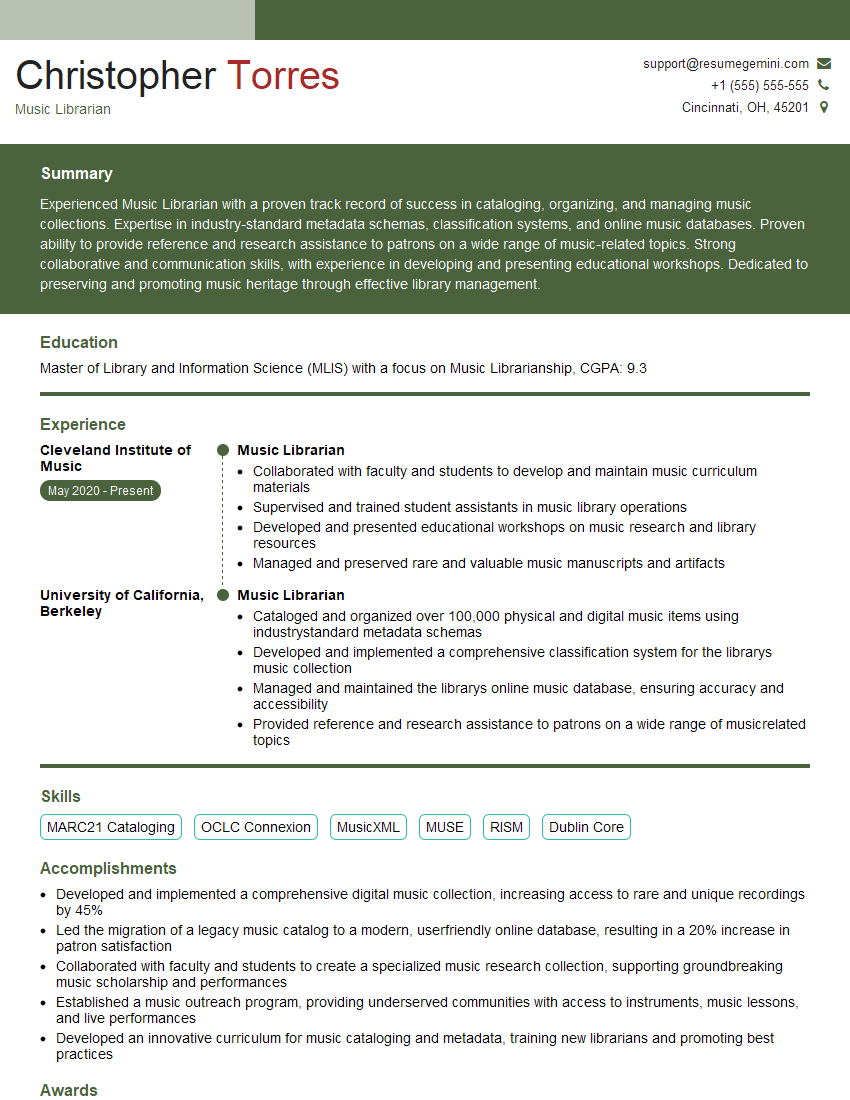
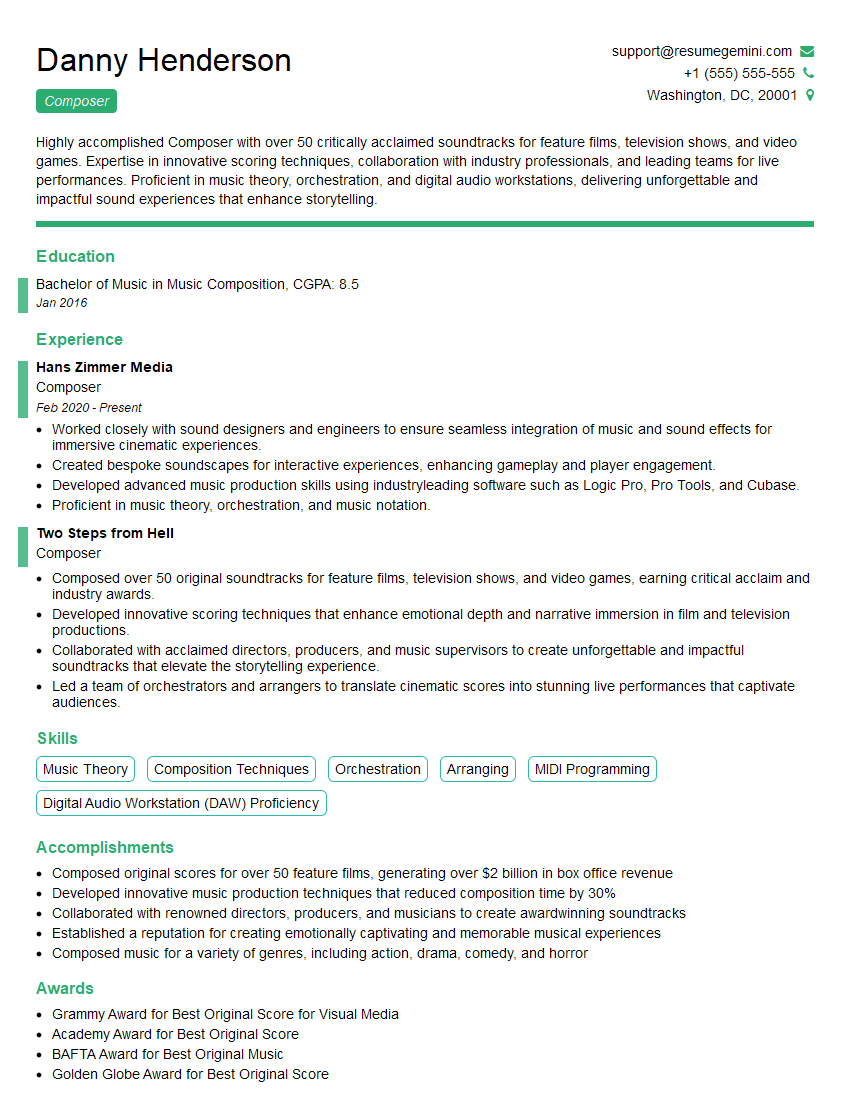
Mastering cloud-based music collaboration tools is crucial for success in today’s collaborative music industry. Proficiency in these tools demonstrates adaptability, technical skill, and teamwork—all highly sought-after qualities by employers. To increase your chances of landing your dream job, focus on building an ATS-friendly resume that showcases your skills and experience effectively. ResumeGemini is a trusted resource that can help you craft a professional and compelling resume tailored to highlight your expertise in this area. Examples of resumes tailored to Experience in using cloud-based music collaboration tools are available to further guide your resume building process.



Explore more articles
Users Rating of Our Blogs
Share Your Experience
We value your feedback! Please rate our content and share your thoughts (optional).
What Readers Say About Our Blog
Very informative content, great job.
good